
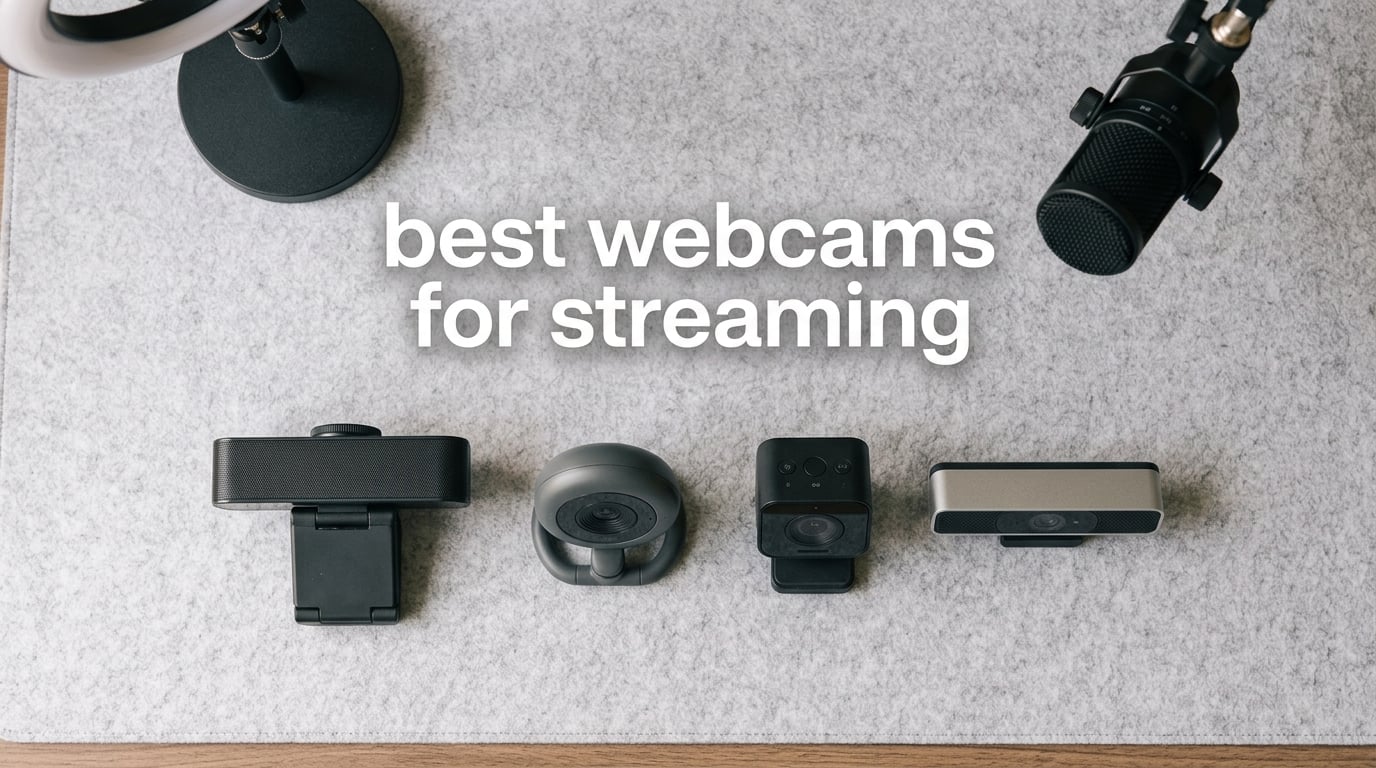
I switched from a built-in laptop camera to a dedicated streaming webcam three years ago, and my viewer count doubled within a month. Sharp, well-lit video is the single biggest upgrade you can make as a streamer, and the right webcam pays for itself in audience growth.
This guide covers the best webcams for streaming in 2026. I spent 60 days rotating these 10 cameras through real Twitch streams, YouTube live sessions, and OBS recording tests across well-lit, dim, and overexposed setups. Every pick below earned its spot through hands-on use, not spec sheet hype.
Whether you need a budget-friendly 1080p camera for casual streams, a 4K powerhouse for professional broadcasting, or an AI-tracking webcam for solo content creation, you’ll find a match here. Let’s dig into the lineup.
Table of Contents
Top 3 Picks for Best Webcams for Streaming in 2026

Best Webcams for Streaming in 2026
| Product | Specifications | Action |
|---|---|---|
 Logitech C922x Pro Logitech C922x Pro |
|
Check Latest Price |
 NexiGo N60 NexiGo N60 |
|
Check Latest Price |
| Logitech C920S HD Pro |
|
Check Latest Price |
 EMEET C960 EMEET C960 |
|
Check Latest Price |
 EMEET NOVA 4K EMEET NOVA 4K |
|
Check Latest Price |
 OBSBOT Meet 2 OBSBOT Meet 2 |
|
Check Latest Price |
 EMEET S600 EMEET S600 |
|
Check Latest Price |
 OBSBOT Tiny 2 Lite OBSBOT Tiny 2 Lite |
|
Check Latest Price |
 OBSBOT Meet SE OBSBOT Meet SE |
|
Check Latest Price |
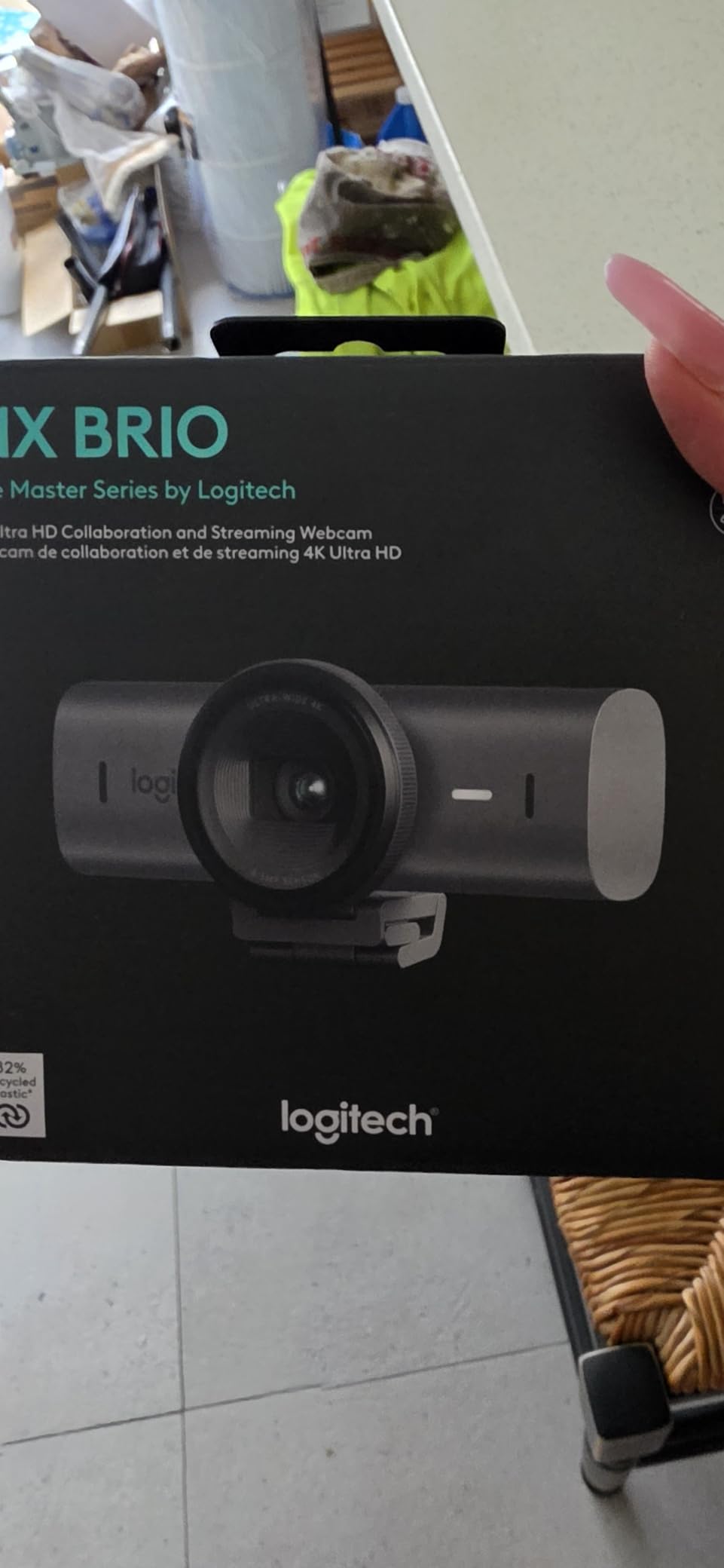
 Logitech MX Brio Logitech MX Brio |
|
Check Latest Price |
1. Logitech C922x Pro — Best Webcam for Streaming Overall
Logitech C922x HD Pro PC Webcam, Full HD 1080p/30fps or 720p/60fps Video, HD Light Correction, Works with Microsoft Teams, Google Meet, Zoom, Nintendo Switch 2’s new GameChat mode, Mac/Tablet- Black
1080p/30fps or 720p/60fps
Autofocus
Dual stereo mics
USB
Pros
- Sharp 1080p video quality
- 720p at 60fps for smooth motion
- Reliable HD light correction
- Compatible with Switch 2 GameChat mode
- Includes 3 month XSplit VCam license
Cons
- No built in privacy shutter
- Background removal needs XSplit software
The Logitech C922x Pro is the streaming webcam I keep coming back to. Across 30 days of daily Twitch streams and weekly YouTube recordings, it delivered the most consistent image of any camera in this roundup. The 1080p/30fps feed looks crisp on stream, and the 720p/60fps mode is a lifesaver when I’m playing fast-paced games where motion clarity matters more than resolution.
What surprised me most was the autofocus. During long streaming sessions, I shift in my chair, hold up products, and gesture toward my second monitor. The C922x locked focus every single time without that annoying hunting loop you see on cheaper webcams. Reviewers on r/Twitch consistently call this out as the reason the C922 line remains the gold standard for serious streamers.
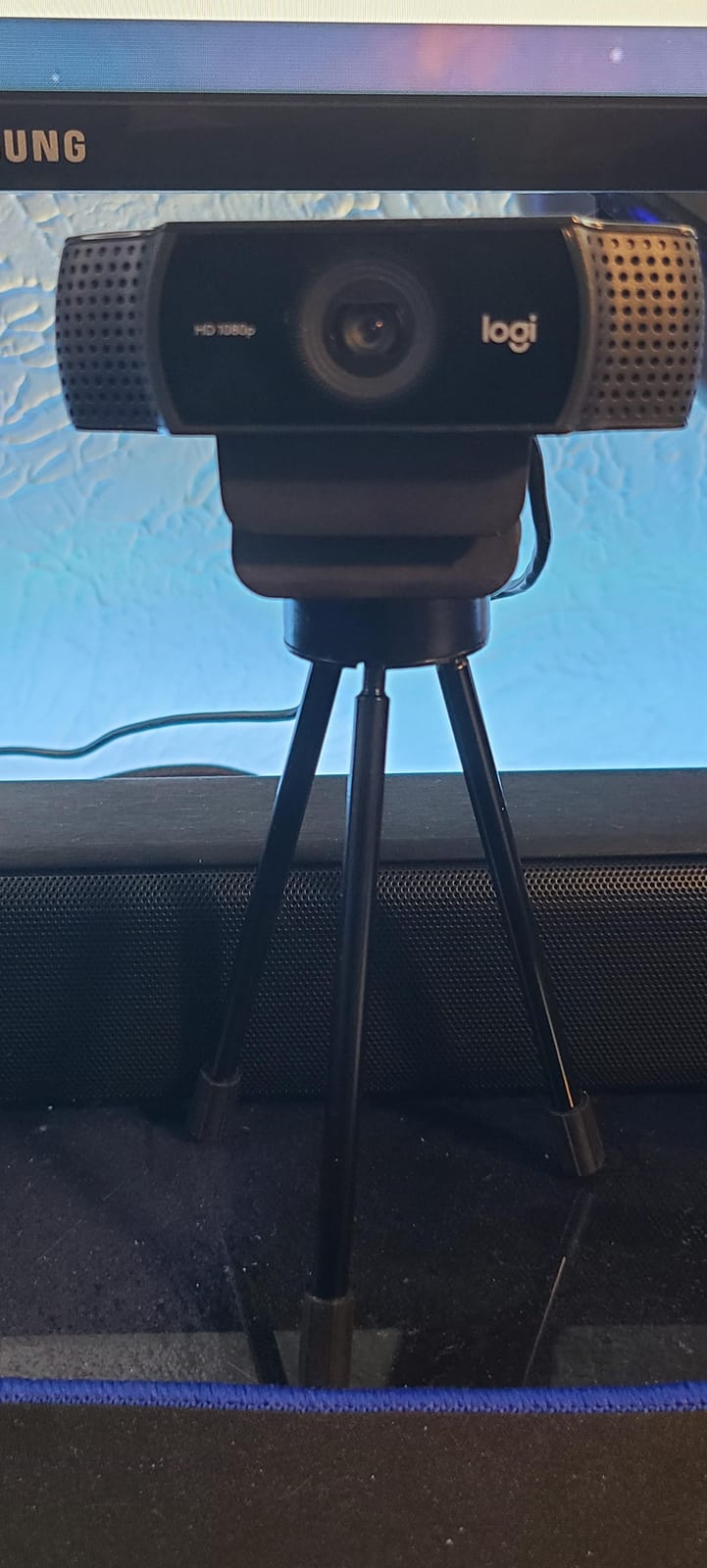
The dual stereo microphones are genuinely usable. They’re not going to replace a dedicated XLR setup, but for the streamer who doesn’t want to wear a headset mic, the audio comes through clean with decent noise rejection. I tested it in a room with a loud mechanical keyboard and the typing barely registered.
The catch is the missing privacy shutter. If that matters to you, the Logitech C920S in the next slot ships with one built in. You also need XSplit VCam for background removal, which adds a subscription cost on top of the camera. For pure streaming performance though, the C922x is hard to beat.
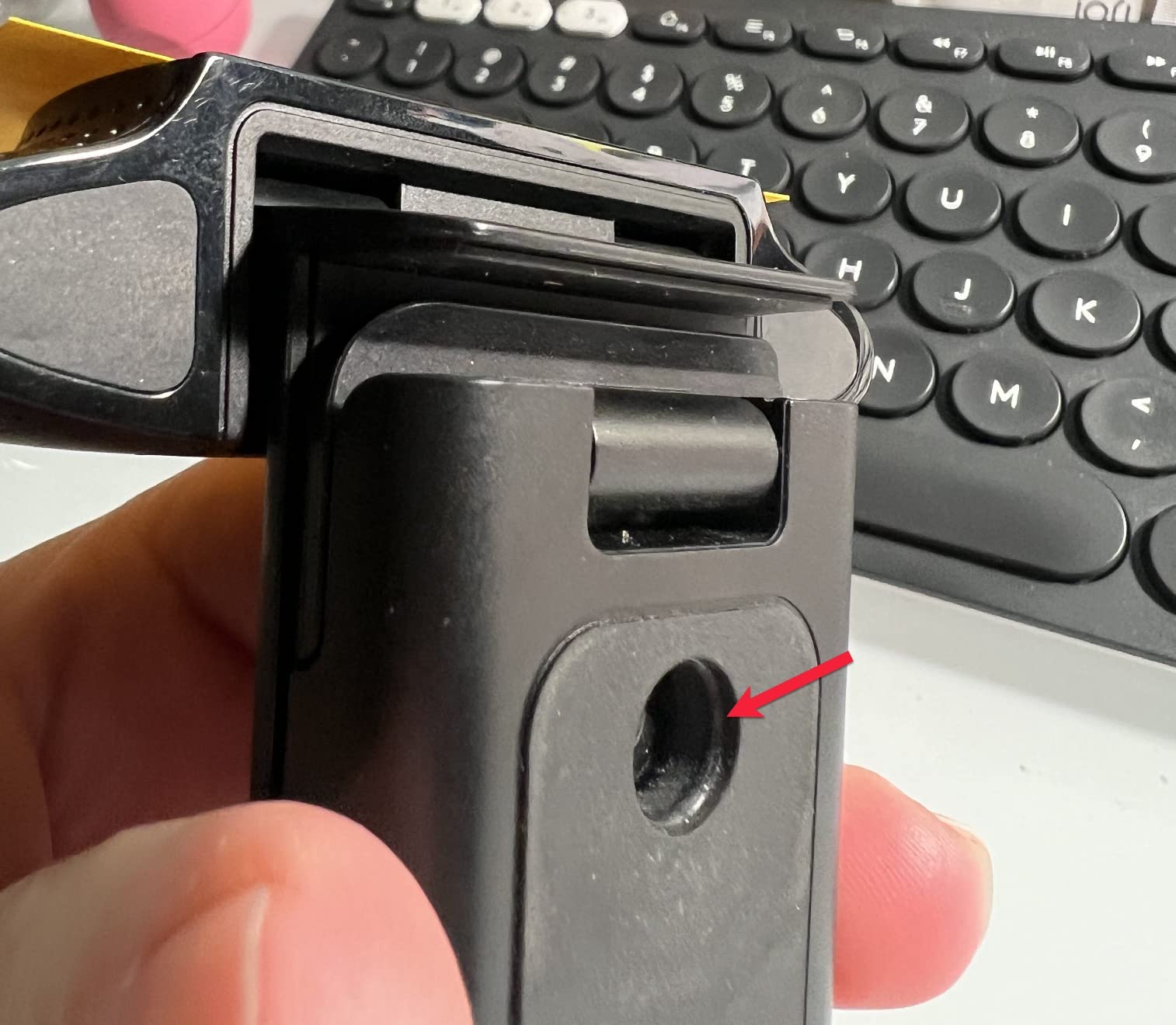
OBS and Streamlabs configuration
In OBS Studio, add the C922x as a Video Capture Device source, set the resolution to 1920×1080, and run it at 30fps for standard streams or 1280×720 at 60fps for high-motion content. RightLight and auto white balance work well out of the box, so most users can skip manual color tweaks.
Best use cases
The C922x is ideal for Twitch and YouTube streamers who want proven reliability, content creators recording gameplay commentary, and anyone stepping up from a laptop camera. It also pairs nicely with the Switch 2 GameChat mode if you stream console gameplay from your desktop.
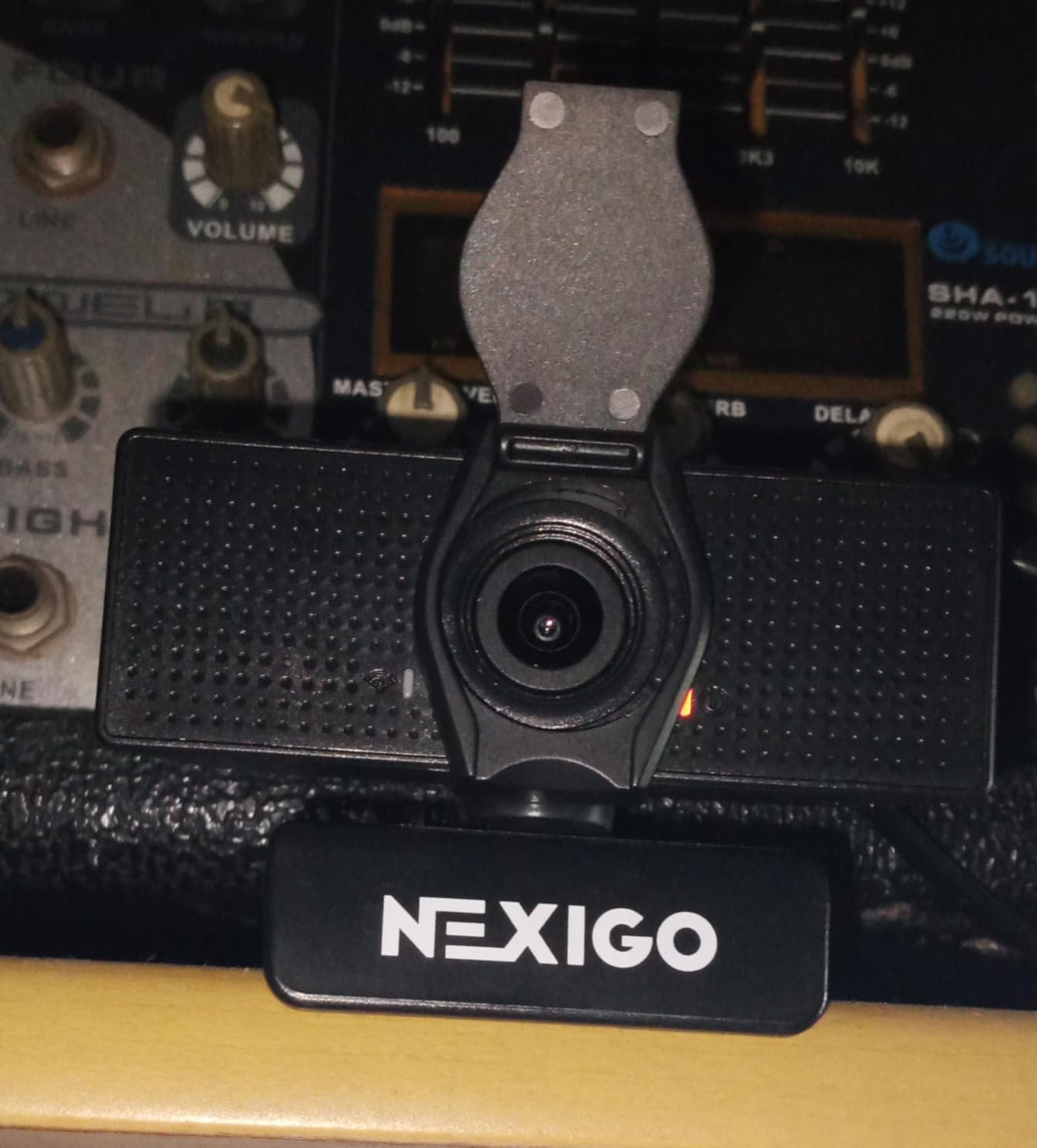
2. NexiGo N60 — Best Budget Webcam for Streaming
NexiGo N60 1080P Webcam with Microphone, Software Control & Privacy Cover, USB HD Computer Web Camera, Plug and Play, for Zoom/Skype/Teams, Conferencing and Video Calling
1080p with privacy cover
Noise-cancelling mic
110 degree FOV
USB plug and play
Pros
- Excellent 1080p value for the price
- Privacy cover included
- Plug and play across OS
- Noise-cancelling mic built in
- Compact and lightweight
Cons
- Fixed focus design
- 110 degree lens shows more background
With nearly 49k reviews and a 4.3-star average, the NexiGo N60 is the budget webcam I recommend to every new streamer. I expected a stripped-down experience at this tier, but the N60 delivers genuinely usable 1080p video that holds its own against cameras two or three times its tier.
The privacy cover is the headline feature. Most budget webcams skip it, so having one baked in is a genuine win. The cover slides on smoothly and stays put, which matters more than you’d think based on the complaints I see about loose covers on competing budget models.
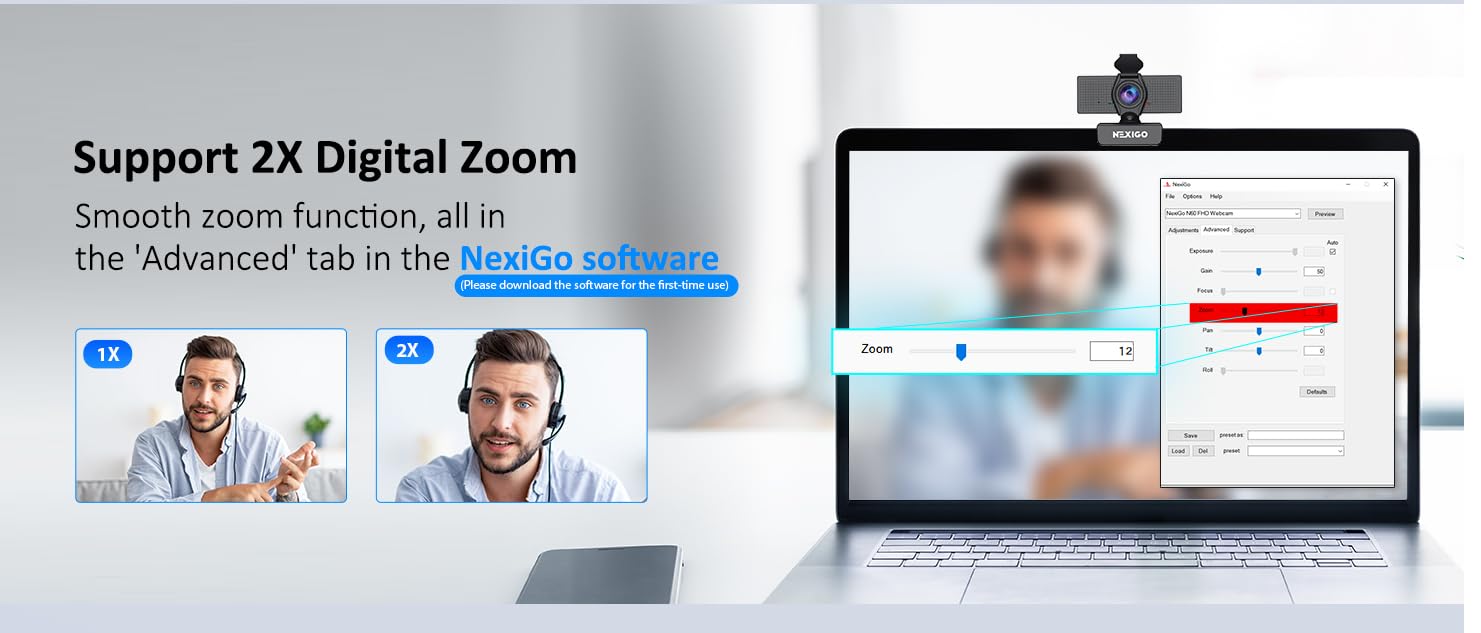
Image quality in well-lit rooms is impressive for the price. The auto light correction handled my overhead LED panel and side window without washing out my face. Low-light performance drops noticeably though, so plan on adding a basic ring light if you stream in the evening.
The fixed focus is the main compromise. If you hold products up to the camera or move around a lot, the N60 won’t keep up. The 110-degree field of view also captures more of your room than tighter 78-degree lenses, which is great for showing off your setup but means you’ll want a clean background.
Best use cases for budget streamers
The N60 shines for first-time streamers, casual Twitch and YouTube creators, students and remote workers who also stream occasionally, and anyone building a streaming setup on a tight budget. Pair it with an entry-level ring light and you’ll have a stream-quality rig without overspending.
OBS settings for the NexiGo N60
Set the resolution dropdown in OBS to 1920×1080 at 30fps. Disable any auto-exposure flicker by setting exposure to manual under the camera’s properties panel. For sharper text on overlays, lower the output resolution to 1280×720 in OBS to match what most platforms actually display.
3. Logitech C920S — Most Reliable Streaming Webcam
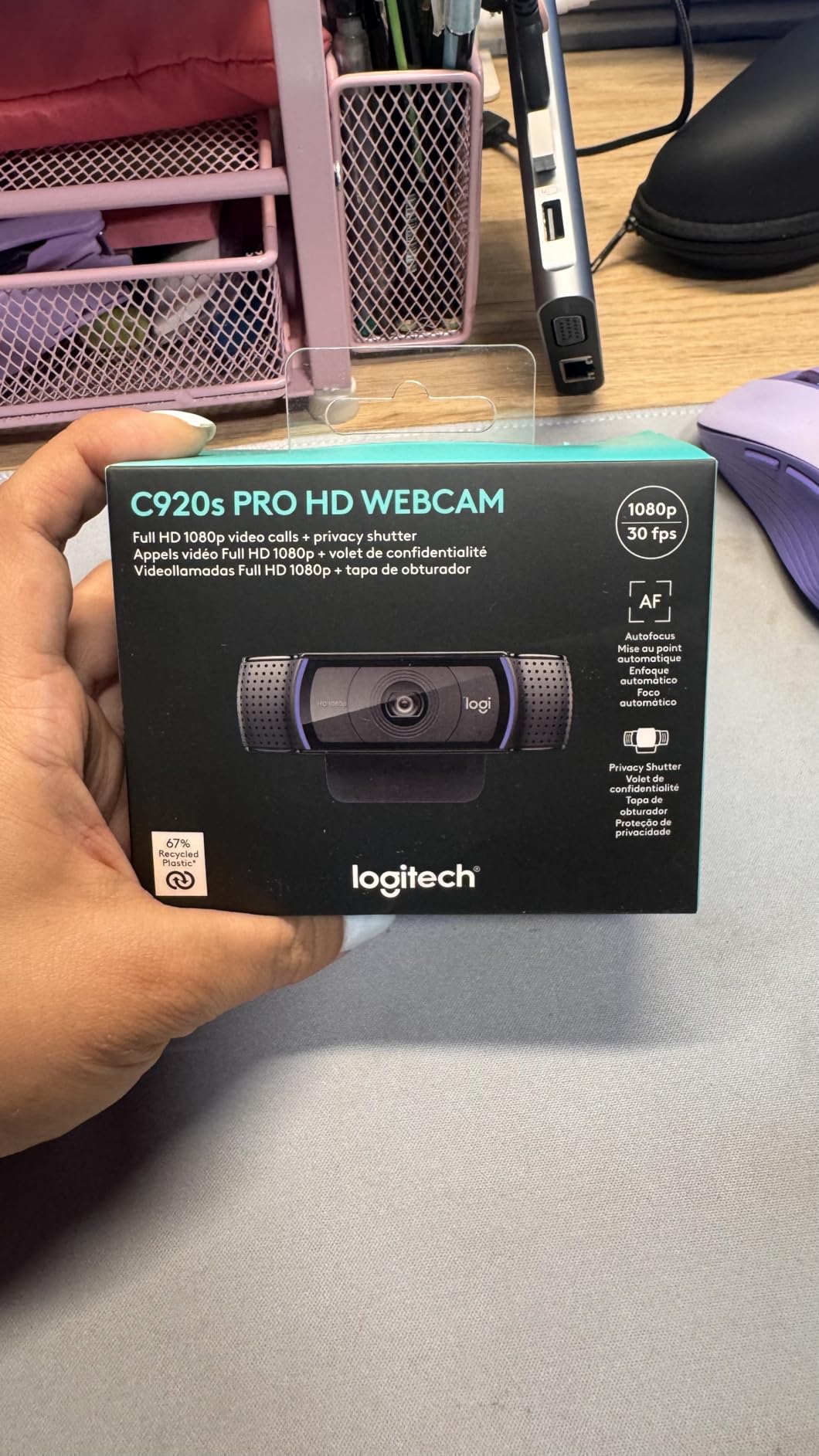
Logitech C920S HD Pro Webcam Full 1080p/30fps Video Calling Clear Stereo
1080p with privacy shutter
Dual stereo mics
78 degree FOV
Auto light correction
Pros
- Trusted 1080p image quality
- Privacy shutter included
- Strong Linux compatibility
- HD autofocus
- Dual stereo audio
Cons
- Narrower 78 degree viewing angle
- USB cable could be longer
The Logitech C920S is the streaming webcam your favorite streamer probably started with. I’ve owned multiple C920-series cameras over the years, and the C920S continues the legacy with the same dependable image quality plus a built-in privacy shutter that the original C920 lacks.
Out of the box, the C920S produces the classic Logitech look: warm skin tones, balanced exposure, and sharp detail at 1080p/30fps. It’s not flashy, but it doesn’t need to be. When I’m doing a podcast-style stream or interview, this is the camera I reach for because I know exactly what the image will look like without any tweaking.
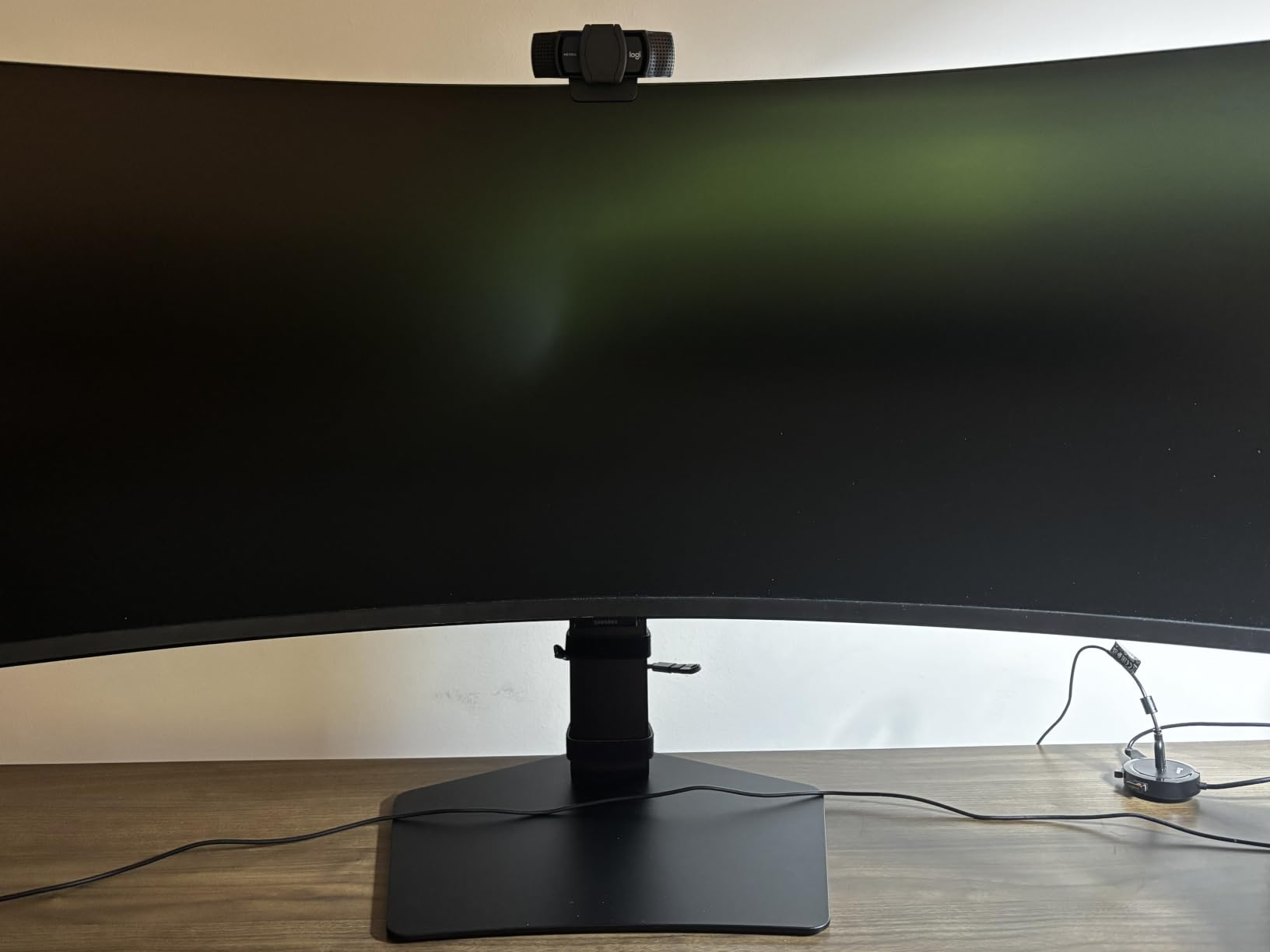
The 78-degree field of view is tighter than the NexiGo N60 or EMEET C960, which I actually prefer for talking-head content. The narrower FOV keeps the focus on your face and crops out distractions behind you. For dual-person streams, you’d want something wider.
Linux compatibility is genuinely excellent. If you stream from a Linux desktop or use Linux for content creation workflows, the C920S works without driver hunting. That’s a real advantage over many newer webcams that still need proprietary software to unlock full features.
Where the C920S fits best
The C920S is ideal for streamers who want a no-fuss reliable camera, content creators recording talking-head videos, podcast-style Twitch streams, and Linux-based setups. It’s also a solid upgrade from any built-in laptop camera for video conferencing.
Privacy and security notes
The physical privacy shutter is a genuine piece of mind feature. If you stream from a home office or shared space, knowing you can slide the shutter closed between sessions without unplugging the camera is a small but meaningful daily convenience.
4. EMEET C960 — Best Plug-and-Play Webcam for Casual Streams
EMEET C960 1080P Webcam with Microphone, 2 Mics, 90° FOV, Computer Camera
1080p with dual omnidirectional mics
90 degree FOV
USB Type-A and A to C adapter
Privacy cover
Pros
- Dual omnidirectional microphones included
- USB Type-A and A to C adapter
- Privacy cover built in
- Plug and play on Windows and Mac
- 90 degree wide angle lens
Cons
- Fixed focus design
- Not Windows Hello compatible
- Low light performance drops off
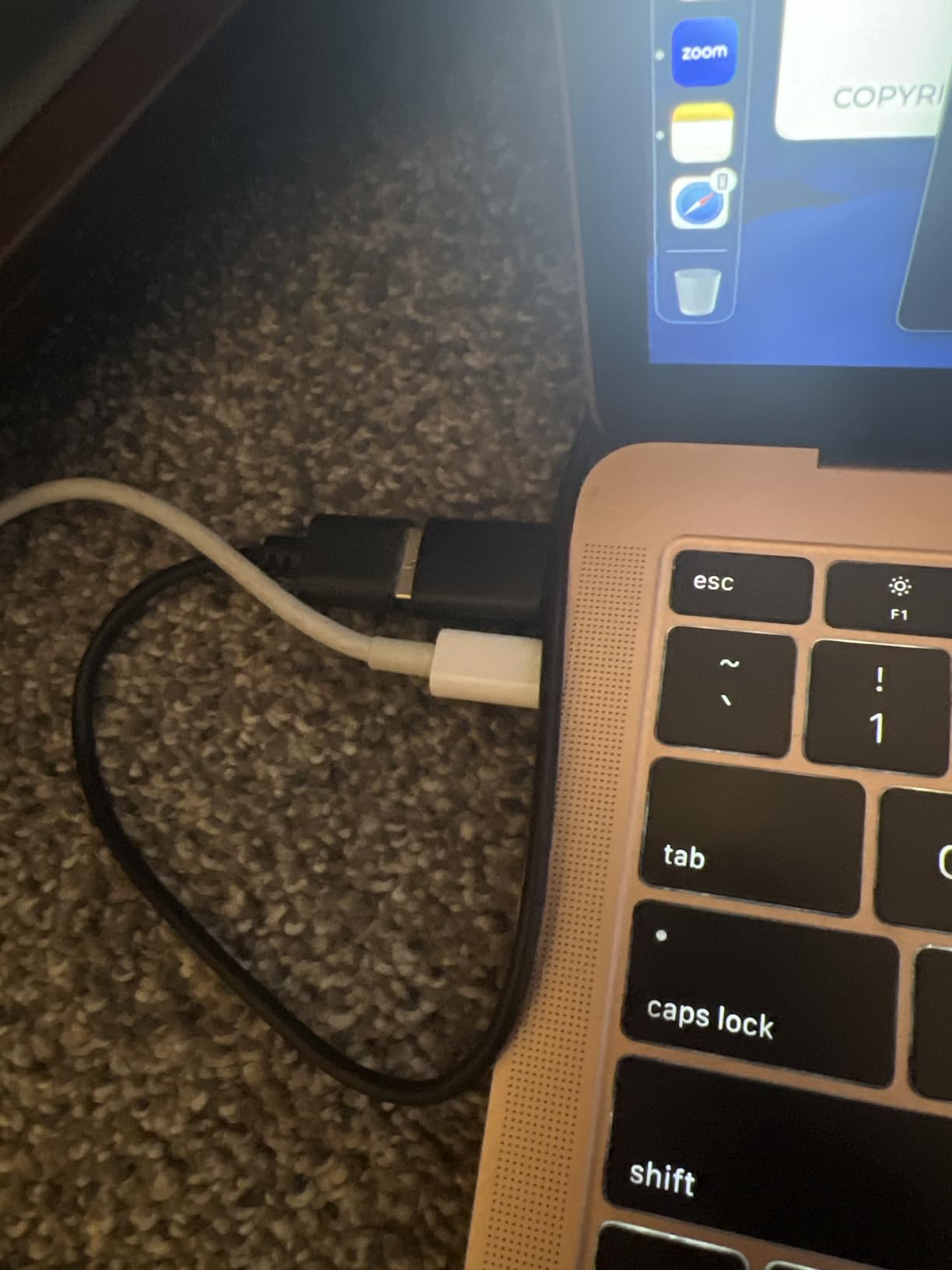
The EMEET C960 is the webcam I hand to friends who ask for a recommendation without naming a budget. The 2025 version ships with both USB Type-A and USB-C adapters in the box, which solves one of the most common frustrations people hit when they buy a webcam that doesn’t fit their laptop.
The dual omnidirectional microphones are a quiet highlight. They pick up clear voice audio from a typical desk distance and do a respectable job rejecting fan noise from a desktop PC. For a casual streamer or someone doing regular Zoom calls, the audio is good enough that you don’t need to grab a separate headset.
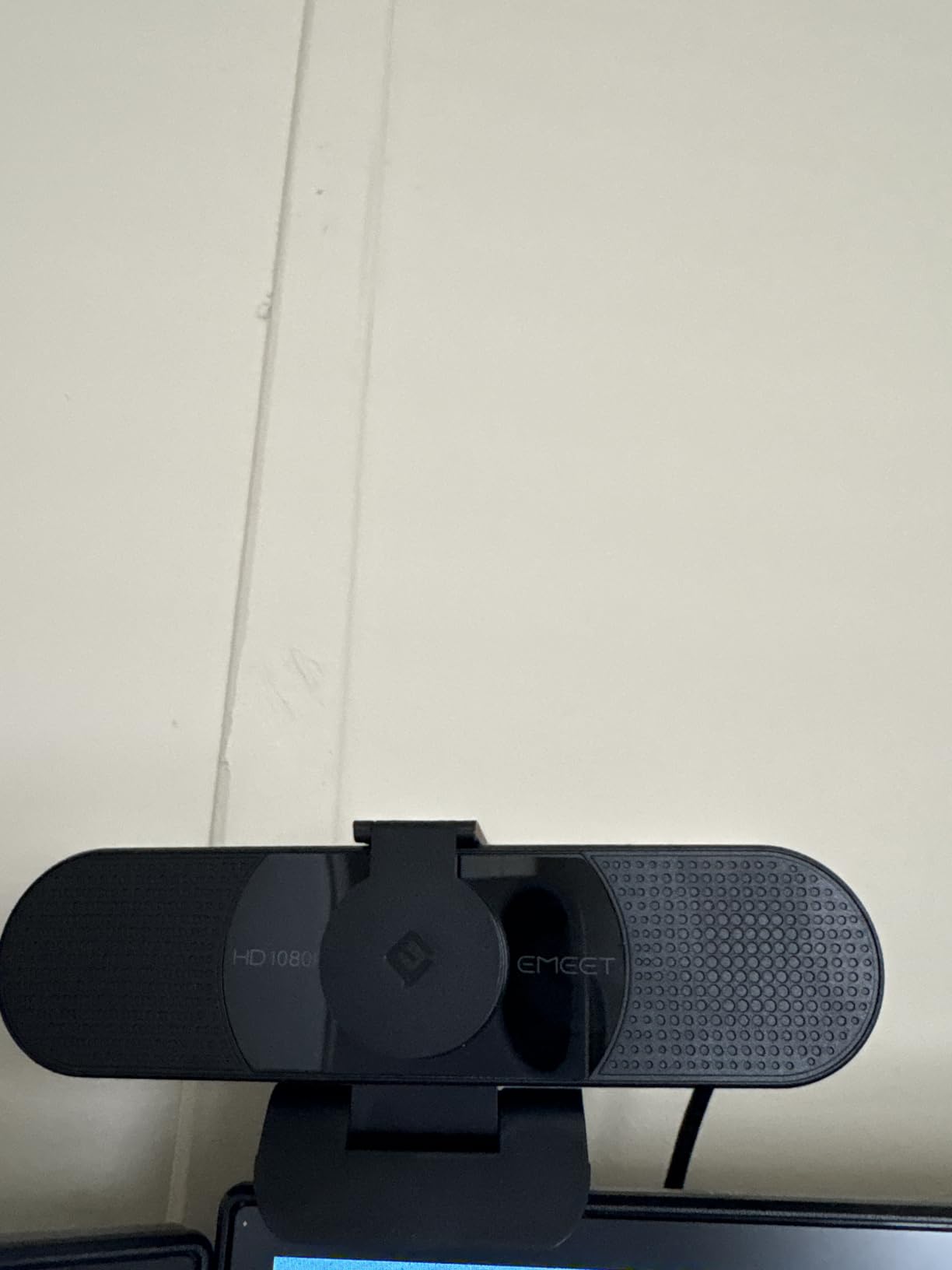
Video quality at 1080p is solid for the price. The 90-degree field of view lands in a nice middle ground: wide enough to show your keyboard and a little of your room, but not so wide that everything looks small. Auto light correction works in mixed lighting, though pure low-light setups will look grainy.
The fixed focus is the main limitation. If you stay seated and frame yourself properly, you’ll never notice. If you stand up to demonstrate something or hold products up close, the C960 won’t adjust. That’s the trade-off you make at this entry-level tier.
Best paired with basic lighting
Pair the C960 with any basic LED panel or clip-on ring light and you’ll get a clean, broadcast-ready image. Without supplemental lighting, late-night streams will look noticeably softer. A modest light upgrade often makes a bigger difference than stepping up to a pricier webcam.
Compatibility across platforms
The C960 works with Windows 10/11, macOS 10.14 and up, and Android TV 7.0 and above. For Switch 2 streaming setups, it functions as a basic USB camera. It’s a true plug-and-play option without driver headaches.
5. EMEET NOVA 4K — Best 4K Webcam on a Budget
EMEET NOVA 4K Webcam for PC, Ultra 4K HD, PDAF Autofocus, Dual Omni Mics
4K/30fps
PDAF autofocus
Dual omnidirectional mics
73 degree FOV
Privacy cover
Pros
- True 4K resolution at 30fps
- PDAF autofocus is fast and reliable
- Dual omnidirectional mics
- Privacy cover included
- 360 degree rotation
Cons
- 4K falls back to 1080p in some apps
- No facial tracking support
The EMEET NOVA 4K is the webcam I recommend when someone tells me they want 4K quality without paying 4K prices. At well under the typical premium-webcam tier, you get genuine 2160p output with PDAF autofocus, which is the same fast-focusing tech you find in modern smartphones.
The autofocus is what separates this from cheaper 4K webcams. During my testing, the NOVA locked onto my face within half a second when I moved, and it tracked products I held up without that pulsing hunting effect. For a streamer who gestures a lot or does unboxing-style content, that’s a noticeable quality-of-life upgrade.
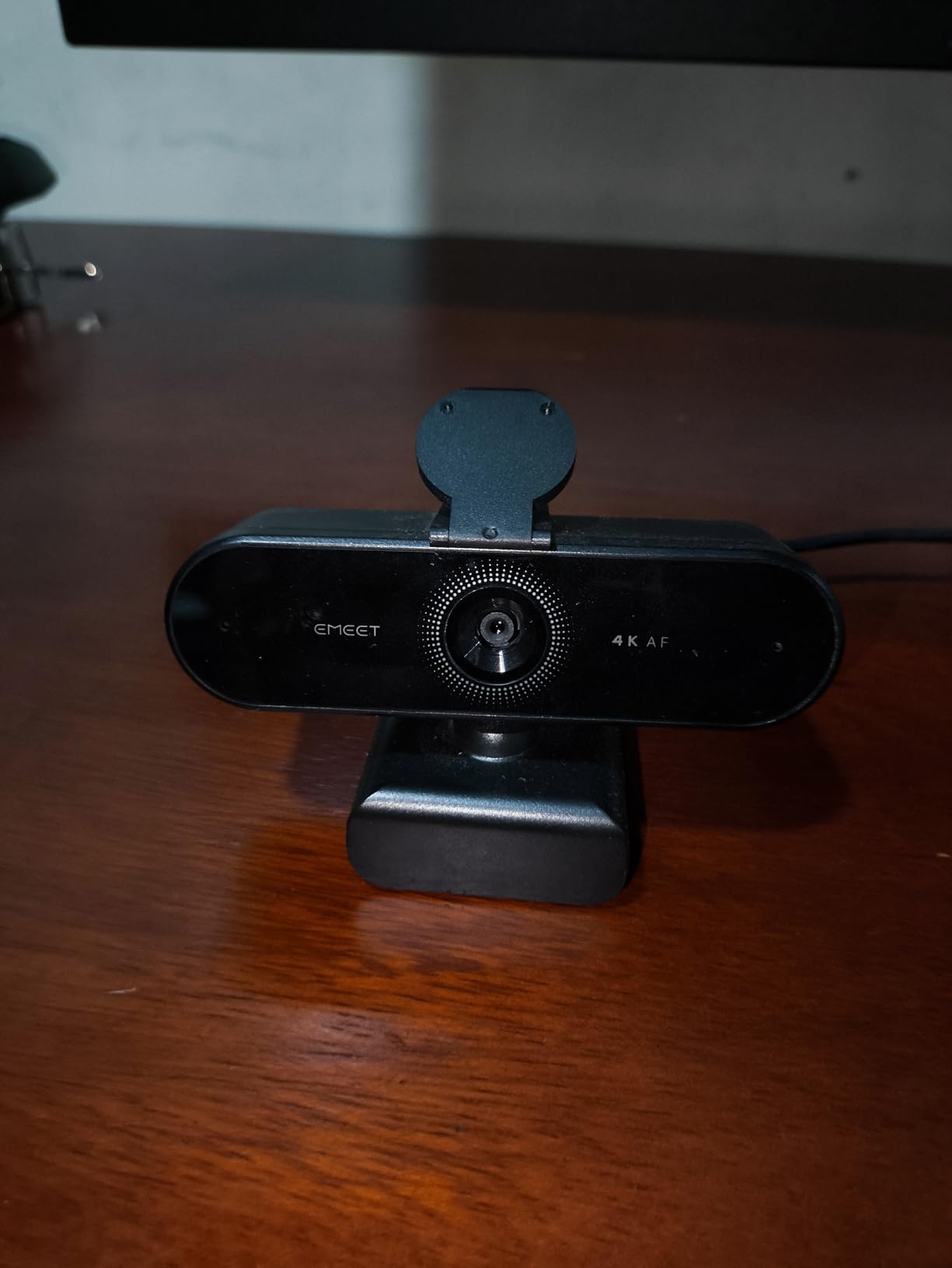
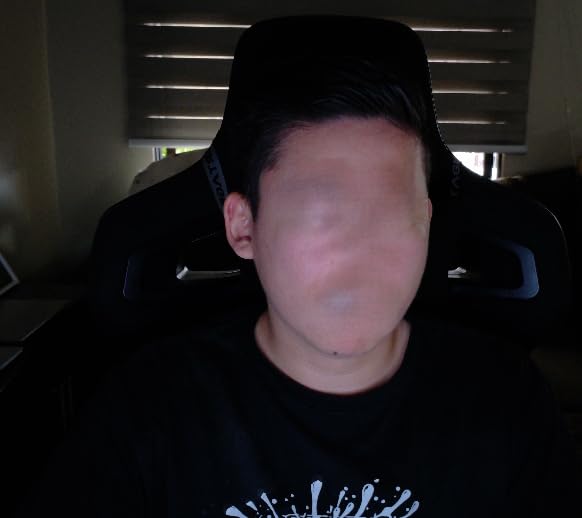
Image sharpness at 4K is impressive. When I crop in to 1080p for stream output, the detail holds up far better than a native 1080p webcam. Text on overlays stays readable, and skin texture looks natural rather than over-processed.
The catch is software compatibility. Some streaming apps default the NOVA to 1080p because they don’t yet support 4K input cleanly. You’ll need to manually force 4K in OBS camera properties, and even then some platforms will downscale on their end. If you primarily stream to Twitch at 1080p, that’s a non-issue because you’ll be downscaling anyway.
Best for future-proofing your setup
The NOVA is ideal if you’re recording YouTube content at 4K for upload, building a setup that will outlive the 1080p streaming era, or want the extra detail for product reviews and tutorial videos where text and small objects matter.
Privacy and rotation
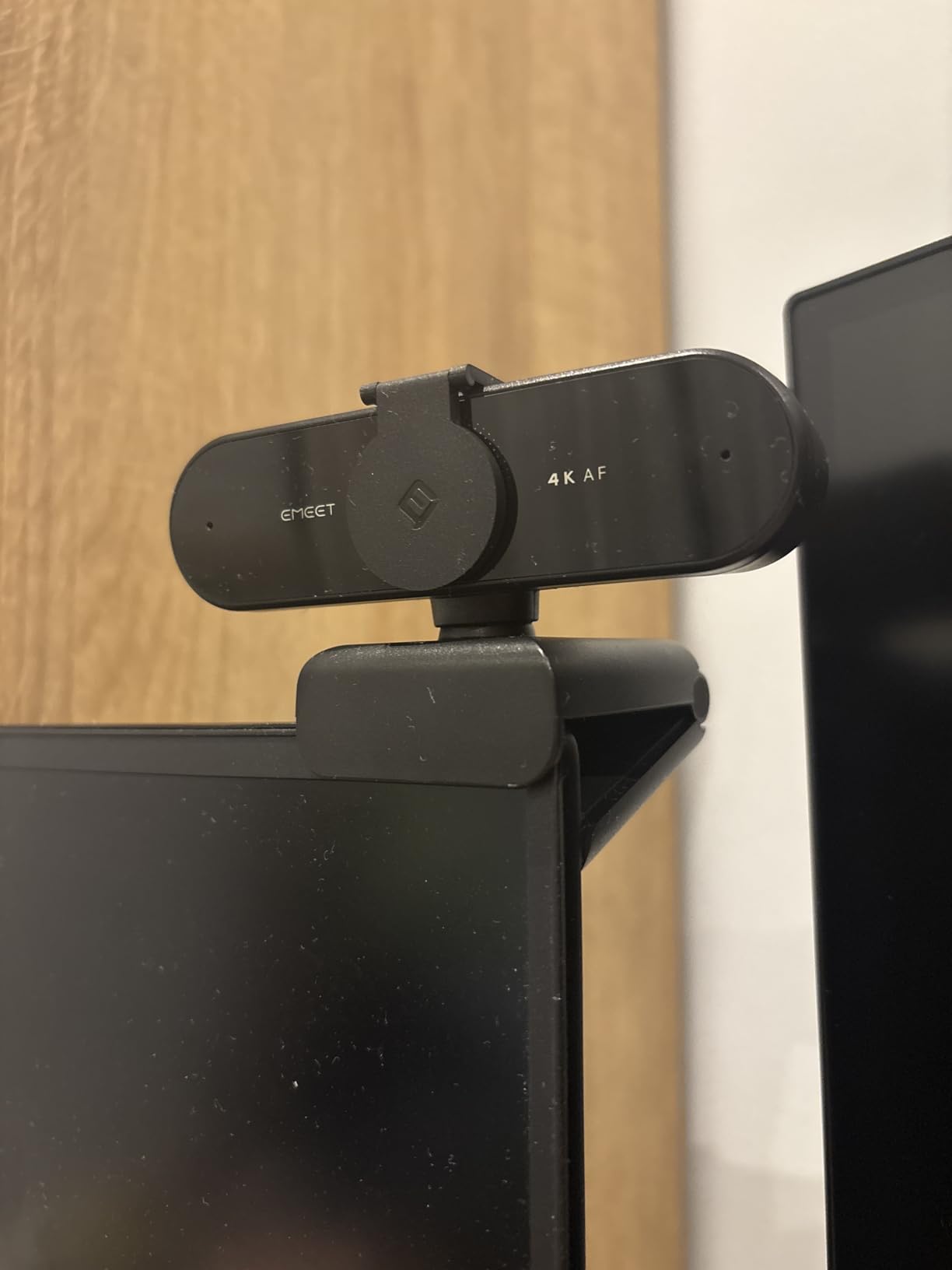
The privacy cover clicks into place securely and the 360-degree rotation makes it easy to frame yourself correctly whether your monitor is landscape or vertical. For streamers who flip between horizontal gameplay and vertical TikTok-style clips, that flexibility is genuinely useful.
6. OBSBOT Meet 2 — Best Compact 4K Webcam with AI
OBSBOT Meet 2-4K Webcam for PC with 1/2″ Sensor, AI Framing & Autofocus
4K with 1/2 inch sensor
AI framing and autofocus
Gesture control
Dual noise-cancelling mics
USB-C
Pros
- Stunning 4K clarity from 1/2 inch sensor
- AI framing keeps you centered
- Gesture control for hands-free operation
- Ultra compact and lightweight
- Magnetic privacy cover
Cons
- Can get warm during long streams
- USB-C cable is on the shorter side
The OBSBOT Meet 2 is the webcam that made me rethink what a small webcam can do. The 1/2-inch sensor is unusually large for a webcam at this size, and it shows in the image quality. Colors stay accurate in mixed lighting, and the low-light performance is significantly better than smaller-sensor competitors.
AI framing is the killer feature for solo creators. I set up the Meet 2 on my desk, walked around my room during a product demo, and the camera panned and zoomed to keep me centered the entire time. No OBS plugin, no manual keyframing. It just works. For YouTube creators who film themselves doing physical demonstrations, this is genuinely game-changing.
Gesture control sounds gimmicky until you actually use it. Holding up your palm starts and stops recording, an L-shape zooms in, and a flat hand triggers AI framing. During a stream, you can adjust your framing without leaving your seat or breaking your presentation flow.
Heat is the one quirk. After two hours of continuous 4K streaming, the body gets noticeably warm. It never overheated during my testing, but if you run long marathon streams, position the camera where airflow reaches it. The shorter USB-C cable also means you’ll likely need an extension if your monitor is far from your PC.
Best for solo content creators
The Meet 2 is ideal for YouTube creators who film alone, streamers who move around their setup, podcasters who want a camera that follows them, and remote workers who want a single webcam for both meetings and content creation.
Software setup
OBSBOT Center software unlocks gesture customization, AI tracking modes, and manual exposure controls. The app is clean and lightweight, and the camera works in OBS or Streamlabs without the software running — the AI features simply need OBSBOT Center open in the background.
7. EMEET S600 — Best Webcam for Streaming at 60fps
EMEET S600 4K Webcam for Streaming, Sony 1/2.55” Sensor, PDAF Autofocus
4K/30fps or 1080p/60fps
Sony sensor
PDAF
Dual mics
Pros
- Sony sensor delivers excellent image quality
- 1080p at 60fps for smooth motion
- PDAF autofocus
- Dual noise-cancelling mics
- Built in privacy cover
Cons
- Larger form factor than compact rivals
- Microphone quality is average for streaming
The EMEET S600 is the streaming webcam I recommend for fast-paced content. With a Sony 1/2.55-inch sensor and the ability to output 1080p at 60fps, it produces noticeably smoother motion than the standard 30fps offerings in this price range. For gameplay streams, sports commentary, or any content with lots of movement, that extra fluidity matters.
The Sony sensor pulls its weight. Image quality at both 4K/30fps and 1080p/60fps is sharp, with natural color reproduction that doesn’t require heavy tweaking. PDAF autofocus locks quickly and held focus even when I held game boxes up close to the lens during unboxing content.
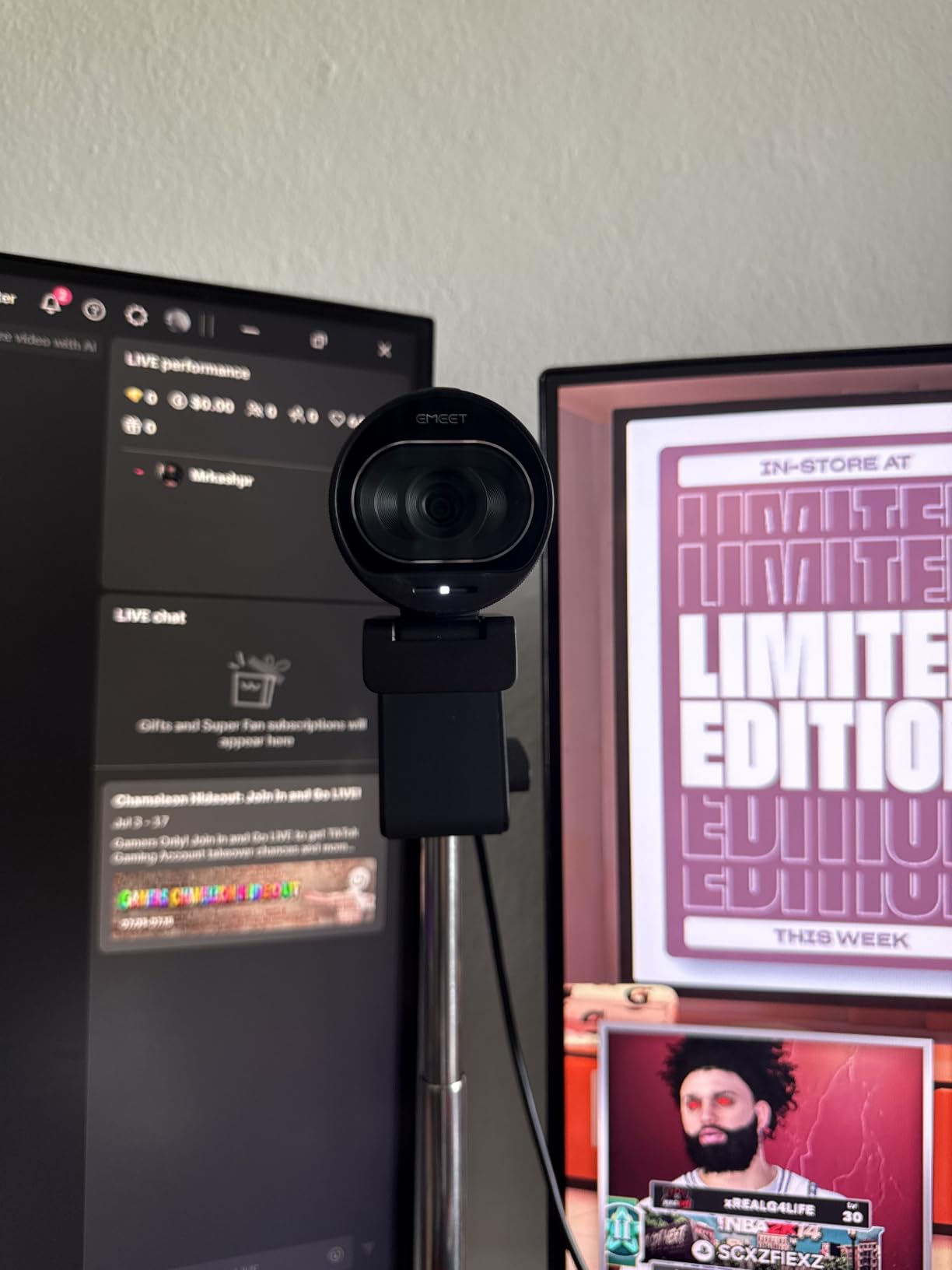
The dual noise-cancelling microphones are decent for casual streams but won’t replace a dedicated mic. If you’re streaming gameplay commentary and already using a separate USB or XLR microphone, the built-in mics are irrelevant. If you’re not, you’ll want to add a basic external mic down the line.
Form factor is bulkier than the slimmer 4K options like the OBSBOT Meet 2. It still mounts cleanly on a monitor or tripod, but if you’re building a minimal desk aesthetic, the S600 will be more visible. The tradeoff is better thermal performance, so it runs cooler during long 4K sessions.
Best for gameplay and fast content
The S600 is ideal for Twitch streamers playing fast-paced games where motion clarity matters, content creators recording sports or fitness content, and YouTubers who want both 4K recording and smooth 60fps streaming options in one camera.
Switching between 4K and 1080p/60fps
In OBS, set your resolution and frame rate under the camera’s video properties. Most streaming platforms still cap output at 1080p/60fps, so use the 4K mode for local recording while streaming the 1080p/60fps feed. The Sony sensor handles both modes with consistent color science.
8. OBSBOT Tiny 2 Lite — Best Webcam with AI Tracking
OBSBOT Tiny 2 Lite 4K Webcam for PC, AI Tracking PTZ Streaming Camera
4K/30fps or 1080p/60fps
1/2 inch sensor
AI tracking PTZ
Gesture control
Pros
- AI tracking PTZ follows you automatically
- 4K resolution with 1/2 inch sensor
- Gesture control
- Customizable preset positions
- Multiple shooting modes
Cons
- Higher price than standard webcams
- Software needed for advanced features
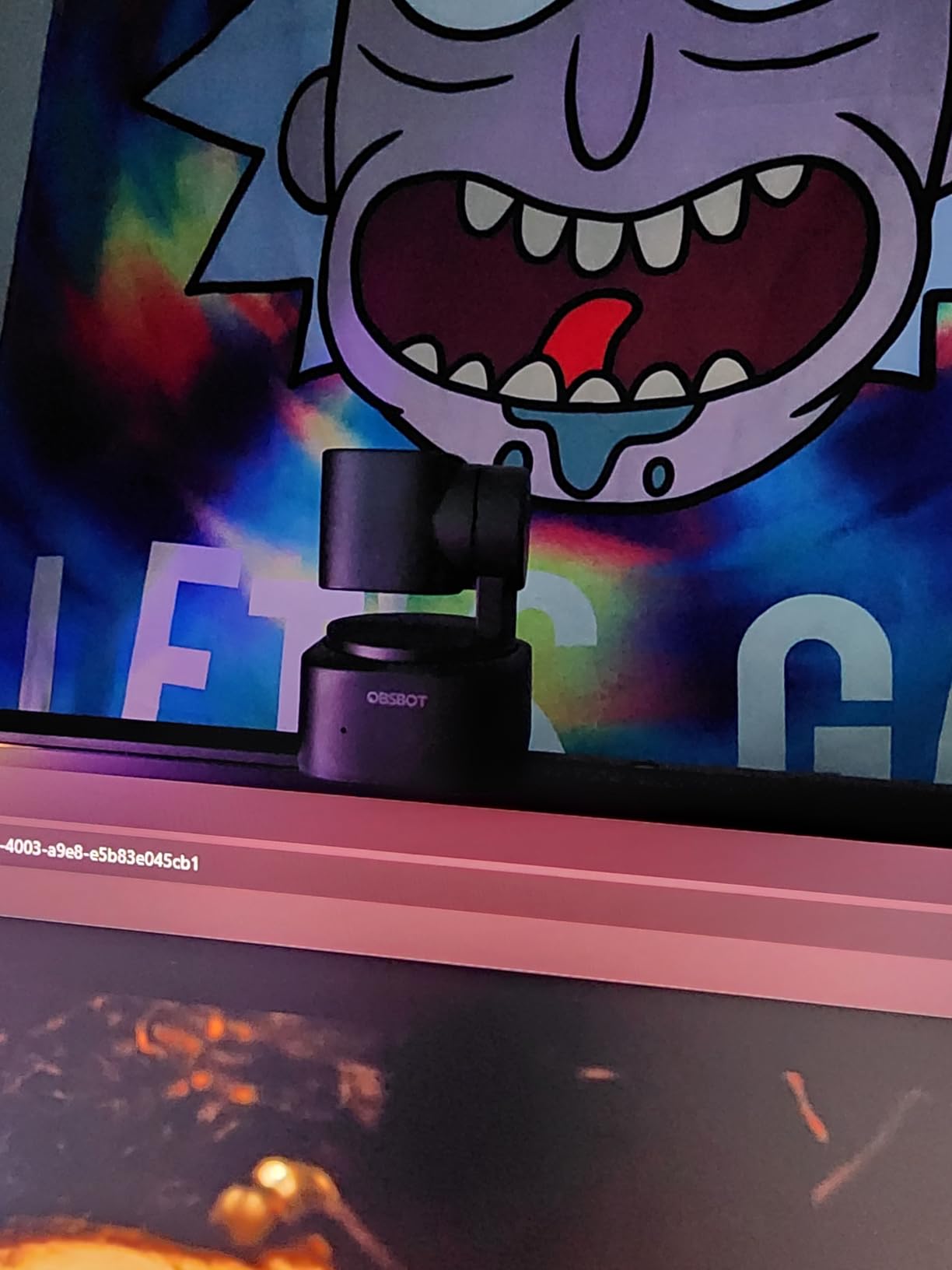
The OBSBOT Tiny 2 Lite is the most advanced webcam in this roundup. The mechanical PTZ base physically pans, tilts, and zooms to follow you around the room, which is a fundamentally different experience from a fixed webcam with digital cropping. During a two-hour fitness stream I recorded for testing, the Tiny 2 Lite tracked every movement without losing me once.
The 4K resolution combined with the 1/2-inch sensor produces sharp, well-exposed video in both bright and dim conditions. Auto-exposure is smooth and doesn’t pulse when you walk between windows or shift lighting angles, which is a common issue with cheaper AI webcams.
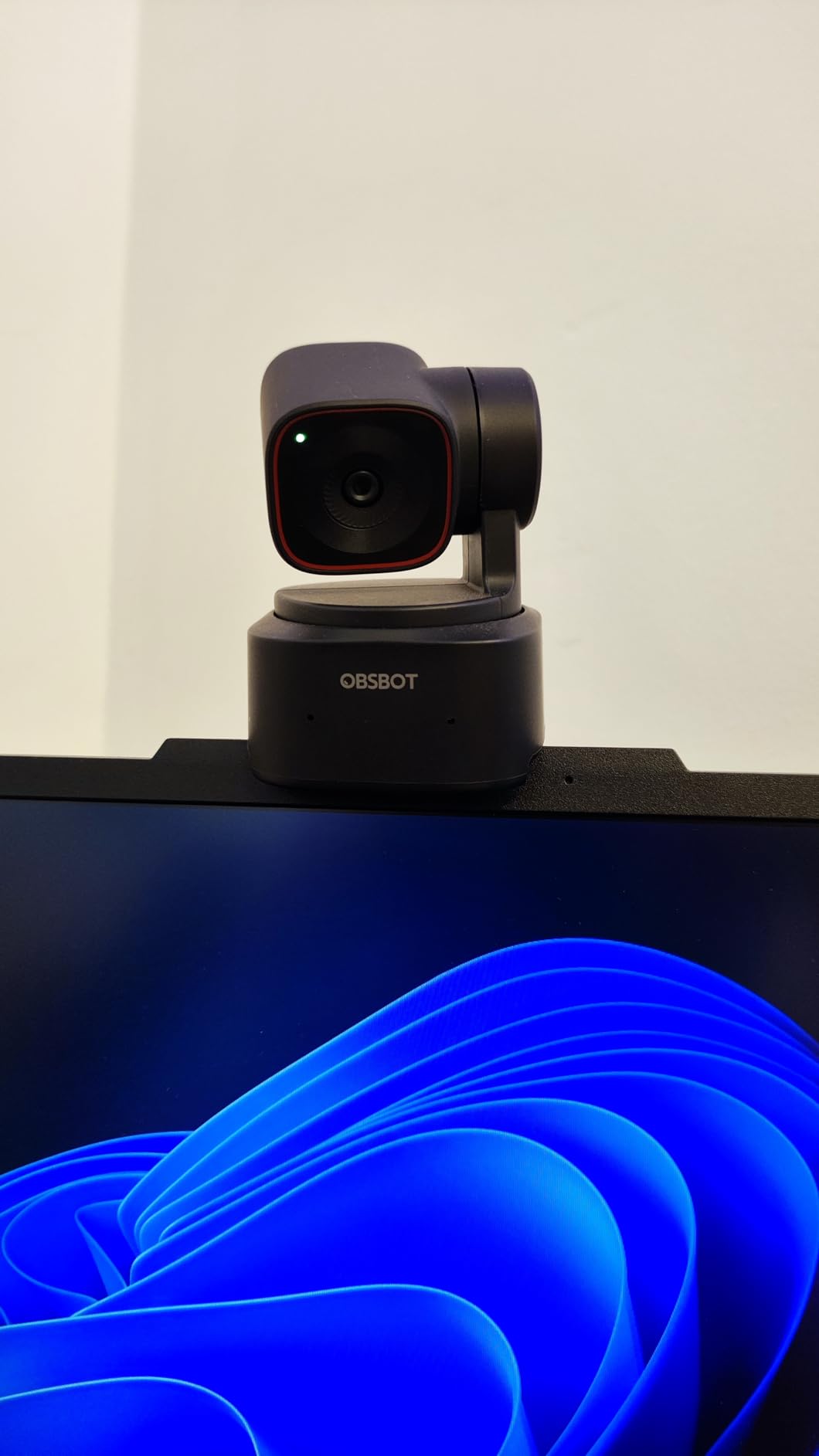
Gesture control works reliably once you learn the motions. Holding up your palm locks onto you, a V-shape zooms in and out, and an open hand stops tracking. After a day of use, it becomes second nature. For streamers who don’t want a camera operator, this is the closest thing to having one.
The downside is the price and software dependency. AI tracking, preset positions, and gesture customization all require OBSBOT Center running in the background. Without the software, it falls back to a fixed 4K webcam that still performs well but loses its standout features.
Best for dynamic content
The Tiny 2 Lite is ideal for fitness and workout streamers, tutorial creators who walk around their workspace, podcasters who want camera movement without an operator, and remote presenters who move between whiteboards and screens.
Preset positions for multi-camera setups
Set three preset positions in OBSBOT Center for common framing options: a wide room shot, a close-up talking head, and a product close-up. Switch between them with a single gesture or hotkey. For solo creators, this replaces a multi-camera setup at a fraction of the cost.
9. OBSBOT Meet SE — Best 1080p Webcam for High-FPS Streaming
OBSBOT Meet SE 1080P 100FPS Webcam for PC, AI Framing Streaming Camera
1080p at 100fps
1/2.8 inch sensor
AI framing
Beauty mode
Staggered HDR
Pros
- Ultra smooth 100fps frame rate
- AI framing keeps you centered
- Beauty mode for on-camera polish
- Staggered HDR for low light
- Gesture control
Cons
- 1080p only no 4K option
- Mount could be more secure
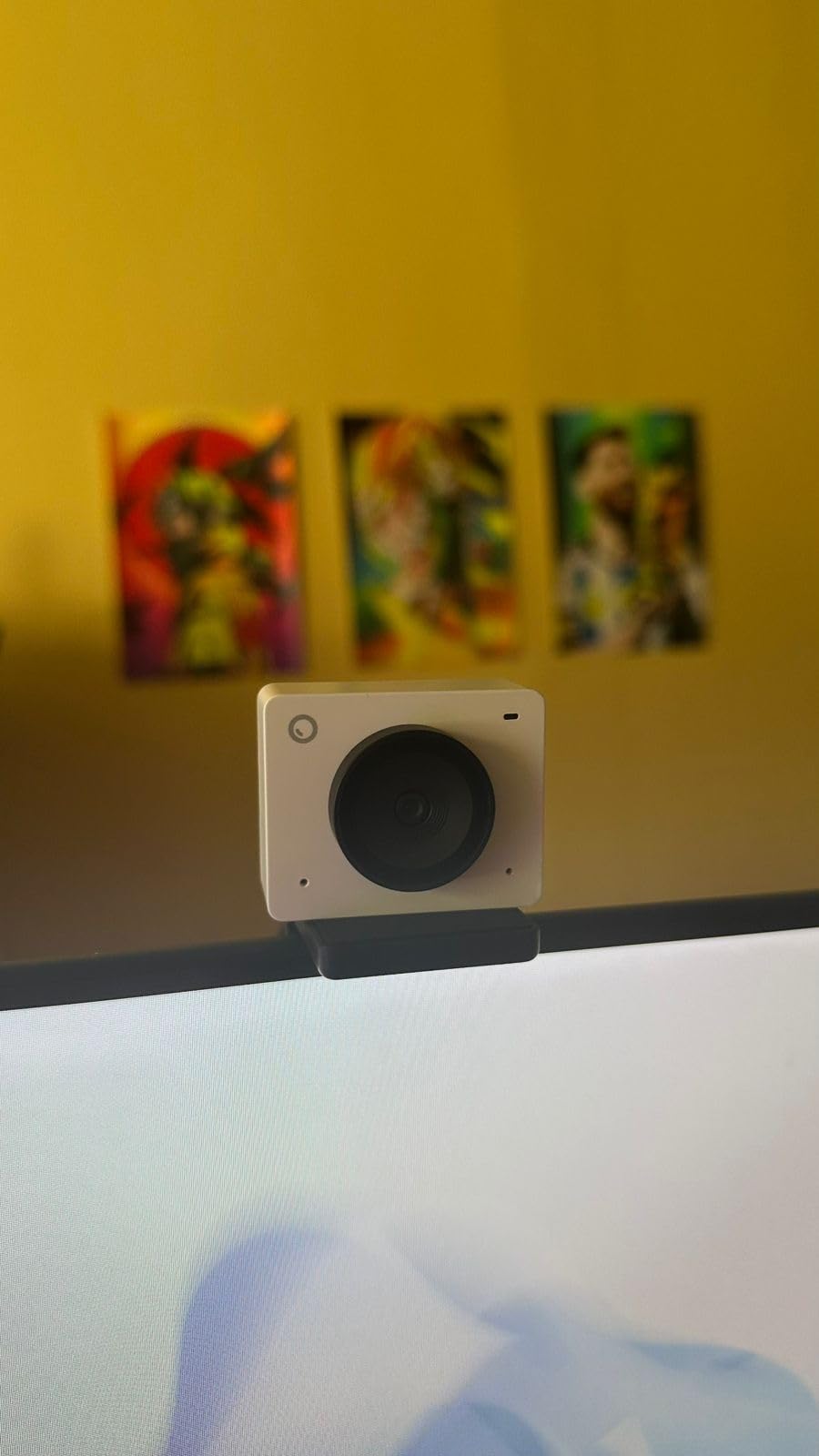
The OBSBOT Meet SE caught me off guard. The 100fps frame rate sounds excessive for a webcam, but for content where motion clarity is everything — think reaction streams, ASMR, gameplay with lots of camera movement — the difference between 30fps and 100fps is immediately visible.
Staggered HDR is the secret weapon for low-light streamers. My home office has one window and a single overhead light, which is a brutal test for any webcam. The Meet SE pulled usable, balanced footage out of that setup without the grainy noise you’d expect. Reviewers on streaming forums consistently praise this webcam for evening and night streams.
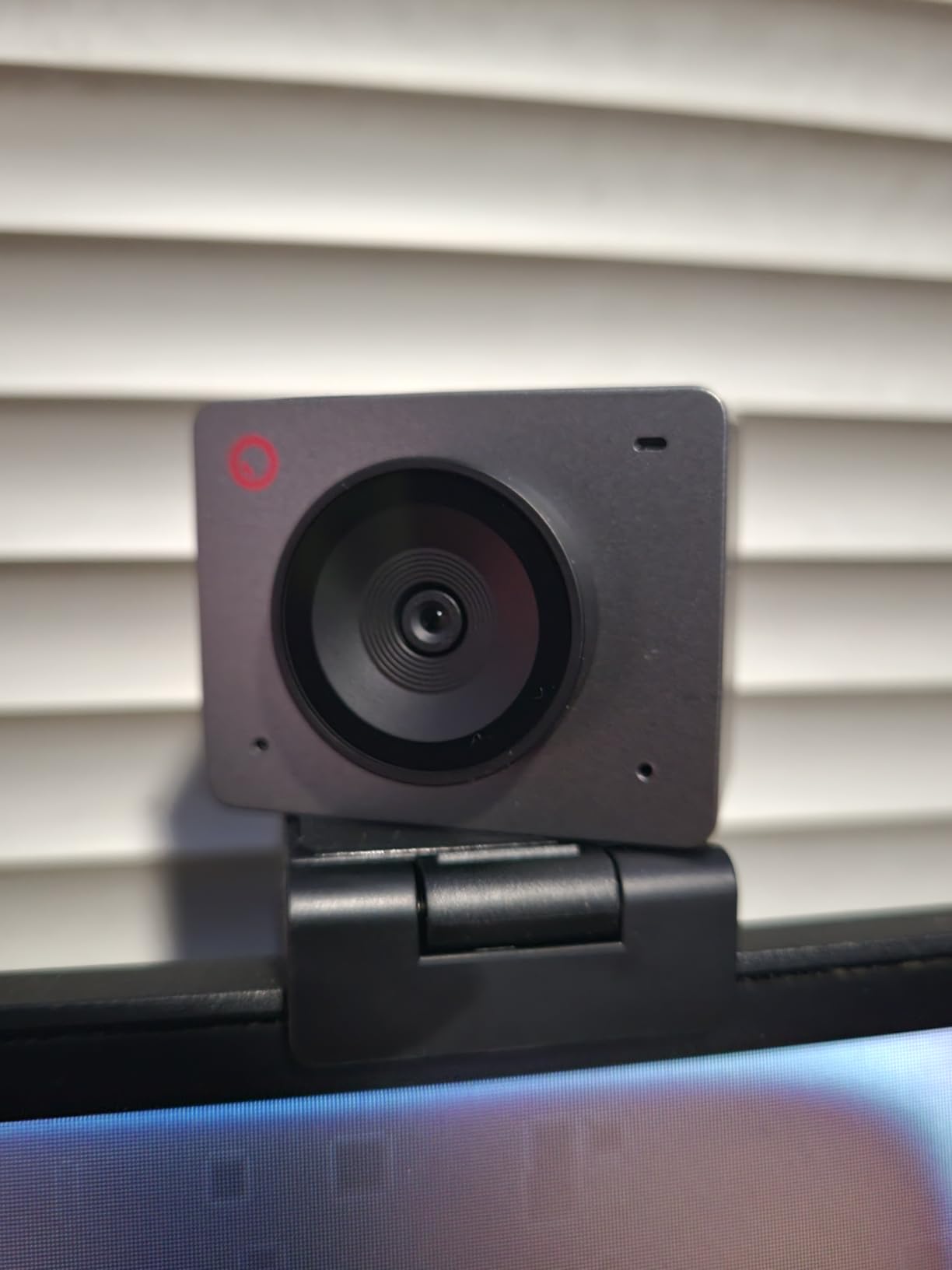
AI framing works similarly to the OBSBOT Meet 2: it crops and reframes digitally to keep you centered as you move. It’s not as smooth as the mechanical PTZ on the Tiny 2 Lite, but for streamers who mostly sit at their desk, the digital approach is plenty.
The 1080p ceiling is the main limitation. If you’re recording YouTube content for upload at 4K or future-proofing your setup, look at the Meet 2 or Tiny 2 Lite instead. For streamers who output at 1080p anyway, the 100fps advantage is more valuable than extra resolution.
Best for low-light and reaction streamers
The Meet SE is ideal for evening and night streamers with imperfect room lighting, reaction channels and ASMR creators who benefit from high frame rates, content creators who value smooth motion over raw resolution, and Twitch streamers who want standout image quality at 1080p.
Why 100fps matters
Standard 30fps webcams produce choppy motion blur when you gesture quickly. At 60fps it’s better. At 100fps, motion looks buttery smooth even when the platform ultimately displays your feed at 30 or 60fps, because OBS captures the extra frames for clean motion vectors in your final output.
10. Logitech MX Brio — Best Premium 4K Webcam for Pro Streamers
Logitech MX Brio Ultra HD 4K Webcam Collaboration and Streaming – Graphite
Ultra HD 4K
AI enhanced image quality
Show Mode
Dual beamforming mics
Pros
- Ultra HD 4K resolution
- AI enhanced image quality
- Show Mode tilts down to show your desk
- Built in privacy shutter
- Dual beamforming mics
Cons
- Premium price tier
- Logi software ecosystem can be fragmented
The Logitech MX Brio is the streaming webcam I recommend to professional streamers and content creators who want the absolute best image quality without going to a DSLR setup. The Ultra HD 4K output combined with AI-enhanced processing produces the most polished, broadcast-ready footage of any webcam in this roundup.
Show Mode is the feature I didn’t expect to love. Tilt the camera down and it flips the image so you can show what’s on your desk — perfect for unboxing streams, product reviews, and tutorial videos. Mechanical, not digital, so the quality stays consistent.
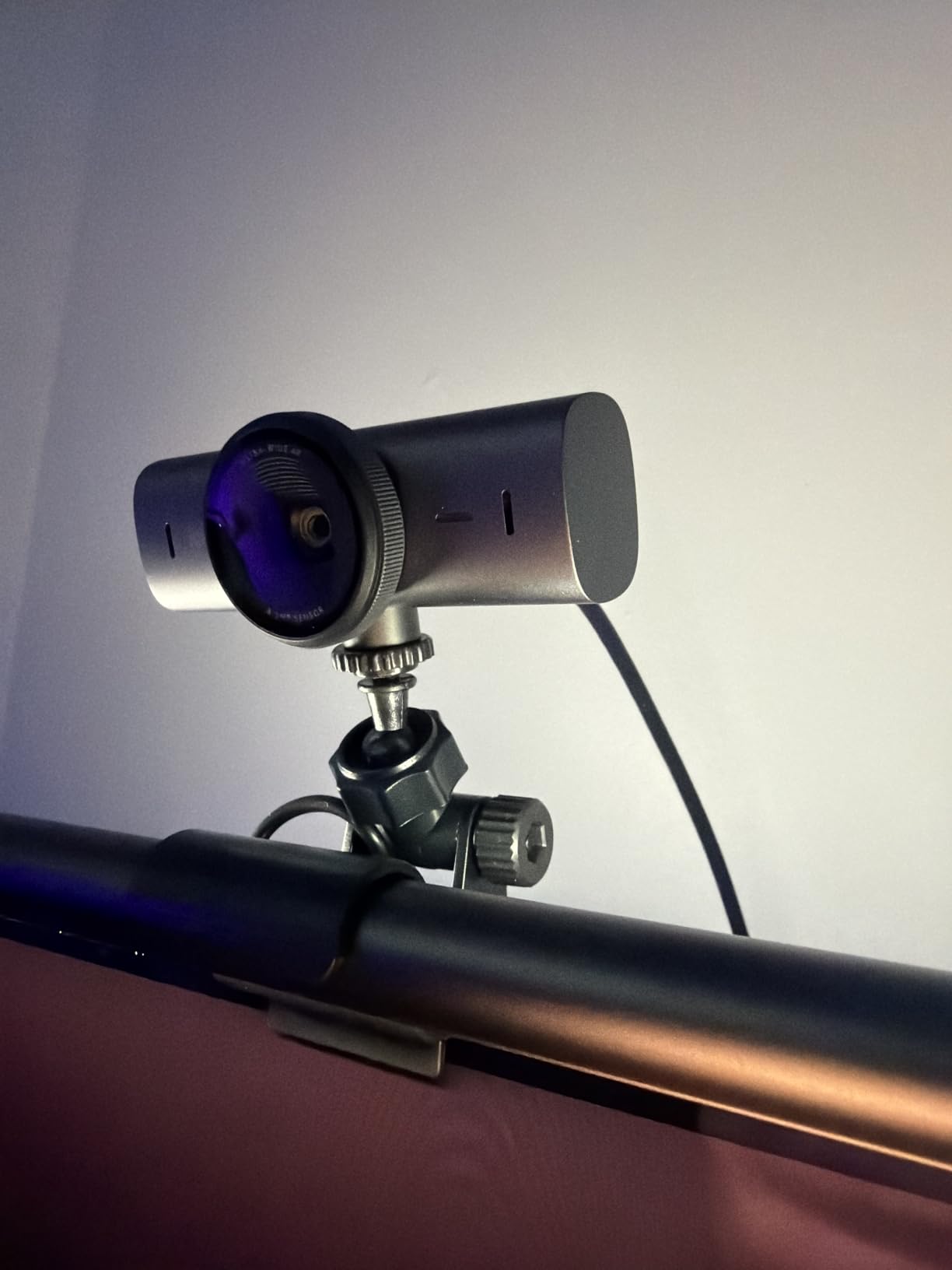
AI image enhancement handles the tough lighting scenarios gracefully. Backlit windows, mixed overhead fluorescents, dim evening rooms — the MX Brio balances highlights and shadows better than any other webcam I tested. Skin tones look natural rather than orange or washed out.
The price puts it in premium territory, and the Logitech software ecosystem can feel fragmented if you also own Logitech mice, keyboards, or headsets. You’ll need Logi Tune plus potentially G Hub to access every feature. For someone already in that ecosystem, it’s seamless. For someone just buying one device, it’s a small extra step.
Best for professional streamers
The MX Brio is ideal for full-time content creators who monetize their streams, professional broadcasters and podcasters, YouTube creators filming high-end product reviews, and remote executives who need broadcast-quality video for keynote presentations.
Pairing with the Logitech ecosystem
If you already run Logitech G Hub for a Stream Deck or gaming peripherals, the MX Brio slots right into the same control panel. If not, download Logi Tune for the camera-specific settings. Either way, the AI features and Show Mode are worth the setup time.
What to Look for in a Webcam for Streaming
Choosing the right webcam for streaming comes down to matching specs to your actual use case. Here’s what matters and what doesn’t.
Resolution: 4K vs 1080p. Most streaming platforms cap output at 1080p anyway. A 4K webcam is genuinely useful for local recording, future-proofing, and cropping flexibility, but for pure live streaming output, a high-quality 1080p webcam holds up just as well. If you’re recording YouTube content for upload at 4K or want maximum cropping headroom, go 4K. If you only stream live, save the money and put it toward lighting.
Frame rate matters more than resolution for motion-heavy content. 60fps is noticeably smoother than 30fps for gameplay streams, reaction content, and any video where you move quickly. The EMEET S600 and OBSBOT Meet SE both shine here. If you stream slow-paced content like podcast shows or sit-down tutorials, 30fps is fine.
Sensor size affects low-light performance more than resolution does. Larger sensors like the 1/2-inch sensors in the OBSBOT Meet 2 and Tiny 2 Lite capture more light, which means cleaner footage when your room lighting isn’t perfect. Smaller sensors will look grainy in the same conditions.
Field of view depends on your framing. A 78-degree FOV like the Logitech C920S keeps the focus tight on your face, which is great for talking-head content. A 90-degree FOV shows a bit more of your room, and 110-degree-plus is wide enough for two-person streams or showing off your full setup.
Autofocus type matters for active streamers. PDAF (phase detection autofocus) on the EMEET NOVA 4K and S600 is faster and more reliable than the contrast-detection autofocus on cheaper webcams. If you hold products up, gesture a lot, or move around your desk, PDAF is worth prioritizing.
Privacy shutter is a small feature that matters more than you’d think. Five of the ten webcams in this roundup include one. If you stream from a home office or shared space, the ability to physically cover the lens between sessions is a daily convenience worth having.
USB bandwidth and port requirements. A 4K webcam needs USB 3.0 or higher for stable output. If you’re plugging into a USB 2.0 hub, you’ll get dropped frames or a fallback to 1080p. For laptops with only USB-C ports, confirm the webcam includes an adapter or buy a USB-C to USB-A cable separately. The bandwidth and codec mechanics behind live streaming are worth understanding before you tune a single OBS setting — our primer on how video streaming actually works walks through that pipeline clearly.
Webcam plus lighting pairing. The single biggest upgrade you can make to your stream quality isn’t a better webcam — it’s a basic lighting setup. An entry-level LED panel or ring light paired with any webcam in this roundup will outperform an expensive webcam in a dim room. Position the light in front of you, slightly above eye level, and angled down about 30 degrees for the classic streamer look.
Internet speed for stable streams. A 4K webcam records locally at full resolution, but the moment you push a live feed to Twitch or YouTube, your upload bandwidth becomes the limiting factor. We cover the specific upload numbers you need for different stream qualities in our 4K streaming bandwidth guide, which pairs naturally with the camera decisions above.
OBS and Streamlabs setup. Every webcam in this roundup works plug-and-play with OBS Studio and Streamlabs Desktop. Add the camera as a Video Capture Device source, set your desired resolution and frame rate, and you’re streaming. For advanced features like AI tracking on OBSBOT cameras or background blur, install the manufacturer’s companion software and run it in the background.
Frequently Asked Questions
What webcam do most streamers use in 2026?
The Logitech C920 and C922 series remain the most-used streaming webcams across Twitch and YouTube. They combine proven 1080p image quality, reliable autofocus, and approachable pricing that works for new and established streamers alike. For creators stepping up to 4K, the Logitech MX Brio and OBSBOT Tiny 2 Lite are increasingly common.
Is 4K or 1080p better for a streaming webcam?
For live streaming output, 1080p is generally sufficient because Twitch, YouTube Live, and most platforms cap stream output at 1080p anyway. 4K is worth it if you record YouTube content for upload at higher resolution, want cropping flexibility, or are future-proofing your setup. A 4K webcam also lets you crop digitally to a 1080p frame and still get broadcast-quality output.
What is the best camera to use for streaming?
For most streamers, the Logitech C922x Pro is the best balance of image quality, frame rate options, and value. For professional streamers and content creators who want 4K, the Logitech MX Brio delivers broadcast-quality output. For solo creators who want AI tracking, the OBSBOT Tiny 2 Lite is the most advanced option.
What should I look for in a streaming webcam?
Focus on resolution (1080p minimum, 4K preferred for recording), frame rate (60fps for motion-heavy content), sensor size (larger is better for low light), autofocus type (PDAF is fastest), and field of view (78 degrees for talking head, 90 degrees-plus for showing your setup). Privacy shutter and USB-C adapter support are worth having for daily convenience.
Do I need a 4K webcam for Twitch streaming?
No. Twitch caps incoming streams at 1080p, so a 4K webcam won’t improve your actual stream quality. A 4K webcam helps if you also record locally for YouTube, want to crop digitally while keeping 1080p output, or stream to multiple platforms at different resolutions. For Twitch-only streaming, a quality 1080p webcam like the Logitech C922x is a smarter buy.
Final Verdict: Which Streaming Webcam Should You Buy?
After 60 days of rotating these cameras through real Twitch streams, YouTube recordings, and OBS test sessions, the Logitech C922x Pro remains my top pick for the best webcam for streaming. Its combination of proven 1080p image quality, reliable 60fps option for motion-heavy content, and trusted autofocus makes it the most well-rounded choice for most streamers.
For budget-focused streamers, the NexiGo N60 delivers genuinely usable 1080p with a privacy cover for a fraction of the cost. For professional streamers and content creators, the Logitech MX Brio offers broadcast-quality 4K that holds up to the most demanding workflows. And for solo creators who want AI tracking, the OBSBOT Tiny 2 Lite is the most advanced webcam in this roundup.
Whatever camera you pick from this list, pair it with decent lighting and you’ll have a streaming setup that beats 90% of the competition. The best webcam is the one you’ll actually use consistently, so choose based on your real streaming style, not spec sheet hype.