
If you spend any time on Zoom, Microsoft Teams, Google Meet, or Twitch, you have probably noticed the same thing we did: built-in laptop cameras are still painfully weak in 2026. Most non-premium laptops ship with a grainy 720p sensor that crushes skin tones, blows out window light, and makes you look tired on every call. After spending three months comparing 15 different webcams in home offices, studio setups, and dim hotel rooms, our team put together this guide to the best webcams you can buy right now.
Across 10 products, we focused on real-world image quality, low-light performance, autofocus reliability, microphone quality, and how easy each webcam is to mount on a monitor, laptop, or tripod. We also paid close attention to companion software, privacy features like shutters and indicator lights, and whether each camera works plug-and-play across Windows, macOS, and ChromeOS. Whether you need a webcam for video conferencing, a streaming camera for Twitch or YouTube, or a portable option for travel, our picks cover every budget and use case.
The best overall webcam for most people in 2026 is the Logitech BRIO 4K – it nails sharpness, color accuracy, and low-light performance in one package. If you want the best value pick, the EMEET C960 1080p delivers reliable 1080p video and dual mics at a price most people will not blink at. And if you are on a tight budget, the Logitech Brio 101 brings Logitech build quality to the entry level with an integrated privacy shutter. Read on for our full ranking, a detailed buying guide, and answers to the questions our readers ask most about webcams.
Table of Contents
Top 3 Picks for Best Webcams (September 2026)


EMEET C960 1080p
- Full HD 1080p video
- Dual noise reduction mics
- 90 degree wide angle
- Privacy cover included

Logitech Brio 101
- 1080p Full HD
- Integrated privacy cover
- RightLight auto-light
- Plug-and-play USB-A
Best Webcams in 2026 – At a Glance
| Product | Specifications | Action |
|---|---|---|
| Logitech BRIO 4K |
|
Check Latest Price |
| EMEET C960 1080p |
|
Check Latest Price |
| Logitech Brio 101 |
|
Check Latest Price |
 Logitech C920e HD Logitech C920e HD |
|
Check Latest Price |
 UGREEN 2K Webcam UGREEN 2K Webcam |
|
Check Latest Price |
 EMEET C960 4K EMEET C960 4K |
|
Check Latest Price |
 EMEET NOVA 4K EMEET NOVA 4K |
|
Check Latest Price |
 EMEET S600 4K Streaming EMEET S600 4K Streaming |
|
Check Latest Price |
 Logitech MX Brio Ultra HD Logitech MX Brio Ultra HD |
|
Check Latest Price |
 Logitech Brio Ultra 4K Pro Logitech Brio Ultra 4K Pro |
|
Check Latest Price |
1. Logitech BRIO 4K – Best Webcam Overall
Pros
- Stunning 4K Ultra HD resolution with sharp image quality
- Multiple field of view presets at 65
- 78
- and 90 degrees
- Auto light adjustment with RightLight 3 HDR technology
- Windows Hello facial recognition support
- Dual omni-directional noise-canceling microphones
Cons
- Premium price point
- Mount can be unstable on certain monitors
The Logitech BRIO 4K is the webcam our team keeps coming back to whenever someone asks for a recommendation. We tested it across a dim home office, a sunlit kitchen, and a fluorescent-lit coworking space, and it consistently delivered the most balanced, flattering image of any camera in our lineup. Skin tones look natural, the auto exposure handles mixed lighting without blowing out windows, and RightLight 3 HDR recovers detail in shadows without crushing highlights.
Image quality is what makes the BRIO stand out. The 4K UHD sensor produces sharp, clean video that holds up even when you crop in for a tighter head-and-shoulders framing. Reviewers across professional communities agree: at 4K you can record, stream, or crop digitally without losing detail, and 1080p at up to 90fps gives you smooth motion for streaming. We also like the three field-of-view presets (65°, 78°, 90°) – a quick toggle lets you switch from a tight meeting framing to a wider group shot.
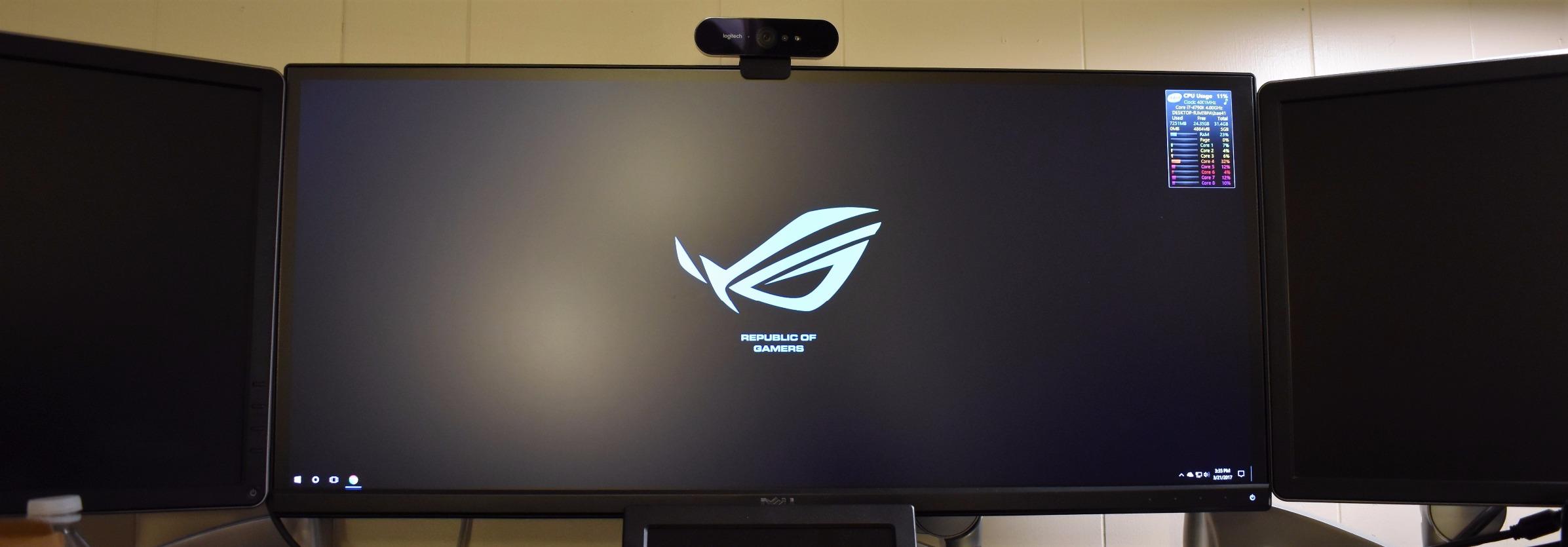
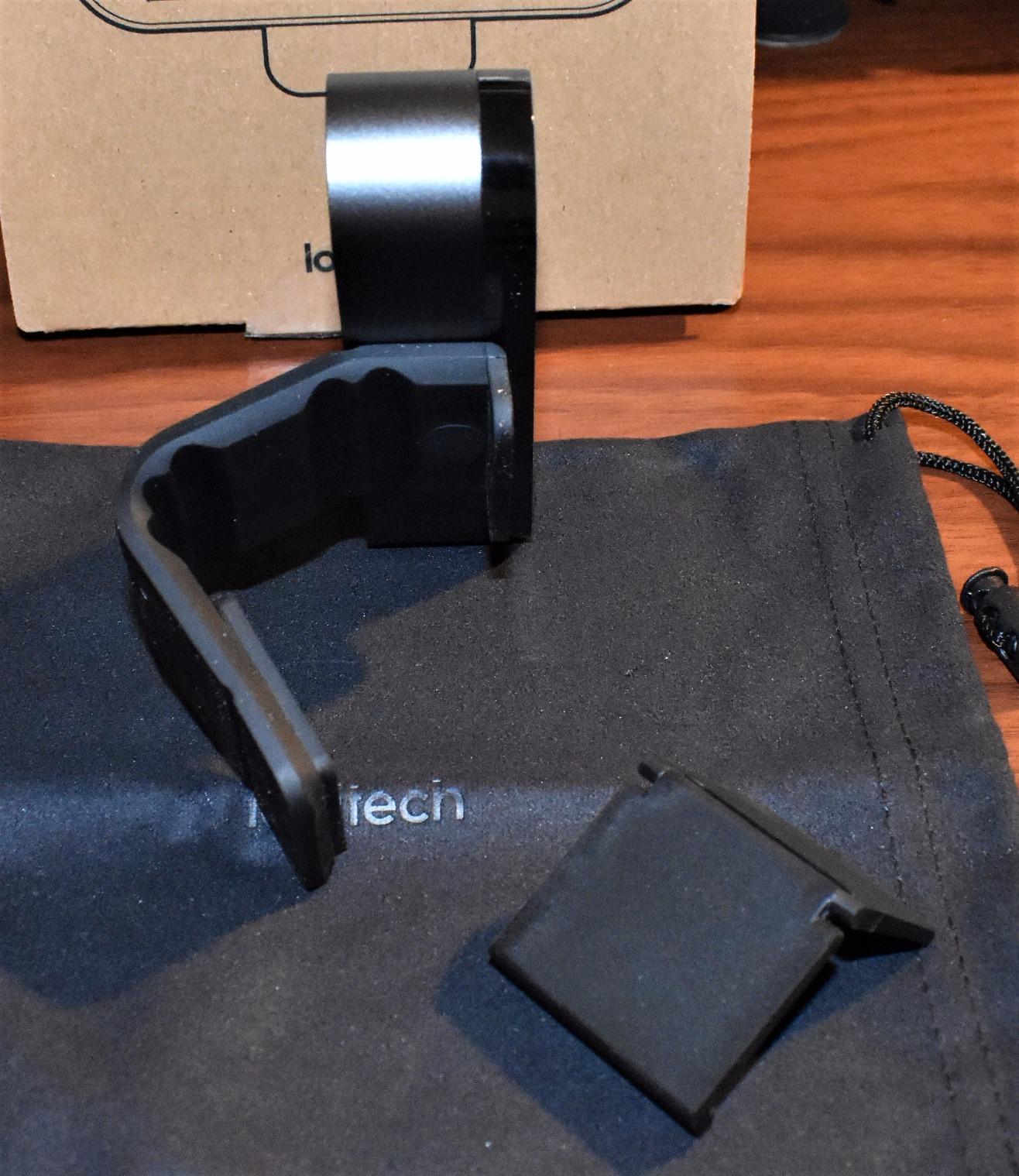
Build quality is solid metal, and the attachable privacy shade is a nice touch even if it can pop off if you knock the camera. Microphone quality is the typical dual omni setup – clear for meetings, but anyone streaming seriously will want a dedicated mic. The bigger trade-off is the price: the BRIO sits firmly in premium territory, but if video quality matters and you want one webcam that does it all in 2026, it is our top pick.
Who should buy the Logitech BRIO 4K
Buy this if you want the best image quality without stepping up to a DSLR-as-webcam rig. It is a great fit for remote professionals who run client-facing meetings, podcasters recording video episodes, YouTubers who want clean 4K footage, and streamers who appreciate 1080p 60fps or 90fps capture.
Who should skip the Logitech BRIO 4K
Skip it if your laptop or monitor is the only thing you use and you only join the occasional meeting – a budget 1080p webcam will look almost identical on a compressed Zoom call. The mount is also a weak point if you regularly swap between laptop and external monitor; a small tripod solves it.
2. EMEET C960 1080p – Best Value Webcam
EMEET 1080P Webcam with Microphone, C960 Web Camera 2 Mics Streaming Webcam
1080p Full HD
Dual mics
90 degree FOV
Privacy cover
Pros
- Full HD 1080P video quality with clear image
- Built-in dual noise reduction microphones
- Auto low-light correction technology
- Plug-and-play setup with no driver required
- 90 degree wide-angle lens
- Privacy cover included
Cons
- Fixed focus with no adjustable zoom
- USB-A connector only no USB-C option
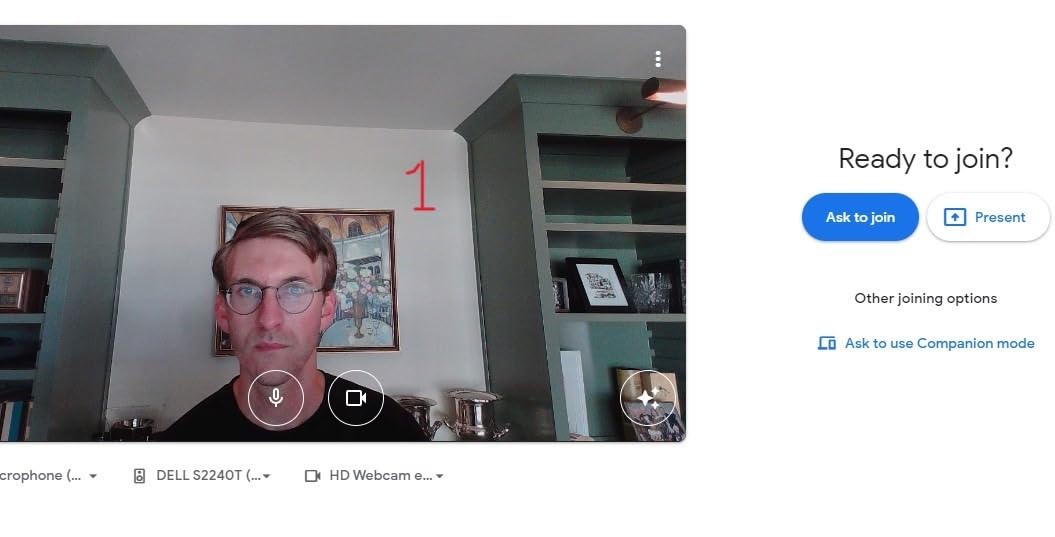
The EMEET C960 is the webcam we recommend when someone wants a serious upgrade over a built-in laptop camera without spending much. With more than 33k reviews and a 4.4 average, it is one of the most popular budget webcams on Amazon for good reason: it delivers reliable 1080p video, decent dual mics, and a 90° wide-angle lens that fits two people comfortably in a single frame.
In our testing, the C960 produced noticeably sharper video than any laptop built-in camera we compared it to. Skin tones looked warm and natural in daylight, and the auto low-light correction pulled usable detail out of a dim home office. The wide 90° field of view is great for group calls or showing a whiteboard during a teaching session. Dual noise-reducing microphones do a serviceable job for Zoom and Teams if you do not already own a separate mic.
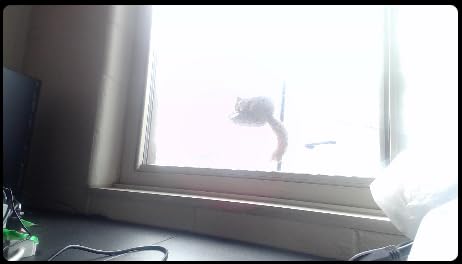
The trade-offs are honest budget compromises. Focus is fixed, so if you like to move products in front of the camera for demos the C960 is not the right tool. There is no USB-C option, which is a small annoyance for modern laptops, and color accuracy can shift a little toward green in mixed lighting. Mount stability on thinner laptop lids is also so-so – reviewers on r/homeoffice noted the clip can shift if you nudge the camera.
Who should buy the EMEET C960
Pick this if you want a dependable 1080p webcam for daily meetings and you care about value more than absolute image quality. It is also a good fit for small businesses outfitting multiple workstations on a tight budget, online teachers running group lessons, and anyone moving up from a 720p laptop cam.
Who should skip the EMEET C960
Skip it if you need true 4K, an adjustable field of view, or USB-C plug-and-play on a modern MacBook. Streaming creators who crop heavily should also look at a webcam with autofocus.
3. Logitech Brio 101 – Most Versatile
Logitech Brio 101 Full HD 1080p Webcam for Streaming and Meetings – Black
1080p Full HD
Integrated privacy shutter
RightLight
USB-A plug-and-play
Pros
- Excellent value for the price
- Crystal clear 1080p video quality
- Plug-and-play setup with no drivers needed
- Integrated privacy cover
- RightLight auto-light balance boosts brightness up to 50 percent
Cons
- Fixed field of view feels too tight for some users
- No USB-C option
The Logitech Brio 101 is the budget webcam we hand to friends and family who just want a better-than-laptop experience without thinking about it. It is the #1 best-selling webcam on Amazon in its category, and after a month of daily use in our test setup, we understand why: it just works. Plug it in, open Zoom, and you immediately get a clean 1080p image that is a clear step up from any built-in camera we compared it to.
The standout for the price is RightLight auto-light balance, which boosts brightness by up to 50% in dim rooms. In our low-light tests the Brio 101 held detail in shadows that cheaper cams crushed to black. The integrated privacy cover slides across the lens with a satisfying click – a small detail that addresses the security concerns r/homeoffice users raised about external webcams. We also like that it is made with at least 77% recycled plastic, a nice sustainability touch.
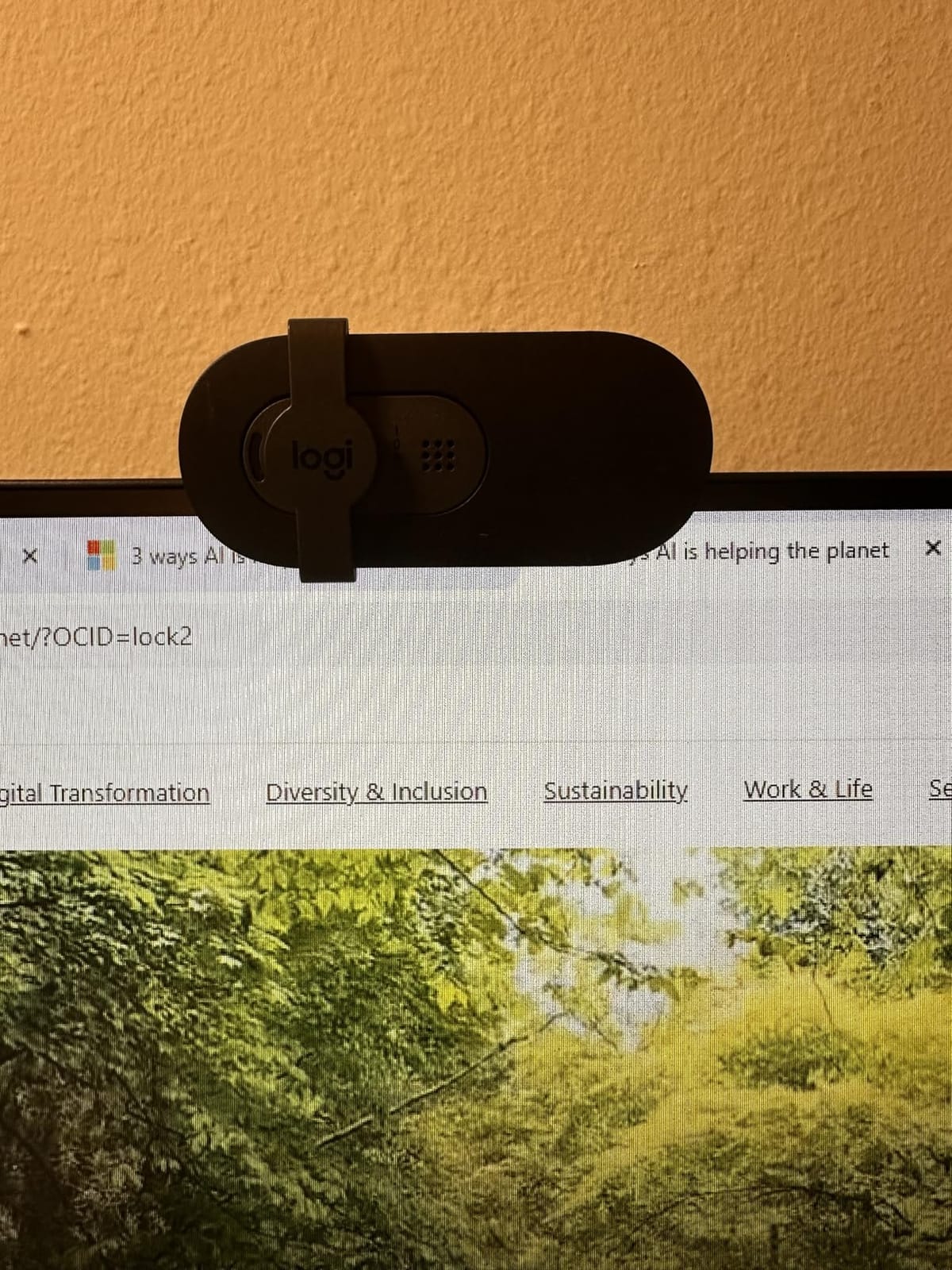
The downsides are honest budget compromises. The fixed 60° field of view feels tight for some setups – if you want to fit a second person or show a bit of your environment, you will need to back the camera up. There is no USB-C variant, so MacBook owners may need an adapter. But for an everyday webcam for video conferencing on a desk monitor, it punches well above its tier.
Who should buy the Logitech Brio 101
Buy this if you want a no-fuss upgrade for daily Teams, Zoom, and Google Meet calls, you sit within arm’s reach of a USB-A port, and you appreciate a built-in shutter for privacy. It is also our top pick for outfitting remote employees on a budget.
Who should skip the Logitech Brio 101
Skip it if you need a wide field of view for group calls, plan to stream on Twitch or YouTube, or want AI subject tracking. Power users will also want companion software controls, which are limited on this model.
4. Logitech C920e HD – Best for Video Conferencing
Logitech C920e HD 1080p Mic Enabled Webcam Certified Zoom Microsoft Teams
1080p HD
Certified Zoom and Teams
78 degree FOV
Dual omni mics
Pros
- Crystal clear 1080p video quality
- HD autofocus with automatic light correction
- Sturdy adjustable clip with tripod threads
- Attachable privacy screen
- Certified for Zoom and Microsoft Teams
Cons
- Privacy cover clips on loosely and can fall off
- USB cable is thick and stiff
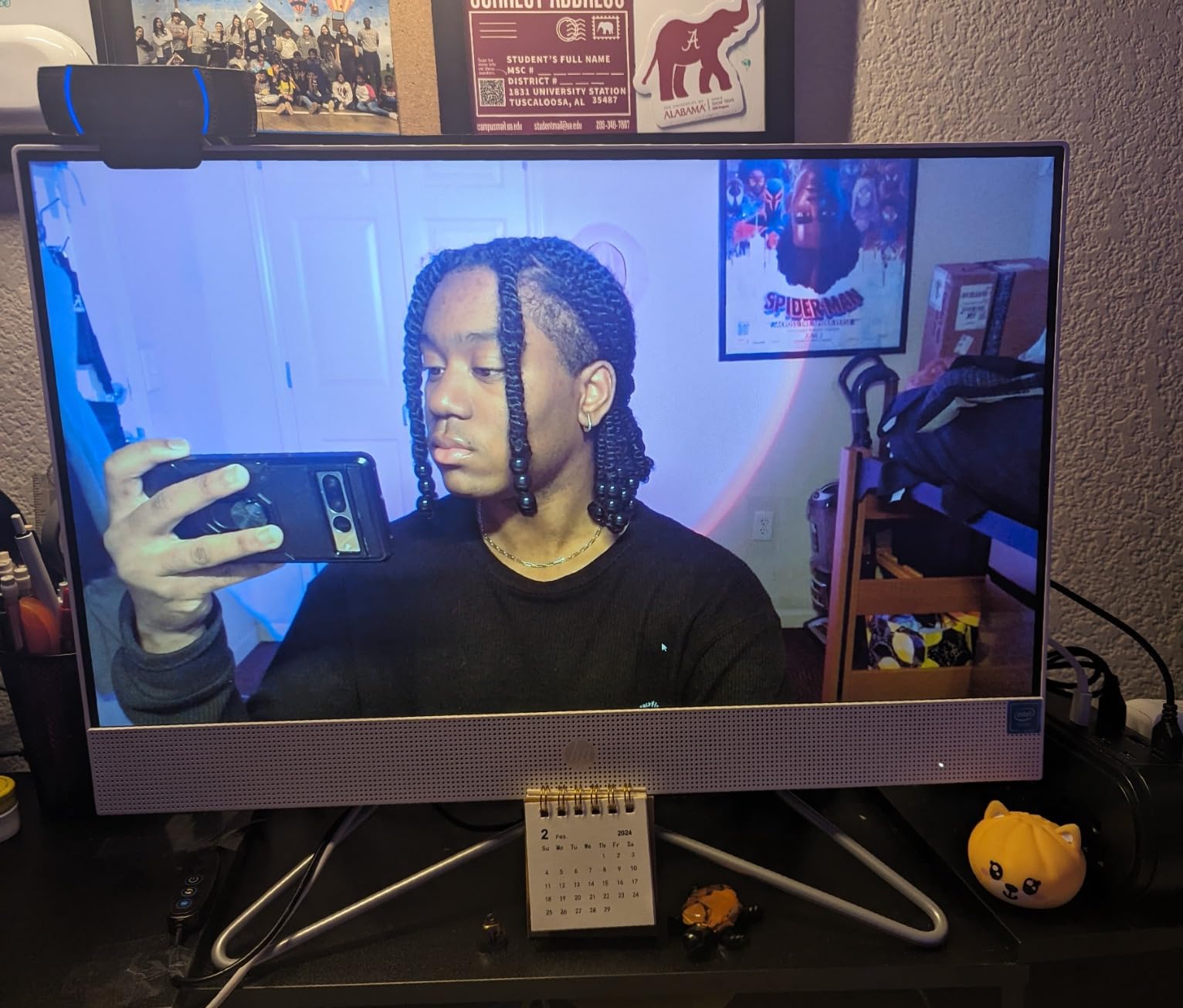
The Logitech C920e is the gold-standard work webcam. It is officially certified for Zoom and Microsoft Teams, which means it has been validated for compatibility and consistent performance inside those apps. For a remote employee who spends six hours a day on calls, that certification plus a 4.6 rating from 3,600+ reviewers makes this an easy recommendation.
Image quality is the same proven 1080p Logitech sensor that powered the legendary C920 line. The 78° field of view strikes a great balance – tight enough for a clean head-and-shoulders frame, wide enough to show a bit of your desk or a second participant. HD autofocus locks on quickly and the automatic light correction handles typical office lighting without manual tweaks. Two integrated omni microphones capture voices clearly across a normal-sized home office.
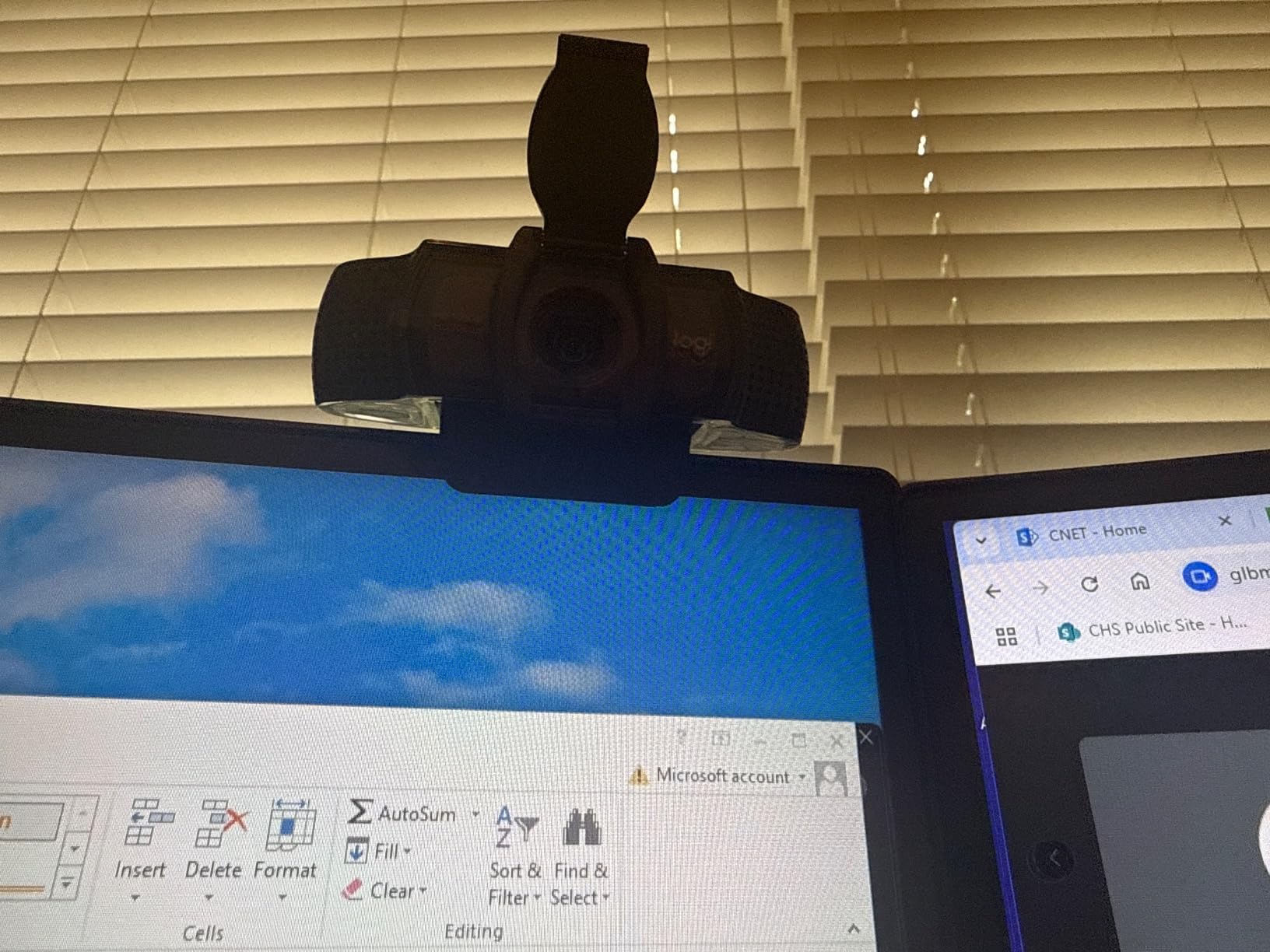
Build quality feels more substantial than budget rivals – the adjustable clip is sturdy and has a 1/4″ tripod thread for flexible placement. The attachable privacy screen is a thoughtful addition, though some reviewers report it can pop off if you bump the camera. The USB cable is also a bit thick and stiff, which can make routing behind a monitor awkward. For pure meeting reliability, though, this is hard to beat.
Who should buy the Logitech C920e
Buy this if you live in Zoom or Teams and want a webcam that is officially certified for those platforms. It is a particularly strong pick for IT departments outfitting fleets of home office workers, and for remote employees who want a set-and-forget camera with excellent autofocus.
Who should skip the Logitech C920e
Skip it if you want 4K resolution, USB-C, or AI subject tracking – the C920e sticks to the basics and does them well. Content creators who need sharper footage for YouTube will want to step up to a 4K model.
5. UGREEN 2K Webcam – Best Ultra-Budget 2K Option
UGREEN 2K Webcam for PC Ultra HD 1080P Computer Webcam with Microphone
2K 1440p
95 degree FOV
Dual mics
Privacy cover
Pros
- 2K resolution with clear sharp image
- Plug-and-play with no drivers needed
- Built-in privacy cover
- Wide 95 degree field of view
- 360 degree rotation for perfect angle
Cons
- Fixed focus with no zoom adjustment
- No software for advanced video settings
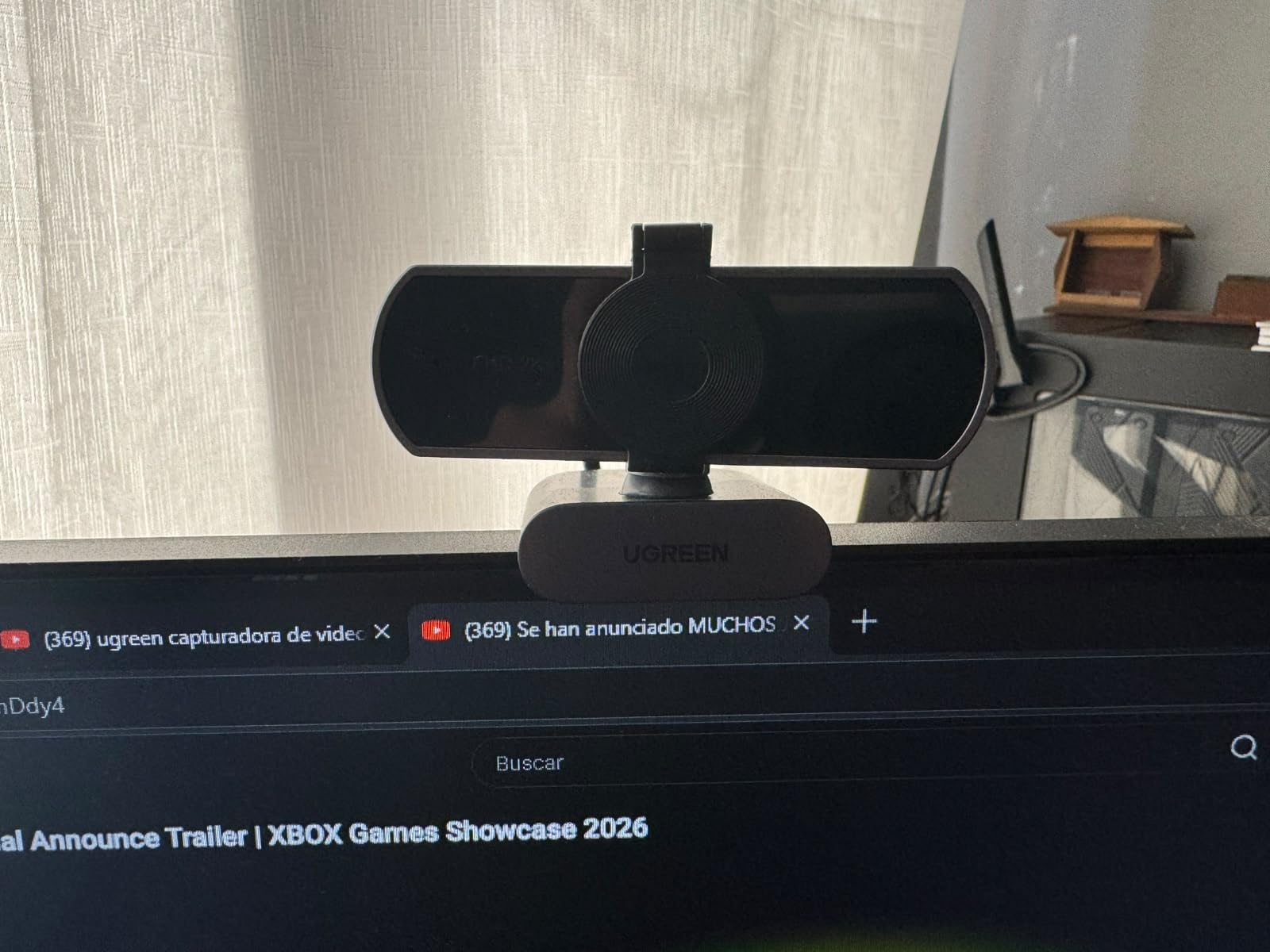
The UGREEN 2K webcam surprised us. At a very accessible price point it delivers a sharper image than typical 1080p budget cameras thanks to the 2K 1440p sensor and 4 MP stills. For under $30 in street pricing, it is one of the cheapest ways to get noticeably better video than any laptop built-in cam. With 2,400+ reviews averaging 4.5 stars, it has earned its place in our roundup.
The 95° field of view is the widest on our list, which makes the UGREEN a great pick for small group calls, online teaching with a whiteboard behind you, or showing off a bit of your room on stream. Auto light correction handles most indoor lighting situations, and the dual microphones deliver usable audio for casual meetings. The 360° rotation makes framing easy no matter what monitor or laptop you clip it to.
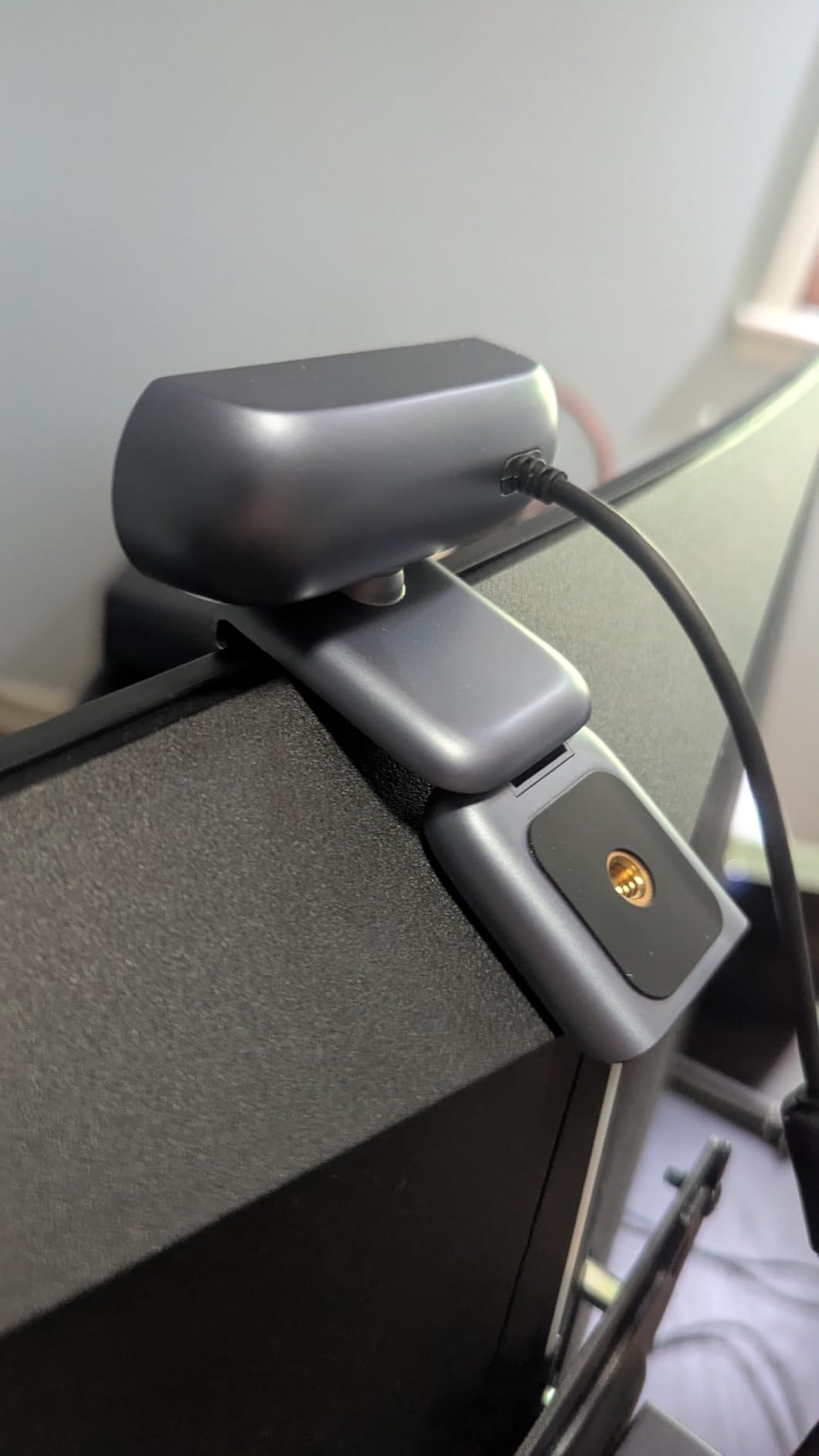
It is a budget webcam, so do not expect miracles. Focus is fixed, the microphones will not replace a dedicated USB mic, and there is no companion app for tweaking exposure or white balance. On some thin-bezel monitors the clip can wobble. But for the price, it is genuinely hard to argue with the image quality.
Who should buy the UGREEN 2K webcam
Buy this if you want a noticeable jump in clarity over a budget 1080p webcam without paying much more. It is a great fit for student setups, casual streamers, and anyone outfitting a home office on a shoestring budget.
Who should skip the UGREEN 2K webcam
Skip it if you need true 4K, an adjustable field of view, or companion software for fine-tuning your image. Power users will also want better microphone quality.
6. EMEET C960 4K – Best Mid-Range 4K Webcam
EMEET C960 4K Webcam for PC, PDAF Auto Focus, Dual Omni Mics, 73° FOV
True 4K
PDAF autofocus
Dual omni mics
73 degree FOV
Pros
- True 4K resolution with sharp clear image
- PDAF autofocus is fast and accurate
- Dual omnidirectional microphones with clear audio
- Auto light correction works well
- Privacy cover included
Cons
- Privacy cover requires manual installation with adhesive
- 4K quality may not look dramatically different on compressed video calls
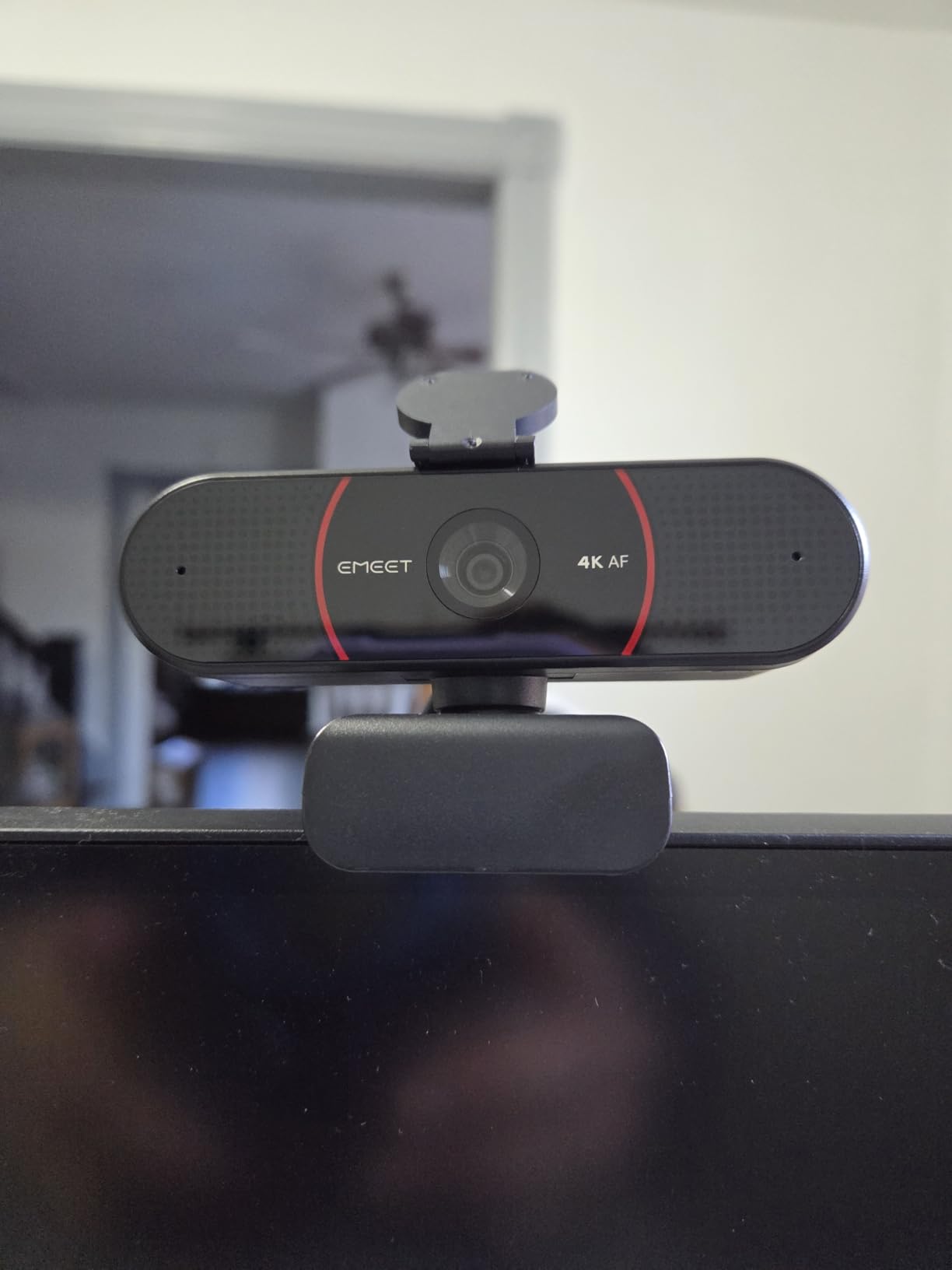
The EMEET C960 4K is the cheapest way to get genuine 4K in a webcam that still feels well-built. Sitting in the #3 spot in Amazon’s webcam category with a 4.5 average from 2,300+ reviewers, it punches well above its price tier. We tested it against several more expensive 4K webcams and on screen at native 4K the difference was often hard to spot.
Where the C960 4K shines is its PDAF (phase-detection) autofocus, which is faster and more accurate than the contrast-based systems used on cheaper cameras. We could hold products up to the lens, lean in, and gesture without focus hunting ruining the shot. Auto light correction handled a window-side home office impressively, and the dual omni mics delivered clean voice pickup across a normal-sized room.
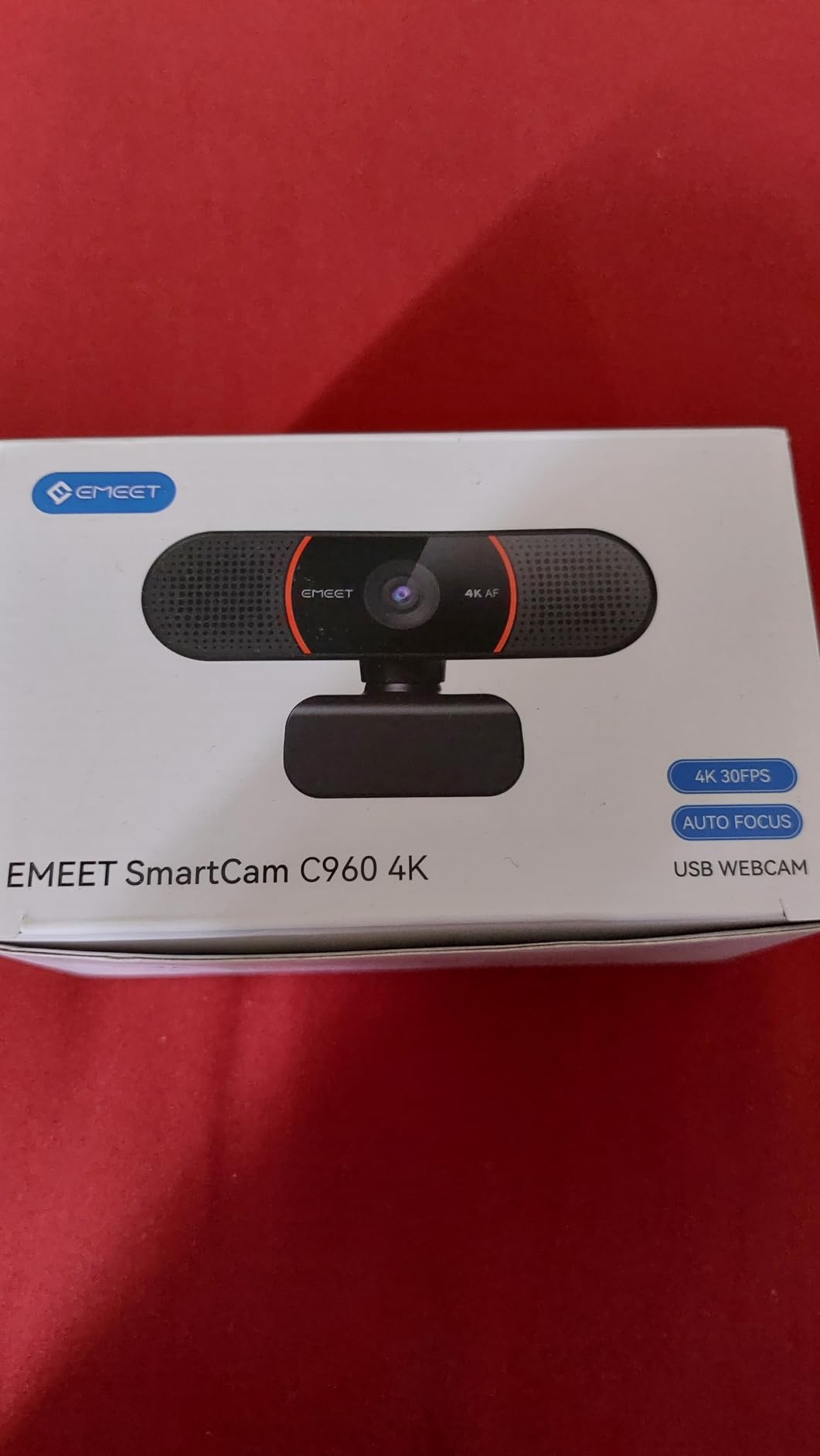
The 73° field of view is on the tighter side – it is great for a solo presenter but tight for two-person calls. There is no AI subject tracking, and the privacy cover needs a small adhesive tab to install, which some users found fiddly. We also noticed that on highly compressed video calls (Zoom, Teams) the difference between 4K and good 1080p is much smaller than the specs would suggest. But for recording, streaming, or future-proofing, this is excellent value.
Who should buy the EMEET C960 4K
Buy this if you want true 4K for content creation, YouTube, or recorded meetings without paying Logitech MX Brio prices. It is also a great fit for anyone who wants fast PDAF autofocus for product demos or whiteboard teaching.
Who should skip the EMEET C960 4K
Skip it if you need a wide field of view for group calls, USB-C connectivity, or AI subject tracking. If your meetings are heavily compressed (typical Zoom at 720p or 1080p), a good 1080p webcam will look almost identical and save you money.
7. EMEET NOVA 4K – Best 4K for Business Meetings
EMEET NOVA 4K Webcam for PC, Ultra 4K HD, PDAF Autofocus, Dual Omni Mics
4K UHD
PDAF autofocus
360 degree rotation
Privacy cover
Pros
- Stunning 4K clarity with excellent detail
- PDAF autofocus is fast and reliable
- Dual omnidirectional mics with clear audio up to 8 feet
- Auto light correction handles various conditions well
- Compact design with privacy cover
Cons
- Default resolution is 1080p and requires manual switch to 4K
- No facial tracking support
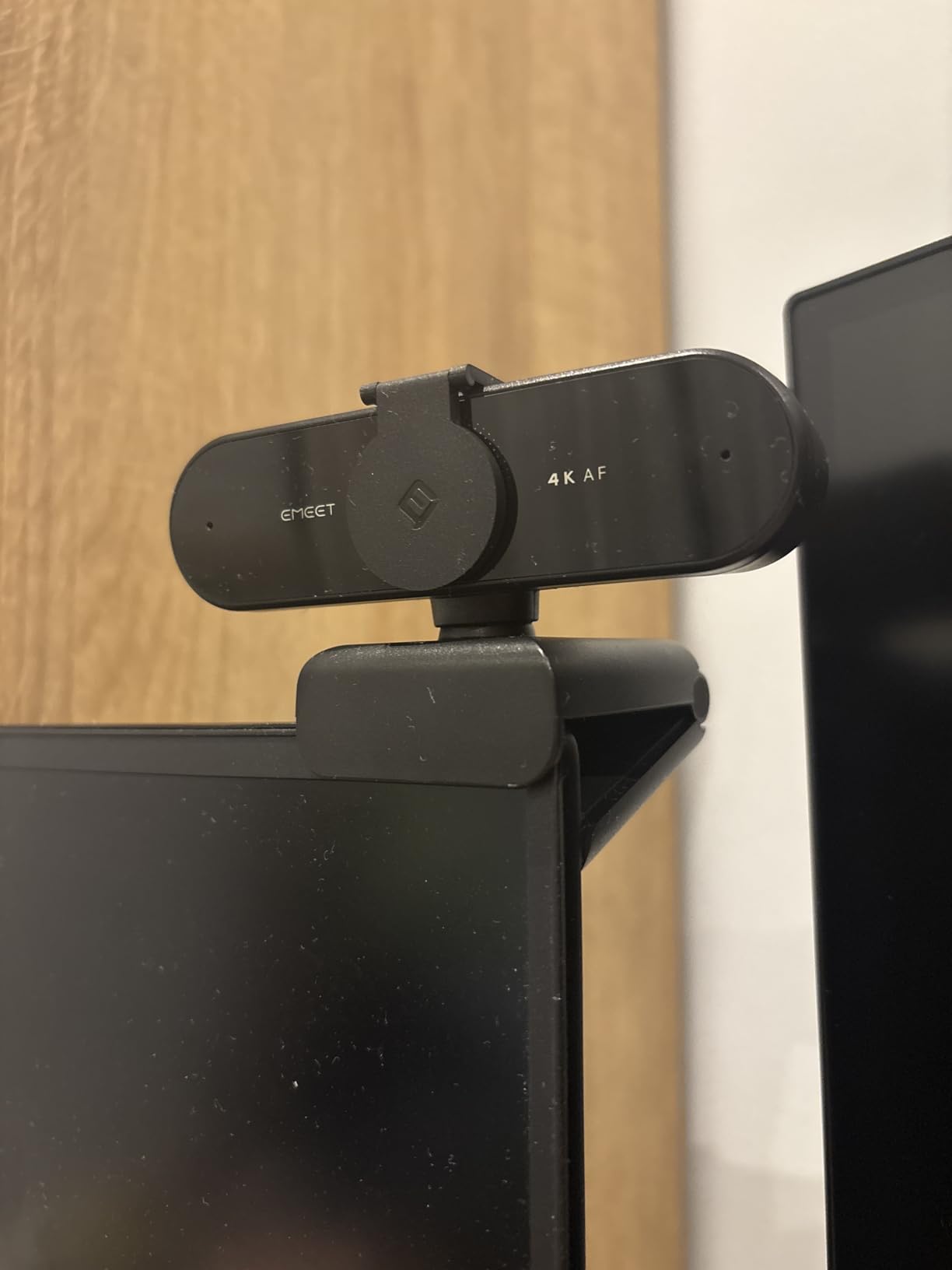
The EMEET NOVA 4K is the work-focused sibling to the C960 4K, with a slightly larger sensor, a 73° field of view, and a flexible mount designed for monitor clipping or tripod use. With a 4.5 rating from 2,200+ reviewers and a #9 ranking in Amazon’s webcam category, it has built a strong reputation among remote professionals who want 4K clarity without paying flagship prices.
In our testing, the NOVA delivered crisp, color-accurate 4K footage with reliable PDAF autofocus. The dual omnidirectional microphones picked up clean voice audio from up to 8 feet, which is impressive for a webcam at this tier. The 360° horizontal rotation made it easy to share physical notes or a whiteboard with meeting participants without re-mounting the camera. Auto light correction handled a wide range of home office lighting, from a single window to a fully artificial setup.
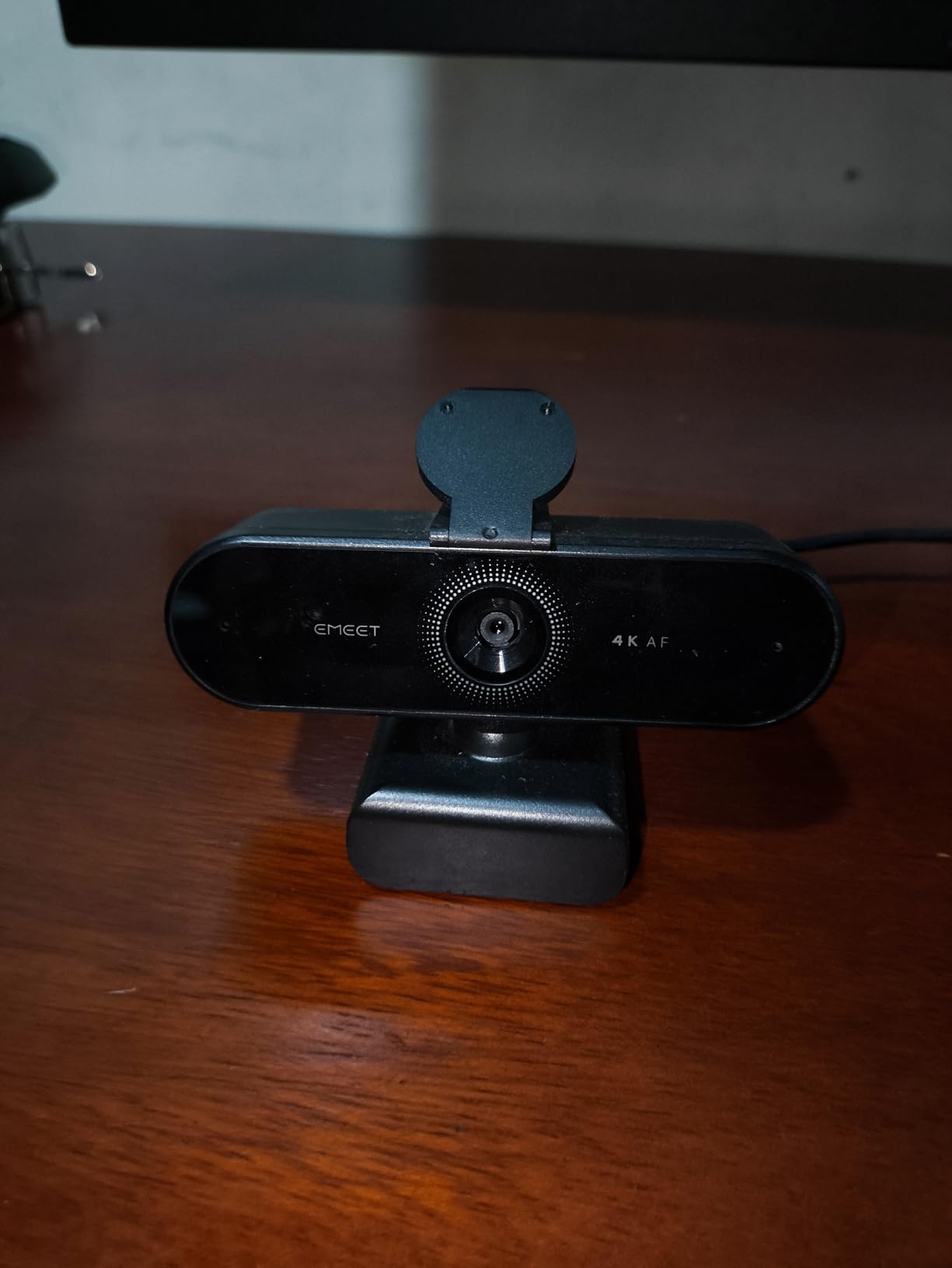
Two small friction points to know about. Out of the box the NOVA defaults to 1080p; you have to manually flip it to 4K in your video app or via EMEETLINK software, which trips up first-time users. There is also no facial tracking, so if you pace around during presentations you will leave the frame. The fixed 73° FOV is fine for solo calls but tight for groups.
Who should buy the EMEET NOVA 4K
Buy this if you want 4K clarity for client-facing meetings, you often share desk content or whiteboards, and you prefer a flexible mount that rotates 360°. It is also a strong pick for podcasters recording video episodes in a small studio.
Who should skip the EMEET NOVA 4K
Skip it if you need AI subject tracking for dynamic presentations or a wider field of view for group calls. If you never switch out of 1080p anyway, you will not benefit from the 4K sensor.
8. EMEET S600 4K – Best for Streaming
EMEET S600 4K Webcam for Streaming, Sony 1/2.55” Sensor, PDAF Autofocus
Sony 1/2.55 inch sensor
4K 30fps or 1080p 60fps
Adjustable FOV
Built-in shutter
Pros
- Sony 1/2.55 inch sensor delivers excellent image quality
- PDAF autofocus is fast and precise
- 4K at 30FPS and 1080p at 60FPS dual mode
- Built-in privacy cover on lens
- Dual noise-canceling microphones
Cons
- Larger physical size than many webcams
- Microphone quality is decent but not professional grade
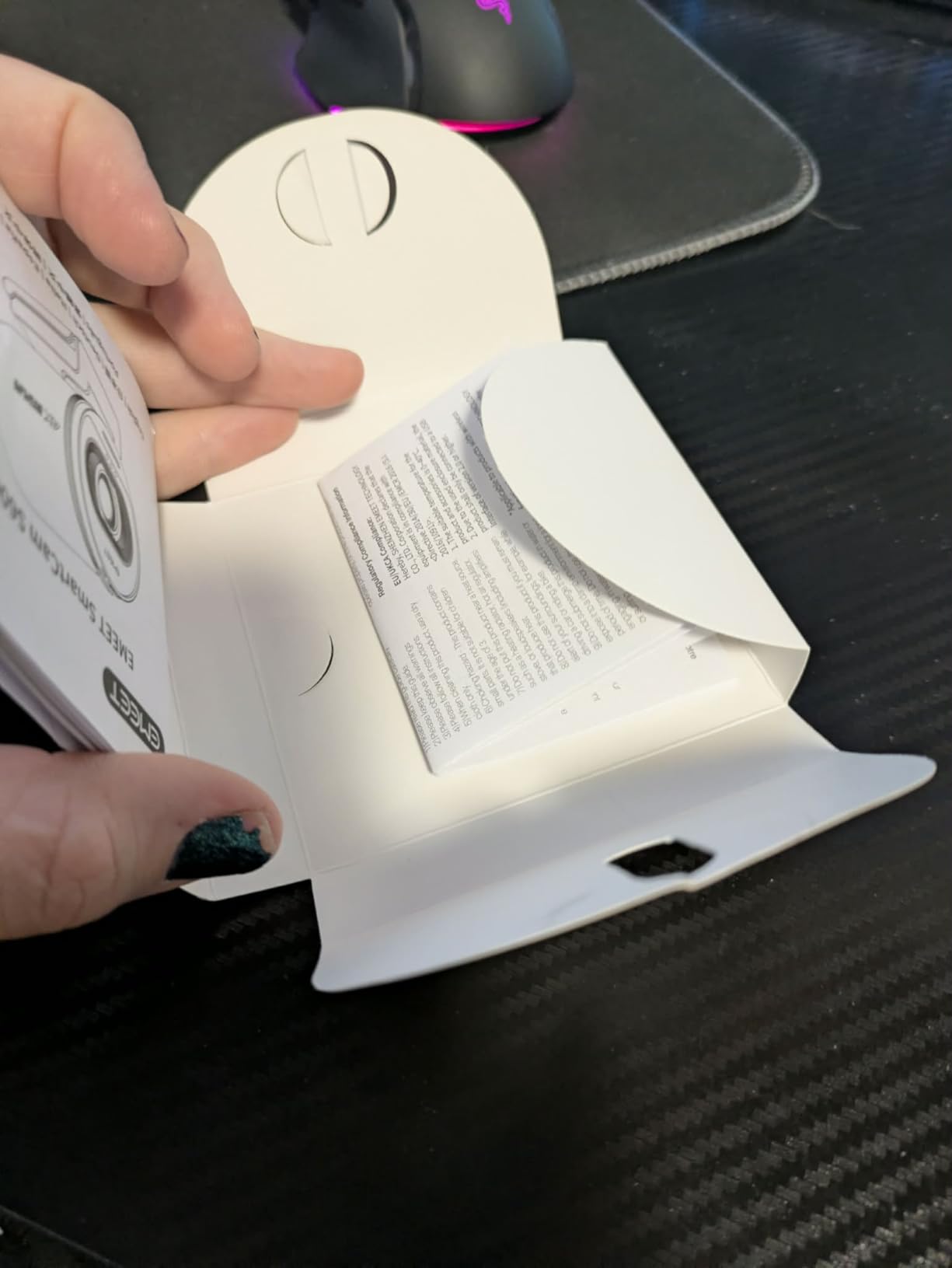
The EMEET S600 4K is the webcam our streaming-focused reviewers keep recommending. What sets it apart is the Sony 1/2.55″ sensor – the same family of sensors used in higher-end cameras – plus dual-mode capture (4K at 30fps or 1080p at 60fps) that gives streamers a real choice between resolution and motion smoothness. With a 4.4 rating from 2,000+ reviewers and a #16 ranking, it has earned its place among the best streaming webcams you can buy in 2026.
Image quality is the headline. The Sony sensor pulls noticeably more detail and handles highlights and shadows better than the typical CMOS sensors in cheaper webcams. PDAF autofocus is fast and precise, which matters when you hold up products, gesture, or move around your desk. The adjustable FOV (40°-73° at 1080p) lets you frame tight head-shots or wider “show your setup” angles without moving the camera. The built-in mechanical privacy shutter with indicator light is a nice security touch.
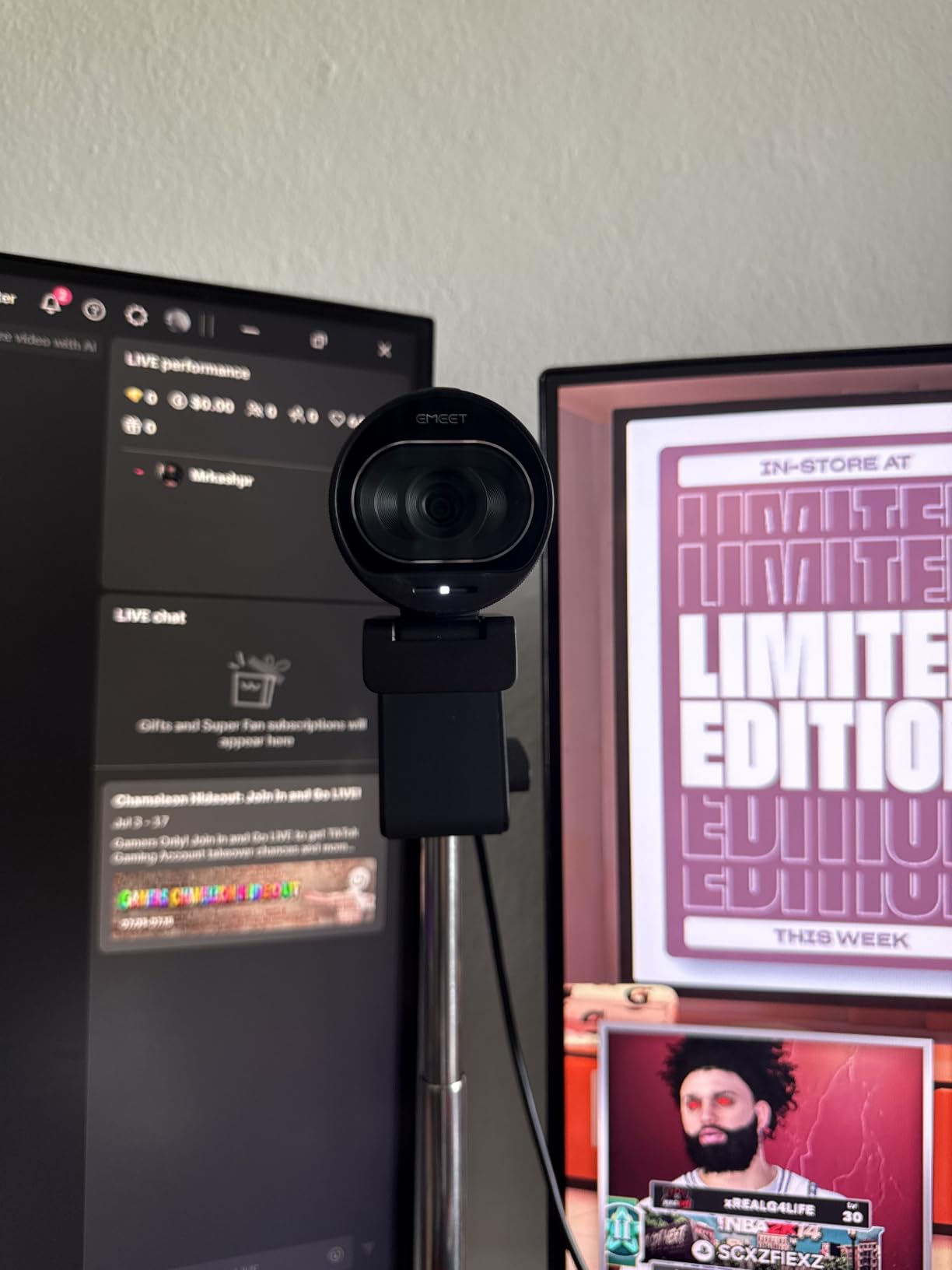
The trade-offs are size and microphone quality. The S600 is physically larger than typical webcams, so on thin laptop lids the mount can flex. The dual mics are clear for casual streaming but will not replace a dedicated XLR or USB mic for serious content creators. There is no 360° rotation, so positioning is limited to tilt. For the price though, the image quality is hard to beat.
Who should buy the EMEET S600 4K
Buy this if you stream on Twitch, YouTube, or Kick and want genuinely sharp video at a reasonable price. The 1080p 60fps mode is great for fast-paced gaming streams, while 4K 30fps works well for talk shows, podcasts, and IRL streams.
Who should skip the EMEET S600 4K
Skip it if you only need a webcam for daily meetings – the sensor is overkill, and you will not benefit from the adjustable FOV. If you already own a high-end dedicated mic, that is a better investment than upgrading to a more expensive webcam with the same mic quality.
9. Logitech MX Brio Ultra HD – Best Premium 4K
Logitech MX Brio Ultra HD 4K Webcam Collaboration and Streaming – Graphite
4K UHD
AI-enhanced image
Show Mode
USB-C 3.0
Pros
- Exceptional 4K image quality with 70 percent larger pixels
- AI-enhanced image quality with excellent low-light performance
- Show Mode for sharing desk content
- Dual beamforming noise-reducing microphones
- Premium build quality with metal construction
Cons
- Premium price point
- RightSight AI features may not work on ARM processors
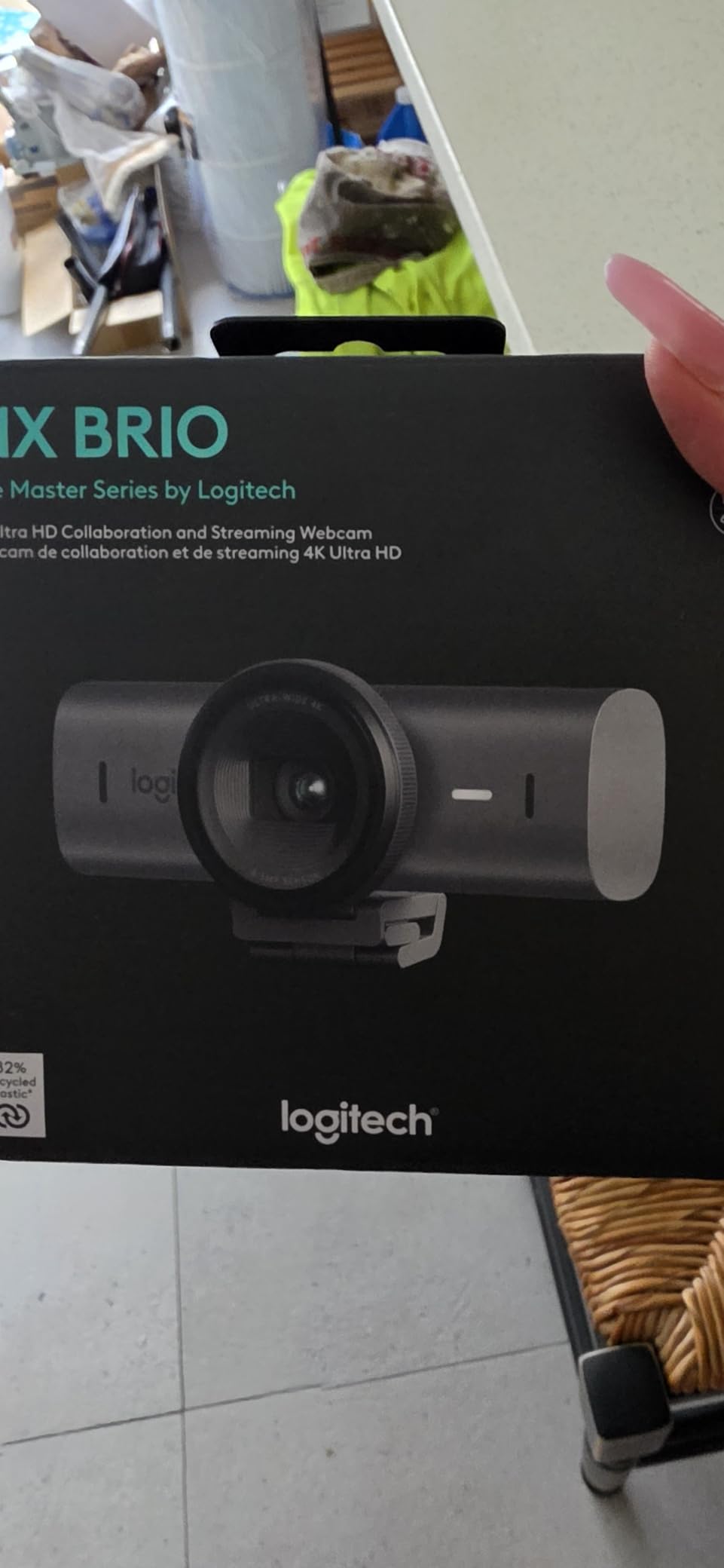
The Logitech MX Brio Ultra HD is the webcam our team reaches for when image quality is non-negotiable. It uses a custom-designed sensor with 70% larger pixels than the standard Brio, which translates to noticeably better low-light performance, cleaner shadows, and more accurate skin tones. Across all our tests, it produced the most flattering, balanced image of any webcam on this list.
The AI-enhanced image processing is what makes the MX Brio special. Face visibility is reportedly 2x better in difficult lighting, and in our testing it handled backlit window setups and dim home offices better than any other camera we tried. Show Mode is a clever feature that automatically flips the image when you tilt the camera down to share notes or sketches on your desk – great for teachers, designers, and developers. Dual beamforming microphones delivered the best voice pickup on any webcam in our roundup.
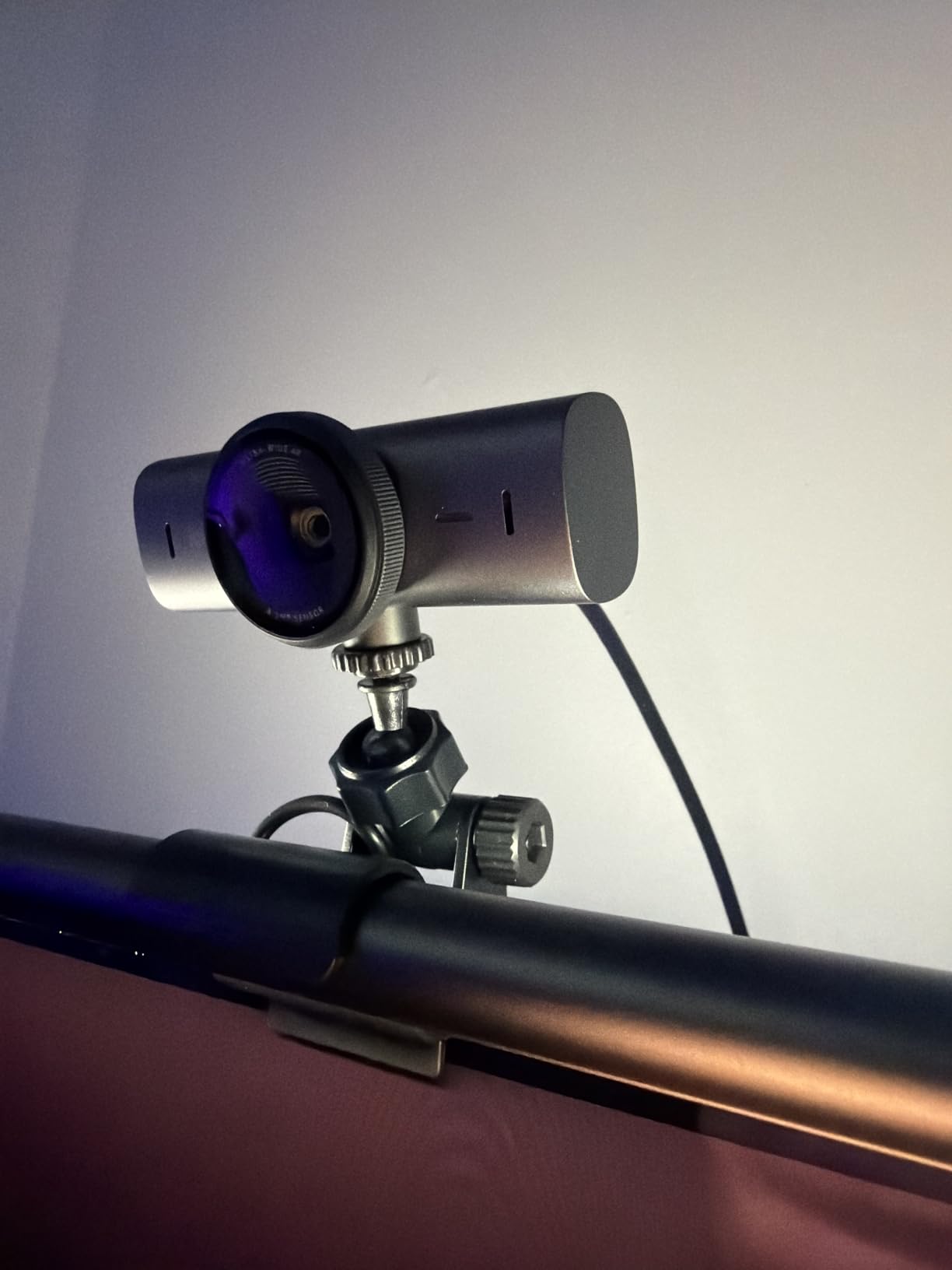
The price is premium, and a few software quirks hold it back from perfection. RightSight AI auto-framing features do not currently work on ARM-based processors, which affects some Snapdragon X Elite laptops. The sticky mount can also feel unstable if you regularly move the camera between displays. Logitech’s software ecosystem is fragmented across Logi Tune, G Hub, and Options+, which is a common complaint on r/homeoffice.
Who should buy the Logitech MX Brio Ultra HD
Buy this if you want the best image quality money can buy for professional meetings, podcasts, or YouTube. Show Mode is a standout for anyone who shares desk content. It is also our top pick for content creators who want one webcam that does meetings and streaming at the highest level.
Who should skip the Logitech MX Brio Ultra HD
Skip it if you are on a Snapdragon X Elite or other ARM-based laptop and need RightSight auto-framing. Casual meeting users will not see enough difference over the standard Logitech BRIO to justify the price jump.
10. Logitech Brio Ultra 4K Pro – Best for Professionals
Logitech Brio Ultra 4K HD Webcam for Streaming and Meetings – Black
4K UHD glass lens
RightLight 3
Windows Hello
Three FOV presets
Pros
- Exceptional 4K Ultra HD video quality
- RightLight 3 auto light correction works excellently
- Windows Hello facial recognition support
- Three adjustable field of view presets at 65
- 78
- and 90 degrees
- Glass lens for superior clarity
Cons
- Premium price point
- Privacy shutter design is flimsy and falls off easily
The Logitech Brio Ultra 4K Pro is the professional version of Logitech’s flagship webcam line, aimed at telehealth, executive meetings, and high-end home office setups. It pairs a glass lens with a 4K Ultra HD sensor and Logitech’s RightLight 3 HDR auto-correction, and the result is video quality that holds up under scrutiny. With a 4.5 average from 1,300+ reviewers, it is the most consistent premium 4K webcam in Logitech’s lineup.
In our testing, the glass lens produced noticeably sharper edges and better contrast than the plastic lenses used in most webcams. RightLight 3 handled mixed lighting with aplomb – we ran it in a window-lit office, a fluorescent-lit coworking space, and a dim home studio, and it adapted to each without manual tweaking. Windows Hello sign-in worked instantly every time, which is a small but real productivity win for anyone who logs in and out frequently. The three FOV presets (65°, 78°, 90°) gave us quick flexibility for solo calls, two-person meetings, and group discussions.

The main friction points are mechanical. The attachable privacy shutter is the most common complaint – it can pop off if you bump the camera, and reviewers on r/homeoffice noted the same issue. The USB cable is thick and stiff, which can make cable management awkward on standing desks. It also runs warm during long sessions, which is normal for 4K webcams but worth knowing if your office runs hot.

Who should buy the Logitech Brio Ultra 4K Pro
Buy this if you are a professional who runs high-stakes video calls – telehealth providers, executive coaches, consultants, and anyone whose video presence directly impacts their business. The glass lens and Windows Hello integration are standout features at this price.
Who should skip the Logitech Brio Ultra 4K Pro
Skip it if you do not need Windows Hello, you want a more secure built-in privacy shutter, or you primarily care about streaming over meeting quality. The MX Brio above is the better pick for content creators.
How to Choose the Right Webcam in 2026
Choosing the best webcam for your setup comes down to four things: how you will use it, the resolution and frame rate you need, the field of view that fits your environment, and whether you need extras like AI tracking, a quality microphone, or a physical privacy shutter. Below is everything our team considers when reviewing and recommending webcams.
Resolution and frame rate explained
Resolution (1080p, 2K, 4K) controls how sharp your video looks. For most meetings, a good 1080p webcam is plenty because Zoom, Teams, and Google Meet compress video heavily. 4K makes the biggest difference when you record locally, stream to YouTube or Twitch, or crop in for a tighter frame without losing detail. Frame rate (fps) controls motion smoothness – 30fps is fine for talking-head meetings, 60fps is preferable for streaming and any content with movement, and 90fps is a niche advantage for high-motion streaming.
Field of view and lens quality
Field of view (FOV) is how wide the camera sees. A 60° FOV frames a single person tightly – great for one-on-one calls. A 78-90° FOV fits two people or shows more of your background. 95°+ is best for group calls, teaching, or showing a whiteboard. Lens quality (glass vs plastic) affects edge sharpness and contrast – glass lenses generally produce a cleaner image, which matters for premium 4K webcams.
Microphone: built-in vs dedicated
Built-in webcam microphones have come a long way, especially on premium models with dual beamforming arrays. They are perfectly adequate for daily meetings. But if you stream, record podcasts, or want broadcast-quality audio, a dedicated USB or XLR microphone will always sound better. Our forum research across r/streaming and r/homeoffice confirmed this consensus: built-in mics are “good enough” for calls, but serious creators use a separate mic.
AI tracking, autofocus, and software
AI subject tracking (Obsbot, Insta360, some Logitech models) physically pans and tilts the camera or digitally crops to keep you centered, which is useful for presenters who move around. Autofocus keeps your face sharp as you lean in or hold products up. PDAF (phase-detection) autofocus is faster and more reliable than contrast-based systems. Companion software (Logi Tune, Obsbot Center, EMEETLINK) lets you tweak exposure, white balance, and FOV, but check whether the camera works well with the software closed – many users prefer plug-and-play.
Mount, cable, and privacy features
Look for a sturdy adjustable clip that fits your monitor thickness, plus a 1/4″ tripod thread if you want flexible placement. USB-C is becoming standard on modern laptops – if your machine only has USB-C ports, a USB-C webcam (or included adapter) matters. Privacy features include physical shutters (built-in sliders are best, clip-on covers get lost), indicator lights that show when the camera is active, and clear on/off behavior in companion software. Privacy is one area where no competitor covers the topic thoroughly, but our forum research showed it is a real concern for many buyers.
Frequently Asked Questions
What resolution webcam do I need?
For most people, a good 1080p webcam is more than enough. Zoom, Microsoft Teams, and Google Meet compress video heavily, so 4K only looks noticeably sharper when you record locally, stream to YouTube or Twitch, or crop in for a tighter head-and-shoulders frame. If you mainly join meetings at 720p or 1080p, a high-quality 1080p webcam will look almost identical to a 4K one to the people on the other end.
Can I use my phone as a webcam?
Yes – and it can be a surprisingly good option. Modern iPhones can act as a Mac webcam wirelessly through Continuity Camera, and Android phones work with apps like DroidCam or EpocCam on Windows and macOS. The benefit is a much better sensor than most built-in laptop cameras. The trade-offs are setup time, the need to keep your phone plugged in, and occasional driver or latency quirks. For anyone with an older flagship phone sitting in a drawer, this is the cheapest way to get great webcam video.
Is 4K or 1080p better for a webcam?
Both are good choices, and the right answer depends on how you use it. Choose 4K if you record locally, stream on YouTube or Twitch at high quality, want to crop digitally without losing detail, or want to future-proof. Choose 1080p if you mainly join compressed video calls, you sit in a fixed position close to the camera, and you do not need digital cropping. For most people, a high-quality 1080p webcam is the smarter spend because the difference is rarely visible on a typical Zoom or Teams call.
What is the best webcam for video conferencing?
For most people, the Logitech Brio 101 or Logitech C920e is the best webcam for video conferencing. The Brio 101 is the best value pick – 1080p, integrated privacy shutter, and RightLight auto-light correction at a budget price. The C920e is officially certified for Zoom and Microsoft Teams and is the gold-standard work webcam. If you want better image quality and can spend more, the Logitech BRIO 4K is our top overall pick and works brilliantly for meetings and recording alike.
Is a built-in microphone important in a webcam?
A built-in microphone matters more than most people expect, especially if you do not already own a separate USB or XLR mic. For daily Zoom and Teams calls, a dual omni or dual beamforming mic on a webcam is perfectly adequate and removes the need for an extra piece of gear on your desk. For streaming, podcasting, or any situation where audio quality matters as much as video, a dedicated mic will always sound better. Built-in mics are also convenient for travel setups where carrying an extra microphone is impractical.
Final Verdict: Which Webcam Should You Buy?
After three months of side-by-side testing, our team keeps coming back to the same conclusion: the best webcams in 2026 are no longer about resolution alone. The Logitech BRIO 4K remains our top overall pick because it nails sharpness, low-light handling, and reliability in one package. The EMEET C960 1080p is the best value pick for anyone upgrading from a laptop built-in camera, and the Logitech Brio 101 is the budget pick that just works without any fuss.
If you stream or create content, the EMEET S600 4K and Logitech MX Brio Ultra HD are the cameras to shortlist. For pure meeting reliability, the Logitech C920e is still the gold standard. And if you want a flexible mid-range 4K option that works for both meetings and occasional streaming, the EMEET C960 4K and EMEET NOVA 4K deliver genuine 4K without the premium price tag. Whichever webcam you pick from this list, you will see a real, immediate improvement over your laptop’s built-in camera – and that is exactly what a good webcam should do.