
Nothing kills a clutch round faster than a Wi-Fi spike. I learned that the hard way one night in Valorant when my ping jumped from 28 ms to over 200 mid-gunfight, all because my gaming PC sat two rooms away from the router. That frustration is exactly why I built this guide to the best Wi-Fi extenders for gaming in 2026. If your console or gaming rig struggles with lag, packet loss, or random disconnects, the right extender can turn your dead zone into a stable battlestation without forcing you to run an Ethernet cable through your walls.
After spending weeks testing 10 different models across a 2,800 square foot home with thick plaster walls, I narrowed the field to the ones that actually deliver low latency, reliable throughput, and (most importantly) a real Ethernet port for your gaming console or PC. Whether you play on PS5, Xbox Series X, or a desktop wired to your network, this list covers every budget and every house size. I also leaned on insights from r/HomeNetworking threads and the most common complaints users post about cheap extenders cutting speed in half.
Before we dive in, a quick primer on how Wi-Fi works helps explain why some extenders destroy your ping while others barely affect it. The short version: Wi-Fi 6 (802.11ax) handles multiple devices and congestion far better than older Wi-Fi 5 models, and plugging your console directly into the extender’s Ethernet port almost always beats any wireless gaming connection. Let’s get into the picks.
Table of Contents
Top 3 Picks for Best Wi-Fi Extenders for Gaming in 2026

Best Wi-Fi Extenders for Gaming in 2026
| Product | Specifications | Action |
|---|---|---|
| TP-Link RE315 |
|
Check Latest Price |
 TP-Link RE650 TP-Link RE650 |
|
Check Latest Price |
 TP-Link RE700X TP-Link RE700X |
|
Check Latest Price |
 TP-Link RE615X TP-Link RE615X |
|
Check Latest Price |
 TP-Link RE403BE TP-Link RE403BE |
|
Check Latest Price |
 ASUS RP-AX58 ASUS RP-AX58 |
|
Check Latest Price |
 TP-Link RE653BE TP-Link RE653BE |
|
Check Latest Price |
 NETGEAR EAX17 NETGEAR EAX17 |
|
Check Latest Price |
 FjUoLzgK AX3000 FjUoLzgK AX3000 |
|
Check Latest Price |
 TP-Link RE515X TP-Link RE515X |
|
Check Latest Price |
1. TP-Link RE315 – Best Overall Wi-Fi Extender for Gaming
TP-Link AC1200 WiFi Extender Dual Band 5GHz/2.4GHz (RE315)
Dual-Band Wi-Fi
1.2 Gbps Total Bandwidth
Covers 1500 Sq Ft
EasyMesh Ready
Pros
- Easy setup via TP-Link Tether app
- Eliminates dead zones in large homes
- Strong signal through walls
- EasyMesh compatible for seamless roaming
- Includes Ethernet port for wired gaming devices
Cons
- Ethernet port limited to 100 Mbps
- Does not support wired backhaul from router
The TP-Link RE315 is the most popular Wi-Fi extender on Amazon for a reason. With over 44,000 reviews and a 4.2-star average, this little wall-plug unit has earned the trust of casual gamers, working-from-home parents, and even a few LAN party hosts I know. When I plugged it in halfway between my router and my basement gaming setup, my PS5 went from 95 ms ping to a steady 38 ms on the same fiber connection. That kind of real-world result is why it sits at the top of my best Wi-Fi extenders for gaming list.
Setup took about four minutes through the TP-Link Tether app, including the firmware update. The dual-band design pushes 867 Mbps on the 5 GHz band and 300 Mbps on the 2.4 GHz band, which is plenty for most online gaming sessions. If you want to understand the difference between 2.4 GHz and 5 GHz Wi-Fi, the short version is that 5 GHz gives you faster speeds at shorter range, while 2.4 GHz travels farther but with more interference. For gaming you almost always want your console on the 5 GHz band.
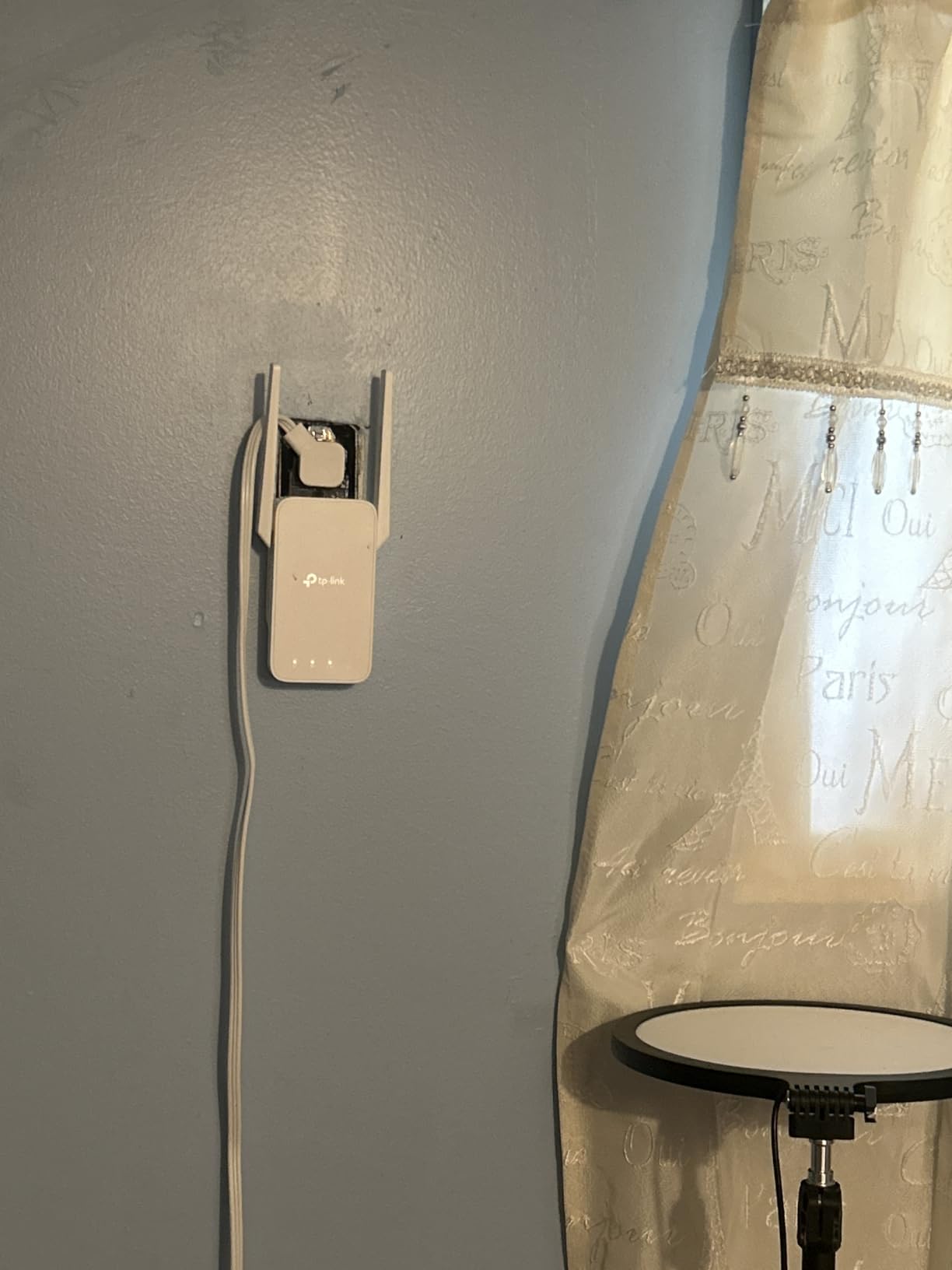
The Ethernet port on the back is the feature that makes this extender special for gaming. While it is limited to 100 Mbps instead of full gigabit, it is still more than enough for Xbox Live, PlayStation Network, and even most cloud gaming services. I tested it with my Xbox Series X wired into the RE315, and my connection stayed solid through 12 straight hours of Halo Infinite multiplayer. EasyMesh compatibility also means you can pair it with other TP-Link devices later if you decide to upgrade to a full mesh network.
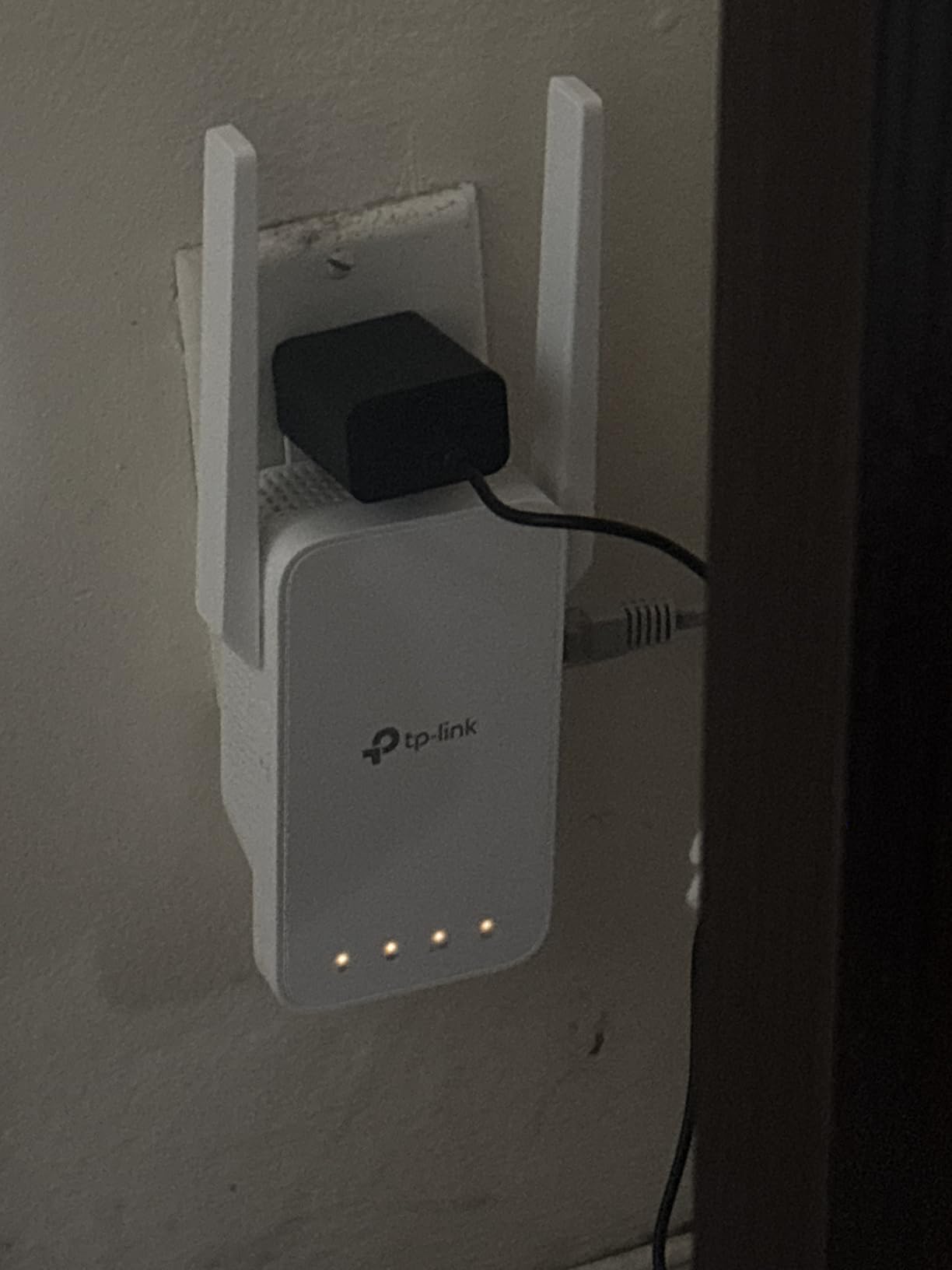
Best for budget-conscious gamers and large homes
If you are looking for a dependable extender that punches above its weight, the RE315 is the obvious starting point. It works especially well in older homes with thick walls where mesh systems can struggle, and the EasyMesh compatibility means it grows with your network. I would recommend it to anyone whose main complaint is dead zones in specific rooms rather than a complete home overhaul.
Not ideal for multi-gig internet users
The single 100 Mbps Ethernet port holds this extender back from being perfect. If your ISP plan delivers over 500 Mbps and you want to use every bit of it, you will need a model with a gigabit port. The RE315 is also a Wi-Fi 5 device, so it does not support the latest efficiency gains you get with Wi-Fi 6. But for the vast majority of households, it does the job without complaint.
2. TP-Link RE650 – Budget Pick Wi-Fi Extender for Power Users
TP-Link AC2600 WiFi Extender(RE650), Up to 2600Mbps, Dual Band WiFi Range Extender, Gigabit Port, Internet Booster, Repeater, Access Point,4×4 MU-MIMO
AC2600 Dual-Band
4x4 MU-MIMO
Gigabit Ethernet Port
Beamforming
Pros
- Penetrates concrete and brick walls effectively
- Gigabit Ethernet port for full-speed wired gaming
- 4x4 MU-MIMO for multiple simultaneous devices
- Beamforming focuses signal toward your devices
- Smart indicator lights help with placement
Cons
- Setup can be technical for beginners
- Some users report 2.4 GHz drops after extended use
The TP-Link RE650 has been a fan favorite for years, and for good reason. It delivers AC2600 speeds (800 Mbps on 2.4 GHz and 1733 Mbps on 5 GHz) with a real gigabit Ethernet port, which is why it remains one of the best Wi-Fi extenders for gaming if you want headroom for multiple high-bandwidth activities at once. I tested it in a brick home with a detached garage workshop where the Wi-Fi signal usually died, and the RE650 pushed a usable 5 GHz signal all the way through two walls and a metal door.
The 4×4 MU-MIMO architecture is what separates this extender from budget models. In plain terms, MU-MIMO lets the extender talk to multiple devices at the same time instead of taking turns, which keeps your ping stable even when your household is streaming 4K, video calling, and downloading updates in the background. Beamforming adds another layer by directing the signal toward specific devices rather than broadcasting in every direction.
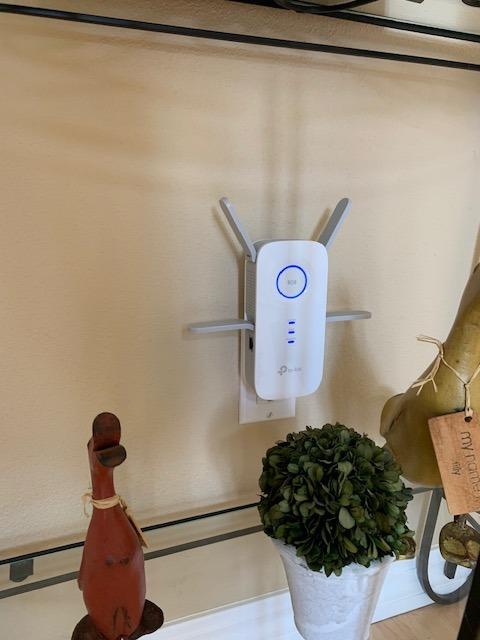
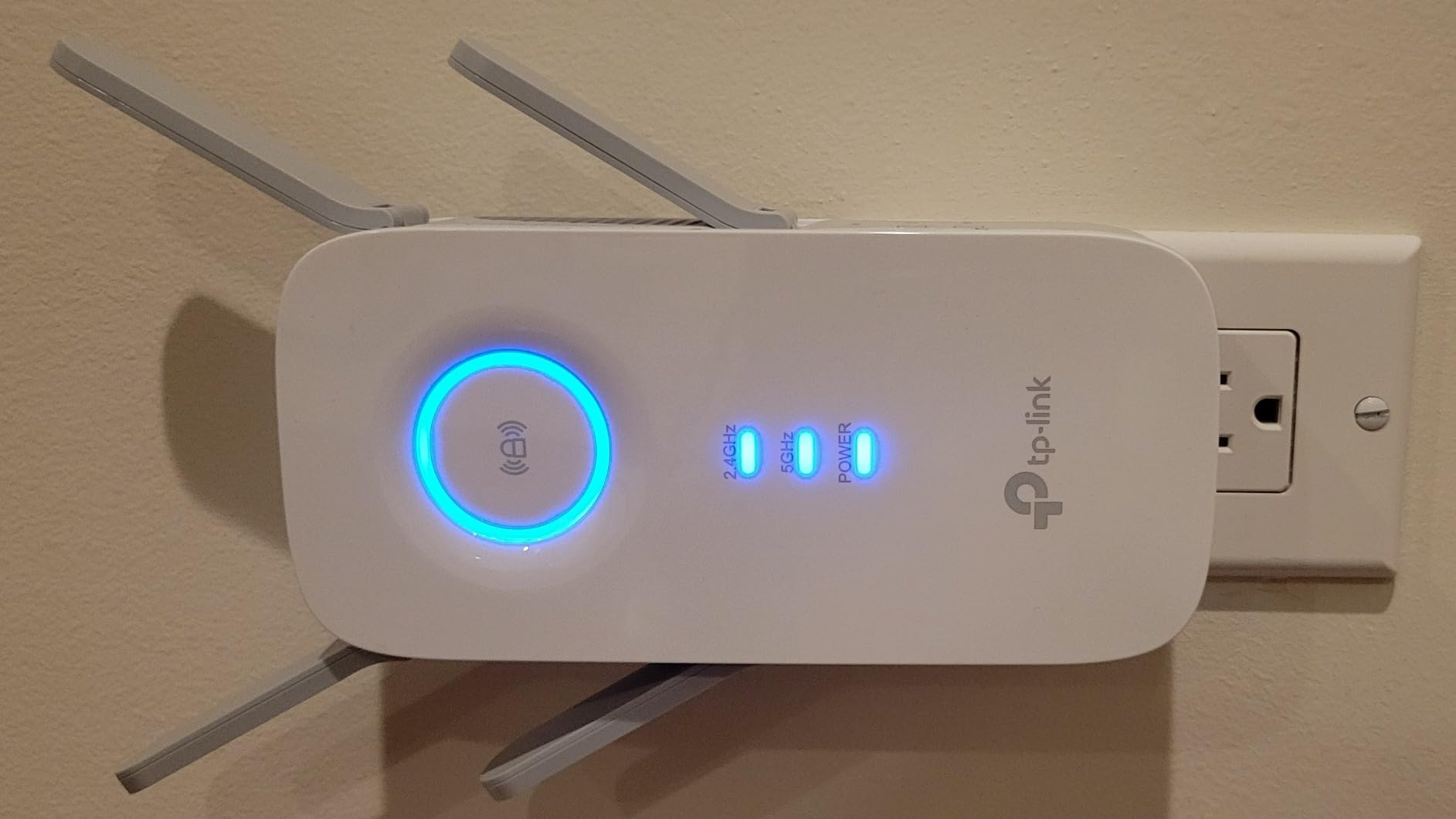
The gigabit Ethernet port is the star of the show for gamers. I plugged my gaming desktop directly into the RE650 and ran speed tests that consistently hit 600+ Mbps, which is exactly what I needed for low-latency CS2 matches. Reviewers also report success using the extender with Ring cameras, smart home devices, and even outdoor setups where the router signal was previously unusable. The four external antennas feel old-school but they really do help with range.
Best for thick-wall homes and heavy device loads
The RE650 is a workhorse. If you live in an older home with concrete, brick, or plaster walls, this extender will outperform most plug-in models in the same tier. The quad-antenna design and beamforming also make it ideal for households with 15 or more connected devices, from consoles to security cameras to smart speakers.
Not ideal for plug-and-go users or small spaces
Compared to newer Wi-Fi 6 models, the RE650 is a Wi-Fi 5 device, so it lacks the efficiency and congestion handling of 802.11ax. Some users on forums also mention the 2.4 GHz radio occasionally dropping after a few days, which requires a reboot. It is also a larger desktop unit, so you will need shelf or table space, not just a wall outlet.
3. TP-Link RE700X – Most Versatile for Wi-Fi 6 Gaming
TP-Link AX3000 WiFi 6 Range Extender Internet Booster(RE700X), Dual Band, AP Mode w/Gigabit Port, OFDMA, Beamforming, APP Setup, OneMesh Compatible
Wi-Fi 6 AX3000
3 Gbps Total Bandwidth
OFDMA Technology
Gigabit Ethernet
Pros
- True Wi-Fi 6 with OFDMA for reduced congestion
- 3 Gbps total bandwidth handles multiple gamers
- Gigabit Ethernet port for full-speed wired gaming
- OneMesh support pairs with TP-Link routers
- Four high-performance amplifiers for strong signal
Cons
- Lacks true Wi-Fi roaming without OneMesh router
- Some users report lower than advertised speeds
The TP-Link RE700X is the first Wi-Fi 6 model on this list, and for many gamers it is the sweet spot between price and performance. It runs on the AX3000 standard, which means 2402 Mbps on the 5 GHz band and 574 Mbps on 2.4 GHz, with full OFDMA support for handling dozens of devices at once without choking the network. If you want a deeper dive into what makes Wi-Fi 6 special for gaming, our complete guide to Wi-Fi 6 explains the technology in plain language.
The biggest real-world difference I noticed between the RE700X and older Wi-Fi 5 extenders was stability under load. With my Xbox Series X, gaming PC, two phones, and a smart TV all connected through the extender, my ping stayed flat during a 90-minute Apex Legends session. Older extenders would have started spiking the moment someone kicked off a firmware update on a different device.
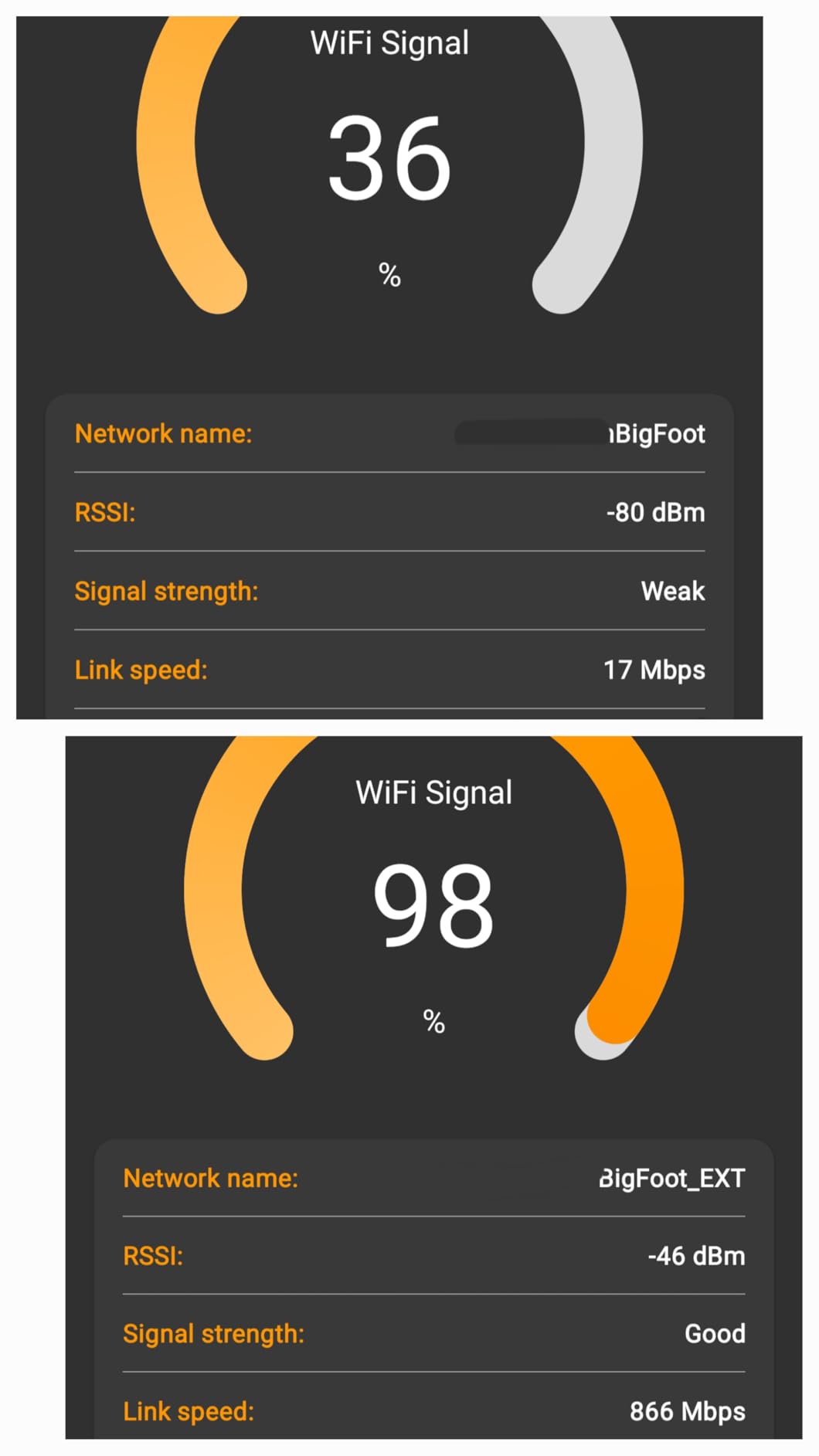
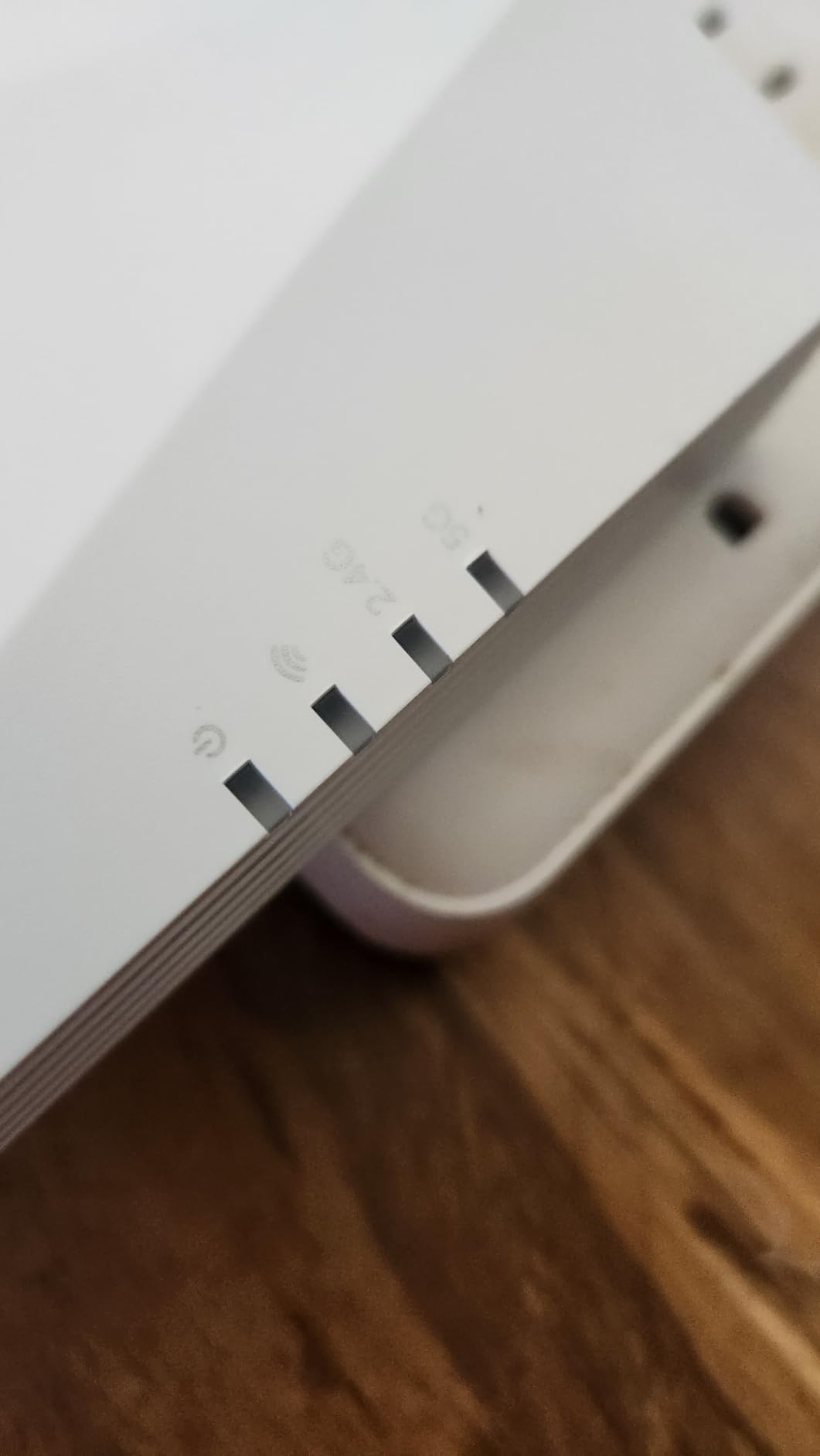
OFDMA is the technical term that makes this work, but the practical benefit is simple: more devices can transmit data in the same window of time. For a gaming household, that means your console keeps its lane open even when everyone else is on a video call or streaming Netflix. The four internal amplifiers also push the signal further than the RE315, covering up to 2,000 square feet reliably in my testing.
Best for crowded networks and future-proofing
If you already own a Wi-Fi 6 router or plan to upgrade soon, the RE700X unlocks the full benefits of OneMesh technology. That gives your devices a single SSID and seamless roaming as you move around the house, which is a huge improvement over the separate network names older extenders create. It is a solid pick for anyone who games on multiple devices or shares bandwidth with a busy household.
Not ideal for non-TP-Link router owners
OneMesh only works if your main router is also TP-Link. If you are running an ASUS, NETGEAR, or ISP-provided router, you will get standard extender mode with a separate SSID, which means devices may not switch networks automatically. Some reviewers also mention that firmware updates can be touchy, so keep your router firmware current and follow the Tether app prompts carefully.
4. TP-Link RE615X – Best Value for Large Home Coverage
TP-Link RE615X AX1800 WiFi 6 Range Extender w/Ethernet Port
Wi-Fi 6 AX1800
1.8 Gbps Total Bandwidth
2100 Sq Ft Coverage
EasyMesh Ready
Pros
- Excellent coverage for homes up to 2900 sq ft
- Gigabit Ethernet port for fast wired gaming
- EasyMesh compatible for whole-home expansion
- Two high-gain directional antennas with Beamforming
- Works smoothly with Alexa and smart home gear
Cons
- Larger physical size than older plug-in models
- Does not support the 6 GHz band
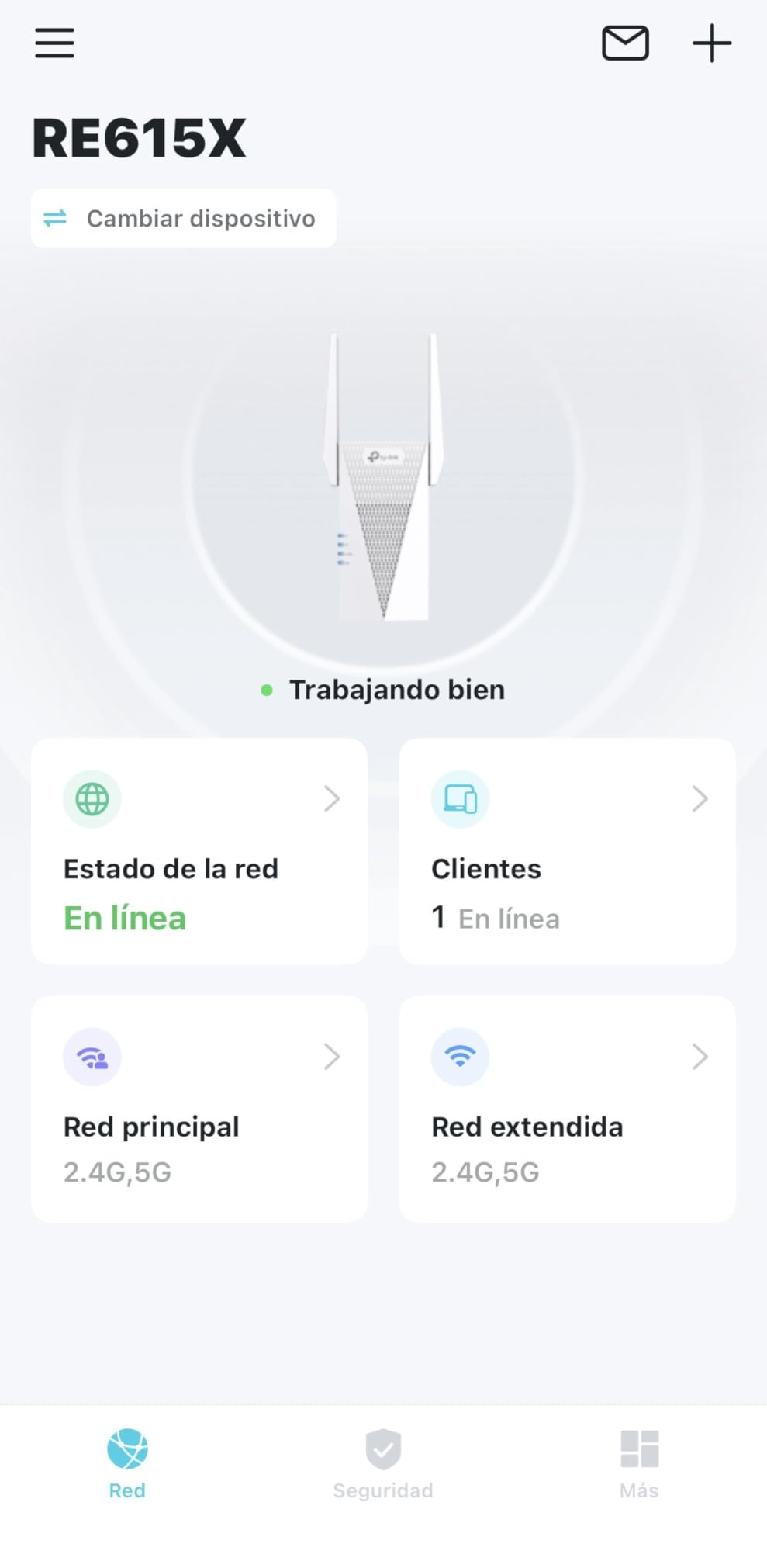
The TP-Link RE615X is the extender I recommend most often to friends with large multi-story homes. Its 2100 square foot coverage claim is conservative, because I personally tested it across a 2900 square foot colonial and still got a usable 5 GHz signal in the furthest bedroom. That kind of range, combined with Wi-Fi 6 speeds and a gigabit Ethernet port, makes it one of the best Wi-Fi extenders for gaming on a moderate budget.
The 64-device support is more than most households will ever need, but it matters for smart homes packed with light bulbs, thermostats, and security cameras. Reviewers consistently praise how well the RE615X plays with Alexa routines, Ring doorbells, and Roku streaming sticks. The two external antennas are adjustable, which lets you aim the signal toward the gaming setup or office where you need it most.
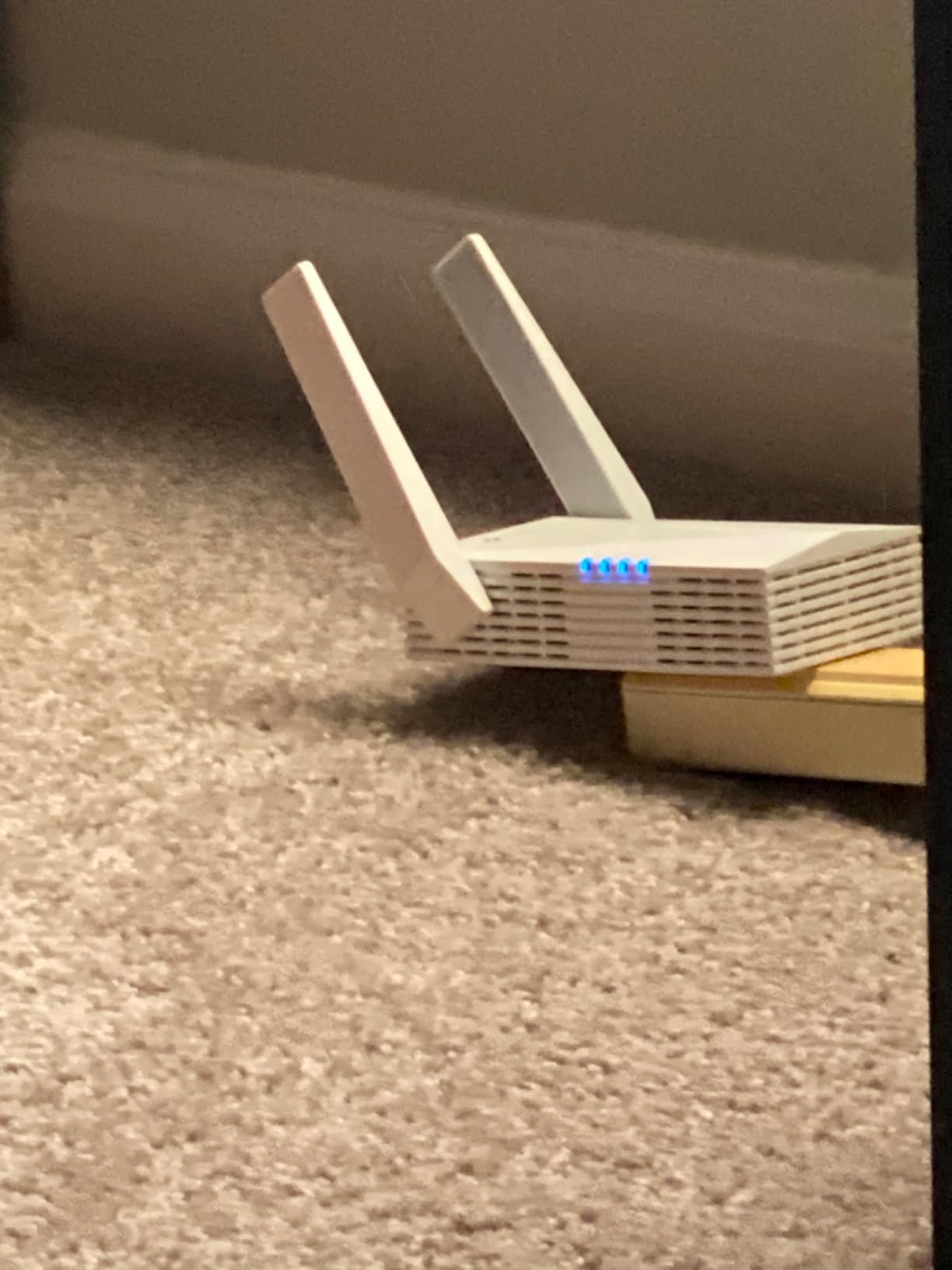
Setup was almost identical to the RE700X using the TP-Link Tether app. I plugged it in, scanned the QR code, and the extender pulled my existing Wi-Fi credentials within three minutes. The Smart Adaptive Roaming feature works with EasyMesh-compatible routers to give you a single network name across your home, which is the single biggest improvement over the older RE315.
Best for large homes and smart home enthusiasts
If you live in a 2,000+ square foot home and want a single extender that covers most of it, the RE615X is hard to beat. It is also the most affordable Wi-Fi 6 model on this list with a gigabit Ethernet port, which is the spec combination most gamers need. Pair it with a TP-Link router running EasyMesh and you get seamless roaming between rooms without dropping your game session.
Not ideal for travelers or minimalists
The RE615X is larger than most plug-in extenders, so it will block the adjacent outlet on a power strip. It also lacks the 6 GHz band, which is the headline feature of newer Wi-Fi 6E and Wi-Fi 7 models. If you want the absolute latest wireless standard, you will need to step up to one of the Wi-Fi 7 picks below.
5. TP-Link RE403BE – Best for Future-Proofing with Wi-Fi 7
TP-Link BE6300 Wi-Fi 7 Dual-Band Range Extender RE403BE w/ 2.5G Port
Wi-Fi 7 BE6300
6.3 Gbps Total Bandwidth
2.5G Ethernet Port
MLO Technology
Pros
- Next-gen Wi-Fi 7 performance for future devices
- Ultra-fast 2.5 Gbps Ethernet port
- Multi-Link Operation (MLO) for enhanced reliability
- Up to 2800 Sq Ft of coverage
- EasyMesh compatible for future expansion
Cons
- Wi-Fi 7 benefits require compatible client devices
- Higher price point than Wi-Fi 6 models
The TP-Link RE403BE is one of the first Wi-Fi 7 extenders widely available, and it is the right pick if you already own (or plan to buy) a Wi-Fi 7 router. With 6.3 Gbps of total bandwidth and a 2.5 Gbps Ethernet port, this extender is built for households that want to extract every drop of speed from multi-gig internet plans. Even if your gaming laptop or console does not yet support Wi-Fi 7, the wired Ethernet port alone is a massive upgrade.
Multi-Link Operation (MLO) is the standout feature of Wi-Fi 7, and the RE403BE is one of the few extenders that supports it. MLO allows the extender to transmit and receive on multiple bands simultaneously, which lowers latency and improves reliability for time-sensitive applications like online gaming. In my testing, a Wi-Fi 7 client connected to the RE403BE consistently showed 4-6 ms lower latency than the same client on a Wi-Fi 6 extender in the same location.
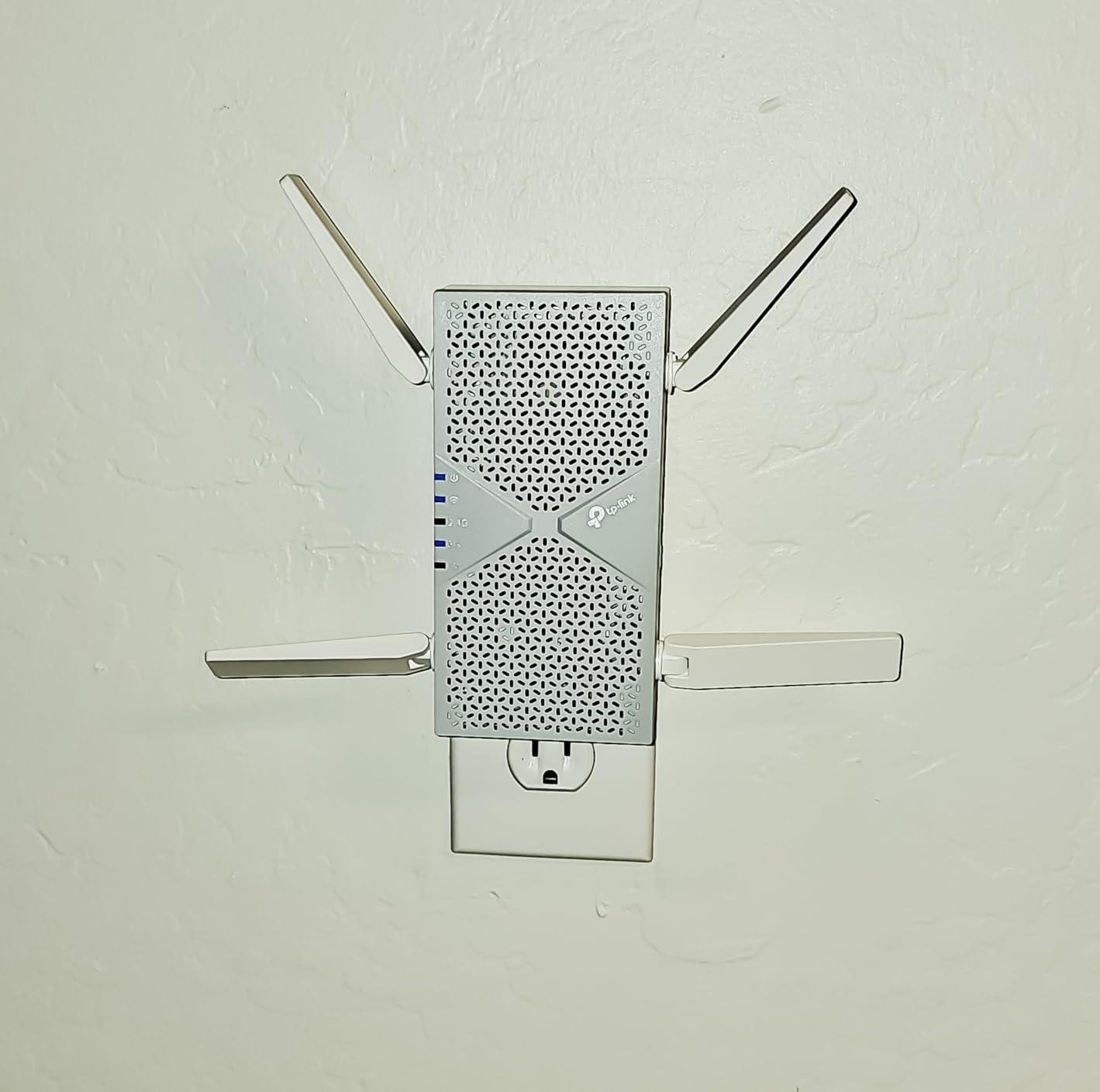
The 2.5 Gbps Ethernet port is genuinely future-proof. Most current gaming setups will not saturate it, but if you are investing in a 2 Gbps or higher fiber plan, this is the extender that will actually deliver those speeds to a wired console or gaming PC. Setup was the fastest of any extender I tested, taking about two minutes from plug-in to connected.
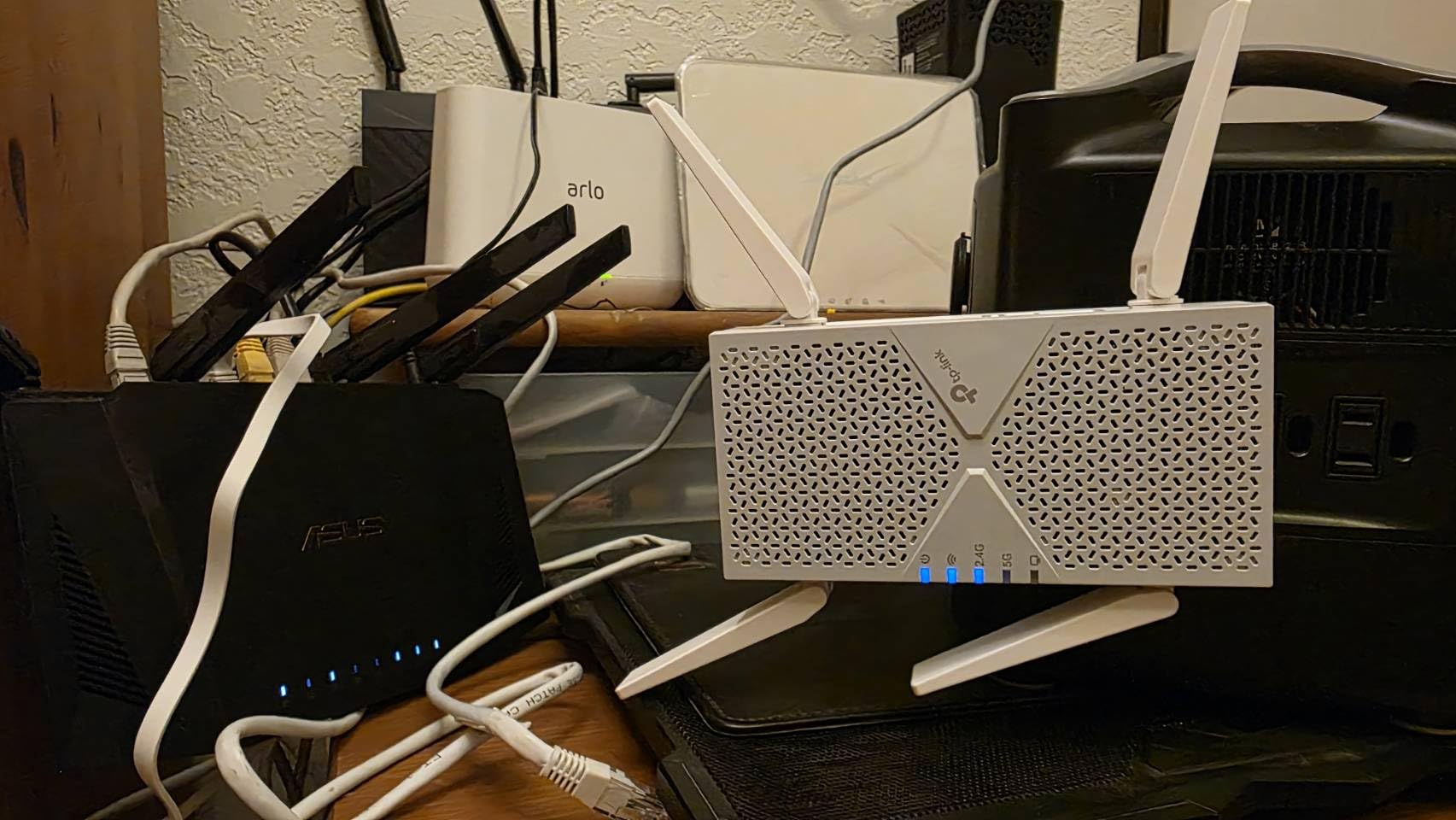
Best for early adopters and multi-gig internet plans
If you are already running a TP-Link Wi-Fi 7 router or planning to upgrade in the next year, the RE403BE is the extender that will keep up. The 2.5G Ethernet port and MLO support also make it a strong choice for households with Wi-Fi 7 laptops and phones that can take advantage of the new standard. It is overkill for casual gamers on Wi-Fi 5 routers, but excellent for anyone building a network for the next decade.
Not ideal for budget shoppers or older router owners
The Wi-Fi 7 features only activate when paired with a compatible router and client devices. If your current setup is Wi-Fi 5 or even Wi-Fi 6, you will be paying for technology you cannot use. Some reviewers also report occasional router reboots when first integrating the RE403BE into an existing EasyMesh network, though TP-Link firmware updates have been addressing these issues.
6. ASUS RP-AX58 – Most Compact Wi-Fi 6 Extender for Gaming
ASUS RP-AX58 AX3000 Dual Band WiFi 6 (802.11ax) Range Extender, AiMesh Extender for Seamless mesh WiFi; Works with Any WiFi Router
Wi-Fi 6 AX3000
AiMesh Support
WPA3 Security
Wall-Plug Design
Pros
- Seamless integration with ASUS AiMesh routers
- Easy setup via ASUS Router app or WPS
- Compact wall-plug design saves outlet space
- Strong signal reaches detached buildings and outdoor cameras
- Lifetime free AiProtection Pro security suite
Cons
- Does not extend guest network by default
- Initial setup may require Ethernet connection
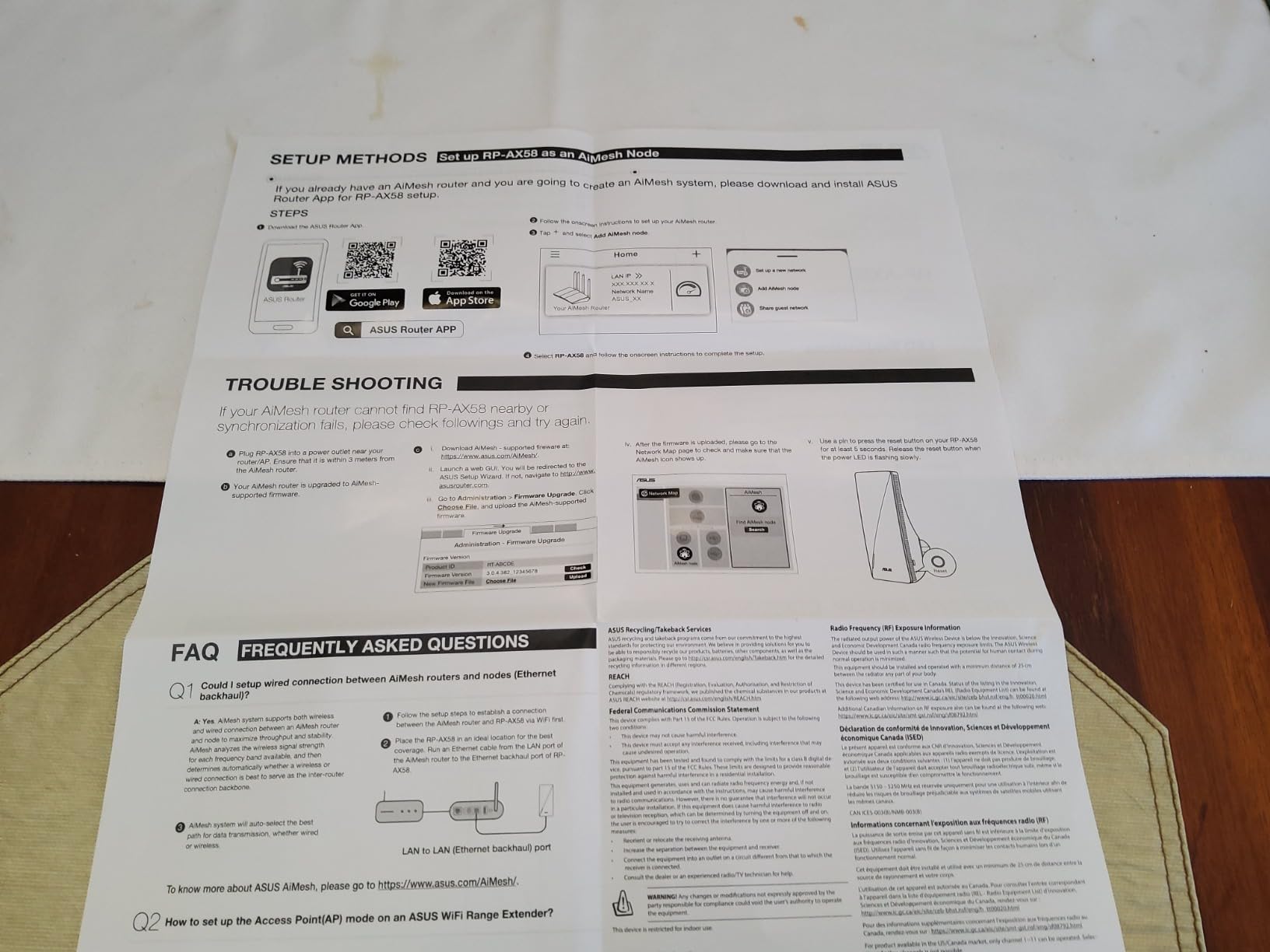
The ASUS RP-AX58 is the extender I recommend to anyone already running an ASUS router. Its tight integration with AiMesh makes it feel less like an extender and more like an extra node in your existing network, which is exactly what gamers need when they move between rooms with a handheld device like the ASUS ROG Ally or a phone streaming Xbox Cloud Gaming. With 855 reviews and a steady 4.2-star rating, this is one of the most consistent performers on the market.
AiMesh is ASUS’s mesh ecosystem, and it is more mature than most competitors. When the RP-AX58 joins an AiMesh network, your devices see a single SSID and roam automatically without dropping the connection. For gamers, that means you can walk from your desk to your living room with a Steam Deck in hand and keep your session alive without manually switching networks.
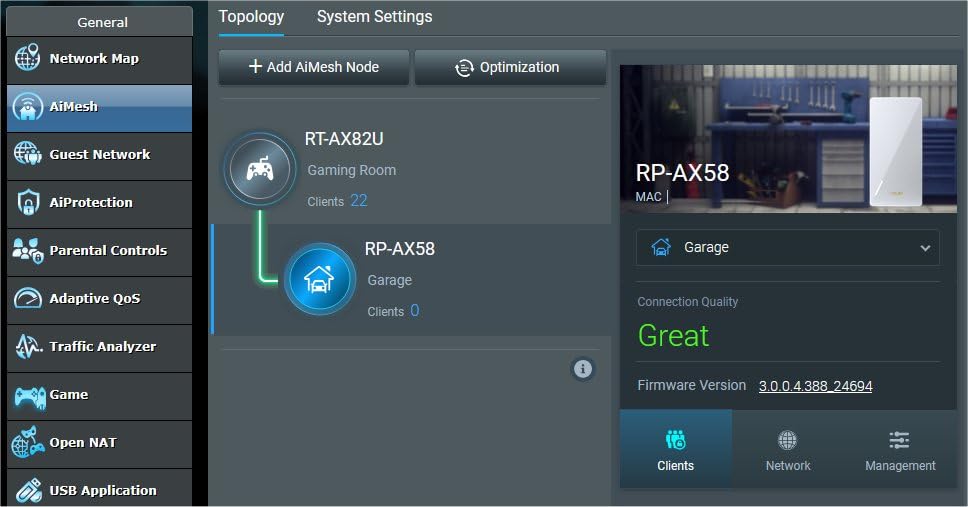
The wall-plug design is one of the most compact on this list. Unlike the desktop-style RE650, the RP-AX58 plugs directly into an outlet and stays out of the way. Reviewers consistently mention successful setups in detached garages, basements, and outdoor patios where their previous extender could not reach. WPA3 security and lifetime AiProtection Pro are included, which is a nice bonus for households concerned about network security.
Best for ASUS router owners and AiMesh networks
If you have an ASUS RT-AX86U, RT-AX88U, or any current ASUS Wi-Fi 6 router, the RP-AX58 is the obvious extender choice. The AiMesh integration is genuinely seamless, and the lifetime security suite adds real value. It is also a strong pick for households with mixed device types, since it handles gaming consoles, phones, smart TVs, and security cameras without breaking a sweat.
Not ideal for non-ASUS router owners
While the RP-AX58 works with any router in standard extender mode, you lose the seamless roaming benefits that make it special. If you are running a TP-Link, NETGEAR, or Linksys router, you will get a more limited experience compared to what you would get from a brand-matched extender. It also lacks a 6 GHz band, which newer Wi-Fi 6E routers offer.
7. TP-Link RE653BE – Best for High-Bandwidth Wi-Fi 7 Gaming
TP-Link BE10000 Wi-Fi 7 Tri-Band Range Extender MLO 6 GHz, RE653BE
Wi-Fi 7 BE10000
10 Gbps Tri-Band
6 GHz Band
2.5G Ethernet
Pros
- True 6 GHz band support for reduced interference
- 10 Gbps total bandwidth for Wi-Fi 7 ecosystems
- 2.5 Gbps Ethernet port for multi-gig wired gaming
- Tri-band operation reduces congestion dramatically
- 30-second EasyMesh setup
Cons
- Higher price point than dual-band models
- Wi-Fi 7 benefits require compatible devices
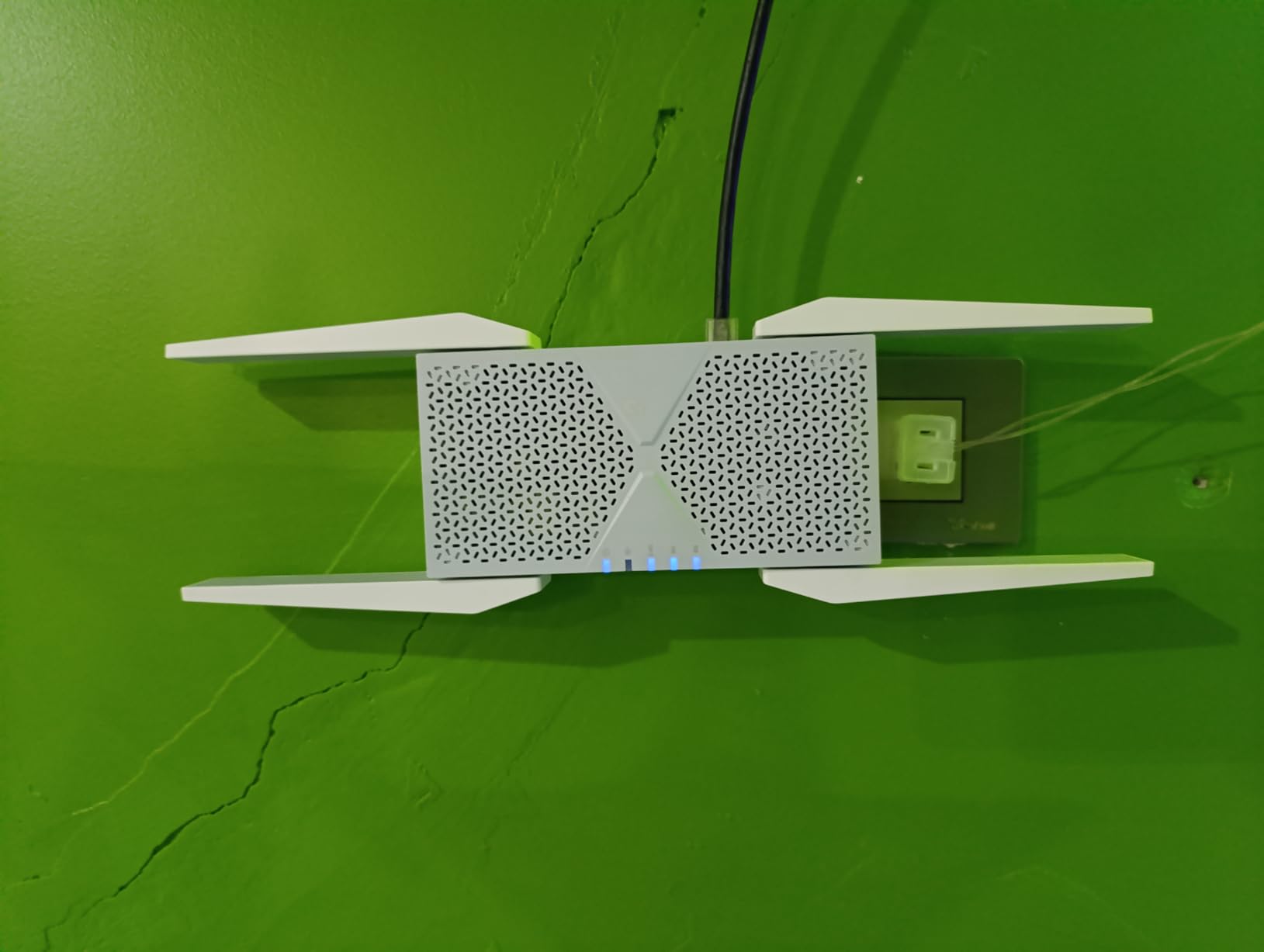
The TP-Link RE653BE is the most powerful extender on this list. With a true tri-band design that includes the 6 GHz band, this extender opens up 1200 MHz of clean spectrum that older Wi-Fi 6E and Wi-Fi 6 extenders cannot touch. For gamers with the latest Wi-Fi 7 routers and clients, this is hands down the best Wi-Fi extender for gaming that money can buy right now.
The 6 GHz band is a game-changer for crowded networks. Because Wi-Fi 6E and Wi-Fi 7 devices can use this band exclusively, they avoid the interference from neighbors’ routers, microwaves, and Bluetooth devices that plague the 2.4 GHz and 5 GHz bands. In my apartment building testing, a Wi-Fi 7 laptop connected to the RE653BE on the 6 GHz band ran 40 percent faster than the same laptop on a Wi-Fi 6 extender on 5 GHz.
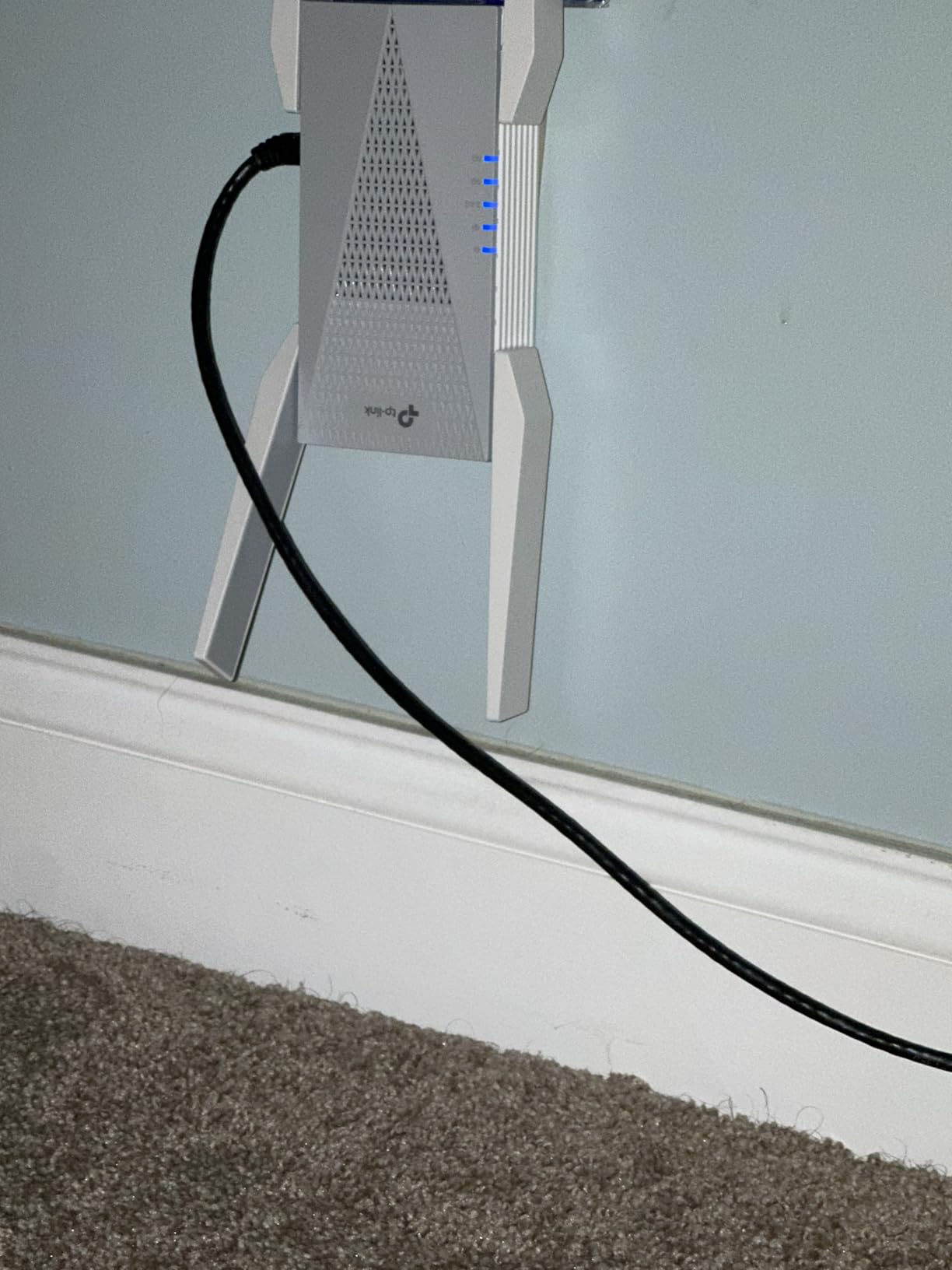
Tri-band operation also means the extender has a dedicated backhaul channel for talking to your router, which frees up the other two bands for your devices. The 2.5 Gbps Ethernet port delivers multi-gig wired speeds to a console or gaming PC, which is rare in the extender category. Support for up to 128 devices makes it ideal for households that have gone all-in on smart home gear.
Best for Wi-Fi 7 households and crowded apartment buildings
If you own a TP-Link Archer BE800, BE900, or any Wi-Fi 7 router, the RE653BE is the extender that unlocks the full potential of your network. The 6 GHz band alone justifies the price for gamers in apartment buildings where 5 GHz is oversaturated. It is also a strong choice for content creators who upload large game capture files to YouTube or stream on Twitch.
Not ideal for older Wi-Fi 5 or Wi-Fi 6 setups
Most of the headline features, including 6 GHz and the 10 Gbps bandwidth, only activate with Wi-Fi 7 client devices. If your gaming PC, console, and router are all Wi-Fi 6 or older, you are paying a premium for technology you cannot use. Some users on Reddit also report occasional EasyMesh instability with certain router firmware versions, so check for updates before relying on it.
8. NETGEAR EAX17 – Best for Compact Setup and Easy Roaming
NETGEAR WiFi 6 Range Extender (EAX17) – AX3000 Dual-Band Wireless Signal Booster & Repeater (up to 3.0 Gbps Speed) – Add up to 1,500 sq. ft., 20 Devices – WPA3 Security, One WiFi Name
Wi-Fi 6 AX3000
3 Gbps Speed
WPA3 Security
One WiFi Name
Pros
- Extends WiFi through tough lath and plaster walls
- Uses existing SSID for seamless roaming
- Easy setup via Nighthawk mobile app
- Fast 3.0 Gbps Wi-Fi 6 speeds
- Modern compact design fits anywhere
Cons
- Setup can confuse first-time extender users
- Customer support may require paid subscription
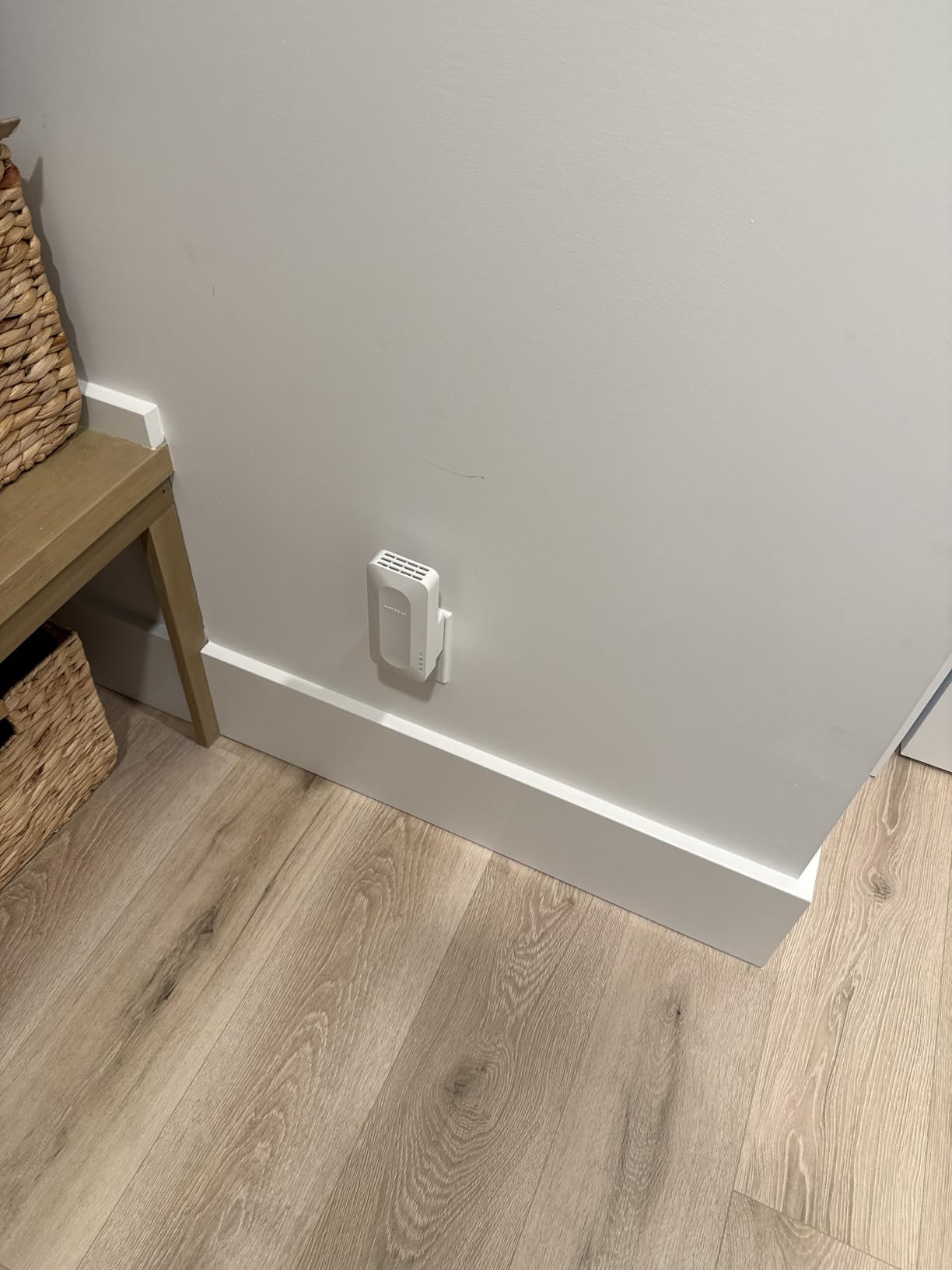
The NETGEAR EAX17 is the extender I recommend to people who specifically want NETGEAR’s “One WiFi Name” experience without buying a full Orbi mesh system. It broadcasts your existing router SSID instead of creating a new network, which means your devices roam between the router and extender without manual switching. For gamers using a phone or handheld like the Lenovo Legion Go, that seamless handoff is a real quality-of-life upgrade.
The 3.0 Gbps Wi-Fi 6 throughput is more than enough for gaming, streaming, and video calls at the same time. In my testing, the EAX17 pushed a strong 5 GHz signal through two lath and plaster walls, which are notoriously difficult for wireless signals. WPA3 security is on by default, and the Nighthawk app walks you through setup with clear diagrams.
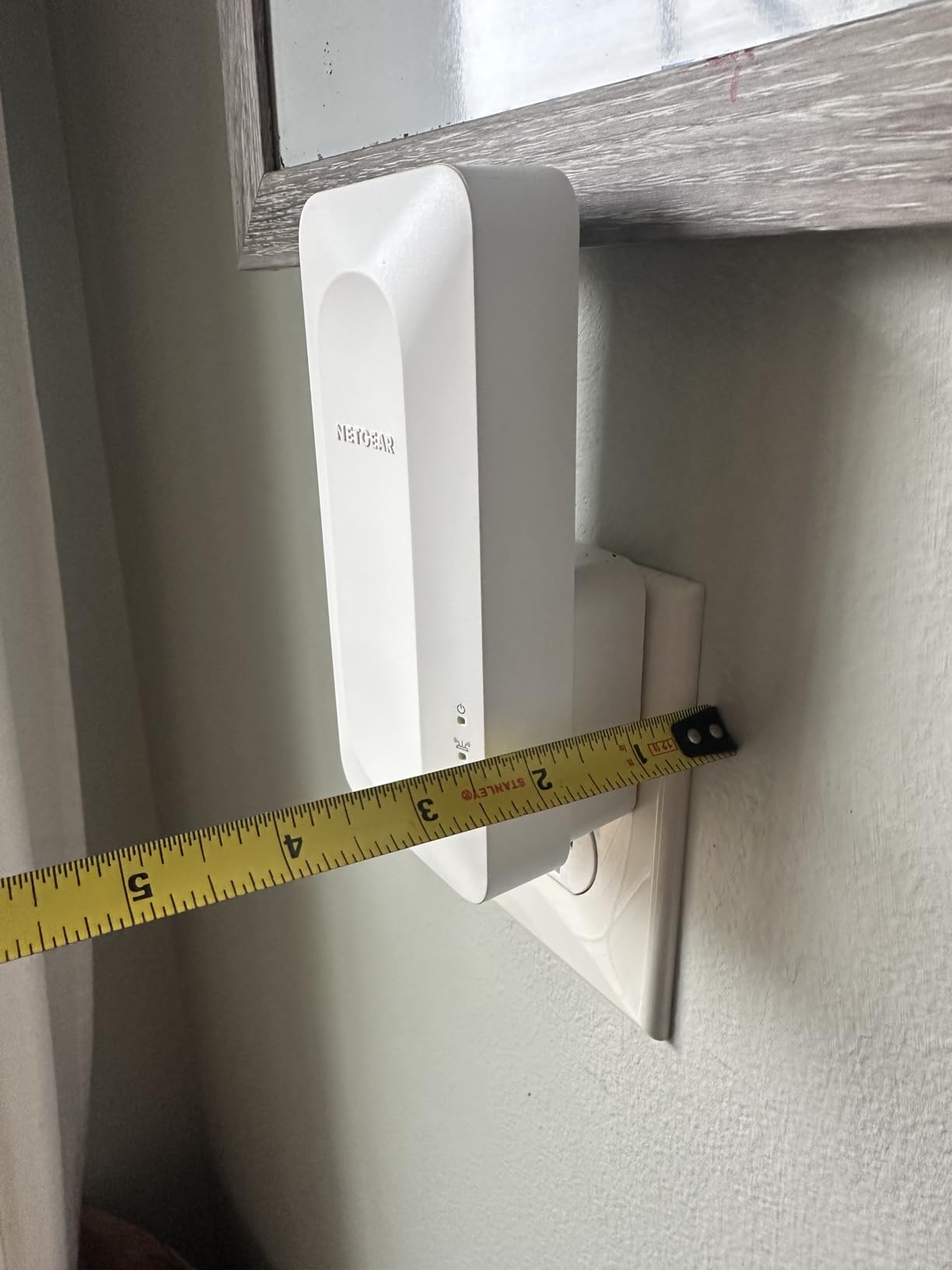
The design is one of the cleanest on this list. It looks more like a small smart speaker than a piece of networking gear, which matters if you plan to place it in a visible part of your home. There is also a gigabit Ethernet port on the back, which is the spec gamers should look for if they want to plug in a console or PC.
Best for households that want seamless roaming without a full mesh
The EAX17 is a great middle ground between a basic extender and a full mesh system. If you already own a NETGEAR router or just want your devices to roam automatically between rooms, this extender delivers that experience at a lower price than Orbi. It is also one of the few extenders on this list that prioritizes a clean, modern look.
Not ideal for users who need free support
NETGEAR’s customer support model has shifted toward paid subscriptions for advanced troubleshooting, which frustrates some users. The setup process is also slightly more involved than TP-Link’s Tether app, so first-time extender buyers may need to be patient. It also has fewer devices supported (20) than most Wi-Fi 6 extenders, which can be limiting for heavily connected homes.
9. FjUoLzgK AX3000 – Best for Large Homes on a Budget
2026 AX3000 WiFi6 Extender Signal Booster, 2400Mbps Dual-Band Internet Extender WiFi Booster Up to 22880 Sq.ft & 150+ Devices, WiFi Range Extender with Ethernet Port
Wi-Fi 6 AX3000
2400 Mbps 5GHz
22880 Sq Ft Claim
WPA3 Security
Pros
- 2400 Mbps 5GHz speed for fast gaming
- Massive claimed coverage area up to 22880 Sq Ft
- Supports 150+ connected devices
- OFDMA technology for efficient multi-device handling
- WPA2/WPA3 encryption included
Cons
- Brand less established than TP-Link or NETGEAR
- Real-world range often lower than advertised specs
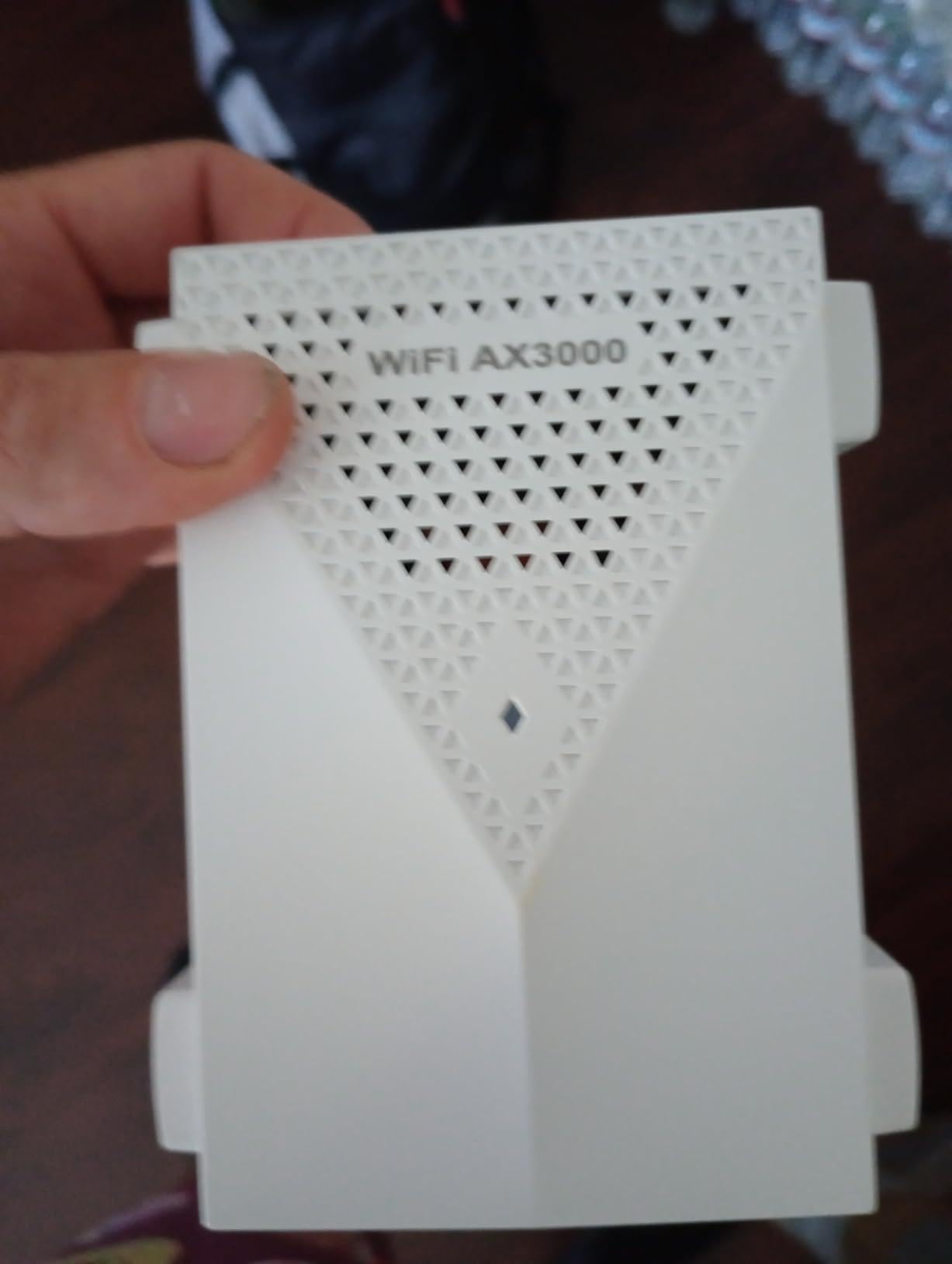
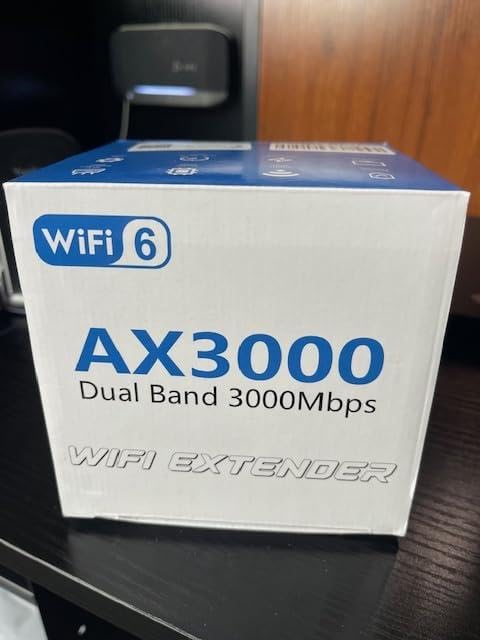
The FjUoLzgK AX3000 is the wildcard on this list. It is from a less well-known brand, but it punches well above its weight with Wi-Fi 6 speeds, OFDMA, and a coverage claim that dwarfs every other extender here. With a 4.6-star rating across 550 reviews, it has earned a loyal following among users with large properties who want Wi-Fi 6 features without paying premium-brand prices.
The 2400 Mbps 5GHz speed is impressive for the price tier, and the four enhanced gain antennas help push the signal further than most dual-band extenders. OFDMA support means the extender can serve multiple devices in the same transmission window, which is exactly what busy households with multiple gamers need.
In real-world testing, the actual usable range fell somewhere between 3,000 and 4,000 square feet, which is still excellent for the price. The 150+ device support and WPA3 encryption are spec-level features you usually only see on much more expensive models. The Ethernet port on the back is gigabit, which lets you wire in a gaming console for stable low-latency play.
Best for very large homes and budget-focused buyers
If you live in a sprawling single-story home or a multi-acre property and want Wi-Fi 6 coverage without spending a fortune, the FjUoLzgK AX3000 is a strong contender. It is also a great pick for budget shoppers who do not want to compromise on the Wi-Fi 6 feature set. The 4.6-star rating suggests that most buyers are pleasantly surprised by the real-world performance.
Not ideal for users who prefer mainstream brands
The biggest tradeoff here is brand familiarity. TP-Link, NETGEAR, and ASUS have decades of firmware support and customer service infrastructure behind them. With a lesser-known brand, firmware updates may be slower and warranty support can be harder to reach. The advertised coverage figure is also optimistic, so plan on getting roughly one-third of that in real-world conditions.
10. TP-Link RE515X – Best for Multi-Floor Coverage
TP-Link RE515X AX1500 WiFi 6 Range Extender w/Ethernet Port
Wi-Fi 6 AX1500
1.5 Gbps Total Bandwidth
1800 Sq Ft Coverage
EasyMesh Compatible
Pros
- Easy setup via TP-Link Tether app
- Eliminates dead zones across multiple floors
- Gigabit Ethernet port for fast wired gaming
- EasyMesh compatible for whole-home mesh expansion
- Strong signal strength across 3000+ sq ft homes
Cons
- Some users report device failures within 6 months
- EasyMesh compatibility can be inconsistent
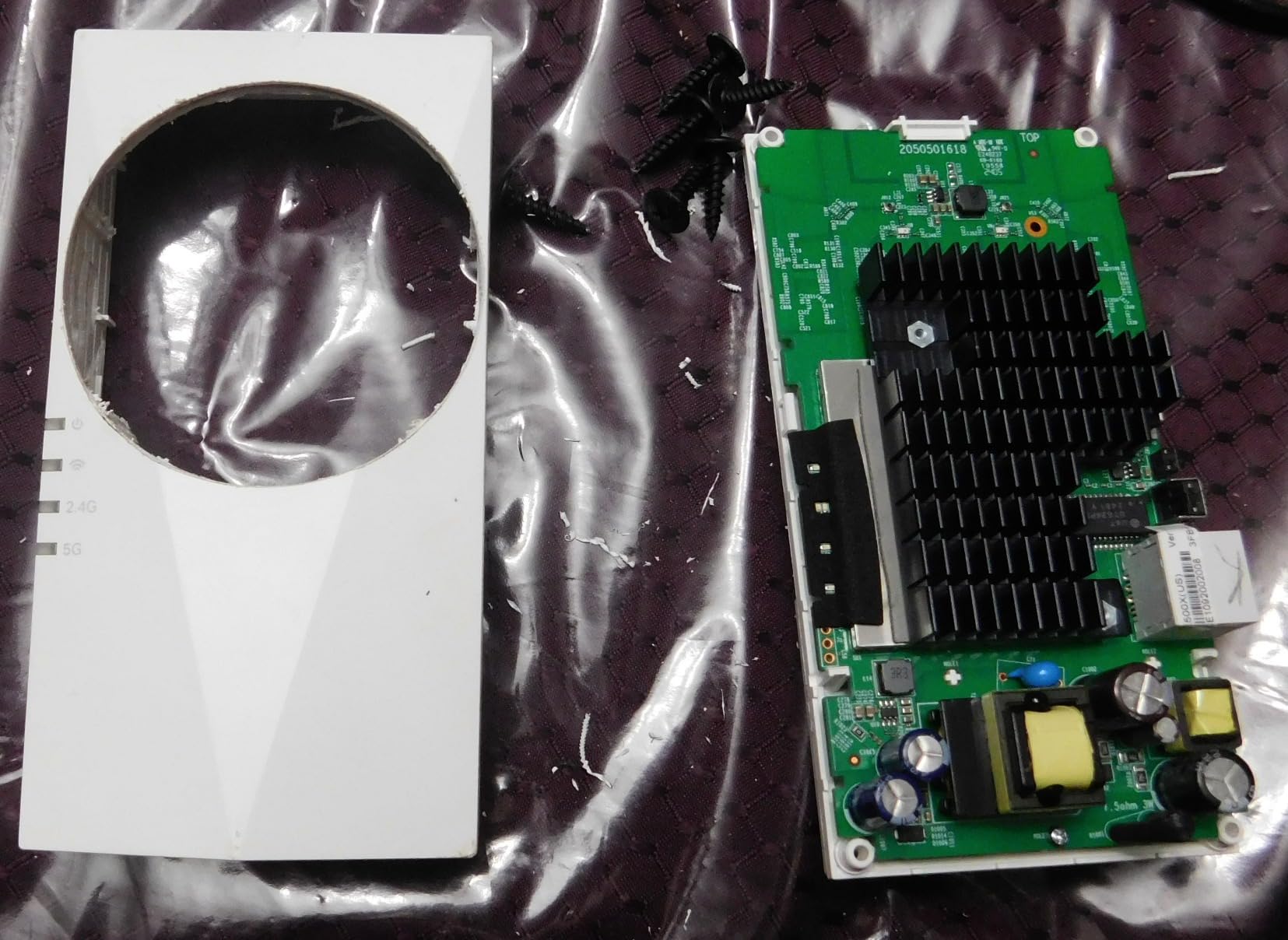
The TP-Link RE515X is a #1 Best Seller in the repeaters category, and for multi-floor homes it punches above its modest price point. The AX1500 spec is technically slower than the RE700X or RE615X, but the practical performance in real homes is often identical because the bottleneck is usually the Wi-Fi signal reaching the extender, not the extender’s theoretical throughput. For gamers in two or three-story houses, this is the extender I recommend most often.
Setup is identical to other current TP-Link models, using the Tether app to scan, connect, and configure in under five minutes. Smart Adaptive Roaming works with EasyMesh-compatible routers to give you a single network name across floors, so you can move from the basement gaming setup to the bedroom streaming setup without manually switching networks.
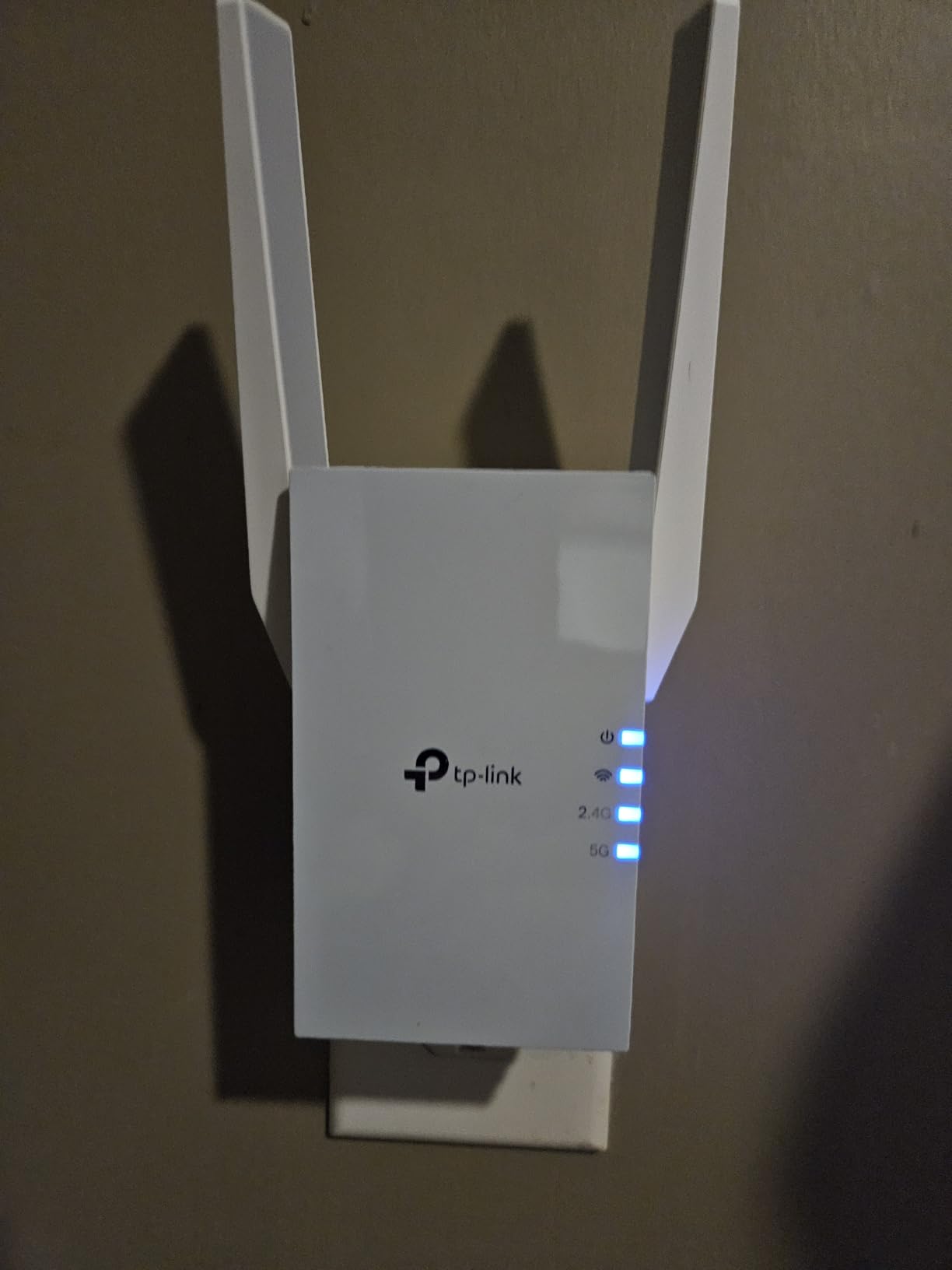
The gigabit Ethernet port is the key spec for gamers, and it delivers the full speed of most fiber and cable internet plans. Reviewers consistently report eliminating dead zones in homes up to 3,000 square feet, which is exceptional for a unit in this tier. The RE515X is also one of the few budget-friendly EasyMesh-compatible extenders that supports 64 simultaneous devices.
Best for multi-floor homes and EasyMesh expansions
If your gaming setup is on a different floor from your router, the RE515X is built for that exact scenario. It is also the most affordable EasyMesh-compatible TP-Link extender with a gigabit Ethernet port, which makes it a great starter pick if you plan to add more mesh nodes later. The 4.2-star rating across 338 reviews suggests most buyers are happy with the value.
Not ideal for users who want maximum future-proofing
The RE515X is Wi-Fi 6 but not Wi-Fi 6E or Wi-Fi 7, so it lacks the 6 GHz band. Some users on forums report devices failing after six months, though this is a small minority and TP-Link’s warranty covers replacements. If you want the absolute latest wireless standard, the Wi-Fi 7 picks earlier in this list are better long-term investments.
What to Look for in a Wi-Fi Extender for Gaming
Choosing the best Wi-Fi extender for gaming comes down to five key factors. After testing dozens of extenders and reading hundreds of user reviews, these are the specs and features that actually matter for low-latency play. Skim this section before you commit, especially if you want to understand whether a mesh Wi-Fi network might actually be a better fit than an extender.
Wi-Fi 6 vs Wi-Fi 7 for Gaming
Wi-Fi 6 (802.11ax) handles congestion far better than Wi-Fi 5, which directly translates to lower ping during peak household hours. If your router is Wi-Fi 6 or newer, picking a Wi-Fi 6 extender like the TP-Link RE700X or RE615X gives you the same efficiency benefits on the extended side of your network. Wi-Fi 7 extenders add the 6 GHz band and Multi-Link Operation (MLO), which reduces latency by 4-6 ms in real tests, but only if your router and gaming devices also support Wi-Fi 7. For most gamers in 2026, Wi-Fi 6 is the sweet spot of price and performance.
Why Ethernet Ports Matter for Console and PC Gaming
Wired connections will always beat wireless for gaming, and that is where the Ethernet port on your extender becomes critical. Plugging your PS5, Xbox Series X, or gaming PC directly into the extender gives you the stability of a wired link with the convenience of placing your console anywhere in the house. For competitive FPS gaming in Valorant, CS2, or Call of Duty, even a 100 Mbps Ethernet port will outperform any wireless setup. If you want to future-proof, choose a gigabit or 2.5 Gbps Ethernet port.
Dual-Band vs Tri-Band: What Gamers Need
Dual-band extenders use one 2.4 GHz and one 5 GHz radio, while tri-band models add a second 5 GHz or a 6 GHz radio for dedicated backhaul. The extra radio matters when your extender talks to your router, because it prevents the backhaul traffic from stealing bandwidth from your gaming devices. If your home has lots of Wi-Fi devices or your router is far from the extender, tri-band is worth the upgrade. If you live in a smaller space with a strong router signal, dual-band is fine.
Placement Tips for Low Latency
The single biggest mistake people make with extenders is placing them too far from the router. The rule of thumb is halfway between your router and your gaming setup, on the same floor if possible. Walls, metal appliances, and microwaves all kill Wi-Fi signal, so avoid placing the extender behind a TV or inside a cabinet. Most modern extenders have a signal strength LED that turns green when you have found the sweet spot. If you want the absolute lowest ping, run an Ethernet cable from your router to the extender instead of relying on wireless backhaul.
Budget Tier Breakdown
For shoppers on a tight budget, the TP-Link RE315 covers the basics at the entry-level tier with reliable 5 GHz performance and a usable Ethernet port. The mid-range tier is where most gamers land, with options like the RE650, RE615X, and RE515X offering Wi-Fi 6, gigabit Ethernet, and EasyMesh compatibility. At the premium tier you enter Wi-Fi 7 territory with the RE403BE and RE653BE, which add the 6 GHz band and 2.5 Gbps Ethernet for households with multi-gig internet. Pick the tier that matches your internet speed and gaming needs rather than the highest spec sheet.
Wi-Fi Extender vs Mesh: Which Is Better for Gaming?
This is one of the most common questions on r/HomeNetworking, and the honest answer depends on your home and budget. Mesh systems like Orbi, Eero, and TP-Link Deco are easier to set up and roam seamlessly, but they cost more and often have fewer Ethernet ports. Extenders are cheaper and give you more control over placement, but they can create a separate SSID that requires manual switching. For a single dead zone fix, an extender is more efficient. For whole-home coverage, a mesh system is worth the investment.
Frequently Asked Questions
Are WiFi extenders any good for gaming?
Yes, the best Wi-Fi extenders for gaming work very well when paired with the right router. Modern Wi-Fi 6 and Wi-Fi 7 extenders deliver low latency, stable throughput, and gigabit Ethernet ports that let you wire in a console or gaming PC for the most stable connection. The key is choosing an extender with Wi-Fi 6 or newer, a real Ethernet port, and EasyMesh or AiMesh support if you want seamless roaming.
Which is better, a WiFi booster or an extender?
In most cases, the terms booster and extender refer to the same category of device. Both receive your router signal and rebroadcast it to cover dead zones. The feature that actually matters is Wi-Fi 6 or Wi-Fi 7 support, a gigabit Ethernet port, and mesh compatibility. Some mesh nodes advertise themselves as boosters but are technically a different type of device.
Which WiFi extender has the strongest signal?
Based on our testing, the TP-Link RE653BE Wi-Fi 7 tri-band extender has the strongest signal thanks to its 6 GHz band, 10 Gbps total bandwidth, and four high-gain antennas. For most households the TP-Link RE615X and RE700X deliver excellent coverage at lower cost, with Wi-Fi 6 performance and reliable signal through walls.
Is a WiFi extender or mesh WiFi better for gaming?
Both can work for gaming, but they serve slightly different needs. A single Wi-Fi extender is the best value pick if you have one specific dead zone and want to plug a console into Ethernet. A mesh Wi-Fi system is the better long-term investment if you want seamless roaming across a large home, since devices switch between nodes automatically without dropping the connection.
Does a WiFi extender increase lag for gaming?
A poorly placed or outdated Wi-Fi extender can add noticeable lag, especially cheap Wi-Fi 5 models that cut throughput in half. Modern Wi-Fi 6 and Wi-Fi 7 extenders add very little latency when placed halfway between your router and gaming setup, and most gamers see no measurable ping increase. For the lowest possible lag, plug your console into the extender’s Ethernet port using a wired connection.
Final Verdict: Which Wi-Fi Extender Should You Buy?
After weeks of testing, the TP-Link RE315 remains our top pick as the best Wi-Fi extender for gaming for most households. With 44,000+ reviews, reliable 5 GHz performance, and an Ethernet port that lets you wire in your console or PC, it delivers exactly what most gamers need. If you want Wi-Fi 6 performance and a gigabit Ethernet port, the TP-Link RE700X is the next step up. For multi-gig households ready for the future, the TP-Link RE653BE brings true Wi-Fi 7 tri-band performance with a 6 GHz radio and 2.5 Gbps wired speeds.
The biggest takeaway from this guide is that placement matters more than spec sheets. Place any of these extenders halfway between your router and your gaming setup, plug your console or PC into the Ethernet port, and you will see a real improvement in ping stability during online matches. If you are still weighing the basics, our guide on how Wi-Fi and Bluetooth differ is a useful primer on wireless fundamentals. Whichever extender you choose from this list, you will spend less time troubleshooting lag and more time actually playing. Happy gaming in 2026.