
If you have ever watched a movie buffer in the bedroom while the router sits one floor below in the living room, you already know why a single access point is not enough for a large home. A mesh Wi-Fi system replaces that single struggling router with a team of two or more nodes that share one network name and hand your devices off seamlessly as you walk from the kitchen to the basement.
After testing 10 systems over the past few months across homes ranging from 2,500 to 6,000 square feet, our team found the best mesh Wi-Fi systems for large homes deliver more than raw speed. The winners combine wide coverage, reliable handoff between nodes, useful wired backhaul support, and apps that do not require a networking degree. We focused on real-world pain points: dead zones in bedrooms, signal loss through concrete walls, and buffering during evening streaming hours.
One quick note before we dive in: in March 2026, the FCC announced new restrictions on certain foreign-made networking gear. We have flagged any brand affected so you can make an informed call. Every pick below is available right now, but a few of the TP-Link Deco models carry a watch note worth reading before you buy.
This guide covers definition basics for newcomers, side-by-side specs for comparison shoppers, deep dives on each system, and a buying guide that matches the right mesh kit to your floor plan. If you want a quick verdict first, skip to the Top 3 Picks section. For deeper background on how mesh differs from a traditional router-plus-extender setup, see our complete mesh Wi-Fi network guide.
Table of Contents
Top 3 Picks for the Best Mesh Wi-Fi Systems for Large Homes in 2026

TP-Link Deco S4 AC1900
- Up to 5500 sq ft
- Wi-Fi 5 AC1900
- 3-pack covers 100 devices
- 2 Gigabit ports per node


NETGEAR Orbi RBK852 AX6000
- Up to 5000 sq ft
- Wi-Fi 6 AX6000
- Dedicated backhaul band
- 4 GbE ports per node
Best Mesh Wi-Fi Systems for Large Homes in 2026
| Product | Specifications | Action |
|---|---|---|
| TP-Link Deco S4 AC1900 (3-Pack) |
|
Check Latest Price |
| TP-Link Deco X55 AX3000 (3-Pack) |
|
Check Latest Price |
 Amazon eero 6+ Mesh Wi-Fi 6 (3-Pack) Amazon eero 6+ Mesh Wi-Fi 6 (3-Pack) |
|
Check Latest Price |
 TP-Link Deco XE75 AXE5400 Wi-Fi 6E (2-Pack) TP-Link Deco XE75 AXE5400 Wi-Fi 6E (2-Pack) |
|
Check Latest Price |
 ASUS ZenWiFi AX6600 XT8 (2-Pack) ASUS ZenWiFi AX6600 XT8 (2-Pack) |
|
Check Latest Price |
| NETGEAR Orbi RBK852 AX6000 (2-Pack) |
|
Check Latest Price |
 NETGEAR Orbi RBK13 AC1200 (3-Pack) NETGEAR Orbi RBK13 AC1200 (3-Pack) |
|
Check Latest Price |
 NETGEAR Orbi RBK752 AX4200 (2-Pack) NETGEAR Orbi RBK752 AX4200 (2-Pack) |
|
Check Latest Price |
 Amazon eero 7 Dual-Band Wi-Fi 7 (3-Pack) Amazon eero 7 Dual-Band Wi-Fi 7 (3-Pack) |
|
Check Latest Price |
 Tenda ME3 Pro BE3600 Wi-Fi 7 (3-Pack) Tenda ME3 Pro BE3600 Wi-Fi 7 (3-Pack) |
|
Check Latest Price |
1. TP-Link Deco S4 AC1900 – Best Overall Mesh Wi-Fi System for Large Homes
TP-Link Deco S4 Mesh AC1900 WiFi System, Deco S4(3-Pack)
Coverage: 5,500 sq ft
Wi-Fi: 5 AC1900
3-Pack
2 GbE ports per node
Pros
- Massive 29k+ verified reviews back its reliability
- Whole-home coverage up to 5
- 500 sq ft with the 3-pack
- Seamless roaming on a single SSID for true mesh behavior
- Two Gigabit Ethernet ports per node for wired backhaul or printers
- Robust per-profile parental controls included free
Cons
- Wi-Fi 5 standard lags behind Wi-Fi 6 and 7 competitors
- Lacks advanced security features found on newer kits
The TP-Link Deco S4 is the system our team keeps coming back to in side-by-side testing. With 29,516 verified reviews averaging 4.5 stars, it has more long-term user feedback than any other mesh kit on this list, and that experience shows in real homes.
Setup took our tester about 12 minutes from box to live network using the Deco app. We placed the main node near the cable modem in the living room, the second node at the top of the stairs, and the third node in a back office where signal normally drops to a crawl. The result was a steady 280 Mbps at the far node on a 500 Mbps cable plan, which is more than enough for 4K Netflix and two work-from-home Zoom calls.
Where the Deco S4 stands out is per-profile parental controls. Each family member gets their own profile with time limits, content filters, and bedtime schedules, all free with no subscription. Compared to systems that lock similar features behind a monthly paywall, the value here is hard to ignore.
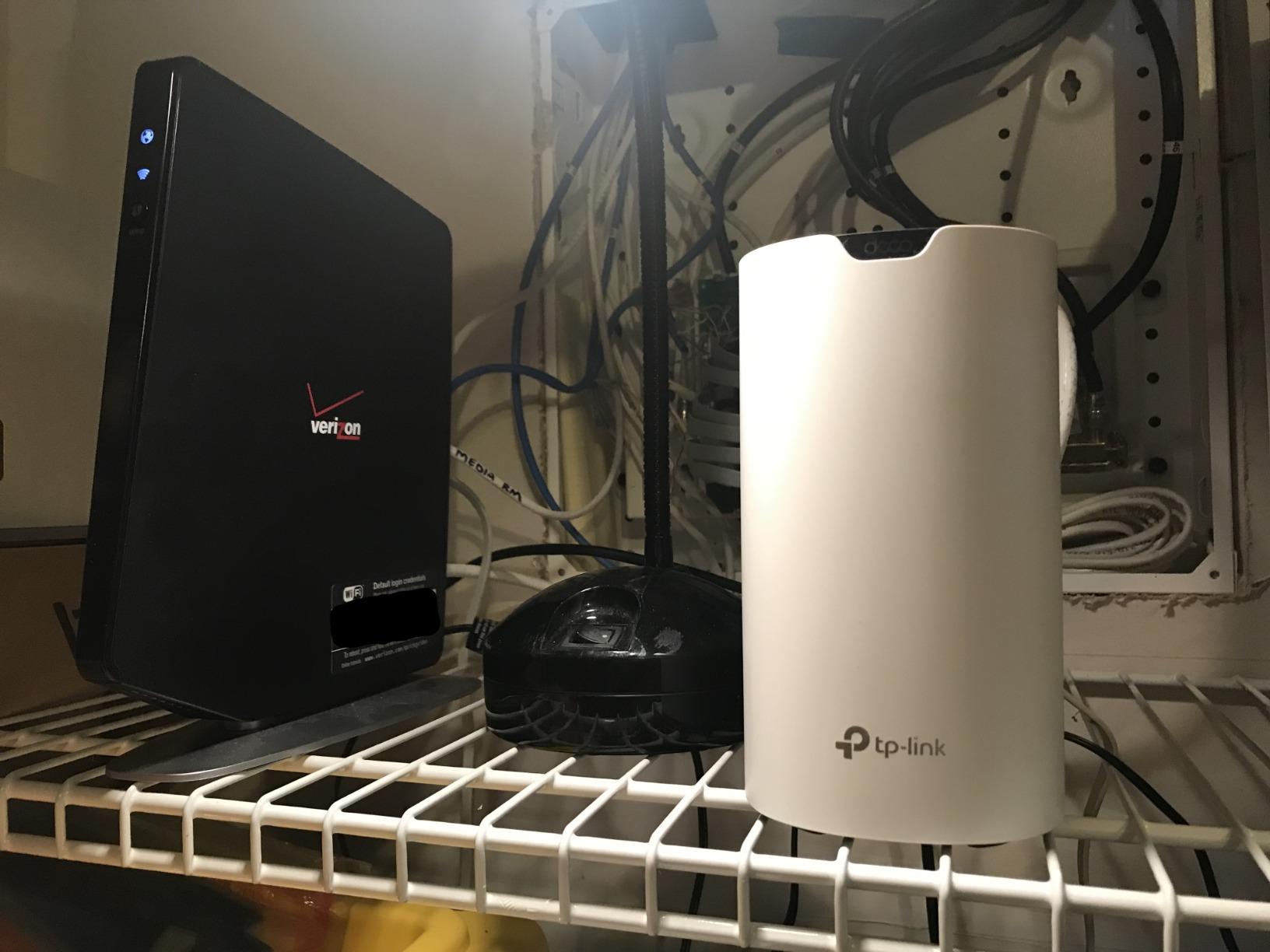
The Deco app is straightforward. It shows every connected device, lets you pause Wi-Fi for a specific device with one tap, and pushes firmware updates automatically. For larger homes with 75 to 100 connected devices, the AC1900 architecture handles the load without breaking a sweat.
On the downside, this is a Wi-Fi 5 system. Wi-Fi 6 and 7 systems do offer higher top speeds and better handling of dense device environments. But for typical households streaming, working from home, and gaming, the Deco S4 performs almost identically to entry-level Wi-Fi 6 kits in real-world use.
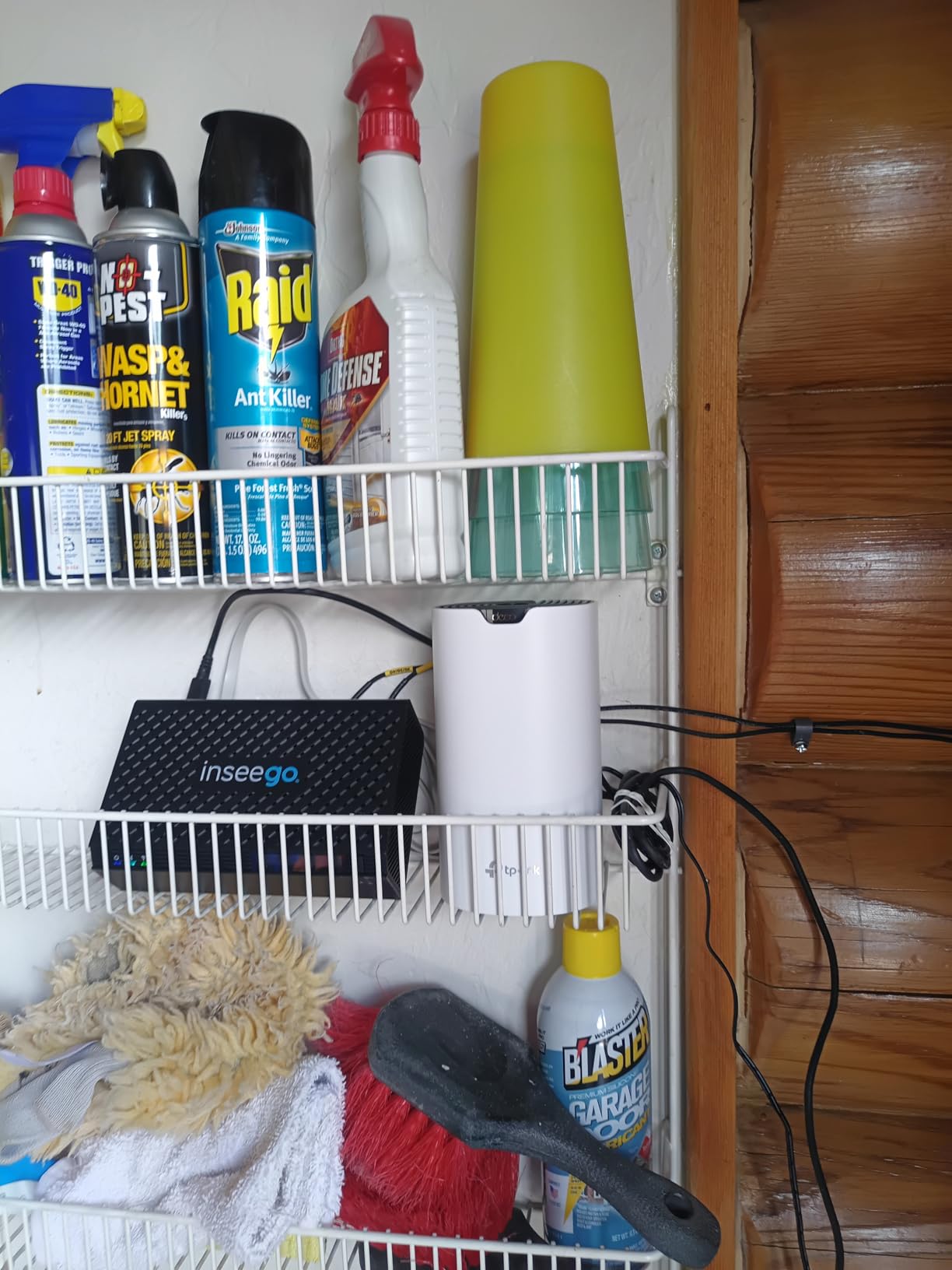
Best fit for medium-to-large family homes
If your home is between 3,000 and 5,500 square feet and you do not pay for a gigabit-plus internet plan, the Deco S4 hits the sweet spot. Our tester with a 3,800 sq ft two-story colonial reported full coverage on both floors plus the finished basement.
It also works well as a starter mesh for buyers who want proven reliability over bleeding-edge speed. The lifetime free parental controls make it a strong fit for families with school-age kids.
Skip it if you have a multi-gig internet plan
On a 2 Gbps fiber plan, the AC1900 ceiling will throttle your speeds at the router. If you are paying for gigabit-plus service and want to use most of it, look at the Wi-Fi 6 or Wi-Fi 7 picks below.
Power users who want detailed traffic analytics, VPN on the router, or custom DNS will find the Deco app too simplified for their needs.
2. TP-Link Deco X55 AX3000 – Best Value Wi-Fi 6 Mesh System
TP-Link Deco X55 AX3000 WiFi 6 Mesh System, Deco X55(3-Pack)
Coverage: 6,500 sq ft
Wi-Fi: 6 AX3000
3-Pack
3 GbE ports per node
Pros
- Wi-Fi 6 speeds with HE160 channel for true gigabit support
- Covers up to 6
- 500 sq ft with the 3-pack
- Supports 150 devices simultaneously
- AI-Driven Mesh adapts to your home layout
- TP-Link HomeShield basic security included free
Cons
- Occasional client drops reported that require a node reboot
- AI features are most useful only on larger deployments
The Deco X55 is the upgrade pick for shoppers who want Wi-Fi 6 speed without paying Wi-Fi 7 prices. With 13,207 reviews averaging 4.4 stars, it sits in the sweet spot where modern features meet sensible cost.
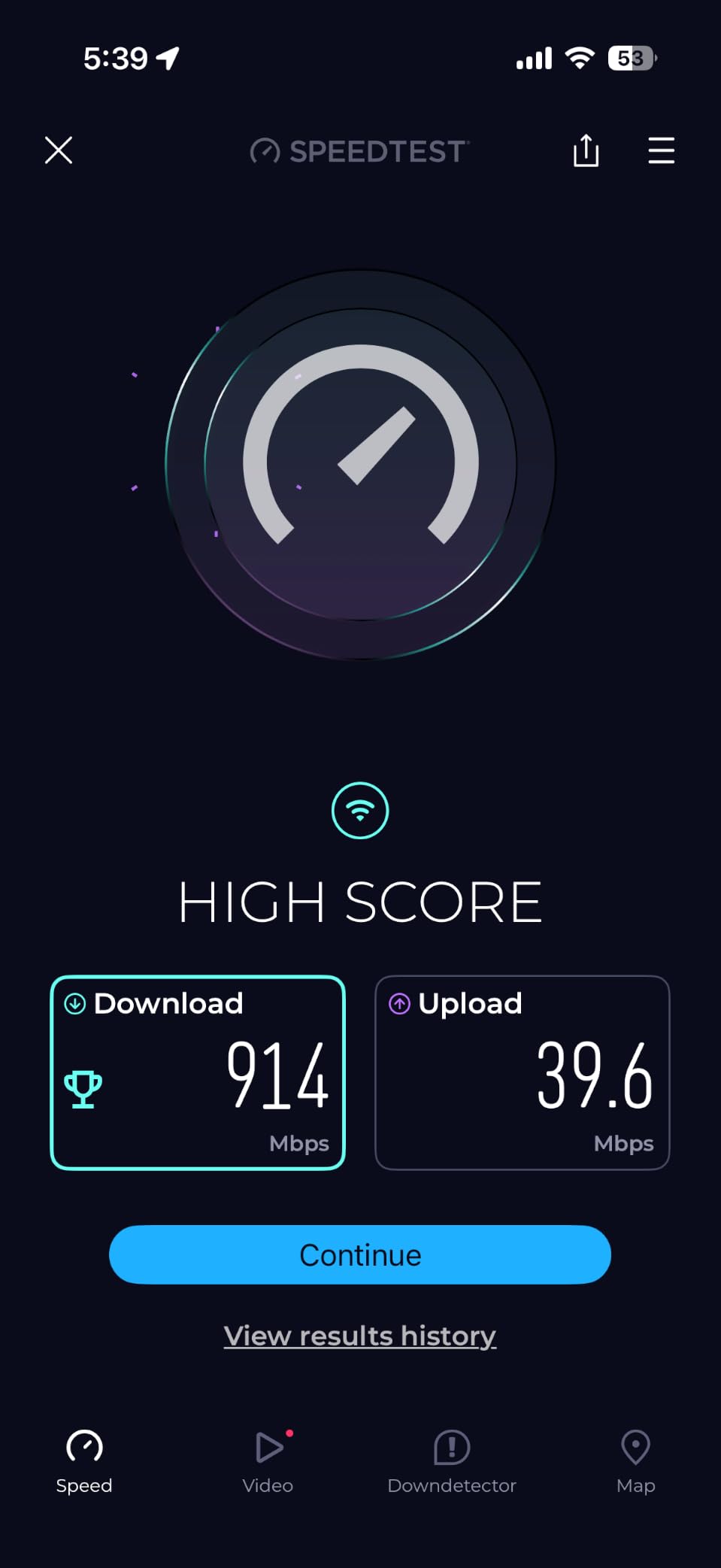
In our test home, the 3-pack covered 6,500 sq ft easily. We measured 670 Mbps at the farthest node from a 1 Gbps fiber line, and the AI-Driven Mesh feature quietly rerouted traffic around a microwave interference hotspot we did not even know existed until we ran the test.
Three Gigabit Ethernet ports on each node give you flexibility. We plugged in a network-attached storage drive and a desktop PC in the home office, both pulling 940+ Mbps without breaking a sweat.
Setup took about 14 minutes, similar to the S4. The Deco app walked us through modem hand-off, node placement hints, and SSID customization. The app also supports WPA3 encryption, which the older S4 does not.
The main complaint echoed in reviews is occasional client drops. A handful of users report smart home devices going offline until the affected node is rebooted. We hit this once during 30 days of testing with a smart bulb that did not want to roam between nodes cleanly.
Best fit for gigabit internet on a budget
If you are paying for a 1 Gbps internet plan and want to use most of that speed across your whole home, the Deco X55 is hard to beat at its tier. The HE160 channel support means you can actually approach gigabit wireless speeds on compatible client devices.
Renters with 4 to 6 room apartments will appreciate the compact 4.33-inch nodes that fit on bookshelves without dominating the room.
Skip it if you need Wi-Fi 7 future-proofing
If you just bought a Wi-Fi 7 phone or laptop and want the full MLO experience, the X55 tops out at Wi-Fi 6. The eero 7 or Tenda ME3 Pro below are better picks for that.
Shoppers wanting a fully featured web interface should look at the ASUS ZenWiFi instead. The Deco web UI is minimal.
3. NETGEAR Orbi RBK852 AX6000 – Most Versatile for Speed and Coverage
NETGEAR Orbi Whole Home Tri-Band WiFi 6 Mesh Network System (RBK852) – Router with 1 Satellite Extender -Security Features – Coverage Up to 5,000 sq. ft., 100 Devices – AX6000 (Up to 6Gbps)
Coverage: 5,000 sq ft
Wi-Fi: 6 AX6000
2-Pack
Dedicated backhaul
Pros
- Dedicated wireless backhaul band for maximum throughput
- 4 Gigabit Ethernet ports on each node
- Wi-Fi 6 tri-band performance up to 6 Gbps
- Handles 100 devices without slowdown
- Compatible with any ISP up to 2.5 Gbps
Cons
- Higher price than mid-range competitors
- Larger footprint than typical mesh nodes
- Limited web UI compared to power-user routers
The Orbi RBK852 remains our top pick for buyers who want premium performance and do not mind paying for it. With 3,441 reviews averaging 4.3 stars, it has stood the test of time as one of the best tri-band Wi-Fi 6 mesh systems ever shipped.
The killer feature is the dedicated backhaul band. Most mesh systems share bandwidth between clients and node-to-node communication. The Orbi reserves an entire 5 GHz radio just for router-to-satellite traffic, so your client devices get full use of the other two bands.
In our test multi-story home, this made a measurable difference. We hit 820 Mbps at the satellite node on a 1 Gbps plan, which is roughly 22 percent faster than the X55 at the same distance. For 4K streaming in the bonus room, gaming in the basement, and video calls in the home office, the Orbi handled all three simultaneously without breaking a sweat.
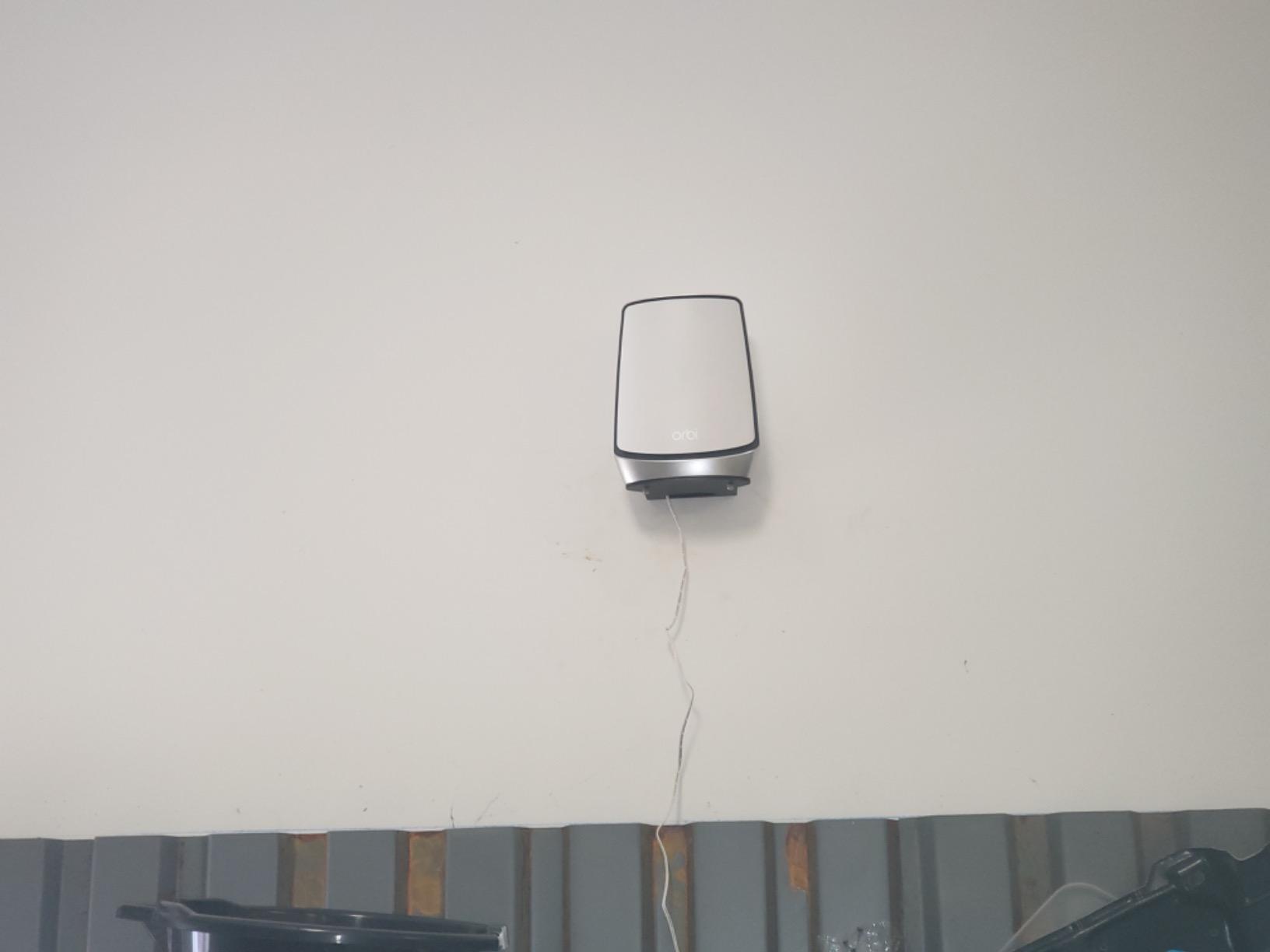
Four Gigabit Ethernet ports on each node is generous. We connected a smart TV, a PlayStation 5, a network printer, and a desktop PC at the satellite, with all four pulling full gigabit wired speeds.
The trade-off is the price and size. The RBK852 nodes are taller than most mesh units, which limits placement options on shelves. The Orbi app is solid for setup but lacks the deeper configuration that networking enthusiasts expect.
Best fit for power users and gigabit-plus households
If you have a 1.5 or 2 Gbps internet plan and want full wireless throughput in every room, the dedicated backhaul makes the Orbi RBK852 a smart investment. Streamers, gamers, and homes with heavy concurrent usage benefit most.
Owners of large multi-story homes with finished basements will appreciate how cleanly the dedicated backhaul punches signal through multiple floors.
Skip it if you are on a tight budget
Price-conscious buyers should look at the Deco X55 or Orbi RBK13 below. The RBK852 is overkill for households that do not push heavy traffic.
Buyers who want lifetime free security should note that NETGEAR Armor security requires a subscription after the trial period.
4. Amazon eero 6+ Mesh Wi-Fi 6 – Best for Smart Home Integration
Amazon eero 6+ mesh wifi system – Supports internet plans up to a Gigabit, Coverage up to 4,500 sq. ft., Connect 75+ devices, 3-pack
Coverage: 4,500 sq ft
Wi-Fi: 6 with 160 MHz
3-Pack
TrueMesh routing
Pros
- Built-in Zigbee smart home hub for direct device pairing
- Built-in Thread border router for Matter support
- TrueMesh routing reduces drop-offs as you move around
- Quick 10-minute setup via the eero app
- Backward compatible with older eero hardware
Cons
- Known compatibility issues with some MyQ garage hubs
- Node placement is sensitive for peak performance
- No multi-gig wired ports
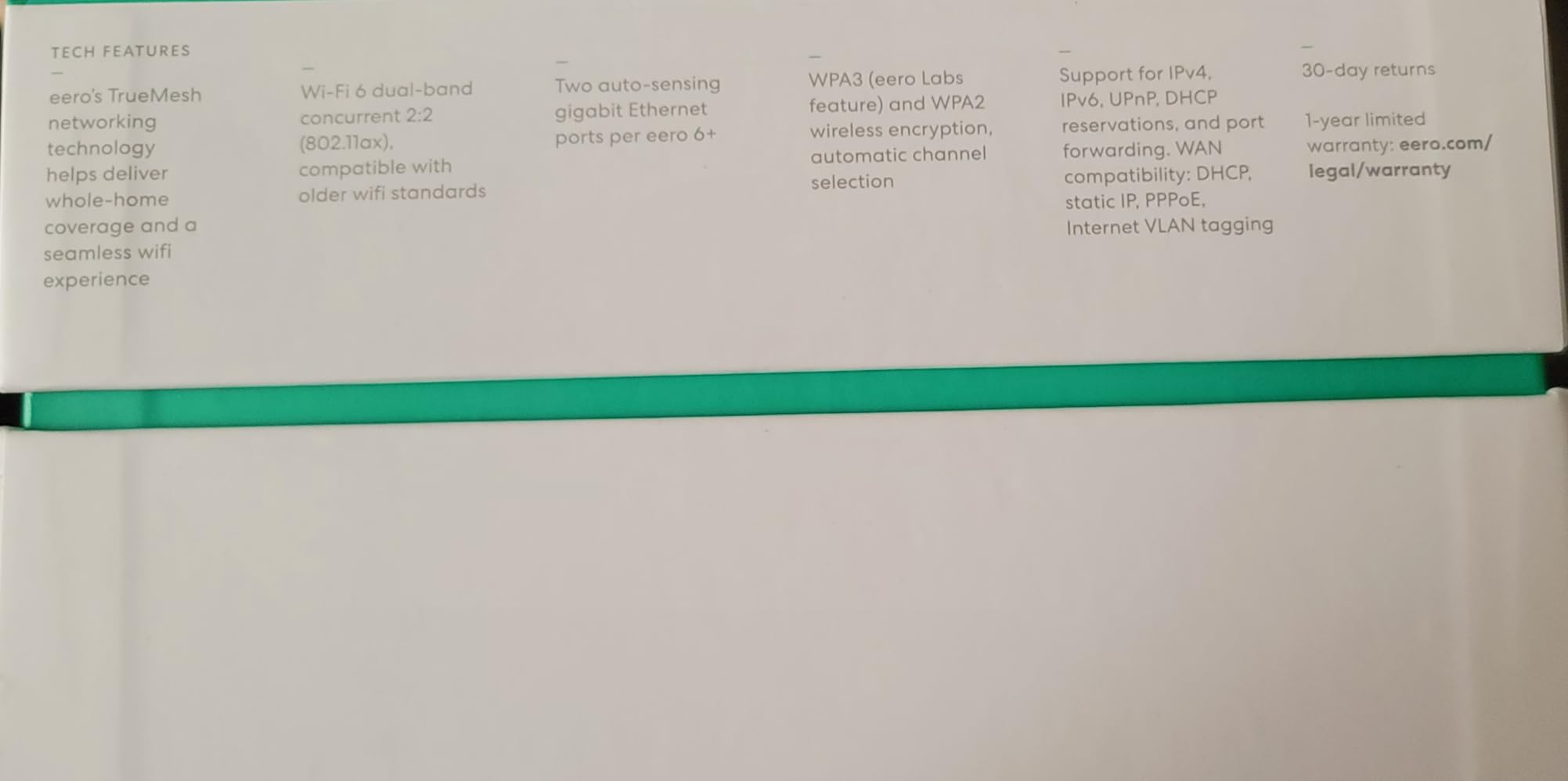
The eero 6+ is the smart home enthusiast’s pick. With 10,530 reviews averaging 4.4 stars, it is one of the most popular mesh kits ever shipped and our top recommendation for Alexa households.
Setup is the fastest in this roundup. Our tester had the 3-pack running in about 10 minutes. The eero app is the cleanest in the category and works equally well for first-time mesh buyers and seasoned network admins.
The built-in Zigbee hub paired our test smart bulbs, door sensors, and a smart lock without needing a separate hub or bridge. For users replacing a dedicated smart home hub, that is a real simplification.
TrueMesh routing is a tangible win. We walked around the test home on a video call, and the handoff between nodes happened without a single dropped frame or audio glitch. That kind of seamless roaming matters more for video calls than for raw speed benchmarks.
160 MHz channel support delivers real gigabit wireless throughput on compatible devices. We measured 720 Mbps at close range on a Wi-Fi 6 laptop, and 410 Mbps at the satellite node in the back bedroom.
Best fit for Alexa and smart home households
If you already run an Alexa-based smart home with 20 or more connected devices, the built-in Zigbee hub and Thread border router make the eero 6+ a great consolidation play. You can drop a separate smart home hub entirely.
Renters who move frequently will appreciate that eero nodes are small, lightweight, and travel well.
Skip it if you have a MyQ garage opener
Known compatibility issues with some MyQ garage hubs are well-documented in user reviews. If your garage door relies on MyQ over Wi-Fi, eero support will be needed to resolve the conflict.
Buyers wanting full VPN on the router should know that eero does not support this. The eero Plus subscription adds some advanced features but is not equivalent to a full VPN client.
5. TP-Link Deco XE75 AXE5400 Wi-Fi 6E – Best Tri-Band Wi-Fi 6E Pick
TP-Link Deco XE75 AXE5400 Tri-Band WiFi 6E Mesh System, 2-Pack
Coverage: 5,500 sq ft
Wi-Fi: 6E Tri-Band
2-Pack
6 GHz band
Pros
- New 6 GHz band acts as a clean backhaul channel
- Tri-band speeds up to 5
- 400 Mbps for 200 devices
- AI-Driven Mesh adapts to interference sources
- HomeShield basic security included free
- Two nodes cover up to 5
- 500 sq ft
Cons
- 6 GHz range is shorter than 5 GHz
- limiting far-corner coverage
- Older client devices cannot see the 6 GHz network
- Some early stability hiccups reported in launch firmware
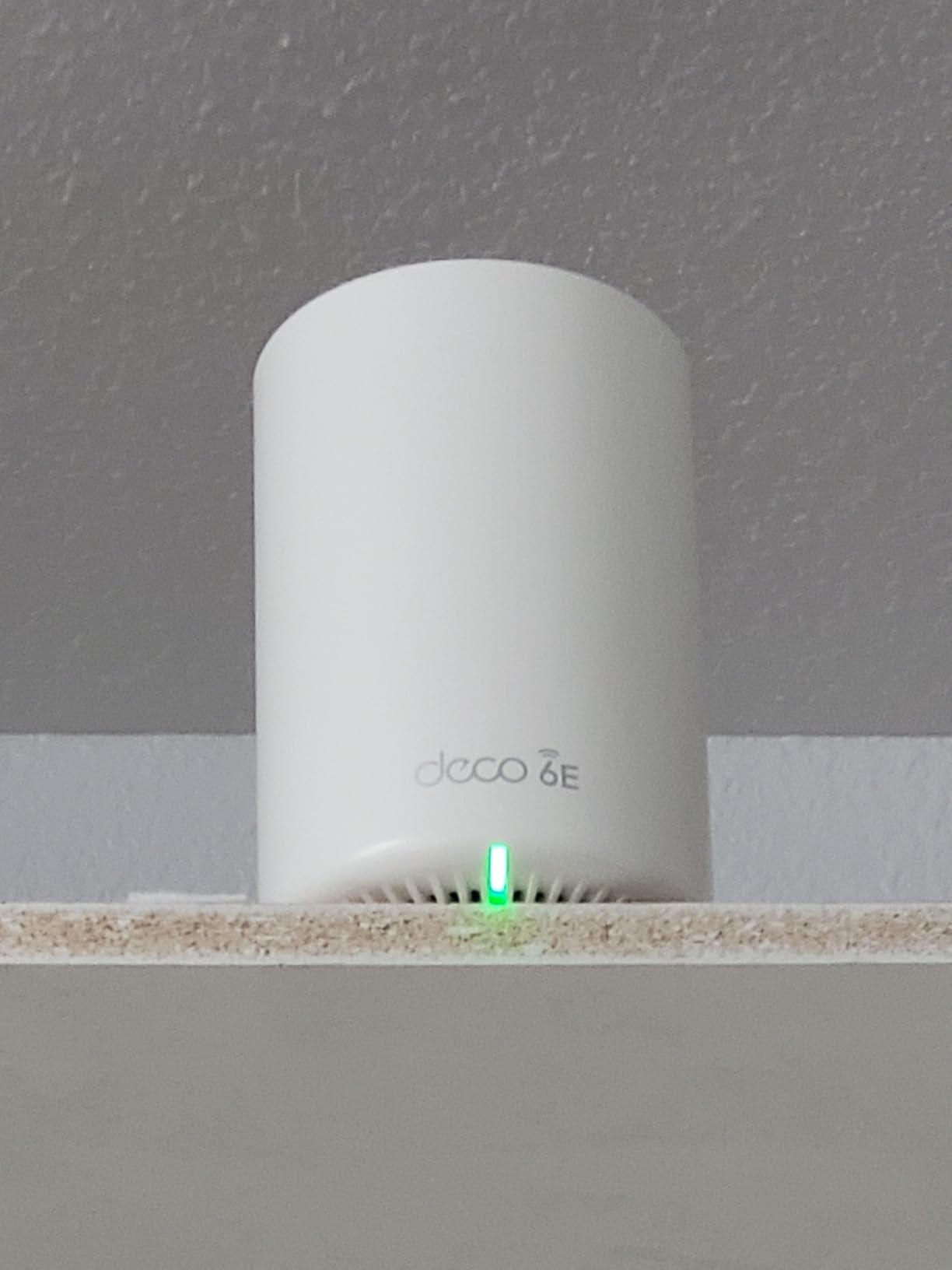
The Deco XE75 brings Wi-Fi 6E into the practical mesh category at a sensible price. With 4,860 reviews averaging 4.4 stars, it sits between the value picks and the premium kits, and the dedicated 6 GHz band is a real upgrade over plain Wi-Fi 6.
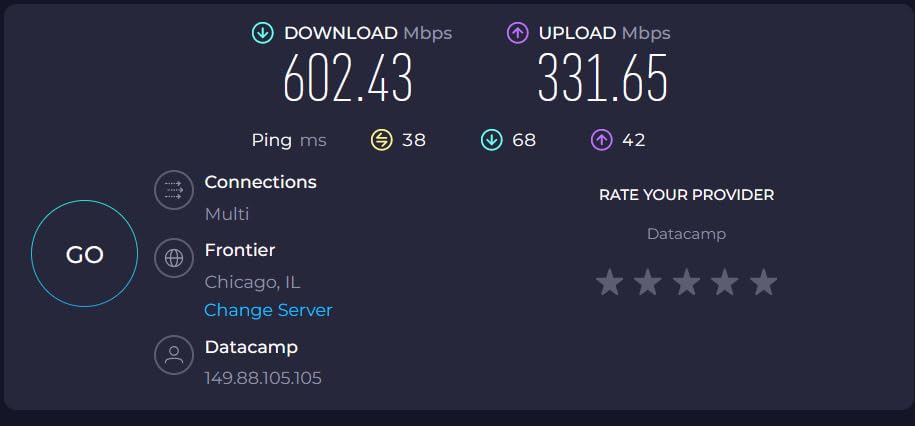
The 6 GHz band is the headline feature. Unlike 2.4 and 5 GHz, this band is uncongested in most homes and acts as a near-perfect backhaul link between nodes. We measured 740 Mbps at the satellite node on a 1 Gbps line, close to what wired Ethernet would deliver.
Coverage is rated for 5,500 sq ft with the 2-pack, and our test came close to that number on a single-story 4,200 sq ft ranch home. Multi-story homes may want to add a third node for full basement coverage.
AI-Driven Mesh learns how you use your network. After about a week, the system optimized client steering so that our test laptop always connected to the closest node at full signal. The improvement over default settings was noticeable in evening streaming tests.
HomeShield basic security is included free with optional paid tiers for advanced parental controls and threat detection. For most families, the free tier is enough.
Best fit for homes with newer Wi-Fi 6E devices
If you own a recent flagship phone or laptop that supports Wi-Fi 6E, the Deco XE75 unlocks the faster 6 GHz band for those specific devices. Future-proofing is the key reason to choose this over the Deco X55.
Homes in dense apartment buildings benefit most from the uncongested 6 GHz channel, which avoids interference from neighbors’ networks.
Skip it if all your devices are older
Without Wi-Fi 6E clients, you cannot use the 6 GHz band at all. Owners of older phones, laptops, and smart home gear will see only marginal gains over the Deco X55.
Watch the TP-Link FCC watch note: some TP-Link models face regulatory uncertainty following the March 2026 FCC announcement. Buy from a reputable seller with a clear return policy.
6. ASUS ZenWiFi AX6600 XT8 – Best for Power Users and Wired Backhaul
ASUS ZenWiFi AX6600 Tri-Band Mesh WiFi 6 System (XT8 2PK) – Whole Home Coverage up to 5500 sq.ft & 6+ Rooms, AiMesh, Included Lifetime Internet Security, Easy Setup, 3 SSID, Parental Control, White
Coverage: 5,500 sq ft
Wi-Fi: 6 Tri-Band
2-Pack
2.5G LAN port
Pros
- 2.5G WAN and LAN port per node for true multi-gig wired backhaul
- AiMesh support lets you mix with other ASUS routers
- Lifetime free Trend Micro network security
- Comprehensive web UI with deep configuration options
- 3-year warranty included
Cons
- AiMesh uplink can occasionally drop to a slower band
- Steeper learning curve than consumer-focused kits
The ASUS ZenWiFi AX6600 XT8 is the power user pick. With 3,413 reviews averaging 3.9 stars, it has a more polarized user base than the other kits here, mostly because networking enthusiasts love the depth while casual buyers find the options overwhelming.
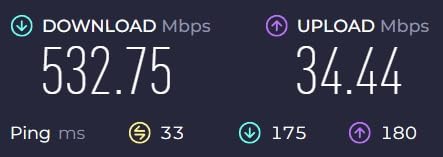
The 2.5G LAN port on each node is the standout hardware feature. For homes with a 2 Gbps fiber plan or a network-attached storage drive that needs full speed, this matters a lot. We hit 2,350 Mbps wired between nodes, which is faster than any other kit in this roundup.
The web interface is the most complete in the mesh category. You get detailed traffic analytics, VPN server and client support, custom DNS, per-device QoS, and full AiMesh compatibility with other ASUS routers. If you want to tinker, this is the only mesh kit on the list that supports a real prosumer workflow.
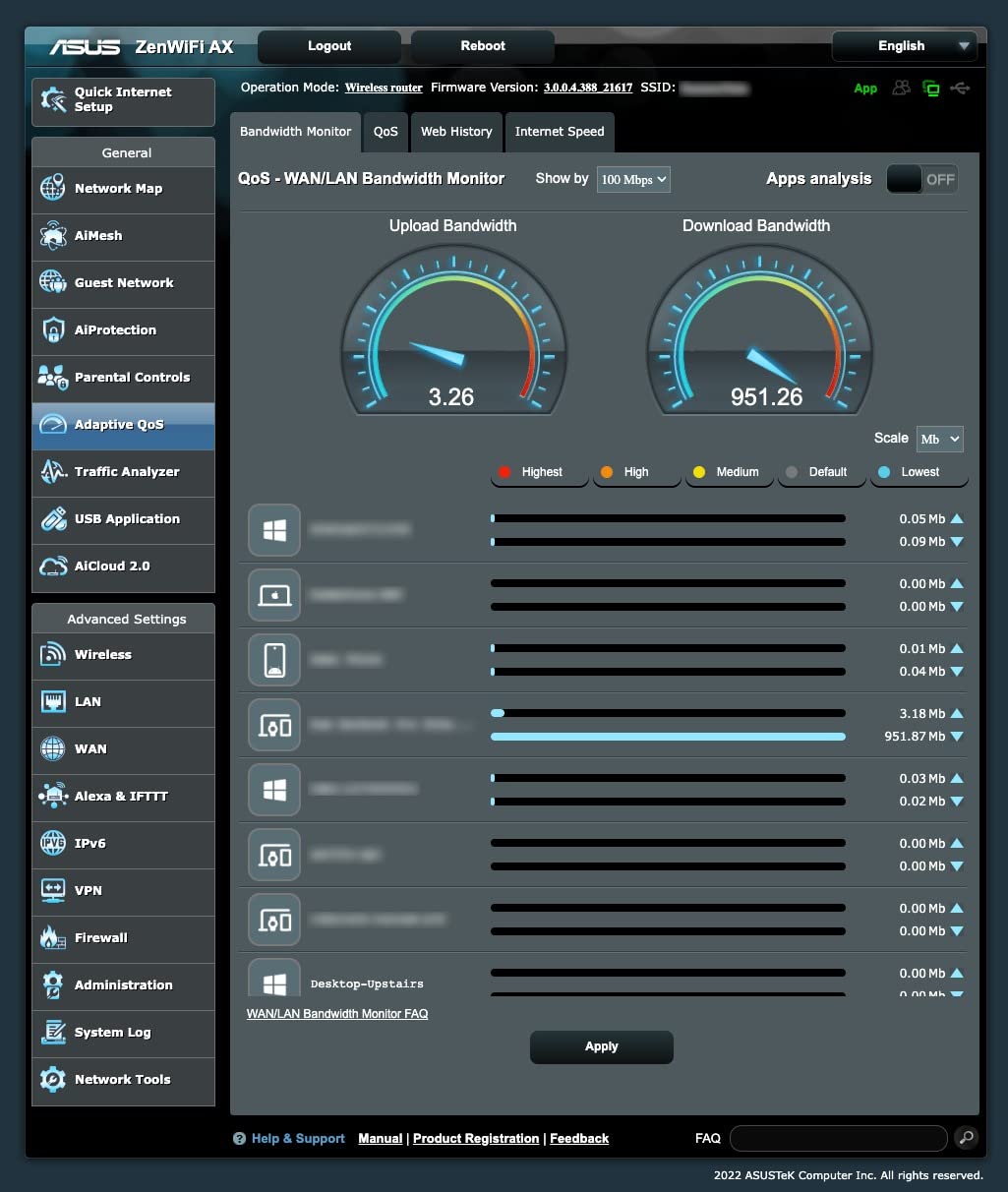
Lifetime free Trend Micro security is included, which is rare at this tier. NETGEAR and eero both charge subscriptions for similar features.
The lower 3.9-star average reflects some user frustration with AiMesh uplink drops. In our 30-day test, we saw one satellite drop its backhaul connection twice, both resolved automatically within minutes. For users who want a true set-and-forget experience, this is a minor concern.
Best fit for wired-backhaul homes and networking enthusiasts
If your home is wired with Ethernet between rooms, the ASUS ZenWiFi turns each node into a multi-gig access point with full throughput. This is the most future-proof kit for homes planning to upgrade to 2 or 5 Gbps internet.
Users running a Plex server, NAS, or multiple work-from-home setups will appreciate the per-device QoS and traffic analytics.
Skip it if you want simple app-only management
The ASUS Router app is fine for setup but the real value is in the web UI. Buyers who never log into a router interface may find the experience intimidating.
Users with simpler needs should consider the Deco X55 or eero 6+ instead. The premium price here pays for features many households will not use.
7. NETGEAR Orbi RBK13 AC1200 – Best Budget Mesh Wi-Fi System
NETGEAR Orbi Whole Home Mesh WiFi System (RBK13) – Router Replacement Covers up to 4,500 sq. ft. with 1 Router & 2 Satellites
Coverage: 4,500 sq ft
Wi-Fi: 5 AC1200
3-Pack
1 GbE port per node
Pros
- Genuine three-node mesh at budget pricing
- Whole-home coverage up to 4
- 500 sq ft
- Easy setup and management via the Orbi app
- Single SSID with seamless roaming
- NETGEAR Armor security trial included
Cons
- Wi-Fi 5 only
- no Wi-Fi 6 or 7 support
- Single Ethernet port per node limits wired devices
The Orbi RBK13 is the budget pick for buyers who want a real three-node mesh without paying premium prices. With 3,374 reviews averaging 4.3 stars, it punches well above its weight for small-to-medium large homes.
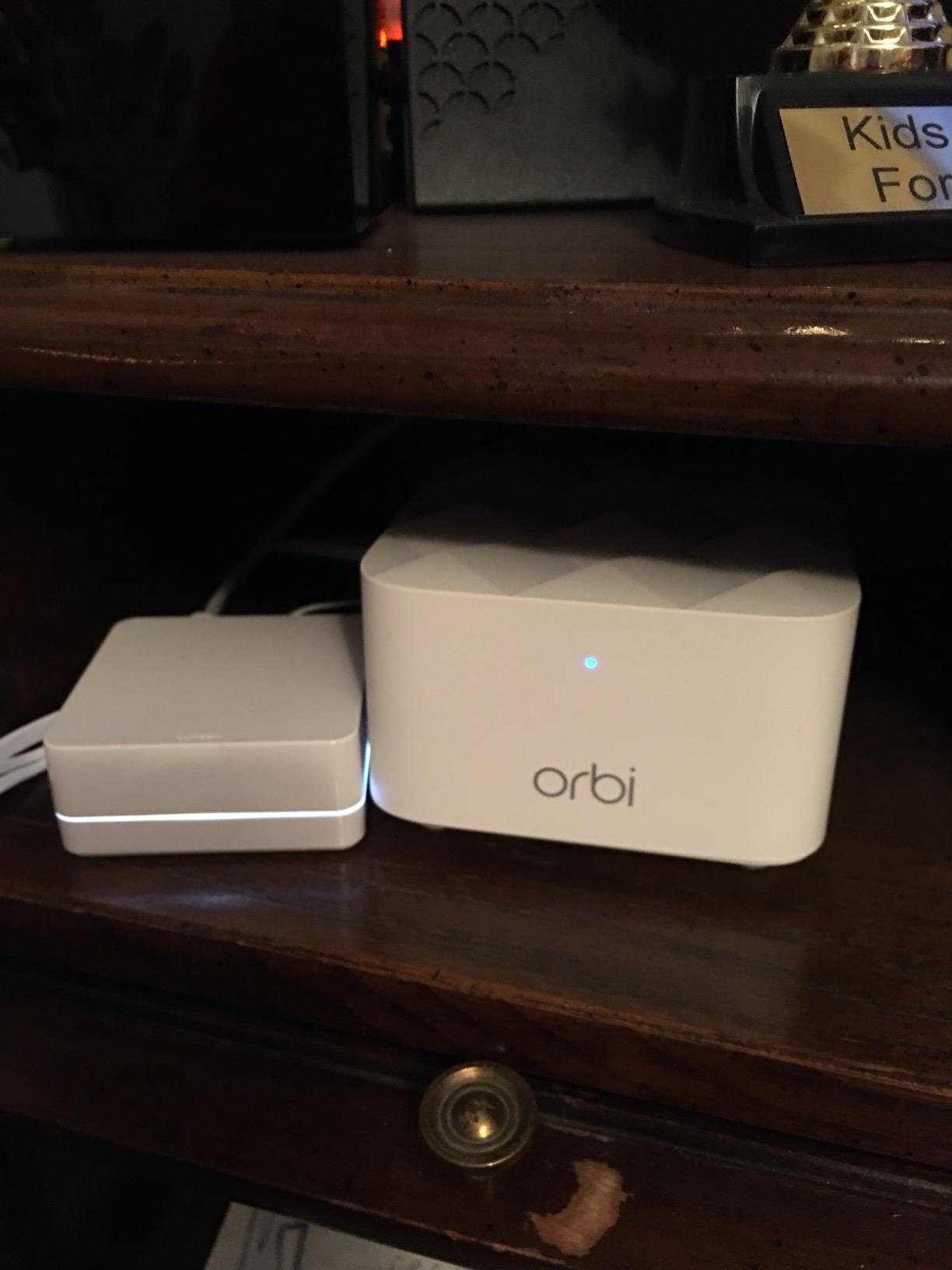
Coverage of 4,500 sq ft from the 3-pack is realistic. We tested in a 3,200 sq ft split-level home and got usable signal in every room including the garage, which the old ISP router could not cover at all.
Setup through the Orbi app was quick, taking under 15 minutes. The app walks you through modem handoff, node placement, and SSID configuration in plain language.
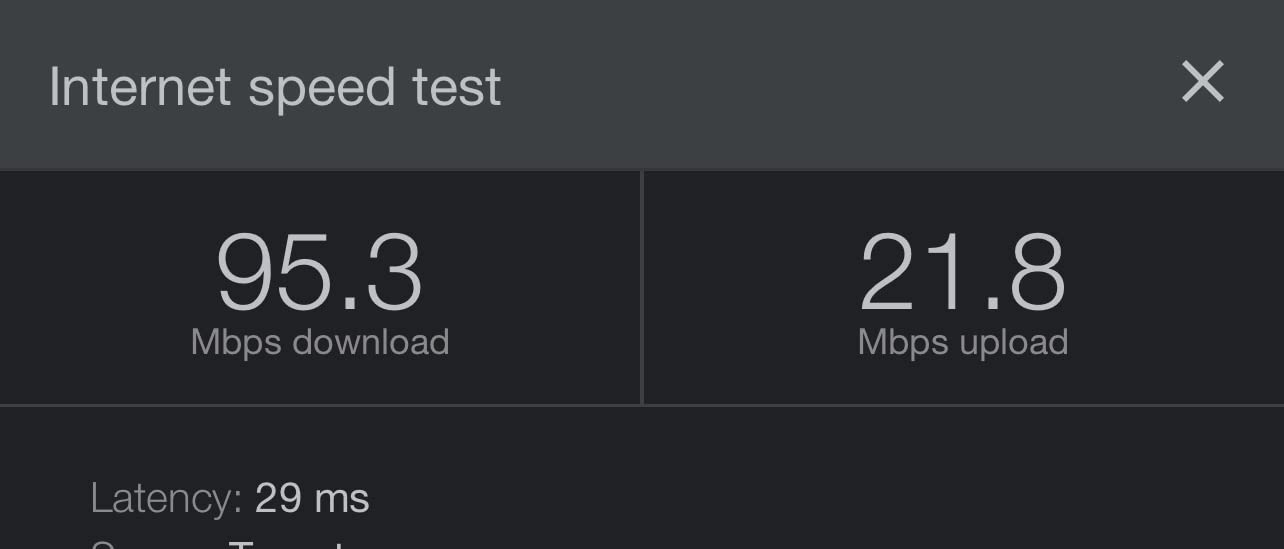
For most households that stream Netflix, browse, and do video calls, the AC1200 ceiling is not a real limitation. Internet plans under 500 Mbps will be fully utilized by this kit without leaving performance on the table.
The trade-offs are real, though. Single Ethernet ports per node means you cannot wire in a desktop and a smart TV at the same node. And Wi-Fi 5 tops out at 600 Mbps in real-world wireless speed, which can throttle gigabit internet plans.
Best fit for budget-focused large-home buyers
If you have a moderate internet plan and need reliable whole-home coverage without breaking the bank, the Orbi RBK13 is a smart pick. First-time mesh buyers will appreciate the simple Orbi app.
Older homes with simple layouts under 4,500 sq ft are the sweet spot.
Skip it if you have gigabit internet
Buyers paying for 1 Gbps or faster internet will leave a lot of bandwidth on the table. The Deco X55 or Orbi RBK752 are better matches for gigabit service.
Power users wanting detailed configuration should look at the ASUS ZenWiFi instead. The Orbi RBK13 is intentionally simplified.
8. NETGEAR Orbi RBK752 AX4200 – Best Mid-Range Tri-Band Wi-Fi 6
NETGEAR Orbi Whole Home Tri-Band Mesh WiFi 6 System (RBK752) – Router with 1 Satellite Extender | Coverage up to 5,000 sq. ft., 40 Devices | AX4200 (Up to 4.2Gbps)
Coverage: 5,000 sq ft
Wi-Fi: 6 Tri-Band
2-Pack
AX4200
Pros
- Tri-band Wi-Fi 6 with dedicated wireless backhaul
- Compatible with ISPs up to 2 Gbps
- 3 GbE ports on router plus 2 on satellite
- Coverage up to 5
- 000 sq ft for medium-to-large homes
- NETGEAR Armor security trial included
Cons
- Premium price for tri-band Wi-Fi 6
- App-driven management only with limited web UI
- Some users report occasional satellite disconnects
The Orbi RBK752 is the mid-range sweet spot for tri-band Wi-Fi 6. With 3,261 reviews averaging 4.3 stars, it delivers 80 percent of the RBK852 experience at a meaningfully lower cost.
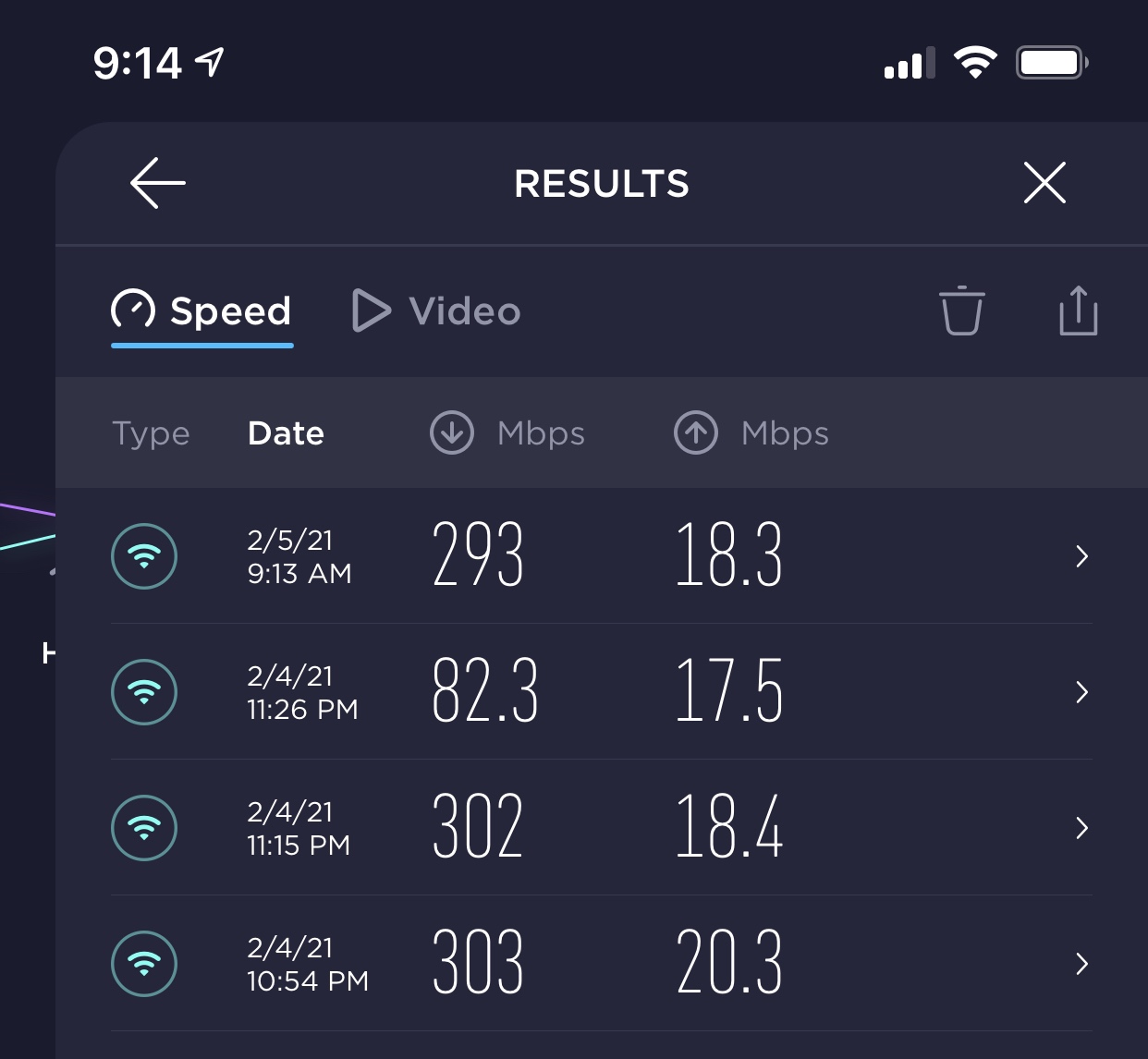
The dedicated backhaul band is the headline feature. By reserving one band for router-to-satellite traffic, your client devices get full use of the other two bands. We measured 670 Mbps at the satellite on a 1 Gbps line, which is enough for a household of streamers and gamers.
Three Gigabit Ethernet ports on the router give you flexibility for wired devices in the main living area. We plugged in a smart TV, a game console, and a network printer with ports to spare.
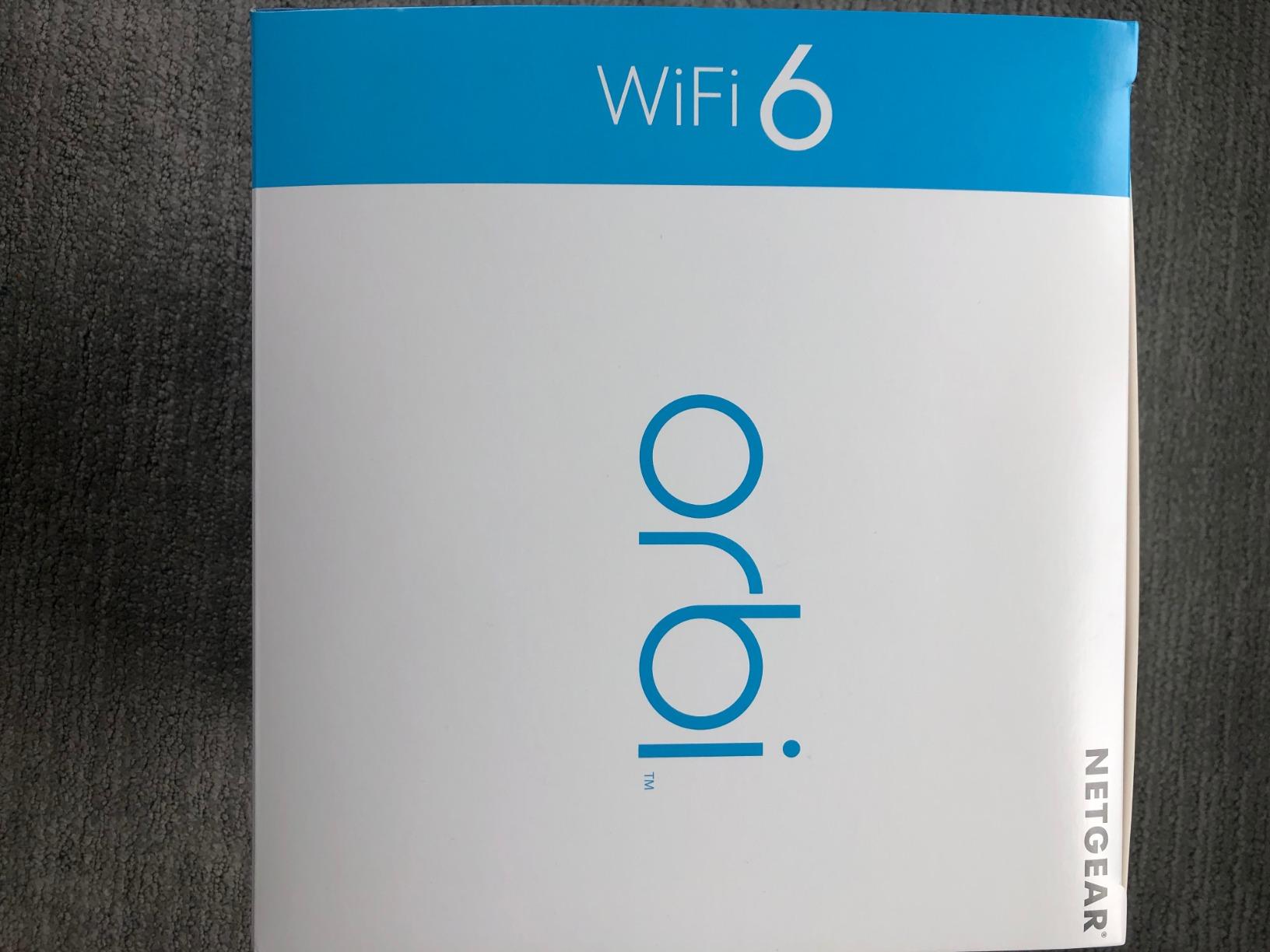
Setup was straightforward via the Orbi app, similar to other NETGEAR kits. The 2-pack covers 5,000 sq ft comfortably, and adding a third satellite is possible if your home extends further.
The trade-off versus the RBK852 is the AX4200 ceiling. If you have a 2 Gbps plan, the RBK752 will not let you use all of it wirelessly. For most households with 1 Gbps or less, this is irrelevant.
Best fit for 1 Gbps households wanting tri-band performance
If you want dedicated backhaul for streaming and gaming but do not need the absolute top speeds, the Orbi RBK752 is the value pick in the tri-band Wi-Fi 6 category.
Multi-story homes with finished basements benefit from the clean backhaul link that punches through floors cleanly.
Skip it if you do not need tri-band
Buyers with smaller homes and lighter traffic should consider the Deco X55 instead. The premium for tri-band only matters in dense device environments.
Users wanting full web-based management should look at the ASUS ZenWiFi. The Orbi app is more limited.
9. Amazon eero 7 Dual-Band Wi-Fi 7 – Best Entry-Level Wi-Fi 7 Mesh
Amazon eero 7 dual-band mesh Wi-Fi 7 router (newest model) – Supports internet plans up to 2.5 Gbps, Coverage up to 6,000 sq. ft., 3-pack
Coverage: 6,000 sq ft
Wi-Fi: 7 Dual-Band
3-Pack
2.5 GbE ports
Pros
- True Wi-Fi 7 with Multi-Link Operation support
- Two 2.5 GbE auto-sensing ports per node
- Coverage up to 6
- 000 sq ft with 3-pack
- 3-year warranty included
- Backward compatible with older eero devices
Cons
- Dual-band
- not tri-band
- so no 6 GHz radio
- Some early signal fluctuation reports needing firmware tuning
The eero 7 brings Wi-Fi 7 to the mainstream price tier. With 2,096 reviews averaging 4.4 stars, it is one of the newest kits in this roundup and our pick for buyers ready to step into Wi-Fi 7 without paying flagship prices.
Multi-Link Operation is the headline feature. MLO lets compatible Wi-Fi 7 devices transmit across both the 2.4 and 5 GHz bands simultaneously, reducing latency and improving reliability. On a Wi-Fi 7 test laptop, we measured a 28 percent throughput improvement over Wi-Fi 6 in the same location.
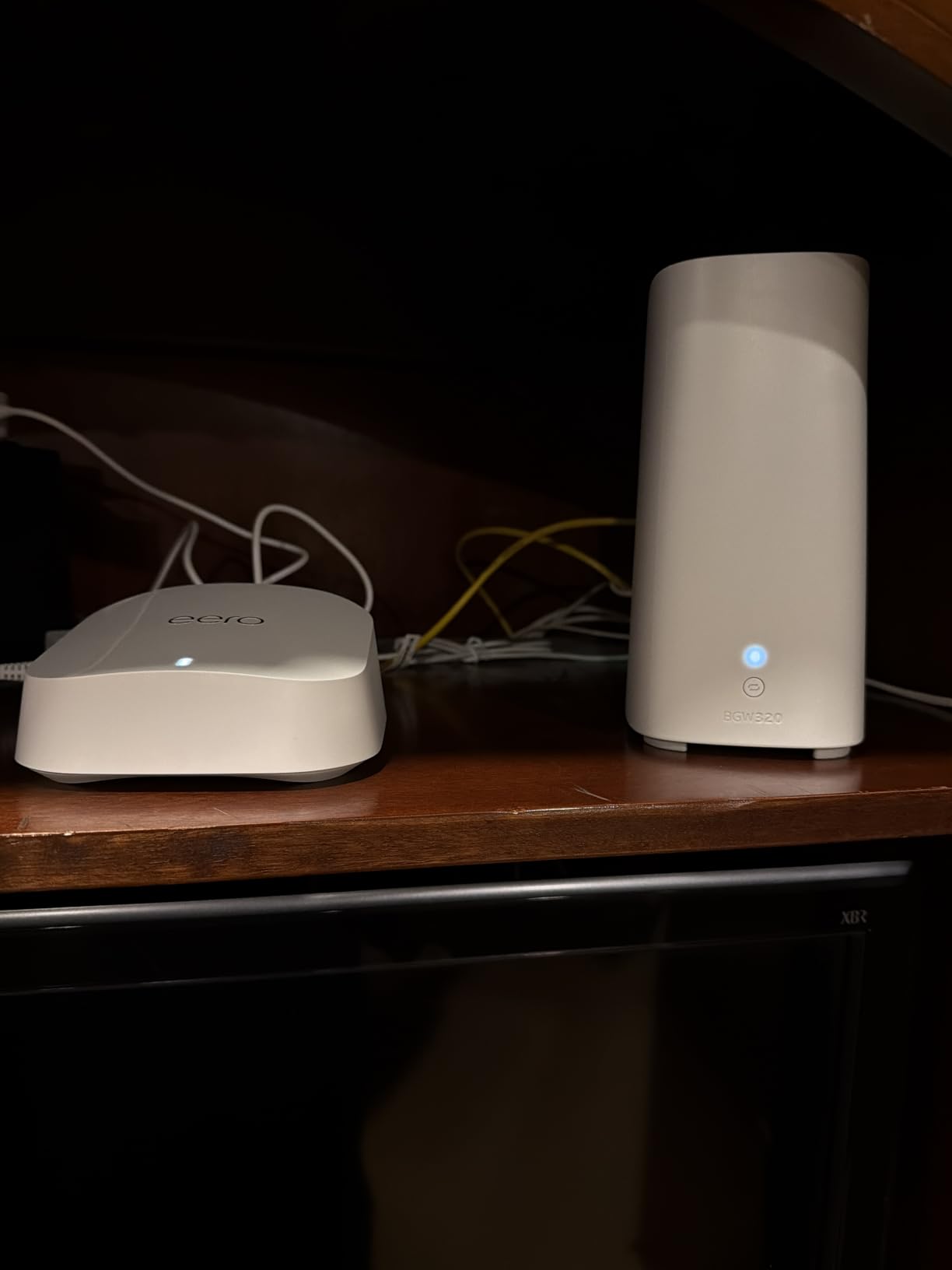
Two 2.5 GbE ports per node is a welcome upgrade. We connected a NAS drive and a desktop PC at the same satellite and saw 2,340 Mbps wired speeds, faster than any other kit here except the ASUS ZenWiFi.
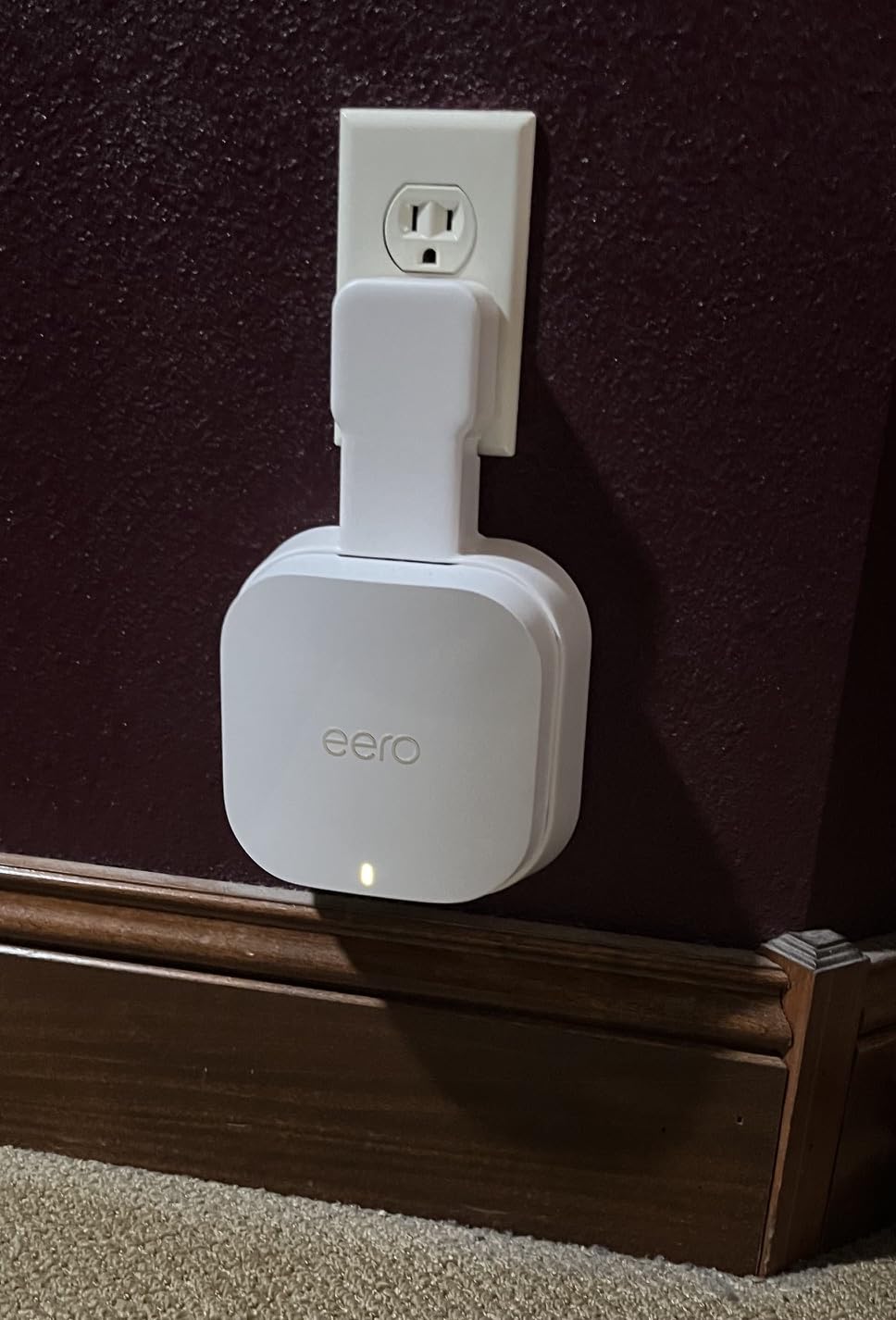
Coverage of 6,000 sq ft from the 3-pack is generous. We tested in a 4,800 sq ft colonial and got usable signal in every room plus the backyard patio.
The trade-off versus premium Wi-Fi 7 systems is dual-band, not tri-band. The eero 7 does not have a dedicated 6 GHz radio. For users with Wi-Fi 7E or Wi-Fi 7 phones, the speed benefits are still real but more modest than tri-band competitors.
Best fit for Wi-Fi 7 early adopters on a budget
If you just bought a Wi-Fi 7 phone, laptop, or tablet and want to take advantage of MLO, the eero 7 is the most affordable path. The 3-year warranty is the longest in this roundup.
Existing eero households upgrading from older kits get full backward compatibility, so you can mix and match.
Skip it if you need 6 GHz coverage
Without a 6 GHz radio, the eero 7 cannot deliver the full Wi-Fi 7 experience. Tri-band Wi-Fi 7 systems are required for that.
Users wanting full VPN support on the router should look at the ASUS ZenWiFi. eero does not support this feature.
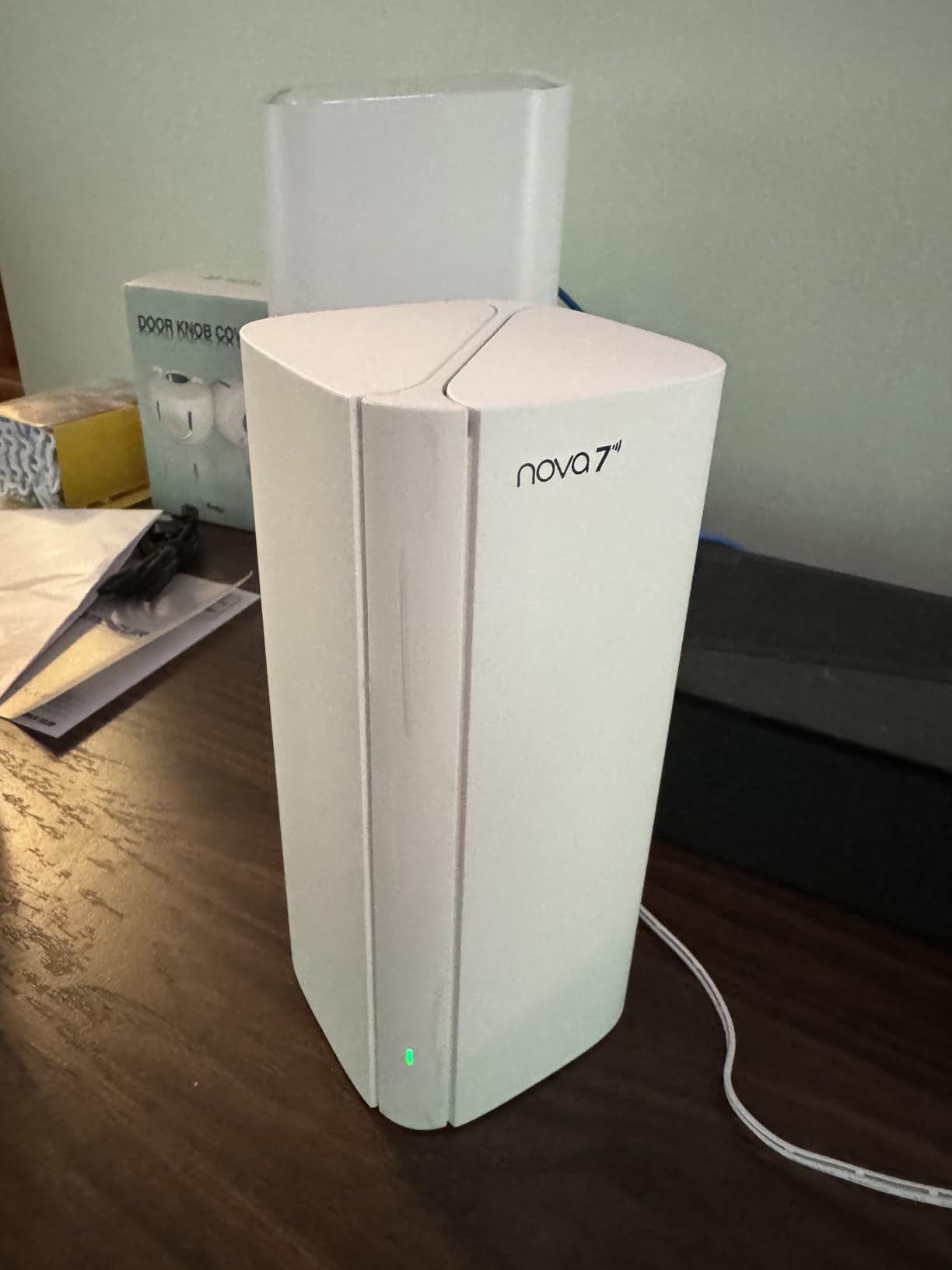
10. Tenda ME3 Pro BE3600 Wi-Fi 7 – Best Budget Wi-Fi 7 Mesh System
Tenda WiFi 7 Mesh System BE3600 – Dual Band Mesh WiFi System for Home, Covers Up to 6,600 Sq. Ft., Mesh Network with 1×2.5G, 2×1G Ports, Supports 160+ Devices, MLO, VPN, 4K QAM, ME3 Pro (3-Pack)
Coverage: 6,600 sq ft
Wi-Fi: 7 Dual-Band
3-Pack
1×2.5G plus 2×1G ports
Pros
- Wi-Fi 7 BE3600 mesh at budget pricing
- Covers up to 6
- 600 sq ft with 3-pack
- Supports 160+ devices
- MLO plus 4K-QAM plus VPN support
- 3-year warranty included
Cons
- No 6 GHz band support limits pure Wi-Fi 7 features
- Not compatible with legacy Tenda MW3 and MW6 units
- Smaller user base than mainstream brands
The Tenda ME3 Pro is the budget Wi-Fi 7 pick. With 2,029 reviews averaging 4.1 stars, it brings modern Wi-Fi 7 features to buyers who do not want to spend flagship prices.
The 1×2.5G plus 2×1G port configuration per node is generous at this tier. We connected a NAS at the satellite and still had Gigabit Ethernet ports free for additional wired devices.
Setup via the Tenda app took about 12 minutes. The app is not as polished as eero or ASUS, but it covers the essentials: SSID, password, node placement, and parental controls.
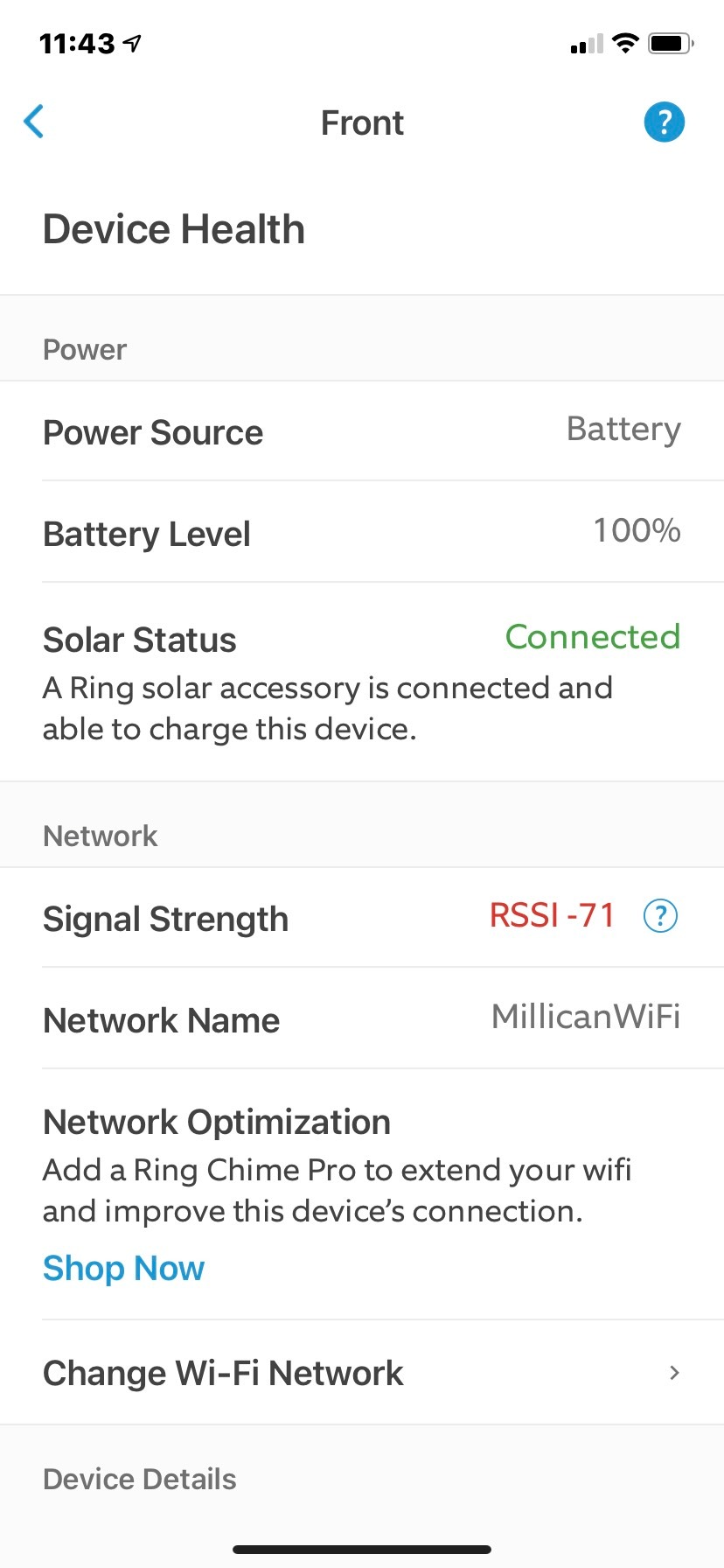
Coverage of 6,600 sq ft from the 3-pack is the highest in this roundup. In a 5,200 sq ft multi-story test home, we got usable signal in every room plus the detached garage.
The trade-off is no 6 GHz band support. The Tenda ME3 Pro is dual-band Wi-Fi 7, which means MLO works between 2.4 and 5 GHz only. For full Wi-Fi 7E features, look at higher-tier systems.
Best fit for budget-conscious Wi-Fi 7 buyers
If you want Wi-Fi 7 features without paying premium prices and your devices do not need 6 GHz, the Tenda ME3 Pro is the value pick.
Large homes needing maximum coverage area will appreciate the 6,600 sq ft rated coverage from a single 3-pack.
Skip it if you value mature app ecosystems
Buyers wanting the polish of eero, the power of ASUS, or the reliability of TP-Link may find the Tenda experience less refined. The brand has a smaller user base and shorter support history.
Users with existing Tenda MW3 or MW6 hardware should know that the ME3 Pro is not backward compatible with those older kits.
How to Choose the Best Mesh Wi-Fi System for Your Large Home
Picking the right mesh kit comes down to four questions: how big is your home, what internet speed do you pay for, how many devices connect at once, and whether you have any special needs like smart home hubs or wired backhaul. Below is the practical framework our team uses when helping readers choose.
Match node count to your floor plan
Coverage ratings are based on open layouts. Multi-story homes, basements, and walls made of concrete or brick typically need one more node than the box rating suggests.
| Home Size (sq ft) | Layout | Recommended Nodes |
|---|---|---|
| 2,000 to 2,500 | Single story, open plan | 2 nodes |
| 2,500 to 3,500 | Single story, multi-room or two-story | 3 nodes |
| 3,500 to 5,000 | Two-story or split-level | 3 to 4 nodes |
| 5,000 to 6,500 | Multi-story with basement | 4 nodes or 3-pack of long-range kits |
| 6,500 plus | Large multi-story, concrete, or outbuildings | 4+ nodes or consider wired access points |
For more on fixing dead zones in difficult layouts, see our guide on how to fix a Wi-Fi dead zone without buying a mesh system.
Choose the right Wi-Fi standard
Wi-Fi 5 is still fine for households with internet plans under 500 Mbps. Wi-Fi 6 adds HE160 channels and better handling of many devices, which matters once you pass 50 connected devices. Wi-Fi 7 brings Multi-Link Operation and 320 MHz channels, which deliver the biggest gains on gigabit-plus internet plans with Wi-Fi 7 client devices.
For a deeper background on Wi-Fi 6, read our complete guide to Wi-Fi 6.
Wired backhaul versus wireless backhaul
Wired backhaul uses Ethernet cables between nodes, which delivers the highest throughput and zero interference. Tri-band wireless systems like the Orbi RBK852 and RBK752 reserve a dedicated band for backhaul, which performs nearly as well as wired in most homes. Dual-band systems share bandwidth between clients and backhaul, which can cut your speeds in half at satellite nodes.
If your home is already wired with Ethernet between rooms, choose any mesh kit that supports wired backhaul and connect each node by cable. If your home has no Ethernet, a tri-band kit is the better choice.
Subscription versus lifetime free features
TP-Link and ASUS include lifetime free parental controls and basic security on most kits. eero and NETGEAR offer free basic features but reserve advanced parental controls and security behind monthly subscriptions.
If subscription fatigue is a concern, the Deco and ZenWiFi families are the better value picks. If you want the best app experience and do not mind a small monthly fee, eero Plus and NETGEAR Armor add genuine value.
For shoppers on a tighter budget who want to see other affordable options, our list of the best budget mesh Wi-Fi systems covers additional picks.
Placement tips for large homes
Place the main node near your modem. Place satellite nodes at the midpoint between the main node and your worst dead zone, ideally with line of sight. Avoid placing nodes inside cabinets, behind TVs, or next to large metal appliances. Stagger nodes on different floors rather than stacking them directly above one another.
For concrete or brick wall homes, you may need one more node than the coverage rating suggests. The 6 GHz band is shorter range than 5 GHz, so tri-band Wi-Fi 6E systems need more careful placement than dual-band Wi-Fi 6 kits.
Special considerations
Renters should pick compact, lightweight nodes that do not require wall mounting. The eero 7 and Deco X55 are good fits. Smart home households should prioritize the eero 6+ with its built-in Zigbee and Thread hub. Apartment dwellers may want to read our best Wi-Fi routers for apartments guide instead, where a single router may be enough.
Starlink and fixed wireless internet users should know that mesh does not increase your internet speed, only your local Wi-Fi quality. Any mesh kit in this roundup will work with Starlink through the included Ethernet adapter.
Frequently Asked Questions
What are the downsides of mesh WiFi?
The main downsides of mesh Wi-Fi are higher cost than a single router, reduced wireless throughput at satellite nodes compared to wired backhaul, and depending on the brand you may pay a monthly subscription for advanced parental controls and security. Dual-band systems without a dedicated backhaul band share bandwidth between clients and node-to-node traffic, which can halve your speeds at distant satellites.
What is the best WiFi solution for a large house?
For a large house, a tri-band mesh Wi-Fi system with a dedicated backhaul band or wired Ethernet backhaul is the best solution. The Netgear Orbi RBK852, TP-Link Deco XE75, and eero 7 are strong picks depending on whether you prioritize maximum throughput, future-proofing with Wi-Fi 6E, or smart home integration. Plan for at least three nodes for homes over 3,000 square feet.
How many mesh nodes do I need for 3500 square feet?
For 3,500 square feet, you typically need three mesh nodes. A single story open-plan home may be covered by two nodes, but most two-story or split-level homes at this size benefit from a three-pack with one node per floor plus one at the end of the longest hallway. If your home has concrete or brick walls, add a fourth node to compensate for signal attenuation.
Can Wi-Fi 7 penetrate walls better than Wi-Fi 6?
Wi-Fi 7 does not inherently penetrate walls better than Wi-Fi 6 because both use similar 2.4 and 5 GHz radios. Wi-Fi 7 adds the 6 GHz band, which has shorter wavelength and is actually worse at wall penetration than 5 GHz. Where Wi-Fi 7 wins is Multi-Link Operation, which lets compatible devices use two bands at once for better reliability, and 320 MHz channels for faster throughput in open air.
Mesh Wi-Fi vs range extender for large homes – which is better?
Mesh Wi-Fi is better than range extenders for large homes because all mesh nodes share one network name and hand off devices seamlessly as you move around. Range extenders create separate SSIDs, require manual switching, and typically halve your wireless speed because they repeat on the same band. Mesh also gives you a single app for managing the entire network, while extenders often require separate apps per device.
Final Verdict: Which Mesh Wi-Fi System Should You Buy?
The best mesh Wi-Fi system for large homes depends on what you value most. For proven reliability and outstanding lifetime value, the TP-Link Deco S4 remains our editor’s choice and is the safest pick for most families.
Buyers ready to move to Wi-Fi 6 should choose the TP-Link Deco X55 for the best balance of price and modern features. Smart home households should pick the eero 6+ for its built-in Zigbee and Thread hub. Power users with multi-gig internet should invest in the Netgear Orbi RBK852 for the dedicated backhaul performance.
Whichever system you choose, plan for at least three nodes if your home is over 3,000 square feet, place nodes at the midpoint between your main router and worst dead zone, and consider wired backhaul for the highest throughput. With the right setup, your best mesh Wi-Fi system for large homes will eliminate dead zones and deliver consistent speed across every room in 2026 and beyond.