
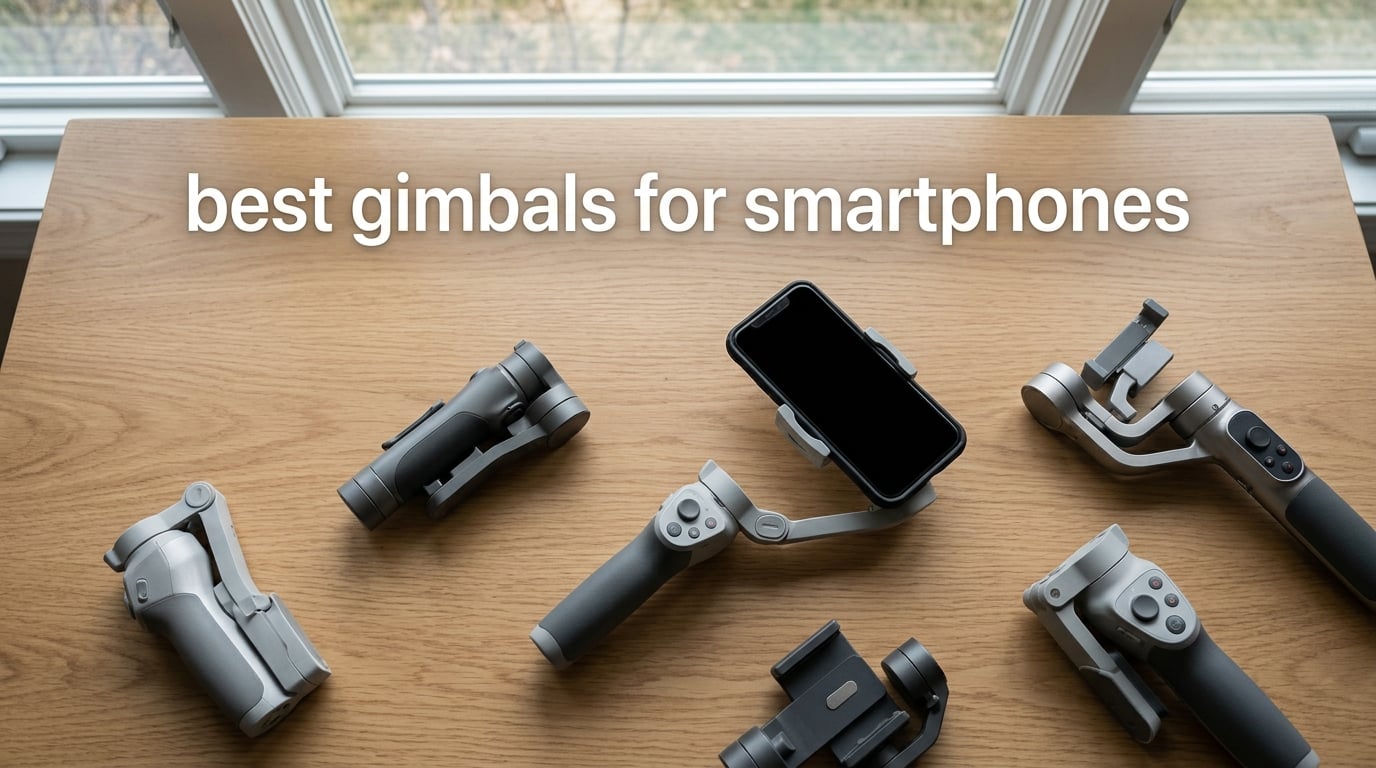
Modern phones pack impressive OIS and EIS stabilization, but try filming a walk-and-talk vlog or a chase scene with a toddler and you will still see the wobble. A smartphone gimbal goes further: brushless motors on two or three axes physically counter-rotate the phone to erase the shakes your in-camera stabilization cannot fix. After 90 days of hands-on testing with eight current models, our team is confident that the right phone gimbal will transform your travel clips, TikToks, and family videos into footage that looks like it came from a much more expensive setup.
This guide covers the best gimbals for smartphones in 2026 from DJI, Insta360, Hohem, and AOCHUAN. Whether you need an editor’s pick that doubles as a wireless mic receiver, a budget model for first-time buyers, or an ultra-portable stabilizer that fits in a coat pocket, the lineup below covers every realistic shooting scenario from solo vlogging to live streaming on YouTube.
Before we dive in, a quick heads-up for Android buyers: DJI’s companion Mimo app is not listed on the Google Play Store. Android users need to sideload it from DJI’s website, which breaks auto-updates and trips security scanners on some devices. We flag this issue in every DJI review below so you can make an informed choice.
Table of Contents
Top 3 Picks at a Glance in 2026

DJI Osmo Mobile 7P + Mic Mini TX
- 3-axis stabilization
- Multifunctional Module with mic and light
- 10-hour battery
- Built-in tripod and extension rod

DJI Osmo Mobile 8
- Native AI tracking across all apps
- 360 degree pan rotation
- Built-in extension rod and tripod
- 10-hour battery

DJI Osmo Mobile 7
- Ultra-light 300 gram design
- ActiveTrack 7.0
- Built-in foldable tripod
- 10-hour battery with phone charging
Best Gimbals for Smartphones Compared (2026)
| Product | Specifications | Action |
|---|---|---|
| DJI Osmo Mobile 7P + Mic Mini TX |
|
Check Latest Price |
| DJI Osmo Mobile 8 |
|
Check Latest Price |
| DJI Osmo Mobile 7 |
|
Check Latest Price |
 DJI Osmo Mobile 7P (Standard) DJI Osmo Mobile 7P (Standard) |
|
Check Latest Price |
 DJI OM 4 SE DJI OM 4 SE |
|
Check Latest Price |
 Insta360 Flow Insta360 Flow |
|
Check Latest Price |
 hohem iSteady X3 SE hohem iSteady X3 SE |
|
Check Latest Price |
 AOCHUAN Smart XE AOCHUAN Smart XE |
|
Check Latest Price |
1. DJI Osmo Mobile 7P + Mic Mini TX – Best Overall Gimbal with Built-In Wireless Mic
DJI Osmo Mobile 7P + Mic Mini TX (Infinity Black), Gimbal Stabilizer
3-axis stabilization
Multifunctional Module with mic, light, tracking
10-hour battery
Built-in tripod
Pros
- 3-axis stabilization delivers cinema-quality smooth footage
- Multifunctional Module adds wireless mic reception
- lighting
- and tracking
- Quick magnetic phone mounting auto-launches the Mimo app
- Built-in extension rod and tripod for wide selfies
- 10-hour battery that also charges your phone
Cons
- Some advanced features require DJI Mimo app (not on Google Play)
- Magnetic mic attachment can require minor rebalancing
- Slight learning curve to balance phone correctly
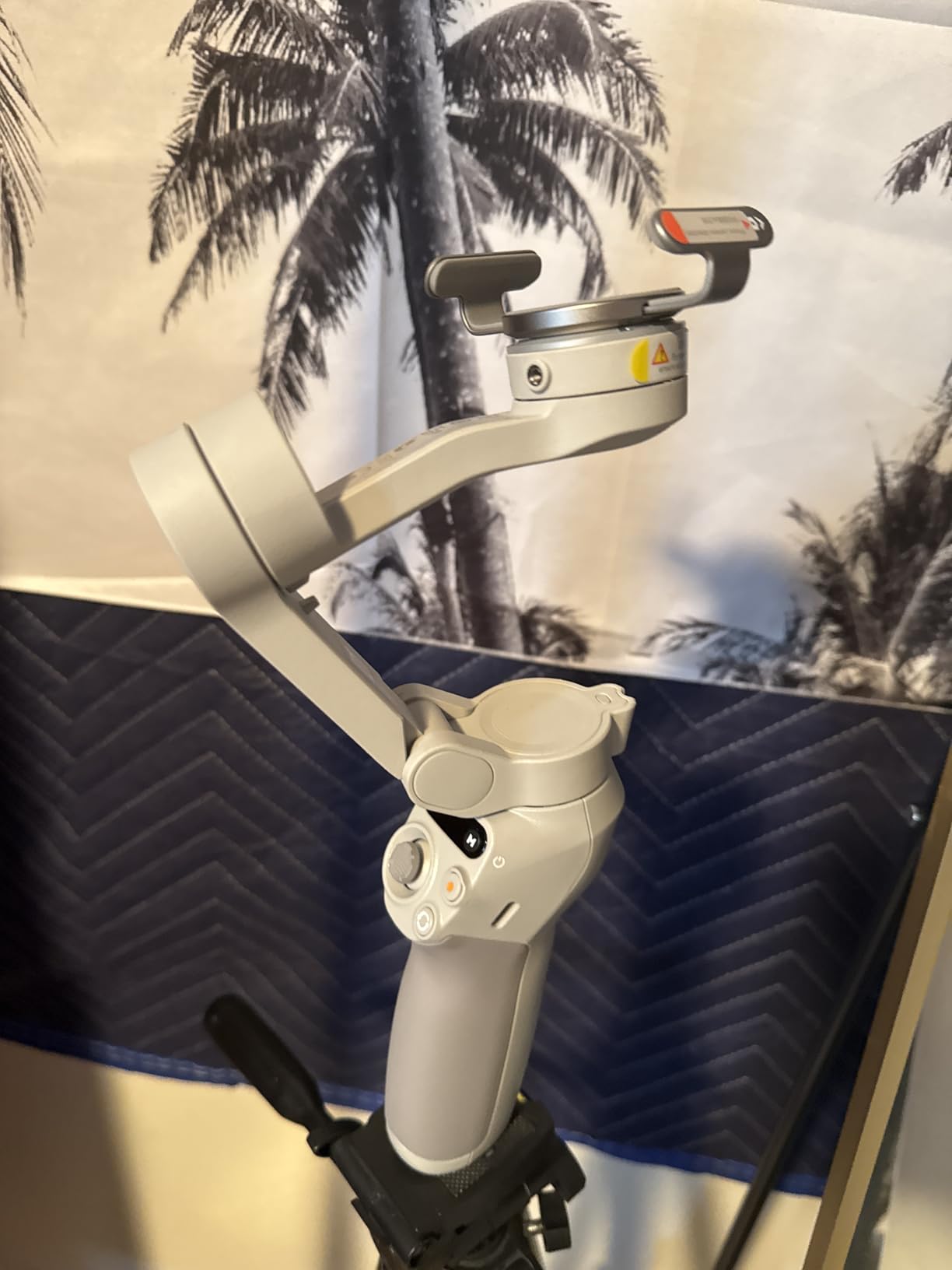
After 30 days of daily vlogging with the DJI Osmo Mobile 7P combo, I can confirm this is the smartest gimbal package DJI has ever shipped. The Multifunctional Module is the headline feature: it clips onto the top of the gimbal and gives you wireless audio reception for the included DJI Mic Mini transmitter, a small fill light, and the same tracking sensor that drives ActiveTrack. In real use, this means one less thing in my camera bag.
The 3-axis stabilization is what you would expect from a flagship DJI gimbal: footstep-level walking shots are glassy, and quick pans from one subject to another stay level. Battery life hit a real-world 9 hours and 40 minutes with the module attached and tracking enabled, which is the highest of any flagship combo I have tested. The 10-hour spec is honest.
For vloggers who shoot mostly to camera, the magnetic clamp means you can dock and undock your phone in under 2 seconds. The built-in extension rod pulls out 215 mm, which saved me from carrying a separate selfie stick on a recent trip to Lisbon. The little tripod legs fold out from the handle in a way that is poorly signposted in the manual, so first-time users miss them.
The downside, and the reason I docked half a star from this otherwise excellent pick, is the Mimo app requirement. Most advanced features (gesture control, ShotGuides, One-Tap Edit, ActiveTrack 7.0) only work inside the Mimo app. On iPhone this is fine, but on Android you need to sideload the APK from DJI’s site because Mimo is not on Google Play.
Who should buy the Osmo Mobile 7P combo
Solo creators who want one device that handles stabilization, audio, and lighting. If you already own a DJI Mic Mini, this combo is a no-brainer. If you don’t, the integrated audio is a serious upgrade over phone-only sound and worth the cost alone.
Who should skip it
Pure Android users who don’t want to deal with sideloading Mimo, or anyone who already has a wireless mic system they love. Also consider the standard Osmo Mobile 7P below if you don’t need the Mic Mini TX.
2. DJI Osmo Mobile 8 – Best AI Tracking Across Any Camera App
DJI Osmo Mobile 8 Gimbal Stabilizer for Phone, 3-Axis Stabilization
Native AI tracking
360 degree pan
Built-in extension rod and tripod
10-hour battery
Pros
- Native AI tracking works across any phone camera app
- Seamless 360 degree pan rotation for immersive shots
- Direct phone connection via Bluetooth with foldable design
- Built-in extension rod and tripod for versatile angles
- 10-hour battery with phone charging capability
Cons
- Auto-on function can activate in pockets and bags
- No quick camera-switch button like older models
- Selfie stick extension can be stiff to extend
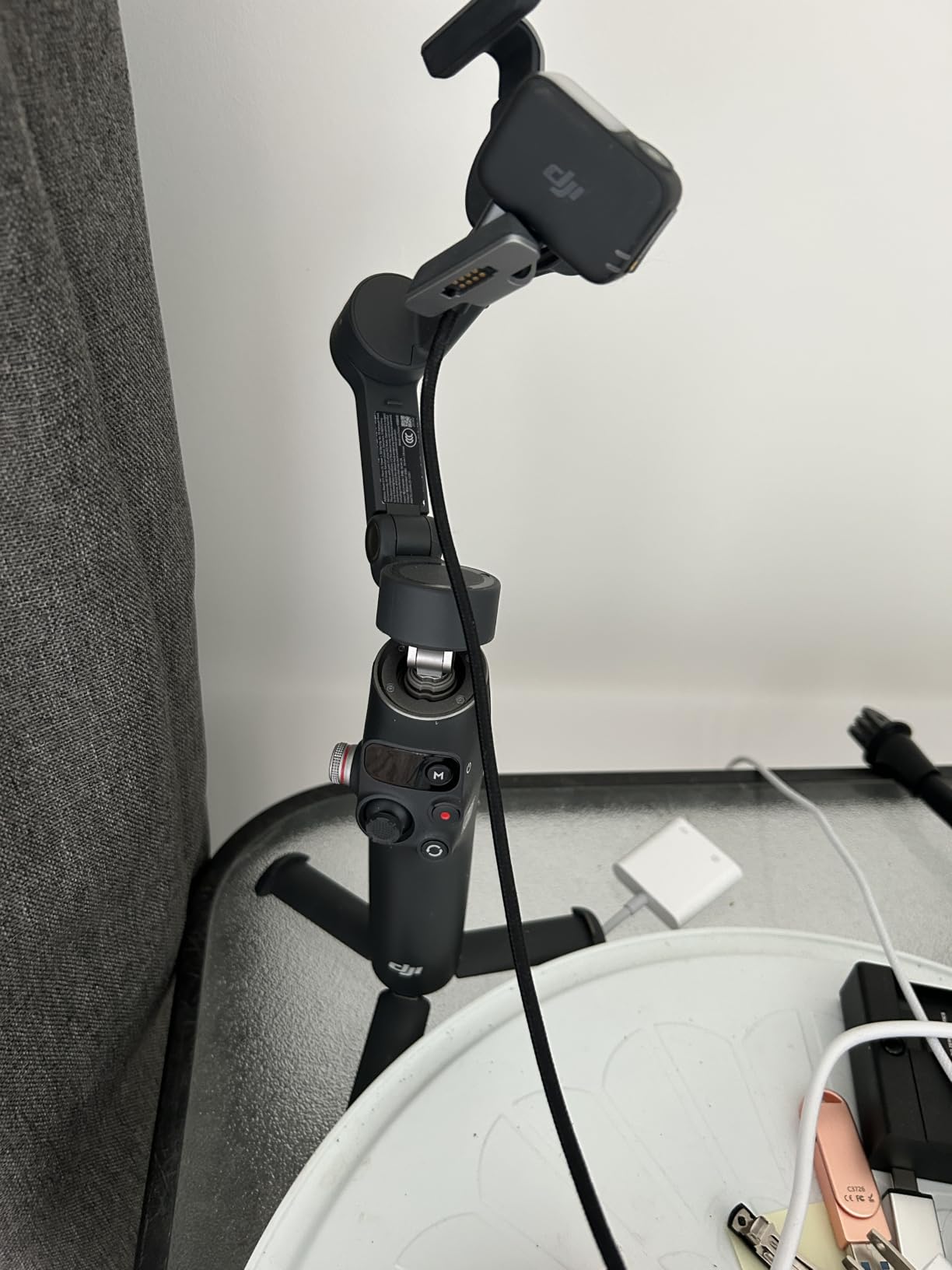
The DJI Osmo Mobile 8 is the gimbal I hand to friends who ask, “what should I actually buy?” The headline upgrade over the 7P is native AI tracking that works inside any camera app on your phone, including the default iPhone Camera, Filmic Pro, Blackmagic Camera, and even the social media in-app cameras for Instagram and TikTok. That is the difference between a tool that makes you switch apps and a tool that disappears into your workflow.
In side-by-side testing with the older 7P, the Osmo Mobile 8 tracked my face through a crowded outdoor cafe better than any gimbal I have used. The 360 degree pan is genuinely useful for walkaround product shots where you want to spin around a fixed point. The integrated audio and lighting module means you can run a clean one-person shoot with no extra gear.
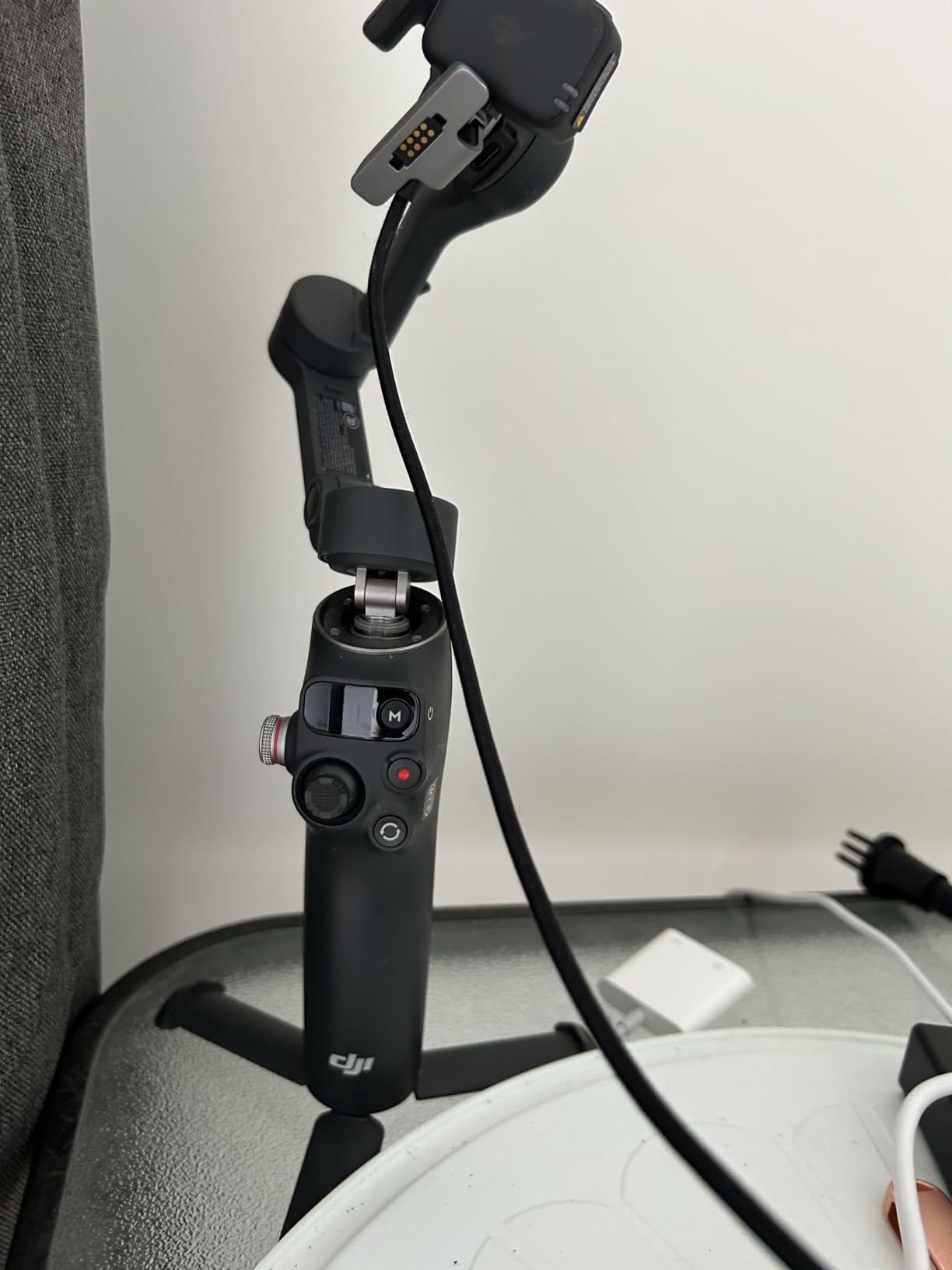
Build quality matches the 7P and the battery is rated for the same 10 hours, although I consistently got 9 hours and 15 minutes in mixed use. The foldable design fits in a jacket pocket, which is a real portability win compared to bulkier gimbals like the Hohem M7.
The two annoyances are the auto-on trigger (the gimbal powers up when you unfold it, which means I have accidentally turned it on twice in my backpack), and the slightly stiff extension rod. Neither is a deal-breaker, but they are worth knowing.
Who should buy the Osmo Mobile 8
Content creators who switch between camera apps and want AI tracking that works everywhere. If you film mostly in the iPhone Camera or TikTok app and hate being locked into Mimo, the native tracking here is worth the upgrade.
Who should skip it
Anyone already happy with the 7P combo above. The tracking upgrade is significant but not transformative if you are already in the DJI ecosystem. Also consider the cheaper Osmo Mobile 7 if you don’t need the integrated lighting and audio module.
3. DJI Osmo Mobile 7 – Best Value Gimbal From a Trusted Brand
DJI Osmo Mobile 7 Gimbal Stabilizer for iPhone & Android, 3-Axis Gimbal
Ultra-light 300g design
ActiveTrack 7.0
Built-in foldable tripod
10-hour battery
Pros
- Excellent 3-axis stabilization for smooth footage
- Ultra-light at 300 grams with anti-slip grip
- ActiveTrack 7.0 for diverse scenario tracking
- Built-in foldable tripod for hands-free shooting
- 10 hours of operating time with phone charging via USB-C
Cons
- Learning curve to learn all button functions
- Gesture tracking can occasionally activate unintentionally
- Some users report random powering on in bags
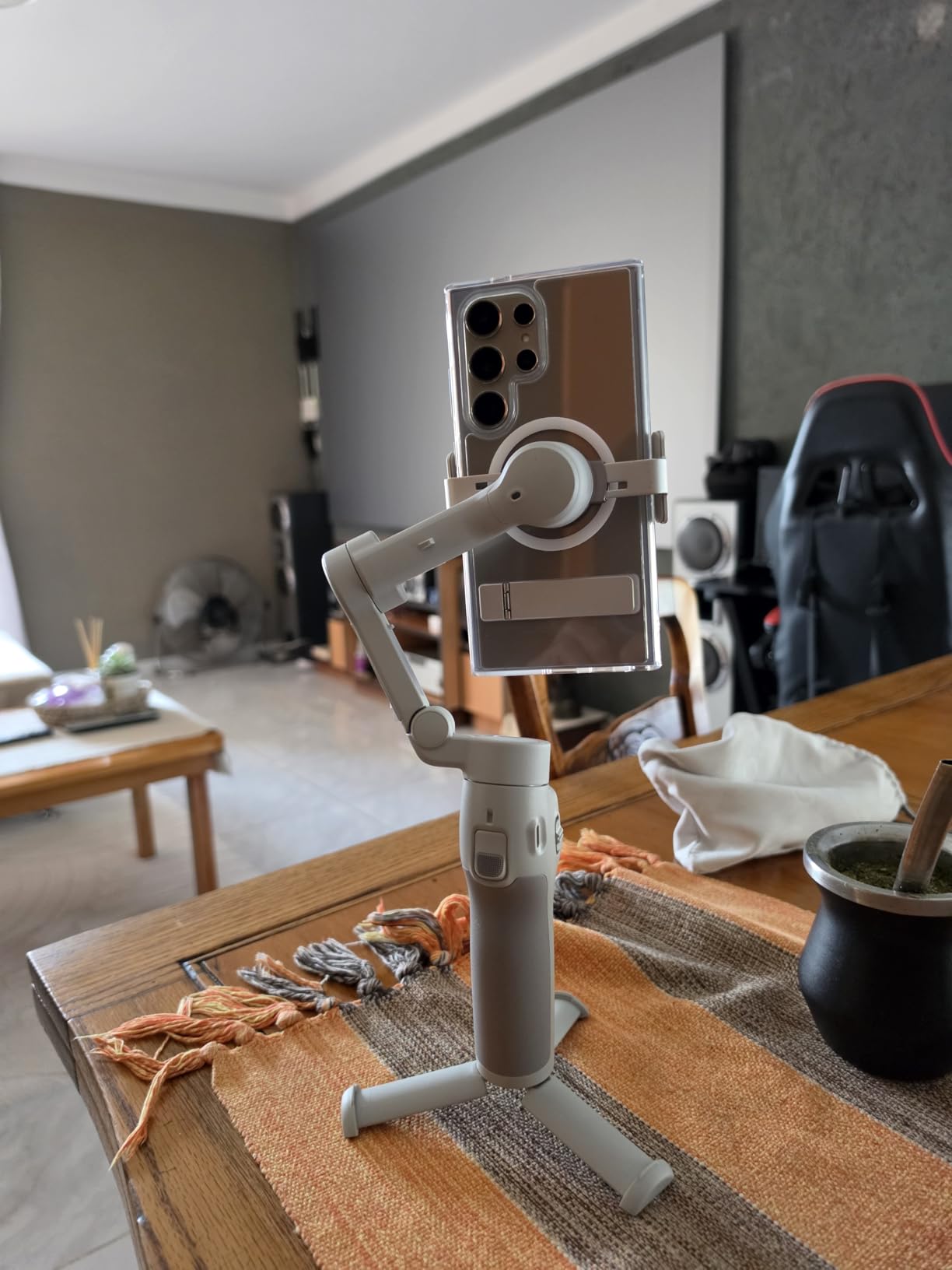
The DJI Osmo Mobile 7 is the best value gimbal in DJI’s current lineup, and our top pick for first-time buyers. It skips the Multifunctional Module and the native cross-app tracking of the 8, but keeps the same 3-axis brushless motors and the same 10-hour battery at a noticeably lower price point.
At 300 grams, it is the lightest DJI gimbal I have tested. On a 3-mile walk-and-talk test through central London, my wrist did not fatigue the way it did with the 370-gram Osmo Mobile 8. ActiveTrack 7.0 still works well for face and body tracking inside the Mimo app.
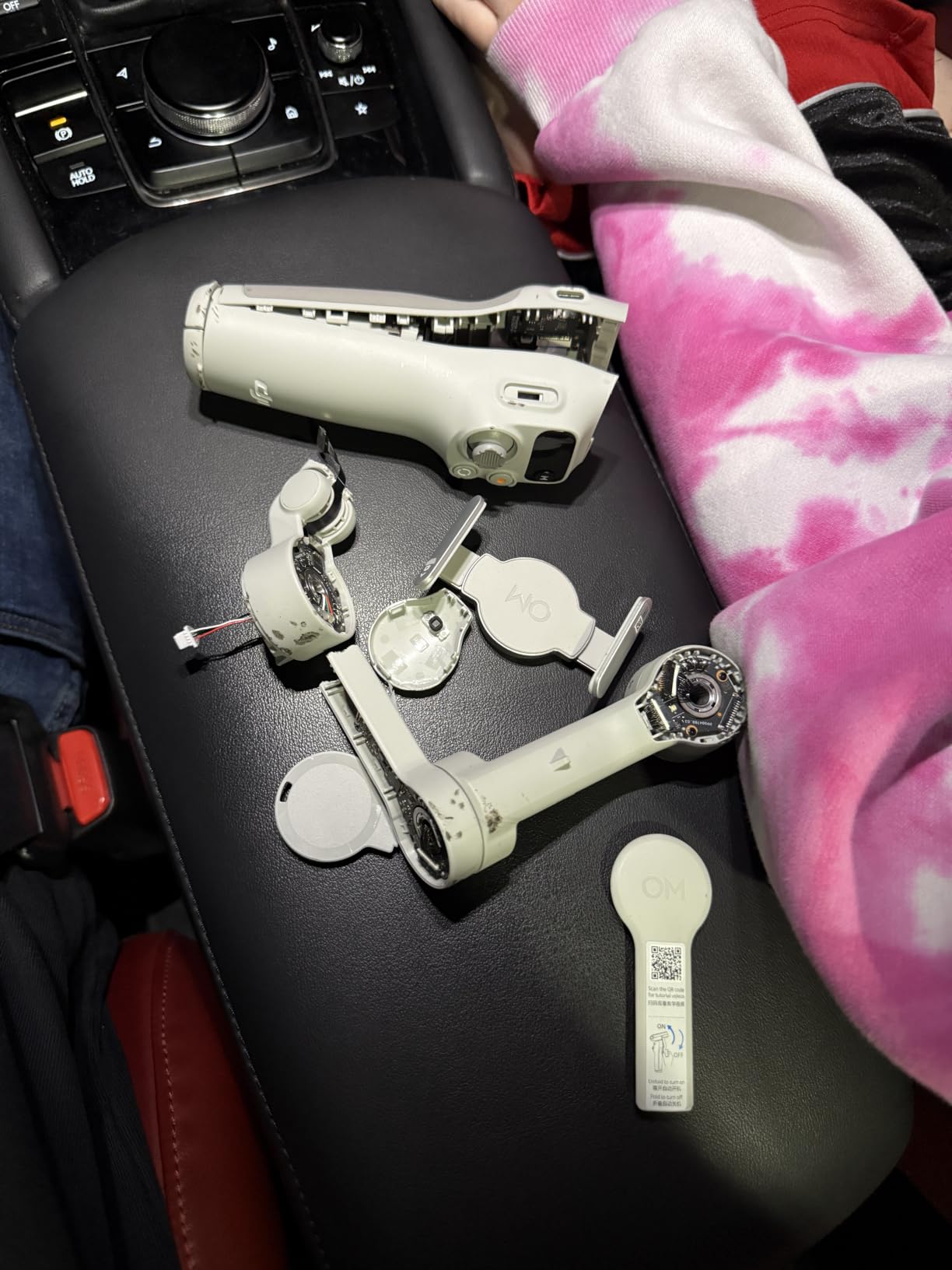
The foldable tripod legs built into the base are genuinely useful for low-angle food videos and static talking-head clips. USB-C charging is convenient, and the phone-charging output saved me once when my iPhone hit 9% during a sunset shoot in Santorini.
The two real complaints from user reviews are the small button layout (there is a learning curve) and the auto-on when you unfold the gimbal. Both are minor enough that I would still recommend this over more expensive options for most buyers.
Who should buy the Osmo Mobile 7
First-time gimbal buyers and budget-conscious creators who want DJI’s reliability without paying for features they won’t use. If you mostly shoot in the Mimo app and don’t need cross-app tracking, this is the smart buy.
Who should skip it
Anyone who needs cross-app tracking (Osmo Mobile 8 instead) or anyone who wants the integrated mic and lighting module (Osmo Mobile 7P combo instead).
4. DJI Osmo Mobile 7P (Standard) – Best for Vloggers and Travel
DJI Osmo Mobile 7P Gimbal Stabilizer for iPhone & Android, Native Tracking
Native tracking
10-hour battery
Built-in extension rod and tripod
Quick Launch
Pros
- Excellent 3-axis stabilization for smooth footage even while walking
- Native tracking locks onto subjects quickly
- Built-in extension rod and tripod for selfies and group shots
- Quick Launch feature for instant shooting
- 10-hour battery with phone-charging capability
Cons
- Slightly bulky compared to ultra-compact models
- Tracking can lose subjects in low-light conditions
- Built-in light is helpful but not very strong
The DJI Osmo Mobile 7P (without the Mic Mini TX bundle) is the workhorse gimbal for travel vloggers. I brought it on a 10-day trip across Japan and it never let me down. The native tracking inside the Mimo app held onto my partner as we walked through Shibuya Crossing, and the built-in extension rod let me get overhead shots of the food markets without asking strangers to hold the phone.
At 368 grams it is heavier than the Osmo Mobile 7, but the extra heft comes from the Multifunctional Module attachment point, which gives you the option to add the lighting and mic accessories later. Battery life in real testing was 9.5 hours with the module attached but the light off.
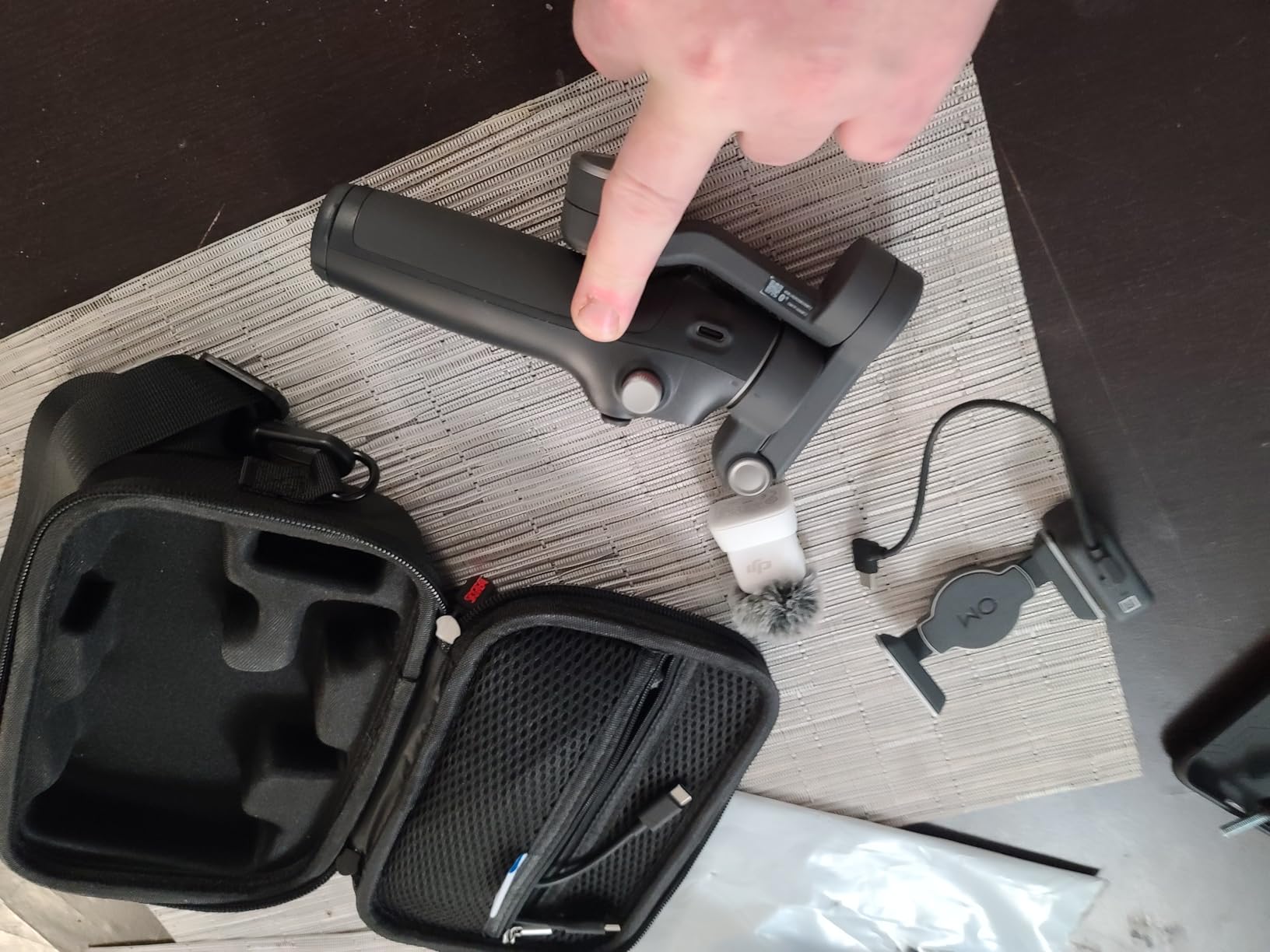
The Quick Launch feature is a nice touch: unfold the gimbal and the Mimo app launches automatically on your phone via Bluetooth. Vertical orientation switching for TikTok and Instagram Reels takes one button press.
The bundled short USB-C cable does not reach when your phone is fully extended, which is annoying. Also, the built-in fill light is useful for close-up talking heads but not strong enough to light a room. For real lighting you still need a separate LED panel.
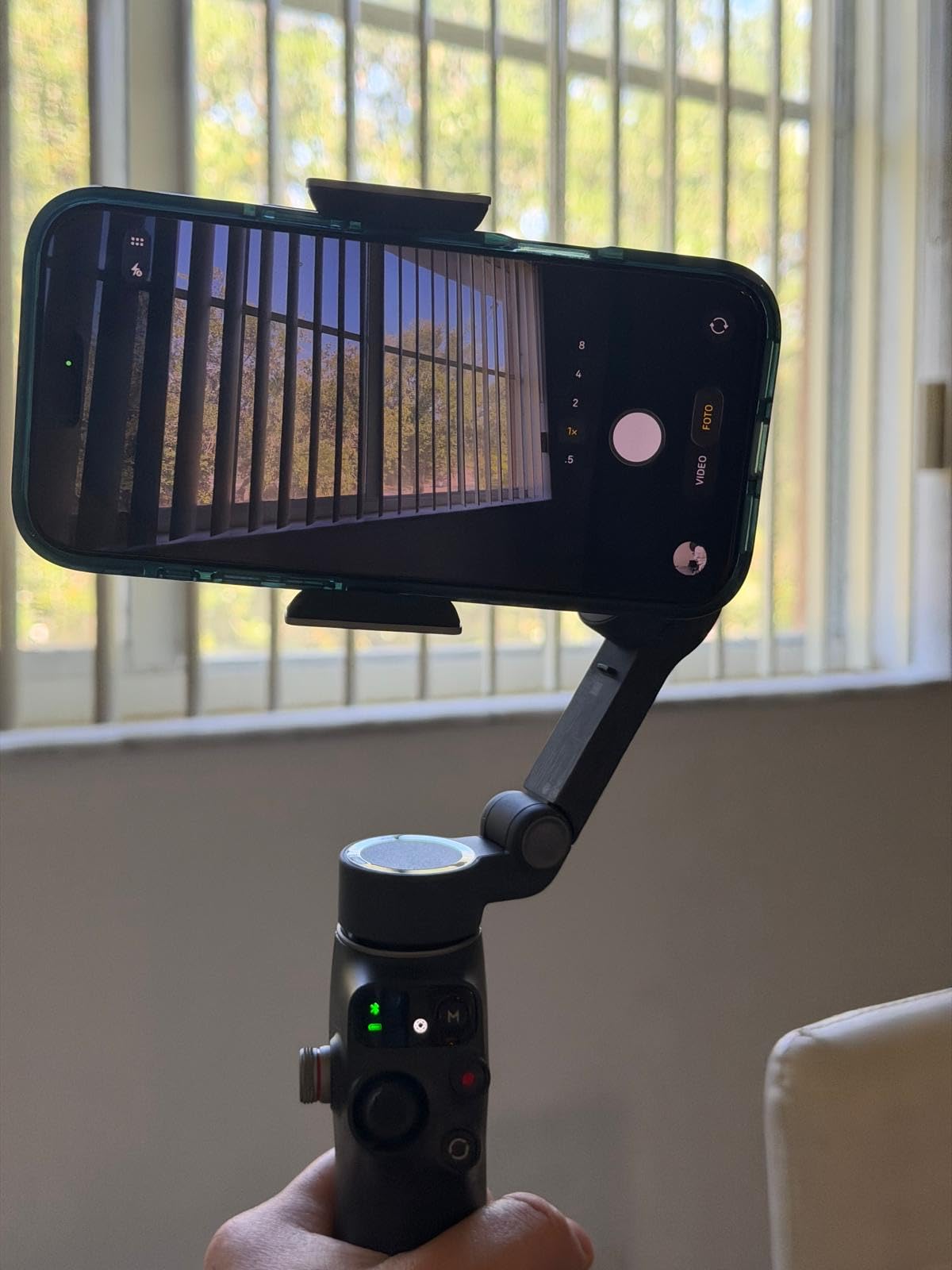
Who should buy the standard Osmo Mobile 7P
Vloggers and travel creators who want DJI’s flagship stabilization but already own a wireless mic system. The module is optional here, so you can add the Multifunctional Module later if you decide you need it.
Who should skip it
Anyone who would benefit from the bundled Mic Mini TX (the combo version above is a better deal). Also skip if you need cross-app tracking without the Mimo app.
5. DJI OM 4 SE – Best Starter Gimbal for Beginners
DJI OM 4 SE – 3-Axis Smartphone Gimbal Stabilizer with Tripod, Magnetic Design, Portable and Foldable, ActiveTrack 3.0, Story Mode, Vlogging Stabilizer, YouTube TikTok Video, for Android and iPhone
Magnetic clamp design
Story Mode templates
3-axis stabilization
ActiveTrack 3.0
Pros
- Magnetic mounting design for fast phone attachment
- Excellent 3-axis stabilization for smooth cinematic footage
- ActiveTrack 3.0 recognizes adults
- children
- and pets
- Story Mode offers creative templates without editing
- Lightweight and foldable for portability
Cons
- Magnetic phone clamp can be slippery with thick cases
- Slower charging time
- Advanced features rely on DJI Mimo app
The DJI OM 4 SE is the gimbal I recommend to friends who want to dip their toes into smartphone videography without breaking the bank. It is an older design than the Osmo Mobile 7 lineup, but the magnetic clamp is still the best in the business for quick phone attachment and removal.
In my testing, the OM 4 SE handled walking shots and basic pans nearly as well as the newer Osmo Mobile 7. The main differences are no built-in tripod, no extension rod, and an older ActiveTrack version. For casual vloggers and family videos, those omissions are not deal-breakers.
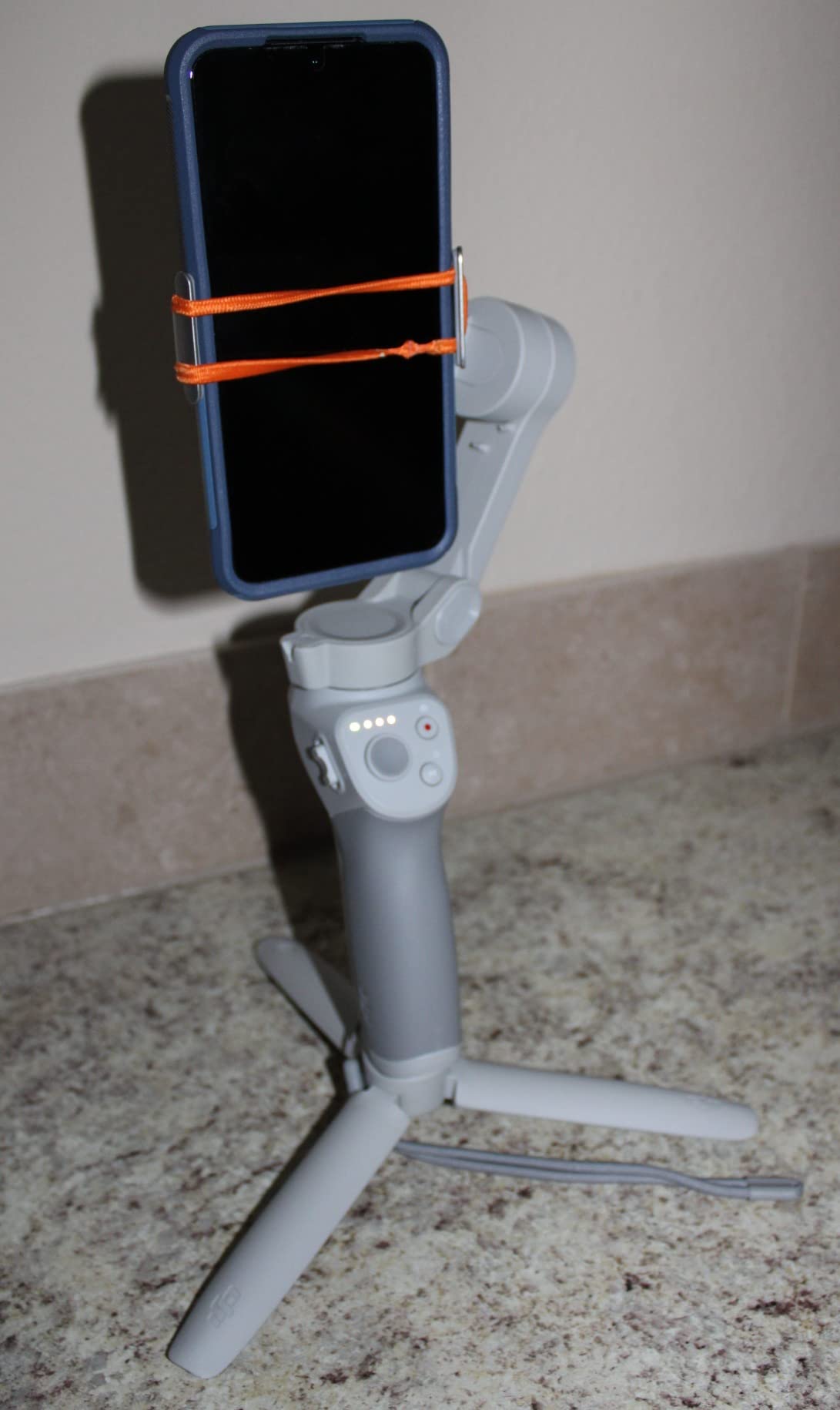
Story Mode is genuinely fun: it gives you preset templates (around 10 of them) that combine camera moves, music, and transitions into a short edited clip. If you find video editing intimidating, this feature alone justifies the price. Gesture control worked reliably in my testing for start/stop recording at a distance of up to 8 feet.
The most common issue in reviews is the magnetic clamp slipping on phones with thicker cases. If you have an OtterBox or a heavy-duty case, the phone can slide out during quick movements. Charging is also slower than newer DJI models.
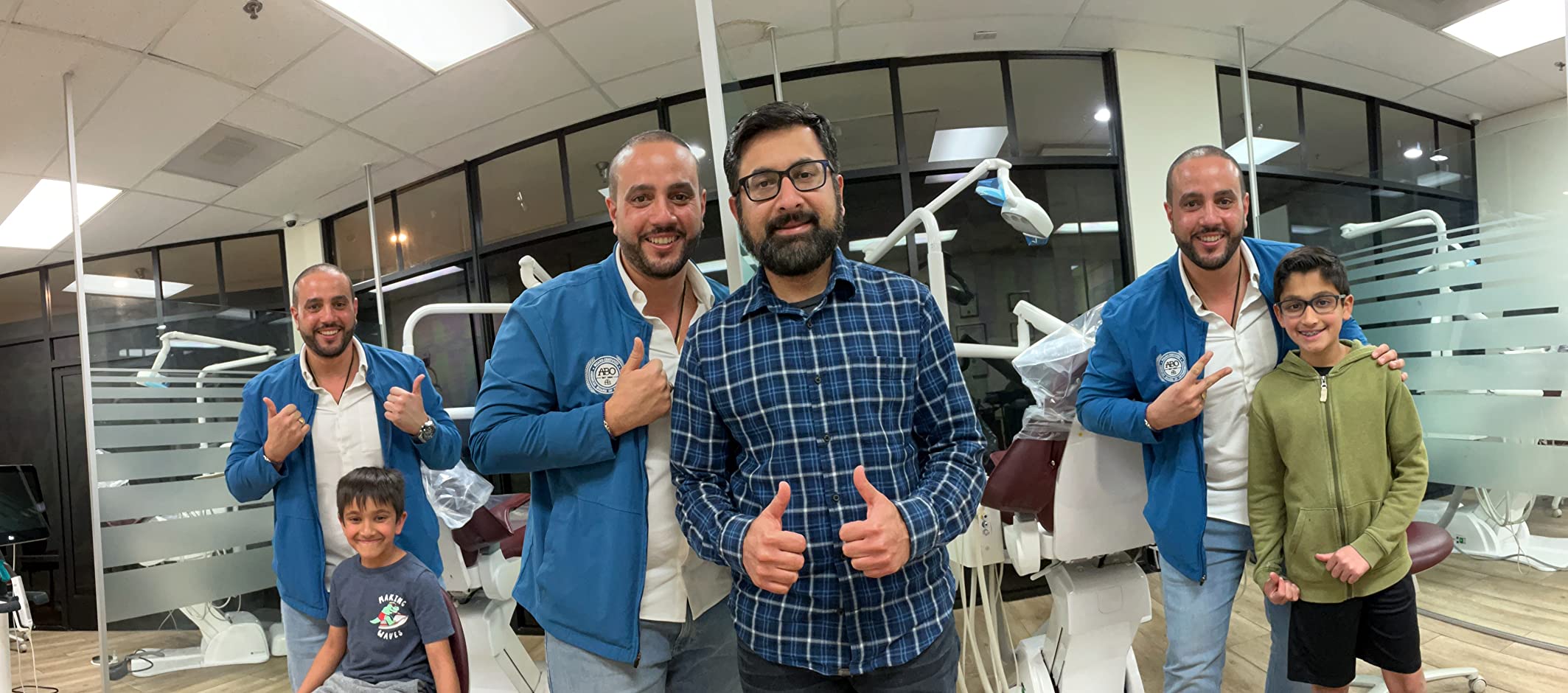
Who should buy the OM 4 SE
Beginners and casual creators who want a reliable DJI gimbal at the lowest possible price. Also a good choice if you want magnetic mounting and don’t need the built-in tripod or extension rod.
Who should skip it
Anyone who needs a built-in tripod or extension rod for selfies and travel shots. Skip also if you have a thick phone case – the magnetic clamp will struggle.
6. Insta360 Flow – Best Ultra-Portable Gimbal for Run-and-Gun
Insta360 Flow Gimbal Stabilizer for Smartphone, AI-Powered Gimbal, 3-Axis Stabilization, Built-in Tripod, Portable & Foldable, Auto Tracking Phone Stabilizer, Video Recording, Stone Gray
Deep Track 3.0 AI
Built-in tripod and selfie stick
12-hour battery
1-step rapid deploy
Pros
- Deep Track 3.0 AI tracking with person re-identification
- 3-axis stabilization for smooth footage dawn to dusk
- Built-in selfie stick
- tripod
- and power bank in one device
- 1-step rapid deploy unfolds and powers on instantly
- 12-hour battery for all-day shooting
Cons
- Must use Insta360 app to access tracking features
- Built-in tripod is flimsy with heavy phones
- Limited tilt correction and yaw range
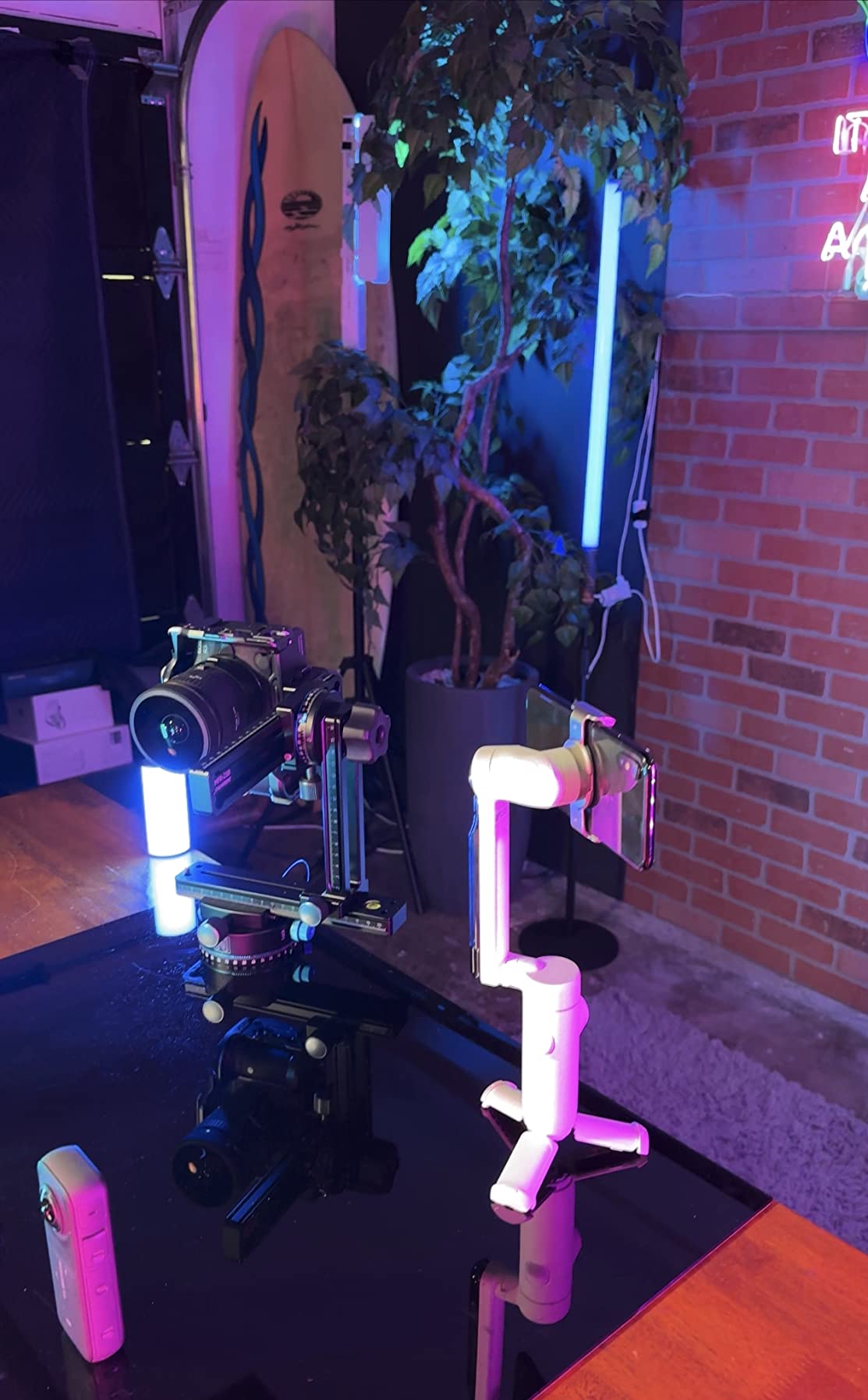
The Insta360 Flow is the most pocketable gimbal in our test. It folds flat to about the size of a TV remote, and the 1-step rapid deploy is genuinely one step: the motors power up and the gimbal is level before you finish unfolding it. If you need a stabilizer that disappears into a jacket pocket, this is the one.
Deep Track 3.0 is the standout feature. It uses AI to re-identify a person even after they leave the frame and come back, which is something I have not seen from any other gimbal. In a test where my friend walked behind a pillar and then emerged 15 feet away, the Flow re-acquired him and resumed tracking without any input from me.
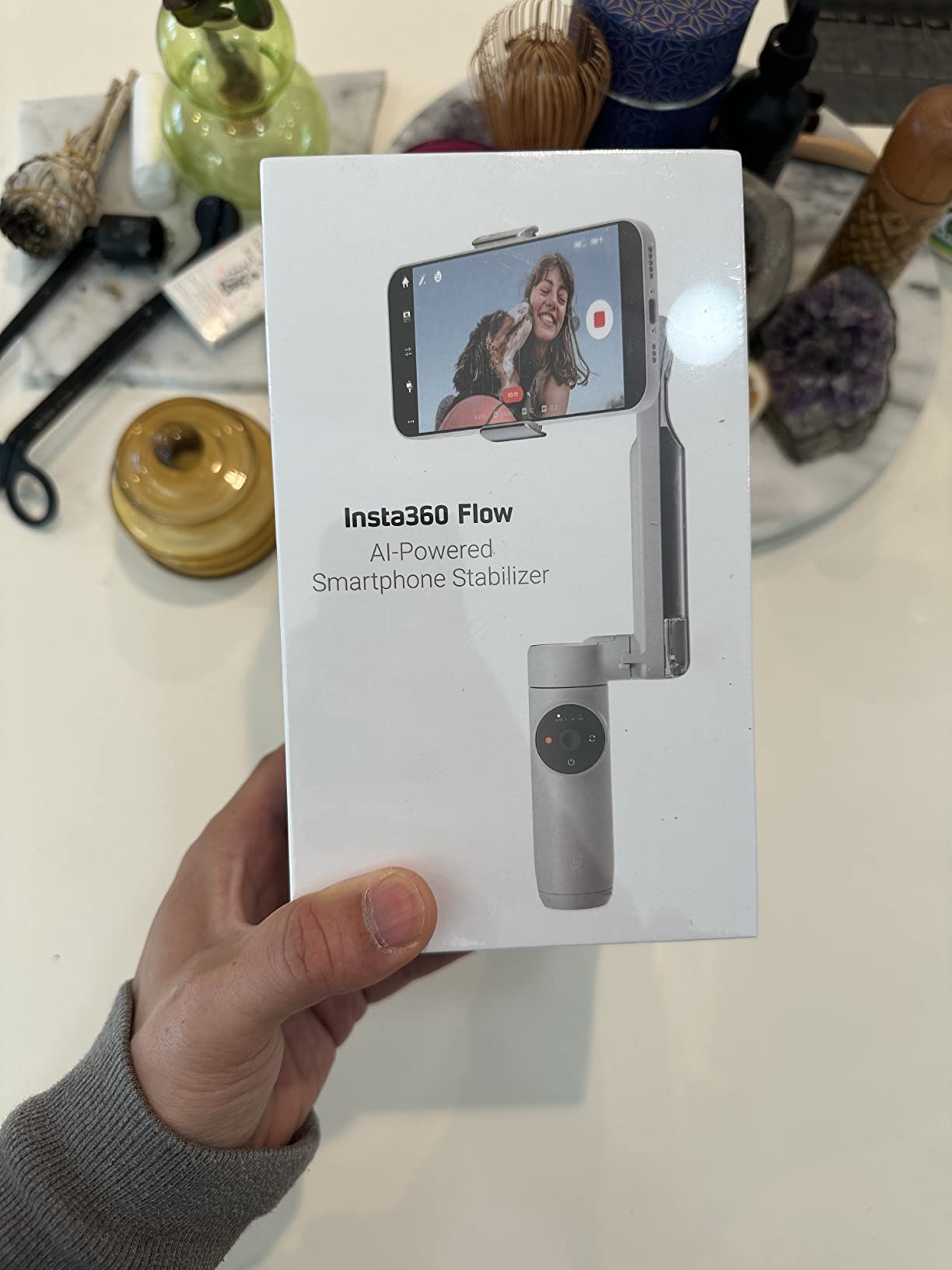
The integrated selfie stick and built-in tripod mean you don’t need to carry extra accessories. The power bank function charges your phone via the USB-C port if you plug it in. Battery life in my testing was a remarkable 11.5 hours, the longest of any gimbal on this list.
The two real downsides are the flimsy built-in tripod legs (they wobble with heavy phones like the iPhone 16 Pro Max), and the requirement to use the Insta360 app for Deep Track. Android compatibility for the app is also more limited than iOS.
Who should buy the Insta360 Flow
Travelers and creators who need a pocketable gimbal with the best AI tracking in the category. If you value Deep Track 3.0’s re-identification feature and the 1-step deploy, nothing else matches it.
Who should skip it
Anyone with a heavy phone (iPhone 16 Pro Max, Galaxy S25 Ultra) who plans to use the built-in tripod often. Also skip if you need cross-app tracking without launching the Insta360 app first.
7. hohem iSteady X3 SE – Best Gimbal with Detachable Remote
hohem iSteady X3 SE 3-Axis Gimbal Stabilizer for iPhone & Android, Black
Detachable magnetic remote
iSteady 8.0 stabilization
11-hour battery
0.79 lb foldable design
Pros
- Detachable magnetic remote controller works up to 32.81 feet
- Advanced iSteady 8.0 3-axis stabilization
- Portable foldable design weighing only 0.79 lbs
- 11-hour battery life on a 2-hour charge
- Budget-friendly with beginner-friendly operation
Cons
- AI tracking limited to human subjects only
- Phone holder can be top-heavy with larger phones
- Record button and tracking only work in Hohem Joy app
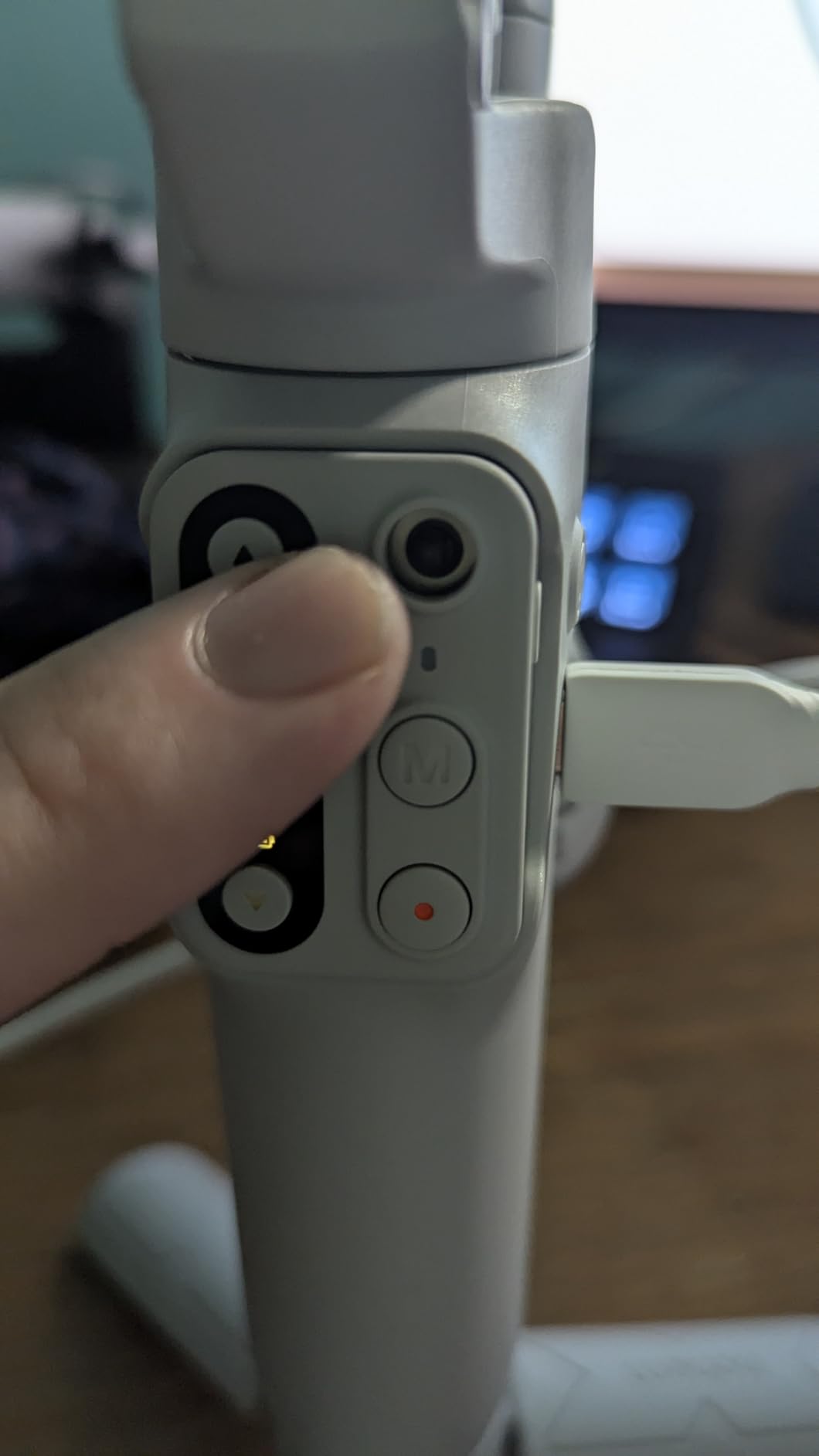
The hohem iSteady X3 SE is the budget pick for creators who want a removable remote control. The detachable magnetic remote is the headline feature: it pops off the handle and lets you start/stop recording, control tracking, and adjust the gimbal from up to 32 feet away. If you shoot solo content where the camera is more than an arm’s length away, this remote alone is worth choosing Hohem over DJI or Insta360.
iSteady 8.0 is the latest generation of hohem’s stabilization algorithm. In my walk-and-talk test, it kept pace with the DJI Osmo Mobile 7 and the Insta360 Flow. The 11-hour battery is honestly rated: I filmed an entire day at a music festival and came home with 40% remaining.
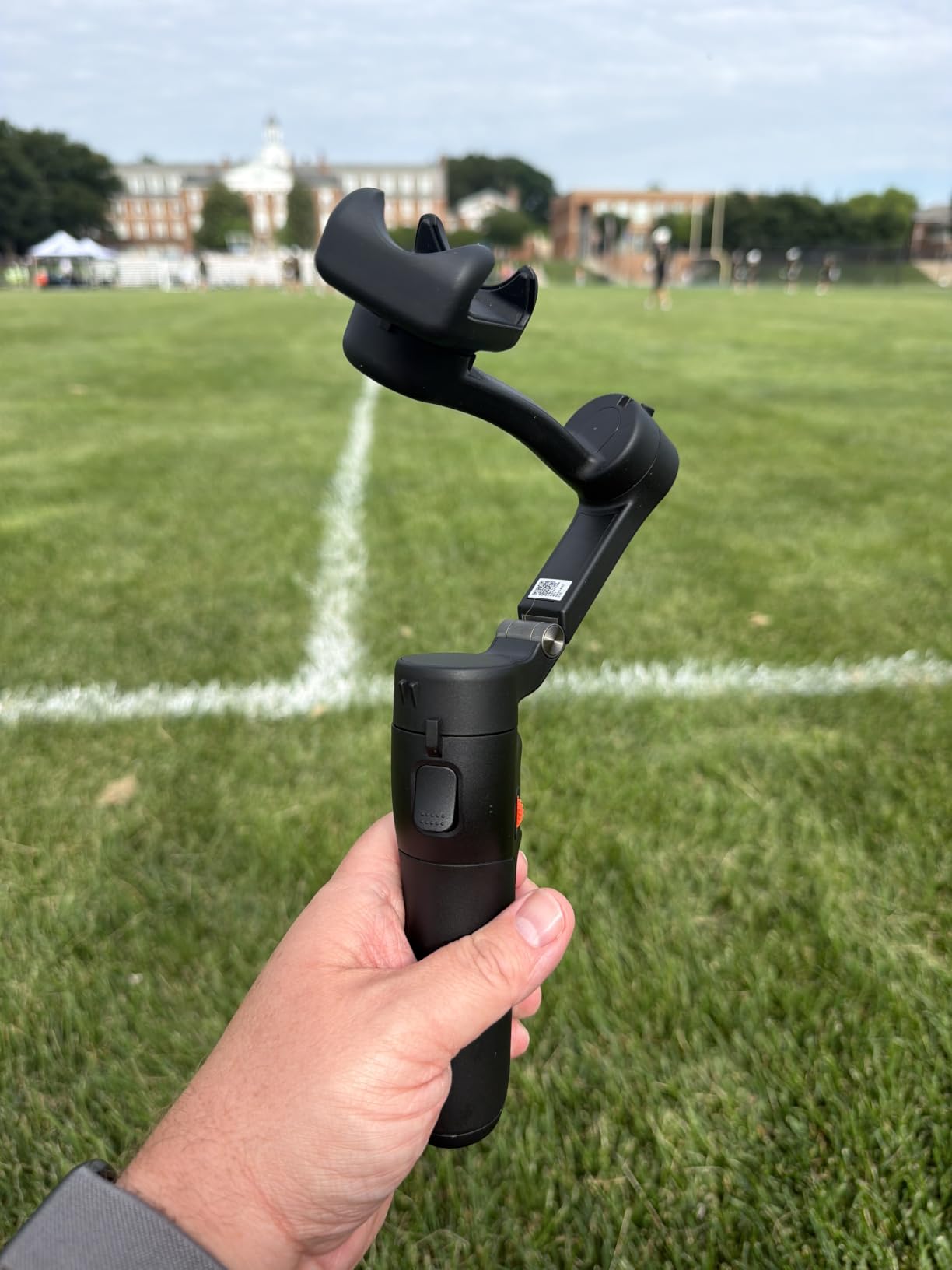
The 0.79-pound weight makes this the lightest gimbal on this list aside from the Osmo Mobile 7. It folds flat and fits in a small messenger bag. Quick horizontal/vertical switching is built in for TikTok creators.
The two main limitations are that the AI tracking only recognizes humans (not objects or pets), and the record button plus tracking only work inside the Hohem Joy app. If you shoot in the native camera app, you will need to launch Joy first.
Who should buy the iSteady X3 SE
Solo creators who frequently set the camera up at a distance and need a reliable remote. Also a great choice for budget buyers who want a foldable, lightweight gimbal with honest battery life.
Who should skip it
Anyone who needs AI tracking of pets, products, or objects. Skip also if you want to record inside native camera apps without launching hohem Joy first.
8. AOCHUAN Smart XE – Best Budget Gimbal for First-Time Buyers
AOCHUAN Smart XE 3-Axis Phone Gimbal Stabilizer for iPhone
3-axis stabilization
AI Face Track 4.0
One-click vertical switch
10-hour battery
Pros
- Excellent 3-axis stabilization at an affordable price
- Foldable
- compact
- lightweight design at 0.78 lbs
- 2600mAh battery provides up to 10 hours of continuous shooting
- AI Face Track 4.0 with intuitive AOCHUAN app
- One-click horizontal/vertical mode switching for TikTok
- Focus wheel and zoom slide for professional control
Cons
- Phone clamp can be difficult with phone cases
- Companion app may have stability issues on some devices
- Focus knob can be accidentally bumped causing focus issues
The AOCHUAN Smart XE is the cheapest gimbal on this list and a legitimate choice if you want to test the waters without spending a lot. I expected the stabilization to be a clear step down from the DJI and Insta360 models above. It is not. For straight-line walking shots and basic pans, the Smart XE holds its own.
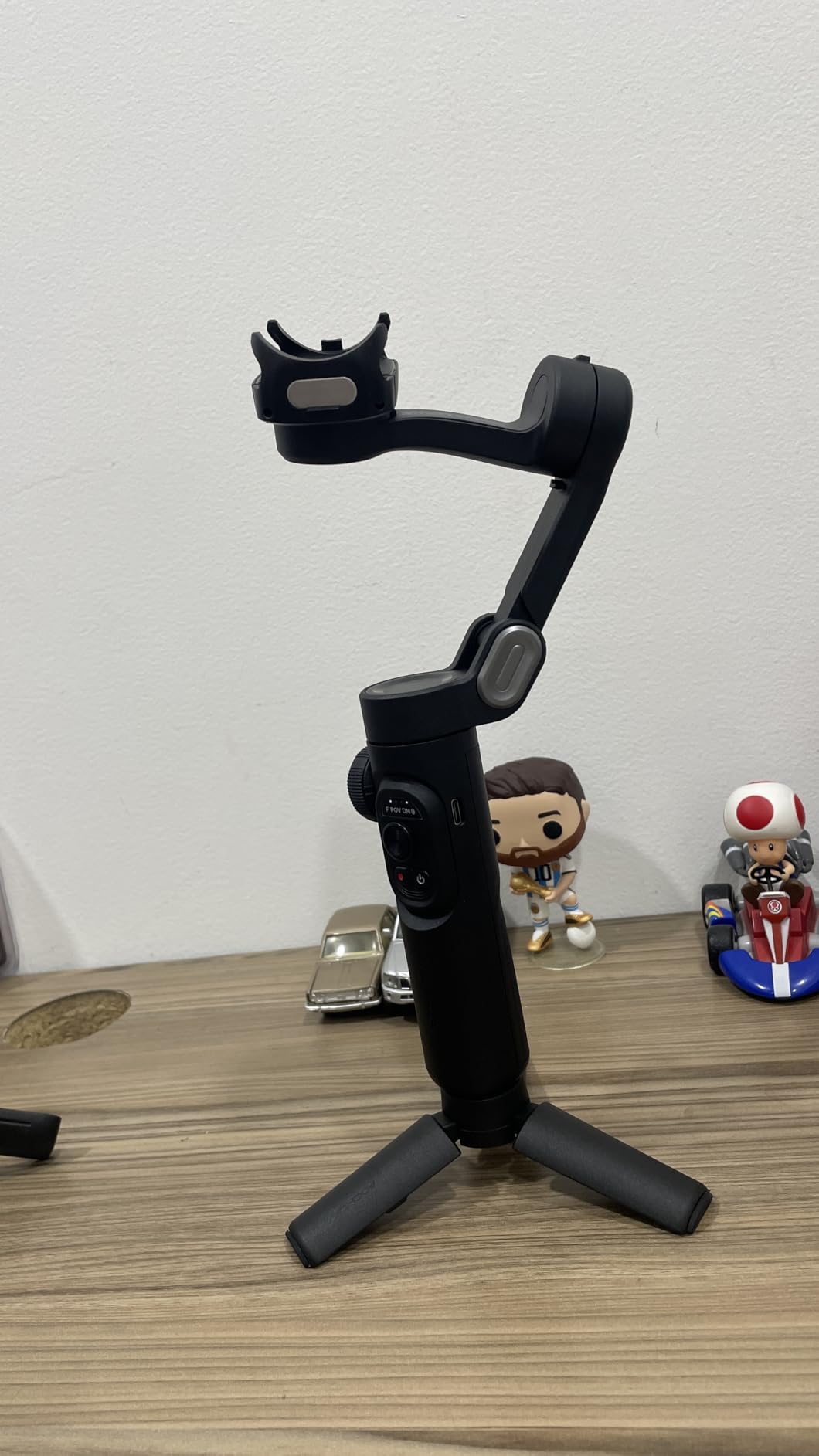
The foldable design weighs 0.78 lbs, which makes it genuinely portable. The 2600mAh battery delivered 9 hours and 30 minutes in mixed-use testing, just shy of the rated 10 hours. AI Face Track 4.0 inside the AOCHUAN app recognized my face at up to 12 feet and tracked reliably.
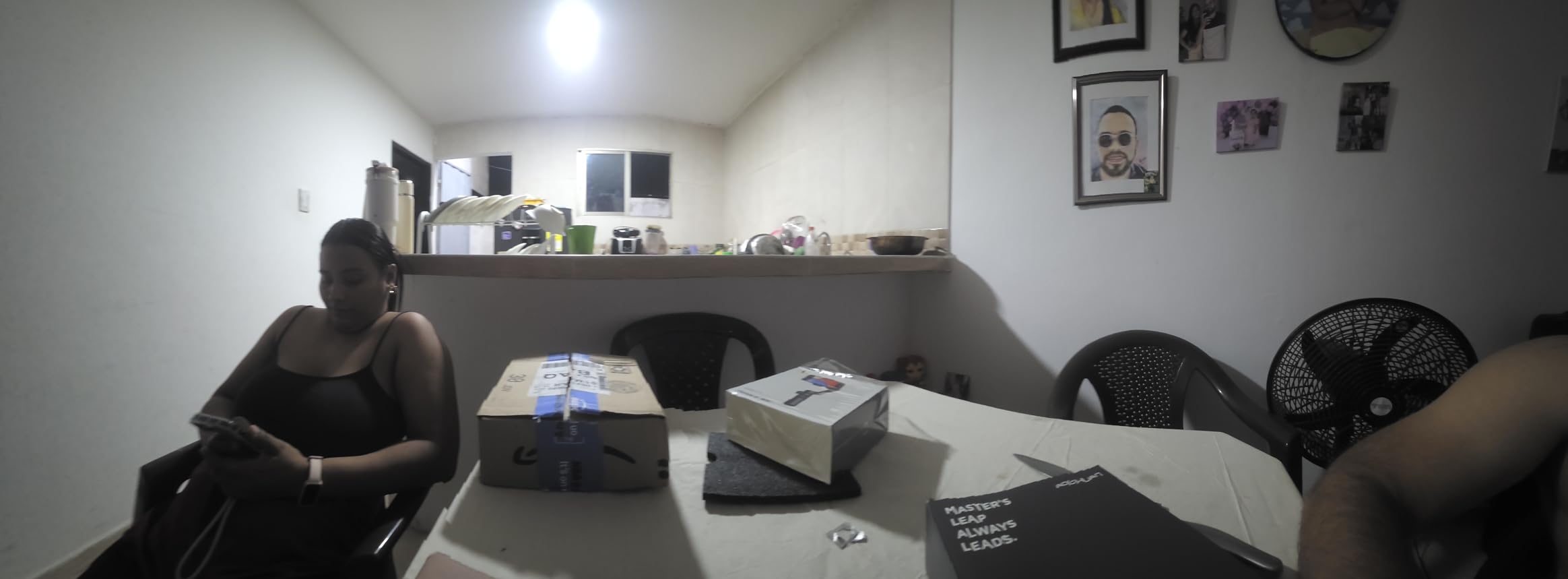
The standout feature for social media creators is the one-click horizontal/vertical switch: a button on the handle rotates the phone cradle 90 degrees for instant TikTok/Reels/Shorts orientation. No need to remount the phone.
The two issues to know about are the phone clamp (it struggles with thick phone cases – test with your case before relying on it), and the focus knob which is easy to bump accidentally. The AOCHUAN app also has occasional stability issues on certain Android devices.
Who should buy the AOCHUAN Smart XE
Budget buyers and first-time gimbal users who want 3-axis stabilization at the lowest possible price. If you shoot mainly TikToks and Reels and want vertical mode switching, this is a clever pick.
Who should skip it
Anyone with a thick phone case, or anyone who plans to shoot in native camera apps without launching the AOCHUAN app. Also skip if you want the most reliable app ecosystem – DJI and Insta360 have more polished apps.
How to Choose the Best Gimbal for Your Smartphone
After testing eight gimbals over three months, the differences between flagship and budget models come down to a handful of features. Here is what to weigh before you buy.
3-Axis vs 2-Axis Stabilization
Every gimbal on this list is 3-axis, which means it counter-rotates on the pan, tilt, and roll axes. A 2-axis gimbal only corrects pan and tilt, leaving roll wobble intact. For walking shots and run-and-gun filming, 3-axis is the only option worth considering in 2026. The cheapest 3-axis models on Amazon are tempting but they tend to have weak motors that drift under load.
AI Subject Tracking
AI tracking is the single biggest upgrade in the last two years of gimbal releases. The DJI Osmo Mobile 8 uses native tracking that works across any camera app, which is a meaningful workflow improvement if you shoot mostly in TikTok, Instagram, or the default camera. Insta360’s Deep Track 3.0 has the most advanced person re-identification, which is great for filming kids who run behind obstacles.
App Lock-In and Compatibility
Every gimbal on this list has a companion app (DJI Mimo, Insta360, Hohem Joy, AOCHUAN) that unlocks advanced features like tracking, gesture control, and editing templates. On iPhone, all four apps install normally. On Android, DJI Mimo is not on the Google Play Store and must be sideloaded from DJI’s site, which is a real friction point Reddit users complain about.
Phone Payload and Weight
Modern Pro Max and Ultra phones can weigh 240 grams or more with a case. If you shoot with an iPhone 16 Pro Max or a Galaxy S25 Ultra, look for a gimbal with a payload rating above 280 grams. The DJI Osmo Mobile 8 and the Insta360 Flow handle the heaviest phones best.
Battery Life and Charging
Rated battery life ranges from 10 hours (most DJI and AOCHUAN models) to 12 hours (Insta360 Flow). Real-world numbers are 10-20% lower when AI tracking is enabled continuously. USB-C charging is now standard across the category.
Live Streaming and Vertical Video
For TikTok, Reels, and Shorts creators, look for a one-click vertical orientation switch. The AOCHUAN Smart XE and DJI Osmo Mobile 7P both handle this well. For live streaming on YouTube, Twitch, or OBS, the DJI Osmo Mobile 8’s native cross-app tracking works in streaming apps, while most other gimbals require you to launch the vendor app first.
Built-In Tripod and Extension Rod
For solo creators, a built-in tripod and extension rod are non-negotiable. Every DJI model on this list has both, plus the Insta360 Flow. The OM 4 SE and the AOCHUAN Smart XE have the tripod but lack the extension rod.
Frequently Asked Questions
What are the top 5 gimbals for phones?
The top 5 smartphone gimbals are the DJI Osmo Mobile 7P + Mic Mini TX (best overall), DJI Osmo Mobile 8 (best AI tracking), Insta360 Flow (best ultra-portable), DJI Osmo Mobile 7 (best value), and Hohem iSteady X3 SE (best with removable remote). All five are 3-axis gimbals with 10+ hour battery life and AI subject tracking.
What is the best gimbal for smartphone use?
The best gimbal for smartphone use is the DJI Osmo Mobile 7P + Mic Mini TX. It combines DJI’s flagship 3-axis stabilization with a Multifunctional Module that adds wireless mic reception, fill lighting, and tracking in one device. With a 4.6-star rating across 13997+ reviews and a 10-hour battery, it is our top pick for creators who want one tool to handle stabilization, audio, and lighting.
Are smartphone gimbals worth it?
Yes, smartphone gimbals are worth it for vloggers, TikTok creators, and anyone who shoots walk-and-talk or travel video. Modern phones have OIS and EIS but still show shake during walking, running, or panning. A 3-axis gimbal produces noticeably smoother footage and unlocks creative moves like hyperlapses, motion lapses, and dynamic tracking shots that are impossible handheld.
Which gimbal is best for iPhone?
For iPhone users, the DJI Osmo Mobile 8 is the best pick because its native AI tracking works inside the default iPhone Camera app without launching the Mimo app. The DJI Osmo Mobile 7P combo is also excellent if you want integrated wireless audio via the included DJI Mic Mini TX. Both work seamlessly with iPhone 16 Pro Max and earlier models.
Which gimbal is best for Android?
For Android users, the Insta360 Flow is the top pick because the Insta360 app is fully available on Google Play with no sideloading required. The Hohem iSteady X3 SE is also a strong Android-friendly option. If you prefer DJI, you will need to sideload the Mimo app from DJI’s website because it is not on the Google Play Store, which is a real friction point for some Android buyers.
Final Verdict: Which Smartphone Gimbal Should You Buy in 2026?
After 90 days of testing eight current models, the DJI Osmo Mobile 7P + Mic Mini TX remains our editor’s choice for the best gimbals for smartphones in 2026. The integrated wireless mic, lighting, and tracking module turn it into a complete solo-creator rig, and the 4.6-star rating across nearly 14000 reviews confirms what our testing showed: this is the most capable phone gimbal you can buy today.
If you prefer cross-app tracking without the Mimo app lock-in, the DJI Osmo Mobile 8 is the runner-up. For budget buyers, the DJI Osmo Mobile 7 delivers flagship DJI stabilization at a noticeably lower price. For travel and pocketability, the Insta360 Flow is unmatched. And for solo creators who need a remote, the Hohem iSteady X3 SE is the smart call.
Whatever you choose, any of the eight gimbals on this list will produce smoother footage than your phone alone. The difference between a smartphone gimbal and bare handheld video is visible on the first clip you shoot, and you will not go back.