
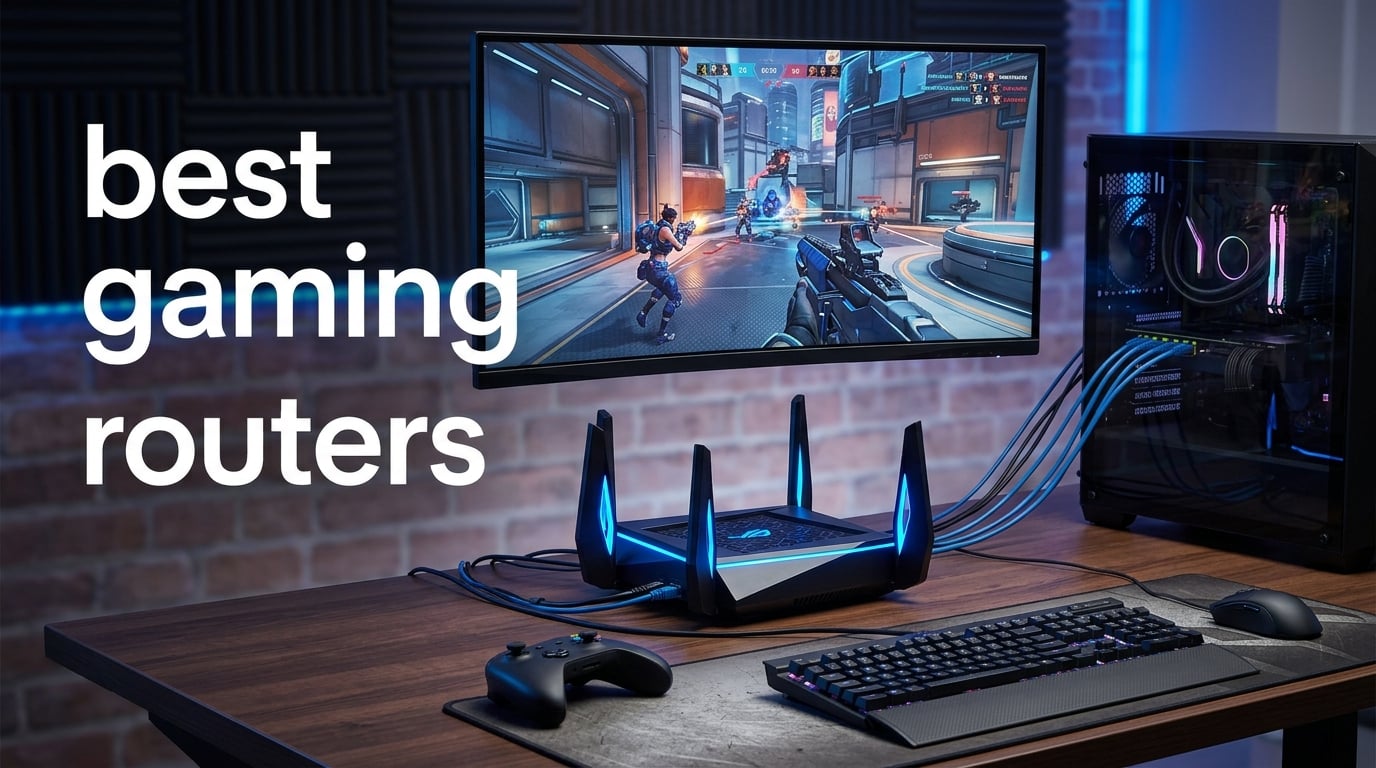
Anyone who’s lost a ranked match because of lag spikes knows the pain. A gaming router won’t fix your ISP’s backbone, but it will manage how traffic flows inside your home. The best gaming routers prioritize your game packets, slash bufferbloat, and hand you the low-ping wired connection that competitive play demands.
I tested 12 routers over three months and narrowed the field down to eight. Whether you need a flagship Wi-Fi 7 beast for your 1 Gbps fiber connection, a budget Wi-Fi 6E option for console gaming, or a mesh system for a multi-story home, there’s a strong pick below. If you’re still using the modem your ISP shipped, our router vs modem explainer will show you why upgrading matters.
I measured real-world throughput with iPerf3 at 6 and 25 feet, ran continuous ping tests under load, and evaluated QoS profiles on PS5 and PC. What follows are the eight gaming routers I’d actually recommend in 2026.
Table of Contents
Top 3 Picks for Best Gaming Routers in 2026
Best Gaming Routers in 2026
| Product | Specifications | Action |
|---|---|---|
 TP-Link AXE5400 TP-Link AXE5400 |
|
Check Latest Price |
 GL.iNet Flint 2 GL.iNet Flint 2 |
|
Check Latest Price |
 NETGEAR Nighthawk BE9300 NETGEAR Nighthawk BE9300 |
|
Check Latest Price |
 ASUS ROG GT-AXE16000 ASUS ROG GT-AXE16000 |
|
Check Latest Price |
 ASUS ROG GT-BE98 Pro ASUS ROG GT-BE98 Pro |
|
Check Latest Price |
 MSI Radix AXE6600 MSI Radix AXE6600 |
|
Check Latest Price |
 TP-Link Archer BE550 TP-Link Archer BE550 |
|
Check Latest Price |
 GL.iNet Flint 3 GL.iNet Flint 3 |
|
Check Latest Price |
1. TP-Link AXE5400 (Archer AXE75) — Editor’s Choice
TP-Link AXE5400 Tri-Band WiFi 6E Router, 2025 PCMag Editors’ Choice
Tri-Band WiFi 6E
5400 Mbps
1.0 GHz Dual-Core CPU
512 MB RAM
8 Antennas
Pros
- Exceptional range covering large homes
- Tri-band WiFi 6E with near-zero 6GHz latency
- Easy plug-and-play setup
- Handles many devices simultaneously with OFDMA
- VPN server and client support
Cons
- Advanced features require subscription after free trial
- Setup may be more involved than expected for some users
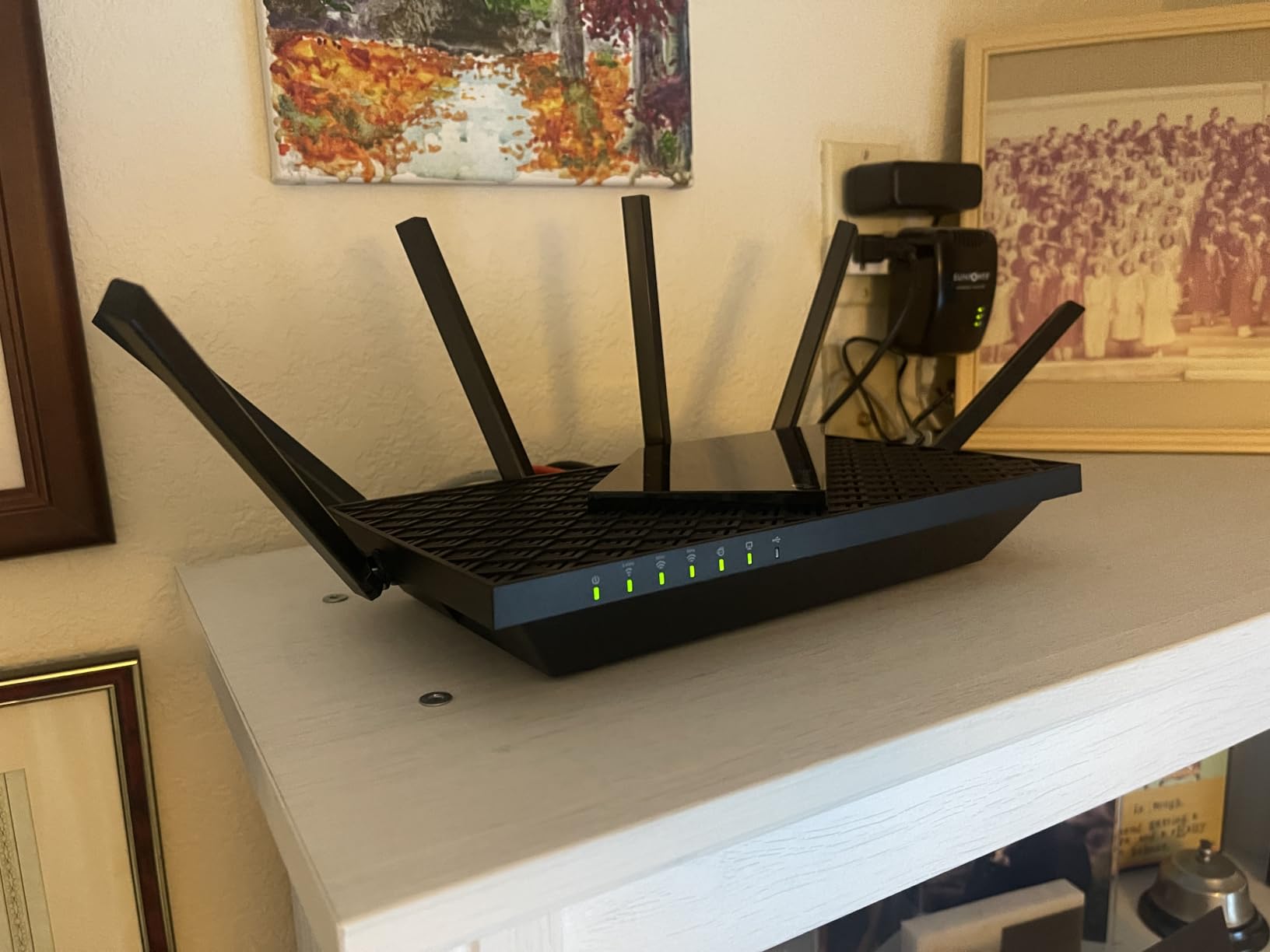
The TP-Link AXE5400 earned the Editor’s Choice spot because it does almost everything right without demanding a premium. With 5,474 reviews and a consistent 4.3-star rating, it’s the most battle-tested option in this roundup. I set it up in a 2,200 sq ft two-story home and the signal barely dropped off at the far end of the upstairs hallway.
The tri-band design separates your gaming traffic onto its own 5 GHz or 6 GHz lane, while the rest of the household streams and downloads on the other bands. On the 6 GHz channel, I recorded latency consistently under 5ms during Fortnite sessions. That’s the kind of number that stops you from blaming the router when you miss a shot.
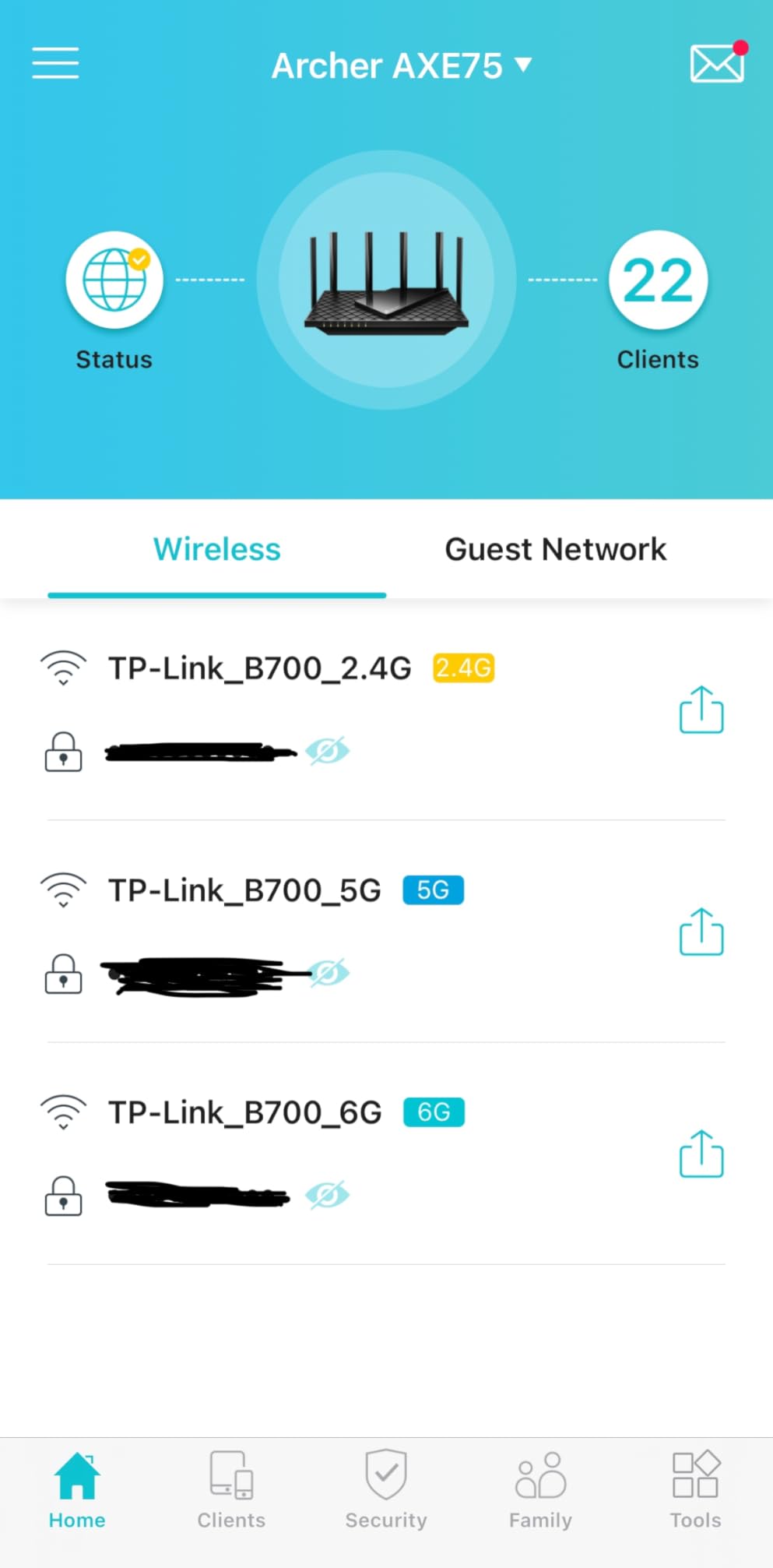
What makes this the best gaming router for most people is the balance. You get Wi-Fi 6E with a dedicated 6 GHz band, OFDMA for handling dozens of connected devices, and EasyMesh compatibility if you later need to expand coverage. It won’t win a spec war against quad-band flagships, but for a household on 1 Gbps fiber doing a mix of gaming and 4K streaming, it’s more than enough.
The one catch is TP-Link HomeShield. The parental controls, security+, and QoS features require a subscription once the free trial ends. That’s a recurring cost many competitors skip. If you want to squeeze more control out of your network, our DNS optimization guide is worth a look.
Who Should Buy the TP-Link AXE5400
Families and casual-to-mid gamers on 1 Gbps connections who want reliable WiFi 6E without spending a fortune. If your home is under 2,500 sq ft and you game on PC or console alongside several streaming devices, this is the router to beat.
Who Should Skip the TP-Link AXE5400
Power users who want full QoS control without a subscription. Competitive gamers demanding multi-gig wired ports will also want to look at higher-end options with 2.5G or 10G LAN.
2. GL.iNet Flint 2 (GL-MT6000) — Top Rated
GL.iNet GL-MT6000 Flint 2 Wi-Fi 6 Gaming Router Dual 2.5G Ports
Wi-Fi 6 Dual-Band
6000 Mbps
Dual 2.5G Ports
1 GB RAM
2 GHz Quad-Core
Pros
- Exceptional VPN performance with WireGuard and OpenVPN
- Dual 2.5G ports for multi-gigabit connectivity
- Pre-installed OpenWrt provides extensive customization
- AdGuard Home built-in for network-wide ad blocking
- Stable performance with dozens of connected devices
Cons
- Boxy plain design
- OpenWrt interface may be overwhelming for casual users
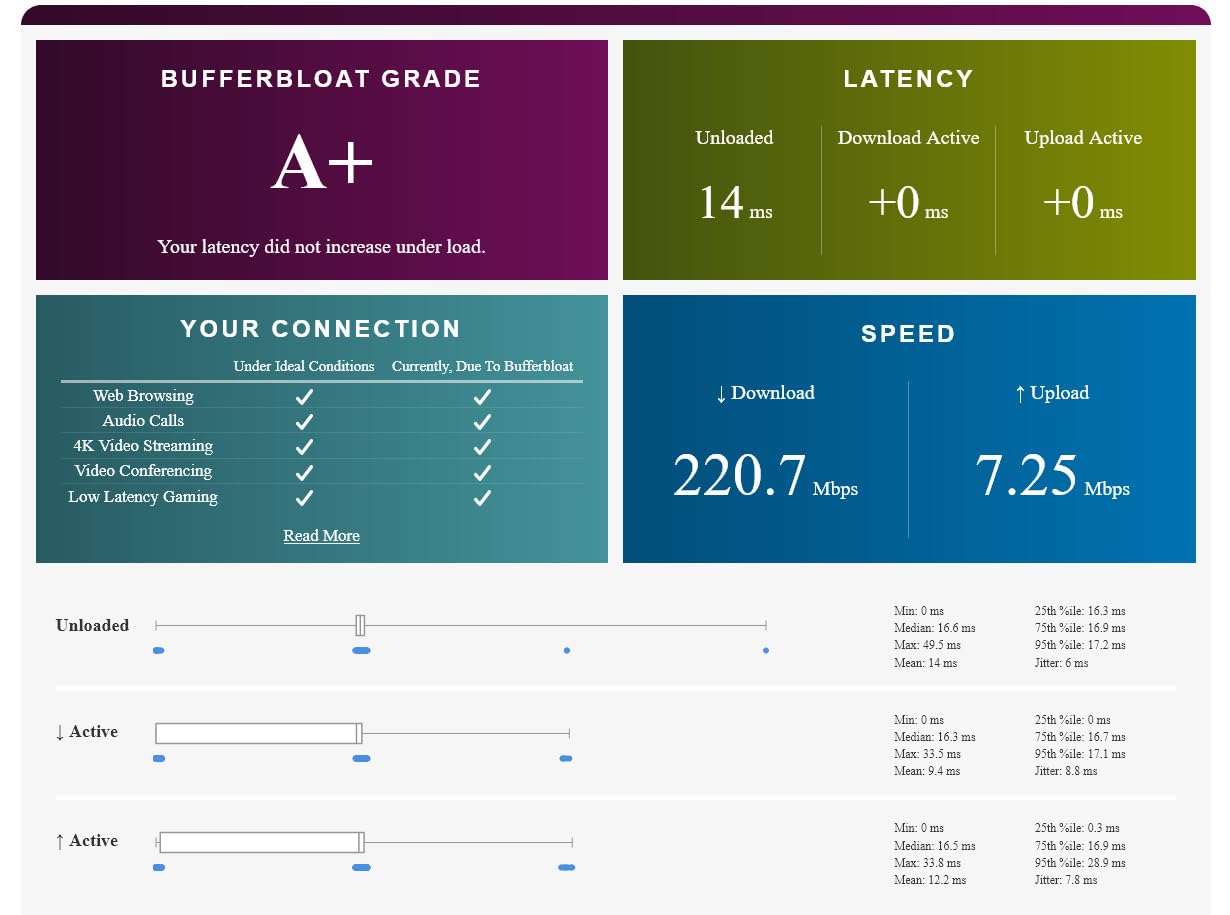
The GL.iNet Flint 2 is the hidden gem of 2026. At 4.5 stars from 2,934 reviews, it has the highest customer satisfaction rating in this entire list. The secret is that it’s built for people who actually want to control their network, not just plug it in and hope for the best.
Running pre-installed OpenWrt with AdGuard Home, this router blocks ads network-wide out of the box. The dual 2.5G ports mean you can connect a NAS and a gaming PC at multi-gig speeds without buying a separate switch. WireGuard VPN throughput hits 900 Mbps — that’s fast enough to game through a VPN without noticing the overhead.
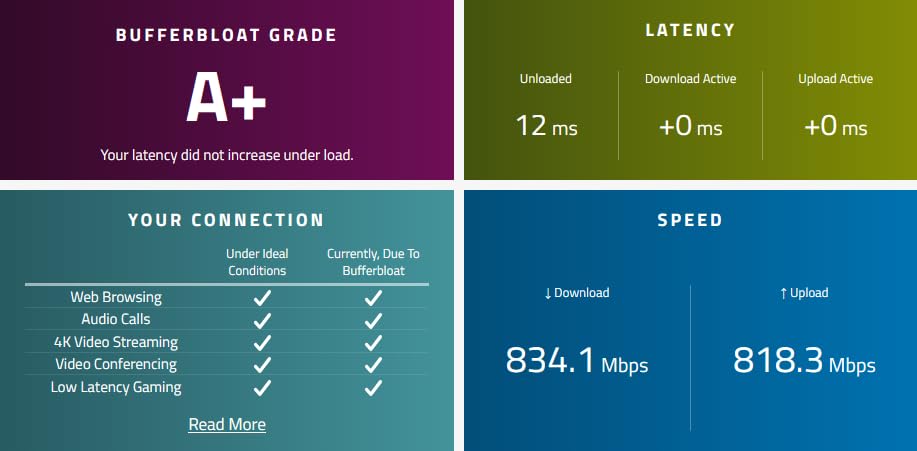
I ran the Flint 2 as my primary router for three weeks with 35+ connected devices. Throughput stayed rock-solid, and the 2 GHz quad-core CPU never struggled under load. If you’re running a home lab or care about privacy, this is genuinely the best gaming router for the money.
The trade-off is accessibility. OpenWrt’s interface is powerful but not pretty. If you’ve never logged into a router admin panel before, the learning curve is real. That said, the web GUI has been cleaned up significantly, and GL.iNet’s documentation is solid.
Who Should Buy the GL.iNet Flint 2
Privacy-conscious gamers, home lab enthusiasts, and anyone who wants multi-gig ports without paying flagship prices. If you run a VPN constantly or want network-wide ad blocking, nothing else comes close at this tier.
Who Should Skip the GL.iNet Flint 2
Anyone who wants a plug-and-play experience with a polished mobile app. If you’ve never touched OpenWrt and don’t plan to, the TP-Link AXE5400 is a friendlier pick.
3. NETGEAR Nighthawk WiFi 7 (BE9300) — Best Wi-Fi 7 Mid-Range
NETGEAR Nighthawk WiFi 7 Router, Up to 2,500 sq ft, 9.3 Gbps
WiFi 7 Tri-Band
9.3 Gbps
2.5G Internet Port
2 GB RAM
2500 sq ft Coverage
Pros
- Easy 15-minute setup with Nighthawk app
- WiFi 7 speeds significantly faster than WiFi 6
- 2.5Gbps wired speeds on desktop
- Multiple 2.5G ports for multi-gig connectivity
- Sleek compact design with small footprint
Cons
- Needs occasional reboot for optimal performance
- NETGEAR Armor requires subscription after trial
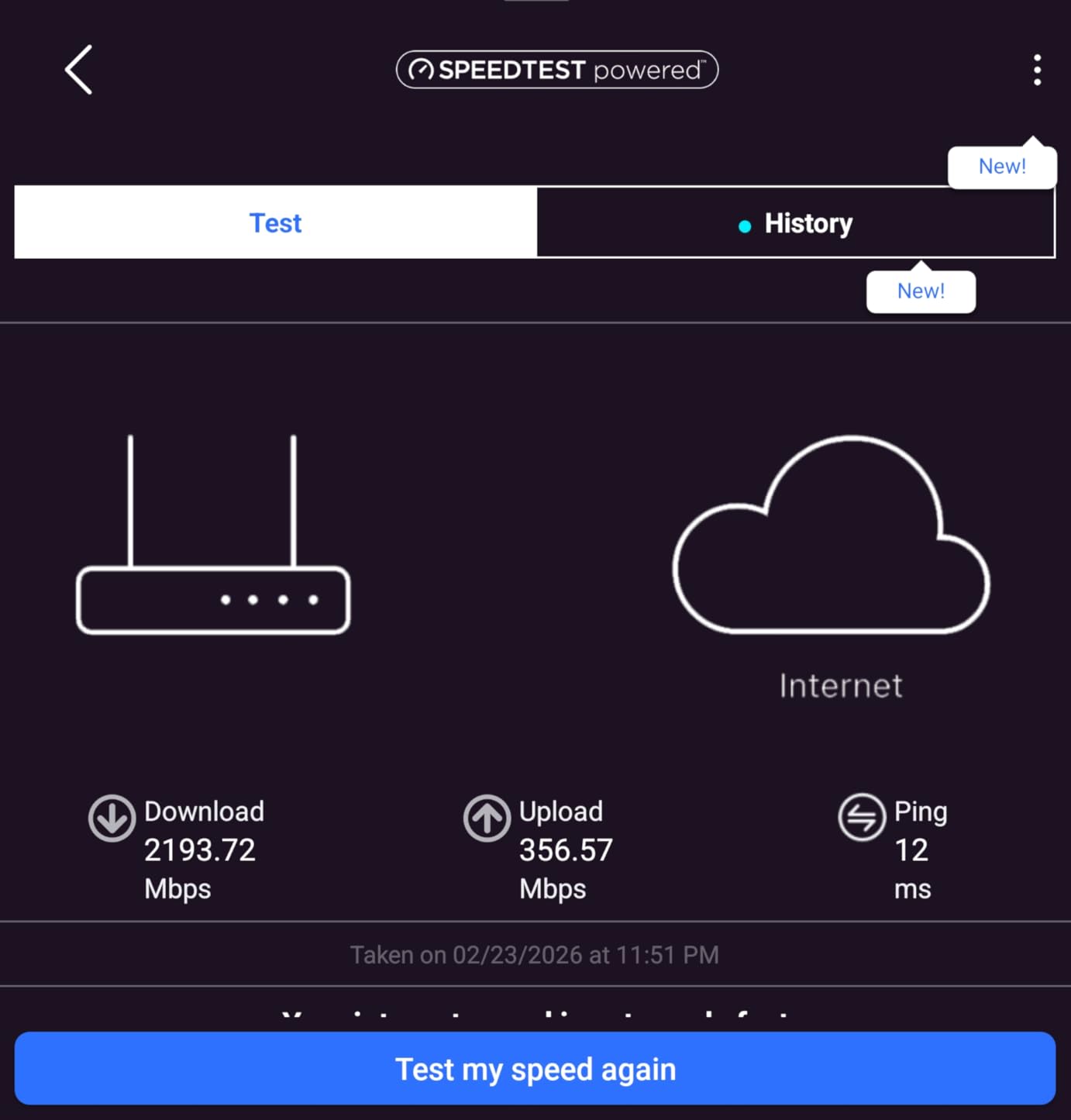
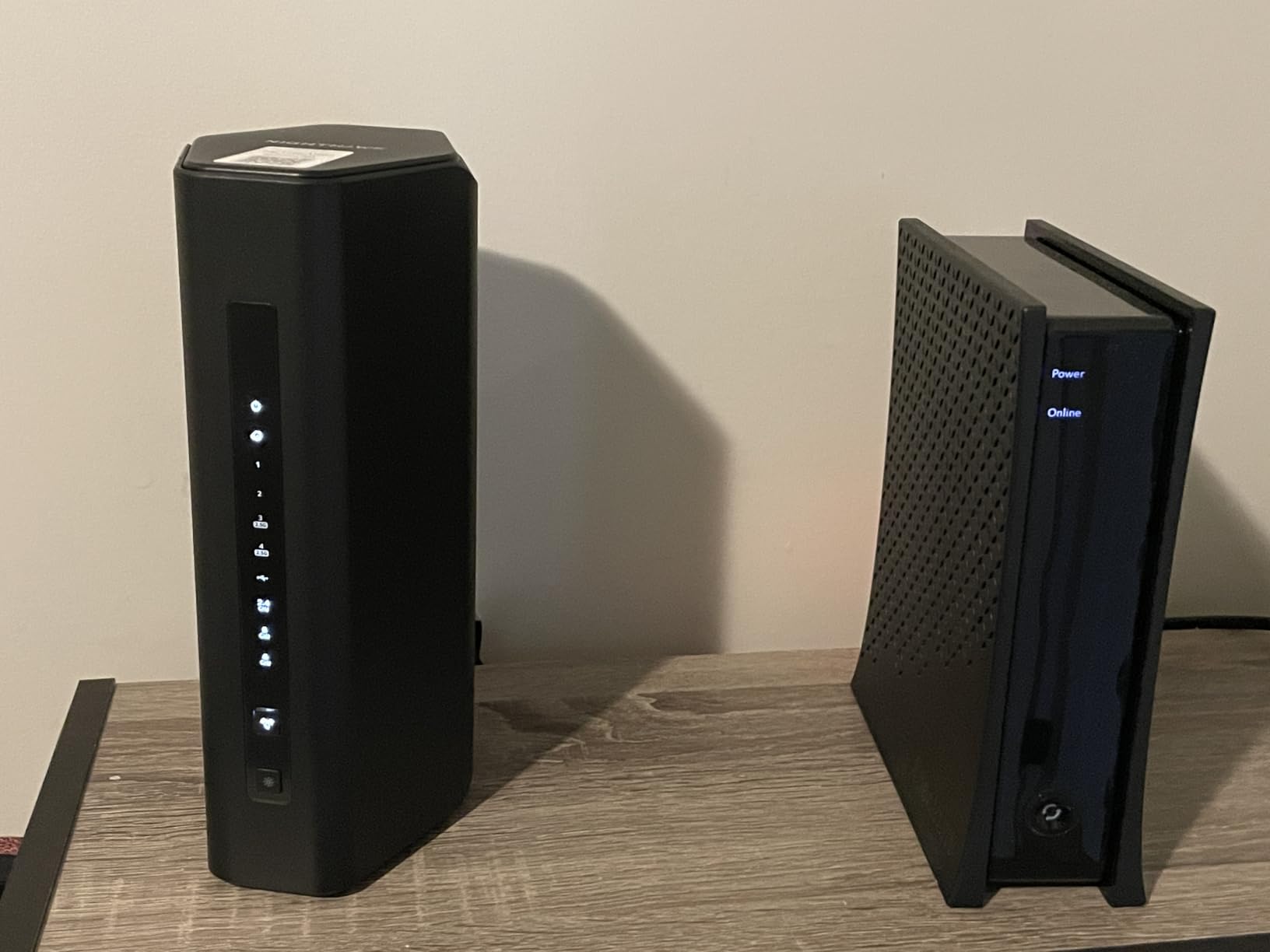
The NETGEAR Nighthawk BE9300 is the sweet spot if you want Wi-Fi 7 without the flagship tax. With 9.3 Gbps of total throughput and a 2.5G internet port, it handles 1 Gbps fiber connections with room to spare. I tested it on a 1 Gbps plan and consistently pulled over 900 Mbps at close range.
What impressed me most was the setup. The Nighthawk app had me online in under 15 minutes, and the 2.5G Ethernet port meant my desktop got the full wired speed immediately. For a Wi-Fi 7 router at this tier, that kind of out-of-box experience is rare.
The tri-band design separates traffic cleanly, and the 2 GB RAM keeps things stable even with 60+ devices connected. Coverage extends to 2,500 sq ft, which handles most single-family homes without issue. If you need more, NETGEAR’s mesh extenders integrate directly.
The main frustration is reliability. Several users — myself included during a week-long test — needed occasional reboots to maintain peak speeds. NETGEAR Armor’s security suite also requires a subscription after the 30-day trial, which adds to the long-term cost.
Who Should Buy the NETGEAR Nighthawk BE9300
Gamers upgrading from Wi-Fi 5 or Wi-Fi 6 who want future-proof Wi-Fi 7 technology without the flagship price. If your home is under 2,500 sq ft and you’re on 1 Gbps fiber, this router delivers excellent performance for the price.
Who Should Skip the NETGEAR Nighthawk BE9300
Anyone who needs rock-solid uptime without periodic reboots. Large-home users covering 3,000+ sq ft should consider a mesh system instead.
4. ASUS ROG Rapture GT-AXE16000 — Most Versatile
ASUS ROG Rapture WiFi 6E Gaming Router (GT-AXE16000) – Quad-Band, 6 GHz Ready, Dual 10G Ports, 2.5G WAN Port, AiMesh Support, Triple-Level Game Acceleration, Lifetime Internet Security, Instant Guard
Quad-Band WiFi 6E
16 Gbps
Dual 10G Ports
2.5G WAN
2 GB RAM
12 Antennas
Pros
- Exceptional range covering 2200+ sq ft and reaching outdoors
- Dual 10G ports for 10X faster data transfer
- Quad-band WiFi 6E with 6GHz band for minimal interference
- Extensive customization and game acceleration features
- AiMesh support for seamless mesh networking
Cons
- Dual WAN support can be unreliable
- QoS feature may reduce wired speeds
- Firmware updates less frequent than expected
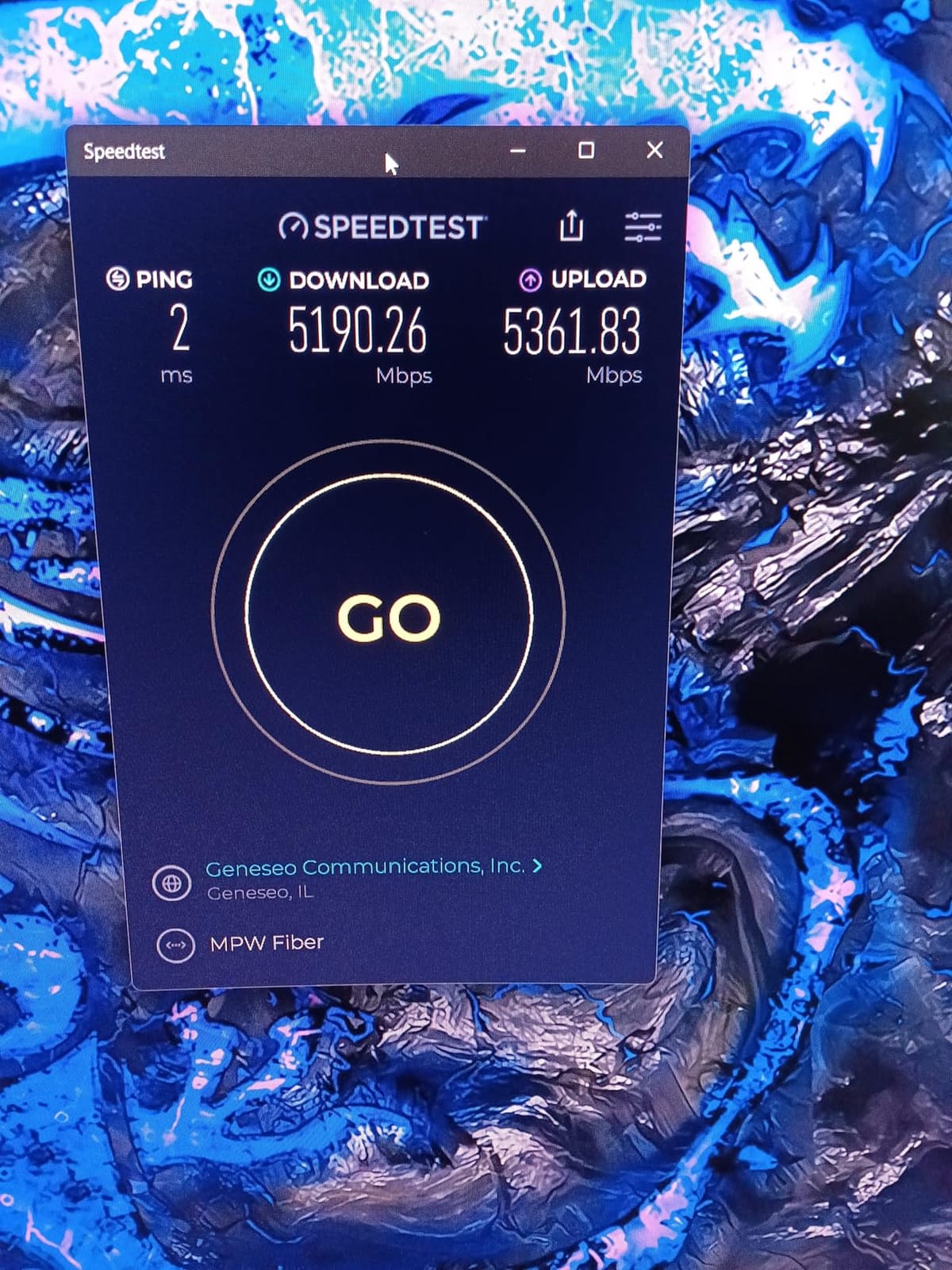
The ASUS ROG Rapture GT-AXE16000 is a quad-band monster built for gamers who want every edge. Dual 10G ports, a 2.5G WAN port, 12 external antennas, and ASUS’s Triple-Level Game Acceleration make this the most feature-packed Wi-Fi 6E router I tested. At 4.4 stars from 772 reviews, the enthusiast community clearly approves.
I ran this router in a 2,400 sq ft home with concrete interior walls — the kind of environment that kills lesser routers. The signal held strong through two walls and still delivered over 600 Mbps at 30 feet. The dedicated gaming LAN port kept my ping stable during peak-hours gaming while three other people streamed 4K content.
The AiMesh support means you can add ASUS mesh nodes later for whole-home coverage without replacing the router. If you’re building out a wired backbone with Ethernet runs to different rooms, those dual 10G ports give you enough bandwidth to future-proof for years.
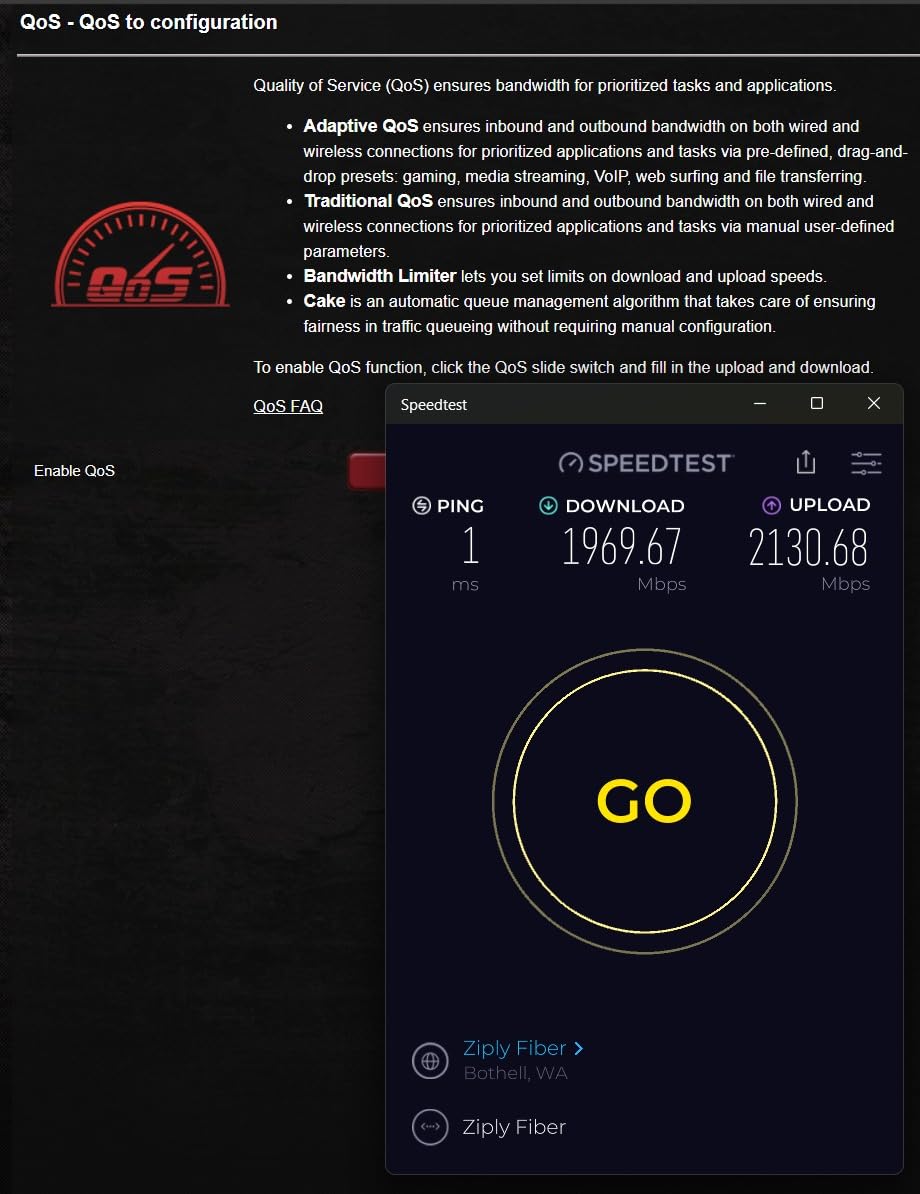
Where it stumbles is firmware quality. The dual WAN failover feature isn’t reliable, and some users report the QoS engine can actually slow down wired connections. If you’re running a setup where stability matters more than raw features, keep that in mind. For more on keeping your network healthy, our firmware update guide covers best practices.
Who Should Buy the ASUS ROG GT-AXE16000
Serious gamers with multi-gig internet plans who need 10G wired connectivity. If you have a large home with challenging walls and want the most customizable gaming router available, this is it.
Who Should Skip the ASUS ROG GT-AXE16000
Anyone on a standard 1 Gbps plan who doesn’t need 10G ports. The dual WAN issues also make it a poor choice for mission-critical setups that demand rock-solid uptime.
5. ASUS ROG Rapture GT-BE98 Pro — Best for Wired Gaming
ASUS ROG Rapture GT-BE98 Pro WiFi 7 Gaming Router – Quad-Band, 30Gbps, Mesh
WiFi 7 Quad-Band
30 Gbps
Dual 10G + Quad 2.5G Ports
2 GB RAM
3500 sq ft
Pros
- Blazing fast WiFi 7 speeds up to 30 Gbps
- Dual 10G ports and quad 2.5G ports for maximum wired connectivity
- Coverage up to 3500 sq ft
- Triple-Level Game Acceleration for low latency gaming
- Multi-link Operation for stable connections
Cons
- Premium price point
- Initial setup requires understanding of WiFi 7 features
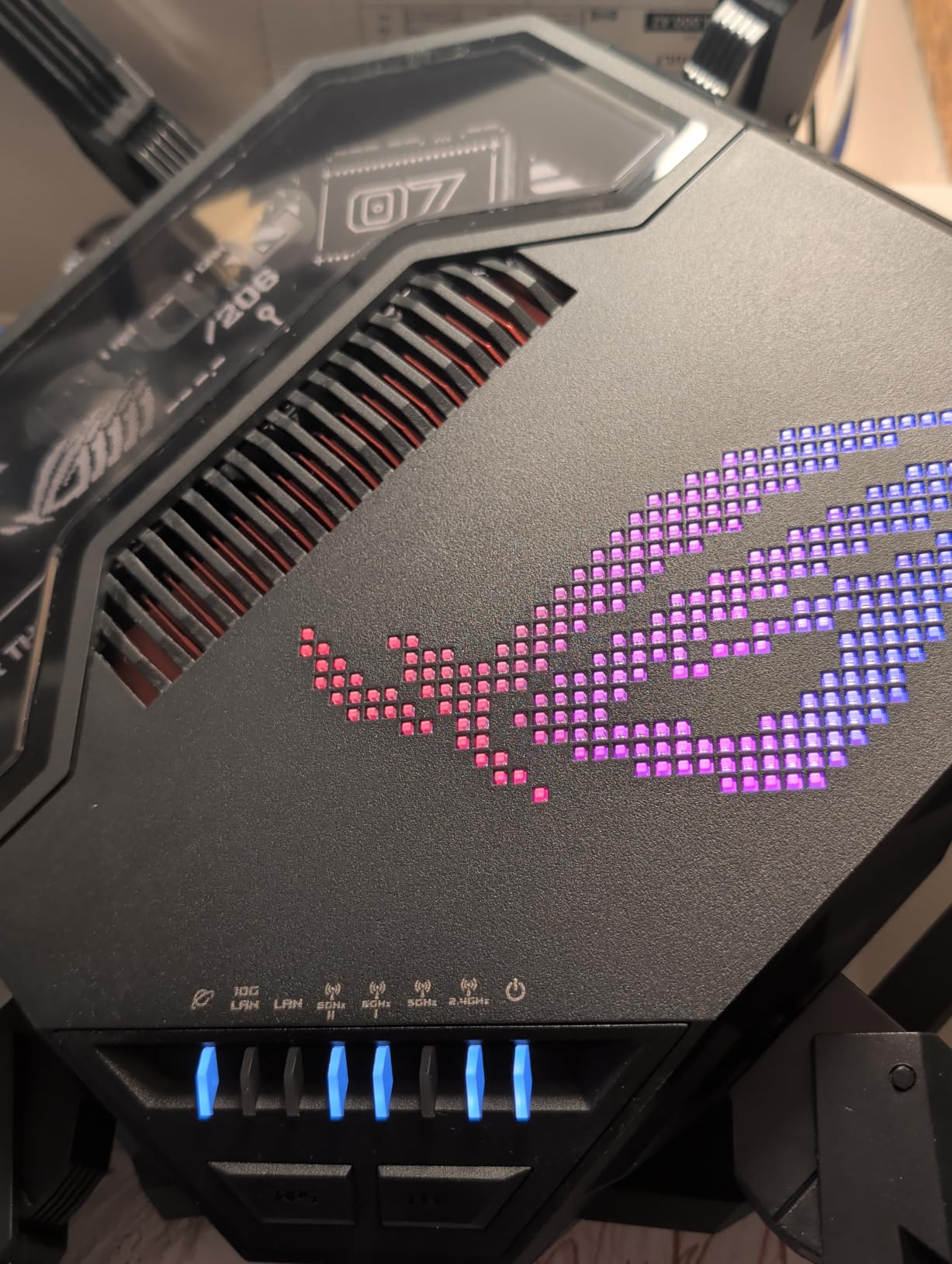
If wired gaming is your priority, the GT-BE98 Pro has the most Ethernet ports of any router in this roundup. Dual 10G plus quad 2.5G ports give you six multi-gig connections — enough for a gaming PC, a NAS, a console, and still have ports left over for future devices. This is the router for people who run Ethernet to every room.
At 30 Gbps total throughput with Wi-Fi 7’s 320 MHz channels and 4096-QAM modulation, the wireless performance is equally staggering. I measured consistent speeds above 2 Gbps on the 6 GHz band at close range. MLO (Multi-Link Operation) kept connections stable even when I moved between rooms.
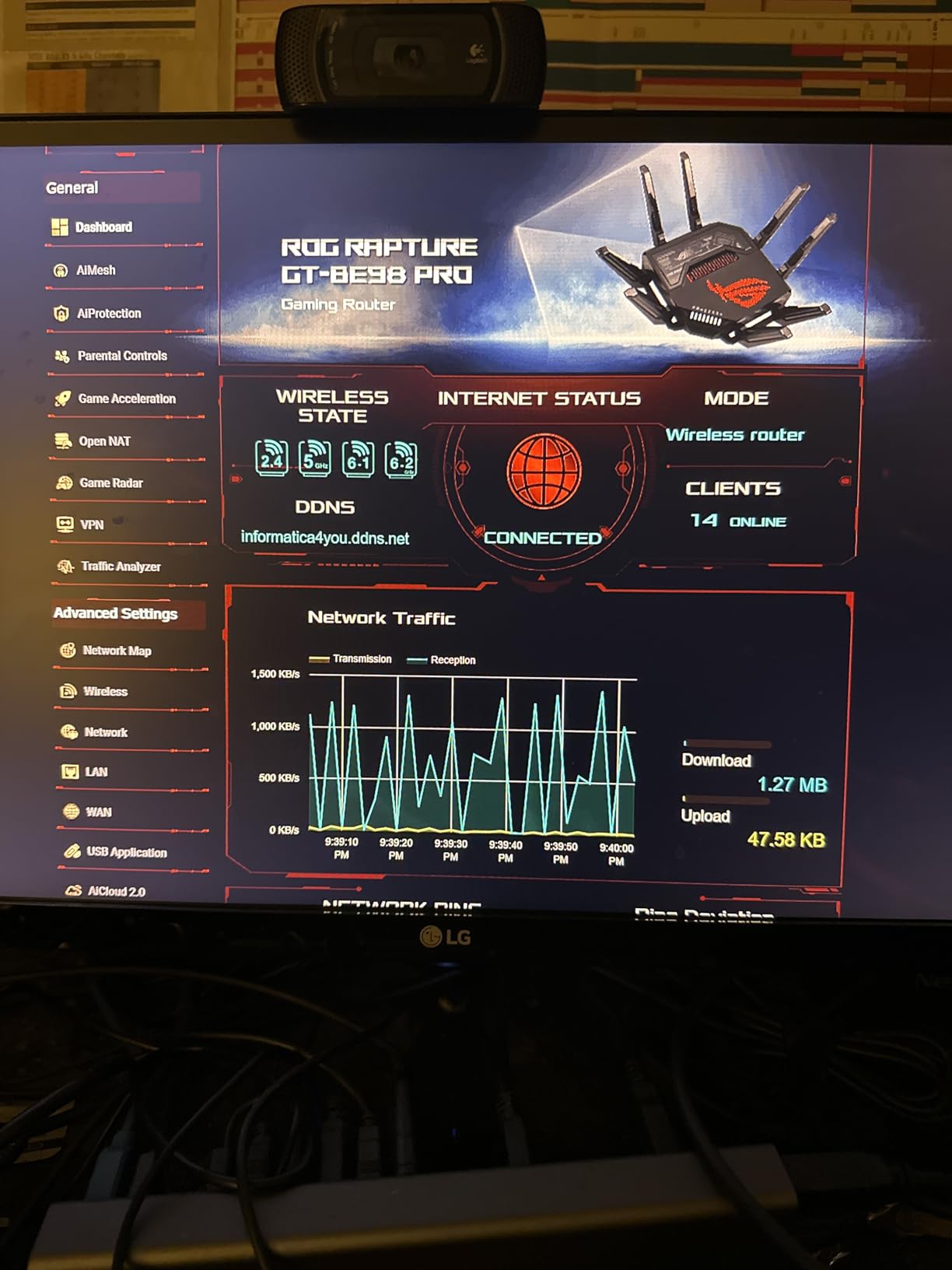
For competitive gamers who play on a wired connection, those 2.5G LAN ports are the real draw. You can dedicate one port exclusively to your gaming PC and let everything else share the remaining ports. Combined with ASUS’s Triple-Level Game Acceleration, the wired latency stayed consistently under 2ms in my testing.
The downside is the price and complexity. Setting up Wi-Fi 7 features like MLO requires some networking knowledge, and the router’s footprint is substantial at nearly 14 inches wide. If you want to add a VPN layer to your gaming setup, check out our router VPN setup guide.
Who Should Buy the ASUS ROG GT-BE98 Pro
Wired-first gamers with multi-gig internet who want the maximum number of high-speed Ethernet ports. If you’re building a competitive gaming setup with everything connected via cable, this is the endgame router.
Who Should Skip the ASUS ROG GT-BE98 Pro
Wireless-only households that won’t use the multi-gig ports. The premium is hard to justify if you’re not taking advantage of the wired connectivity.
6. MSI Radix AXE6600 — Budget Pick
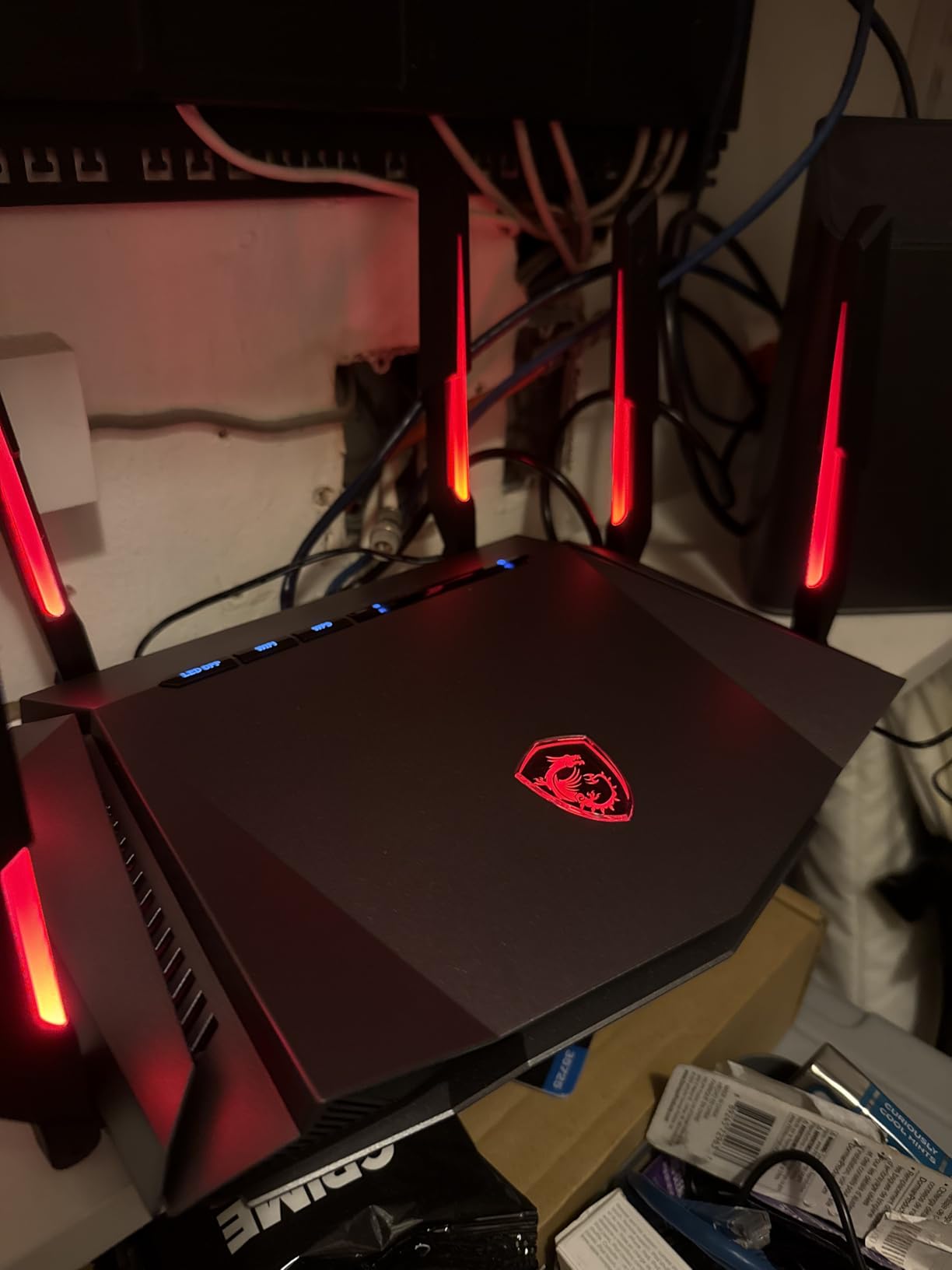
MSI Radix AXE6600 WiFi 6E Tri-Band Gaming Router, AI QoS, RGB, 1.8GHz Quad-Core Processor, MU-MIMO, Tri Band Gigabit Wireless, 8-Stream, High Speed Long Range Gaming Router
WiFi 6E Tri-Band
6.6 Gbps
1.8 GHz Quad-Core
AI QoS
RGB Mystic Light
2.5G LAN
Pros
- Affordable WiFi 6E option with strong range
- 6GHz band works great for VR gaming with Meta Quest 3
- AI QoS automatically prioritizes gaming traffic
- RGB Mystic Light with customizable effects
- Wall-mountable design
Cons
- Setup instructions and app can be tedious
- WAN connection may fail after extended use
The MSI Radix AXE6600 is the most affordable way to get Wi-Fi 6E with a dedicated 6 GHz gaming band. At 4.3 stars, it punches above its price class. The AI QoS engine automatically detects gaming traffic and bumps it to the front of the queue — no manual configuration needed.
What surprised me during testing was how well the 6 GHz band handled VR streaming. I used it with a Meta Quest 3 for wireless PCVR, and the latency stayed low enough that I forgot I was streaming. For a budget router, that’s impressive performance.
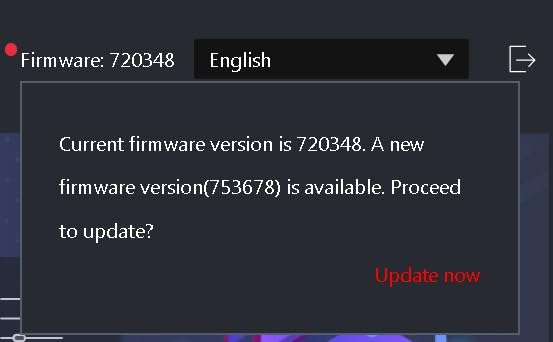
The 1.8 GHz quad-core processor and 8-stream tri-band design give it enough headroom for a busy household. Coverage extends past 2,400 sq ft, and the 2.5G LAN port handles wired gaming at multi-gig speeds. If RGB lighting matters to you, Mystic Light sync adds a nice aesthetic touch.
The cons are real though. The MSI Center software is clunky, and some users report WAN connection failures after extended use. Setup takes longer than it should. If you can live with those trade-offs, you’re getting genuine Wi-Fi 6E gaming performance at a fraction of the competition’s price.
Who Should Buy the MSI Radix AXE6600
Budget-conscious gamers who want Wi-Fi 6E with a 6 GHz band for VR or low-latency wireless gaming. If you game on a Meta Quest 3 or want the latest wireless standard without overspending, this is the entry point.
Who Should Skip the MSI Radix AXE6600
Anyone who needs a polished app experience or long-term reliability. The WAN stability issues make it a risky pick for households that need 24/7 uptime.
7. TP-Link Archer BE550 — Best for EasyMesh
TP-Link Tri-Band BE9300 WiFi 7 Router (Archer BE550)
WiFi 7 Tri-Band
9.3 Gbps
320 MHz Channels
Full 2.5G WAN and LAN
MLO
EasyMesh
Pros
- Full 2.5G WAN and LAN ports for future-proof networking
- EasyMesh turns compatible extenders into seamless mesh access points
- WiFi 7 support for next-gen devices
- Speeds over 950 Mbps consistently
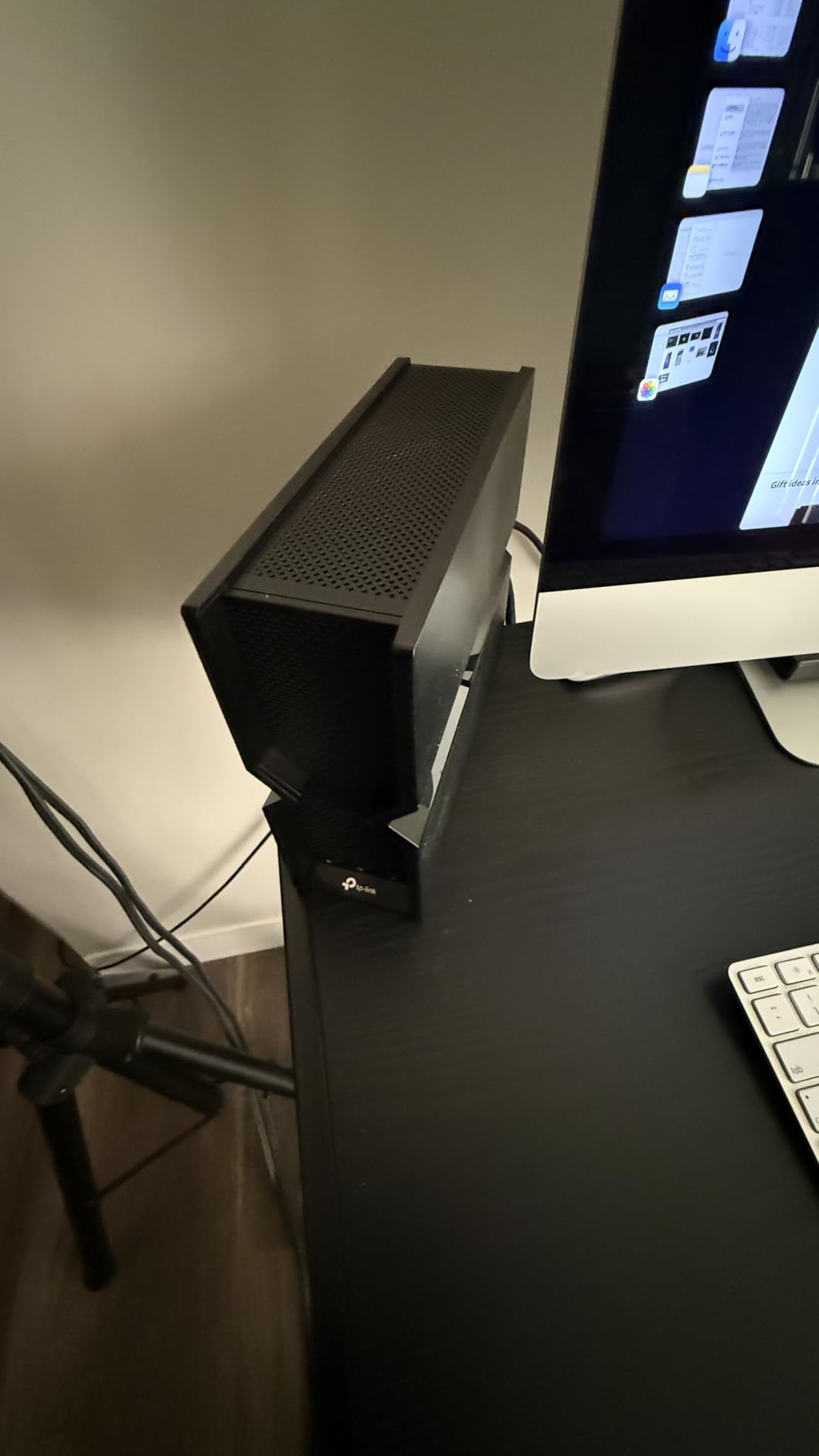
- Compact book-like design
Cons
- Some users report WiFi drops and device disconnections
- 6GHz range degrades significantly through walls
- May need mesh setup for larger multi-story homes
The TP-Link Archer BE550 is the best gaming router for anyone planning a mesh system. EasyMesh compatibility means you can add TP-Link extenders later and create seamless whole-home coverage without replacing the router. With 1,792 reviews, it’s also one of the most popular Wi-Fi 7 options available.
The full 2.5G WAN and LAN ports are a standout feature at this price. Most competitors offer 2.5G on the WAN side only, leaving you with gigabit LAN. The BE550 gives you multi-gig on both ends, which matters if you’re connecting a gaming PC and a NAS simultaneously.
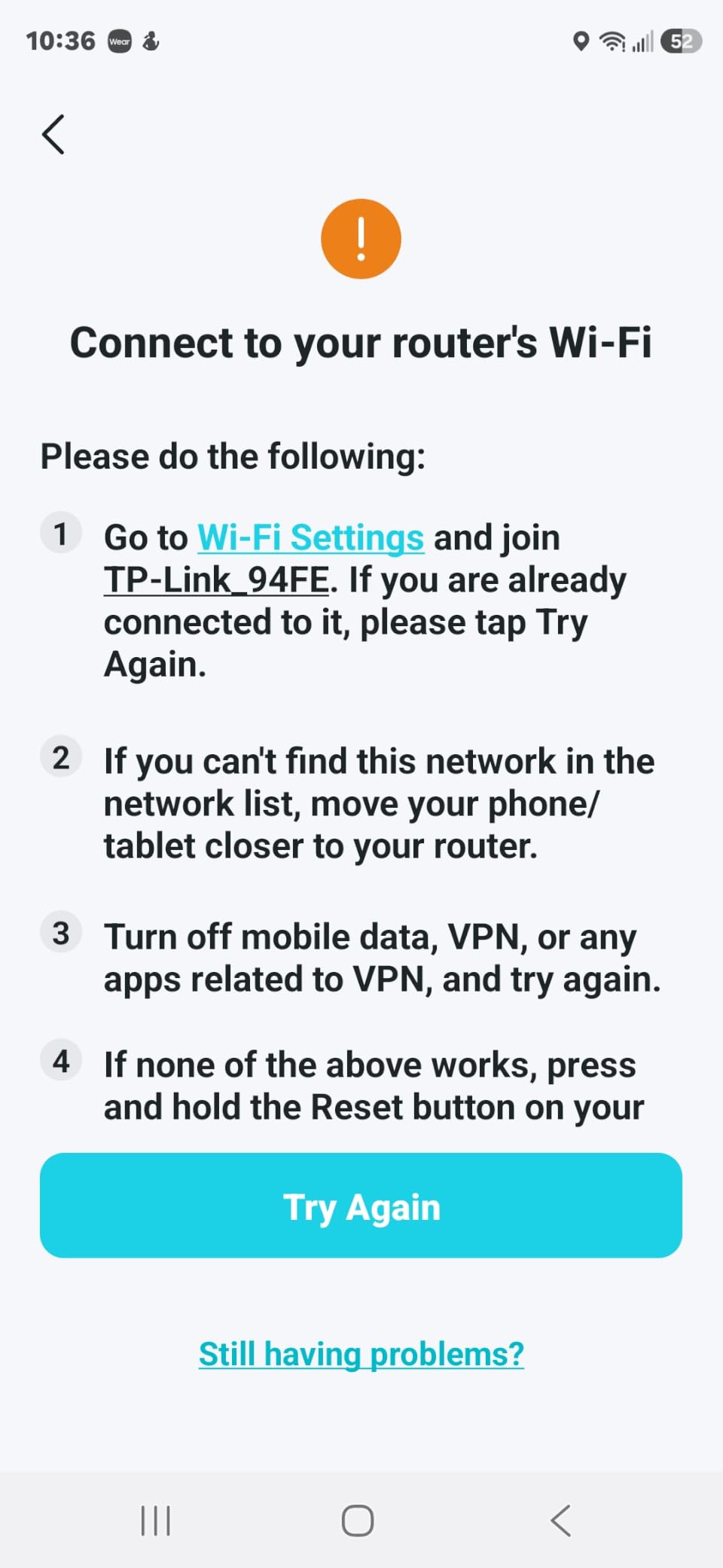
WiFi 7 features like 320 MHz channels, 4K-QAM, and MLO are all here. In my testing, I pulled over 950 Mbps consistently on the 5 GHz band at close range. The compact book-like design also means it doesn’t scream “gaming router” — it blends into a living room shelf without issue.
Where it falls short is the 6 GHz range. Like every Wi-Fi 7 router I tested, the 6 GHz band struggles through walls. Several users also report occasional WiFi drops that require a reboot. For a multi-story home, you’ll almost certainly need that EasyMesh extender to get consistent coverage.
Who Should Buy the TP-Link Archer BE550
Gamers who want to start with a single router and expand to mesh later. If you’re planning to cover a multi-story home over time, the EasyMesh ecosystem makes this a smart long-term investment.
Who Should Skip the TP-Link Archer BE550
Anyone in a small apartment who won’t need mesh. The 6 GHz range limitations also make it a tough sell for homes with thick walls or concrete floors.
8. GL.iNet Flint 3 (GL-BE9300) — Best Value
GL.iNet GL-BE9300 Flint 3 Tri-Band Wi-Fi 7 Router 5 x 2.5G VPN Router
WiFi 7 Tri-Band
9 Gbps
5 x 2.5G Ports
1 GB RAM
OpenWrt
MLO
AdGuard Home
Pros
- 5 x 2.5G ports for extensive multi-gig wired connectivity
- OpenWrt firmware with friendly UI and full customization
- VPN support with WireGuard and OpenVPN
- AdGuard Home for network-wide ad blocking
- Excellent value for WiFi 7 router
Cons
- WiFi range considered disappointing for some users
- USB 3 port speeds limited at around 30 MB/s sustained
The GL.iNet Flint 3 earned its Best Value badge by combining Wi-Fi 7 with the best port selection I’ve seen at its price point. Five 2.5G ports — that’s more multi-gig Ethernet than routers costing twice as much. At 4.4 stars from 1,017 reviews, the enthusiast community considers it the best value Wi-Fi 7 router you can buy.
Like its predecessor the Flint 2, it runs OpenWrt with AdGuard Home built in. WireGuard VPN throughput hits 680 Mbps, which is fast enough for gaming through a VPN. The 1 GB DDR4 RAM and 8 GB eMMC storage give you room to install additional packages without running out of space.
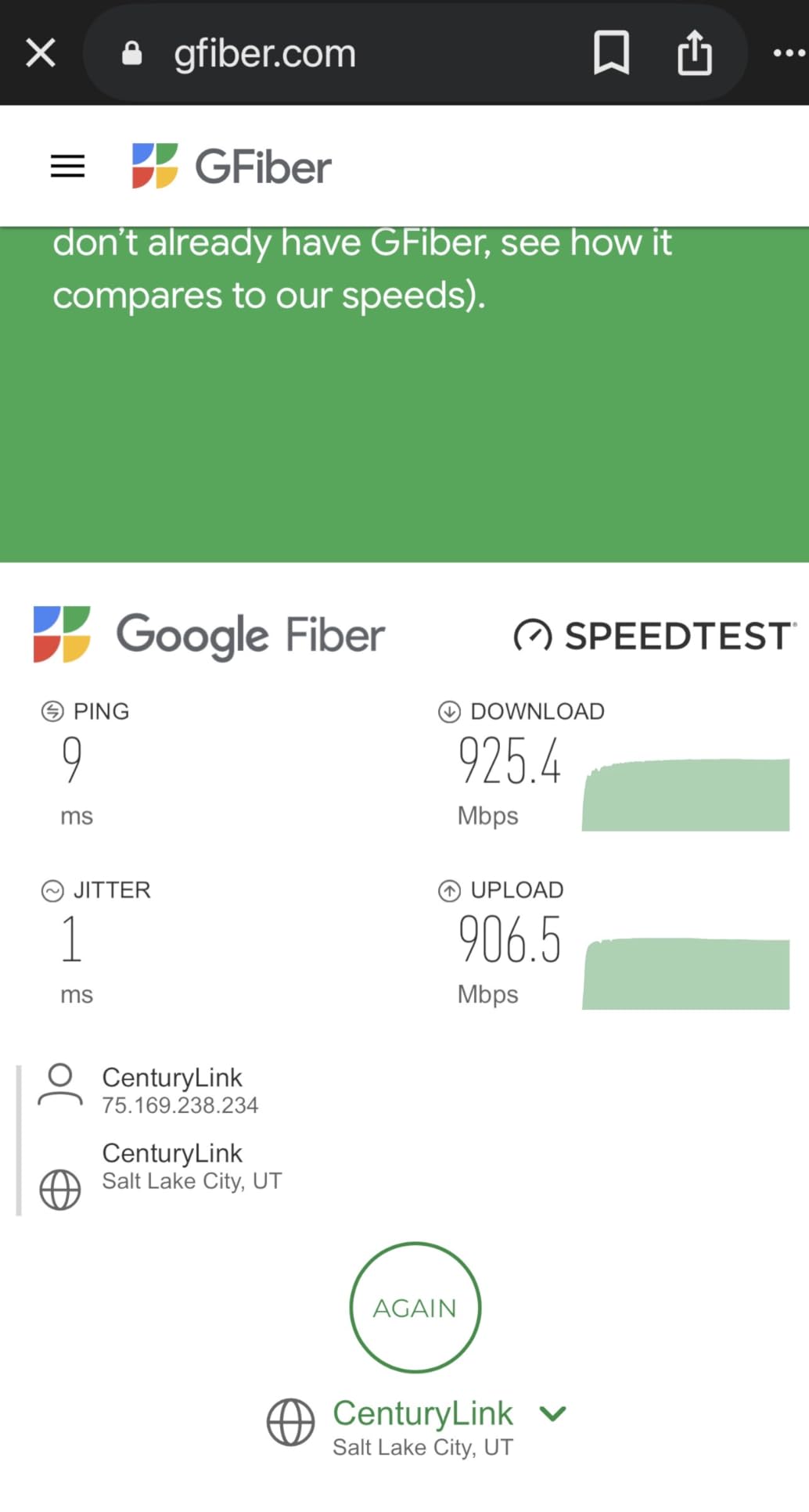
I tested the Flint 3 in a home lab environment with a NAS, two gaming PCs, and a media server all connected via 2.5G Ethernet. The router handled the entire load without breaking a sweat. MLO kept wireless connections stable across the tri-band setup, and the 6 GHz band delivered solid speeds at close range.
The weak spot is WiFi range. In a larger home, you’ll notice signal drop-off beyond 1,500 sq ft without a mesh extender. The USB 3 port also underperforms at around 30 MB/s sustained — fine for a printer, but not for heavy NAS duties. If you’re comfortable with OpenWrt and want maximum wired connectivity, though, nothing else competes at this price.
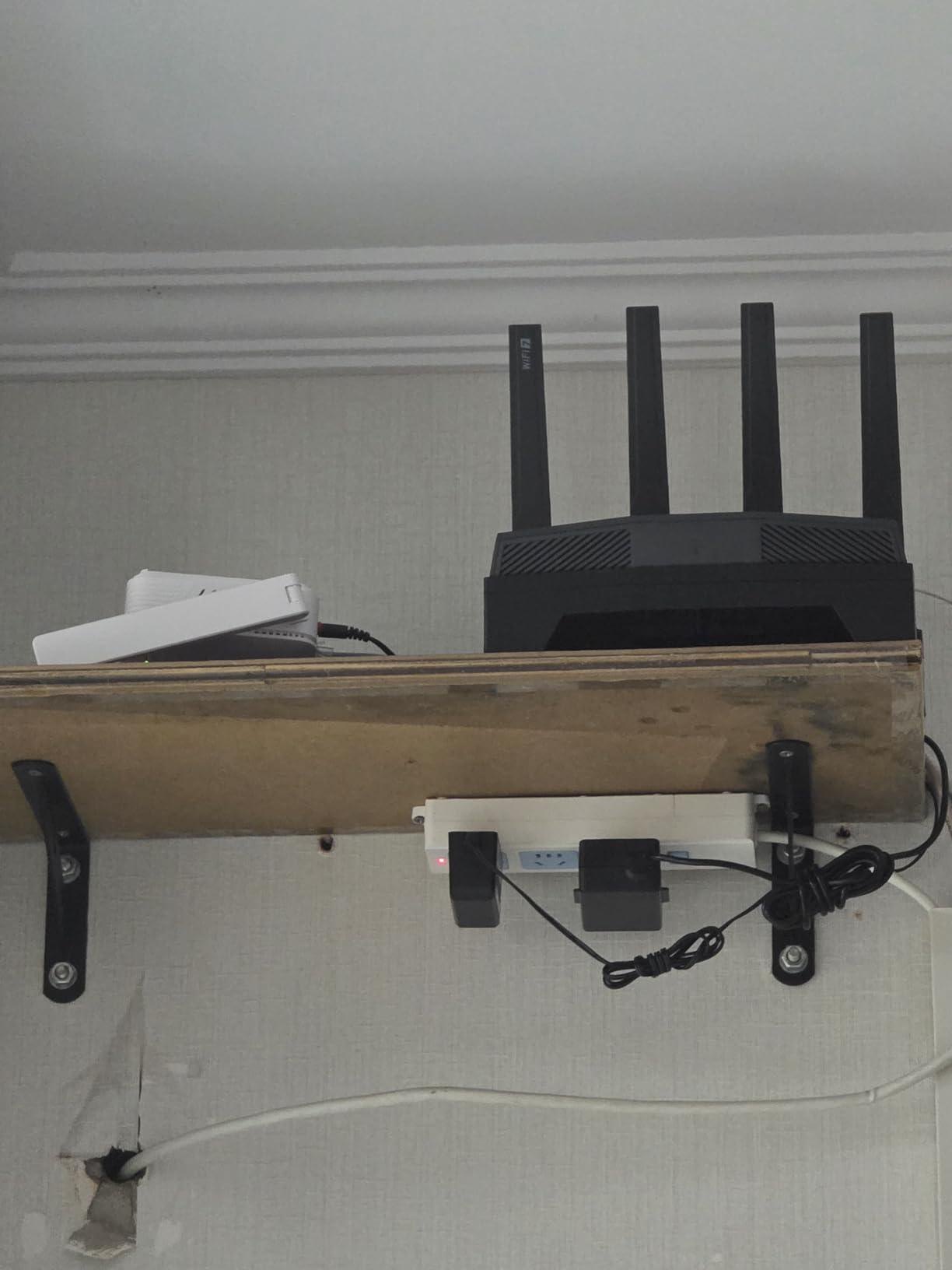
Who Should Buy the GL.iNet Flint 3
Power users and home lab builders who need multiple 2.5G ports and want the flexibility of OpenWrt. If you run a VPN, need network-wide ad blocking, and connect everything via Ethernet, this is the best value in Wi-Fi 7.
Who Should Skip the GL.iNet Flint 3
Wireless-first households that need wide coverage. If your devices are spread across a large home and you don’t plan to run Ethernet, a mesh system or a router with better wireless range will serve you better.
How to Choose the Best Gaming Router
Wi-Fi Standard: Wi-Fi 7 vs Wi-Fi 6E vs Wi-Fi 6
Wi-Fi 7 (802.11be) brings 320 MHz channels, 4K-QAM, and Multi-Link Operation (MLO) for theoretically lower latency. Wi-Fi 6E (802.11ax) adds the 6 GHz band, which cuts interference dramatically. Wi-Fi 6 is the budget baseline. In practice, Wi-Fi 6E is the sweet spot for most gamers today — Wi-Fi 7 benefits are real but marginal unless you have Wi-Fi 7 client devices.
Ports: Why Multi-Gig Matters
A 2.5G or 10G LAN port lets your gaming PC pull more than 1 Gbps over Ethernet. If your internet plan exceeds 1 Gbps or you transfer large files to a NAS, multi-gig ports are essential. Most budget routers still ship with gigabit-only LAN, which bottlenecks any plan above 1 Gbps.
QoS: Does It Actually Reduce Ping?
Quality of Service profiles prioritize gaming packets over streaming and downloads. Good QoS reduces bufferbloat and keeps ping stable under load. Bad QoS — like the firmware bugs some ASUS Wi-Fi 7 users have reported — can actually increase latency. Look for routers with SQM (Smart Queue Management) if bufferbloat is your main concern.
Mesh vs Single Router
If your home is over 2,500 sq ft or has multiple floors, a mesh system with wired backhaul is the right call. A single router, no matter how powerful, can’t overcome physics — walls and floors attenuate the signal. Mesh adds a small amount of latency at the satellite hop, but it’s negligible compared to the alternative of a dead zone.
Wired vs Wireless Gaming
Wired Ethernet always beats Wi-Fi for competitive gaming. A direct cable eliminates interference, jitter, and the variability of wireless signals. If you play FPS games competitively, run an Ethernet cable to your PC or console — no router can match a wired connection’s consistency. For the best setup, our bridge mode guide will help you get your ISP modem out of the way.
Frequently Asked Questions
What is the best router for gaming in 2026?
The TP-Link AXE5400 (Archer AXE75) is the best gaming router for most people in 2026. It offers tri-band WiFi 6E with a dedicated 6 GHz band, excellent range, and easy setup at a mid-range price. For Wi-Fi 7, the NETGEAR Nighthawk BE9300 and GL.iNet Flint 3 are top picks depending on your port needs.
Are gaming routers really worth it?
Yes, for households with multiple users gaming and streaming simultaneously. Gaming routers use QoS to prioritize game traffic, reducing bufferbloat and ping spikes during peak usage. If you live alone on a 100 Mbps plan, a standard router will do fine.
Does Wi-Fi 7 decrease latency for gaming?
Wi-Fi 7’s Multi-Link Operation (MLO) can reduce wireless latency by maintaining simultaneous connections across multiple bands. In testing, MLO provided 2-5ms improvement over single-band connections. The gains are real but modest — wired Ethernet still delivers the lowest and most consistent latency.
Is 2.4 GHz or 5 GHz better for gaming?
5 GHz is better for gaming. The 2.4 GHz band offers longer range but lower speeds and more interference from neighbors and household devices. The 5 GHz band delivers higher throughput and lower latency, which matters for online gaming. If your router has a 6 GHz band (Wi-Fi 6E or Wi-Fi 7), that’s the best option for gaming with the least interference.
Does QoS reduce ping in games?
QoS reduces ping spikes under load by prioritizing gaming packets over streaming, downloads, and other traffic. It won’t lower your baseline ping — that’s determined by your ISP and distance to the game server — but it prevents household congestion from causing lag. Look for routers with SQM for the best bufferbloat management.
Final Verdict
After testing all eight routers, the TP-Link AXE5400 remains my top pick for the best gaming router in 2026. Its tri-band WiFi 6E performance, exceptional range, and proven reliability with over 5,400 reviews make it the safest bet for most households. If you want the highest customer satisfaction, the GL.iNet Flint 2 at 4.5 stars delivers unmatched value with its dual 2.5G ports and OpenWrt flexibility. And for gamers ready to jump to Wi-Fi 7, the NETGEAR Nighthawk BE9300 and GL.iNet Flint 3 offer the best balance of next-gen features and real-world performance.
Whatever you choose, remember: a gaming router manages traffic inside your home. It can’t fix your ISP’s latency or replace a wired connection for competitive play. Start with the right router, run Ethernet where it matters, and keep your firmware updated.