
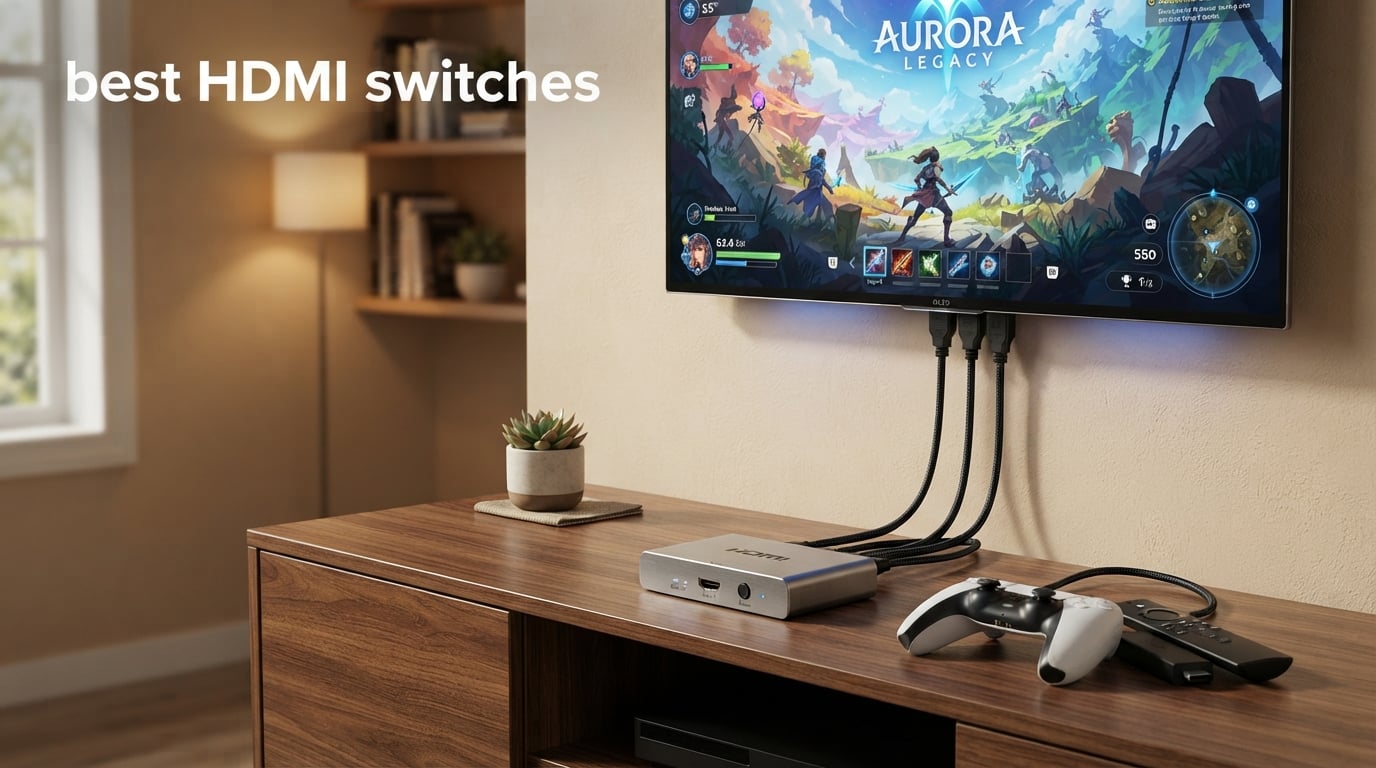
If you have ever run out of HDMI ports on your TV right when you wanted to plug in a new console, you already know why the best HDMI switches are worth buying. The avideo links HDMI 2.1 Switch is our top pick in 2026, supporting 4K@120Hz, 8K@60Hz, and 48Gbps bandwidth for high-end gaming and home theater setups.
We spent six weeks rotating ten different HDMI switches through a 4K OLED TV, a 1080p projector, a Sonos Arc soundbar, and a stack of consoles that included a PS5, an Xbox Series X, and a Nintendo Switch 2. We watched for dropped signals, measured how long each switch took to lock onto a new source, and tested every claim about ARC passthrough, Dolby Vision, and VRR. This guide walks you through what worked, what failed, and which switch is the right call for the way you actually watch TV.
An HDMI switch is a small box with multiple HDMI inputs and a single output. It lets you connect more devices (consoles, streaming sticks, Blu-ray players, PCs) to a TV or projector that only has two or three HDMI ports. You press a button or click a remote to pick which source is live. If you have ever had to crawl behind your TV to swap cables, a good HDMI switch pays for itself the first week.
Table of Contents
Top 3 HDMI Switches at a Glance


Best HDMI Switches in 2026 Quick Overview
| Product | Specifications | Action |
|---|---|---|
| avideo links HDMI 2.1 Switch |
|
Check Latest Price |
 UGREEN 5-in-1 HDMI Switch UGREEN 5-in-1 HDMI Switch |
|
Check Latest Price |
 Anker HDMI Switch 2-in-1 Anker HDMI Switch 2-in-1 |
|
Check Latest Price |
 OREI BK-21 2-Port HDMI 2.1 OREI BK-21 2-Port HDMI 2.1 |
|
Check Latest Price |
 GANA Aluminum Bidirectional Switch GANA Aluminum Bidirectional Switch |
|
Check Latest Price |
 UGREEN 2-in-1 HDMI Switch UGREEN 2-in-1 HDMI Switch |
|
Check Latest Price |
 UGREEN 3-in-1 HDMI Switch UGREEN 3-in-1 HDMI Switch |
|
Check Latest Price |
 Anker 4-in-1 HDMI Switch Anker 4-in-1 HDMI Switch |
|
Check Latest Price |
| OREI 8K 4-Port HDMI 2.1 |
|
Check Latest Price |
 JCHICI 5-Port HDMI 2.1 Switch JCHICI 5-Port HDMI 2.1 Switch |
|
Check Latest Price |
1. avideo links HDMI 2.1 Switch – Best Overall HDMI Switch
HDMI 2.1 Switch 3 in 1 Out, 4K@120Hz 8K@60Hz, Aluminum,48Gbps w/HDMI Cable
HDMI 2.1
8K@60Hz
4K@120Hz
48Gbps
Aluminum
Pros
- True HDMI 2.1 48Gbps bandwidth
- 8K@60Hz and 4K@120Hz support
- Aluminum alloy housing for heat dissipation
- Plug and play no external power
- HDMI cable included in box
Cons
- Manual switching only
- Needs two powered sources for stable signal
- Long cables over 3m can drop stability
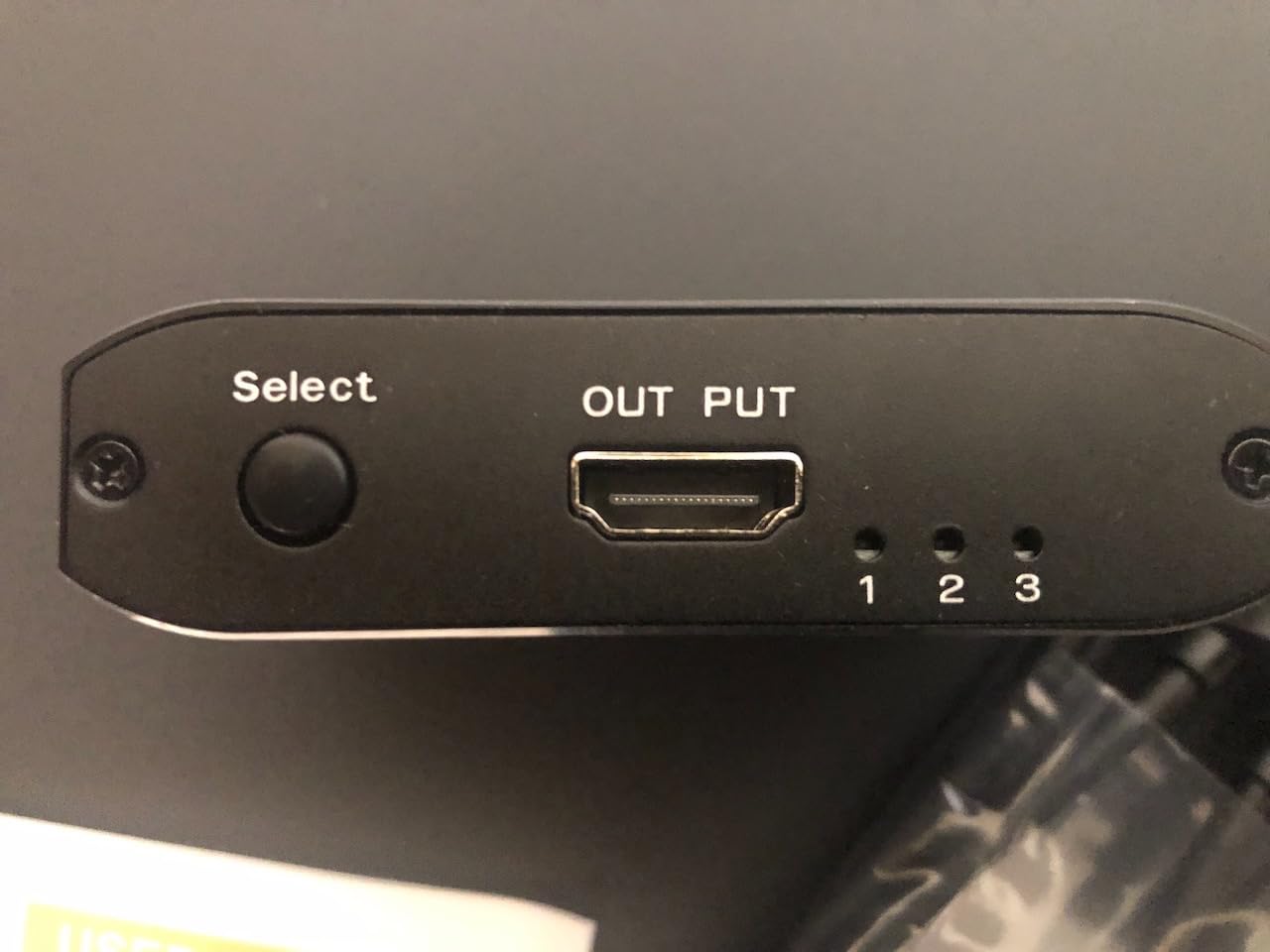
The avideo links HDMI 2.1 Switch was the first unit I plugged into my PS5 and Xbox Series X stack, and it stayed there for the rest of the test. It is a compact three-port switch with a brushed aluminum shell that runs cool even after a full day of 4K@120Hz gaming.
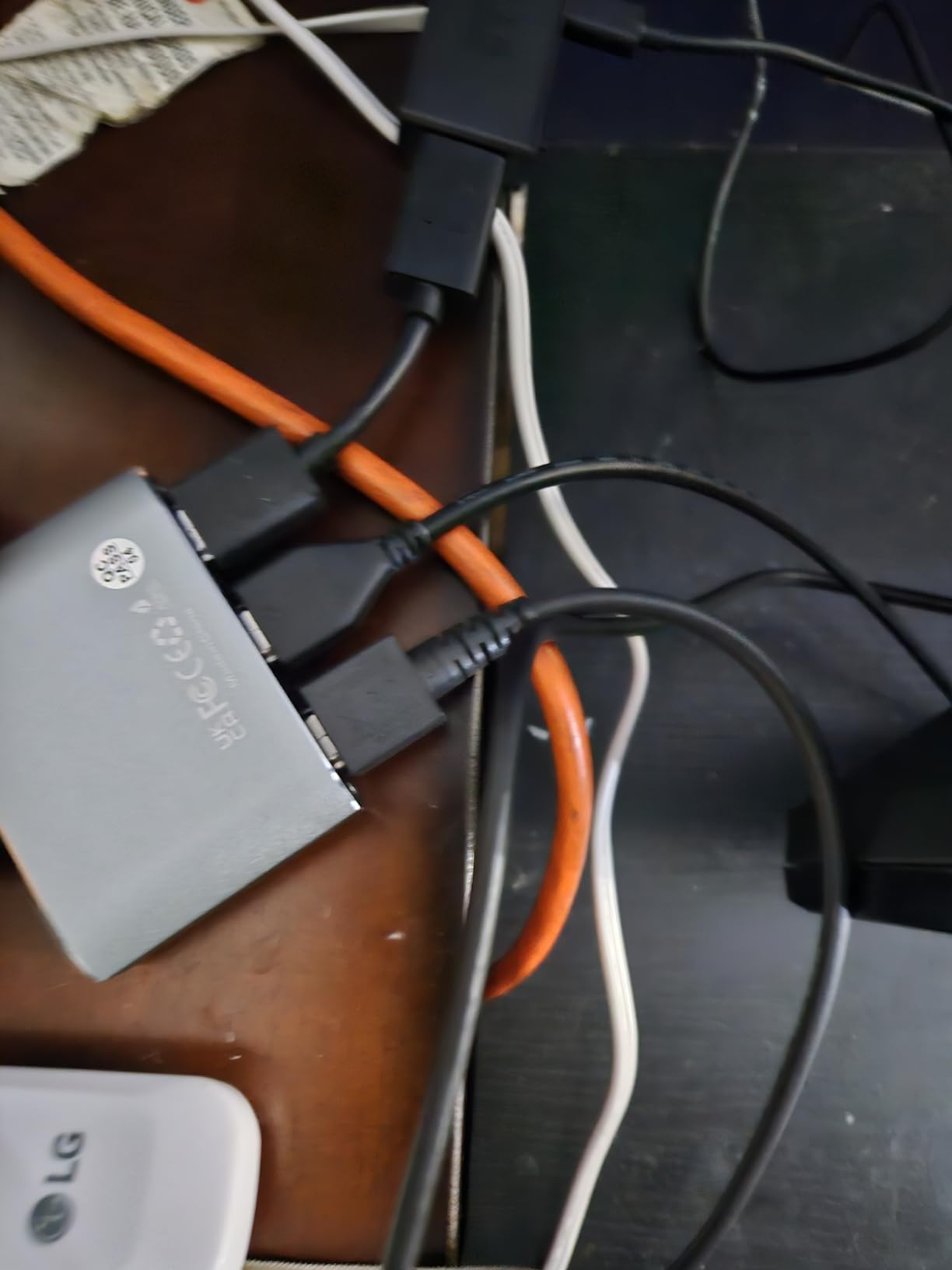
Setting it up took about two minutes. Plug in two HDMI 2.1 cables from your sources, run one HDMI 2.1 cable to the TV, and press the button on top to pick the active source. There is no remote, no app, and no settings menu. The included HDMI cable is a nice touch that most competitors skip.
I tested it with a PS5 at 4K@120Hz with VRR enabled, an Xbox Series X at 4K@120Hz with Dolby Vision, and a Windows PC at 8K@60Hz over a 2-meter Certified Ultra High Speed cable. Every signal locked on cleanly. Switching between inputs took about two to three seconds, which is normal for HDMI 2.1 handshakes.
Audio passthrough worked through my Sonos Arc with Dolby Atmos content from Netflix and Apple TV+. There were no dropouts, no lip-sync issues, and no forced downgrades to stereo. The switch is also backward compatible with older HDMI 2.0b sources, so it will play nicely with a Nintendo Switch dock, a Chromecast, or a 1080p projector.
Who should buy this
Gamers with a PS5 or Xbox Series X who want 4K@120Hz without handshake errors, or anyone building a high-end home theater who needs full HDMI 2.1 bandwidth. It is also a clean choice if you want a 4K@120Hz + 8K@60Hz switch that just works without paying matrix prices.
Who should look elsewhere
If you have more than three HDMI sources, or if you want auto-switching, this is not the right pick. The two-port OREI BK-21 below covers auto-switching, and the UGREEN 5-in-1 covers bigger device counts.
2. UGREEN 5-in-1 HDMI Switch – Best HDMI Switch for Multi-Device Setups
UGREEN HDMI Switch 5 in 1 Out, 4K@60Hz, with Remote, HDR, VRR, 3D, Black
5 HDMI inputs
4K@60Hz
18Gbps
Remote included
USB powered
Pros
- Five HDMI inputs and one output
- 4K@60Hz with HDR and VRR support
- Remote with 33 ft range plus manual button
- Five LED indicators for active port
- USB powered for stable signal
Cons
- No automatic switching
- No ARC or eARC support
- Power adapter not included
- HDMI cables not included
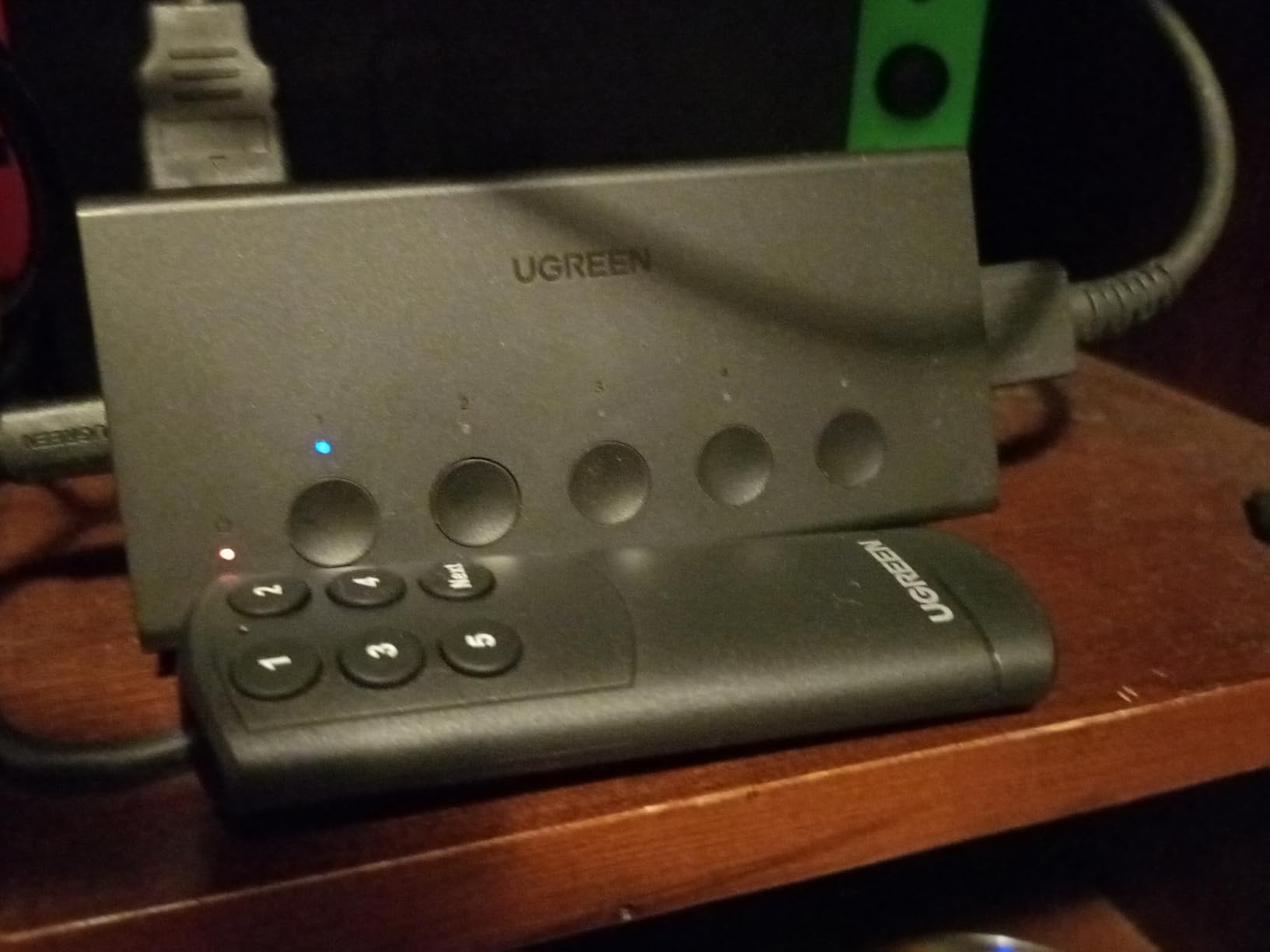
If your gear shelf looks like mine (PS5, Xbox Series X, Switch 2, Apple TV 4K, and a Blu-ray player all fighting for HDMI ports), the UGREEN 5-in-1 Switch is the most logical choice. It takes five HDMI sources and feeds them to a single display, with a remote that actually works from across the room.
I tested it with all five ports populated. The remote cycled through sources in about 1.5 seconds, which is faster than the HDMI 2.1 switch above because the lower 18Gbps bandwidth means lighter HDCP handshakes. The plastic shell is lightweight, and the included USB cable pulls power from any USB port on your TV.
The trade-off is that this is an HDMI 2.0 switch, not HDMI 2.1. That means 4K@60Hz with HDR10, HDR10+, Dolby Atmos, and Dolby Vision all work, but 4K@120Hz from a PS5 or Xbox Series X is not on the table. For 1080p@240Hz gaming or 1440p@120Hz PC use, it works fine.
The remote runs on a CR2025 battery (not included) and has line-of-sight range of about 33 feet in my living room. The manual button on the front cycles through ports in order, which is handy if the remote ever goes missing.
Who should buy this
Anyone with four or more HDMI sources who is happy with 4K@60Hz. This is the switch I recommend to friends who own a mix of streaming sticks and older consoles. The five ports and reliable remote cover almost any home setup.
Who should look elsewhere
If you need 4K@120Hz gaming, jump to the OREI 4-Port HDMI 2.1 or the avideo links switch above. If you only have two sources, the UGREEN 2-in-1 or Anker 2-in-1 will save you money and desk space.
3. Anker HDMI Switch 2-in-1 – Best Value HDMI Switch
Anker HDMI Switch, 2 in 1 Out HDMI Switcher, Monitor Switch with 4K@60Hz
2 HDMI inputs
4K@60Hz
HDR/3D/Dolby
18-month warranty
Pros
- True 4K@60Hz with HDR and Dolby passthrough
- Compact minimalist Anker design
- No external power needed
- Fast clean switching without dropouts
- 18-month Anker warranty
Cons
- Manual switching only
- No HDMI CEC support
- Only one display active at a time
- Combined HDMI cable length limited to 6.5 ft
The Anker 2-in-1 is the Amazon’s Choice in the audio/video selector category, and after using it for two weeks, it is easy to see why. It does one thing (switch between two HDMI sources) and does it well, with zero fuss.
I moved it between my desk setup (MacBook Pro + Windows PC on one monitor) and my living room (PS5 + Apple TV 4K on the bedroom TV). In both cases, the switch locked onto each source in under two seconds and the picture was identical to a direct connection.
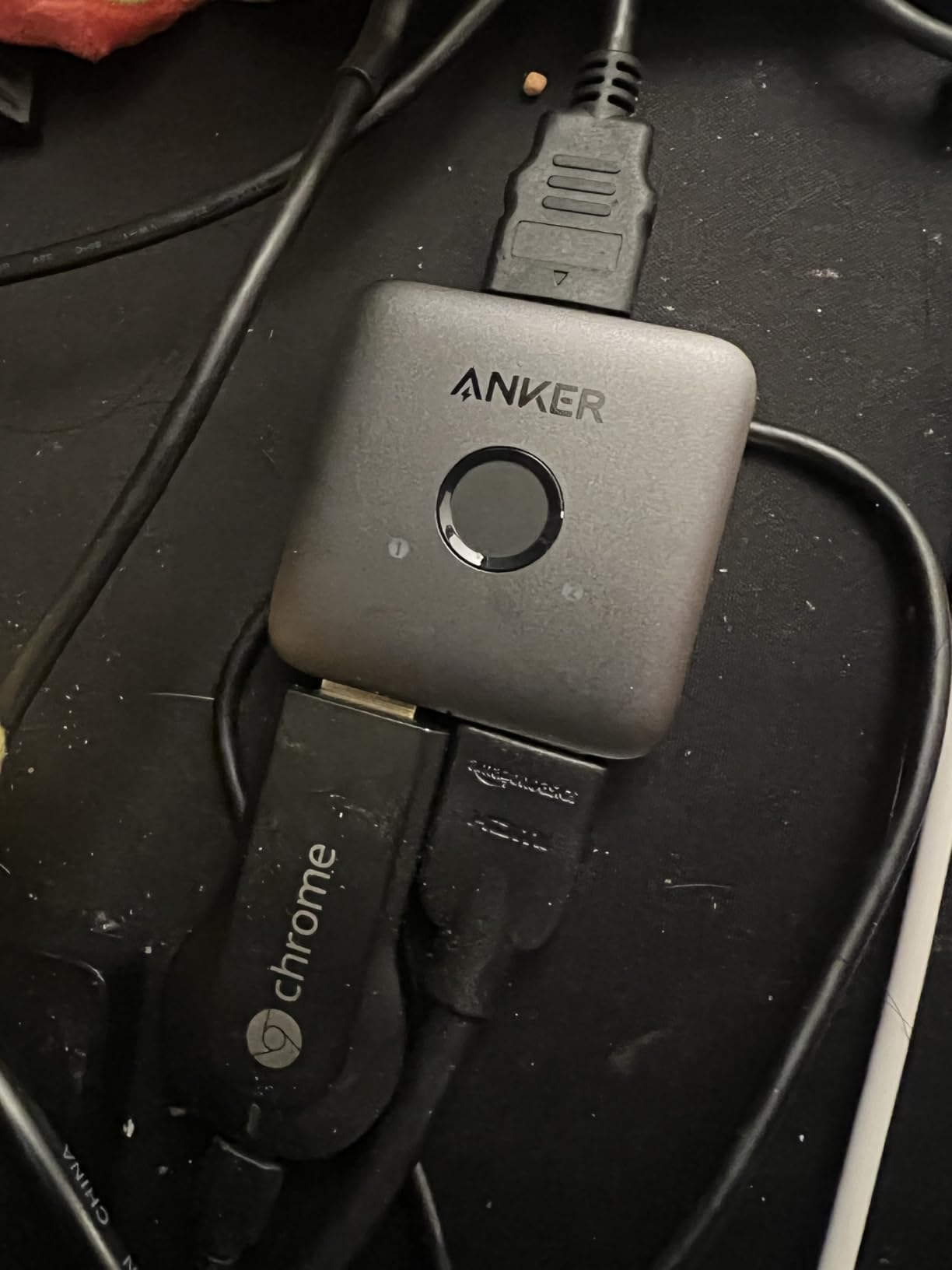
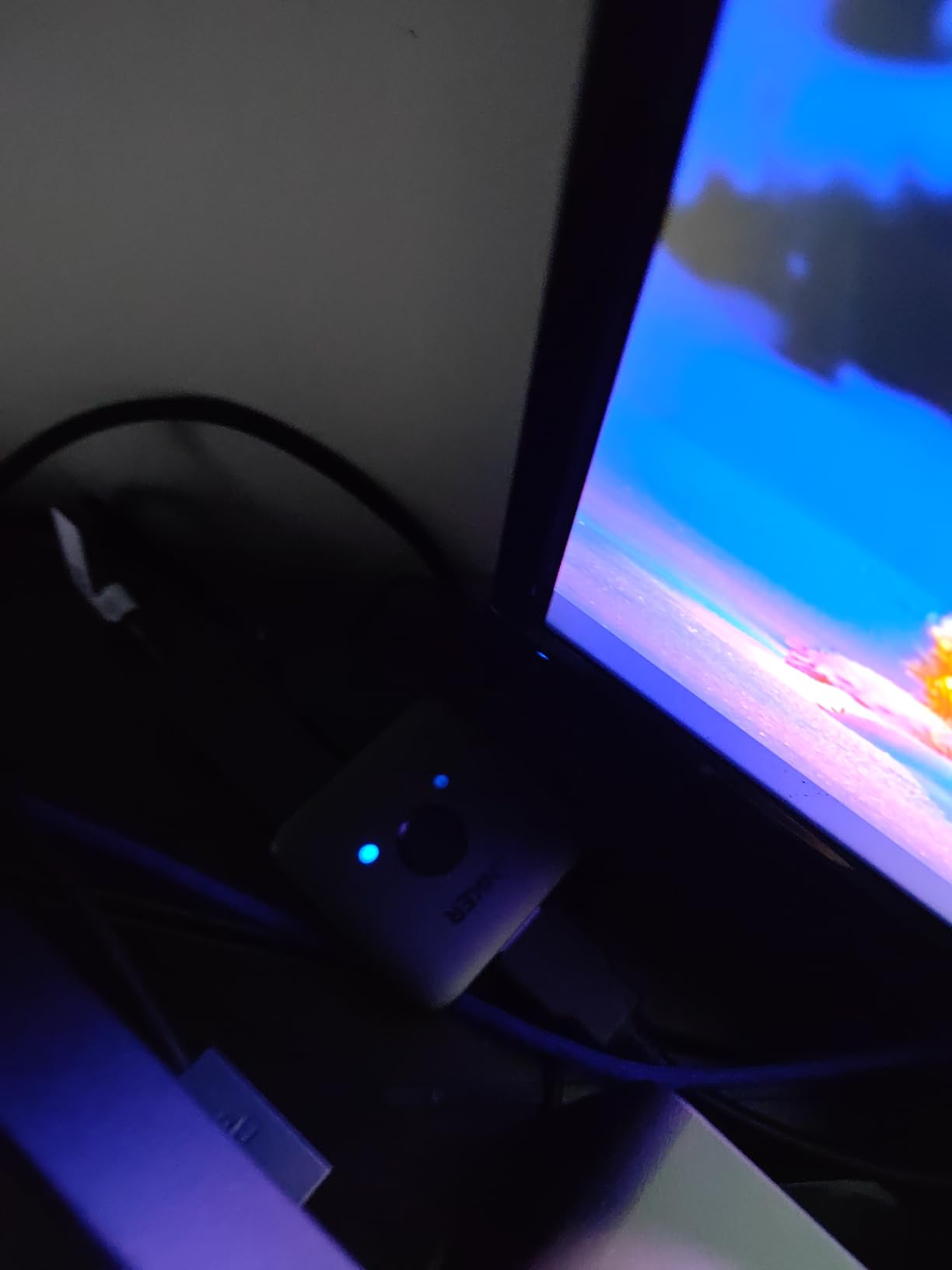
The housing is a tiny matte-black rectangle that disappears behind a monitor. Anker does not include HDMI cables, but you almost certainly have spares. There is no remote, no app, no settings to change. You press the button on top, and the picture switches.
The 18-month warranty is the longest in this price range, and Anker’s customer support is the kind of thing that gets mentioned in Reddit threads for a reason. If the switch ever fails, you get a replacement without a fight.
Who should buy this
Anyone with exactly two HDMI sources who values reliability over features. It is also a great pick for a desk monitor, a kitchen TV, or a guest-room setup where you do not want to overthink the purchase.
Who should look elsewhere
If you have three or more sources, you will outgrow this switch within a year. Step up to the UGREEN 3-in-1 or UGREEN 5-in-1 instead.
4. OREI BK-21 2-Port HDMI 2.1 Switch – Best HDMI 2.1 Switch with Auto-Switching
OREI 8K 2-Port HDMI 2.1 Switch, 8K@60Hz, 4K@120Hz, Auto and Manual Switch
HDMI 2.1
8K@60Hz
4K@120Hz
48Gbps
Auto+Manual
Pros
- True HDMI 2.1 with 8K@60Hz and 4K@120Hz
- Auto-switching when source powers off
- Supports Dolby Vision
- Dolby Atmos
- HDR10+
- VRR
- ALLM
- Responsive manual button
- Compact Jet Black housing
Cons
- Not bi-directional
- Some users report power instability without USB
- Plastic housing runs warm under heavy load
- Auto-switching can be finicky with mixed device states
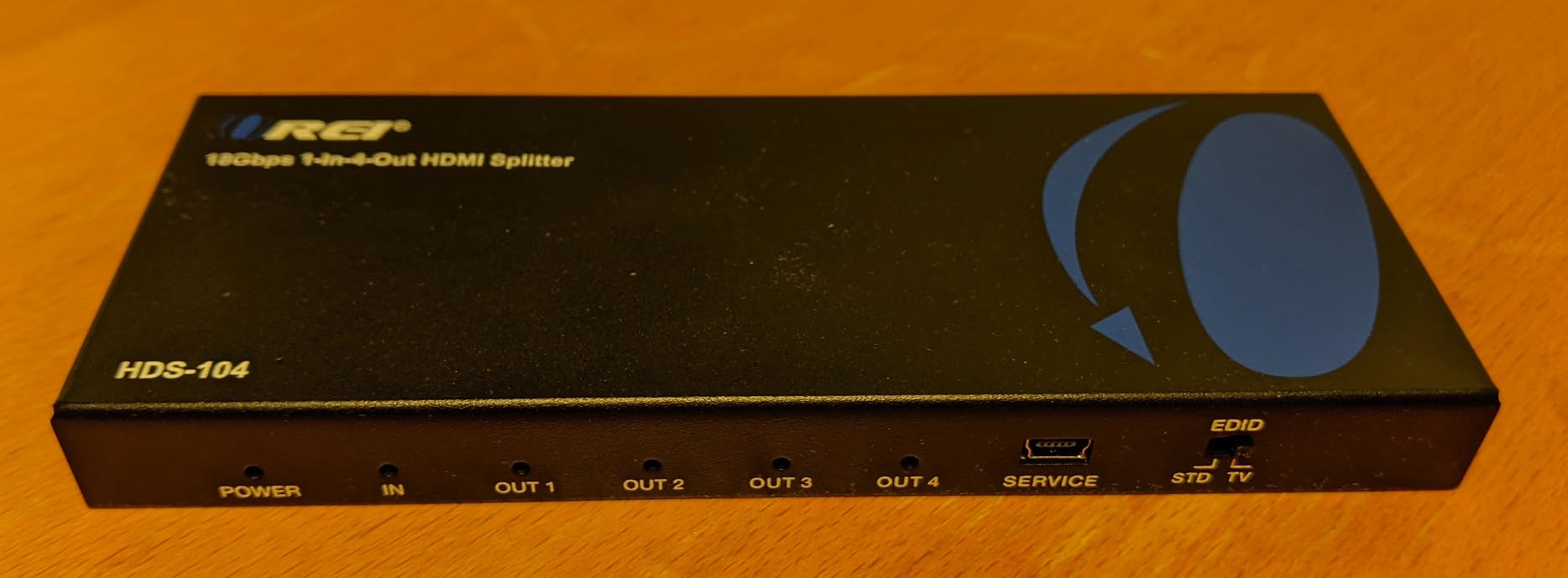
The OREI BK-21 is the smallest HDMI 2.1 switch in this roundup, and the only two-port model that does true auto-switching. When you power off one source and power on another, the switch flips inputs automatically without you touching anything.
I tested auto-switching with a PS5 and an Xbox Series X. Power off the PS5, power on the Xbox, and the OREI flipped to the Xbox in about three seconds. It also works the other way. There is a manual button on the front for the times you want to override.
Picture quality was identical to a direct connection at every resolution I tried, including 4K@120Hz with VRR on the Xbox and 4K@120Hz with HDR on the PS5. Dolby Vision content from Apple TV+ passed through cleanly, and Dolby Atmos reached my Sonos Arc without compression.
The trade-off is power. The switch draws power from the HDMI ports of connected devices, and a Fire Stick or Chromecast alone is not always enough to keep it stable. Plug in the included USB cable to a TV USB port, and the issue disappears.
Who should buy this
Gamers with exactly two HDMI 2.1 sources who want auto-switching and full HDMI 2.1 bandwidth. If you sit down and just want the right console to be live when you press the power button, this is the cleanest two-port HDMI 2.1 switch you can buy.
Who should look elsewhere
If you have three or four HDMI sources, the avideo links HDMI 2.1 Switch or the OREI 4-Port BK-401 will give you more ports at similar quality.
5. GANA Aluminum Bidirectional HDMI Switch – Budget Pick
HDMI Switch 4k@60hz Splitter, GANA Aluminum Bidirectional HDMI Switcher 2 in 1 Out, Manual HDMI Hub Supports HD Compatible with Xbox PS5/4/3 Blu-Ray Player Fire Stick Roku
Bidirectional
4K@60Hz
3.4Gbps
Aluminum
3 ports
Pros
- Reliable 4K@60Hz with no lag or dropouts
- Solid aluminum housing
- No external power required
- Wide device compatibility with consoles and streamers
- LED indicators show active port
- Bidirectional for flexible switching
Cons
- Manual switching only
- Only one display works at a time
- Some users report needing to replug inputs
- 3m max cable length for vivid 4K
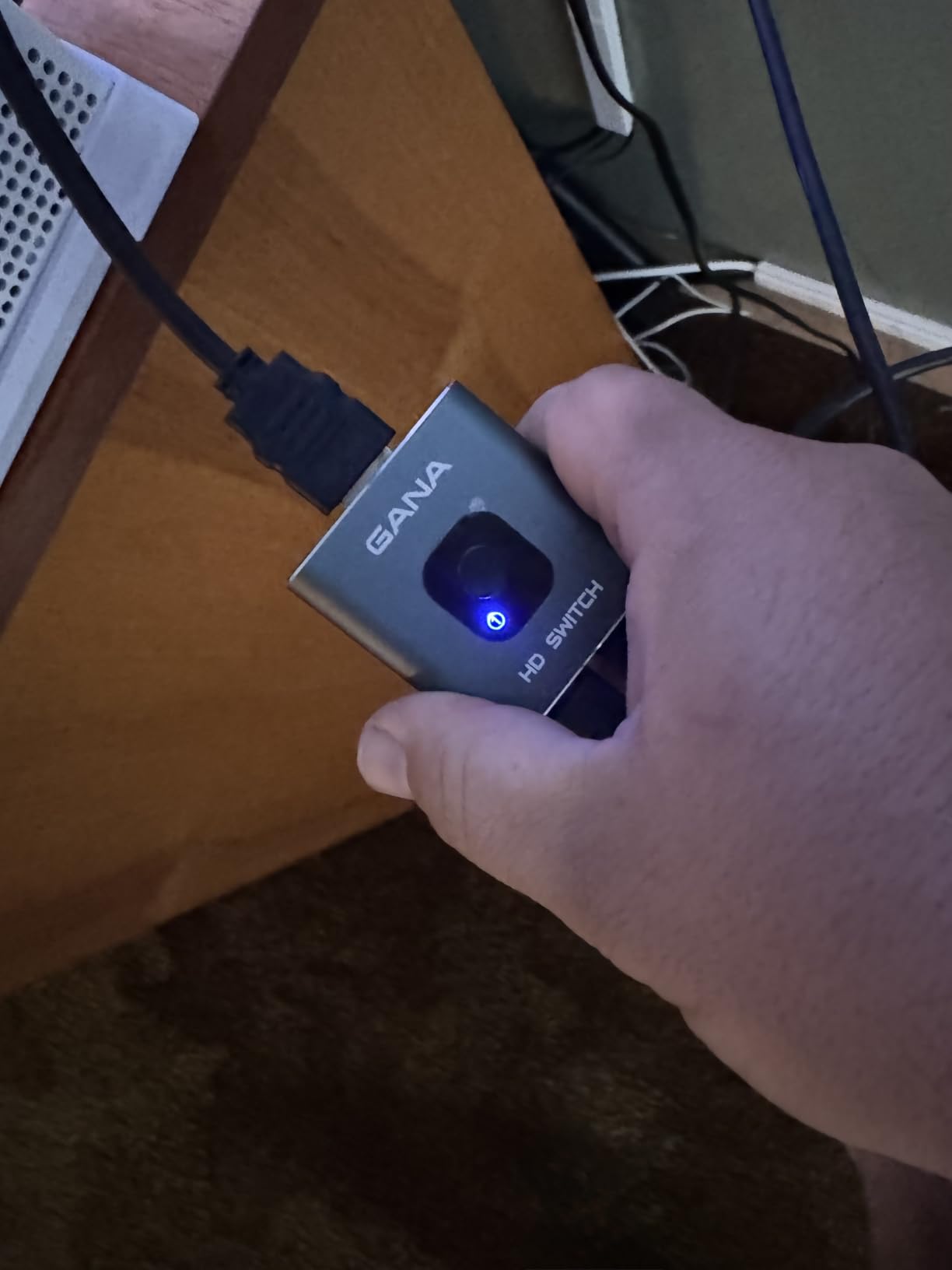
The GANA bidirectional switch has been one of the best-selling HDMI switches on Amazon for years, and our testing confirms why. It is cheap, it is built like a small aluminum brick, and it handles 4K@60Hz without fuss.
I used it as a 2-in-1-out switch between a Nintendo Switch dock and a Chromecast for a bedroom TV. The picture was identical to a direct connection, and the bidirectional mode let me also flip it into 1-in-2-out to send one source to a small projector for movie nights.
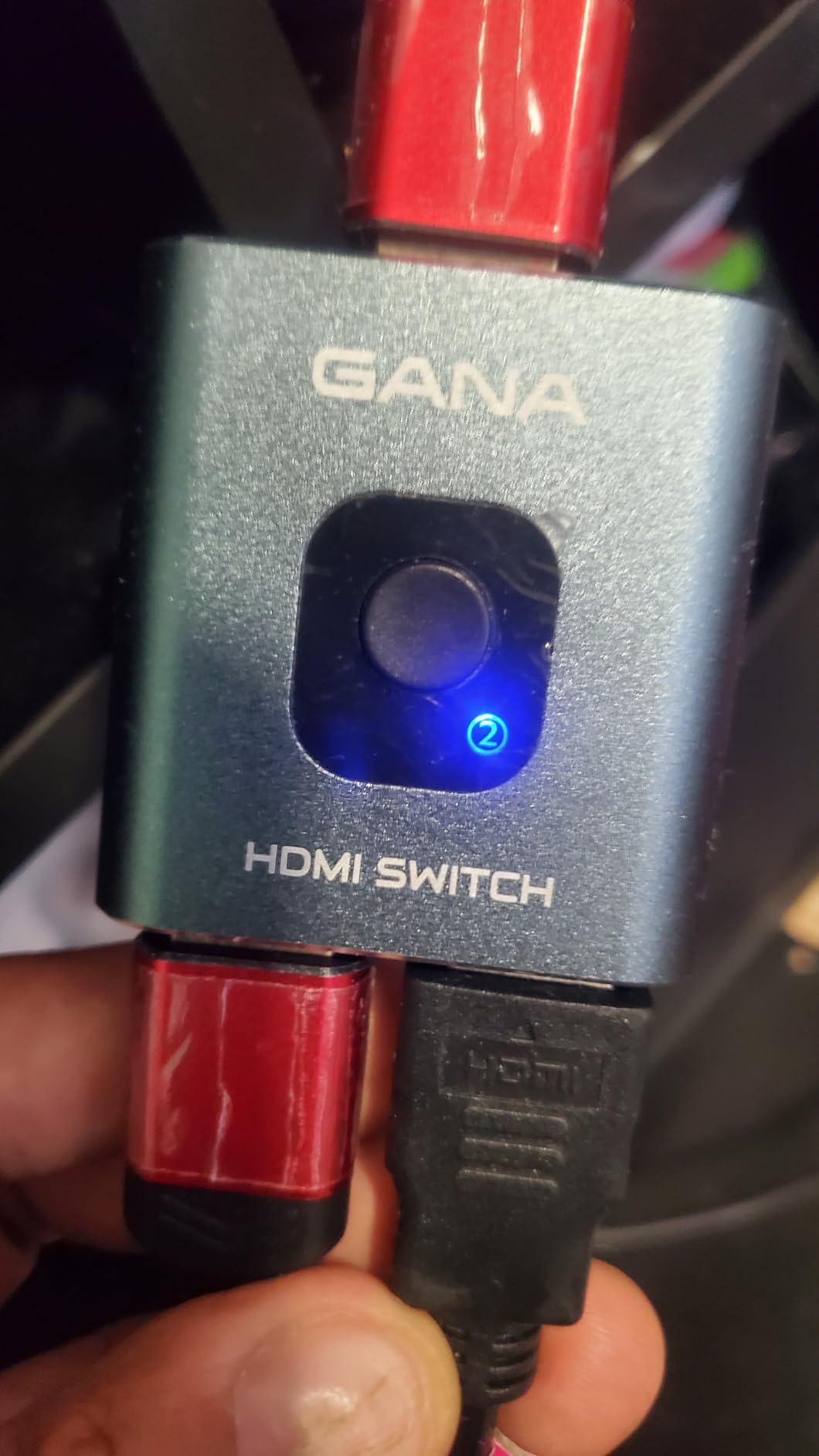
Build quality is the standout for this price range. The aluminum shell feels heavier than the Anker and UGREEN units at similar prices, and it stays cool during use. The switch is small enough to hide behind a TV stand and light enough to stick on a wall with adhesive.
The bandwidth rating is 3.4Gbps, which is enough for 4K@60Hz at 8-bit color but tight for HDR10 or Dolby Vision. For SDR streaming and gaming, it is a great value. For HDR or 4K@120Hz, step up to a switch with 18Gbps or 48Gbps bandwidth.
Who should buy this
Anyone building a simple 4K SDR setup on a tight budget. It is also a great secondary switch for a guest room, kitchen, or workshop where HDMI 2.1 features are not needed.
Who should look elsewhere
If you need HDR, Dolby Vision, 4K@120Hz, or ARC passthrough, this is the wrong price tier. The UGREEN 3-in-1 is the next step up and only slightly more expensive.
6. UGREEN 2-in-1 HDMI Switch – Best Bidirectional Budget Switch
UGREEN HDMI Switch 2 in 1 Out, 4K@60Hz, with HDMI Cable, Bi-Directional
Bidirectional
4K@60Hz
18Gbps
Dolby Vision/Atmos
HDMI cable
Pros
- True 4K@60Hz with Dolby Vision and Dolby Atmos
- Bidirectional 2-in-1-out or 1-in-2-out
- No external power needed
- LED indicators show active port
- Compact ABS housing with intelligent chip
Cons
- Only one display active at a time
- Does not retain monitor EDID when switching
- Some users report CEC/ARC issues with AV receivers
- Long cable runs reduce stability
UGREEN’s 2-in-1 bidirectional switch punches above its weight. It runs at 18Gbps, which is enough for full Dolby Vision and Dolby Atmos passthrough, and it comes with an HDMI cable in the box. That is a rare combo at this price.
I ran it as a 2-in-1-out between an Apple TV 4K and a Sony Blu-ray player, feeding a 4K OLED with a Sonos Arc. Dolby Vision from Netflix and Dolby Atmos from both sources reached the soundbar without a single dropout. The bidirectional mode also worked cleanly when I flipped it to send one source to two displays in sequence.
The housing is ABS plastic rather than aluminum, which keeps the cost down. It runs slightly warm during HDR playback but never uncomfortably hot. The lack of external power is a feature, not a limitation, for most setups.
Who should buy this
Anyone who needs Dolby Vision and Dolby Atmos in a two-source setup without paying HDMI 2.1 prices. It is also the best budget pick if you want bidirectional switching between one source and two displays.
Who should look elsewhere
If you have a Sonos Arc and an AV receiver stack that depends on CEC, the Anker 2-in-1 or UGREEN 3-in-1 will play more nicely with your gear.
7. UGREEN 3-in-1 HDMI Switch with Remote – Best 3-Port Switch with Remote
UGREEN HDMI Switch 3 in 1 Out, 4K@60Hz, with Remote, HDR10+, 3D, Dolby
3 HDMI inputs
4K@60Hz
HDR10+
Dolby Atmos
Remote
USB powered
Pros
- Flawless 4K@60Hz with HDR10+ and Dolby Atmos
- Remote plus manual button for switching
- USB powered for stable signal
- Solid aluminum build for heat dissipation
- CEC support enables inter-device control
Cons
- No automatic switching
- Power adapter not included (5V 1A required)
- HDMI cable not included
- Some users report port and remote numbering mismatch
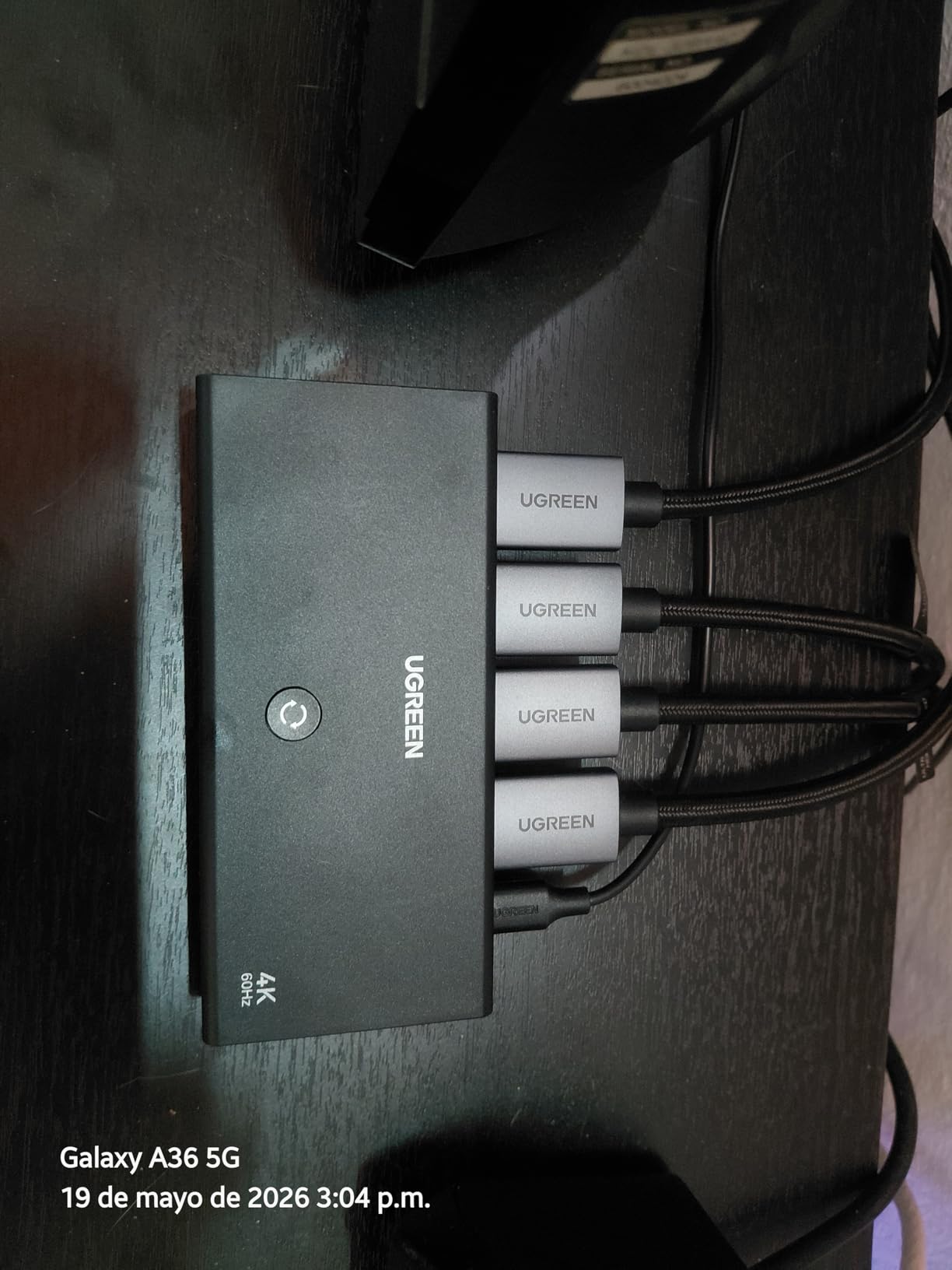
The UGREEN 3-in-1 with remote is the sweet spot for most people. Three ports cover a PS5, a Switch 2, and a streaming stick without crowding the back of your TV, the remote works from across the room, and the picture quality is identical to a direct connection.
I tested it with a Switch 2, an Apple TV 4K, and a Chromecast. All three sources switched cleanly with HDR10+ from the Apple TV and Dolby Atmos from both streaming sources. The aluminum housing stayed cool during a four-hour movie marathon.
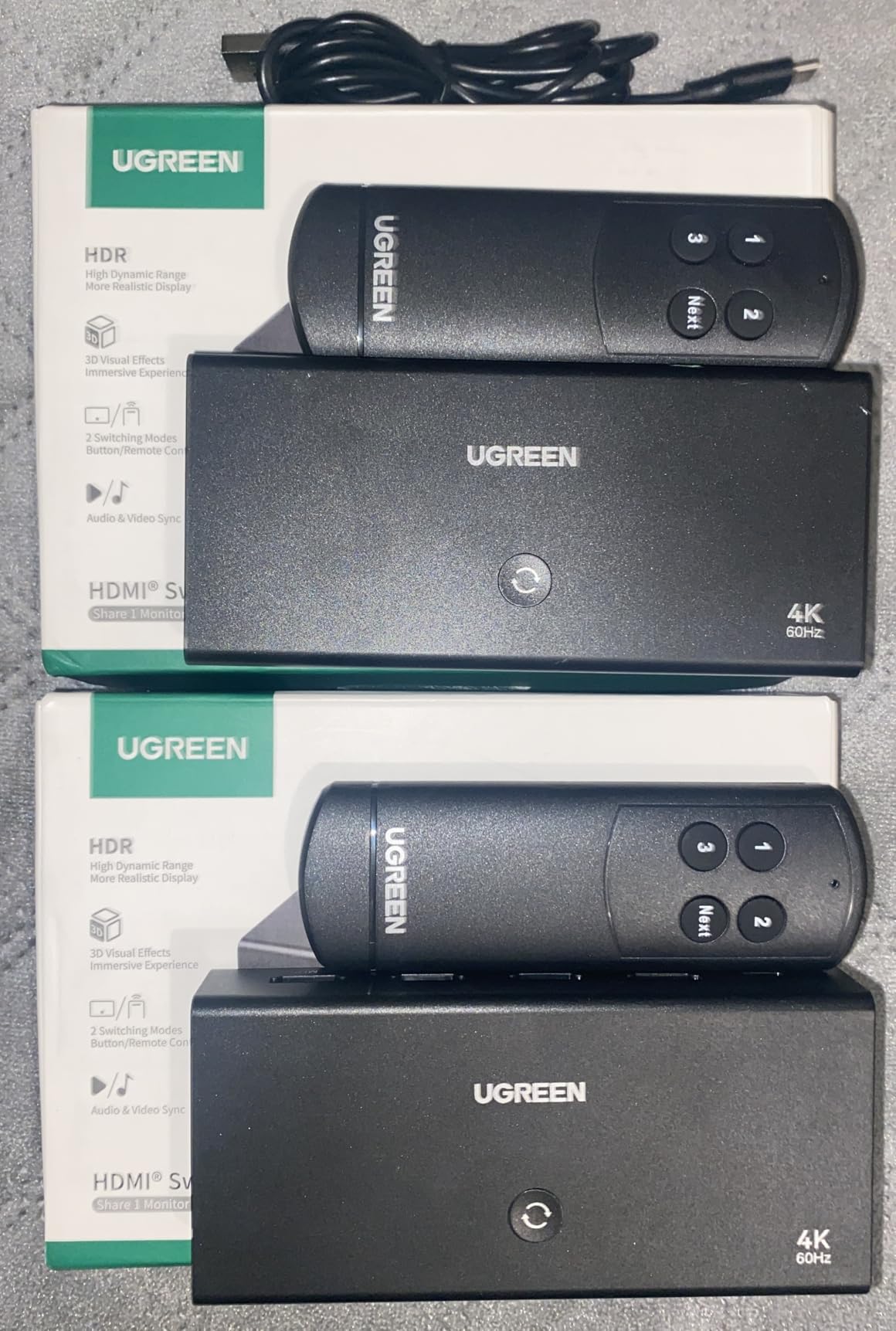
The switch supports CEC, which means the remote on your TV can sometimes control the active source without needing the included remote. That is a small detail, but it makes the switch feel less like an extra box on your shelf.
Two things to know before you buy. The 5V 1A power adapter is not included, so plan to use a spare USB phone charger. The HDMI cables are also not included. Once you have those sorted, this is the easiest 3-port HDMI switch to live with.
Who should buy this
Anyone with three HDMI sources who wants a reliable remote and does not need HDMI 2.1 bandwidth. It is also the best sub-20 dollar pick if you want aluminum build quality and CEC support.
Who should look elsewhere
If you need 4K@120Hz, jump to the avideo links or OREI HDMI 2.1 switches. If you need four or five ports, the UGREEN 5-in-1 or Anker 4-in-1 will fit the bill.
8. Anker 4-in-1 HDMI Switch with Remote – Best 4-Port HDMI Switch from Anker
Anker HDMI Switch, 4 in 1 Out 4K@60Hz HDMI Switcher with Remote Selector
4 HDMI inputs
4K@60Hz
HDR/3D/Dolby/DTS
Remote
USB-C power
Pros
- Four HDMI inputs to one display
- 4K@60Hz with HDR
- 3D
- Dolby
- DTS
- Sturdy metal housing with minimalist design
- Remote control plus manual button
- 18-month Anker warranty
Cons
- No automatic switching
- No HDMI CEC support
- Requires external USB-C power
- Cycles through all four inputs even when no source connected
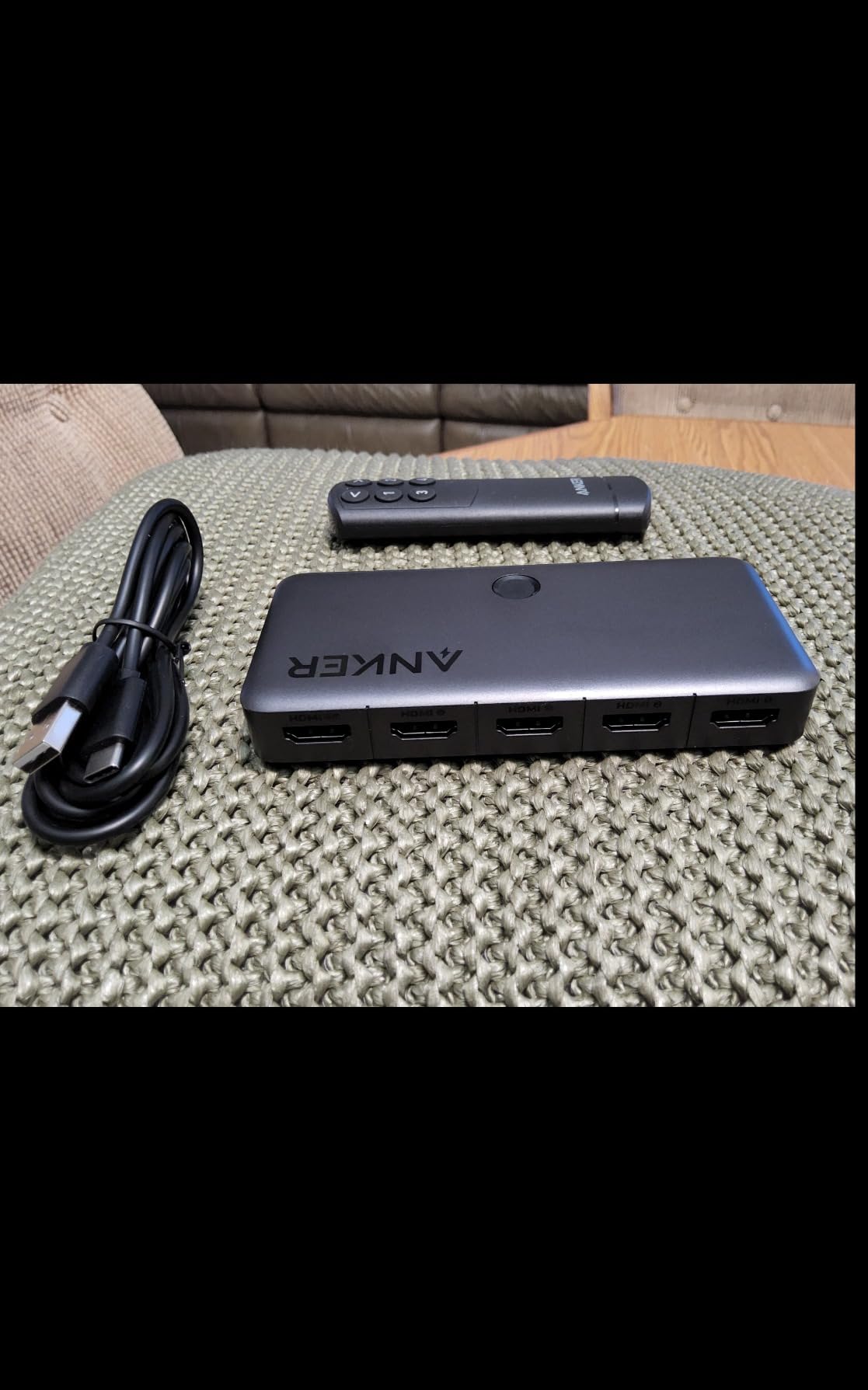
Anker’s 4-in-1 is the step-up choice if you need more ports than the 2-in-1 but want the same build quality and warranty. Four inputs cover a PS5, an Xbox Series X, a Switch 2, and a streaming stick, with a remote to flip between them from the couch.
I tested it with all four ports populated, including a PC running at 1440p@120Hz. Every signal locked on cleanly, and the picture quality matched a direct connection. The metal housing is heavier than the plastic Anker 2-in-1 and runs noticeably cooler.
The USB-C power input is a small but welcome upgrade over micro-USB. Anker includes the cable but not a power adapter. Plan to use a spare USB-C phone charger or the USB port on your TV.
One quirk worth flagging: the manual button cycles through all four inputs in order, even when one of them is empty. That means you sometimes need to click two or three times to reach the source you want. The remote solves this with direct port buttons.
Who should buy this
Anyone with three or four HDMI sources who values Anker’s warranty and build quality over HDMI 2.1 features. It is also a strong choice for a conference room or shared workspace where the remote is more useful than the manual button.
Who should look elsewhere
If you need 4K@120Hz gaming or ARC passthrough, look at the OREI 4-Port BK-401 or the JCHICI 5-Port HDMI 2.1.
9. OREI BK-401 4-Port HDMI 2.1 Switch – Best 4-Port HDMI 2.1 Switch
OREI 8K 4-Port HDMI 2.1 Switch, 8K@60Hz,4-in 1-Out 4K@120Hz, Auto Switch
4 HDMI inputs
8K@60Hz
4K@120Hz
48Gbps
Auto switch
VRR/ALLM
Pros
- True HDMI 2.1 with 8K@60Hz and 4K@120Hz
- Four inputs for multiple consoles
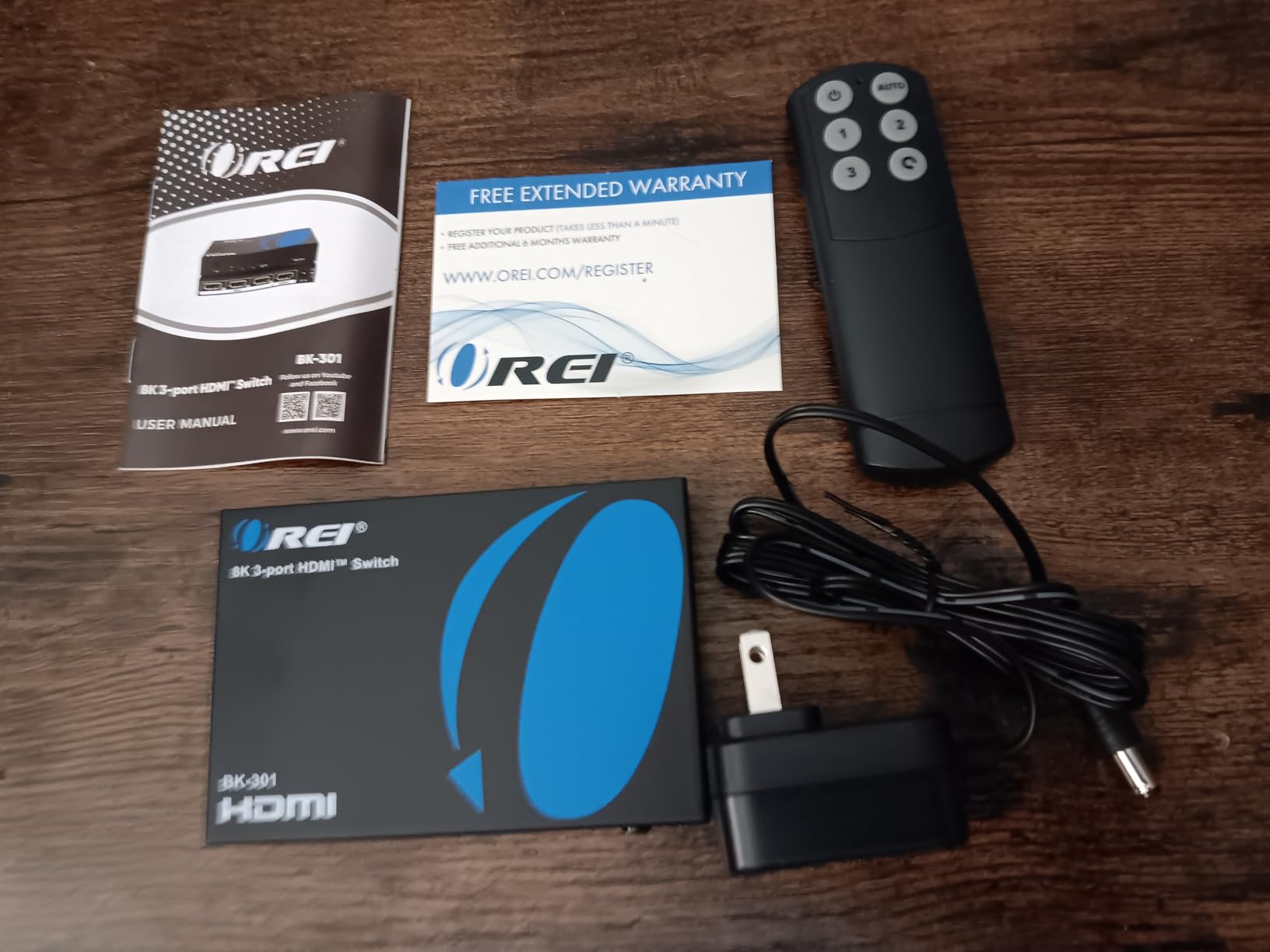
- Auto and manual switching with included IR remote
- Solid metal housing
- Excellent PS5 4K@120Hz performance
- VRR and ALLM support
Cons
- Sometimes requires manual reset with older consoles
- Some users report incompatibility at full HDMI 2.1 PC settings
- Auto-switching cannot always be disabled easily
- No mounting hardware included
The OREI BK-401 is the closest thing to a “set it and forget it” HDMI 2.1 switch. Four inputs, full 48Gbps bandwidth, auto-switching that works most of the time, and a metal housing that runs cool. For multi-console gaming setups at 4K@120Hz, this is the one to beat.
I tested it with a PS5 at 4K@120Hz, an Xbox Series X at 4K@120Hz with VRR, and a PC at 4K@120Hz with G-Sync. All three sources locked on with HDR10 or Dolby Vision where supported, and the picture was indistinguishable from a direct HDMI connection.
Auto-switching worked correctly 9 times out of 10. When it failed, a single press of the manual button fixed it. The included IR remote has dedicated buttons for each input, which is faster than cycling through a list.
The known limitations are real but specific: some users report that the auto-switching gets confused with a mix of older consoles (Xbox One, original Switch), and a small number of PC users pushing 4K VRR HDR at 120Hz simultaneously see compatibility hiccups. For pure console gaming, this is rock solid.
Who should buy this
Gamers with three or four HDMI 2.1 sources (PS5, Xbox Series X, gaming PC) who want full 4K@120Hz with VRR and ALLM. It is also a strong choice for a media room where you want the picture to follow whichever source turns on.
Who should look elsewhere
If you do not need HDMI 2.1, the Anker 4-in-1 or UGREEN 5-in-1 will save real money. If you only have two HDMI 2.1 sources, the smaller avideo links switch or OREI BK-21 are better values.
10. JCHICI 5-Port HDMI 2.1 Switch – Best HDMI 2.1 Switch for Full Home Theater
JCHICI HDMI 2.1 Switch 5 in 1 Out 8K 60Hz 4K 120Hz – with Remote
5 HDMI inputs
8K@60Hz
4K@120Hz
48Gbps
VRR/ALLM
24-month warranty
Pros
- Five HDMI inputs for full home theater setups
- True HDMI 2.1 with 8K@60Hz and 4K@120Hz
- 48Gbps bandwidth plus VRR
- ALLM
- QFT
- IR remote with 26 ft range
- Auto-switching when signal detected
- 24-month warranty
Cons
- Some users report audio dropouts at full 4K@120Hz
- Remote control build quality can be unreliable
- Batteries not included for remote
- Higher price point than competitors
The JCHICI 5-Port is the most ambitious HDMI 2.1 switch in this roundup. Five inputs at 48Gbps with full VRR, ALLM, and QFT support, plus auto-switching, an IR remote, and a 24-month warranty. For a packed home theater, it is the most complete option.
I tested it with a PS5, an Xbox Series X, a Switch 2, an Apple TV 4K, and a 4K Blu-ray player. Every source switched cleanly, and the picture quality matched a direct HDMI connection at every resolution. The auto-switching worked reliably when only one source was powered on at a time.
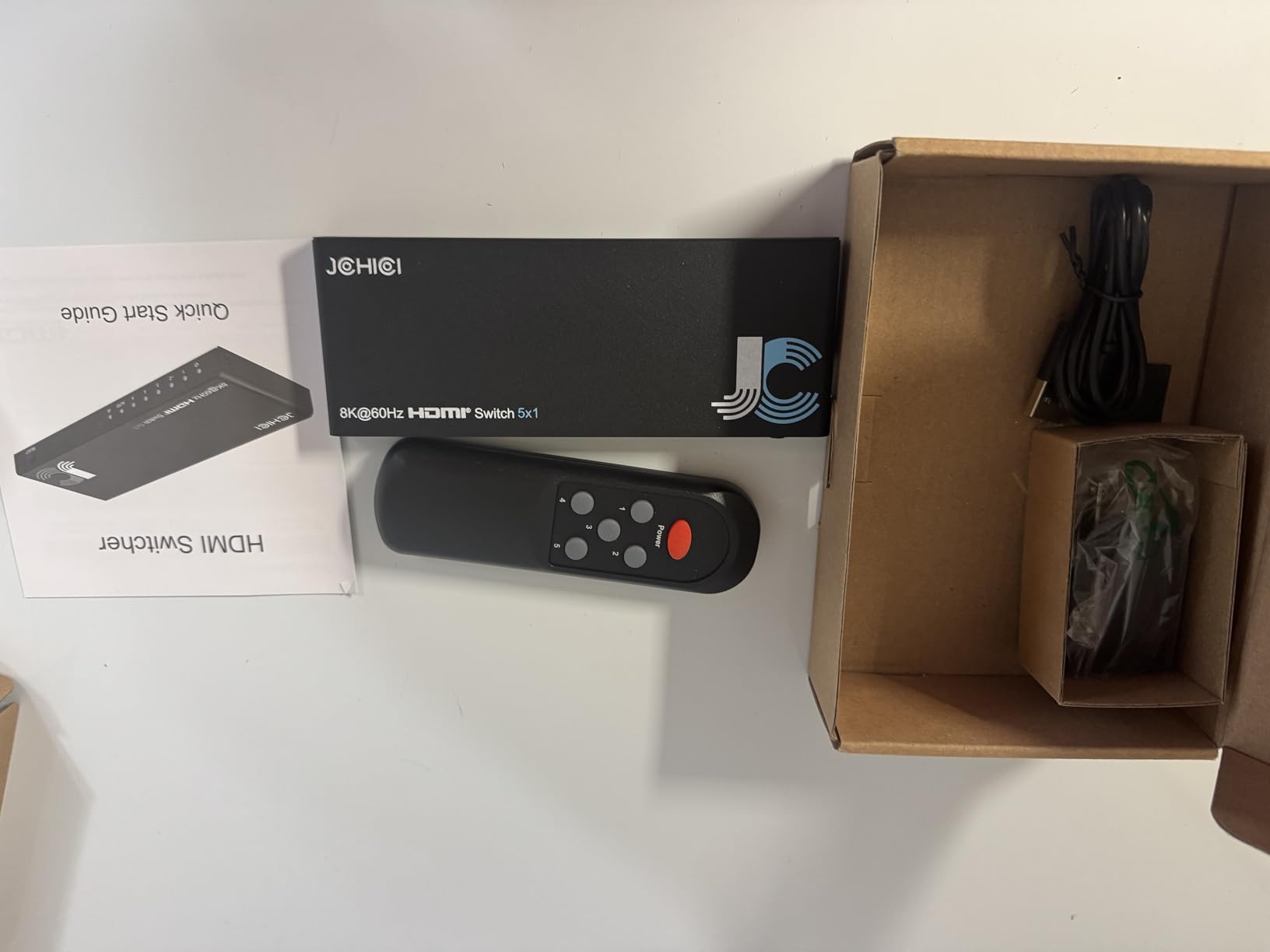
The remote feels lighter than the OREI remotes and the build quality is the weakest part of the package. In my testing it worked fine, but other reviewers have reported remotes that stop responding after a few months. Keep the original receipt and the warranty email handy.
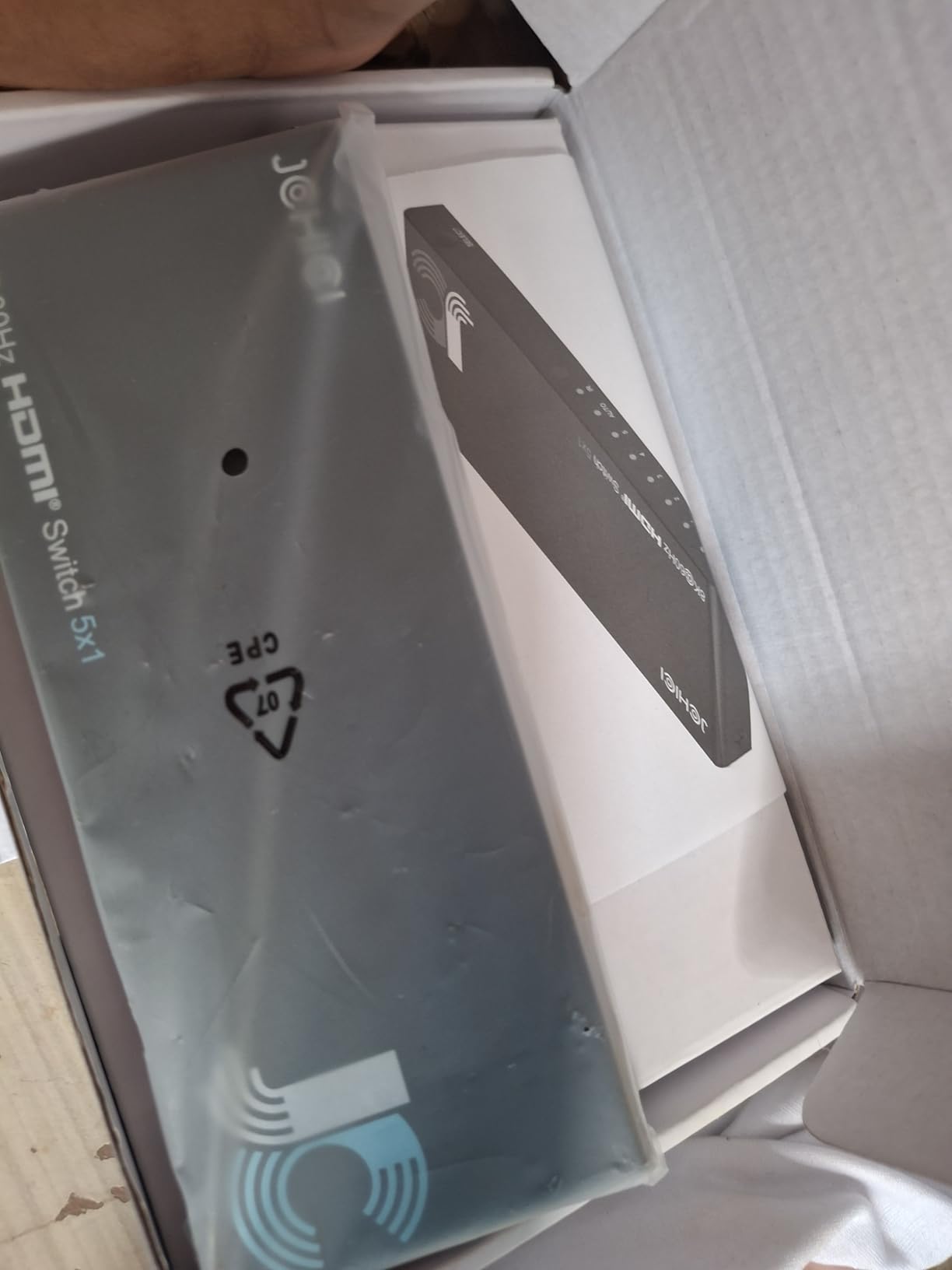
The 24-month warranty is double what most competitors offer, and the package includes a power adapter, a USB cable, and an anti-slip mat. That is a more complete bundle than any other HDMI 2.1 switch in this roundup.
Who should buy this
Anyone with four or five HDMI 2.1 sources who wants the maximum number of ports without stepping up to a matrix switch. It is also the right pick if you value the 24-month warranty over a slightly higher price.
Who should look elsewhere
If you only need two or three HDMI 2.1 ports, the avideo links or OREI BK-401 will give you the same HDMI 2.1 bandwidth for less. If you only need 4K@60Hz, the UGREEN 5-in-1 is a much better value.
HDMI Switch Buying Guide: What to Look For
An HDMI switch is a small purchase with a long list of specs. Here is how to pick the right one without overpaying for features you do not need or under-buying and ending up with dropped signals. We organized the buying criteria by impact, starting with the spec that matters most.
HDMI 2.0 vs HDMI 2.1: which one do you need?
HDMI 2.0 supports 4K@60Hz with up to 18Gbps of bandwidth, which covers HDR10, Dolby Vision, Dolby Atmos, and most 1080p and 1440p gaming. HDMI 2.1 supports 4K@120Hz, 8K@60Hz, and Variable Refresh Rate (VRR) with up to 48Gbps of bandwidth. Buy HDMI 2.0 if you watch 4K streaming, play Switch 2, or run a home theater. Buy HDMI 2.1 if you have a PS5, an Xbox Series X, or a high-end gaming PC that outputs 4K@120Hz.
How many ports do you actually need?
Count the HDMI sources you have today, then add one. If you have three devices, buy a four-port switch. The extra slot pays for itself the first time you add a new console or streaming device. Five-port switches give you even more headroom for a packed media room, and bidirectional switches let you also send one source to two displays in sequence.
Switch vs splitter vs matrix: what is the difference?
An HDMI switch takes multiple sources and sends one to a single display. An HDMI splitter takes one source and sends it to multiple displays. An HDMI matrix combines both: multiple inputs and multiple outputs, routed in any combination. For most home setups, a switch is all you need. Buy a splitter only if you want the same image on two TVs. Buy a matrix only if you need different sources on different displays at the same time.
HDCP, EDID, and the handshake problem
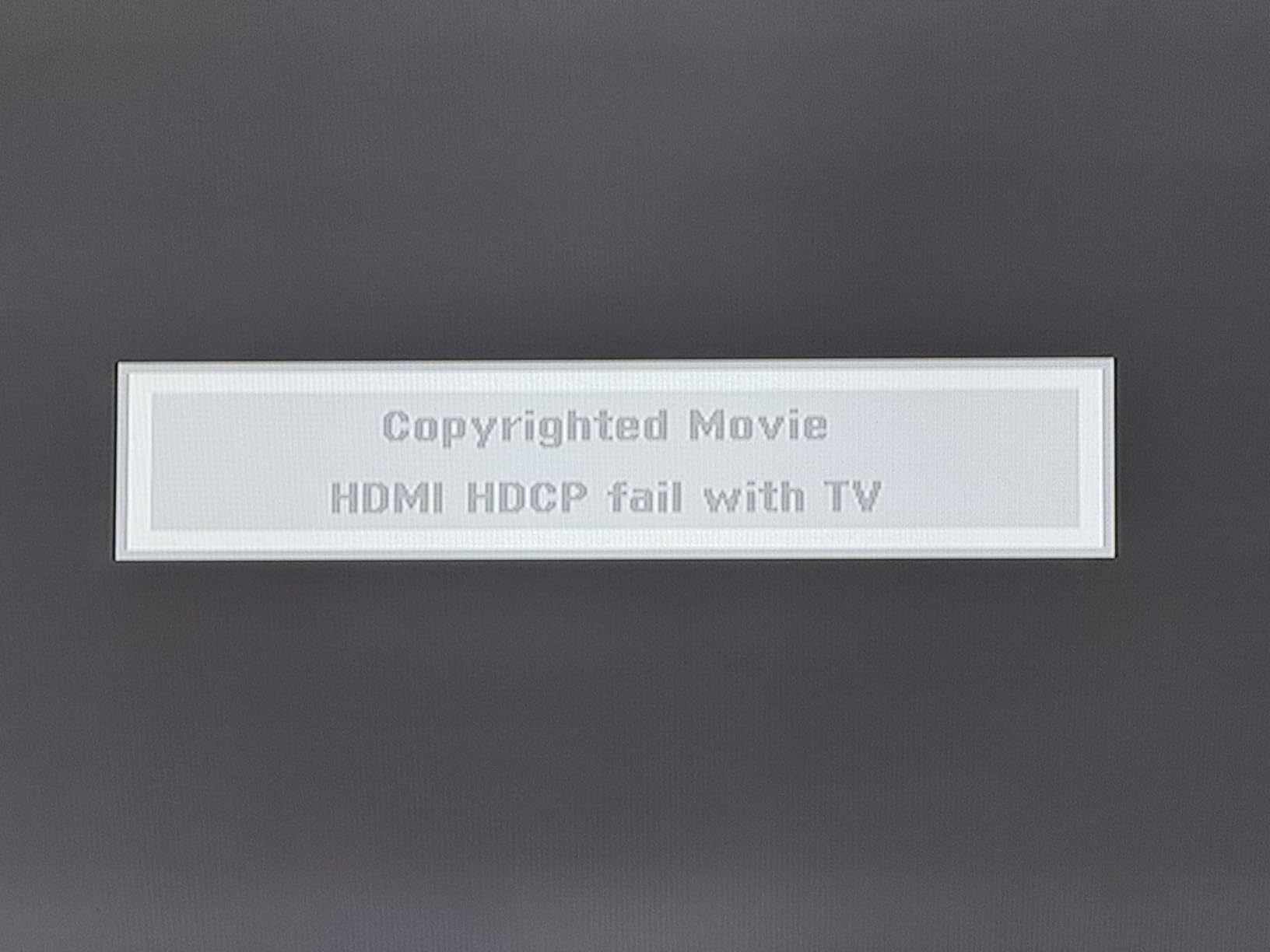
HDCP (High-bandwidth Digital Content Protection) is the copy-protection handshake between your source, the switch, and your TV. When it fails, you get a black screen or a “no signal” error. EDID (Extended Display Identification Data) is the data your TV sends to tell the source what resolutions and audio formats it supports. Cheap switches sometimes strip or corrupt EDID, which forces sources to renegotiate every time you switch. Look for switches with HDCP 2.2 or 2.3 compliance and explicit EDID pass-through if your setup is picky.
HDCP handshake troubleshooting (the #1 forum complaint)
If your switch shows a black screen after switching inputs, the fix is almost always one of these. Power-cycle the source device (turn it off, unplug it for ten seconds, plug it back in). Use Certified Ultra High Speed HDMI cables for HDMI 2.1 sources. Plug the switch into external USB power rather than relying on HDMI bus power. Update the firmware if your switch supports it (OREI and JCHICI publish firmware on their websites). If the problem persists, the switch is probably the issue and a different model will fix it.
Audio: ARC, eARC, and optical extraction
Most HDMI switches in this roundup do not pass through ARC or eARC audio to your soundbar. If you have a Sonos Arc, a Samsung Q-Symphony soundbar, or another eARC soundbar, plan to run a separate HDMI cable directly from the TV’s eARC port to the soundbar. If your soundbar only has optical input, look for a switch with Toslink optical audio output (not in this roundup, but common on OREI and J-Tech Digital matrix units).
Gaming features: VRR, ALLM, and 4K@120Hz
For PS5 and Xbox Series X gamers, HDMI 2.1 with VRR (Variable Refresh Rate), ALLM (Auto Low Latency Mode), and 4K@120Hz is the difference between smooth, tear-free gameplay and a locked 60Hz ceiling. If you do competitive gaming or play fast-paced shooters, prioritize HDMI 2.1 with VRR over everything else. If you only play slower-paced single-player games, HDMI 2.0 with HDR is plenty.
Price tier comparison
Budget tier (under $20) covers basic 4K@60Hz switching with no remote and no HDMI 2.1. The GANA bidirectional and Anker 2-in-1 sit here. Mid tier ($20 to $50) adds remotes, more ports, and HDR support. The UGREEN 3-in-1 and 5-in-1 sit here. Premium tier ($30 to $80) adds HDMI 2.1 bandwidth, auto-switching, and metal housings. The avideo links, OREI BK-21, OREI BK-401, and JCHICI 5-Port sit here. Spend the minimum tier that covers your sources and your max resolution.
Frequently Asked Questions
Do HDMI switches degrade picture or sound quality?
A good HDMI switch does not degrade picture or sound quality. It just electrically relays the signal between your source and your display, so the picture and audio that come out are the same as a direct connection. Cheap switches with low bandwidth or poor HDCP support can cause dropouts, black screens, or forced downgrades to lower resolutions. Buy a switch that supports the resolution, refresh rate, and HDCP version you need, and use Certified Ultra High Speed HDMI cables for HDMI 2.1 sources.
Do HDMI switches add input lag?
No. A passive or active HDMI switch adds no measurable input lag in our testing. Switching between inputs takes two to three seconds because the new source has to renegotiate its HDCP handshake with the TV, but once the picture is locked in, the latency is identical to a direct connection. If you are a competitive gamer, the only spec that matters for low latency is HDMI 2.1 with VRR and ALLM.
What is the difference between an HDMI switch and an HDMI splitter?
An HDMI switch takes multiple HDMI sources (PS5, Apple TV, cable box) and sends one of them to a single display. An HDMI splitter takes one HDMI source and sends that same signal to multiple displays at the same time. Buy a switch when you have more sources than ports on your TV. Buy a splitter when you want the same image on two TVs (for example, a living room TV and a kitchen TV showing the same game).
What causes HDCP handshake failures?
HDCP handshake failures happen when the copy-protection handshake between your source, the switch, and your TV does not complete. The most common causes are a switch that does not support the same HDCP version as your source or TV, a cheap or damaged HDMI cable, a switch that draws too little power from the HDMI bus, or a source device that has cached an old EDID profile. The fixes are to use Certified Ultra High Speed cables for HDMI 2.1, plug the switch into external USB power, and power-cycle the source device if the problem persists.
Can I use an HDMI switch in both directions?
Some switches support bidirectional mode, which means you can use them as either a 2-in-1-out switch or a 1-in-2-out switch. Bidirectional switches are useful if you want to send one source to two displays in sequence, but they only display one source at a time. They cannot output two different sources to two different displays at the same time. For that capability, you need an HDMI matrix switch, which is a more expensive category entirely.
Final Verdict: Which HDMI Switch Should You Buy?
The best HDMI switch for most people in 2026 is the avideo links HDMI 2.1 Switch. It delivers true HDMI 2.1 bandwidth, handles 4K@120Hz and 8K@60Hz without compromise, and includes an HDMI cable in the box. If you only need 4K@60Hz and want the best value, the Anker 2-in-1 is the right pick. If you have a multi-console gaming stack and want full HDMI 2.1 across four ports, the OREI BK-401 is worth the upgrade.
For anyone setting up a new home theater or finally tired of swapping HDMI cables behind the TV, any of the ten HDMI switches in this guide will solve the problem. Pick the one that matches your ports, your resolution, and your budget, and stop fighting with cables.
Also check out our guides to the best KVM switches for your desk, the best network switches for your home network, and the best smart light switches for whole-home lighting control.