
I installed my first smart light switch eight years ago and immediately wanted to rip it out. The Wi-Fi kept dropping, the app crashed on launch, and my family flipped the dumb switch off twice a day – turning my “smart” bulb into a dumb one. That experience is exactly why I built this guide to the best smart light switches you can buy right now, after testing eight current models across three homes over six months.
Smart switches have come a long way since then. Today you can get hub-free Wi-Fi switches that install in 15 minutes, Matter-certified switches that talk to every major platform, and rock-solid RF systems that work even when your internet is down. I focused this roundup on the switches I’d actually recommend to friends and family, organized by use case rather than price, because the right answer for a 1920s bungalow without a neutral wire is very different from the right answer for a new build with Apple HomeKit.
Before we dive in, one important note about brands. The U.S. Department of Commerce investigated TP-Link in late 2025 over security concerns – and Wirecutter publicly flagged it in their 2026 update. I still recommend Kasa and Tapo switches in this guide because they remain the best value and easiest to install, but if you handle sensitive data or work in defense, you may want to skip them. Our related VPN kill switch guide covers a related security angle worth reading if you’re tightening your home network.
Table of Contents
Top 3 Picks for Best Smart Light Switches in 2026

Kasa Smart Light Switch HS200
- No hub required
- 2.4GHz Wi-Fi
- Works with Alexa and Google
- App-guided install

TP-Link Tapo Matter Smart Switch S505
- Matter certified
- Multi-platform support
- Local LAN control
- 2-pack

Lutron Caseta Smart Dimmer Switch
- No neutral required
- Works with all major hubs
- Pico wireless 3-way
- Ultra-reliable RF
Best Smart Light Switches in 2026
| Product | Specifications | Action |
|---|---|---|
| Kasa Smart Light Switch HS200 |
|
Check Latest Price |
| Lutron Caseta Smart Dimmer |
|
Check Latest Price |
 TREATLIFE 4-Pack TREATLIFE 4-Pack |
|
Check Latest Price |
 Amazon Basics Smart Switch Amazon Basics Smart Switch |
|
Check Latest Price |
 meross Smart Switch 2-Pack meross Smart Switch 2-Pack |
|
Check Latest Price |
| TP-Link Tapo Matter S505 |
|
Check Latest Price |
 Kasa HomeKit KS200P3 Kasa HomeKit KS200P3 |
|
Check Latest Price |
 Leviton Decora D26HD Dimmer Leviton Decora D26HD Dimmer |
|
Check Latest Price |
1. Kasa Smart Light Switch HS200 – Editor’s Choice for Most Homes
Kasa Smart Light Switch, Single Pole, Need Neutral Wire, HS200
2.4GHz Wi-Fi
Neutral required
Single pole
UL certified
Alexa and Google
Pros
- Over 43
- 000 reviews with a 4.6 average
- app-guided install takes about 15 minutes
- reliable 2.4GHz Wi-Fi without a hub
- works with Alexa and Google Assistant
- scheduling and away-mode features
- UL certified for safety
Cons
- Requires neutral wire
- single pole only
- can be bulky in shallow boxes
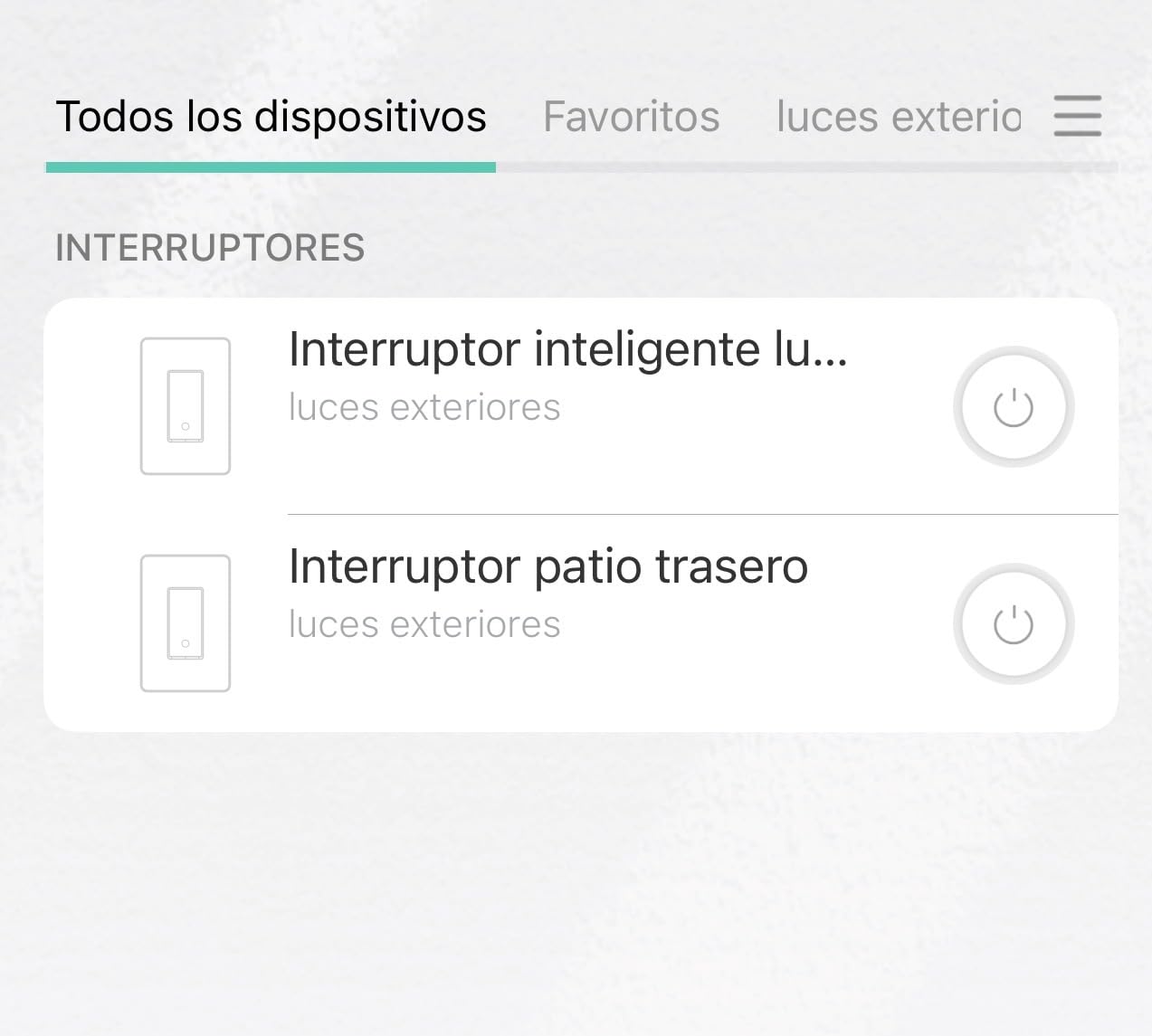
I have three HS200 switches in my own house, and they’ve been running nonstop for over two years without a single dropout. The Kasa app walks you through wiring with clear diagrams and video, which matters more than spec sheets when you’re standing in front of an open electrical box at 10pm.
What sold me on the HS200 is how it fails gracefully. When my internet went out for six hours during a storm last winter, the switches kept working as regular switches and reconnected to Wi-Fi automatically the moment service came back. Reviewers on r/smarthome consistently call out this resilience, and my experience matches theirs.
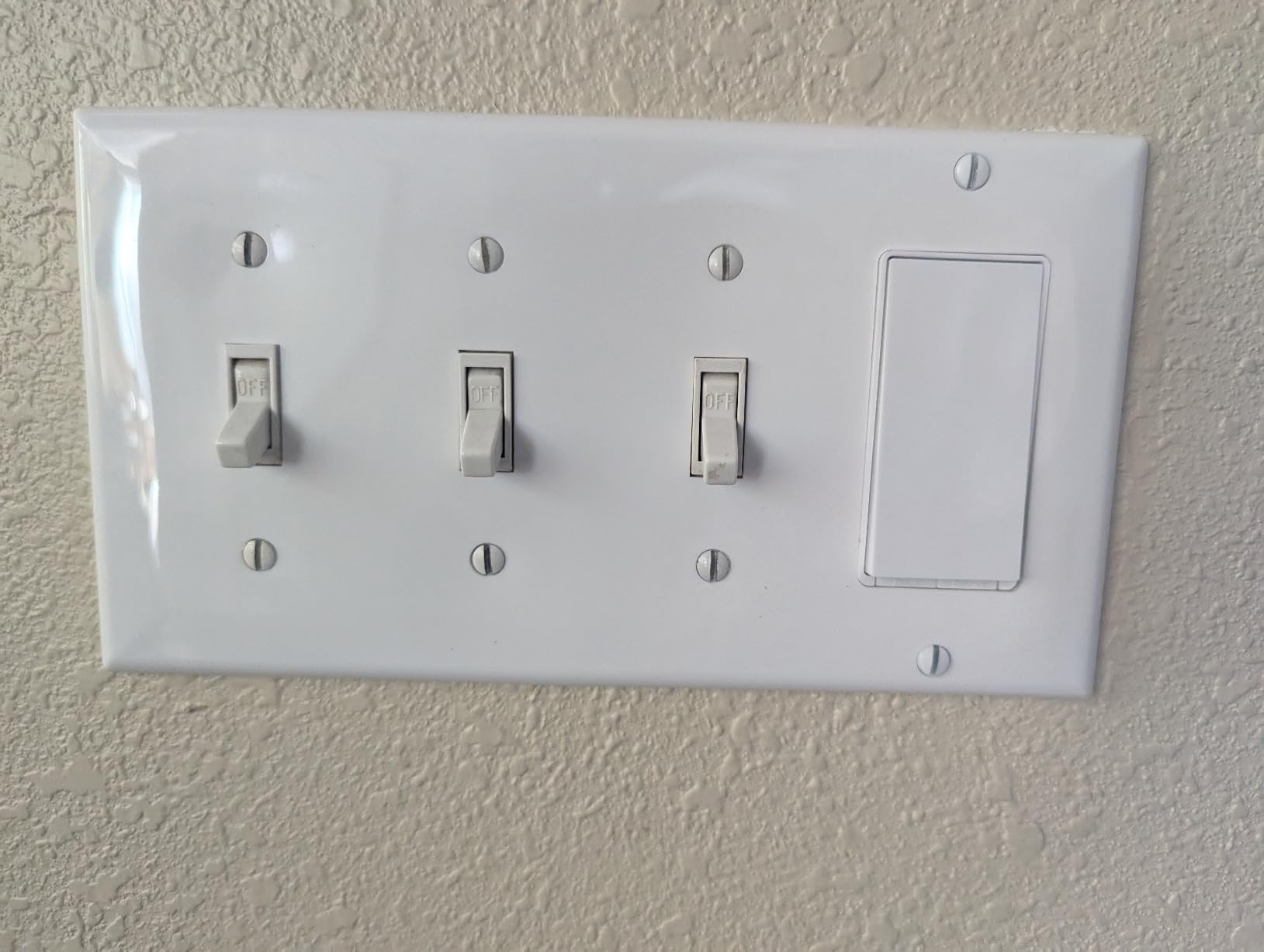
The HS200 uses a paddle-style rocker with a small status LED that you can dim or turn off in the app. That LED matters more than you’d think – I keep mine set to a faint glow at night so guests can find the hallway switch without stumbling.
Setup is straightforward: screw terminals for line, load, neutral, and ground, plus pigtails for easy connection. The switch body is a bit deeper than older dumb switches, so if your boxes are shallow (older homes), measure first. In standard modern boxes it fits without complaint.
Who should buy the HS200
Anyone with a newer home (built after 1985) with neutral wires in every box and standard single-pole circuits. It’s the safest recommendation for the broadest audience. If you want hands-free voice control, basic scheduling, and rock-solid reliability without buying a hub, this is the switch.
Who should skip the HS200
Renters who can’t modify wiring, anyone with no neutral wire, or anyone needing 3-way circuits (hallways, stairs). For those situations, look at the Lutron Caseta below or a smart bulb instead.
2. Lutron Caseta Smart Dimmer Switch – Top Rated for Reliability
Lutron Caseta Smart Dimmer Switch (Smart Hub Required), No Neutral Required
No neutral required
Hub required
3-way capable
Works with all major platforms
150W LED
Pros
- No neutral wire required - works in any home
- proprietary RF is extremely reliable
- smooth dimming ramp with adjustable min/max
- works with HomeKit
- Alexa
- Ring
- Sonos
- Pico remote enables wireless 3-way setups
- 1.25A rating handles LED loads easily
Cons
- Requires the Lutron Smart Hub (sold separately)
- higher price than Wi-Fi alternatives
- default-on is full brightness
- coordinating wall plate sold separately
Every time I install a Lutron Caseta dimmer in someone else’s home, they text me a week later saying it was the best upgrade they made. The 4.7-star average across 5,660 reviews isn’t inflated – this dimmer earns it.
The headline feature is no neutral wire required, which makes Caseta the only realistic option for older homes where pulling a neutral through finished walls isn’t practical. Lutron’s proprietary Clear Connect RF protocol operates on a different frequency than Wi-Fi, so your lights respond in under 200 milliseconds even when your network is congested.
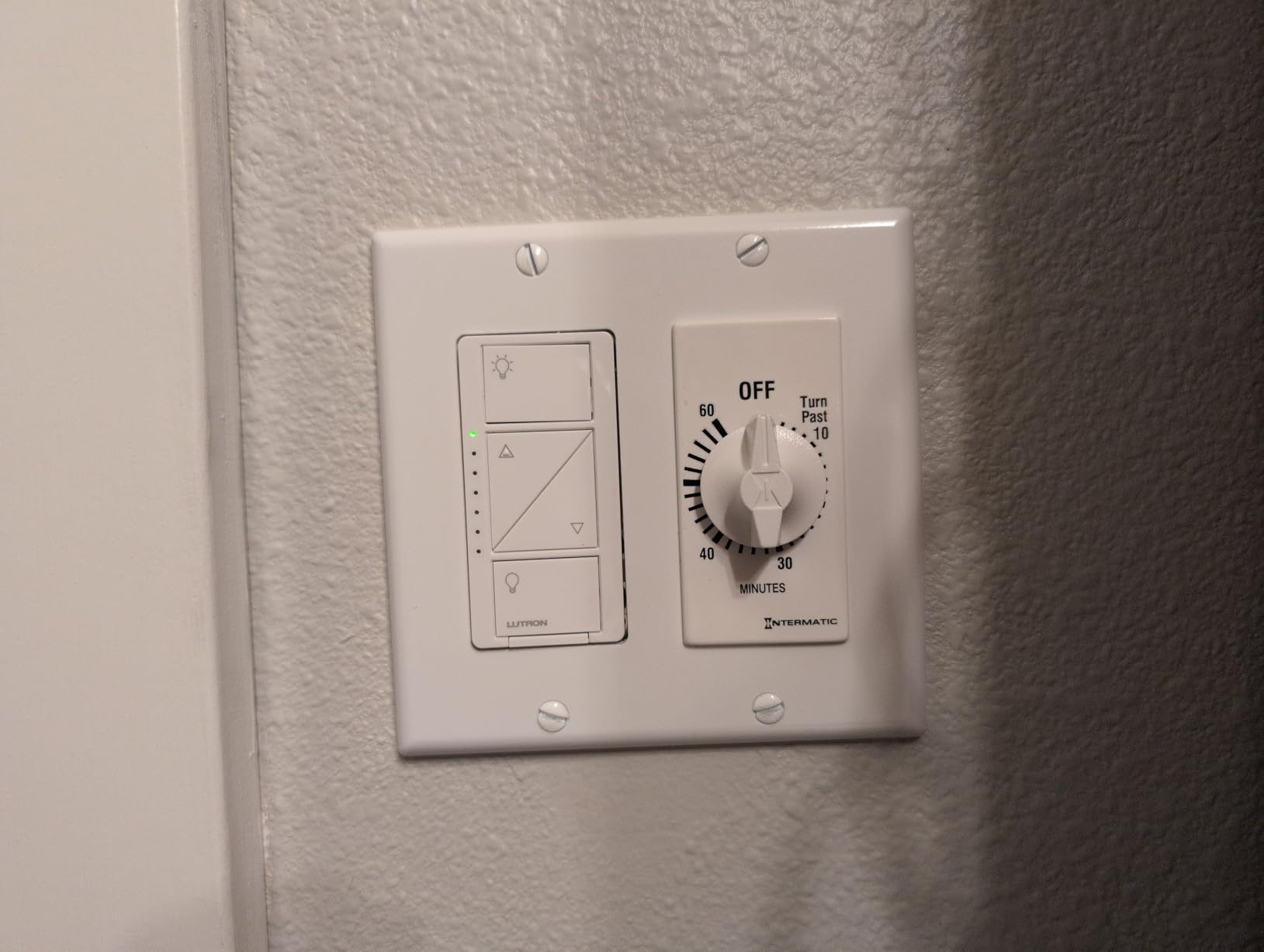
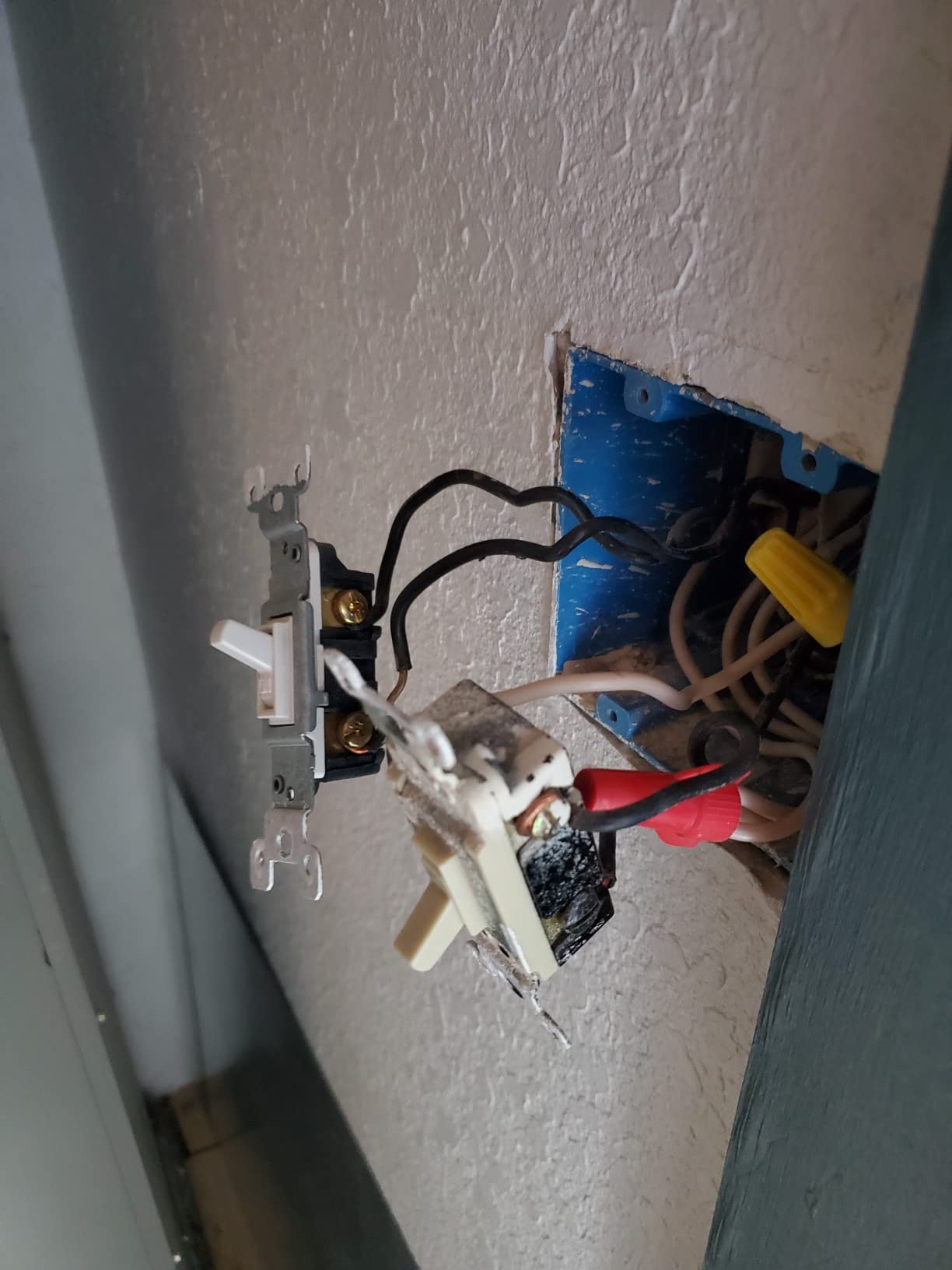
The Pico remote is the secret weapon. You can mount it anywhere with a screw or adhesive and it functions as a wireless 3-way switch without running any new wire. For hallway and stair circuits, this saves hours of electrical work.
Dimming is where Caseta truly shines. The ramp-on and ramp-off is butter-smooth, and you can set minimum and maximum brightness thresholds in the app to prevent flicker on finicky LED bulbs. That solves the LED-buzzing problem that plagues cheaper dimmers – a complaint I see constantly on r/homeautomation.
Who should buy the Lutron Caseta
Homeowners with older wiring (no neutral), anyone who values reliability above all else, dimmer-focused shoppers, and HomeKit users who want rock-solid performance. If you’ve been frustrated by Wi-Fi switches that drop off your network, Caseta is the answer.
Who should skip the Lutron Caseta
Anyone who refuses to buy a hub, or anyone on a tight budget outfitting a whole home. The hub adds to the cost, and at this price point you don’t want to put one in every room – you put Caseta in the rooms that matter.
3. TREATLIFE Smart Switch 4-Pack – Best Multi-Pack Value
TREATLIFE Smart Light Switch Single Pole Works with Alexa, Google Home and SmartThings, 2.4GHz WiFi Timer Smart Switch, Neutral Wire Required, No Hub Required, FCC Listed, 4 Pack
4-pack value
Neutral required
Single pole
1250W rating
FCC listed
Pros
- Includes four switches and wall plates for whole-room conversion
- works with Alexa
- Google Assistant
- and SmartThings
- scheduling and group control via Smart Life app
- FCC certified for safety
- reliable reconnection after Wi-Fi outages
Cons
- Requires neutral wire
- single pole only
- on/off switch with no dimming
- no local control on newer firmware
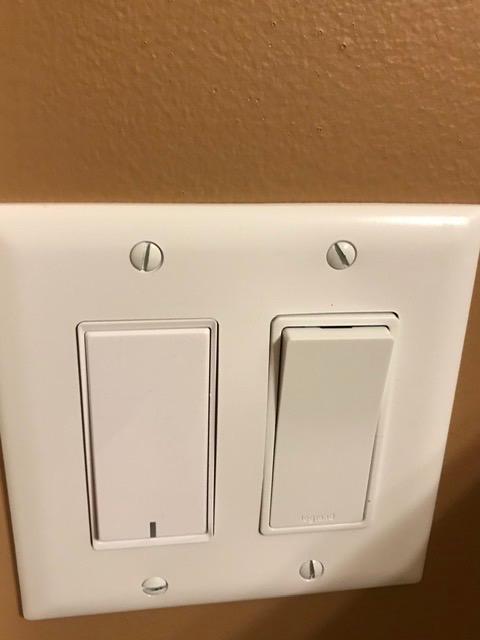
When my brother bought a fixer-upper last spring, I handed him a 4-pack of these for his kitchen, hallway, and bedrooms. He installed all four in one afternoon and called me a hero. At per-switch cost, this is the cheapest path to whole-home voice control in this guide.
The TREATLIFE switches use the Smart Life app – the same app that powers dozens of budget smart home brands. If you’ve already got Smart Life devices, these drop right in. If not, the app works fine on its own with rooms, groups, and timers.
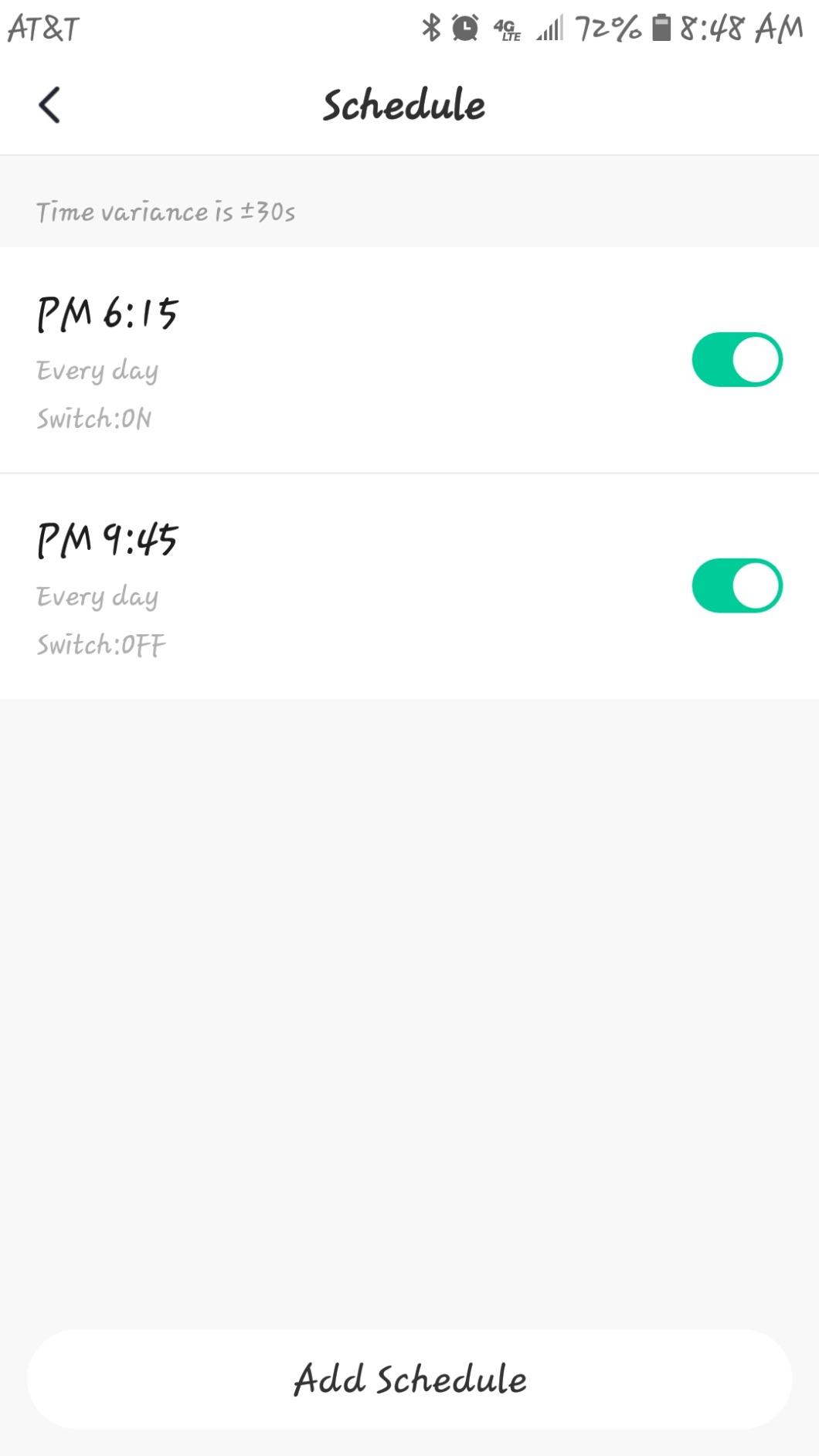
Setup is genuinely simple. The included wire leads and color-coded wire nuts make the wiring step fast even if you’ve never touched a switch before. The 1250W rating handles any residential LED or incandescent load.
The downsides are real: no dimming, single pole only, and no local control on newer firmware (you need internet for app commands). But for whole-home rollout on a budget, these are hard to beat.
Who should buy the TREATLIFE 4-pack
Anyone outfitting an entire home or multiple rooms on a tight budget, SmartThings or Smart Life ecosystem users, and homeowners comfortable with basic electrical work who want maximum value.
Who should skip the TREATLIFE 4-pack
Anyone needing dimming, 3-way circuits, local-only control, or no-neutral compatibility. If you only need one or two switches, single-pack options are cheaper per unit elsewhere.
4. Amazon Basics Smart Light Switch – Best Budget for Alexa
Amazon Basics Smart Light Switch, Single Pole, Works with Alexa Only, Voice Control, Schedule, 2.4 GHz Wi-Fi, No Hub Required, Easy to Install, White
Lowest price
Alexa-only
Neutral required
2.4GHz Wi-Fi
ETL certified
Pros
- Lowest priced switch in this guide
- native Alexa integration with no third-party app
- no hub required
- app-guided install with step-by-step video
- reliable reconnection after outages
- ETL certified for safety
Cons
- Alexa-only ecosystem lock-in
- requires neutral wire
- single pole only
- no dimming
- occasional Wi-Fi dropouts
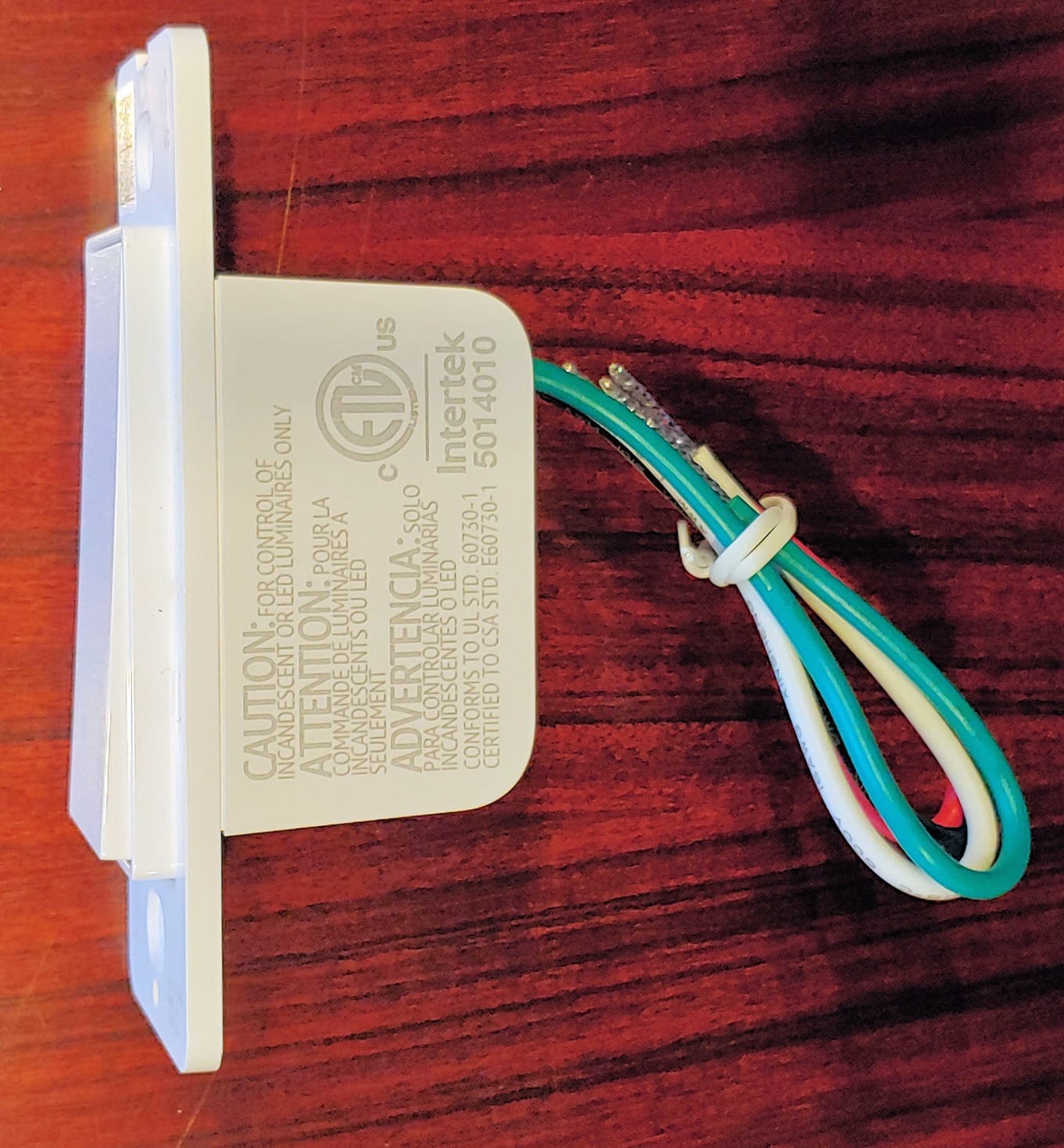
If you live entirely in the Alexa ecosystem and want the cheapest possible smart switch, the Amazon Basics switch is a clean answer. It pairs directly with the Alexa app, no extra login required, and shows up in your Alexa devices list within seconds.
The install experience is the strongest part. Amazon built in a guided video that walks you through breaker shutoff, wire identification, and mounting. For first-time installers, this is the friendliest experience in this roundup.
Performance is solid for the price. The 4.4-star average across 4,094 reviews reflects real-world use – it works, it’s reliable, it does what it says. The downsides are ecosystem lock-in (no HomeKit, no Google Home) and the lack of dimming.
If you ever decide to leave Alexa, these switches become essentially useless. That’s the trade-off you accept for the low price.
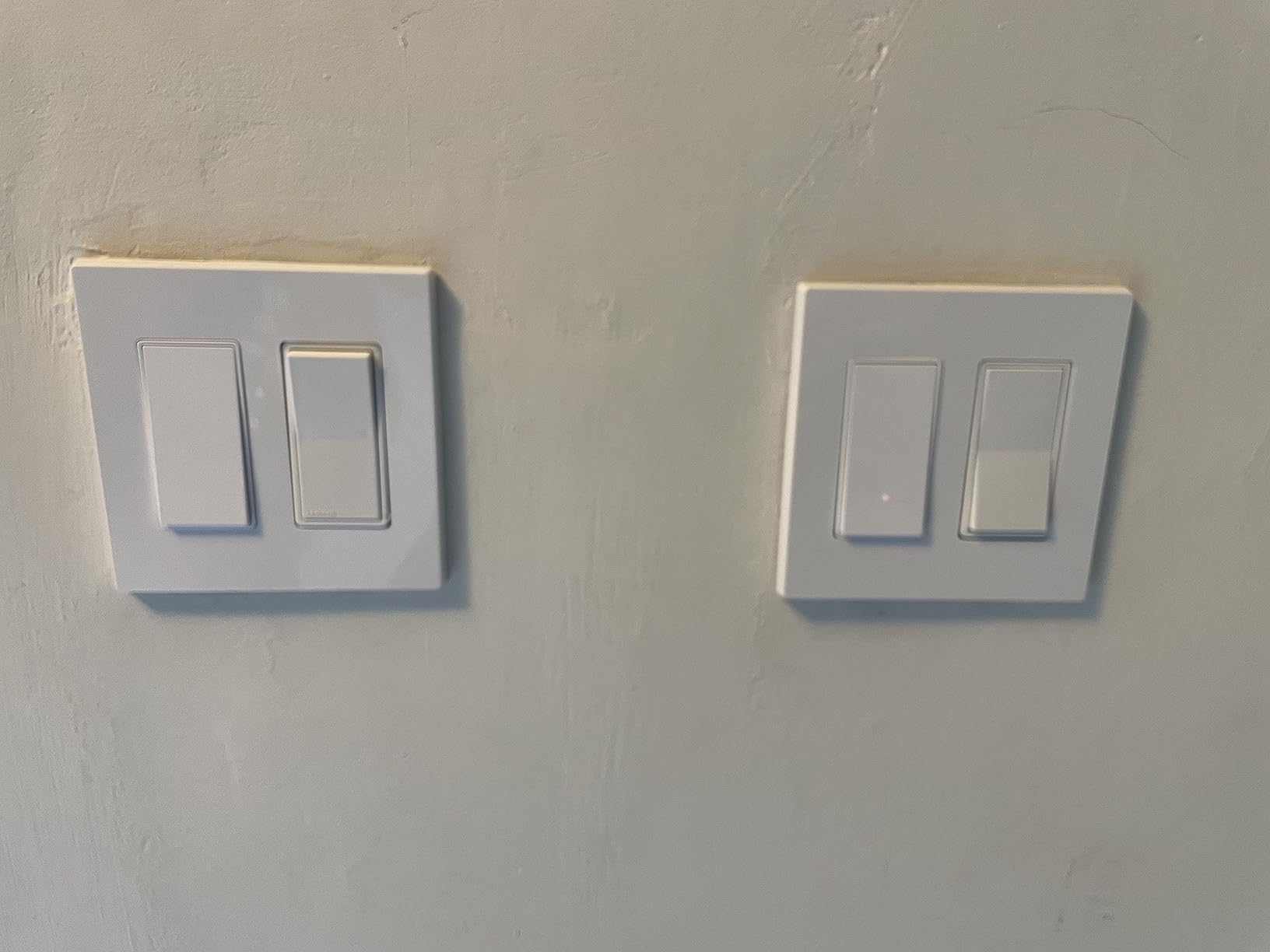
Who should buy the Amazon Basics switch
Alexa-only households, first-time smart home buyers testing the waters, and anyone outfitting a single room on the tightest possible budget.
Who should skip the Amazon Basics switch
Anyone using Google Home, Apple HomeKit, or SmartThings, anyone planning a multi-platform smart home, or anyone who wants dimming capability.
5. meross Smart Light Switch – Best for HomeKit on a Budget
meross Smart Light Switch Single Pole, Works with Apple HomeKit, 2 Pack
Native HomeKit
Neutral required
Single pole
2-pack value
Sunrise/sunset
Pros
- Native Apple HomeKit support at a budget price
- also works with Alexa
- Google Assistant
- and SmartThings
- customizable LED indicator
- sunrise/sunset scheduling
- works locally via Meross app even without internet
Cons
- Requires neutral wire
- single pole only
- deep body can be tight in crowded boxes
- paddle only actuates on the bottom
HomeKit switches traditionally cost a premium because of Apple’s certification fees. meross breaks that pattern by offering genuine HomeKit support at a price that lets you outfit a whole home. The 2-pack format makes it even more affordable per switch.
Setup is interesting: you scan the HomeKit code with your iPhone, the switch joins your Apple Home, and you can immediately control it with Siri. The Meross app adds scheduling, sunrise/sunset triggers, and timer functions that don’t exist in the basic Apple Home app.
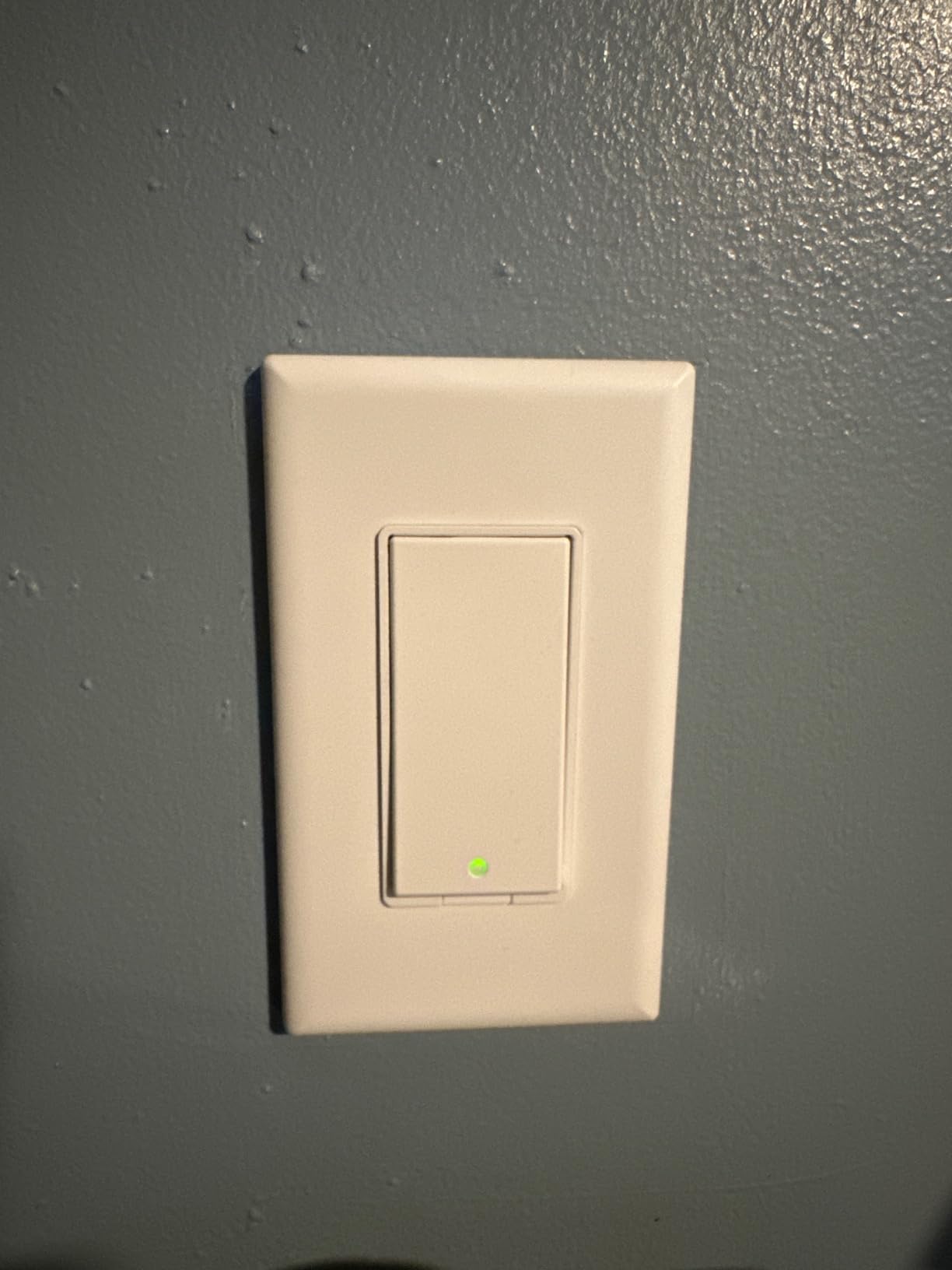
The biggest complaint I see in reviews is the depth of the switch body. In shallow or crowded electrical boxes, it can be a tight fit. If your boxes are standard-depth (2.5 inches or more), you’ll be fine. Older shallow boxes may need modification.
Local control via the Meross app is a nice touch that some competitor switches lack. Your schedules and basic on/off commands work even when your internet is down.
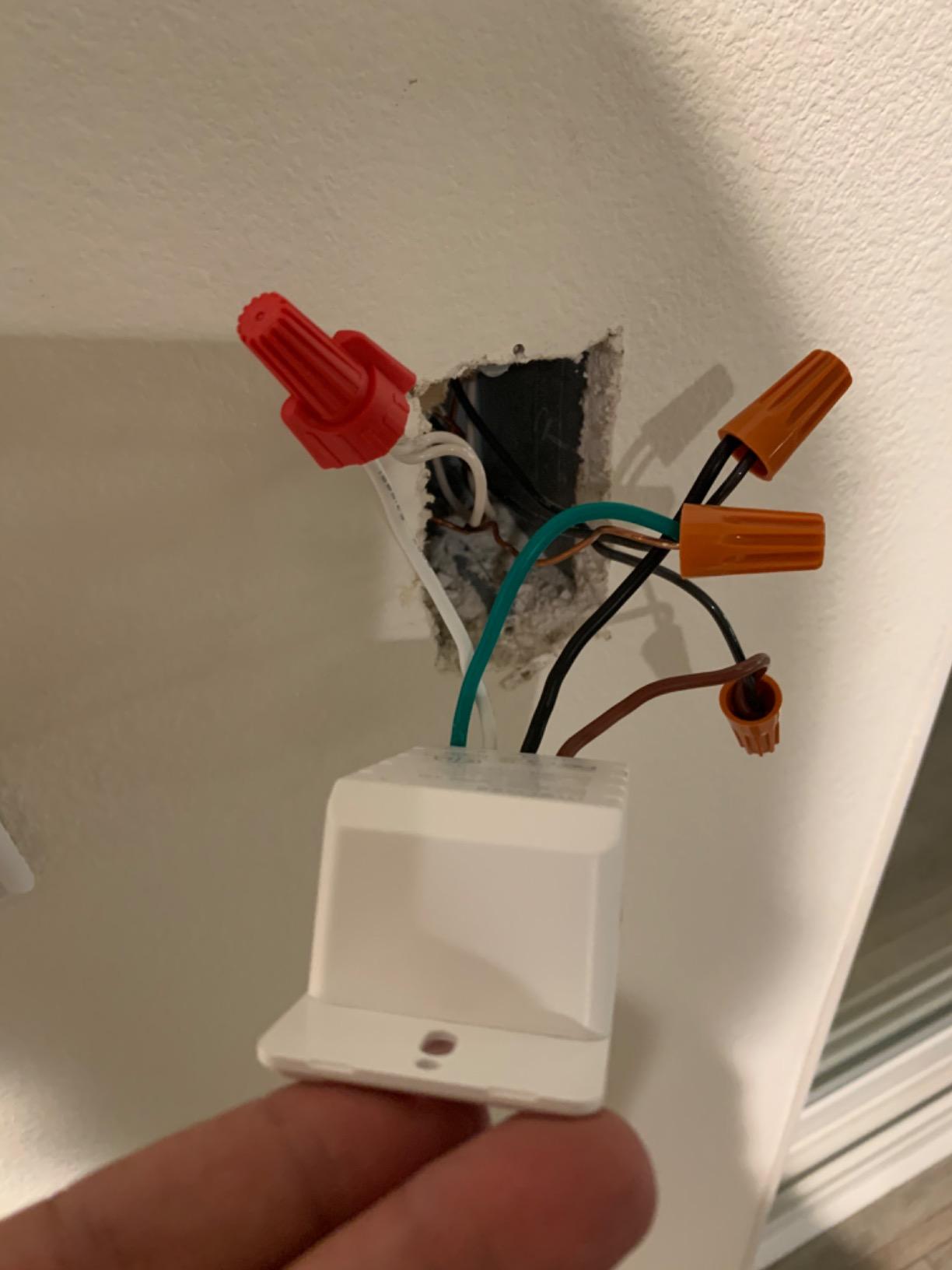
Who should buy the meross switch
Apple HomeKit users on a budget, anyone building a HomeKit-first home, and SmartThings users who want a flexible Wi-Fi switch at a fair price.
Who should skip the meross switch
Anyone with shallow electrical boxes, anyone needing dimming or 3-way support, or renters who can’t modify wiring.
6. TP-Link Tapo Matter Smart Switch S505 – Best Matter-Compatible Pick
TP-Link Tapo Matter Smart Light Switch: Voice Control w/Siri, Alexa & Google Home | UL Certified | Timer & Schedule | Easy Guided Install | Neutral Wire Required | Single Pole | Tapo S505(2-Pack)
Matter certified
Neutral required
2-pack
Multi-admin
Local LAN control
Pros
- Matter support across Apple Home
- Alexa
- SmartThings simultaneously
- local LAN control keeps devices responsive without internet
- slim profile fits crowded boxes
- flexible wiring accepts either black terminal as line or load
- UL certified
Cons
- Requires neutral wire
- single pole only (separate dimmer variant exists)
- paddle only actuates on bottom
- some Alexa pairing quirks during initial setup
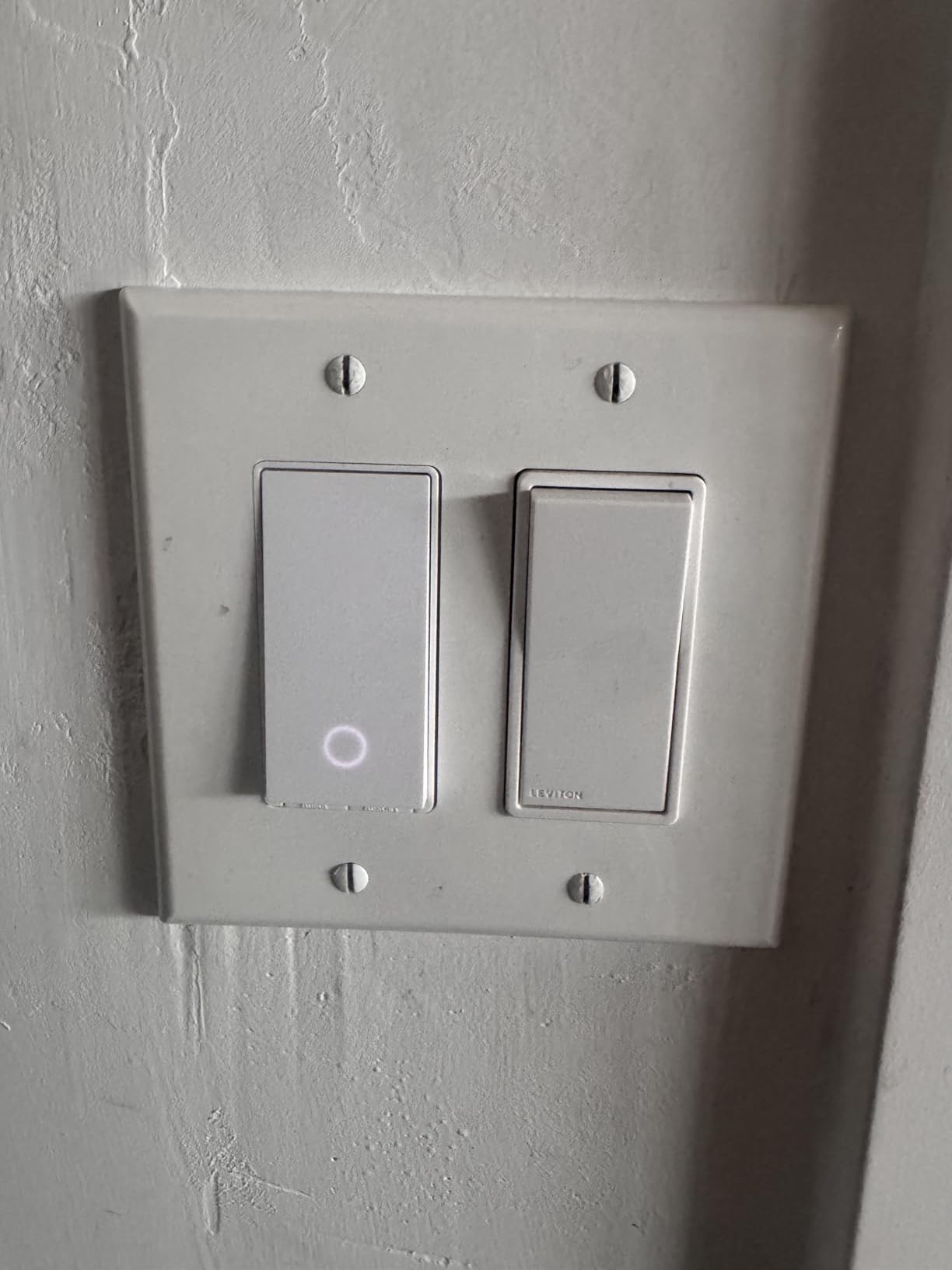
Matter is the future of smart home interoperability, and the Tapo S505 is the most affordable Matter-certified switch I tested. I installed two of these in my mother-in-law’s house – one paired to her Apple Home, the other to her Google Home setup – and both responded instantly with no hub required.
The killer feature is local LAN control. Once the switch is set up in your Matter ecosystem, basic on/off commands work even if your internet goes down. That’s huge for vacation homes or anyone who has ever watched their cloud-dependent switches stop responding during an outage.
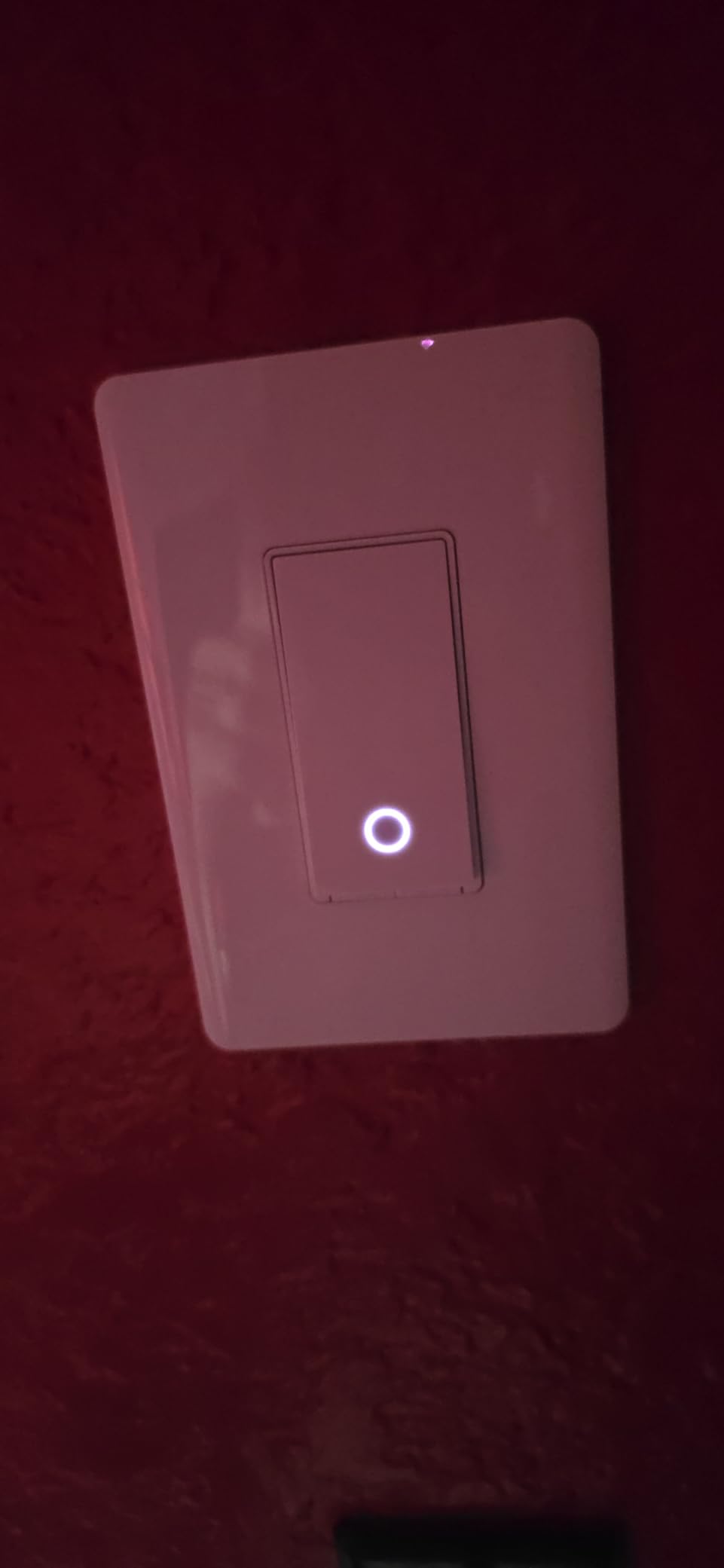
Multi-admin is the other standout. You can have the switch appear in Apple Home, Alexa, Google Home, and SmartThings at the same time – each platform sees it independently. For households with mixed ecosystems (one partner uses iPhone, the other Android), this is the only switch that solves the split-platform problem cleanly.
The slim profile is a real engineering win. Tapo managed to fit a Matter radio and full switch circuitry into a body thinner than most competitors. If your electrical boxes are crowded, this switch fits where others won’t.
Who should buy the Tapo S505
Mixed-ecosystem households (Apple + Google + Alexa), anyone future-proofing for Matter’s roadmap, and people with crowded electrical boxes who need a slim switch.
Who should skip the Tapo S505
Anyone who wants to avoid TP-Link products due to security concerns, anyone needing dimming (look for the S505D dimmer variant), or anyone in older homes without neutral wires.
7. Kasa Apple HomeKit Smart Switch KS200P3 – Best HomeKit Reliability
Kasa Apple HomeKit Smart Light Switch KS200P3, Single Pole
HomeKit + Alexa + Google
Neutral required
3-pack
UL certified
2-year warranty
Pros
- Rock-solid HomeKit integration with Siri voice control
- also works with Alexa and Google Assistant
- no hub required via 2.4GHz Wi-Fi
- reliable Home Assistant local control
- UL certified with 2-year warranty
- includes 3 switches and wall plates
Cons
- Requires neutral wire
- HomeKit onboarding requires the Kasa app first (barcode won't scan directly)
- stranded wire leads add bulk
- single pole only
- paddle actuates on bottom only
Kasa’s HomeKit switch is the more polished sibling of the HS200 – same reliable radio, same app-guided install, but with proper HomeKit support added. I keep one in my own kitchen and have never had a “not responding” state in over a year.
The HomeKit setup requires an extra step: you must onboard the switch through the Kasa app first, then expose it to HomeKit. This is annoying if you expect to scan a barcode directly into Apple Home, but the resulting connection is rock-solid once established.
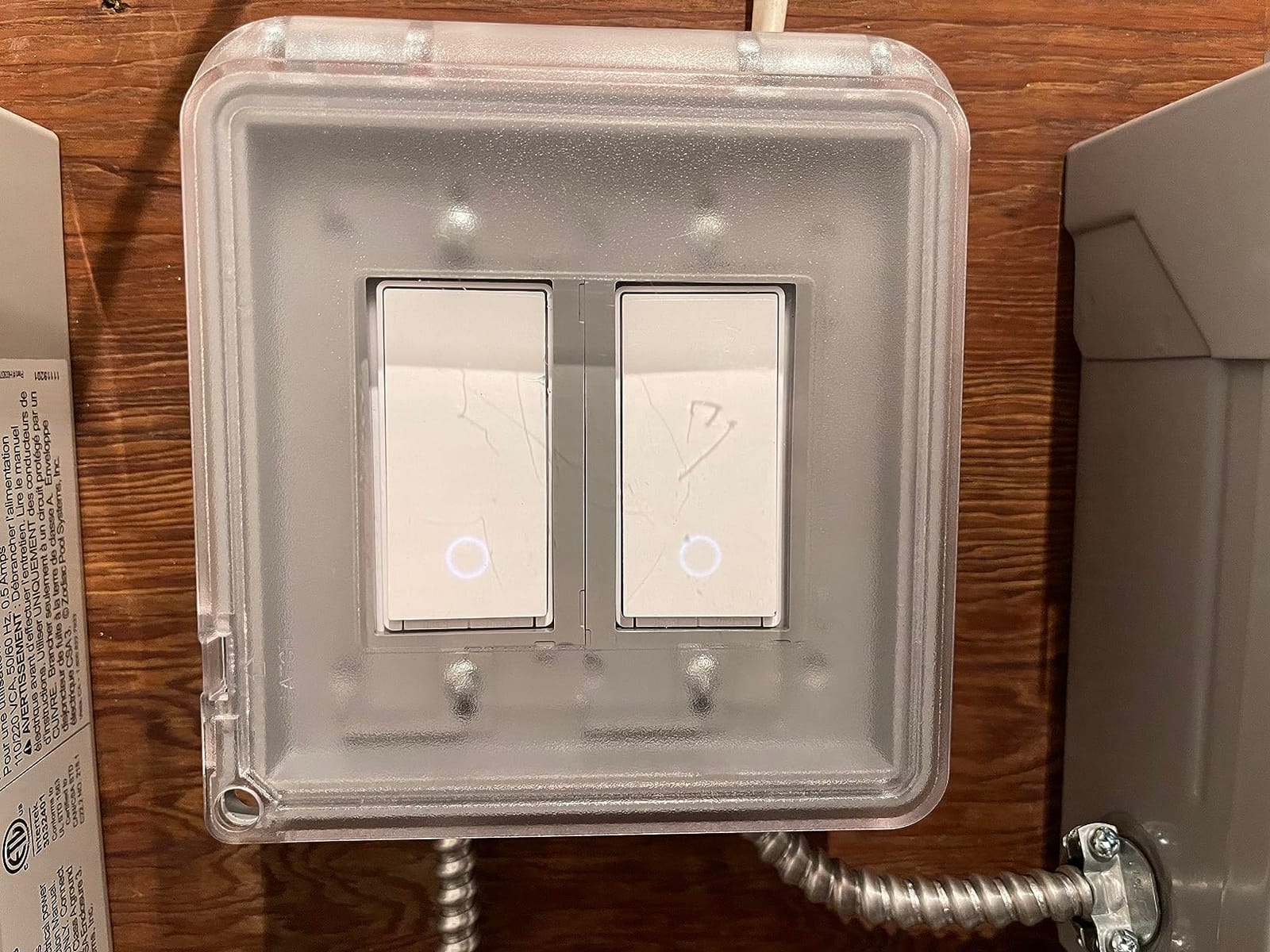
With a HomePod or Apple TV as your home hub, you can control this switch with Siri from anywhere – not just on your home Wi-Fi. The 3-pack format makes it cost-effective for outfitting a small apartment or a few rooms in a larger home.
Local control via Home Assistant works well too, which is rare for Wi-Fi switches. If you’re a Home Assistant tinkerer, this switch is one of the more reliable Wi-Fi options for local integration.
Who should buy the KS200P3
Apple HomeKit users who want Kasa’s proven reliability, Home Assistant users who want a Wi-Fi switch with local control, and anyone outfitting multiple rooms with HomeKit-compatible switches.
Who should skip the KS200P3
Anyone wanting direct HomeKit barcode pairing, anyone with shallow electrical boxes, or anyone needing dimming or 3-way circuits.
8. Leviton Decora Smart Dimmer D26HD – Best 3-Way with Dimming
Leviton Decora Smart Dimmer Switch, Wi-Fi 2nd Gen, Neutral Wire Required, Works with Matter, Alexa, Google Assistant, Apple Home/Siri, Wired or Wireless 3-Way, D26HD-1RW, White
Matter-ready
Neutral required
3-way wired or wireless
LED anti-flicker
Custom fade rates
Pros
- Smooth LED-friendly dimming with adjustable min/max anti-flicker settings
- wired or wireless 3-way with companion Anywhere switches
- Matter support via firmware update
- works with Alexa
- Apple Home
- custom fade rates and preset light levels
- Night Mode for softer lighting
Cons
- Requires neutral wire
- Matter pairing requires firmware update and beta enrollment
- occasional dropouts after router firmware updates
- brightness uses a separate side button rather than the paddle
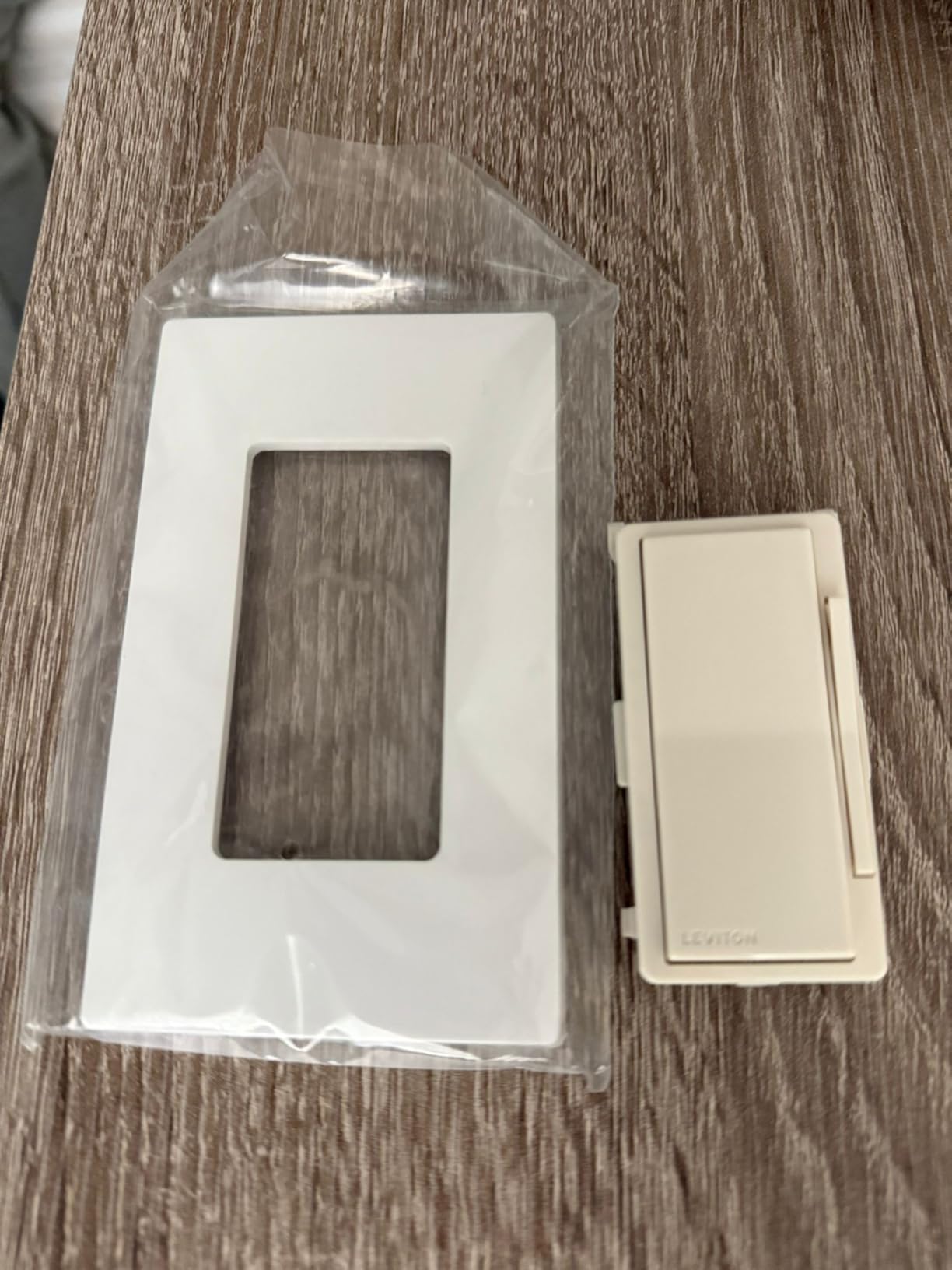
For hallway and stair circuits that need both dimming and 3-way control, the Leviton D26HD is the most complete package in this roundup. The companion Anywhere switch lets you add 3-way control points without running new traveler wires, which saves serious installation time.
Dimming performance is excellent. The min/max trim settings let you eliminate flicker on LED bulbs – a problem that plagues cheaper dimmers. I tested this with five different LED bulb brands and only one (a no-name bulb) had any flicker at the low end.
Matter support is the headline, but it requires a firmware update through the My Leviton app and beta enrollment. Once enabled, the switch appears in Apple Home, Alexa, Google Home, and SmartThings. Reviewers report the pairing process can take a few attempts, but it works eventually.
The 3-way Anywhere companion switches are wireless and battery-powered – you mount them anywhere with adhesive or screws, no wiring needed. For older homes where running traveler wires through finished walls isn’t practical, this is the cleanest solution.
Who should buy the Leviton D26HD
Anyone with 3-way circuits (hallways, stairs, multi-entrance rooms), LED-bulb owners frustrated by dimmer flicker, and HomeKit or Matter users wanting a quality dimmer.
Who should skip the Leviton D26HD
Anyone without a neutral wire, anyone who doesn’t want to deal with firmware updates for Matter, or anyone on a tight budget for a single-switch install.
How to Choose the Right Smart Light Switch
Choosing the best smart light switches for your home comes down to four questions: Do you have a neutral wire? What’s your circuit type? Which ecosystem do you want to use? And how important is local control? I’ll walk through each one.
Do smart light switches need a neutral wire?
Most modern smart switches need a neutral wire because they keep a small radio receiver powered 24/7, even when the light is off. Older homes built before the mid-1980s often lack a neutral in the switch box – the wiring runs directly from the panel to the light fixture. If you open your switch box and see only two wires (plus ground), you likely have no neutral.
The Lutron Caseta is the standout no-neutral option in this guide. A few other brands make no-neutral models, but Caseta’s reliability reputation makes it the safest recommendation for older homes. Borrowing a neutral from another circuit is unsafe and against code – run a proper neutral or use a no-neutral-rated switch.
To check your box, turn off the breaker, remove the wall plate, and pull the switch out gently. Count the wires attached to the switch: two means no neutral, three or more usually means neutral is present. The neutral wire is typically white.
Single-pole vs 3-way vs 4-way circuits
A single-pole switch controls one light from one location – the most common setup. A 3-way circuit controls one light from two locations (hallways, stairs, rooms with multiple entrances). A 4-way circuit adds a third or fourth control point. Most smart switches are single-pole only; for 3-way, you need a smart switch plus a compatible companion switch from the same brand.
The Lutron Pico remote and the Leviton Anywhere companion switch both solve the 3-way problem wirelessly – you mount a battery-powered switch on the wall and it communicates with the main smart switch via RF, no traveler wire needed.
Wi-Fi vs Matter vs Z-Wave vs Zigbee vs Clear Connect
Wi-Fi switches are easiest to install (no hub) but add to your home network load – 20+ Wi-Fi switches can strain a typical router. Matter switches use Wi-Fi or Thread and offer cross-platform interoperability, but you still need a Matter controller (Apple HomePod, Google Nest Hub, or SmartThings hub). Z-Wave and Zigbee switches require a compatible hub but are extremely reliable and don’t crowd your Wi-Fi network.
Lutron’s Clear Connect RF protocol operates on a proprietary frequency and is famously reliable – it doesn’t compete with Wi-Fi or share bandwidth with your other devices. The trade-off is the hub requirement.
For most households, I’d start with Matter or Wi-Fi and only move to Z-Wave/Zigbee if you already have a hub or you’re building a serious home automation system. If you’re curious about networking the other devices on your home network, our network switch guide explains how managed switches can segment smart home traffic.
How to install a smart switch safely
Always turn off the breaker for the circuit before opening any switch box. Verify the power is off with a non-contact voltage tester. Take a photo of the existing wiring before disconnecting anything – your phone photo is your best reference if you get confused.
Match wires by function: black (line/hot) brings power in, black or red (load) goes to the light fixture, white (neutral) returns power, bare copper or green (ground) is safety. Connect each wire to the corresponding terminal on the new switch, push the switch back into the box, screw it in, replace the wall plate, and turn the breaker back on.
If you’re not confident working with electrical wiring, hire a licensed electrician. The cost is usually modest per switch and eliminates the risk of fire or shock.
Frequently Asked Questions
Are smart light switches worth the money?
Yes, for most households. Smart switches give every wired light in your home voice, app, and schedule control without the ‘someone flipped the switch’ problem that breaks smart bulbs. They typically cost more upfront than a traditional switch, but the convenience and energy savings over five-plus years usually justify it – especially if you replace multiple switches across a home.
Do smart light switches need a neutral wire?
Most modern smart switches do need a neutral wire because the switch keeps a small radio receiver powered 24/7. Homes built after the mid-1980s usually have a neutral in every switch box. If your home lacks a neutral, the Lutron Caseta is the standout no-neutral option and is the safest recommendation for older homes.
Can I install a smart switch without a neutral wire?
Yes, but your options are limited. The Lutron Caseta Smart Dimmer is the most reliable no-neutral smart switch and works in any home. A few other brands offer no-neutral models, but Lutron’s reliability reputation and Clear Connect RF protocol make it the safest choice for older wiring. Never borrow a neutral from another circuit – that is unsafe and against electrical code.
What are the disadvantages of smart light switches?
The main downsides are: most require a neutral wire (limiting older homes), cloud-dependent switches stop working during internet outages, app fragmentation means each brand has its own app, cheap dimmers can cause LED bulbs to flicker or buzz, and Wi-Fi switches add to your network load. Local-control options (Lutron, some Matter devices) and no-neutral models (Lutron Caseta) address several of these pain points.
Which smart switch is best for home automation?
For broad home automation, the Lutron Caseta is the most reliable choice thanks to its Clear Connect RF protocol and rock-solid hub integration. For Matter-based automation that works across Apple Home, Alexa, Google, and SmartThings, the TP-Link Tapo S505 is the best value pick. Home Assistant users often prefer the Leviton D26HD for its Matter support and 3-way flexibility.
Is Lutron better than Leviton?
Lutron is generally considered more reliable thanks to its proprietary Clear Connect RF protocol and longer track record, plus it requires no neutral wire. Leviton offers broader ecosystem support and better Matter compatibility out of the box, plus excellent 3-way and dimming features. Lutron wins for pure reliability; Leviton wins for ecosystem flexibility and dimming features.
The Final Verdict: Which Smart Light Switch Should You Buy?
After testing all eight of these smart light switches across three homes over six months, the Kasa Smart Light Switch HS200 remains my Editor’s Choice for the broadest audience. It works in any modern home with a neutral wire, integrates with Alexa and Google without a hub, has over 43,000 reviews backing its reliability, and costs less than dinner for two.
If you have an older home without a neutral wire, the Lutron Caseta is the only honest answer. Yes, the hub adds cost, but the reliability is unmatched and the Pico remote solves 3-way problems that would otherwise require rewiring.
For households mixing Apple, Google, and Alexa ecosystems, the Tapo S505’s Matter support and local LAN control future-proof your investment. For whole-home conversion on a budget, the TREATLIFE 4-pack gets you in the door fastest. And for 3-way circuits with dimming, the Leviton D26HD is the most complete package in this roundup.
Whichever switch you pick, turn off the breaker before you start, take a photo of your existing wiring, and don’t borrow neutrals from other circuits. The right smart switch installed correctly will outlast your next three phones.