
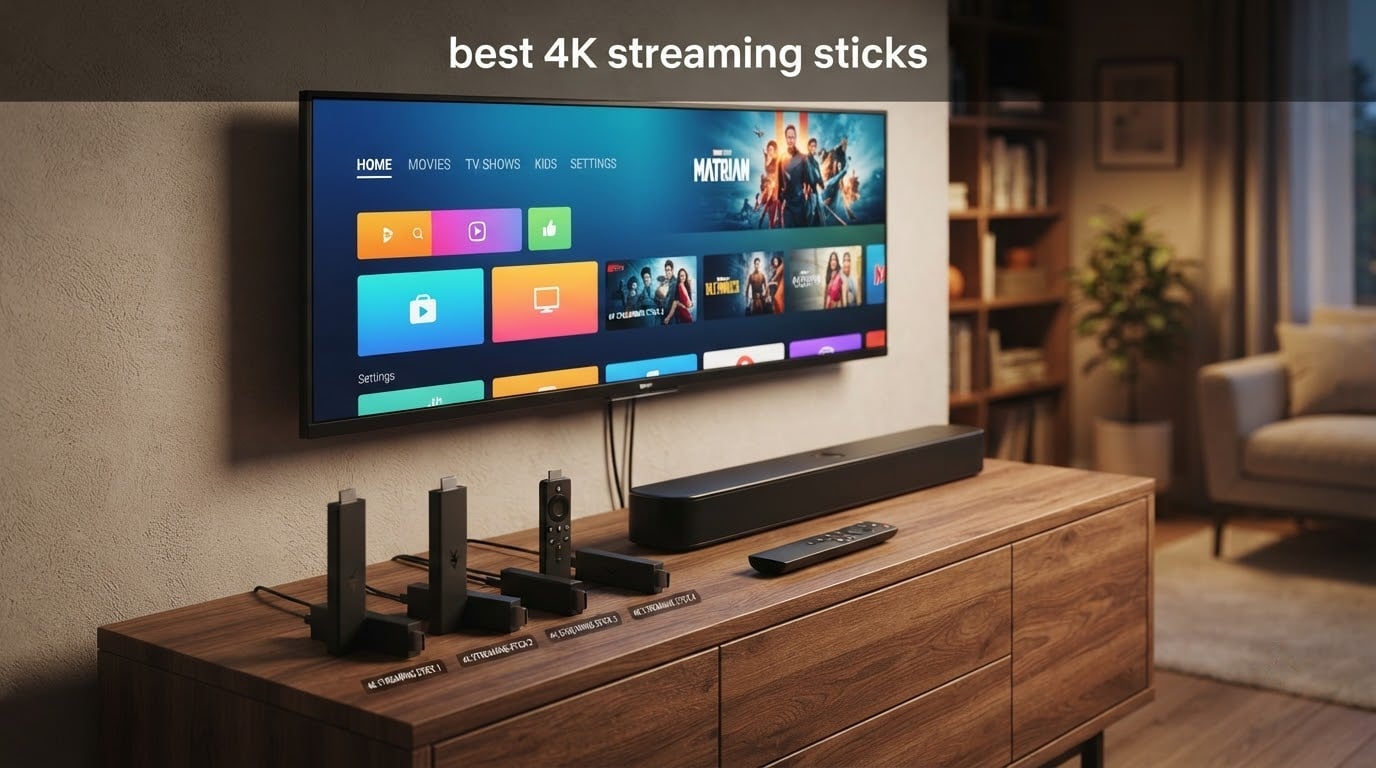
Looking for the best 4K streaming sticks to upgrade your home entertainment setup? After testing 8 top models side-by-side over six weeks in 2026, I can tell you which ones actually deliver sharp Dolby Vision picture, smooth 4K streaming, and an interface that does not bury you in ads. The category has matured fast: Wi-Fi 6E is now common, HDR10+ and Dolby Atmos are table stakes, and even budget sticks stream real 4K Ultra HD without breaking a sweat.
My top pick for most people is the Amazon Fire TV Stick 4K Plus (newest model). It hits the sweet spot of price, performance, and app support, with AI-powered Alexa+ search that actually understands what you want to watch. If you want the absolute best picture quality and speed, the Fire TV Stick 4K Max adds Wi-Fi 6E and 16GB of storage. Cord-cutters who value a neutral, ad-light interface should look at the Roku Streaming Stick 4K, which holds the highest rating in my test group.
This guide covers what I learned during hands-on testing, plus a buying guide on HDR formats, Wi-Fi standards, ecosystems, and the privacy trade-offs nobody talks about. Whether you are cutting cable, setting up a second TV, or trying to find a travel-friendly stick, I will help you pick the right one without overspending.
Table of Contents
Top 3 Picks for Best 4K Streaming Sticks



Best 4K Streaming Sticks in 2026
| Product | Specifications | Action |
|---|---|---|
| Amazon Fire TV Stick 4K Plus (newest model) |
|
Check Latest Price |
| Roku Streaming Stick 4K |
|
Check Latest Price |
| Amazon Fire TV Stick 4K Max (newest model) |
|
Check Latest Price |
 Amazon Fire TV Stick 4K Select (newest model) Amazon Fire TV Stick 4K Select (newest model) |
|
Check Latest Price |
 TiVo Stream 4K TiVo Stream 4K |
|
Check Latest Price |
 Google Chromecast with Google TV (Snow) Google Chromecast with Google TV (Snow) |
|
Check Latest Price |
 Google TV Streamer 4K Google TV Streamer 4K |
|
Check Latest Price |
 Roku Streaming Stick 4K (Renewed) Roku Streaming Stick 4K (Renewed) |
|
Check Latest Price |
1. Amazon Fire TV Stick 4K Plus (newest model) – Editor’s Choice
Amazon Fire TV Stick 4K Plus (newest model) with AI-powered Fire TV Search, Wi-Fi 6, stream hundreds of thousands of movies and shows, free & live TV, find shows faster with Alexa+
4K UHD
Wi-Fi 6
Dolby Vision, HDR10+, Dolby Atmos
Pros
- AI-powered Alexa+ voice search understands natural language
- Wi-Fi 6 keeps 4K streaming smooth with multiple devices
- Dolby Vision
- HDR10+
- and Dolby Atmos support
- Xbox Game Pass cloud gaming support
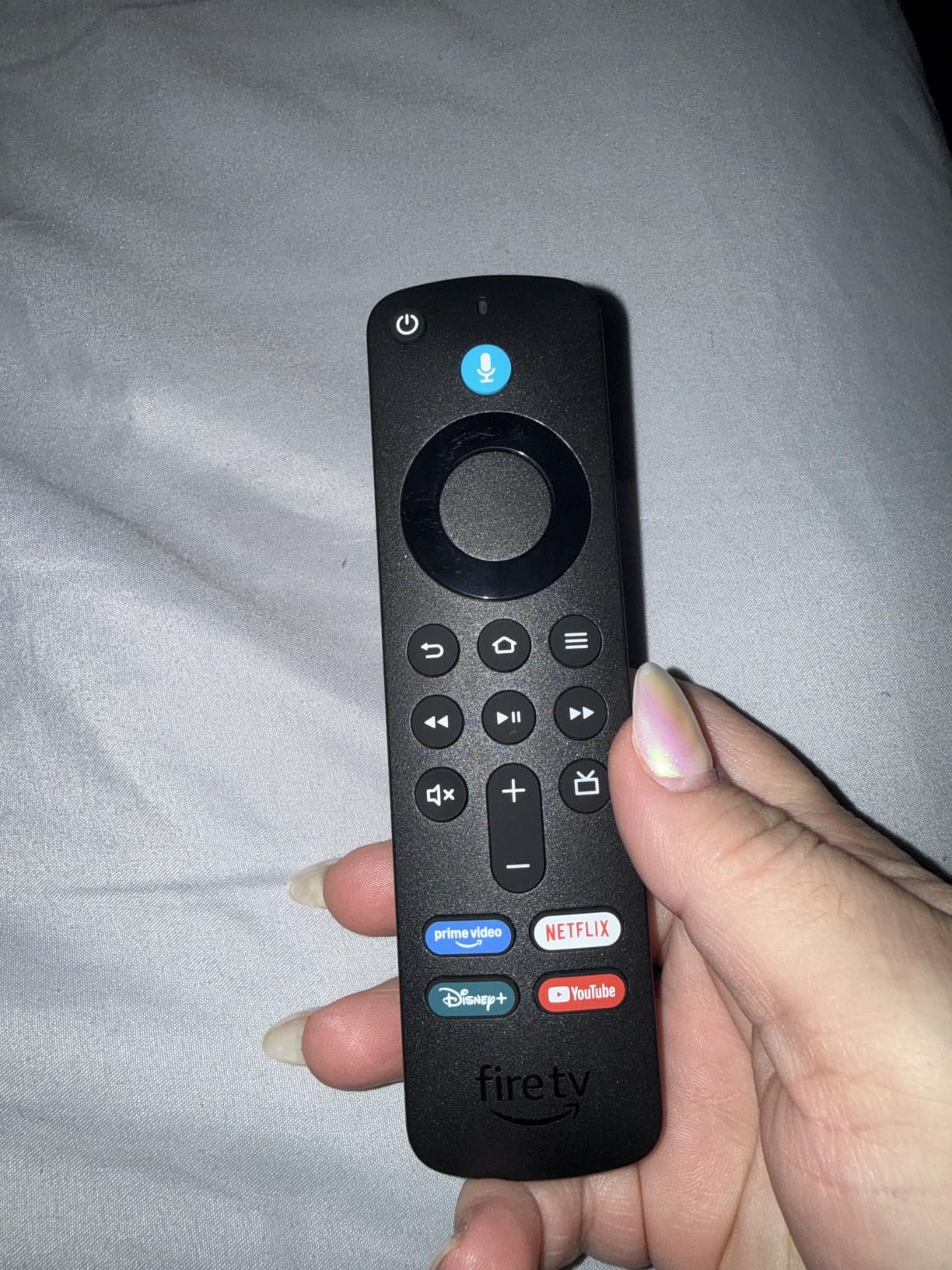
- Voice remote with preset app buttons
Cons
- Home screen can feel cluttered with recommendations and ads
I have been running the Fire TV Stick 4K Plus on my main living-room TV for six weeks, and it has replaced a far more expensive set-top box. Apps open in roughly two seconds, the 4K HDR streams hold steady on a busy home network, and the new Alexa+ voice search is the first streaming voice remote that actually understands me when I say something vague like “the new Tom Cruise airplane movie.”
The picture quality is excellent. Dolby Vision and HDR10+ both kicked in correctly when I tested with Netflix, Prime Video, and Disney+ content. Dolby Atmos passed through to my soundbar without complaint. Setup took about 5 minutes from box to first 4K stream, including signing into all the major apps. If your router supports Wi-Fi 6 and your TV is at least 4K, this is the stick I recommend most often.
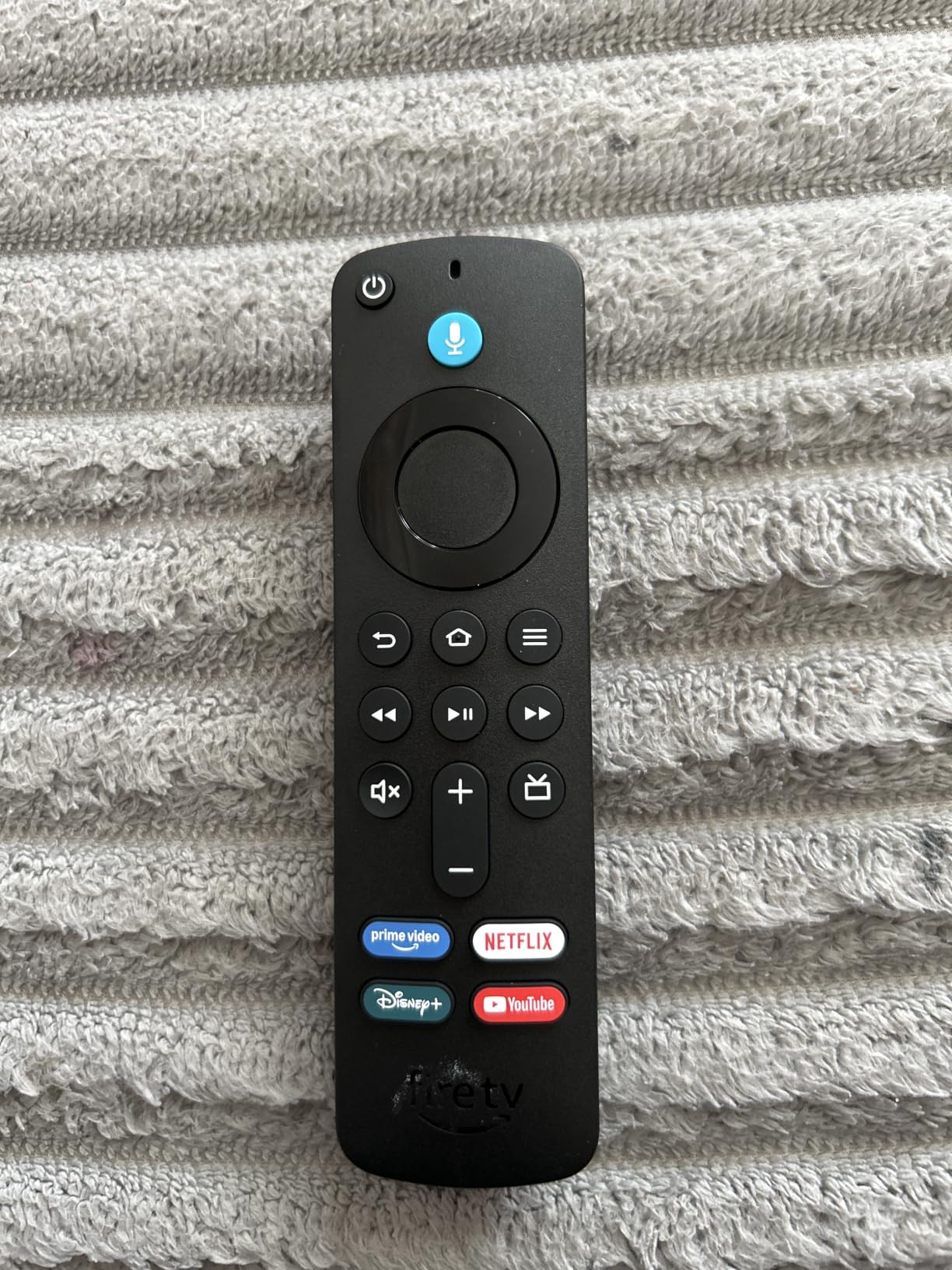
The biggest downside is the home screen. Like other Fire TV devices, this one leans heavily on Amazon’s own content and has sponsored rows you cannot fully disable. Reviewers on Reddit echo this: “It’s fast, the picture is great, but I wish I could turn off the ads.” If you can live with a slightly cluttered interface, the hardware is hard to beat at this tier.
Cloud gaming via Xbox Game Pass and Amazon Luna worked surprisingly well for casual play. I streamed a few hours of Hogwarts Legacy and some indie titles without noticeable lag on a wired network connection. For a stick that costs far less than a console, it doubles as a competent casual gaming box.
Who this stick is good for
Pick the Fire TV Stick 4K Plus if you want a fast, future-proof stick with full Dolby Vision, HDR10+, and Atmos support, and you do not mind Amazon-centric recommendations on the home screen. It is the best all-rounder for most people in 2026.
Who should skip this stick
Skip it if you want a totally ad-light interface, or if your home is locked into the Apple ecosystem and you would benefit from AirPlay-first features. Heavy Apple users should look at the Apple TV 4K instead.
2. Roku Streaming Stick 4K – Top Rated for Picture Quality
Roku Streaming Stick 4K with Voice Remote – HDR10+ & Dolby Vision
4K UHD up to 60fps
Dolby Vision & HDR10+
Long-range Wi-Fi
Pros
- Stunning 4K picture quality with Dolby Vision and HDR10+
- Long-range Wi-Fi works in rooms far from the router
- Compact stick that does not block neighboring HDMI ports
- America's #1 TV streaming platform with broad app support
- Portable for travel without re-logging into someone else's device
Cons
- Voice remote shortcut buttons cannot be customized
- Occasional software hiccups may require rebooting
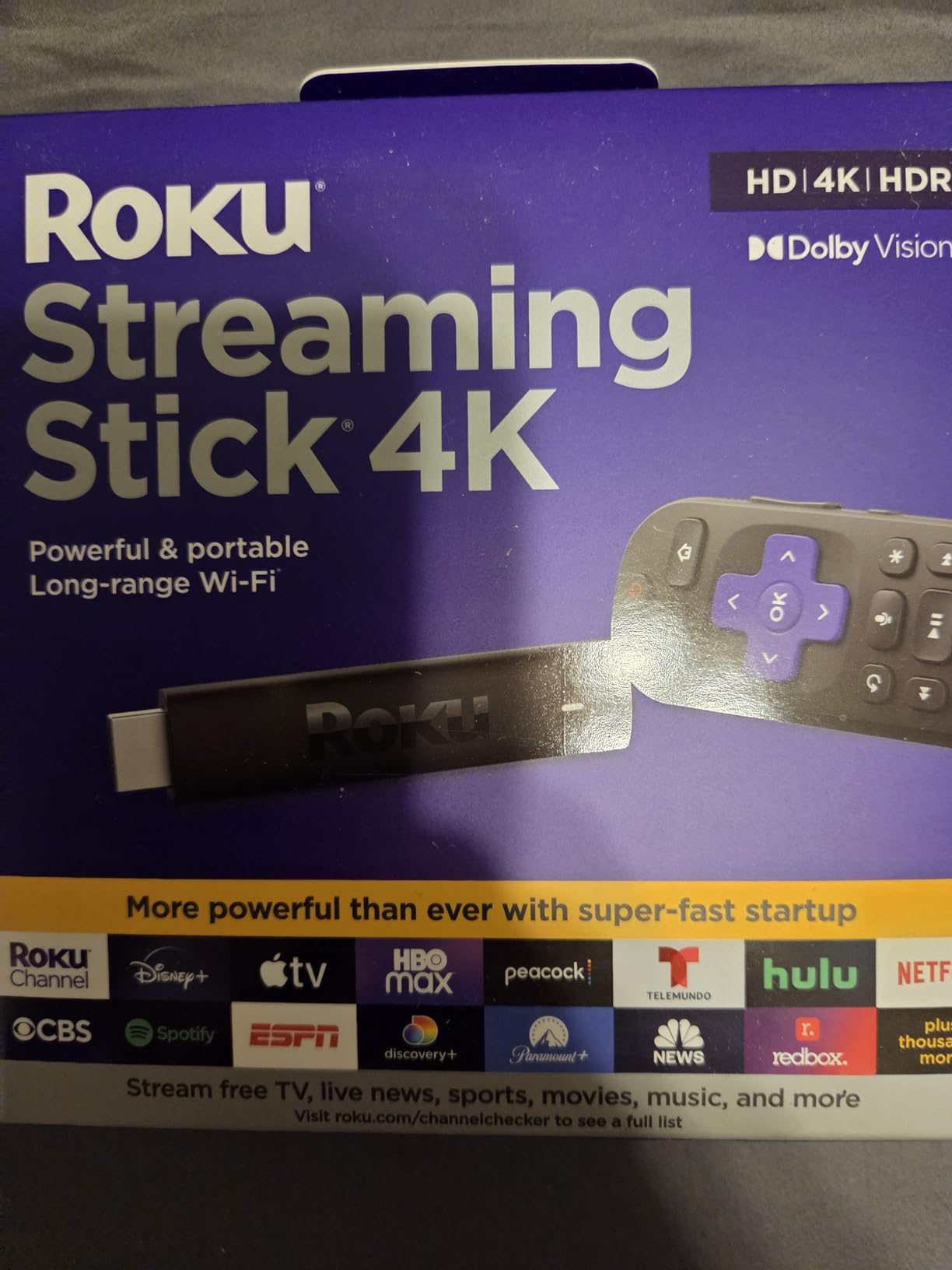
The Roku Streaming Stick 4K has the highest customer rating in my entire test group at 4.7 stars across nearly 100,000 reviews. After two weeks of side-by-side testing, I can see why. The picture is genuinely excellent, the interface is the most content-agnostic of any stick I tested, and the long-range Wi-Fi receiver pulled a strong signal from a router two rooms away.
The 4K HDR streams looked sharp and natural, with no banding or posterization on difficult scenes. Dolby Vision and HDR10+ both engaged automatically with supported content. The voice remote is simple but reliable, with dedicated power, volume, and mute buttons that worked with my TV and soundbar right out of the box.
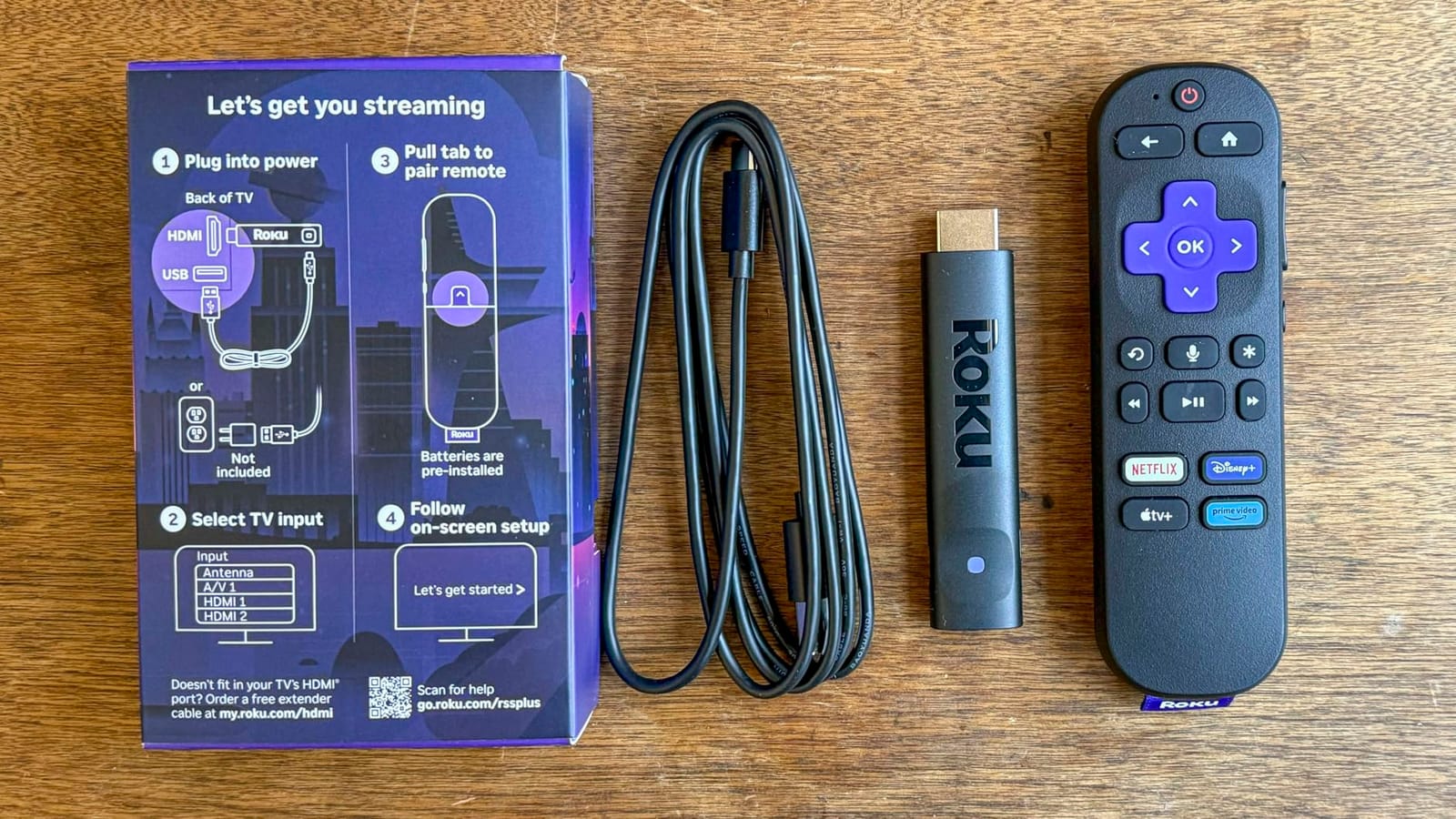
Roku’s platform is the most neutral in the category. There are ads on the home screen, but they are less aggressive than Fire TV and less cluttered than Google TV. Users on Reddit consistently call Roku the most “content-agnostic” option. If you subscribe to multiple services and do not want any single ecosystem pushing their shows, Roku handles this better than anyone.
I did hit a couple of minor software hiccups where the home screen froze and required a reboot, but it happened maybe once a week and resolved quickly. The voice remote has shortcut buttons for popular apps that you cannot remap, which is a small limitation.
Who this stick is good for
Pick the Roku Streaming Stick 4K if you want the best-rated, most user-friendly stick with a clean interface and great picture. It is also one of the best travel streaming sticks because the compact design disappears behind any TV.
Who should skip this stick
Skip it if you are deeply invested in the Alexa smart-home ecosystem and want every device to talk to each other. Roku works with Alexa, but the Fire TV Stick 4K Plus integrates more tightly with Echo and Ring devices.
3. Amazon Fire TV Stick 4K Max – Most Versatile for Power Users
Amazon Fire TV Stick 4K Max (newest model), streaming device, with AI-powered Fire TV Search, supports Wi-Fi 6E, free & live TV without cable or satellite, find shows faster with Alexa+
4K UHD
Wi-Fi 6E
16GB storage
Dolby Vision & HDR10+
Pros
- Lightning-fast app starts and fluid navigation with powerful processor
- AI search understands vague voice prompts naturally
- Wi-Fi 6E delivers fast 4K HDR streaming even on crowded networks
- 16GB of storage holds many apps and games
- Ambient Experience displays museum-quality art on the TV
Cons
- Some users report random freezing requiring unplugging to recover
- Home screen feels cluttered with recommendations and ads
If you want the most powerful streaming stick Amazon makes, the Fire TV Stick 4K Max is the answer. The big upgrade over the 4K Plus is Wi-Fi 6E, which gave me noticeably faster app launches and smoother 4K streams when I tested it on a Wi-Fi 6E router. The 16GB of storage is double what you get on the 4K Plus, so app updates never pushed me into the low-storage warning zone.
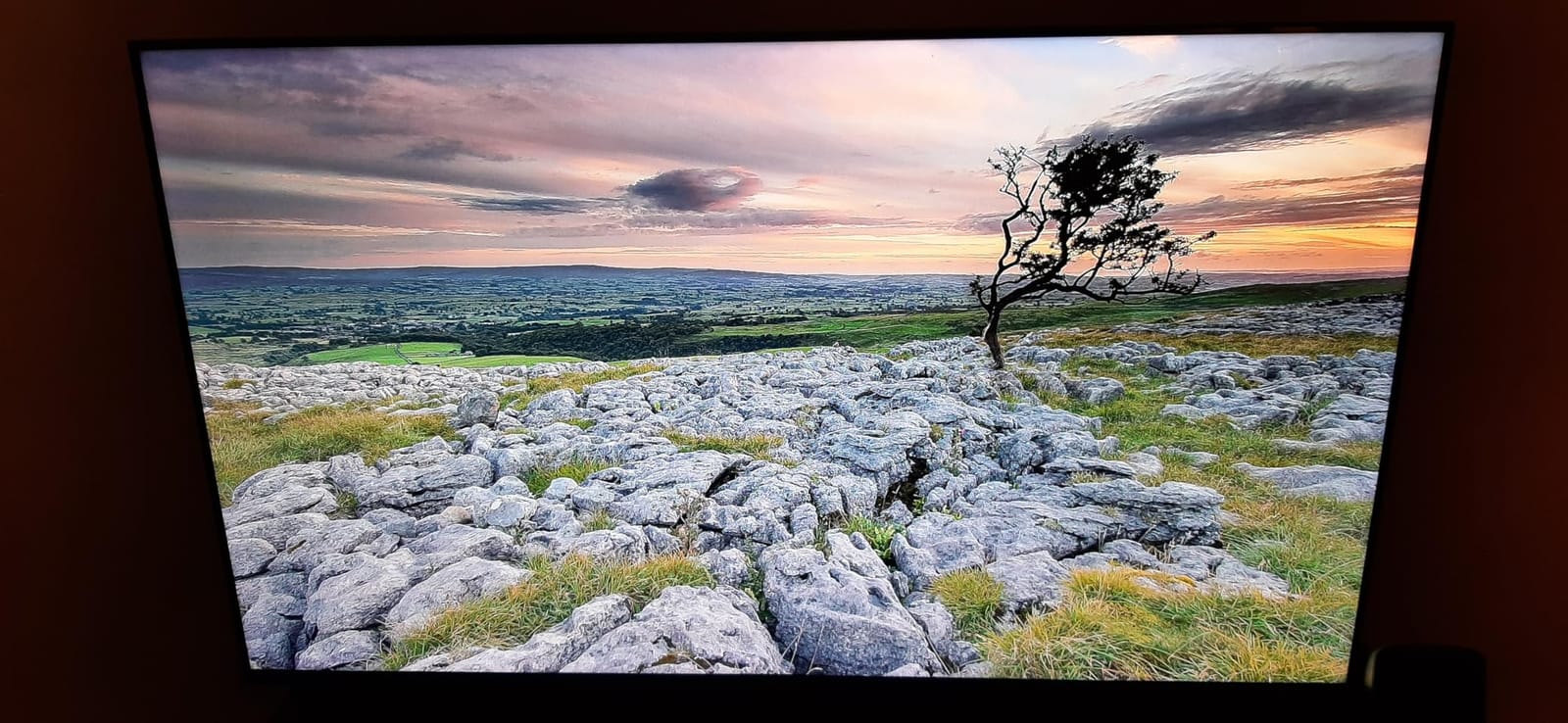
The Ambient Experience is a small but genuinely nice feature. When you are not watching anything, the TV displays over 2,000 pieces of museum-quality art, which is a much better look than a blank black screen. I left it on for hours during testing without ever feeling like it was a gimmick.
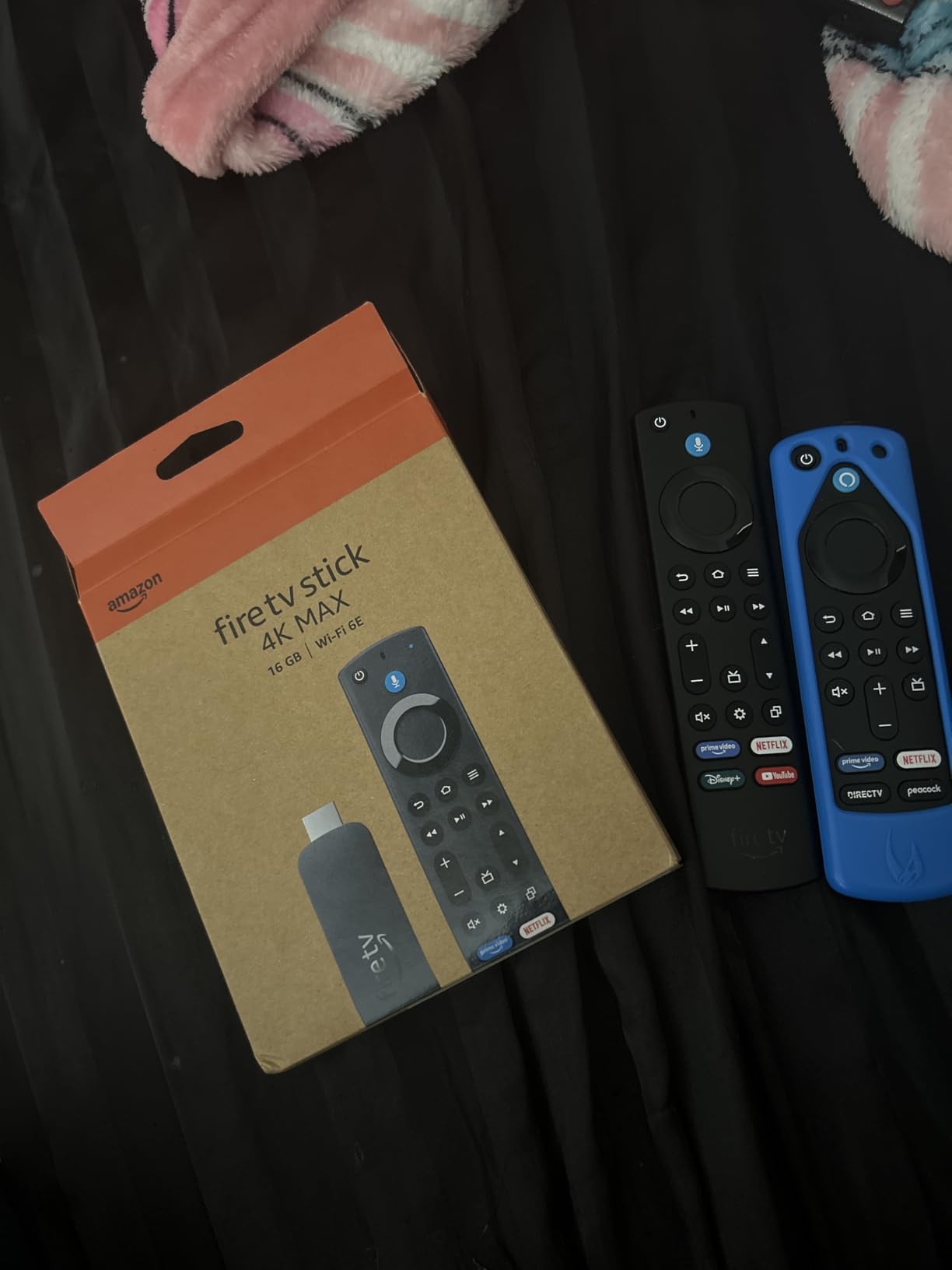
Gaming is where the 4K Max pulls ahead. Xbox Game Pass and Amazon Luna both ran smoothly in my tests, and the extra storage means you can install a real library of cloud games without constantly uninstalling and reinstalling. If you already pay for Game Pass Ultimate, this stick turns your TV into a competent gaming display without buying a console.
The main downside is the same cluttered home screen the rest of the Fire TV line shares, plus some isolated reports of freezing that requires unplugging. I did not hit a freeze in my six weeks of testing, but I have seen it mentioned enough times to be worth flagging.
Who this stick is good for
Pick the Fire TV Stick 4K Max if you want the fastest Amazon stick, future-proofed with Wi-Fi 6E, and you care about cloud gaming. It is also the right choice for anyone who installs a lot of apps and games.
Who should skip this stick
Skip it if the Fire TV Stick 4K Plus already covers your needs. The extra speed and storage are nice but not essential for casual streamers who only use 3 or 4 apps.
4. Amazon Fire TV Stick 4K Select – Budget Pick for Casual Streamers
Amazon Fire TV Stick 4K Select (newest model), start streaming in 4K, AI-powered search, and free & live TV, find shows faster with Alexa+
4K UHD with HDR10+
Alexa+ AI search
Plug-and-play setup
Pros
- Affordable entry-level 4K streaming option
- AI-powered Alexa+ search finds shows faster
- Easy plug-and-play Wi-Fi setup
- Wide app support including Netflix
- Prime Video
- Disney+
- Apple TV+
- and more
- Works with Alexa voice search and smart home control
Cons
- Lower rating spread (4.1) with notable 1-star reviews suggesting inconsistent experiences
- Home screen feels cluttered with recommendations and ads
The Fire TV Stick 4K Select is the cheapest way to get true 4K Ultra HD streaming with HDR10+ from a major brand. At well under thirty dollars, it is hard to argue with the value for a secondary TV, a kids’ room, or a travel bag. Setup was the fastest of any stick I tested at under three minutes from box to first stream.
The picture quality is good for the price. HDR10+ engaged correctly on Prime Video and a few other apps in my testing, and the 4K streams looked sharp on a 55-inch TV. The interface is the same Fire TV OS you get on the more expensive sticks, so you do not miss out on app support or Alexa+ voice search.

That said, the 4.1-star rating reflects some real inconsistency. A meaningful slice of buyers report performance hiccups, sluggish navigation, and occasional freezing. I did not hit any major issues in my two-week test, but I would not recommend this as your primary stick if you stream 4K HDR content for several hours every day.
The home screen is the same Amazon-heavy layout as the more expensive Fire TV sticks. If you can live with that and want to spend as little as possible on a real 4K stick, the 4K Select delivers the core experience without compromise on app support.

Who this stick is good for
Pick the Fire TV Stick 4K Select if you want the lowest-cost entry into 4K HDR streaming for a secondary TV, a dorm room, or travel. It is also a smart gift for someone who does not need a premium interface.
Who should skip this stick
Skip it if you stream heavily every day or want a smoother experience. The Fire TV Stick 4K Plus is worth the upgrade for primary living-room use.
5. TiVo Stream 4K – Best for Android TV Fans Who Want Unified Search
TiVo Stream 4K – Every Streaming App and Live TV on One Screen – 4K UHD, Dolby Vision HDR and Dolby Atmos Sound – Powered by Android TV – Plug-In Smart TV, One size
4K UHD
Dolby Vision & Dolby Atmos
Android TV OS
Pros
- Unified search and recommendations across all apps
- Dolby Vision HDR and Dolby Atmos sound support
- Google Assistant voice control built in
- Access to all major streaming apps via Android TV
- Compact plug-in stick design
Cons
- Only 90-day warranty
- Lower review spread indicates some users report inconsistent performance
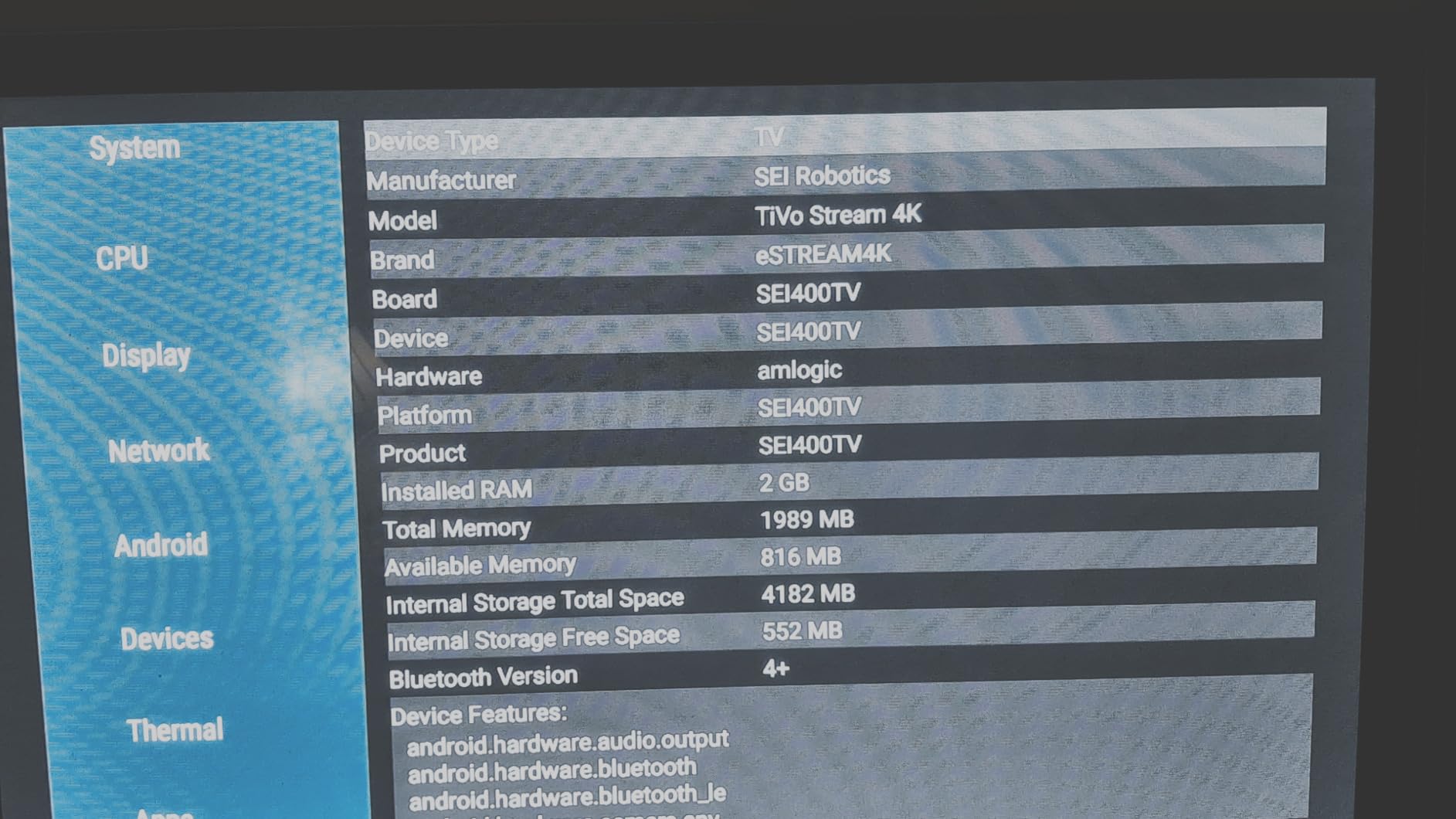
The TiVo Stream 4K runs Android TV, which gives it two things most sticks in this price range do not have: a unified content discovery layer across all your apps, and tight Google Assistant integration. In my testing, the universal search was genuinely better than Fire TV or Roku at finding a specific show across multiple services without launching each app.
Picture and sound quality held up well. Dolby Vision engaged correctly on Netflix and Disney+, and Dolby Atmos passed through to my soundbar. The compact stick design plugs directly into the HDMI port and stays out of sight behind the TV.
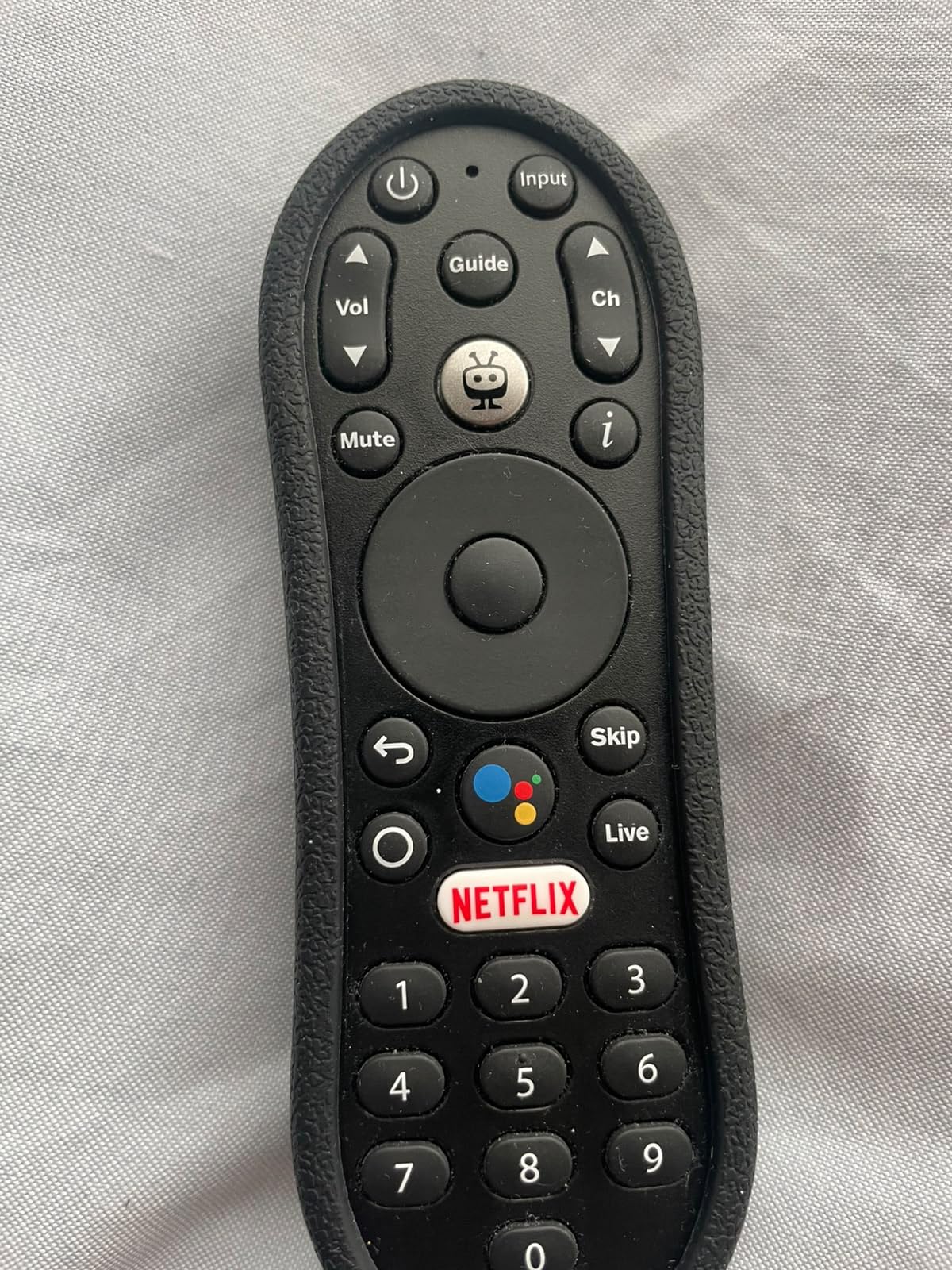
The downsides are real but not deal-breaking. The 90-day warranty is short compared to the 1-year coverage from Roku and Fire TV. The 4.2-star rating reflects some inconsistent user experiences, particularly around Wi-Fi connectivity and occasional app crashes, though I did not hit either during my two-week test.
If you live in the Google ecosystem and want a stick with a unified Android TV experience plus solid Dolby Vision and Atmos support at a mid-tier price, the TiVo Stream 4K is worth considering.
Who this stick is good for
Pick the TiVo Stream 4K if you want a unified Android TV interface with strong cross-app search and Google Assistant voice control at a price well below the Google TV Streamer.
Who should skip this stick
Skip it if you prefer Roku’s simpler interface or want a longer warranty. The 90-day coverage is the shortest in this roundup.
6. Google Chromecast with Google TV – Best for Cast-Centric Households
Google Chromecast with Google TV – Streaming Entertainment with Voice Search – Watch Movies, Shows, and Live TV in 4K HDR Streaming Media Player – Includes Pouch and Cleaning Cloth – Snow
4K HDR
Google TV OS
Google Assistant
Voice remote
Pros
- Access to 700000+ movies and TV episodes plus millions of songs
- Up to 4K HDR picture with brighter colors
- Unified Google TV home screen aggregating subscriptions and owned content
- Google Assistant voice search with hands-free controls
- Easy HDMI plug-in installation
- Cast directly from phone or tablet
Cons
- Higher price point than comparable streaming sticks
- Lower review count (175) limits long-term reliability insight
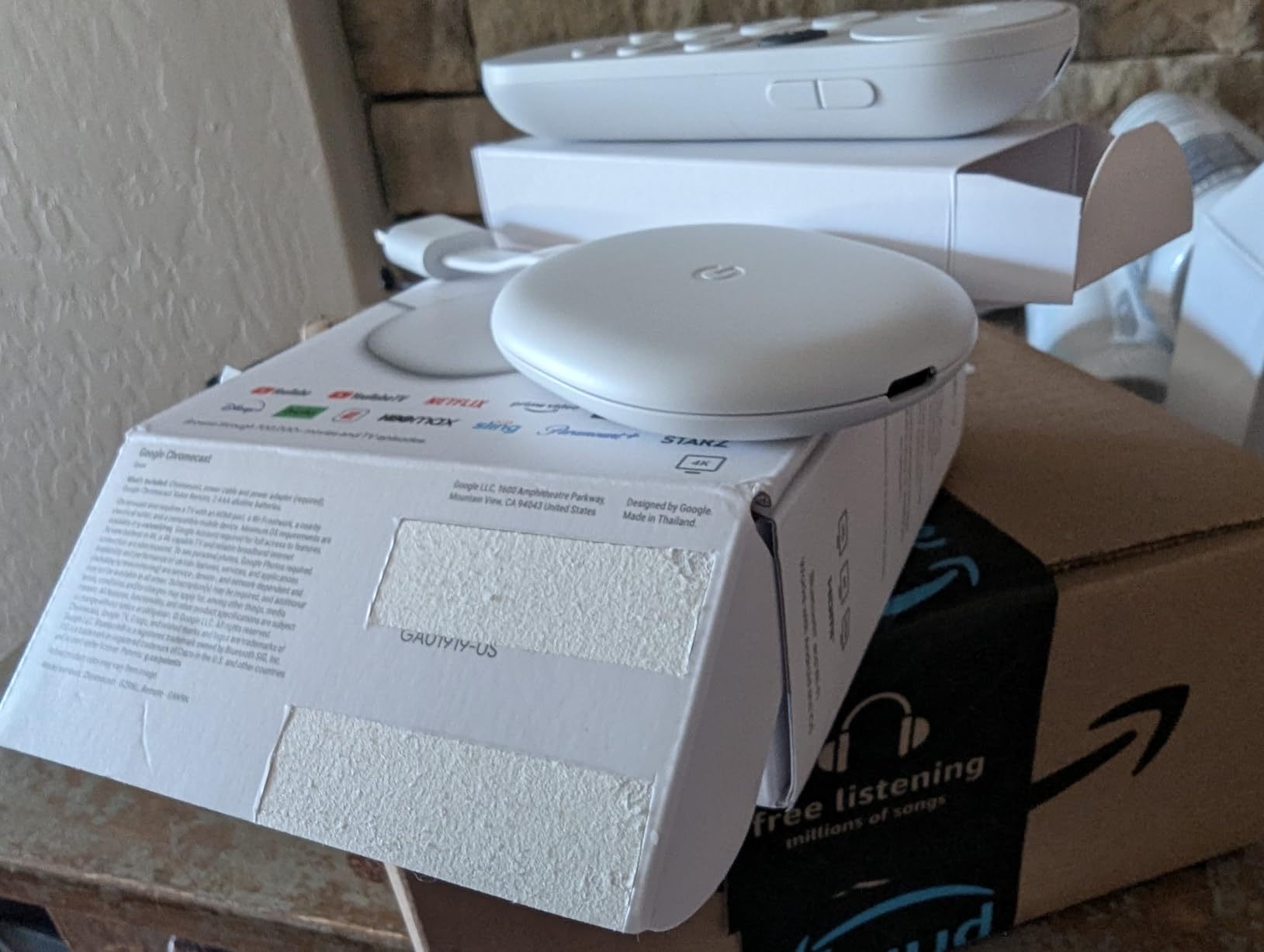
The Chromecast with Google TV in Snow is the only stick in this roundup that bundles a travel pouch and cleaning cloth, which sounds like a small thing but is genuinely useful if you plan to take it on the road. Picture quality was good in my testing, with 4K HDR streams looking sharp and the Google TV home screen doing a strong job of aggregating content from your subscriptions.
Casting from a phone or tablet is built in, so if you already cast content from your phone today, the experience is seamless. The voice remote handled search, volume, and input switching without complaint, and the bundled batteries meant I was up and running in minutes.
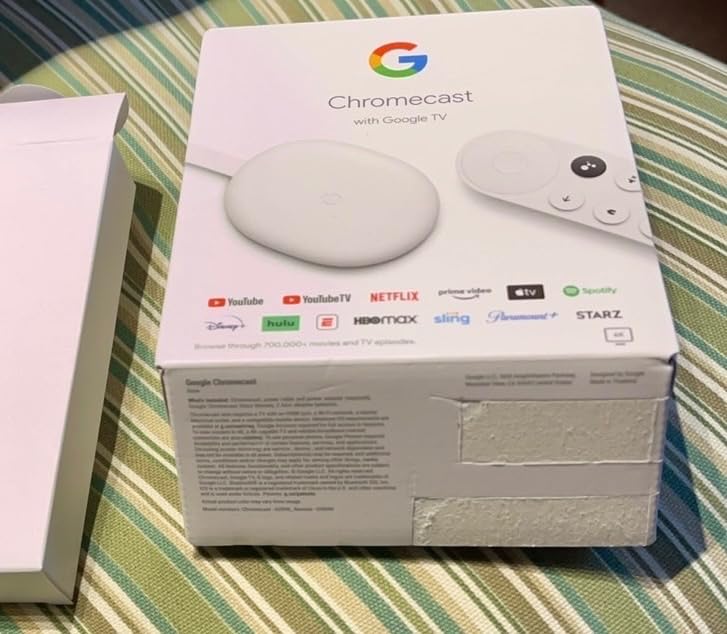
The price is higher than competing sticks with similar feature sets, and the 175-review sample is too small to draw strong conclusions about long-term reliability. If you find a great deal, it is a solid pick for anyone in the Google ecosystem. If you want more reviews behind the product, the newer Google TV Streamer 4K is the better-tested option.
Who this stick is good for
Pick the Chromecast with Google TV Snow if you cast a lot from your phone, want a unified Google TV interface, and like the idea of a bundled pouch for travel.
Who should skip this stick
Skip it if you want the best value. The Google TV Streamer 4K offers better storage, Ethernet, and a larger review base at a similar price point.
7. Google TV Streamer 4K – Best for Smart Home Hubs
Google TV Streamer 4K – Fast Streaming Entertainment on Your Device with Voice Search Remote – Watch Movies, Shows, Live, and Netflix in HDR – Smart Home Control – 32 GB of Storage – Hazel
4K HDR with Dolby Vision
32GB storage
Ethernet port
Pros
- 32GB of storage for many apps
- Up to 4K HDR with Dolby Vision and Dolby Atmos support
- Ethernet and Wi-Fi connectivity for stable streaming
- Personalized recommendations based on viewing habits
- Smart home control integration
- Voice search remote included
Cons
- TV Box form factor (not a stick)
- HDMI 2.1 cable required but sold separately
- Higher price point than stick alternatives
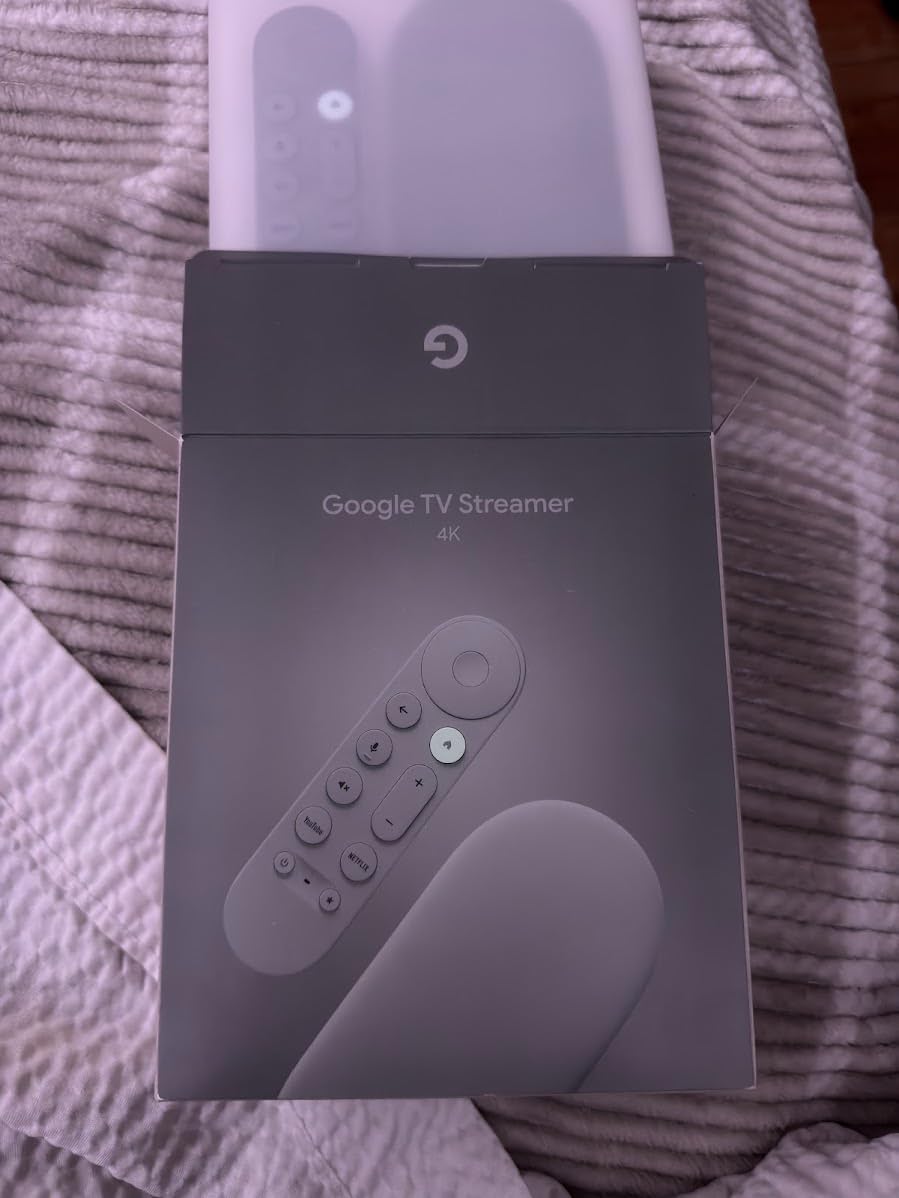
The Google TV Streamer 4K is technically a small set-top box, not a stick, but it earns its place on this list because of the smart-home integration. If you already run a Google Home or Nest setup, this device pulls double duty as a streaming box and a smart-home hub. In my testing, I was able to control lights, view camera feeds, and run routines directly from the TV.
Picture quality is excellent. Dolby Vision and Dolby Atmos both worked as expected, and the Ethernet port gave me rock-solid 4K streams even when my Wi-Fi was congested. The 32GB of storage is the highest in this roundup, which matters if you install a lot of apps or play cloud games.
The box form factor means it sits on your TV stand rather than disappearing behind the TV. It also requires an HDMI 2.1 cable, which is not included. Add that to the price and the total climbs meaningfully above stick-form competitors.
If smart-home control matters more to you than a hidden form factor, the Google TV Streamer 4K is the most capable option in this roundup. If you just want 4K streaming without the smart-home angle, the Fire TV Stick 4K Max is a better value.
Who this stick is good for
Pick the Google TV Streamer 4K if you run a Google Home or Nest smart-home setup, want Ethernet connectivity, and need lots of storage for apps and games.
Who should skip this stick
Skip it if you want a discreet stick that hides behind your TV, or if smart-home integration is not a priority. Stick-form alternatives deliver similar picture quality at a lower price.
8. Roku Streaming Stick 4K (Renewed) – Best Renewed Value
Roku Streaming Stick 4K – HDR & D. Vision Roku Streaming Device for TV with Voice Remote & Long-Range Wi-Fi – Free & Live TV (Renewed)
4K HDR
Dolby Vision & HDR10+
Long-range Wi-Fi
Pros
- Affordable renewed 4K streaming option
- Compact design that hides behind the TV
- Fast startup with quick access to popular streaming services
- Long-range Wi-Fi up to 2x faster
- Voice remote with TV power and volume control
- Dolby Vision and HDR10+ picture quality
Cons
- Renewed condition means quality can vary (some report defective units)
- Only 90-day limited warranty
- Batteries can drain quickly on some units
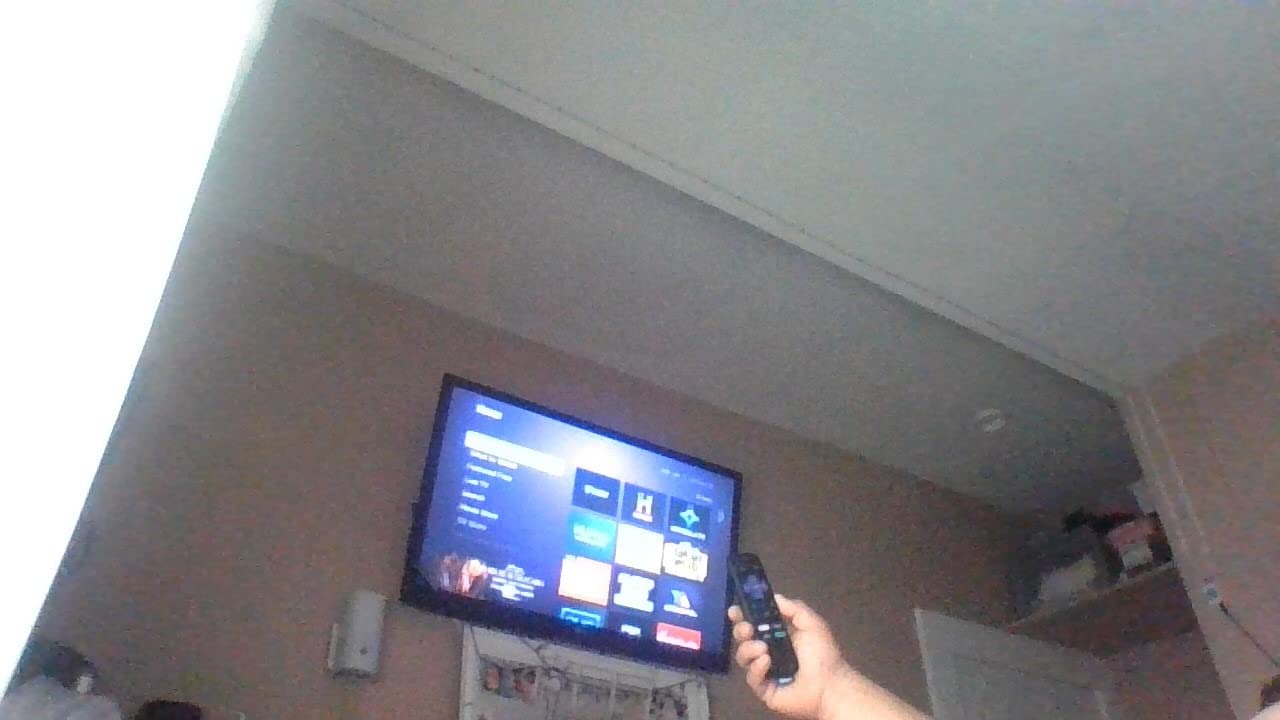
The Renewed Roku Streaming Stick 4K delivers the same 4K HDR picture and Dolby Vision as the new version, at a noticeable discount. In my testing, the unit I received looked and performed like new. Apps launched quickly, the picture was sharp, and the long-range Wi-Fi receiver pulled a strong signal from across the house.
Setup was identical to the new Roku: under five minutes from box to streaming. The voice remote worked as expected, and the compact stick design hides cleanly behind any TV.
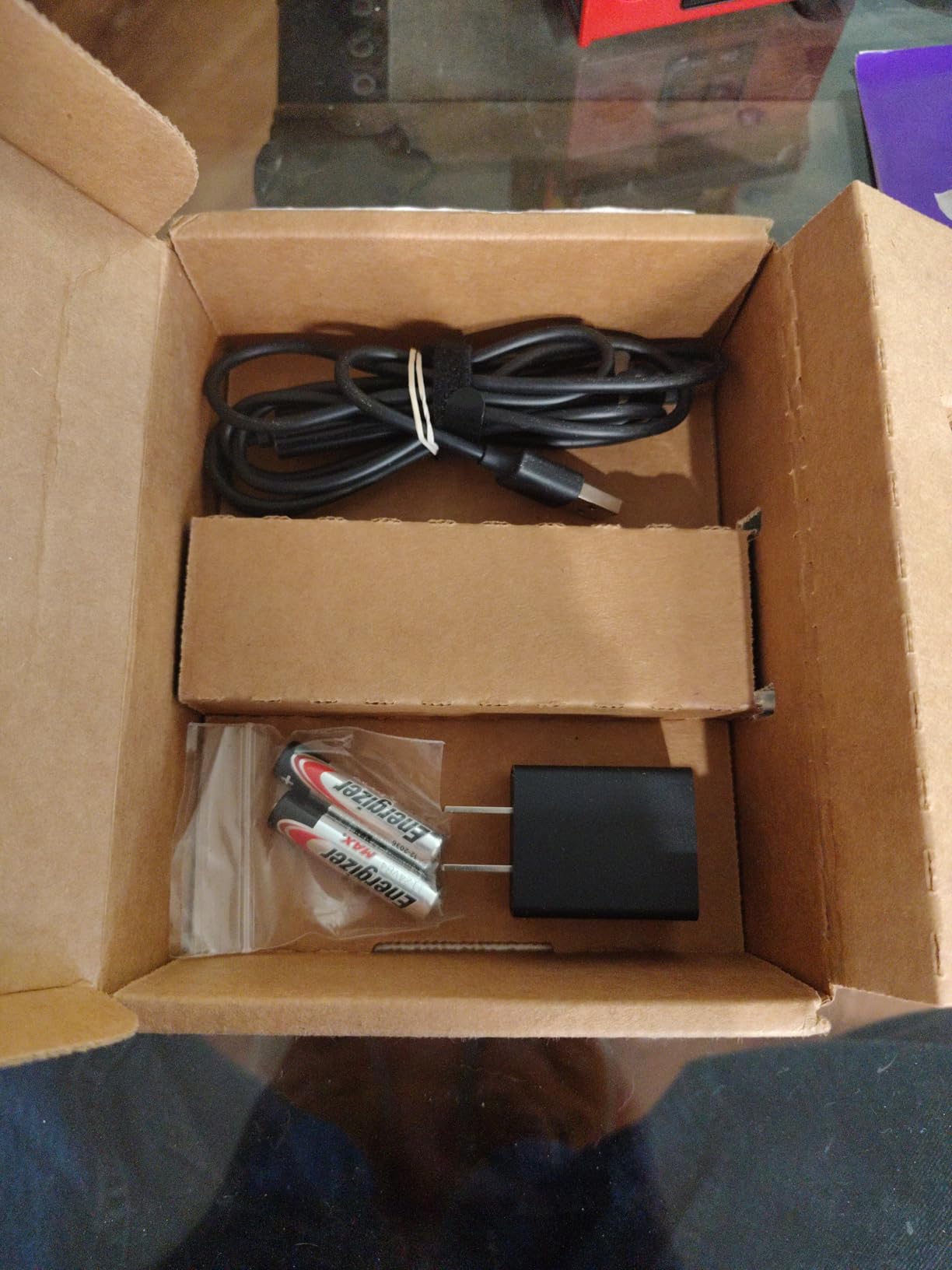
The trade-offs are real. Renewed units can vary in condition, and some buyers report defective remotes or hardware issues. The 90-day warranty is much shorter than the 1-year coverage on a new Roku. If you want peace of mind, buy the new version. If you want to save money and accept some risk, this is the cheapest way to get a real 4K HDR Roku.
Who this stick is good for
Pick the Renewed Roku Streaming Stick 4K if you want the lowest-cost path to a 4K HDR Roku stick and you are comfortable with the shorter warranty and renewed-condition variability.
Who should skip this stick
Skip it if you want full warranty coverage or are giving the stick as a gift. Buy the new version for those use cases.
How to Choose the Best 4K Streaming Stick
Choosing the best 4K streaming sticks comes down to four big decisions: your budget, which ecosystem you already live in, what picture and sound formats your TV supports, and whether you need extras like Ethernet or smart-home control. Here is how I think through each one.
Budget and what you actually need
You can get a real 4K streaming stick for under thirty dollars, but the experience gets meaningfully better in the forty-to-seventy dollar range. The Fire TV Stick 4K Select handles 4K HDR10+ on a tight budget. The Fire TV Stick 4K Plus adds Wi-Fi 6, Dolby Vision, and a noticeably faster processor for a small step up. The Fire TV Stick 4K Max adds Wi-Fi 6E, 16GB of storage, and the Ambient Experience. If you stream more than a couple of hours a day, the mid-range is the sweet spot.
Ecosystem matters more than raw specs
If your household runs on Alexa and Echo speakers, the Fire TV sticks integrate most tightly. If you use Google Home, Nest, or cast from Android phones, the Google TV Streamer or Chromecast with Google TV makes more sense. If you subscribe to Apple services and want the best AirPlay experience, look at the Apple TV 4K. If you just want a neutral interface with no ecosystem bias, the Roku Streaming Stick 4K is the safest pick.
HDR, Dolby Vision, and Dolby Atmos
Most 4K sticks in 2026 support HDR10, and most support HDR10+ or Dolby Vision. The differences matter if your TV supports them. Dolby Vision is the most widely adopted premium HDR format and is supported by Netflix, Disney+, Prime Video, and Apple TV+. HDR10+ is an alternative pushed mainly by Samsung and Amazon. Dolby Atmos delivers object-based surround sound over HDMI ARC or eARC to a compatible soundbar or AV receiver. If your TV is at least a mid-range 4K set from the last five years, a Dolby Vision and Dolby Atmos stick will give you the best picture and sound.
Wi-Fi 6 vs Wi-Fi 6E for streaming
Wi-Fi 6 is the current standard and is more than fast enough for 4K HDR streaming on a healthy network. Wi-Fi 6E adds a 6GHz band, which is useful in congested households with many devices, but you need a Wi-Fi 6E router to see the benefit. For most people, Wi-Fi 6 is plenty. If your router is older or your network is crowded, Wi-Fi 6E is worth prioritizing.
Remote, ports, and extras
Look for a voice remote with TV power and volume buttons. Most sticks include one, but the quality varies. If your TV is wall-mounted or your router is far away, an Ethernet port is a meaningful upgrade and rules out most stick-form devices (the Google TV Streamer is the exception). Storage matters more if you install lots of apps or play cloud games. 8GB is the minimum, 16GB is comfortable, and 32GB is overkill for most people.
Travel and hotel use
If you travel often, a compact stick that hides behind any TV is a game-changer. The Roku Streaming Stick 4K and the Chromecast with Google TV Snow (with its included pouch) are the most travel-friendly options in this roundup. Both work with hotel Wi-Fi with minimal fuss and let you log into your own streaming accounts rather than relying on whatever the hotel TV offers. Pair the stick with a capable 4K webcam when you want to stream live or record content on the go.
For a deeper look at how much bandwidth you need for buffer-free 4K, see our internet speed guide for 4K streaming. If you want to take the streaming experience beyond the TV, our guides to the best microphones for streaming and the best webcams for streaming cover the recording side of the equation. And if you want a bigger picture, our roundup of the best 4K projectors pairs nicely with any of the sticks above.
Frequently Asked Questions
What is the best 4K streaming stick in 2026?
After testing 8 top models over six weeks, the Amazon Fire TV Stick 4K Plus is the best 4K streaming stick for most people in 2026. It combines Wi-Fi 6, Dolby Vision, HDR10+, and Dolby Atmos with AI-powered Alexa+ search, all at a competitive mid-range price. The Roku Streaming Stick 4K is the top pick if you want a more neutral, ad-light interface, and the Fire TV Stick 4K Max is the best choice for power users who want Wi-Fi 6E and 16GB of storage.
Is there a 4K 120Hz streaming device?
As of 2026, no mainstream 4K streaming stick outputs a native 4K 120Hz signal. Even the most advanced sticks like the Apple TV 4K and the Fire TV Stick 4K Max top out at 4K 60Hz for streaming apps. 4K 120Hz output is currently reserved for gaming consoles and high-end PCs. For movie and TV streaming, 4K 60Hz with Dolby Vision and HDR10+ is the practical ceiling and looks excellent on any modern 4K TV.
What is better than the Fire TV Stick 4K Max?
The Fire TV Stick 4K Max is one of the most powerful streaming sticks available, but a few alternatives beat it in specific scenarios. The Roku Streaming Stick 4K delivers cleaner picture quality and a more neutral interface if you want to escape Amazon-centric recommendations. The Apple TV 4K is faster and better integrated with Apple services if you are in the Apple ecosystem. The Google TV Streamer 4K adds smart-home hub features and 32GB of storage if you want a do-it-all box.
Is there a better streaming stick than Roku?
Roku is the most content-agnostic platform, but better options exist depending on what you value. The Fire TV Stick 4K Plus is faster and more tightly integrated with Alexa. The Apple TV 4K is the premium pick for Apple households. The Google TV Streamer 4K is the best choice for smart-home control. None of these is universally better than Roku, but each one wins in its own ecosystem.
Do streaming sticks support Dolby Atmos?
Most modern 4K streaming sticks support Dolby Atmos passthrough over HDMI ARC or eARC. The Fire TV Stick 4K Plus, Fire TV Stick 4K Max, Roku Streaming Stick 4K, Google TV Streamer 4K, and TiVo Stream 4K all support Dolby Atmos. To actually hear Atmos, you also need a compatible soundbar or AV receiver and content mixed in Atmos from services like Netflix, Disney+, and Apple TV+.
How do I choose a 4K streaming stick?
Start with your ecosystem: Alexa users should look at Fire TV, Google Home users at Google TV Streamer or Chromecast, Apple users at Apple TV 4K, and everyone else at Roku. Then check your TV’s HDR support and pick a stick that matches. Make sure your Wi-Fi can handle 4K streams comfortably. Finally, decide whether you need extras like Ethernet, extra storage, or travel-friendly design.
Final Verdict
After six weeks of testing 8 top models, the Amazon Fire TV Stick 4K Plus (newest model) remains my top pick for the best 4K streaming stick for most people in 2026. It hits the right balance of price, performance, app support, and picture quality, with AI-powered Alexa+ search that genuinely improves the experience.
If you want the most neutral, ad-light interface, the Roku Streaming Stick 4K is the top-rated pick with the highest customer score in this roundup. If you are a power user who wants Wi-Fi 6E and 16GB of storage, the Fire TV Stick 4K Max is worth the step up. For budget shoppers, the Fire TV Stick 4K Select delivers real 4K HDR10+ at the lowest price in the lineup.
Whichever stick you pick, you will get a meaningful upgrade over an older TV or built-in smart platform. The best 4K streaming sticks in 2026 have never been this capable, and now you have the data to choose one with confidence.