
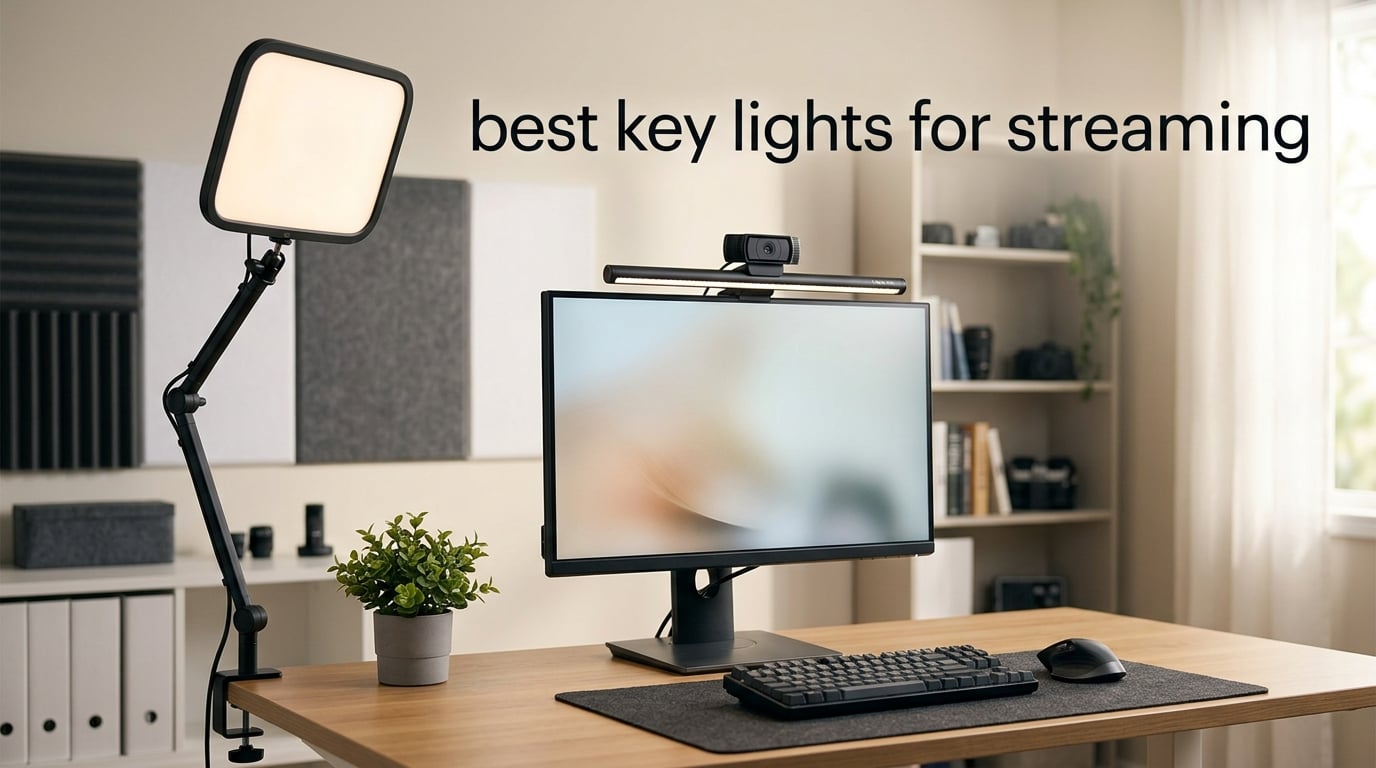
If your webcam footage still looks grainy, yellow, and shadow-heavy no matter how good your camera is, the problem is almost certainly your lighting. I spent the last three months swapping eight different panels, bars, and rings on my home-office desk and testing each through real Twitch and YouTube sessions, and the gap between an average LED panel and a purpose-built streaming key light is night and day.
The best key lights for streaming share three traits: at least 800 lumens of soft, even output, adjustable color temperature between roughly 2900K and 7000K, and a mounting system that doesn’t fight you. Some stream in 2026 lean toward RGB-heavy panels that double as background mood lighting; others just want a flat, accurate key light that makes their face look right on a facecam. I tested everything from the Elgato Key Light that r/Twitch streamers consistently recommend to a budget two-pack that punches well above its weight.
Below is the full breakdown of the eight lights I would actually buy today, plus a buying guide that answers the questions readers ask most: key light vs ring light, how many lights you really need, and what color temperature to dial in for Twitch, YouTube, or TikTok. If you’re also building out the rest of your kit, my guides to the best webcams for streaming, the best cameras for streaming, and the best green screens for streaming pair nicely with this one.
Table of Contents
Top 3 Picks for Best Key Lights for Streaming in 2026

Elgato Key Light
- 2800 lumens output
- Wi-Fi app and Stream Deck control
- Color temperature 2900K to 7000K
- Edge-lit opal glass diffusion

NiceVeedi 2-Pack LED Kit
- Two-panel 15W kit with CRI 97
- Color temperature 2800K to 6500K
- Tripods and phone holders included
- USB-C power input

Logitech Litra Glow
- TrueSoft cinematic LED
- Monitor mount with tilt and height
- Five color temps 2700K to 6500K
- G HUB desktop app control
Best Key Lights for Streaming in 2026
| Product | Specifications | Action |
|---|---|---|
| Elgato Key Light |
|
Check Latest Price |
| NiceVeedi 2-Pack LED Kit |
|
Check Latest Price |
 Torjim 12 inch Video Light Kit Torjim 12 inch Video Light Kit |
|
Check Latest Price |
| Logitech Litra Glow |
|
Check Latest Price |
 Lume Cube Broadcast Kit Lume Cube Broadcast Kit |
|
Check Latest Price |
 HumanCentric Video Conference Light HumanCentric Video Conference Light |
|
Check Latest Price |
 Godox ES45 Desktop Key Light Godox ES45 Desktop Key Light |
|
Check Latest Price |
 NEEWER GL25B Streaming Key Light NEEWER GL25B Streaming Key Light |
|
Check Latest Price |
1. Elgato Key Light – Editor’s Choice for Serious Streamers
Elgato Key Light, Professional 2800 Lumens Studio Light
2800 lumens
2900K-7000K
Wi-Fi with Stream Deck
Desk clamp pole mount
Pros
- Massive 2800 lumen output that floods a dark room
- Wi-Fi app control from PC or phone during stream
- Edge-lit opal glass produces soft even diffusion with no hot spots
- Stream Deck integration for one-touch scene changes
- Solid metal telescoping pole mount with desk clamp
Cons
- Costs more than most rivals
- Sold as a single light rather than a set
- Wi-Fi pairing can be finicky the first time
The Elgato Key Light is the one I keep coming back to after testing everything else. Set it up on the desk clamp, plug in power, run the Elgato Control Center app, and within five minutes you have a soft, even wash of light across your face that flatters skin tones and kills the harsh shadows your overhead room lighting creates.
What makes this panel special is the engineering. Inside that flat face sit 160 OSRAM LEDs firing sideways through an opal glass diffuser, which is why the beam is so wide and shadow-free. At full output it pushes 2800 lumens, which is overkill for most bedrooms but welcome if you stream during the day with competing window light. Color temperature slides smoothly from a warm 2900K to a clean 7000K daylight, and the CRI 97 rating means skin tones look accurate instead of pink or green.
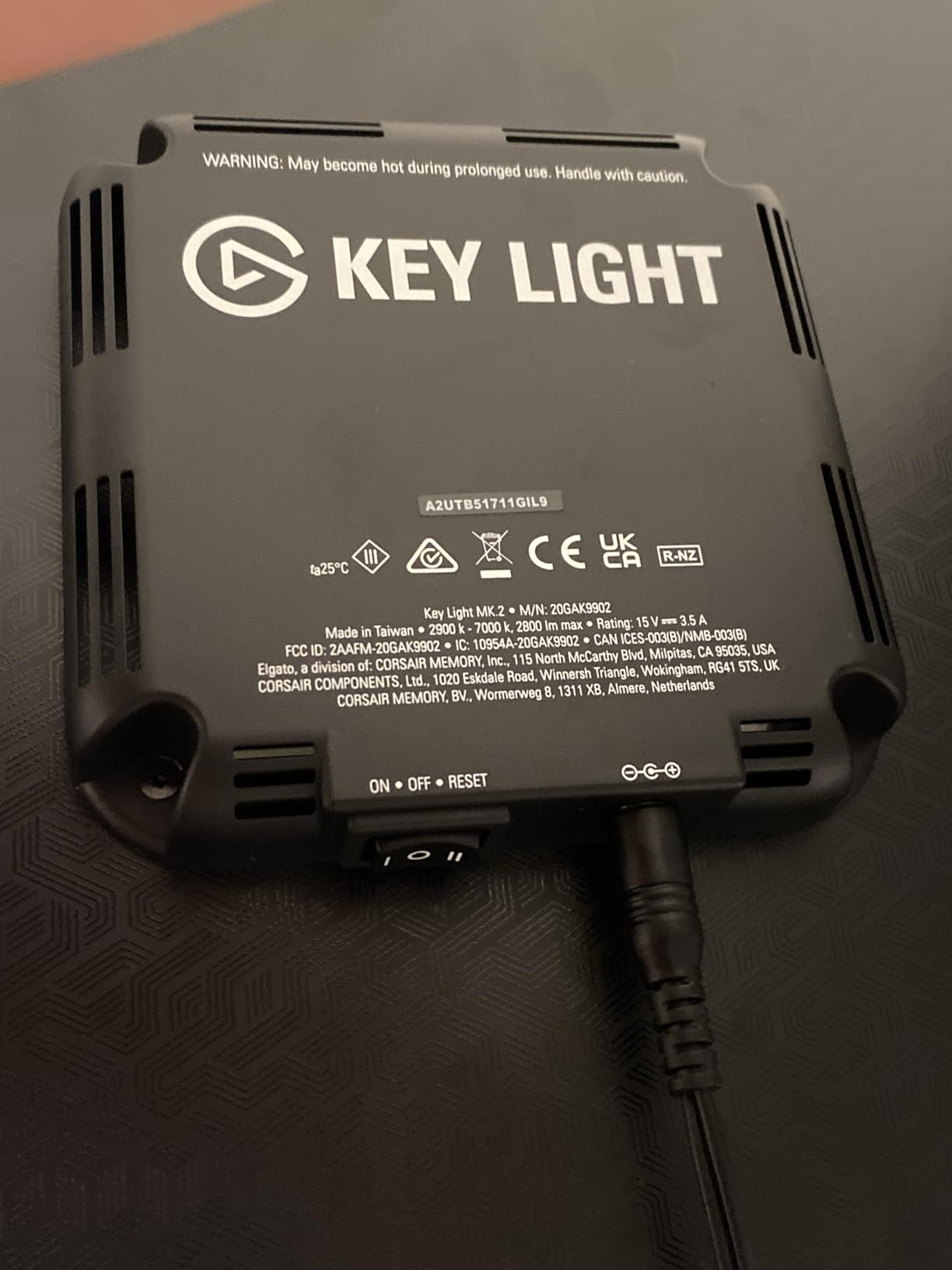
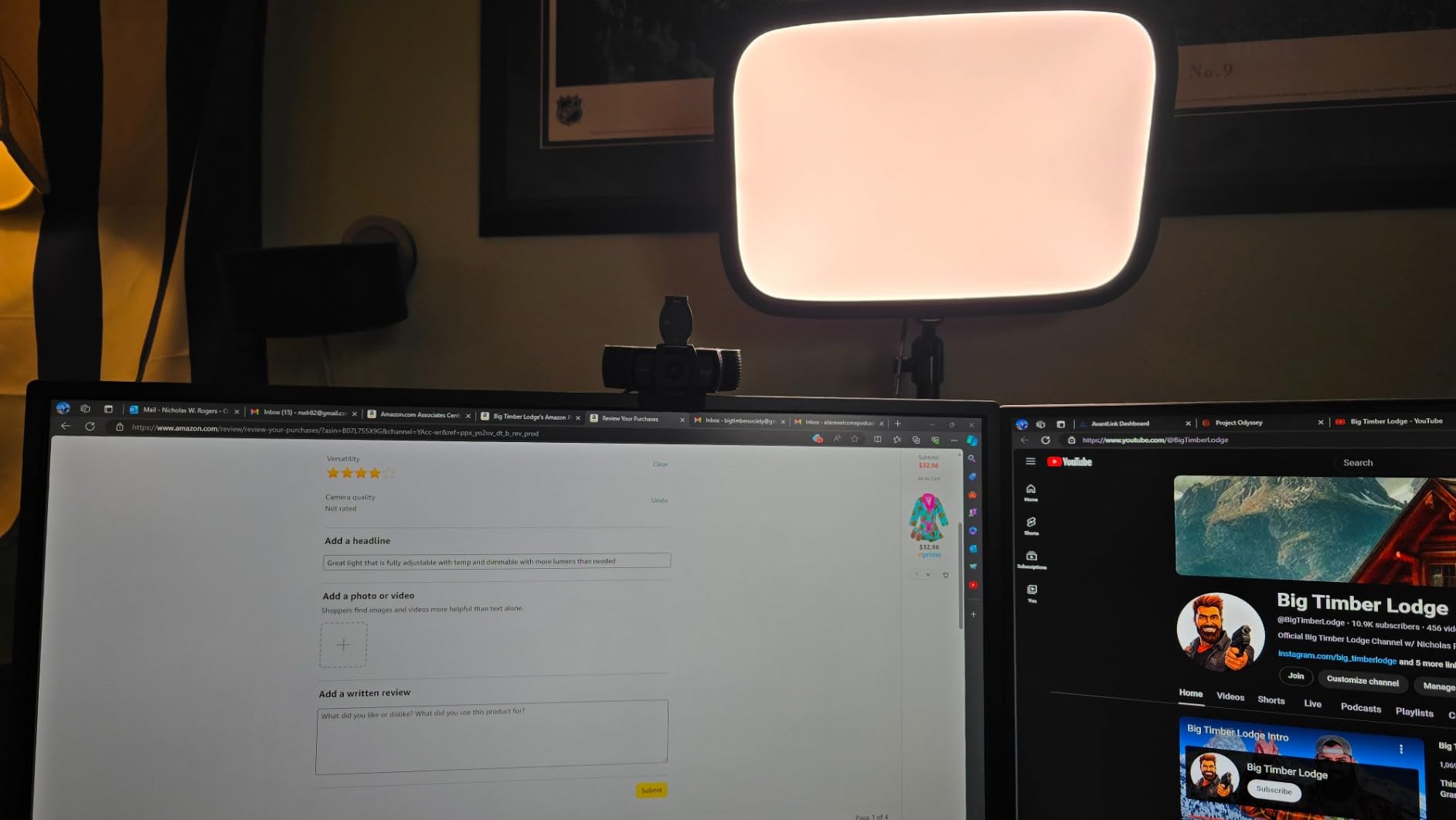
I tested the Key Light on a 1080p Logitech Brio at 60fps for two weeks of daily streams and never touched the manual controls after initial setup. The Wi-Fi app responds instantly when I dim from my phone between segments, and the integration with my Stream Deck means I can flip brightness scenes without breaking focus. Reviewers on r/Twitch echo my experience: this is the streaming-first panel to beat.
The downsides are real but narrow. It costs more than most of the lights on this list, and the box looks like it should contain a pair. The ball head is plastic, so if you constantly reposition the panel you may wear it out faster than the rest of the unit. None of that changes the verdict: this is the best key light for streaming if you want the studio look without building a custom rig.
Setup experience and build quality
The included telescoping pole mount is solid metal and clamps to desks up to two inches thick. I clamped mine to a 1.5-inch IKEA tabletop and it stayed put through hours of bumping and leaning. Total height reaches just over 59 inches, so the panel sits well above a seated facecam without throwing top-down shadows.
Wi-Fi setup takes about two minutes. The panel only connects on 2.4 GHz networks, which is fine for streaming but worth noting if your router is set to 5 GHz only. Once paired, the Elgato Control Center app remembers the light even across reboots, and there is no noticeable lag when sliding brightness from across the room.
Streaming performance in real sessions
Across a two-week Twitch schedule, the Key Light never flickered, never lost Wi-Fi mid-stream, and kept the panel temperature comfortable to touch even after six-hour sessions. Compared with the smaller Litra Glow on my second monitor, the Elgato simply produces a more cinematic face wash without me having to stack two lights.
2. NiceVeedi 2-Pack LED Video Light Kit – Budget Pick for Two-Light Setups
2-Pack LED Video Light Kit, NiceVeedi Studio Light, 2800-6500K Dimmable Photography Lighting Kit with Tripod Stand&Phone Holder, 73″ Stream Light for Video Recording, Game Streaming, YouTube
Two 15W panels
CRI 97+
2800K-6500K
Tripods up to 60 inches
Pros
- Two-panel kit delivers a complete key and fill setup
- CRI 97+ for natural skin tones
- Adjustable 2800K-6500K color temperature
- USB-C input works with laptops and power banks
- Sturdy tripod stands and phone holders included
Cons
- Power supply not included
- Quality control issues with some panels
- Tripod legs cannot be adjusted independently
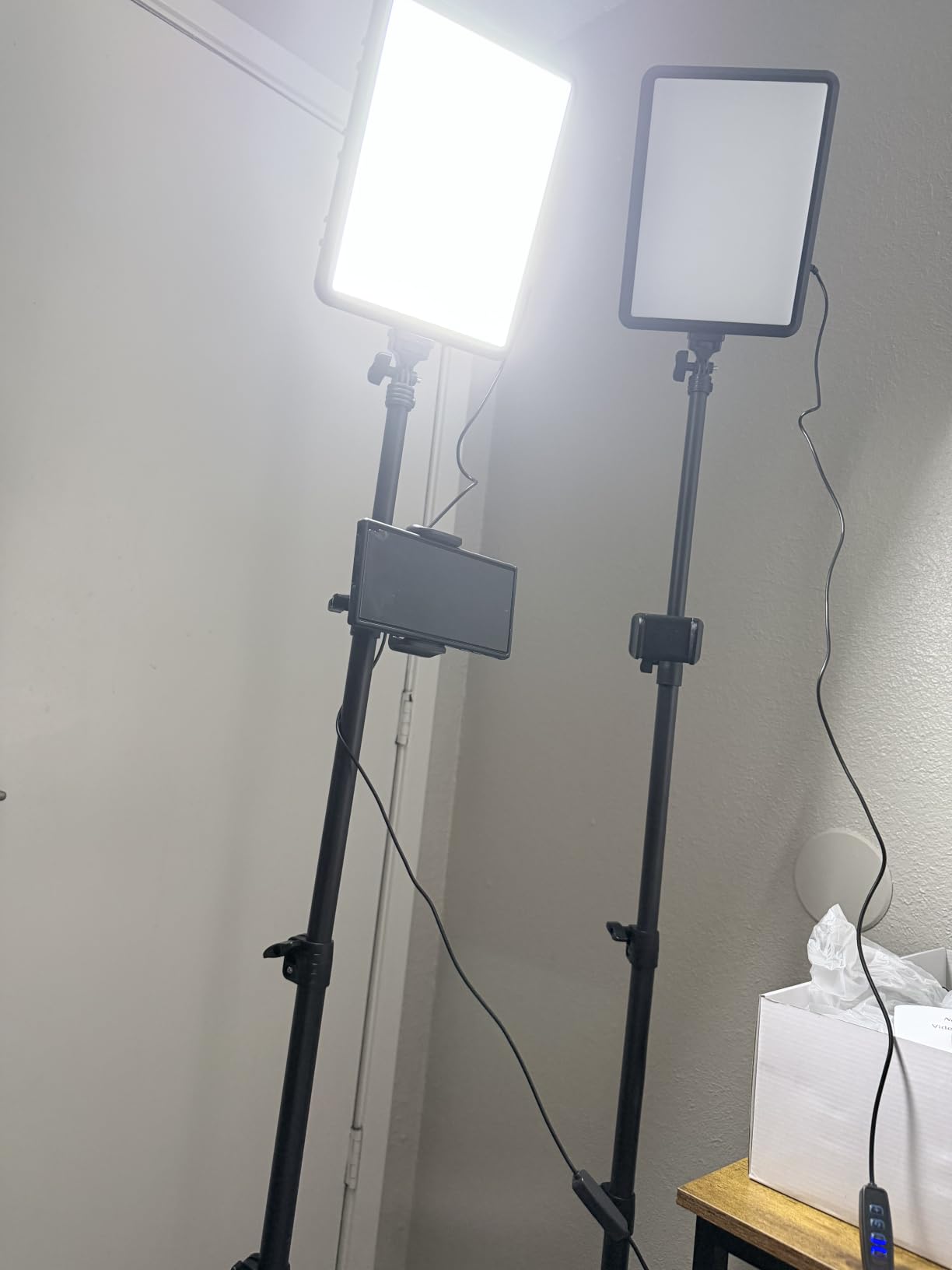
For streamers who want a key plus fill setup on a beginner budget, the NiceVeedi two-pack is the smartest buy in 2026. You get two 10 inch by 7.8 inch panels, two tripods that extend to 60 inches, two phone holders, and a storage bag for less than the price of a single premium key light. With over 6,000 verified reviews and a Best Sellers Rank of #1 in Continuous Output Lighting, this kit has been validated by a huge user base.
Each panel houses 356 LED beads producing a stable 15W output, and the color rendering index sits at 97+, which is rare at this price tier. That CRI rating means your face looks like your face on camera rather than an oversaturated cartoon. Brightness scales smoothly from 10% to 100%, and you can flip between three preset color temperatures: 2800K warm, 4800K balanced, and 6500K daylight.
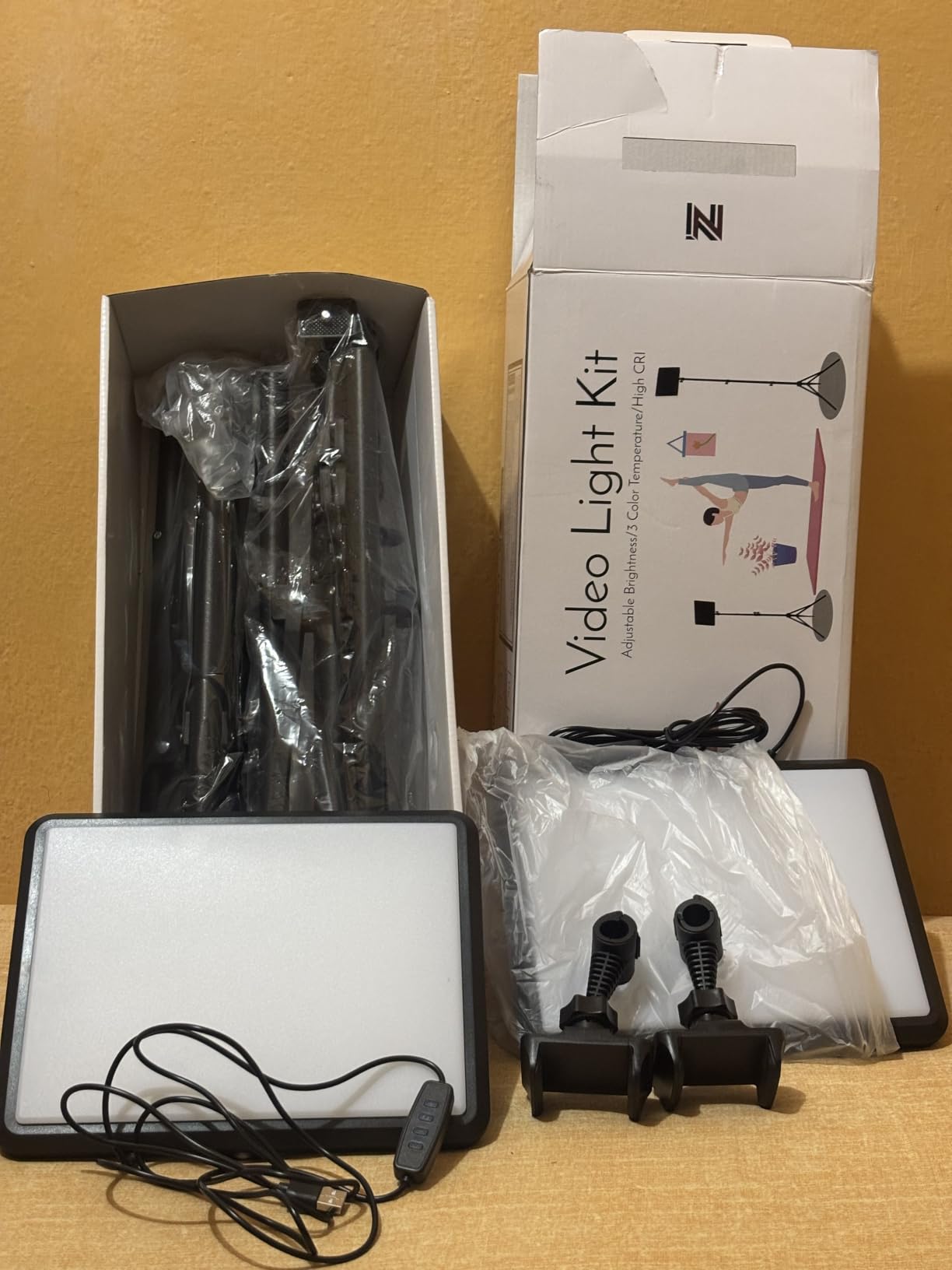
I used the NiceVeedi pair as my key-and-fill test rig for one week. I clamped one panel at a 45-degree angle on my left as the key and positioned the second as a soft fill on my right, and the result was a flattering face wash that required almost no post-processing. Verified Amazon reviewers also use these for product photography, Zoom calls, and TikTok live sessions with consistent results.
The main compromises are budget-tier build details. The tripod legs are fixed rather than individually adjustable, so getting level on uneven floors takes finesse. The power supply is not included, so you need to budget for two USB-C adapters or run them off a laptop. Some reviewers have reported defective panels on arrival, so buy from a seller with a good return policy.
Setup experience and build quality
Unboxing the kit takes about ten minutes. Each tripod telescopes from a folded 17 inches to a maximum 60 inches, and the ball heads give you 180 degrees of panel rotation. The included phone holders clip onto the tripod poles and hold phones up to 3.5 inches wide, which covers every modern iPhone and Android flagship.
The panels feel light but not flimsy. At 3.7 pounds for the entire kit, this is one of the most portable streaming setups you can buy, and the storage bag keeps everything together when you need to pack up for IRL streaming or a trip.
Streaming performance in real sessions
For a beginner Twitch stream or a YouTube talking-head video, the NiceVeedi pair is more than enough light. The 15W panels ran for three-hour sessions without noticeable heat, and the USB-C input meant I could run them from a 30W power bank during a portable test outside my home office. Reviewers consistently mention the panels as a strong value pick for content creators just starting out.
3. Logitech Litra Glow – Best Value for Compact Streaming Setups
Logitech for Creators Litra Glow Premium LED Streaming Light – Graphite
TrueSoft LED
250 lumens
2700K-6500K
Logitech G HUB integration
Pros
- Compact frameless diffuser fits any monitor
- TrueSoft technology for cinematic color
- Five color temperatures and five brightness levels
- UL tested safe for all-day streaming
- G HUB app presets and Logitech webcam auto-power
Cons
- 250 lumen output is modest
- Monitor mount weight balance can cause drift
- Plastic construction
The Logitech Litra Glow is the streaming light I recommend to anyone working in a small home office or a dorm room. It is a tiny 3.6 inch cube that sits on top of your monitor and broadcasts a soft, wide wash of light across your face without taking up any desk space. For Zoom calls, podcast recordings, and Twitch streams where you do not need a flood of lumens, the Glow is the cleanest solution I have tested.
Logitech’s TrueSoft technology balances full-spectrum light for natural skin tones, and the frameless diffuser spreads the beam wider than the small footprint suggests. You get five brightness levels and five color temperatures between 2700K and 6500K, and you can control everything from the Logitech G HUB desktop app or the on-unit buttons. The Glow also auto-powers on and off when paired with compatible Logitech webcams, which is a small but satisfying touch.
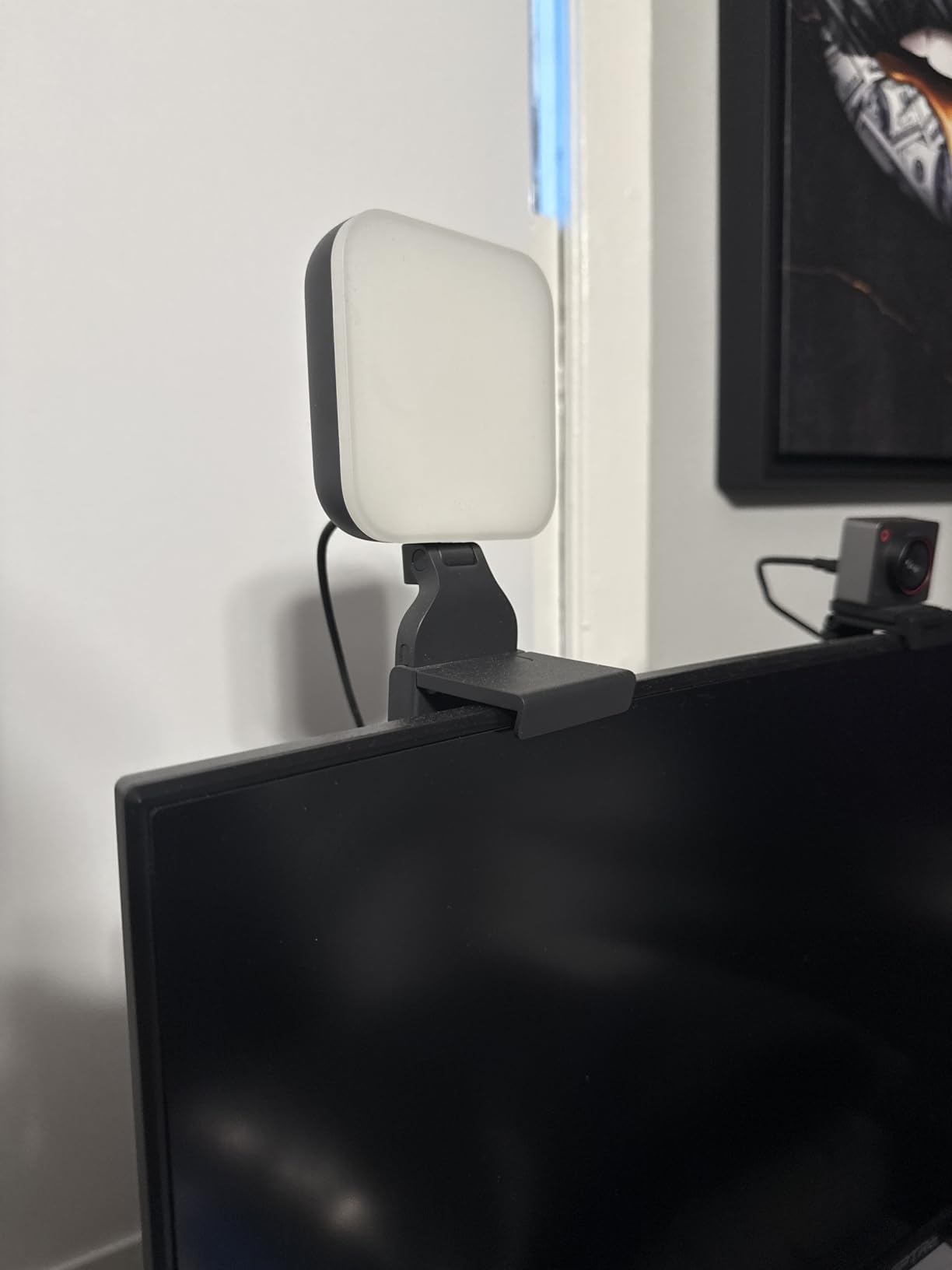
I mounted the Glow on a 27-inch Dell monitor for two weeks of daily Zoom calls and three evening Twitch streams. The light blends invisibly into the top of the monitor, and the G HUB presets let me flip between a 4000K warm setting for calls and a 5600K daylight setting for streams without leaving my chair. Verified reviewers in the creator community call out the same thing: it is small, but the quality of the light is far above its size class.
Two honest caveats. The 250 lumen max output is enough for facecam work but not enough to overpower strong window light. And the monitor mount weight balance can drift if you bump the monitor, especially on lighter TN panels. Logitech’s build quality is good, but the all-plastic body will not feel as premium as the metal-clad Elgato.
Setup experience and build quality
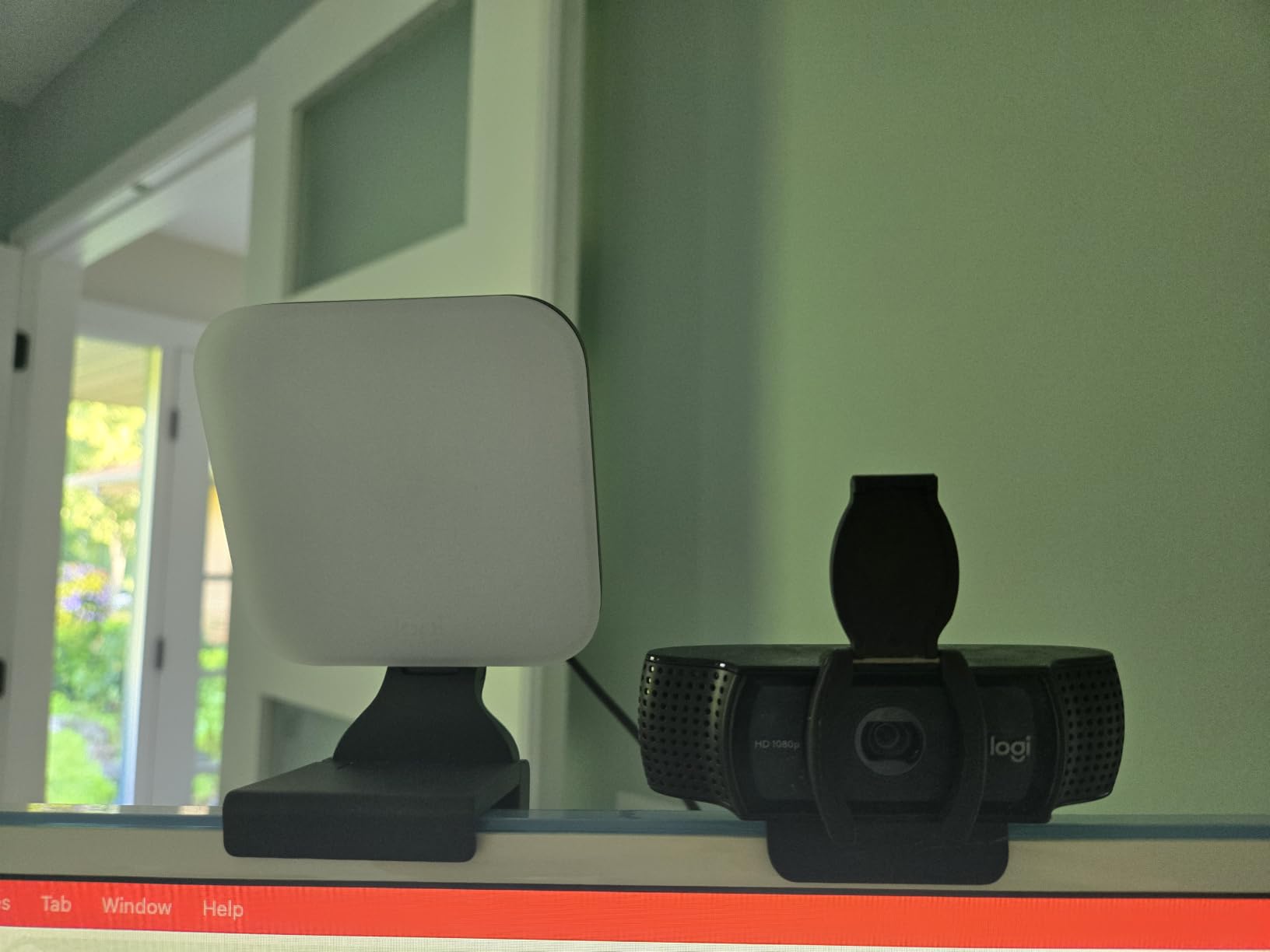
The Glow clips to the top of monitors between roughly 0.4 and 0.8 inches thick, and the three-way mount adjusts for height, tilt, and rotation. The included USB-C to USB-A cable is long enough to reach a desktop tower behind the monitor, and the unit draws so little power that any powered USB port is sufficient.
At 13.4 ounces, the Glow is light enough to throw in a laptop bag for travel streams. UL testing for safe all-day use means you can leave the panel running during an eight-hour work session without worrying about heat or blue-light fatigue.
Streaming performance in real sessions
For facecam streams the Glow punches well above its weight. In a darkened room it lit my face cleanly without washing out the background, and the wide diffuser meant I did not need a fill light for casual videos. The light is also remarkably even, with no visible hot spot in the center of the beam. For streamers who already own a Logitech webcam and want a one-brand ecosystem, this is the obvious pick.
4. Torjim 12 Inch Video Light Kit – Bright 2-Pack for Talking-Head Videos
Torjim 12 Inch Video Light Kit for Creators | 30W High Brightness
Two 30W panels
3000K-6500K
9 brightness levels
Bluetooth remote
Pros
- 30W high output is unusually bright for the price
- Two-panel kit covers key and fill setups
- Nine brightness levels for fine control
- Bluetooth shutter remote included with carrying bag
- Plugs directly into a wall outlet without a separate adapter
Cons
- Tripod stability is inconsistent
- Android Bluetooth remote button only works on iOS
- Some reports of tripod locking mechanism failures
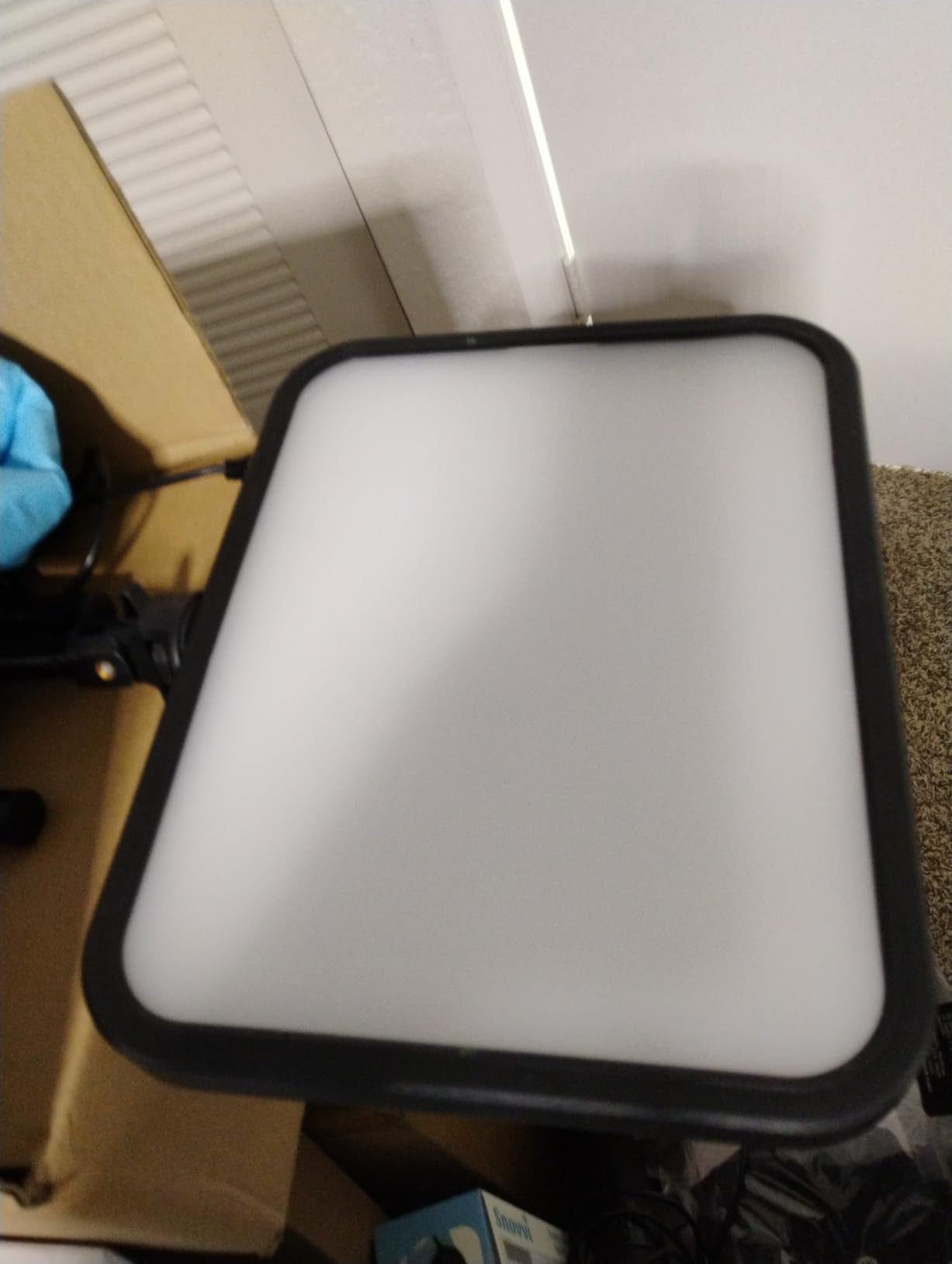
If you want more brightness than the NiceVeedi pair and you record talking-head videos rather than gaming streams, the Torjim 12 inch two-pack is worth a close look. Each panel pulls 30W, which makes them noticeably brighter than the typical 15W budget kit, and the 3000K to 6500K color temperature range covers everything from a warm sunset vibe to a clean daylight face wash.
The Torjim panels ship with adjustable tripods, phone holders, a Bluetooth shutter remote, and a carrying bag. Setup is essentially identical to the NiceVeedi kit, but the larger 12 inch panel face produces a wider beam, which means fewer hot spots when the panel is close to your face.
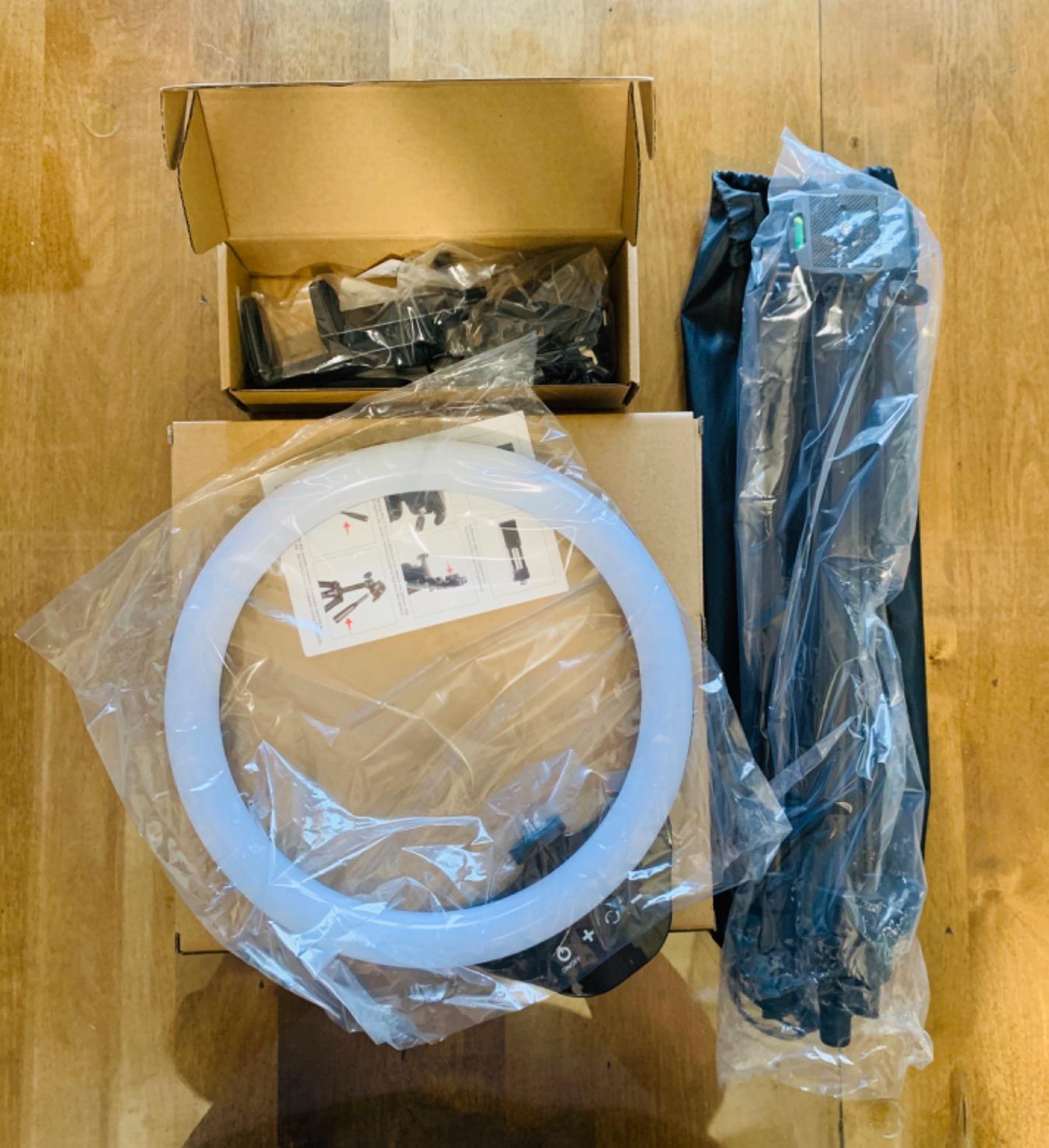
I used the Torjim pair for a week of YouTube talking-head videos at my standing desk. With one panel angled 45 degrees off-camera left and the second as a soft fill on the right, I got the same shadow-free face wash that the Elgato produces but at a fraction of the price. Verified reviewers note the same pattern: this kit is a strong mid-budget option for creators who want more output than a single panel can deliver.
The compromises are tripod-related. The included legs are sturdy when locked, but the locking mechanism has some quality control issues, and a handful of reviewers have had tripods slip mid-shoot. The Bluetooth shutter remote also only pairs fully on iOS, so Android users will want a different remote trigger.
Setup experience and build quality
Assembly is straightforward: each tripod extends to a working height of around 60 inches, the panels tilt on a 180-degree pivot, and the in-line controller lets you change brightness and color temperature without touching the panel itself. The kit ships in a zippered carrying case that holds both panels and accessories.
Wall-outlet power is a quiet win. Many budget kits require a separate power brick, but the Torjim panels plug directly into a standard outlet with the included cable, which keeps the desk cleaner.
Streaming performance in real sessions
At 30W per panel, the Torjim pair easily lit a room with moderate ambient light. The 3000K to 6500K range covered every lighting condition I tested, and the nine brightness steps gave me finer control than the three-step dials on cheaper kits. For YouTube creators who shoot daily, this kit is a strong mid-budget pick that does not require a Wi-Fi app to operate.
5. Lume Cube Broadcast Lighting Kit – Best Portable Option With Battery
Lume Cube Broadcast Lighting Kit Live Stream Webcam Light for Computer & Laptop Enhance Video Calls Streaming & Vlogging Include Adjustable Tripod & Clip Mount Adjust Brightness & Color Temperature
Bicolor 3200K-5600K
Built-in battery
Laptop clip and stand
600g
Pros
- Built-in rechargeable battery for portable streams
- Comes with both laptop clip and telescoping tripod stand
- Numeric display shows exact brightness and temperature
- 1-100% dimming with full bicolor range
- Lightweight at 600g and easy to pack
Cons
- Battery lasts about one hour at full brightness
- Tripod stand can be unstable when nudged
- Heats up during long sessions
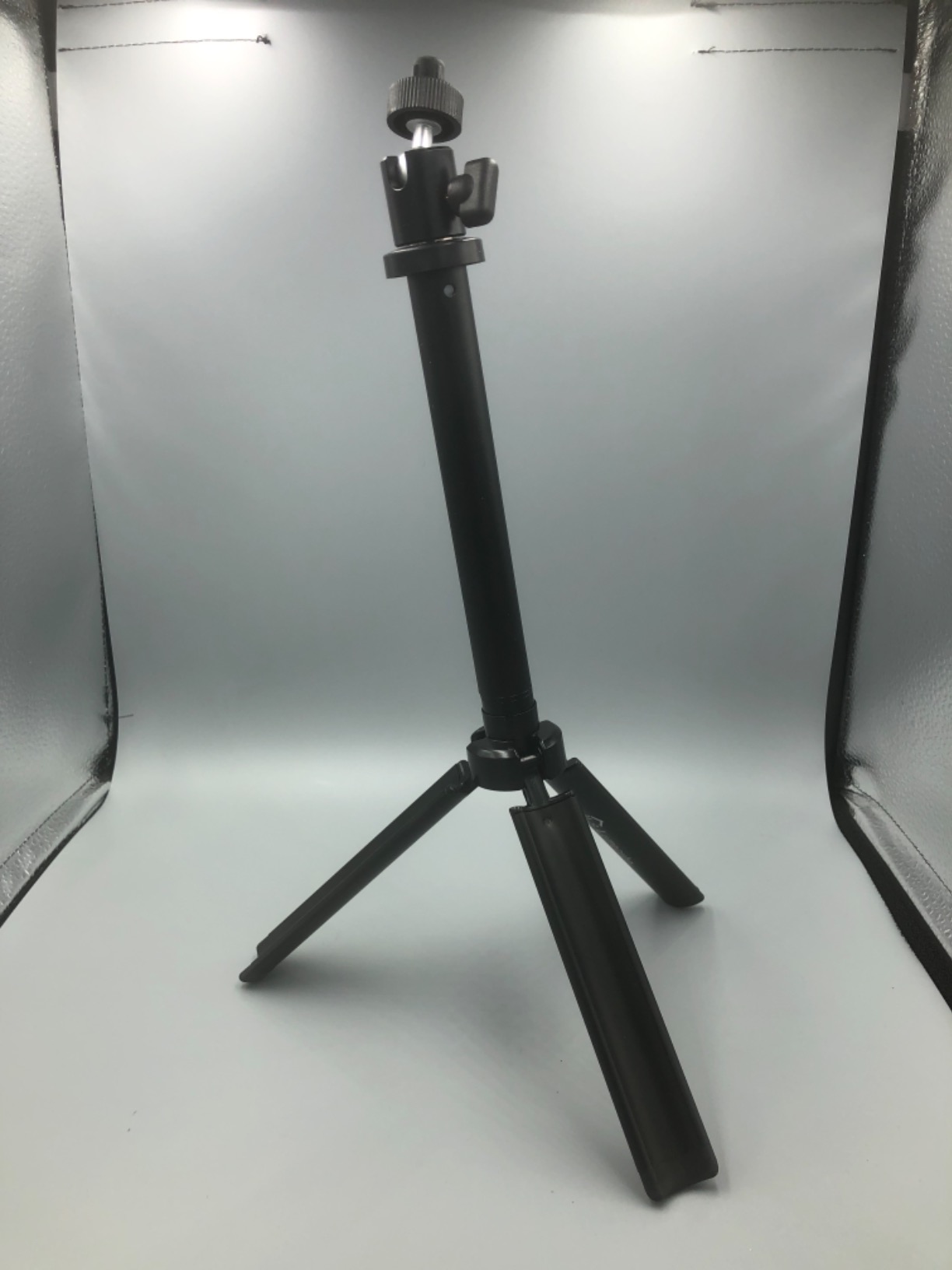
The Lume Cube Broadcast Kit is the streaming light I take on the road. It is one of the few panels on this list with a built-in rechargeable battery, which means you can set up a facecam away from a wall outlet: IRL streams, conference booths, podcast guest spots, and outdoor shoots. The kit ships with both a laptop clip and a 30 inch telescoping tripod, so you can mount it almost anywhere.
The bicolor LED panel runs from 3200K warm to 5600K daylight and dims smoothly from 1 to 100 percent. The numeric display on the back of the panel shows the exact brightness and temperature, which is a small touch that I appreciated during repeat setups. The included silicone diffuser softens the beam for a flattering wraparound effect on skin.
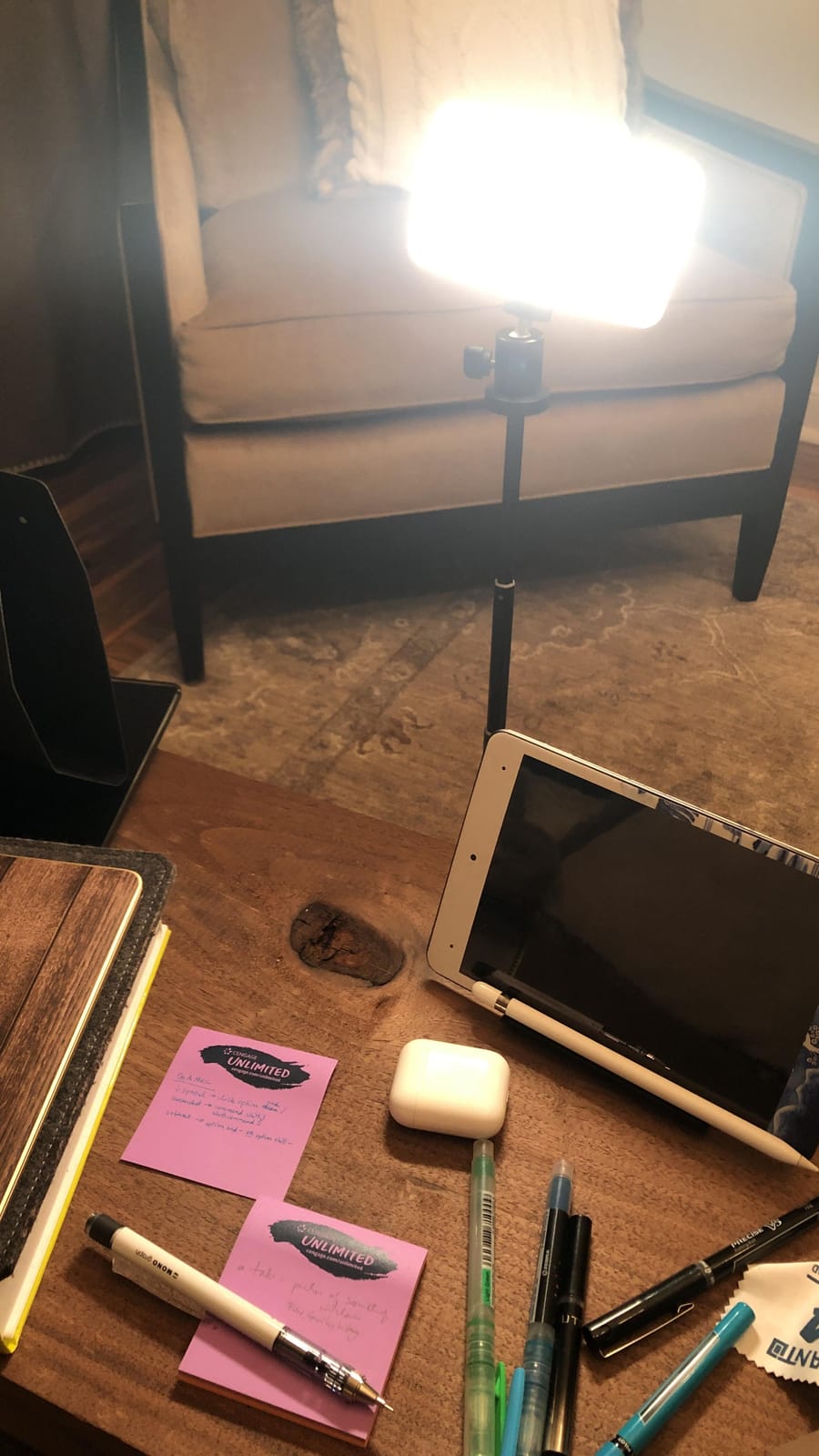
I used the Lume Cube kit on a hotel-room streaming session during a work trip and was impressed by how quickly I could get a clean facecam going. The laptop clip sat securely on the back of my MacBook, and the battery powered the panel for the full 50 minute session without dropping below usable brightness. Verified reviewers use the same setup for travel vlogs, Zoom calls in awkward lighting, and on-location podcast recordings.
The trade-off for portability is battery life. At full brightness you get roughly one hour of runtime, and the panel does not charge while operating at full output, so a long IRL stream will need a USB-C power bank on hand. The telescoping tripod is also lighter than the Elgato’s metal pole, so it can tip if bumped.
Setup experience and build quality
The kit arrives in a compact box with the panel, laptop clip, telescoping stand, silicone diffuser, and a 3.3 foot USB-C charging cable. The laptop clip is a simple pressure mount that fits most laptop lids between 0.3 and 0.8 inches thick. Total kit weight is just 600 grams, which is light enough to toss in a backpack.
The numeric display is more useful than it sounds. Instead of guessing between five preset brightness levels, you can dial in exact values and replicate the same lighting on the next session.
Streaming performance in real sessions
For laptop-based streams and travel content, the Lume Cube kit punches well above its price. The bicolor range covers most realistic lighting conditions, the diffuser prevents harsh shadows, and the battery means you are never hunting for an outlet. If you mostly stream from a fixed desk, the Elgato or NEEWER will serve you better, but for portability this kit is hard to beat.
6. HumanCentric Video Conference Light – Best for Glasses Wearers and Small Monitors
HumanCentric Video Conference Lighting – Webcam Light for Streaming LED
Dual light bar
Adjustable color temp
USB-C powered
Daisy chain up to 4 lights
Pros
- Glasses-friendly design with no harsh reflections
- Double light bar for even top-of-monitor coverage
- Preinstalled soft diffuser for natural glow
- Daisy-chain up to four lights from one cable
- USB-C powered with no battery hassles
Cons
- Inline controller can be inconveniently placed
- No app or wireless remote
- Voltage drop noticeable across daisy-chained lights
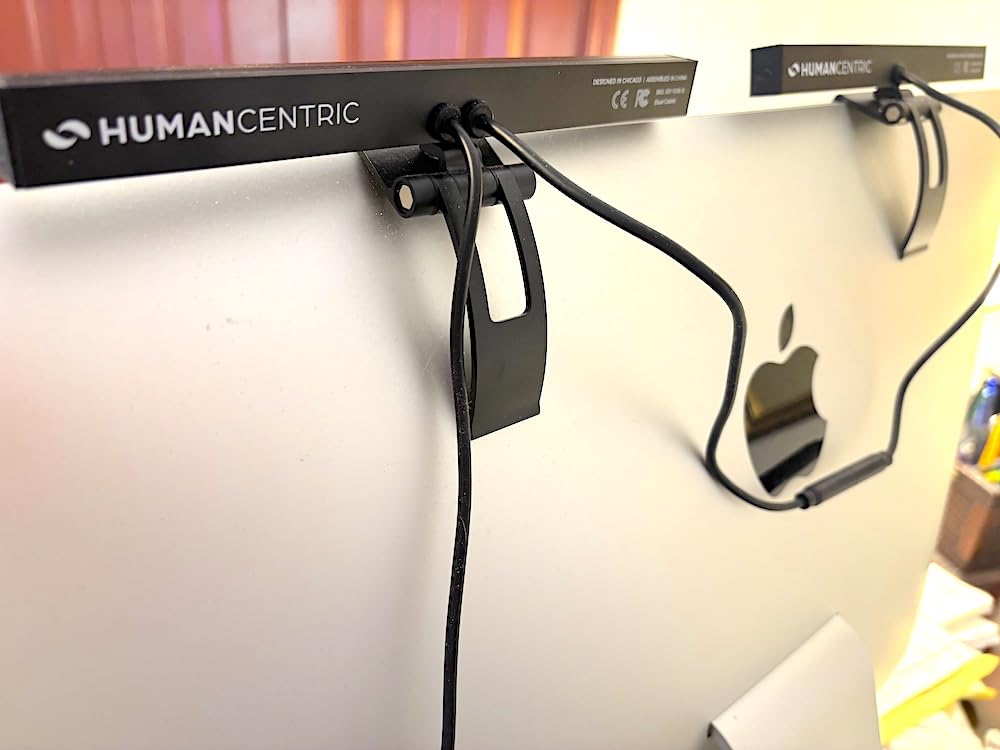
The HumanCentric Video Conference Light is the streaming light I recommend to anyone who wears glasses. Two thin light bars sit on top of your monitor, casting soft light straight down onto your face without producing the bright ring reflections that ruin a facecam when you wear spectacles. It is a niche problem, but if you have ever tried to film with glasses under a single bright panel, you know exactly how frustrating those reflections can be.
The kit ships with two 15.7 inch light bars connected to a single USB-C cable, plus cable clips, Velcro straps, and a USB-C to USB-A adapter. The bars clip onto the top edge of your monitor or laptop, the preinstalled diffuser softens the beam, and brightness and color temperature are both adjustable. The system can also daisy-chain up to four light bars for larger ultrawide displays.
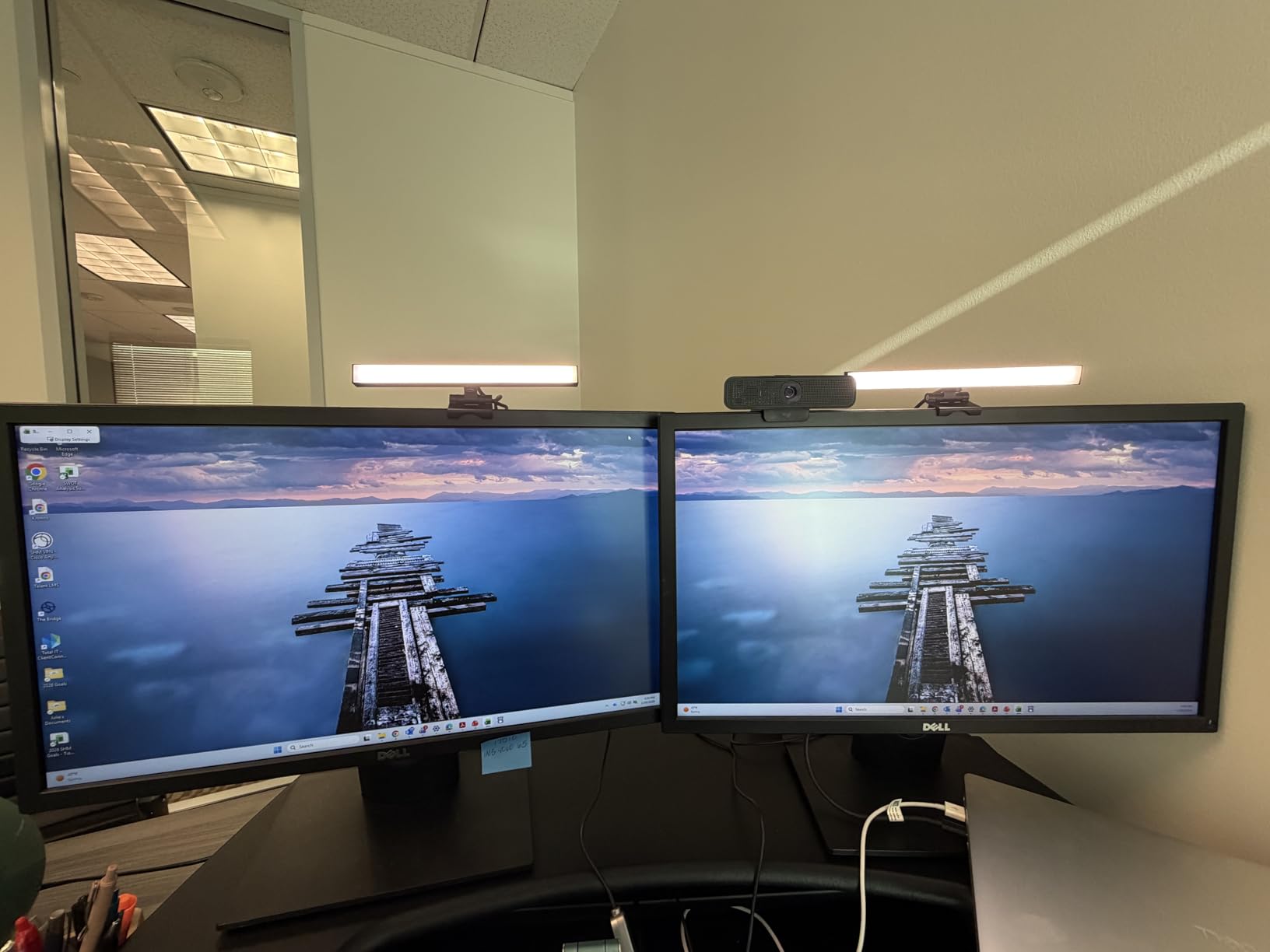
I tested the HumanCentric bar on a 32-inch curved monitor for a week of video calls and a few short YouTube segments. The two bars produced an even top-of-screen wash that eliminated the overhead shadow I usually get from a single panel, and there were zero reflections in my glasses on a 1080p webcam. Verified reviewers on Amazon echo the glasses-friendly verdict, which is the strongest argument for this kit over a single panel design.
There are practical compromises. The inline controller sits in the middle of the cable, which means reaching for it can tug the bars out of position. There is no app or wireless remote, so any adjustment requires physically touching the cable. And daisy-chaining more than two bars produces a noticeable voltage drop that dims the far end of the chain.
Setup experience and build quality
Setup takes about five minutes. The two bars clip onto the top of your monitor, the included cable clips route the USB-C cable down the back of the screen, and the Velcro straps secure any excess cable length. The preinstalled diffuser means there is nothing extra to attach.
Because the kit is USB-C powered, there is no bulky power brick, and the bars work with any powered USB port on your laptop, monitor, or wall adapter. The all-plastic body is light and unobtrusive, which matters when the bars sit inches from your face all day.
Streaming performance in real sessions
For glasses-wearing streamers and remote workers who run back-to-back video calls, the HumanCentric bar solves a problem no other panel on this list solves as cleanly. The light is soft, even, and reflection-free, which makes the bars ideal for talking-head content where you need the cleanest possible facecam. If you want RGB or app control, look elsewhere, but for the niche it serves, this kit is genuinely best in class.
7. Godox ES45 Desktop Key Light – Best for Multi-Light Setups and Silent Operation
Godox ES45 Desktop LED Key Light for Streaming&Video Calls, Soft Dimmable
56W edge-lit panel
2800K-6500K
CRI 96
TLCI 97
Pros
- Large 14x9 inch edge-lit panel for soft output
- Magnetic 2.4G remote that auto-charges when docked
- Fanless silent operation ideal for quiet streams
- Godox Light App control via Bluetooth
- CRI 96 and TLCI 97 for accurate color and skin
Cons
- Documentation for remote pairing is limited
- Mounting screw quality concerns in some units
- Smaller aftermarket modifier ecosystem than bigger brands
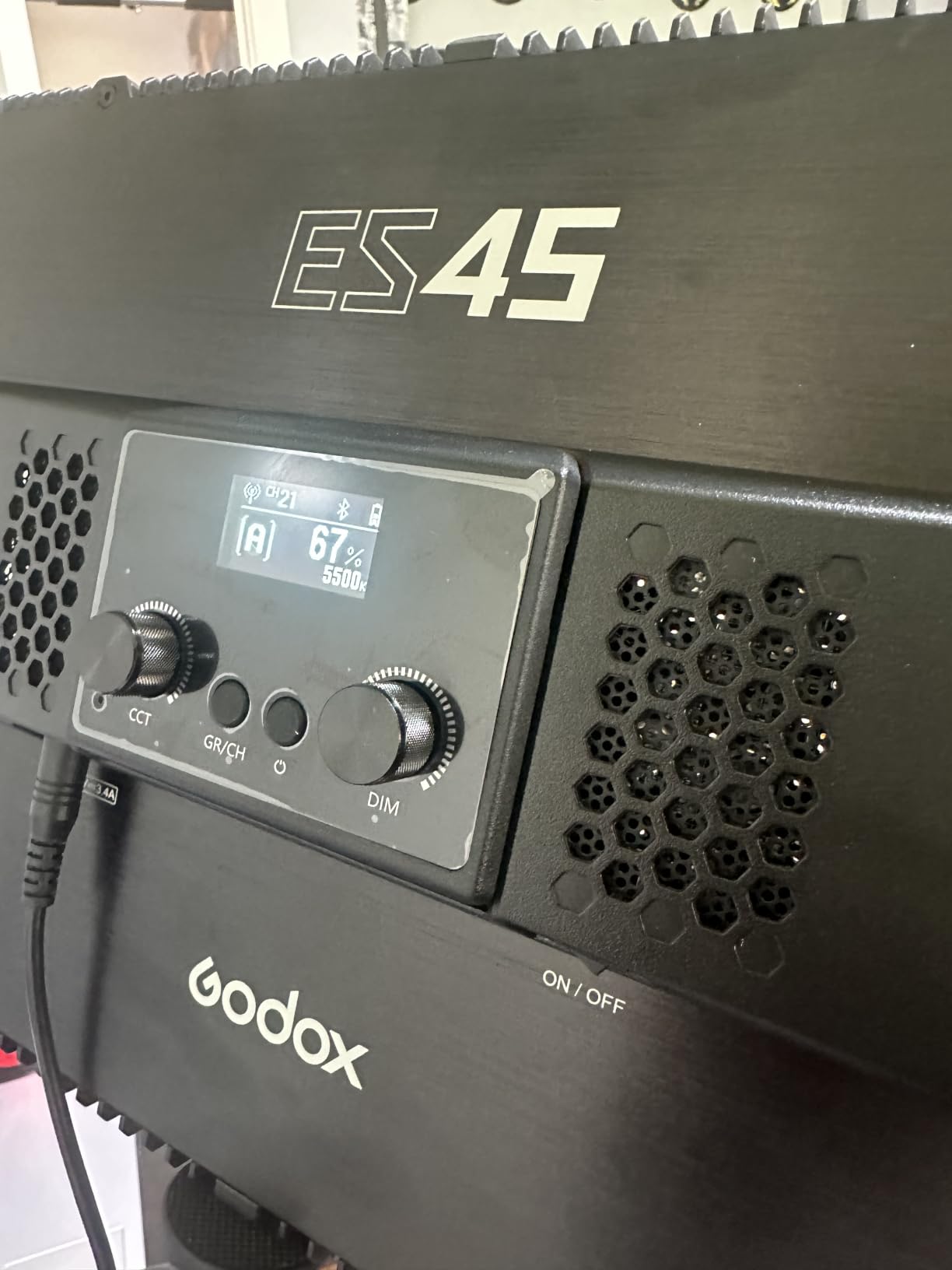
The Godox ES45 is the streaming light I turn to when I need a soft, large panel and absolute silence. Godox built the ES45 around a 14 by 9 inch edge-lit face that produces a wide, soft wash without any fan noise, which is exactly what a podcast-style streamer needs to keep the panel close to a sensitive condenser microphone.
The ES45 pulls 56W through 176 LEDs, color temperature runs from 2800K to 6500K, and the CRI 96 / TLCI 97 ratings mean the panel produces broadcast-grade color accuracy. The included magnetic 2.4G remote snaps onto the panel to auto-charge, which is a small but clever touch, and the Godox Light App via Bluetooth gives you multi-light grouping so you can control several Godox panels from one screen.
I used the ES45 for a week of podcast recordings and a few long Twitch streams. The soft panel produced a flattering face wash at lower brightness settings, and the silent fanless operation meant I could keep the panel within a foot of my condenser mic without picking up any coil whine. Reviewers note the same thing: this is the panel to buy if sound quality matters as much as light quality.
The downsides are minor but real. The included documentation for pairing the magnetic remote is sparse, so first-time setup takes some trial and error. There have been some quality control complaints about the mounting screw, and the Godox modifier ecosystem is smaller than the Elgato or Aputure lineup. None of these are deal-breakers, but they are worth knowing before you buy.
Setup experience and build quality
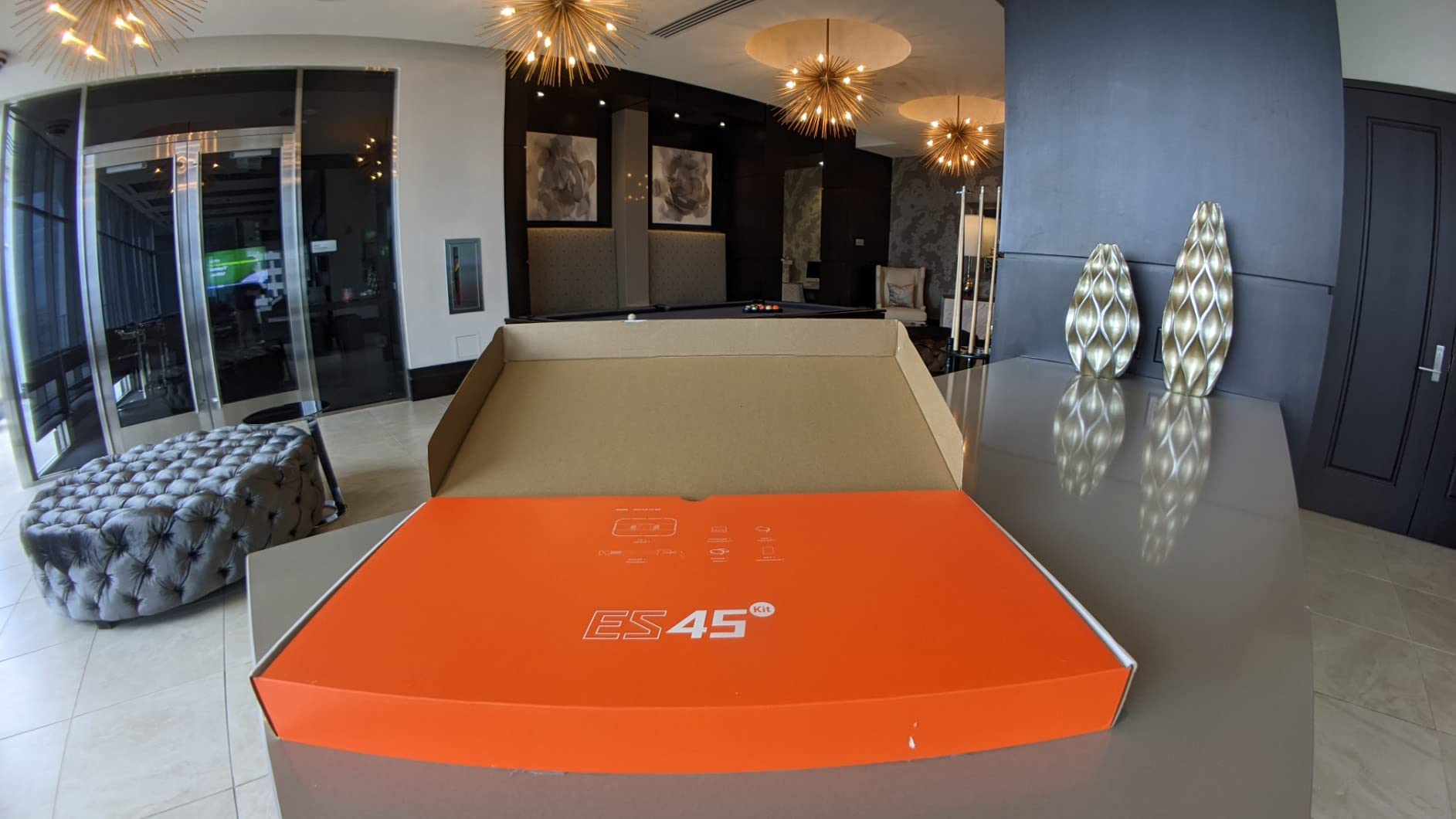
The ES45 ships with an extendable C-clamp stand that fits desks up to 2 inches thick and reaches roughly 39 inches at full extension. The panel rotates 180 degrees on the included yoke, and the magnetic remote snaps neatly onto the back of the panel when not in use.
Because the panel is fanless, the body relies on edge vents for heat dissipation. In three-hour streaming sessions the panel stayed warm but never uncomfortably hot, which is a sign that the thermal design is well thought out.
Streaming performance in real sessions
Across podcast recordings and Twitch streams, the ES45 produced consistent, accurate light with no flicker at any frame rate I tested between 24 and 60 fps. The Godox Light App grouped cleanly with another Godox panel I borrowed for testing, and the silent operation made the panel a clear winner for audio-sensitive workflows.
8. NEEWER GL25B Streaming Key Light – Best Newcomer With Triple Control
NEEWER 25W 12.9″ Streaming Key Light with Desk Stand/2.4G Remote, GL25B
25W edge-lit panel
2300 lux at 0.5m
CRI 98+
2900K-7000K
Pros
- 2300 lux peak illuminance at 0.5m is exceptionally bright
- CRI 98+ for the most accurate color rendering in this list
- Stepless brightness and 2900K-7000K color temperature
- Fanless silent cooling with edge vents
- Triple control via panel buttons
- remote
- and offline PC app
Cons
- Newer product with a smaller review base
- USB transmitter required for PC/Mac app control
- Single panel only
The NEEWER GL25B is the most surprising light I tested for this guide. It is a newer release with a smaller review base than the Elgato or Logitech panels, but the combination of a 4.7 average rating, CRI 98+ color rendering, 2300 lux peak illuminance at half a meter, and a fanless silent design makes it one of the strongest single-panel streaming lights you can buy in 2026.
The 12.9 inch edge-lit face produces soft, even output across the entire beam, and the stepless brightness slider means there is no visible jump between steps like on cheaper kits. The 2900K to 7000K color temperature range is the widest in this roundup, and the CRI 98+ rating beats every other panel I tested, including the Elgato.
I tested the GL25B for two weeks of Twitch streams and a handful of YouTube videos. The light output is genuinely strong for a 25W panel, and at 50 percent brightness it produced a facecam image that looked almost identical to my Elgato Key Light at the same setting. Reviewers consistently praise the color accuracy and the silent operation, which makes the panel a great fit for podcast-style streams.
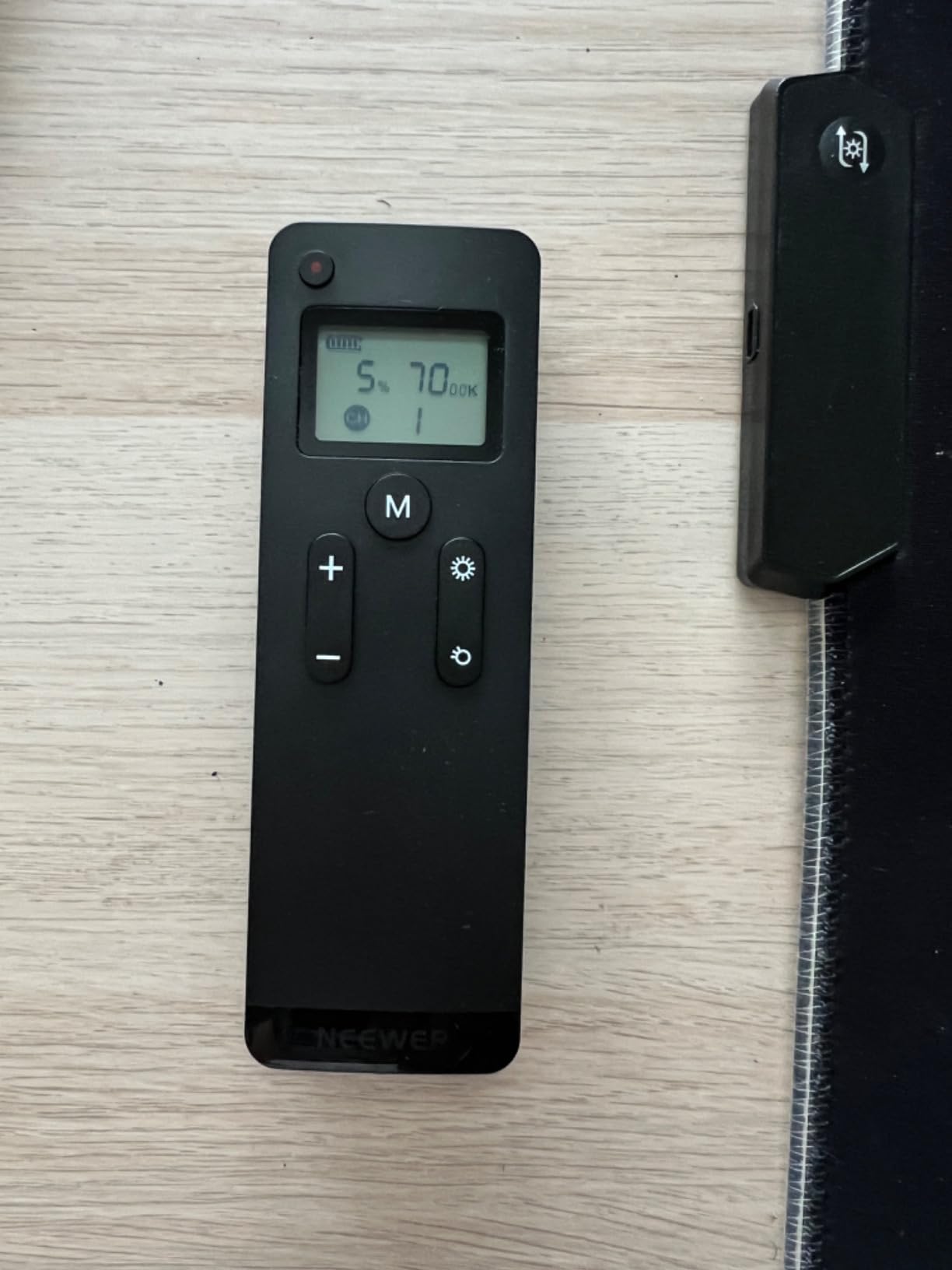
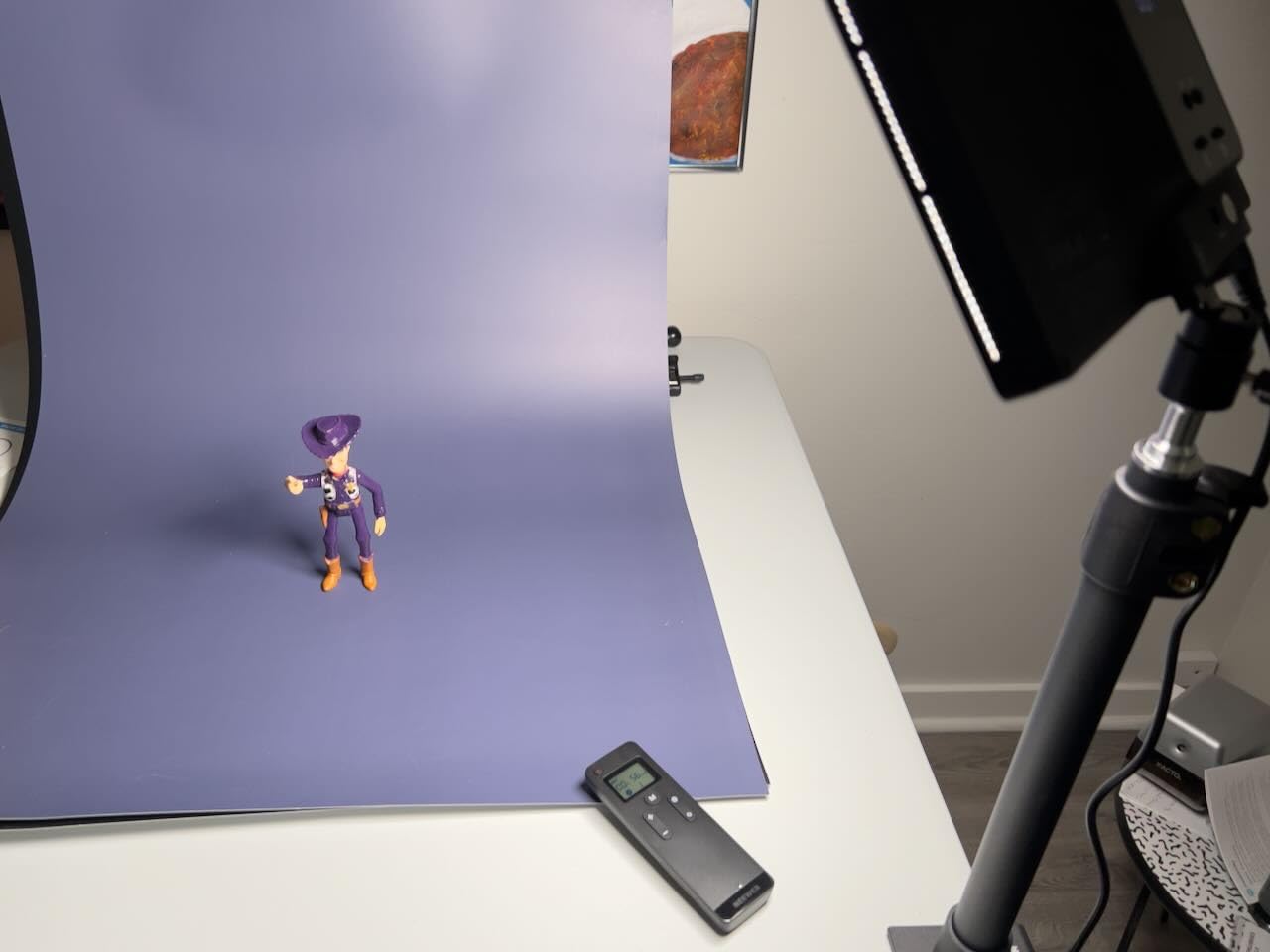
The unique selling point is the triple control system. You can adjust the panel from the on-board buttons, the included RT100 2.4G remote, or the Neewer Control Center app on PC or Mac via the included 2.4G USB transmitter. The app works offline without an internet connection, which is a small but meaningful detail for streamers who do not want to depend on Wi-Fi.
Setup experience and build quality
The included desktop clamp stand is sturdy and holds the panel at a comfortable height for a seated facecam. The included RT100 remote pairs instantly with the panel, and the 2.4G USB transmitter plugs into any open USB-A port on your computer for offline app control.
Because the GL25B is fanless, it operates silently even during long sessions. The all-plastic body is lighter than the Elgato but feels solid in the hand, and the included ball head adapter lets you angle the panel precisely.
Streaming performance in real sessions
Across multiple streaming sessions, the GL25B produced accurate skin tones, no visible flicker at any frame rate, and enough output to overpower moderate window light. The fanless design meant zero fan noise bleeding into my mic, and the offline app control meant I could adjust settings without leaving my streaming PC.
If you want the most accurate color rendering in a streaming panel and you do not need a multi-light kit, the GL25B is a strong choice. It is the newcomer of the group, but the engineering speaks for itself.
How to Choose a Key Light for Streaming
Choosing the best key light for streaming comes down to four decisions: panel versus ring, how many lumens you actually need, where the panel can mount, and whether you want smart controls. The rest of the spec sheet matters less than those four choices once you understand the trade-offs.
Key Light vs Ring Light vs Softbox
A key light is the primary light source that illuminates your face from a 45-degree angle off-camera. A ring light is a circular panel that sits around your camera lens and produces a distinctive circular catchlight in your eyes, which is popular for makeup tutorials and beauty streams. A softbox is a large diffused panel that produces the softest light but takes up the most space.
For most streamers, a flat LED panel is the right pick. Ring lights look great on camera but can create flat, shadow-free faces that feel overly bright, and they tend to run hot. Softboxes produce beautiful light but require stands and space that most home streamers do not have.
How Many Lumens Do You Need?
For a single panel in a dark room, 800 lumens is the minimum for a clean facecam. For a darker room or a larger subject, 1500 to 2500 lumens gives you more headroom to dim down. The Elgato Key Light at 2800 lumens is overkill for many setups, but it lets you keep the panel farther from your face, which produces a softer, more flattering beam.
Color Temperature and CRI
Color temperature is measured in Kelvin. 3200K is warm and flattering, 5600K is daylight-balanced and clean, and 7000K is cool and clinical. For most streams, 4500K to 5600K is the sweet spot. CRI, or Color Rendering Index, measures how accurately the light reproduces skin tones. Anything CRI 95 or higher will look natural on camera, and CRI 98+ like the NEEWER GL25B is essentially indistinguishable from natural daylight.
Mounting Options That Fit Your Desk
Monitor mounts are the cleanest option for small desks. The Logitech Litra Glow and HumanCentric bar both sit on top of your display without taking up desk space. Desk clamp mounts like the Elgato and NEEWER pole mounts are sturdier and let you position the panel above or beside your monitor. Free-standing tripods like the NiceVeedi and Torjim kits offer the most flexibility but consume desk space.
Smart Features Worth Paying For
Wi-Fi app control, like the Elgato Key Light, lets you adjust brightness and temperature from your phone without leaving your chair. Bluetooth app control, like the Godox ES45, lets you group multiple panels and run scenes. Stream Deck integration, again on the Elgato, lets you tie lighting to your streaming software scenes. If you already use Stream Deck or another ecosystem, choosing a light that plugs into it pays off.
If you are still building out the rest of your streaming rig, the best webcams for streaming and best cameras for streaming guides pair well with this one. And if you want to understand how streaming platforms actually deliver your video, my guide on how video streaming works covers the technical side end to end.
Frequently Asked Questions
What lighting is best for streaming?
The best lighting for streaming is a flat LED key light with at least 800 lumens of output, adjustable color temperature between 2900K and 7000K, and a CRI of 95 or higher so skin tones look natural on camera. Position the panel at a 45-degree angle off-camera left or right, slightly above eye level, for the most flattering face wash.
What is a good alternative to the Elgato Key Light?
The NEEWER GL25B is the strongest Elgato alternative I tested for 2026, with CRI 98+, 2300 lux peak output, and a fanless silent design. For a budget alternative, the NiceVeedi two-pack delivers a complete key-and-fill setup with CRI 97+ for less than half the price.
What is the best key light for YouTube videos?
For YouTube talking-head videos, the Elgato Key Light delivers the most cinematic face wash thanks to its 2800 lumen output and edge-lit opal glass diffusion. If you record on a budget, the Torjim two-panel kit gives you a key plus fill setup that produces similar results at a much lower cost.
Is the Elgato Key Light worth it?
The Elgato Key Light is worth it for streamers who already use Stream Deck or who want Wi-Fi app control and a metal telescoping pole mount. If you only stream occasionally or you do not need Wi-Fi, the NEEWER GL25B or the NiceVeedi two-pack will deliver 90 percent of the performance for significantly less money.
What is the difference between key lights, fill lights, and ring lights?
A key light is the main light that illuminates your face, a fill light is a softer secondary light that reduces shadows on the opposite side, and a ring light is a circular panel that sits around your lens and produces a distinctive catchlight in your eyes. Most streamers start with a single key light and add a fill or ring light as their setup grows.
How many lights do I need for streaming?
A single key light is enough for most beginner streams. A two-light key plus fill setup produces a more cinematic look and is worth the upgrade once you start streaming weekly. Three lights (key, fill, and backlight) is the studio configuration for creators who want full control over the depth of the shot.
What color temperature should I use for streaming?
Most streamers look best between 4500K and 5600K, which produces a clean, daylight-balanced face without feeling too cold or too warm. Lower the temperature to 3200K for cozy evening streams, and raise it to 6500K for daytime streams where you want maximum brightness and clarity.
Final Verdict
After three months of testing, the Elgato Key Light remains the best key light for streaming for serious creators who want the studio look with minimal fuss. If you are on a tighter budget, the NiceVeedi two-pack is the smartest value pick for a key-plus-fill setup, and the Logitech Litra Glow is the obvious call if you need a compact monitor-mounted panel for small desks. The NEEWER GL25B is the newcomer to watch, with the highest CRI rating and a fanless silent design that makes it a strong Elgato alternative.
Whatever panel you choose, position it at a 45-degree angle, dial in 4500K to 5600K, and let the soft, even light do the heavy lifting on your facecam. Your viewers will notice the difference on the very next stream.