
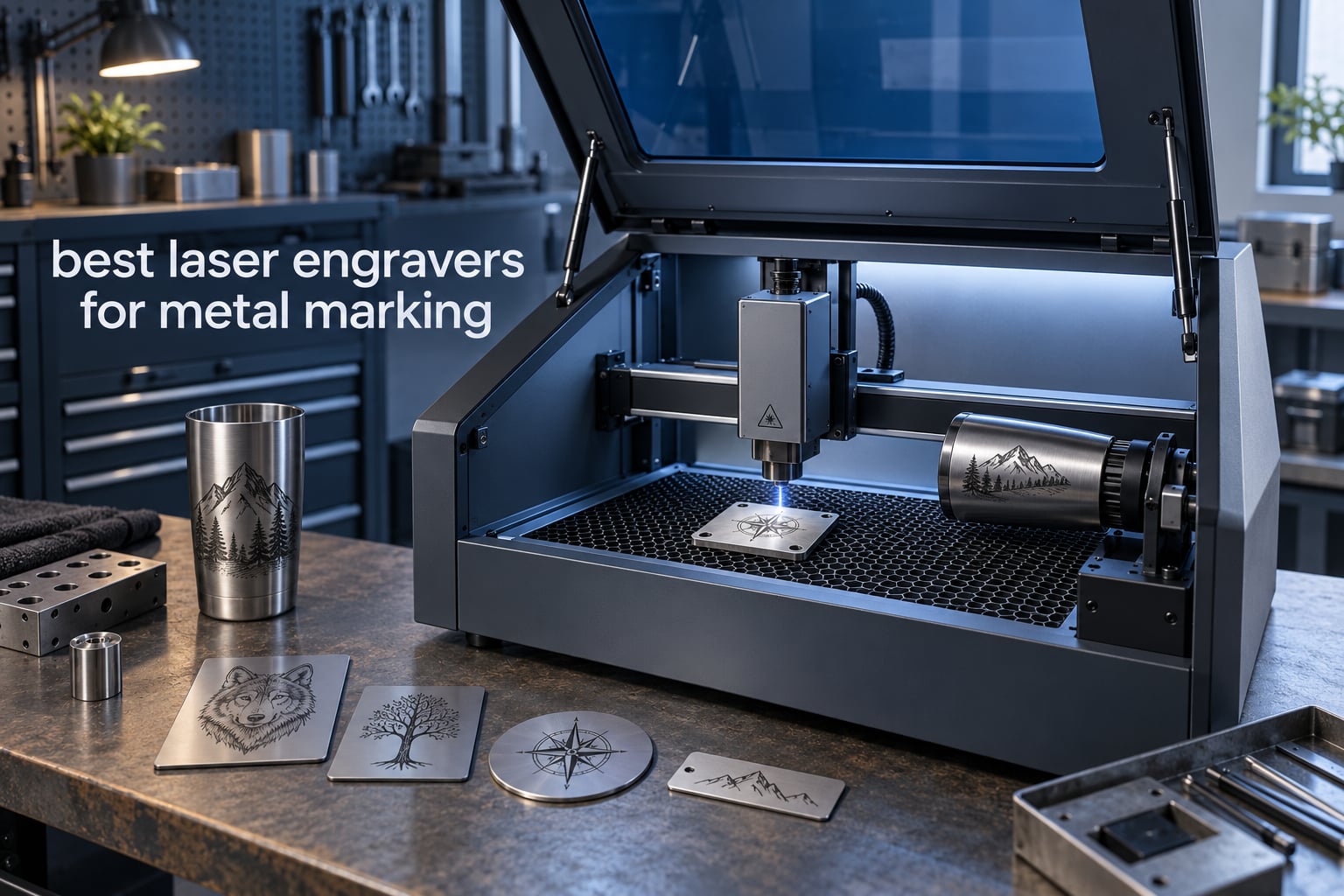
Only a fiber laser properly marks bare metal. The 1064nm beam it emits is absorbed by stainless steel, aluminum, brass, copper and titanium, while the 450nm blue diode, 10600nm CO2 and 355nm UV sources that dominate cheap laser engravers simply reflect off those same surfaces. If you are searching for the best laser engravers for metal marking, every machine below this line is a fiber unit, because the other laser types only work on metal that has been coated first.
We spent weeks going through owner feedback on the eight machines in this roundup, sorting them by laser source, power, work area and the kinds of jobs people actually run on them. What that surfaced is a list that spans a 20W desktop unit, a 60W MOPA machine that can cut 2mm metal, and a couple of detachable heads you can carry to a market stall. Every pick here is judged on evidence from buyers rather than the spec sheet alone.
One warning before the list: the useful comparison is not watts, it is what the watts buy you. A 20W fiber is a marking machine. A 30W fiber starts cutting thin brass. A 50W to 60W fiber does piercing, deep relief and 2.5D work. Buying above the tier you need is the most common mistake we see in this category.
Table of Contents
Top 3 Best Laser Engravers For Metal Marking (October 2026)

xTool F1 Ultra 20W Fiber and Diode
- 20W 1064nm fiber plus 20W diode
- 10000mm/s galvo engraving
- 220mm x 220mm work area
- 16MP smart camera with shape recognition

xTool F2 Ultra 60W MOPA and Diode
- 60W MOPA fiber cuts up to 2mm metal
- 15000mm/s engraving speed
- 100+ metal colors
- dual 48MP cameras

GWEIKE G2 Pro 30W Fiber
- 30W 1064nm fiber source
- 15000mm/s galvo head
- 0.001mm accuracy
- 110mm x 110mm work area
All 8 Laser Engravers for Metal at a Glance
| Product | Specifications | Action |
|---|---|---|
| xTool F1 Ultra 20W Fiber and Diode |
|
Check Latest Price |
| xTool F2 Ultra 60W MOPA and Diode |
|
Check Latest Price |
| GWEIKE G2 Pro 30W Fiber |
|
Check Latest Price |
 GWEIKE G2 Max 50W Fiber GWEIKE G2 Max 50W Fiber |
|
Check Latest Price |
 ComMarker B4 20W Fiber ComMarker B4 20W Fiber |
|
Check Latest Price |
 LaserPecker LP5 20W Fiber and Diode LaserPecker LP5 20W Fiber and Diode |
|
Check Latest Price |
 SFX 50W JPT Fiber with Rotary Axis SFX 50W JPT Fiber with Rotary Axis |
|
Check Latest Price |
 GWEIKE G2 20W Fiber GWEIKE G2 20W Fiber |
|
Check Latest Price |
Why Fiber Lasers Are the Only Real Answer for Bare Metal?
Metal marking fails when the beam bounces off the surface instead of being absorbed by it, and whether that happens is decided almost entirely by wavelength. A fiber laser emits light at roughly 1064nm, which metals absorb strongly and convert straight into heat. That heat is what darkens, cuts or discolors the surface.
A blue diode laser works at about 450nm. Stainless steel and aluminum reflect almost all of it, so the machine either does nothing or leaves a faint smudge. A CO2 laser at 10600nm is worse on metal for the same reason, which is why the CO2 workaround involves painting on a marking spray or bonding a chemical coating and then burning that layer off. A UV laser at 355nm sits closer to the energy metal will absorb than a CO2 does, which is why UV earns a place on a mixed-material machine, but the fiber source remains the direct route.
The practical consequence: if your job list includes bare stainless steel, bare aluminum, brass, copper or titanium, a fiber source is not one option among several. It is the option. Everything in this roundup below uses one, and each section lists the metals its owner reviews confirm in real use.
There is one mirror-image warning worth saying early. A fiber laser does not do wood, acrylic, paper, leather or fabric well, and a diode laser cannot touch bare metal. That is exactly why several picks here are dual-laser machines: one head for the metal, one for everything else, so you are not moving work between two machines.
The 8 Best Laser Engravers for Metal Marking
1. xTool F1 Ultra 20W Fiber and Diode – Best All-Rounder for Metal and Non-Metal Work
xTool F1 Ultra 20W Fiber & Diode Dual Laser Engraver
20W fiber plus 20W diode
10000mm/s engraving
220mm x 220mm work area
43.8 pounds
Pros
- Dual head covers metal and wood acrylic in one machine
- Work area reaches 220mm square
- 16MP camera with shape recognition for batch jobs
- Enclosed cover with extraction fire alarm and emergency stop
Cons
- Calibration drift reported by owners
- Deep metal jobs can run for hours on one piece
- Software has paywalled features and LightBurn issues on Mac
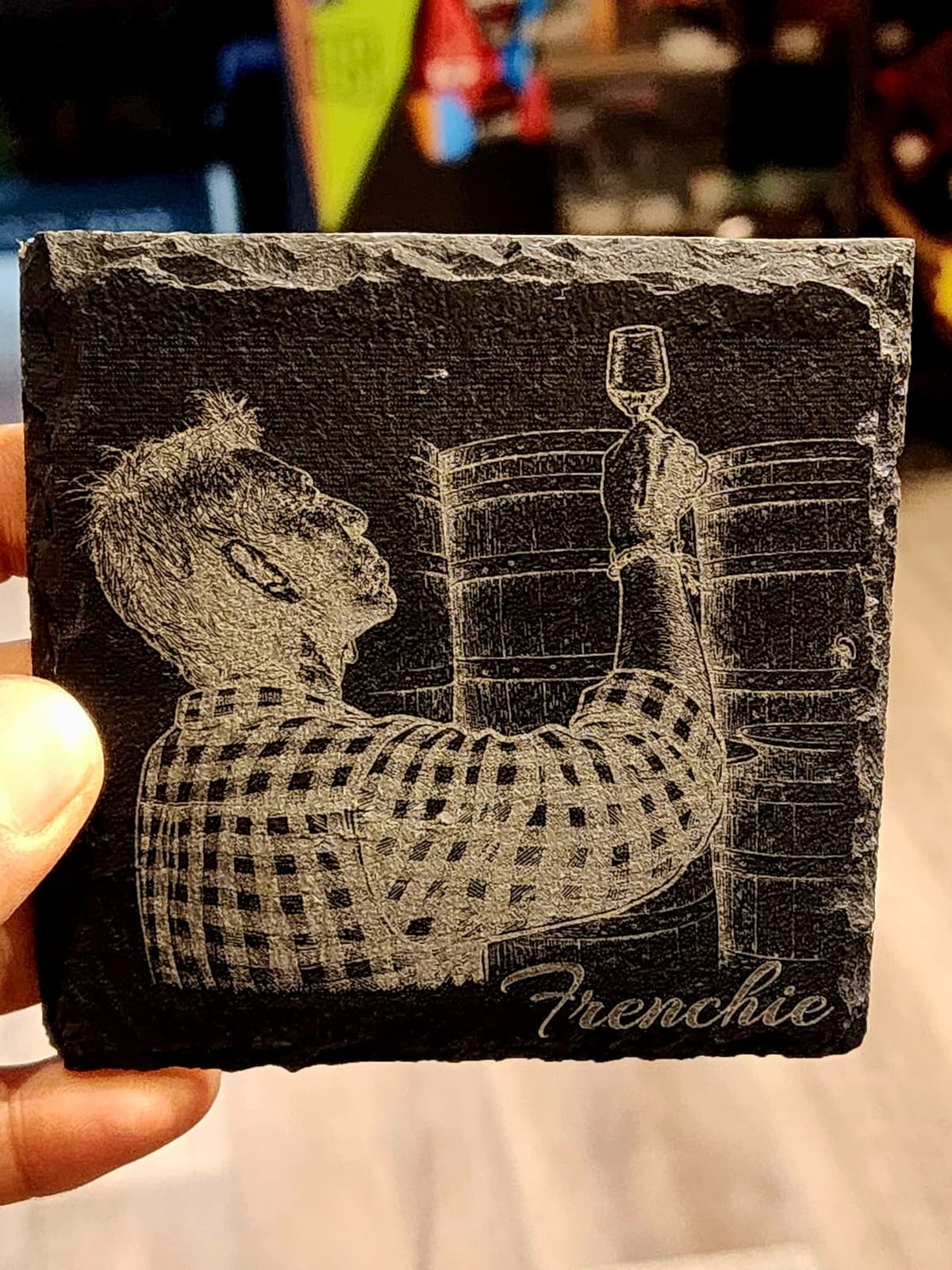
The F1 Ultra is the most reviewed machine in this roundup at 140 ratings, and that volume cuts both ways. It is the one most owners describe as the default first serious machine for a small shop, largely because a single box handles gold, silver, copper, stainless steel, brass and titanium on the fiber side while the 20W diode takes wood, acrylic, leather and glass.
Working area is the number that stands out. At 220mm x 220mm it is the largest field of any 20W machine here, and it extends to 220mm x 500mm with the optional auto conveyor. On the fiber side it cuts 0.3mm stainless steel, 0.4mm brass and 0.2mm aluminum, which puts it at the marking end of the depth range rather than the fabrication end.
Owners consistently praise the 16MP camera with automatic shape recognition for batch work, and the enclosed cover, smoke extraction, fire alarm and emergency stop make it the easiest of the fiber options here to run in a retail space rather than a garage. Support is also called out as responsive, with replies inside a day on the reviews that mention it.
The negatives are concentrated in durability rather than capability. Multiple reviews describe laser source failures on early production machines, and several owners report calibration drift that needs repeated front-to-back adjustment, with the calibration control tucked awkwardly under the light shield.
Deep engraving is the other pressure point. Owners running multi-hour cycles on a single coin describe it as impractical without a dedicated high-power fiber, which matches what the cutting specs imply. This is a marking and personalization machine first, not a coin production machine.
Smaller frictions: desktop software carries paywalled features including the AI tools, Mac users report LightBurn connectivity problems, and a recent firmware update reportedly broke access-point mode for the mobile app. Safety glasses are not included and the supplied vent tube will not fit a standard 4 inch dryer vent, so plan for both before the first job.
What jobs it handles best?
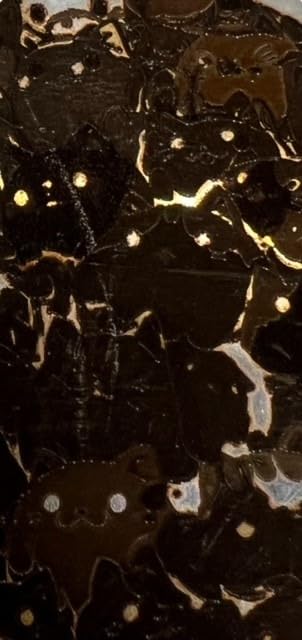
Personalized drinkware, engraved tags, pendants, dog tags and small production runs of serial-marked parts. The 220mm square field means a full sheet of small blanks fits in one pass, and the camera plus shape recognition is aimed squarely at repeat batches of identical items.
It is also the pick if you sell in person, because the enclosure and integrated extraction reduce what you have to build around it. Pair it with a rotary attachment for tumblers, and note that the auto conveyor is a separate purchase.
Where it falls short?
If deep relief or piercing is the core of your business, the 20W fiber head will feel slow, and the reported calibration drift is a real risk on a machine expected to run daily. Add the accessory cost of eyewear and proper extraction, and the total moves up quickly.
Owners who need clean, repeatable color on stainless and titanium should read the MOPA section below before settling here. A Q-switched source can color metal, but it takes more tuning than most people expect at first.
2. xTool F2 Ultra 60W MOPA and Diode – Best for Deep Engraving, Color and Cutting
xTool F2 Ultra 60W MOPA & 40W Diode Dual Laser Engraver
60W MOPA fiber plus 40W diode
Cuts up to 2mm metal
15000mm/s engraving
8.7in x 8.7in work area
Pros
- 60W MOPA gives repeatable color on coins
- 40W diode covers cups wood and plastics
- Dual 48MP cameras speed up setup
- Desktop footprint suits a small shop
Cons
- Color work needs frequency power and spacing tuning
- Camera alignment is not always accurate on curved stock
- early-production quality control faults reported
This is the most capable machine in the roundup by a wide margin. The 60W MOPA fiber source cuts up to 2mm metal, engraves at up to 15000mm/s, and carries a preset color matrix library of more than 100 results. No other machine on this list reaches 2mm cutting.
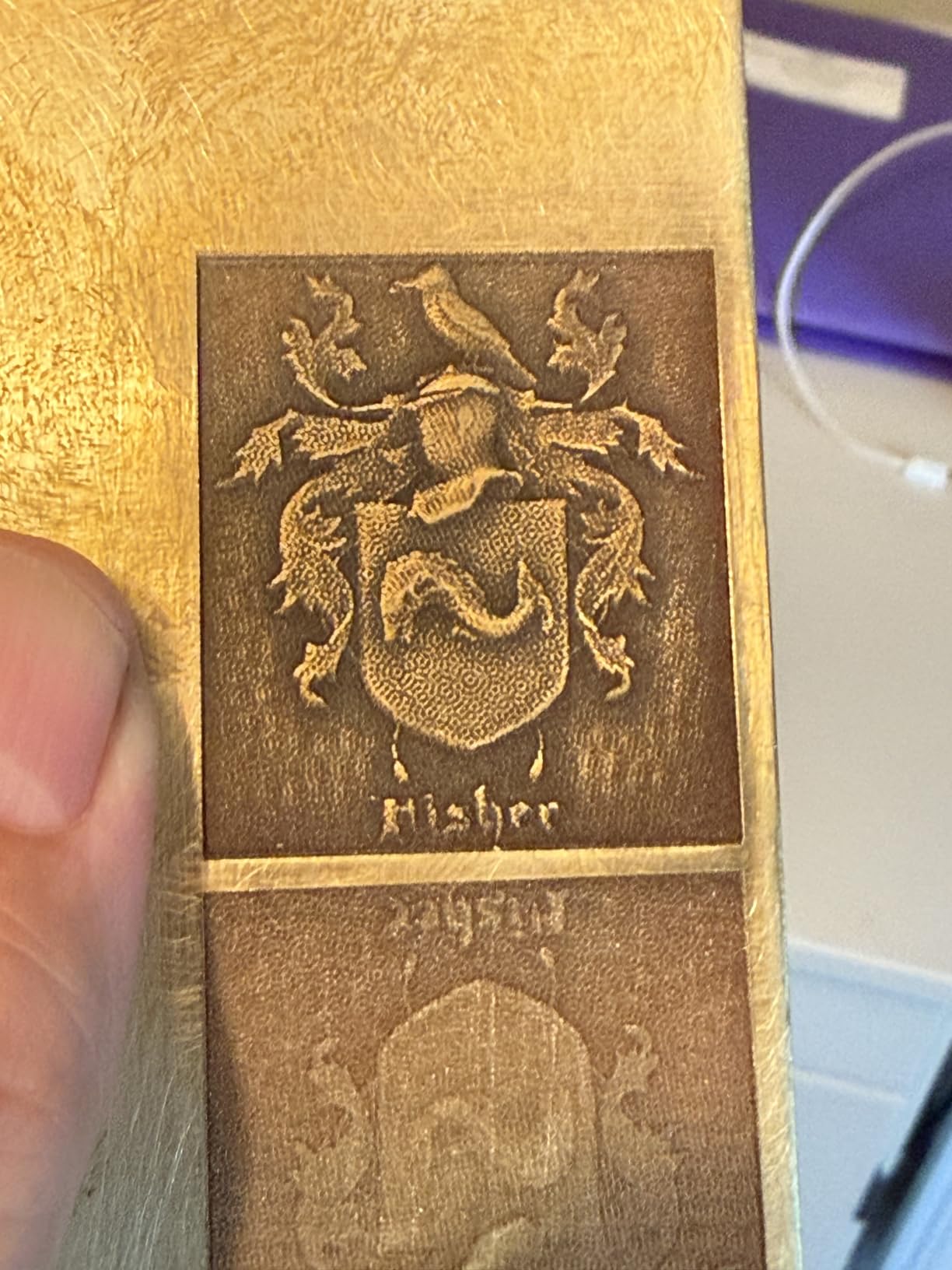
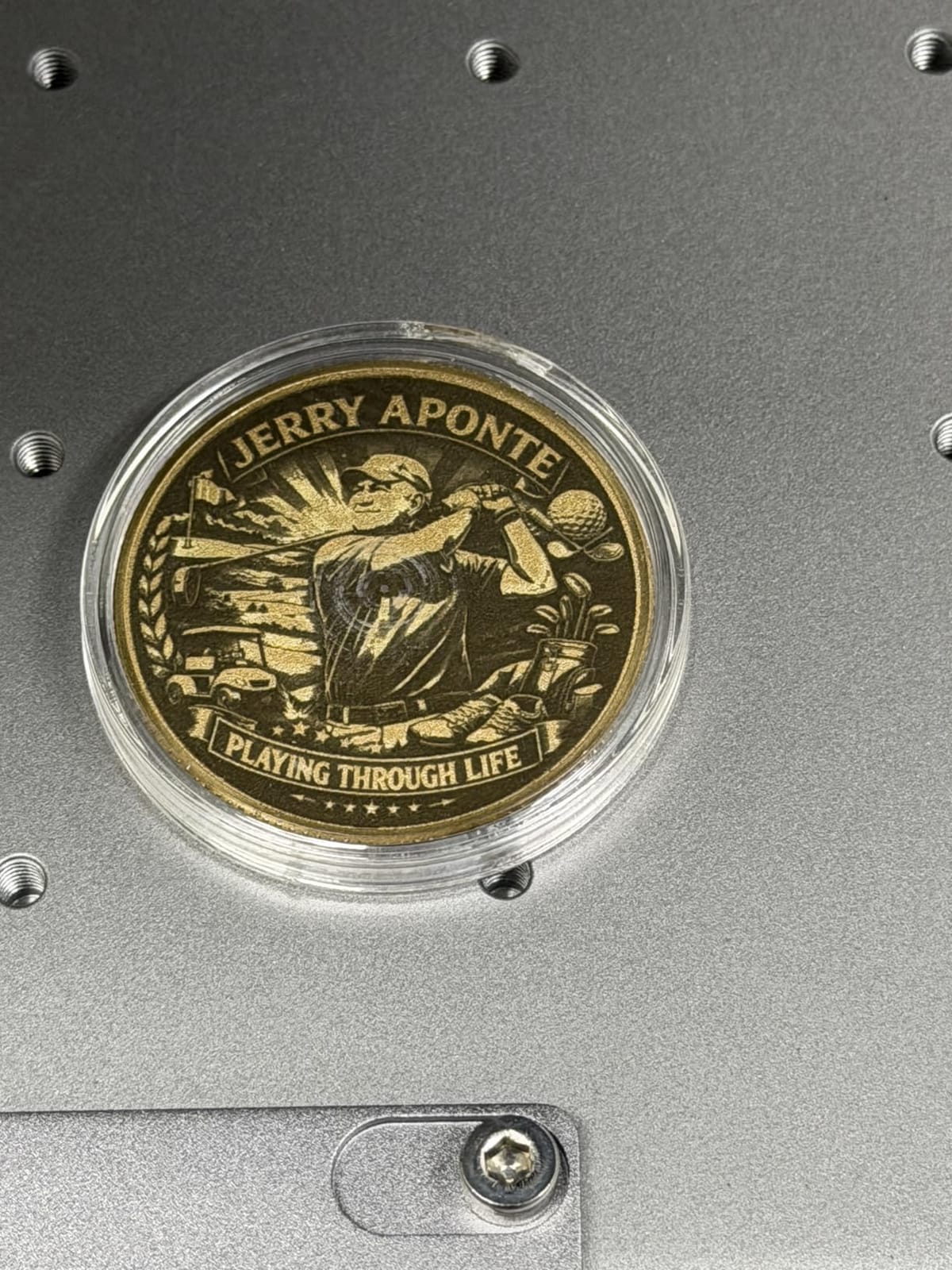
The MOPA source is what makes the color work repeatable rather than experimental. Multiple owners running real production report consistent multi-color markings on metal challenge coins, which is the single most requested job type in this category. The fiber side also handles black marking on aluminum, laser cleaning of rusted surfaces and thin metal welding.
Underneath, a 40W diode handles cups, coated metals, wood and plastics with little burn, and cuts 20mm acrylic and 23mm wood. Dual 48MP cameras with 0.2mm positioning accuracy and auto material detection take a lot of the setup guesswork out, and the footprint is small for the power level on offer.
What separates this from the F1 Ultra is not speed. Both machines are galvo scanners at similar headline rates. It is the 60W MOPA source and the cutting ability, and that is why they sit in different tiers despite looking like sibling machines.
The honest caveat is that it is powerful rather than plug-and-play. Owners report that color engraving requires tuning frequency, power, speed and spacing together to hit the oxidation effect, and that advanced raster and color work has a learning curve with limited preset sharing.
Camera alignment is the other recurring gripe, particularly on non-flat or reflective stock. Owners coming from a CO2 machine also report a steep transition because of the number of settings and calibration tests involved.
What jobs it handles best?
Coin and medallion production, deep relief work, jewelry fabrication where you need to pierce metal, and any shop where stainless and titanium color marks are a core product. Two-millimeter cutting opens up work that no other desktop machine in this list can do.
For a shop selling from a booth or doing on-site customization, the dual-head approach means you are not swapping machines between a copper pendant and an acrylic key tag. Pair it with the auto conveyor to extend the field to 8.7in x 19.7in for serial work.
Where it falls short?
At 67.9 pounds it is among the heaviest units covered here, and the work area suits tags, tools and small plates rather than large signage. Quality control on early-production machines accounts for most of the complaints, including safety lockouts that would not engage and doors that would not close fully.
One reviewer reported a laser source failure while engraving a brass coin, so ask about the warranty terms before committing. Budget for tuning time: the machine will not produce repeat colors until you have put test passes into it.
3. GWEIKE G2 Pro 30W Fiber – Best Value for Serious Metal Work
GWEIKE G2 Pro 30W Fiber Laser Engraver with 3D & Deep Engraving
30W 1064nm fiber
15000mm/s galvo head
0.001mm accuracy
110mm x 110mm work area
Pros
- Strong capability per watt at this tier
- Fast galvo head with claimed 0.001mm accuracy
- Compact and detachable for bench or field use
- Works reliably with LightBurn
Cons
- Intermittent power loss stopping runs mid-job
- Shallow depth on coins even after a replacement
- Rotary chuck can break focus on the head motor
The G2 Pro is the machine we would point at someone who needs real metal capability and wants to keep the footprint compact. At 30W of 1064nm fiber with a 15000mm/s galvanometer head, it sits a tier above the 20W machines, though buyers should read the reliability feedback below before committing.
Owners satisfied with it call it excellent value for a 30W fiber, particularly once you compare it with 30W machines from other brands. It weighs 22 pounds, runs at 17.2 x 10.1 x 21.2 inches, and the detachable design lets you take it off the bench rather than working around a fixed frame.
Software integration is a genuine strength. It supports GLaser and LightBurn over WiFi and USB, and several owners describe the learning curve as gentle with helpful parameter examples online. Emergency stop, protective glasses and the protective cover are included, which is not always true in this category.
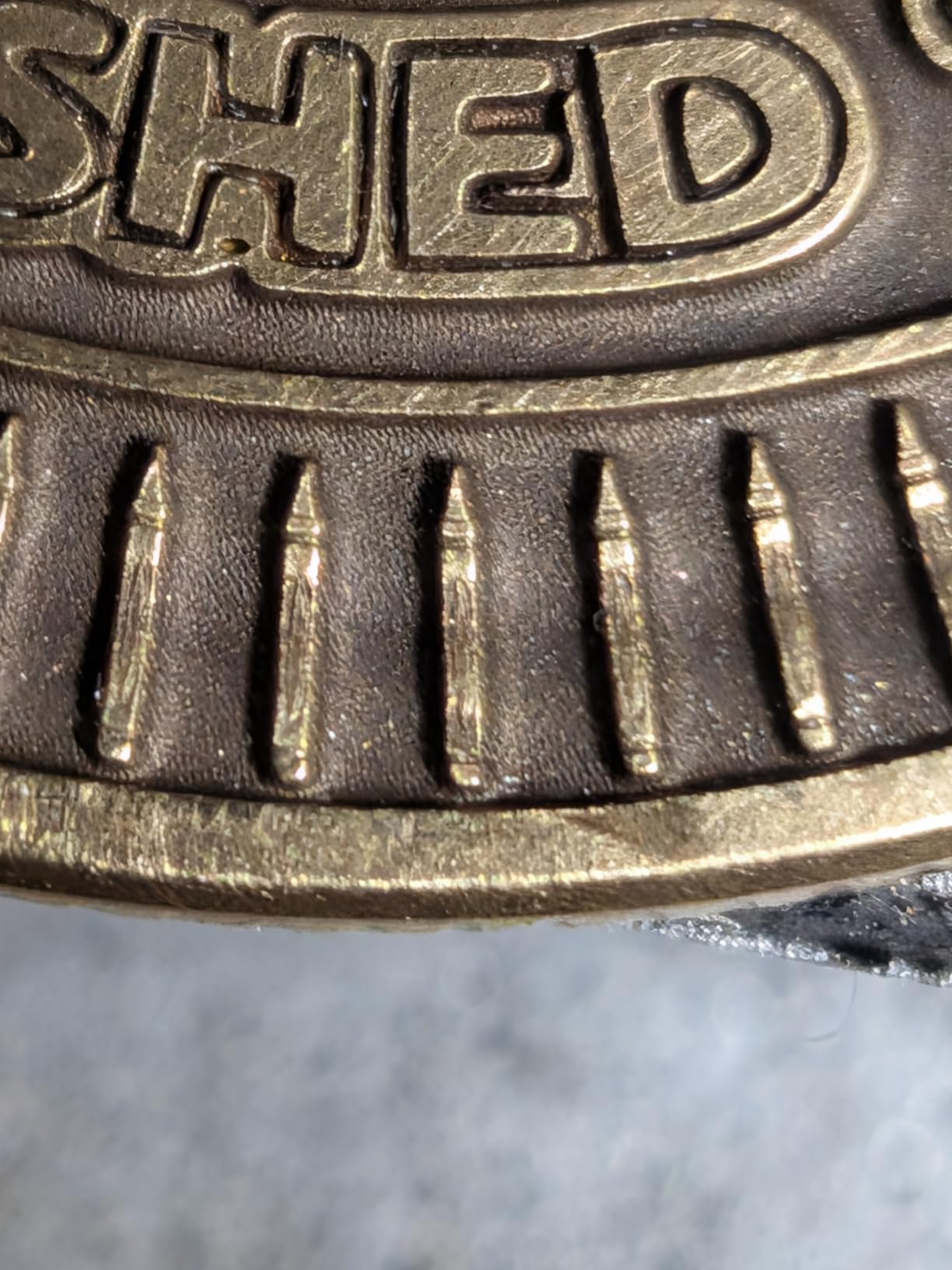
This is also the lowest-rated machine in the roundup at 3.9, and the split between owners is stark rather than gradual. That rating is the whole story: capability is high for the tier, and the complaints are almost entirely about hardware reliability and support.
Intermittent power loss is the most serious reported issue, with the laser stopping mid-run and needing a power cycle. Several owners also describe shallow engraving depth on coins that persisted through a replacement unit, which points at the source rather than the settings.
Build quality is called subpar by some owners, the motorized focal column buttons are awkwardly placed, and the rotary chuck accessory reportedly sets the head-lift motor running and breaks focus. There are also reports that the marketing images show a different machine from the one delivered.
What jobs it handles best?
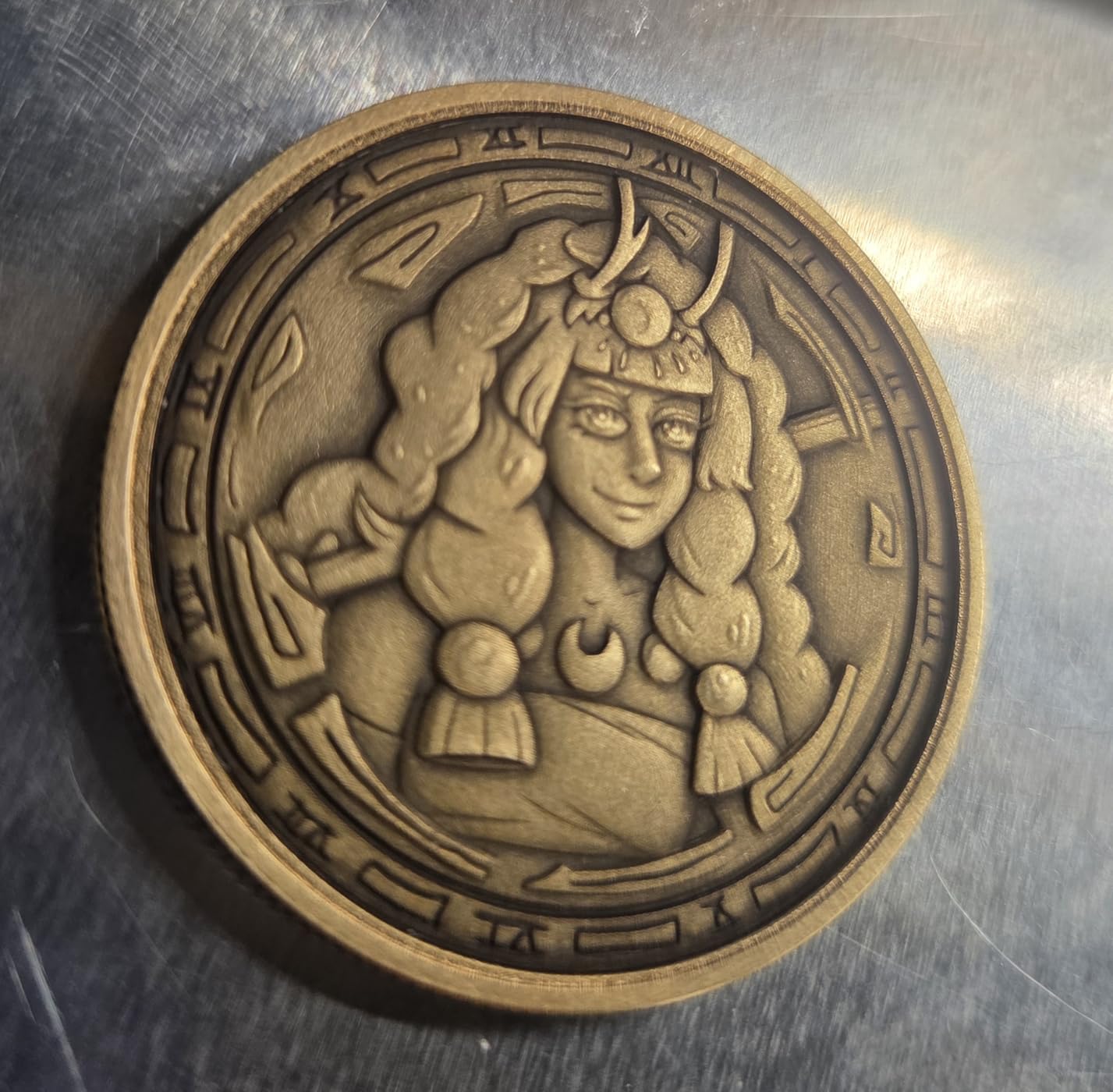
Personalized tumblers and drinkware, pet ID tags, small jewelry pieces, serial plates and lighter-duty production runs. Over 90 color engraving results on metals including stainless steel and titanium are claimed, and the 8K resolution option handles small text well.
It also works on plastics, leather, acrylic, stone and slate, which makes it useful when your customer orders are mixed rather than purely metal. A 150x150mm variant exists for anyone who needs a bigger field than the standard 110mm square.
Where it falls short?
Reliability is the honest concern, and support response times are the part that compounds it. Owners report several days of delay over WhatsApp on failure cases, which is painful when a job is waiting on the machine.
If your work is deep relief rather than marking, move up to the 50W G2 Max instead. If you need a large field or 2.5D production runs, this is the wrong tier regardless of what it costs.
4. GWEIKE G2 Max 50W Fiber – Best for Deep Relief and Metal Cutting
GWEIKE G2 Max 50W Fiber Laser Engraver with 3D & Deep Engraving
50W 1064nm fiber
150mm x 150mm work area
Electric lift column
15000mm/s galvo head
Pros
- Real step up in depth and cutting over 20W and 30W models
- Largest field in the GWEIKE line
- Electric lift column for one-push focus
- 90+ color results on metals
Cons
- Thin review pool at 26 ratings
- Heavier and costlier than the 20W and 30W siblings
- Thin long-term reliability data
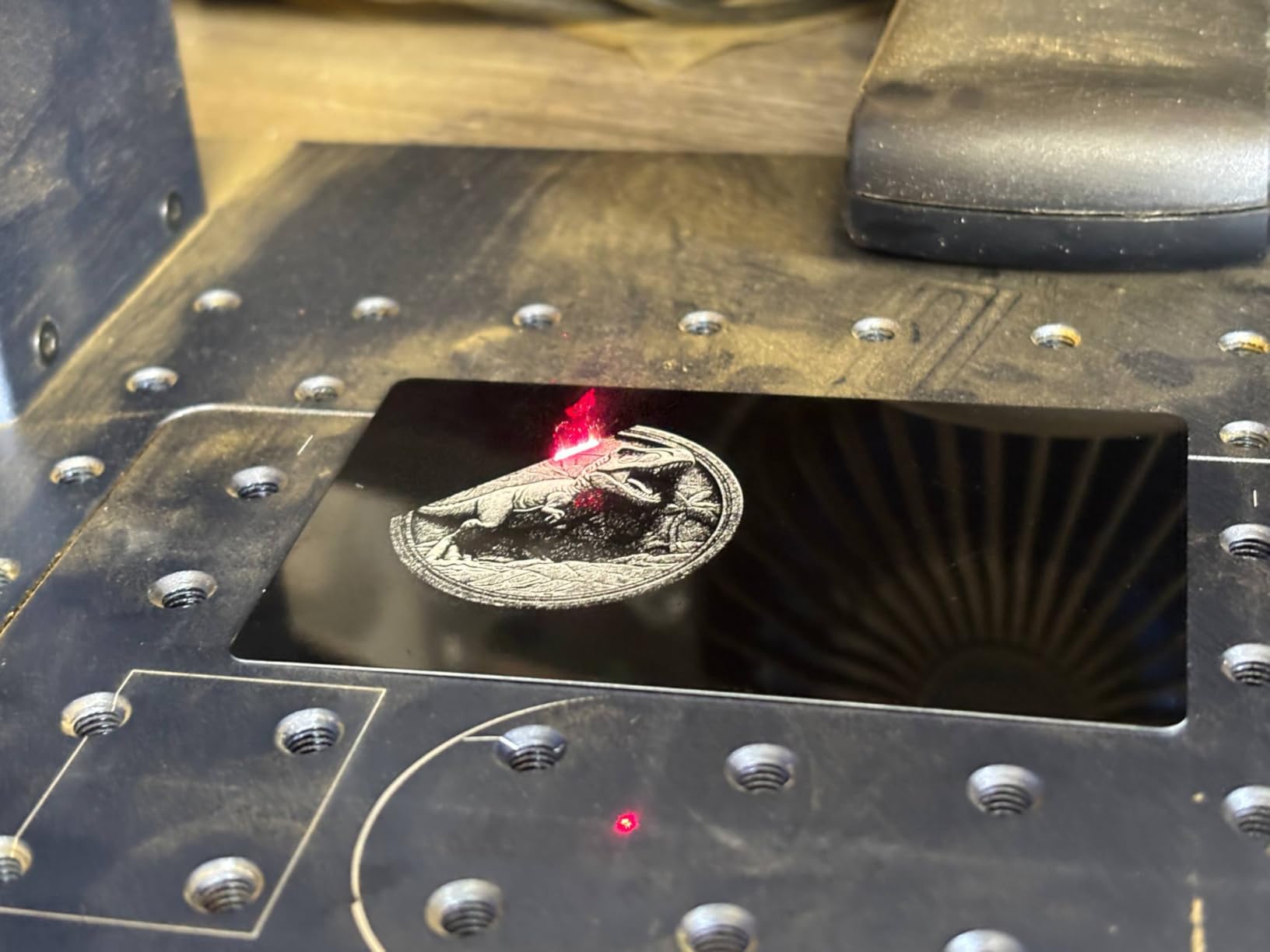
The G2 Max is the machine to buy when depth is the point rather than the side effect. Fifty watts is the point at which 2.5D relief on brass, deep carving on knife blanks and shallow metal cutting stop being aspirational and start being a normal afternoon’s work.
It also fixes two practical complaints about the smaller GWEIKE units. The work area grows to 150mm x 150mm, and the electric lift column means focus is a single push instead of manual fiddling on the motorized focal column, which was an awkward control on the G2 Pro.
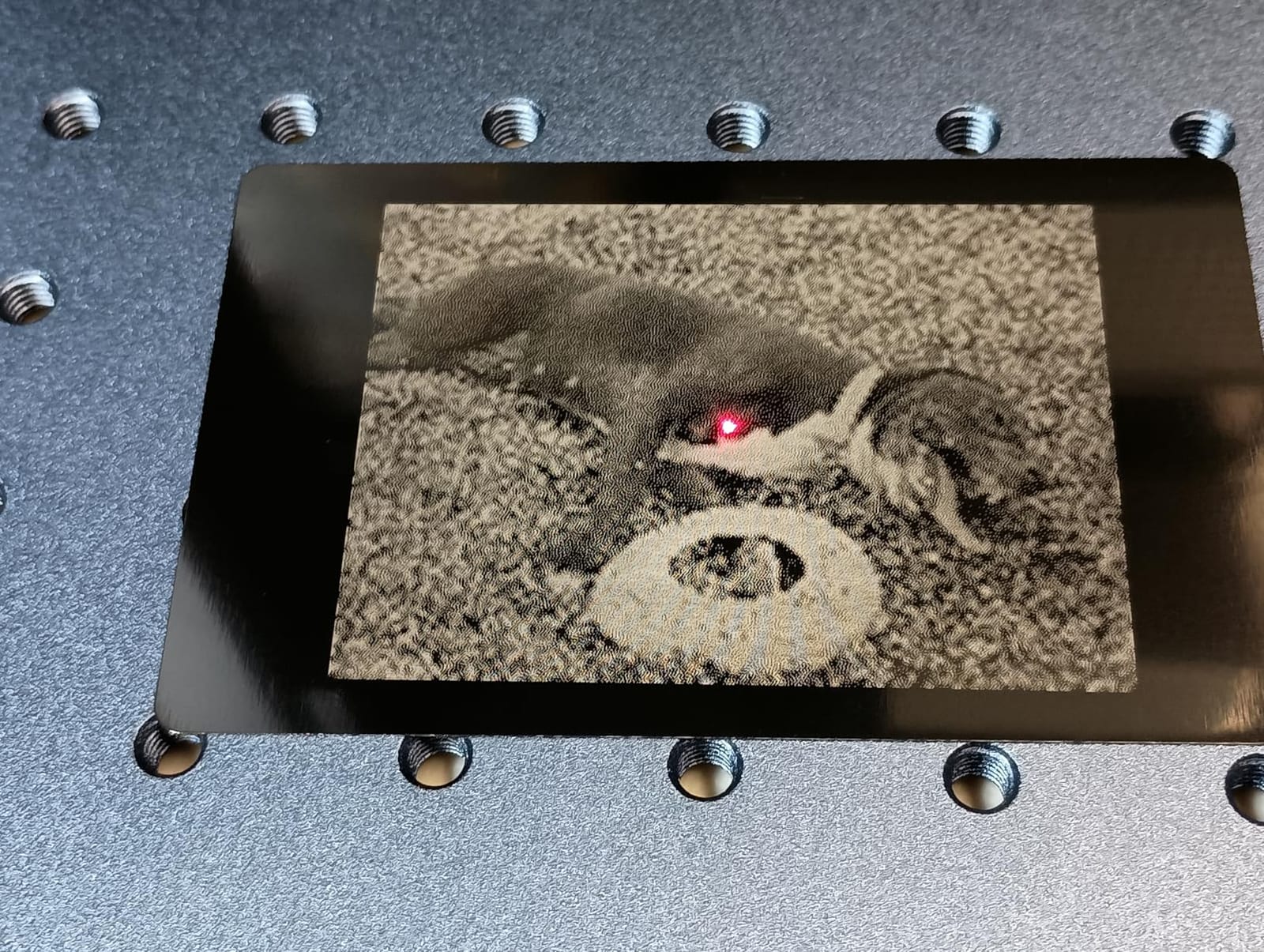
Everything else matches the line: a 15000mm/s precision galvanometer, 0.001mm accuracy, 8K resolution, dual red light positioning with fully digital galvo scanning for preview, over 90 color results on stainless steel and titanium, and the same detachable portable configuration with GLaser and LightBurn support over WiFi and USB.
The rating is 4.4 across 26 ratings with a 76 percent five-star share and no two-star ratings, which is the second cleanest distribution in the roundup. What limits how much weight that carries is the sample size. Twenty-six ratings is not a long operating history.
Read that carefully: fewer written reviews means fewer failure themes have surfaced, not that none exist. Absence of complaints at this sample size is absence of data rather than proof of reliability, and it is the main reason this machine sits below the F1 Ultra in the ranking.
The one-star share sits at 10 percent, so a minority of buyers are disappointed with what they got. Details on those specific complaints are thin in the reviews returned, which is worth factoring into any decision.
What jobs it handles best?
Deep relief coins, knife and axe blanks, engraved gun and tool parts, thicker brass and copper work, and any job where you need the mark to have visible depth rather than be a surface change. The 150mm square field handles small blanks or medium plates.
It is also the natural step up from a 20W or 30W machine you have already outgrown. Owners moving up in the GWEIKE line report the jump in capability as the reason, not the extra features.
Where it falls short?
You are buying on specification rather than on owner testimony here, so treat the first month as an extended test. Keep your parameter library backed up and know your support contact before the first deep job, not after it.
It remains a desktop unit with a modest field, so large flat plate work needs a bigger machine. And if color consistency on stainless is your primary product rather than a bonus, the MOPA source in the F2 Ultra is a better fit.
5. ComMarker B4 20W Fiber – Best First Fiber Laser for Detail Work
ComMarker B4 20W Fiber Laser Engraver,LightBurn Compatible Laser Engraving Machine with 2Lens,2-in-1 Desktop and Handheld Fiber Laser Marking Machine for Jewelry,Sliver,Gold
20W 1064nm fiber
Two field lenses included
2-in-1 desktop and handheld
0.01mm minimum line width
Pros
- Outstanding fine detail output
- Two lenses give flexibility in field of work
- Fun 2-in-1 desktop and handheld design
- Support repeatedly described as helpful
Cons
- 20W is marginal for leather and heavier steel work
- Rotary drive listed but missing on at least one unit
- 110V supply will not work on 220V grids
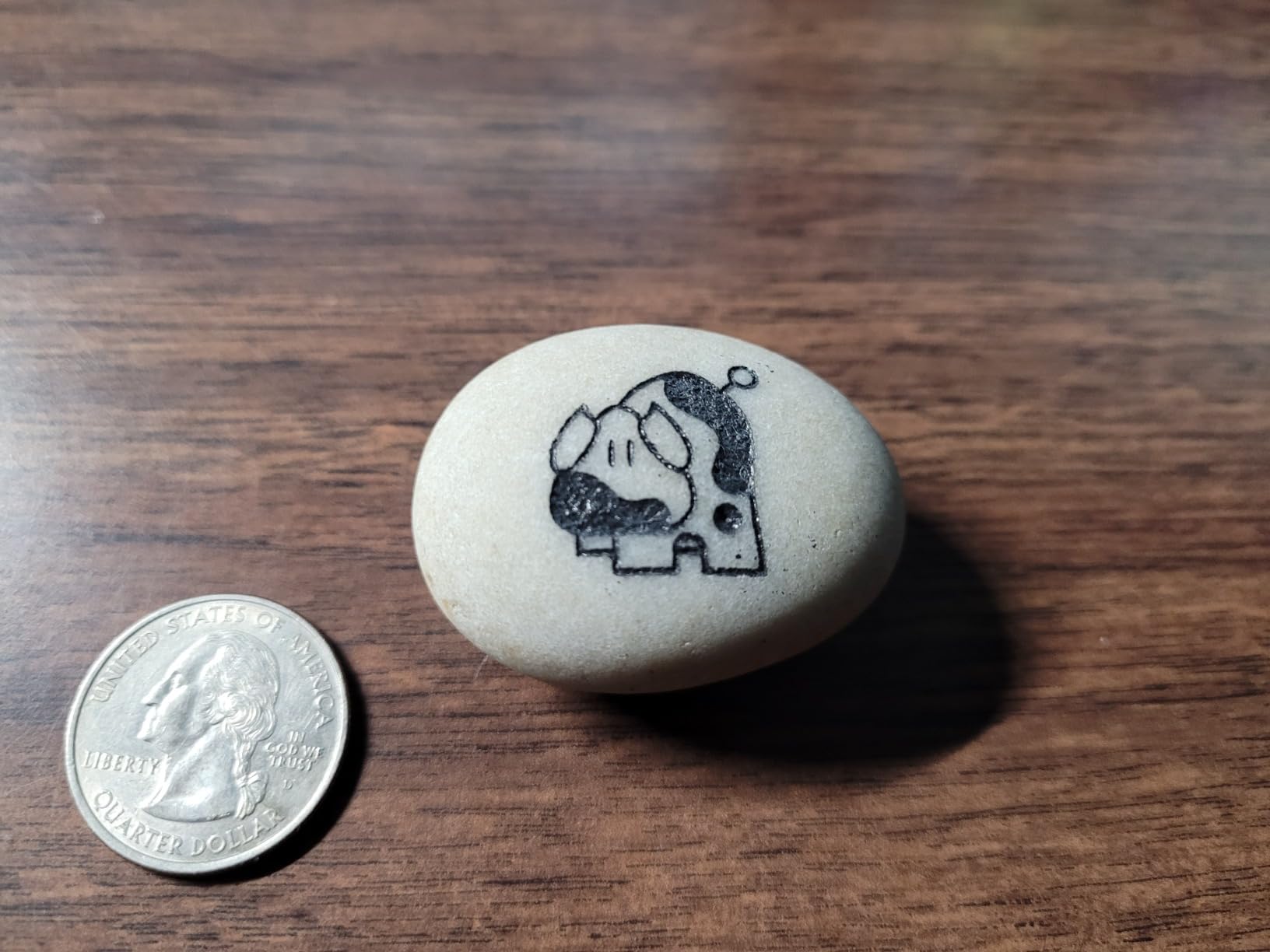
The B4 is the machine we would put in front of someone who wants to understand fiber laser engraving without a large commitment. At 20W it is a marking machine, but the detail output is the story here: owners rate the fine detail as outstanding even on small stone engravings, with a 0.01mm minimum line width.
Two field lenses come in the box, at 110mm x 110mm and 200mm x 200mm, which gives you a small precise field or a wide one without buying another machine. The 2-in-1 desktop and handheld arrangement is described by owners as the most fun of the fiber units reviewed to experiment with.
It supports LightBurn and the included EzCad2 across Windows and Mac, handles rotary axis support, and runs from 0 to 15000mm/s at 20kHz to 60kHz frequency. The package is unusually complete: positioner, foot switch, steel plates, auxiliary holder, a material sample pack, automatic lifting, emergency stop and 1064nm goggles.
At 21 ratings this is one of the smallest review pools here, though the distribution is among the cleanest at 82 percent five-star with nothing at three or two stars. The praise concentrates on detail quality, build quality and support, which is called out favorably even inside critical reviews.
The recurring negative is wattage, and it is consistent. Several owners say 20W is enough for their task but not for leather and heavier steel work, and would move up in power. That is the correct read of the specification as well.
Two fulfillment details to check before you order. The rotary drive advertised in the listing was not included with at least one unit, and the machine comes with a 110V supply that will not work on a 220V grid without a replacement. ComMarker did send a replacement when this came up, which tells you something about the support.
What jobs it handles best?
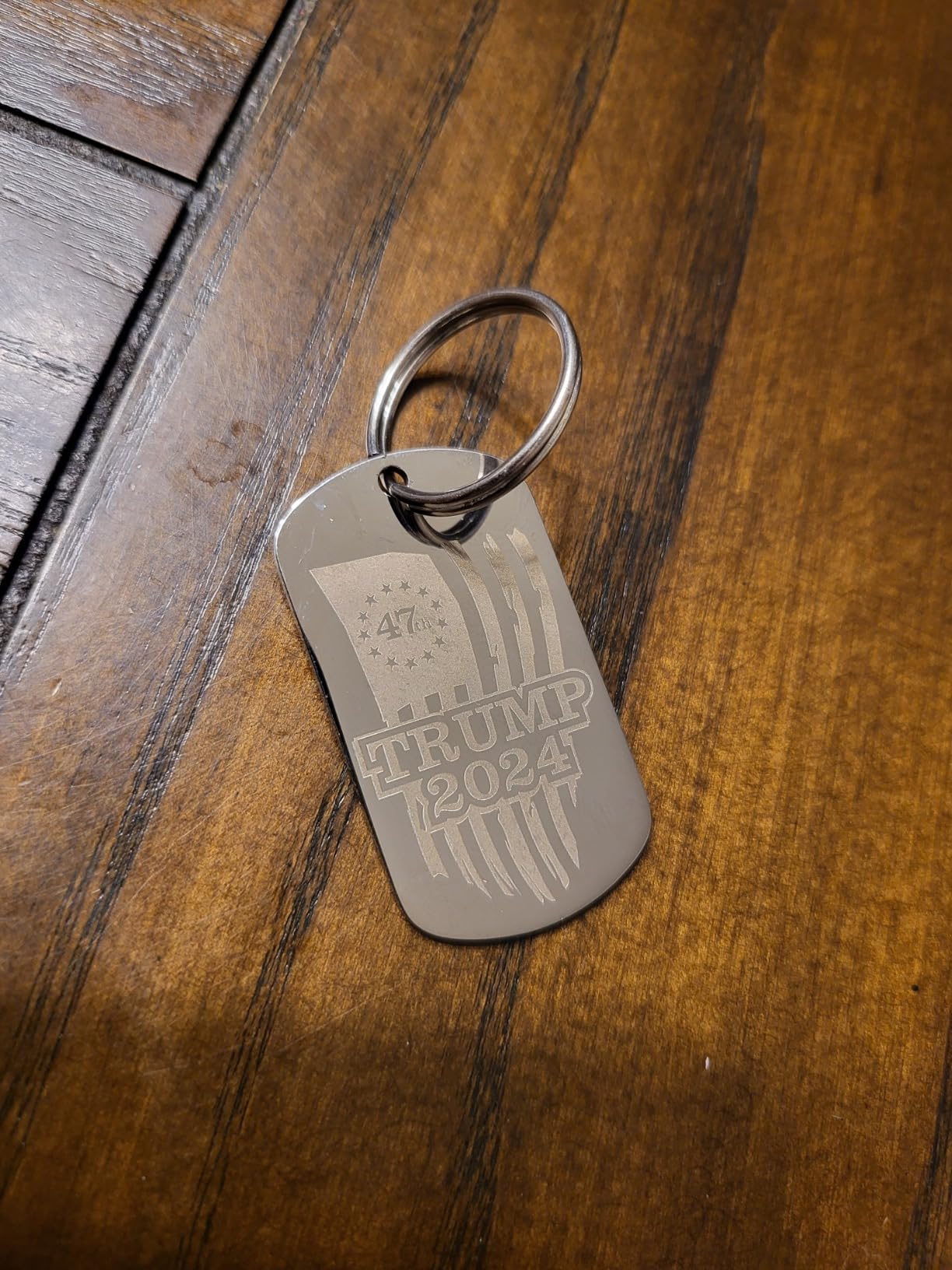
Jewelry, pendants, PCB fabrication, marking small pads and drilling holes, pens, tags and tumblers. It handles stainless steel, aluminum, gold, silver, alloys, copper and most painted products and non-transparent plastics, plus the two lenses cover both tiny parts and a wider plate.
The handheld mode makes it useful for jobs away from the bench, such as marking finished pieces on site. Automatic lifting handles focus for you, which is one less thing to learn on a first machine.
Where it falls short?
Engraving depth is listed at 0.3mm to 0.5mm, which is a marking and light relief range. If the brief involves deep carving or cutting, 20W will not get there and no amount of parameter tuning changes that.
Linux users need to load firmware over USB through a scripted workaround before LightBurn will see the device, and EzCad2 is an older workflow next to LightBurn. Settings need repeated tweaking, so budget time to dial them in.
6. LaserPecker LP5 20W Fiber and Diode – Best for Mobile and On-Site Marking
LaserPecker LP5 20W Fiber & Diode Dual Laser Engraver, 10X Faster 0.0027mm Precision for Metal Wood Jewelry, 3D Grayscale & Color Engraving, Portable 6kg Laser Cutter for Instant Store Customization
20W fiber plus 20W diode
6.02kg portable body
10000mm/s engraving
LDS 3D grayscale relief
Pros
- 4.5 owner rating with a 79 percent five-star share
- Combines fiber and diode in a 6kg carryable box
- Owners report clean 1mm brass and stainless cuts
- Solid aluminum build with braided cabling
Cons
- Extraction fans are loud enough to need a garage
- Short included USB and power cables
- No automatic focus and 2.4GHz-only WiFi
The LP5 is the pick if your work does not stay on one bench. At 6.02kg with an integrated handle, it is the only machine here that is genuinely designed to be carried to a trade show, a market stall or a customer’s premises, while still covering both metal and non-metal work.
Owners rate it at 4.5 across 17 ratings, with a 79 percent five-star share and the lowest one-star share in the roundup at 6 percent. The small pool matters, but the direction of the feedback is consistent enough to trust.
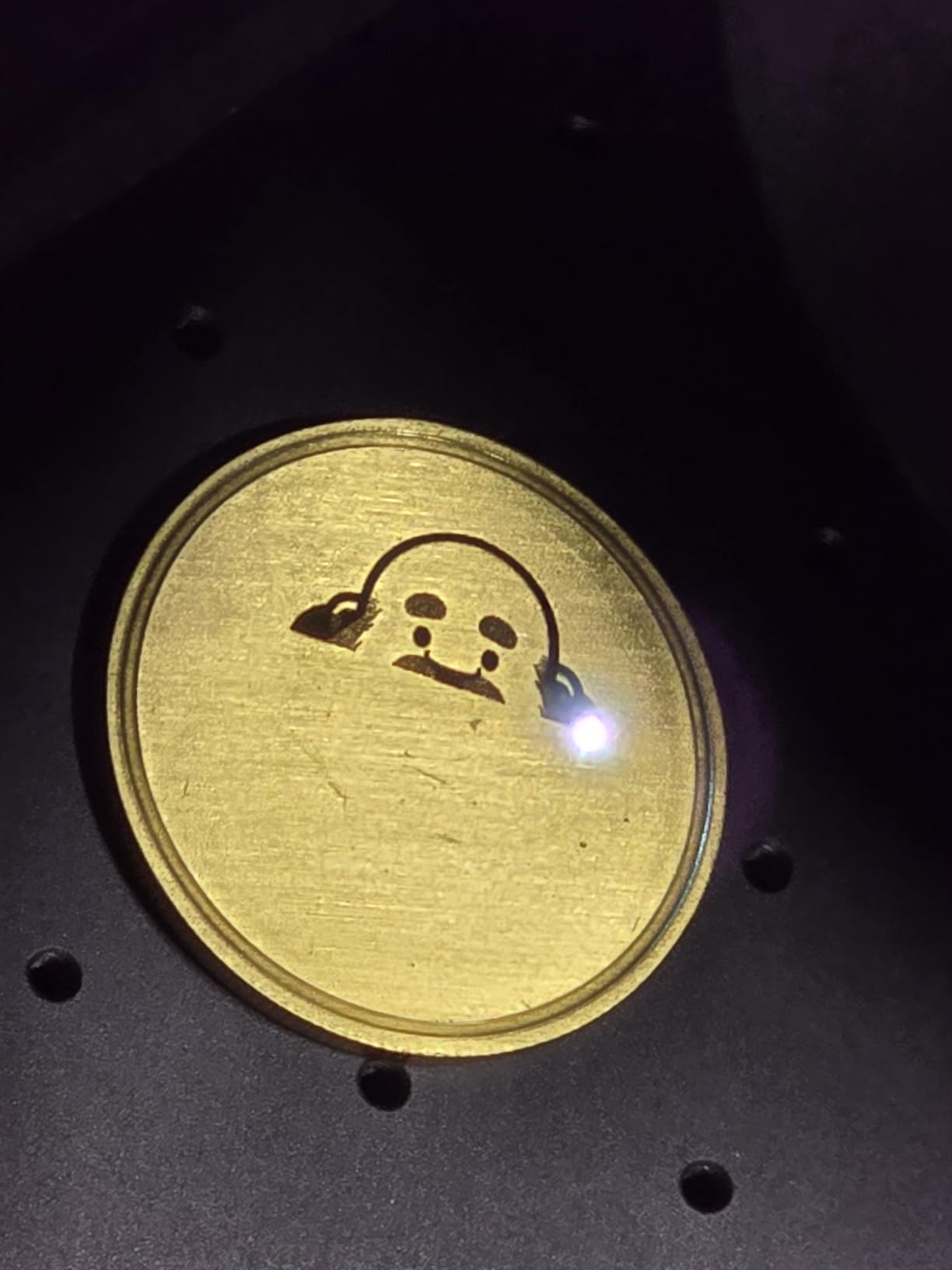
The cutting claims are the ones owners confirm independently. Several report slicing 1mm brass and stainless steel cleanly without cutting fluid or clamping, and the published spec lists the fiber cutting 0.5mm brass and titanium while the diode takes 20mm wood and 15mm acrylic.
The LDS layered depth system handles 3D grayscale and relief coins, and the blue laser project outline projects the job outline so you can place work without guessing. The Material Test Array function reduces test runs and scrap, which matters more than it sounds when you are dialing in a new alloy.
Critiques here are practical rather than fundamental, which is a good sign. The extraction fans are loud, loud enough that owners put it in a garage rather than a living space, and burnt debris still needs an external extraction fan for longer jobs.
The included USB and power cables are too short for a typical bench setup, and cut-outs made away from the center of the field produce a sharp bevel, so parts do not fit together well. That last one matters if you plan to cut anything structural rather than mark it.
There is no automatic focus, which owners coming from other models asked for. Connectivity is 2.4GHz WiFi and USB only, not 5GHz, and the mobile app disconnects when it is not in the foreground while material presets disappeared from the Android app.
What jobs it handles best?
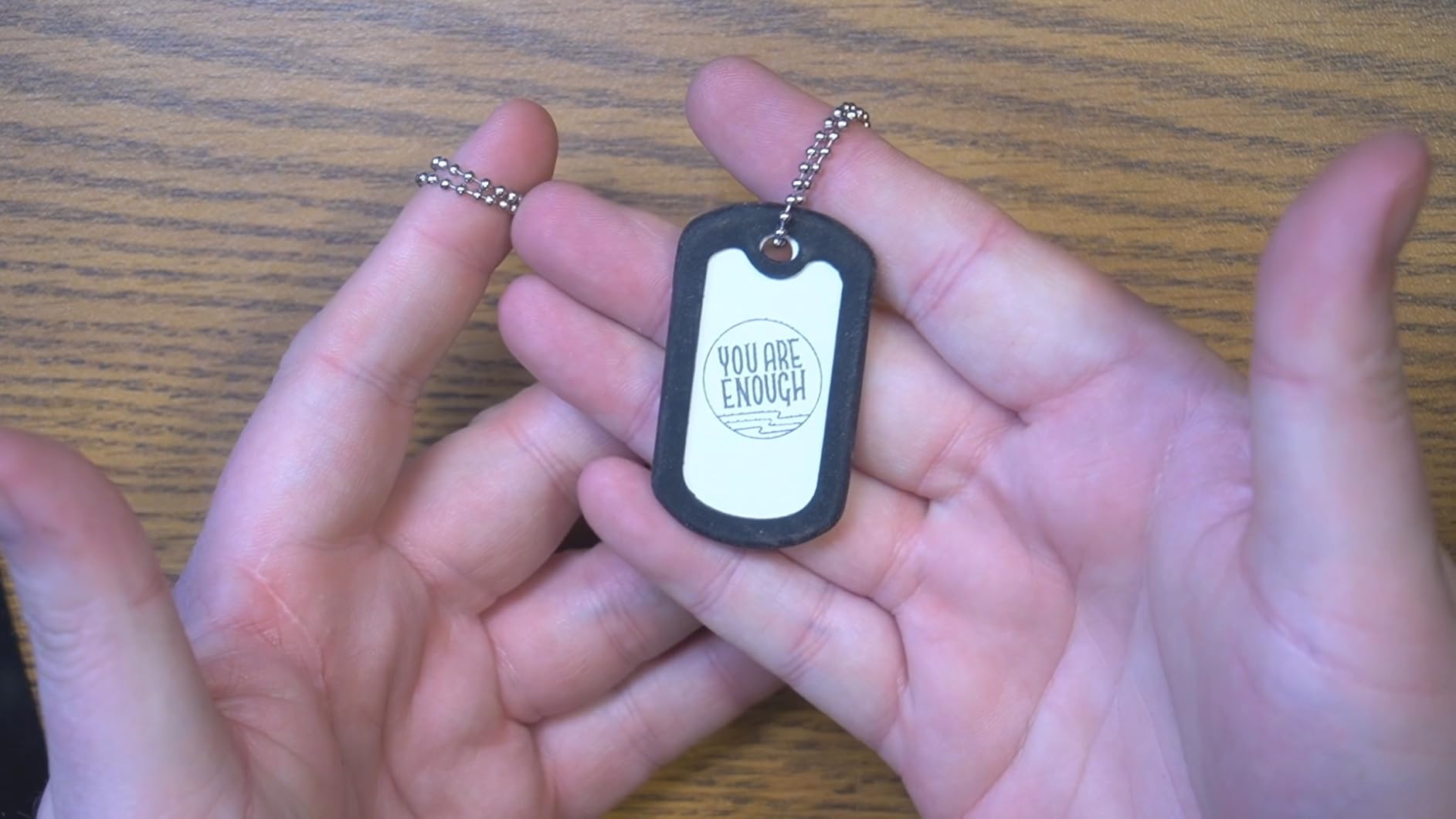
Personalization at markets and events, on-site jewelry and gift marking, and small shops that need one box instead of two. Bare metal needs no pre-treatment coating, which is the specific disappointment people report when they try to do this with a diode machine.
Samples, safety glasses, jig holders, a backplate and the exhaust hose are included, so the accessory bill starts lower than with several machines here. Design Space software is described as simple and intuitive for experienced engravers.
Where it falls short?
The rotary axis and slide unit are sold separately, and accessories are not backward compatible with LP4 parts, so plan the full accessory set into the decision rather than adding it later. Deep relief is 20W-limited, so coin work will not scale the way it would on a 50W machine.
If noise matters in your workspace, this is the wrong machine. And if you want large-area work, a 6kg portable body is not where to start.
7. SFX 50W JPT Fiber with Rotary Axis – Best for a Large Work Area
US Stock 50W JPT Fiber Laser Engraver Machine Fiber Laser Marking Machine Engraving Machine 175×175mm Lens with Rotary Axis Compitable with Lightburn Class II Laser 0.874 mW FDA 2520815-000
50W JPT LP+ Series source
175mm x 175mm marking area
1mm engraving depth
Rotary axis included
Pros
- One of the largest work areas in the roundup at 175mm square
- 50W JPT source with 1mm depth capability
- Rotary axis included for round and cylindrical parts
- Two-year warranty with lifetime technical support
Cons
- Thinnest evidence base at 20 ratings with no written reviews
- Best sellers rank trails the other machines by an order of magnitude
- Older EzCad2-based control software
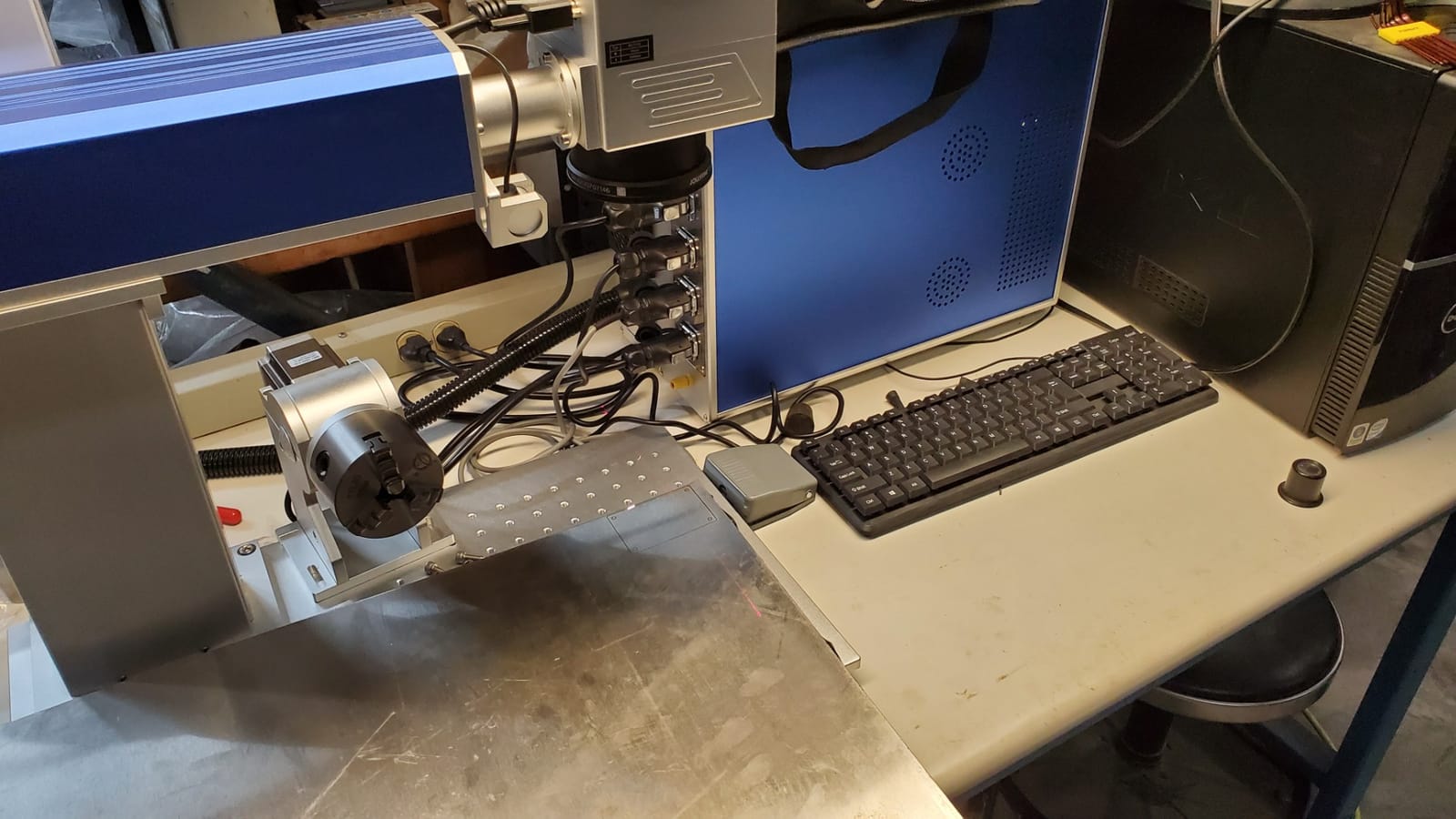
This machine has one of the largest working areas in the roundup at 175mm x 175mm, and it comes with a rotary axis in the title, which is unusual at this size and saves a separate purchase for tumblers, rings and cylindrical parts. The 50W JPT LP+ Series source uses an 80mm diameter rotating head.
On paper it is the deepest-cutting machine per pound of money in the roundup, with engraving depth up to 1mm. Specification covers 1 to 600kHz repetition rate at 200ns pulse duration, marking speed up to 7m/s, 0.002mm re-positioning precision and electrical-optical conversion efficiency up to 70 percent.
Control runs through a BJ JCZ board with EzCad2, and it is LightBurn compatible, so you are not locked out of the wider software ecosystem. Materials listed include aluminum, stainless steel, brass and copper plus nylon, ABS, PVC and PES, and the warranty is two years with lifetime one-on-one technical support from US teams.
Now the honest part, because this machine carries a perfect 5.0 across 20 ratings and that number deserves skepticism. No individual written review text was returned for this product, so there is no qualitative evidence about real-world performance, software usability or how support actually responds when something breaks.
The sales rank is the other warning. It sits well past one million in Arts, Crafts and Sewing against tens or hundreds of thousands for the other products here, which means a much smaller Amazon buyer base is producing that perfect score. A perfect rating from a very small pool is worth less than a 4.1 from 140 owners.
One listing detail to verify directly with the seller before ordering: the product data declares a Class II laser at 0.874mW, which does not obviously match a 50W fiber source. Ask what is actually shipped and what the compliance paperwork covers.
What jobs it handles best?
Larger flat plates, production serialization, and any cylindrical work where the included rotary axis saves you a purchase. The 175mm square field means fewer repositioning cycles on bigger batches, and 1mm depth opens deep engraving work.
For a shop that also marks polymers, the nylon, ABS, PVC and PES support widens the job list beyond pure metal. LightBurn compatibility means your existing file workflow carries over.
Where it falls short?
You are buying on specification. EzCad2 is an older control workflow next to first-party apps like xTool Creative Space or LaserPecker Design Space, and Windows XP through 10 is the listed support range rather than a modern platform list.
It is also a large-format machine at 31.1 x 20.08 inches, so measure the bench before you commit. With only 20 ratings, treat the first month as a test period and confirm the warranty terms in writing.
8. GWEIKE G2 20W Fiber – Budget Pick for Light Metal Marking
GWEIKE G2 20W Fiber Laser Engraver, 15000mm/s Laser Engraving Machine
20W 1064nm fiber
15000mm/s galvo head
0.001mm accuracy
110mm x 110mm work area
Pros
- Entry-level 20W fiber with a fast galvo head
- Same accuracy claim as the bigger GWEIKE units
- Detachable design works off a bench
- Glasses cover and emergency stop included
Cons
- Lowest power tier so depth and cutting are limited
- 110mm square field leaves little room for blanks
- 30+ colors against 90+ on the G2 Pro and Max
The G2 is the most straightforward way into this roundup and the least ambiguous about what it is. Twenty watts of 1064nm fiber in a detachable package, with the same 15000mm/s precision galvanometer and 0.001mm accuracy claim as the larger machines in the GWEIKE line.
That head is genuinely good for its tier, with 2K, 4K and 8K resolution options and dual red light positioning plus digital galvo scanning for preview. It transfers over WiFi and USB and is LightBurn compatible, which removes the software lock-in problem.
It handles more than metal: plastic, leather, dark glass, colored ceramic, black acrylic and stone are all listed, along with over 30 color engraving results on stainless steel and titanium. Emergency stop, protective glasses and a protective cover are included as standard.
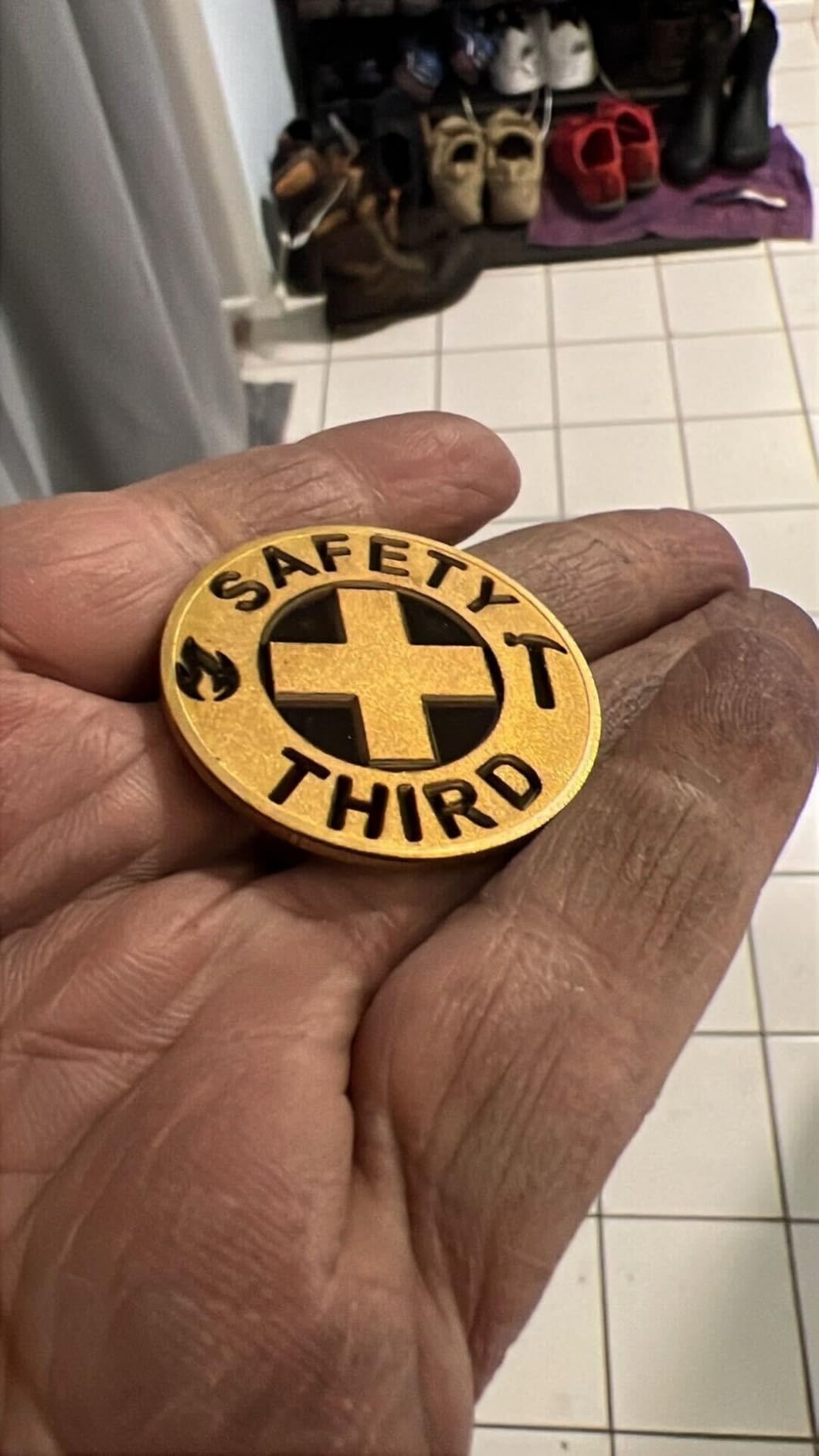
The 4.3 across 34 ratings makes it the most consistently rated of the three GWEIKE machines in this roundup, with a 66 percent five-star share and a relatively low 9 percent one-star rate. That consistency is a real argument for it over cheaper-looking alternatives.
The limitation you should weigh is the same one the ComMarker B4 owners raise. Twenty watts is enough for tagging and personalization and light marking, and it runs out of authority quickly on steel and leather work compared with the 30W and 50W siblings.
One transparency note: no individual written customer reviews were returned for this ASIN, so the assessment rests on the aggregate score and the specification data. That is a genuine limitation when comparing it against the G2 Pro, whose negatives are well documented. Weight the two differently.
What jobs it handles best?
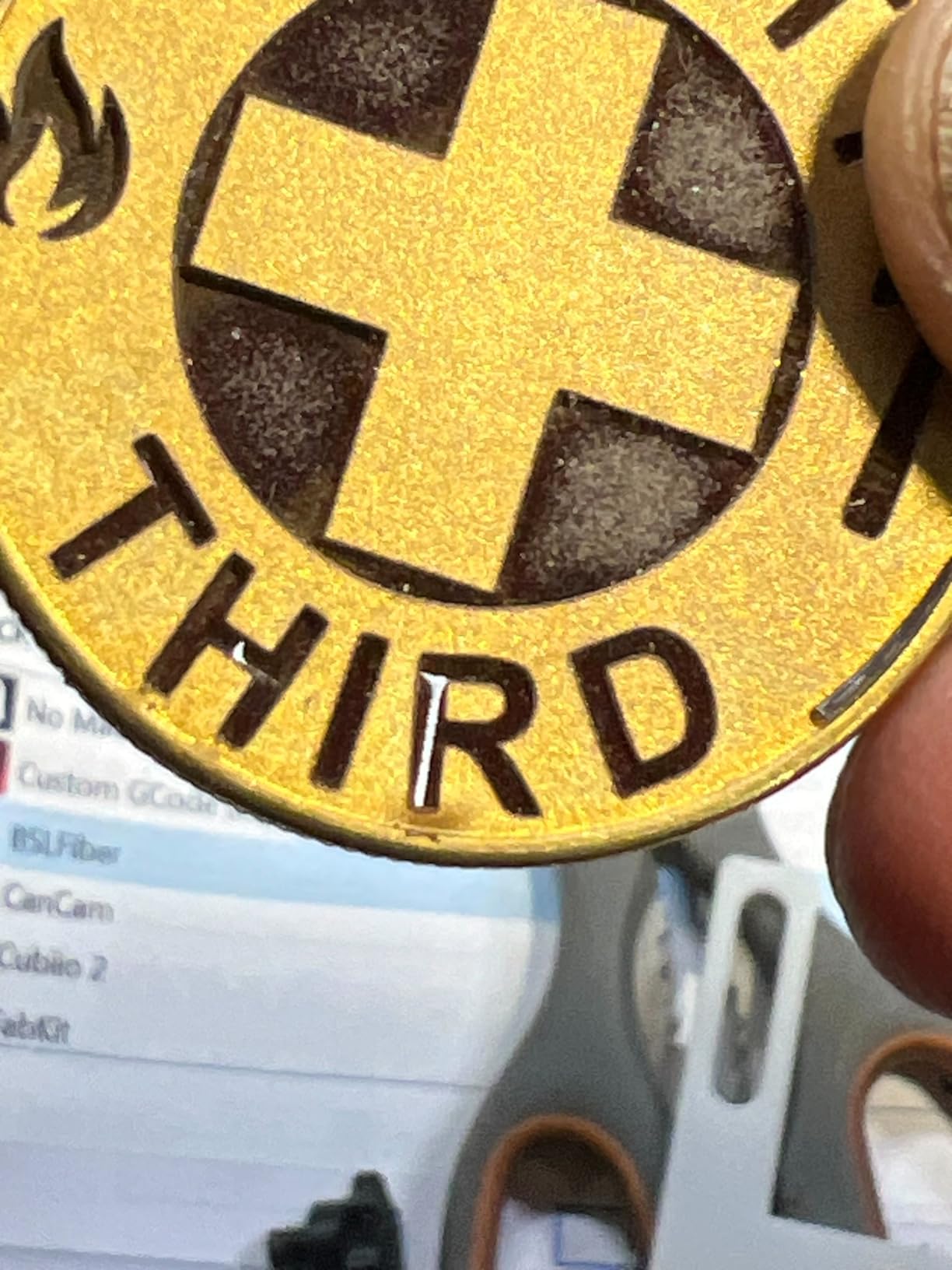
Name plates, pet tags, small serial marks, engraved logos on mixed materials and any entry-level job where the piece is small and the mark is a surface change rather than a cut. The 110mm square field suits pendants, tags and small blanks.
Because it detaches, it also works away from a bench, and the bundled safety gear means you can start without a separate eyewear purchase. If you outgrow it later, the same brand has a clear 30W and 50W upgrade path.
Where it falls short?
The work area is one of the smallest of the eight machines here, and 30-plus color results is roughly a third of what the G2 Pro and Max claim. Deep engraving and any real metal cutting are out of reach at this power level.
Because the field is small and there is no cutting ability, this is a marker rather than a fabricator. Decide honestly whether you will hit that ceiling within a year, because moving up a tier later usually means buying a different machine anyway.
MOPA vs Q-Switched Fiber Lasers: Which Do You Actually Need?
MOPA and Q-switched are not power levels. They are two different ways of pulsing the same 1064nm fiber source, and the difference decides whether color marks on metal are repeatable or a matter of luck.
A Q-switched source, which is what most machines in this roundup use, dumps energy into a fixed pulse shape. It is cheaper, simpler and completely adequate for marking stainless steel, brass, copper and aluminum, and for cutting thin metal. Most of the Q-switched machines here also offer color engraving, and owners do get usable results.
The problem owners report is consistency. Hitting a color on stainless or titanium means tuning frequency, power, speed and spacing together until the surface oxidizes to the shade you want. Move to a different alloy or change the fill and the settings shift again. Buyers describe this as a learning curve they did not expect from a machine that advertises a color library.
A MOPA source lets you control pulse width and frequency independently, so the same oxidation result is easier to reach twice. The F2 Ultra pairs that with a preset color matrix library of more than 100 results and one-click color files, and its owners report repeatable multi-color markings on coins in production.
So the buying rule is simple. If you are marking flat, dark, high-contrast serials and tags on plain metals, Q-switched is enough and you should not pay for MOPA. If color on stainless and titanium is a product you sell, if you want batch repeatability across operators, or if deep relief on thin brass is central to your work, MOPA earns its cost. The xTool F2 Ultra is the only MOPA machine in this roundup.
How Deep Can a Fiber Laser Engrave?
This is the question that comes up most often from buyers, and the answer depends on power, material and what you mean by depth. A surface etch changes the finish. Engraving removes material and leaves a groove. Drilling goes all the way through.
At 20W you are working in the marking band. The ComMarker B4 lists engraving depth of 0.3mm to 0.5mm, which is a shade mark and light relief rather than a structural groove. The xTool F1 Ultra cuts 0.3mm stainless steel, 0.4mm brass and 0.2mm aluminum with its 20W fiber head, which is the same story from another angle.
At 30W the GWEIKE G2 Pro adds headroom over the 20W units, and it is also where reports of shallow depth on coins start appearing in owner feedback. Owners frequently identify the source rather than the settings as the limit, and some report the problem surviving a replacement unit.
At 50W and above, depth becomes routine. The SFX 50W JPT machine lists engraving depth up to 1mm across a 175mm square field, the GWEIKE G2 Max uses the same power with an electric lift column and a 150mm field for deep carving, and the xTool F2 Ultra lists cutting up to 2mm metal on its 60W MOPA source.
Material changes the picture more than people expect. Aluminum and brass respond quickly and cut at the shallowest listed figures. Stainless steel is tougher and is the metal where 20W runs out first. For deep relief on brass specifically, most buyers treat 20W as the starting point and 30W or more as where the work becomes practical.
Material also decides the ceiling. If your parts are thin, as tumblers, tags and jewelry blanks are, you will hit the part before you hit the laser. If they are thick, as knife blanks and axe heads are, no desktop machine in this roundup will get you there and you need a higher-power source.
Laser Engraver Buying Guide for Metal Marking
Pick the power tier before you pick a brand. Most regrets in this category come from buying a machine that cannot do the deepest job on the list, or buying a 60W unit to mark dog tags. Under 20W is for surface marking only, 20W to 30W handles thin metal and light relief, and 50W to 60W is where deep engraving and real cutting begin.
Decide how much of your work is not metal. If it is more than incidental, a dual-head machine such as the F1 Ultra, F2 Ultra or LP5 saves you a second machine and a second learning curve. If metal is close to everything you do, a pure fiber unit is simpler and cheaper.
Check the motion system. Every machine here uses a galvanometer scanner with paired mirrors, which is why they all quote 10000mm/s or higher and tiny accuracy figures like 0.001mm. That is how fast desktop metal marking gets. Gantry machines move a head on rails, are slower, and are not represented here.
Look hard at work area. The F1 Ultra and F2 Ultra lead at roughly 220mm square, then the SFX at 175mm, the G2 Max at 150mm, and the G2 Pro and G2 at 110mm. If you mark tumblers, rings or bottles, budget for a rotary attachment, and confirm whether it is included: the SFX lists one, and the ComMarker B4 has owners reporting the listed rotary drive was missing from their unit.
Budget beyond the machine. In this category the add-ons are not optional if you want to work safely: Class 4 eyewear, fume extraction, an air assist pump, and for the higher-power sources a water chiller. Several machines here bundle the glasses and cover, and others, including the F1 Ultra, do not. Add replacement lenses to that figure, because they are consumables.
On software, LightBurn is the common thread and the reason to prefer machines with a standard JCZ board. The ComMarker B4, SFX 50W, GWEIKE units and the xTool machines all support LightBurn to varying degrees. First-party apps like xTool Creative Space and LaserPecker Design Space are genuinely easy to learn, and the AI camera and material test array features on the newer machines are built into them.
Artwork is the step most beginners rush, and clean vector files save more time than any machine upgrade. If you are producing proofs or layouts before you burn, our guides to the best laser printers and best color laser printers cover that side of the workflow, and the same habit of outlining fonts and converting artwork to vectors pays off on every machine above.
Know the safety picture. A 1064nm fiber laser is Class 4, meaning the beam is an eye hazard even at low power and there is no interlocks on an open machine. Fully enclosed units with a closed lid are treated as Class 1 when closed, and ventilation matters because marking metal sends fine particulate into the air. Never look into the beam, and never rely on the enclosure lid alone on an open-frame head.
Know what not to mark. Bare aluminum is highly reflective and can reflect the beam unpredictably as the surface pits, which is the most common fire and eye risk in this category. Skip unknown alloys where you cannot confirm there is no lead, cadmium or nickel, and avoid food-contact surfaces unless you are certain of the alloy and the finish, because a mark can expose substrate.
Then look at long-term cost. The most common complaint in buyer threads is machines stopping mid-job, and the usual answers are a chiller running warm, air assist pressure dropping, a dirty or damaged protective lens, or a failing source. Keep a spare lens and keep your chiller serviced, and treat total cost of ownership, not machine cost, as the number that matters.
Frequently Asked Questions
What is the best laser machine for metal engraving?
A 1064nm fiber laser is the best machine for metal engraving because metals absorb that wavelength and convert it to heat, which darkens, cuts or discolors the surface. Diode, CO2 and UV sources either reflect off bare metal or need a coating or marking spray applied first. Among the eight machines tested here, the xTool F1 Ultra is the strongest all-rounder for marking and personalization.
Will a 10W laser engrave metal?
A 10W diode laser cannot mark bare metal. It emits around 450nm, which stainless steel and aluminum reflect, so you get a smudge or nothing. Even a 10W fiber source is marking-only. The entry point for genuine metal capability in this roundup is a 20W 1064nm fiber, which reaches roughly 0.3mm to 0.5mm depth and cuts thin brass and stainless steel.
Which fiber laser is best for engraving on metal?
For general metal marking and personalization the xTool F1 Ultra is the pick, with the largest 220mm square field among 20W desktop machines and a dual diode head for non-metal work. For deep engraving, color and metal cutting the xTool F2 Ultra goes further, since its 60W MOPA source cuts up to 2mm metal. Choose by the deepest job on your list, not by brand.
What are the recommended settings for fiber laser engraving on steel?
Start with the machine’s own material test function rather than borrowed numbers. The GWEIKE G2 Pro, G2 Max and G2 and the LaserPecker LP5 all ship a test array that scans a grid of power, speed and frequency settings so you can pick a proven starting point for the alloy in front of you. Run it in single pulse mode, keep air assist on, and confirm focus with the red positioning light before the real job.
What are the disadvantages of fiber lasers?
Fiber lasers do not mark wood, acrylic, paper, leather or fabric well, so a mixed-material shop may still need a diode laser. They are Class 4 eye hazards requiring eyewear, extraction and often an air assist pump. Power costs add up at higher wattage, and deep relief work at 50W and above takes far longer than buyers expect. Several owners also report calibration drift and source failures on entry models.
What is the best mini laser engraver for metal engraving?
The LaserPecker LP5 is the most capable mini machine in this roundup, combining a 20W fiber and a 20W diode in a 6.02kg carryable body with an integrated handle. Owners report clean 1mm brass and stainless cuts and mark bare metal with no pre-treatment coating. If you need to stay on a bench, the GWEIKE G2 Pro at 22 pounds is faster and larger-fielded but not portable.
Is there an alternative to LightBurn?
Yes. Most of these machines come with first-party control software: xTool Creative Space on the F1 Ultra and F2 Ultra, LaserPecker Design Space on the LP5, and GLaser on the GWEIKE units. The SFX 50W and ComMarker B4 run EzCad2 on a standard BJ JCZ control board, which LightBurn also drives. First-party apps are easier to learn but tie you to one brand’s file workflow.
Final Verdict: Which Laser Engraver Should You Buy for Metal?
For most shops marking jewelry, tags, tumblers and serial numbers, the xTool F1 Ultra is our choice. It has the largest review base in the roundup, the biggest work area at that power tier, and a diode head that stops you buying a second machine. If your work goes deep or you sell color on stainless and titanium, step up to the xTool F2 Ultra and its 60W MOPA source, which is the only machine here that cuts 2mm metal.
On a tighter budget, the GWEIKE G2 Pro is the value pick at 30W, though read the reliability reports before you commit. For deep relief specifically, the GWEIKE G2 Max at 50W or the SFX 50W JPT for its 175mm field and 1mm depth are the sensible stops. Whatever you choose, budget the chiller, extraction, eyewear and a spare lens alongside it, and run the machine’s material test array before the first customer job.