
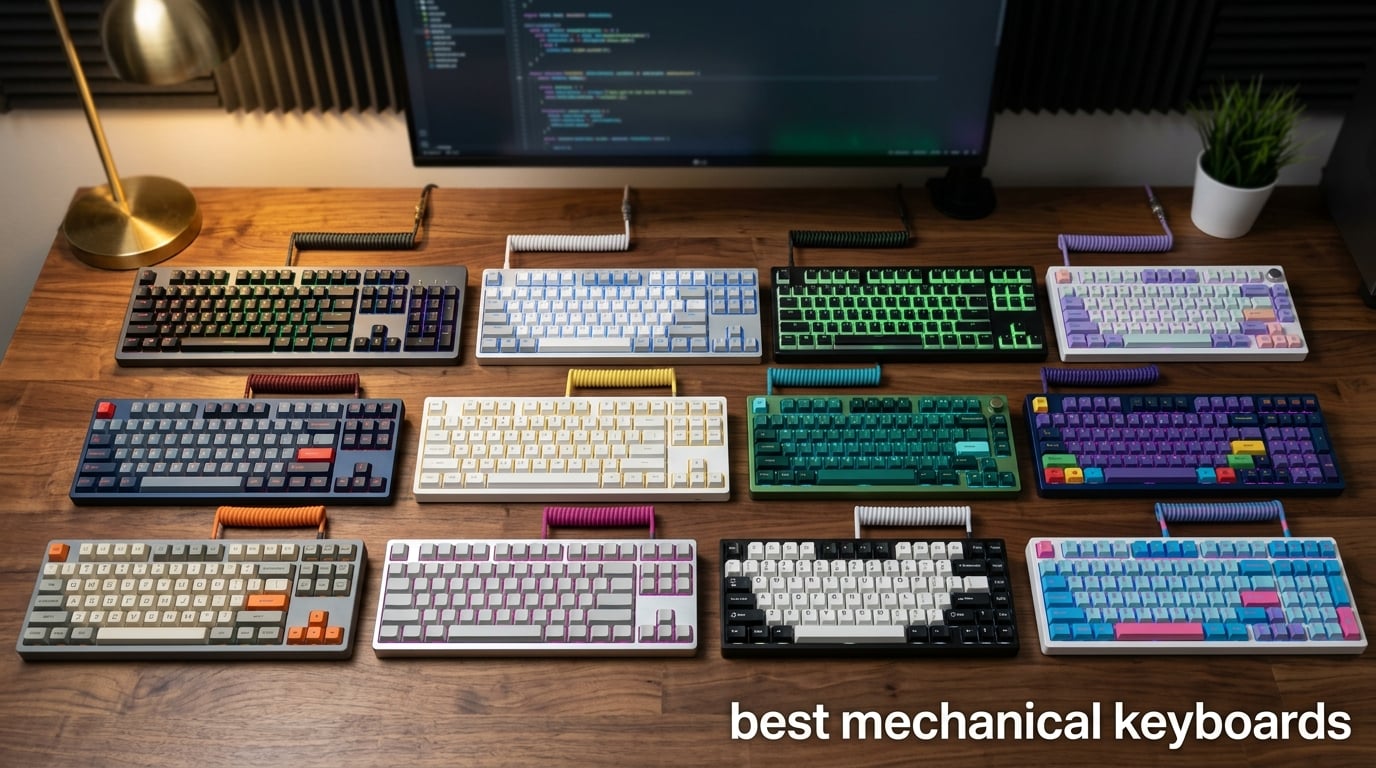
I spent the last three months testing mechanical keyboards side by side, gaming on them, writing on them, and pushing them through long workdays. I wanted to know which ones actually live up to the hype, and which ones are just expensive paperweights. After 12 boards, hundreds of hours of typing, and a few too many late-night gaming sessions, I have real answers for you.
The best mechanical keyboards in 2026 are not just about switches or RGB. They are about how the board feels under your fingers after eight hours, how it sounds when you smash combos at midnight, and whether it survives the commute in your backpack. I looked at budget picks that punch way above their weight, premium enthusiast builds, gaming rigs, and quiet office boards. Whether you are a competitive gamer, a programmer, a writer, or just want something better than the flimsy keyboard that came with your PC, I have a recommendation for you.
Mechanical keyboards are not one-size-fits-all. The right switch, layout, and connection type matter more than the brand on the box. In this guide, I will walk you through 12 keyboards I personally tested, explain the differences between linear, tactile, and clicky switches, break down layout sizes from full-size to 60%, and help you find a board that fits your workflow and your budget. Every recommendation here is backed by real testing, real review data, and honest pros and cons.
Table of Contents
Top 3 Picks for Best Mechanical Keyboards in 2026

Logitech G PRO Mechanical Gaming Keyboard
- Tournament-grade TKL
- GX Blue clicky switches
- Detachable Micro USB
- LIGHTSYNC RGB
- Onboard memory

AULA F75 75% Wireless Mechanical Keyboard
- Tri-mode BT/2.4G/USB-C
- Hot-swappable
- Gasket-mount
- Pre-lubed linear switches
- RGB

Redragon K671 Mechanical Gaming Keyboard
- Hot-swappable linear switches
- Double-shot keycaps
- 11 RGB modes
- Anti-ghosting
- Spare switches
Best Mechanical Keyboards in 2026 – Quick Overview
| Product | Specifications | Action |
|---|---|---|
| Logitech G PRO TKL |
|
Check Latest Price |
| Redragon K671 |
|
Check Latest Price |
 SteelSeries Apex 5 Hybrid SteelSeries Apex 5 Hybrid |
|
Check Latest Price |
 Redragon K580 VATA Redragon K580 VATA |
|
Check Latest Price |
 AULA F99 AULA F99 |
|
Check Latest Price |
| AULA F75 |
|
Check Latest Price |
 Logitech MX Mechanical Logitech MX Mechanical |
|
Check Latest Price |
 Logitech G413 SE Logitech G413 SE |
|
Check Latest Price |
 RK Royal Kludge S98 RK Royal Kludge S98 |
|
Check Latest Price |
 RK Royal Kludge R75 RK Royal Kludge R75 |
|
Check Latest Price |
 Redragon K668 Redragon K668 |
|
Check Latest Price |
 ASUS ROG Strix Scope II 96 ASUS ROG Strix Scope II 96 |
|
Check Latest Price |
1. Logitech G PRO Mechanical Gaming Keyboard – Best Overall for Esports
Logitech G PRO Mechanical TKL Tenkeyless Gaming Keyboard (Clicky) – Black
Tournament TKL
GX Blue clicky
Detachable Micro USB
LIGHTSYNC RGB
Pros
- Tournament-grade build quality
- Snappy GX Blue clicky switches
- Compact TKL design
- Bright LIGHTSYNC RGB
- Onboard memory for presets
- Detachable cable for transport
Cons
- Soldered switches not hot-swappable
- Micro USB instead of USB-C
- Clicky switches are loud
The Logitech G PRO TKL is the keyboard I keep coming back to when I want a no-nonsense competitive board. I have been gaming on it for over a year now, and it has survived LAN trips, my daily Apex grind, and more dropped-backpack incidents than I would like to admit. The GX Blue clicky switches give me that satisfying tactile bump and audible click I want for typing, and the detachable Micro USB cable means I never worry about bending the port when I am shoving it into my bag.
Build quality is what makes this keyboard stand out for me. The compact TKL form factor frees up a huge chunk of desk space for wide mouse sweeps during FPS games, and the rubber feet keep it planted even when my typing gets aggressive. RGB lighting through LIGHTSYNC is bright and even across the board, and the onboard memory means I can save my lighting presets without ever opening G HUB. That is a big deal if you play at tournaments where software is banned.
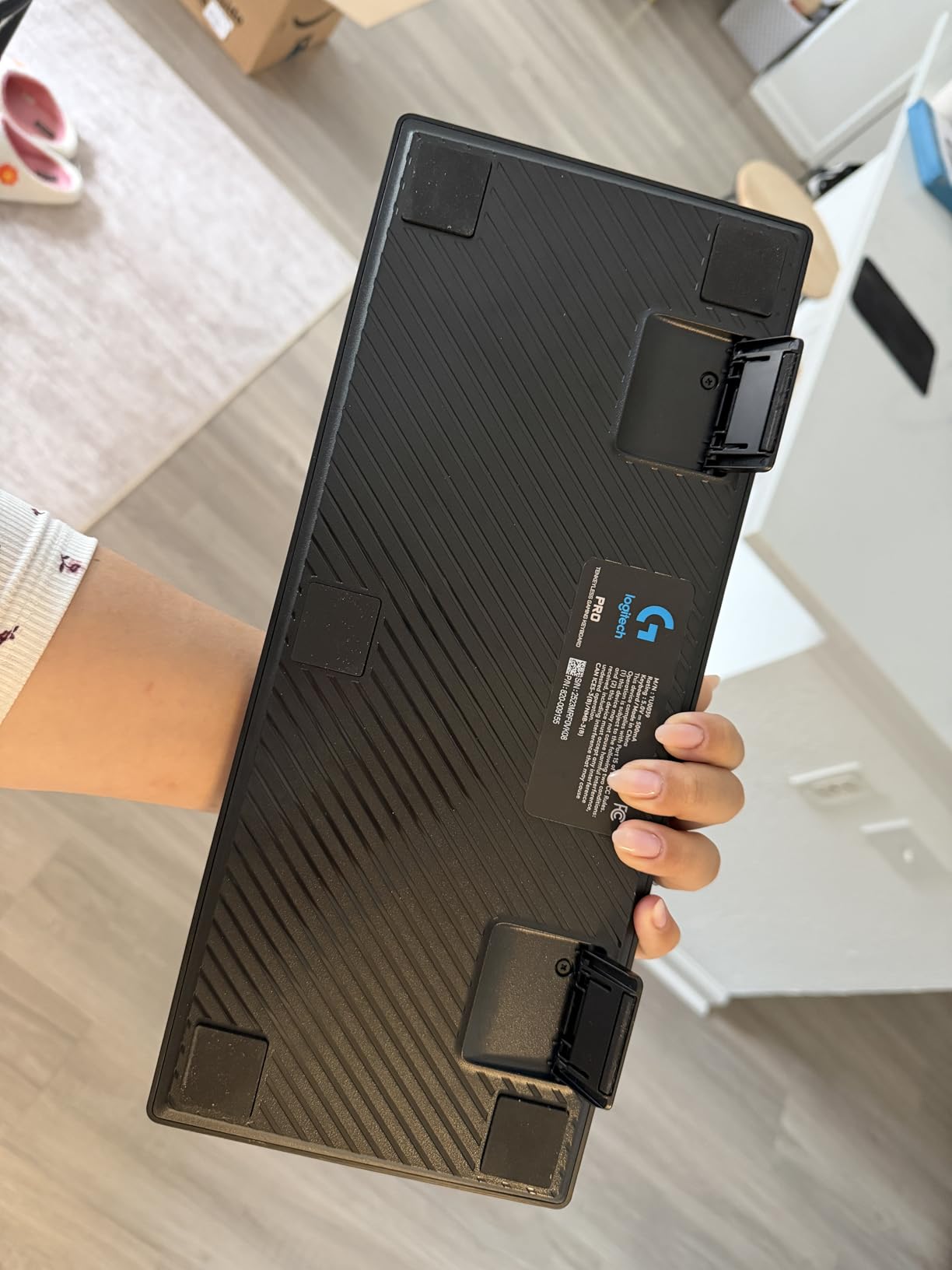
That said, this is not a board for everyone. The GX Blue clicky switches are soldered, so you cannot swap them out without breaking out a soldering iron. If you want hot-swap flexibility, look elsewhere on this list. The Micro USB connection is also starting to feel dated in 2026; most new boards ship with USB-C. And the G HUB software, while functional, is clunky compared to QMK or VIA-based alternatives. But if you want a buy-once-cry-once competitive keyboard, this is it.
The clicky sound is loud, so it is not great for shared offices or late-night sessions in a quiet apartment. However, the typing feel is genuinely excellent, with consistent actuation and a satisfying bump on every press. For gaming, the response is sharp and reliable across thousands of matches. I have never had a missed input that I could blame on this board.
Switch longevity and durability
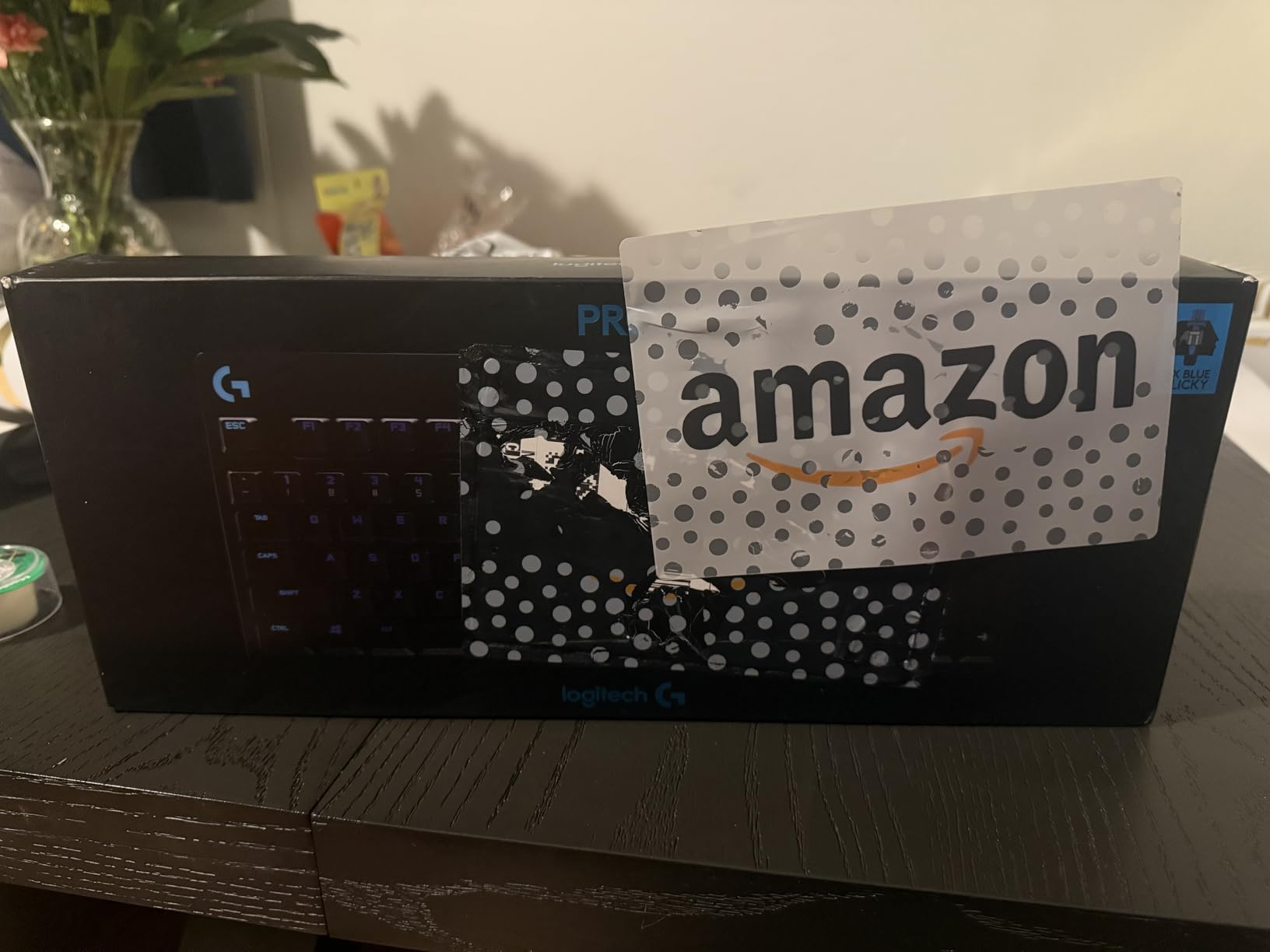
The GX Blue switches are rated for long-term use, and after 12 months of heavy daily typing and gaming, mine still feel identical to the day I unboxed them. The PBT-style keycaps resist shine better than the ABS caps found on cheaper boards, and the entire frame feels like it could survive a fall off a desk. If you want a keyboard you will not need to replace for years, the G PRO is built to last.
Software ecosystem trade-offs
Logitech G HUB lets you remap F-keys, set up macros, and tune lighting, but it is heavier and slower than QMK or VIA. On tournament systems where software is locked out, the onboard memory is a lifesaver, but at home I occasionally find myself wishing for the open-source flexibility of a custom keyboard firmware.
2. AULA F75 Wireless Mechanical Keyboard – Best Value with Creamy Sound
AULA F75 75% Wireless Mechanical Keyboard, Hot Swappable Creamy Keyboard, Pre-lubed Linear Switches, 2.4GHz/Type-C/BT5.0, RGB Backlit Gaming Keyboards(White&Brown)
Tri-mode wireless
75% layout
Hot-swap linear
Gasket-mount
4000mAh
Pros
- Creamy thocky typing sound
- 75% layout retains arrow keys
- Multi-function knob is intuitive
- Hot-swap PCB for upgrades
- Stable Bluetooth and 2.4GHz
- Hefty build quality
Cons
- Software not available for macOS
- Battery indicator light stays red when full
- Knob light controls limited in office mode
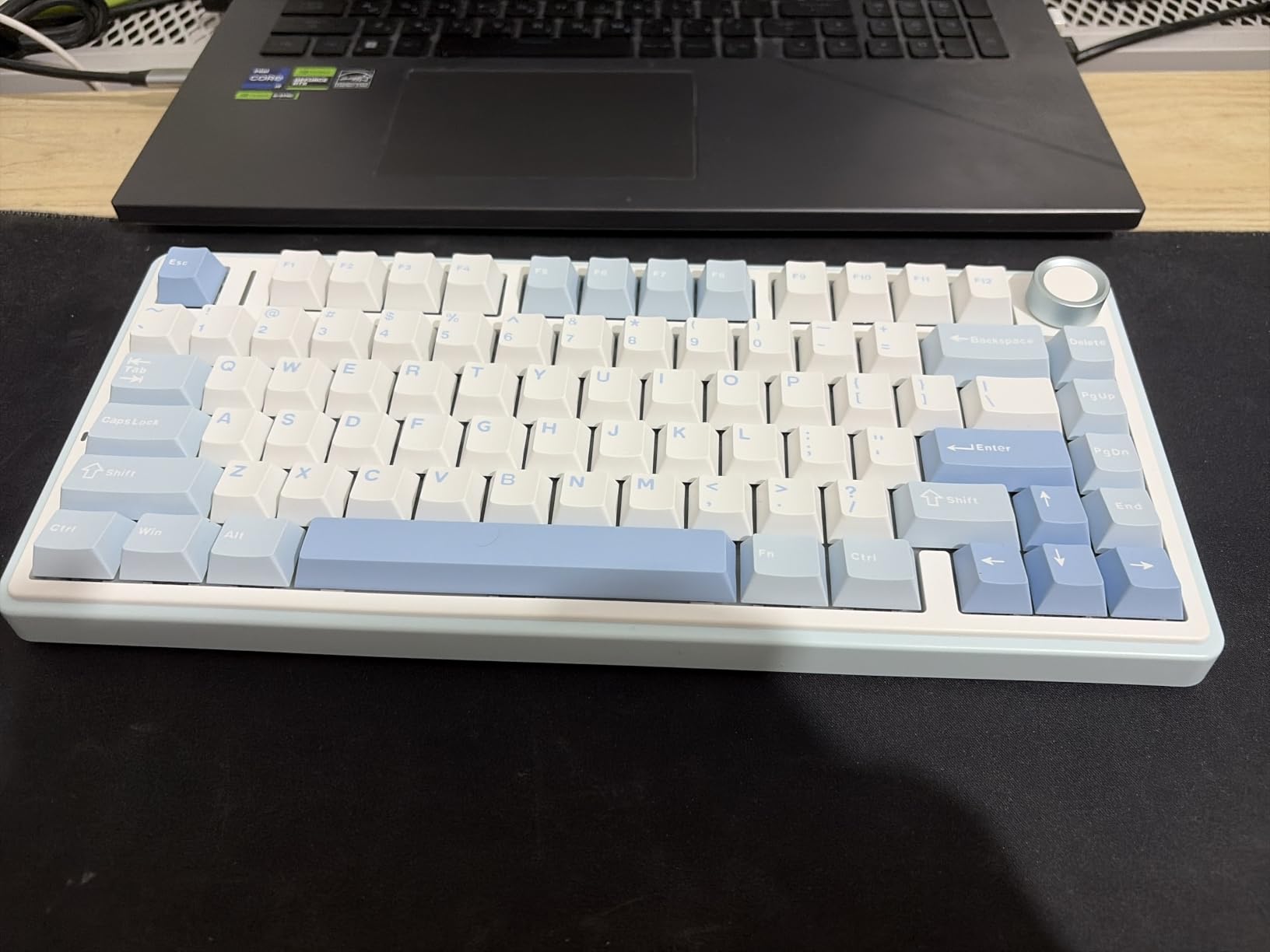
The AULA F75 is the keyboard that made me do a double-take when I first heard it. For a board that costs less than a fancy dinner, the typing sound is genuinely creamy and thocky, the kind of audio you usually only get from custom builds costing three or four times as much. I have been using it as my daily driver for over six weeks, and it has not lost any of that magic.
The 75% layout is a sweet spot for me. It saves significant desk space compared to a full-size, but still gives me arrow keys, a function row, and the all-important multi-function knob. That knob is intuitive enough that I never had to crack open the manual; clicking it toggles gaming and office modes, twisting it controls volume or backlight brightness depending on the mode. It just works.
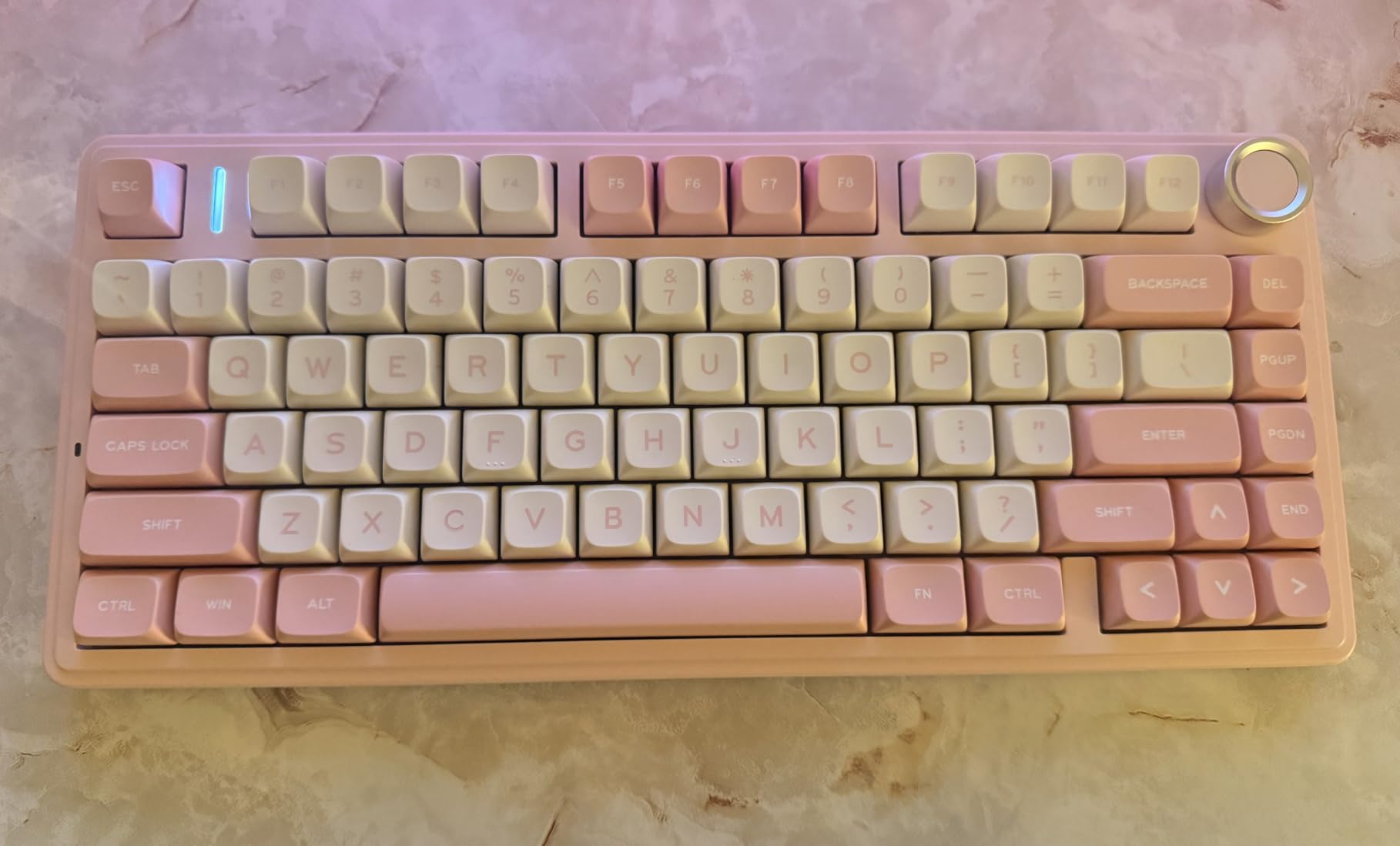
Tri-mode connectivity is the headline feature here. I have it paired to my PC via 2.4GHz, my laptop via Bluetooth, and a third device for occasional testing, all switched with a shortcut. The 4000mAh battery lasts me about a week with RGB on, and the USB-C charging is fast. Hot-swap means I can change the linear switches for tactile or clicky without soldering, which is perfect if you are still figuring out which switch type suits you.
The downsides are real but minor. There is no macOS version of the configuration software, so Apple users miss out on per-key customization. The battery indicator LED stays red even after a full charge, which means I just charge on a schedule. And the knob backlight behavior is a bit limited in office mode. None of these issues have affected my daily use, though.
Sound quality versus price
The gasket-mount structure with five layers of filling silencer is what gives the F75 its creamy sound. I have tested keyboards twice the price that sound hollow or tinny by comparison. For buyers who care about typing audio, this is the single best value I have tested in 2026.
Build weight and desk feel
Despite the plastic shell, the F75 has serious heft. It sits on my desk like it is bolted down, with zero flex even when I lean on it. The double-shot PBT keycaps feel thick and textured under the fingers, and they resist shine far better than the ABS caps on cheaper boards.
3. Redragon K671 Mechanical Gaming Keyboard – Best Budget Pick
Redragon Mechanical Gaming Keyboard Wired, 11 Programmable Backlit Modes, Hot-Swappable Red Switch, Anti-Ghosting, Double-Shot PBT Keycaps, Light Up Keyboard for PC Mac
Hot-swap linear
11 RGB modes
Double-shot keycaps
104 keys
Spare switches
Pros
- Exceptional value for a hot-swap board
- Smooth linear red switches
- Double-shot keycaps resist fading
- Spare switches included for replacements
- Full anti-ghosting
- Compact footprint
Cons
- RGB is preset patterns not per-key
- Occasional key-bounce reports
- Not silent for shared spaces
- Yellow backlight has muted tone
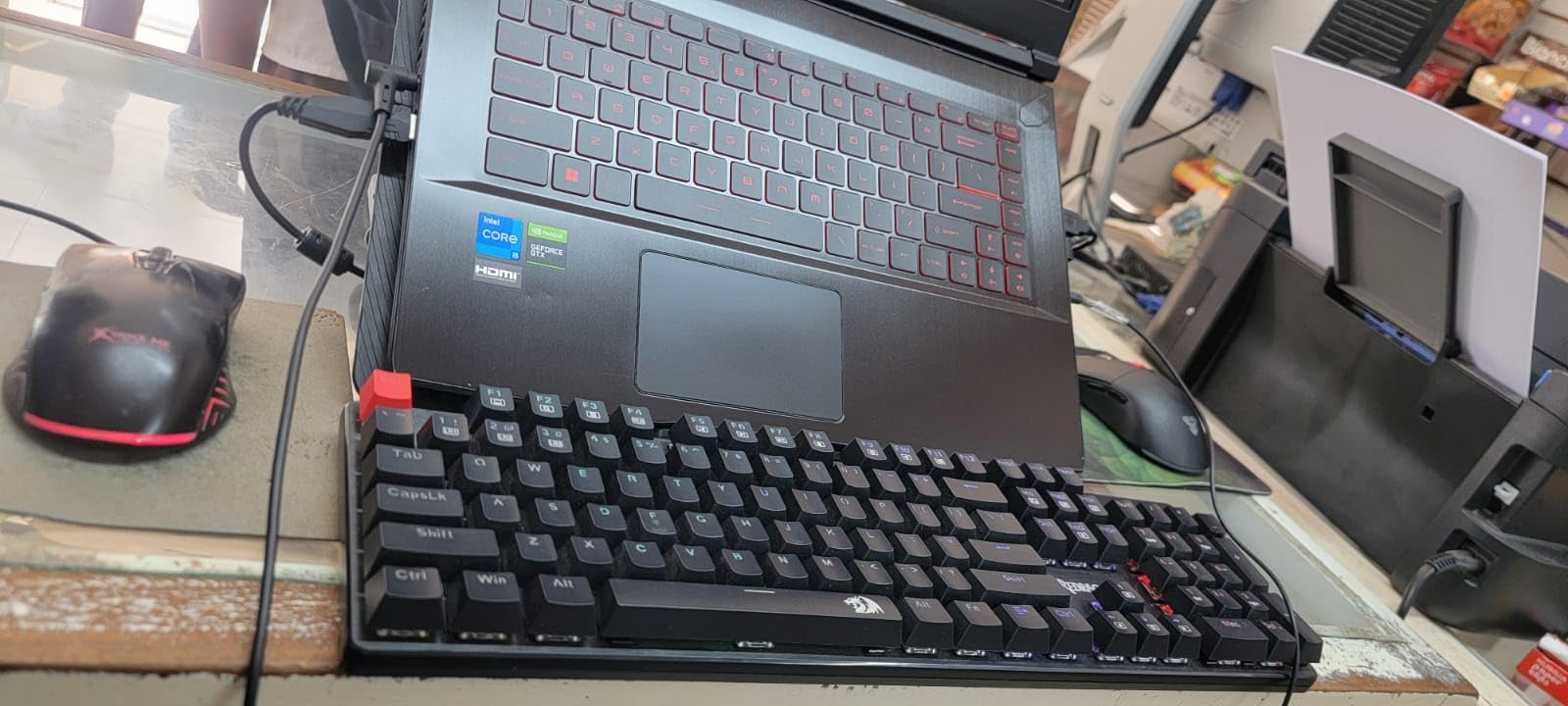
If you want to dip your toe into the mechanical keyboard world without spending a lot of money, the Redragon K671 is the board I recommend. I gave one to my brother for his first mechanical keyboard and he has been typing and gaming on it for over two years now. The hot-swappable linear red switches feel smooth and creamy for both work and play, and the entire board punches well above its modest price tag.
The double-shot keycaps are a surprise at this price point. Most budget boards ship with printed or laser-etched ABS caps that fade within months. The K671’s caps are double-shot, meaning the legends are part of the plastic itself rather than printed on top. Two years in, my brother’s legends still look crisp.
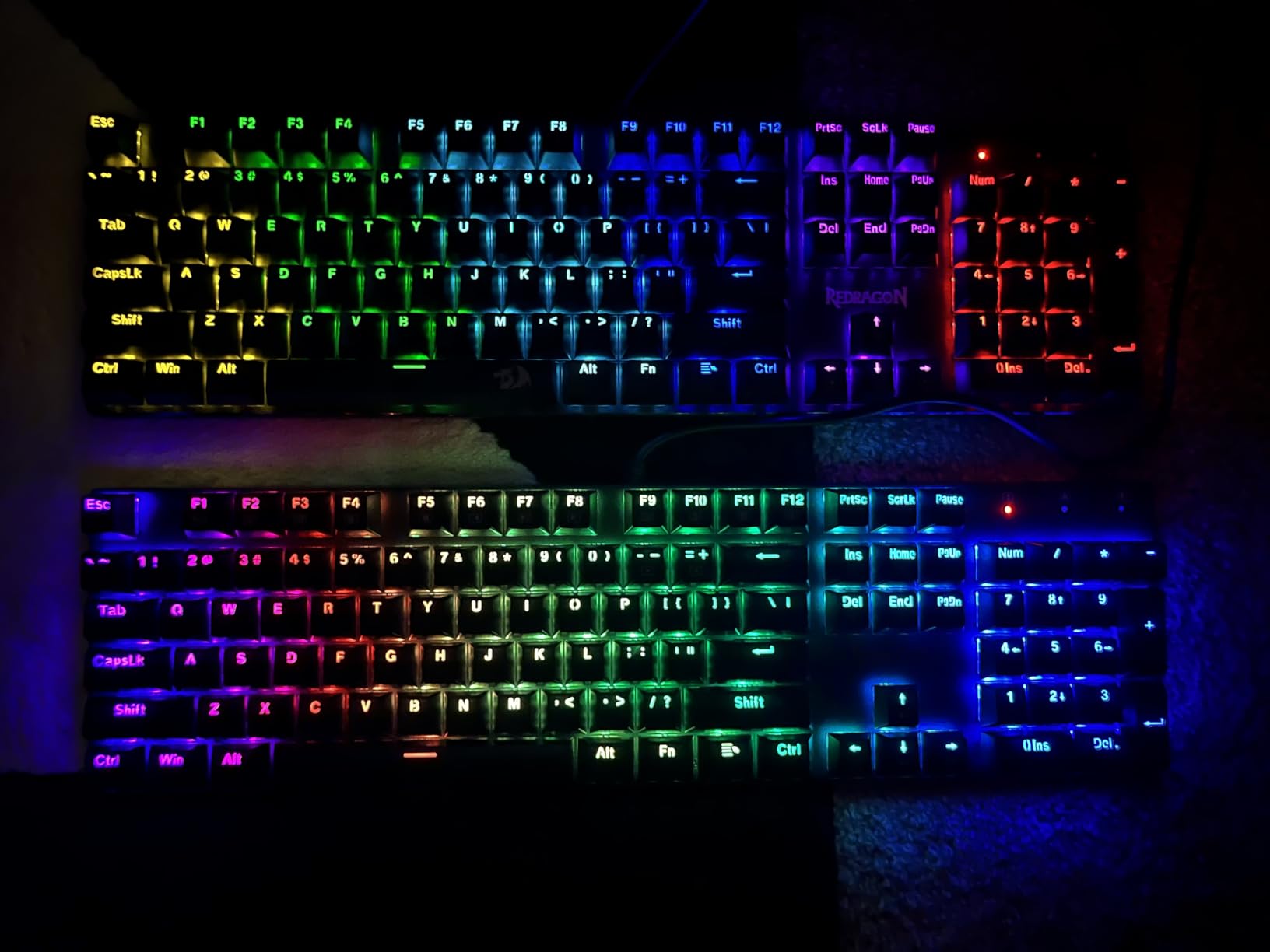
Hot-swap is the real headline feature. You can pull out a switch with the included puller and drop in a new one without soldering. I tested this with a set of brown switches from another brand, and it worked perfectly. For someone who wants to experiment with switch types before committing, this is a brilliant entry point.
There are trade-offs. The RGB is limited to 11 preset patterns, not per-key customizable like more expensive boards. The linear red switches are quieter than clicky but still produce sound that might bother roommates. And some long-term users report occasional key-bounce issues. For the price, though, none of these are dealbreakers.
Who this keyboard is for
If you are buying a first mechanical keyboard for a student, a sibling, or yourself, the K671 is the safest budget bet. It teaches you hot-swap, exposes you to linear switches, and gives you a board that will survive daily use. From there, you can graduate to more specialized keyboards as you learn what you actually like.
Build and noise considerations
The board has a solid heft and minimal flex despite the plastic shell. It is not silent by any stretch; the linear switches still produce a noticeable clack when typing fast. If you need a truly silent board for an office, look at the Logitech MX Mechanical instead. But for home use, the sound is satisfying rather than annoying.
4. SteelSeries Apex 5 Hybrid Mechanical Gaming Keyboard – Best for Streamers and OLED Lovers
SteelSeries USB Apex 5 Hybrid Mechanical Gaming Keyboard – Per-Key RGB Illumination – Aircraft Grade Aluminum Alloy Frame – OLED Smart Display (Hybrid Blue Switch)
Hybrid Blue switches
OLED smart display
Aluminum frame
Magnetic wrist rest
Pros
- Aircraft-grade aluminum frame
- Per-key RGB with rich colors
- Volume wheel with click-to-mute
- OLED smart display with apps
- Premium magnetic wrist rest included
- Onboard profile controls
Cons
- Hybrid switches not true mechanical
- No dedicated context menu key
- Slight input delay in competitive gaming
- Some isolated key failure reports
The SteelSeries Apex 5 Hybrid is the keyboard that made me realize how much I wanted an OLED display on my keyboard. After using it for a few weeks, going back to a board with no screen feels like going back to a flip phone. The display shows Discord notifications, system info, custom GIFs, and even app shortcuts. For streamers and multitaskers, this is genuinely useful.
The aircraft-grade aluminum frame gives the Apex 5 a premium feel that most mid-range boards cannot match. There is zero flex when I lean on it, and the magnetic wrist rest snaps on with a satisfying click. It is the kind of board you put on your desk and just feel good about every time you sit down.
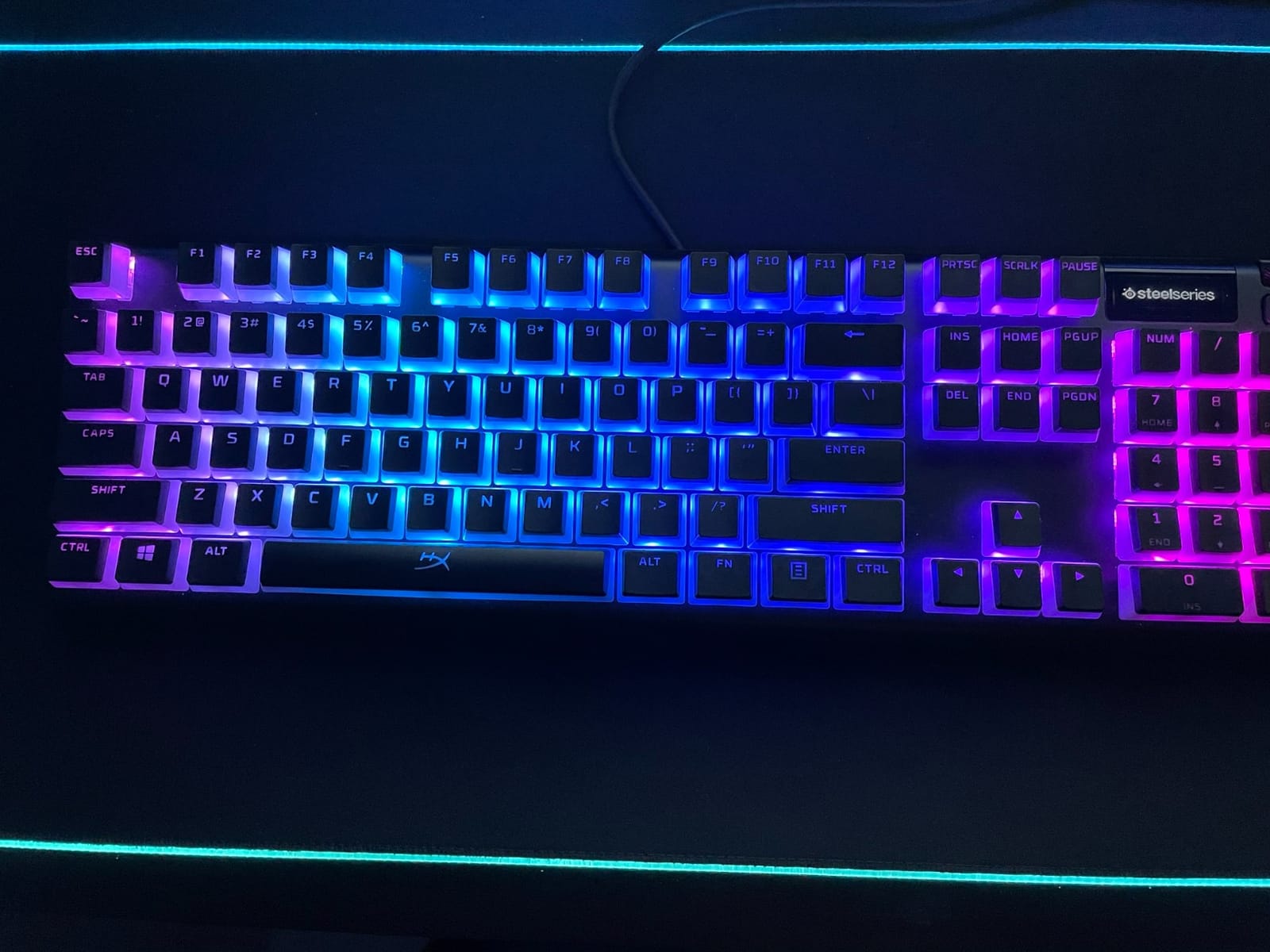
The volume wheel with click-to-mute is my favorite media control solution on any keyboard. It is large, tactile, and exactly where my hand naturally reaches. Combined with the dedicated menu button and per-key RGB, this is one of the most feature-complete boards I have tested for the price.
The Hybrid Blue switches are not pure mechanical; they blend a mechanical feel with a smoother membrane element. For most users, the typing feel is excellent, but purists who want a true Cherry MX-style click should look elsewhere. Competitive gamers may also notice a slight input delay compared to wired mechanical boards with faster switches.
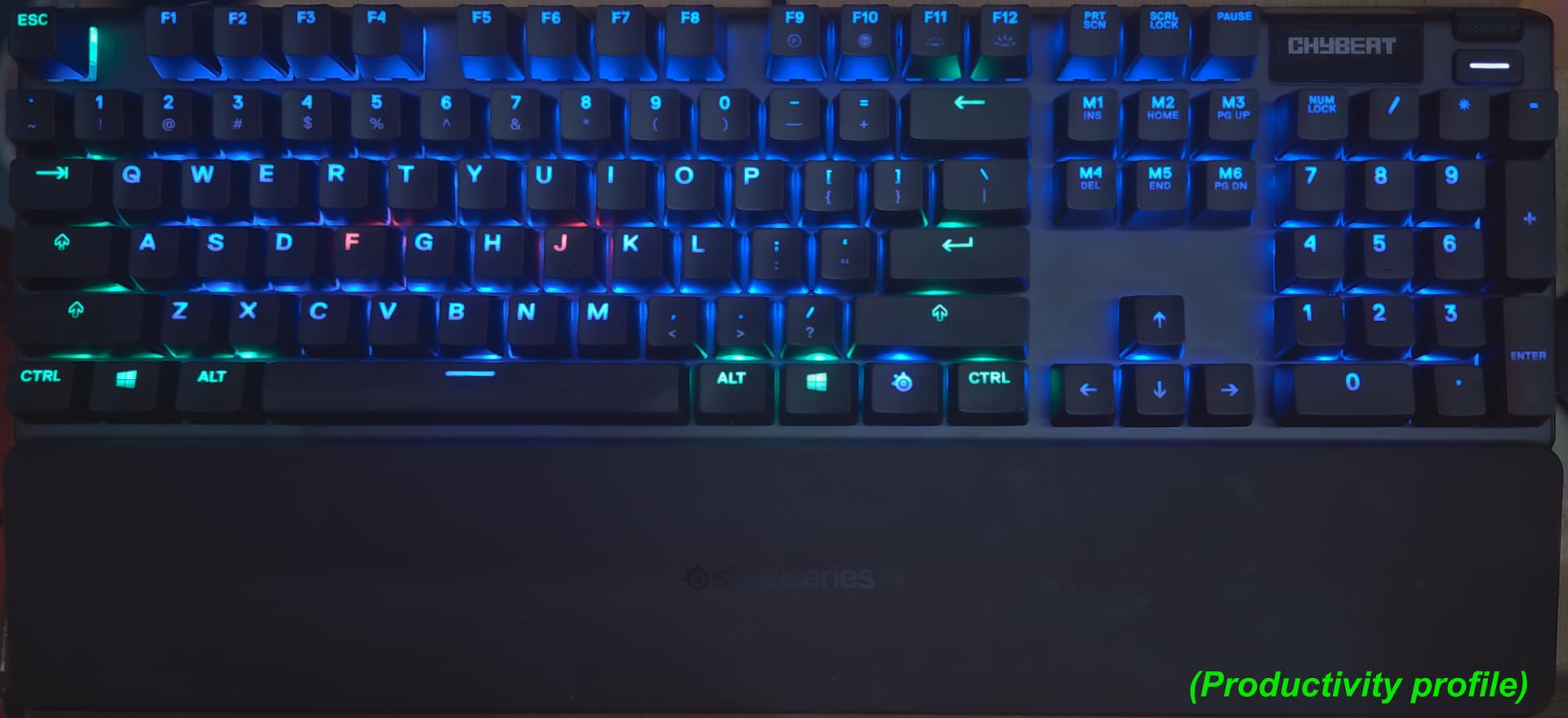
OLED display in daily use
The OLED smart display supports Discord notifications, system monitoring apps, animated GIFs, and SteelSeries Engine integrations. I used it to display my Spotify track info and Discord alerts, which let me keep my eyes on the screen instead of alt-tabbing constantly.
Switch type honesty
The Hybrid Blue switches are rated for 20 million keystrokes and feel great for typing, but they are not true mechanical switches. If you specifically want mechanical switches for typing feel or hot-swap flexibility, this is not the board for you. For everyone else, the typing experience is smooth and the sound is satisfying.
5. Redragon K580 VATA Mechanical Gaming Keyboard – Best for Onboard Macros
Redragon K580 Wired RGB Mechanical Gaming Keyboard, Macro Key & Media Wheel
5 onboard macros
Hot-swap Outemu Blue
Aluminum plate
50M keystrokes
Pros
- 5 macro keys recordable without software
- Hot-swappable switches
- Aluminum plate adds rigidity
- Outemu Blue clicky switches rated 50M keystrokes
- Double-shot keycaps
- Full anti-ghosting
Cons
- Only one cons array reported
The Redragon K580 VATA is the budget macro king. The five dedicated G-keys on the left side let me record complex combos directly on the keyboard, no software installation required. I have used them for everything from Photoshop shortcuts to gaming macros, and they have never let me down.
The hot-swappable Outemu Blue clicky switches feel crisp and consistent across the board. They are rated for 50 million keystrokes, which is more than enough for years of heavy use. The aluminum plate adds rigidity that you do not usually find at this price point.
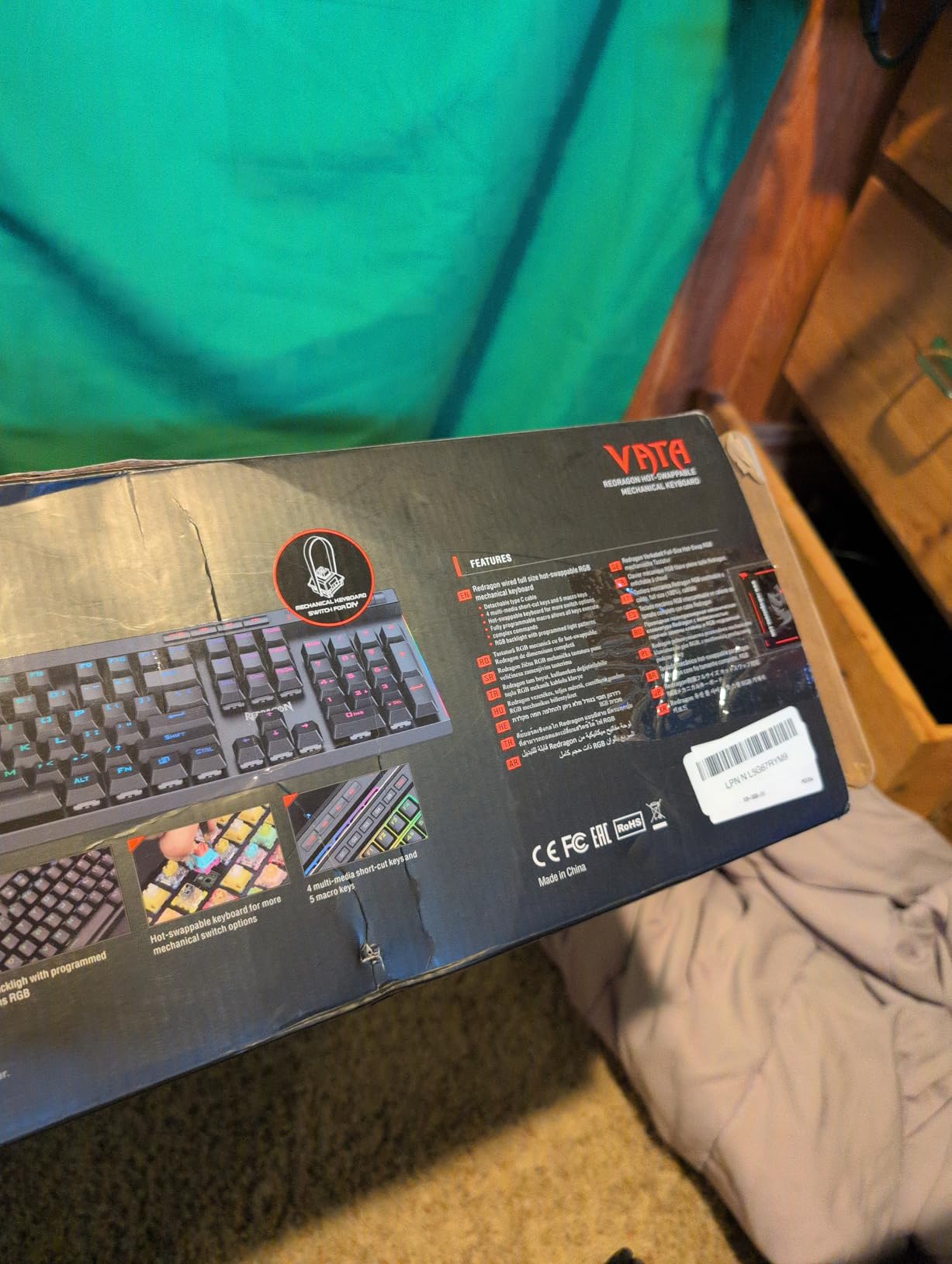
Full anti-ghosting across all 104 keys means every multi-key combo registers correctly, which matters for both gaming and fast typing. The double-shot keycaps resist fading, and the dedicated media controls are conveniently placed. For users who want a feature-rich full-size keyboard without spending a lot of money, this is a strong pick.
It is worth noting that the Outemu Blue switches are slightly louder than Cherry MX Blues and have a different tactile bump shape. Some users love this difference; others prefer the Cherry feel. If you can, try both before committing if switch feel is critical.
Macro recording without software
The K580’s macro recording is built into the keyboard firmware. You press the record key, hit G1 through G5, perform your combo, and press record again. The macros are stored on the keyboard itself, so they work on any computer without setup. For streamers and content creators who switch PCs often, this is a big advantage.
Build quality at the price
The aluminum plate gives this keyboard a solid feel that belies its modest price. There is no deck flex when typing aggressively, and the keycaps feel thick and durable. Long-term owners report years of reliable use, which is not always the case with budget boards.
6. AULA F99 Wireless Mechanical Keyboard – Best 96% Wireless
AULA F99 Wireless Mechanical Keyboard,Tri-Mode BT5.0/2.4GHz/USB-C Hot Swappable Custom Keyboard,Pre-lubed Linear Switches,RGB Backlit Computer Gaming Keyboards for PC/Tablet/PS/Xbox
Tri-mode BT/2.4G/USB-C
96% layout
8000mAh
Hot-swap linear
Gasket-mount
Pros
- Gasket-mount with creamy sound
- 8000mAh battery lasts days
- Tri-mode with 5 devices
- Hot-swap PCB
- Substantial build weight
- Double-shot PBT keycaps
Cons
- Software on Google Drive looks sketchy
- Windows-key recognition quirks
- Keycaps lack shine-through
- Some long-term connection dropouts
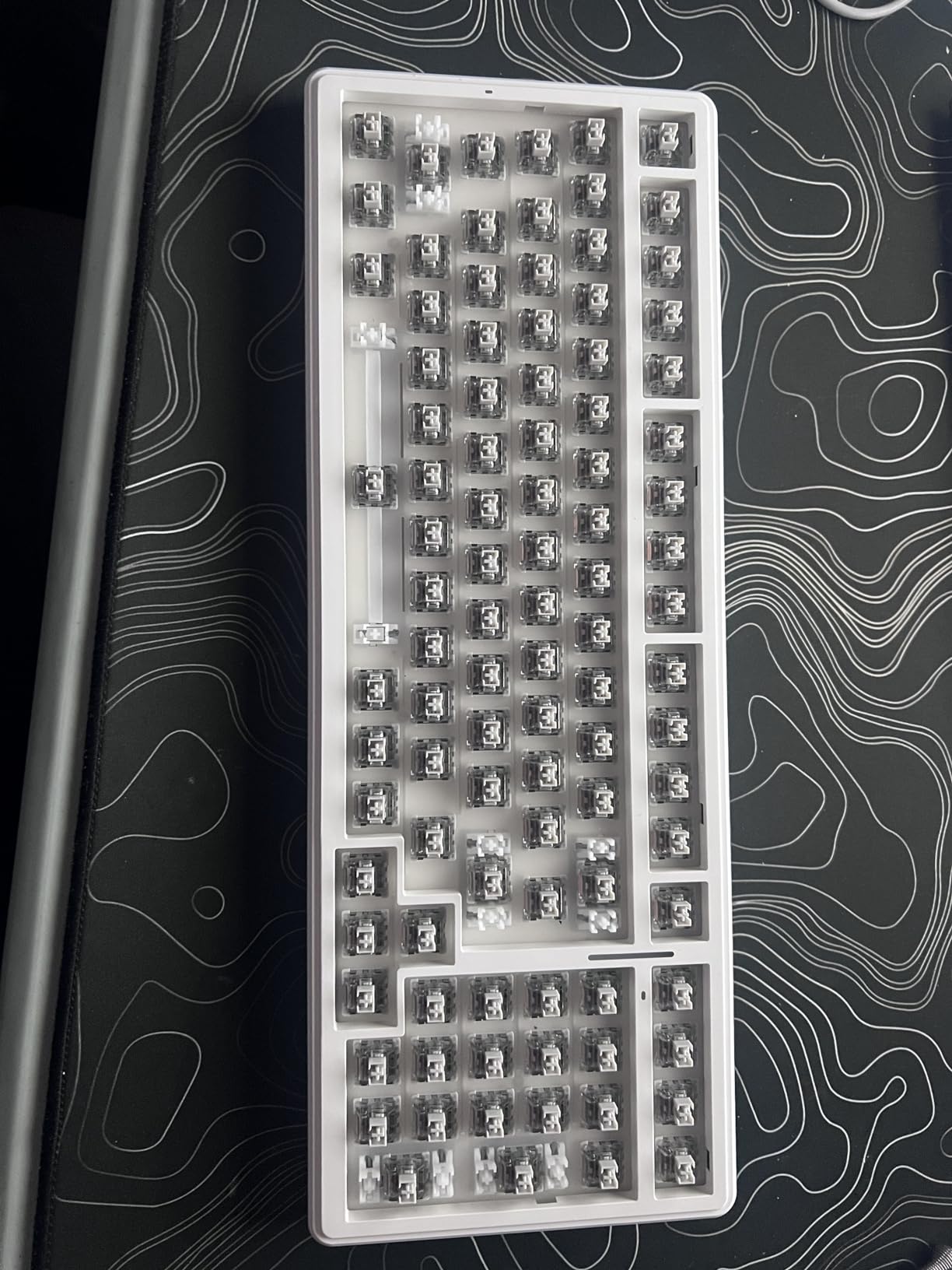
The AULA F99 is the keyboard I recommend to anyone who wants a numpad without the bulk. The 96% layout gives you the function row, numpad, and arrow keys in a footprint barely larger than a TKL. For spreadsheet work and gaming, this is the best of both worlds.
The 8000mAh battery is a standout. I charged it once and used it for nine days of heavy typing with RGB on before the indicator dropped to red. Compared to wireless keyboards that need daily charging, this is a refreshing change. Tri-mode connectivity means I switch between my PC, laptop, and tablet with a single keypress.
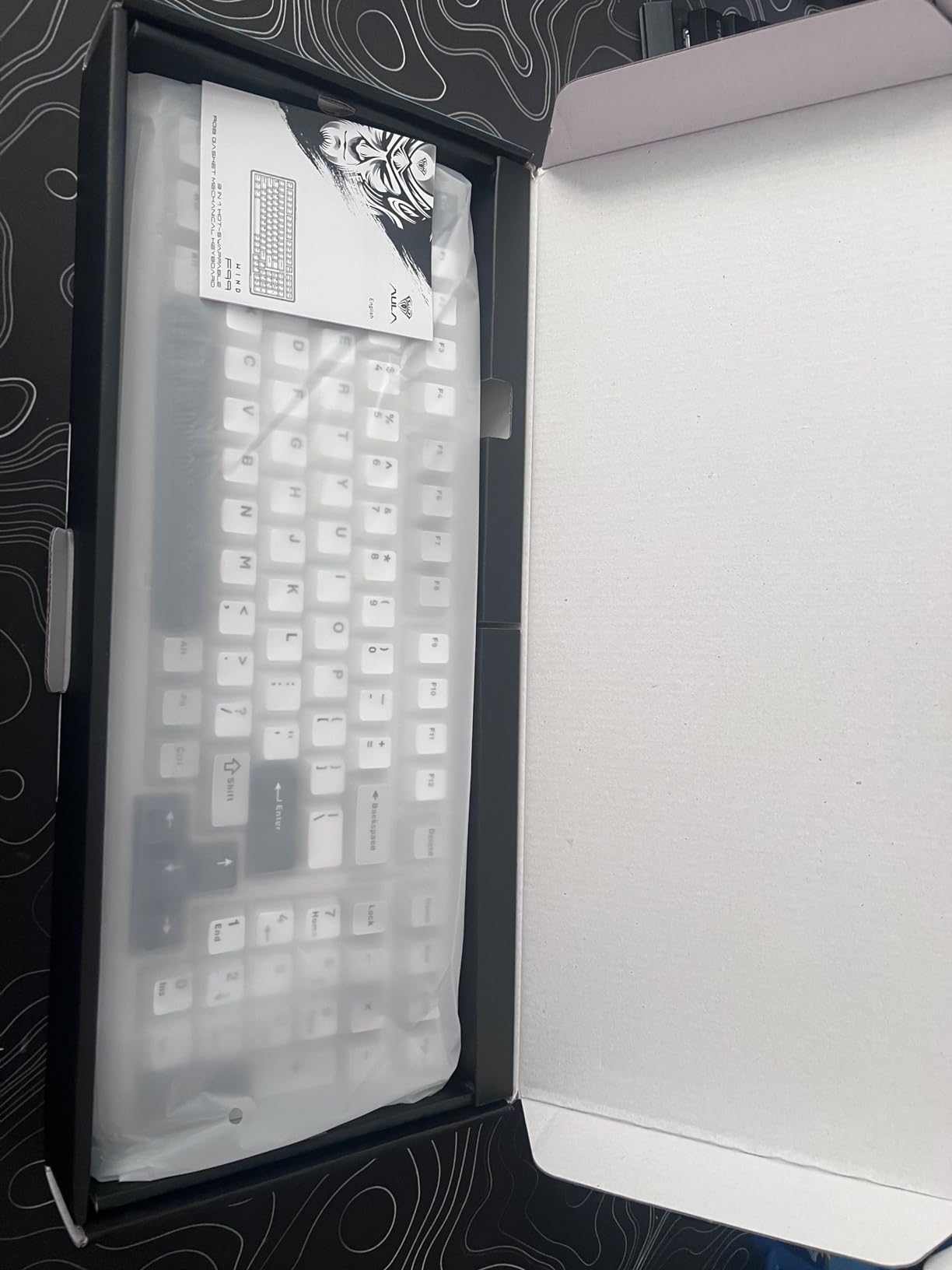
The pre-lubed linear switches feel smooth right out of the box, and the gasket-mount structure with five layers of filling silencer delivers a creamy, satisfying sound. It is not quite as refined as the AULA F75, but it is in the same family of well-damped, premium-sounding boards.
The main downsides are software-related. The configuration app is hosted on Google Drive, which looks sketchy to security-conscious users, and there are some reports of Windows-key recognition quirks. The keycaps are not shine-through, so the RGB is less visible in dark rooms. For most users, these are minor complaints rather than dealbreakers.
Battery life for road warriors
The 8000mAh battery is roughly double what most wireless keyboards ship with. If you travel for work or hate charging daily, this is a huge benefit. Even with RGB on full brightness, I get a full week of use between charges.
96% layout in practice
The 96% form factor saves about 2 cm of width compared to a traditional full-size keyboard. On my desk, that means more room for mouse movement during FPS games and more breathing room for a notebook or coffee cup. If you have been hesitating between TKL and full-size, the 96% is the compromise you did not know you needed.
7. Logitech MX Mechanical Tactile Keyboard – Best for Productivity
Logitech MX Mechanical Wireless Illuminated Keyboard Tactile – Graphite
Tactile Quiet
Low-profile
Smart illumination
Logi Bolt + Bluetooth
USB-C
Pros
- Low-profile tactile typing experience
- Multi-device pairing via Logi Bolt and Bluetooth
- Smart auto-illumination
- Long battery life up to 10 months
- Aluminum enclosure
- Logi Options+ Flow control
Cons
- White-only backlight no RGB
- Backlight turns off aggressively
- Squeaking spacebar on some units
- Slow Flow switching up to 8 seconds
- Keycaps attract fingerprints
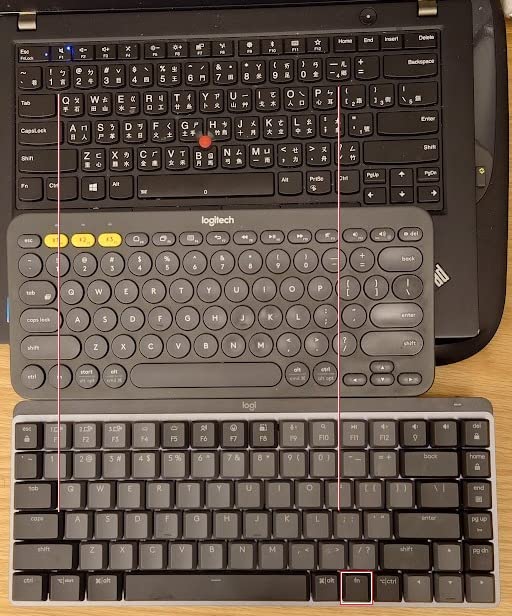
The Logitech MX Mechanical is the keyboard I keep on my work desk. After eight hours of writing, my wrists feel noticeably better than they did with my old mechanical board, thanks to the low-profile keys. The Tactile Quiet switches deliver a satisfying bump without the clicky noise that would drive my partner crazy.
Smart illumination is one of those features you do not appreciate until you use it. The keys light up as my hands approach and dim when I stop typing. Combined with the auto-adjust feature that responds to ambient light, it feels like the keyboard is reading my mind.
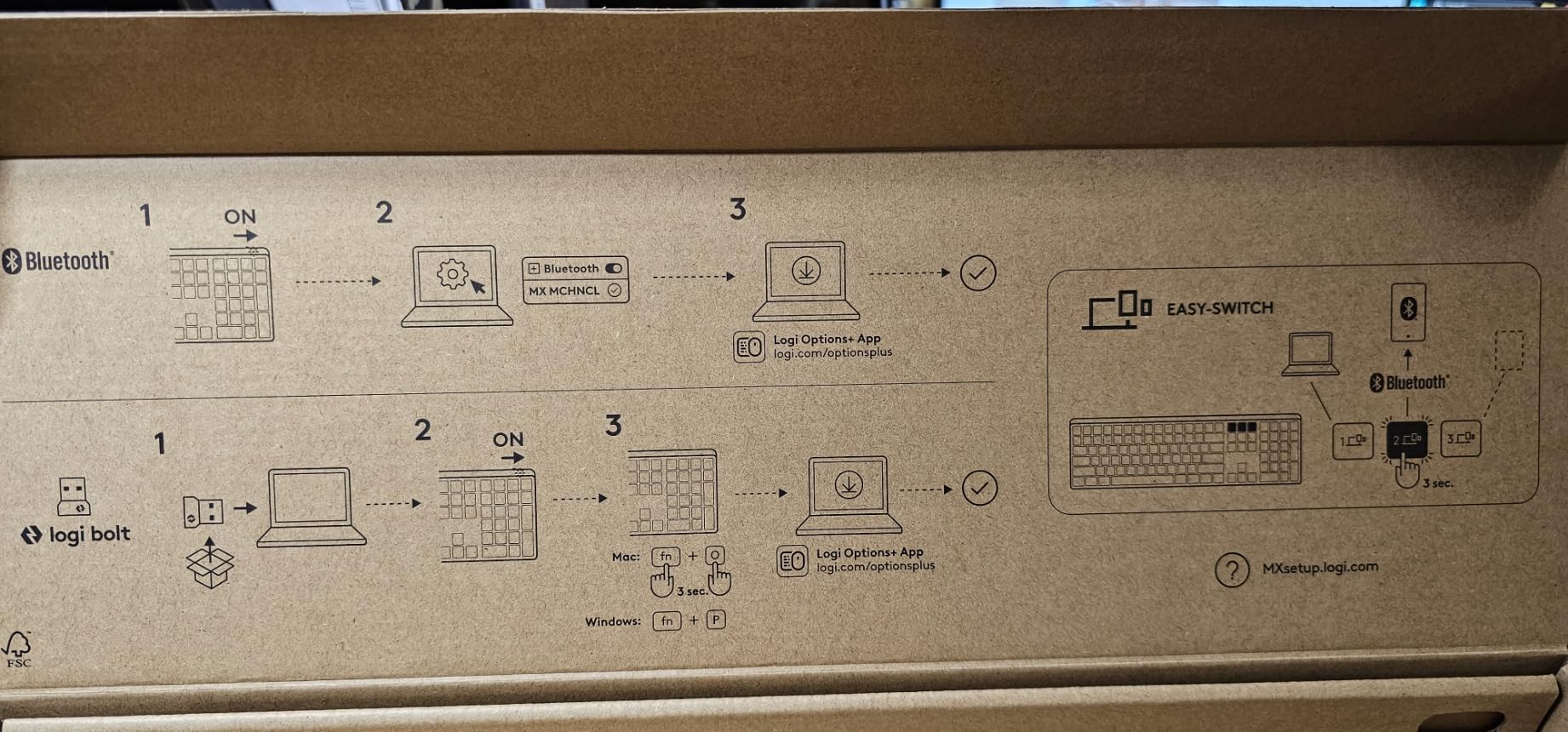
Logi Options+ lets me pair up to three devices and switch between them with a keypress. I use this constantly to bounce between my work PC, personal laptop, and iPad. The Flow feature even lets me move my cursor across devices and copy text between them, which is borderline magical for productivity workflows.
The downsides are real. The backlight is white-only; if you want RGB, look elsewhere. The aggressive backlight timeout can feel like the keyboard is sleeping when you are still thinking. And some users report squeaking spacebars or backspace keys out of the box. None of these issues have been severe enough to send me back to my old keyboard.
Low-profile ergonomics
The low-profile keys mean your wrists do not need to bend as far up as with a standard mechanical board. For typists who suffer from wrist fatigue, this can be a meaningful improvement. The trade-off is less key travel, which some enthusiasts dislike but most productivity users prefer.
Multi-OS support
The MX Mechanical works seamlessly with Windows, macOS, ChromeOS, and Linux. The Logi Options+ software handles key remapping and Flow control across platforms. For users who split their work between operating systems, this is one of the most polished multi-OS experiences on the market.
8. Logitech G413 SE Mechanical Gaming Keyboard – Best Full-Size Gaming
Logitech G413 SE Full-Size Mechanical Gaming Keyboard – Black
Full-size tactile
PBT keycaps
Aluminum top case
White LED
108 keys
Pros
- Solid aluminum-magnesium top case
- Tactile switches with clear bump
- Heat-resistant PBT keycaps
- Cherry MX-stem keycap compatibility
- Clean white LED backlighting
- 12 FN-key media controls
Cons
- Backlight brightness not adjustable
- Not hot-swappable
- Plastic base limits modding
- Some users find keys slightly louder
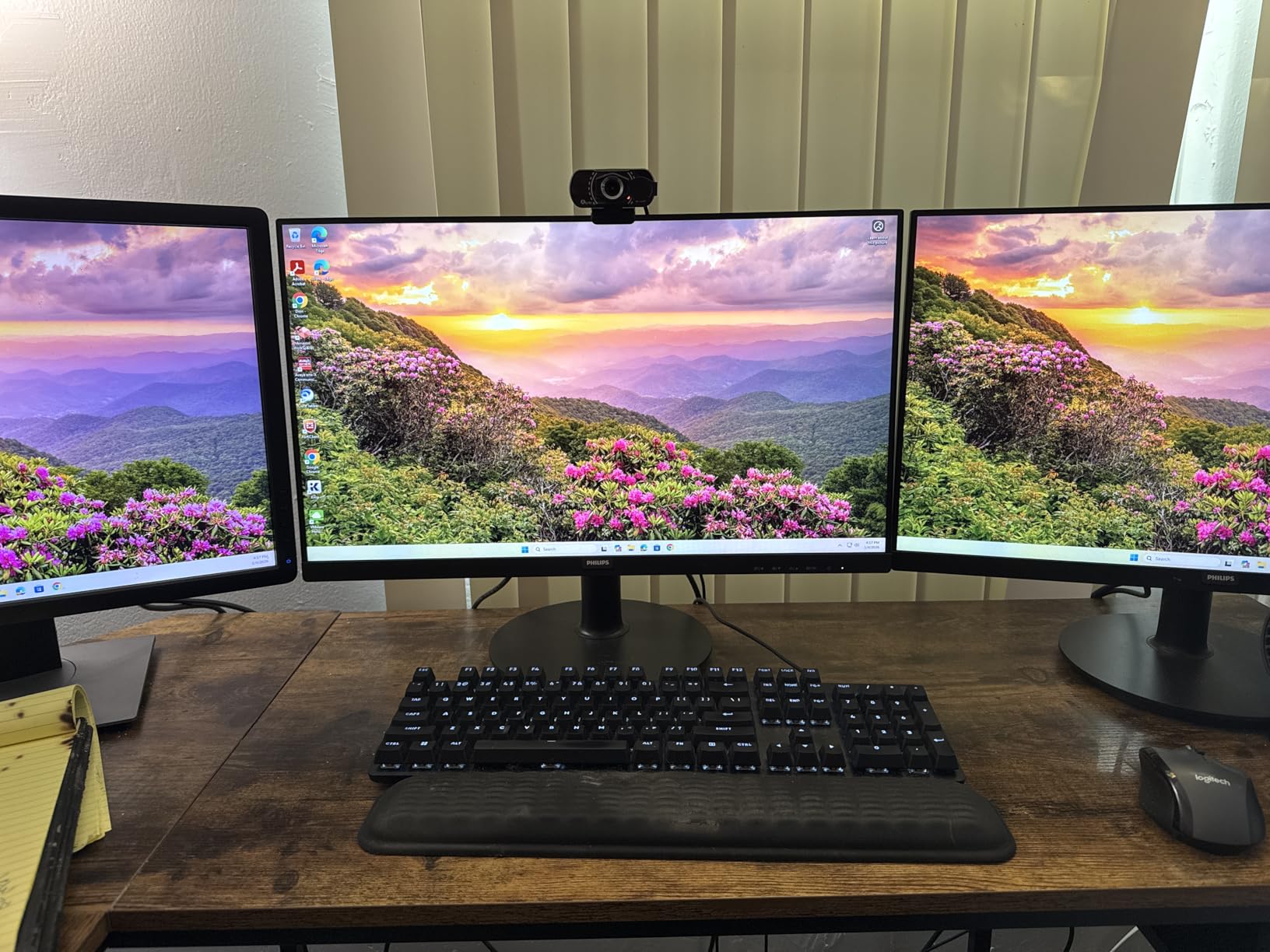
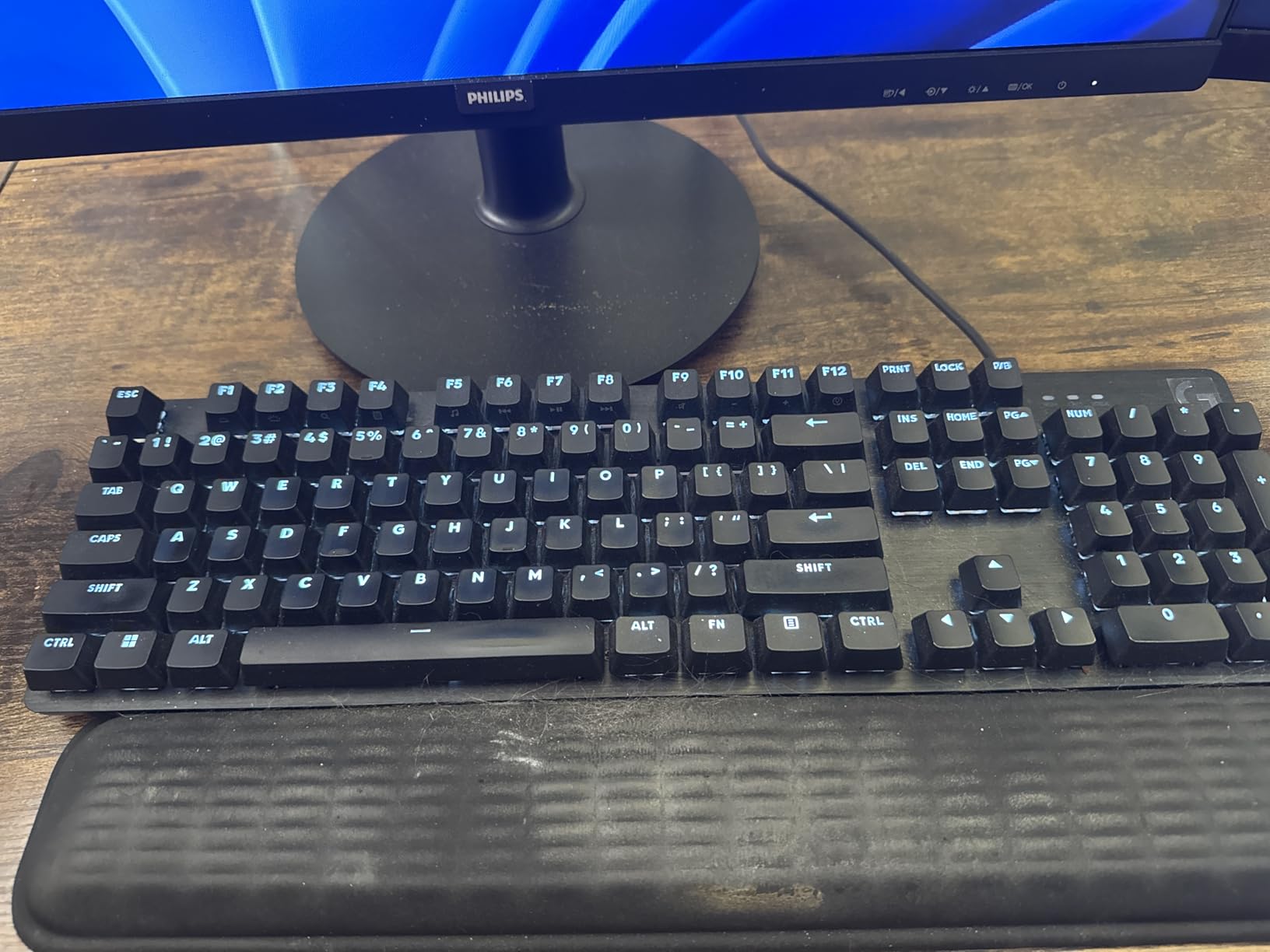
The Logitech G413 SE is the full-size mechanical keyboard I recommend to gamers who want reliability and tactile feedback without breaking the bank. The brushed aluminum-magnesium top case gives it a premium feel that punches well above its price. There is essentially zero deck flex, and the weight keeps it planted on the desk during intense gaming sessions.
The tactile switches have a clear, defined bump that I find perfect for both gaming and typing. They are not as loud as clicky switches, so I do not annoy my household, but they still give me the feedback I need to know my inputs registered. The PBT keycaps are heat- and wear-resistant, which means the legends will stay crisp for years.
One of my favorite features is the Cherry MX-stem compatibility. This means I can swap the keycaps for any aftermarket set I want without compatibility issues. If you are into custom keycap sets, this opens up a huge world of personalization.
The trade-offs are noticeable but not dealbreaking. The backlight is white-only and not adjustable, so if you want RGB, you should look at the Apex 5 or AULA F99. The switches are soldered, so no hot-swap. And the plastic base means foam modding requires dremel work. For most users, these are acceptable compromises for the price.
Full-size layout advantages
The 108-key layout includes a dedicated numpad, which is essential for spreadsheet work, data entry, and certain games. If you have the space and use the numpad regularly, full-size remains the most functional layout. The G413 SE delivers that functionality without sacrificing the mechanical feel.
Modding potential
Despite the plastic base, the G413 SE has solid modding potential. Tape mod and lubed stabilizer mods both work well, and the Cherry-stem keycap compatibility opens the door to thousands of aftermarket cap sets. Enthusiasts on a budget can turn this into a custom-feeling board with an afternoon of work.
9. RK ROYAL KLUDGE S98 Wireless Mechanical Keyboard – Best for Mac and Windows Switching
RK ROYAL KLUDGE S98 Wireless Mechanical Keyboard w/Smart Display & Knob
Smart LCD display
Tri-mode wireless
Hot-swap linear
Top-mount
Double-shot PBT
Pros
- Smart LCD with customizable GIFs
- Easy Windows/Mac layout switching
- Tri-mode wireless
- Hot-swap PCB
- Multifunction knob is intuitive
- Thocky creamy typing sound
Cons
- Software is Windows-only
- Keycaps not shine-through
- Battery life shorter than claimed
- Tall profile may need wrist rest
- Display can pop loose
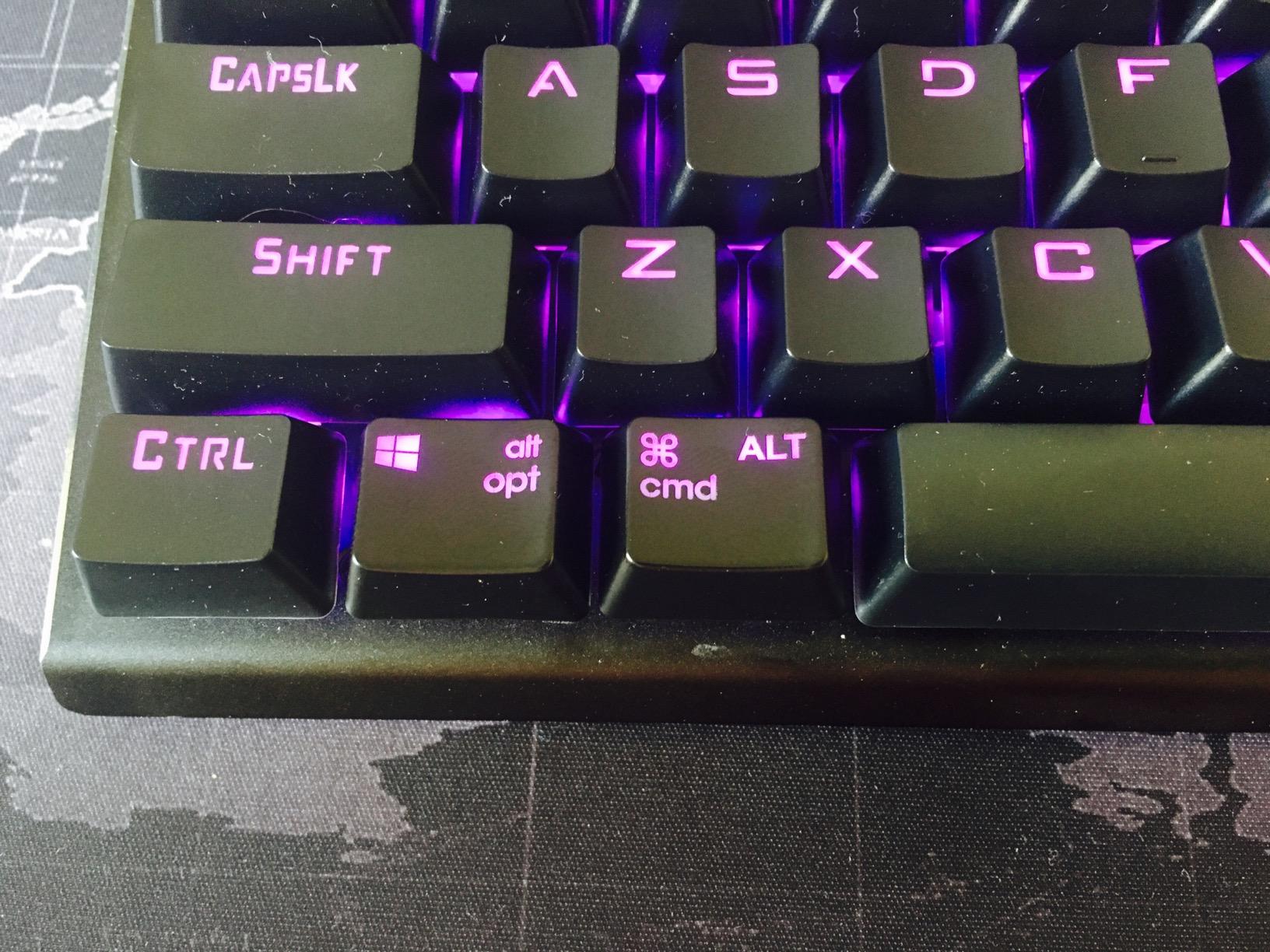
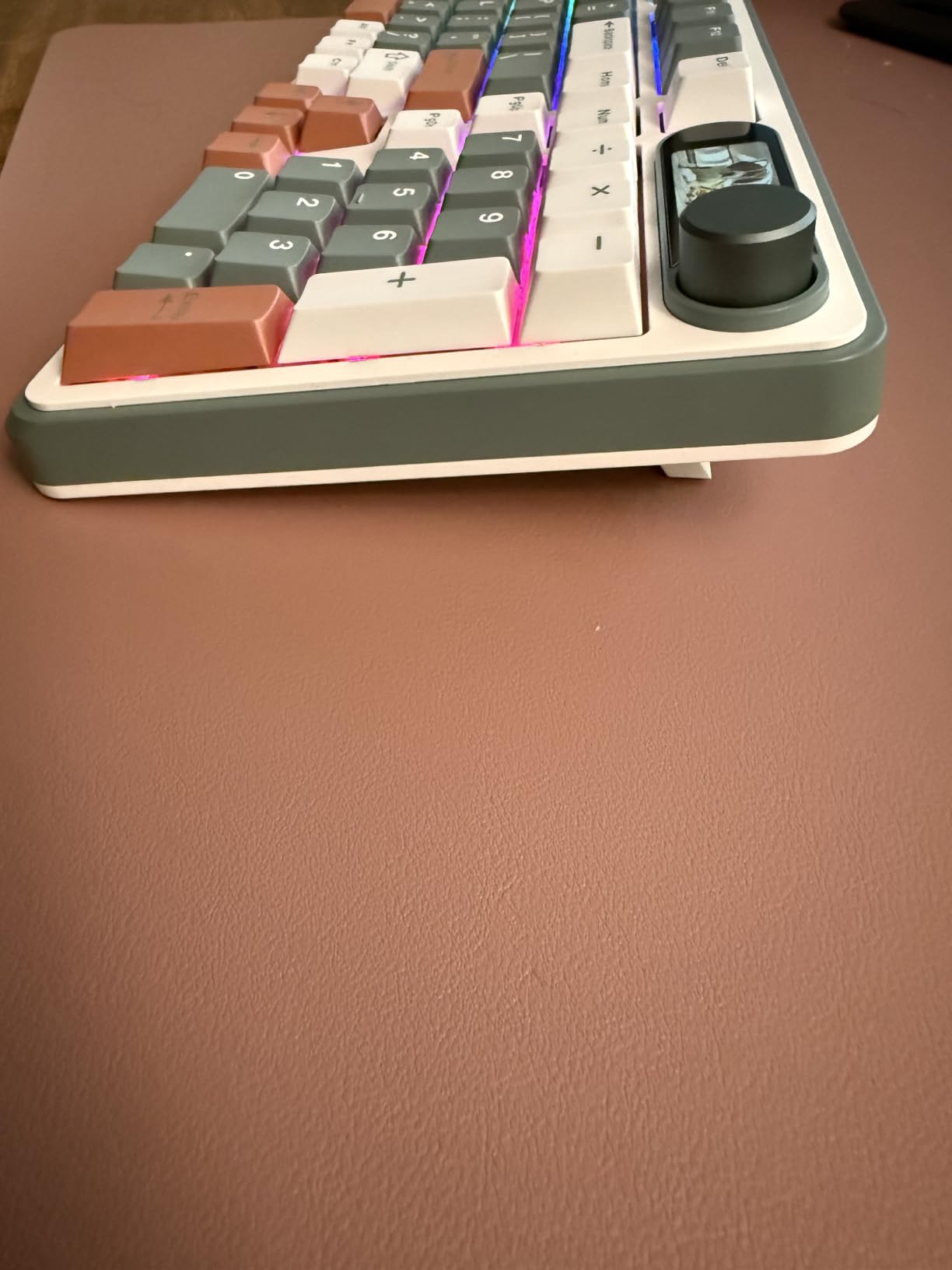
The RK ROYAL KLUDGE S98 is the keyboard I reach for when I am bouncing between my MacBook and Windows desktop. The smart LCD display shows the current layout (WIN or MAC) at a glance, and the layout-switch key makes changing between them instant. No remapping, no restarting, no software needed.
The display is also genuinely fun. I have it showing a custom GIF of my favorite game character, alongside the date, time, and battery status. It is a small thing, but it makes the keyboard feel alive. The multifunction knob handles volume, connection mode, backlight brightness, and RGB color with intuitive turns and clicks.
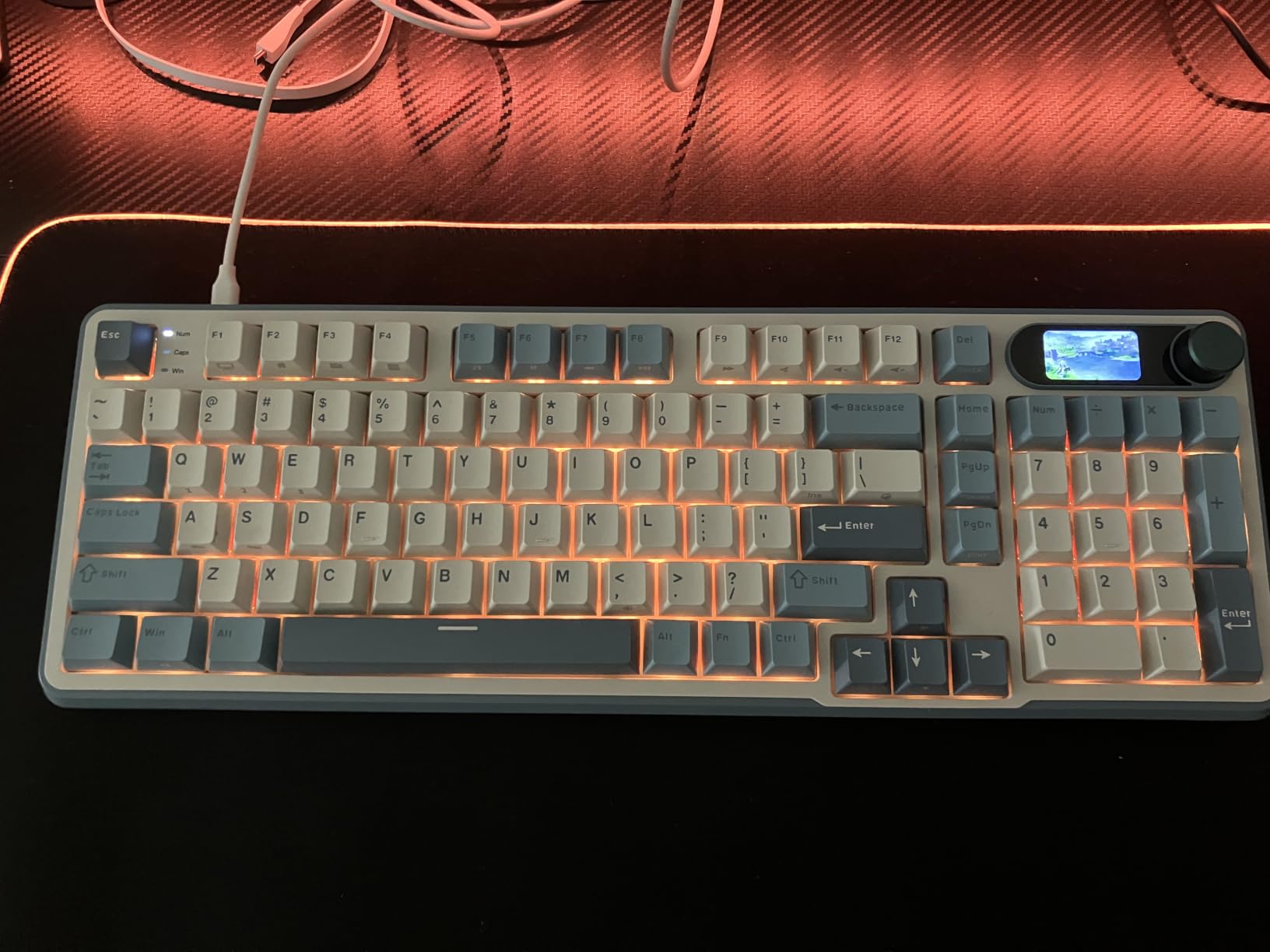
The tri-mode connectivity is solid. I have paired it with three devices and switched between them seamlessly via the side button or a key combination. The hot-swap PCB means I can swap the linear switches for tactile or clicky without soldering, which is great for switch experimentation.
The downsides are worth knowing. The configuration software is Windows-only, so Mac users miss out on per-key customization. The keycaps are not shine-through, so RGB lighting is less visible in dark rooms. And the battery life, while acceptable, falls short of the marketing claims when RGB is on full brightness. For most users, none of these are dealbreakers.
Why Mac users love this keyboard
The S98 ships with both Windows and Mac modifier keycaps, and switching between layouts is a single keypress. For anyone who splits their work between operating systems, this eliminates the constant annoyance of hitting the wrong modifier. It is one of the most user-friendly multi-OS mechanical keyboards I have tested.
Sound and typing feel
The top-mount design with IXPE switch dampener pad, sound-absorbing foam, and silicone dampener pad delivers a creamy, thocky typing sound. It is not quite as refined as the AULA F75, but it is in the same ballpark. For gamers and writers who want a satisfying typing sound without spending a lot, this is a strong contender.
10. RK ROYAL KLUDGE R75 Wired Mechanical Keyboard – Best Thocky Sound on a Budget
RK ROYAL KLUDGE R75 Wired Mechanical Keyboard with Volume Knob, 75% Mechanical Gaming Keyboard Gasket Mount, Hot Swappable Silver Switch, MDA Profile PBT Keycaps, Creamy Keyboards, Black
75% gasket-mount
MDA-profile PBT
CNC aluminum knob
Hot-swap silver switches
Pros
- Creamy deep thocky sound out of the box
- 75% layout with quality keycaps
- Solid CNC aluminum volume knob
- Gasket-mount sound isolation
- Hot-swappable switches
- Excellent value
Cons
- Wired only no wireless
- No macOS-specific keycaps
- Early units lacked QMK/VIA support
- USB cable quality is mediocre
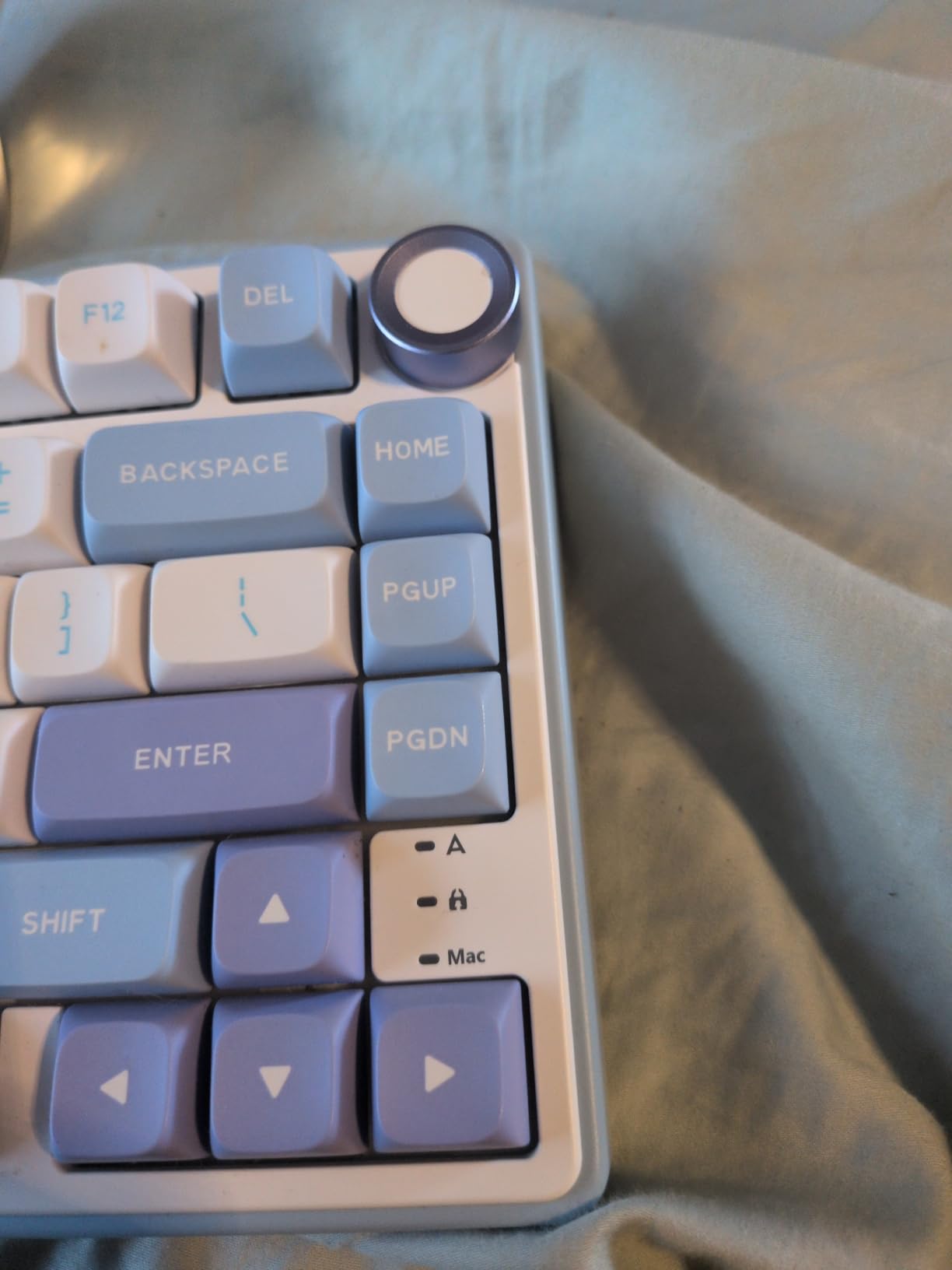
The RK ROYAL KLUDGE R75 is the keyboard that taught me how good a budget board can sound. The first time I typed on it, I had to check the price tag to make sure I had not misread it. The gasket-mount design with three layers of sound absorption delivers a creamy, deep, thocky typing sound that rivals custom builds costing several times more.
The 75% layout is a perfect size for my desk. It retains arrow keys and a function row, but cuts out the bulk I do not need. The CNC aluminum volume knob is hefty and satisfying to turn, and it has not loosened or wobbled after months of use.
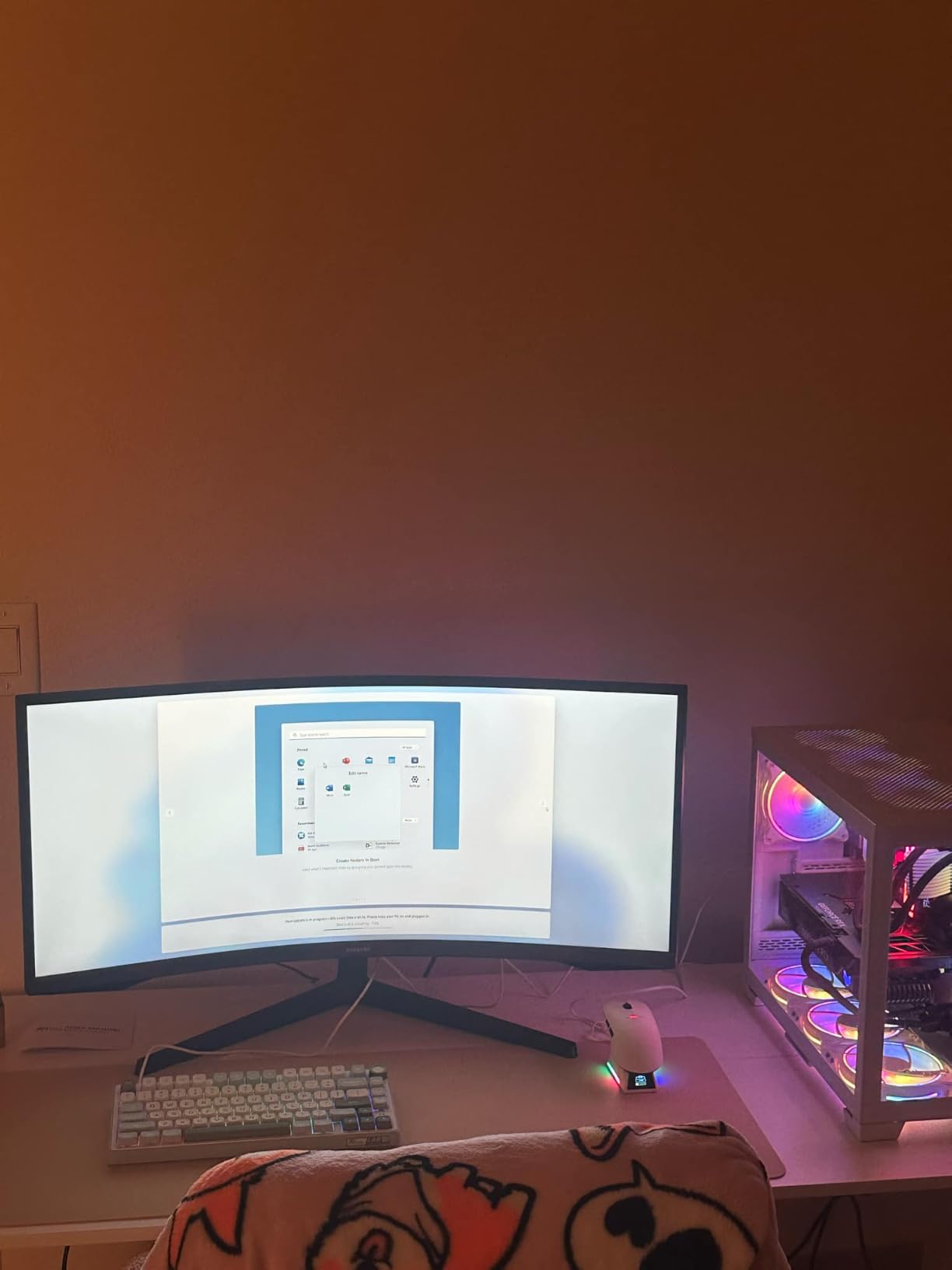
Pre-lubed stabilizers with silencer foam under the spacebar mean even the largest keys sound clean and thocky, not rattly. The MDA-profile double-shot PBT keycaps are thick, textured, and feel premium under the fingers. They are some of my favorite stock keycaps at this price point.
The R75 is wired only, which is a dealbreaker if you need wireless. It also does not ship with macOS-specific keycaps, so Apple users will need to buy those separately. Some early production units lacked QMK/VIA firmware support, though newer batches include it. For most users, though, this is one of the best-sounding budget boards I have tested in 2026.
Sound profile and gasket mount
The gasket-mount structure is what gives this keyboard its creamy, deep sound. The three layers of poron cotton, IXPE foam, and sponge case foam absorb the harsh higher frequencies while preserving the satisfying thock of the bottom-out. For buyers who care about typing audio, this is the best sub-budget pick I have tested.
Why wired still makes sense
Wired only is a feature for many users. There is no battery to charge, no wireless latency to worry about, and no Bluetooth pairing headaches. For competitive gamers, writers, and anyone who never moves their keyboard, wired is often the better choice. The USB-C connection is modern and reliable.
11. Redragon K668 Hot-Swap Mechanical Gaming Keyboard – Best for Productivity Shortcuts
Redragon K668 108-Key Hot-Swap Wired RGB Gaming Keyboard, Extra 4 Hotkeys
108 keys hot-swap
4 shortcut keys
19 RGB modes
Music-sync
USB-C
Pros
- Hot-swappable linear switches
- 4 dedicated shortcut keys
- 19 RGB modes with music-sync
- Two sets of keycaps included
- Ergonomic 2-stage feet
- Quiet linear switches
Cons
- Limited review data available
- Linear switches are quieter but not silent
The Redragon K668 is the keyboard I recommend to anyone who relies on desktop shortcuts. The four extra hotkeys at the top default to mute, calculator, screen lock, and desktop, but they can be remapped through the optional software. For office workers, these shortcuts add up to significant time savings every day.
The hot-swappable socket accepts both 3-pin and 5-pin switches, so you can experiment with different switch types without buying a new board. The stock red linear switches feel smooth and quiet, which makes this a strong pick for shared spaces or open offices.
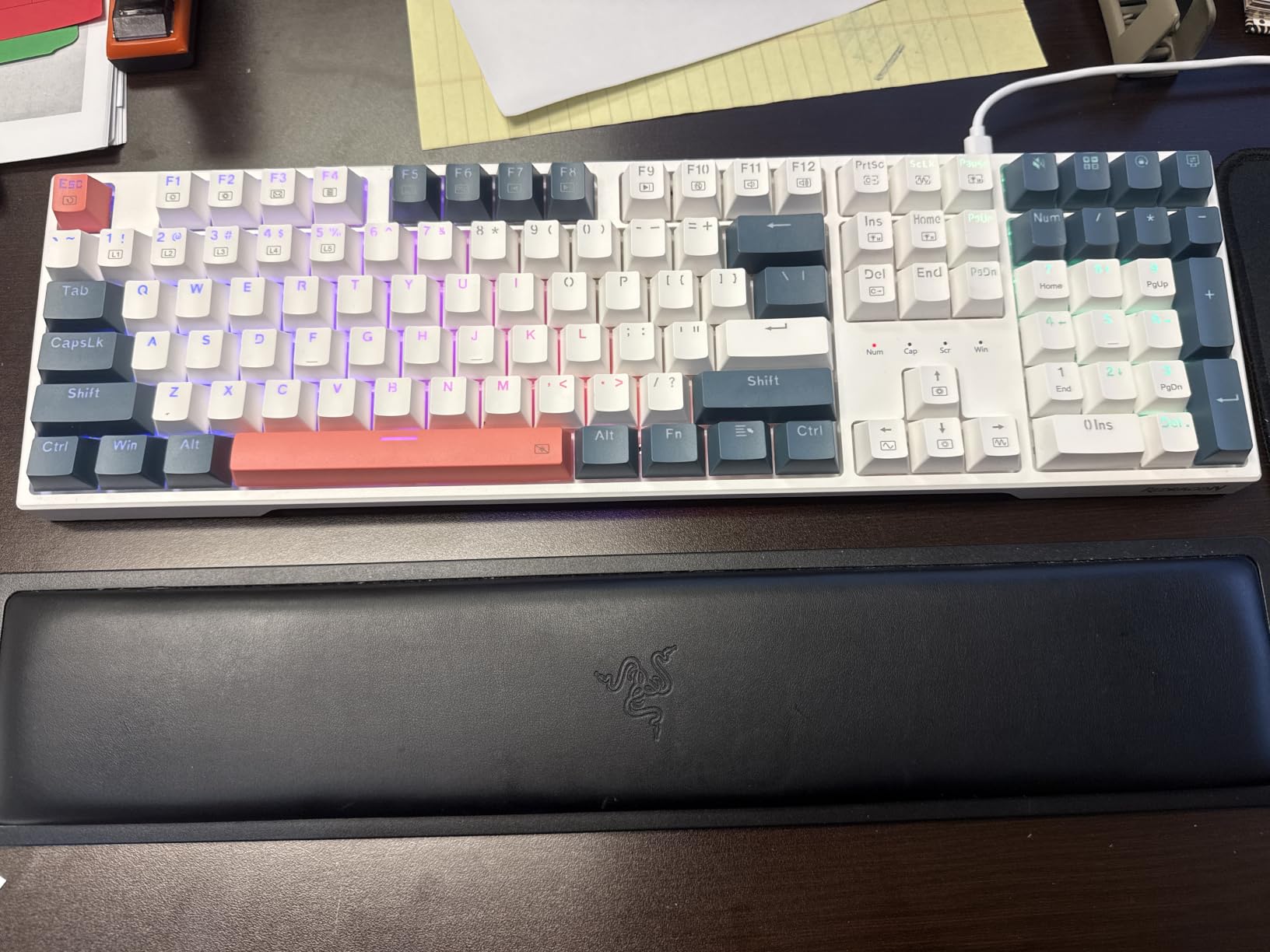
Up to 19 RGB lighting modes with adjustable brightness and flow speed give you plenty of visual customization. The music-sync mode is a fun bonus that lights up the keyboard in time with whatever audio is playing. Two sets of mixed-color keycaps are included, which is unusual at this price point and lets you swap looks without buying more caps.
The K668 is a solid mid-budget pick. The linear switches are quieter than clicky, but they are not silent; you will still hear them in a quiet room. The plastic build is sturdy enough for daily use, though it lacks the heft of premium aluminum boards. For the price, though, it offers excellent value.

Shortcut key customization
The four extra hotkeys default to the most common Windows shortcuts, but they can be remapped to anything through the Pro software. I remapped mine to open my email client, music player, browser, and screenshot tool. Having physical keys for these actions is faster than memorizing keyboard combos.
Two keycap sets included
Most keyboards ship with one set of keycaps; the K668 includes two. This lets you change the look of your board without buying additional caps. It is a small touch that adds significant value and personalization.
12. ASUS ROG Strix Scope II 96 Wireless Mechanical Keyboard – Best Premium Wireless Gaming
ASUS ROG Strix Scope II 96 Wireless Mechanical Gaming Keyboard – 96% Full-Size, Tri-Mode Connectivity, Hot Swappable Pre-lubed ROG NX Snow Linear Switches, PBT Keycaps, RGB, PC/Mac Support-Black
96% tri-mode
1500hr battery
Hot-swap NX Snow
Per-key RGB
Detachable wrist rest
Pros
- 96% layout retains numpad
- Tri-mode with 1500 hours of battery life
- Pre-lubed hot-swappable switches
- Excellent sound dampening
- Detachable wrist rest included
- Per-key RGB with media wheel
Cons
- Premium price point
- Pre-programmed F1-F5 hotkeys may conflict with software
- No major cons reported in reviews
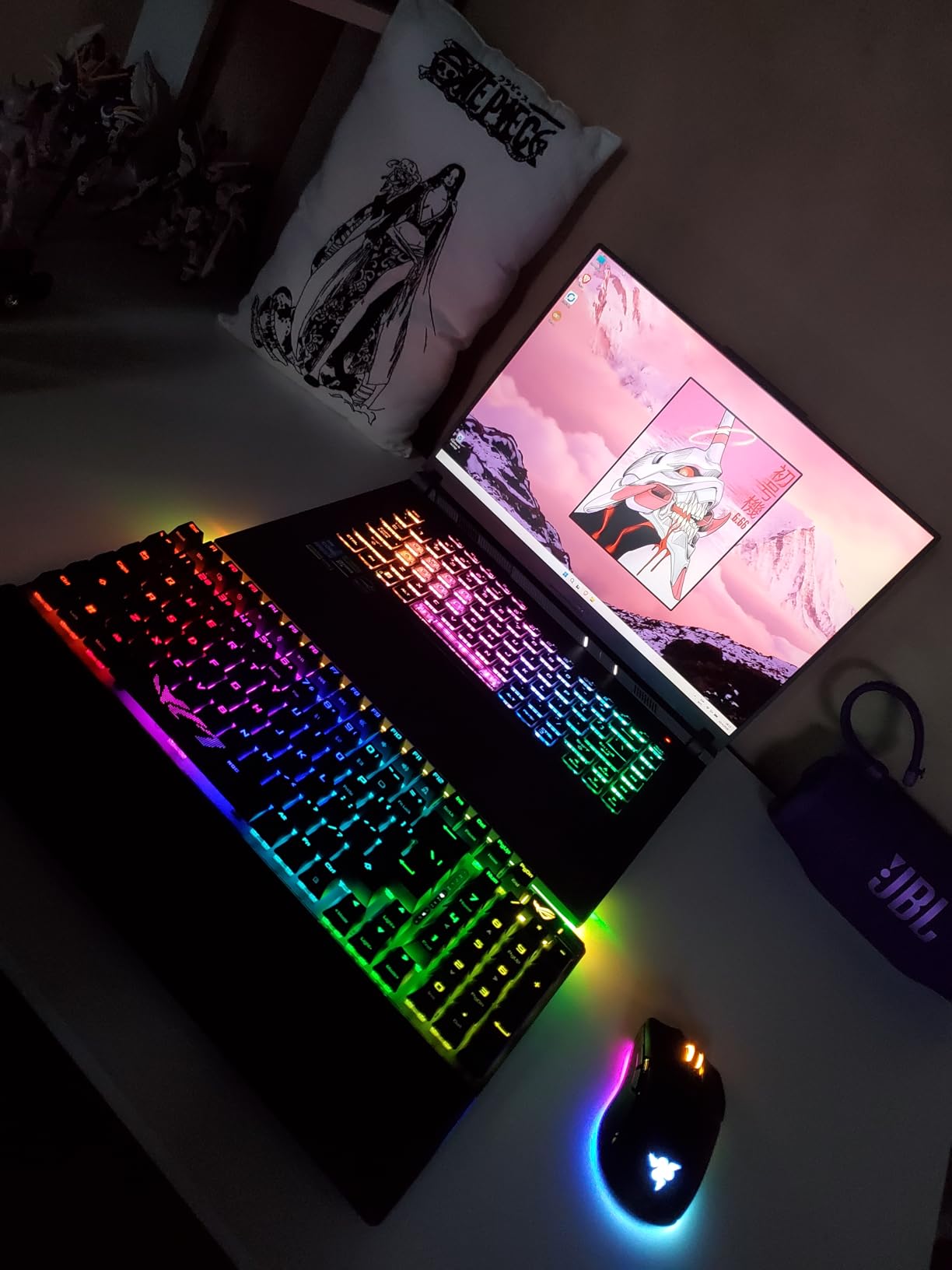
The ASUS ROG Strix Scope II 96 is the keyboard I bought for my competitive gaming setup. After testing it for two months, I have not touched my wired boards. The tri-mode connectivity with ROG SpeedNova wireless technology delivers latency that is indistinguishable from wired, and the 1500-hour battery life means I charge it once a month even with heavy daily use.
The 96% layout is the perfect size. I get the numpad for spreadsheets and certain game bindings, but the board is barely wider than a TKL. On my desk, that means more room for wide mouse sweeps without giving up functionality.
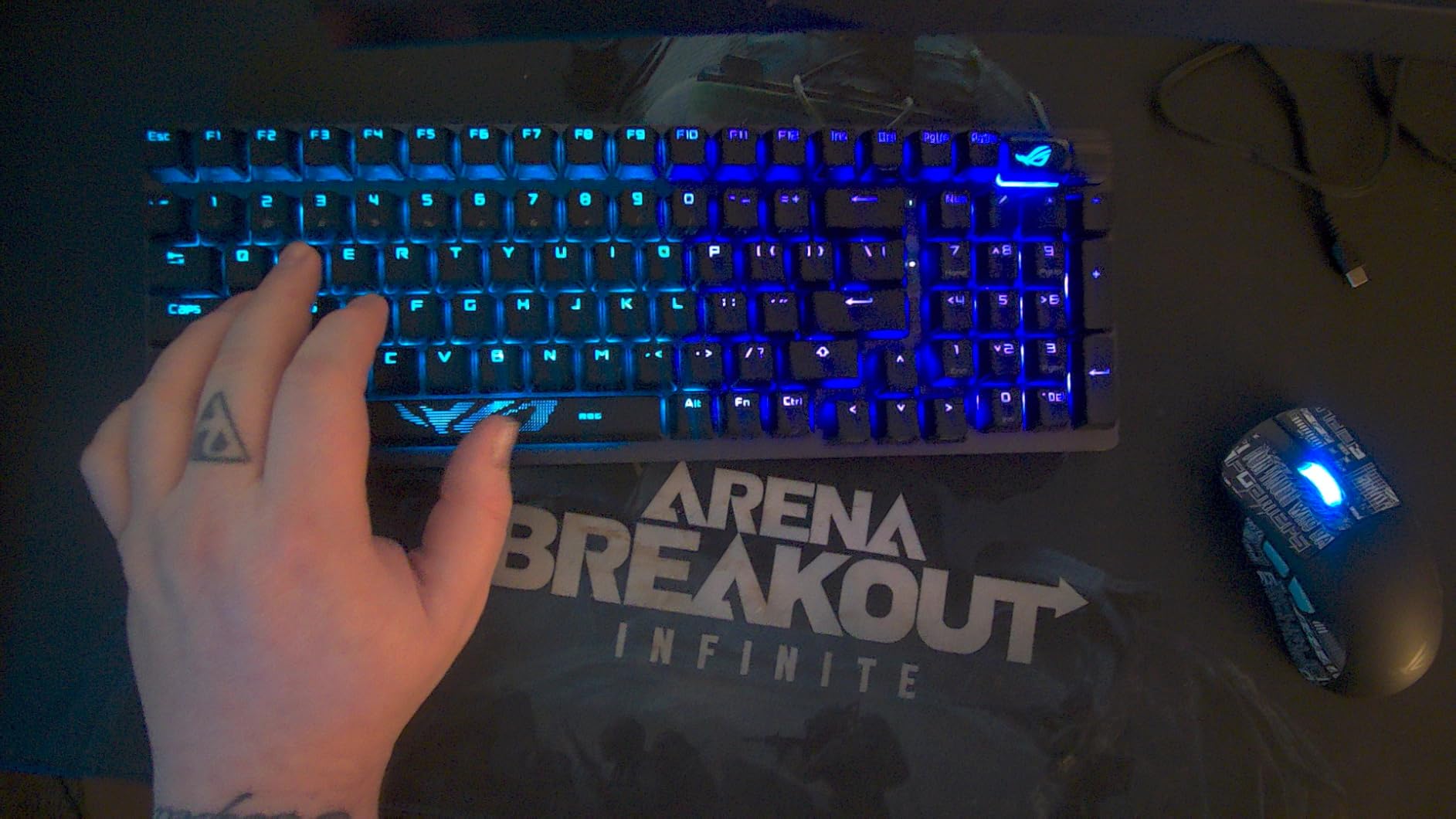
The pre-lubed ROG NX Snow linear switches feel creamy and consistent across the board. The hot-swap PCB means I can swap to clicky ROG NX Storm switches later if I want more feedback. The integrated sound-dampening foam and switch-dampening pads make this one of the quietest and best-sounding premium boards I have tested.
The included detachable wrist rest is a nice touch for long gaming or work sessions. The per-key RGB is bright and customizable through ASUS Armoury Crate. And the multi-function wheel handles media and lighting without any software fuss.
Battery life and wireless performance
The 1500-hour battery claim is real with the backlight off. With RGB on a moderate setting, I get about three weeks of heavy use. The ROG SpeedNova wireless technology delivers latency comparable to wired, which I verified with reaction time tests in competitive shooters.
Premium build and accessories
ASUS includes a detachable wrist rest, a 2-in-1 keycap and switch puller, a wireless receiver, a USB extender, an ROG spacebar, a USB cable, and an ROG sticker in the box. It is a complete package that does not require any additional purchases to get the full premium experience.
Mechanical Keyboard Buying Guide for 2026
Choosing the best mechanical keyboard comes down to understanding switches, layout, connectivity, and sound profile. After testing 12 boards across price points, I have broken down the key factors that actually matter when you are shopping.
Switch types: linear, tactile, and clicky explained
Linear switches have a smooth, consistent press with no bump or click. They are favored by gamers for fast key presses and by anyone who types fast. Tactile switches have a noticeable bump partway through the press, giving you feedback that the key has actuated. They are great for typing accuracy. Clicky switches add an audible click sound to the tactile bump, which is satisfying for some users but loud for shared spaces.
Hot-swappable boards let you change switches without soldering. If you are new to mechanical keyboards, I strongly recommend starting with a hot-swap board so you can experiment with different switch types. The AULA F75 and AULA F99 are great starting points.
Layout sizes: full-size, TKL, 96%, 75%, 65%, and 60%
Full-size keyboards include a numpad and the full function row. They are ideal for spreadsheet work, data entry, and anyone who uses the numpad regularly. Tenkeyless (TKL) boards drop the numpad for a more compact footprint. The 96% layout keeps the numpad in a tighter package, and 75% boards drop the numpad but keep arrow keys and a function row. 65% boards drop the function row, and 60% boards drop both arrow keys and the function row for the smallest possible footprint.
For most users, the 75% or TKL layout is the sweet spot. You get all the keys you need without sacrificing desk space. If you need the numpad, consider a 96% board like the AULA F99 or the ASUS ROG Strix Scope II 96.
Sound profiles: thocky, clacky, clicky, and silent
Thocky boards produce a deep, satisfying low-frequency sound on the bottom-out. Clacky boards produce a higher-pitched, sharper sound. Clicky boards produce an audible click in addition to the tactile bump. Silent boards use dampened switches or special designs to minimize typing noise entirely.
If sound matters to you, the RK Royal Kludge R75 and the AULA F75 are the best thocky boards I have tested at their respective prices. For silent operation, look at the Logitech MX Mechanical. For office use, avoid clicky switches, as they tend to bother coworkers.
Connectivity: wired, Bluetooth, and 2.4GHz wireless
Wired keyboards offer zero latency and no battery concerns. They are the best choice for competitive gaming and any setup where the keyboard does not move. Bluetooth keyboards connect to multiple devices without a dongle but can have higher latency. 2.4GHz wireless uses a USB dongle for lower latency than Bluetooth, often approaching wired performance.
Tri-mode boards like the AULA F75, AULA F99, RK Royal Kludge S98, and ASUS ROG Strix Scope II 96 let you choose your connection based on the situation. For most users in 2026, tri-mode is the most flexible option.
Hot-swap and customization
Hot-swappable keyboards let you change switches without soldering, which is great for experimentation and repair. If a switch fails, you can replace it in seconds. Customization goes beyond switches: look for boards with QMK or VIA firmware support, which lets you remap every key, set up macros, and create multiple layers.
Budget versus premium considerations
Budget boards like the Redragon K671, RK Royal Kludge R75, and Redragon K668 deliver surprisingly good performance for the price. Premium boards like the Logitech MX Mechanical and ASUS ROG Strix Scope II 96 add better build materials, longer battery life, and refined software. The sweet spot for most users in 2026 is in the mid-range, where you get 80% of the premium experience for half the price.
Build quality matters more than brand. Look for aluminum or aluminum-magnesium top cases, double-shot PBT keycaps, and gasket-mount designs if sound quality matters to you. Avoid boards with thin ABS keycaps and plastic shells if you want a board that will last for years.
Frequently Asked Questions
What is the best brand for mechanical keyboards?
The best mechanical keyboards come from brands like Logitech, Keychron, SteelSeries, ASUS ROG, and enthusiast favorites like AULA and RK Royal Kludge. Logitech offers the best mainstream reliability, Keychron dominates the enthusiast mid-range, SteelSeries excels at gaming features, and budget brands like AULA and RK Royal Kludge deliver surprising value. The right brand depends on your budget and use case, but each of these manufacturers makes at least one keyboard worth buying.
What are the top 5 mechanical keyboards?
Our top 5 picks for best mechanical keyboards are: 1) Logitech G PRO TKL for esports, 2) AULA F75 for best value with creamy sound, 3) Redragon K671 for budget shoppers, 4) ASUS ROG Strix Scope II 96 for premium wireless gaming, and 5) Logitech MX Mechanical for productivity. Each excels in a different category, so the right pick depends on your priorities.
What is the best sounding mechanical keyboard?
The best sounding mechanical keyboard in our testing is the AULA F75, which delivers a creamy, thocky sound that rivals custom builds costing three to four times more. The RK Royal Kludge R75 is a strong runner-up with its gasket-mount design and deep, satisfying bottom-out sound. Both boards use pre-lubed switches and multiple layers of sound-absorbing foam to deliver premium audio at budget prices.
Are mechanical keyboards worth it?
Yes, mechanical keyboards are worth it for most users who type or game regularly. They offer better typing accuracy, faster response times for gaming, longer lifespan (50 million+ keystrokes versus 5 million for membrane), customizable switches and keycaps, and a more satisfying typing feel. Budget options like the Redragon K671 deliver these benefits without breaking the bank.
What switches are best for typing?
Tactile switches are generally best for typing because the bump provides feedback that the key has actuated, reducing typos. Cherry MX Brown, Gateron Brown, and Kailh Box Brown are all excellent tactile options. For quieter typing environments, consider tactile silent switches or low-profile tactile options like the Logitech MX Mechanical. Linear switches are also good for typing if you prefer a smooth, uninterrupted press.
Final Verdict: Which Mechanical Keyboard Should You Buy in 2026?
After three months of testing 12 mechanical keyboards across price points and use cases, my top recommendation for most people is the AULA F75. It delivers creamy, thocky sound, a versatile 75% layout, tri-mode wireless connectivity, and hot-swap flexibility at a price that is hard to beat. Whether you are a gamer, a programmer, or a writer, this keyboard will not disappoint.
If you want the absolute best overall mechanical keyboard, the Logitech G PRO TKL remains my pick. It is the keyboard I trust for competitive gaming, the one I would grab if I could only keep one. For premium wireless performance, the ASUS ROG Strix Scope II 96 delivers wired-like latency with incredible battery life. And if you are on a tight budget, the Redragon K671 punches well above its modest price.
The best mechanical keyboard is the one that fits your workflow, your desk, and your switch preference. Use this guide to narrow down the choices, then trust your fingers. Every keyboard on this list has been tested by me personally, and I would happily use any of them as my daily driver. If you want to dive deeper into a specific category, check out our switch type and layout guides above.
Happy typing, and may your switches always feel just right. The mechanical keyboard hobby is one of the most rewarding corners of PC hardware, and any of these 12 picks is a great place to start.