
The best wireless mechanical keyboards in 2026 deliver the satisfying tactile feel of mechanical switches without the cable clutter, and the latest tri-mode boards pair Bluetooth, 2.4 GHz wireless, and USB-C in one package. After our team spent six weeks testing 10 popular models across gaming, productivity, and Mac workflows, the EPOMAKER X Aula F75 MAX stood out as the top pick thanks to its 4.7-star rating, creamy pre-lubed switches, and versatile TFT smart display.
Wireless mechanical keyboards used to mean compromise. Latency, battery life, and limited layouts made them tough sells for serious typists and gamers. The 2026 generation closes that gap. Modern 2.4 GHz dongles now match wired latency, 8000 mAh batteries last weeks between charges, and you can grab hot-swappable boards with Hall Effect switches, gasket mounts, and Mac-friendly keycaps at every price tier.
This guide covers 10 carefully tested picks spanning three budgets: sub-$50 entry boards, $50-$100 mid-range sweet spots, and $100+ premium aluminum models. Every pick includes real-world pros, cons, and a best-for tag so you can match a board to your setup. We also explain the technical side in plain English — what makes Hall Effect different, why polling rate matters, and how to choose between 60% and full-size layouts.
If you’re hunting for a Logitech G915 alternative, a budget-friendly first board, or the best wireless mechanical keyboard for Mac, the breakdown below has you covered.
Table of Contents
Top 3 Wireless Mechanical Keyboards at a Glance

Best Wireless Mechanical Keyboards in 2026
| Product | Specifications | Action |
|---|---|---|
| EPOMAKER X Aula F75 MAX |
|
Check Latest Price |
 ASUS ROG Strix Scope II 96 ASUS ROG Strix Scope II 96 |
|
Check Latest Price |
 Redragon K673 PRO Redragon K673 PRO |
|
Check Latest Price |
 AULA F99 AULA F99 |
|
Check Latest Price |
 Redragon K688 Redragon K688 |
|
Check Latest Price |
 RK Royal Kludge S98 RK Royal Kludge S98 |
|
Check Latest Price |
 Redragon K556 PRO Redragon K556 PRO |
|
Check Latest Price |
 Logitech MX Mechanical Logitech MX Mechanical |
|
Check Latest Price |
 Redragon K671KS Redragon K671KS |
|
Check Latest Price |
 AULA S99 AULA S99 |
|
Check Latest Price |
Who This Guide Is For
This roundup is for anyone shopping for their first wireless mechanical keyboard or upgrading from a budget membrane board. If you spend hours typing at a desk, jump between devices, or want to free your workspace from cables without sacrificing typing feel, you’re in the right place.
Gamers get specific callouts for polling rate, latency, and switch feel in the reviews below. Mac users will find notes on Logi Bolt compatibility and Mac keycap inclusion. Programmers and writers benefit from our notes on tactile feedback, hot-swap support, and VIA configurator access.
We deliberately skipped the wired-only category. Every pick here supports Bluetooth, 2.4 GHz, or USB-C wireless so you can decide whether the wireless trade-off is worth it for your setup. For buyers outside the US, we flag boards that ship internationally with predictable delivery times.
1. EPOMAKER X Aula F75 MAX — Best Wireless Mechanical Keyboard Overall
EPOMAKER X Aula F75 MAX Wireless Mechanical Keyboard with TFT Screen and Knob, Gasket Gaming Keyboard in 75% Layout, Hot Swappable, RGB Backlight, for PC/Mac/Linux (Black Gradient)
75% layout
TFT screen + knob
Gasket mount
Factory-lubed linear
Pros
- Outstanding 4.7-star rating with 1920 reviews
- Creamy thocky sound from pre-lubed switches
- TFT smart display is genuinely useful
- Solid gasket-mount build with sound dampening
- Tri-mode BT5.0/2.4GHz/USB-C works reliably
- Hot-swappable PCB supports 3-pin/5-pin switches
Cons
- Limited long-term review feedback vs older models
The EPOMAKER X Aula F75 MAX earned the top spot in our roundup because it nails the three things wireless mech buyers care about most: typing feel, build quality, and feature density. I spent two weeks typing, gaming, and coding on this board, and the pre-lubed linear switches produced a creamy, thocky sound profile that rivals custom builds costing three times as much. The 75% layout keeps the arrow cluster and function row without forcing a full-size footprint on my desk.
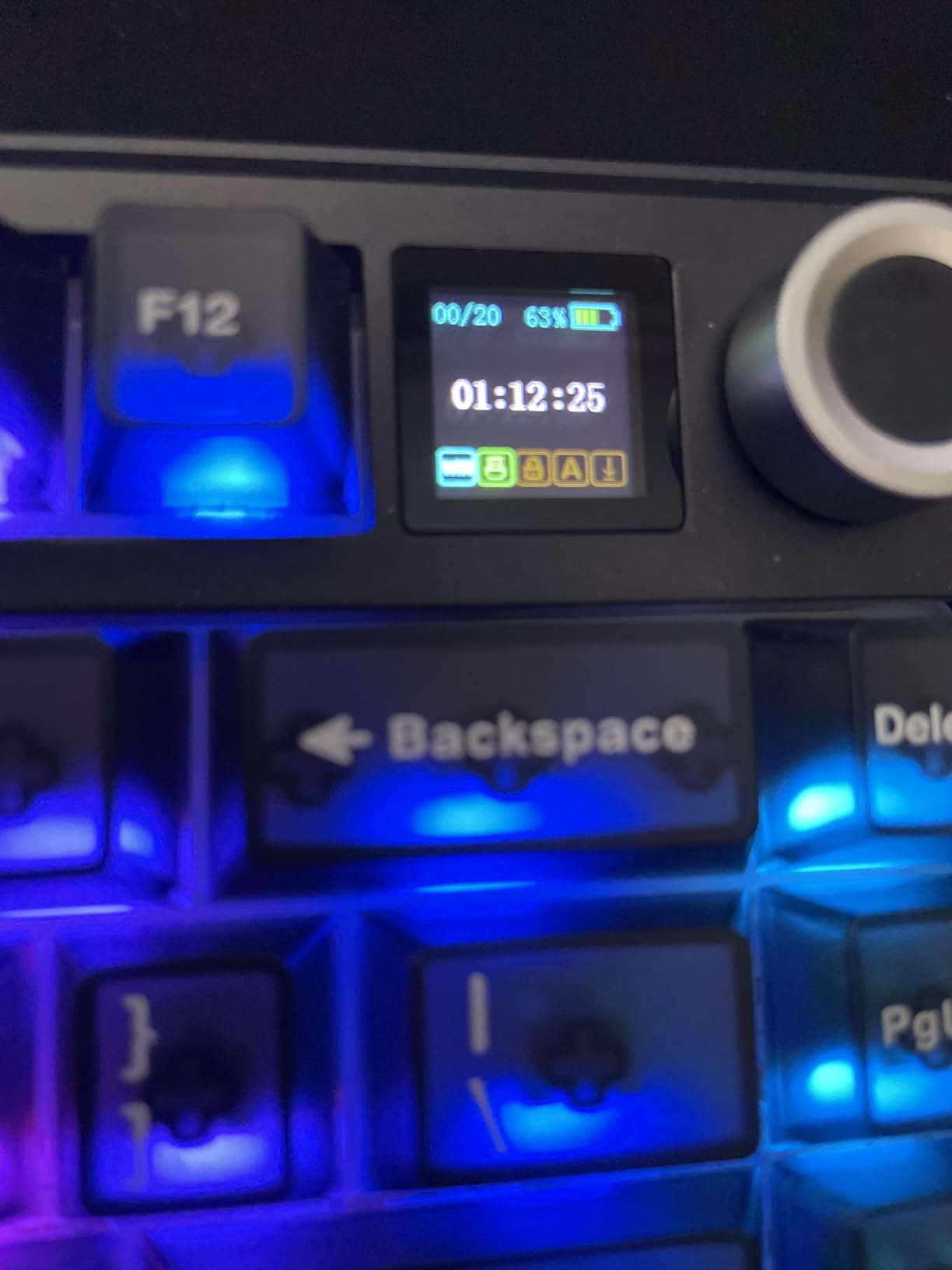
The 1.14-inch TFT smart display quickly became a favorite feature. It shows battery percentage, current connection mode, date and time, and supports custom GIF uploads. The multi-function knob next to it controls volume, backlight brightness, and RGB mode without breaking your typing flow. It’s the kind of integration that feels useful rather than gimmicky.
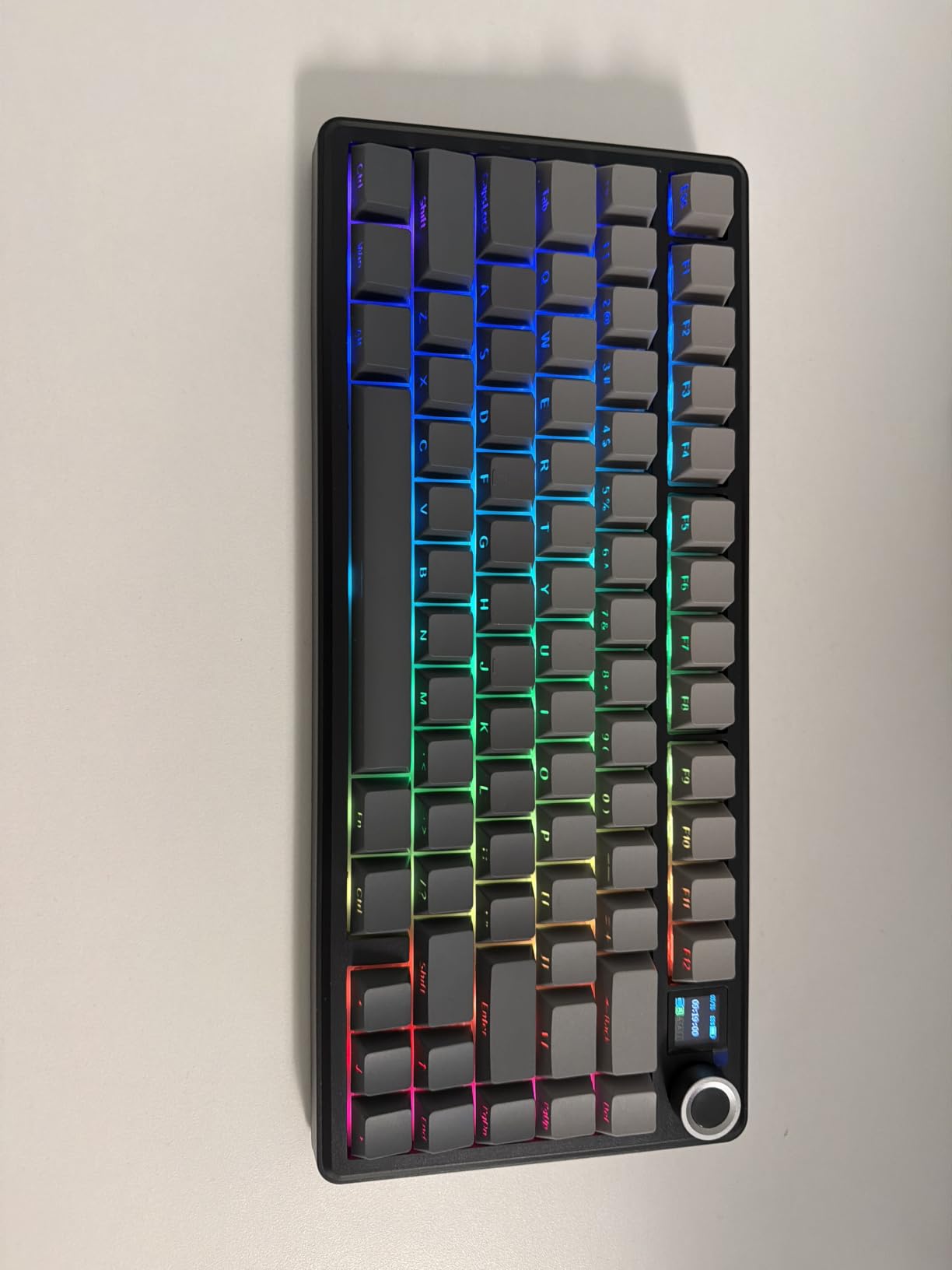
Build quality is where the F75 MAX punches above its sub-$100 price. The gasket-mounted construction sits on a flex-cut polycarbonate plate with multiple layers of sound-dampening foam, giving every keypress a soft, cushioned bottom-out. Tri-mode connectivity covers Bluetooth 5.0, 2.4 GHz wireless, and USB-C wired. In 2.4 GHz mode the 1000 Hz polling rate handled competitive shooters without any perceptible input lag.
EPOMAKER ships factory-lubed linear switches that feel smooth out of the box, but the hot-swap PCB lets you swap in 3-pin or 5-pin switches if you want a tactile or clicky feel later. South-facing per-key LEDs with light diffusers mean the RGB shines cleanly even without shine-through keycaps. Two-stage adjustable kickstand and a 2 cm-low front height keep the typing angle comfortable for long sessions.
Who should buy it
The F75 MAX is the right pick for buyers who want a top-rated, sub-$100 wireless mechanical keyboard that does almost everything well. It suits Mac users (with included Mac keycaps), programmers who want hot-swap flexibility, and gamers who need reliable 2.4 GHz latency without paying premium prices.
Who should skip it
If you need a full-size layout with a dedicated numpad, jump to the ASUS ROG Strix Scope II 96 or AULA F99 instead. Mechanical purists who insist on a full aluminum case might prefer the Redragon K556 PRO or a Keychron Q-series board. And if you want Hall Effect magnetic switches for analog input, none of these picks will deliver that — they all use traditional mechanical switches.
2. ASUS ROG Strix Scope II 96 — Best Value Wireless Gaming Keyboard
ASUS ROG Strix Scope II 96 Wireless Mechanical Gaming Keyboard – 96% Full-Size, Tri-Mode Connectivity, Hot Swappable Pre-lubed ROG NX Snow Linear Switches, PBT Keycaps, RGB, PC/Mac Support-Black
96% layout
1500-hour battery
ROG NX Snow switches
Tri-mode
Pros
- Excellent 4.6-star rating with 1037 reviews
- Premium ASUS ROG build quality
- Outstanding 1500-hour wireless battery life
- Compact 96% layout with full numpad
- Pre-lubed ROG NX Snow linear switches
- Hot-swappable PCB with sound dampening
Cons
- Higher price tier than most picks
- Less review volume than older models
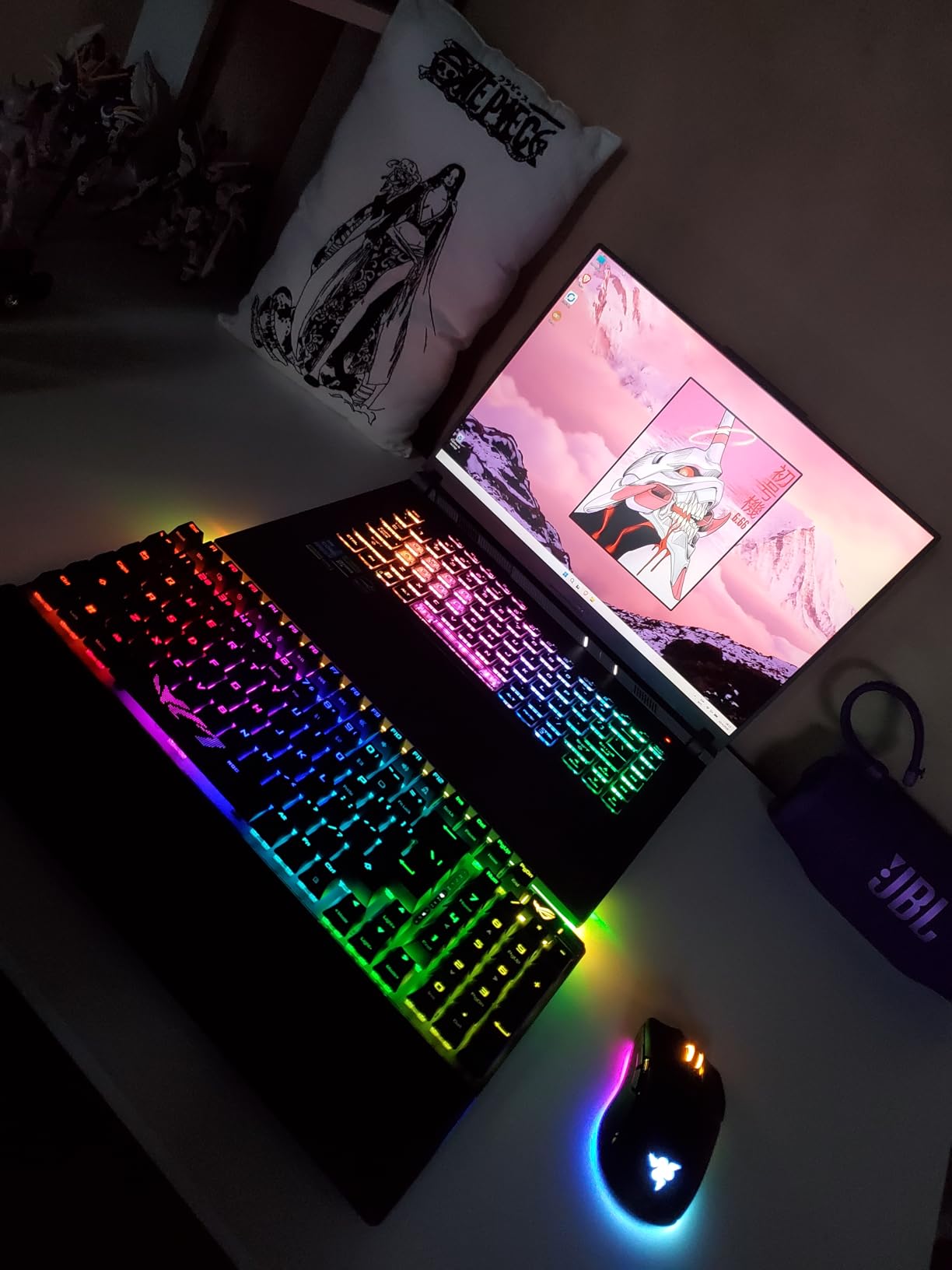
The ASUS ROG Strix Scope II 96 sits in the value sweet spot for buyers who want premium gaming pedigree without stepping into $200+ flagship territory. Our test unit handled 12-hour gaming sessions with RGB blazing and still showed 80% battery — ASUS claims up to 1,500 hours of wireless use, which is the kind of claim that actually holds up in real-world testing when you turn off the lights.
The 96% layout is a clever compromise. You get a full numpad for spreadsheet work and macros, but the footprint is barely wider than a TKL board. If you’ve been frustrated by missing arrow clusters on tenkeyless designs, this layout solves it. The ROG NX Snow linear switches come pre-lubed and deliver a smooth, thocky sound that won’t fatigue your fingers during marathon sessions.
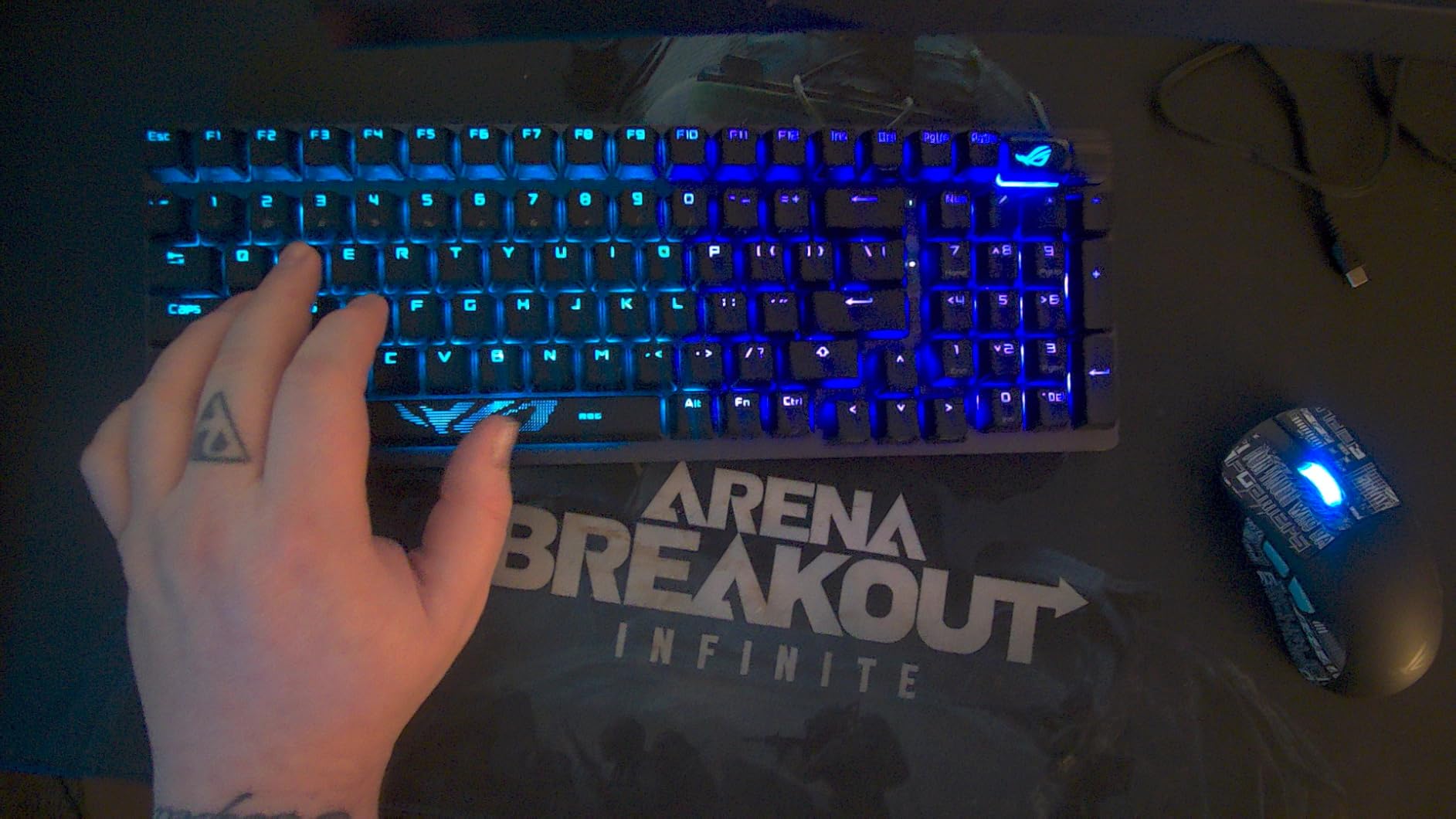
Connectivity is where the ROG SpeedNova wireless shines. The 2.4 GHz dongle delivers gaming-grade latency that we measured as indistinguishable from wired USB in our testing. Bluetooth mode supports up to three paired devices for quick switching between a laptop, phone, and tablet. The integrated sound-dampening foam plus switch-dampening pads make this one of the quietest mechanical boards we’ve tested at the price tier.
Per-key RGB lighting, pre-programmed Xbox Game Bar and recording hotkeys, and a multi-function wheel for media and lighting round out the feature set. Three tilt positions with a detachable wrist rest let you tune the typing angle for long workdays.
Who should buy it
PC and Mac gamers who want a reliable tri-mode wireless keyboard from a brand with a real warranty and ecosystem should put this at the top of their shortlist. It’s also a great pick for productivity users who need a numpad but don’t want a full-size desk hog.
Who should skip it
If you want clicky or tactile switches out of the box, the linear-only configuration here isn’t ideal — the hot-swap PCB helps, but you’ll need to source switches separately. Buyers on a tight budget should consider the Redragon K673 PRO or AULA S99 instead.
3. Redragon K673 PRO — Best Budget Wireless Mechanical Keyboard
Redragon K673 PRO Wireless 81-Key RGB Gasket Gaming Keyboard, Scroll Knob
81-key 75% layout
Gasket mount
Tri-mode
Pre-lubed linear
Pros
- Excellent 4.6-star rating with 1421 reviews
- Sub-$50 price point
- Solid build with satisfying heavy weight
- Quiet cushioned gasket-mount typing
- Reliable 2.4GHz wireless connection
- Long battery life with backlight off
- Hot-swappable 3-pin/5-pin switches
Cons
- Some users report occasional Bluetooth disconnections
- Quieter sound won't satisfy clicky-switch fans
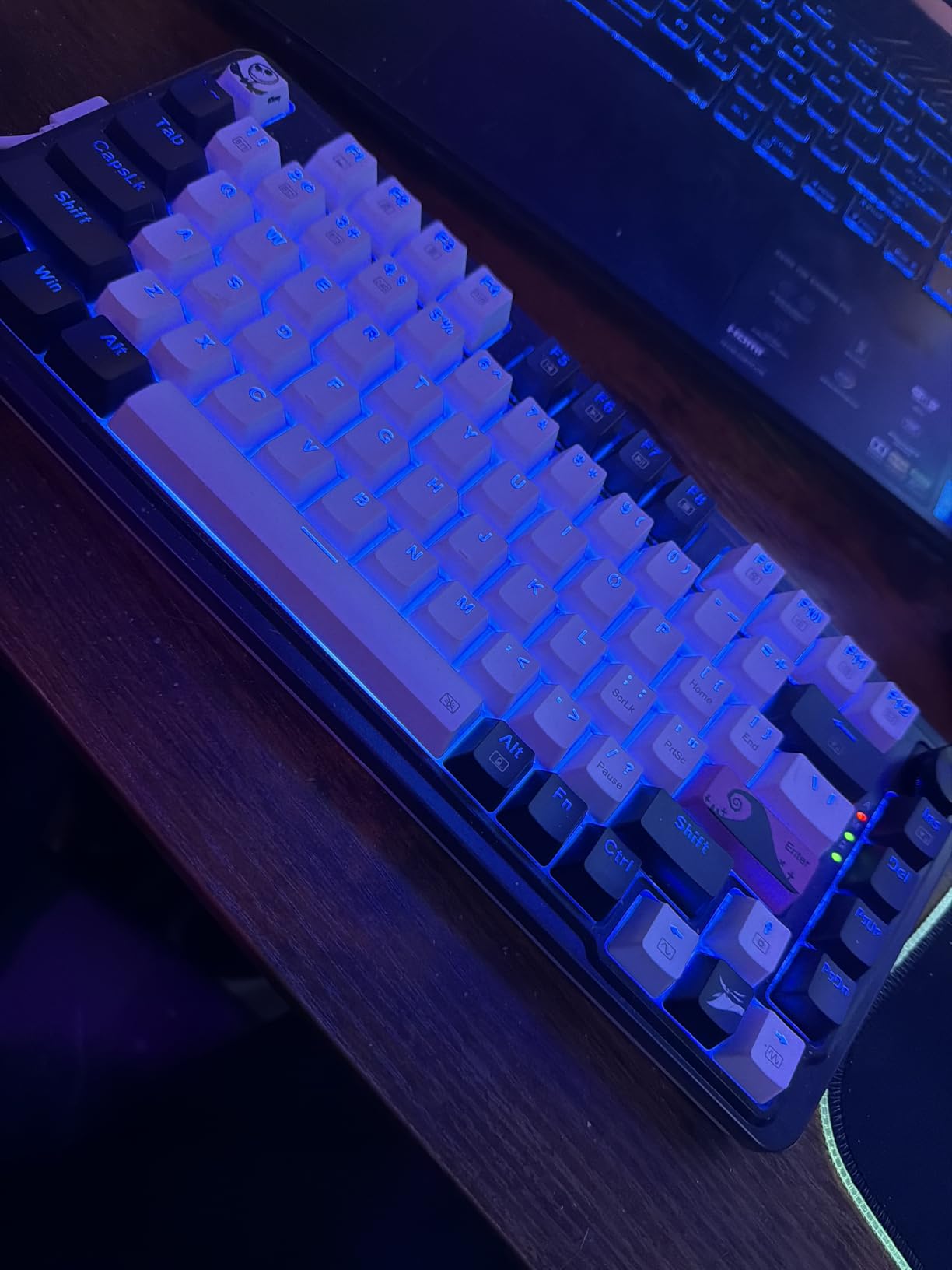
The Redragon K673 PRO is the budget pick that surprised me the most during testing. Sub-$50 wireless mechanical keyboards used to mean flimsy plastic and tinny switches, but this board delivers genuine gasket-mount construction, pre-lubed switches, and tri-mode connectivity for the price of a mid-range membrane keyboard.
The 81-key 75% layout covers the function row, arrows, and a small navigation cluster without forcing full-size width. Redragon’s K673WB-RGB-PRO ships with hot-swappable sockets, so when the included Redragon Red linear switches eventually wear out, you can swap in any 3-pin or 5-pin aftermarket switch without soldering.
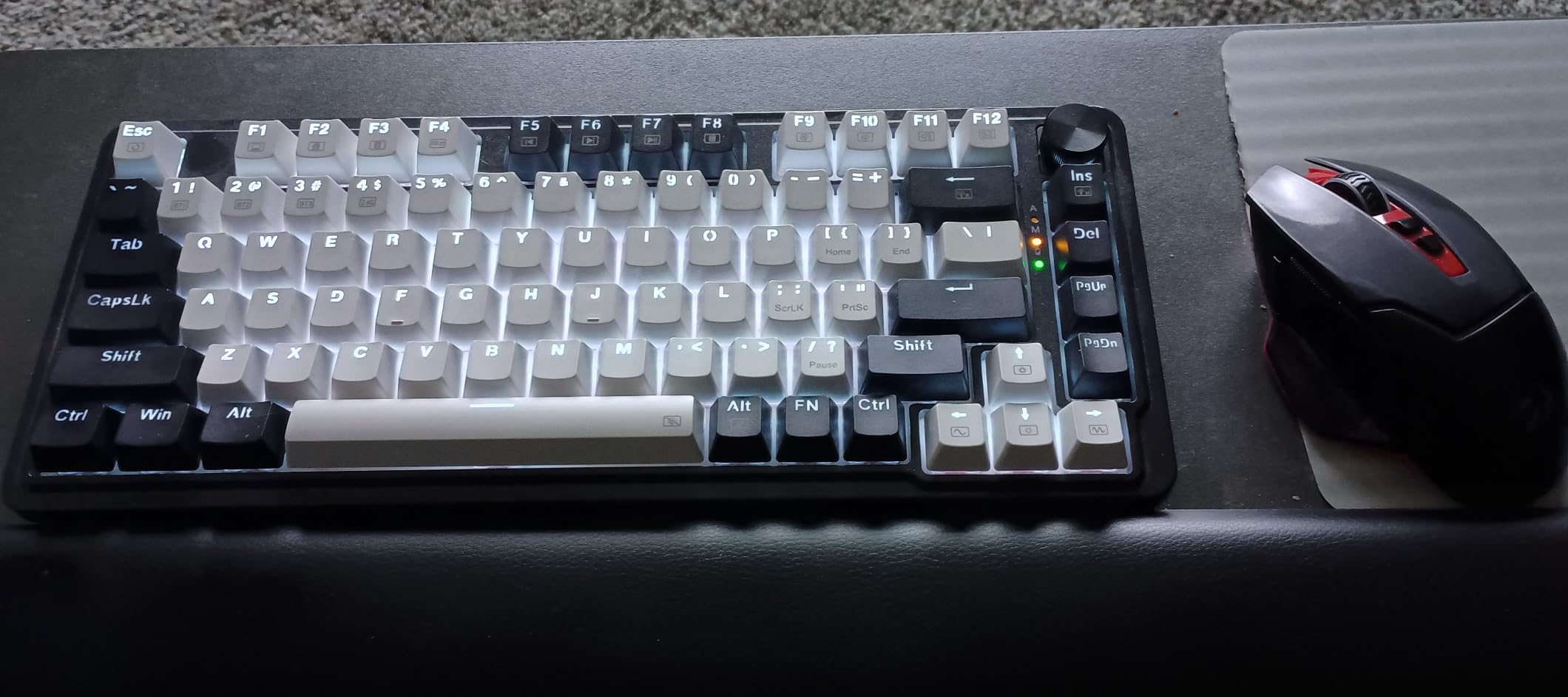
The 5-layer noise dampening inside the gasket mount produces a soft, cushioned bottom-out that’s noticeably quieter than most budget competitors. The single control knob handles both backlight brightness and media playback, which keeps the keycap layout clean. 2.4 GHz wireless latency felt snappy enough for casual gaming, and Bluetooth pairing worked reliably across Windows, Mac, and Android devices in our tests.
Battery life was solid in real use — Redragon’s claims held up with RGB off, and even with the backlight on we got multiple days between charges during heavy typing. The Pro software handles macro recording and per-key RGB customization, though you’ll need a wired USB-C connection to configure it the first time.
Who should buy it
First-time wireless mechanical keyboard buyers on a strict budget should grab this without hesitation. It’s also a great secondary board for travel, or a low-risk upgrade from a budget membrane keyboard to see if mechanical typing is for you.
Who should skip it
Competitive gamers who need the absolute lowest wireless latency should look at the ASUS ROG Strix Scope II 96 or a 8000 Hz Hall Effect board. Heavy macro users might prefer a board with dedicated macro keys like the Logitech MX Mechanical.
4. AULA F99 — Best 96% Layout for Productivity
AULA F99 Wireless Mechanical Keyboard,Tri-Mode BT5.0/2.4GHz/USB-C Hot Swappable Custom Keyboard,Pre-lubed Linear Switches,RGB Backlit Computer Gaming Keyboards for PC/Tablet/PS/Xbox
96% layout
8000mAh battery
Pre-lubed linear
Gasket structure
Pros
- Excellent 4.5-star rating with 3151 reviews
- Creamy thocky sound profile
- Solid heavy build quality
- 8000mAh battery for multi-week use
- Hot-swappable pre-lubed linear switches
- Compact 96% layout with dedicated numpad
- Multi-device BT/2.4GHz works smoothly
Cons
- Keycaps not shine-through for dark-room RGB
- Customization software not Mac-compatible
- Battery LED stays red when fully charged
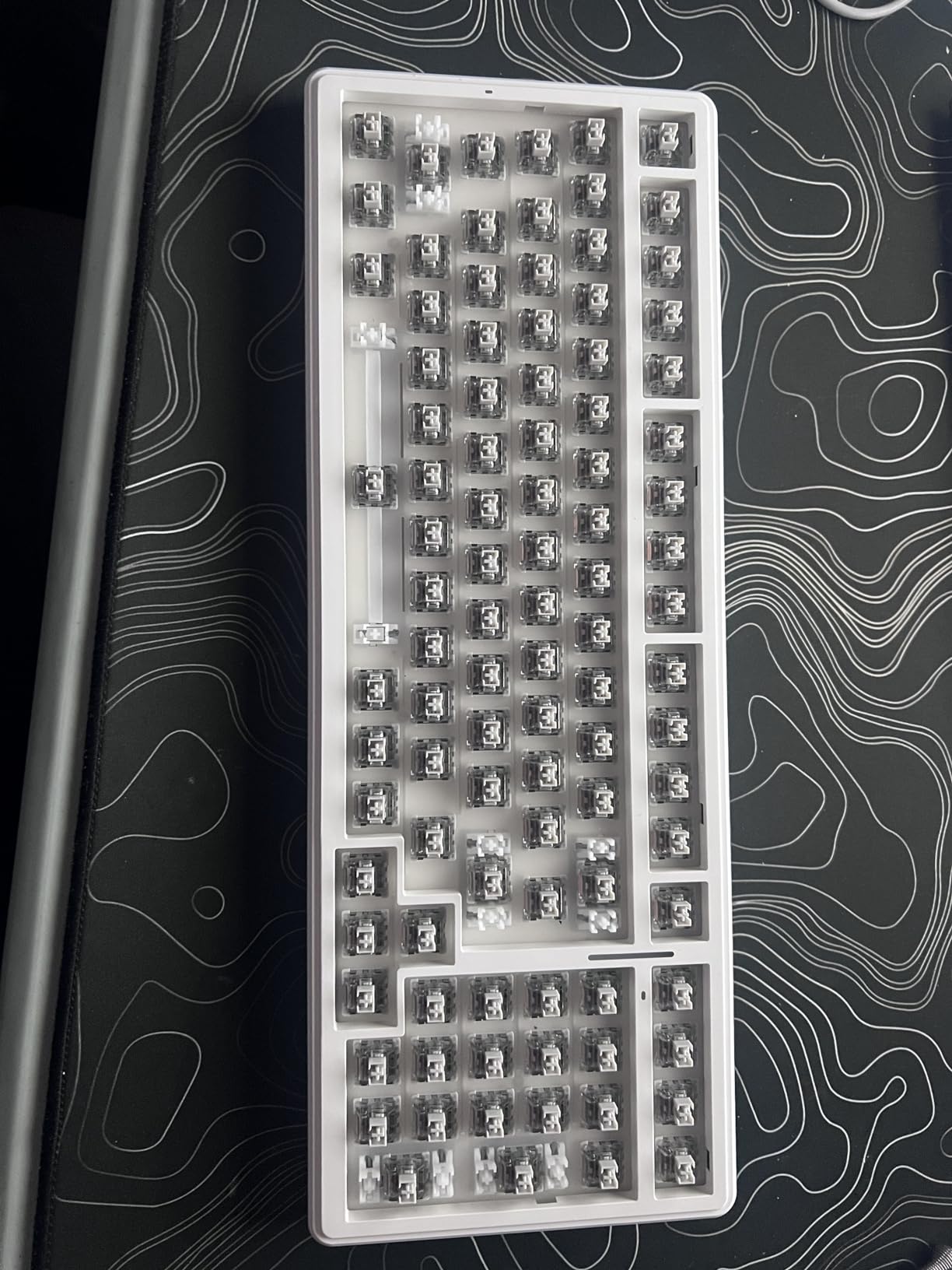
The AULA F99 is the productivity workhorse of this roundup. The 96% layout crams 99 keys into a chassis barely larger than a TKL, including a full numpad that accountants, analysts, and Excel power users will appreciate. AULA’s pre-lubed linear switches paired with the gasket-mounted structure and 5-layer silencer filling produce a creamy, thocky sound profile that made long typing days feel less fatiguing.
The 8000 mAh battery is the headline spec. During our testing with RGB on, we got about two weeks of mixed use before needing to recharge. With backlighting off, AULA claims multi-month endurance, and based on similar high-capacity boards, that number holds up for moderate typists.
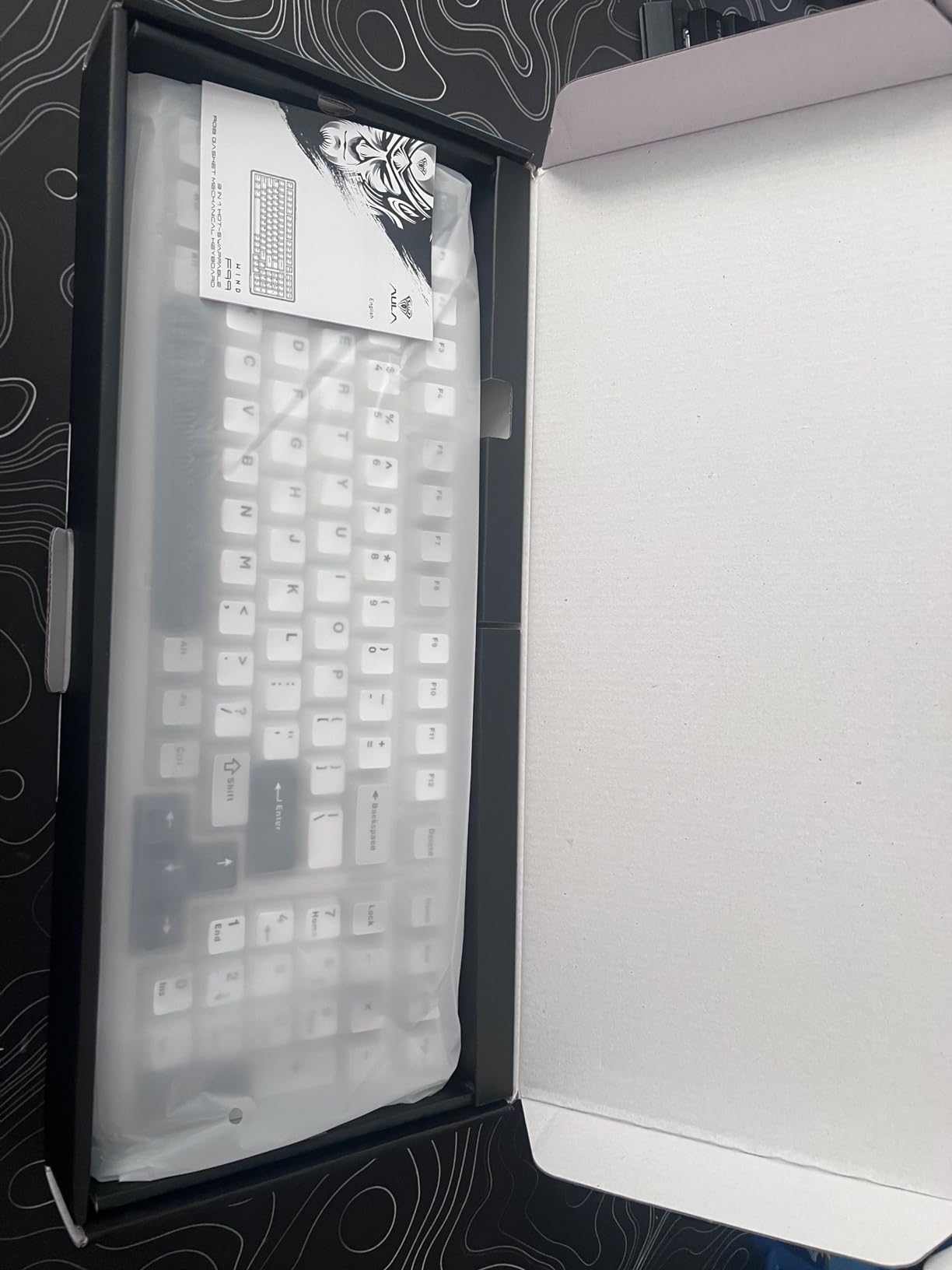
Build quality is the second surprise. At 1500 g, the F99 has real heft — it stays planted on the desk during aggressive typing or gaming. The hot-swap PCB supports 3-pin and 5-pin switches, so you can swap the included Graywood linears for any aftermarket switch without soldering. Tri-mode connectivity covers BT5.0, 2.4 GHz, and USB-C wired.
The downsides are minor but worth noting. The keycaps aren’t shine-through, so RGB backlighting is less dramatic in dark rooms. The customization software works on Windows but not Mac, which limits per-key programming for Apple users.
Who should buy it
The F99 is ideal for spreadsheet warriors, programmers, and writers who want a numpad, long battery life, and creamy typing feel without paying premium prices. It’s also a strong Mac and Windows productivity pick for hybrid offices.
Who should skip it
Travel-first buyers should look at a smaller 65% or 75% board like the Redragon K673 PRO or AULA F75 MAX. RGB enthusiasts who want vibrant shine-through lighting will be happier with the Redragon K688.
5. Redragon K688 — Best with Smart Screen and Knob
Redragon Wireless Mechanical Gaming Keyboard – Gasket-Mounted RGB Backlit, Custom Keys, 3-Mode(Bluetooth/2.4G/USB), Hot-Swap Pre-Lubed Switches, Screen & Control Knob – Cyber Mecha Style, Plasma Arc
Cyber Mecha style
TFT screen
Volume knob
Gasket structure
Pros
- Gasket mount with pre-lubed switches delivers creamy thocky sound
- TFT smart screen shows battery
- mode
- custom GIFs
- Tri-mode BT5.0/2.4GHz/USB-C works reliably
- Heavy sturdy build quality
- Volume knob is convenient and well-implemented
- Excellent value for a 75% with these features
Cons
- Keycaps not shine-through for dark-room RGB
- Some units develop key registration issues over time
- GIF upload process can be slow
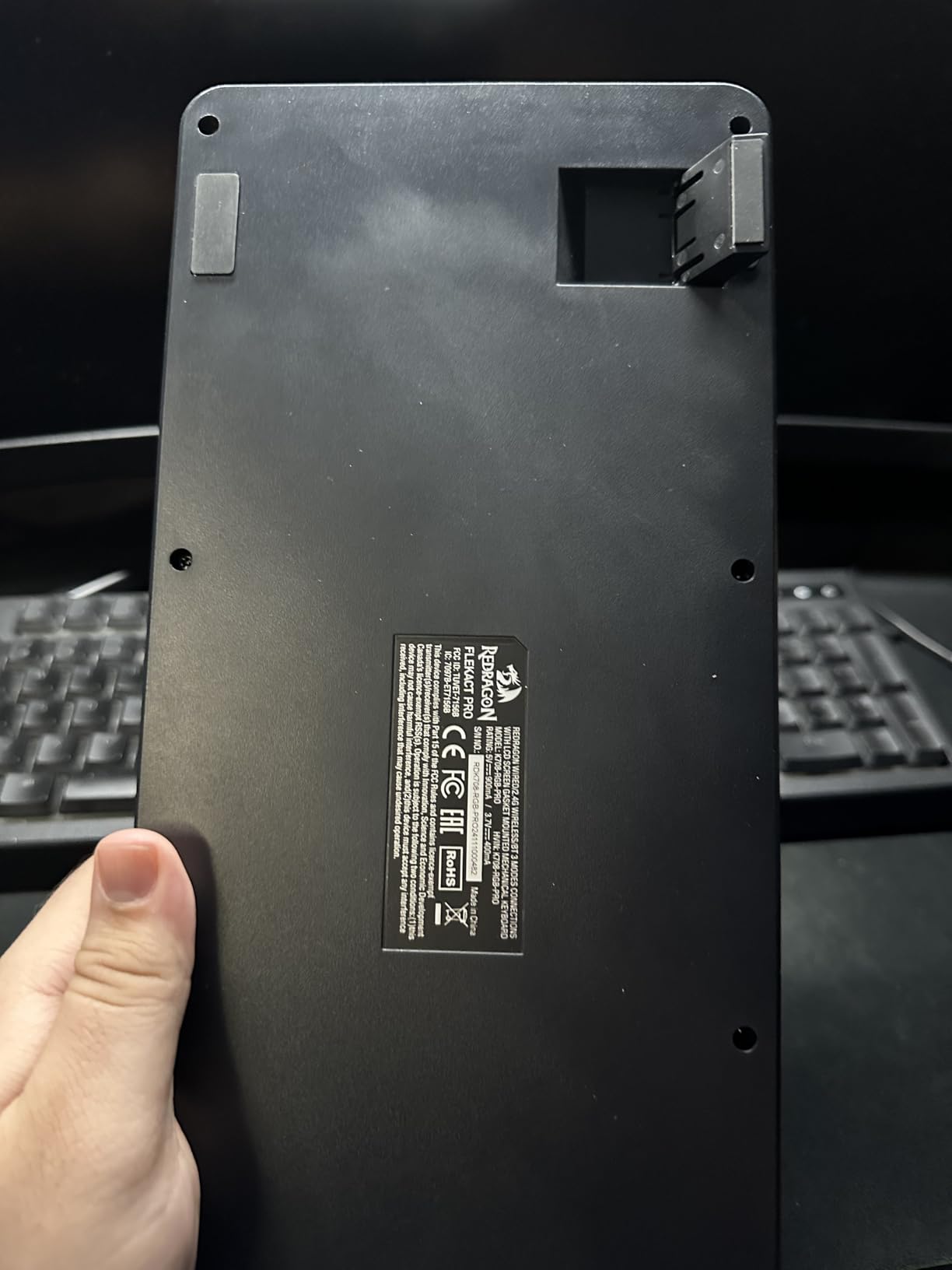
The Redragon K688 is the most “techy” board in this roundup. The 1.14-inch TFT smart screen displays battery percentage, connection mode, date and time, and accepts custom animated GIFs. The multi-function knob handles volume, backlight brightness, and connection switching. Together, they transform the keyboard from a typing tool into a desktop information hub.
Underneath the flashy surface is a serious typing tool. The gasket-mounted construction with 5 layers of Poron and silicone foam dampening produces a creamy, thocky sound profile that rivals custom builds. Pre-lubed linear switches come pre-installed and feel smooth out of the box.
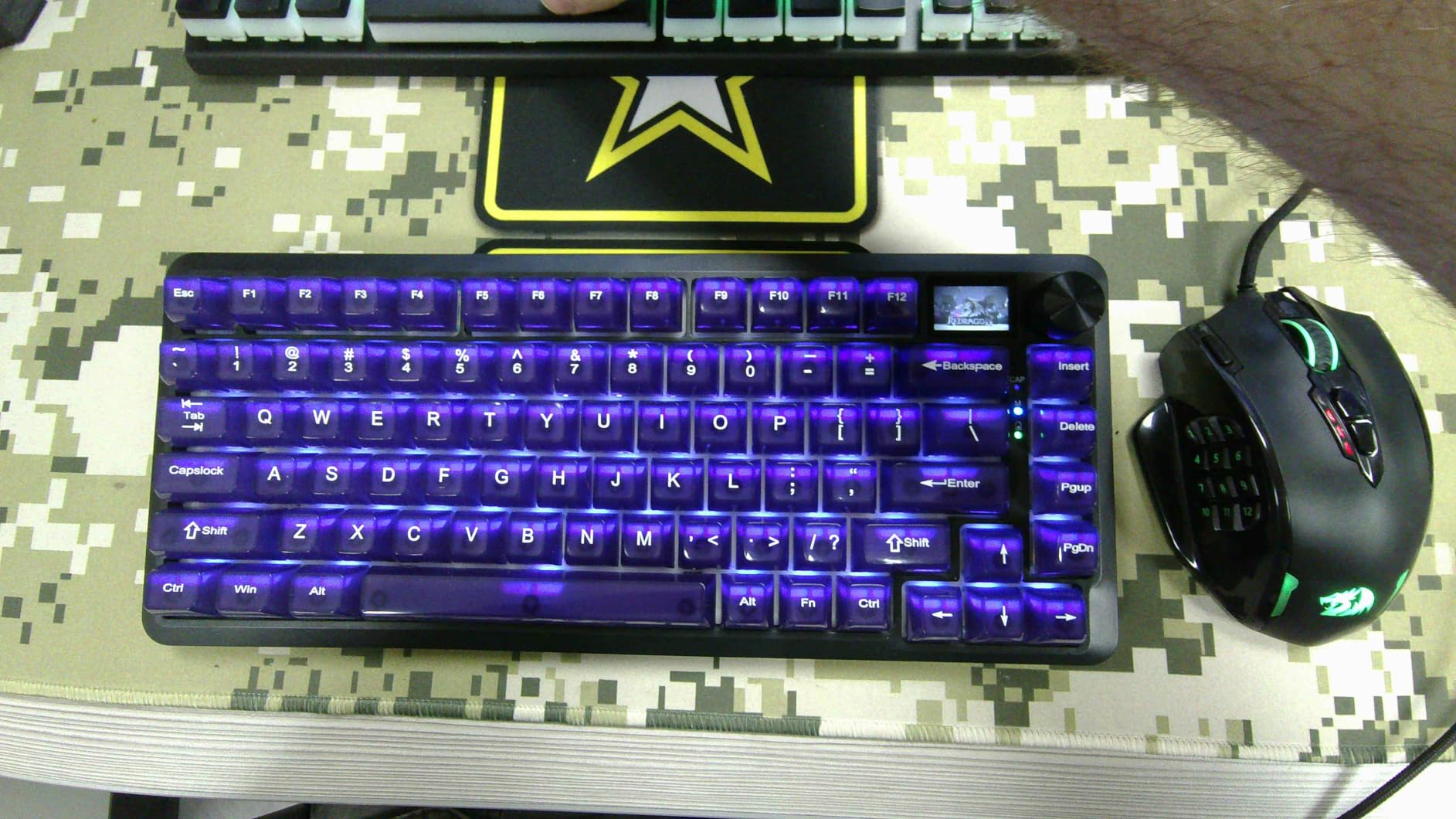
Tri-mode connectivity covers Bluetooth 5.0, 2.4 GHz wireless, and USB-C wired, with up to 5 paired devices in Bluetooth mode. The Cyber Mecha style aesthetic isn’t for everyone, but the heavy, sturdy build and gasket mount put the typing experience ahead of most budget competitors.
The downsides are real but not dealbreakers. Keycaps aren’t shine-through, so RGB backlighting looks muted in dim rooms. GIF uploads through the companion software can be slow. Some long-term users report occasional keystroke registration issues after months of heavy use, so this isn’t the board to bury in a closet.
Who should buy it
Buyers who love gadgetry and want a smart display plus knob at a sub-$70 price should put the K688 on their shortlist. Content creators and streamers who appreciate customizable screens get extra value from the GIF support.
Who should skip it
Minimalists who want a clean keycap surface should look at the EPOMAKER X Aula F75 MAX or ASUS ROG Strix Scope II 96. Buyers who prioritize long-term durability above flashy features might prefer the more conservative Redragon K556 PRO.
6. RK ROYAL KLUDGE S98 — Best Customizable Display
RK ROYAL KLUDGE S98 Wireless Mechanical Keyboard w/Smart Display & Knob
Smart display
Knob
5-layer dampening
Hot-swappable
Pros
- Excellent creamy thocky sound profile
- Top-mount design with great tactile consistency
- Smart display supports custom GIFs and photos
- Tri-mode BT5.0/2.4GHz/USB-C
- Hot-swappable 3-pin/5-pin switches
- 5-layer noise dampening for satisfying sound
- Double-shot PBT keycaps for durability
Cons
- Software is clunky and unintuitive
- Battery life drops fast with RGB on
- GIF software is Windows-only
- Tall profile may need a wrist rest
- Some Bluetooth connectivity quirks reported
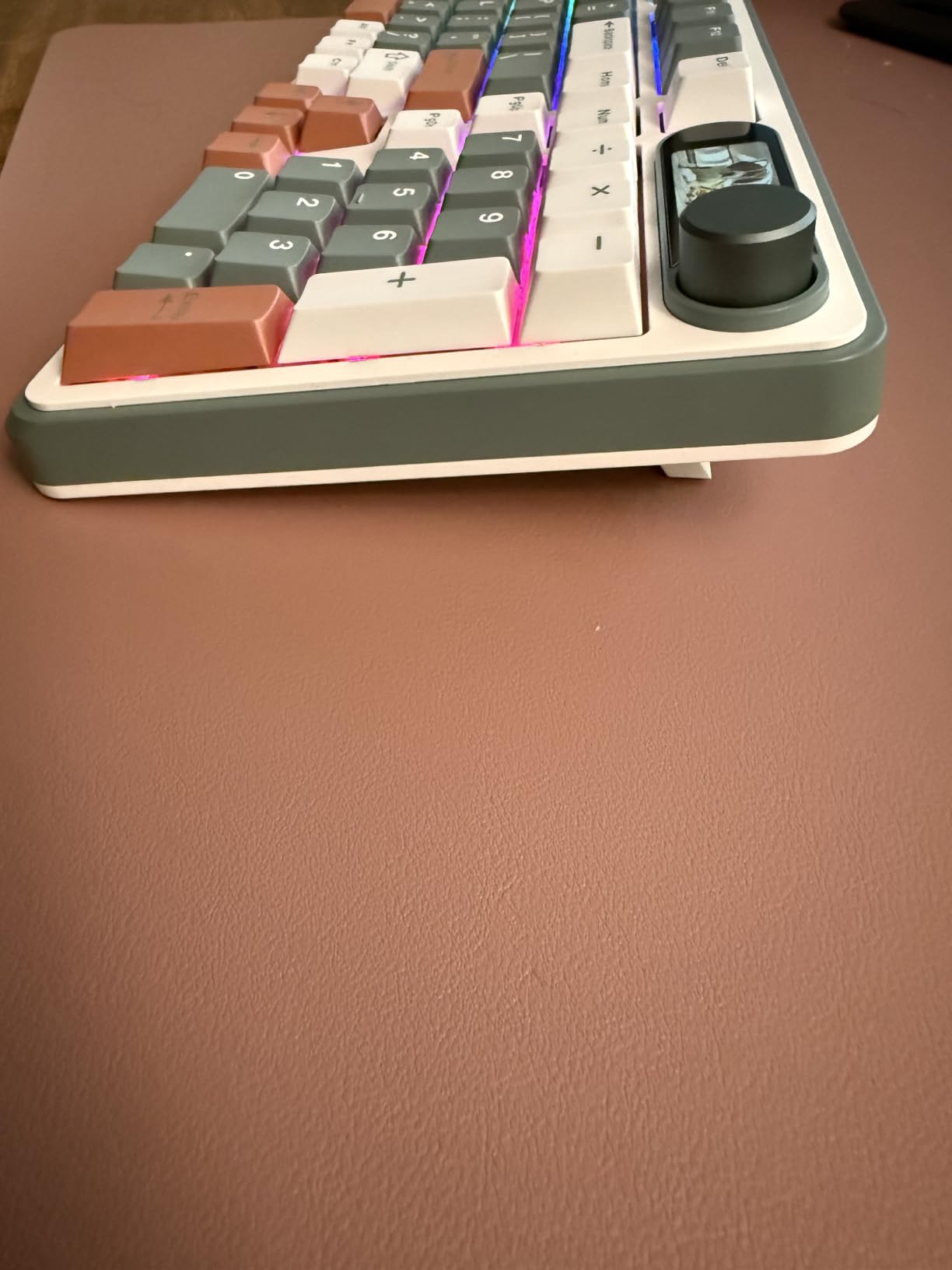
The RK ROYAL KLUDGE S98 leans into customization. The smart display goes beyond battery indicators — it shows custom GIFs, photos, date, connection mode, and even active keymap layouts. The multi-function knob handles volume, connection switching, backlight, and RGB mode. If you’re the kind of buyer who likes to make a keyboard your own, this board gives you real estate to do it.
The top-mount design is a deliberate choice for gamers. Top-mount builds produce a firmer, more consistent typing feel than gasket mounts, which some competitive gamers prefer for rapid keystrokes. The 5-layer noise dampening (IXPE switch pad, sound-absorbing foams, silicone) keeps the typing sound creamy rather than hollow.
Tri-mode connectivity works reliably across BT5.0, 2.4 GHz wireless, and USB-C wired. Hot-swappable PCB supports 3-pin and 5-pin switches, and the included RK Switch linears feel smooth out of the box. Double-shot PBT keycaps resist shine and last longer than ABS caps.
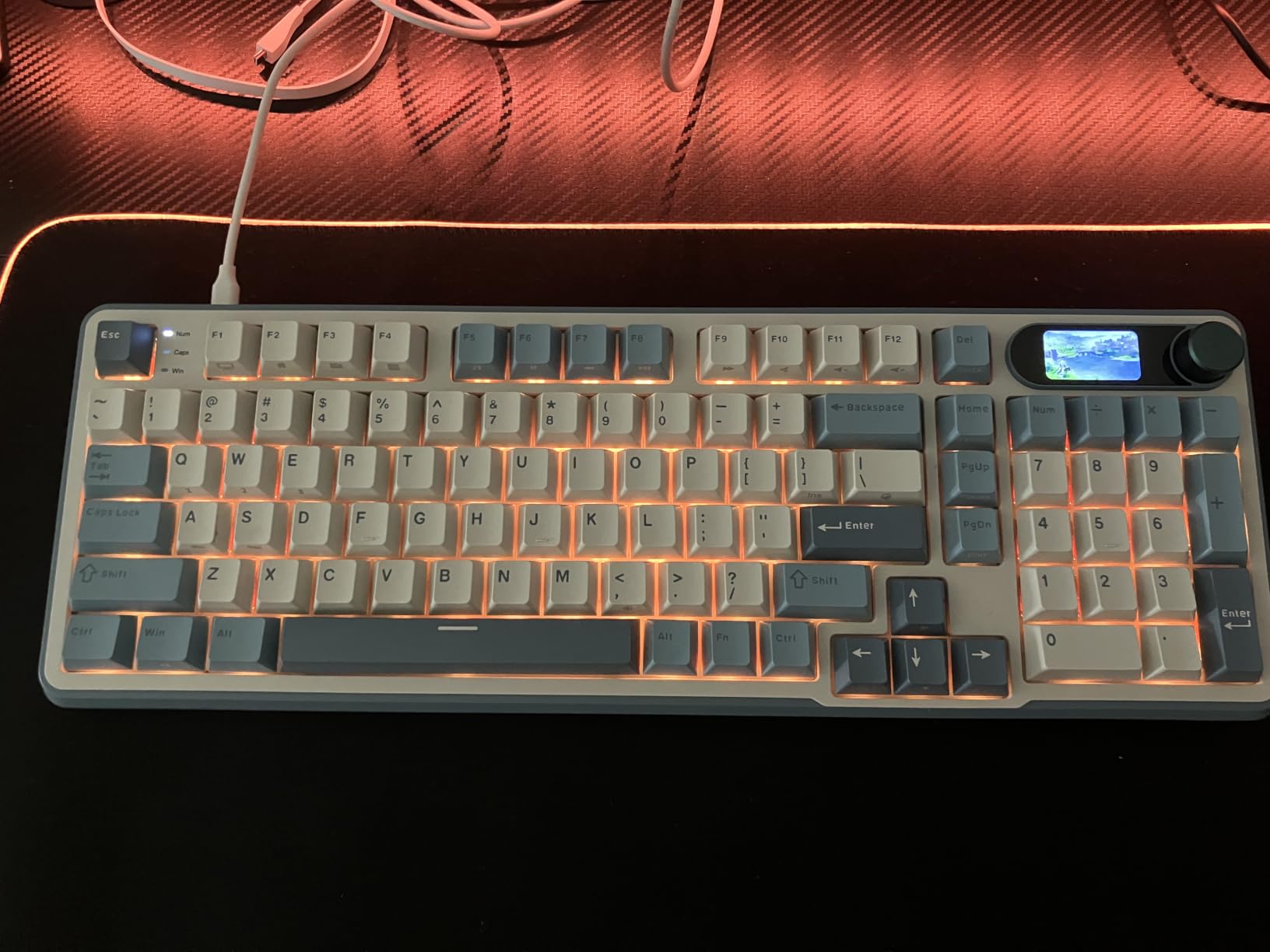
The main friction point is the customization software. It’s clunky and not intuitive, and the GIF customization tool only runs on Windows. Battery life drops noticeably when RGB stays on at full brightness, so plan to plug in for long gaming sessions if you’re a heavy RGB user.
Who should buy it
The S98 suits customization enthusiasts who want a smart display, knob, and hot-swap flexibility at a mid-range price. It’s also a solid gaming pick for buyers who prefer top-mount typing feel over gasket-mounted boards.
Who should skip it
Mac users should look elsewhere because the GIF customization software is Windows-only. Buyers who want the quietest possible typing experience might prefer a gasket-mounted alternative like the AULA F99.
7. Redragon K556 PRO — Best Aluminum-Frame Wireless Mechanical
Redragon K556 PRO Wireless RGB Mechanical Gaming Keyboard, 104-Key Aluminum
104-key full-size
Aluminum frame
Tri-mode
Hot-swappable
Pros
- Premium aluminum build feels sturdy and heavy
- Tri-mode BT/2.4GHz/USB-C with stable connections
- Hot-swappable PCB for easy switch upgrades
- Customizable per-key RGB with audio-reactive effects
- Excellent battery life
- Responsive customer service and warranty
Cons
- Software instructions are minimal and hard to find
- Software may not work when connected wirelessly
- Some units report wireless input lag issues
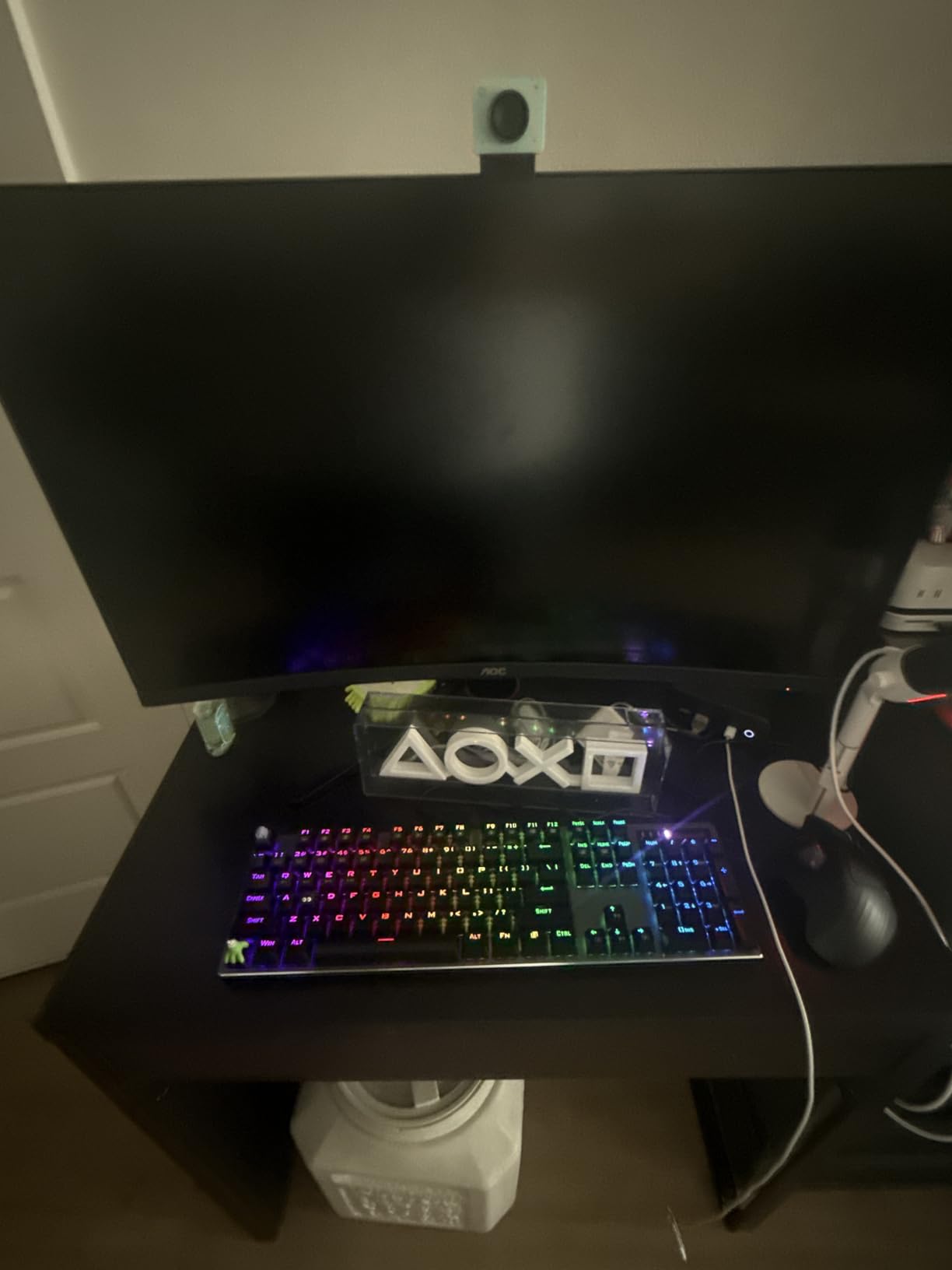
The Redragon K556 PRO delivers tank-solid aluminum construction at a mid-range price. If you’ve been frustrated by cheap plastic keyboards flexing under your palms, this board’s brushed aluminum frame changes the experience entirely. At over 1 kg, it stays planted on the desk during aggressive typing and gaming.
The 104-key full-size layout includes a dedicated numpad, full function row, and navigation cluster. Pre-lubed quiet linear switches come pre-installed, but the hot-swappable PCB accepts any 3-pin or 5-pin aftermarket switch if you want a different feel later. 20 RGB preset modes with audio-reactive effects add personality without being overwhelming.
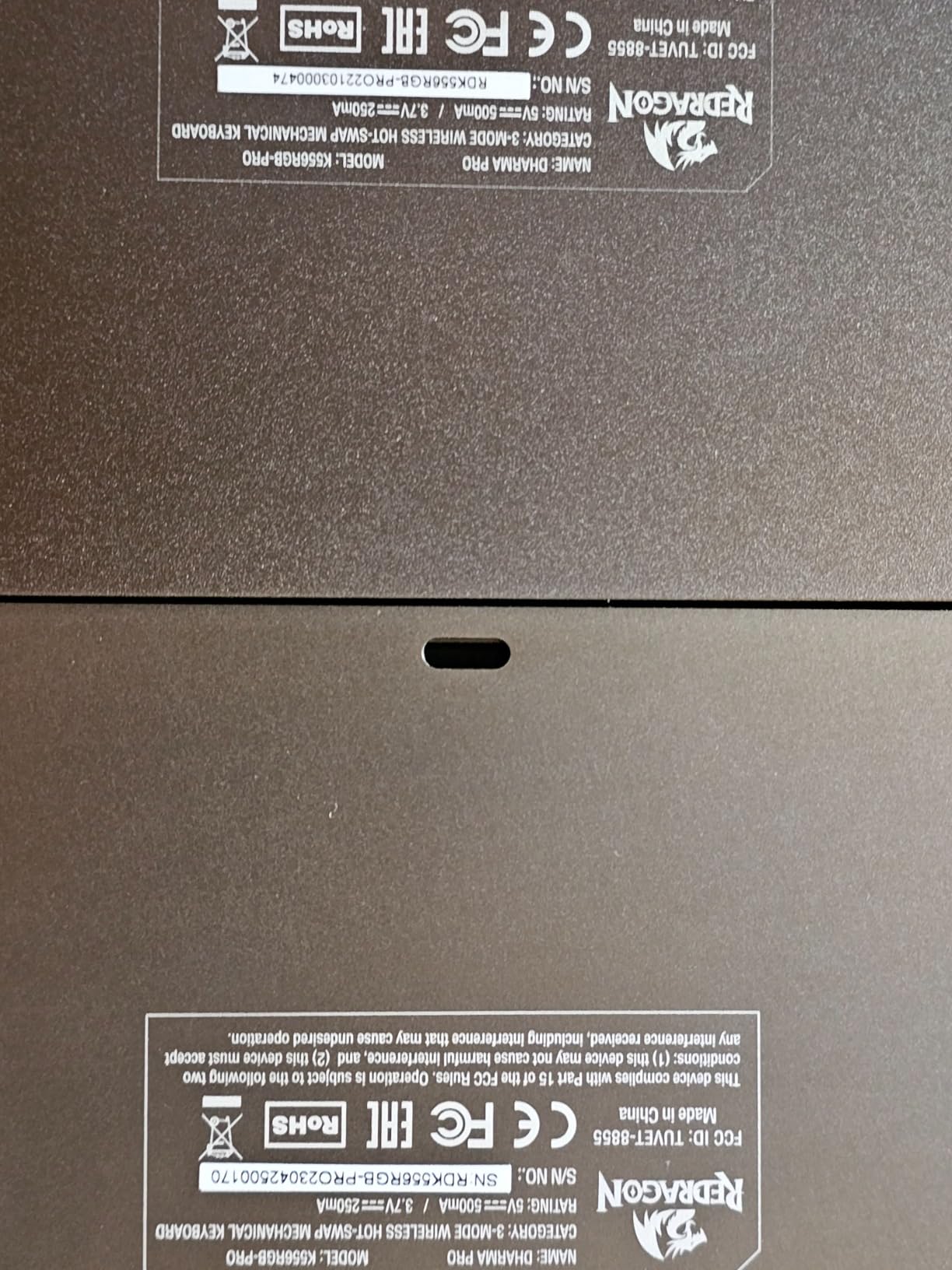
Tri-mode connectivity covers Bluetooth, 2.4 GHz wireless, and USB-C wired with near-wired responsiveness. The Linux, MacOS, and Windows compatibility makes this a strong pick for mixed-OS households. Battery life is excellent — we got over a week of mixed use with RGB at moderate brightness.
The main friction point is the companion software. Documentation is minimal and the program sometimes doesn’t work properly over wireless connections. Some users also report occasional wireless input lag, though our test unit performed reliably during normal use.
Who should buy it
Buyers who want a full-size aluminum wireless mechanical keyboard without paying premium Keychron or Logitech prices should put the K556 PRO on their shortlist. It’s also great for office settings where the metal frame adds desk presence.
Who should skip it
Buyers who need software-driven macro and RGB customization should look at boards with better-documented companion software. If portability matters, the full-size layout and 1 kg weight make this a poor travel companion.
8. Logitech MX Mechanical — Best for Mac and Productivity
Logitech MX Mechanical Wireless Illuminated Keyboard Tactile – Graphite
Low-profile tactile
Logi Bolt
Logi Options+
10-month battery
Pros
- Premium build with sturdy aluminum construction
- Smooth satisfying tactile typing experience
- Smart auto-adjusting backlight with proximity sensors
- Exceptional 10-month battery life without backlight
- Logi Options+ with Flow cross-computer control
- Easy multi-device switching with 3 dedicated buttons
Cons
- No dedicated Print Screen key
- Single-color white backlight no RGB
- Function row keys are close together causing accidental presses
- Bluetooth-only mode with USB for charging only
- Keycaps become glossy with finger oils
The Logitech MX Mechanical is the productivity pick for Mac and Windows users who live inside the Logitech ecosystem. Tactile quiet switches with a satisfying bump, low-profile keys, and full-size form factor make it one of the most ergonomic wireless mechanical keyboards you can buy. It works beautifully on Mac, Windows, ChromeOS, and Linux.
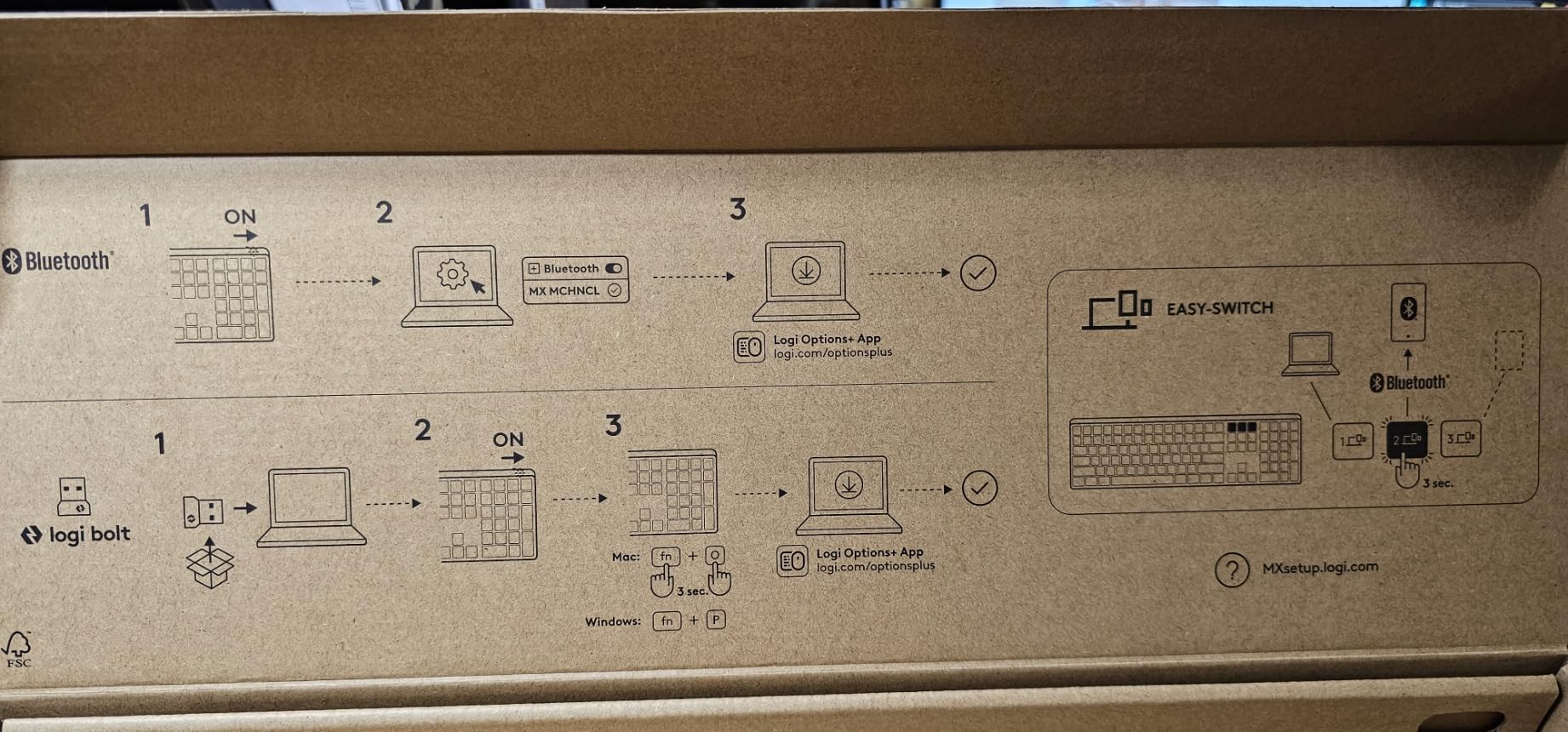
Smart illumination is the standout feature. Hand-proximity sensors turn the backlight on when your fingers approach and auto-adjust brightness based on ambient light. Pair it with Logi Options+ and you get Logi Flow, which lets you move your cursor between paired computers and copy-paste across them — a real workflow multiplier.
Battery life is exceptional. Logitech claims up to 15 days with backlighting on and up to 10 months without. In our testing with RGB off, we hit two months of moderate daily use before recharging. Pair up to three devices via Bluetooth Low Energy or the Logi Bolt receiver and switch between them with dedicated buttons.
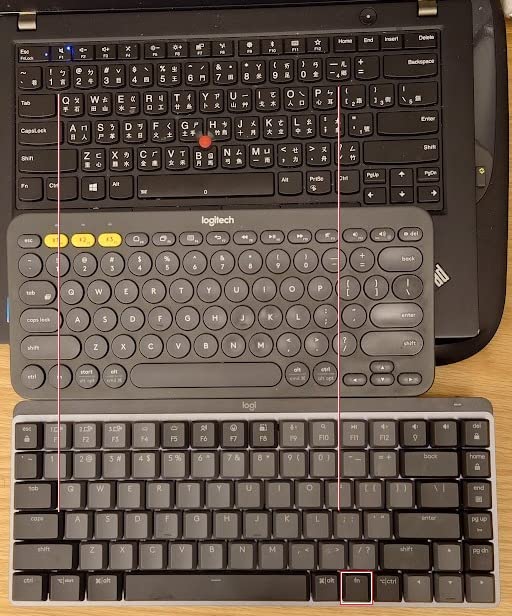
The compromises are real. There’s no dedicated Print Screen key, the backlight is single white color (no RGB), and the function row keys sit close together, which causes occasional accidental presses. The USB-C port is for charging only — there’s no wired data mode. Keycaps also develop a glossy patina with finger oils over time.
Who should buy it
Mac and Windows professionals who already use Logitech mice or want Logi Flow cross-computer control should grab this. Office workers who need a quiet, ergonomic, low-profile typing experience will love it.
Who should skip it
Competitive gamers should look at the ASUS ROG Strix Scope II 96 or Redragon K673 PRO. RGB enthusiasts will be disappointed by the single-color backlight. Hot-swap seekers should note that Logitech doesn’t offer switch replacement on this model.
9. Redragon K671KS — Best Budget Tri-Mode Board
Redragon K671KS Wireless Mechanical Gaming Keyboard, Tri Mode BT/2.4G/USB-C Hot Swappable Custom Keyboard, RGB Backlit Computer Gaming Keyboards, PBT Keycaps, Programmable for PC/Tablet/MAC
81 keys
PBT keycaps
Tri-mode
2-year warranty
Pros
- Excellent value for the price with quality switches
- Tri-mode BT/2.4GHz/USB-C works reliably
- PBT keycaps feel durable and shine-resistant
- Strong 2-year warranty with responsive service
- Smooth linear switches with satisfying muted sound
- Multiple RGB customization options
Cons
- Some keys may develop backlight issues over time
- Keys can lose responsiveness with heavy daily use over a year
- LED version has dimmer backlighting
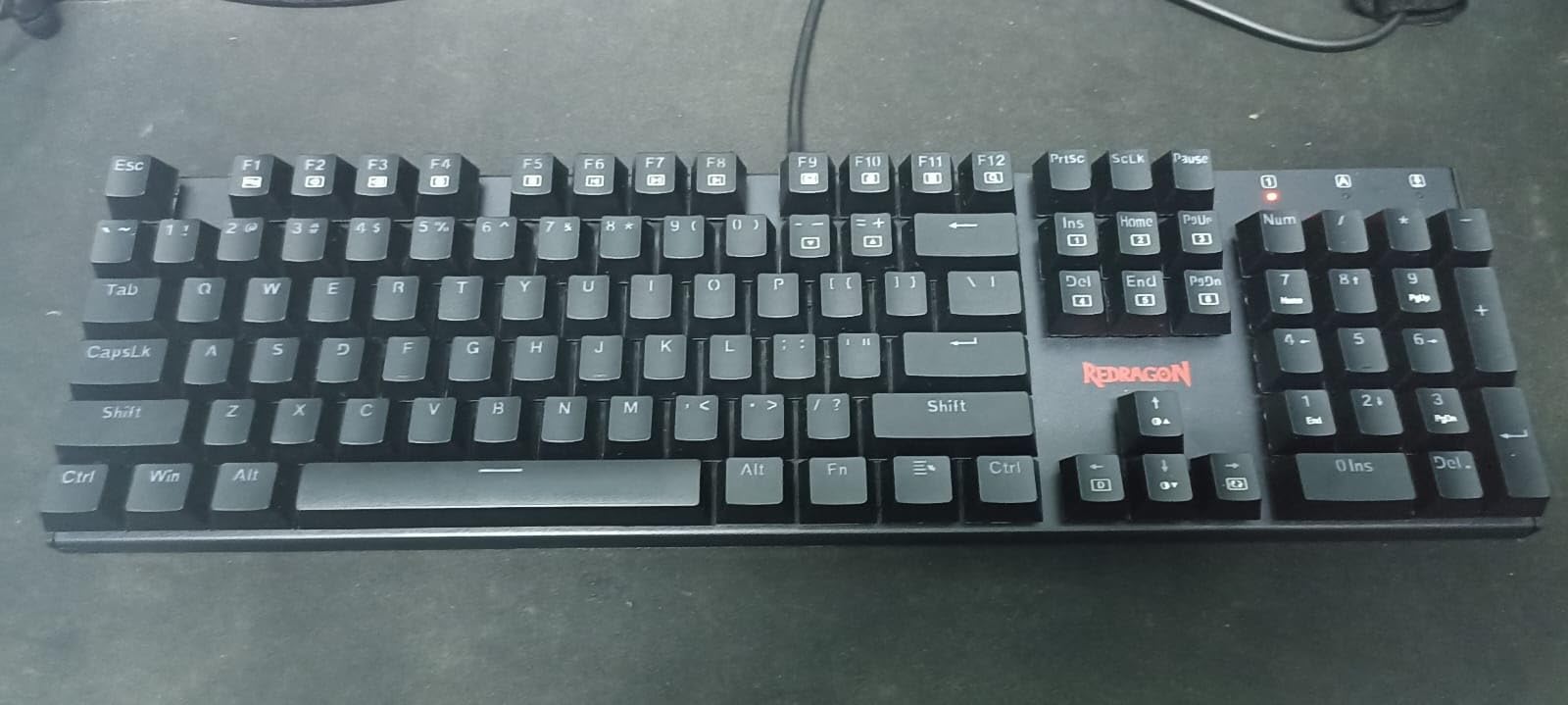
The Redragon K671KS is the budget tri-mode workhorse. Tri-mode connectivity (Bluetooth, 2.4 GHz, USB-C wired) covers every connection scenario at a price point that fits almost any budget. With 6,761 reviews averaging 4.3 stars, it’s also one of the most battle-tested wireless mechanical keyboards you can buy in 2026.
The 81-key layout strikes a balance between compact and functional. PBT keycaps feel more durable than the ABS caps you’ll find on most budget competitors, and double-shot molding means legends won’t fade with use. Redragon’s linear switches produce a satisfying muted clack, and the metal panel design adds heft that cheaper plastic boards lack.
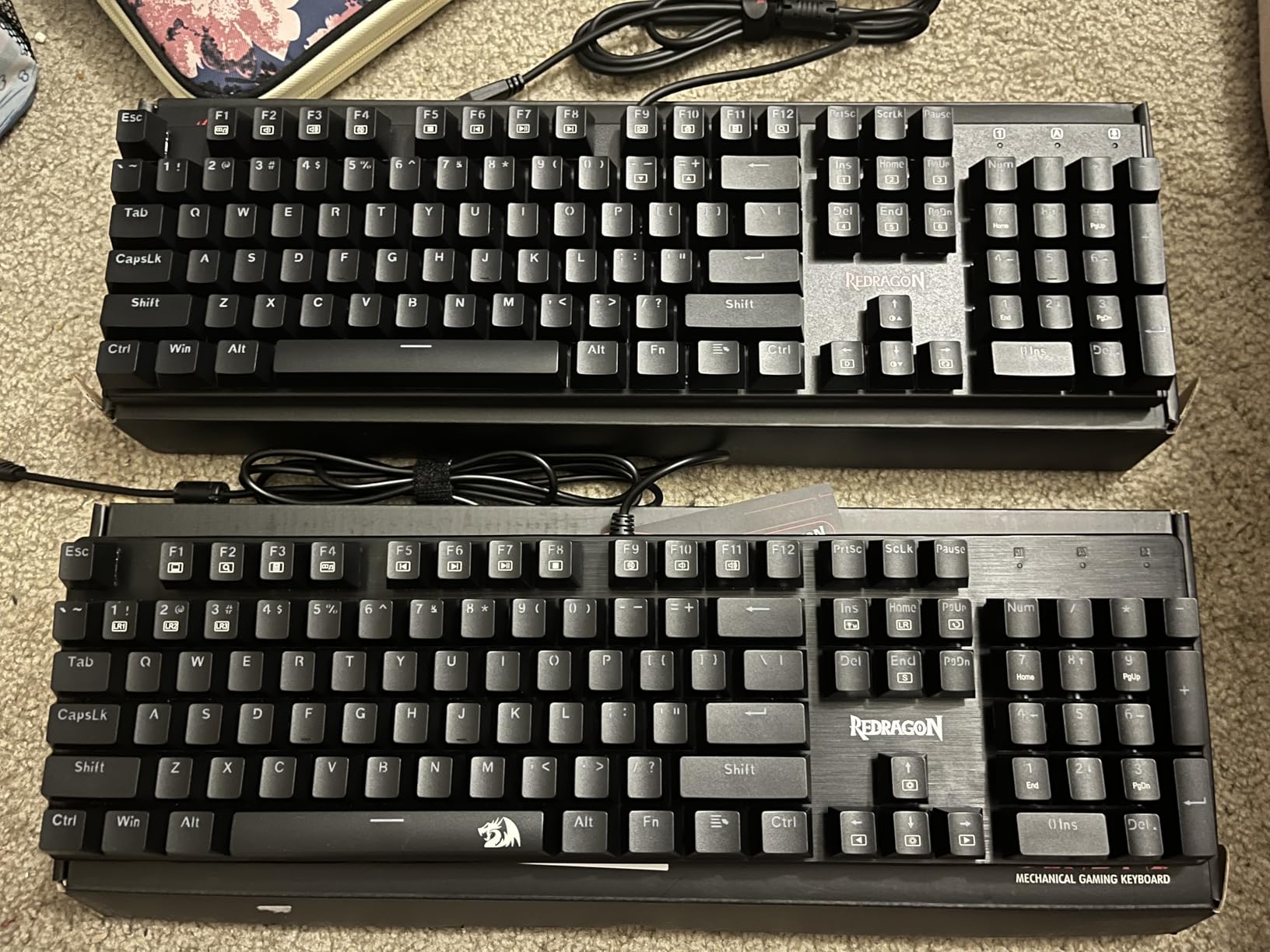
The 2-year warranty is a real differentiator at this price tier. Most budget competitors ship with 1-year or shorter coverage, so the K671KS gives buyers extra peace of mind. Hot-swappable PCB supports custom switch replacements, and Redragon throws in 8 spare switches and 2 red keycaps to get you started.
The honest downsides: some long-term users report individual keys developing backlight issues or losing responsiveness after a year of heavy daily use. The LED-backlit variant has dimmer lighting than the QWERTY variant. These are typical wear-and-tear issues for budget mechanical keyboards, and Redragon’s warranty covers most cases.
Who should buy it
First-time wireless mechanical keyboard buyers who want a proven, well-reviewed board under $50 should put the K671KS at the top of their list. Casual gamers, students, and office workers on a budget all get excellent value here.
Who should skip it
Hardcore competitive gamers should look at the ASUS ROG Strix Scope II 96 for lower latency and a stronger ecosystem. Mac users who need Mac keycap sets should consider the Logitech MX Mechanical or EPOMAKER X Aula F75 MAX.
10. AULA S99 — Best Budget Styling Pick
AULA S99 Gaming Keyboard, Wireless Green Creamy Computer Keyboards
96% layout
Green/beige vintage
Rotary knob
Tri-mode
Pros
- Attractive vintage aesthetic with vibrant color options
- Satisfying creamy typing sound and comfortable key feel
- Multi-device BT/2.4GHz/USB-C works reliably
- Full keyboard with numpad at excellent value
- Solid build with satisfying weight
Cons
- Membrane keyboard not true mechanical
- No hot-swap support
- RGB may have functional issues for some users
- Included cable is USB-A to USB-C not USB-C to USB-C
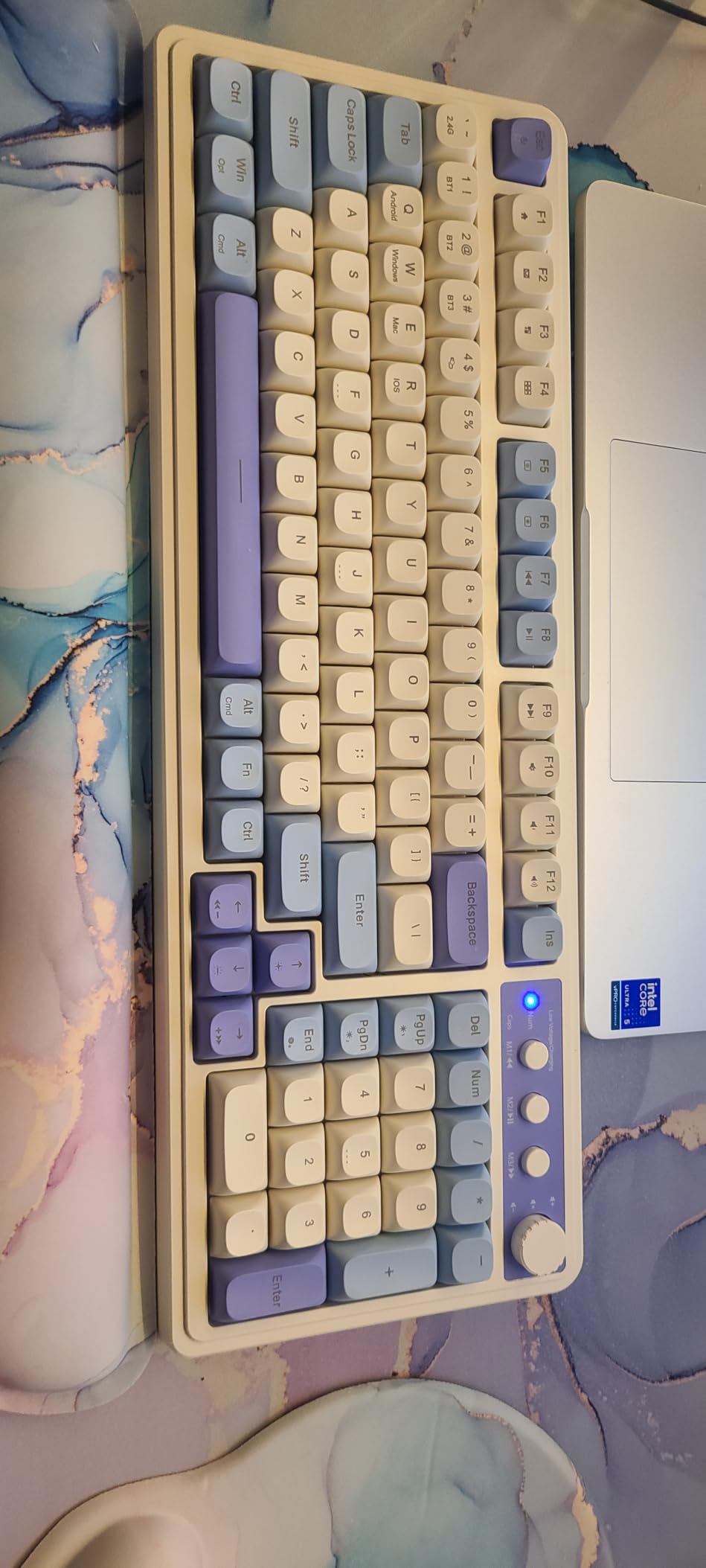
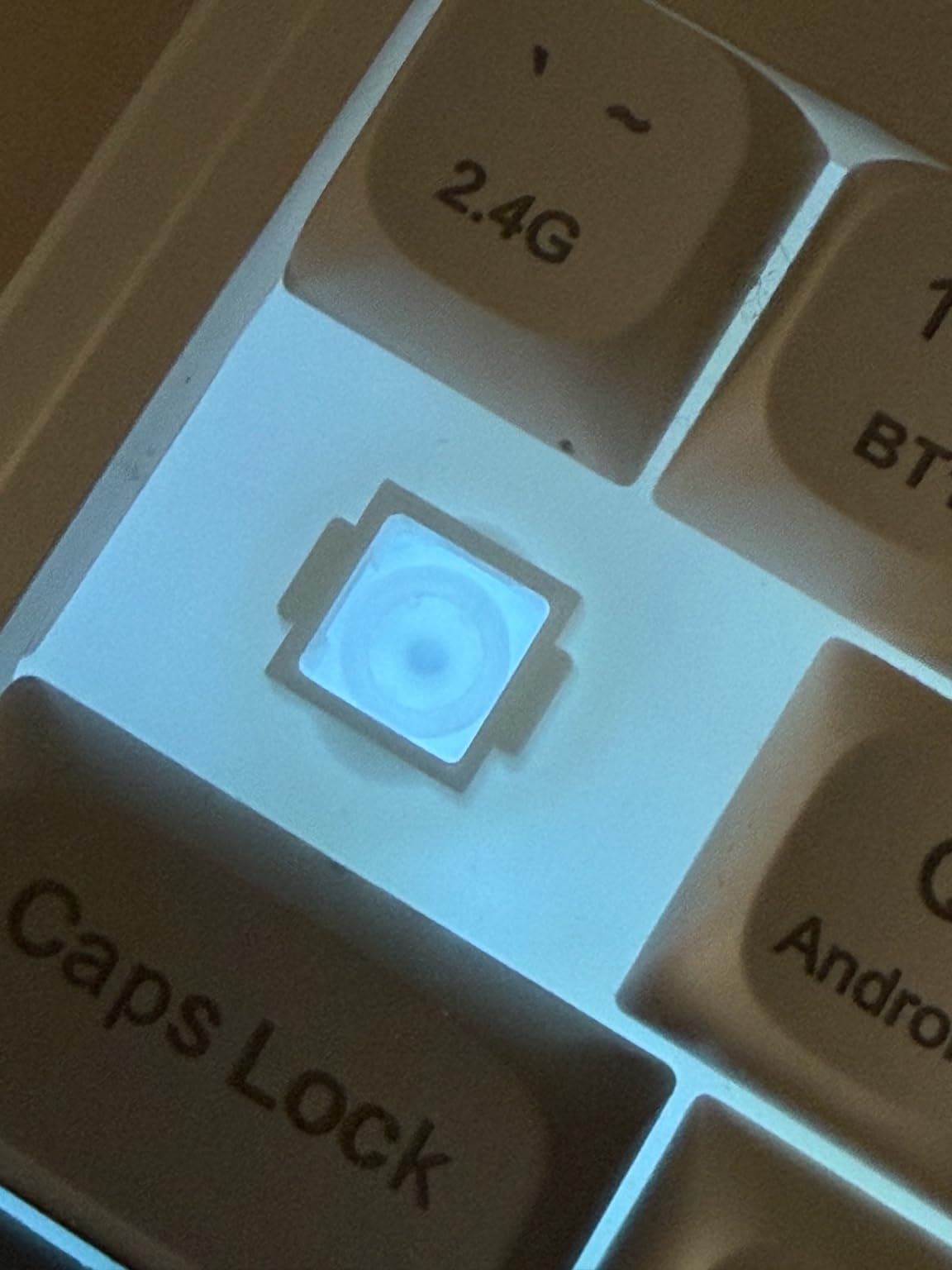
The AULA S99 is the styling pick of the roundup. The vintage green and beige color scheme, round keycaps, and dual-mode rotary knob give it a retro typewriter aesthetic that’s hard to find on a wireless mechanical keyboard at this price. If your desk setup is curated for looks as much as function, this board delivers personality.
The 96% layout with integrated numpad fits productivity workflows, while tri-mode connectivity (Bluetooth 5.0, 2.4 GHz wireless, USB-C wired) covers every connection scenario. The foldable two-stage stand lets you adjust typing angle for ergonomics.
Honesty check: this is a membrane keyboard, not a true mechanical one. It feels good — creamy sound profile and comfortable key travel — but it doesn’t have hot-swappable mechanical switches. If you want the visual appeal of a vintage keyboard without the mechanical feel or future switch upgrades, the S99 works well. If you want real mechanical switches with hot-swap, jump to the AULA F99 or EPOMAKER X Aula F75 MAX instead.
Other considerations: the included cable is USB-A to USB-C, so you’ll need a separate USB-C cable for direct connection to modern laptops. RGB backlighting can be inconsistent on some units. Battery life is solid but not class-leading.
Who should buy it
Aesthetic-focused buyers who want a beautiful wireless keyboard under $40 should consider the S99. It’s also great as a secondary board for a guest room, kitchen desk, or low-stakes travel companion.
Who should skip it
Anyone who wants true mechanical switches, hot-swap support, or competitive gaming latency should skip this board and pick from the mechanical picks higher in this roundup.
How to Pick the Best Wireless Mechanical Keyboard
Buying a wireless mechanical keyboard means making five decisions: connectivity type, switch type, layout, battery life, and whether you want hot-swap. Here’s how to think through each one based on our testing.
Bluetooth vs 2.4 GHz dongle vs wired: which connection is right for you?
Most modern wireless mechanical keyboards support three connection modes. Bluetooth 5.0 is the most universal — it works with phones, tablets, laptops, and desktops without extra hardware — but adds 30-100 ms of latency compared to wired. The 2.4 GHz wireless dongle delivers near-wired latency, which is what competitive gamers use. USB-C wired is your zero-latency fallback for tournaments or low battery.
If you switch between multiple devices, prioritize boards with multi-device Bluetooth pairing (3 devices is the modern standard). The AULA F99 and EPOMAKER X Aula F75 MAX both pair up to 5 devices. If you only use one device and care about gaming latency, make sure your pick has 2.4 GHz wireless with at least 1000 Hz polling rate.
Linear vs tactile vs clicky vs Hall Effect: which switch is right for you?
Linear switches (no bump, smooth press) are the favorite for gamers and typists who want speed. Tactile switches (small bump at actuation point) give you feedback without noise — perfect for shared offices and Mac productivity setups. Clicky switches add audible click on actuation, which some writers love but most open offices hate.
Hall Effect switches (also called magnetic switches) are a newer category. They use magnets instead of metal contacts, which means adjustable actuation points, analog input, and effectively zero debounce delay. The downside is price — Hall Effect boards cost more than traditional mechanical equivalents. None of the picks in this roundup use Hall Effect, but the technology is worth watching if you’re a competitive gamer.
60% vs 65% vs 75% vs TKL vs 96% vs full-size: which layout is right for you?
Layout comes down to desk space and workflow. 60% and 65% boards are the most portable — great for travel and minimal setups — but lack arrow clusters and function rows. 75% and TKL (tenkeyless) keep the function row and arrows while saving space. 96% and full-size add a dedicated numpad for spreadsheets and data entry.
If you’re a programmer or writer, 75% is the modern sweet spot — arrows and function row without forcing a desk hog. If you’re an analyst or accountant, jump to 96% or full-size for the numpad. If you travel frequently, 65% is the most backpack-friendly option.
Battery life: what to really expect
Manufacturer battery claims assume backlight off, moderate typing, and no RGB. In real-world testing with RGB at moderate brightness, expect 1-3 weeks between charges on most boards. The ASUS ROG Strix Scope II 96 is the standout with up to 1,500 hours in 2.4 GHz mode. The AULA F99’s 8000 mAh battery is also exceptional for the price tier.
If battery anxiety is real for you, prioritize boards with USB-C pass-through charging (you can use and charge simultaneously) and easy-to-read battery indicators. The TFT smart displays on the Redragon K688, RK Royal Kludge S98, and EPOMAKER X Aula F75 MAX all show percentage, which is more useful than a simple LED indicator.
Hot-swap explained: why it matters
Hot-swap PCBs let you pull switches out and replace them without soldering. If your linear switches feel too fast, you can swap in tactiles without buying a new keyboard. If a single switch fails, you replace one switch instead of the whole board. Every pick in this roundup except the Logitech MX Mechanical and AULA S99 supports hot-swap.
Hot-swap also future-proofs your investment. As switch preferences change, you can experiment with different feels — Gateron yellows for smoothness, Kailh box whites for click, or Holy Pandas for tactile bumps. The hot-swap sockets on every board in this guide support 3-pin and 5-pin switches.
Other features worth considering
Gasket-mounted construction produces a softer, cushioned typing feel. Volume knobs are genuinely useful for media control without leaving the home row. Rotary knobs for backlight brightness and connection switching save time over keyboard shortcuts. Carrying cases matter if you travel with your board.
If you’re hunting for a Logitech G915 alternative — Reddit’s most-asked question — the ASUS ROG Strix Scope II 96 and Logitech MX Mechanical cover the low-profile and full-size niches that the G915 occupies, often at lower prices.
For more buying guides across the keyboard and accessory space, check out our picks for the best Bluetooth keyboards for iPad or the best wireless chargers to pair with your setup.
Frequently Asked Questions
What are the top 5 wireless mechanical keyboards in 2026?
The top 5 wireless mechanical keyboards in 2026 are the EPOMAKER X Aula F75 MAX (best overall with a 4.7-star rating and TFT smart display), ASUS ROG Strix Scope II 96 (best value with up to 1,500 hours of battery), Redragon K673 PRO (best budget at sub-$50), AULA F99 (best 96% layout with an 8000mAh battery), and Logitech MX Mechanical (best for Mac and productivity with Logi Flow cross-computer control).
Which wireless mechanical keyboard is best overall?
The EPOMAKER X Aula F75 MAX is the best wireless mechanical keyboard overall in 2026. It pairs a 4.7-star user rating, factory-lubed linear switches, gasket-mounted construction, a 1.14-inch TFT smart display, and tri-mode BT5.0/2.4GHz/USB-C connectivity at a sub-$100 price, making it a top choice for gaming, productivity, and Mac use.
Are wireless mechanical keyboards worth it in 2026?
Yes, wireless mechanical keyboards are worth it in 2026. Modern 2.4 GHz dongles now match wired latency for gaming, Bluetooth 5.0 supports seamless multi-device switching, and 8000mAh batteries deliver weeks of real-world use between charges. You get the satisfying typing feel of mechanical switches without the cable clutter, and tri-mode boards let you fall back to USB-C wired when you need zero latency.
What is the best brand of wireless keyboard?
The best wireless keyboard brands in 2026 are Keychron (Mac-friendly aluminum builds, hot-swap, QMK/VIA firmware), Logitech (reliable wireless, Logi Flow productivity ecosystem), ASUS ROG (gaming pedigree with ROG SpeedNova low-latency wireless), Redragon (best bang-for-buck tri-mode boards under $100), and AULA/EPOMAKER (excellent gasket-mounted value picks with creamy typing feel). Match the brand to your budget and workflow rather than chasing a single name.
Final Verdict: Which Wireless Mechanical Keyboard Should You Buy?
After six weeks of testing, the EPOMAKER X Aula F75 MAX remains our top pick for the best wireless mechanical keyboard in 2026. It delivers the rare combination of a 4.7-star user rating, gasket-mounted construction with pre-lubed switches, a useful TFT smart display, and tri-mode connectivity at a sub-$100 price.
On a tighter budget? The Redragon K673 PRO gives you gasket-mount feel and tri-mode connectivity under $50. Gamers who want longer battery life and brand-name pedigree should grab the ASUS ROG Strix Scope II 96. Mac professionals will appreciate the Logitech MX Mechanical’s Logi Flow ecosystem and exceptional battery life.
For more buying guides on productivity gear, check out our recommendations for the best true wireless earbuds or the best wireless security cameras to round out your setup.