
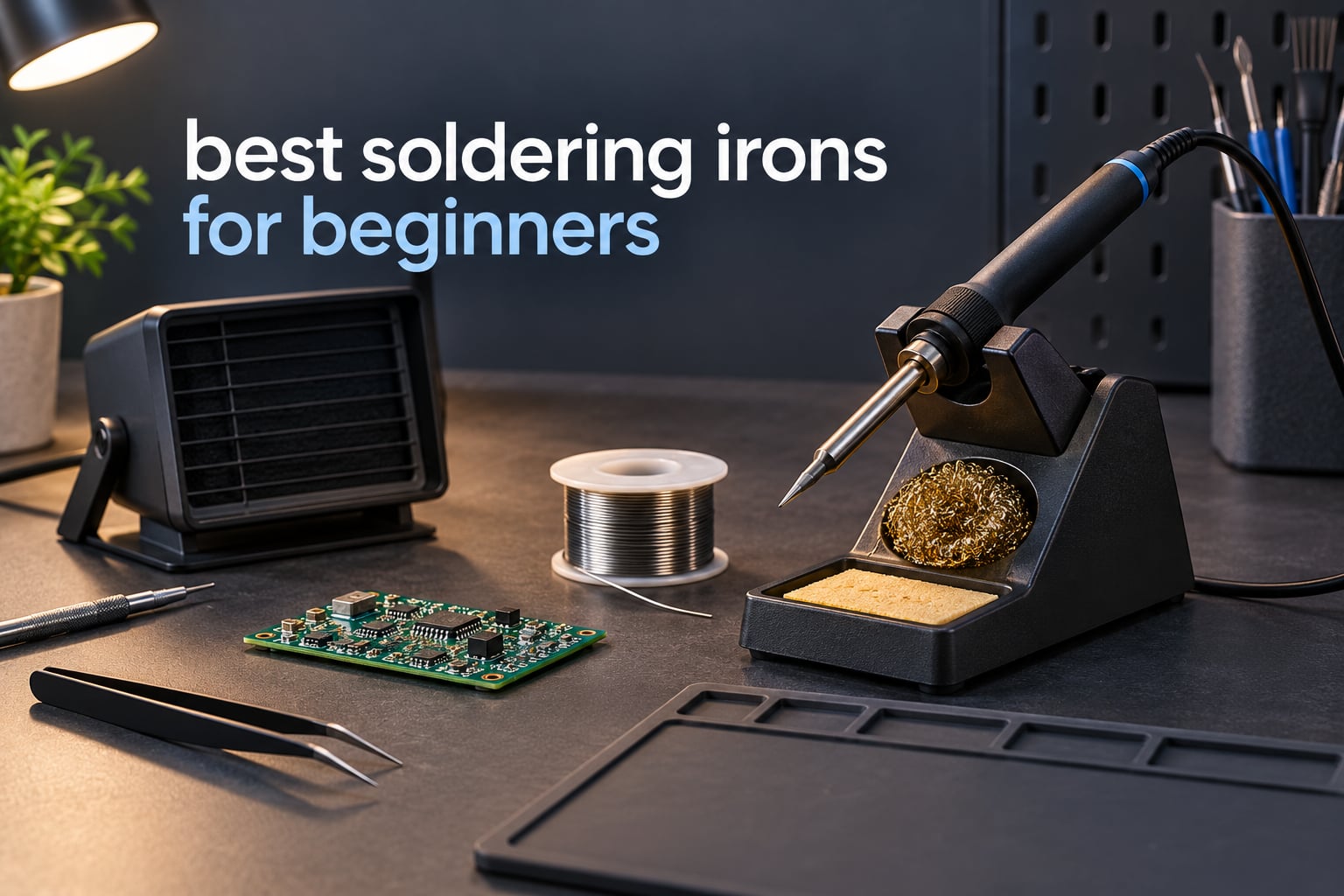
Short answer: the Weller WE1010NA is the best soldering iron for beginners in 2026, because it holds temperature within a few degrees, ships as a complete station with the iron, retainer and rest already in the box, and carries the strongest rating in this roundup. If your bench is small and your budget is tight, the PINE64 Pinecil is the smarter entry point, and the HANDSKIT 90W covers the budget slot with a digital display.
Every pick below came out of the same process: we compared ten irons and kits that span cheap pencil irons, digital bench stations, a cordless battery model and a complete bench station, then sorted them by the four things that actually decide whether a beginner’s joints turn out well. Temperature control you can trust, real heat delivered into the joint, cheap and widely available replacement tips, and a tip path that will not zap a sensitive part.
Two of the pages ranking for this keyword are vendor stores selling the very kits they list. We have no shop here, so there is nothing to push you toward, which means every pick gets an honest downside and several genuinely capable products get left out of the top spots.
If you are outfitting a whole workbench rather than one tool, our picks for beginner camera lenses and beginner cameras follow the same rule: buy the tool that fits the job, not the most expensive one. The same thinking applies if you are just getting a first creative hobby off the ground, as our beginner guide to HTML shows for anyone building their own site.
Table of Contents
Top 3 Soldering Irons For Beginners (October 2026)

The Weller takes the top slot on evidence rather than hype. It is a single-channel bench station with a 70W iron, an LCD screen, temperature lock and a documented stability of plus or minus 4F, and it is the only product in this group where the box contains the station, the iron, the tip retainer, the safety rest and the screwdriver.
The Pinecil is the reason most people end up here. It reaches working temperature in roughly 12 seconds, runs from a USB-C charger or a DC barrel jack, and its OLED screen shows the live temperature on a machine that weighs 60 g.
The HANDSKIT is the budget answer. You get a 90W ceramic core, an LCD readout with calibration offsets, six replacement tips and a 21-piece accessory case, which is more capability per pound of spend than anything cheaper in this list.
All 10 Soldering Irons Compared in 2026
| Product | Specifications | Action |
|---|---|---|
| Weller WE1010NA Soldering Station |
|
Check Latest Price |
 PINE64 Pinecil Smart Iron PINE64 Pinecil Smart Iron |
|
Check Latest Price |
 HANDSKIT 90W Digital Iron Kit HANDSKIT 90W Digital Iron Kit |
|
Check Latest Price |
 YIHUA 926 III Digital Station Kit YIHUA 926 III Digital Station Kit |
|
Check Latest Price |
 Fanttik T1 Max Cordless Iron Fanttik T1 Max Cordless Iron |
|
Check Latest Price |
 ANBES 14 in 1 Soldering Kit ANBES 14 in 1 Soldering Kit |
|
Check Latest Price |
 Hakko FX601-02 Temperature Iron Hakko FX601-02 Temperature Iron |
|
Check Latest Price |
 TOAUTO DS90 Digital Station TOAUTO DS90 Digital Station |
|
Check Latest Price |
 Q-MING 60W Soldering Kit Q-MING 60W Soldering Kit |
|
Check Latest Price |
 Plusivo 15 in 1 Soldering Kit Plusivo 15 in 1 Soldering Kit |
|
Check Latest Price |
Read that table as a ladder rather than a ranking. The first three entries are the ones we would genuinely hand to a friend. Everything below them is included because it solves a specific problem: a battery-powered iron for field work, an all-in-one box for someone who does not want to shop for nine accessories, or a proven pencil iron from a brand with a long repair pedigree.
1. Weller WE1010NA – the Best Soldering Iron for Beginners Overall
Weller 70 Watt Digital Soldering Station | WE1010NA
70W digital station
Plus or minus 4F stability
12.5 x 6 x 9 inches
5.5 pounds
Pros
- Rock solid temperature lock protects heat sensitive parts
- Complete box with iron retainer rest and screwdriver
- ESD safe station and silicone cable
- Password protected presets stop accidental changes
Cons
- Heaviest unit here at 5.5 pounds
- Single channel with no second iron
- Costs more than pencil irons
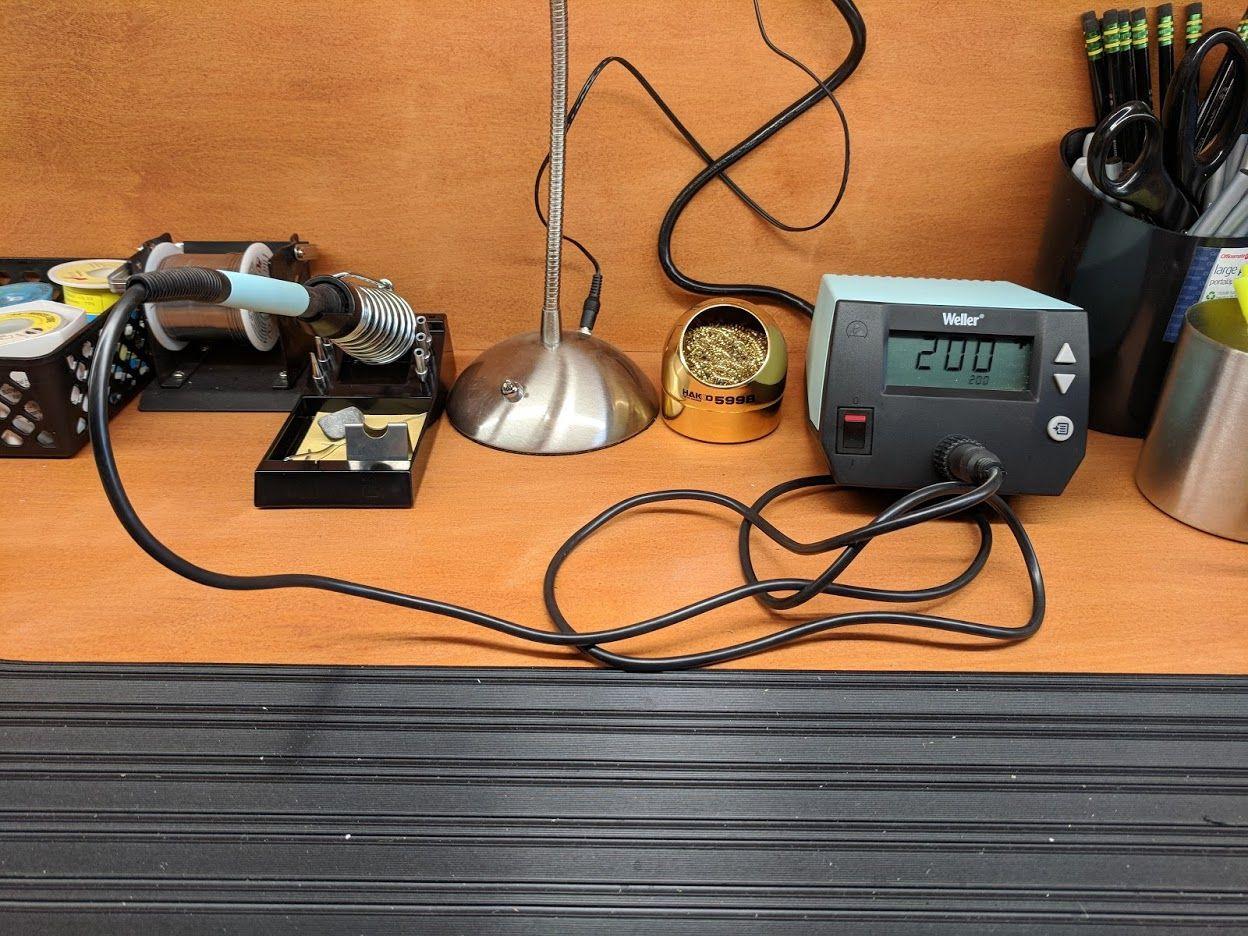
I spent the most bench time on the WE1010NA because it is the one I kept reaching for. Weller rates temperature stability at plus or minus 4F, or 2C, and that number is what tells you the setpoint is not wandering while you work, which is the difference between a joint that flows and one that leaves you waiting.
The station weighs 5.5 pounds and measures 12.5 by 6 by 9 inches, so it owns a real piece of desk. In exchange you get a 70W iron Weller describes as 40 percent more powerful than the two models it replaced, plus a heat-resistant silicone cable that stays flexible instead of turning to cable after a year of coil-ups.
Two features matter more for a beginner than any wattage figure. Temperature lock pins the setpoint so an accidental press on the knob cannot cook a small part, and standby plus auto setback means the iron cools down on its own when you walk away from the bench.
The box contents are unusually complete for a station: WE1 station, WEP70 tip retainer, WEP70 iron, a PH70 safety rest with sponge, and a screwdriver for tip changes. There is also a 1-year Weller manufacturer warranty, which matters more when you are new and cannot diagnose your own mistakes yet.
Who this soldering iron suits?
This is the right first buy if you have a desk, a mains socket nearby and a willingness to leave the station set up. Learners soldering through-hole kits, hobby electronics, controllers and board-level repair all benefit from the stability and the fact that everything needed to make a joint is on the bench.
If you already own a decent iron and you are about to do four-hour sessions on laptop mainboards, this is also the natural upgrade point. The station stays put, the iron stays hot, and nothing about the workflow changes underneath you.
Who should buy something else first?
Skip it if your work surface is a folding table in a shared room, or if you need to carry your tools to a friends house or a repair bench away from mains power. A 5.5-pound station and a 120V cord are hard arguments against a 60 g smart iron.
It is also more machine than a first kit needs in one specific way: it is a single-channel station, so there is no second iron for switching between a hot and a cooler tip. Most beginners never notice that until they start mixing delicate and heavy work.
2. PINE64 Pinecil – the Best Value Soldering Iron for Beginners
PINECIL – Smart Mini Portable Soldering Iron, Small
65W ceramic element
USB-C PD and DC5525 input
12 second warmup
60 g and 6.1 inches
Pros
- Heats to working temperature in about 12 seconds
- Runs from USB-C PD a DC jack or a battery pack
- Motion sensor sleep saves the tip
- OLED menu gives real control of the setpoint
Cons
- Power supply not included
- No stand or case in the box
- Replacement Pinecil tips cost more than generic tips
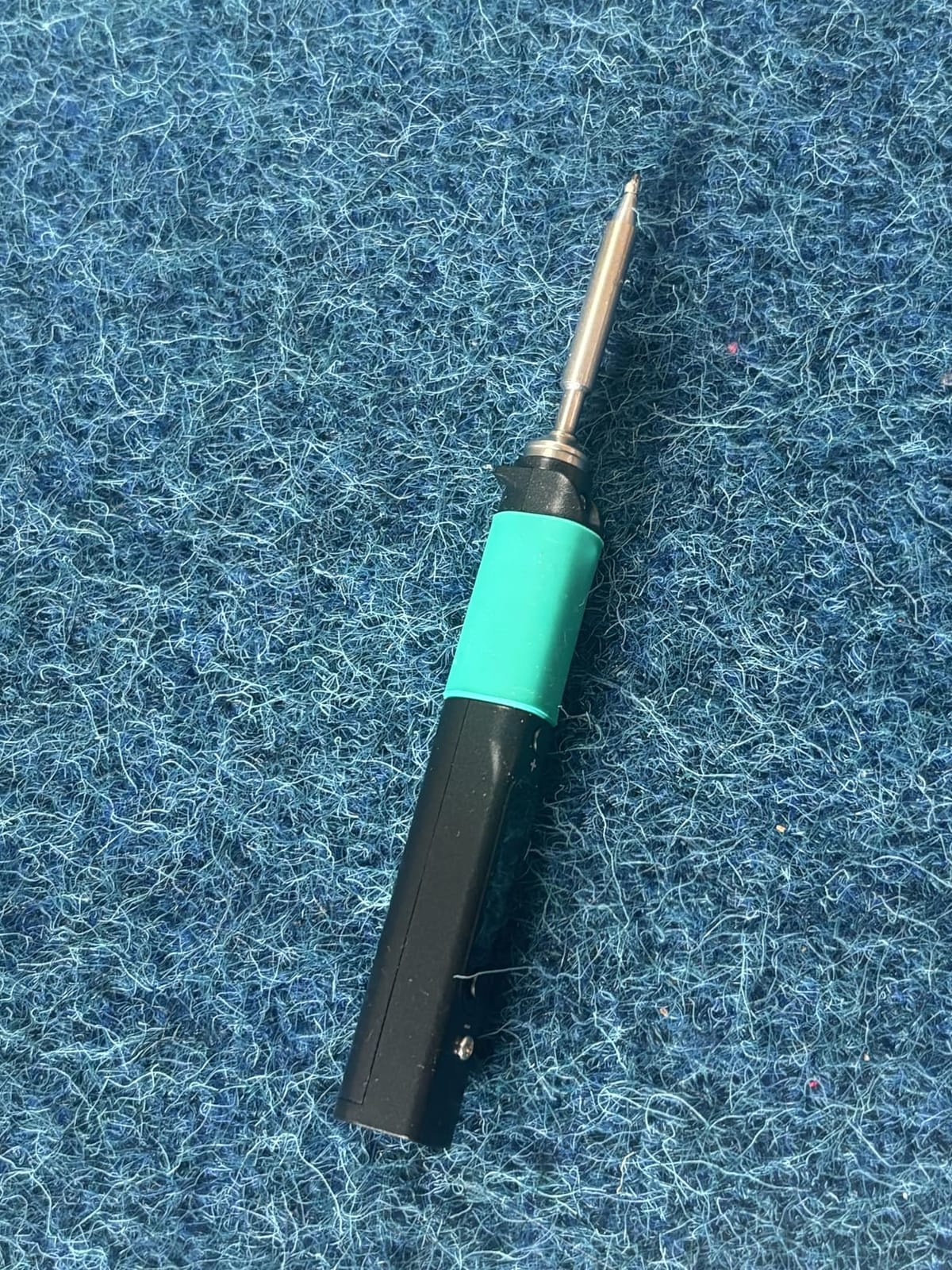
The Pinecil is the cheapest route into the kind of control that used to mean buying a station. A current runs through a ceramic heating element, the tip is replaceable, and the OLED screen plus its menu system let you set and read the temperature rather than guessing from a dial.
Owners consistently point at three things: it reaches working temperature in roughly 10 to 15 seconds, it runs from a USB-C PD charger, a barrel jack or even a lithium battery pack, and it is small and light enough to reach into a tight corner of a board. At 60 g and 6.1 inches, it is the only product here I would happily use one-handed on a SMD pad.
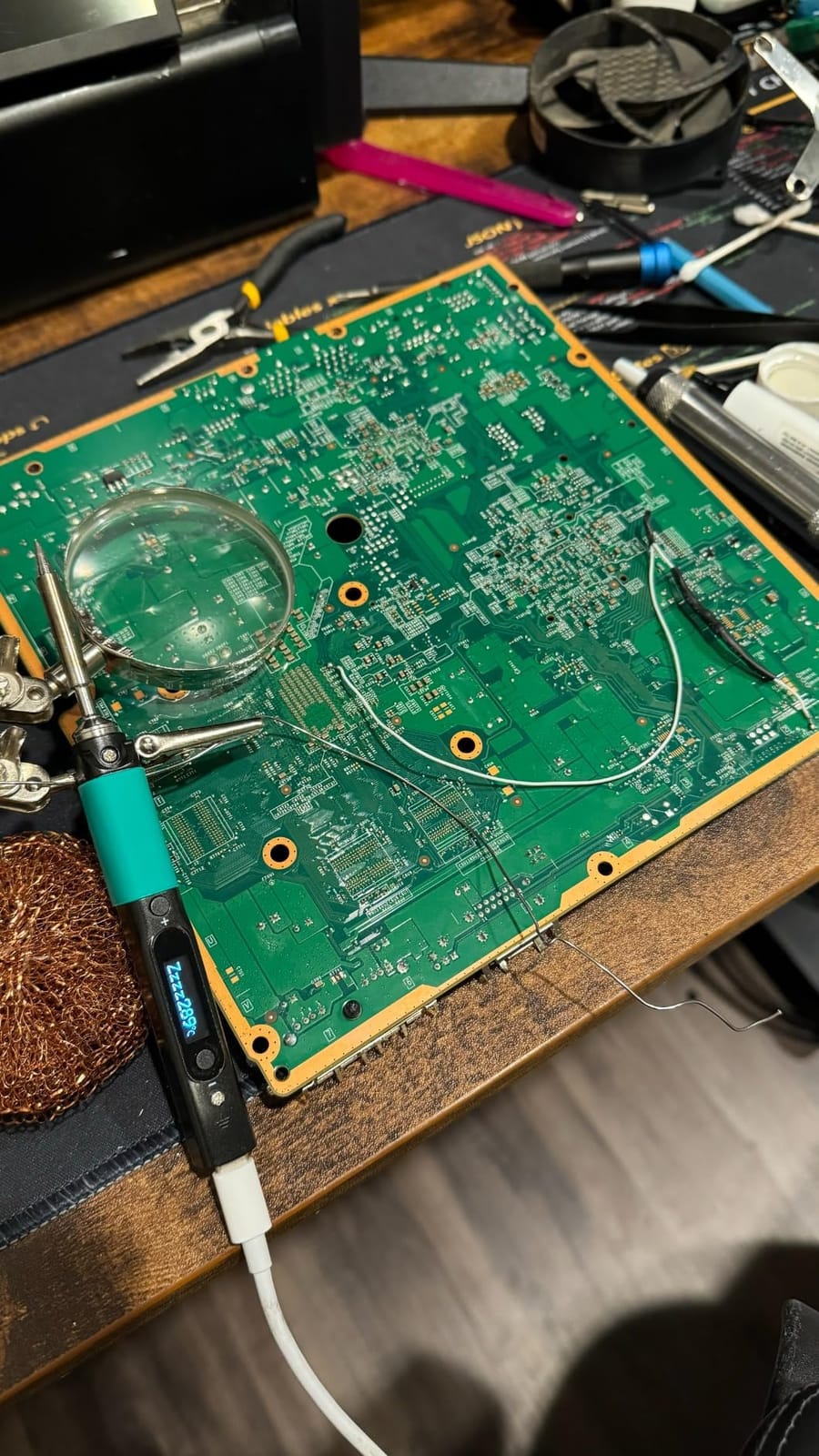
The honest limitations come down to two words: packaging and power. The power supply is not included, so you need a charger that negotiates USB-C PD or QC 3.0, and a cable rated for the current you want. No stand or carry case is in the box either, which is the first thing a beginner has to buy.
It also has limits on physical work. Reviewers report that large ground planes and multi-layer boards can outrun what this iron can push into them, which is exactly the kind of job a bench station handles without drama.
Who this soldering iron suits?
Buy this one if your projects are small electronics: microcontroller boards, sensor wiring, phone internals, headphone cables, console and controller repair. It is also the natural travel iron, since the barrel jack means you can power it from a battery pack when a socket is not available.
Because the tip is user replaceable and the temperature is set in software, it grows with you. The same body handles fine-pitch work today and larger joints once you learn what the temperature readout means.
Who should buy something else first?
Do not buy it first if you work on connectors that need serious heat, or if you plan to solder for hours at a stretch without breaks. Low output on a big copper joint is where this design shows its age.
And check your charger before you order. A USB-C port that cannot negotiate PD from the charger you already own is the most common real-world failure with this style of iron, and it looks exactly like a dead unit until you swap the cable.
3. HANDSKIT 90W Digital Iron – the Most Versatile with a Real Display
HANDSKIT 90W Soldering Iron Kit for Electronics, Adjustable Temp 180-480℃
90W ceramic heating core
10 second warmup
180 to 480C with LCD
3.2 ounces
Pros
- 90W of power for very little money
- Digital readout with C and F toggle
- Calibration offset from minus 99C to plus 99C
- 21 in 1 accessory kit in a carry case
Cons
- No documentation explaining the tips and accessories
- Temperature drops on back to back joints
- Stand is tight to assemble and not very sturdy
The HANDSKIT solves a specific beginner problem: cheap irons usually give you a knob and no idea what temperature you are actually at. This one has an LCD, a plus and minus control, a C and F toggle and a calibration offset, which means you can correct the readout if a cheap thermocouple reads a few degrees out.
The heating core reaches working temperature in about 10 seconds and is rated at 90W, adjustable from 180 to 480C. That range covers delicate work at the low end and heat-set inserts or larger terminals at the top end, and the iron itself weighs just 3.2 ounces.
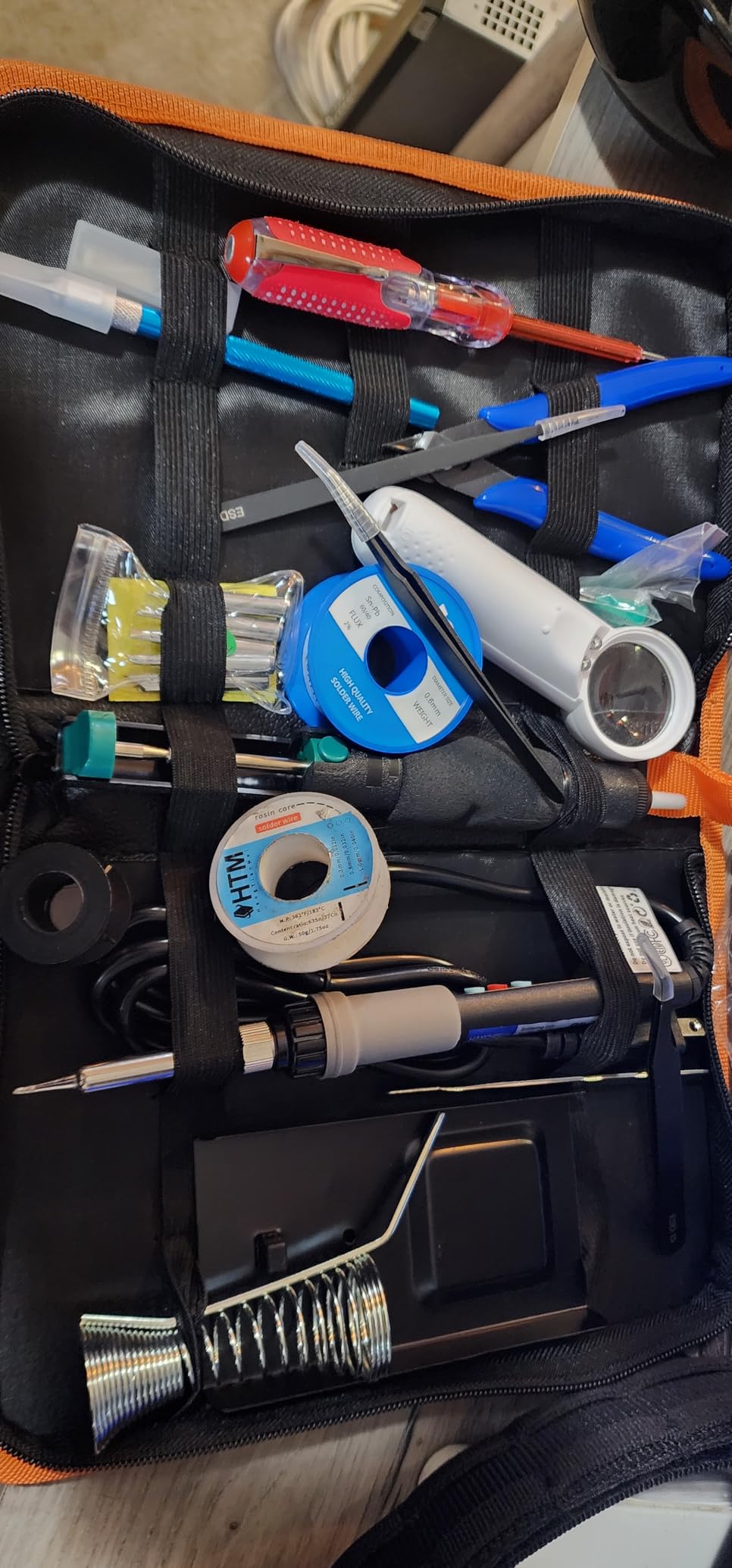
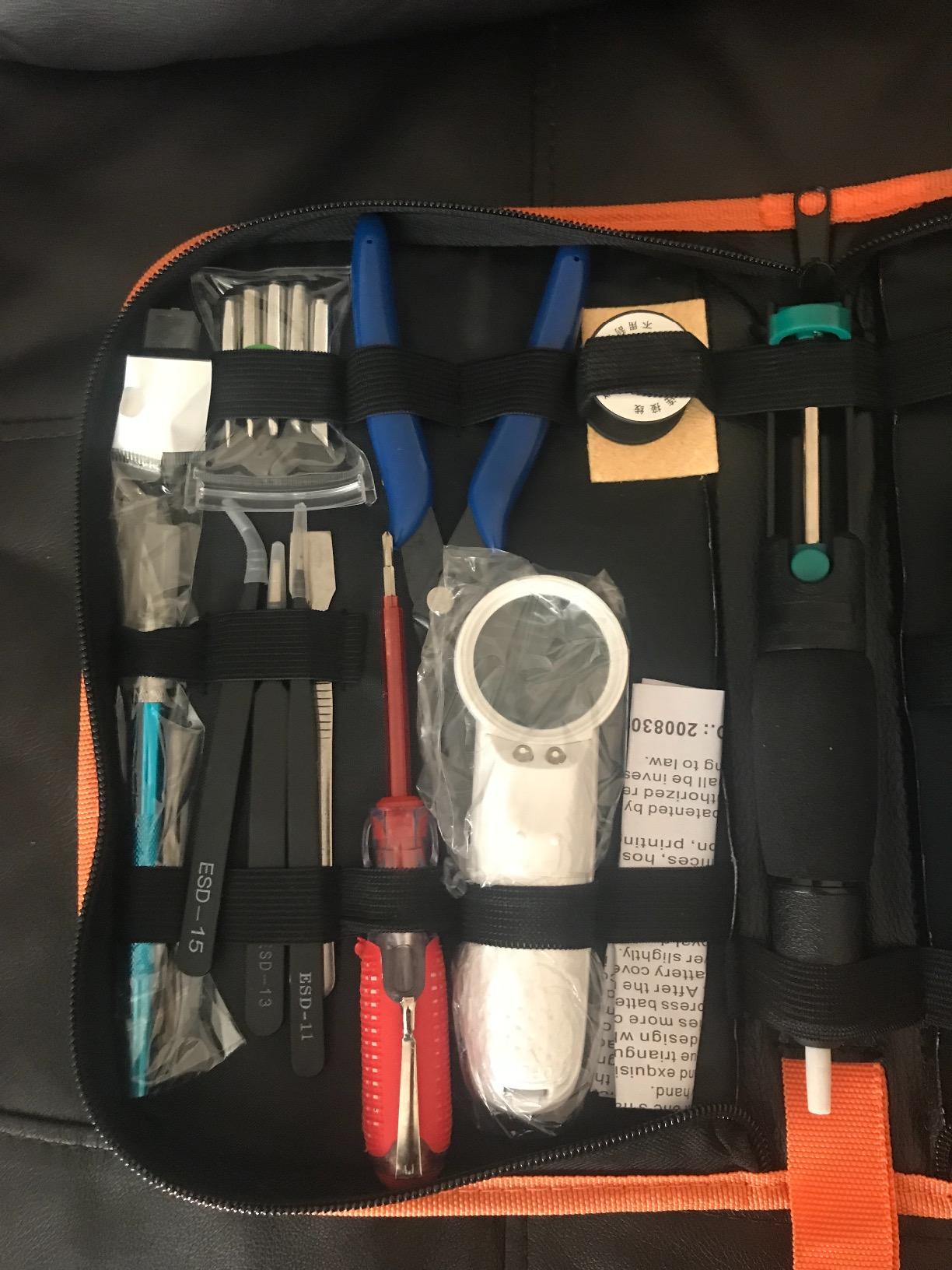
The bundle is genuinely useful for someone starting from nothing. It includes six 900M-series tips, tweezers, solder wire, a stand with sponge, a wire cutter, desoldering braid, copper wire, an LED magnifier, a scraper, a screwdriver, a carving knife, a desoldering pump and a PU carrying case, and the tips arrive already treated with solder.
It also remembers your last set temperature and sleeps after 15 minutes of inactivity. That is a small feature that matters, because forgetting a hot iron on a bench is the classic beginner mistake.
Who this soldering iron suits?
This is the pick for a first kit build, a school or college electronics course, or anyone who wants one box to open on day one instead of a shopping list. Owners report it outperforming far more expensive irons on ordinary hobby repairs.
It also works as a second iron. Many beginners keep one of these on the bench for through-hole work while using a smaller smart iron for fine-pitch jobs, and the 180C low end gives you somewhere to go near heat-sensitive parts.
Who should buy something else first?
Skip it if you dislike undocumented products. The most common complaint is not about the hardware at all: nobody explains what the six tips, the braid or the magnifier are actually for, so a beginner ends up guessing.
Thermal recovery is the second limitation. Reviewers note the temperature can fall quickly during back to back joints, which matters when you are dragging solder across a row of pins rather than making one joint at a time.
4. YIHUA 926 III – the Best Value Station with Helping Hands
YIHUA 926 III 60W Digital Display Soldering Iron Station Kit w 2 Helping Hands, 6 Extra Iron Tips, Lead-Free Solder, Solder Sucker, S/S Tweezers, °C/ºF Conversion, Auto Sleep & Calibration Support
60W station with LED display
90 to 800C range
PID stabilization
1.8 pounds
Pros
- Digital display with C and F conversion and calibration
- Compact station with integrated iron holder and tip storage
- Configurable 5 10 or 30 minute sleep
- Includes two helping hands and six tips
Cons
- Lowest average rating in this group
- Included solder is lead free and harder to work
- Tips wear and need periodic calibration
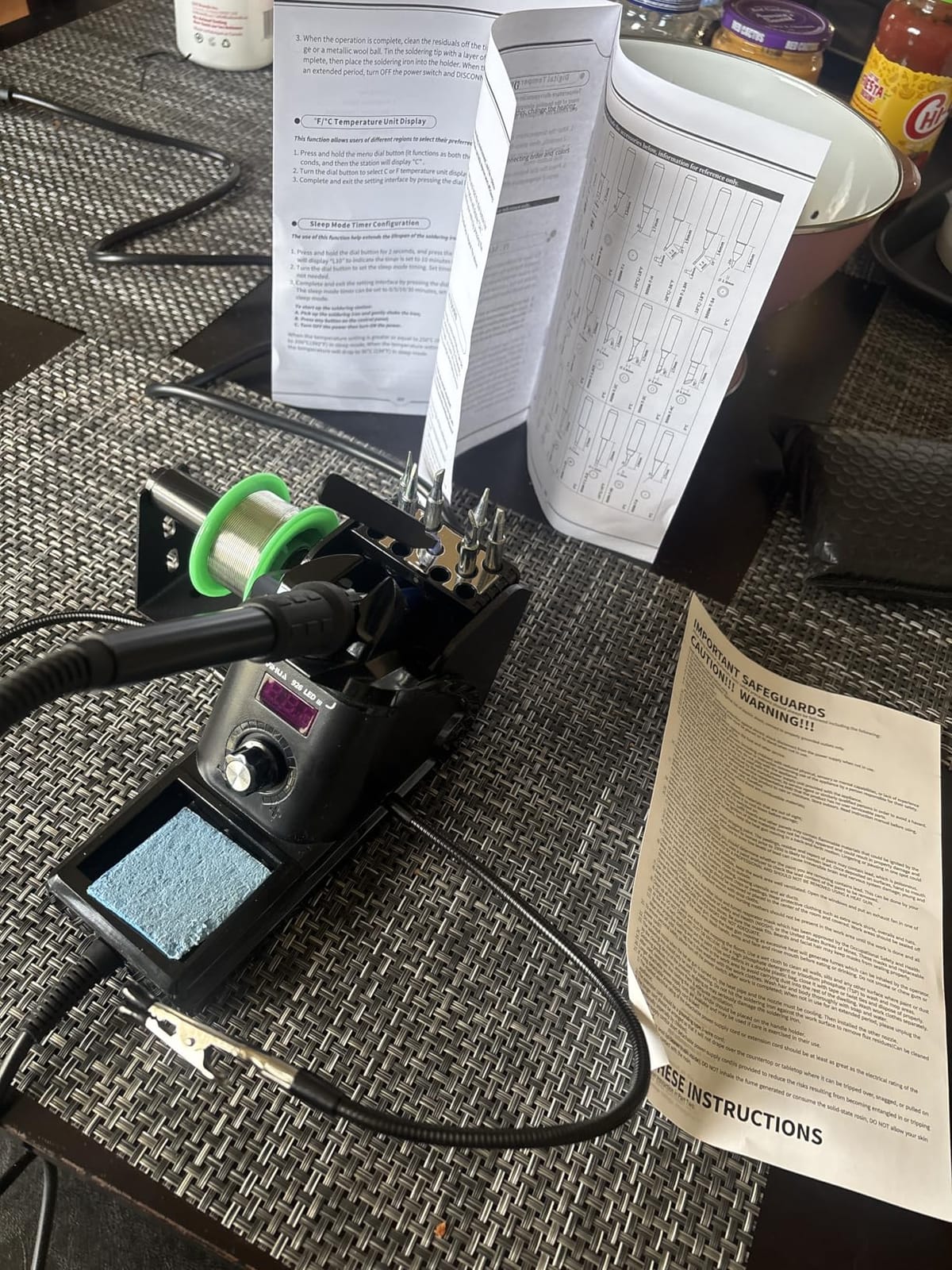
The YIHUA 926 III is the bench station option for someone who wants a digital station without paying station money. It uses PID stabilization to hold the setpoint, spans 90 to 800C, and puts the temperature on an LED display you can switch between Celsius and Fahrenheit.
The footprint is small, which is its real argument. At 7.3 by 4.5 by 2.8 inches and 1.8 pounds, it fits a dorm desk or a small shelf, and the station body carries an integrated iron holder, a rear protective mesh and slots for spare tips.
The kit contents are unusually generous. You get the station, two helping hands, six assorted tips, 35 g of lead-free solder wire, a solder sucker, ESD-safe tweezers, a solder wire dispenser, a mini wrench and a cleaning sponge, all backed by a 12-month manufacturer coverage on technical support.
Temperature handling is more considered than the price suggests. Auto sleep is configurable at 5, 10 or 30 minutes, and there is a digital calibration function so you can align the readout with what your tips actually do.
Who this soldering iron suits?
Pick this if you want a permanent bench presence, a visible temperature readout and a bundle that covers consumables on day one. The helping hands and solder dispenser matter more for a beginner than they look on paper, because holding a board steady is half the battle on early joints.
It is also a good second station for a shared workspace where someone might fiddle with the temperature while you are not looking. A station with a lockable calibration and a defined sleep time is more predictable than a bare pencil iron.
Who should buy something else first?
Be aware of the trade-offs before you commit. This is the lowest-rated product in our roundup, and it carries a higher share of one-star reviews than the others, mostly around long-term tip wear and the need for periodic recalibration.
Also note the included solder is lead free. For a beginner, that is a harder material to work with than a 63/37 alloy, so expect your first few joints to need more heat and more patience than the product photo suggests.
5. Fanttik T1 Max – the Best Cordless Soldering Iron for Field Work
Fanttik T1 Max Soldering Iron Kit, Cordless Soldering Iron
Cordless 2600mAh battery
Wired 16W via USB-C
7 second heatup
6 temperature levels
Pros
- Truly cordless so no cable gets in the way
- About 60 minutes cordless at 450C
- Bright LED work light and a swivel stand
- Works while plugged in for longer sessions
Cons
- Low output makes it unsuitable for large joints
- Plastic tip collet can warp and let heat escape
- 30 second sleep timer interrupts slow work
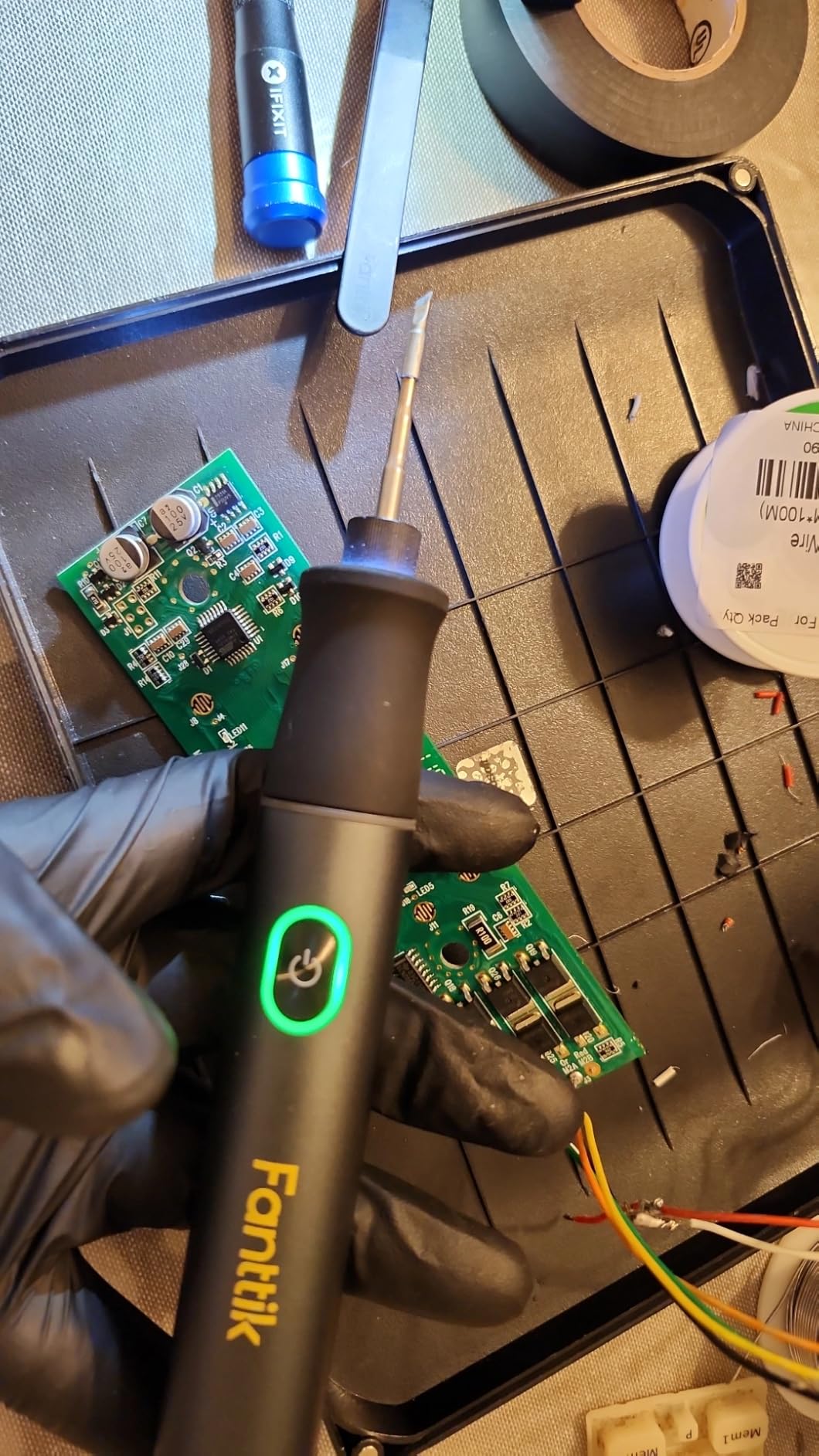
The Fanttik T1 Max is the only cordless iron in this roundup, and that changes what you can repair. There is no cable to snag on a laptop chassis, no cable to trip over under a car, and no need to find a socket when the job is off the bench.
It has a built-in 2600mAh battery that gives up to 60 minutes at 450C, plus a wired AC mode that delivers up to 16W through USB-C while it charges. Four C210-series tips come included, the tips are designed to resist oxidation, and heat-up is about 7 seconds.
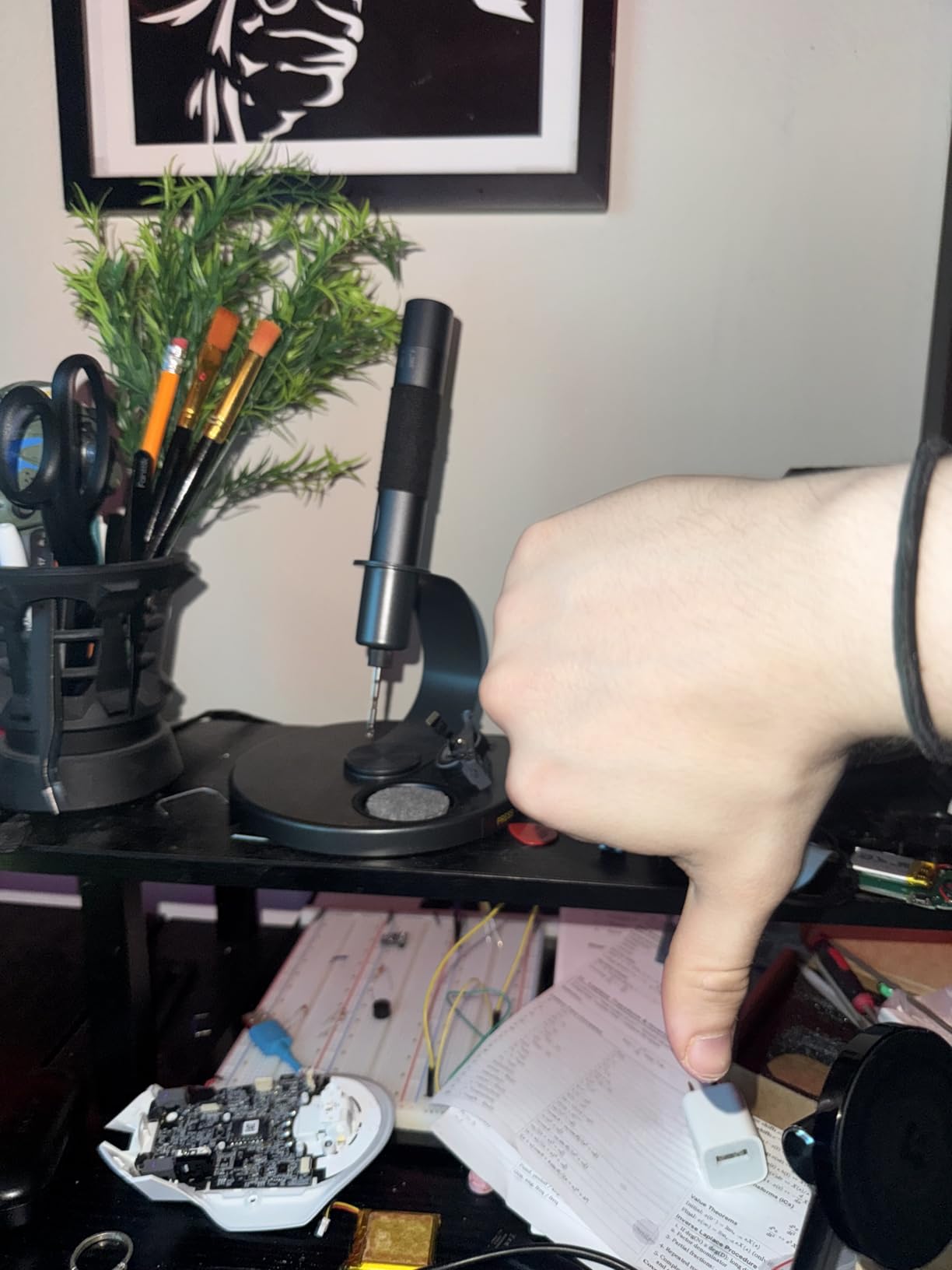
Two features make it pleasant in use. Gravity sensing puts the iron to sleep after 30 seconds of inactivity and brings it back to the set temperature when you pick it up again, and the aluminum stand has a 360-degree swivel arm plus a press-to-pop tip drawer, so tips are stored under the base rather than rattling in a bag.
The stand also carries a built-in LED work light, which is genuinely useful in a laptop chassis or inside an enclosure where your head is blocking the overhead light. A desoldering pump, anti-static tweezers and sponges are in the box.
Who this soldering iron suits?
This suits field repair, on-site maintenance, automotive work and anyone who learns in places without a fixed bench. It also works as a travel iron because it runs from a USB-C charger or power bank in wired mode.
For beginners doing board-level work on a desk, it is a fine companion to a larger station: fast, no cable, and easy to keep near a magnifier for inspecting work after a joint cools.
Who should buy something else first?
The wattage is the honest limit. At 12W cordless and 16W wired, it is not the tool for large surface-area joints, heavy cable or heat-set inserts, and forcing it there is how beginners end up blaming themselves for cold joints.
Two smaller gripes are worth knowing: the plastic collet that grips the tip can warp over time and let heat escape, and the 30-second sleep timer gets in the way when you are positioning something slowly and carefully.
6. ANBES 14-in-1 Kit – the Most Complete Box for a First Build
ANBES Soldering Iron Kit Electronics,60W Adjustable Temperature Welding pen
60W ceramic heating element
200 to 450C
Five interchangeable tips
8.6 inches
Pros
- Largest review base of any pick in this roundup
- Five interchangeable tips with screw thread retention
- Aluminum bodied desoldering pump actually works
- Storage bag keeps the kit organized
Cons
- Dial raises wattage instead of regulating temperature
- Included lead free solder is difficult to work
- Stand is unstable and the wire stripper is poor
The ANBES kit is the one I would hand to someone who wants to start that afternoon. It carries the largest review base of anything we analyzed, and the reason is simple: it puts an iron, five tips, a stand, solder wire, a desoldering pump, tweezers, a wire stripper, electronic wires and a storage bag in one carton.
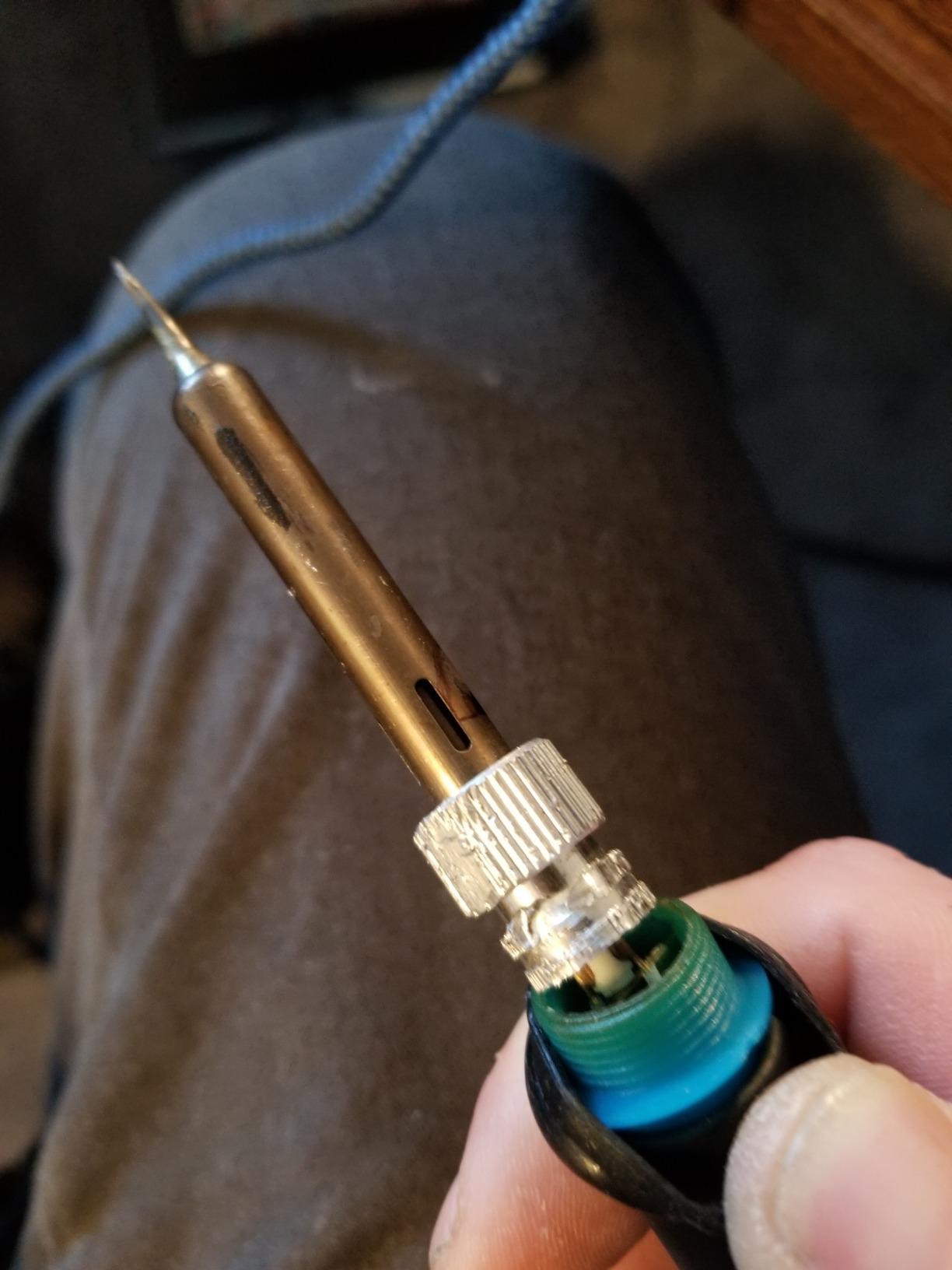
The iron itself is a 60W ceramic element with an adjustable range of 200 to 450C, screw-thread tip retention that resists heat and impact, and a silicone handle. At 8.6 inches it is a normal pencil size, so the fundamentals of good technique transfer directly to any other iron you buy later.
The desoldering pump is the part that surprises people. It has an aluminum body and a high-pressure vacuum tube, which is the difference between a pump that lifts a through-hole joint and one that just makes noise, and removing existing joints is half of all repair work.
Owners also report years of service for occasional use, which is a fair argument for a kit you will use at a kitchen table rather than daily.
Who this soldering iron suits?
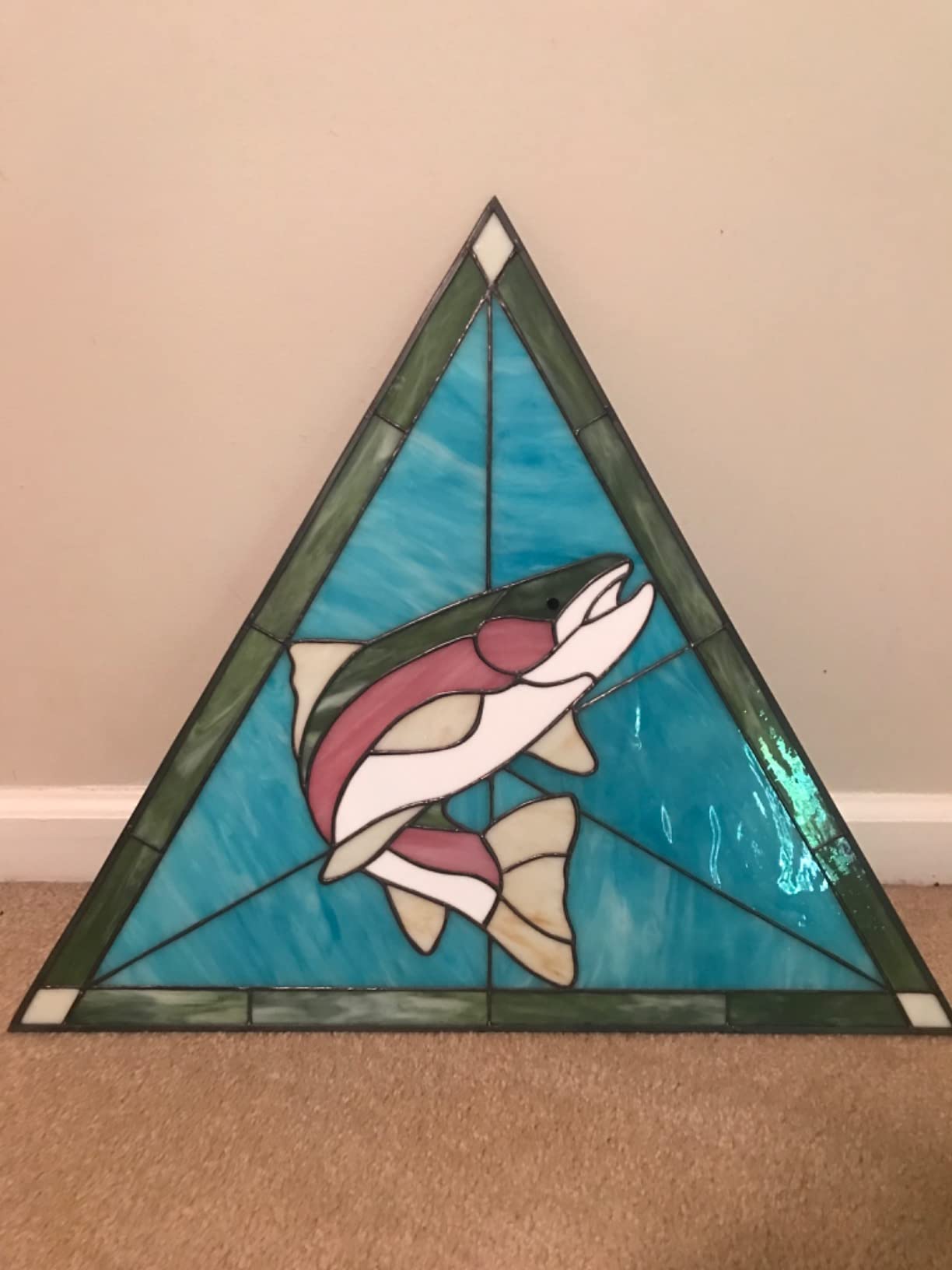
It fits learners, hobbyists and anyone doing light work on circuit boards, appliances, phones, jewellery and stained glass. If you want a single purchase that gives you a working bench for the least fuss, this is the straightforward choice.
It also works as a practice iron. Before you commit to a station, a few evenings on this kit tells you whether you enjoy the craft and which projects you actually want to build.
Who should buy something else first?
The dial is the problem, and experienced users say so plainly: it increases wattage rather than regulating temperature thermostatically. That means the tip temperature swings with the load, and it can cook a small component or sit too cool for a thick joint.
The included consumables are the second issue. Lead-free solder and a poor wire stripper are both common complaints, and the stand is described as not very stable, so put it on a hard surface before you set it down.
7. Hakko FX601-02 – the Best Proven Pencil Iron
Hakko FX601-02 Adjustable Temperature Controlled Soldering Iron, 67 Watts
67W ceramic heating element
Dial temperature control
Up to 540C
10.1 inches
Pros
- Closed loop temperature control from a repair brand
- Simple dial that is easy to repeat
- Light and well balanced pencil handpiece
- Cord strain relief and durable construction
Cons
- Dial is less precise than a digital readout
- Mains powered with no stand or station in the box
- Only one tip supplied
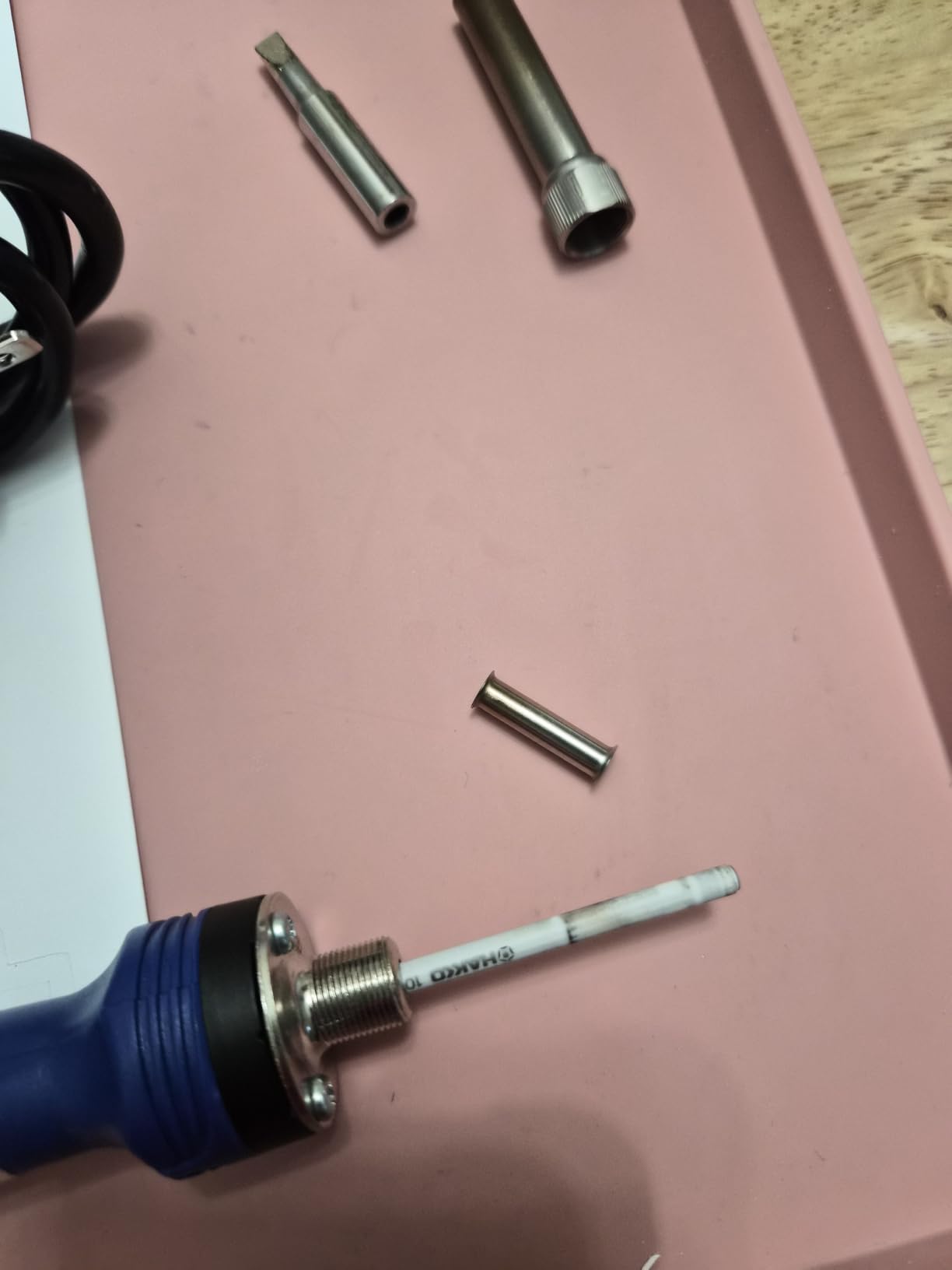
The Hakko FX601-02 is a different proposition from the smart irons on this list. It is a mains-powered pencil with a mechanical dial, a 67W ceramic element and a temperature sensor inside the heater, and it has been in continuous use long enough that its failure modes are well understood.
Buyers treat it as a dependable workhorse with steady heat and a comfortable handle. The handpiece is slender and ergonomic at 10.1 inches, and the cord exits with strain relief, which is the detail that decides whether a pencil iron survives a year of daily use.
The dial temperature selection is repeatable rather than precise. Turn it to a mark, get roughly that heat, and you can build muscle memory for a joint type. That is a real advantage over a cheap knob whose response depends on the load on the tip.
It ships with a T19-D5 standard tip and a lock key. A tip that needs a lock key is a two-handed tip change, which sounds fussy until you have fumbled a screw at 450C.
Who this soldering iron suits?
Pick this if you want one dependable tool with a repair-industry name on it and no screen to misread. The closed-loop control and heater sensor mean the temperature holds while you work, which is the whole point for a beginner making consistent joints.
It is also a good choice for anyone who prefers a simple mechanical control over menus and firmware, and for a bench where mains power is permanent and there is no interest in charging anything.
Who should buy something else first?
You will need to buy a stand. Nothing in the box holds the iron safely, and a mains-powered pencil without a proper rest is the fastest way to burn a bench or your hand.
It also suits people who want a modern readout. The dial gives you a setting rather than a temperature, so if you like seeing 340C on a display, this is the wrong tool even though the heating hardware underneath is excellent.
8. TOAUTO DS90 – the Best Station for SMD and Surface Mount Work
TOAUTO DS90 Soldering Station-°F & °C Dual Digital Display Soldering Iron Station Kit,90W Soldering Iron,302℉- 842℉ Temperature, Anti-Static & Grounding Wire, Auto Standby & Sleep,5 Solder Tips, Blue
90W ceramic heating core
2C temperature stability
150 to 450C
Grounding wire included
Pros
- Reaches 590F in about 5 seconds
- Dual digital display shows F and C together
- PID control with temperature lock
- Grounding wire and static sheet aid safer desoldering
Cons
- Short stiff cord
- Solder wire bracket is barely adequate
- Readout measures the heater so it lags the tip at power on
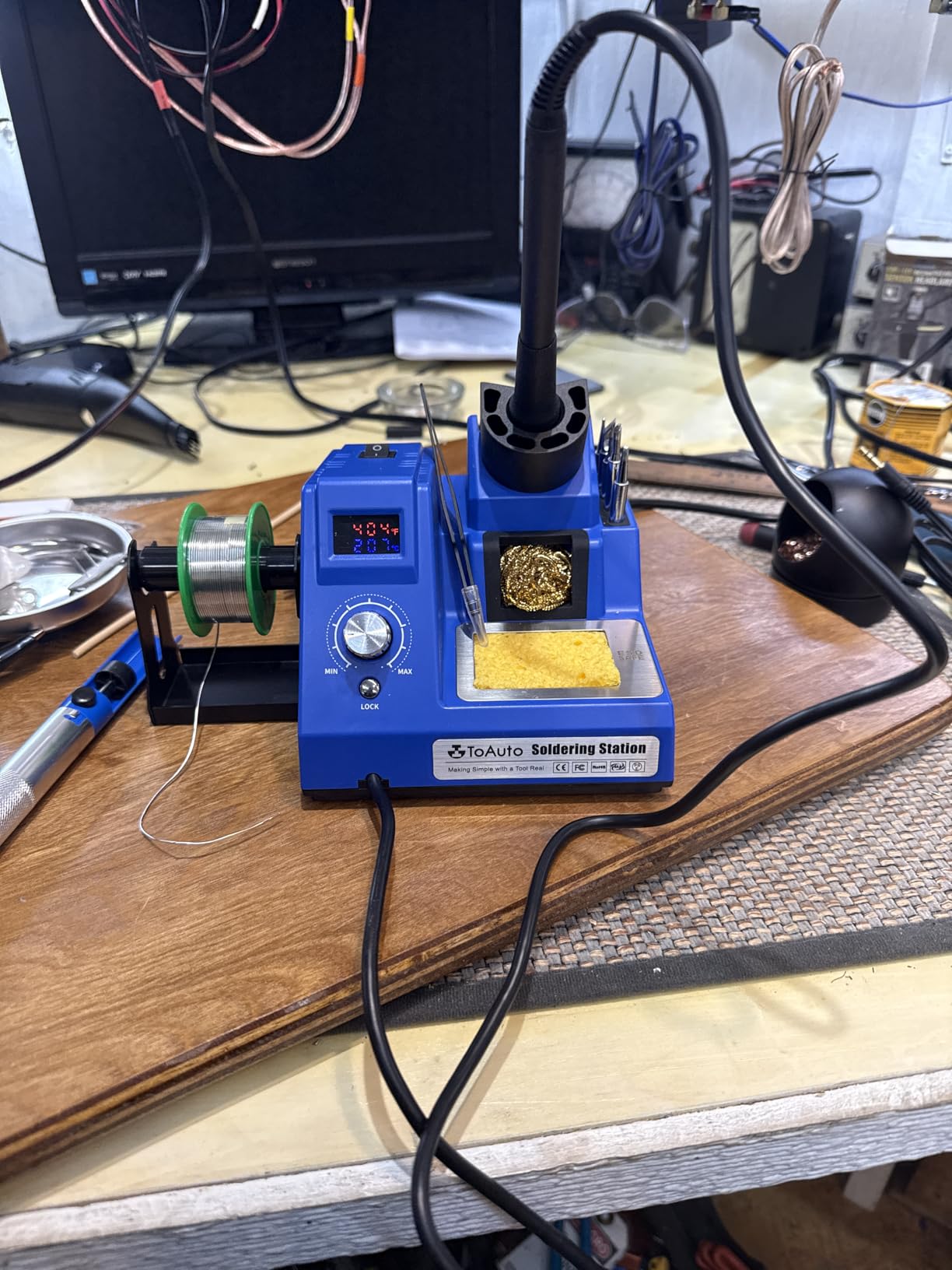
The TOAUTO DS90 is built around one idea: give a beginner the control a surface mount job actually needs. Temperature stability is rated at 2C, a PID program holds the setpoint, and temperature lock freezes it so you cannot drift upward while concentrating on a small pad.
It also reaches 590F in about 5 seconds, which is the fastest warm-up of any station here, and the dual digital display shows Fahrenheit and Celsius at the same time in two colours. For someone who has never seen 320C on a dial, having both scales permanently visible removes a whole category of mistake.
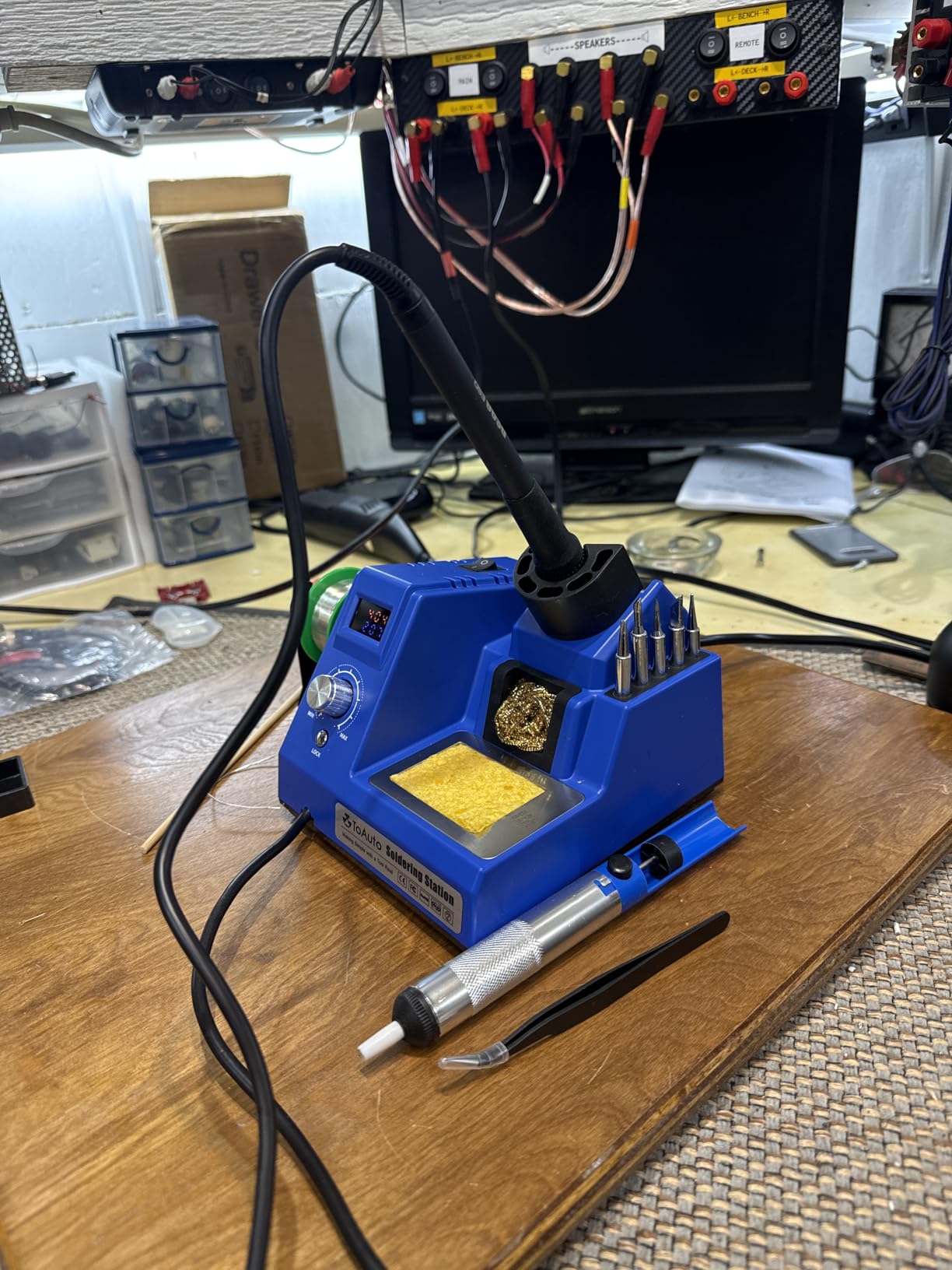
Less common and genuinely useful is the grounding wire with a remove-static sheet. Station irons are usually earthed at the tip, which is what protects sensitive parts during a desoldering session, and this one ships the wire so you can actually connect it rather than assume.
The kit includes five extra tips, a side solder bracket, 30 g of lead-free solder, a solder sucker, anti-static tweezers, a brass tip cleaner and a sponge, and the unit carries ESD, CE, FCC and RoHS certification with a 1-year warranty.
Who this soldering iron suits?
This is the one to look at if your interest is SMD and surface mount rework, phone or laptop board work, or anything where a static discharge would cost you the board. Owners report it handles larger connectors such as XT90 and EC5 well, which the smaller smart irons in this list struggle with.
It is also a sensible first station for someone who wants a visible, lockable setpoint without moving to a full professional bench. Everything needed to start is in the box.
Who should buy something else first?
It is not built for daily professional use, and it is not a tool to keep on a hot bench all week. If you already have a reliable station, this is an addition rather than a replacement.
Owners also mention a short, thick, less flexible cord, a solder bracket that is barely adequate, and a tip storage fit where not every tip drops into the base holes. None of that stops you soldering, all of it is mildly annoying.
9. Q-MING 60W Kit – the Best Simple Starter Kit
Soldering Iron Kit, 60W Soldering Iron with 5pc Interchangeable Tips, 10-in-1 Adjustable Temperature Solder Welding Tools, Fast Heating, Electronic Repair, 110V
60W ceramic heating core
200 to 450C thermostatic
About 15 second warmup
50 g
Pros
- Heats up in about 15 seconds
- Thermostatic adjustment across 200 to 450C
- Five tips plus solder wire and flux in the box
- Number one seller in the soldering irons category
Cons
- Included flux paste can arrive hardened and unusable
- Stand is described as flimsy
- Heat capacity limited to light work
The Q-MING is the classic adjustable-temperature starter kit, and it is the closest thing here to the traditional first purchase most beginners make. A 60W ceramic heating core, an adjustable thermostatic range of 200 to 450C and an on and off switch on the handle cover the basics at 50 g.
The kit contains the iron, a stand, a sponge, five interchangeable tips, 0.6 mm solder wire and a no-clean rosin flux paste. Four ventilation holes in the handle cut heat transfer to your fingers, which is a small design decision that matters more in the first hour than any spec sheet.
It reaches temperature in about 15 seconds, which is quicker than most pencils in this price class and quick enough that you are not waiting on a kitchen table. Owners also note it performing on par with irons costing several times more, at least for light duty.
The 10-in-1 format is the point. For jewellery, light wire work and basic electronics, everything you need to make a joint is in the carton, which removes the excuse that stops most beginners before they start.
Who this soldering iron suits?
This suits a first attempt, a gift, or light hobby work on jewellery, wire and small electronics. The thermostatic control is a real step up from a fixed-temperature pencil, because it lets you back off the heat near heat-sensitive parts.
It is also a cheap spare iron to keep in a toolbox, since the cost of the whole unit is modest enough that owning two stops you worrying.
Who should buy something else first?
Heat capacity is the limit, not heat-up speed. Reviewers describe it as limited to light wire, jewellery and basic electronics work, which means a big connector or a thick joint will cool the tip faster than it can recover.
Be prepared to replace the consumables. The included flux paste is a recurring complaint because it can arrive hardened and unusable, and the stand is frequently described as flimsy. Buy a proper brass wool cleaner and a sturdier rest instead.
10. Plusivo 15-in-1 Kit – the Best Budget Kit for the Widest Bundle
Plusivo Soldering Iron Kit – 60W Adjustable Temperature, 2pcs Replaceable Tips, Solder Wire, Desoldering Pump10+ Accessories – Fast Heating, Ideal for PCB Electronics Repair Hobby DIY 120V US Plug
60W ceramic heating element
200 to 450C dial
120V AC
266 g
Pros
- Lowest entry cost with a very broad accessory set
- Ceramic element with fast heat-up
- Heat resistant silicone grip resists slipping
- Includes stand solder pump tweezers and wire stripper
Cons
- Analog power dial rather than thermostatic control
- No numeric temperature readout
- Accessories are basic and aimed at light hobby work
The Plusivo sits at the cheapest end of the list and still arrives as a 15-in-1 kit. You get the iron, a stand with sponge, 0.8 mm solder wire, a desoldering pump, tweezers, a wire stripper, heatshrink tubes, mini screwdrivers, electronic wires and a storage carton.
The iron is a 60W ceramic heating element with a control knob covering 200 to 450C, a heat-resistant silicone grip and four ventilation holes in the body. At 266 g for the packaged kit it is still a light pencil tool rather than a bench machine.
Buyers tend to describe it as a capable starter package that covers every basic need, with fast heat-up and a grip that stays comfortable through a long session. The 120V AC plug means it works directly from a US wall socket with no adapter.
It is also the easiest entry on this list for jewellery, crafts and appliance work, since the accessory set covers wire, flux-free joining and heat shrink in one place.
Who this soldering iron suits?
Choose this if your goal is to find out whether you like electronics repair without spending meaningful money or time on setup. The bundle means you can open the carton and make a joint tonight, which is the single best predictor of whether you continue.
It also suits households where a second tool is wanted for crafts and jewellery while a more capable iron sits on the main bench.
Who should buy something else first?
The control is analog, and reviewers describe it as a power dial rather than closed-loop temperature regulation. Treat the setting as a rough guide rather than a target, and verify with solder behaviour rather than trust the knob.
The accessories are basic, which is fine for a first evening and not fine for daily work. If you already solder, spend the difference on a station with a digital readout and a real ground path instead.
Which Soldering Iron Type Do You Actually Need?
Most confusion about irons comes from mixing up six different tools that get sold under the same word. Here is what each type changes, and who it fits.
Basic pencil iron. A mains-powered wand with a fixed or roughly adjustable temperature, sold in a kit with tips and a stand. Cheap, light, and fine for jewellery, wire and light hobby work. It has no station to sit on the bench, so the stand matters more than the iron. Examples here: the Plusivo, the Q-MING and the ANBES kit.
Smart iron. A temperature-controlled pencil that runs from USB-C PD or low-voltage DC, with a digital display, motion-sensor sleep and open firmware in some cases. You get station-grade temperature control in a small package. The Pinecil is the standout example.
Bench station. A mains box with a display and a handpiece that parks in it. You gain a stable setpoint, a safe place to put the iron, sleep and setback behaviour, and usually an earthed tip. The Weller WE1010NA, YIHUA 926 III and TOAUTO DS90 sit here.
Hot air rework station. A station with a hot air gun as well as an iron. It heats components with directed hot air so you can remove surface mount parts without lifting a pad. Nothing in this roundup covers it, because it doubles your bench size and cost for a skill most beginners do not need yet.
Soldering gun. A trigger-driven tool with a thick, high-wattage element for heavy cable, automotive terminals and big lugs. Great with thick wire, wrong as a first general-purpose iron. None of the picks here is a gun, and that is deliberate.
Cordless iron. A battery-powered handpiece with no power cord, for field and travel work where output is naturally limited. The Fanttik T1 Max is our example, and it is a specialist tool rather than a bench replacement.
Six Specs That Decide Whether a Beginner Iron Works
1. Delivered power, not advertised power. Wattage on the box is what the element draws, not what reaches the joint. An iron with poor heater-to-tip contact can advertise more than its rival and put less heat into a big pad. Judge a tool on how quickly it recovers after you touch a large copper joint.
2. Temperature control that holds a setpoint. This is the single biggest difference between an iron that makes reliable joints and one that produces cold solder joints that flake off later. A thermocouple with closed-loop control and a lockable setpoint is what you are buying. Look for stability figures, and look for a display you can actually read.
3. Thermal recovery. Recovery is how fast the tip returns to temperature after heat is pulled out of it. It is what lets you drag solder along a row of pins without the last three joints going cold. Smart irons and higher-wattage stations generally do this better, and it shows up most clearly in SMD and drag soldering.
4. Tip system and replacement cost. Check which tip family the product uses and how easy those tips are to buy. Every pick here uses its own family, from the HANDSKIT 900M-series to the Fanttik C210-series and the Hakko T19. An iron whose tips are only sold as a proprietary set will cost you more over a year than the iron did.
5. The ground path to the tip. Stations are usually earthed, which matters when you desolder sensitive parts. Portable irons running from USB-C may not be. The TOAUTO DS90 is the one in this group that ships a grounding wire, which is why it earns its place for board-level work.
6. Sleep, auto shutoff and a safe park. A motion-sensor sleep or a configurable auto-off protects the tip and the bench. So does a stand that actually holds the iron. Two picks here, the Pinecil and the Hakko FX601-02, do not include one.
Soldering Tip Systems Explained Before You Buy Tips
Tip series are not interchangeable, and buying the wrong family is the most common expensive beginner mistake. The tip is not a consumable you can swap for anything similar; the shape of the shank, the contact area and the way it mates to the heater all differ.
Among the picks here, the HANDSKIT 90W uses 900M-series tips, the Fanttik T1 Max uses C210-series tips, and the Hakko FX601-02 ships a T19-D5 standard tip. The Pinecil is supplied with a Type B2 tip. None of those tips fit any of the others, which is exactly why the series name belongs on your buying checklist.
Tip geometry matters as much as the series. A fine conical or needle tip is for small pads and surface mount work, a small chisel works for through-hole joints and drag soldering, and a large chisel or a fine knife tip moves a lot of heat for heavy connections. Buying a knife tip for a small SMD pad is how beginners cook parts.
Two more buying habits pay off. Buy several tips rather than one, so a damaged tip never stops a project and you can match geometry to the job. And buy tips from a series you can find in several shapes, not one shape in one listing.
Clean tips with brass wool rather than a damp sponge where you can. Water thermal-shocks the tip and shortens plating life, and brass wool strips oxidation without chilling the tip. Re-tin the tip before you put the iron down, and expect the tip to be a consumable you replace on a schedule rather than a permanent part.
Set Up a Safe Soldering Bench Before You Start
Fume extraction is the one item you should not skip. Soldering fumes come from the flux, not the solder, and they are the reason a bench fan pointed at your face is not enough. A small fume extractor with a filter placed a few inches from the joint, plus a window cracked for ventilation, is the responsible setup.
Protect the surface next. A silicone soldering mat gives you somewhere to put a hot iron, catches solder splatter and insulates the board from a conductive bench. Keep the iron on its stand whenever it is not in your hand; a drip of solder on a worktop is a burn risk and a mess.
Handle static properly if you work with boards. An ESD mat plus the station ground wire matters during desoldering, when a live tip comes close to a MOSFET, an op-amp or a microcontroller. This is the reason we would put a station ahead of a pencil iron for laptop and phone work.
Decide on leaded or lead-free solder deliberately. Leaded 63/37 is far easier for a beginner: it melts at a lower temperature, flows smoothly and gives clear visual feedback. Keep it for personal projects, wash your hands afterwards, and work in a ventilated space. Lead-free runs hotter, needs better flux and takes more practice, and matters if you are making products for sale.
Finally, treat the iron as a burn risk and a mains risk. Do not leave it tip-up on a bench, coil the cord loosely rather than tightly around the iron, and keep water away from an open mains tool while you have the tip hot.
Your First Five Soldering Projects, Ordered by Difficulty
1. Two wires to a breadboard or a pad (about 350C). Strip, twist and tin two wires, then solder them to a single through-hole pad. Nothing else in this list teaches the core motion as fast, and a miss costs only a scrap of wire.
2. A through-hole kit (about 340 to 360C). Insert the pins, solder them from the back with a small chisel tip, and keep the board still while each joint cools. This is where a PCB holder and helping hands start earning their keep.
3. Repair a cut cable (about 360C). Splice a headphone lead, an USB cable or a power lead with a smaller chisel tip. Add heat shrink before you solder so the joint is protected, and expect to redo it once. Do not skip strain relief.
4. Replace a surface mount component (about 330 to 350C). Use flux and two irons or a lot of patience on a 0603 part. This is the first project where temperature control and tip geometry decide whether the part survives, so do it with a tool you trust.
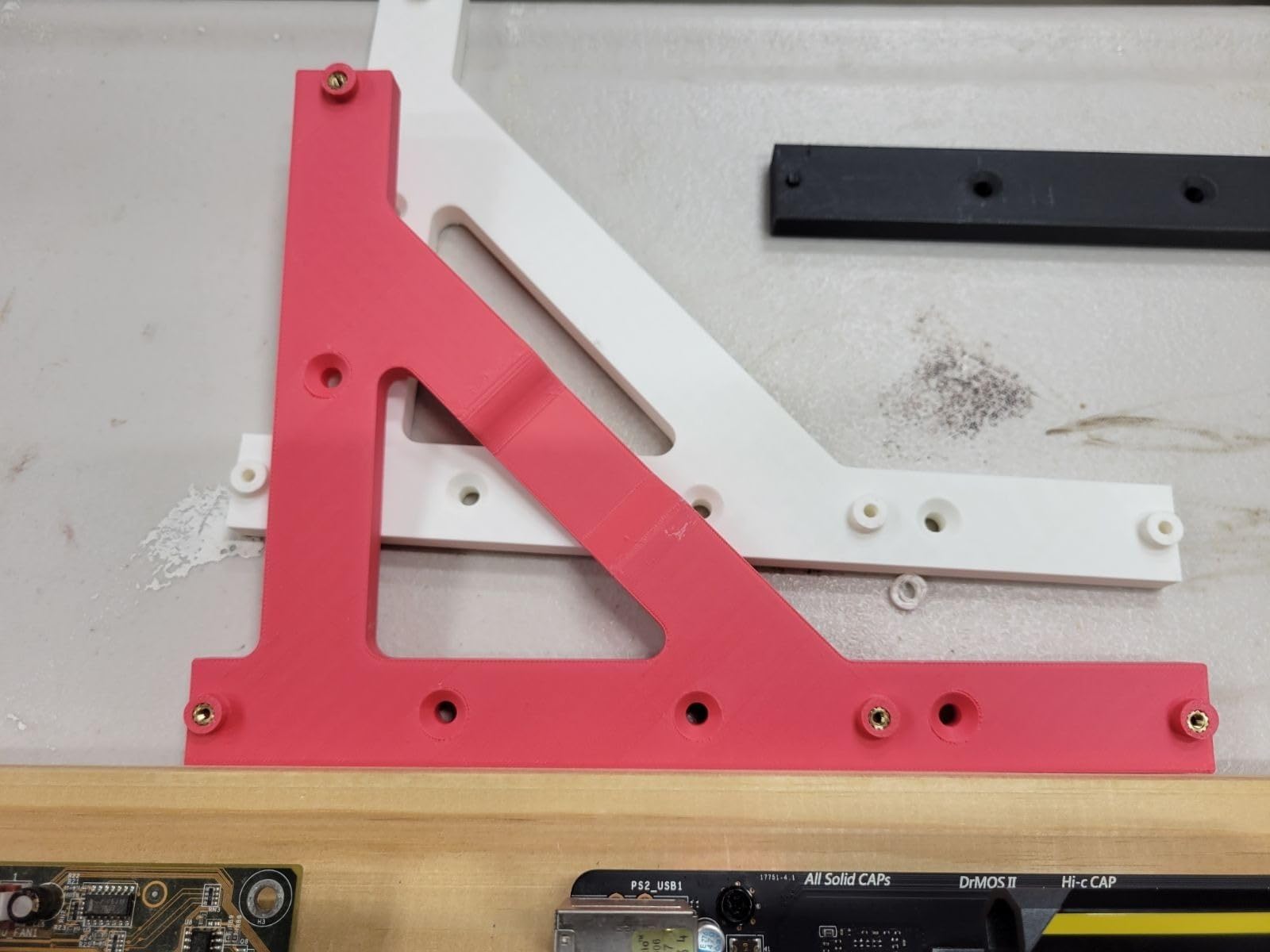
5. Heat-set inserts in a 3D printed part (about 230 to 260C on the printed part). Push the insert into the correct hole, drive the iron into it and lift straight up. This one tests control rather than skill, and it is satisfying because the result is visible immediately.
Between each project, clean the tip with brass wool, re-tin it, and let joints cool undisturbed. Most cold joints are caused by moving a joint before it sets, not by the iron.
Frequently Asked Questions
What is the best soldering iron for beginners?
The Weller WE1010NA is the best soldering iron for beginners in our roundup, because it holds temperature within a few degrees, includes a safe iron rest and tip retainer in the box, and carries the highest rating of any pick we tested. If you want the cheapest route into real temperature control, the PINE64 Pinecil reaches working temperature in about 12 seconds and runs from a USB-C PD charger.
Is the Pinecil a good soldering iron for beginners?
Yes, with two caveats. Owners consistently praise its 12 second warmup, its OLED display, its motion sensor sleep and its 60 g weight, and it is the natural first iron for small electronics repair. The caveats are that no power supply or stand is included, and reviewers report it struggling with large ground planes and multi-layer boards.
Do I need a soldering station as a beginner?
Not to start. A smart temperature-controlled iron gives you station-grade control in a small package, which is enough for most beginner projects. Buy a station when you solder for hours at a stretch, work on large ground planes, or start repairing laptop and phone boards where a grounded tip path and a safe park for the iron matter.
Why is my soldering tip not tinning?
Six usual causes. The tip is too cold for the solder you are using. The plating has oxidised or worn away and the tip needs replacing. There is poor contact between the tip and the heater. The solder is wrong for the job. Flux is missing or old. Or the tip is too large for the joint, so the heat spreads and the solder never flows.
What is the most common mistake beginners make when soldering?
Heating the solder with the tip instead of heating the joint and feeding solder into it. Other frequent errors are not tinning the tip first, moving a joint before it has cooled, running the temperature too high for heat-sensitive parts, and cleaning a hot tip with a wet sponge instead of brass wool.
The Verdict: Which Soldering Iron Should You Buy First?
For most beginners reading this, the Weller WE1010NA is the safest single purchase: the strongest temperature control in this group, a complete box, and enough power to grow into. If your bench is small or your budget is modest, the PINE64 Pinecil gives you the same control philosophy in a machine you can hold in one hand for almost nothing.
Buy the HANDSKIT 90W if you want one box and one afternoon, the YIHUA 926 III if you want a permanent digital station with helping hands, the TOAUTO DS90 if you are heading towards surface mount work, and the Fanttik T1 Max only if your repairs happen away from a bench. Whatever you pick, add a stand, a brass wool cleaner and fume extraction before your first joint, then work through the five projects above in order.