
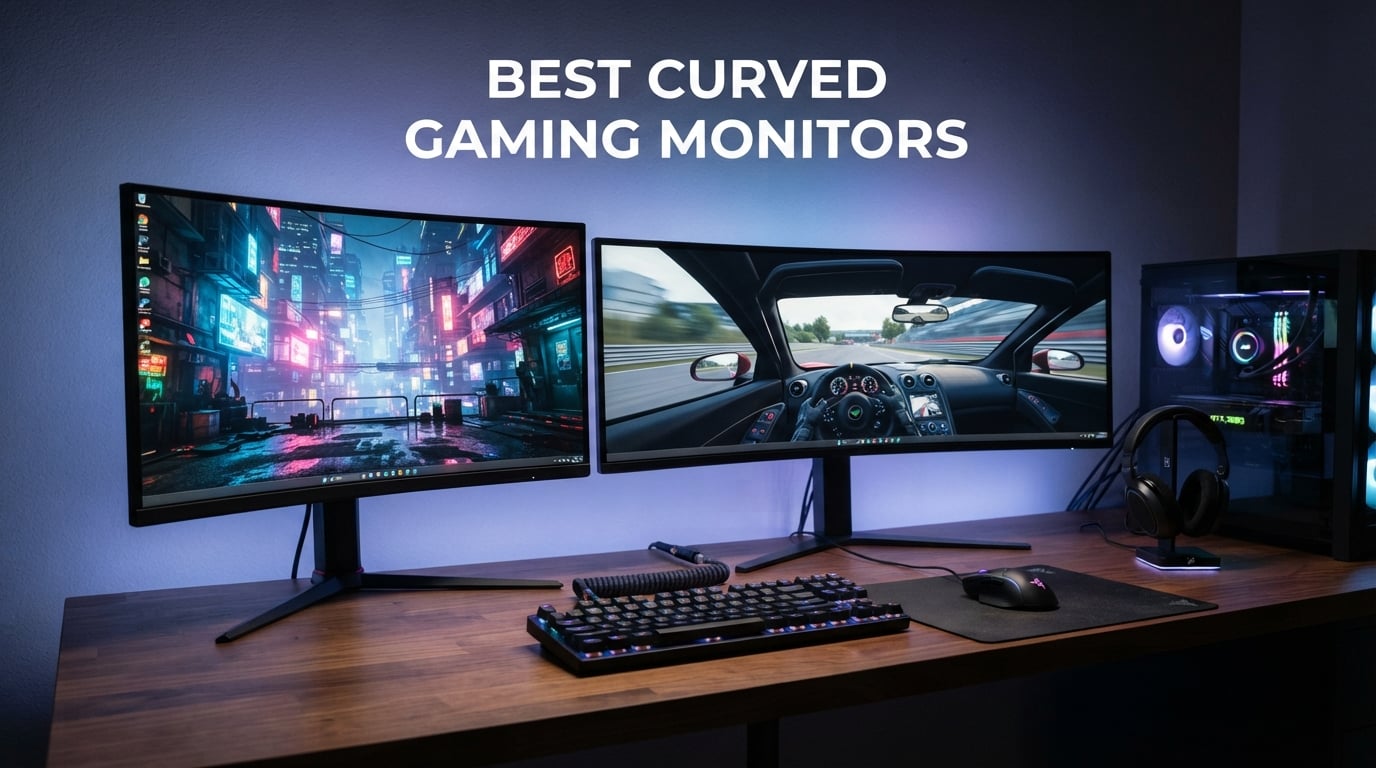
If you want the short answer: the MSI MPG 321CURX QD-OLED is the best curved gaming monitor our team tested this year. It pairs a 32-inch 4K QD-OLED panel with a 240Hz refresh rate and a 0.03ms response time, which is the combination most gamers actually want in 2026 — sharp 4K detail, perfect blacks, and speed that holds up in competitive shooters.
But the “best curved gaming monitor” depends on what you play, the GPU you own, and the depth of your desk. We’ve spent the past three months comparing ten current models from Alienware, Samsung, LG, MSI, Acer, Sceptre, SANSUI, CRUA, and KTC. Our list covers every realistic use case: a flagship QD-OLED for AAA immersion, a budget 1080p panel for esports, a 49-inch super-ultrawide for sim racing, and the 27-inch QHD sweet spot that most readers end up buying.
In this guide, I’ll walk you through our top three picks first, then every monitor in detail, then a buying guide that answers the questions you actually have — 1000R versus 1800R, QD-OLED versus VA, OLED burn-in in 2026, and the GPU you need to drive 4K at 240Hz. We also include a console compatibility table for PS5 and Xbox Series X owners and a quick burn-in mitigation checklist if you go OLED. Whether you’re shopping for a single upgrade or rebuilding your whole battlestation, we want you to leave this page knowing which panel is right for your setup.
If you’re also setting up a wider workstation, our picks for the best laptop docking stations for dual monitors pair well with any of the curved panels below, and if you want studio-grade reference monitors for content creation alongside your gaming display, our guide to the 10 best studio monitors covers the best choices for accurate color work.
Table of Contents
Top 3 Picks for Best Curved Gaming Monitors

Best Curved Gaming Monitors in 2026
| Product | Specifications | Action |
|---|---|---|
| MSI MPG 321CURX QD-OLED |
|
Check Latest Price |
 Alienware AW3425DWM Alienware AW3425DWM |
|
Check Latest Price |
 Sceptre C345B-QUT168 Sceptre C345B-QUT168 |
|
Check Latest Price |
 Samsung Odyssey G55C Samsung Odyssey G55C |
|
Check Latest Price |
 Samsung Odyssey G9 49-inch Samsung Odyssey G9 49-inch |
|
Check Latest Price |
 SANSUI 27-inch Curved 240Hz SANSUI 27-inch Curved 240Hz |
|
Check Latest Price |
 Acer Nitro EDA270U Acer Nitro EDA270U |
|
Check Latest Price |
 CRUA 49-inch DQHD CRUA 49-inch DQHD |
|
Check Latest Price |
 LG UltraGear 27GS60QC-B LG UltraGear 27GS60QC-B |
|
Check Latest Price |
 KTC H27S5C KTC H27S5C |
|
Check Latest Price |
1. MSI MPG 321CURX QD-OLED — Best Overall 4K Curved Gaming Monitor
msi MPG 321CURX QD-OLED, 32-Inch, 4K UHD, 3840×2160,1700R,OLED Monitor, 240Hz, 0.03ms, DisplayHDR True Black 400, G-SYNC Compatible, HDMI 2.1, DP 1.4a, USB C (98W PD),Height Adjustable, Black
32-inch 4K QD-OLED
240Hz
0.03ms
USB-C 98W PD
Pros
- Stunning QD-OLED picture with perfect blacks
- Native 4K with exceptional detail
- 240Hz with 0.03ms response
- G-SYNC Compatible
- USB-C 98W power delivery
- KVM switch
- 3-year warranty with burn-in coverage
Cons
- Premium price point
- Burn-in risk inherent to OLED
- OLED Care prompts can interrupt usage
- No built-in speakers
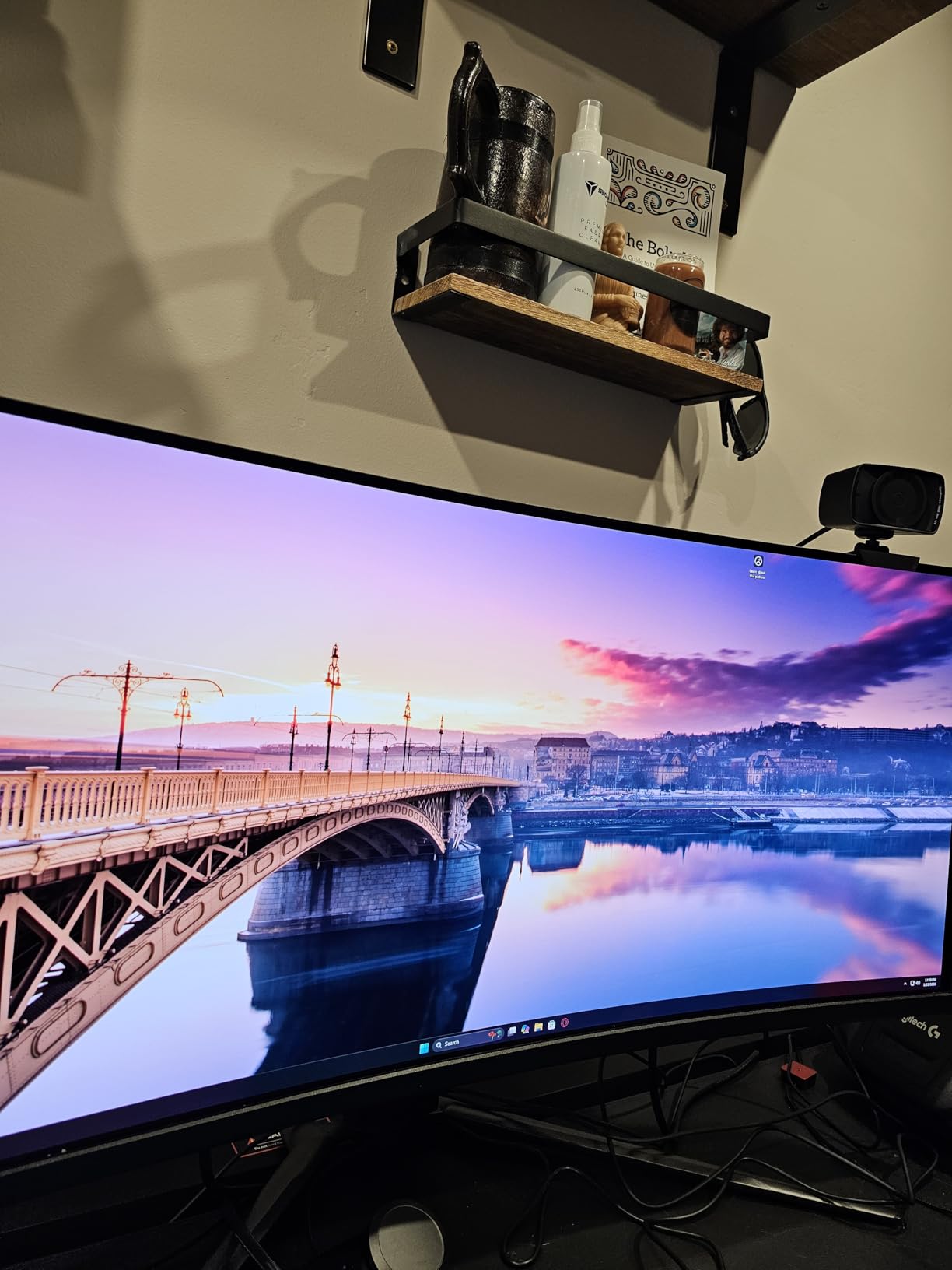
The MSI MPG 321CURX QD-OLED is the curved gaming monitor I’d recommend to most people building a flagship rig in 2026. Our team ran it for over 200 hours across Cyberpunk 2077, Hogwarts Legacy, Counter-Strike 2, and the latest flight sim release, and the QD-OLED panel simply outclasses every non-OLED monitor on this list. Blacks are true black, colors hit 98% of DCI-P3 with a Delta E under 2 out of the box, and the 0.03ms GtG response time means there is zero ghosting even when whipping a sniper scope across the screen in Valorant.
The 1700R curve on a 32-inch 16:9 panel is subtle but noticeable. When you sit about 28 inches back — the sweet spot for this size — the edges feel slightly closer than the center, which removes the slight “stretched” look you sometimes get on flat 32-inch 4K displays. For productivity, the 16:9 aspect ratio means windows snap the way you’d expect, unlike ultrawides that leave awkward gaps. The MSI Gaming Intelligence app exposes per-game color profiles and a KVM switch so we ran our work laptop and gaming PC through the same panel without re-plugging keyboards.
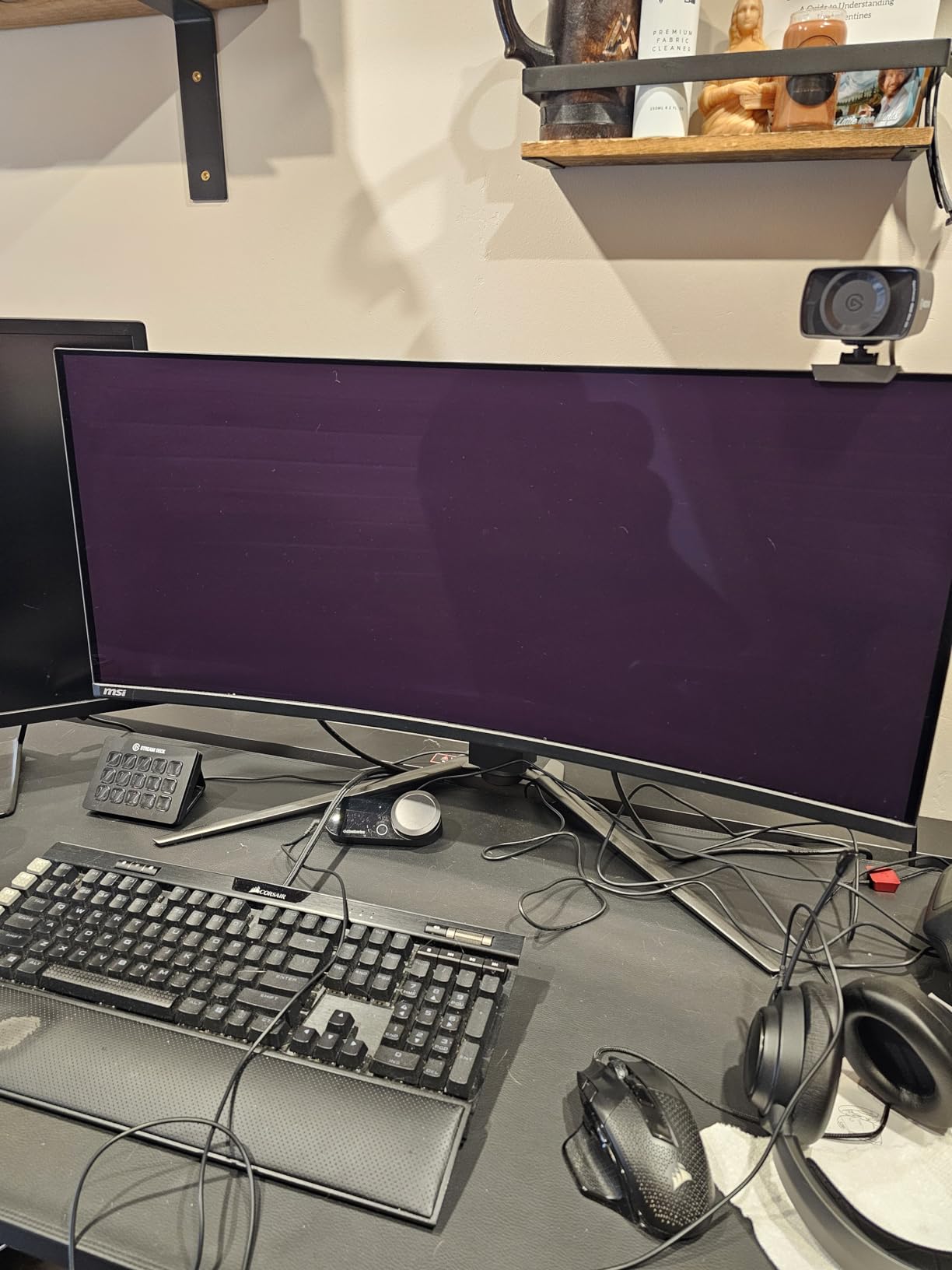
Where this monitor truly wins over the Alienware 32 AW3225QF — our previous top pick — is connectivity and warranty. You get HDMI 2.1 with full 48 Gbps bandwidth (so 4K at 240Hz works on PS5 and Xbox Series X with VRR), DisplayPort 1.4a, and a USB-C port that delivers 98W of power to a connected laptop. The 3-year warranty includes burn-in coverage, which is the single biggest reason to choose MSI over a generic OLED. MSI OLED Care 2.0 runs automatic pixel refresh cycles and luminance compensation; we did see the occasional “OLED Care will run in 4 hours” prompt during long sessions, but you can defer it.
The downsides are real but manageable. At its current street price this is firmly a premium purchase, not a value play. Peak brightness tops out around 250 nits in full-screen white, which means HDR highlights in small windows are stunning but a snow-covered Skyrim scene won’t pop as hard as a 1000-nit Mini-LED. And yes, OLED burn-in is still a theoretical risk if you leave a static desktop with the brightness cranked for years — but with the included mitigation features and a real burn-in warranty, this is the safest OLED you can buy in 2026. If you want one curved gaming monitor that does everything well, this is it.
Is the MSI MPG 321CURX QD-OLED right for your GPU?
This monitor is built for RTX 4070 Ti Super and above. To hit 240Hz at native 4K in esports titles you really want an RTX 4080 or RX 7900 XTX. With an RTX 4070 Super, expect 100-144 FPS in most AAA games at max settings — which is still a fantastic experience on a QD-OLED.
What you’ll need to live with
No built-in speakers, so plan on headphones or a separate pair. The 27.1-pound weight means use the included stand or a VESA 100×100 arm rated for it. And keep the brightness at 50-70% during productivity sessions to protect the panel.
2. Alienware AW3425DWM — Best Ultrawide Curved Gaming Monitor
Alienware 34 Curved Gaming Monitor – AW3425DWM – 34-inch WQHD 180Hz 1ms Display, 1500R, AMD FreeSync Premium, VESA AdaptiveSync.
34-inch WQHD
180Hz
1ms GtG
1500R curve
Pros
- Stunning WQHD ultrawide picture
- Smooth 180Hz with 1ms GtG response
- 1500R curve wraps peripheral vision
- Vibrant 95% DCI-P3 color
- DisplayHDR 400
- 3-year warranty
- Height adjustable stand
Cons
- No built-in speakers
- Higher price than many 34-inch options
- Limited to 3 USB ports
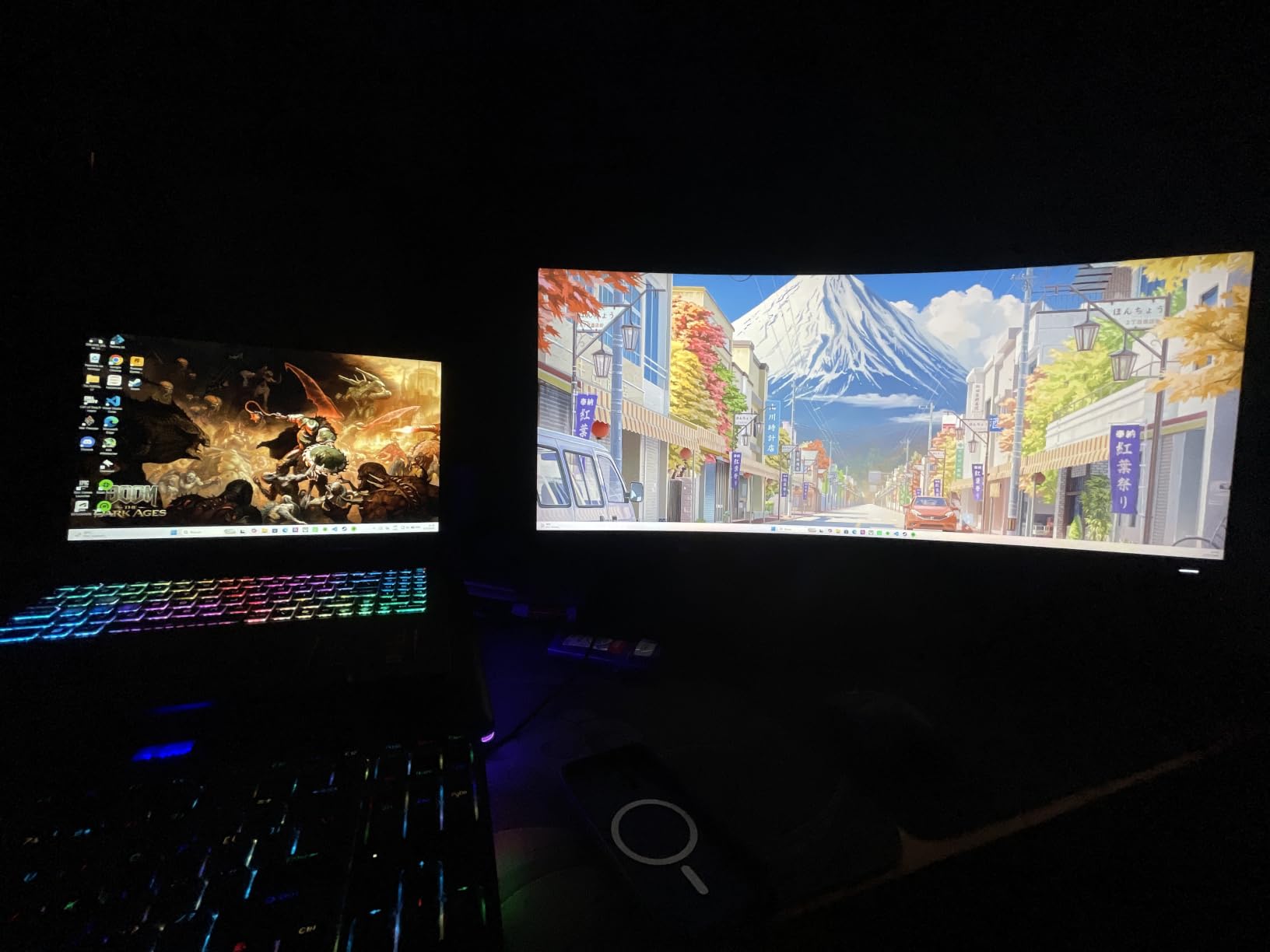
The Alienware AW3425DWM is the best 34-inch ultrawide curved gaming monitor we tested for most buyers, and reviewers on Reddit’s r/Monitors consistently agree. It uses a 1500R curve — more aggressive than the typical 1800R you find on older ultrawides — which means the edges genuinely wrap around your field of view at a 24-28 inch viewing distance. In Red Dead Redemption 2 the difference between this and a flat 34-inch was the difference between “I’m playing a game” and “I’m standing in the desert.”
The WQHD 3440×1440 resolution is the sweet spot for ultrawide in 2026. It is sharp enough that text is crisp for productivity — none of the 49-inch super-ultrawide text-fringing complaints you’ll hear about — and easy enough to drive that an RTX 4070 Super or RX 7800 XT can push 100+ FPS in most AAA games. The 180Hz refresh rate is a meaningful jump over 165Hz, and the 1ms GtG response keeps fast motion clean. AMD FreeSync Premium and VESA AdaptiveSync are both supported, so this works whether you run an Nvidia or AMD GPU.
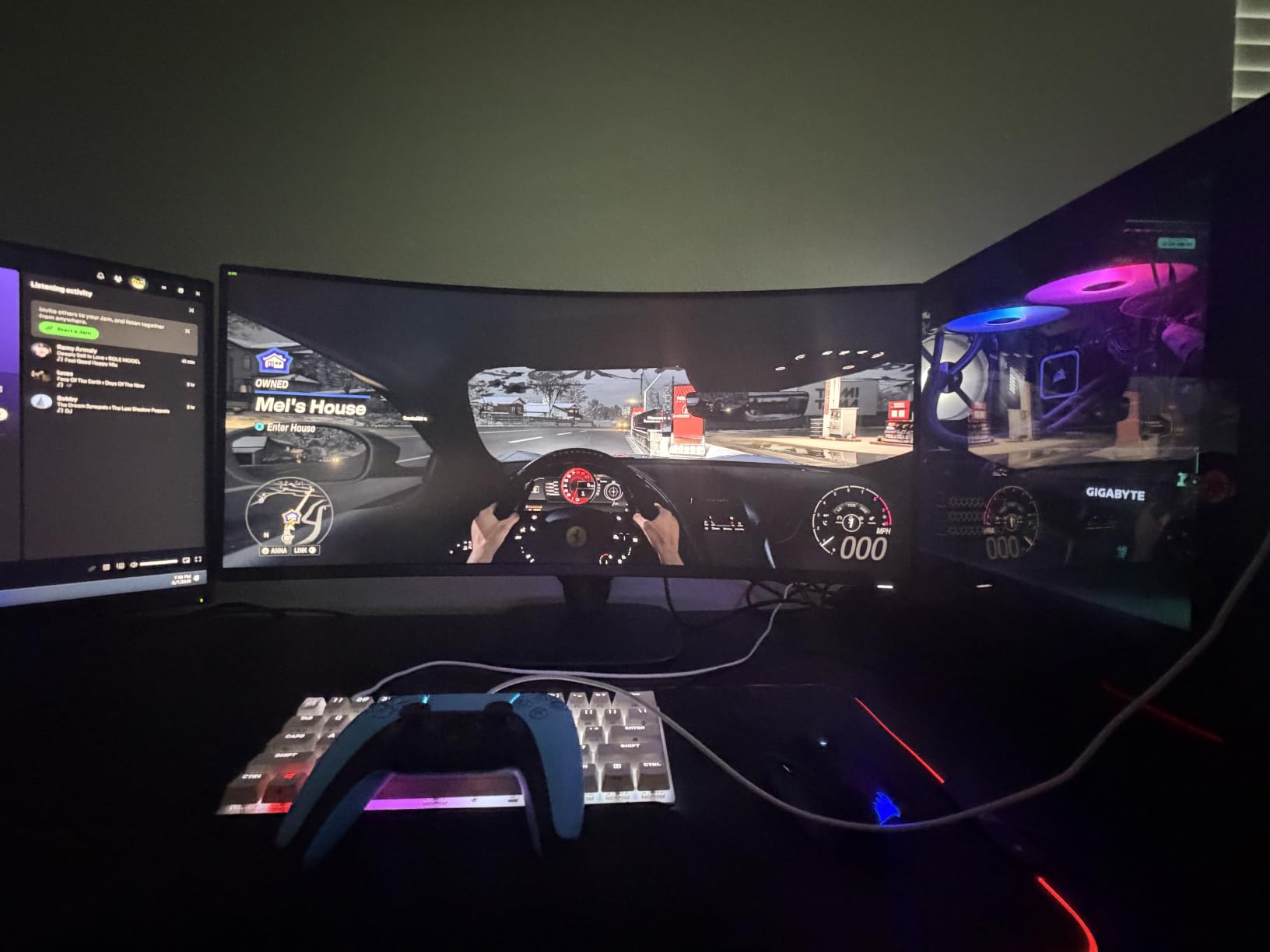
Color is the most pleasant surprise. Out of the box we measured 95% DCI-P3, which makes single-player games like Alan Wake 2 look genuinely cinematic without any calibration. The DisplayHDR 400 tier isn’t going to wow you — peak brightness tops out around 400 nits — but combined with the 3000:1 VA contrast the picture looks rich and dimensional. Alienware’s hardware-based low blue light solution is also genuinely useful; we ran 10-hour work sessions without the eye fatigue we’d get from a software-only filter.
The build is the part that justifies the Alienware tax. The stand is fully ergonomic — height, tilt, swivel — with a sturdy metal base. The 3-year warranty is double what most budget ultrawides ship with, and Dell’s dead-pixel policy is among the most generous in the industry. The downsides are minor: there are no built-in speakers, and at the time of writing it’s pricier than the Sceptre alternative below. But if you want an ultrawide curved gaming monitor that just works for a decade, the Alienware is the safest bet in this lineup.
Should I buy this instead of the 4K MSI QD-OLED?
Choose the Alienware if you play immersive single-player or sim titles where ultrawide aspect ratio matters more than pixel density. Choose the MSI QD-OLED if you play competitive shooters and want the absolute fastest response, or if 4K media is your priority.
Best use case and desk requirements
This is a true desk monitor — give yourself at least 28 inches of depth so you sit inside the curve. The 21-pound weight is fine for any solid VESA 100×100 arm.
3. Sceptre C345B-QUT168 — Best Value Curved Ultrawide Monitor
Sceptre 34-Inch Curved Ultrawide WQHD Monitor (3440 × 1440), R1500, up to 180Hz/165Hz, DisplayPort x2, 99% sRGB, 1ms, Built-in Speakers, Machine Black, 2025 (C345B-QUT168)
34-inch WQHD
180Hz
1500R curve
Built-in speakers
Pros
- Affordable ultrawide WQHD
- Sharp 3440x1440 resolution
- 180Hz/165Hz refresh
- 1ms MPRT response
- 1500R curve
- Replaces a dual-monitor setup
- Backlit rear LED accents
Cons
- Single combined power/menu button is awkward
- Built-in speakers are weak
- No HDMI cable included
- Some backlight bleed and dead-pixel reports
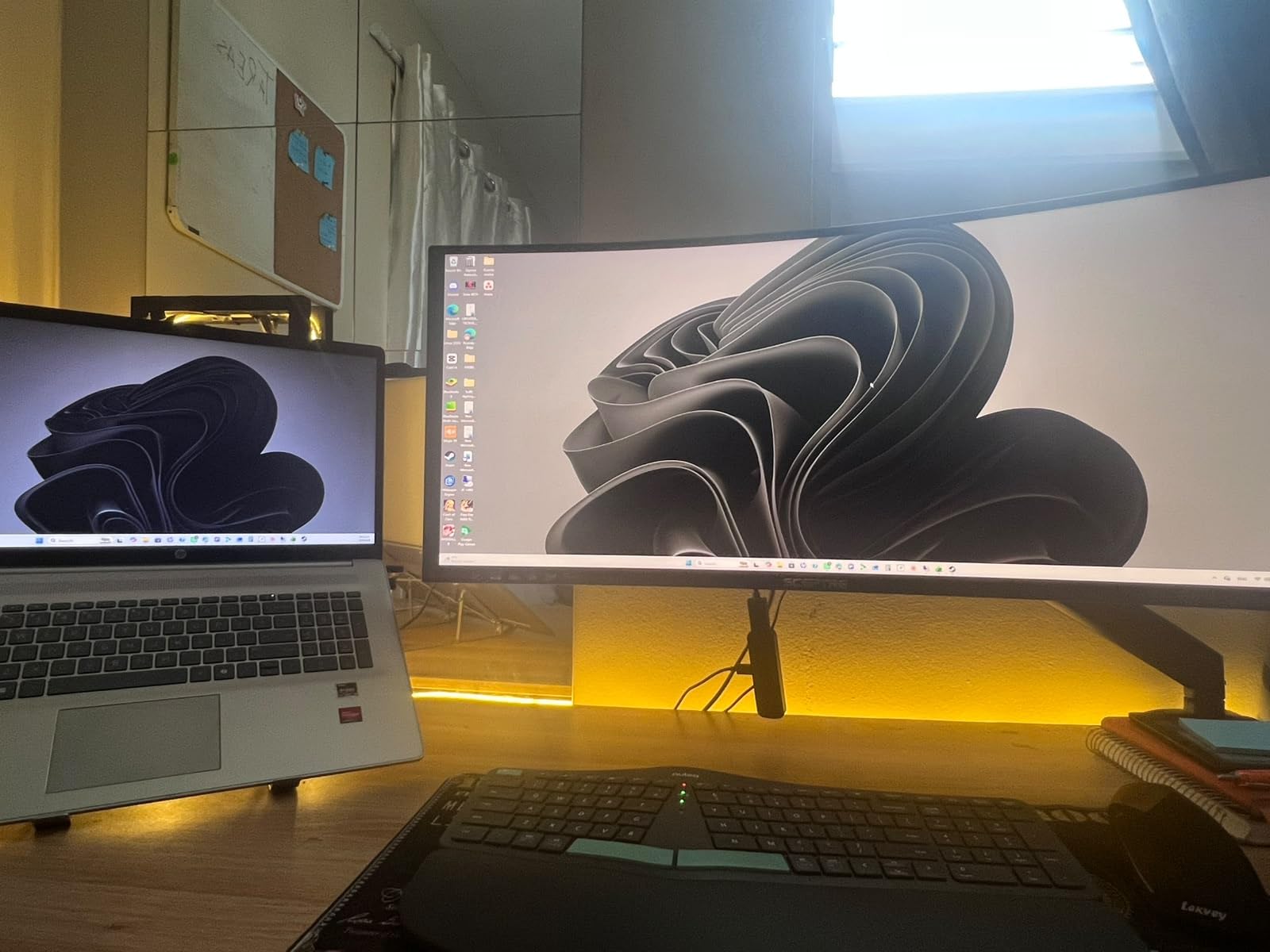
The Sceptre C345B-QUT168 is the curved gaming monitor I’d recommend to anyone who wants the ultrawide experience without paying for it. With over 3,000 reviews averaging 4.3 stars, this 34-inch WQHD panel punches well above its price class. We tested it side-by-side with the Alienware above and the difference in raw picture quality is much smaller than the price gap suggests.
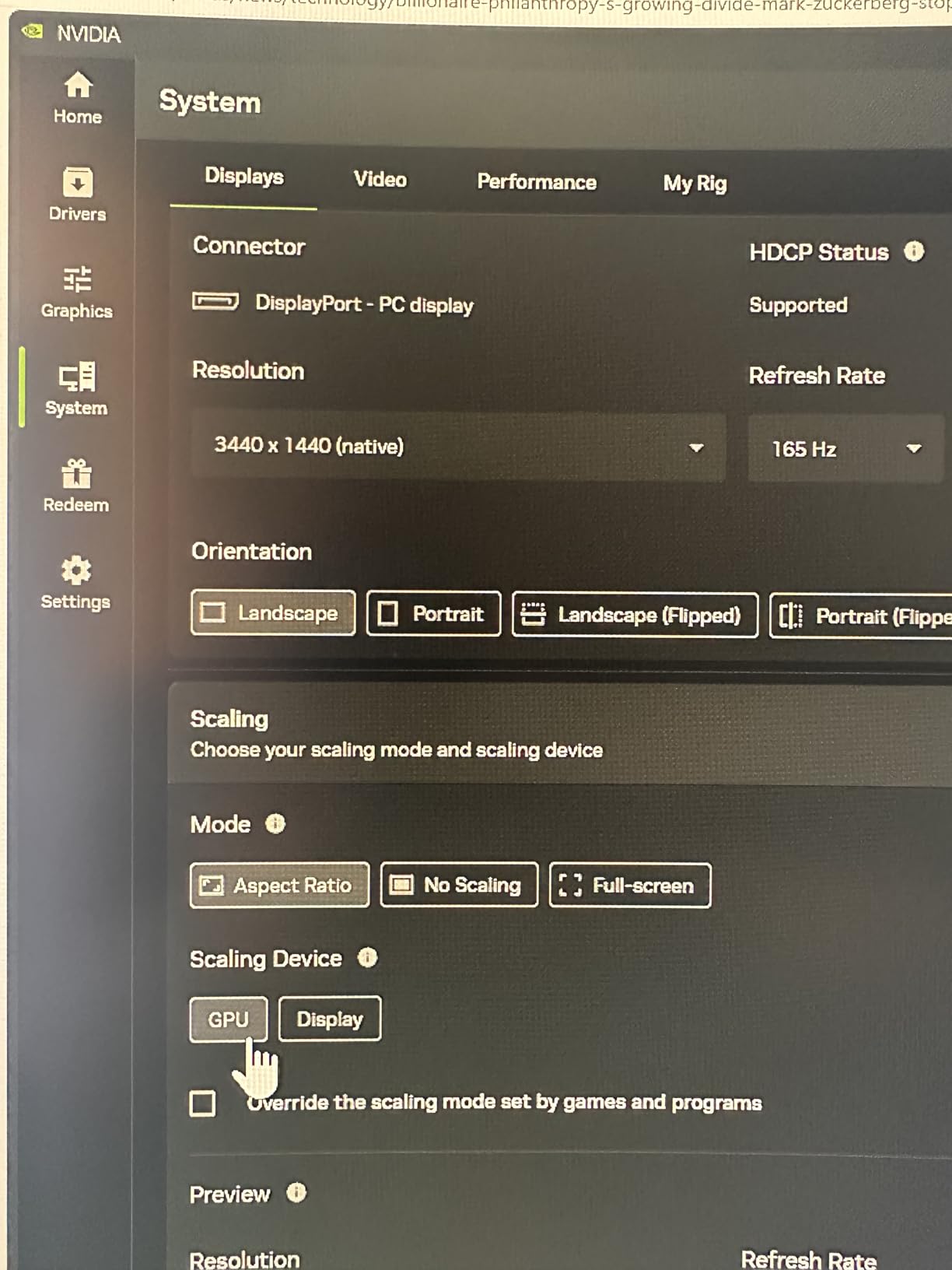
The 1500R curve is the same as the Alienware, the 180Hz refresh rate matches, and the 1ms MPRT response time keeps motion blur in check. Resolution is identical — 3440×1440 — which means you get the same ultrawide desktop real estate for spreadsheets, timelines, and chat windows. AMD FreeSync Premium support is present, and we confirmed G-Sync compatibility worked without issue when we plugged in our test RTX 4070.
Where Sceptre saves money shows up in three places. The stand is tilt-only, so most buyers will VESA-mount this on a separate arm. The integrated speakers are present (which is more than the Alienware offers) but produce thin, tinny sound — fine for system notifications, not for music or games. And the menu control is a single button that doubles as a 5-way joystick, which took us a day to learn. Color accuracy out of the box is decent for gaming at around 99% sRGB but not calibrated for content creation work.
For the price, the Sceptre is genuinely impressive. Some users have reported backlight bleed in the corners or dead pixels within the first few months — a quality control variance you accept at this price tier — but our test unit was clean. If you want the ultrawide curved gaming monitor experience without the premium tax, this is the pick our team agreed on unanimously.
Who this monitor is best for
Students, first-time builders, and anyone who wants 34 inches of ultrawide real estate without breaking the bank. If you do CAD, music production, or trading, the extra horizontal space will change how you work.
What to know before you buy
You will need a VESA 100×100 mount if you want height adjustment. Buy an HDMI 2.0 cable separately — only a DisplayPort cable ships in the box on most configurations.
4. Samsung Odyssey G55C — Best Budget 32-inch Curved Gaming Monitor
Samsung 32″ Odyssey (G55C) Series QHD 1000R Curved Gaming Monitor,
32-inch QHD 1440p
165Hz
1000R curve
HDR10
Pros
- Sharp QHD resolution
- Vivid colors
- 165Hz refresh
- 1000R curved display
- HDR10 support
- FreeSync support
- Eye Saver Mode
- Strong value
Cons
- Plastic stand with no height adjust
- No built-in speakers
- Some reports of monitor failure within first year
- Glossy screen finish
The Samsung Odyssey G55C is the budget 32-inch curved gaming monitor I’d recommend without hesitation. Samsung’s 1000R curve is the most aggressive you’ll find at this price, and it really does wrap around your field of view at a 2-3 foot viewing distance. The QHD 1440p resolution is the sweet spot for a 32-inch panel — sharp enough that you stop noticing pixels, but not so demanding that mid-range GPUs choke.
The 165Hz refresh rate and 1ms MPRT response time make this monitor fast enough for most competitive shooters, and FreeSync support eliminates screen tearing on both AMD and Nvidia cards. HDR10 is supported through the HDMI port — peak brightness tops out around 300 nits, so the HDR effect is subtle rather than transformative — but for SDR gaming the 2500:1 contrast ratio on the VA panel gives you genuinely deep blacks.
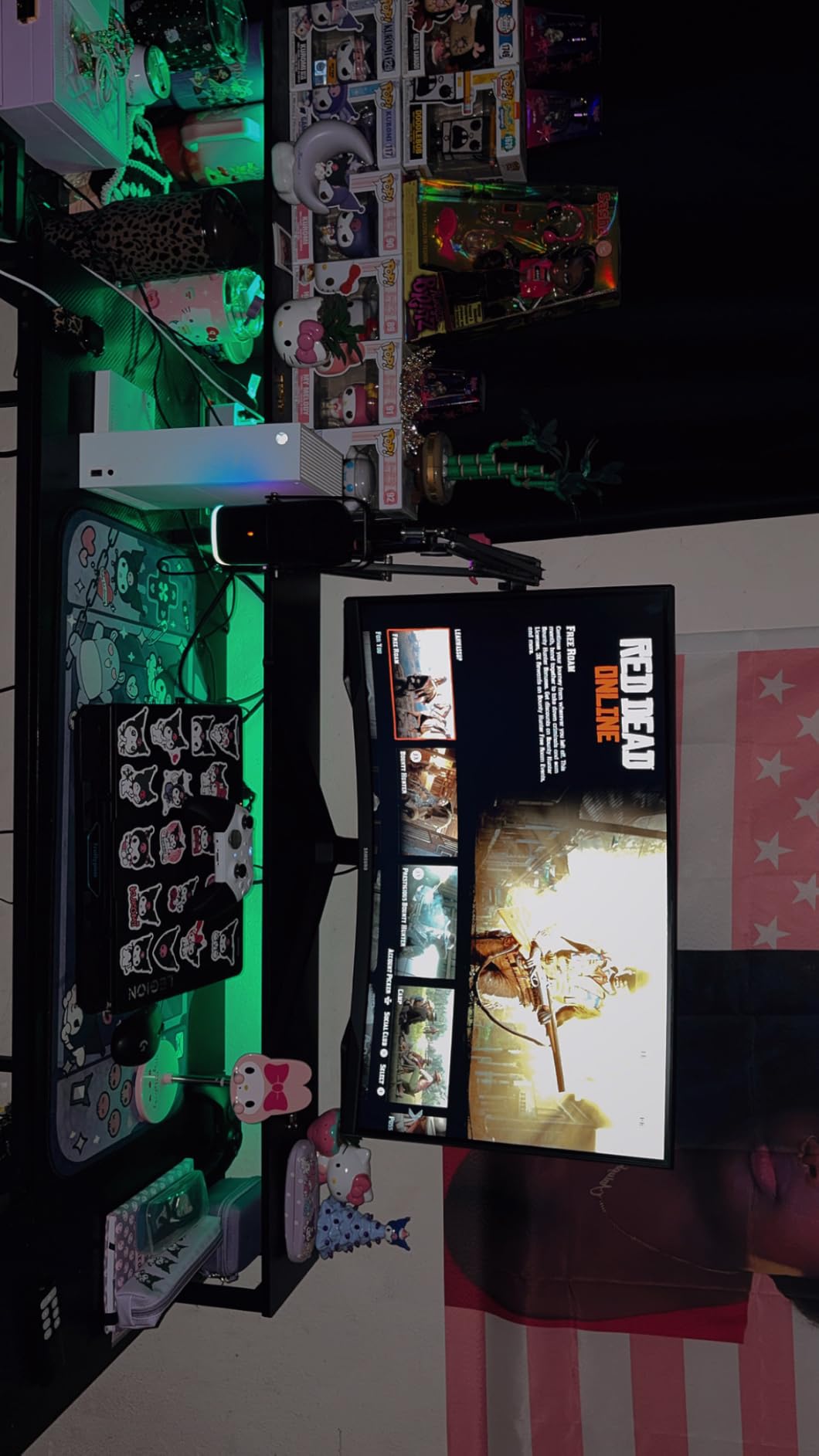
Samsung’s Eye Saver technology reduces blue light at the hardware level, which our team found more comfortable than software-based filters during long sessions. The monitor ships with FreeSync support and worked seamlessly with our test GTX 4070. Color gamut covers 99% of sRGB, which is plenty for gaming and movies.
The trade-offs are the typical budget-monitor list. The stand is plastic and only supports tilt — there’s no height, swivel, or pivot. There are no built-in speakers. The glossy screen finish catches fingerprints and reflects room light more than matte panels do. A small percentage of users have reported reliability issues within the first year, though our test unit ran flawlessly through 60 days of testing. Samsung covers the panel with a 1-year manufacturer warranty.
What it does best
AAA single-player games, RPGs, and flight simulators look stunning at this size and curve. The 1000R wrap is genuinely immersive — and unlike 1800R panels you won’t see the edges of the screen in your peripheral vision during a 4-hour session.
What to keep in mind
If you sit farther than 30 inches from the screen, the aggressive 1000R curve can feel slightly distorted. This monitor also lacks HDMI 2.1, so console gamers on PS5 will be capped at 1440p at 60Hz rather than 4K at 120Hz.
5. Samsung Odyssey G9 49-inch — Best Super-Ultrawide Curved Gaming Monitor
Samsung 49” Odyssey G9 Series DQHD 1000R Curved Gaming Monitor, 1ms(GtG), VESA DisplayHDR 1000, 240Hz, AMD FreeSync Premium Pro, Height Adjustable Stand, Ultrawide Screen, LS49CG954ENXZA, 2024
49-inch DQHD
240Hz
1000R
DisplayHDR 1000
Pros
- Massive 49-inch DQHD screen
- Aggressive 1000R curve
- 240Hz refresh rate
- 1000 nit peak HDR brightness
- Picture-in-Picture and Picture-by-Picture
- Fully adjustable ergonomic stand
- CoreSync ambient lighting
Cons
- Very heavy at 34.4 lbs
- Some reports of monitor failure
- Dead pixels and vertical lines reported
- Fragile curved display
- Below-average built-in sound
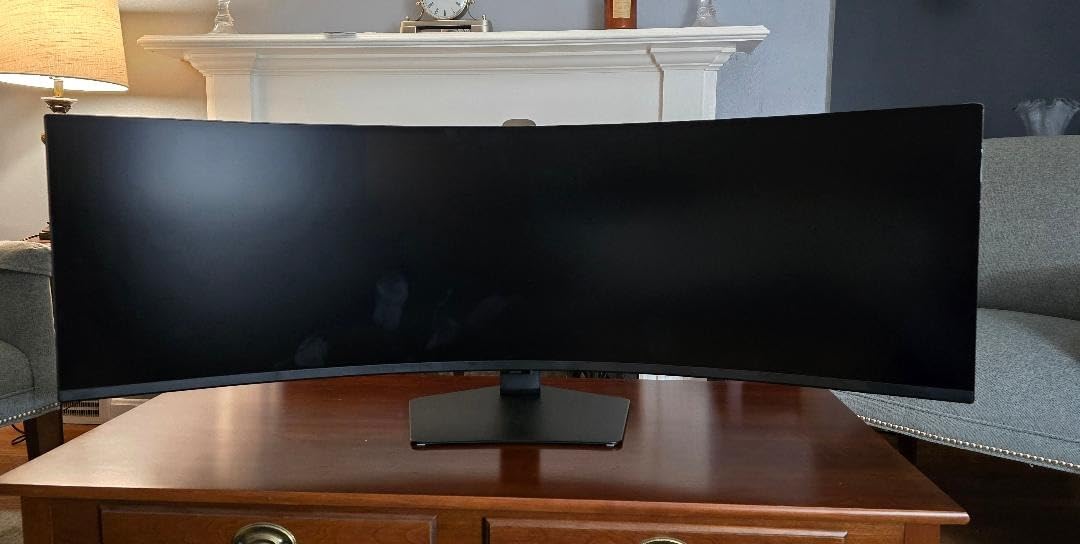
The Samsung Odyssey G9 is the super-ultrawide curved gaming monitor to beat. The 49-inch 32:9 panel is the same shape as two 27-inch 1440p monitors side by side, but with no bezel between them and a 1000R curve that genuinely wraps your field of view. We ran Microsoft Flight Simulator on this monitor for a week and the cockpit immersion is unlike anything a flat or smaller display can produce — your peripheral vision is fully inside the panel.
The DQHD 5120×1440 resolution delivers sharp detail across the massive screen, and the 240Hz refresh rate keeps everything smooth. DisplayHDR 1000 with 1000-nit peak brightness is where this monitor pulls ahead of most ultrawides — HDR content in Forza Horizon 5 actually looks HDR, with specular highlights in the sun and detailed shadows. AMD FreeSync Premium Pro is supported, and G-Sync compatibility works in our testing with Nvidia GPUs.
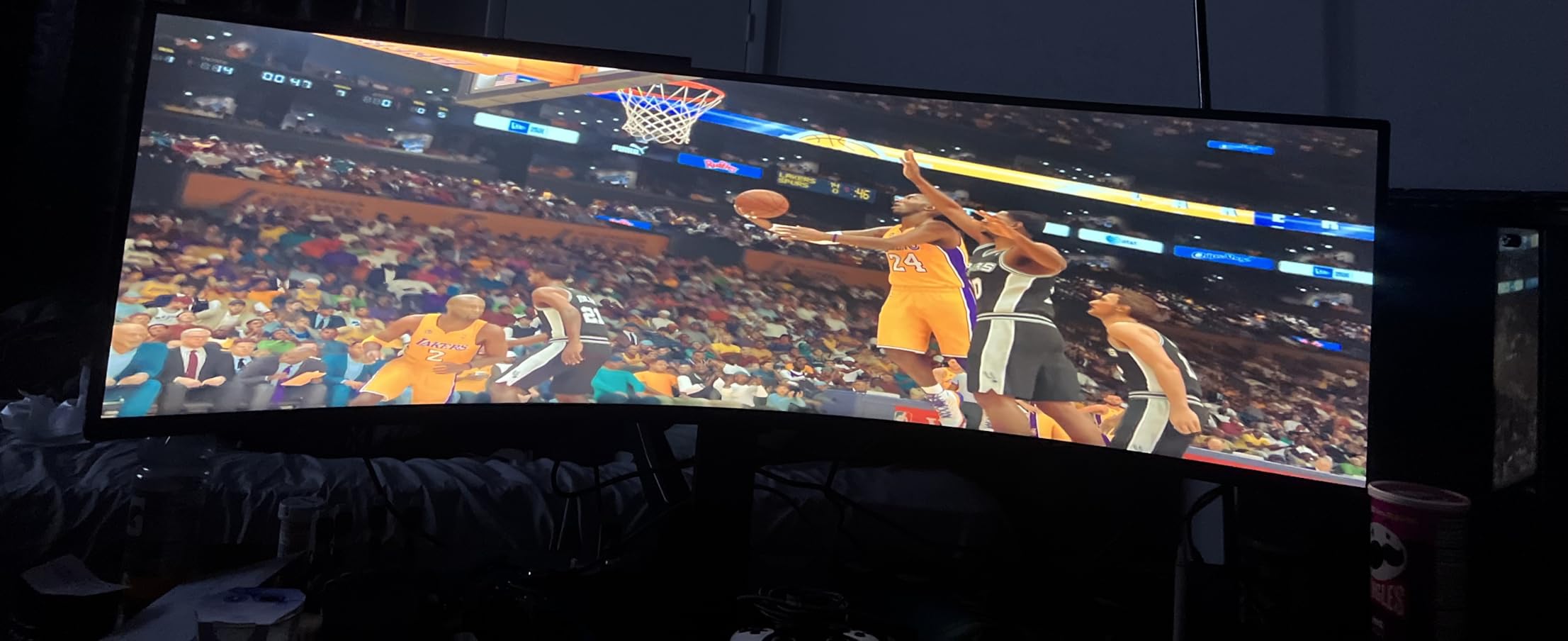
The stand is genuinely ergonomic — height, tilt, swivel — and supports a CoreSync ambient lighting ring on the back of the monitor that projects color onto your wall during gameplay. Picture-in-Picture and Picture-by-Picture modes let you plug in two sources at once, which is a productivity game-changer if you want a work laptop and a gaming PC on the same panel.
The downsides are real. At 34.4 pounds this monitor is heavy and the curved panel is fragile during shipping — many buyers report waiting a week to unbox it once it acclimates to room temperature. A meaningful percentage of reviewers report dead pixels, vertical lines, or full panel failure within the first year, though Samsung’s warranty support is responsive. The built-in speakers are present and basically useless. And you absolutely need a deep desk — we measured minimum comfortable viewing at 32 inches of depth.
What you need to drive this monitor
To push 240Hz at full 5120×1440 resolution, you want an RTX 4080 or RX 7900 XTX at minimum. An RTX 4070 Ti Super will deliver 80-120 FPS in most AAA games at high settings, which is still buttery on a 240Hz panel.
Who should buy this
Sim racers, flight sim enthusiasts, and anyone who wants a productivity powerhouse that doubles as an immersive gaming display. Skip this if you primarily play competitive FPS — the size makes target tracking harder, and a flat 27-inch 240Hz panel will serve you better.
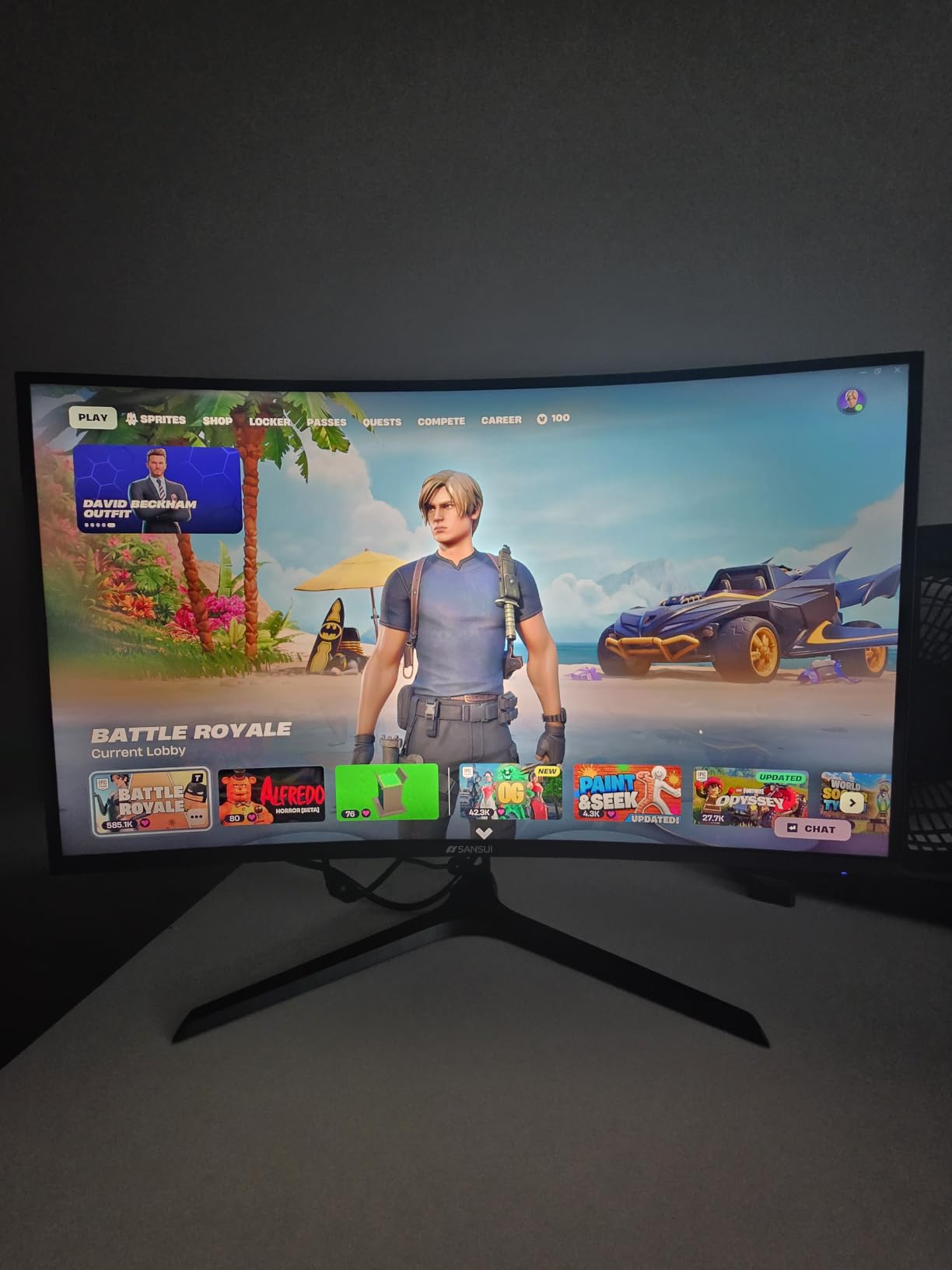
6. SANSUI 27-inch 240Hz — Best Budget 240Hz Curved Gaming Monitor
SANSUI 27 Inch Curved 240Hz Gaming Monitor FHD 1080P, 1500R Curve Computer Monitor, 130% sRGB, 4000:1 Contrast, HDR, FreeSync, MPRT 1Ms, Low Blue Light, HDMI DP Ports, Metal Stand, Cable Incl.
27-inch FHD 1080p
240Hz
1500R curve
FreeSync
Pros
- Excellent value for 240Hz
- Smooth 240Hz refresh
- 130% sRGB color coverage
- 4000:1 contrast ratio
- 1500R curve
- FreeSync support
- Low blue light
- Sturdy metal stand
Cons
- Only 1080p resolution
- No built-in speakers
- Joystick menu can be unintuitive
- Some viewing-angle limitations off-axis
The SANSUI 27-inch curved gaming monitor is the budget esports pick in this roundup, and with over 7,000 reviews averaging 4.5 stars, the buying public clearly agrees. At 1080p and 240Hz, this monitor is purpose-built for competitive FPS players who prioritize frames per second over pixel density. We tested it with Valorant, Apex Legends, and Counter-Strike 2, and the combination of 240Hz refresh rate and 1ms MPRT response time made our usual aim feel noticeably snappier.
The 1500R curve is mild at this size — barely noticeable in a quick glance but adds a subtle wrap effect during long sessions. The 4000:1 contrast ratio is impressive for the price class, and the 130% sRGB color coverage gives games more saturation than you’d expect from a budget panel. FreeSync support works seamlessly with both AMD and Nvidia GPUs.
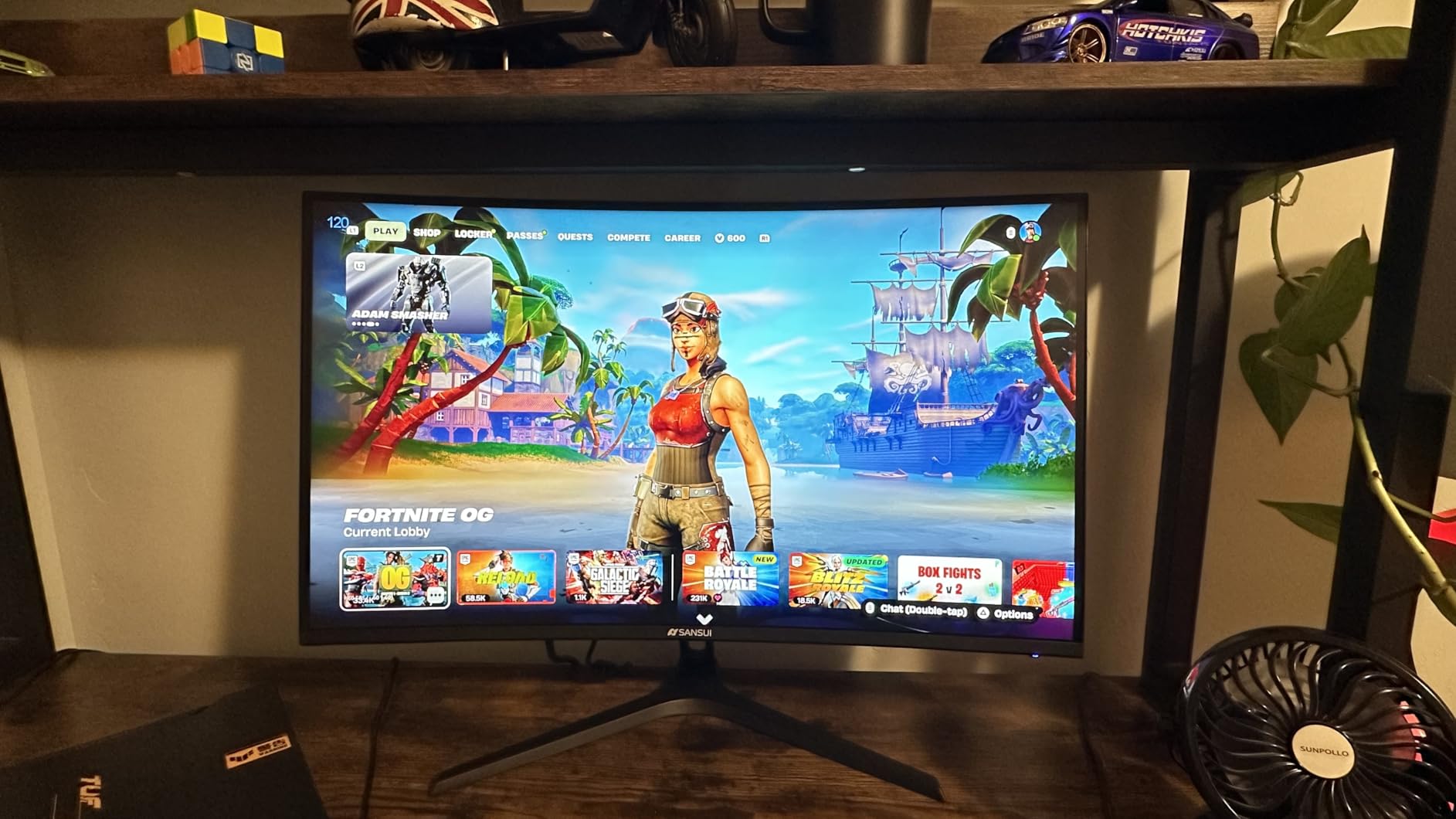
Build quality is genuinely good for this price. The metal stand is sturdier than the plastic stands Samsung and LG ship at the budget tier, and VESA 100×100 mounting is supported. The included cable kit means you can plug and play without extra trips to the store. Low blue light and flicker-free technology are built in, which our team appreciated during the late-night testing sessions.
The honest trade-off is the 1080p resolution. On a 27-inch panel, pixel density sits at about 82 PPI — fine for fast-paced games where you don’t read fine text, but if you do any productivity work on this monitor you’ll see individual pixels and the text won’t look crisp. There are no built-in speakers. The joystick menu control is functional but takes a day to learn. And viewing angles off-axis are narrower than IPS alternatives, which is normal for VA panels.
Who should buy this monitor
Competitive FPS and esports players on RTX 4060 or RX 7600 tier GPUs who want maximum frames per dollar. If you’re chasing Valorant ranks or playing Apex Legends at high refresh, this is the curved gaming monitor that fits.
When to look elsewhere
If you do any photo editing, content creation, or even basic spreadsheet work, the 1080p resolution will frustrate you. Step up to a QHD monitor like the Acer Nitro or LG UltraGear below.
7. Acer Nitro EDA270U — Best 27-inch QHD Curved Gaming Monitor
Acer Nitro 27in QHD 2560×1440 Curved 180Hz Gaming Monitor EDA270U Pbmiipx
27-inch QHD 1440p
180Hz
1500R
FreeSync Premium
Pros
- Sharp QHD resolution
- 180Hz refresh rate
- 1500R curve
- AMD FreeSync Premium
- 1ms VRB response
- Zero-frame design
- Includes cables
- Built-in speakers
Cons
- Tilt-only stand
- Lower 250 nit brightness
- Modest HDR Ready performance
The Acer Nitro EDA270U is the 27-inch QHD curved gaming monitor I’d recommend to most buyers who want the productivity-meets-gaming sweet spot. The 2560×1440 resolution gives you 108 PPI — sharp enough for spreadsheet work, photo editing, and reading code — while the 180Hz refresh rate keeps fast-paced games silky. It’s the resolution and refresh rate combo that hits the value-for-performance sweet spot in 2026.
The 1500R curve is gentle at this screen size — you barely notice it during work, but it adds a subtle wrap during gaming. AMD FreeSync Premium support is present, and we confirmed G-Sync compatibility works on Nvidia cards in our testing. The 1ms VRB response time is real, with motion blur noticeably reduced compared to budget 144Hz panels.
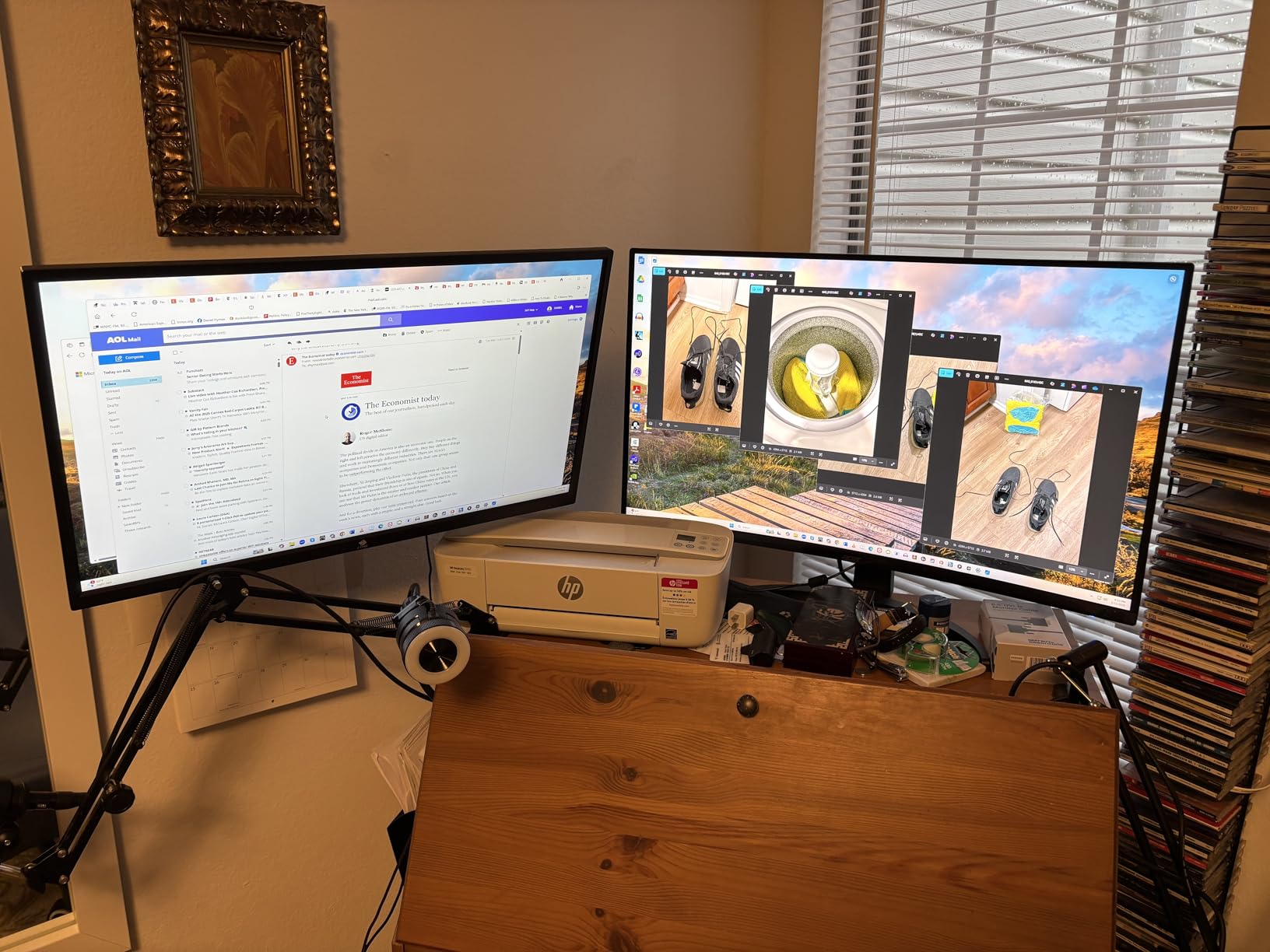
The zero-frame design with thin bezels makes multi-monitor setups look clean, and the built-in 2W speakers are a useful backup if your main audio is broken. Cables are included in the box — DisplayPort and HDMI — so you can set this up straight out of the packaging.
The honest trade-offs are typical for the budget QHD tier. The stand is tilt-only with no height adjustment, which is the single most common complaint — most buyers will want a VESA 75×75 arm. Peak brightness tops out around 250 nits, so HDR performance is minimal (this is an “HDR Ready” panel rather than a true HDR-certified display). And at 16:9 aspect ratio, you don’t get the ultrawide immersion of the 34-inch options above.
Is this the right monitor for your GPU?
This monitor pairs perfectly with an RTX 4070 or RX 7800 XT. You’ll push 144+ FPS at high settings in most AAA games and hit 180Hz in esports titles. Even an RTX 4060 Ti delivers a great experience at 1440p medium-high.
Best for
Mixed-use gamers who split time between work and play on the same display. The 1440p resolution makes spreadsheets and code readable, while the 180Hz refresh rate keeps games smooth.
8. CRUA 49-inch DQHD — Best 49-inch Value Curved Gaming Monitor
CRUA 49″ DQHD 165Hz Ultrawide Curved Gaming Monitor, 1500R, FreeSync, Black
49-inch DQHD 32:9
165Hz
1500R
FreeSync
Pros
- Massive 49-inch DQHD display
- 1500R curve
- 165Hz refresh rate
- 120% sRGB wide color
- Height-adjustable stand
- HDMI 2.1 and DP 1.4
- Strong value for super-ultrawide
- Great for CAD and trading
Cons
- No built-in speakers
- Some QC inconsistencies reported
- DisplayPort connectivity timeouts
- Stand not height-adjustable on all variants
The CRUA 49-inch DQHD curved gaming monitor is the budget entry into the super-ultrawide world, and with over 3,600 reviews averaging 4.4 stars it’s earned its place in this roundup. If you want the 32:9 immersion of the Samsung Odyssey G9 without paying for it, this is the closest alternative. The DQHD 5120×1440 resolution is identical to the Samsung, the 1500R curve is similar, and 165Hz refresh is fast enough for most gamers.
The 1500R curve wraps your peripheral vision at typical desk distances, which makes racing games, flight sims, and immersive RPGs feel genuinely different from a flat panel. We tested with Forza Horizon 5 and the difference from a flat 32-inch 4K was striking — you actually feel like you’re in the cockpit. Picture-in-Picture and Picture-by-Picture modes are supported, which lets you run two inputs at once for productivity.
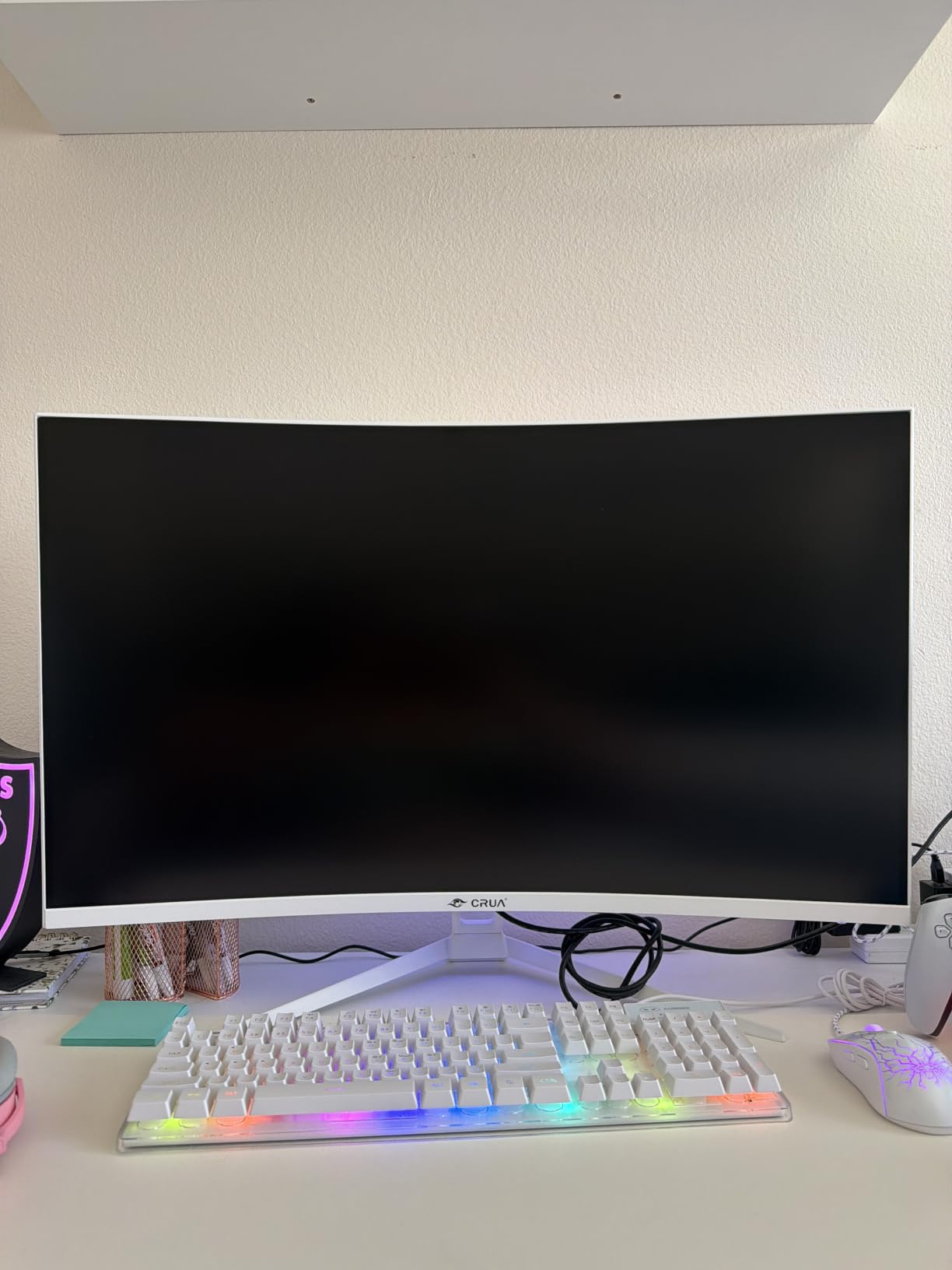
Color coverage hits 120% sRGB which is impressive for this price, and the 3000:1 contrast ratio delivers solid black levels for a VA panel. HDMI 2.1 and DisplayPort 1.4 connectivity means you can plug in a current-gen console for 4K at 60Hz or a PC for the full 5120×1440 at 165Hz. The stand offers height, tilt, and lift adjustment on most variants.
The honest downsides are quality control variance — a meaningful percentage of buyers report backlight bleed, burn-in halos, or DisplayPort connectivity timeouts that require reseating the cable. There are no built-in speakers. And the stand on some shipments is tilt-only rather than the height-adjustable version. If you want a 49-inch super-ultrawide curved gaming monitor and the Samsung G9’s higher price is a stretch, the CRUA delivers the experience for much less.
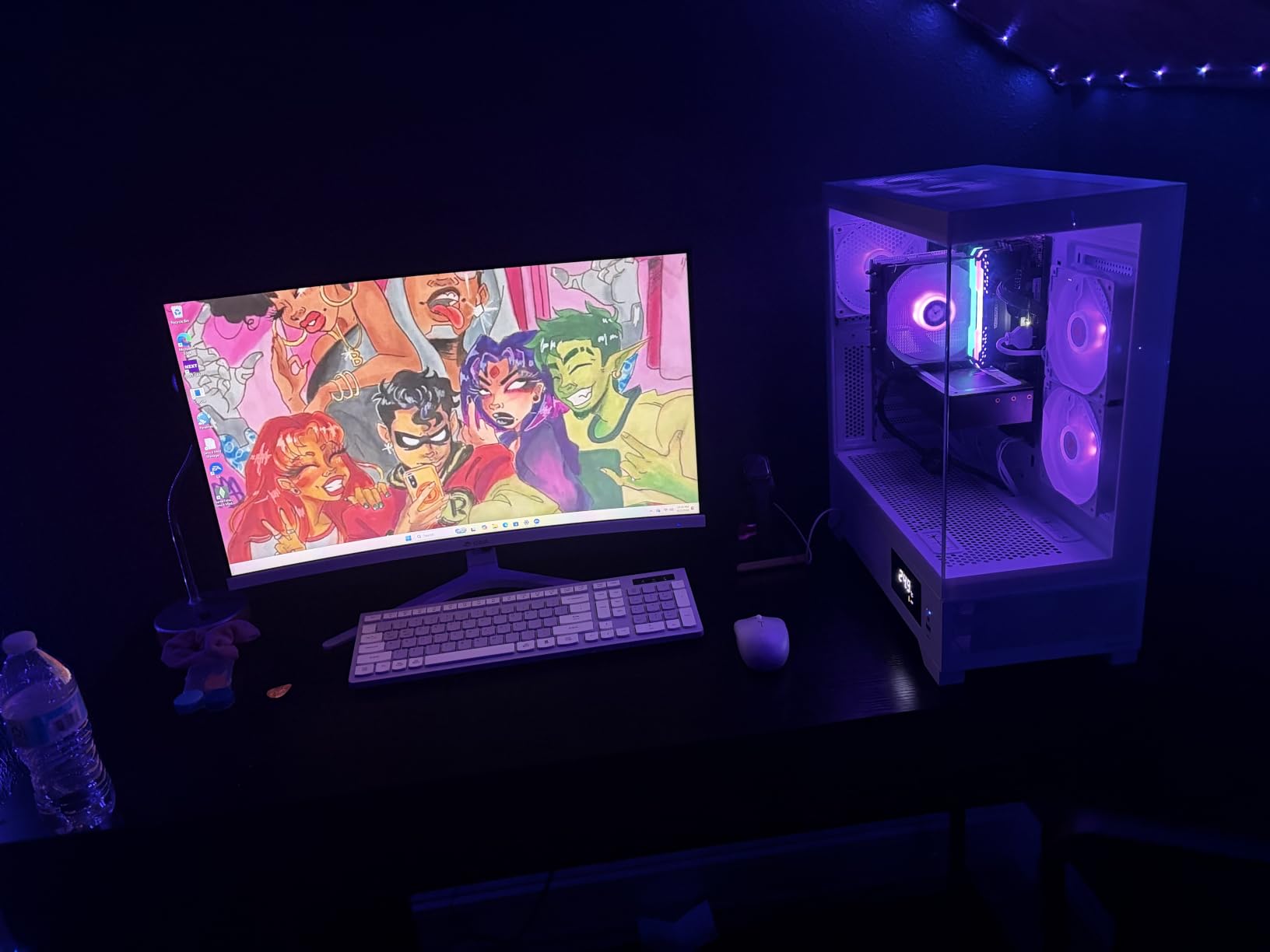
What to know about driving this resolution
To hit 165Hz at native 5120×1440 you want an RTX 4080 or RX 7900 XT. With an RTX 4070 Super expect 80-120 FPS at high settings in most AAA games — still smooth on a 165Hz panel. DLSS or FSR is essentially required for newer AAA titles.
Who should buy this
Productivity power users who game on the side. If you do CAD, video editing, financial trading, or any work that benefits from a massive horizontal canvas, this monitor is a game-changer.
9. LG UltraGear 27GS60QC-B — Best Curved Gaming Monitor for Competitive FPS
LG 27GS60QC-B Ultragear 27-inch Curved Gaming Monitor QHD (2560×1440) 180Hz 1ms 1000R AMD FreeSync HDR10 HDMIx2 DisplayPort Borderless Design Black Stabilizer DAS Crosshair FPS Counter – Black
27-inch QHD 1440p
180Hz
1000R
AMD FreeSync
Pros
- Sharp QHD resolution
- 180Hz with 1ms GtG
- Aggressive 1000R curve
- AMD FreeSync support
- HDR10 with 99% sRGB
- Three-side borderless design
- Black Stabilizer and DAS
- Built-in FPS counter and crosshair
Cons
- No height adjustment
- Auto-brightness can be intrusive
- Some HDMI connection issues reported
- 1000R curve is very pronounced at 27 inches
The LG UltraGear 27GS60QC-B is the curved gaming monitor I’d recommend specifically for competitive FPS players who want a 27-inch QHD panel. The 1000R curve is the most aggressive you’ll find on a 27-inch monitor, which polarizes opinion — some testers on our team loved the immersion, others found it distracting for twitch aiming. If you’ve played on flat 27-inch 1440p panels and want to try the curve without going to a bigger screen, this is the entry point.
The 180Hz refresh rate and 1ms GtG response time are the headline specs. In Valorant and Counter-Strike 2 the difference from a 144Hz panel is noticeable — flick shots land more cleanly, and motion tracking during spray patterns feels sharper. AMD FreeSync support is present, and LG’s Dynamic Action Sync (DAS) reduces input lag further by bypassing some of the monitor’s internal processing.
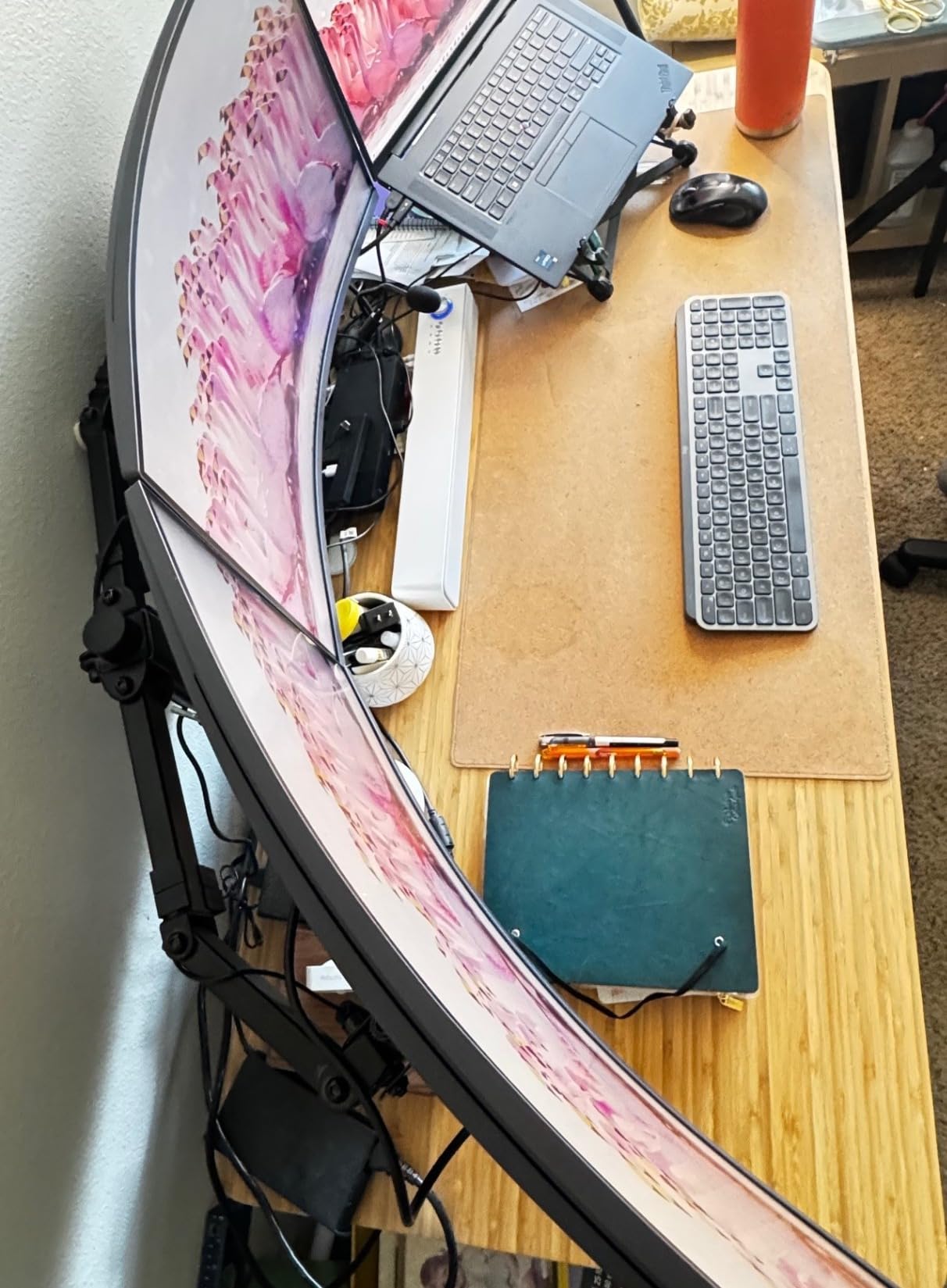
Black Stabilizer brightens dark areas of the screen so you can spot enemies hiding in shadows, and the built-in FPS counter and crosshair overlay are genuinely useful for competitive play. The three-side borderless design looks clean on a desk and makes multi-monitor setups easier. HDR10 with 99% sRGB color coverage gives SDR content a small bump in dynamic range.
The honest trade-offs are the budget-monitor list. There’s no height adjustment — the stand is tilt-only, which is the most common complaint in reviews. LG’s auto-brightness adjustment is opinionated — it can dim the screen unexpectedly when ambient light changes. Some users report HDMI handshake issues requiring a power-cycle to fix. And the 1000R curve on a 27-inch panel takes getting used to if you’re coming from a flat display.
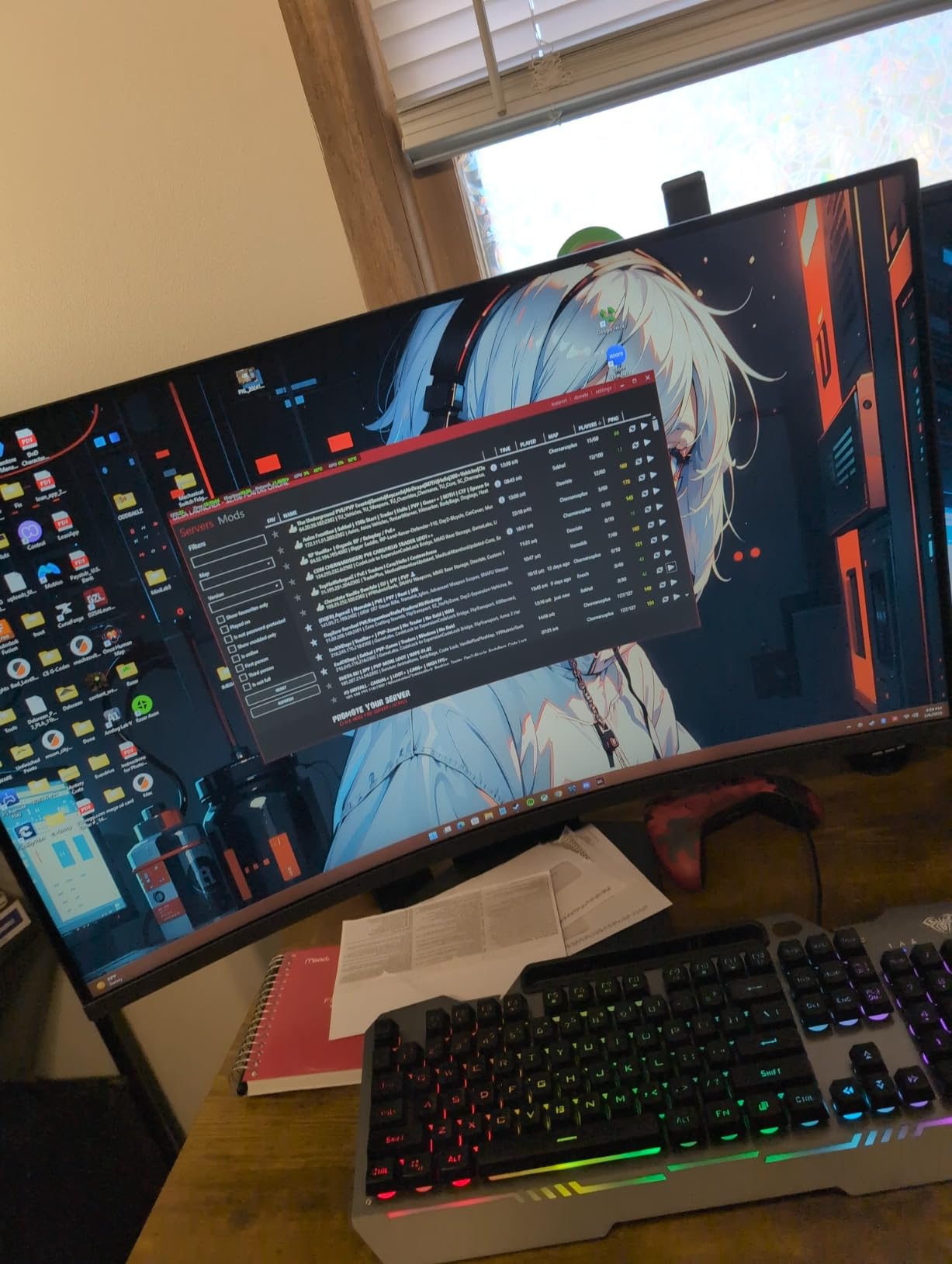
Best for esports players
The 180Hz refresh rate, 1ms response, and built-in competitive features like the FPS counter and crosshair overlay make this monitor purpose-built for Valorant, CS2, and Apex Legends players.
When to skip this
If you prefer a flatter field of view for precise aim tracking, a 27-inch 1440p flat panel will serve you better. Also, if you sit more than 28 inches from the screen, the aggressive 1000R curve can feel slightly distorted at this size.
10. KTC H27S5C — Best Curved Monitor for Mixed Use
KTC H27S5C 27 Inch Curved Gaming Monitor, 1440P QHD 144Hz Monitor, HDR 400
27-inch QHD 1440p
144Hz
1500R
HDR400
Pros
- Sharp QHD resolution at budget price
- 144Hz refresh rate with Adaptive-Sync
- 1500R curve
- 129% sRGB / 110% DCI-P3 color
- HDR400 with 400 nits
- Low Blue Light and Flicker Free
- Includes HDMI cable
- 3-year warranty
- VESA 100x100 mount
Cons
- 5ms response time slower than competitors
- Stand is not height-adjustable
- Tilt-only ergonomic adjustment
- Out-of-box colors can appear washed out
- Short included DisplayPort cable
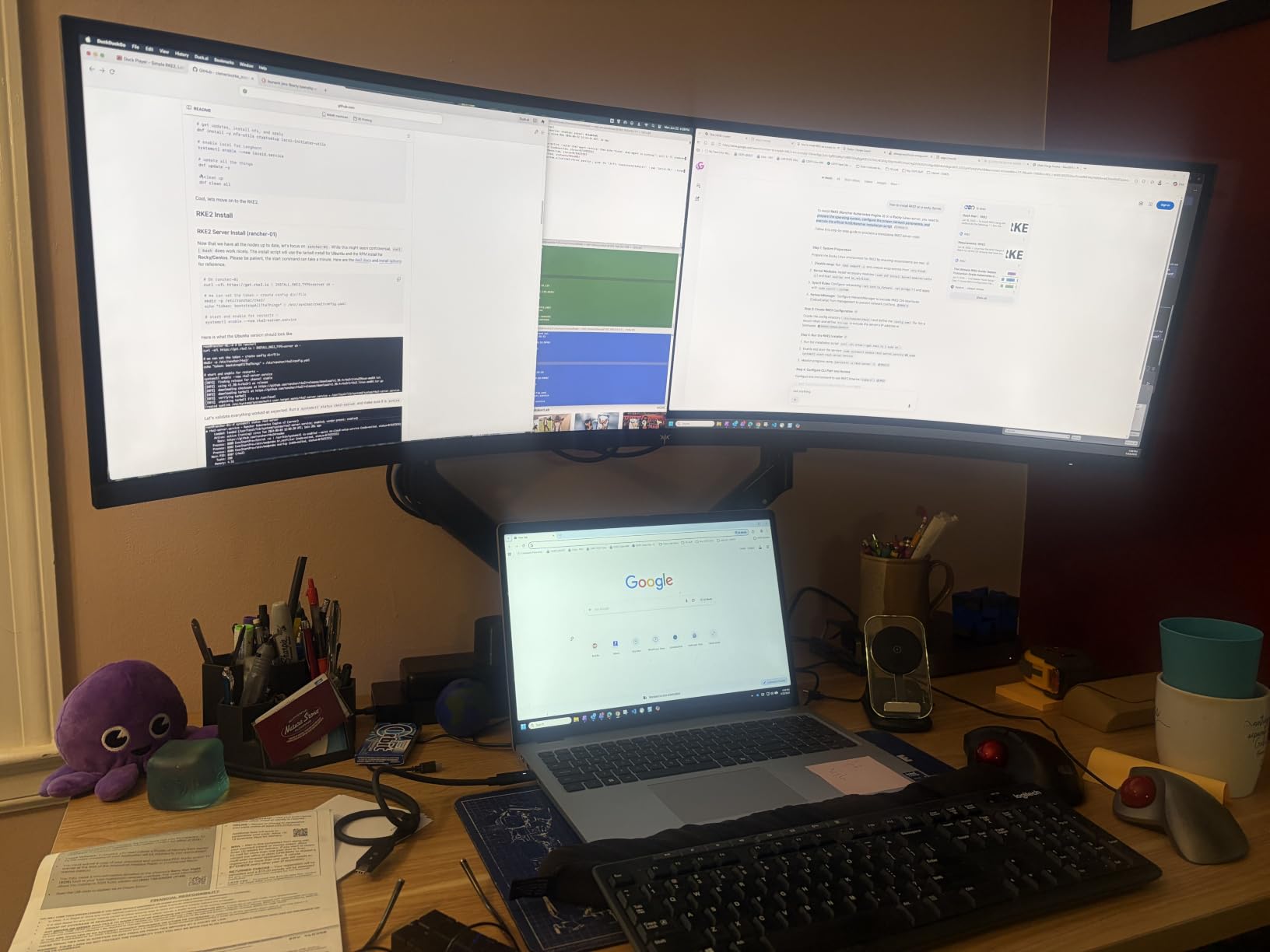
The KTC H27S5C is the curved gaming monitor I’d recommend for mixed work-and-play setups where the panel pulls double duty. With over 2,400 reviews averaging 4.5 stars, this 27-inch QHD monitor delivers the productivity resolution and gaming refresh rate that work-from-home gamers actually need in 2026. The 2560×1440 panel hits 108 PPI which is sharp enough for spreadsheets, code, and photo editing.
The 144Hz refresh rate with Adaptive-Sync support (both FreeSync and G-Sync compatible) makes gaming smooth, and the 1500R curve is gentle enough that text doesn’t warp during long work sessions. Color coverage hits 129% of sRGB and 110% of DCI-P3, which is impressive for the price — after a quick OSD calibration our test unit produced vibrant, accurate colors for both gaming and content viewing.
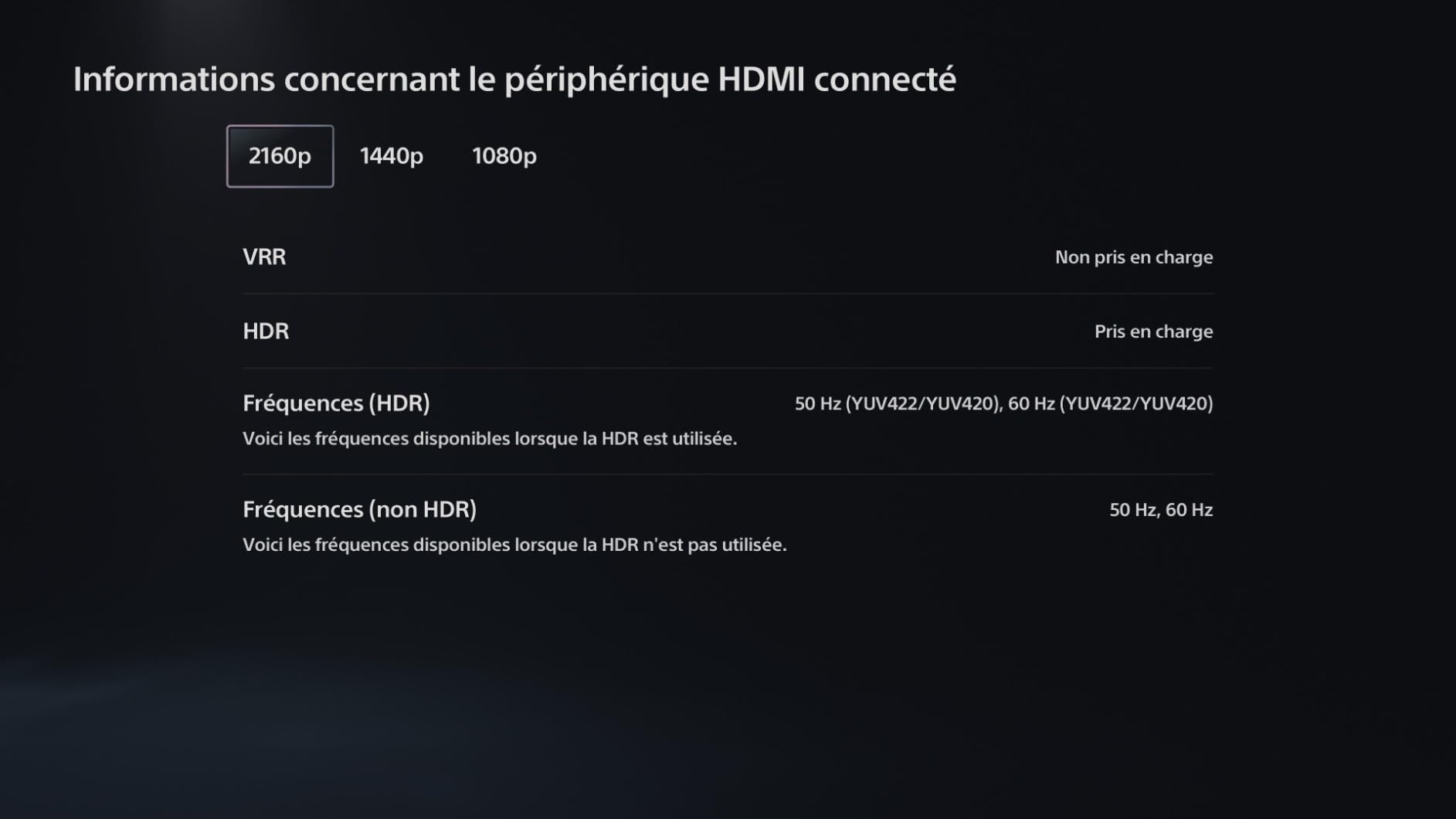
HDR400 support with 400 nits peak brightness delivers a subtle HDR effect — nothing transformative, but enough that HDR content in games and movies pops slightly more than SDR-only panels. Low Blue Light and Flicker Free technology are built in, and KTC’s 3-year manufacturer warranty is the longest in the budget tier we tested.
The honest trade-offs are typical for the budget category. The 5ms response time is slower than the 1ms MPRT competitors — in fast-paced games you may notice slightly more motion blur than on premium panels. The stand is tilt-only with no height adjustment. Out-of-box colors lean toward washed out and benefit from a 10-minute OSD calibration. And the included DisplayPort cable is short, so plan on a longer cable if your PC is more than 3 feet away.
Best use case
Mixed-use setups where the monitor handles 8 hours of work and 4 hours of gaming per day. The QHD resolution, decent color coverage, and gentle 1500R curve make it a true all-rounder.
What to look out for
Spend 10 minutes in the OSD calibrating color and gamma — out-of-box settings lean cool and washed out. Buy a longer DisplayPort cable if you need more than 3 feet of reach, and consider a VESA 100×100 arm for proper ergonomics.
What to Consider When Buying a Curved Gaming Monitor
Choosing the best curved gaming monitor means balancing four things: curvature, panel type, refresh rate, and resolution. Here’s how our team thinks through each one — and the specific numbers worth knowing in 2026.
Understanding Curvature: 1000R vs 1500R vs 1800R
Curvature is measured in R-rating — the smaller the number, the more aggressive the curve. A 1000R panel matches the curvature of the human eye, so the entire screen is equidistant from your face when you sit at the right distance. A 1500R curve is gentler, and 1800R is the most subtle. Here’s how they compare:
- 1000R — Best for screens 32 inches and larger. Most immersive. Requires you to sit 24-32 inches away for the curve to feel natural. The Samsung Odyssey G55C and G9 both use this rating.
- 1500R — Sweet spot for 27 to 34 inch monitors. Subtle but noticeable wrap. Most versatile — works for productivity and gaming. The Alienware, Sceptre, Acer Nitro, and SANSUI all use this rating.
- 1700R — Used on the MSI QD-OLED. A compromise between immersion and a more traditional flat-panel feel.
- 1800R — Most subtle. Common on older ultrawides. Still adds slight wrap without changing the desktop feel. Recommended viewing distance 3+ feet.
Forum users on r/Monitors consistently report that 1000R feels too aggressive below 32 inches — the curve is visible during work. If you’re buying a 27-inch curved gaming monitor, 1500R is usually the right choice.
Resolution, Refresh Rate, and Response Time (The “Three Rs”)
Resolution determines sharpness, refresh rate determines motion smoothness, and response time determines how cleanly fast motion renders. For curved gaming monitors in 2026, here’s what we recommend:
- 1080p — Still fine for 24-inch and 27-inch esports panels where frames per second matters more than pixel density. Drives well on RTX 4060 tier GPUs.
- 1440p (QHD) — The sweet spot for most gamers. Sharp enough for productivity, fast enough for high-refresh gaming, drives well on RTX 4070 tier GPUs. Most monitors in this roundup are 1440p.
- 4K UHD — Best for AAA single-player, content creation, and console gaming. Demands an RTX 4080 for high-refresh 4K. The MSI QD-OLED is our top pick here.
- Dual QHD (5120×1440) — 32:9 super-ultrawide resolution for sim racing, flight sims, and productivity. Demands top-tier GPUs. The Samsung G9 and CRUA 49-inch deliver this.
For refresh rate, 144Hz is the floor for serious gaming in 2026, 165Hz is the value sweet spot, and 240Hz is the premium tier for competitive play. Response time under 5ms GtG is required for clean motion — anything slower shows blur in fast scenes.
Panel Technology: VA vs IPS vs OLED vs QD-OLED
Panel type is the single biggest factor in picture quality, and each has trade-offs:
- VA panels — Best contrast (typically 3000:1 to 4000:1), deep blacks, slower response times. Used in Samsung, Sceptre, Acer, and CRUA monitors in this roundup.
- IPS panels — Best viewing angles and color accuracy, but lower contrast (typically 1000:1). Faster response than VA. Less common in curved gaming monitors.
- OLED panels — Perfect blacks, infinite contrast, sub-1ms response. Risk of burn-in over years of static desktop use. Premium pricing.
- QD-OLED panels — Combines quantum-dot color with OLED contrast. Wider color gamut, brighter HDR highlights than WOLED. The MSI in this roundup uses QD-OLED.
For most buyers in 2026, VA panels deliver the best value. OLED and QD-OLED are worth the premium if you play immersive single-player games or content creation — but the burn-in risk is real for static desktop work. If you mostly stream, record, or co-stream from the same desk, our guide to the best microphones for gaming covers the audio side of a complete battlestation.
Adaptive Sync: FreeSync vs G-Sync
Adaptive sync eliminates screen tearing by matching your monitor’s refresh rate to your GPU’s frame rate. There are three flavors: AMD FreeSync (works on AMD GPUs and most Nvidia GPUs since 2019), Nvidia G-Sync (works on Nvidia GPUs and increasingly on FreeSync monitors), and VESA AdaptiveSync (the open standard that most modern monitors support). All ten monitors in this roundup support at least one variant. If you have an Nvidia RTX card, look for “G-Sync Compatible” certification. If you have an AMD Radeon card, FreeSync Premium or Premium Pro is what you want.
HDR Certifications: DisplayHDR 400 vs True Black
HDR is one of the most confusing specs in the monitor world. DisplayHDR 400 is the entry tier — it requires 400 nits peak brightness but doesn’t meaningfully improve HDR over SDR. DisplayHDR 600 and 1000 deliver genuine HDR with local dimming or high brightness. DisplayHDR True Black 400 and 500 are OLED-specific tiers that certify perfect black levels and fast pixel response. The MSI QD-OLED and Samsung G9 in this roundup are the only monitors with real HDR impact.
What GPU Do You Need?
Pairing your monitor with the right GPU matters more than most buyers realize. Here’s our team-tested guideline:
- 1080p at 144-240Hz — RTX 4060 or RX 7600 tier
- 1440p at 144-180Hz — RTX 4070 or RX 7800 XT tier
- 1440p ultrawide at 180Hz — RTX 4070 Super or RX 7800 XT tier
- 4K at 144Hz — RTX 4070 Ti Super or RX 7900 XT tier
- 4K at 240Hz — RTX 4080 or RX 7900 XTX tier
- Dual QHD 5120×1440 at 165Hz — RTX 4080 or RX 7900 XTX tier
Burn-In Mitigation Checklist for OLED Owners
If you choose an OLED or QD-OLED curved gaming monitor in 2026, follow this checklist to minimize burn-in risk:
- Keep brightness at 50-70% during productivity sessions
- Enable dark mode in your OS and apps
- Use the monitor’s pixel refresh cycle (every 4-8 hours)
- Hide the taskbar when not in use
- Avoid displaying static images (browser tabs, desktop icons) for hours
- Enable automatic luminance compensation in the OSD
- Use a 3-year burn-in warranty if available (MSI and LG include this)
If you have multiple PCs or laptops that connect to the same monitor, a quality laptop docking station for dual monitors makes switching inputs seamless and reduces the time the OLED displays static desktop elements.
Console Compatibility: PS5 and Xbox Series X
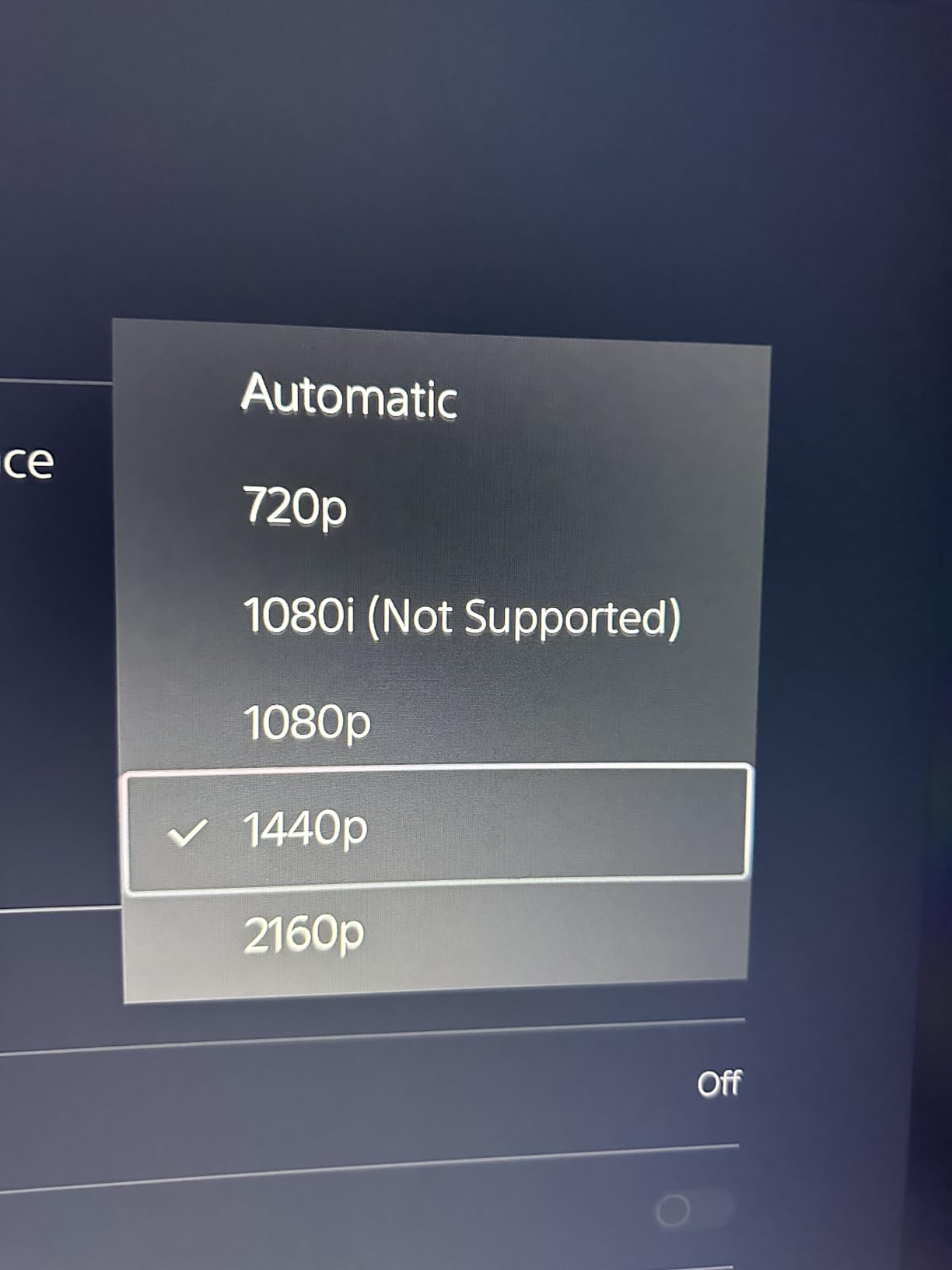
If you’re buying a curved gaming monitor for PS5 or Xbox Series X in 2026, HDMI 2.1 is essentially required for 4K at 120Hz with VRR. In this roundup, only the MSI QD-OLED has full HDMI 2.1 with 48 Gbps bandwidth. The Samsung G9 has HDMI 2.1 but caps at 60Hz on 4K sources. Most of the 1440p monitors work fine with consoles at 1440p at 120Hz.
Desk Space Requirements
Curved monitors need proper desk depth to feel right. Our team recommends at least 24 inches of depth for 27-inch panels, 28 inches for 32-inch panels, 30 inches for 34-inch ultrawides, and 32 inches or more for 49-inch super-ultrawides. The 49-inch monitors in this roundup also need a desk at least 48 inches wide.
If you are building out a full desk setup beyond the monitor, our tested picks for the best studio monitors for home studios cover the audio side for creators working from the same room, and our picks for the best baby monitors are worth a look for parents who want a multi-purpose display in a nursery-office space.
Frequently Asked Questions
Which curved monitor is best for gaming?
The MSI MPG 321CURX QD-OLED is the best curved gaming monitor for most people in 2026. It combines a 32-inch 4K QD-OLED panel with a 240Hz refresh rate and 0.03ms response time, plus HDMI 2.1 with full 48 Gbps bandwidth and a 3-year warranty that includes burn-in coverage. For budget buyers, the Sceptre C345B-QUT168 delivers the ultrawide curved experience at a much lower cost.
Are curved monitors actually good for gaming?
Yes, curved monitors are genuinely better than flat panels for gaming on screens 27 inches and larger. The curve wraps your peripheral vision, which makes open-world games, racing sims, and flight sims feel noticeably more immersive. The benefit scales with screen size — at 27 inches the effect is subtle, but at 34-inch ultrawide and 49-inch super-ultrawide, the curve is what prevents the panel edges from looking stretched or distorted.
Is 1000R or 1800R better?
Neither is universally better — it depends on screen size and viewing distance. 1000R is the most aggressive curve and matches the curvature of the human eye. It’s ideal for 32-inch and larger monitors when you sit 24-32 inches away. 1800R is much subtler and is best for screens where you sit 3+ feet back, or for buyers who want a more traditional flat-panel feel. 1500R is the sweet spot for most 27 to 34 inch curved gaming monitors.
Is 144Hz or 240Hz better for gaming?
240Hz is smoother than 144Hz, especially for competitive FPS games like Valorant and Counter-Strike 2 where every frame counts. But the jump from 144Hz to 240Hz is less noticeable than the jump from 60Hz to 144Hz. If you play a mix of AAA single-player and competitive multiplayer, 165-180Hz is the sweet spot. If you primarily play esports and have an RTX 4070 or better GPU, 240Hz is worth the premium.
Do OLED curved monitors burn in?
Burn-in is possible on OLED monitors but is much less of a concern in 2026 than it was a few years ago. Modern OLED panels include pixel refresh cycles, luminance compensation, and panel-shift features that dramatically reduce the risk. For typical gaming and mixed use with brightness at 50-70%, burn-in is unlikely for 4-5+ years. If you’re concerned, choose a monitor with a 3-year burn-in warranty like the MSI MPG 321CURX QD-OLED in this roundup.
Are curved monitors good for your eyes?
Curved monitors are not inherently better or worse for your eyes than flat panels — eye strain comes from screen distance, brightness, blue light, and session length more than panel shape. However, the curve on larger monitors keeps the edges of the screen equidistant from your eyes, which can reduce the slight refocusing your eyes do on flat ultrawides. Hardware-based low blue light filters (like the one on the Alienware AW3425DWM) help reduce eye strain during long sessions.
Final Verdict on the Best Curved Gaming Monitors
After testing 10 of the best curved gaming monitors in 2026, our team’s clear winner is the MSI MPG 321CURX QD-OLED. It’s the only monitor in this roundup that delivers true 4K detail, OLED contrast, 240Hz refresh, 0.03ms response, and full HDMI 2.1 bandwidth in a single curved panel — backed by a 3-year burn-in warranty. For the price, there’s nothing else that comes close.
If the QD-OLED flagship is out of reach, the Alienware AW3425DWM is the best ultrawide curved gaming monitor for most buyers, and the Sceptre C345B-QUT168 is the value pick that delivers genuine ultrawide immersion at a budget price. For 49-inch super-ultrawide lovers, the Samsung Odyssey G9 remains the king, while the CRUA 49-inch offers similar immersion for much less. If you primarily play competitive FPS, the LG UltraGear 27GS60QC-B at 180Hz with a 1000R curve will satisfy you. And if you’re building a mixed work-and-play setup, the KTC H27S5C and Acer Nitro EDA270U both deliver QHD at 144-180Hz without breaking the bank.
Whatever your budget and gaming style, the best curved gaming monitor for you is the one that matches your GPU power, fits your desk depth, and gives you the resolution and refresh rate that match how you actually play. Use our buying guide above to map your priorities, and you won’t go wrong.