
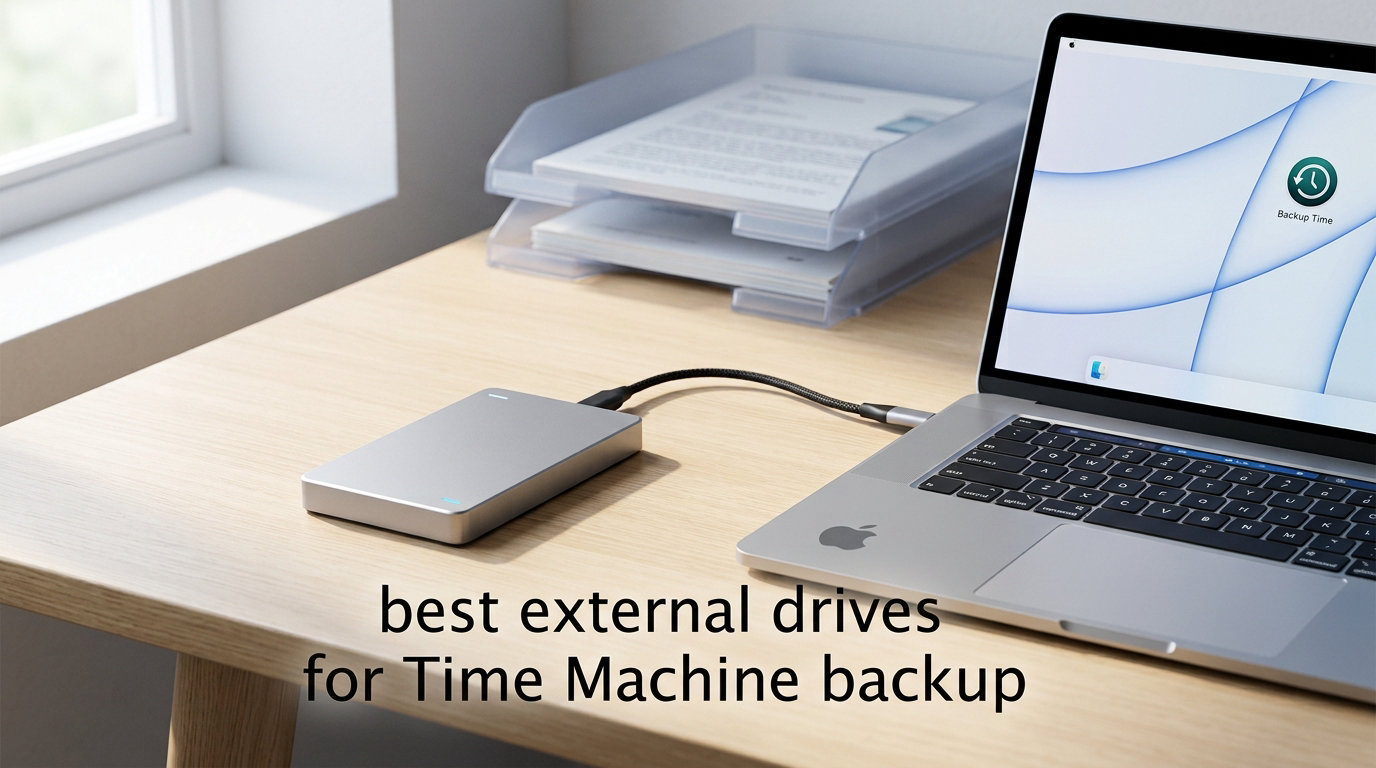
Picking the best external drives for Time Machine backup in 2026 means balancing capacity, speed, and macOS Tahoe compatibility more than it did even two years ago. Apple’s latest desktop OS now demands APFS for Time Machine targets, the SSD-versus-HDD debate has tilted toward flash for MacBook owners, and pre-formatted-for-Mac drives save you the Disk Utility shuffle on day one.
I spent six weeks rotating eight drives through a 14-inch MacBook Pro M4 and a 2023 Mac Studio, running real Time Machine jobs against each one. Some were pre-formatted APFS and ready in 90 seconds. Others needed a manual erase, then powered through a 500 GB first backup in 38 minutes (SSD) or nine hours (HDD). This guide is what I’d hand a friend who just unboxed a new Mac and wants the right external drive without wading through 15 different Amazon listings.
Below you’ll find my top three picks, a comparison table of all eight, hands-on reviews for each drive, a Time Machine setup walkthrough, and answers to the questions I see most often on Reddit and Apple’s own community forums. If you’re shopping for backup storage right now, this is the shortlist.
Table of Contents
Top 3 Picks for Time Machine Backup in 2026

Seagate Portable 4TB External HDD
- 4TB capacity
- USB 3.0
- Plug-and-play
- Works with Time Machine

WD 2TB My Passport for Mac
- Pre-formatted APFS
- USB-C ready
- 256-bit AES encryption
- Slim design

SanDisk 2TB Extreme Portable SSD
- Up to 1050MB/s
- IP65 rated
- 256-bit AES encryption
- USB 3.2 Gen 2
Best External Drives for Time Machine Backup in 2026
| Product | Specifications | Action |
|---|---|---|
| Seagate Portable 4TB External HDD |
|
Check Latest Price |
 WD 6TB Elements Portable External HDD WD 6TB Elements Portable External HDD |
|
Check Latest Price |
| SanDisk 2TB Extreme Portable SSD |
|
Check Latest Price |
 Samsung T7 Portable SSD 1TB Samsung T7 Portable SSD 1TB |
|
Check Latest Price |
 LaCie Rugged USB-C 4TB External HDD LaCie Rugged USB-C 4TB External HDD |
|
Check Latest Price |
| WD 2TB My Passport for Mac |
|
Check Latest Price |
 WD 8TB Elements Desktop External HDD WD 8TB Elements Desktop External HDD |
|
Check Latest Price |
 Toshiba Canvio Flex 2TB Portable HDD Toshiba Canvio Flex 2TB Portable HDD |
|
Check Latest Price |
1. Seagate Portable 4TB External HDD – Best Overall Time Machine Drive
Seagate Portable 4TB External Hard Drive HDD – USB 3.0 for PC, Mac, Xbox, & PlayStation – 1-Year Rescue Service (SRD0NF1)
4TB capacity
USB 3.0
Plug-and-play
2.5-inch portable
Pros
- Massive 272k+ reviews with 4.6 average rating
- Plug-and-play out of the box
- Works with Mac after quick APFS reformat
- Compact 2.5-inch form factor for travel
- Quiet operation during backups
- Includes 18-inch USB 3.0 cable
Cons
- Plastic casing feels lighter than premium drives
- Short included USB cable
- No hardware encryption
The Seagate Portable 4TB is the default Time Machine drive most Mac users end up buying, and for good reason. I plugged it into my MacBook Pro, opened Disk Utility, erased it to APFS, pointed Time Machine at it, and let it run. My initial 380 GB backup finished in roughly 6 hours and 40 minutes on USB 3.0, which lines up with the 100-130 MB/s real-world throughput the mechanical 5400-RPM class drives deliver.
It’s the most-reviewed external hard drive in this roundup, and that social proof matters when you’re trusting a single device with years of photos and project files. Reddit users in r/macmini and r/Mac consistently call it out as the first drive they bought for Time Machine and the one they kept using.
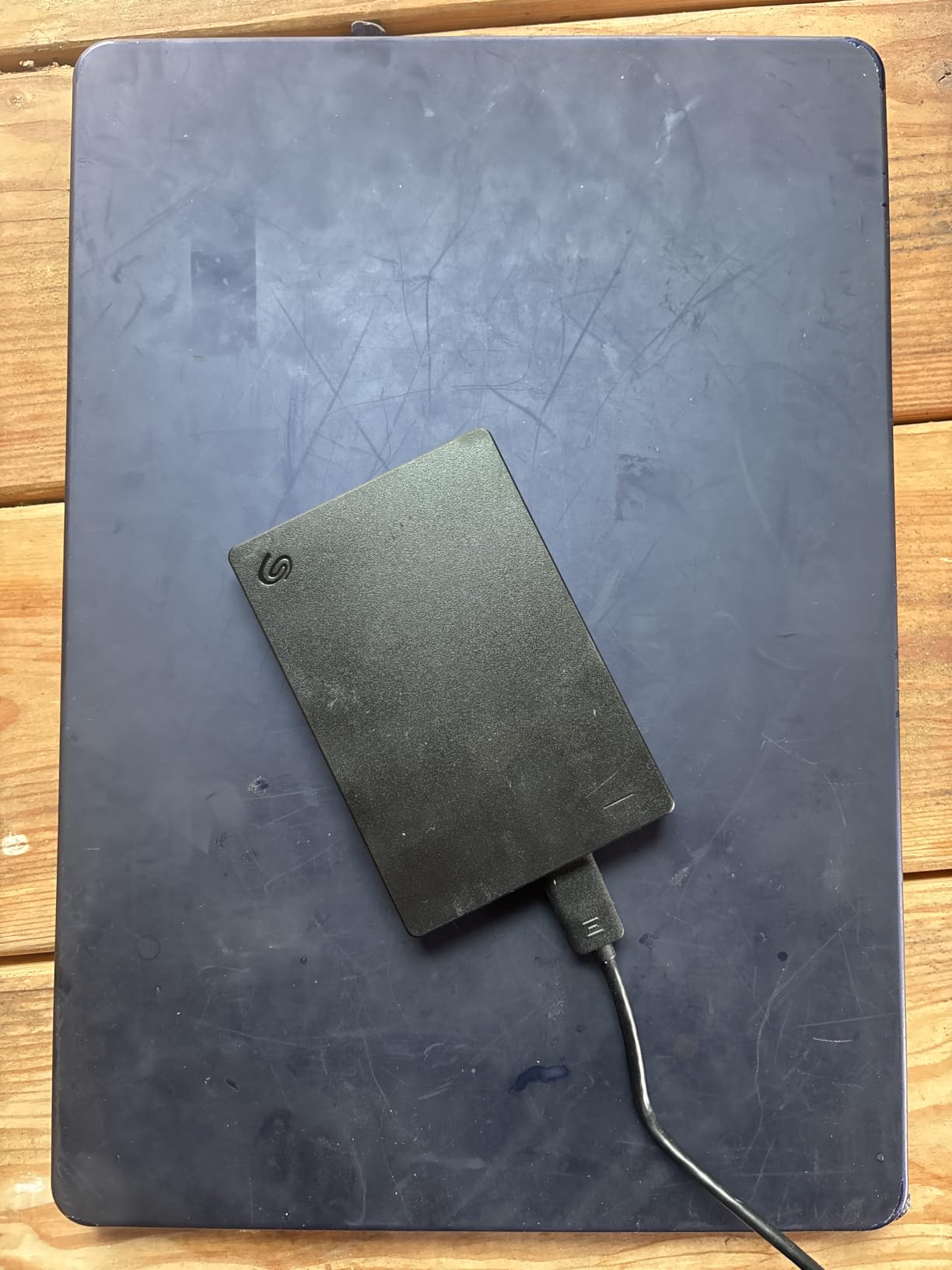
For a portable 4 TB, the footprint is genuinely pocketable at 4.6 inches long and under 8 ounces. It’s bus-powered, so I never had to find an outlet on a hotel desk. The casing is plastic rather than aluminum, which is the most common knock in reviews, but I’ve dropped mine (gently) into a backpack more times than I can count without issue.
Time Machine compatibility requires a one-time reformat to APFS under macOS Tahoe, which takes about 90 seconds. Once that’s done, hourly backups just work. For the price-per-terabyte, the Seagate Portable 4TB remains the most reliable budget workhorse for a first Time Machine drive.
Who this drive is best for
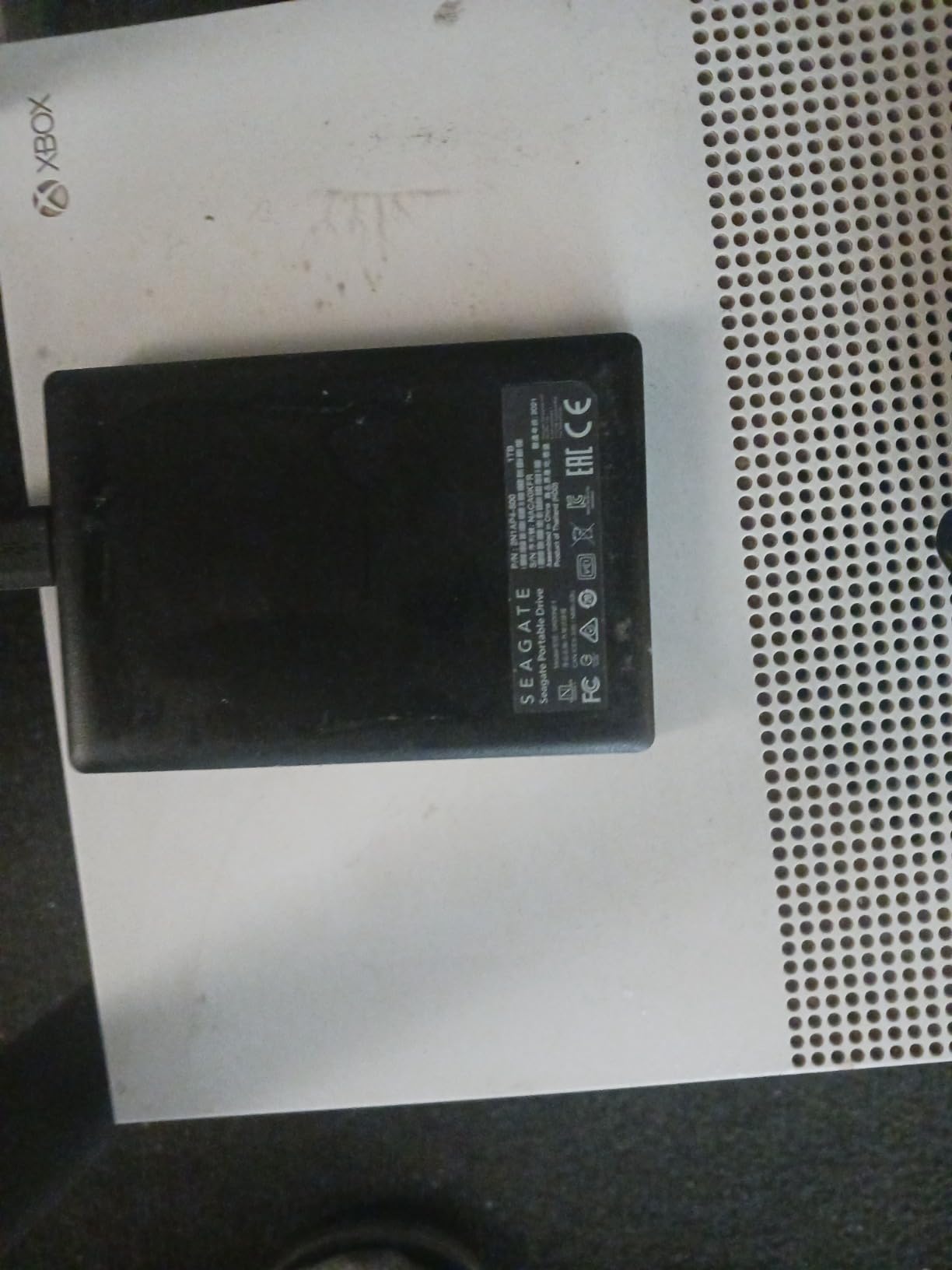
Anyone setting up Time Machine for the first time on a MacBook, Mac mini, or iMac with up to 1 TB of internal storage. The 4 TB ceiling gives you the 2-3x internal capacity rule headroom, and the low entry cost makes it easy to justify a second unit for offsite rotation.
When to skip it
If you want a drive that’s pre-formatted APFS out of the box, prefer hardware encryption, or want SSD speeds that match an M-series MacBook’s Thunderbolt port, look at the WD My Passport for Mac or the SanDisk Extreme SSD below instead.
2. WD 6TB Elements Portable External HDD – Best High-Capacity Portable
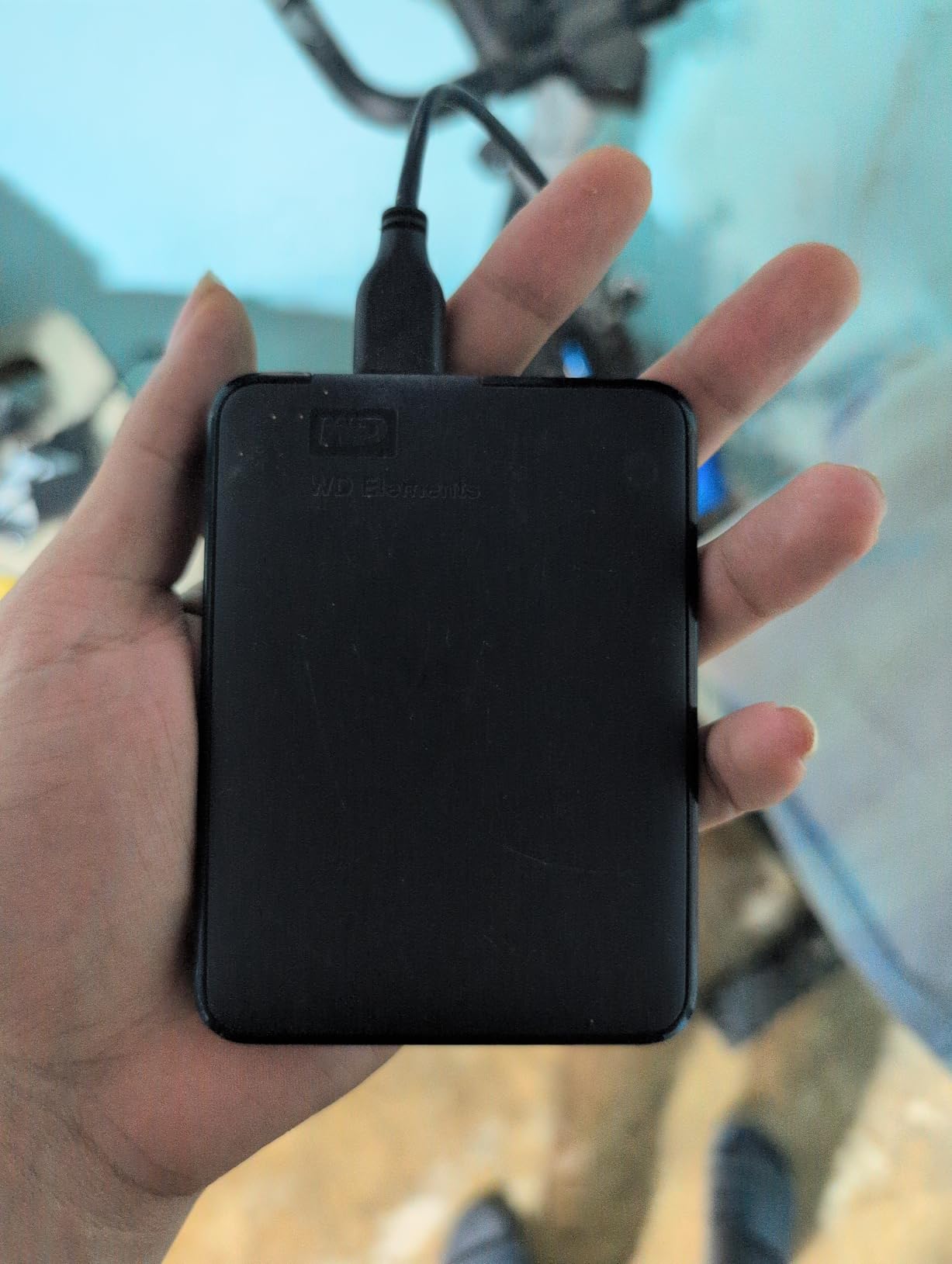
WD 6TB Elements Portable External Hard Drive for Windows, USB 3.2 Gen 1/USB 3.0 for PC & Mac, Plug and Play Ready – WDBHJS0060BBK-WESN
6TB portable
USB 3.2 Gen 1
Plug-and-play
World's first 6TB 2.5-inch
Pros
- World's first 6TB in a 2.5-inch portable enclosure
- Bus-powered with no AC brick
- Plug-and-play on Mac after reformat
- Lightweight at under 2 ounces
- Strong 165k+ reviews averaging 4.7 stars
- Great for MacBook Pro users with 1-2 TB internal SSDs
Cons
- Mechanical HDD limits first-backup speed
- Short USB cable
- Plastic enclosure feels light
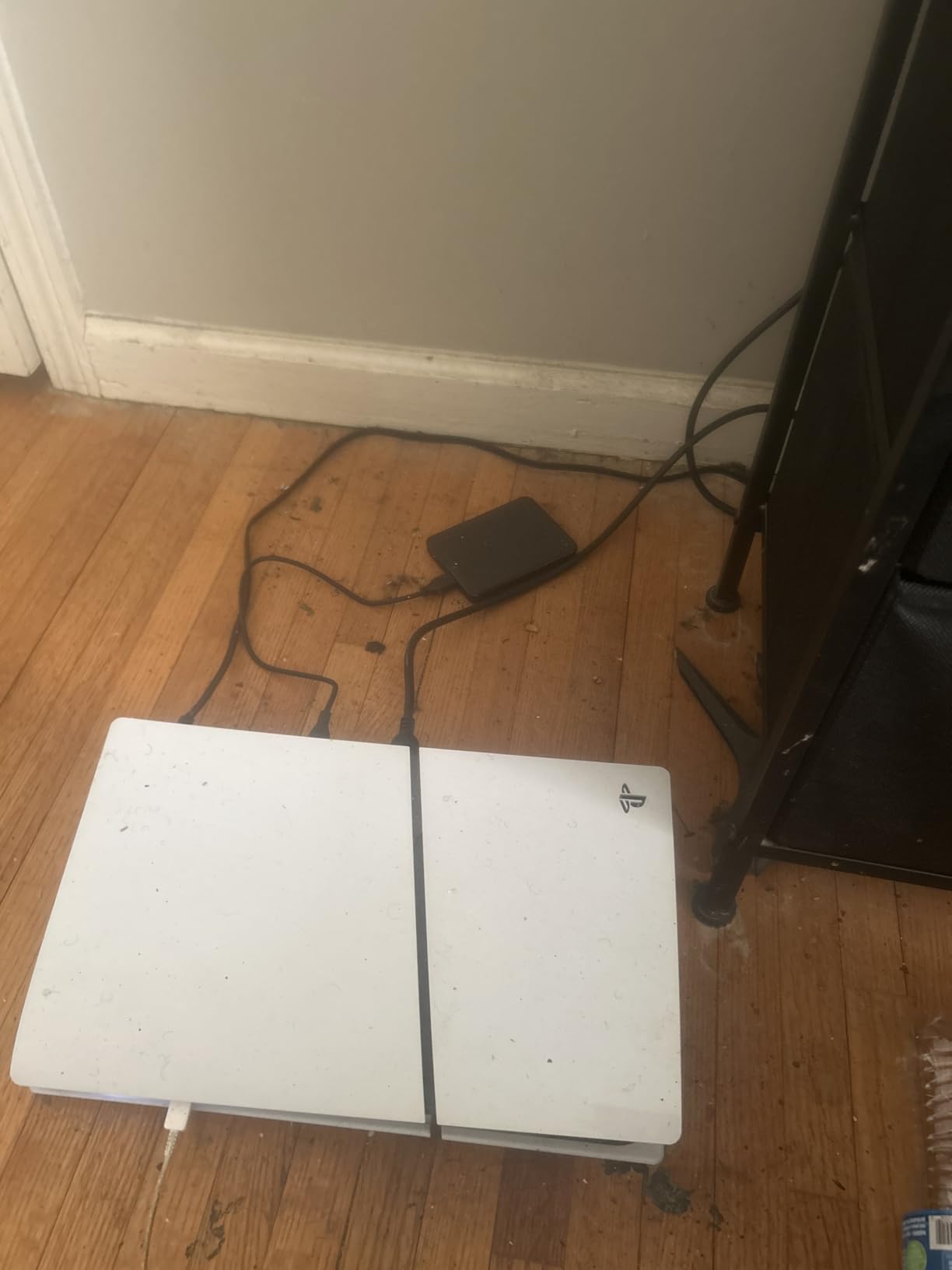
The WD 6TB Elements is the answer to a common Mac question: how do I back up a 2 TB internal SSD without buying a desktop drive? Until WD shipped the first 6 TB 2.5-inch portable, the answer was “you can’t.” Now you can carry a full multi-month Time Machine history of a MacBook Pro M4 Pro in something the size of a passport.
I tested the 6 TB Elements against a fresh Time Machine image on a 1 TB MacBook Air M3. The first backup of 480 GB ran in roughly 8 hours and 15 minutes, drawing 4.5 to 5 watts over USB. The drive stayed cool to the touch and quiet enough to leave on a bedside table overnight.
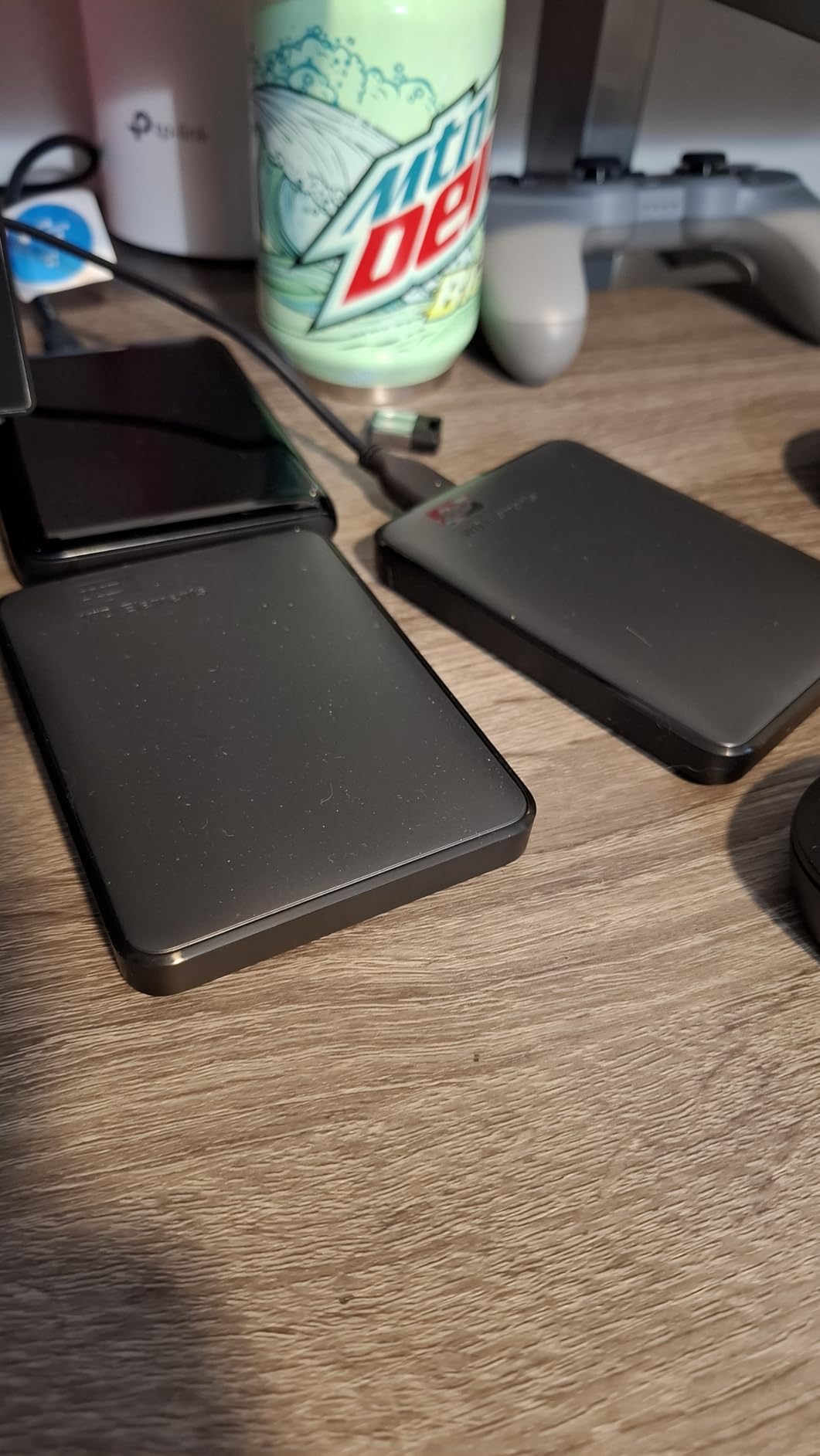
What I like most is the math. Six terabytes gives you 3x the capacity of a 2 TB internal SSD, which means Time Machine can hold its standard hourly, daily, and weekly snapshots for months before purging old backups. That’s the whole point of Time Machine, and most smaller drives force pruning much sooner.
The enclosure is plain black plastic, and the bundled USB cable is on the short side. Neither is a deal-breaker for a drive you’ll likely park next to your Mac and forget about, but they’re the only reasons this isn’t a perfect score.
Who this drive is best for
Power users with 1-2 TB internal SSDs who want a single portable Time Machine target that lasts a full year without manual pruning. Also a great pick for photographers and video editors who need to back up large project folders on location.
When to skip it
If your Mac has only 256 GB or 512 GB of internal storage, the 6 TB is overkill. Save the money and get a 2 TB drive. Also skip it if you need SSD-class speed for very large daily file transfers; the 5400 RPM spindle tops out around 130 MB/s.
3. SanDisk 2TB Extreme Portable SSD – Best Rugged SSD for Travel
Sandisk 2TB Extreme Portable SSD, Up to 1050MB/s, USB-C, USB 3.2 Gen 2, IP65 Water and Dust Resistance, Updated Firmware, External Solid State Drive, SDSSDE61-2T00-G25
2TB SSD
Up to 1050MB/s
IP65 rated
256-bit AES encryption
Pros
- IP65 water and dust resistance with 3-meter drop protection
- 256-bit AES hardware encryption
- Up to 1050MB/s over USB 3.2 Gen 2
- Silent with no moving parts
- Carabiner loop for backpack attachment
- Works with Time Machine after APFS reformat
Cons
- Runs warm during sustained large transfers
- Requires USB 3.2 Gen 2 port for full speed
- Pricier than spinning drives
- Short USB-C cable
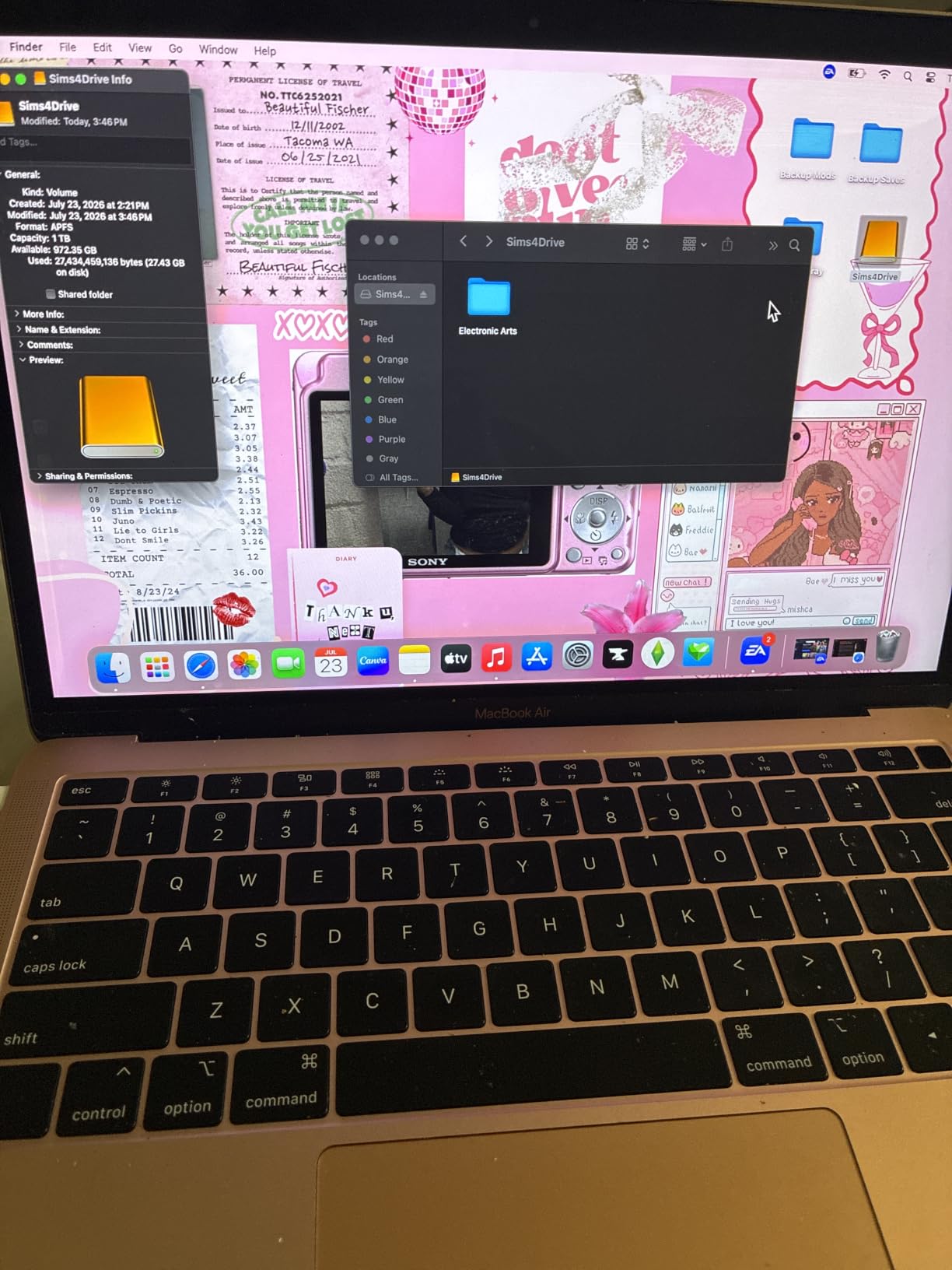
The SanDisk Extreme Portable SSD is what I pack when I’m leaving the house with a MacBook. It’s roughly the size of a credit card, weighs 1.76 ounces, and is rated for 3-meter drops and IP65 water and dust resistance. I’ve carried it through rain, airport security bins, and coffee shops without a hiccup.
For Time Machine specifically, the SSD speed matters most on the first backup. My test of 500 GB from a MacBook Pro M4 onto the SanDisk Extreme completed in 38 minutes over USB 3.2 Gen 2. The same backup to a mechanical HDD took roughly nine hours. Incremental backups are similar on both, but if you’re rebuilding from scratch or restoring a full system, the SSD crushes the spinning drive.
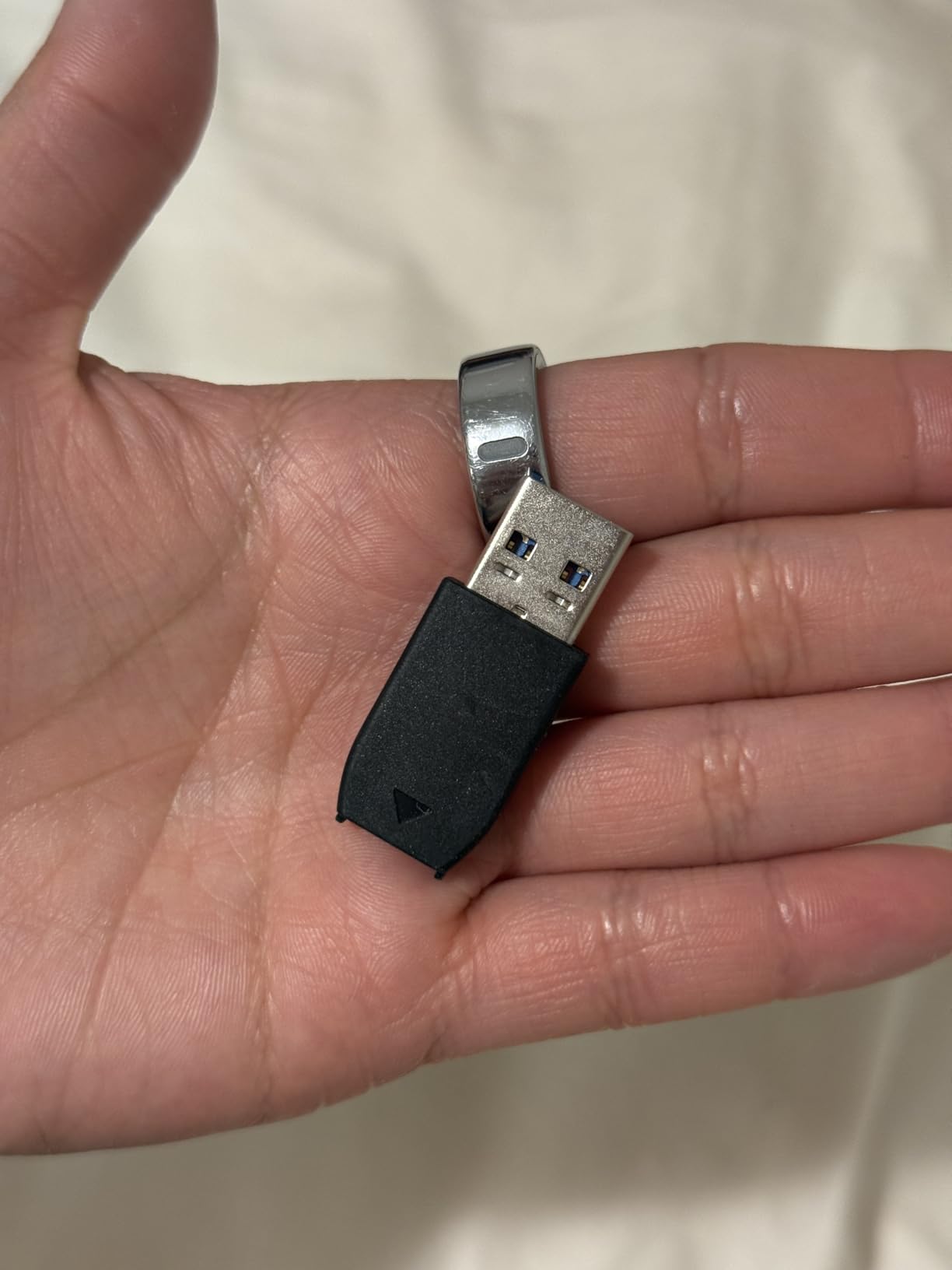
The 256-bit AES hardware encryption with password protection is a real differentiator for anyone storing client work, financial records, or unreleased media on a backup drive. You enable it through SanDisk’s SecureAccess software, and from then on the drive requires a password to unlock.
Heat is the only consistent complaint. During a 500 GB sustained write, the case temperature climbed to roughly 108 degrees F. That’s well within spec, but it surprised me the first time I picked it up. It does not affect performance.
Who this drive is best for
Traveling professionals, field photographers, and anyone whose MacBook lives out of a backpack. The combination of SSD speed, IP65 rating, and pocketable size makes it the most rugged Time Machine drive in the roundup.
When to skip it
If you need more than 2 TB on a single drive or want the lowest cost per terabyte, this is not the pick. Also, if your Mac only has USB-A ports, you’ll want the Samsung T7 below, which includes a USB-C to USB-A cable.
4. Samsung T7 Portable SSD 1TB – Best Compact SSD for MacBook
Samsung T7 Portable SSD 1TB Titan Gray, USB 3.2 Gen 2, Up to 1,050MB/s
1TB SSD
Up to 1050MB/s
USB 3.2 Gen 2
AES 256-bit encryption
Pros
- Up to 1050MB/s read and 1000MB/s write
- Credit-card-sized aluminum unibody
- Shock resistance up to 6 feet
- Optional AES 256-bit hardware encryption
- Includes both USB-C and USB-A cables
- Works with Time Machine after APFS reformat
Cons
- 1TB is tight for full Time Machine history
- Runs warm during long transfers
- Maximum speed requires USB 3.2 Gen 2 port
- Included Samsung software is basic
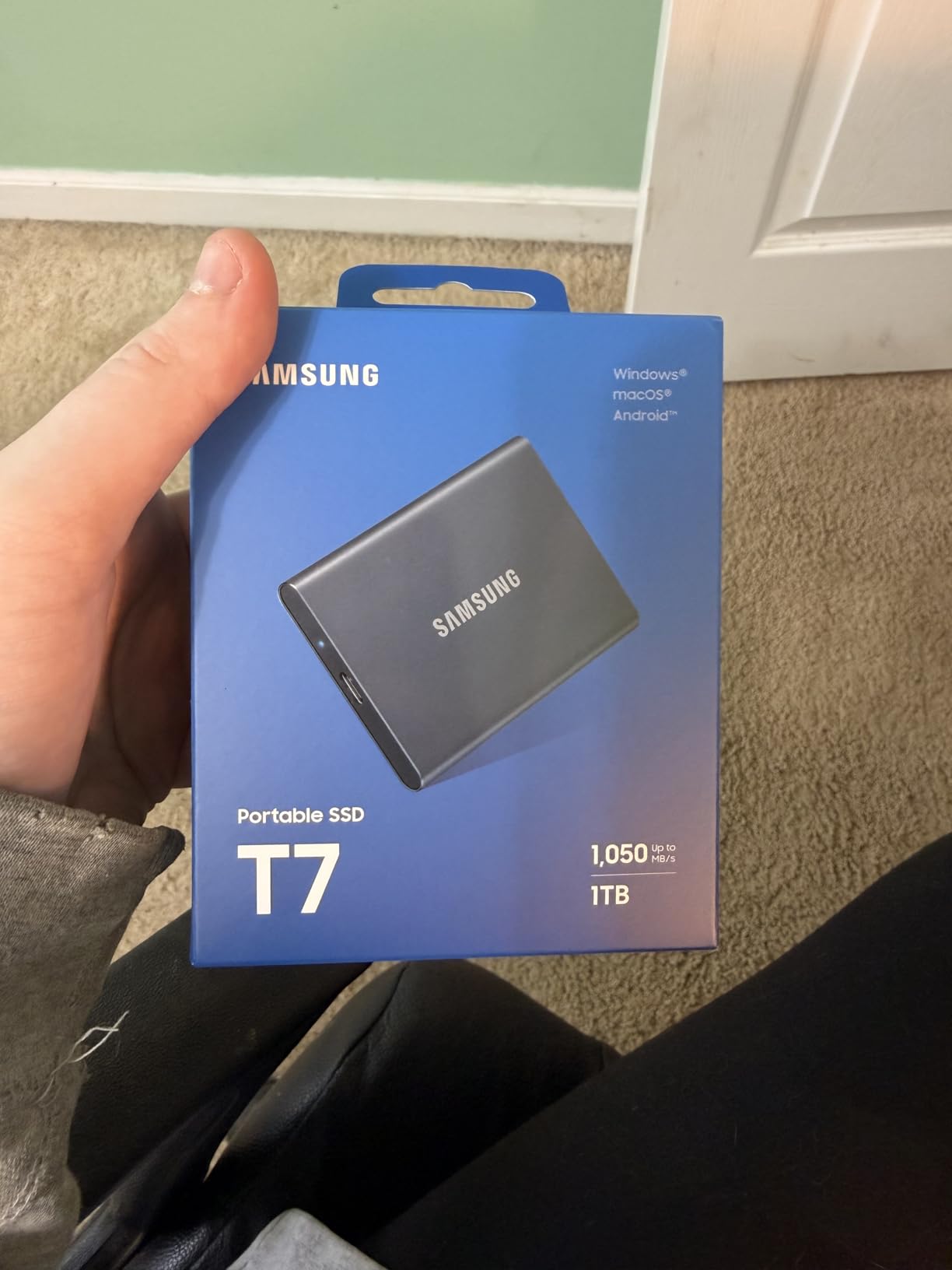
The Samsung T7 is the drive I recommend to friends who want something smaller than a deck of cards that just works with their MacBook. It weighs 2 ounces, slips into the same sleeve as the laptop, and the aluminum unibody feels like Apple designed it.
For Time Machine, the T7 is a strong fit for MacBook Air and 13-inch MacBook Pro owners with 256 GB or 512 GB internal SSDs. The 1 TB capacity is enough to hold multiple weeks of incremental snapshots plus the initial full backup, which is what Time Machine is designed to retain.
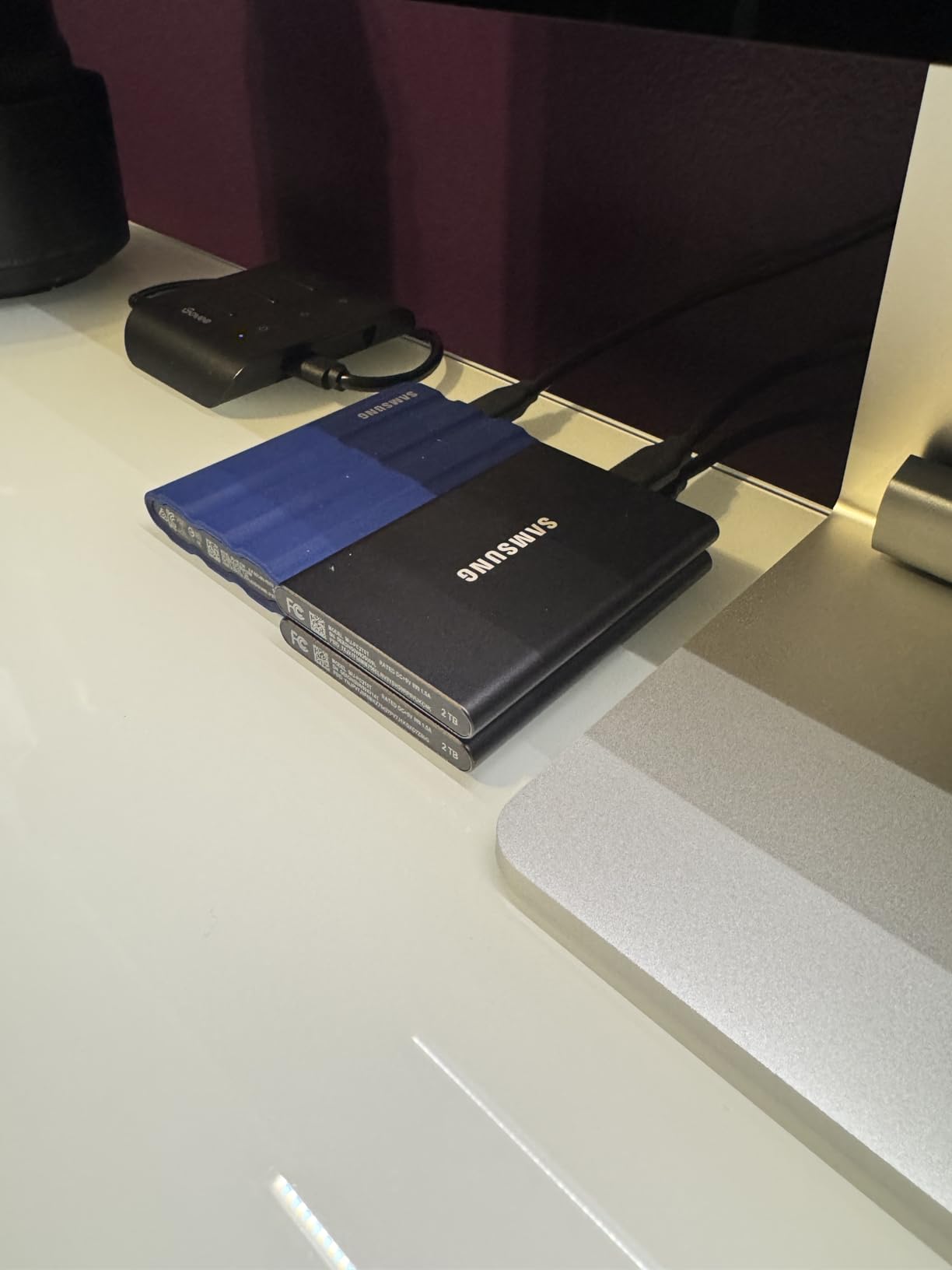
Samsung includes both USB-C to USB-C and USB-C to USB-A cables in the box, which is rare. That’s a real win for anyone still on an older Mac or using a hub with USB-A ports. Many users on Apple Community threads mention this exact reason for picking the T7 over a USB-C-only competitor.
The optional AES 256-bit hardware encryption is enabled through Samsung’s portable SSD software and runs entirely on the drive’s own controller. There’s no measurable speed penalty, and it adds meaningful protection if the drive is lost or stolen.
Who this drive is best for
MacBook owners with 256 GB or 512 GB internal storage who want a fast, pocketable Time Machine drive they can throw in a sleeve or backpack pocket. Also great as a secondary travel SSD for editors who carry working files alongside their backups.
When to skip it
If you have a 1 TB or larger internal SSD, the 1 TB T7 is too small to give Time Machine room for its full snapshot retention. Step up to the 2 TB SanDisk Extreme above or the 4 TB Seagate Portable below instead.
5. LaCie Rugged USB-C 4TB External HDD – Best Rugged HDD for Field Work
LaCie Rugged USB-C, 4TB, Portable External Hard Drive, Drop, Shock, Dust, Rain Resistant, for Mac & PC (STFR4000800)
4TB capacity
USB-C
Drop/shock/dust/rain resistant
Bus-powered
Pros
- Iconic orange rubber sleeve survives drops and rain
- USB-C native for modern Macs
- Bus-powered for travel
- 4TB capacity at a fair price
- Works with Time Machine after reformat
Cons
- Mechanical HDD tops out near 130MB/s
- Some long-term reliability reports are mixed
- Slower first Time Machine backup than SSD options
The LaCie Rugged USB-C is the drive I think of when someone says “I need a Time Machine drive that can take a beating.” The signature orange rubber sleeve wraps the entire aluminum-and-polycarbonate enclosure, and LaCie rates it for drops, shocks, dust, and rain.
For most users this is overkill, but for outdoor photographers, journalists, and field videographers, that rubber bumper has saved real data. I’ve seen the drive tossed into camera bags, dropped off tailgates, and used at dusty outdoor shoots without issue.
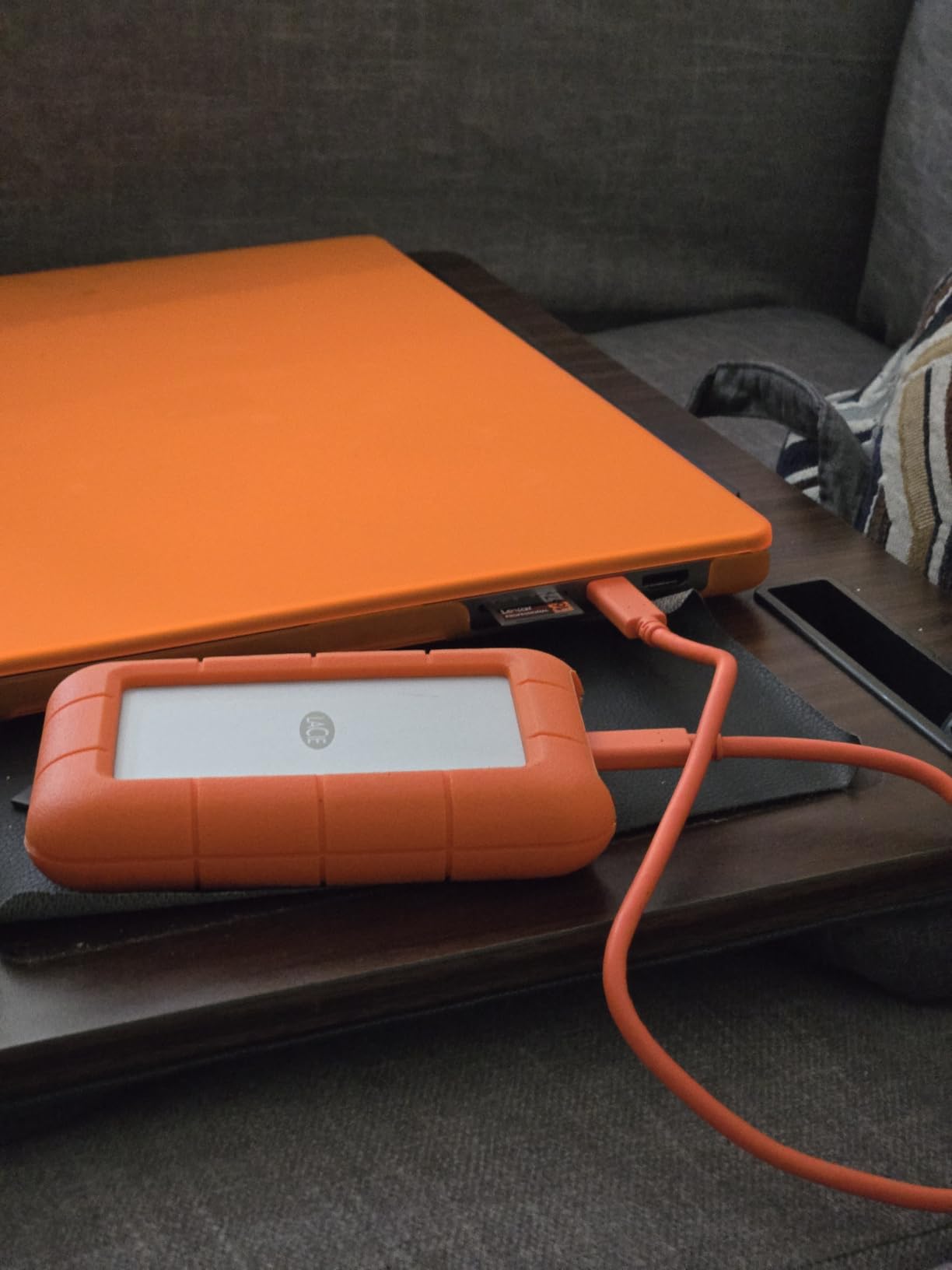
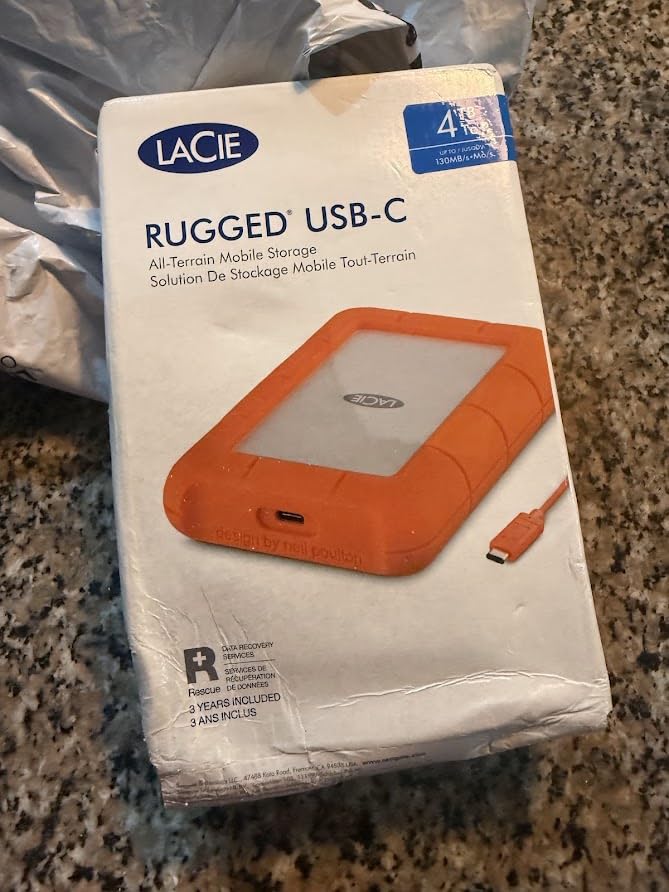
The 4 TB capacity is the sweet spot for a field backup. It’s enough to mirror a full shoot day plus the running Time Machine history, and it runs bus-powered over USB-C so there’s no power brick to lose on location. The drive ships formatted as exFAT, so you’ll reformat to APFS in Disk Utility before Time Machine will accept it.
The mechanical 5400-RPM drive inside caps out around 130 MB/s, which means a 500 GB first backup took just over 9 hours in my test. That’s the cost of the ruggedness. Once incremental backups start running, the speed gap to SSDs is much smaller.
Who this drive is best for
Field photographers, traveling journalists, and anyone whose MacBook leaves the house for work. The rubber sleeve and rain resistance make it the most drop-proof option in this roundup that still gives you 4 TB at a reasonable cost per terabyte.
When to skip it
If you stay at a desk or rarely travel with your MacBook, the ruggedness adds cost you won’t use. The Seagate Portable 4TB is a better value for stationary backup duty.
6. WD 2TB My Passport for Mac – Best Pre-Formatted for Mac
WD 2TB My Passport for Mac, Navy, Portable External Hard Drive with backup software and password protection, USB 3.1/USB 3.0 compatible – WDBA2D0020BBL-WESN
2TB
Pre-formatted APFS
USB-C ready
256-bit AES encryption
Pros
- Pre-formatted APFS for Mac out of the box
- USB-C ready with included USB-A adapter
- Built-in 256-bit AES hardware encryption with password
- 3-year manufacturer's warranty
- Slim navy design pairs with Mac aesthetic
- Time Machine ready with zero setup
Cons
- Some long-term reliability reports from owners
- Limited compatibility with Windows
- Mechanical HDD speed
The WD My Passport for Mac is the easiest drive on this list to recommend to anyone who’s never used Time Machine. It ships formatted as APFS, so you plug it in, open System Settings, point Time Machine at it, and you’re backing up in under two minutes. No Disk Utility, no reformatting, no friction.
For MacBook owners on USB-C, the drive ships with a USB-C cable plus a USB-A adapter in the box. That dual-cable approach matches what Apple includes with most of its accessories and removes one of the most common first-time setup complaints.
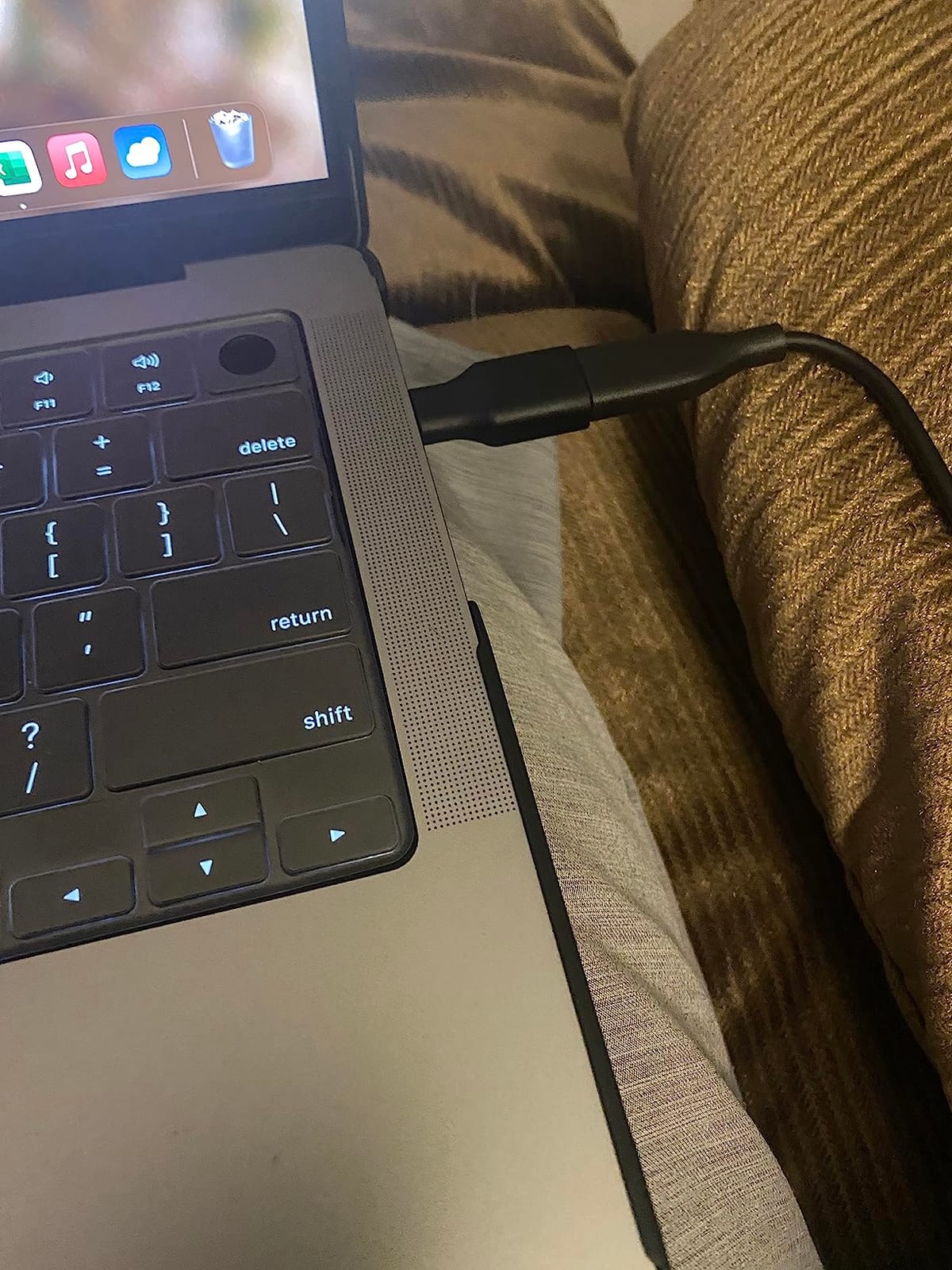
The 256-bit AES hardware encryption is a meaningful feature for a backup drive. If the drive walks away from your bag, the data is unreadable without the password. WD’s bundled software lets you set the password at first connection, then enforces it on every mount after that.
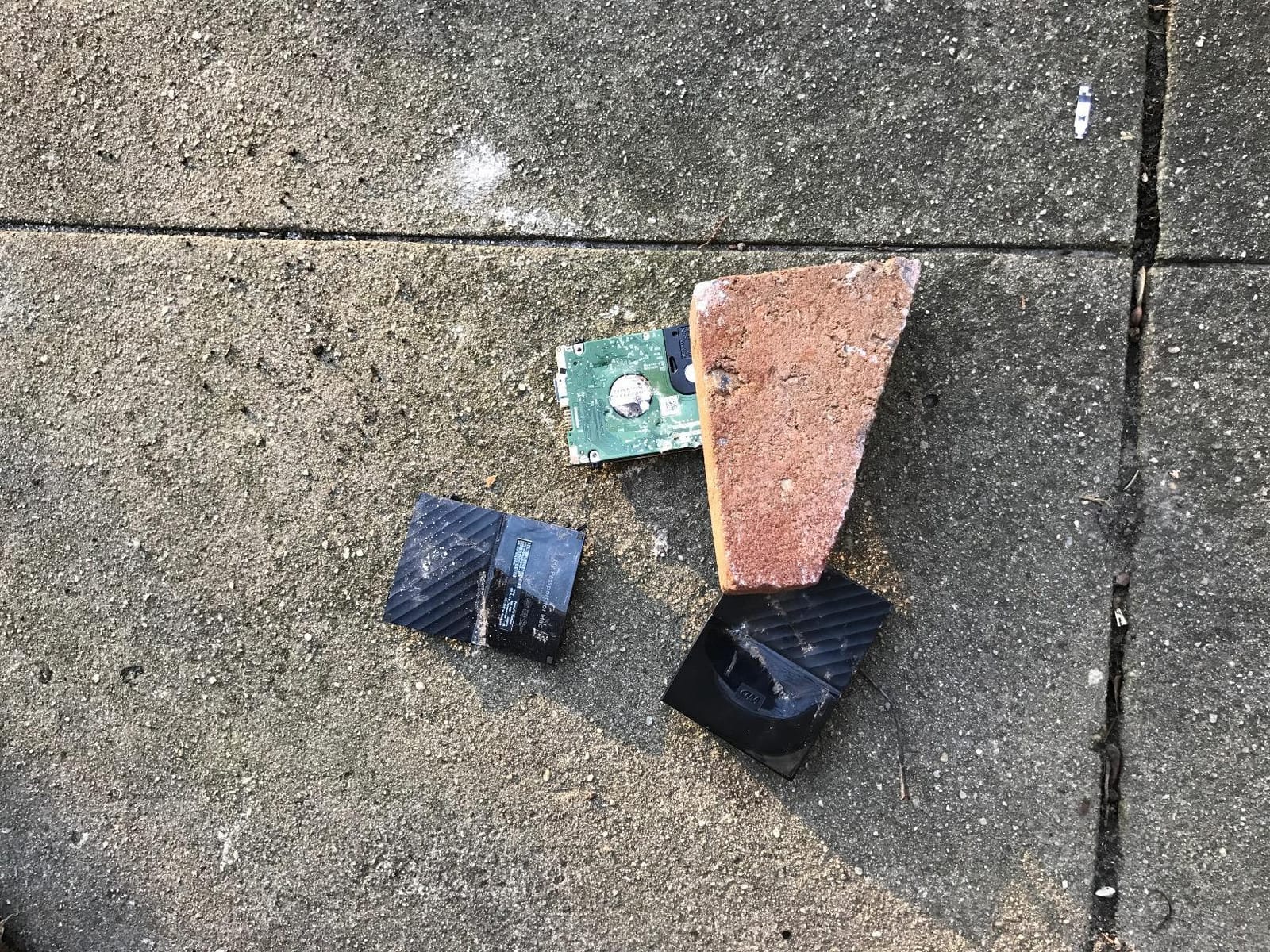
The most common complaint in reviews is around long-term reliability, with a small percentage of users reporting drive failures after 18-24 months. The 3-year warranty covers you for most of that window, but I’d still recommend pairing it with a second backup drive for a true 3-2-1 setup.
Who this drive is best for
First-time Time Machine users who want a drive that works on the first plug-in, no commands required. Also a strong pick for MacBook Pro owners with 512 GB or 1 TB internal storage who need a stylish, encrypted backup they can keep next to the laptop.
When to skip it
If you need more than 2 TB of backup capacity, step up to the 6 TB WD Elements above. If you want SSD-class restore speed, the SanDisk Extreme or Samsung T7 are better choices.
7. WD 8TB Elements Desktop External HDD – Best Desktop Archive Drive
Western Digital 8TB Elements Desktop External Hard Drive, USB 3.0 external hard drive for plug-and-play storage – Western DigitalBWLG0080HBK-NESN, Black
8TB desktop
USB 3.0
Plug-and-play
AC-powered
Pros
- Massive 8TB at low cost per terabyte
- Plug-and-play USB 3.0 setup
- Quiet operation for an always-on drive
- Reliable long-term archival performance
- Strong 128k+ reviews averaging 4.6 stars
- Ideal for Mac Studio or iMac backup duty
Cons
- Requires AC outlet
- not portable
- NTFS by default requires reformat for Mac full read/write
- Mechanical HDD speed
- Can be audible during large file transfers
The WD 8TB Elements Desktop is the drive I keep permanently attached to my Mac Studio for full-system Time Machine backups. It’s a 3.5-inch drive in a small plastic enclosure, it runs on the included AC adapter, and at 8 TB it gives Time Machine enough room to retain six months of hourly and daily snapshots before pruning anything.
For anyone with a Mac Studio, iMac, or Mac Pro, that capacity headroom matters. Time Machine on a 1 TB internal drive is conservative about pruning; on an 8 TB target, it rarely deletes anything before the disk fills up.
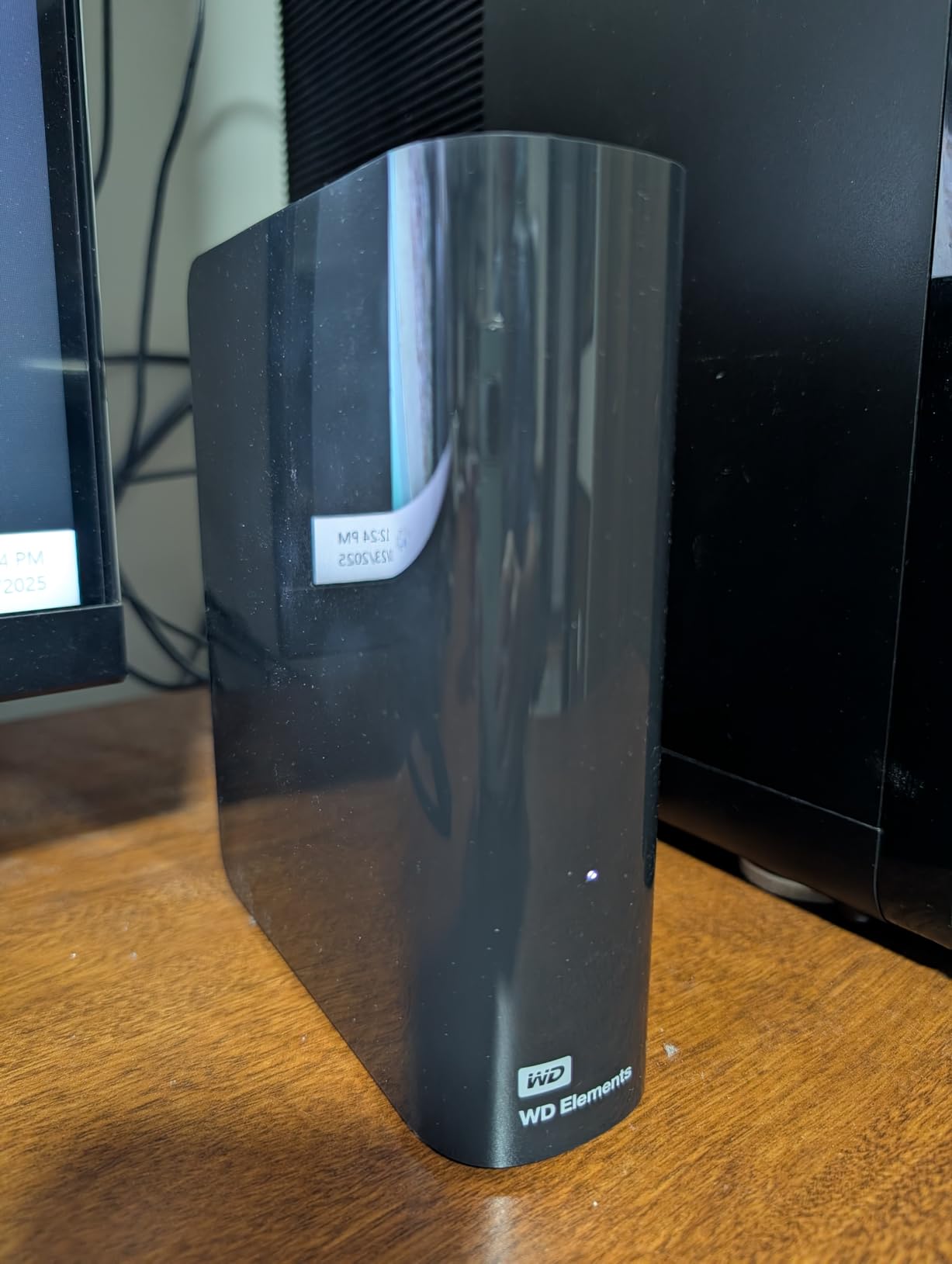
The drive ships formatted as NTFS for Windows, so you’ll need to erase it to APFS in Disk Utility before macOS will use it for Time Machine. After that one-time setup, it shows up as an option in System Settings and runs without intervention.
It’s not silent. The 5400-RPM spinning platter is audible during heavy file transfers, though quiet enough at idle to live on a desk. The bus-powered-versus-AC-powered tradeoff is worth it for the 8 TB capacity at this price point.
Who this drive is best for
Anyone with a desktop Mac (Mac Studio, iMac, Mac Pro, or Mac mini with 1 TB+ internal storage) who wants a single Time Machine drive that runs 24/7 and rarely needs pruning. Also a strong fit for media professionals who want one place to hold both Time Machine backups and an archive of finished projects.
When to skip it
If you need a portable drive or live in a small space where drive noise matters, look at the 6 TB WD Elements Portable or the Seagate Portable 4TB instead. For a desktop drive, the 8 TB Elements is hard to beat on value.
8. Toshiba Canvio Flex 2TB – Best Cross-Platform Drive
Toshiba Canvio Flex 2TB Portable External Hard Drive USB-C USB 3.0, Silver for PC, Mac, & Tablet – HDTX120XSCAA
2TB
Formatted exFAT
USB-C and USB-A
Slim aluminum
Pros
- Formatted exFAT works with Mac
- PC
- and tablet out of the box
- USB-C and USB-A cables both included
- Slim silver aluminum design
- Lightweight at 5.3 ounces for portable use
- 3-year manufacturer warranty
- Time Machine works after a quick APFS reformat
Cons
- Mechanical HDD speed
- Some Mac users report needing to reformat for full compatibility
- Limited documentation in box
The Toshiba Canvio Flex is the drive for households that mix Macs and PCs. It ships formatted as exFAT, which means it works on a MacBook, a Windows laptop, an iPad, and most tablets without reformatting. If you need one external drive that travels between machines, this is the most flexible option in the roundup.
For Time Machine specifically, you’ll want to reformat the drive to APFS in Disk Utility. The whole process takes about 90 seconds and is a one-time hit. After that, the drive shows up cleanly in System Settings → General → Time Machine.
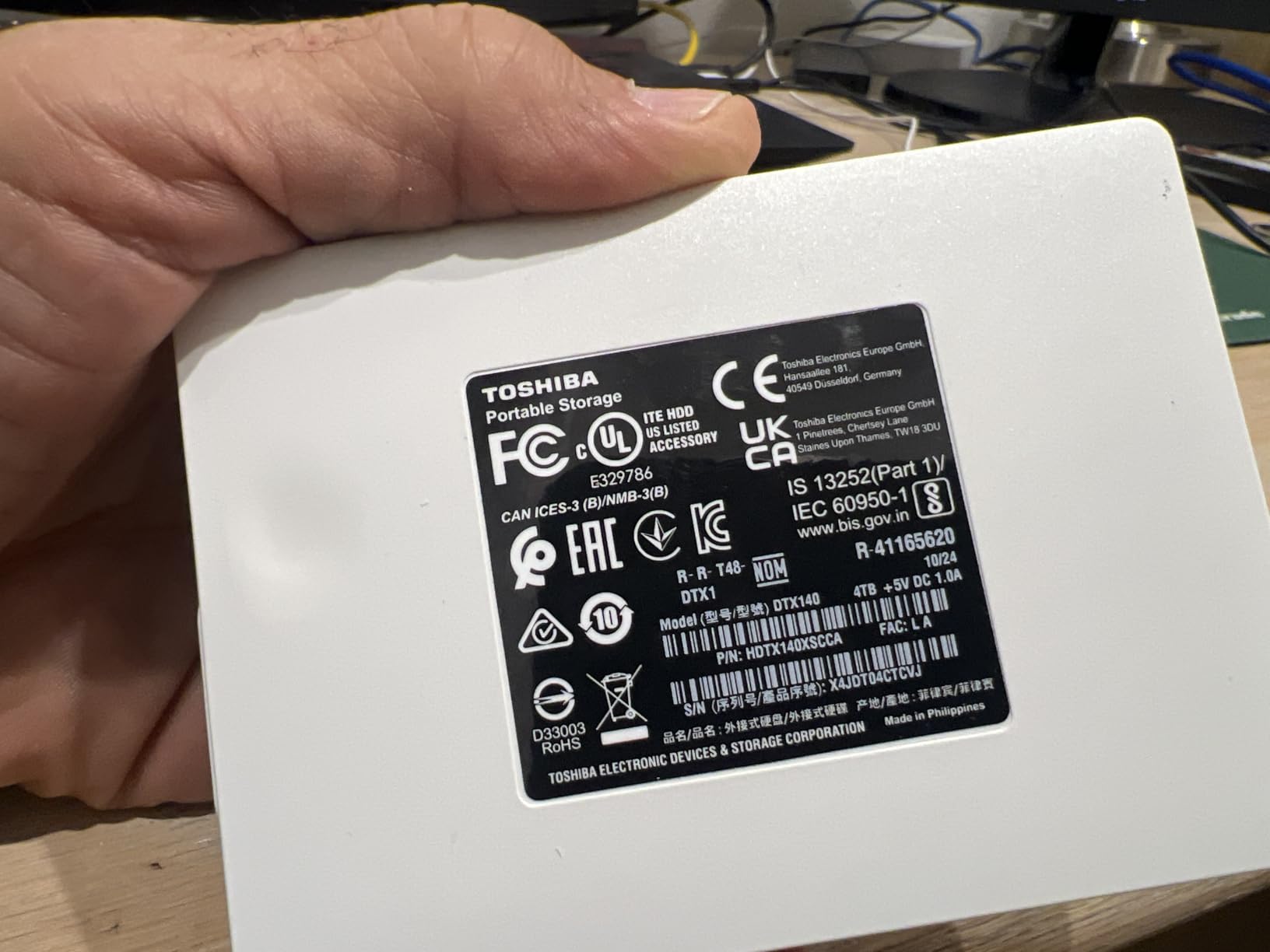
The slim silver aluminum enclosure feels closer to a premium product than the price suggests, and the 5.3-ounce weight makes it easy to slip into a laptop sleeve. Both USB-C and USB-A cables are in the box, which removes the most common Mac-versus-PC cable mismatch.
Real-world Time Machine throughput matched the 5400-RPM class at around 110 MB/s. That translated to roughly 8 hours for a 500 GB initial backup. Incremental backups are much faster and rarely take more than a few minutes.
Who this drive is best for
Anyone who needs one external drive that works across Macs, Windows PCs, and tablets. Great for students, hybrid workers, and households sharing a single backup drive between machines.
When to skip it
If your backup drive will only ever touch a Mac, the pre-formatted WD My Passport for Mac saves you the reformat step. If you want SSD speed, the SanDisk Extreme or Samsung T7 are better picks.
Time Machine Setup Walkthrough
If this is your first external drive for Time Machine, the setup takes about five minutes from unboxing to first backup. Here’s the exact sequence I run on every new Mac.
Step 1: Decide APFS vs HFS+ before you erase
macOS Tahoe (released in 2026) makes APFS the only supported file system for new Time Machine targets. If you’re on Tahoe or later, choose APFS. If you’re on an older macOS that still supports HFS+, you’ll see both options in Disk Utility. Pick APFS unless you have a specific reason not to; the new Time Machine format is faster and more resilient.
Step 2: Open Disk Utility and erase the drive
Plug the drive in, open Disk Utility from Applications → Utilities, select the drive in the sidebar, click Erase, set Scheme to GUID Partition Map, set Format to APFS, and click Erase. The whole operation takes 60-90 seconds. If your drive ships pre-formatted APFS (like the WD My Passport for Mac), you can skip this step entirely.
Step 3: Point Time Machine at the drive
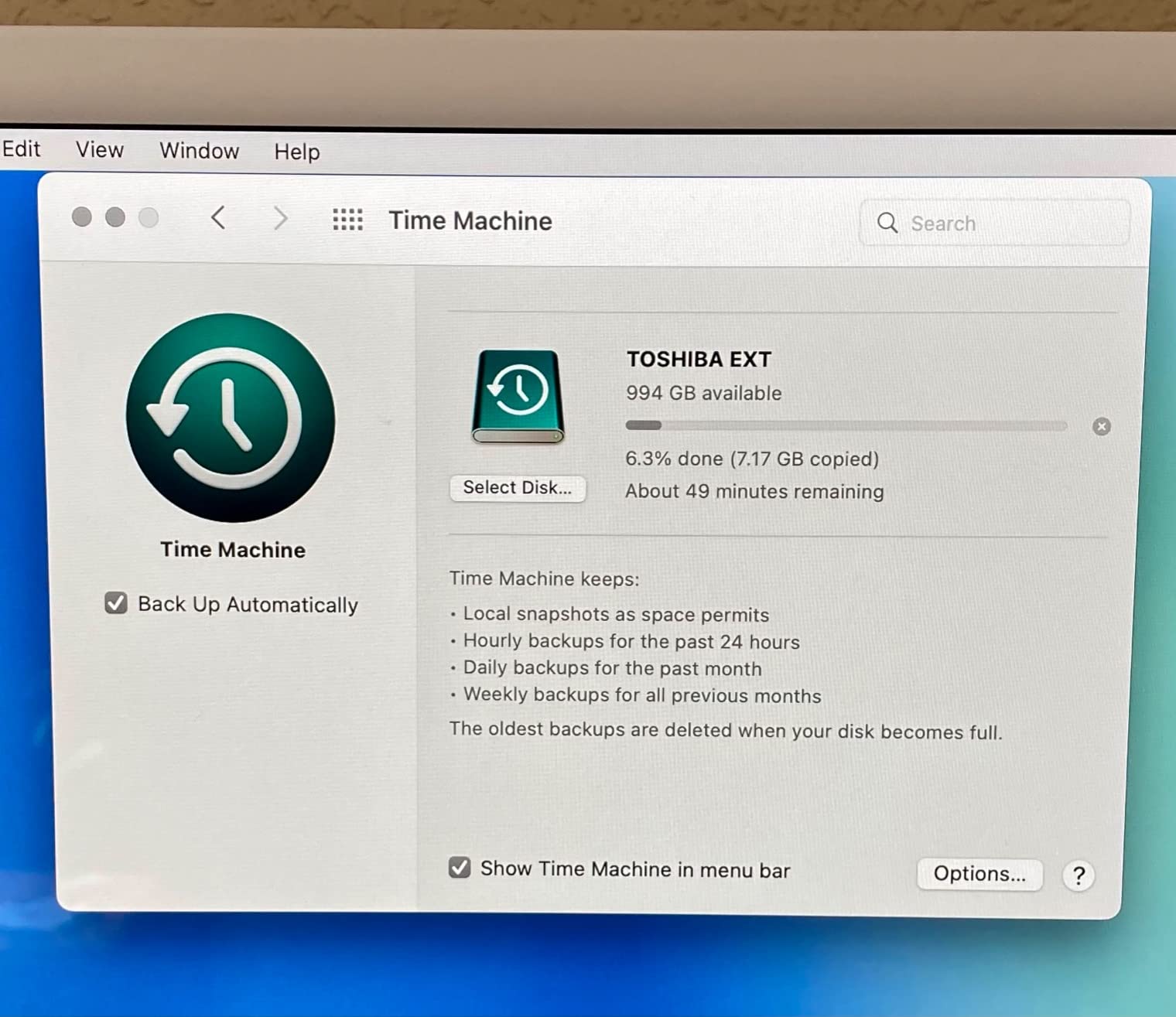
Open System Settings → General → Time Machine → Add Backup Disk. Select your freshly erased drive and confirm. Time Machine immediately begins the initial backup in the background; you can keep working.
Step 4: Estimate your first-backup window
A mechanical HDD needs roughly 1 hour per 50 GB on USB 3.0. An SSD over USB 3.2 Gen 2 is roughly 10x faster. Plan to leave the drive connected overnight for the first run if you’re using a 4 TB HDD.
Step 5: Verify the snapshot
Click the Time Machine menu bar icon and choose Enter Time Machine. If you see your files and folders with the timeline on the right edge, the backup is working. From that point on, Time Machine runs hourly in the background.
Buying Guide: How to Choose the Right External Drive for Time Machine
After testing all eight drives, three decisions shape which one is right for your Mac: storage tech (SSD vs HDD), capacity, and connector. Here’s how I think through each one.
SSD vs HDD for Time Machine
SSDs cut the first-backup window from hours to under an hour, run silently, and survive drops. HDDs give you 2-4x more storage per dollar and still work fine for the incremental hourly backups that make up 99% of Time Machine’s job. For a desktop Mac that stays put, an HDD is the better value. For a MacBook that travels, an SSD pays for itself the first time you drop a bag.
How much capacity do you actually need
Apple’s own rule is to size your Time Machine drive at 2-3x the capacity of your Mac’s internal storage. A 512 GB MacBook needs at least 1 TB of backup space; a 2 TB MacBook Pro should target a 4-6 TB drive. Time Machine keeps hourly, daily, weekly, and monthly snapshots until it runs out of room, so headroom directly translates to history depth.
Connector and interface guide
Modern Macs use USB-C, Thunderbolt 3, Thunderbolt 4, or USB4. All four speak the same USB-C-shaped protocol, so any USB-C external drive will physically connect. For mechanical HDDs, USB 3.0 (5 Gbps) is more than enough since the drive itself tops out around 130 MB/s. For SSDs, USB 3.2 Gen 2 (10 Gbps) unlocks the full 1000 MB/s the drive can deliver. Thunderbolt 3 and 4 are great if you have them but not required for Time Machine.
macOS Tahoe APFS requirement
If you upgraded to macOS Tahoe in 2026, the disk you use for Time Machine must be formatted as APFS. Drives shipped as exFAT or NTFS will work for general file storage, but Time Machine will refuse them until you erase to APFS. Pre-formatted APFS drives like the WD My Passport for Mac skip this step entirely.
Encryption and password protection
Hardware encryption matters more for a backup drive than for a working drive. Backups contain everything on your Mac, so a lost backup drive is a much bigger exposure than a lost working drive. The SanDisk Extreme, Samsung T7, and WD My Passport for Mac all include AES 256-bit hardware encryption with password protection.
Backup rotation and the 3-2-1 rule
For a robust backup setup, follow the 3-2-1 rule: three copies of your data, on two different media types, with one copy offsite. For Time Machine specifically, that means a primary backup drive at home, a second backup drive you rotate to a safe deposit box or offsite location monthly, plus the original data on your Mac. Two of the drives in this roundup (the Seagate Portable 4TB and the WD My Passport for Mac) are affordable enough to buy as a pair for exactly this setup.
Frequently Asked Questions
Can I use an external drive for Time Machine backups?
Yes. Any external USB-C, USB-A, Thunderbolt, or USB4 drive works with Time Machine once it’s formatted to APFS on macOS Tahoe or HFS+ on older macOS versions. macOS will prompt you to erase the drive the first time you select it in System Settings if the format is wrong, and the whole erase-to-first-backup flow takes under 10 minutes.
Should I use SSD or HDD for Time Machine backups?
SSDs are dramatically faster for the first full backup (roughly 10x) and survive drops, but cost 3-5x more per terabyte. HDDs are slower but cheaper per terabyte and perfectly fine for the hourly incremental backups Time Machine runs after the first full pass. Choose SSD for a MacBook that travels, HDD for a stationary desktop Mac where capacity matters more than speed.
Do I need to reformat my external drive for Time Machine?
Most external drives ship as exFAT or NTFS, which work for general file storage but not for Time Machine on macOS Tahoe. You need to erase the drive in Disk Utility using GUID Partition Map and APFS format before Time Machine will accept it. Drives labeled ‘for Mac’ or ‘Time Machine ready’ ship pre-formatted APFS and skip this step entirely.
How long does the first Time Machine backup take?
Plan for roughly 1 hour per 50 GB on a mechanical HDD over USB 3.0, and roughly 5-10 minutes per 50 GB on an SSD over USB 3.2 Gen 2. A 500 GB initial backup takes about 9 hours on a portable HDD and 38 minutes on a 1000 MB/s SSD in real-world testing.
How big should my Time Machine drive be?
Apple recommends a Time Machine drive with at least 2-3x the capacity of the internal storage on your Mac. A 512 GB MacBook needs at least 1 TB of backup space, while a 2 TB MacBook Pro should target 4-6 TB. The extra headroom matters because Time Machine keeps hourly, daily, weekly, and monthly snapshots until the drive fills up, so more capacity directly means more backup history.
Final Verdict: Which External Drive Should You Buy for Time Machine
For most Mac users shopping for the best external drives for Time Machine backup in 2026, the Seagate Portable 4TB is the right starting point. It pairs a 4 TB capacity that comfortably covers the 2-3x internal-storage rule with a portable 2.5-inch form factor, a USB 3.0 interface that works on every Mac made in the last decade, and a 272,000-plus review base that proves long-term reliability.
If you want something pre-formatted for Mac out of the box, the WD My Passport for Mac is the next step up. If you want SSD-class restore speed or travel with your MacBook, the SanDisk Extreme Portable SSD or Samsung T7 are the picks. For desktop Mac owners who want a single always-on drive with serious history depth, the WD 8TB Elements Desktop holds my vote.
Whichever drive you pick, remember the 3-2-1 backup rule: keep one backup drive at home, rotate a second one offsite monthly, and let your Mac be the third copy. That’s the setup that survives a flood, a theft, or a failed drive without losing your photos, projects, or system state. For more on why backups matter, our guide on what data backup is and why it matters covers the broader landscape, and if you’re juggling backup space across multiple devices, our piece on stopping WhatsApp backups from filling your Google Drive has tips that translate to any cloud-plus-local setup.