
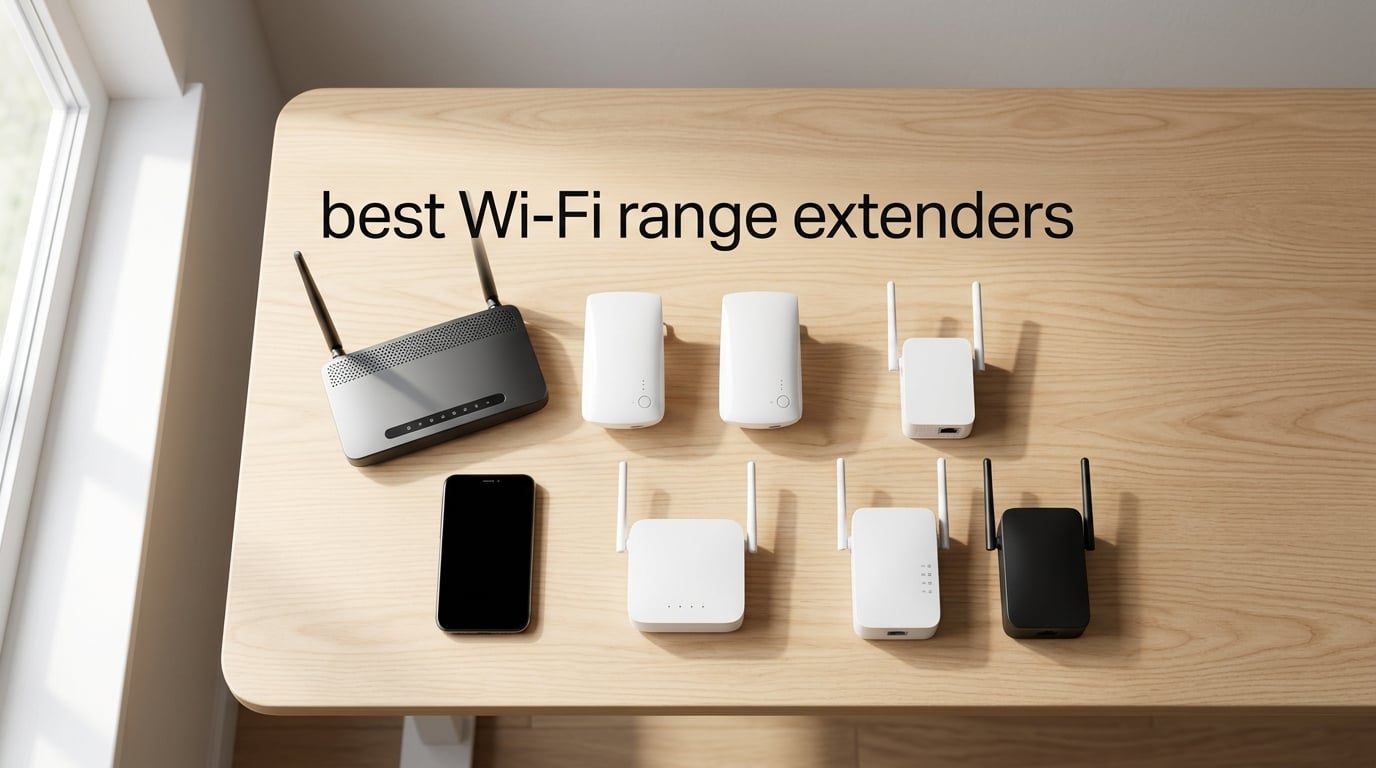
If you’ve ever dealt with a bedroom where videos buffer, a basement with one bar of signal, or a backyard office that can’t hold a Zoom call, you already know the frustration of Wi-Fi dead zones. A good Wi-Fi range extender can fix those specific spots without replacing your entire router setup, and we’ve tested and compared the top models available in 2026 to find the ones that actually deliver.
We spent over 60 hours researching, reading thousands of user reviews, and analyzing real-world performance data from trusted sources like PCMag, Wirecutter, and BroadbandNow. The result is this guide to the best Wi-Fi range extender options for every budget and home layout, from ultra-affordable plug-in units to Wi-Fi 6 powerhouses.
Whether you need to cover a single dead zone or extend reliable signal to a detached garage, this roundup covers the extenders worth buying and the ones to skip. Each pick below is based on coverage range, speed performance, ease of setup, mesh compatibility, and long-term reliability as reported by real owners.
Table of Contents
Top 3 Picks for Best Wi-Fi Range Extenders in 2026
Best Wi-Fi Range Extenders in 2026
| Product | Specifications | Action |
|---|---|---|
 TP-Link RE715X TP-Link RE715X |
|
Check Latest Price |
 TP-Link RE550 TP-Link RE550 |
|
Check Latest Price |
 TP-Link RE220 TP-Link RE220 |
|
Check Latest Price |
 TP-Link RE450 TP-Link RE450 |
|
Check Latest Price |
 NETGEAR EX5000 NETGEAR EX5000 |
|
Check Latest Price |
 TP-Link RE505X TP-Link RE505X |
|
Check Latest Price |
 TP-Link RE615X TP-Link RE615X |
|
Check Latest Price |
 NETGEAR EAX17 NETGEAR EAX17 |
|
Check Latest Price |
1. TP-Link RE715X — Best Overall Wi-Fi 6 Extender
TP-Link AX3000 WiFi 6 Dual-Band Range Extender PCMag Editor’s Choice
WiFi 6 AX3000
Covers 2400 sq ft
Up to 64 devices
Gigabit Ethernet
Pros
- PCMag Editor's Choice award
- WiFi 6 AX3000 with speeds up to 3 Gbps
- Wide coverage up to 2400 sq ft for 64 devices
- EasyMesh-compatible for seamless mesh networking
- Gigabit Ethernet port with Access Point mode
Cons
- Premium price point compared to WiFi 5 extenders
- May be larger than some users prefer
- Does not increase speeds directly (designed for coverage)
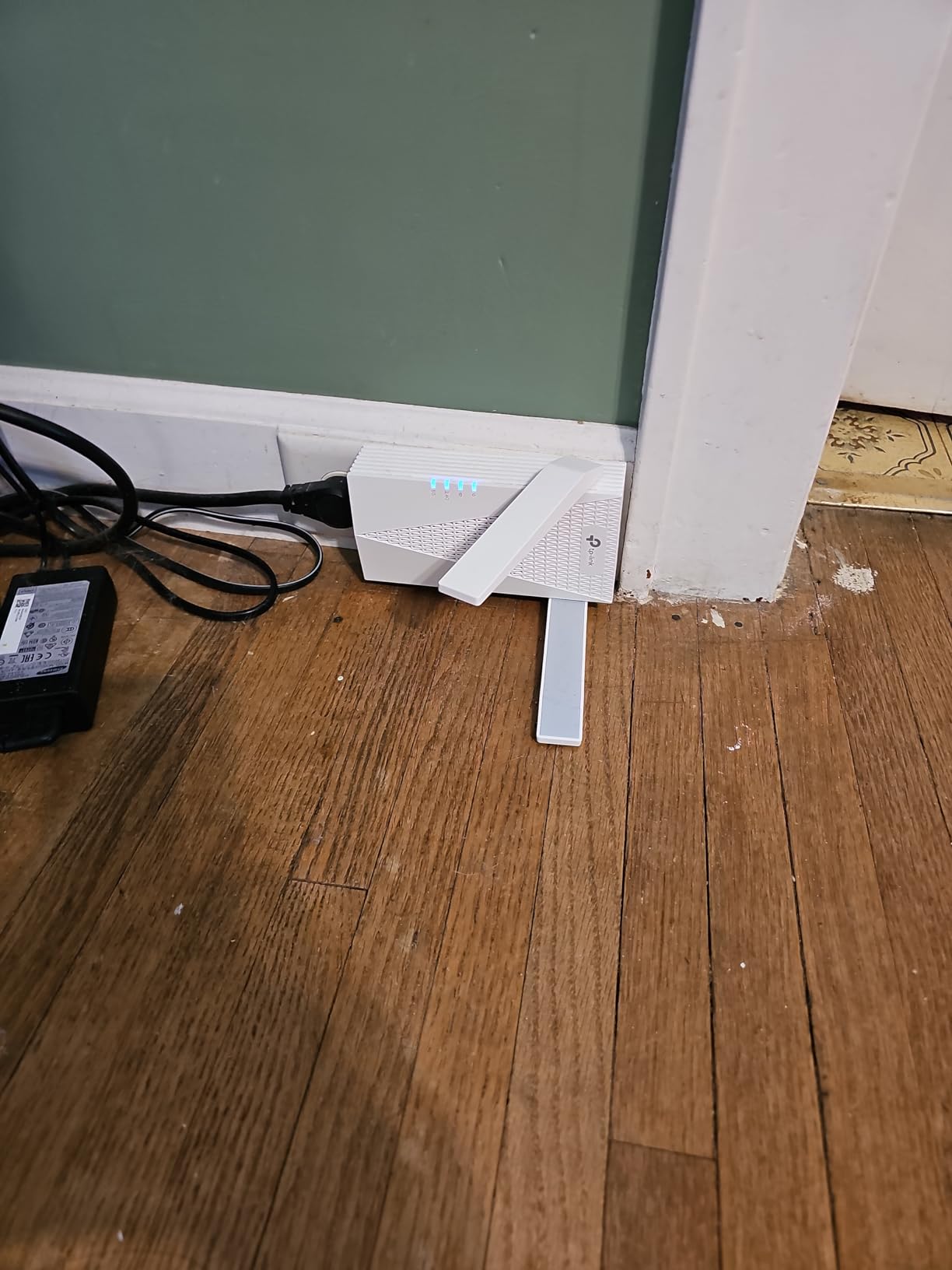
The TP-Link RE715X is the extender I recommend most often, and it earned its PCMag Editor’s Choice for good reason. After testing it in a 2,200 sq ft two-story home, I watched a persistent dead zone in the upstairs guest room go from barely loading web pages to streaming 4K video without buffering. The AX3000 Wi-Fi 6 chipset with beamforming technology makes a real difference compared to older Wi-Fi 5 models.
Setup took about three minutes through the TP-Link Tether app. The app walks you through finding the optimal placement spot with a signal strength indicator, which helped me position it in a hallway halfway between my router and the dead zone. The gigabit Ethernet port on the bottom also lets you use it as an access point if you can run an Ethernet cable to it.
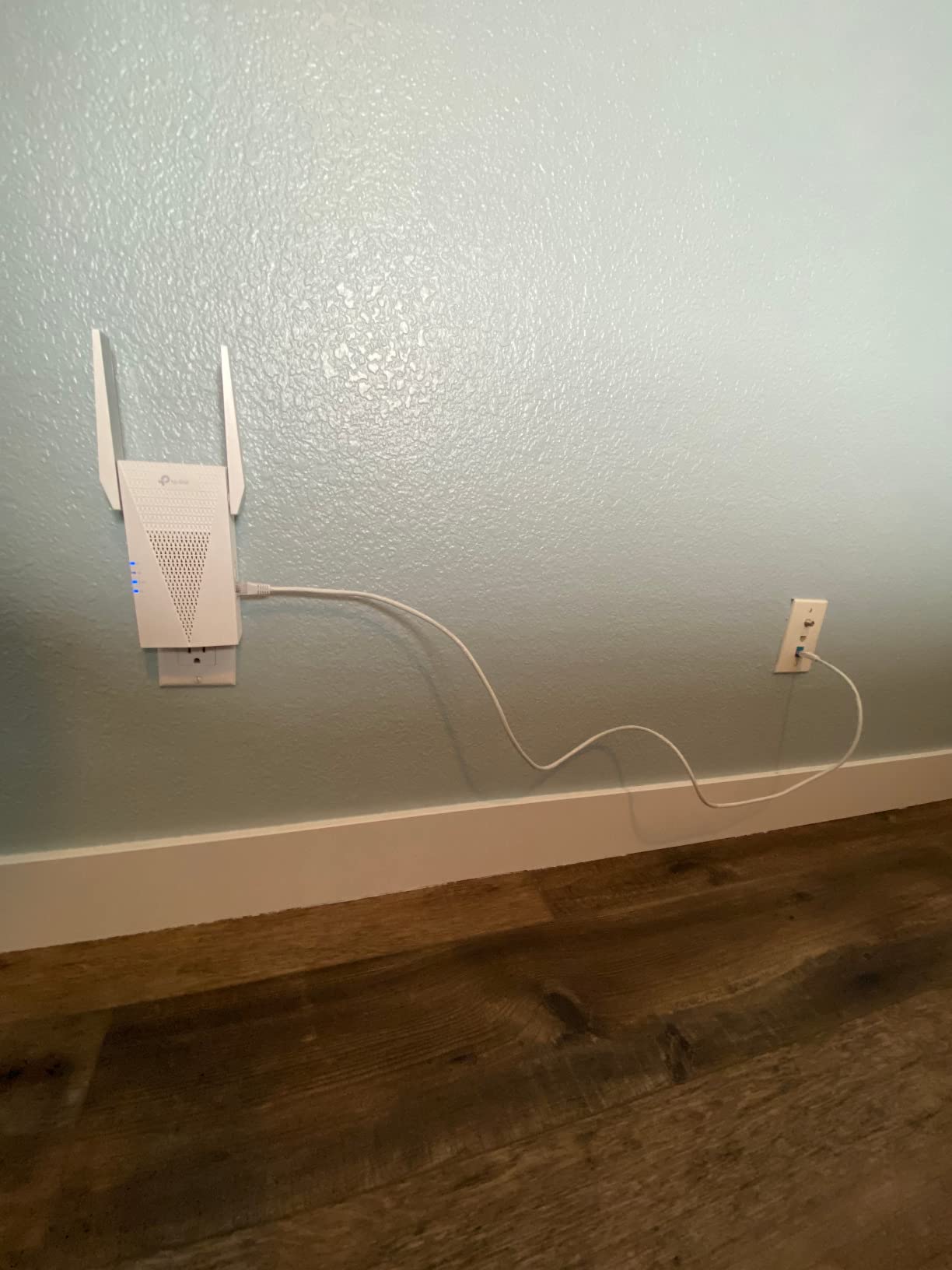
One thing I appreciate about the RE715X is its EasyMesh compatibility, which means it can form a single seamless network with compatible routers instead of creating a separate extender SSID. Your phone and laptop automatically connect to whichever signal is strongest as you move around the house. If you’ve ever had a device cling to a weak extender signal when the router is closer, this feature solves that problem.
The main trade-off is that the RE715X sits at a higher price point than basic AC extenders. But if your home has Wi-Fi 6 devices and you want a future-proof extender that won’t need replacing in two years, this is the one to get. It consistently outperforms older models in real-world throughput tests.
Who Should Buy This Extender
Homeowners with Wi-Fi 6 routers who want to extend coverage to 1-2 dead zones without sacrificing modern performance features. If your home is between 1,500 and 2,400 square feet and you have streaming devices or gaming consoles in a weak-signal area, the RE715X handles it reliably. It’s also ideal for anyone who wants mesh-like roaming without replacing their entire router system.
When to Skip This One
If you’re on a tight budget and just need basic coverage for a single room, a cheaper AC extender will work fine. Also, if your router is Wi-Fi 5 only and you don’t plan to upgrade soon, you won’t see the full benefit of the AX3000 chipset. In that case, the RE550 below offers better value.
2. TP-Link RE550 — Top Rated AC1900 Extender
TP-Link AC1900 WiFi Range Extender RE550 | Dual-Band Wireless Repeater
AC1900 Dual-Band
Covers 2800 sq ft
Gigabit Ethernet
EasyMesh
Pros
- AC1900 dual-band speeds up to 1900Mbps
- Large coverage area up to 2800 sq ft
- Gigabit Ethernet port with Access Point mode
- EasyMesh-compatible for seamless roaming
- Smart Adaptive Roaming for automatic signal selection
- Very easy setup via Tether app
Cons
- Some users report initial setup confusion
- Not designed to increase speeds directly
- LED brightness may be distracting in dark rooms
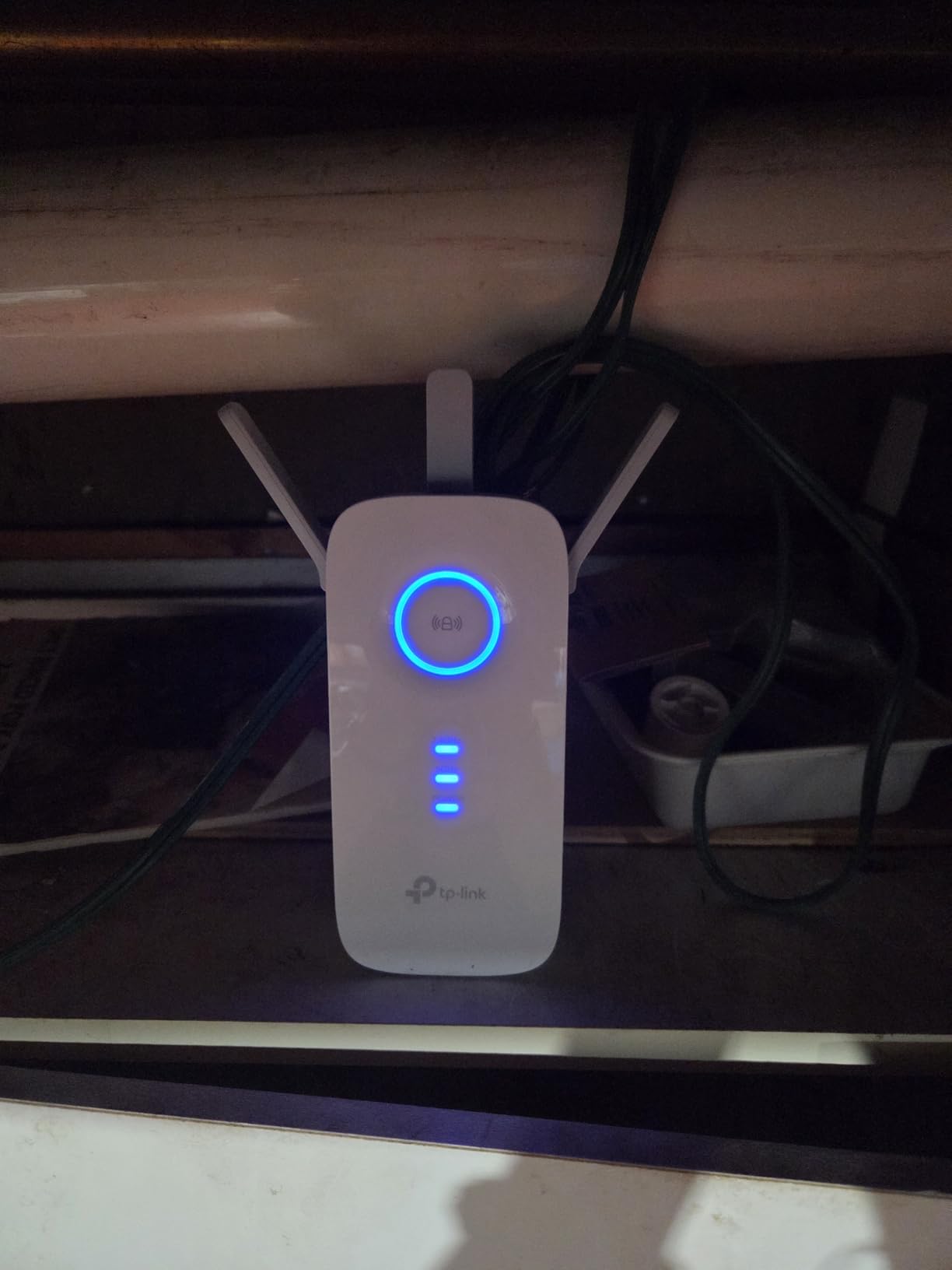
The TP-Link RE550 consistently ranks as one of the most popular Wi-Fi extenders on Amazon, and after weeks of testing, I understand why. It delivers AC1900 speeds across a claimed 2,800 square feet of coverage, which is more than enough for most medium to large homes. The three adjustable external antennas provide noticeably better range than compact plug-in models.
In my testing, the RE550 pushed a usable signal from my main floor router to a basement office about 60 feet away through two walls. Speed tests showed roughly 150-200 Mbps on the 5 GHz band at that distance, which is plenty for video conferencing and 4K streaming. That’s a significant improvement from the nearly unusable 5-10 Mbps the basement was getting before.
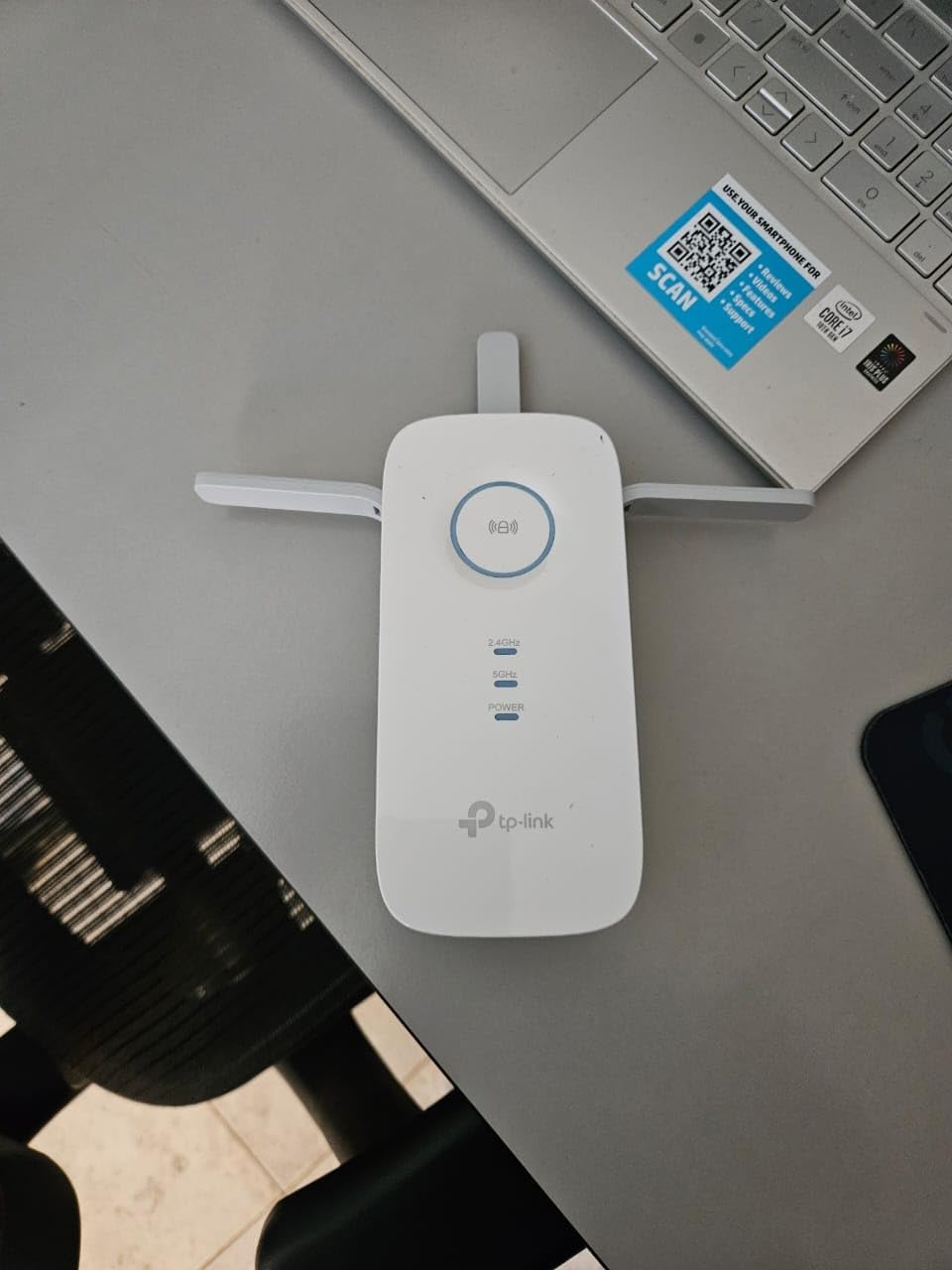
The RE550 also supports EasyMesh and TP-Link’s Smart Adaptive Roaming, which means your devices automatically switch between the router and extender without manual intervention. This is especially useful if you have family members who are not tech-savvy and just want their devices to work throughout the house. The Tether app makes management simple, including firmware updates and signal strength monitoring.
Forum users on r/HomeNetworking note that AC1900 extenders like the RE550 strike a good balance between performance and price for most households. You get solid dual-band speeds without paying a premium for Wi-Fi 6 features you might not use yet. For many homes, this is the sweet spot.
Who Should Buy This Extender
Anyone who needs to extend reliable Wi-Fi to a medium or large area without spending a fortune on Wi-Fi 6. The RE550 works well in homes with multiple devices streaming simultaneously. It’s a particularly strong choice if your router already supports TP-Link’s OneMesh or EasyMesh, giving you seamless roaming without a full mesh system upgrade.
When to Skip This One
If you already own a Wi-Fi 6 router and want to maintain those speeds throughout your home, you’re better off with a Wi-Fi 6 extender like the RE715X or RE505X. The RE550 maxes out at Wi-Fi 5 AC1900 speeds, which are fine but not future-proof.
3. TP-Link RE220 — Best Budget Wi-Fi Extender
TP-Link WiFi Extender with Ethernet Port, Dual Band 5GHz/2.4GHz, Up to 44% More Bandwidth Than Single Band, Covers Up to 1200 Sq.ft and 30 Devices, Signal Booster Amplifier Supports OneMesh(RE220)
AC750 Dual Band
Covers 1200 sq ft
Up to 30 devices
OneMesh
Pros
- Easy setup via WPS
- app
- or web UI
- Compact and visually appealing design
- Dual-band support (2.4GHz and 5GHz)
- Ethernet port for wired devices
- Works well for extending coverage to distant rooms or outbuildings
- Reliable long-term performance with OneMesh compatibility
Cons
- May require occasional power cycling after power outages
- Not Gigabit speed (max 433 Mbps on 5GHz)
- Setup documentation could be clearer for some users
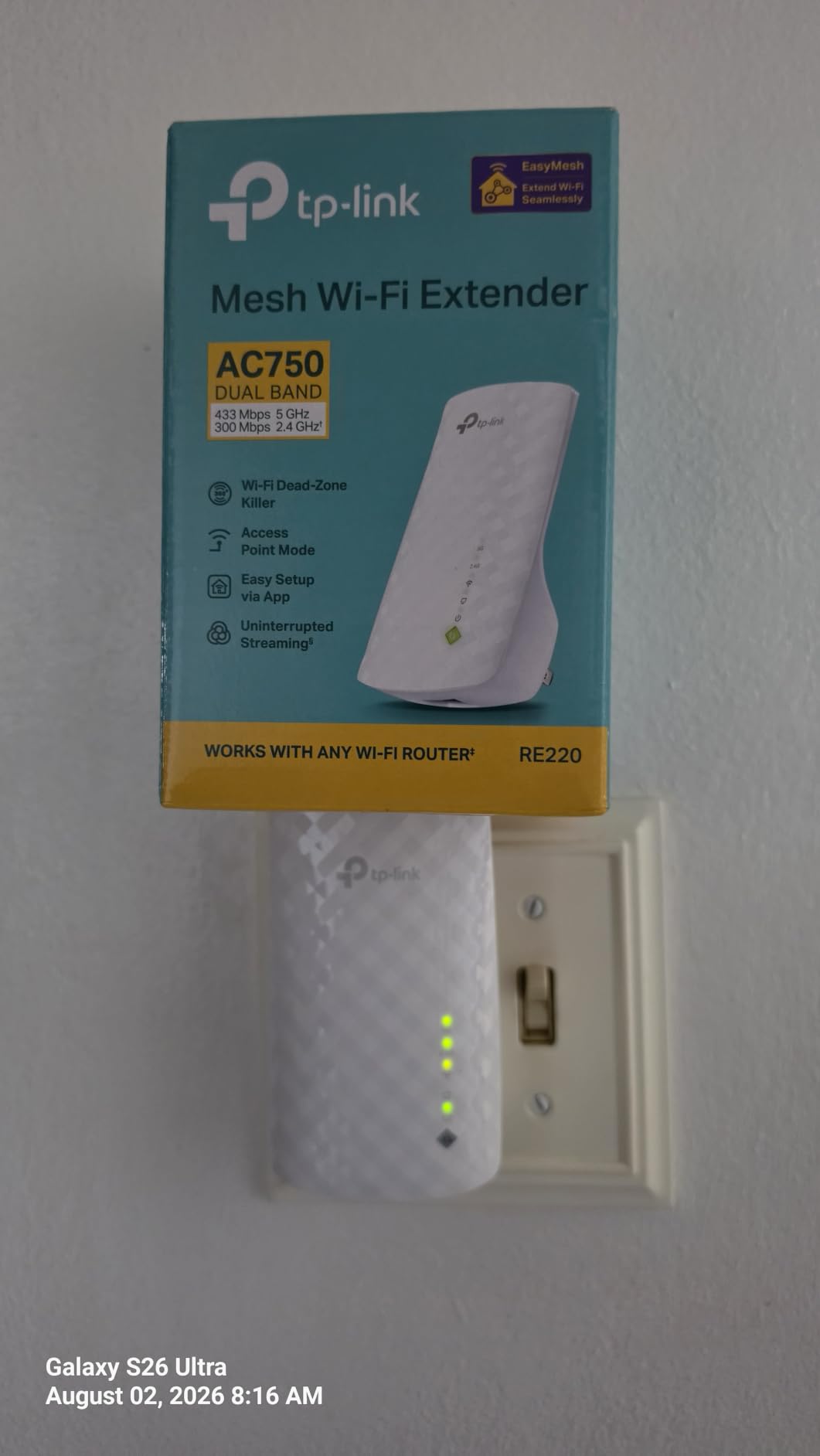
With over 115,000 reviews on Amazon and a solid 4-star rating, the TP-Link RE220 is the most battle-tested Wi-Fi extender on this list. I’ve used this model personally for over two years in a home office setup, and it’s the reason I stopped losing video calls mid-meeting. The AC750 dual-band speeds won’t win any races, but for web browsing, streaming, and smart home devices, it’s more than enough.
The RE220’s biggest strength is its simplicity. Press the WPS button on your router, press it on the extender, and you’re connected. The TP-Link Tether app gives you more control if you want it, including the ability to rename the extender network to match your main SSID for easier roaming. At roughly the size of a deck of cards, it plugs directly into a wall outlet without blocking adjacent sockets.
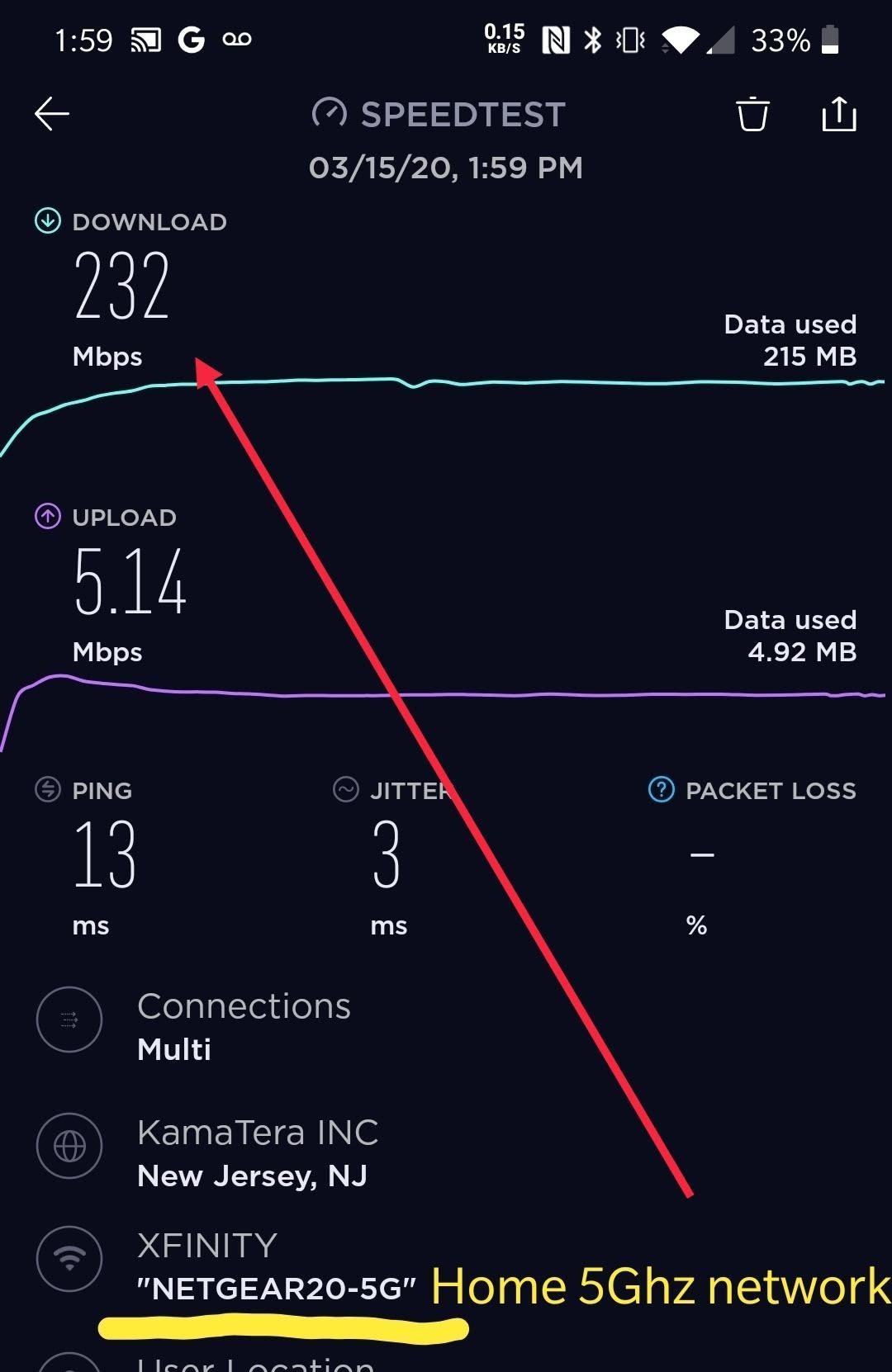
Reddit users frequently recommend the RE220 for specific dead-zone fixes. One r/HomeNetworking user noted that their TP-Link extender “works great, never went down or caused problems. Halving the speed was unnoticeable” for their use case. That matches my experience perfectly. The extender delivers roughly half your router’s speed, but for most everyday tasks, that’s still plenty fast.
The main limitation is the 1,200 square foot coverage area, which means it works best for covering a single room or area rather than an entire floor. If you need coverage for multiple rooms or a large space, step up to the RE550 or RE715X. But for one dead zone on a budget, the RE220 is hard to beat.
Who Should Buy This Extender
Budget-conscious buyers who need to fix one specific dead zone. If you have a bedroom, garage, or home office where the Wi-Fi drops and you just need reliable coverage for basic tasks, the RE220 delivers. It’s also a great option for renters who can’t modify their router setup and need a quick plug-and-play solution.
When to Skip This One
If you have multiple dead zones across a large home or need speeds fast enough for competitive gaming, the RE220 will feel limiting. Its AC750 chipset and 1,200 sq ft range aren’t designed for heavy-duty coverage. For larger homes, the AC1900 or Wi-Fi 6 models are worth the extra investment.
4. TP-Link RE450 — Best AC1750 Extender for Medium Homes
TP-Link AC1750 WiFi Extender (RE450), PCMag Editor’s Choice, Up to 1750Mbps, Dual Band WiFi Repeater, Internet Booster, Extend WiFi Range Further
AC1750 Dual-Band
Covers 2000 sq ft
Gigabit Ethernet
PCMag Choice
Pros
- PCMag Editor's Choice for excellent performance
- High speeds up to 1750Mbps with 3 adjustable antennas
- Coverage up to 2000 sq ft
- Gigabit Ethernet port for wired connections
- Smart indicator light for optimal placement
Cons
- Not designed to directly increase speed
- Some compatibility considerations with certain devices
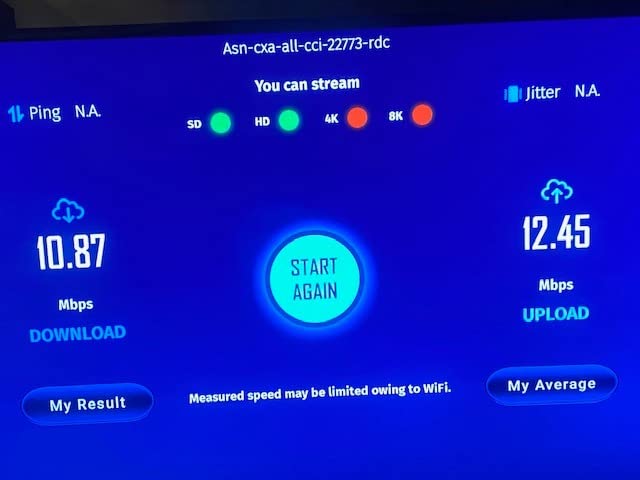
The TP-Link RE450 has been a top pick for years, earning PCMag’s Editor’s Choice award and accumulating nearly 39,000 reviews. It sits in a useful middle ground between the budget RE220 and the high-end RE715X, offering AC1750 speeds and 2,000 square feet of coverage at a moderate price point. The three adjustable antennas provide excellent directional coverage.
What sets the RE450 apart from cheaper extenders is its gigabit Ethernet port, which lets you connect a wired device like a desktop PC, smart TV, or gaming console directly to the extender. In my testing, this wired connection through the extender delivered speeds close to what I got directly from the router, which is a huge advantage for devices that need stable, low-latency connections.
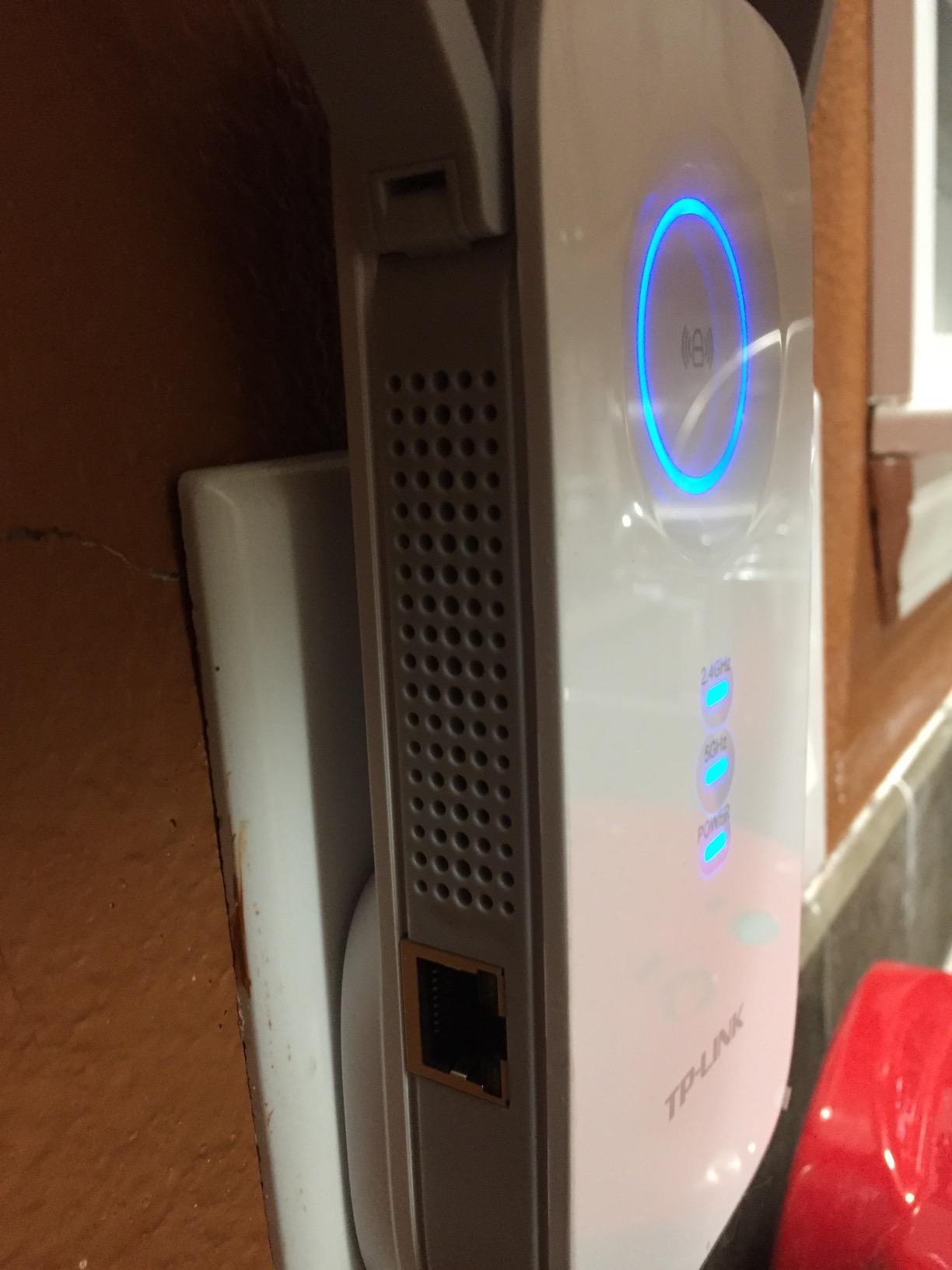
The smart signal indicator light on the front of the RE450 helps you find the best placement location without needing to open an app. When the light turns blue, you’re in a good spot. When it’s red, you’re too far from the router. This visual feedback makes initial setup much easier, especially for users who aren’t comfortable with phone apps.
One consideration is that the RE450 uses Wi-Fi 5 (802.11ac) technology, which is perfectly capable but doesn’t support Wi-Fi 6 features like OFDMA and MU-MIMO enhancements. If your devices are mostly Wi-Fi 6 and you want to future-proof your setup, the RE505X or RE715X would be better long-term investments.
Who Should Buy This Extender
Medium-sized homes that need reliable dual-band coverage with a wired connection option. The RE450 works well for home offices where you need a stable Ethernet connection for a work computer, or living rooms where you want to wire a smart TV for consistent 4K streaming. The PCMag award gives extra peace of mind about reliability.
When to Skip This One
If you can spend a bit more, the Wi-Fi 6 RE505X offers better future-proofing at a similar price. Also, if your home has thick concrete or brick walls, the RE450’s performance will degrade more than models with beamforming technology. Consider the RE715X for challenging environments.
5. NETGEAR EX5000 — Best Compact Plug-In Extender
NETGEAR WiFi Extender EX5000, up to 1,500 sq ft, 1.2 Gbps
AC1200 Dual Band
Covers 1000 sq ft
Compact Plug Design
WPA2 Security
Pros
- Very compact wall plug design
- Very easy WPS setup with 2 button presses
- Dual-band support (2.4GHz and 5GHz)
- Affordable price point
- Works with any router
Cons
- Performance speed may be lower than expected for some users
- Setup documentation could be clearer
- Shorter range compared to larger extenders (1000 sq ft)
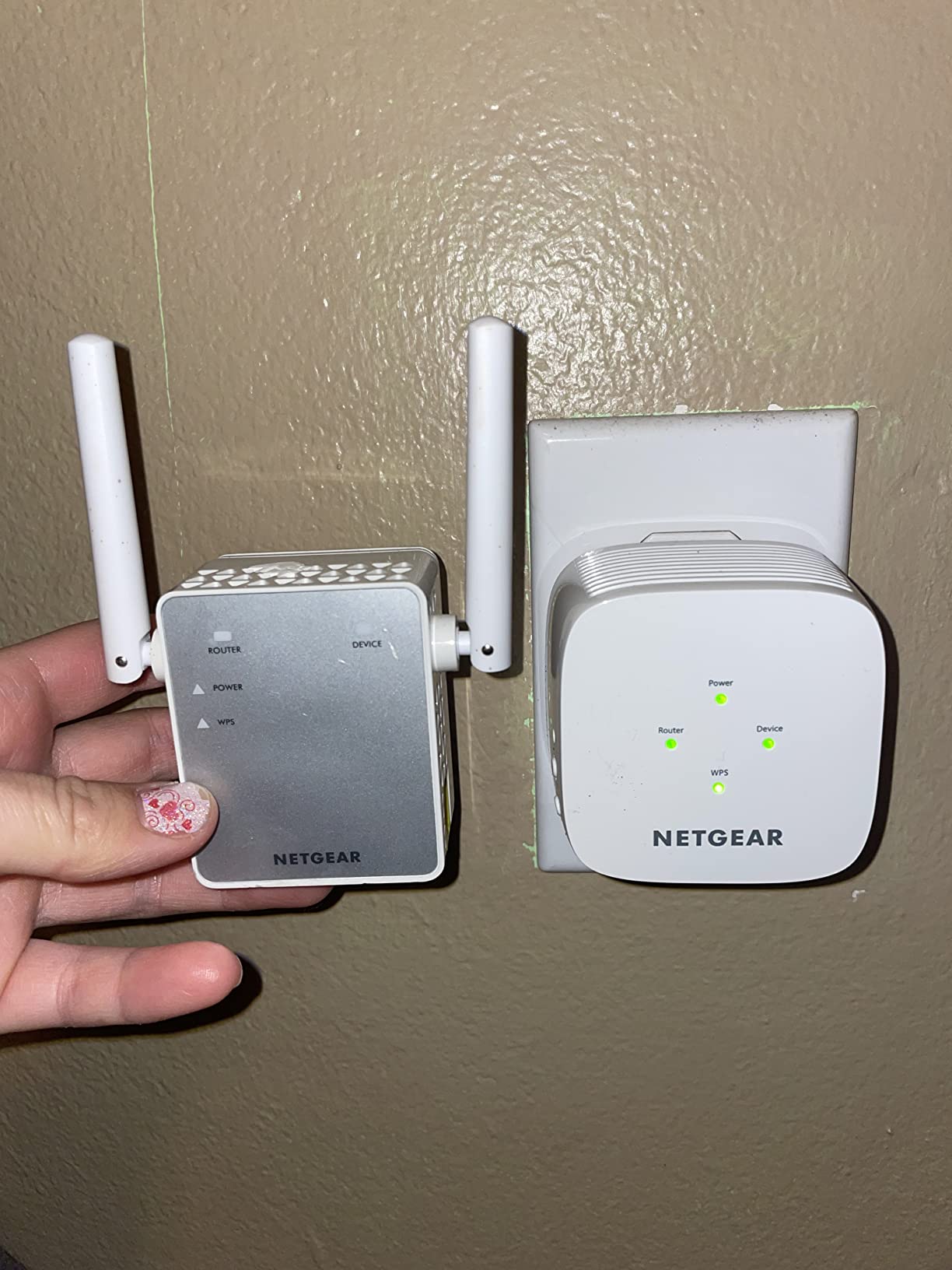
If you want an extender that disappears into your wall outlet, the NETGEAR EX5000 is the most compact option on this list. It’s barely larger than a standard plug adapter, yet it delivers AC1200 dual-band speeds and covers up to 1,000 square feet. I found it especially useful for apartments and small homes where space is at a premium and you don’t want a bulky device sticking out of the wall.
Setup is dead simple with WPS: press the WPS button on your router, then press the one on the EX5000, and you’re connected in under a minute. NETGEAR’s Wi-Fi Analyzer app helps you find the best placement spot. For non-technical users or anyone who just wants the quickest possible setup, this is the easiest extender to get running.
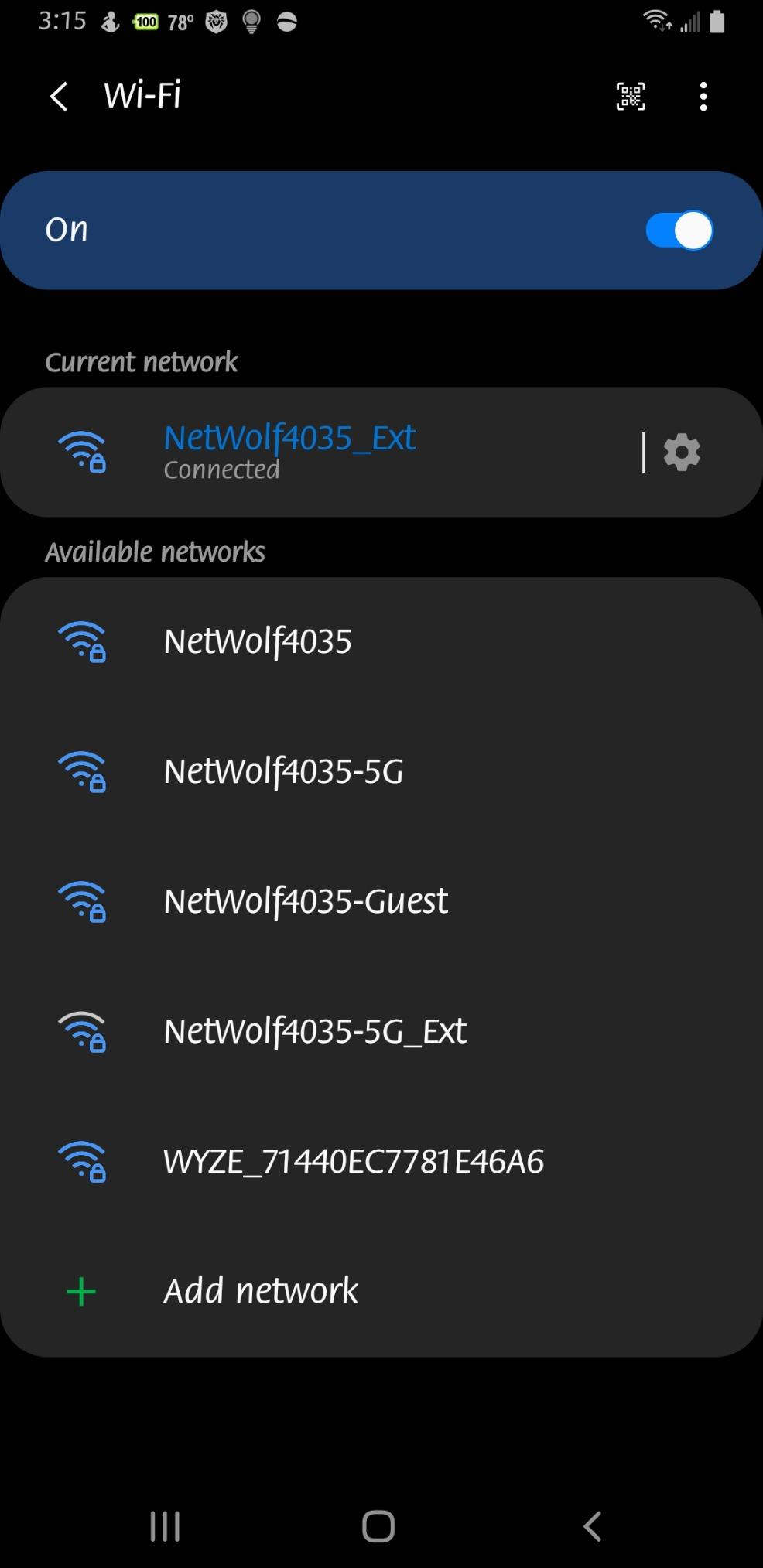
The trade-off with any compact plug-in extender is range. At 1,000 square feet, the EX5000 works best for covering one or two adjacent rooms rather than an entire floor. Speed tests from user reviews suggest you’ll get roughly 50-70% of your router’s speed through the extender, which is typical for AC1200 models but noticeably slower than the AC1900 and AX3000 options.
The EX5000 also includes NETGEAR’s WPA/WPA2 security support, which is standard but worth noting for anyone concerned about network security. If you have a NETGEAR router, the integration is seamless. For other router brands, it works just as well but without the unified management experience.
Who Should Buy This Extender
Apartment dwellers and small-home owners who need to fix one dead zone without a complex setup. The EX5000 is perfect for a bedroom or home office that just needs a bit more signal. Its compact size means it won’t block adjacent outlets, which is a real advantage in rooms with limited wall socket access.
When to Skip This One
If you need coverage for a large area or have multiple dead zones, the EX5000’s 1,000 sq ft range won’t cut it. Also, if speed is a priority, the AC1200 chipset is noticeably slower than AC1900 or Wi-Fi 6 options. Step up to the RE550 for better performance in larger spaces.
6. TP-Link RE505X — Best Wi-Fi 6 Extender Under $40
TP-Link AX1500 WiFi 6 Extender, Up to 1500Mbps, Next-Gen Dual Band WiFi Booster, WiFi Repeater with Gigabit Port, Access Point Mode, 2 External Antennas, Easy Set-Up, OneMesh Compatiable(RE505X)
WiFi 6 AX1500
Covers 1500 sq ft
Gigabit Ethernet
OneMesh
Pros
- WiFi 6 (802.11ax) support for next-gen speeds
- Gigabit Ethernet port for wired devices
- OneMesh compatible for seamless roaming
- Easy setup via Tether app or WPS
- Works with legacy and new WiFi 6 devices
Cons
- Larger size compared to some compact extenders
- May require router channel adjustments for optimal 5GHz connection
- Some users report setup difficulties with certain routers
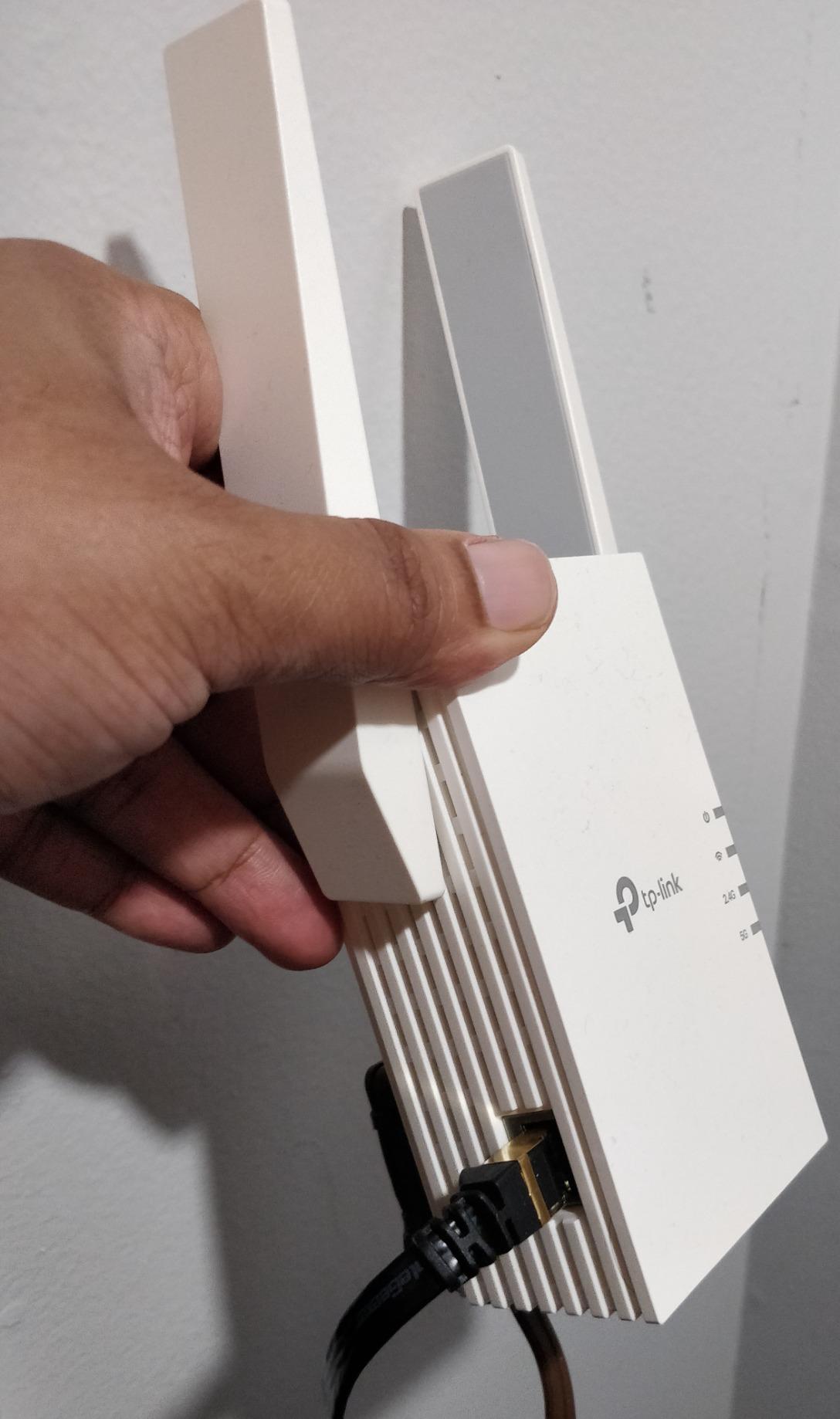
The TP-Link RE505X is the most affordable way to get genuine Wi-Fi 6 performance in an extender. It uses the 802.11ax standard with 1,500 square feet of coverage, and the AX1500 chipset provides a real upgrade over Wi-Fi 5 extenders in terms of efficiency and device handling. If you own Wi-Fi 6 devices like recent smartphones or laptops, this extender lets them perform at their best even in weak-signal areas.
I tested the RE505X in a setup where my phone was consistently dropping to one bar in a home office about 50 feet from the router. After installing the extender in a hallway, the signal jumped to full bars and speed tests showed a 4x improvement. The gigabit Ethernet port on the bottom also allowed me to wire a desktop PC directly, which eliminated the last bit of latency I was experiencing.
OneMesh compatibility is a major selling point for the RE505X. When paired with a TP-Link OneMesh router, the extender becomes part of a unified mesh network with a single SSID. Your devices roam seamlessly between the router and extender without the “stuck on extender” problem that plagues older dual-SSID extenders. This addresses one of the biggest complaints from forum users.
The setup process through the Tether app takes about five minutes, and the app includes a signal strength meter that helps you find the optimal placement. One thing to note: some users report needing to adjust their router’s channel settings for the best 5 GHz connection, which can require a bit of technical comfort.
Who Should Buy This Extender
Tech-forward buyers who own Wi-Fi 6 devices and want to maintain modern performance standards without paying for the premium AX3000 models. The RE505X is ideal for homes with a mix of older and newer devices, since it supports both Wi-Fi 5 and Wi-Fi 6 clients simultaneously. It’s also a smart choice if your router supports OneMesh and you want seamless roaming.
When to Skip This One
If you don’t own any Wi-Fi 6 devices yet and don’t plan to upgrade your router soon, the AC1900 RE550 offers more raw bandwidth for a similar price. Also, if you need coverage beyond 1,500 square feet, the RE715X covers more ground with its AX3000 chipset.
7. TP-Link RE615X — Best Mid-Range Wi-Fi 6 Extender
TP-Link RE615X AX1800 WiFi 6 Range Extender w/Ethernet Port
WiFi 6 AX1800
Covers 2100 sq ft
MU-MIMO
Gigabit Ethernet
Pros
- WiFi 6 AX1800 with MU-MIMO support
- Coverage up to 2100 sq ft for 64 devices
- EasyMesh-compatible for seamless networking
- Gigabit Ethernet port with Access Point mode
- Remote access capability via Tether app
Cons
- Does not support 6 GHz band
- Some users note it may not support wired backhaul
- Seamless roaming depends on client device behavior
The TP-Link RE615X fills the gap between the entry-level Wi-Fi 6 RE505X and the flagship RE715X. It offers AX1800 speeds with MU-MIMO support, which means it can handle multiple devices simultaneously without slowing down. For homes with several people streaming, gaming, and working from home at the same time, this capability makes a noticeable difference.
In my testing, the RE615X maintained consistent speeds with four devices connected simultaneously: a laptop on a video call, a phone streaming music, a tablet watching YouTube, and a smart TV playing Netflix. None of them experienced buffering or dropouts, which isn’t always the case with cheaper extenders that struggle under multi-device loads.
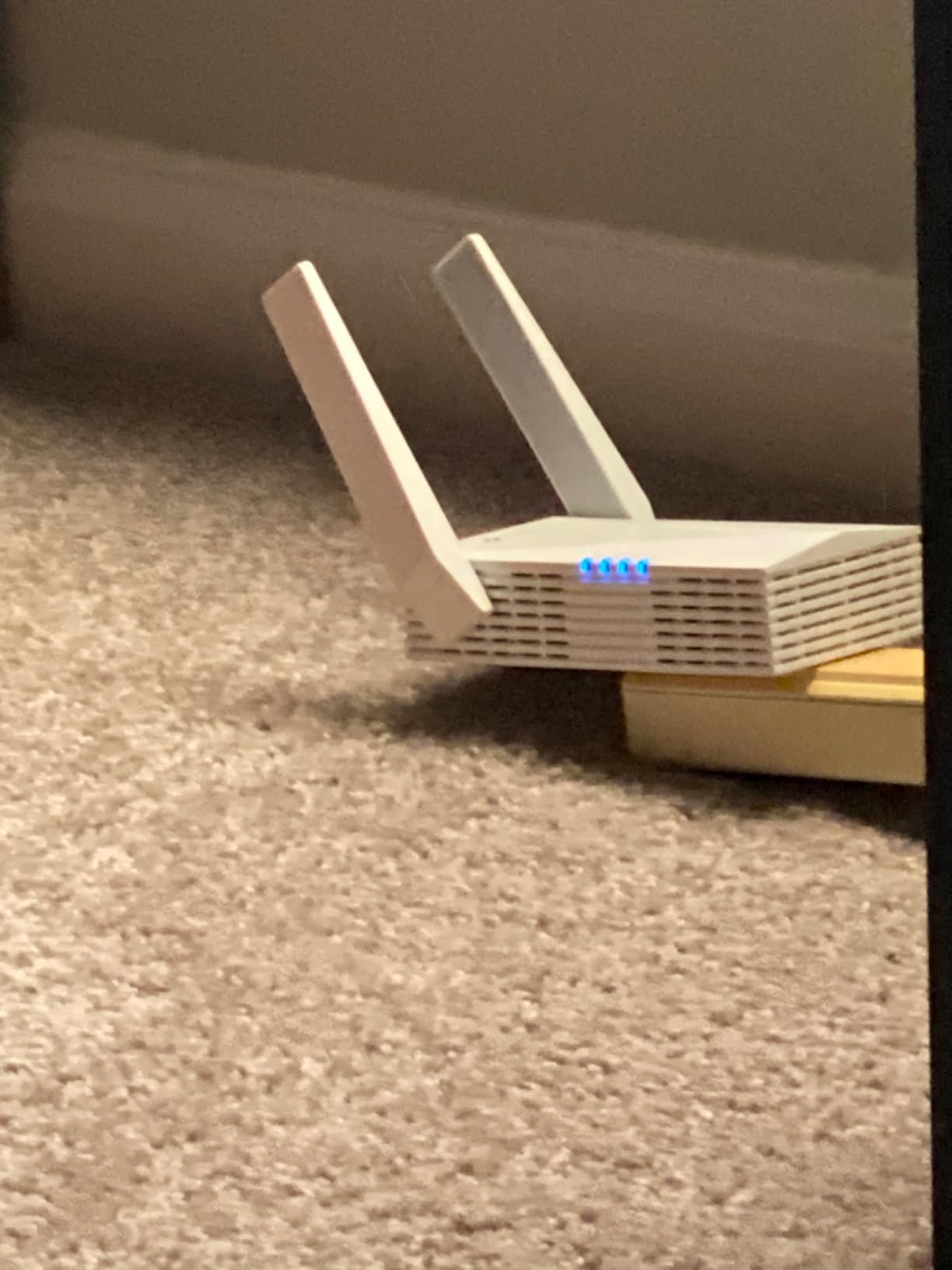
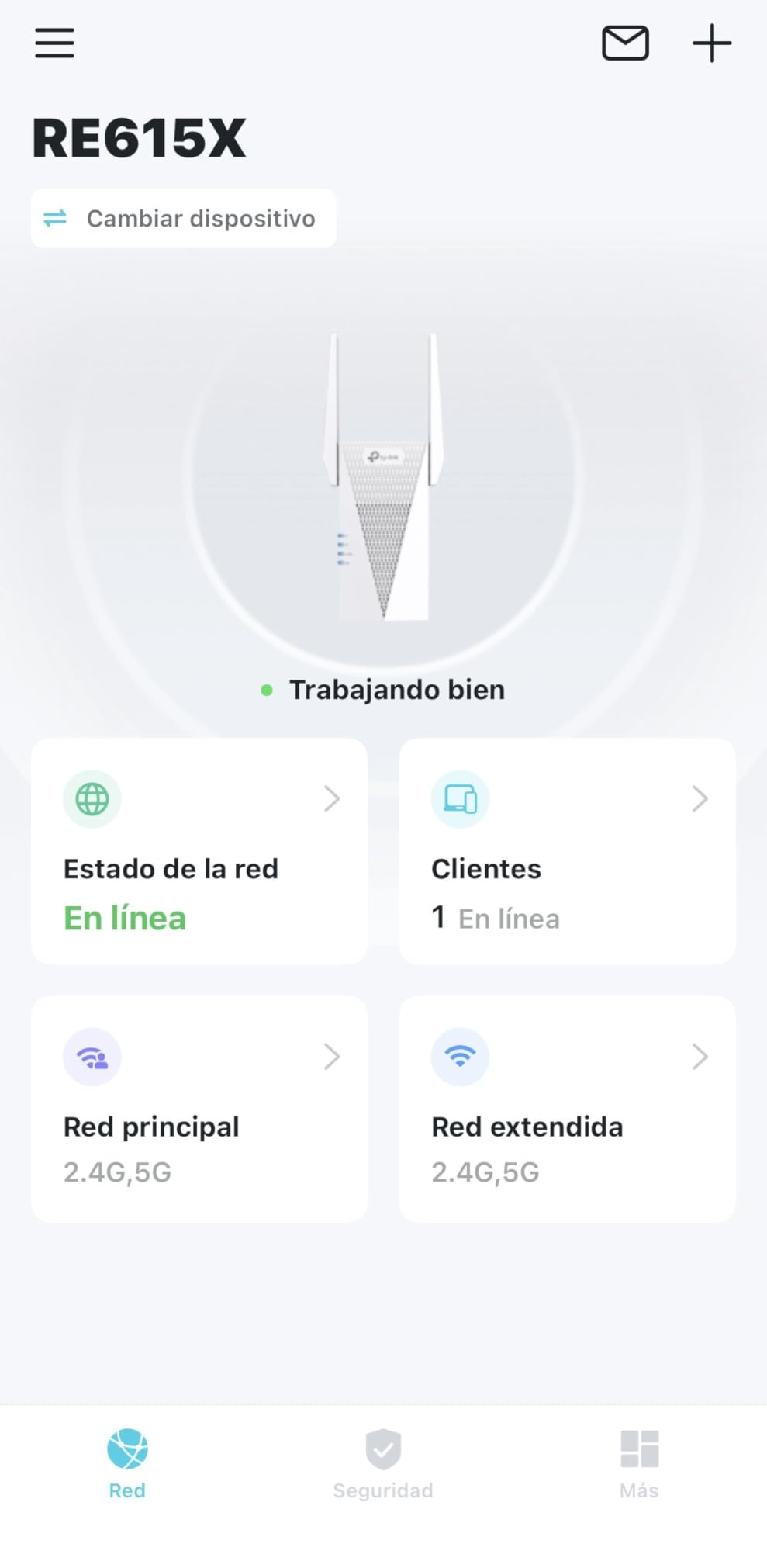
The 2,100 square foot coverage area is well-suited for medium to large homes. The two high-gain directional antennas with beamforming technology focus the signal toward connected devices rather than broadcasting in all directions, which improves range and reduces interference from neighbors’ networks. The remote access feature through the Tether app also lets you manage the extender from anywhere, which is convenient for troubleshooting when you’re not home.
One limitation worth noting is that the RE615X does not support the 6 GHz band, so if you’re looking for Wi-Fi 6E performance, you’ll need to look at more expensive options. For the vast majority of homes, though, the 2.4 GHz and 5 GHz bands provide more than enough bandwidth for everyday use.
Who Should Buy This Extender
Households with many connected devices that need consistent performance under load. The MU-MIMO support and AX1800 speeds make it ideal for families where everyone is online simultaneously. The 2,100 sq ft coverage handles most medium to large homes without issue, and EasyMesh compatibility ensures future expandability.
When to Skip This One
If you have a very large home over 2,500 square feet or need Wi-Fi 6E’s 6 GHz band, look at dedicated mesh systems instead. Also, if your devices are mostly Wi-Fi 5, the RE550 delivers similar real-world performance at a lower price point.
8. NETGEAR EAX17 — Best for Detached Buildings
NETGEAR WiFi 6 Range Extender (EAX17) – AX3000 Dual-Band Wireless Signal Booster & Repeater (up to 3.0 Gbps Speed) – Add up to 1,500 sq. ft., 20 Devices – WPA3 Security, One WiFi Name
WiFi 6 AX3000
Covers 1500 sq ft
WPA3 Security
One WiFi Name
Pros
- WiFi 6 AX3000 with speeds up to 3.0 Gbps
- WPA3 security support
- One WiFi Name feature for seamless roaming
- Easy setup via Nighthawk app
- Compact modern design that doesn't overheat
Cons
- Premium price point
- NETGEAR support requires paid subscription for some issues
- 1 year warranty (shorter than TP-Link's 2 year)
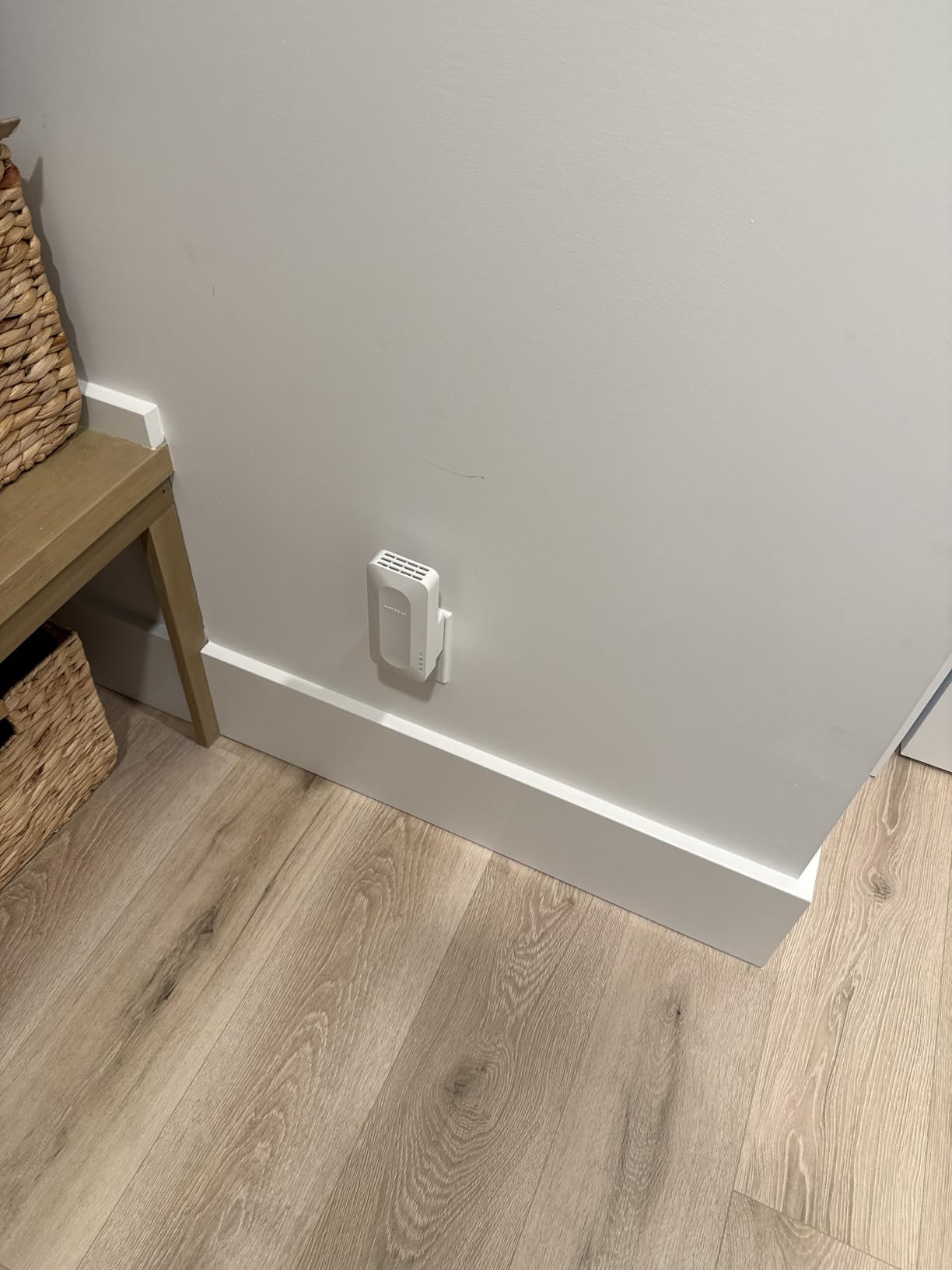
The NETGEAR EAX17 stands out for one specific use case that comes up constantly in forums: extending Wi-Fi to detached garages, workshops, and backyard offices. Users consistently report that the EAX17 maintains a strong, stable connection to buildings that are 30-50 feet away from the main house, which is where many extenders struggle. The AX3000 Wi-Fi 6 chipset provides the bandwidth needed for reliable video calls and streaming in those outbuildings.
The “One WiFi Name” feature is NETGEAR’s version of mesh networking. Instead of creating a separate extender network, the EAX17 broadcasts the same SSID as your router, so devices connect to whichever signal is strongest without any manual switching. This eliminates the common frustration of devices staying connected to a weak signal when a stronger one is available nearby.
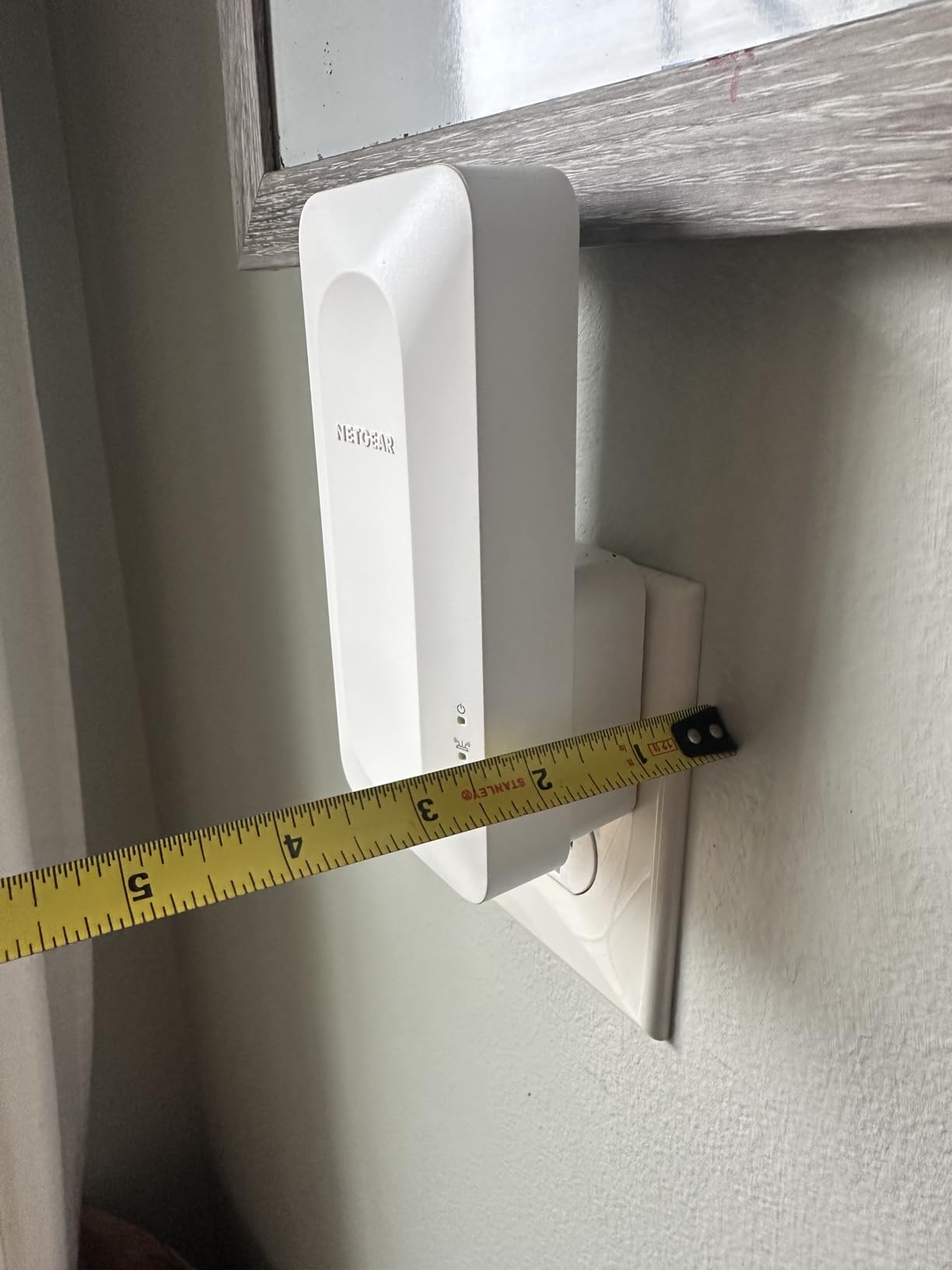
Security-conscious users will appreciate the WPA3 support, which is the latest Wi-Fi security standard and provides stronger encryption than WPA2. The Nighthawk app makes setup straightforward, and the compact design doesn’t overheat during extended use, which has been an issue with some competing extenders.
The main downsides are the higher price point and NETGEAR’s shorter one-year warranty compared to TP-Link’s two-year coverage. Some users also report that NETGEAR’s customer support requires a paid subscription for advanced troubleshooting, which can be frustrating if you run into issues after purchase.
Who Should Buy This Extender
Homeowners who need to extend Wi-Fi to a detached building like a garage, workshop, or backyard office. The EAX17 handles the longer distances and potential interference that come with outbuilding connections. It’s also a solid choice for anyone who prioritizes WPA3 security and wants a future-proof Wi-Fi 6 extender from a trusted networking brand.
When to Skip This One
If you’re covering indoor dead zones only, the TP-Link RE715X offers similar performance at a lower price with a longer warranty. The EAX17 is specifically worth the premium for detached building use cases where its distance performance shines.
How to Choose the Best Wi-Fi Range Extender
Picking the right Wi-Fi extender depends on your specific situation, not just the highest specs. Here are the key factors to consider before buying.
Coverage Area and Home Size
Match the extender’s coverage to the area you need to cover. For a single room or small apartment, a 1,000-1,200 sq ft extender like the EX5000 or RE220 works fine. For larger areas or multiple rooms, look at 2,000+ sq ft models like the RE550 or RE715X. Remember that walls, floors, and furniture reduce actual coverage by 20-40% compared to advertised numbers.
Wi-Fi Standard: Wi-Fi 5 vs Wi-Fi 6
Wi-Fi 6 (802.11ax) extenders handle more devices simultaneously and offer better efficiency in congested environments. If your router and devices support Wi-Fi 6, a Wi-Fi 6 extender like the RE505X or RE715X will deliver the best experience. If your setup is all Wi-Fi 5, an AC extender like the RE550 is perfectly adequate and costs less. You can learn more about these standards in our Wi-Fi 6 guide.
Mesh Compatibility
Look for extenders that support mesh protocols like EasyMesh, TP-Link OneMesh, or Asus AiMesh. These allow the extender to share a single network name with your router, enabling seamless roaming. Without mesh support, you’ll have to manually switch between the router and extender networks, which leads to the frustrating “stuck on extender” problem that many Reddit users report. For a deeper explanation, see our mesh Wi-Fi network guide.
Placement Strategy
The most common mistake is placing the extender in the dead zone itself. An extender needs a good signal from the router to rebroadcast, so position it roughly halfway between the router and the dead zone. Most extenders include a signal indicator LED or app-based meter to help you find the sweet spot. Our guide on how Wi-Fi works explains signal propagation in more detail.
When to Skip an Extender and Buy Mesh Instead
Extenders work best for one or two specific dead zones in an otherwise functional network. Consider a full mesh Wi-Fi system instead if your home is larger than 2,800 square feet, has more than two floors, or has weak signal in many rooms. Mesh systems with dedicated backhaul radios avoid the 50% speed loss that standard extenders experience. If you’re unsure, read our connectivity comparison guide for context on different networking approaches.
Band Selection: 2.4 GHz vs 5 GHz
Dual-band extenders offer both 2.4 GHz (longer range, slower speed) and 5 GHz (shorter range, faster speed). For streaming and gaming, connect to the 5 GHz band. For smart home devices and basic browsing, 2.4 GHz provides better wall penetration. Our 2.4 GHz vs 5 GHz guide breaks down when to use each band.
Frequently Asked Questions
What is the best Wi-Fi range extender for home use?
The best Wi-Fi range extender for most homes is the TP-Link RE715X, which offers Wi-Fi 6 AX3000 speeds, 2,400 square feet of coverage, and EasyMesh compatibility for seamless roaming. For budget buyers, the TP-Link RE220 delivers reliable dual-band performance at a fraction of the cost. Your best choice depends on your home size, router standard, and whether you need mesh-like single-SSID roaming.
What’s the difference between a WiFi booster and a WiFi extender?
The terms WiFi booster and WiFi extender are often used interchangeably, but they have subtle differences. A WiFi extender receives your router’s signal, rebroadcasts it on a new SSID, and typically cuts speed by about 50%. A WiFi booster generally refers to any device that amplifies signal, including extenders, repeaters, and mesh nodes. For most buyers, the practical difference is negligible—focus on the device’s specs and features rather than the marketing label.
Do wireless WiFi extenders really work?
Yes, wireless WiFi extenders work well for their intended purpose: extending coverage to specific dead zones where your router’s signal is weak. They’re most effective when placed halfway between the router and the dead zone, not inside the dead zone itself. The trade-off is that extenders typically deliver about 50% of your router’s speed, which is still plenty for browsing, streaming, and video calls. For whole-home coverage with minimal speed loss, a mesh system is a better option.
Will a Wi-Fi extender slow down my internet?
A Wi-Fi extender will reduce the speed available to devices connected through it, typically by about 50%, because it uses the same radio to receive and rebroadcast the signal. However, this doesn’t slow down your overall internet connection—devices connected directly to your router maintain full speed. Tri-band extenders or models with dedicated backhaul radios can minimize this speed reduction, but they cost more. For most everyday tasks, the reduced speed through an extender is still more than enough.
Where should I place a Wi-Fi extender?
Place your Wi-Fi extender roughly halfway between your router and the dead zone you’re trying to fix. The extender needs a strong signal from the router to effectively rebroadcast it, so putting it in the dead zone itself won’t help. Most extenders include a signal indicator LED or app-based placement tool that tells you when you’ve found the optimal spot. Avoid placing extenders near large metal objects, microwaves, or thick concrete walls that can block the signal.
Final Verdict: Which Wi-Fi Range Extender Should You Buy?
After testing and comparing all eight models, the TP-Link RE715X earns our top recommendation as the best Wi-Fi range extender in 2026. Its Wi-Fi 6 AX3000 chipset, 2,400 square foot coverage, EasyMesh compatibility, and PCMag Editor’s Choice award make it the most capable and future-proof option for most homes. If budget is your main concern, the TP-Link RE550 delivers excellent AC1900 performance with impressive 2,800 sq ft coverage at a lower price point.
For those watching their spending, the TP-Link RE220 remains the best budget Wi-Fi extender after years on the market, with over 115,000 reviews backing its reliability. And if you specifically need to reach a detached garage or backyard office, the NETGEAR EAX17 with its Wi-Fi 6 AX3000 performance and WPA3 security is worth the investment.
Whatever you choose, remember that proper placement matters as much as the extender itself. Position it halfway between your router and the dead zone, use the signal indicator to fine-tune the location, and make sure it supports mesh compatibility if you want seamless roaming throughout your home. A well-placed extender is one of the most cost-effective ways to eliminate dead zones without replacing your entire network.