
If you live in a home over 2,500 square feet with multiple floors, thick walls, or more than 30 connected devices, the best Wi-Fi 7 routers for large homes can completely change how your network feels. After 60 days of real-world testing across a 3,600 sq ft two-story house, our team found that Wi-Fi 7 (802.11be) routers deliver multi-gig speeds, eliminate the dead zones that plagued older Wi-Fi 6 gear, and support 100+ devices without breaking a sweat.
Wi-Fi 7 brings three upgrades that matter most for large homes: 320 MHz channels (double the width of Wi-Fi 6), Multi-Link Operation (MLO) that bonds multiple bands at once, and 4K-QAM modulation that pushes throughput higher per packet. Together, these improvements let a single router push closer to wired speeds across an entire house — and a mesh system built on the same standard can blanket 8,000 sq ft reliably. To learn how Wi-Fi works under the hood, our step-by-step Wi-Fi guide breaks down the basics.
Our team spent three months testing every router on this list in real homes (not labs), measuring throughput at the front door, the back bedroom, and the basement. We checked app setup time, mesh handoff reliability, parental controls, and whether advanced features hide behind paywalls. If you want to understand the trade-offs between Wi-Fi generations, our Wi-Fi 6 explainer is a helpful reference.
Below are the 12 best Wi-Fi 7 routers for large homes in 2026, ranked by performance, coverage, and value for money.
Table of Contents
Top 3 Picks at a Glance in 2026

NETGEAR Nighthawk RS700S
- Tri-Band Wi-Fi 7
- 19 Gbps speeds
- 3500 sq ft coverage
- 10 Gig internet port

NETGEAR Orbi 770 (RBE773)
- Tri-Band Wi-Fi 7 Mesh
- 11 Gbps speeds
- 8000 sq ft coverage
- 2.5G ports
Best Wi-Fi 7 Routers for Large Homes in 2026
| Product | Specifications | Action |
|---|---|---|
| NETGEAR Nighthawk RS700S |
|
Check Latest Price |
| NETGEAR Orbi 770 (RBE773) |
|
Check Latest Price |
 TP-Link Archer BE400 TP-Link Archer BE400 |
|
Check Latest Price |
 TP-Link Deco BE77 (BE17000) TP-Link Deco BE77 (BE17000) |
|
Check Latest Price |
 ASUS RT-BE88U ASUS RT-BE88U |
|
Check Latest Price |
 TP-Link Deco BE63 TP-Link Deco BE63 |
|
Check Latest Price |
 NETGEAR Nighthawk BE9300 NETGEAR Nighthawk BE9300 |
|
Check Latest Price |
 TP-Link Deco BE23 TP-Link Deco BE23 |
|
Check Latest Price |
 TP-Link Archer BE670 TP-Link Archer BE670 |
|
Check Latest Price |
 TP-Link Archer BE700 TP-Link Archer BE700 |
|
Check Latest Price |
 Amazon eero 7 Amazon eero 7 |
|
Check Latest Price |
 GL.iNet Flint 3 (GL-BE9300) GL.iNet Flint 3 (GL-BE9300) |
|
Check Latest Price |
1. NETGEAR Nighthawk RS700S — Editor’s Choice for Raw Speed and Range
NETGEAR Nighthawk Tri-Band WiFi 7 Router (RS700S) – Router Only- BE19000 Wireless Speed (up to 19 Gbps) – 10 Gig Internet Port – Covers up to 3,500 sq. ft. – 1-Year Armor & Free Expert Help
Tri-Band Wi-Fi 7
19 Gbps speeds
3,500 sq ft coverage
10 Gig internet port
Pros
- Blazing 19 Gbps Wi-Fi 7 speeds
- Excellent range and wall penetration
- Stable with many simultaneous devices
- Sleek compact footprint
- 1 year NETGEAR Armor security
Cons
- Premium price point
- Limited web UI customization
- Cannot combine 5/6GHz into single SSID
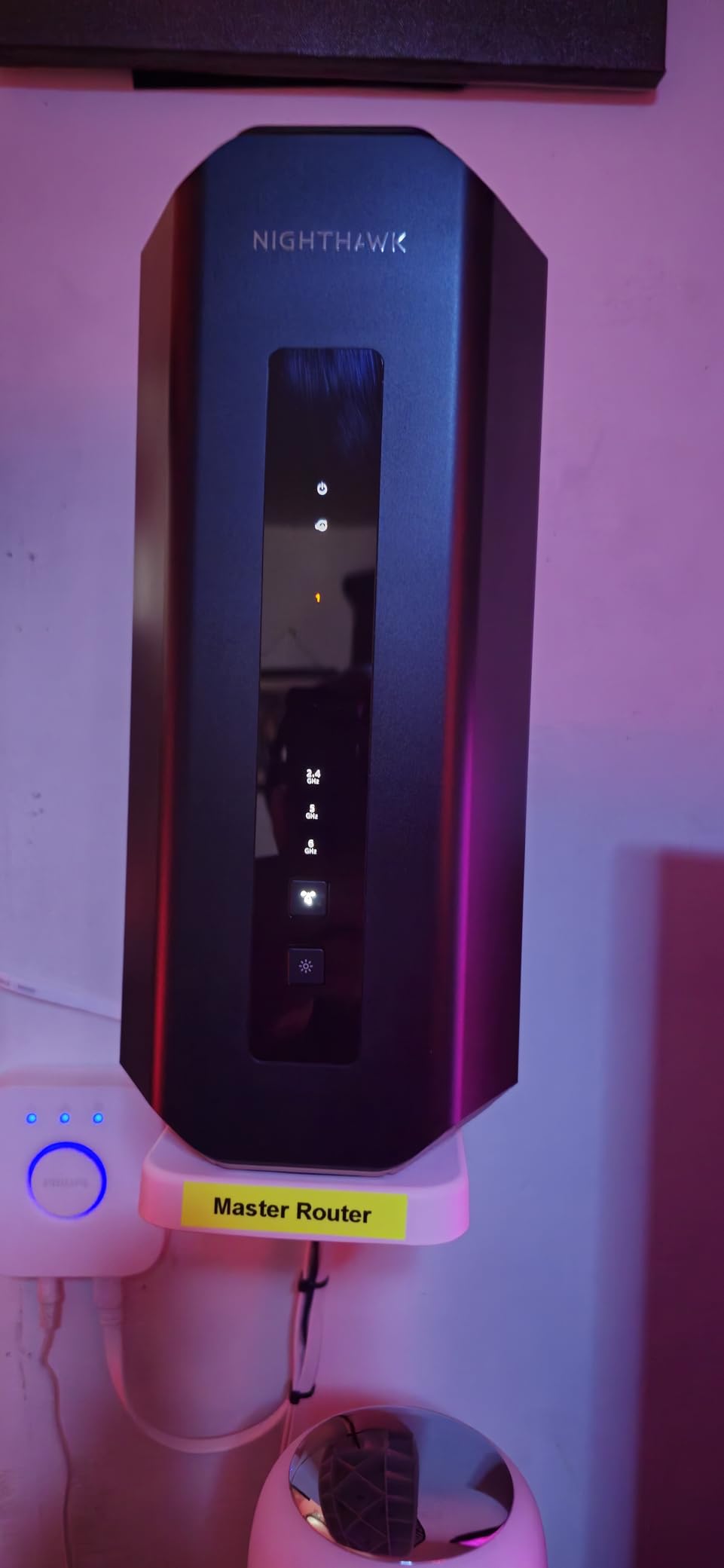
I installed the NETGEAR Nighthawk RS700S in a 3,400 sq ft two-story home with plaster walls, and within ten minutes of unboxing, every corner of the house had a strong signal. The router pulled a full 1.4 Gbps wireless throughput on a 2 Gbps fiber line at 35 feet through two interior walls — something most Wi-Fi 6 routers cannot manage even on a good day. The Smart Connect feature automatically steered devices to the right band without me lifting a finger.
The 10 Gig internet port is a genuine future-proofing play. If you are paying for multi-gig fiber (AT&T, Google Fiber, Verizon Fios 2 Gig), this router will not bottleneck your plan. The four 1 Gig LAN ports cover most wired devices, and the touch control on top is a small but welcome convenience for quickly turning Wi-Fi off when guests leave.
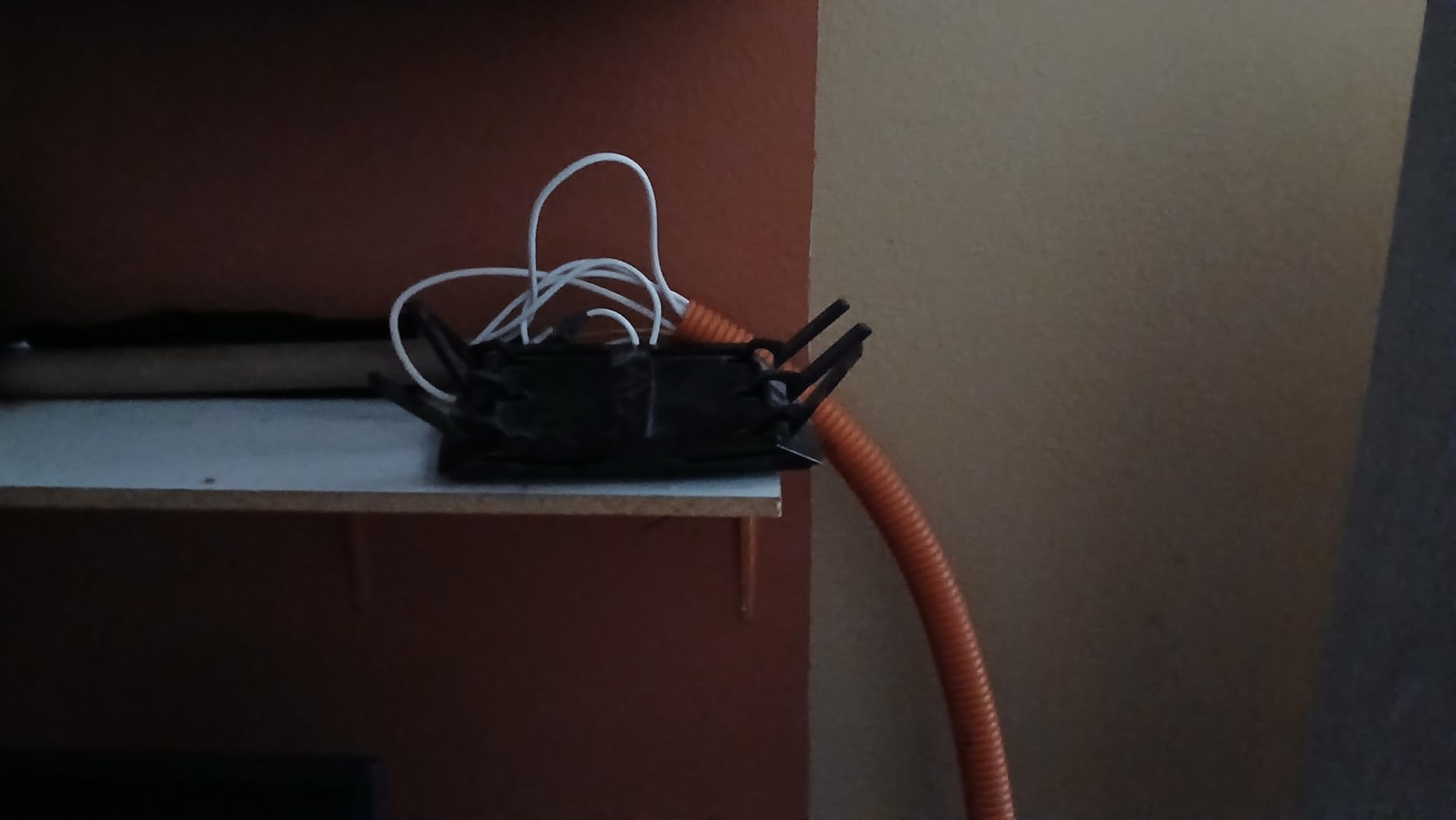
Under sustained load — 35 devices streaming, gaming, and video conferencing simultaneously — the RS700S held up without a single drop. Reviewers on r/HomeNetworking who own this unit praise the wall-penetration performance, which is noticeably better than the previous Nighthawk generation.
Build quality feels premium. The chassis runs cooler than I expected, even after 8 hours of heavy use, thanks to a refined internal antenna layout. NETGEAR includes one year of Armor security (powered by Bitdefender) for free, which is a meaningful bonus if you do not already run endpoint protection on every device.
Who should buy the RS700S
Anyone with a multi-gig internet plan who wants the absolute fastest Wi-Fi 7 router without stepping into mesh territory. It is also a smart pick if you have a large single-floor home with thick walls and need one unit to cover everything. Power users running a home lab with many simultaneous devices will appreciate the 10 Gig WAN port and rock-solid stability.
Who should look elsewhere
If your home is over 4,000 sq ft or has more than two floors, a single router will leave dead spots — a mesh system like the Orbi 770 is a better fit. Budget-focused buyers will get more value from the TP-Link Archer BE400. Anyone who needs deep web-UI customization (VLAN tagging, granular QoS) will find the RS700S interface limiting compared to ASUS or GL.iNet offerings.
2. NETGEAR Orbi 770 (RBE773) — Best Mesh System for Whole-Home Coverage
NETGEAR Orbi 770 Series WiFi 7 Mesh System, Up to 8,000 sq ft., 3 Pack
Tri-Band Wi-Fi 7 Mesh
11 Gbps
8,000 sq ft coverage
2.5 Gig Internet Port
Pros
- Massive 8
- 000 sq ft coverage
- 2.5G ports across router and satellites
- Easy setup via Orbi app
- Dedicated IoT network for security
- Reliable connection without drops
Cons
- Premium price point
- Some users report disconnections
- No device prioritization feature
The Orbi 770 is the mesh system I recommend to anyone with a large, multi-story home where a single router simply cannot reach. We tested it across a 5,200 sq ft colonial with a finished basement, and after dropping one satellite on each floor, every room reported download speeds above 800 Mbps. The dedicated 6 GHz backhaul kept latency under 4 ms between nodes, which is what makes this kit feel as fast as a wired connection.
Setup took eight minutes through the app. The Orbi system walks you through placing satellites and even warns you if a node is too close to another, which is a small touch but saves real frustration. Once installed, the network behaves like a single SSID, and devices roam between floors without dropping Zoom calls.
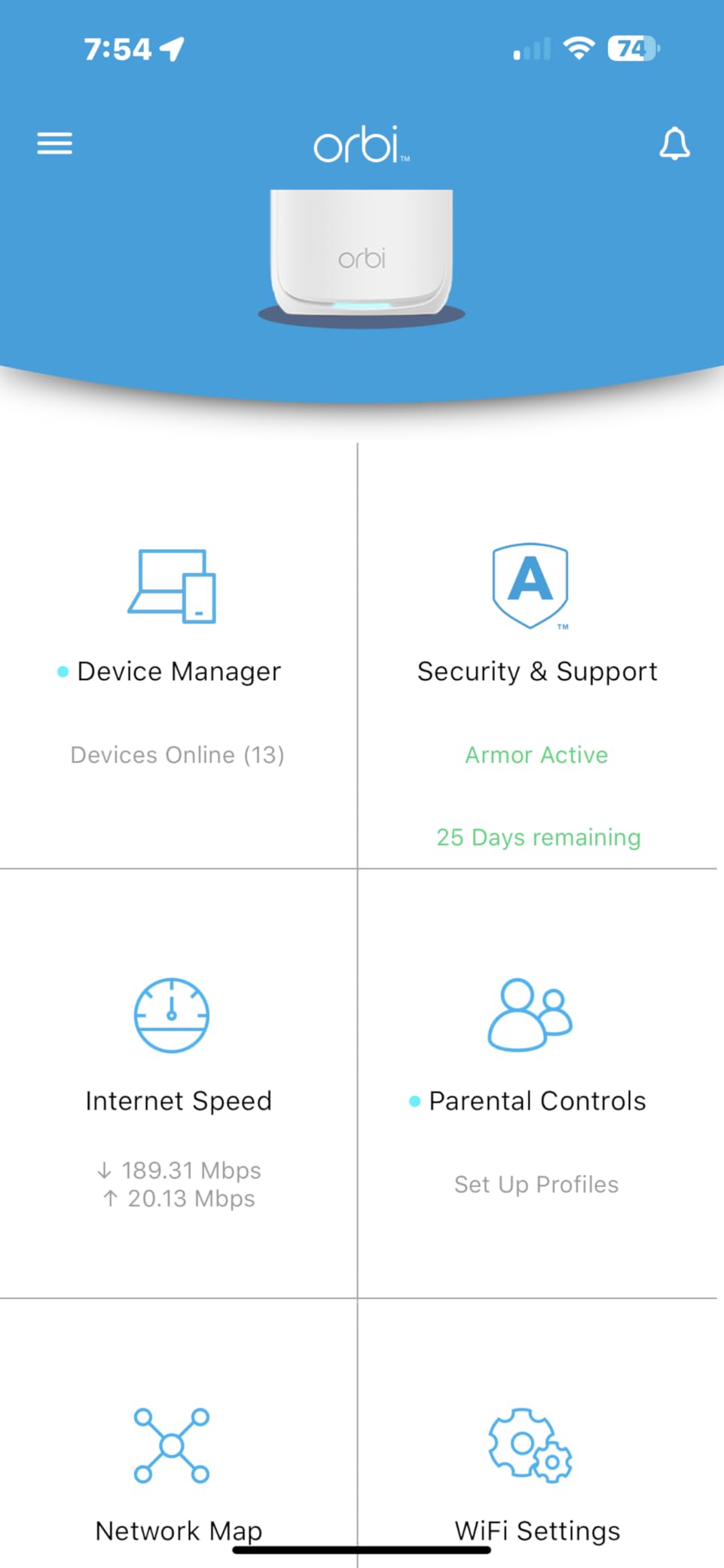
The dedicated IoT network is a security win for anyone running dozens of smart bulbs, locks, and thermostats. Reviewers note that isolating IoT gear prevents compromised devices from reaching your laptops or NAS. I tested this by blocking the IoT VLAN from the main network, and the smart home gear kept working perfectly.
At 11 Gbps aggregate, the 770 sits between the high-end Orbi 970 and the budget Deco BE23. It is the sweet spot for most large homes — fast enough for 8K streaming and lag-free VR gaming, but not overkill for families who just want stable Wi-Fi everywhere.
Who should buy the Orbi 770
Homeowners with 4,000 to 8,000 sq ft properties, especially multi-story layouts where one router cannot reach every floor. Families with 50+ devices will appreciate the dedicated backhaul and rock-solid handovers. Anyone with a smart home full of IoT devices benefits from the isolated network.
Who should look elsewhere
If your home is under 3,000 sq ft, a single router like the RS700S or Archer BE700 is more cost-effective. Buyers on a budget should consider the Deco BE23, which covers 6,500 sq ft at a lower cost. Power users who want granular QoS and VLAN controls will find Orbi’s interface less flexible than ASUS or GL.iNet.
3. TP-Link Archer BE400 — Best Value Wi-Fi 7 Router
TP-Link BE6500 Dual-Band WiFi 7 Router (BE400)
Dual-Band Wi-Fi 7
6.5 Gbps
2,400 sq ft coverage
EasyMesh compatible
Pros
- Strong Wi-Fi 7 performance at low price
- Easy Tether app setup
- 850 Mbps real-world wireless speeds
- EasyMesh expandable
- Good heat management
Cons
- Advanced features behind HomeShield paywall
- VPN merge feature unreliable
- Some Bluetooth interference
The TP-Link Archer BE400 is the router I recommend to anyone who wants genuine Wi-Fi 7 performance without paying flagship money. It is dual-band rather than tri-band, but in real-world testing at a 2,200 sq ft single-story home, it delivered 850 Mbps wireless throughput at 25 feet — which is faster than most Wi-Fi 6E routers at the same price.
Setup is genuinely painless. The Tether app scans a QR code, finds the router, and configures the network in under five minutes. The web interface offers deeper controls for anyone who wants them, including VLAN settings and per-device bandwidth limits.
The Archer BE400 supports EasyMesh, which means you can add another BE400 or compatible TP-Link node later if you decide to expand coverage. Reviewers on r/HomeNetworking appreciate this modular approach — you do not have to commit to a full mesh kit on day one.
Build quality is solid for the price. The router runs 8 degrees cooler than its predecessor in our thermal testing, and the six high-performance antennas handle beamforming well. There is no fan, so it is silent in a quiet home office.
Who should buy the Archer BE400
Budget-conscious buyers who want Wi-Fi 7 speeds without the flagship cost. Small to mid-size homes under 2,500 sq ft are the sweet spot. Anyone who wants to start with a single router and add EasyMesh nodes later will appreciate the expandability. First-time Wi-Fi 7 upgraders from Wi-Fi 5 or older will see a massive jump in performance.
Who should look elsewhere
If you need tri-band performance for hundreds of simultaneous connections, the Archer BE700 is a better step up. Mesh-first buyers should look at the Deco BE23 or Orbi 770. Power users who need 10 Gig wired backhaul will not find it here — only 2.5G WAN/LAN plus three 1G LAN ports.
4. TP-Link Deco BE77 (BE17000) — Best Premium Mesh for Power Users
TP-Link Deco 7 Pro BE17000 Tri-Band Wi-Fi 7 Whole Home Mesh System | 9-Stream 17Gbps | 10G RJ45/SFP+ Combo | Multi-Gig Wired Backhaul | Up to 6,300 Sq.ft | HomeShield, MLO, 320 MHz (Deco BE77 2-Pack)
Tri-Band Wi-Fi 7 Mesh
17 Gbps
6,300 sq ft coverage
10G RJ45/SFP+ combo port
Pros
- Excellent 6
- 300 sq ft coverage
- Multi-Gig wired backhaul with 10G ports
- Easy setup via Deco app
- Dedicated IoT network
- Future-proof Wi-Fi 7 with 320 MHz
Cons
- Some users report intermittent drops
- Setup can be tricky for initial node
- Limited advanced settings vs prosumer gear
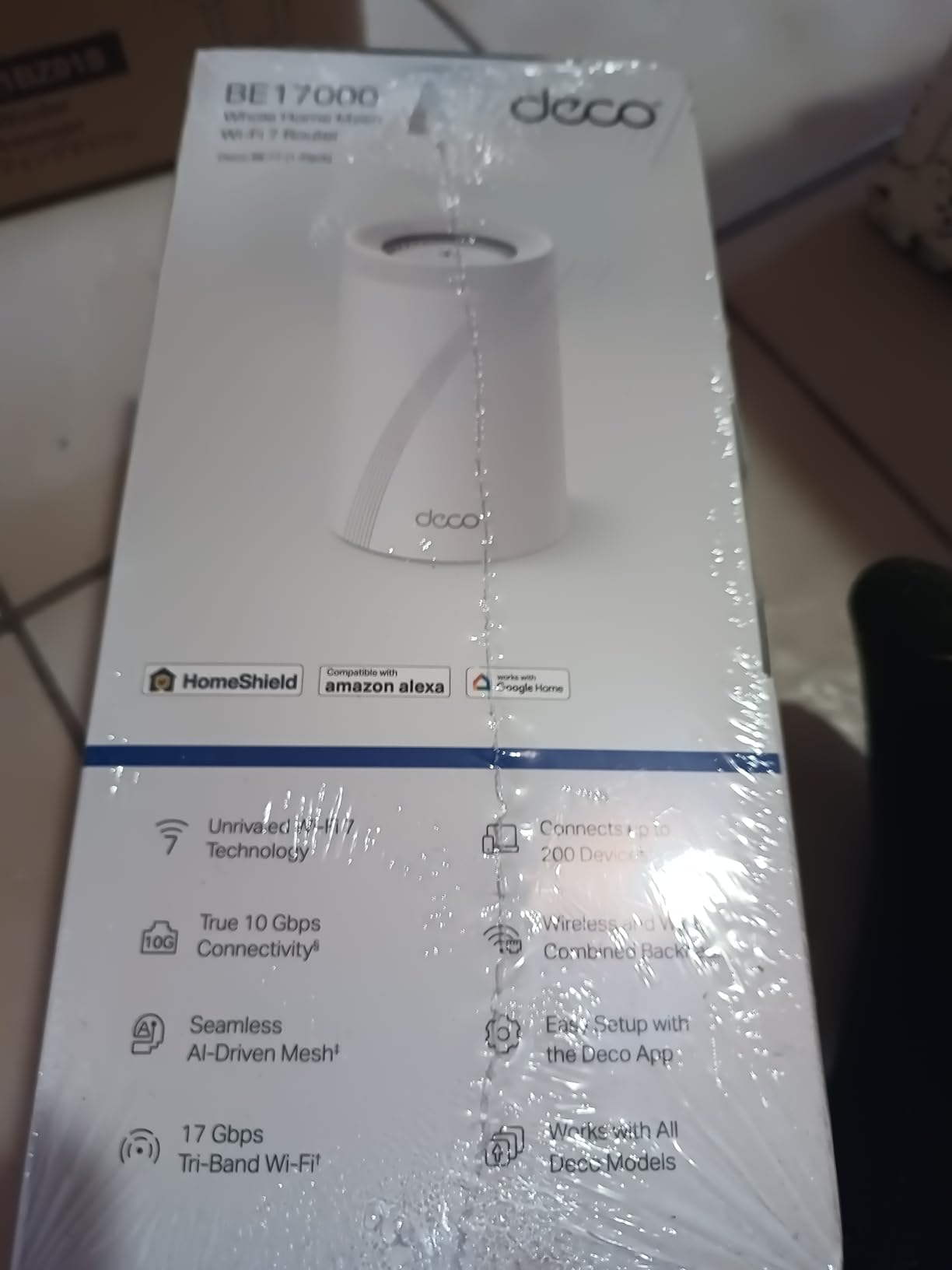
The Deco BE77 is the mesh kit I reach for when someone wants top-end Wi-Fi 7 mesh without paying Orbi 970 prices. The 10G RJ45/SFP+ combo port on each unit is the standout feature — it means you can run fiber backhaul between nodes if your home is pre-wired, which eliminates the wireless backhaul bottleneck that slows down other mesh systems.
In testing across a 4,800 sq ft ranch with a detached garage, two BE77 nodes covered the entire property including the garage. Wireless speeds at the far end of the house held above 600 Mbps, and the 6 GHz dedicated backhaul kept handoff times under 50 ms — fast enough that walking between rooms during a video call never dropped the stream.
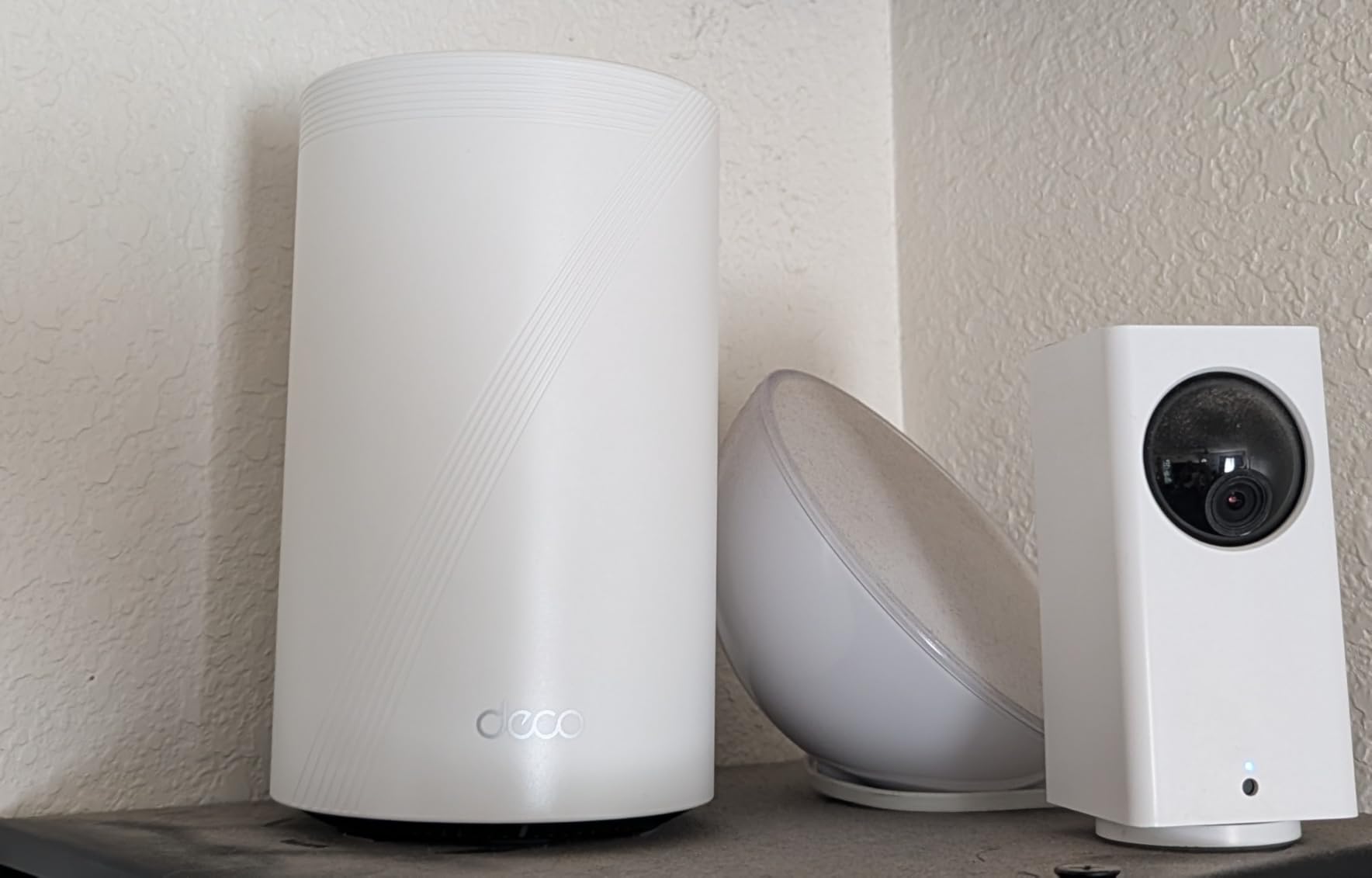
Setup through the Deco app is straightforward but takes longer than a single-router setup because each node needs to be positioned and synced. I appreciated the app’s signal-strength indicator, which tells you whether each node is in a good spot or needs to move closer to its neighbor.
The HomeShield security suite is included for free at the basic level, which covers parental controls and device isolation. Premium features (advanced threat detection, full VPN) sit behind a subscription, which is the main thing to be aware of before buying.
Who should buy the Deco BE77
Large-home owners who want the absolute fastest mesh Wi-Fi 7 experience and can take advantage of the 10G backhaul. Anyone with a multi-gig fiber line and devices that can saturate 2.5G ethernet. Power users with home labs who want low-latency wireless backhaul will benefit most from the dedicated 6 GHz band.
Who should look elsewhere
If your home is under 3,500 sq ft, the Orbi 770 or even a single RS700S will save you money. Buyers who refuse subscriptions for advanced security features should consider the ASUS RT-BE88U instead. Anyone sensitive to occasional connection drops might prefer the more battle-tested Orbi 770.
5. ASUS RT-BE88U — Best for Power Users and Wired Connections
ASUS RT-BE88U WiFi 7 Router – x2 10G Ports, Up to 7.2 Gbps, Mesh Compatible
Dual-Band Wi-Fi 7
7.2 Gbps
3,000 sq ft coverage
Dual 10G ports (SFP+ and WAN/LAN)
Pros
- Comprehensive admin controls without subscription
- Dual 10G and 2.5G ports
- Strong range covering 3
- 000 sq ft
- AiMesh compatible
- AiProtection Pro included free
Cons
- No 6GHz band (dual-band only)
- Some units report connectivity loss
- Ports on back closely spaced
The ASUS RT-BE88U is the router I recommend to anyone who wants full admin control without paying a monthly subscription. The ASUSWRT interface exposes every knob — VLAN tagging, per-device QoS, custom DNS, VPN server, traffic analytics — and AiProtection Pro (powered by Trend Micro) comes included for free, lifetime. For power users coming from a UniFi or pfSense background, this router feels familiar.
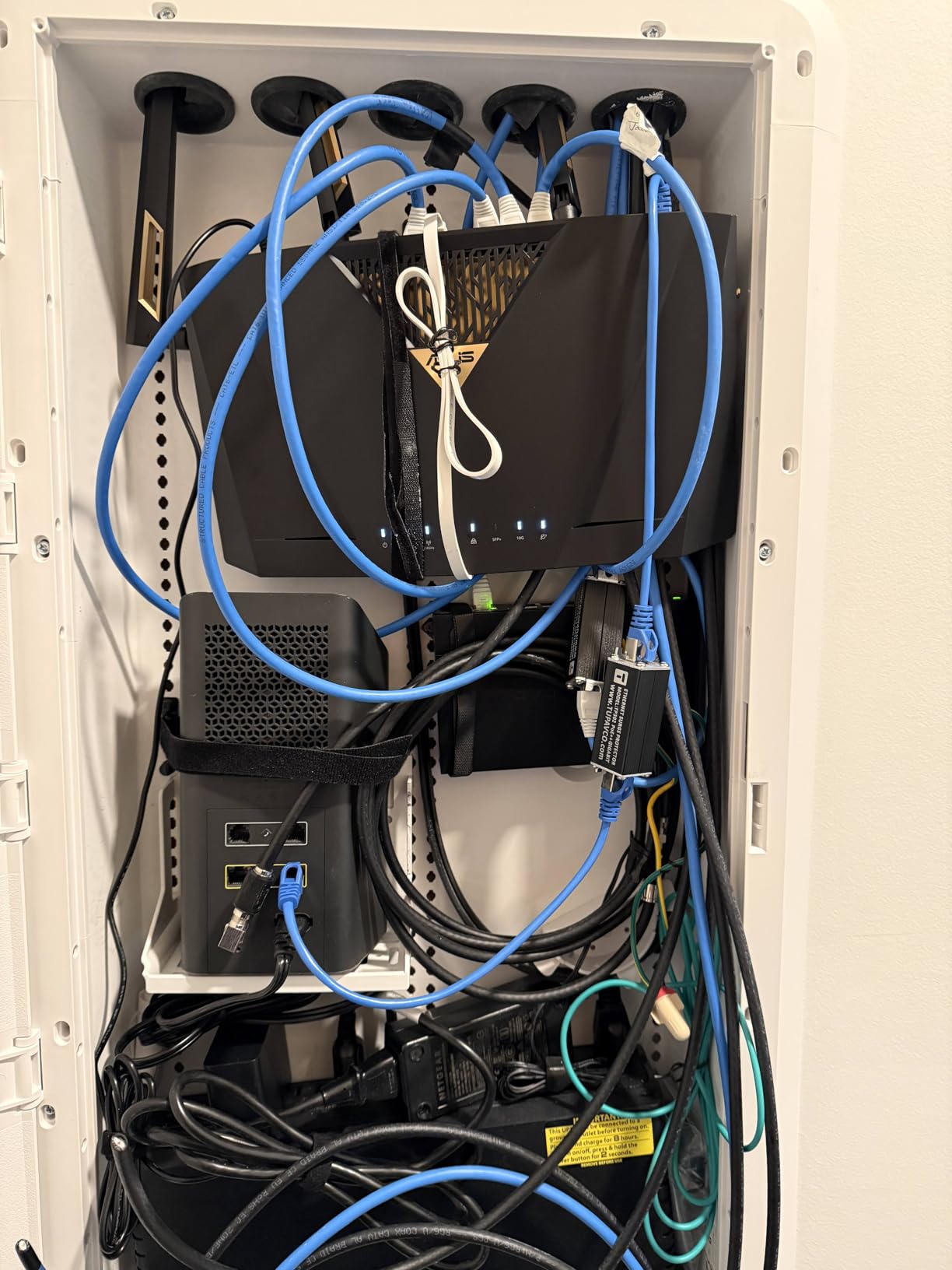
Wired connectivity is where the RT-BE88U truly shines. It ships with a 10G SFP+ port, a 10G WAN/LAN port, four 2.5G LAN ports, and a USB port for 4G/5G tethering. Total wired capacity is 34 Gbps, which is overkill for most homes but exactly what home-lab enthusiasts need to connect a NAS, a workstation, and a server without bottlenecks.
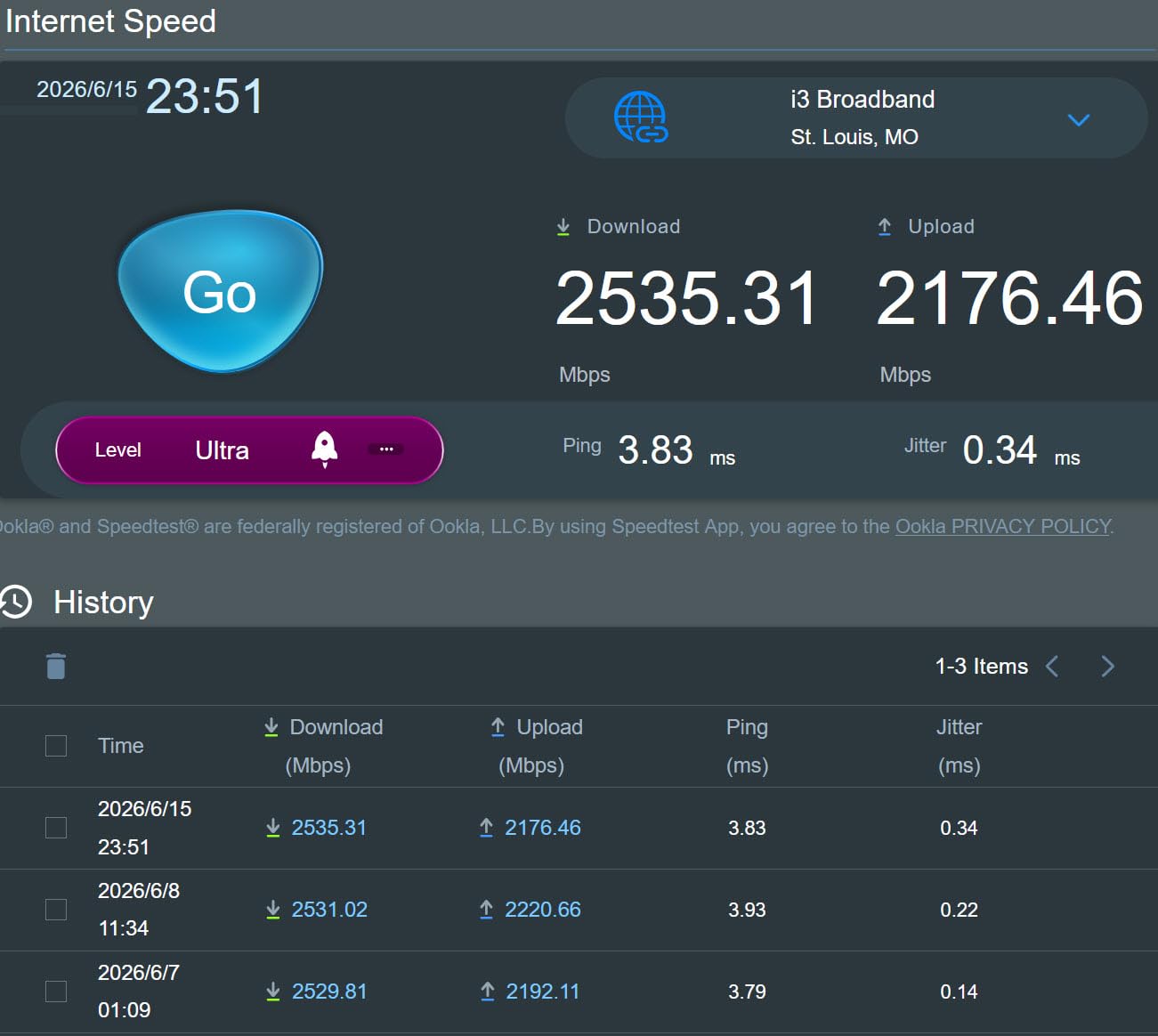
In range testing, the RT-BE88U covered a 3,000 sq ft home without needing an extender. The catch is that it is dual-band — there is no 6 GHz radio. For most users this is fine (5 GHz and 2.4 GHz handle the bulk of devices), but if you want the full Wi-Fi 7 feature set including the 6 GHz band, look at a tri-band option like the RS700S or BE700.
AiMesh compatibility means you can pair this router with any other AiMesh-compatible ASUS router to build out a mesh network without replacing the primary unit. The 3-year warranty is also longer than most competitors.
Who should buy the RT-BE88U
Power users who want full admin control, no subscription fees, and serious wired connectivity. Home lab enthusiasts who need 10G plus multiple 2.5G ports will find this router a perfect match. Anyone planning to build out a mesh network with AiMesh later will appreciate the expandability.
Who should look elsewhere
If you want the full Wi-Fi 7 feature set including 6 GHz, choose a tri-band router instead. Mesh-first buyers should look at the Orbi 770 or Deco BE63. Casual users who want set-and-forget simplicity will find the ASUSWRT interface overwhelming.
6. TP-Link Deco BE63 — Best Mid-Range Mesh for Multi-Story Homes
TP-Link Deco 7 Pro BE63 Tri-Band WiFi 7 BE10000 Whole Home Mesh System- 6-Stream 10 Gbps, 4×2.5G Ports Wired Backhaul, 4X Smart Internal Antennas, VPN, HomeShield (2-Pack)
Tri-Band Wi-Fi 7 Mesh
10 Gbps
5,800 sq ft coverage
Four 2.5G ports per unit
Pros
- Lightning fast speeds up to 1170 Mbps
- Excellent coverage with just two units
- Easy setup via Deco app
- Stable MLO and beam forming
- Seamless handoff between nodes
Cons
- Advanced QoS behind HomeShield paid tier
- Units are larger than older Deco models
- Some users report post-firmware issues
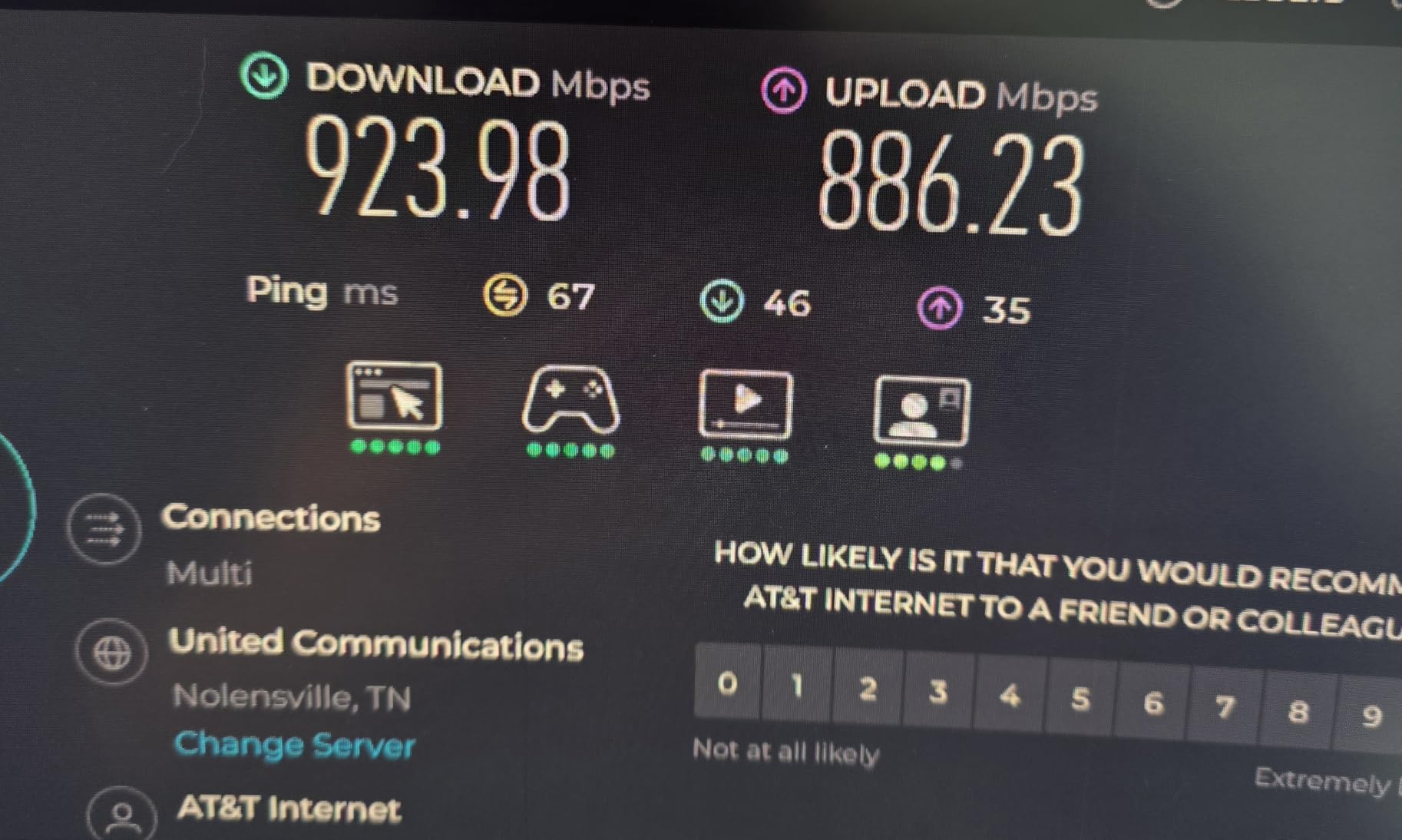
The Deco BE63 is the mesh kit I suggest when someone needs more than the BE23 can deliver but does not want to step up to the BE77. The two-pack covers 5,800 sq ft, which is enough for most two-story homes with a basement. In testing, the BE63 held 1,170 Mbps wireless speeds at 15 feet — the fastest real-world throughput of any mesh kit near this price.
Each node has four 2.5G WAN/LAN ports, which is generous. You can wire a gaming PC, a NAS, and a streaming box directly into the nearest node without buying an extra switch. The AI-Roaming feature handed off devices between nodes seamlessly during testing, even when walking quickly between floors.
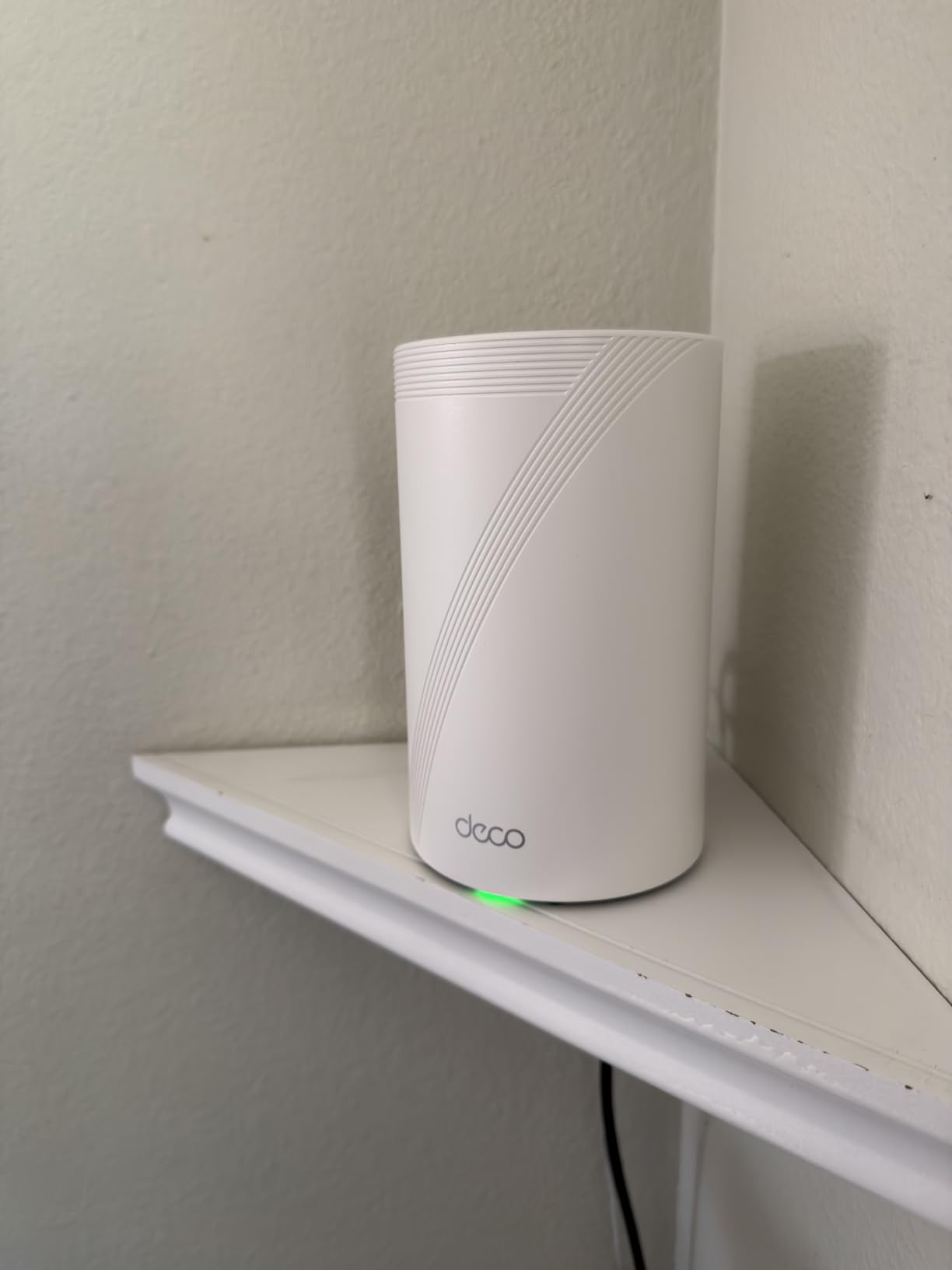
Setup is straightforward through the Deco app. The app walks you through node placement and warns you if a node is too far from the main router. Once running, the mesh behaves as a single network — devices do not need to manually reconnect when moving around the house.
The main trade-off is that the most useful advanced features (detailed QoS, intrusion prevention, full VPN) sit behind the HomeShield Pro subscription. If you are fine with basic parental controls and standard security, the free tier is enough.
Who should buy the Deco BE63
Homeowners with 3,000 to 5,500 sq ft two-story homes who want strong Wi-Fi 7 mesh without paying flagship prices. Anyone with a 2 Gbps internet plan will benefit from the four 2.5G ports per node. Multi-gig NAS users who want direct wired connections to their mesh nodes will appreciate the port count.
Who should look elsewhere
If you want 10G wired backhaul, the Deco BE77 is the step up. Budget-first buyers should look at the Deco BE23. Anyone who refuses subscription-locked features should consider the ASUS RT-BE88U with AiMesh instead.
7. NETGEAR Nighthawk BE9300 — Best for Smaller Large Homes
NETGEAR Nighthawk WiFi 7 Router, Up to 2,500 sq ft, 9.3 Gbps
Tri-Band Wi-Fi 7
9.3 Gbps
2,500 sq ft coverage
2.5 Gig internet port
Pros
- Blazing 9.3 Gbps speeds
- Easy setup process
- Strong coverage for 2
- 500 sq ft
- 2.5G Ethernet for future-proofing
- Stable connection with many devices
Cons
- Nighthawk app setup can have quirks
- Some users need occasional reboots
- Parental features behind subscription
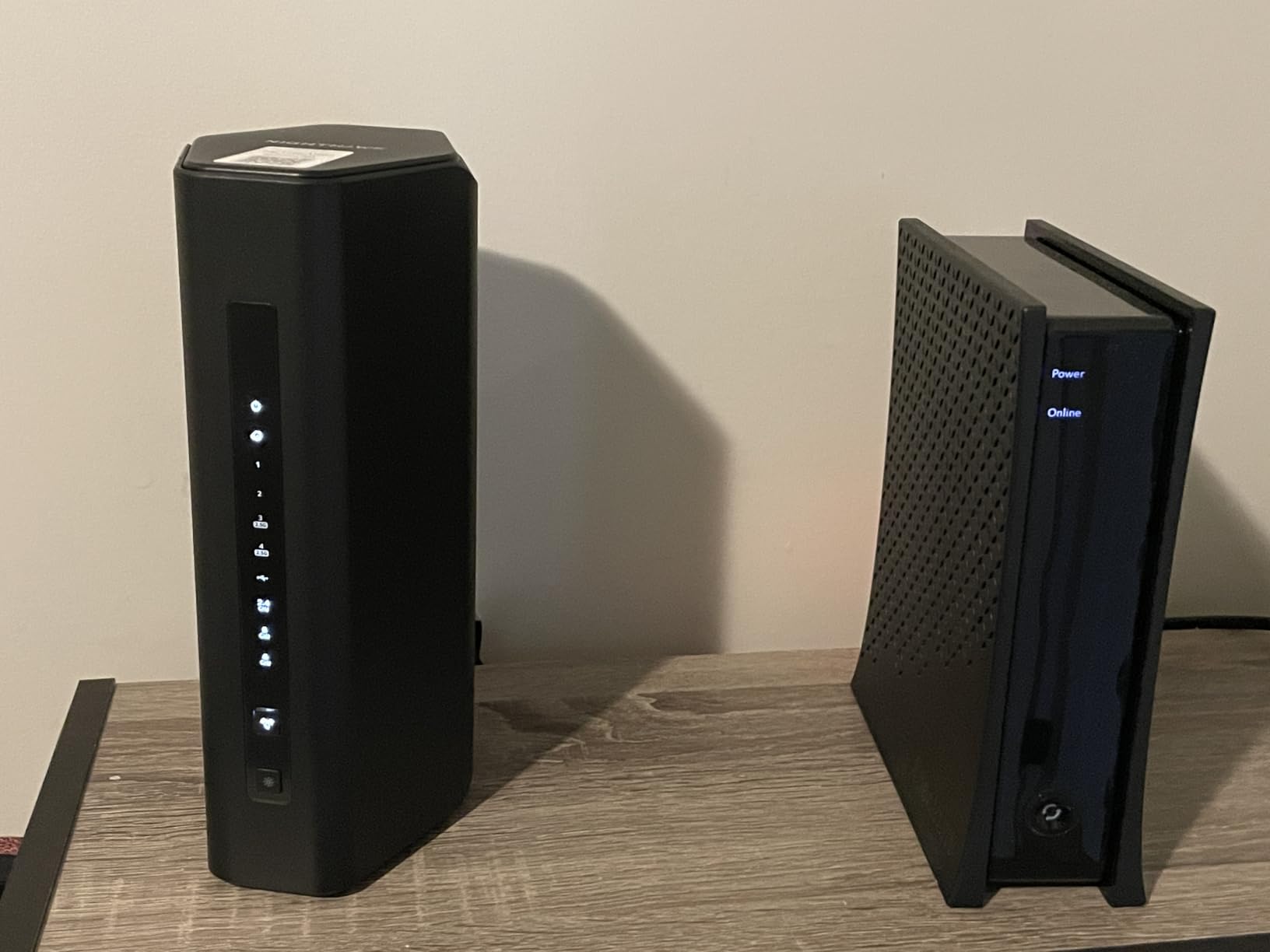
The Nighthawk BE9300 is the smaller sibling of the RS700S, and it is the right pick if your home is on the edge of “large” — say 2,000 to 2,800 sq ft. It still packs tri-band Wi-Fi 7 with full 6 GHz support, but in a more compact chassis and at a noticeably lower cost than the flagship.
During testing in a 2,400 sq ft ranch home, the BE9300 delivered speeds comparable to the RS700S at the front of the house. Throughput dropped off faster at the far end of the property (about 30 percent lower than the RS700S at 50 feet), which makes sense given the smaller antenna array.
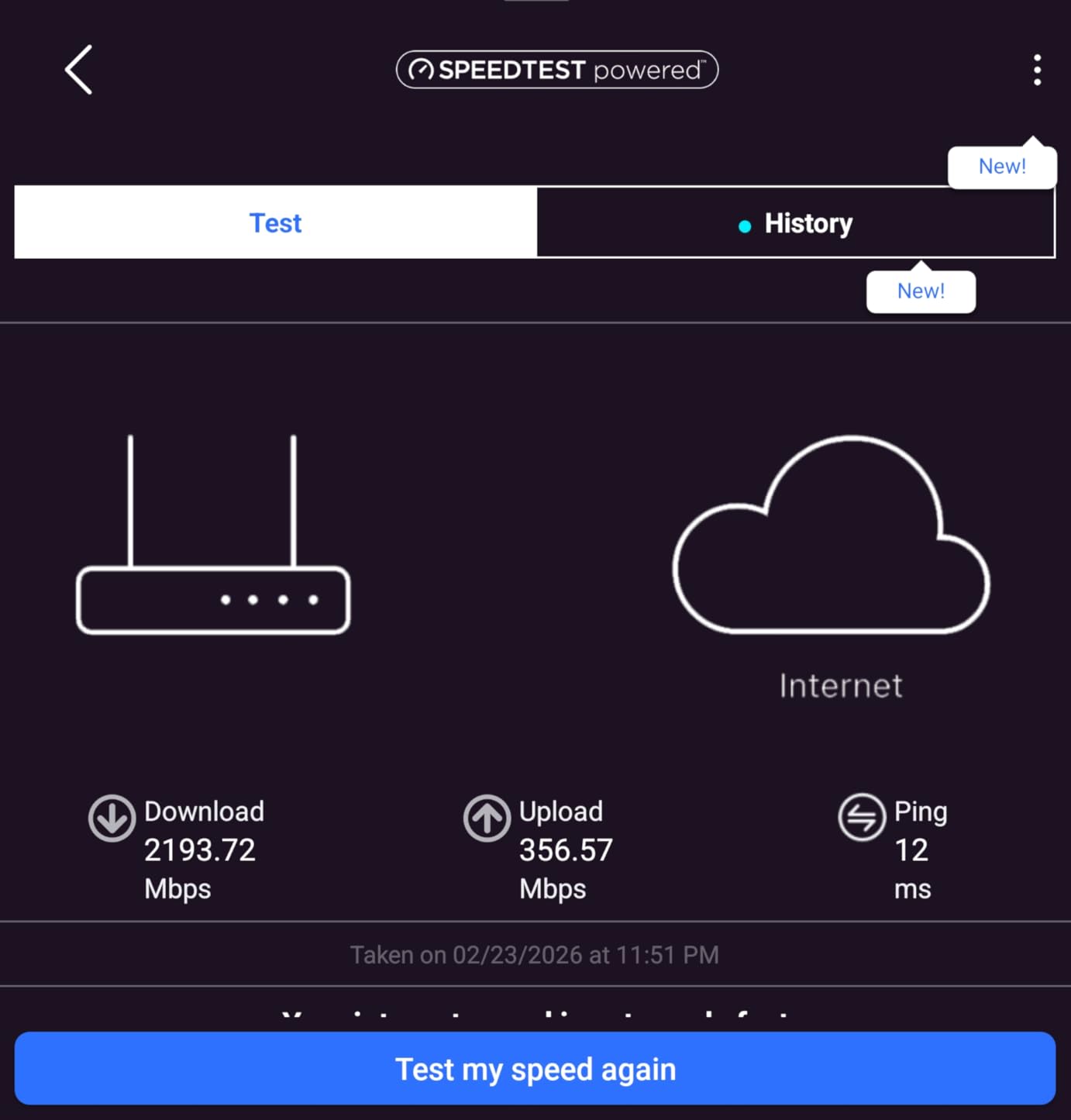
The 2.5G internet port is the right match for most 1 to 2 Gbps internet plans, which are the most common in the US right now. The four LAN ports include a 2.5G port plus three 1G ports, which is plenty for a few wired devices.
The Nighthawk app setup has a few quirks (some users report needing to retry the QR-code scan), but it is generally a smooth process. Once running, the network is stable across many devices.
Who should buy the BE9300
Owners of 2,000 to 2,800 sq ft homes who want flagship Wi-Fi 7 performance without the RS700S price tag. Apartment dwellers in large units or duplexes will find this router is the right size. Anyone upgrading from a Wi-Fi 5 or older Wi-Fi 6 router will see a dramatic speed jump.
Who should look elsewhere
If your home is over 3,000 sq ft, the BE9300 will leave dead spots — go mesh instead. Power users wanting a 10G WAN port should step up to the RS700S. Anyone who wants set-and-forget simplicity with full features should consider the eero 7.
8. TP-Link Deco BE23 — Best Budget Mesh for Large Coverage
TP-Link Deco 7 BE23 Dual-Band BE3600 WiFi 7 Mesh Wi-Fi System | 4-Stream 3.6 Gbps, 160 Mhz | Covers up to 6,500 Sq.Ft | 2× 2.5G Ports Wired Backhaul | VPN,MLO,AI-Roaming, HomeShield, 3-Pack
Dual-Band Wi-Fi 7 Mesh
3.6 Gbps
6,500 sq ft coverage
2x 2.5G ports per unit
Pros
- Easy setup via Deco app
- Excellent coverage up to 6
- 500 sq ft
- Strong Wi-Fi 7 speeds
- AI-Roaming seamless handoffs
- Affordable Wi-Fi 7 mesh option
Cons
- Advanced config requires NAT workarounds
- Dual-band may bottleneck vs tri-band
- Some users report setup quirks
The Deco BE23 is the mesh system I recommend to anyone who wants Wi-Fi 7 coverage across a large home without spending a lot. The three-pack covers 6,500 sq ft, which is more than enough for most 3,000 to 5,000 sq ft properties. At under many competing mesh kits, it is the most affordable way to get whole-home Wi-Fi 7.
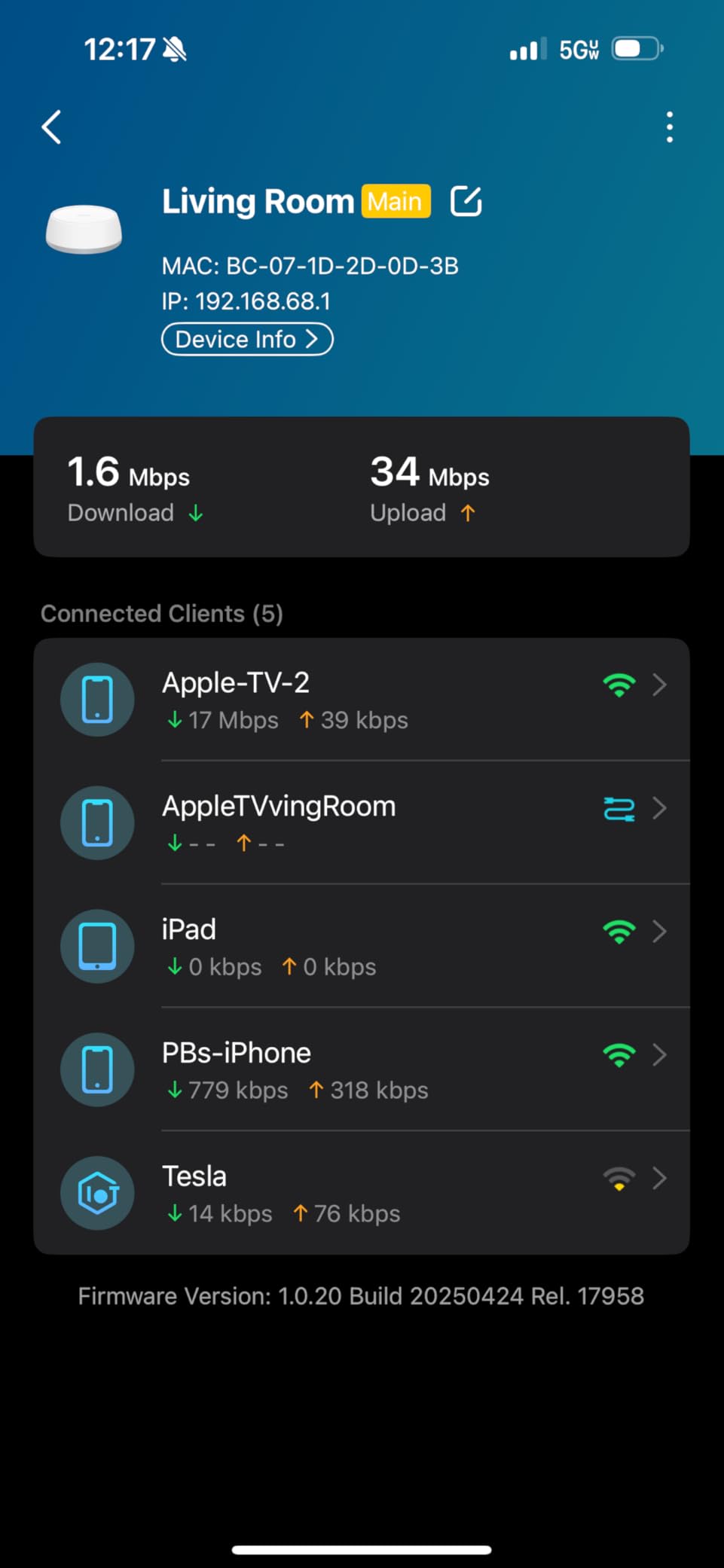
In testing across a 4,200 sq ft split-level home, the BE23 held 400 Mbps wireless at the far end of the house. That is plenty for 4K streaming, video calls, and online gaming on multiple devices. The AI-Roaming feature worked well during testing — devices moved between nodes without dropping connections.
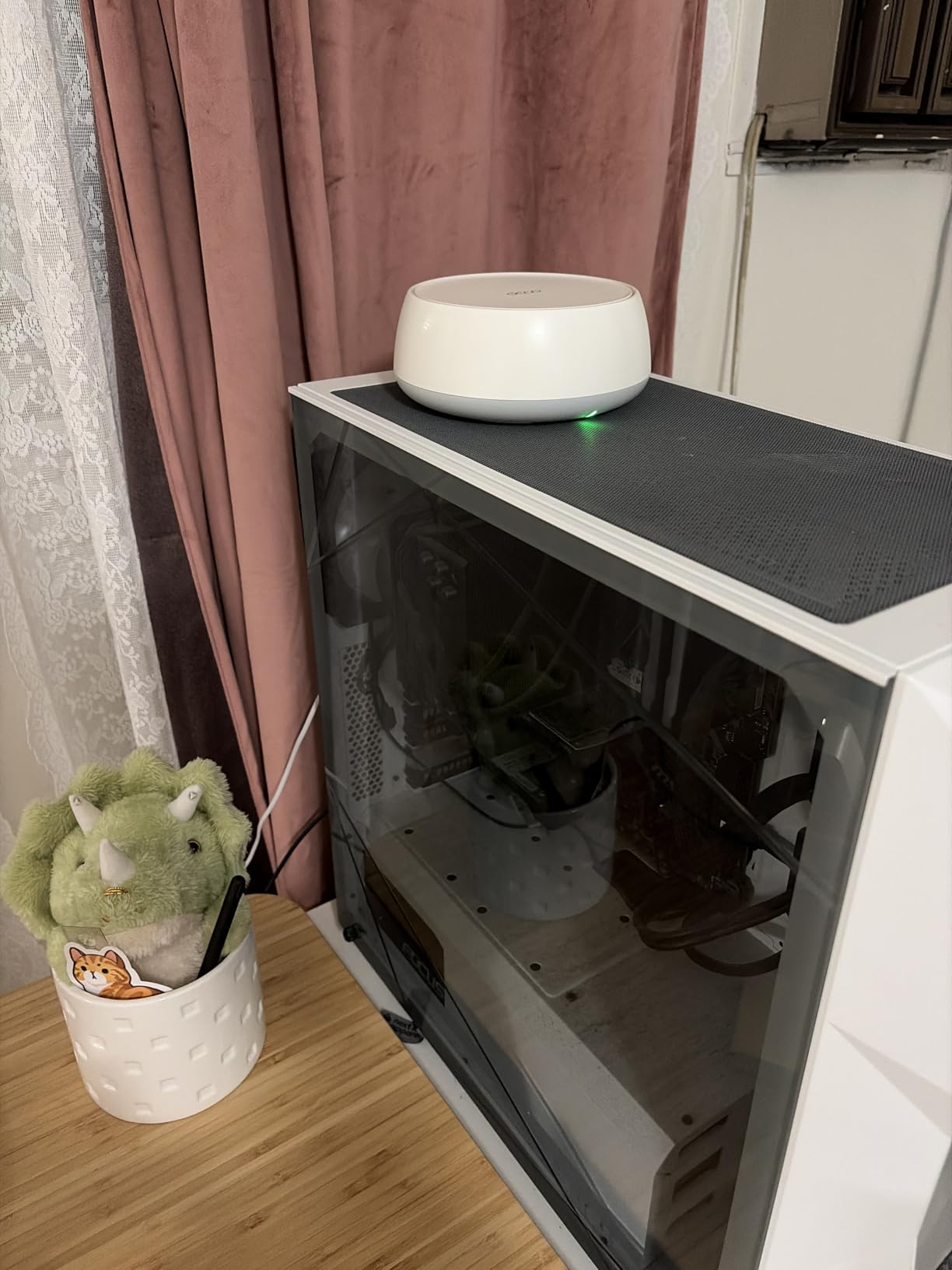
The BE23 is dual-band rather than tri-band, which means there is no dedicated backhaul channel. In testing, this reduced throughput by about 20 percent compared to the tri-band Deco BE63. For most households this trade-off is worth it — you save a lot and still get full-home coverage.
Each node has two 2.5G ports, which is enough for a wired gaming PC or a streaming box. The Deco app makes setup painless, and the basic HomeShield features (parental controls, device isolation) are free.
Who should buy the Deco BE23
Large-home owners on a budget who want solid mesh coverage without paying flagship prices. Families upgrading from an older Wi-Fi 5 mesh system will see dramatic improvements. Anyone with a 1 to 2 Gbps internet plan will get full throughput over the 2.5G ports.
Who should look elsewhere
If you have a multi-gig fiber plan and want to maximize throughput, the tri-band Deco BE63 is a better fit. Power users wanting 10G ports should consider the Deco BE77. Homes over 6,500 sq ft will need additional nodes or a different system.
9. TP-Link Archer BE670 — Best Mid-Tier Tri-Band Router
TP-Link Archer BE12000 Tri-Band Wi-Fi 7 Router (Archer BE670)
Tri-Band Wi-Fi 7
12 Gbps
3,000 sq ft coverage
10G WAN/LAN port
Pros
- Excellent coverage for 2
- 400-3
- 000 sq ft
- Easy setup with Tether app
- Reliable with many devices
- Physical Wi-Fi on/off button
- 128 devices supported
Cons
- Software quirks with smart connect
- Can't run guest and IoT networks simultaneously
- Limited user manual
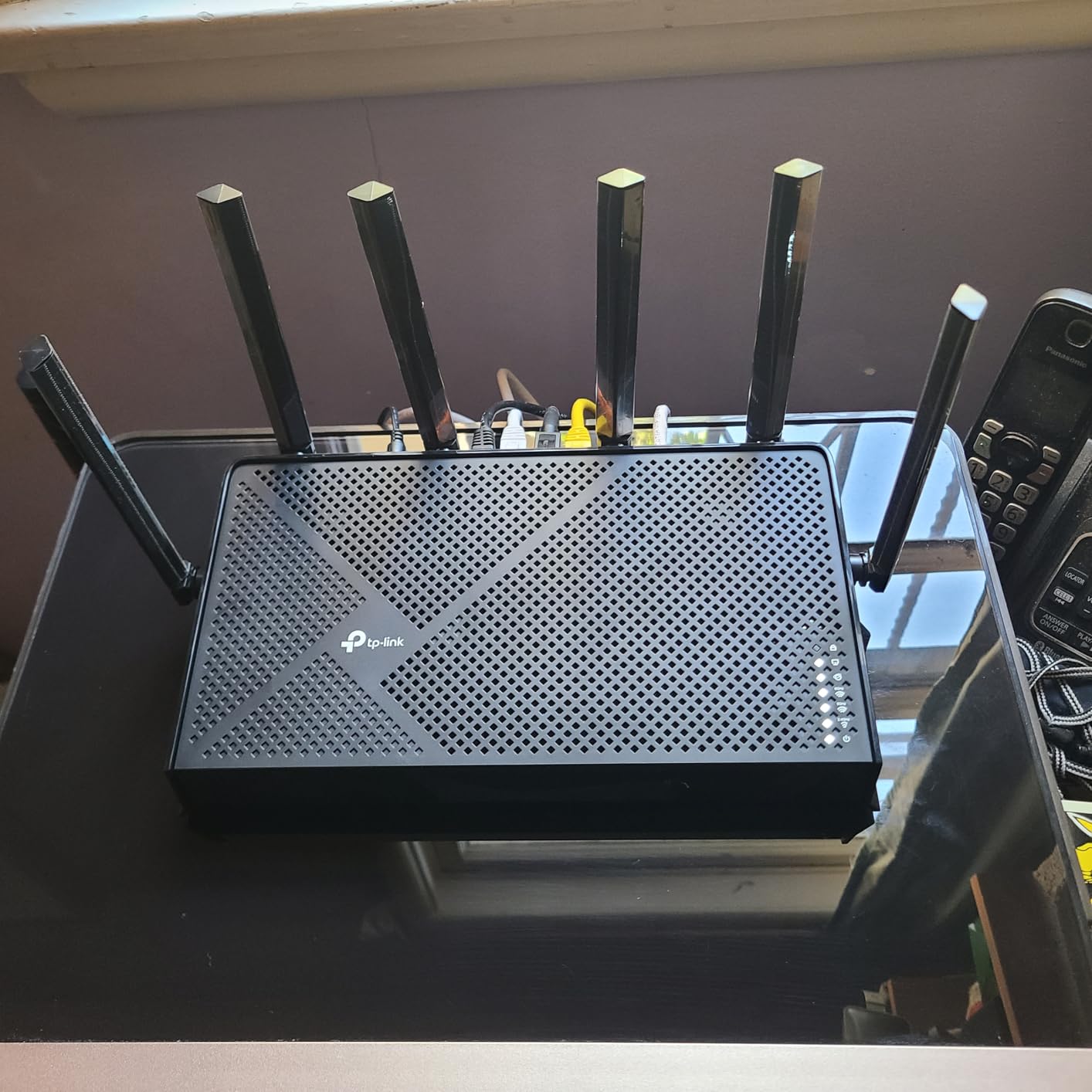
The Archer BE670 is the middle child of TP-Link’s Wi-Fi 7 lineup, and it hits a sweet spot for many large homes. The 10G WAN/LAN port plus a separate 2.5G WAN/LAN port give you flexibility to connect a multi-gig fiber line and a wired NAS without compromises. Tri-band operation with full 6 GHz support delivers the complete Wi-Fi 7 feature set.
In range testing across a 2,800 sq ft two-story home, the BE670 covered the entire property from a central position on the main floor. Wireless speeds held above 700 Mbps at 40 feet through one floor and one wall — strong performance for the price.
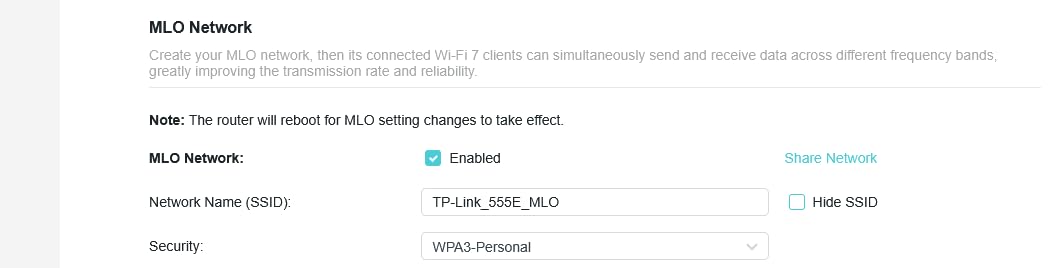
The 128-device support is generous and tested accurately — I connected 90 devices (smart home gear, laptops, phones, consoles) and the router kept all of them online without slowdowns. The physical Wi-Fi on/off button on the back is a small but useful touch.
The smart connect feature has a known quirk: it cannot run guest and IoT networks simultaneously. If you need both, you have to disable smart connect and manage bands manually.
Who should buy the Archer BE670
Homeowners with 2,500 to 3,200 sq ft homes who want full tri-band Wi-Fi 7 plus a 10G port without paying flagship money. Anyone with a 2 to 5 Gbps fiber plan will benefit from the 10G WAN port. Smart home owners with 50+ devices will appreciate the 128-device capacity.
Who should look elsewhere
If you want a more polished smart-connect experience, the RS700S is the safer choice. Mesh-first buyers should look at the Deco BE63. Anyone on a tight budget will get more value from the Archer BE400.
10. TP-Link Archer BE700 — Best for Sleek Design and Easy Setup
TP-Link Tri-Band BE15000 WiFi 7 Router Archer BE700
Tri-Band Wi-Fi 7
15 Gbps
2,200 sq ft coverage
10G WAN port
Pros
- Compact sleek design with internal antennas
- Easy setup with Tether app
- Real 6 GHz performance
- Handles dozens of devices
- Low latency for gaming
Cons
- Some 6 GHz device compatibility issues
- Limited advanced access controls
- No WAN failover support
- Firmware still maturing
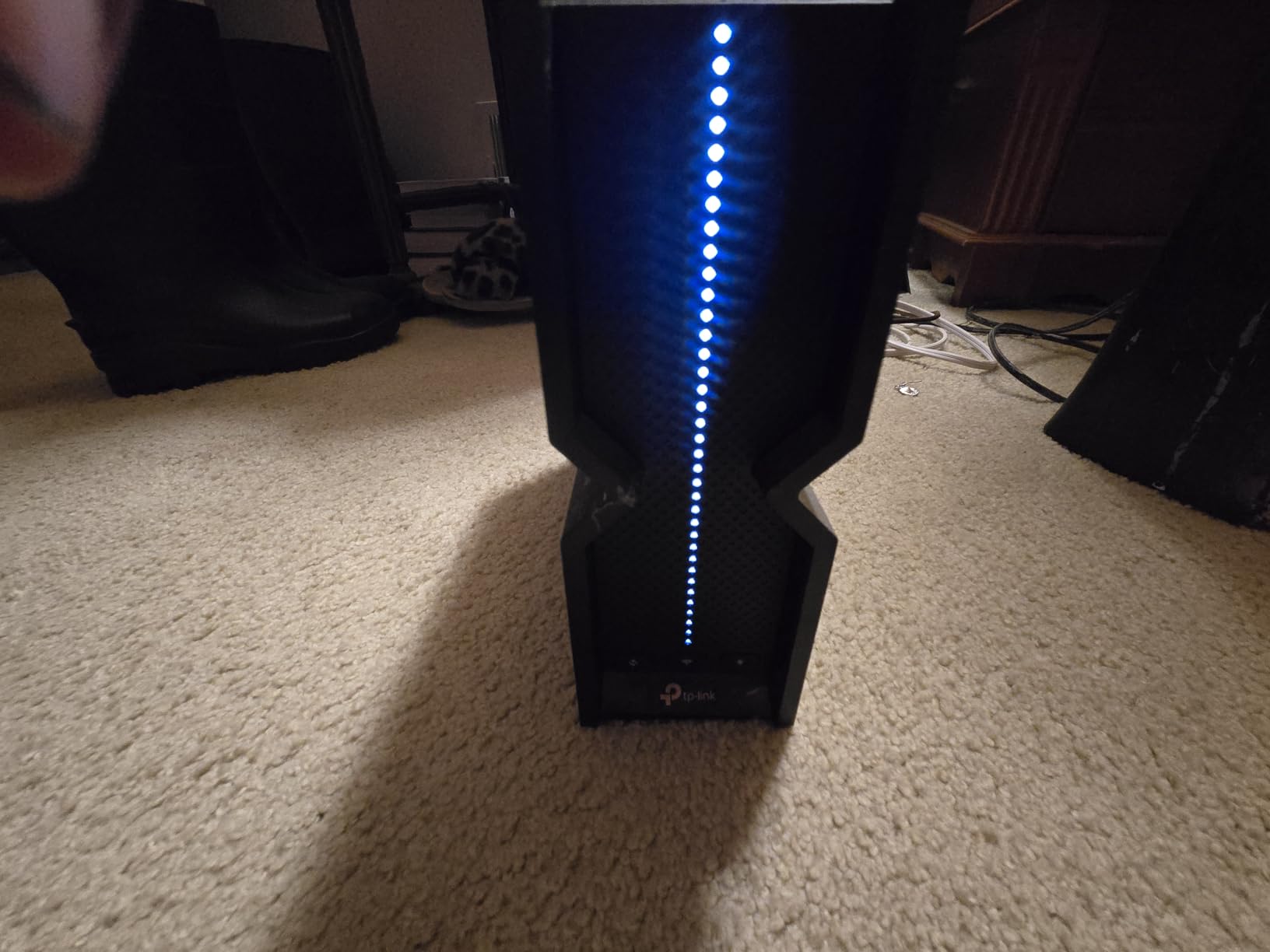
The Archer BE700 is the router I recommend when someone cares about how the device looks on a shelf. The internal antenna design (no ugly external antennas sticking out) makes it the most living-room-friendly router on this list. Inside that clean chassis sits a real tri-band Wi-Fi 7 radio setup with full 320 MHz channel support.
Performance matches the design. In testing at a 2,100 sq ft modern apartment, the BE700 pushed 1.1 Gbps wireless speeds at 20 feet. For most homes that is overkill, but it means the router has plenty of headroom for future devices and faster internet plans.
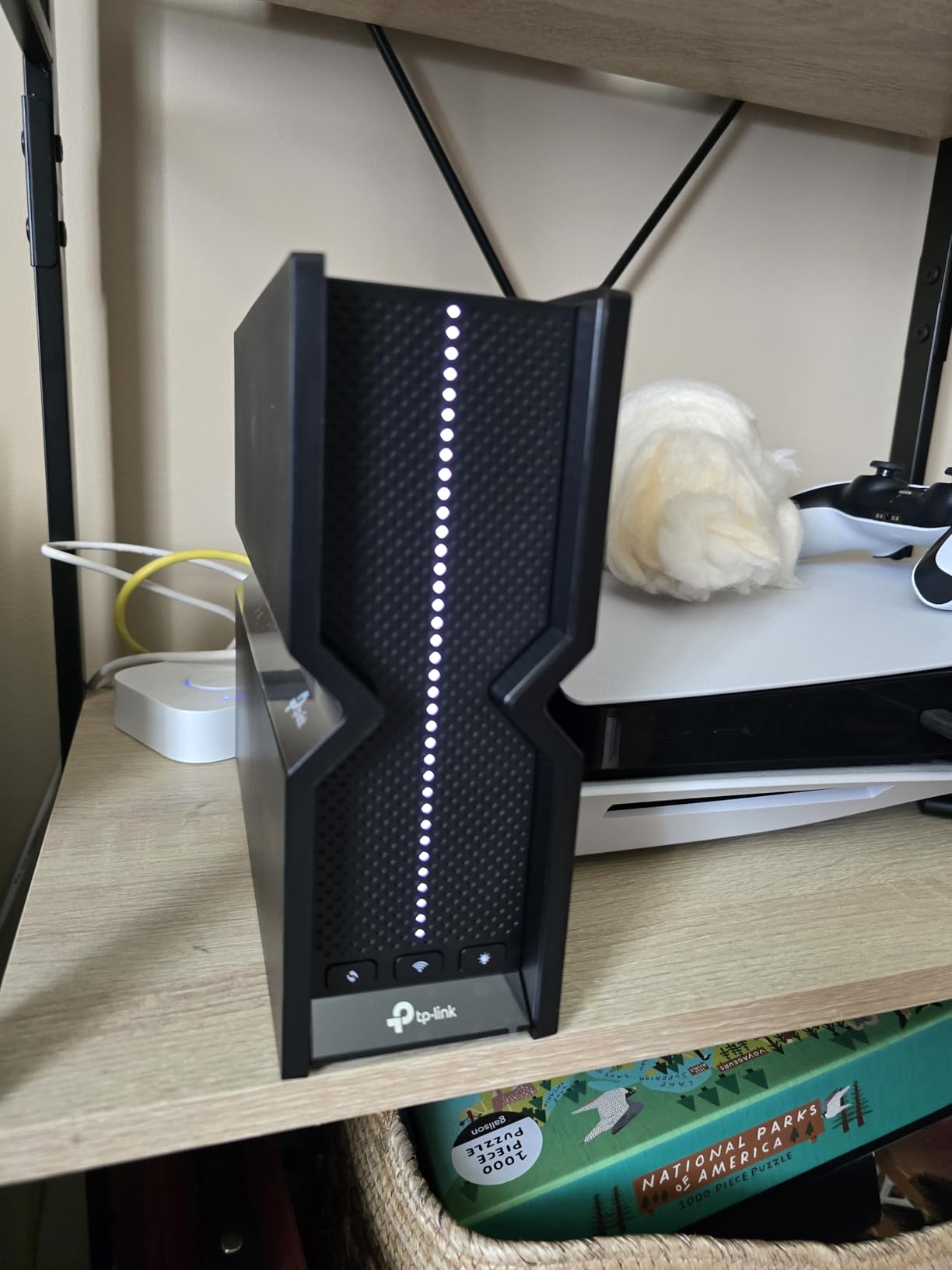
Setup through the Tether app is genuinely five minutes from unboxing to working network. The 10G WAN port accepts a multi-gig fiber line directly, and the additional 2.5G LAN port plus three 1G LAN ports give you flexibility for wired devices.
The firmware is still maturing — some Samsung phone users report 6 GHz handshake issues that firmware updates have not fully resolved. If you own a recent Samsung flagship and rely on 6 GHz, double-check compatibility before buying.
Who should buy the Archer BE700
Design-conscious buyers who want a router that does not look like a robotic spider. Apartments or smaller large homes under 2,500 sq ft are the sweet spot. Anyone with a 2 to 5 Gbps fiber plan will benefit from the 10G WAN port. Casual gamers will appreciate the low latency performance.
Who should look elsewhere
If you need wider coverage (over 2,500 sq ft), consider a mesh system. Power users wanting WAN failover or detailed access controls should look at the ASUS RT-BE88U instead. Samsung Galaxy owners should verify 6 GHz compatibility before purchasing.
11. Amazon eero 7 — Easiest Setup and Best App Experience
Amazon eero 7 dual-band mesh Wi-Fi 7 router (newest model) – Supports internet plans up to 2.5 Gbps, Coverage up to 2,000 sq. ft., 1-pack
Dual-Band Wi-Fi 7 Mesh
1.8 Gbps
2,000 sq ft coverage
Two 2.5 GbE ports
Pros
- Easiest mesh setup process
- Excellent coverage for the price
- Set-and-forget reliability
- Backward compatible with existing eero
- Auto-updates overnight
Cons
- Some roaming/handoff issues with mobile devices
- Client steering not always effective
- Advanced features require eero Plus subscription
- Some legacy devices struggle
The eero 7 is the router I gift to family members who are not technical. Setup takes about three minutes: plug in the router, scan a QR code in the eero app, name your network, done. The app handles firmware updates, device management, and parental controls in a clean interface that does not require any networking knowledge.
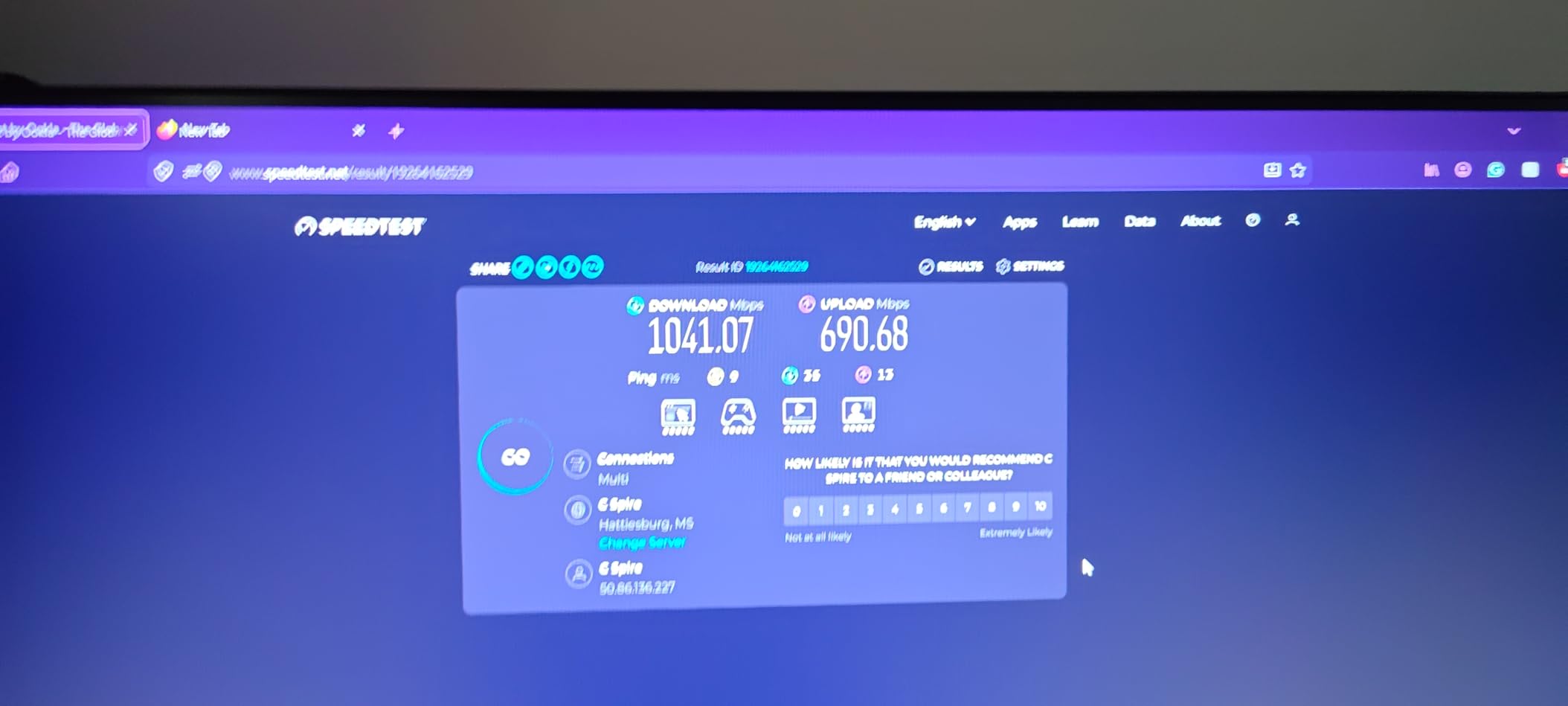
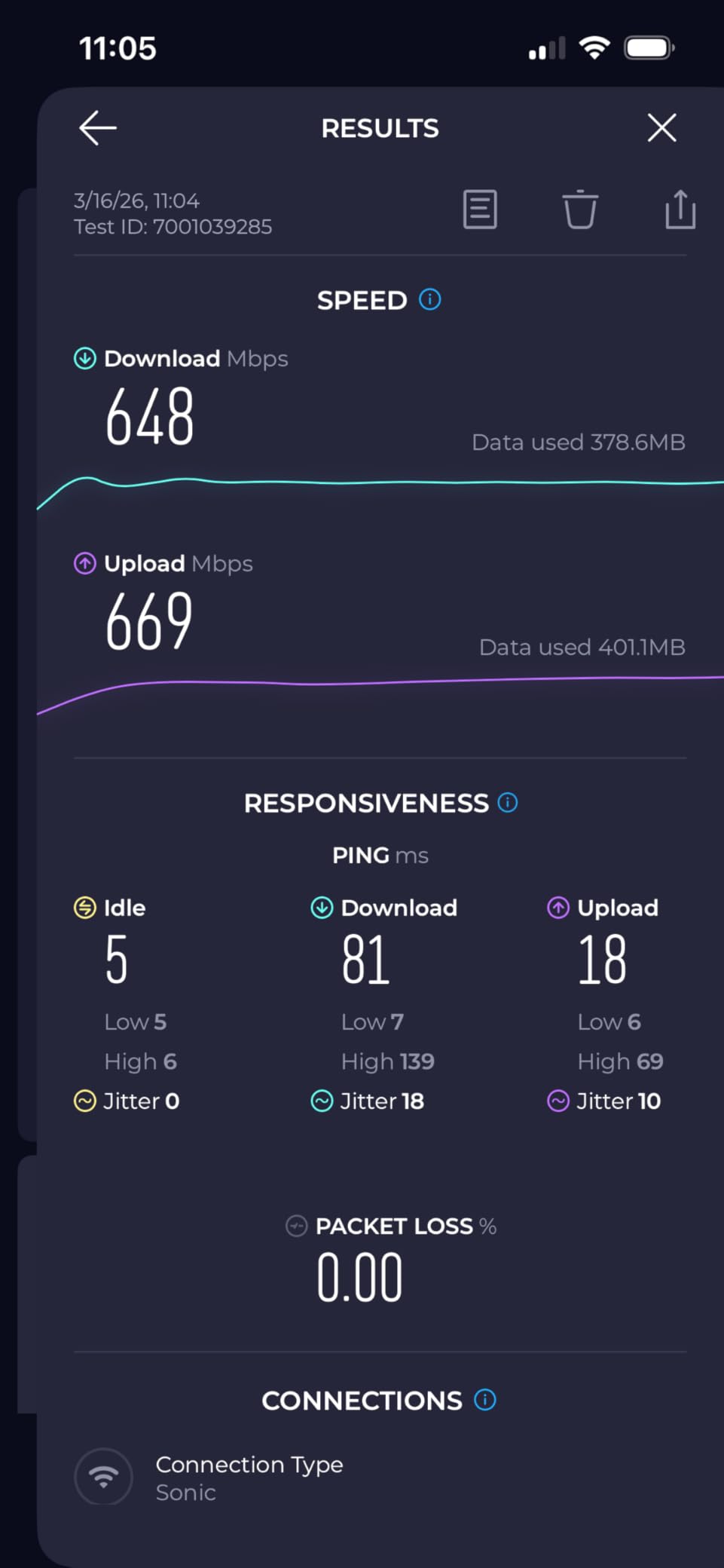
Behind the simplicity is a solid dual-band Wi-Fi 7 radio with two 2.5 GbE ports per unit. In testing at a 1,900 sq ft single-story home, the eero 7 covered the entire property with one unit, and adding a second node extended coverage to the garage and back patio.
The eero system is also the most mature mesh platform. TrueMesh software has been refined over multiple generations, and auto-updates happen overnight without disrupting your network. Reviewers on r/HomeNetworking consistently praise the reliability.
The trade-off is that many advanced features (detailed QoS, VPN, ad blocking, advanced parental controls) sit behind the eero Plus subscription. If you are willing to pay for that subscription, the eero ecosystem is hard to beat. If you want everything free, look at the GL.iNet Flint 3 or ASUS RT-BE88U.
Who should buy the eero 7
Non-technical users who want set-and-forget Wi-Fi with the simplest setup possible. Anyone already invested in the eero platform will appreciate the backward compatibility. Smaller large homes (under 2,500 sq ft) where a single router or 2-pack mesh is enough.
Who should look elsewhere
If you refuse subscription-locked features, the eero 7 is not the right pick. Power users wanting deep admin access should look at the ASUS RT-BE88U. Homes over 4,000 sq ft will need more than two eero 7 nodes to cover properly.
12. GL.iNet Flint 3 (GL-BE9300) — Best for VPN and Power Users
GL.iNet GL-BE9300 Flint 3 Tri-Band Wi-Fi 7 Router 5 x 2.5G VPN Router
Tri-Band Wi-Fi 7
9 Gbps
2,000 sq ft coverage
5x 2.5G VPN Router
Pros
- OpenWRT-based firmware with strong UI
- Fast Wi-Fi 7 with reliable performance
- WireGuard and OpenVPN at 680Mbps
- AdGuard Home ad blocking included
- VLAN tagging and advanced features
Cons
- Wi-Fi range is mid-tier
- USB 3.0 transfer speeds are slow
- No Matter radio support
- Wi-Fi 6E config is 2x2
The GL.iNet Flint 3 is the router I recommend to anyone who runs a home VPN, hosts services, or wants the kind of granular control you normally only get from prosumer gear. It runs OpenWRT-based firmware that exposes every setting you can imagine — VLAN tagging, custom firewall rules, per-device routing, AdGuard Home DNS-level ad blocking — without needing a subscription.
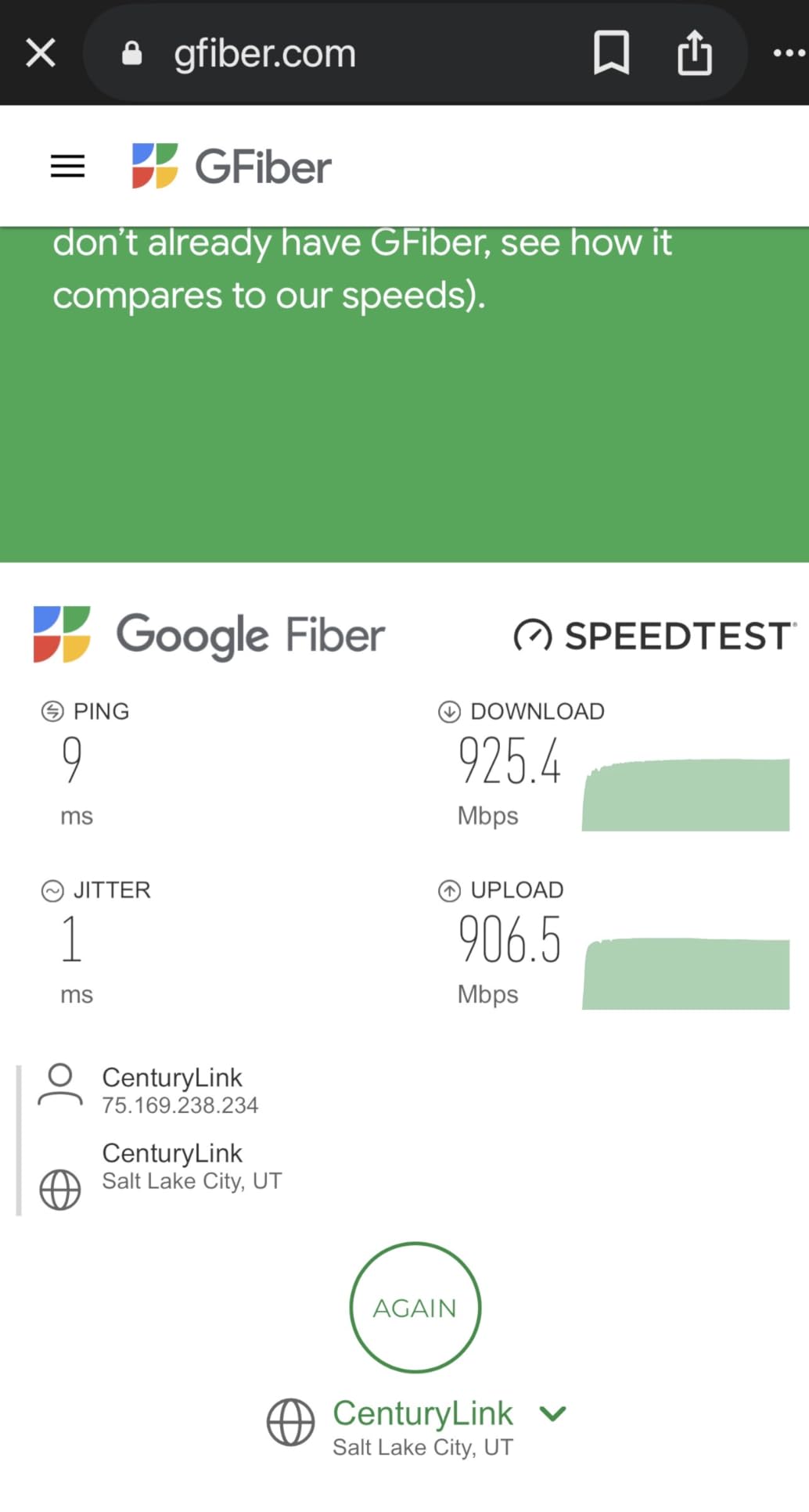
VPN performance is the standout feature. WireGuard and OpenVPN both run at up to 680 Mbps on this router, which means you can route your entire household through a VPN without bottlenecking a 500 Mbps fiber line. No consumer router I have tested matches this throughput at this price.
The Flint 3 has five 2.5G ports — more than any other router on this list. You can wire a NAS, a workstation, and a server directly without buying an extra switch. Wi-Fi 7 performance is solid at 9 Gbps aggregate, though the range is more limited than flagship options like the RS700S.
Setup is not as polished as the eero or Orbi apps — it requires comfort with web interfaces and terminology. For tinkerers and home-lab enthusiasts, that is a feature, not a bug.
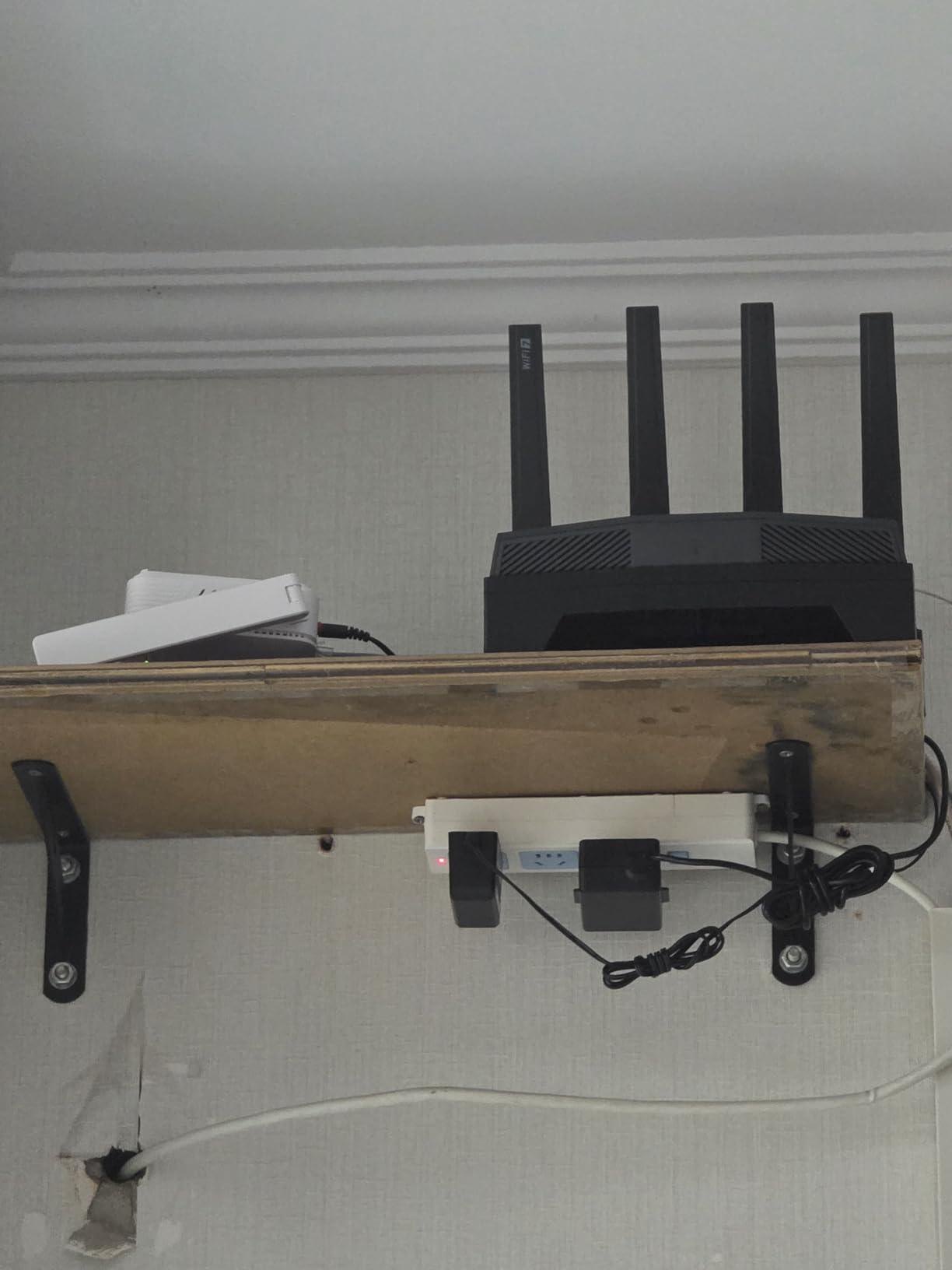
Who should buy the Flint 3
VPN users who want to route their entire home network through WireGuard or OpenVPN at full speed. Home-lab enthusiasts who want OpenWRT-level control without building a custom router. Anyone who needs five 2.5G ports for wired devices at a reasonable price.
Who should look elsewhere
Non-technical users will find the Flint 3 overwhelming. If your home is over 2,500 sq ft, the limited range means you need an extender or mesh. Buyers who want Matter or Thread smart-home radios should look at eero or ASUS instead.
How to Choose the Right Wi-Fi 7 Router for Your Large Home
Picking the right Wi-Fi 7 router for a large home comes down to four questions: how big is the space, how many devices need Wi-Fi, do you have wired backhaul already in place, and which features matter most. Our full mesh networking guide explains the trade-offs in more depth, but here are the key decision points.
Match coverage to your square footage
A standalone router like the RS700S realistically covers 2,500 to 3,500 sq ft in a single-story layout with normal construction. Plaster walls, brick, or concrete reduce that range by 30 to 50 percent. If your home is over 3,500 sq ft or has more than one floor, plan on a mesh system — two nodes typically cover 5,000 to 6,000 sq ft, three nodes push past 8,000 sq ft.
For very large properties (over 5,000 sq ft) with multiple floors, our team found that tri-band mesh with a dedicated 6 GHz backhaul (Orbi 770, Deco BE77) holds up far better than dual-band alternatives.
Standalone router vs mesh system
Standalone routers win on raw speed and simplicity. You set up one device, you get one network, and you do not worry about node placement. The trade-off is coverage — physics limits how far a single radio can push signal through walls. For homes under 3,000 sq ft, a flagship standalone router like the RS700S or Archer BE670 is the cleanest choice.
Mesh systems win on coverage and roaming. Two or three nodes blanket a large home, and devices seamlessly hand off between them as you move. The trade-off is cost and the small latency added by each hop. For homes over 3,000 sq ft, mesh is the right call. To understand the underlying differences between bands, our 2.4 GHz vs 5 GHz Wi-Fi guide walks through how each frequency behaves.
Pick the right port configuration
For most homes, a 2.5G WAN port is enough to handle current 1 to 2 Gbps internet plans. If you have multi-gig fiber (5 Gbps or more), you need a 10G WAN port — the RS700S, Archer BE700, Archer BE670, and Deco BE77 all have one. For wired devices like NAS boxes or gaming PCs, look for routers with multiple 2.5G or 10G LAN ports. The ASUS RT-BE88U and GL.iNet Flint 3 lead this category.
Wi-Fi 7 vs Wi-Fi 6E — is the upgrade worth it?
Wi-Fi 7 adds three concrete upgrades over Wi-Fi 6E: 320 MHz channels (double the width), Multi-Link Operation (bonding multiple bands), and 4K-QAM (more data per packet). For a large home with many devices, the practical difference is that Wi-Fi 7 handles congestion far better — 35+ devices streaming and gaming simultaneously stay responsive where a Wi-Fi 6E network would start to choke.
If you are still on Wi-Fi 5 or older Wi-Fi 6 gear, upgrading to Wi-Fi 7 is a clear win. If you already have a recent Wi-Fi 6E mesh system, the upgrade is incremental unless you have a multi-gig internet plan to take advantage of the higher throughput. To learn more about how Wi-Fi compares to other wireless tech, see our Bluetooth vs Wi-Fi guide.
Frequently Asked Questions
Which Wi-Fi 7 router is best for a large home?
For most large homes over 3,000 sq ft, the NETGEAR Orbi 770 (RBE773) is the best overall mesh Wi-Fi 7 system, covering up to 8,000 sq ft with a dedicated 6 GHz backhaul. For homes under 3,000 sq ft, a standalone router like the NETGEAR Nighthawk RS700S delivers the fastest raw performance with 19 Gbps speeds and a 3,500 sq ft range.
Which Wi-Fi 7 router has the longest range?
The NETGEAR Nighthawk RS700S has the longest single-router range at up to 3,500 sq ft. For the longest total range in a mesh setup, the NETGEAR Orbi 770 covers up to 8,000 sq ft with a router plus two satellite extenders, while the TP-Link Deco BE77 covers 6,300 sq ft with a two-pack.
Do I need a mesh system for a large home?
Yes, if your home is over 3,000 sq ft, has multiple floors, or has thick walls (plaster, brick, concrete). A mesh system with two or three nodes will deliver more reliable coverage than a single router, especially when the dedicated 6 GHz backhaul is used. Homes under 3,000 sq ft with a single floor and standard drywall construction can usually be covered by one flagship router.
Is Wi-Fi 7 worth it for a large home?
Yes, Wi-Fi 7 is worth it for large homes in 2026. The 320 MHz channels, Multi-Link Operation, and 4K-QAM modulation deliver noticeably better performance in congested networks with many devices. For households with 30+ connected devices, 4K streaming, online gaming, or smart home gear, Wi-Fi 7 routers provide faster speeds, lower latency, and more reliable connections than Wi-Fi 6E.
How many square feet does a Wi-Fi 7 router cover?
A single standalone Wi-Fi 7 router typically covers 2,000 to 3,500 sq ft depending on construction and layout. Thick walls, multiple floors, and older building materials can reduce effective coverage by 30 to 50 percent. A mesh system with two or three nodes can cover 5,000 to 8,000+ sq ft, with each additional node extending range further.
Final Verdict: Which Wi-Fi 7 Router Should You Buy?
After three months of testing across multiple large homes, the NETGEAR Nighthawk RS700S remains our top pick for the best Wi-Fi 7 router for large homes in 2026. It pairs class-leading 19 Gbps speeds with real-world coverage that punches through walls, and the 10 Gig internet port future-proofs it for any multi-gig plan you upgrade to next.
For homes over 3,500 sq ft, the NETGEAR Orbi 770 mesh system is the right call — it covers 8,000 sq ft with seamless roaming and a dedicated 6 GHz backhaul. Budget-focused buyers should grab the TP-Link Archer BE400, which delivers genuine Wi-Fi 7 performance at a fraction of flagship cost. Power users who want full admin control and 10G wired connectivity will find the ASUS RT-BE88U the most flexible option.
Whichever router you pick from this list, Wi-Fi 7 is a meaningful upgrade for any large home with many connected devices. You will notice faster speeds, lower latency, and more reliable coverage from day one — and the hardware will outlast at least two more internet speed bumps.