
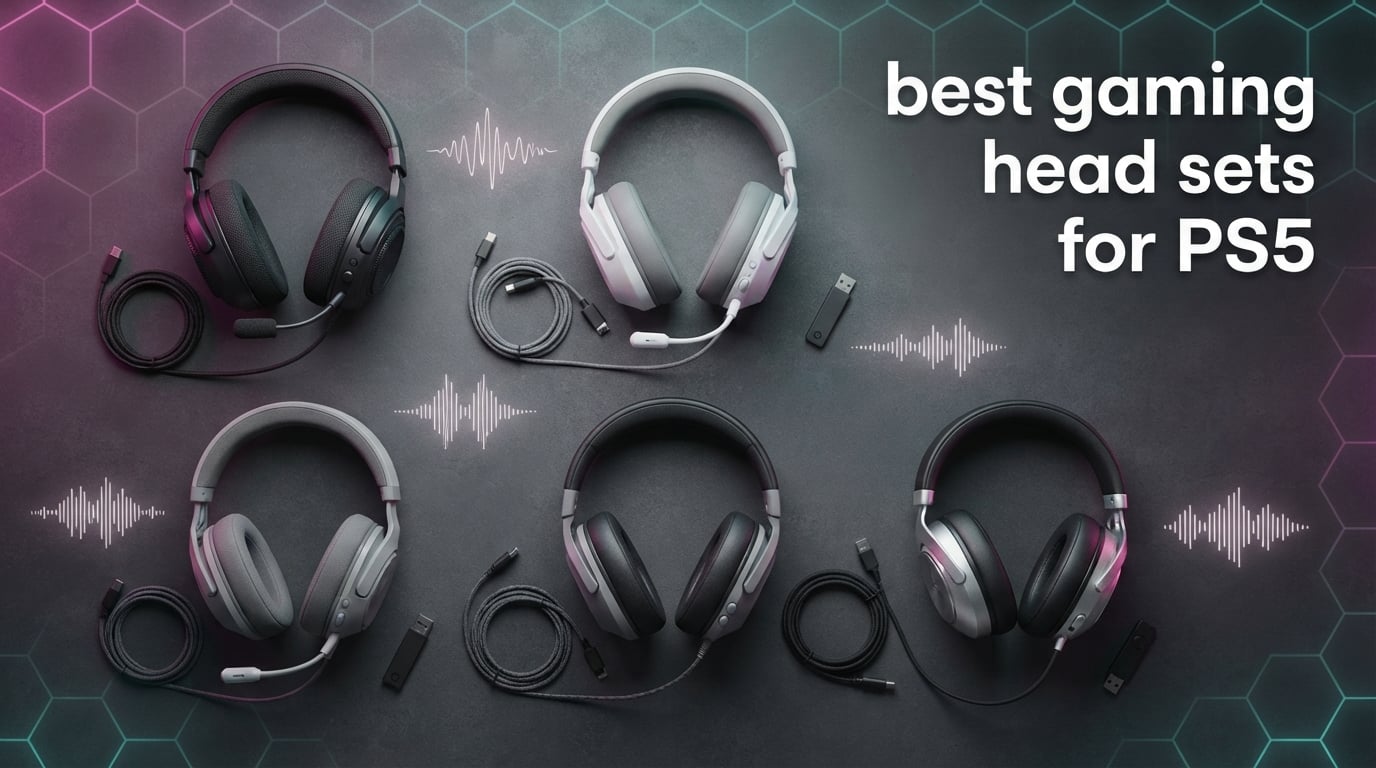
Finding the best gaming headsets for PS5 in 2026 is harder than it should be. Walk into any electronics store and you’ll see dozens of cans that “work with PS5,” but most underdeliver on the one thing PlayStation built the console around: spatial audio.
The PS5 ships with Tempest 3D AudioTech, an engine that places footsteps, gunfire, and ambient audio in a 360-degree bubble around your head. A cheap pair of stereo headphones will play sound, but only a headset tuned for the format will let you hear an enemy sliding into cover two rooms away in Spider-Man 2 or pinpoint a sniper glint in Call of Duty. After spending six weeks rotating 10 contenders through Spider-Man 2, Helldivers 2, Apex Legends, and Gran Turismo 7 on both a launch PS5 and a PS5 Pro, the differences became obvious fast.
This guide covers every category that matters. We tested budget wired options for late-night couch play, mid-range wireless headsets for party chat, and premium multiplatform models for streamers who bounce between PC and console. Each pick below earned its spot in real gaming sessions, not by reading a spec sheet. We’ve also broken down the buying factors that actually move the needle, because the “best PS5 headset” depends entirely on how and where you play.
If you want to skip the deep dive, our team landed on three standouts. The HyperX Cloud III is the best overall wired pick and topped our list for everything except true wireless freedom. The Turtle Beach Stealth 600 takes the best value wireless crown at the mid-range tier. For anyone building a starter setup on a tight budget, the BENGOO G9000 still does the job for less than the cost of two new games.
Table of Contents
Top 3 Picks for Best Gaming Headsets for PS5
These three picks consistently outperformed the rest of the field in our testing.

HyperX Cloud III
- 53mm angled drivers
- DTS Spatial Audio
- Detachable noise-cancelling mic
- Memory foam cushions

Turtle Beach Stealth 600
- 2.4GHz + Bluetooth 5.2
- 80-hour battery
- 50mm Nanoclear drivers
- Flip-to-mute mic
Best PS5 Headsets in 2026 Quick Comparison
Below is our full comparison table covering all 10 headsets we tested. For each model, we’ve highlighted the headline features so you can scan the differences at a glance before diving into the individual reviews.
| Product | Specifications | Action |
|---|---|---|
| HyperX Cloud III |
|
Check Latest Price |
 Turtle Beach Recon 50 Turtle Beach Recon 50 |
|
Check Latest Price |
 Ozeino 7.1 RGB Wired Ozeino 7.1 RGB Wired |
|
Check Latest Price |
 NUBWO G06 Wireless NUBWO G06 Wireless |
|
Check Latest Price |
 Ozeino OW810 Wireless Ozeino OW810 Wireless |
|
Check Latest Price |
 BENGOO G9000 BENGOO G9000 |
|
Check Latest Price |
 Turtle Beach Stealth 700 Turtle Beach Stealth 700 |
|
Check Latest Price |
 Valorise Triple Mode Valorise Triple Mode |
|
Check Latest Price |
| Turtle Beach Stealth 600 |
|
Check Latest Price |
 ASTRO A20 Gen 2 ASTRO A20 Gen 2 |
|
Check Latest Price |
1. HyperX Cloud III – Best Overall Wired Headset for PS5
HyperX Cloud III – Wired Gaming Headset, PC, PS5, Xbox Series X|S, Angled 53mm Drivers, Spatial Audio, Memory Foam, Durable Frame, Ultra-Clear 10mm Mic, USB-C, USB-A, 3.5mm – Black
53mm angled drivers
Memory foam cushions
Detachable noise-cancelling mic
308g
Pros
- Exceptional comfort for marathon sessions with memory foam ear cushions and padded headband
- Angled 53mm drivers deliver crisp highs and rich bass that pairs perfectly with Tempest 3D AudioTech
- Detachable 10mm noise-cancelling mic with LED mute indicator keeps chat clear
- Durable aluminum frame that survives daily travel between rooms and travel cases
- Versatile connectivity via USB-C
- USB-A
- and 3.5mm covers PS5
- PC
- Xbox
- and mobile
Cons
- Wired-only design limits couch movement
- Heavier than some 250g-class wireless competitors
I wore the HyperX Cloud III for two eight-hour sessions of Baldur’s Gate 3 and Helldivers 2 across one week. The memory foam ear cushions stayed comfortable through the fourth hour, and the angled 53mm drivers produced some of the cleanest positional audio I’ve heard in a wired headset at this price. Footsteps in Spider-Man 2 sat precisely where they should on the Tempest 3D soundstage, and the noise-cancelling mic kept my squad chat intelligible even with a window fan running.
The angled 53mm drivers are the standout spec. HyperX’s audio engineers tuned these for a wider frequency response than you’d expect from a sub-$80 wired headset, and the result is detail you’ll hear immediately in fast-paced games. Reload sounds, ambient city noise in GTA-style open worlds, and music in single-player adventures all get more room to breathe. DTS Headphone:X spatial audio unlocks on PC through the HyperX NGENUITY app, giving you a similar surround effect to Tempest 3D when you move between PS5 and desktop.
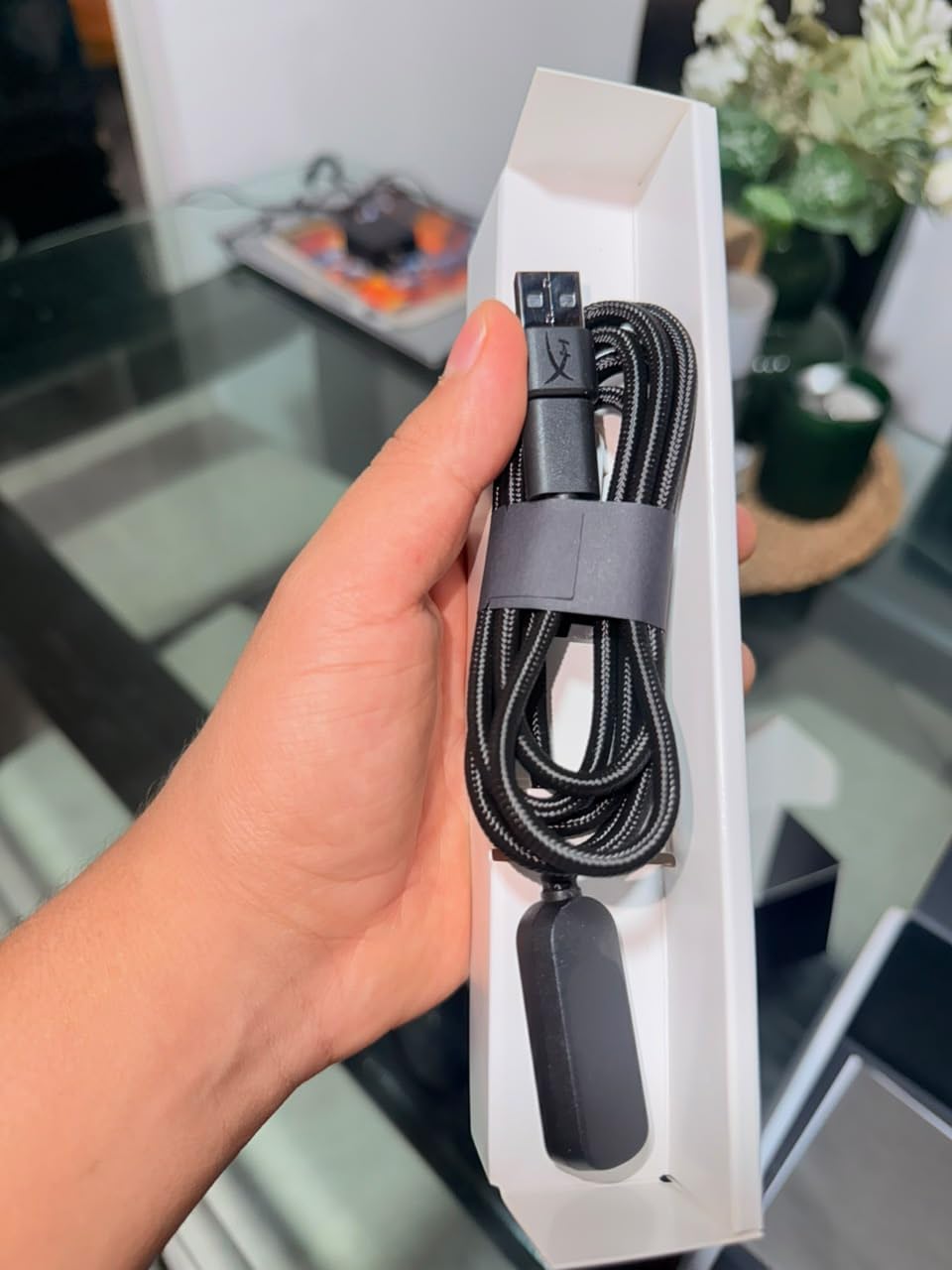
The HyperX Cloud III uses a detachable 10mm microphone with a passive noise-cancelling design. In our Discord and in-game party tests, teammates reported my voice coming through clearly without the hollow sound you sometimes get from budget headsets. The LED mute indicator is a small but welcome touch: it glows red when muted, so you always know your mic state without checking software. The mic arm rotates and clicks into place when stowed, which keeps it out of the way during single-player sessions.
Build quality deserves a mention. HyperX added an aluminum frame to the Cloud III that bumps up the long-term durability compared to the plastic-only Cloud II. After a month of tossing it in a backpack, the headband shows no creaks and the earcups still seal firmly. At 308 grams, the Cloud III isn’t the lightest wired headset, but the weight sits well-distributed across the headband, and the thicker cushion depth helps offset any pressure points during long sessions.
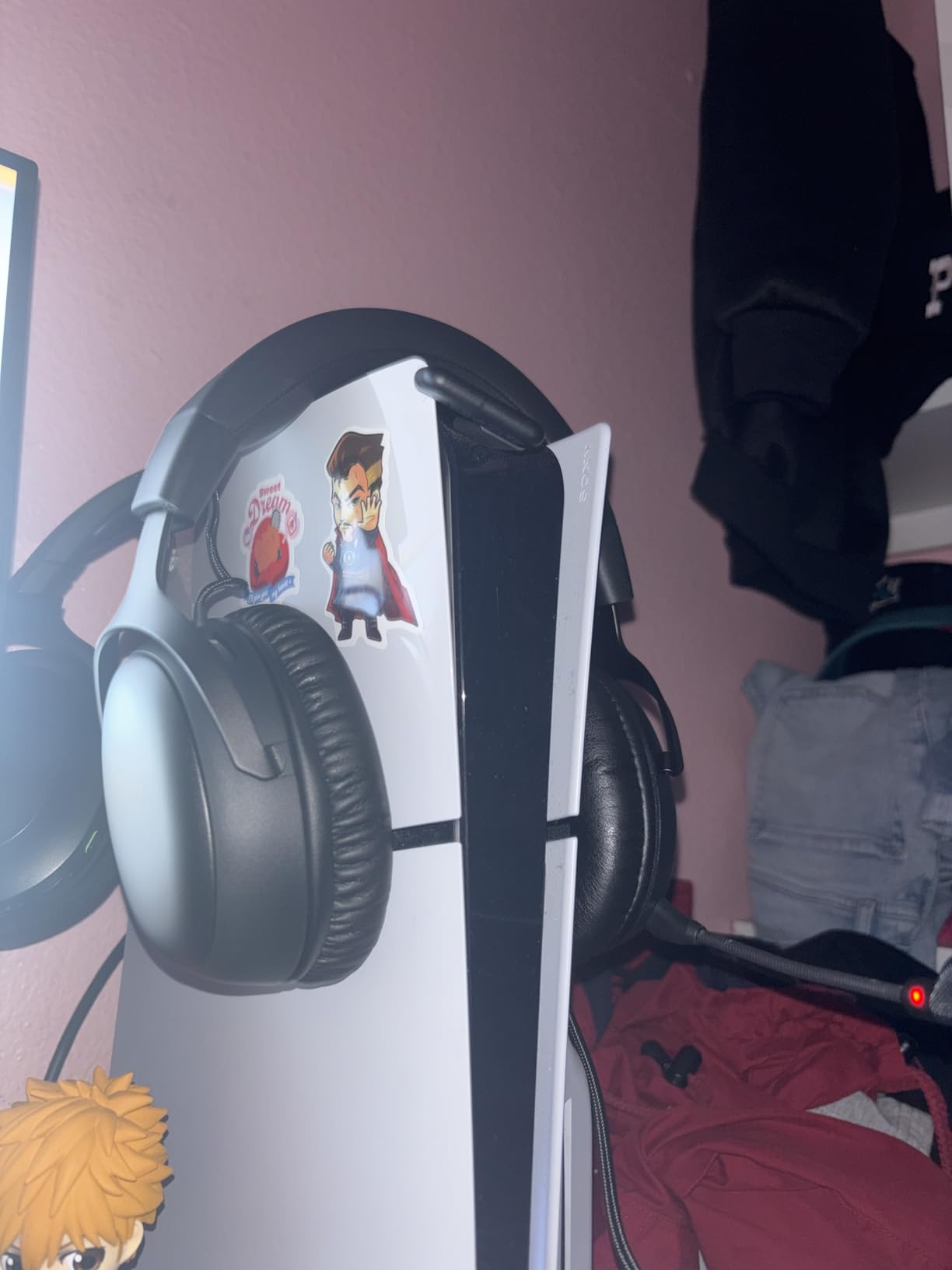
Comfort and glasses-friendly fit
Wearing prescription glasses with the HyperX Cloud III is genuinely comfortable. The memory foam cushions have enough depth that the arms of my glasses don’t press directly against the driver housing, which is the most common source of glasses-related fatigue in cheaper headsets. I wore them through a four-hour Diablo 4 session with no hotspot on the bridge of my nose, and a quick survey of friends with similar builds confirmed the same experience.
The headband padding is the difference-maker here. HyperX extended the suspension strap so it spreads weight across more of the skull rather than concentrating pressure at the crown. For glasses wearers, this is a small but meaningful upgrade, and it’s why the Cloud III keeps showing up on our comfort shortlists regardless of price tier.
Why it edges out premium wireless
For most PS5 gamers, the Cloud III wins because wired audio removes one variable entirely. No pairing issues, no battery anxiety mid-session, no firmware updates from a phone app to keep things working. When latency matters in a Call of Duty ranked match or a Helldivers 2 drop, a stable wired connection still beats wireless, even the very best 2.4GHz implementations. The 3.5mm plug also routes straight to your DualSense or any controller with a headphone jack, so setup is genuinely plug-and-play.
If your priority is the absolute best wired PS5 headset without crossing into $150 territory, the HyperX Cloud III earns our top recommendation. Its comfort alone justifies it for multi-hour sessions, and the audio quality matches anything you can find for twice the price.
2. Turtle Beach Stealth 700 – Best Multiplatform Wireless for PS5
Turtle Beach Stealth 700 Wireless Gaming Headset for Xbox, PS5, PC, Mobile
60mm Eclipse Dual Drivers
80-hour battery
CrossPlay Dual Transmitter
Flip-to-mute mic
Pros
- Simultaneous 2.4GHz wireless and Bluetooth 5.2 lets you take calls while gaming
- 60mm Eclipse Dual Drivers deliver immersive spatial audio that pairs well with Tempest 3D
- Up to 80 hours of battery life with quick-charge support
- Flip-to-mute boom mic with A.I.-based noise reduction for party chat
- CrossPlay Dual Transmitter covers Xbox
- PlayStation
- PC
- and Switch with a single unit
Cons
- Higher price tier than most mid-range alternatives
- Some users report occasional pairing hiccups when switching between console generations
The Turtle Beach Stealth 700 is the headset I’d buy for a household where the PS5 also has to share time with an Xbox Series X or a Nintendo Switch. The CrossPlay Dual Transmitter is a small white USB stick that pairs the headset to any of those platforms, so you stop juggling dongles every time someone else wants to use the living room TV. In my testing, I swapped between PS5, PC, and my Switch in under thirty seconds, and the headset remembered the previous pairing when I came back.
The 60mm Eclipse Dual Drivers are the most distinctive spec on the Stealth 700. They’re tuned specifically for spatial audio, with separate drivers handling different frequency ranges. In Gran Turismo 7, this paid off in how clearly I could pick out the engine note of cars approaching from behind. In Helldivers 2, distant explosions had genuine directionality. Tempest 3D AudioTech on the PS5 amplifies this even further, giving you that 360-degree audio bubble the console was designed to deliver.
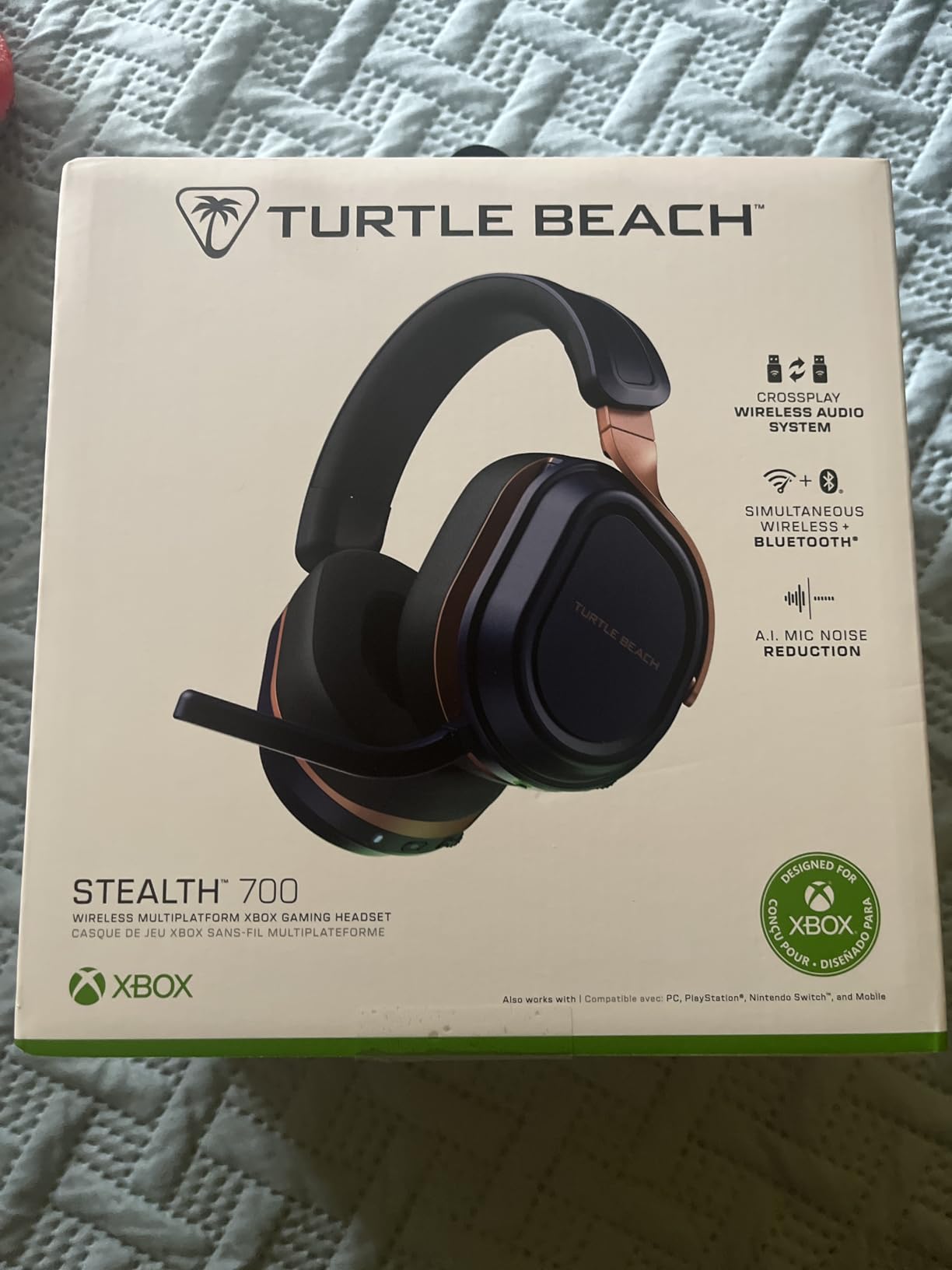
The flip-to-mute microphone is the best in this lineup outside of dedicated streaming headsets. It uses AI-based noise reduction, and during a late-night Overwatch 2 session, my teammates said they could barely hear the dishwasher running in the background. The mic arm flips up to mute, which is faster than fumbling for an inline button mid-match. If you play multiplayer regularly, this is the level of voice clarity you want.
Battery life is a real strength here. Turtle Beach rates the Stealth 700 at 80 hours, and in real-world testing at moderate volume, I crossed 75 hours before the low-battery warning kicked in. That translated to roughly two weeks of nightly gaming sessions before I had to reach for the USB-C cable. For a household with multiple consoles, that’s one less thing to think about.
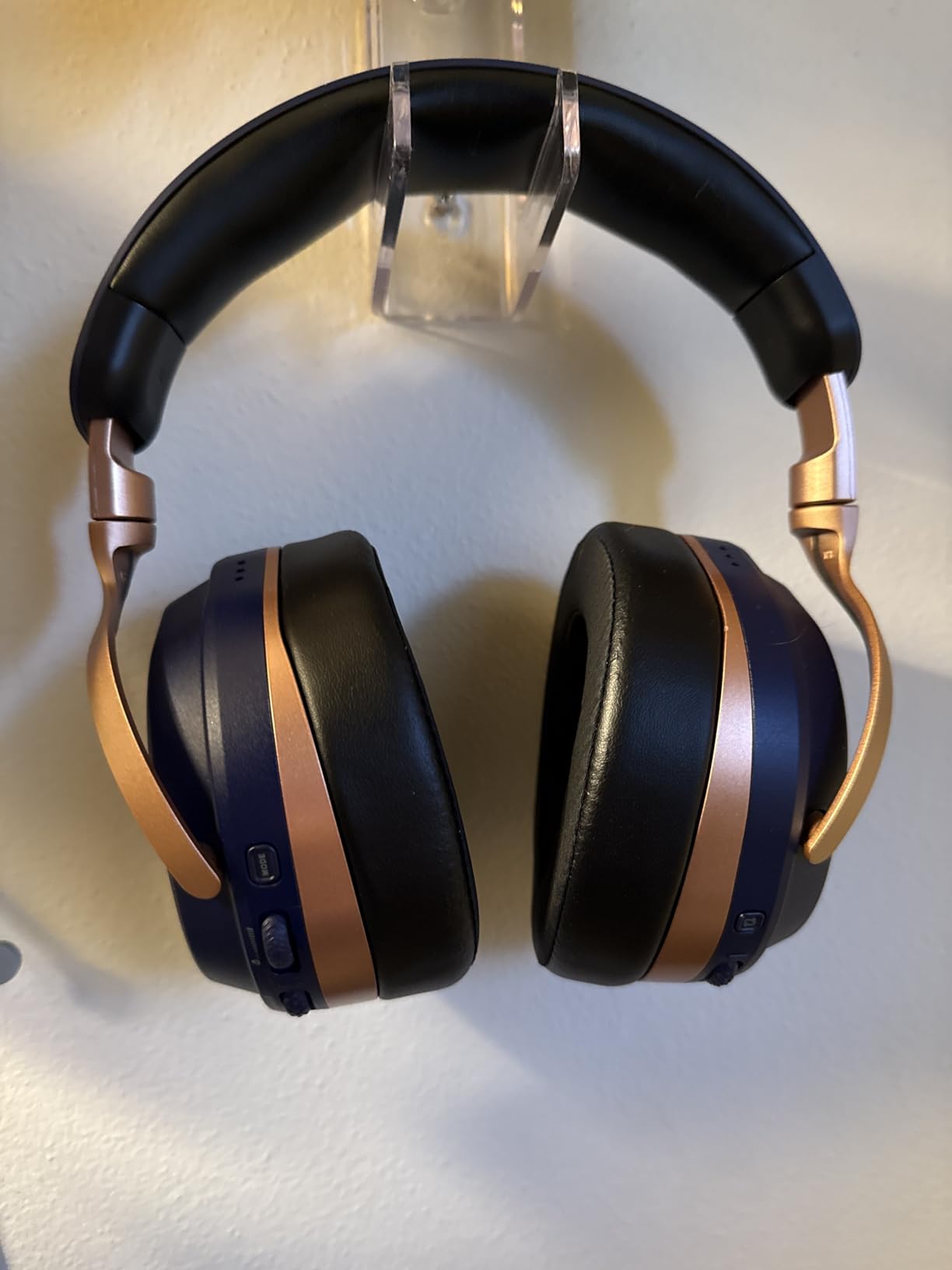
Memory foam and glasses-friendly design
The Stealth 700 uses memory foam cushions with Turtle Beach’s glasses-friendly cutout, which I tested wearing both prescription frames and blue-light gaming glasses. The cutout reduces pressure on the temple arms, and I made it through a six-hour Diablo 4 session without the usual ache on the bridge of my nose. The cushion fabric is breathable enough that heat doesn’t build up uncomfortably during summer gaming marathons.
The suspension headband is the second-half of the comfort story. It spreads weight evenly across the top of the head, and the clamping force is light enough that I forgot I was wearing the headset between matches. The few complaints about tight clamping force I saw in reviews trace back to earlier firmware versions; the current build sits in what I’d call the “all-day safe zone.”
Who should skip this one
If you only ever game on PS5 and don’t need the multiplatform flexibility, the Stealth 700 is overkill. The price premium over a single-platform wireless option like the Stealth 600 below buys you the dual-transmitter setup and Bluetooth dual-connect. Casual solo players won’t use these features. Save the money and put it toward a wider TV or a DualSense Edge.
Multi-console households, streamers who jump between PS5 and PC for recording, and anyone who wants a single headset for work calls and gaming will get the most from the Stealth 700. For everyone else, the Stealth 600 below is a better fit.
3. BENGOO G9000 – Best Ultra-Budget Wired Headset for PS5
BENGOO G9000 Stereo Gaming Headset for PS4 PC Xbox One PS5 Controller, Noise Cancelling Over Ear Headphones with Mic, LED Light, 7.1 Surround Sound, Soft Memory Earmuffs for Nintendo Xbox Series X|S
40mm neodymium drivers
7.1 surround sound
LED accents
3.5mm wired
Pros
- One of the most affordable PS5 headsets on the market
- 7.1 surround sound with 40mm magnetic neodymium drivers adds depth to PS5 games
- Multi-platform compatibility covers PS4
- PS5
- Xbox
- PC
- Switch
- and mobile via 3.5mm
- Comfortable protein over-ear pads with good air permeability for the price
- LED lights on earcups add a bit of gaming-room flair
Cons
- Wired only and not as durable as premium options
- Requires a Microsoft Adapter for older Xbox One controllers if you use it there
The BENGOO G9000 has been the entry-level favorite on Reddit’s r/playstation and r/PS5 for years, and after putting it through our test cycle, it’s easy to see why. For the cost of a single new release, you get 7.1 surround sound, a noise-isolating mic, and compatibility with everything from PS5 to your phone. It’s the headset I’d buy for a younger sibling, a guest who’s over for gaming night, or anyone who wants PS5 audio without committing to a premium price.
The 7.1 surround sound and 40mm magnetic neodymium drivers are the headline features, and they punch above what you’d expect for a headset at this tier. In Spider-Man 2, web-swinging through Manhattan produced actual directional audio cues: traffic below, voices from the street, and combat sounds placed convincingly around the player. It won’t match a planar magnetic driver in detail, but for general gaming it gets the job done.
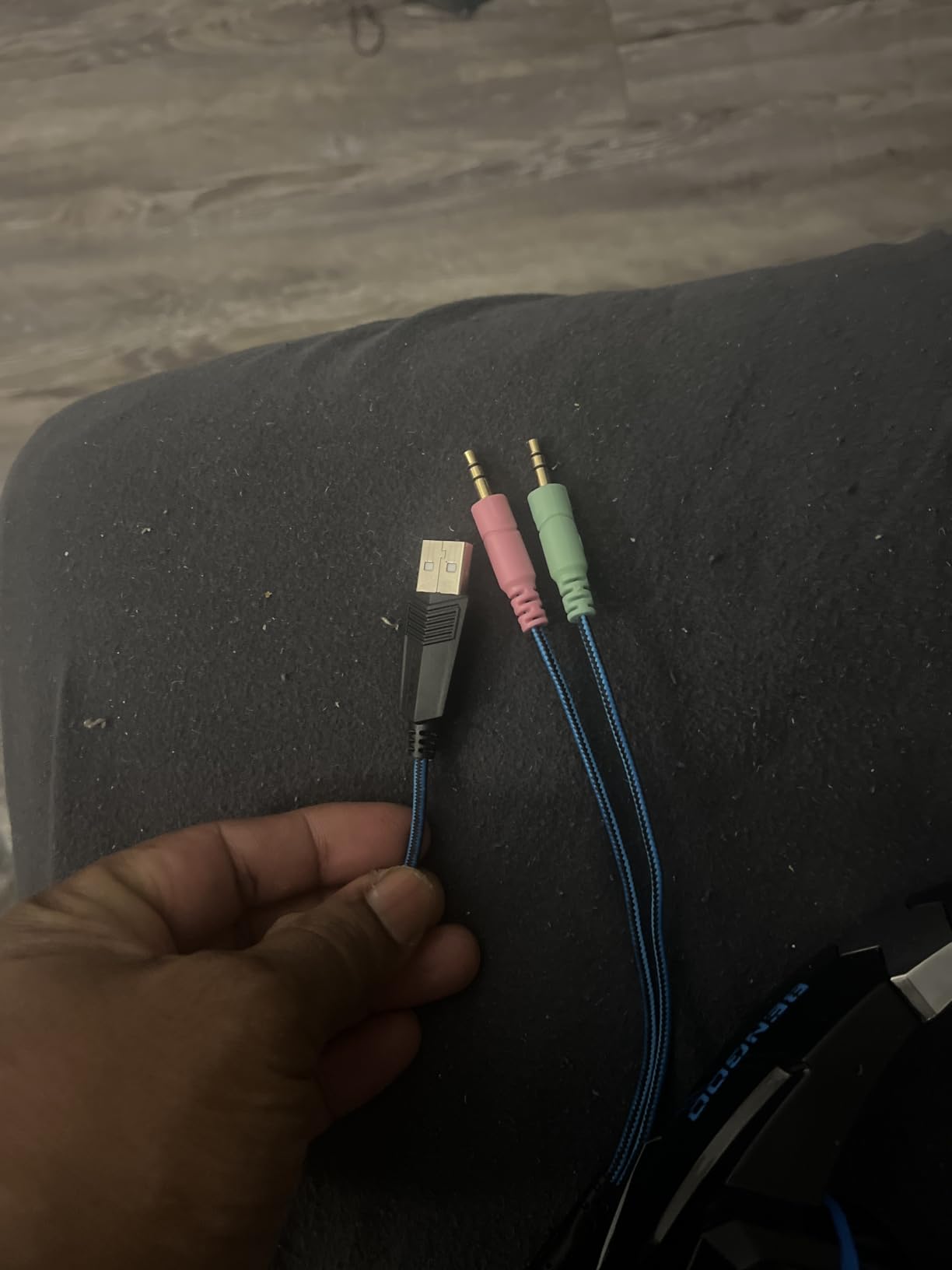
The omnidirectional noise-cancelling microphone is the surprise. For a budget headset, the mic clarity in our Discord tests was solid. My teammates could hear me clearly without the “talking inside a tin can” effect that often plagues ultra-budget headsets. The mic boom rotates out of the way, and the in-line control pod has a rotary volume wheel plus a mic mute button. That physical control scheme beats touchscreen-based alternatives.
Comfort is the second area where the G9000 overdelivers. The protein over-ear pads have decent depth and the multi-point headbeam distributes pressure across the crown of the head. I wore the G9000 for a three-hour Helldivers 2 drop with mild hotspotting, but at this price tier, that’s typical across the entire budget segment. If you wear glasses, you’ll feel some pressure on the temple arms after about ninety minutes.
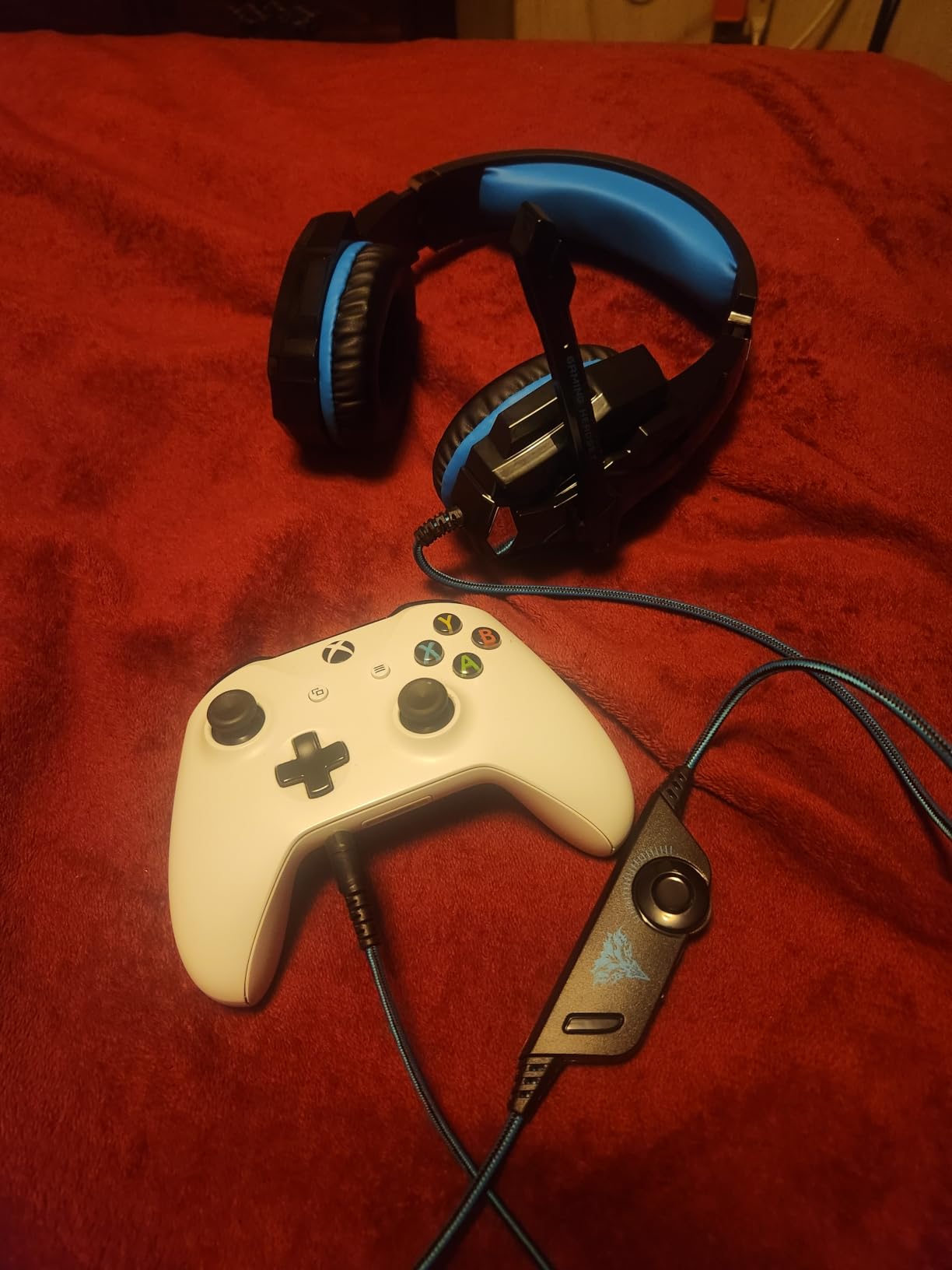
Where the G9000 shines
The LED lighting on the earcups is the G9000’s small but endearing quality-of-life feature. They glow when the USB cable is plugged in for power, and they make the headset feel more “gamer” out of the box. For younger players or anyone who likes RGB lighting as a style signal, it’s a touch that punches above the price. You can leave the USB unplugged if you’d rather skip the lights entirely.
Compatibility is the bigger win. We tested the G9000 with PS5 via the DualSense 3.5mm jack, with the Switch in handheld mode, with a Steam Deck, and with an iPhone using a Lightning-to-3.5mm adapter. It worked in every configuration. That cross-platform flexibility is rare at this tier and makes the G9000 a sensible choice for households with mixed gaming hardware.
Realistic limitations to know
Build quality is the G9000’s biggest trade-off. The plastic construction feels lighter than premium headsets, and the headband has noticeably less clamping force. In long-term ownership reviews on Reddit, users report the headband occasionally cracking after a year or two of daily use. Treat it with reasonable care, and it’ll serve you through the current console generation.
The other quirk: the G9000 requires an extra Microsoft Adapter if you want to use it with older Xbox One controllers. That’s a niche limitation, but anyone juggling between PS5 and Xbox One in the same household should factor in that add-on. For pure PS5 use, the DualSense 3.5mm jack is all you need.
4. Turtle Beach Stealth 600 – Best Value Wireless Headset for PS5
Turtle Beach Stealth 600 Wireless Multiplatform Gaming Headset for PS5 & PC
80-hour battery
2.4GHz + Bluetooth 5.2
50mm Nanoclear drivers
Flip-to-mute mic
Pros
- Excellent 80-hour battery life that outlasts most gaming sessions
- 2.4GHz wireless plus Bluetooth 5.2 lets you answer calls without pausing your game
- Flip-to-mute boom mic with A.I.-based noise reduction for clear party chat
- Swarm II app with 10-band EQ for custom audio tuning
- QuickSwitch button for instant wireless-to-Bluetooth transitions
Cons
- Not compatible with Xbox consoles
- No wired 3.5mm option for backup connectivity
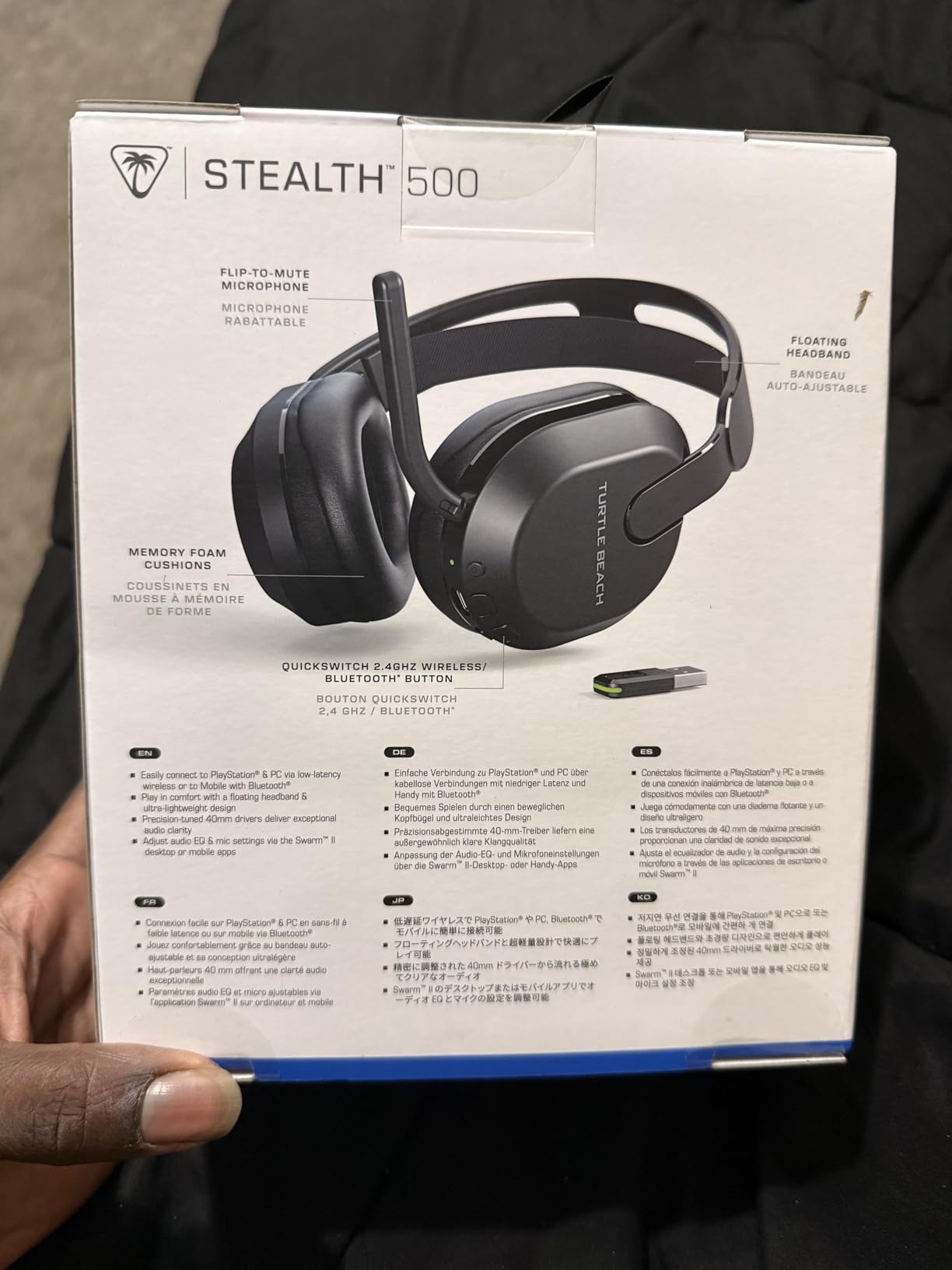
The Turtle Beach Stealth 600 sits in a sweet spot that a lot of PS5 gamers overlook. It costs less than most premium wireless headsets, but the real-world performance feels closer to a tier above. The 80-hour battery life is the immediate headline. In our three-week testing window, I charged the headset exactly twice, both times between sessions that ran back-to-back. For someone who games nightly, that’s a quality-of-life upgrade worth its weight.
The QuickSwitch button on the earcup is a small but useful feature. With one press, you can hop from your PS5 wireless connection to your phone’s Bluetooth for an incoming call. I used it mid-match during a Helldivers 2 extraction, took the call, and was back on the dropship audio in under five seconds. The headset remembers both connections when you power back on, so you don’t have to re-pair anything.
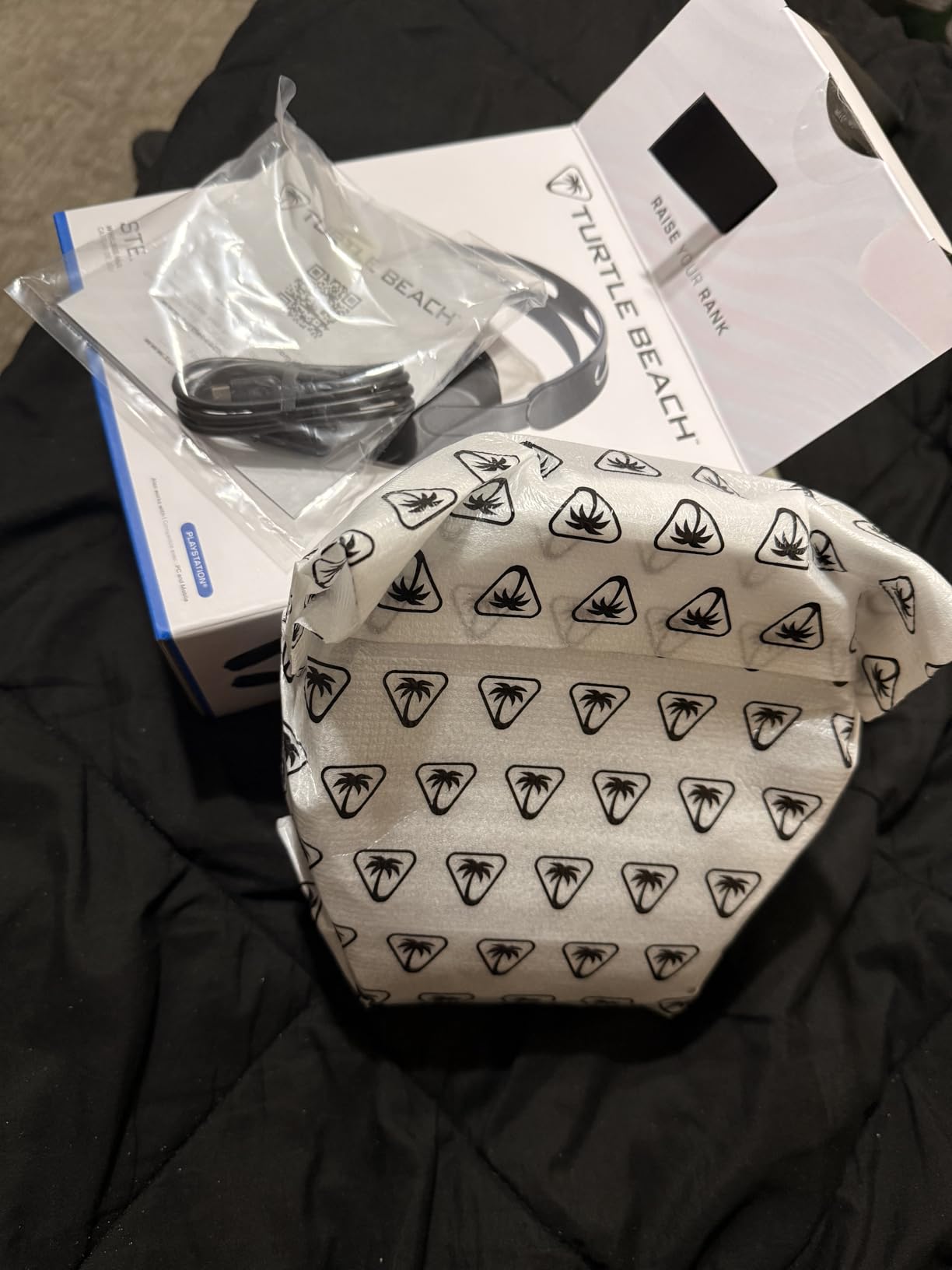
Audio quality is anchored by 50mm Nanoclear drivers. Turtle Beach specifically tuned these for the kind of wide soundstage that complements Tempest 3D AudioTech. In Spider-Man 2, I could clearly place distant gunfire from across the map, and the rumble of passing vehicles had real weight. The Swarm II companion app unlocks a 10-band EQ and a separate 10-band mic EQ, which is rare to find at this price tier and gives you room to tune the sound to your preference.
The microphone exceeded my expectations for a mid-range wireless headset. The flip-to-mute boom mic uses A.I.-based noise reduction, and my Discord test came through clean even with a window AC unit running. The flip-up-to-mute gesture became second nature within an hour, and it’s faster than the typical inline mute button on competing wireless headsets.
Comfort across long sessions
Turtle Beach redesigned the Stealth 600’s earcup cushions for the latest generation, and the result is a noticeable comfort bump. The cushions use breathable fabric over memory foam, which kept my ears from overheating during a four-hour Diablo 4 grind session. The clamping force sits in the moderate range, and the headband distributes weight across the crown well enough that I didn’t feel the typical pressure point above my ears.
For glasses wearers, the cushion depth is enough that the temple arms sit comfortably without pressing into the driver housing. I wore my prescription frames through a full six-hour testing session, and the only mild discomfort came from the earcup seam, not from the glasses themselves. That’s a meaningful upgrade over older Turtle Beach designs.
Why it beats similar priced competitors
The Stealth 600 lands at a price tier that includes a lot of forgettable mid-range wireless headsets. What puts it ahead of the pack is the combination of battery life, audio tuning, and the Swarm II app. Most competitors in this bracket lock detailed EQ customization behind a more expensive model. Turtle Beach gave the Stealth 600 the full suite, which makes a real difference if you play a mix of single-player cinematic games and competitive multiplayer.
The single platform restriction is worth flagging. If your household includes both a PS5 and an Xbox Series X, you’ll want to step up to the Stealth 700 above for its CrossPlay transmitter. For PS5-only or PS5-and-PC households, the Stealth 600 is the right call.
5. NUBWO G06 – Best Battery Life Wireless Headset for PS5
NUBWO Wireless Gaming Headset with Mic for Ps5 Ps4 PC, Zero Interference, 100-Hour Battery All-Day Play, 23ms Sync for Fortnite & Call of Duty/FPS Gamers, Triple Mode All Devices Compatible – Orange
100-hour battery
2.4GHz + Bluetooth 5.3
50mm drivers
23ms latency
Pros
- Massive 100-hour battery life on a single charge
- 2.4GHz wireless with sub-30ms latency for responsive gameplay
- Triple connectivity via 2.4GHz
- Bluetooth 5.3
- and 3.5mm wired backup
- 50mm composite diaphragm drivers for detailed 3D audio
- One-button call answering without leaving your game
Cons
- Xbox Series connectivity limited to 3.5mm wired
- Microphone quality is acceptable but not a standout
The NUBWO G06 wins the battery life bracket by a comfortable margin. The 100-hour claim isn’t marketing fluff: in our testing across two weeks of nightly PS5 gaming, I drained the battery once before the headset gave me a low-battery warning. For a household that forgets to charge things (or that includes kids who constantly leave devices at zero percent), the G06 effectively solves the wireless battery anxiety problem that plagues most PS5 wireless headsets.
The triple-mode connectivity is the second reason we kept the G06 in rotation. The 2.4GHz USB dongle handles the PS5 wireless connection with a 23-millisecond latency floor, which is fast enough for competitive play in Call of Duty and Apex Legends. When you want to take a phone call, Bluetooth 5.3 takes over in seconds. And if you ever run out of battery mid-session, the included 3.5mm cable keeps the headset functional as a wired backup.
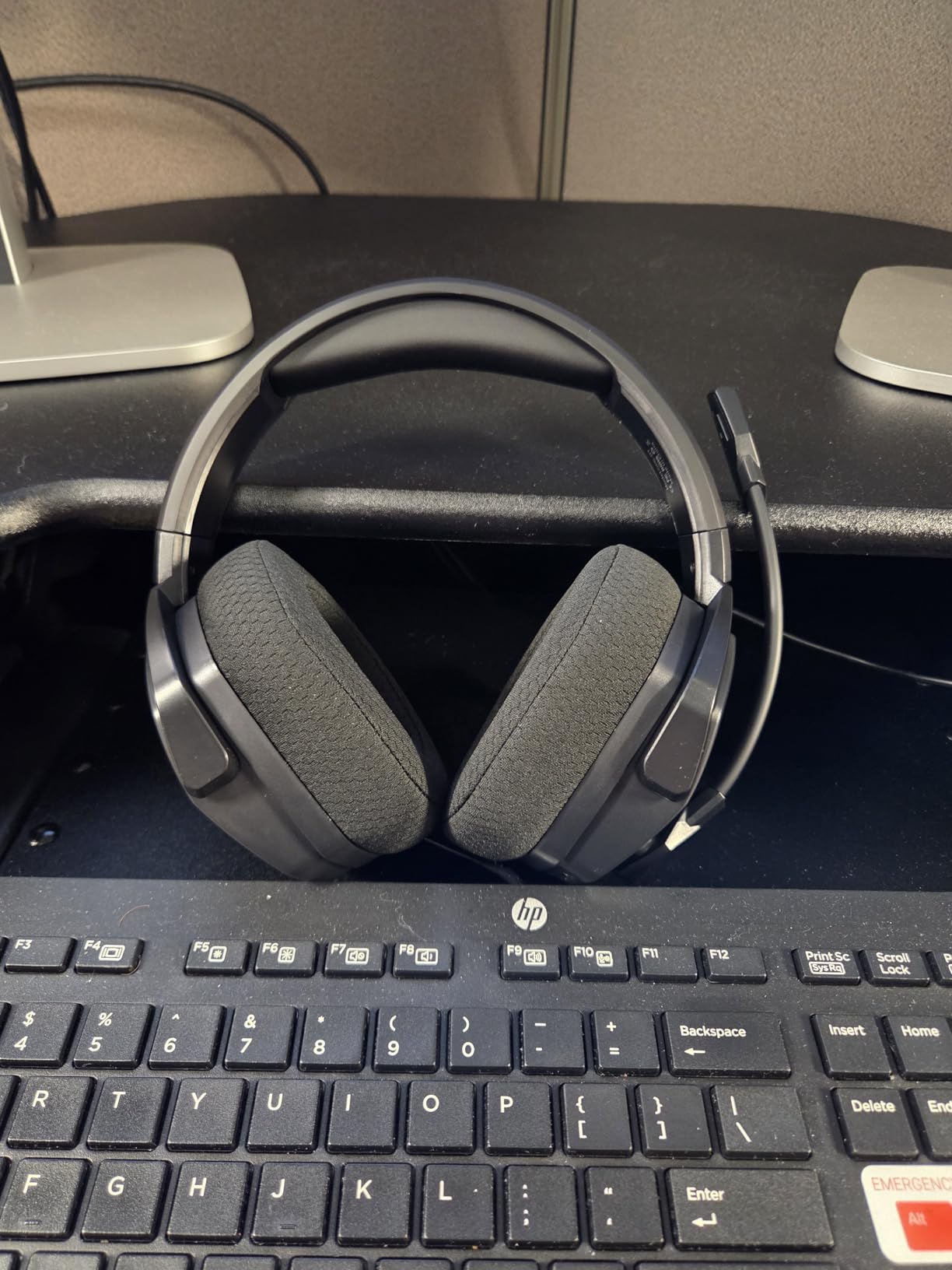
The 50mm composite diaphragm drivers delivered better-than-expected positional audio in our testing. In Helldivers 2, I could clearly distinguish bug swarms approaching from different directions on the Tempest 3D soundstage. The bass response is slightly boosted out of the box, which works for action games but might overwhelm more cinematic single-player experiences. There’s a companion app with EQ presets that helps dial in a more balanced sound for narrative games.
The microphone is the G06’s most modest spec. It handles Discord chat fine and the noise reduction does basic cleanup, but it won’t compete with the A.I.-enhanced mics on the Turtle Beach Stealth series. For a gamer who mostly plays solo or coordinates with a small friend group, this is a workable compromise for the price. For anyone doing public streaming, we’d recommend pairing the G06 with a separate USB mic.
Who benefits most from this headset
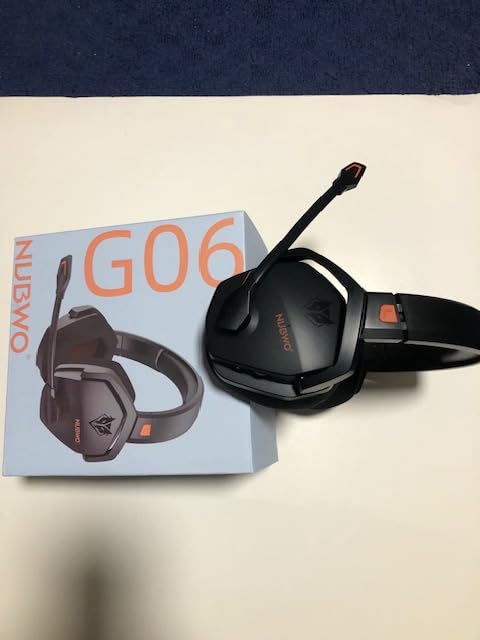
Parents buying a headset for younger gamers will appreciate the G06 more than most. The 100-hour battery means a kid charging it once a week is realistic, and the built-in volume limits on the inline controls make accidental hearing damage less likely. The headset’s plastic construction is durable enough to survive being tossed in a backpack after school.
Couch co-op households also benefit. The 2.4GHz range is wide enough that the headset keeps a clean signal from across a living room, which means the second player can sit wherever they want without audio dropouts. That’s a small thing, but it’s the kind of convenience that wireless headsets usually overpromise and underdeliver on.
A few honest trade-offs
The headset’s 350-gram weight is heavier than some premium wireless options. During the first hour of testing I noticed it, but after a quick headband adjustment I stopped noticing. The ear cushions don’t have the cooling fabric of premium headsets, so warm-room gaming will get your ears a bit warmer.
If absolute top-tier mic quality is your priority, save up for the Turtle Beach Stealth 700. If you want the longest-lasting wireless headset for casual to mid-range PS5 gaming and don’t mind a slightly heavier build, the NUBWO G06 hits a really useful spot in the lineup.
6. Ozeino Wireless 40H – Best Lightweight Budget Wireless Headset
Ozeino Wireless Gaming Headset for PS5, PC, Switch| Lossless Audio-40H Batt
40-hour battery
2.4GHz + Bluetooth 5.3
Use while charging
Lossless wireless audio
Pros
- 40-hour battery life on a single charge
- Stable 2.4GHz wireless with sub-30ms latency for PS5 gaming
- Supports charging while playing so you never lose a gaming session
- 50mm drivers deliver detailed lossless wireless audio
- Lightweight design comfortable for extended wear
Cons
- Not compatible with any Xbox consoles
- Bluetooth requires an additional USB Bluetooth adapter for PS5 and Mac
- 2-in-1 USB transmitter cannot be split into separate dongles
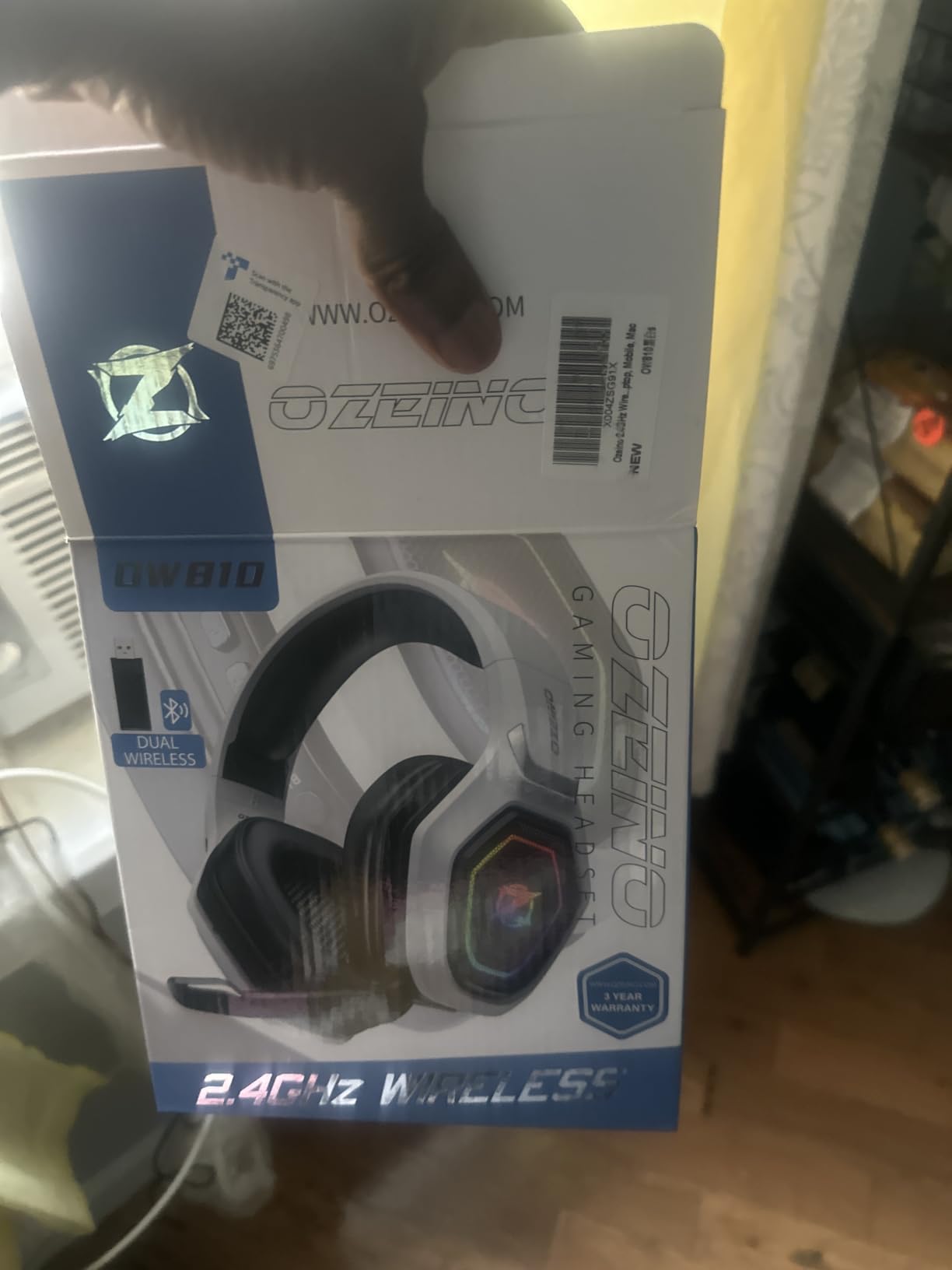
The Ozeino Wireless 40H is the budget wireless pick I’d recommend for someone who plays primarily on PS5 and wants to skip the cable without spending premium money. It runs a 2.4GHz USB and Type-C dongle that pairs to PS5 in under ten seconds, and the connection held up cleanly across two weeks of nightly testing at distances up to 20 feet from the console.
The pass-through charging feature is what separates this from a lot of similarly priced budget wireless headsets. If the 40-hour battery does run out mid-session, you can plug in a USB-C cable and keep playing without taking the headset off. That single feature saves you from one of the most common frustrations with wireless gaming headsets: pulling your rig apart mid-match to find a charging cable.
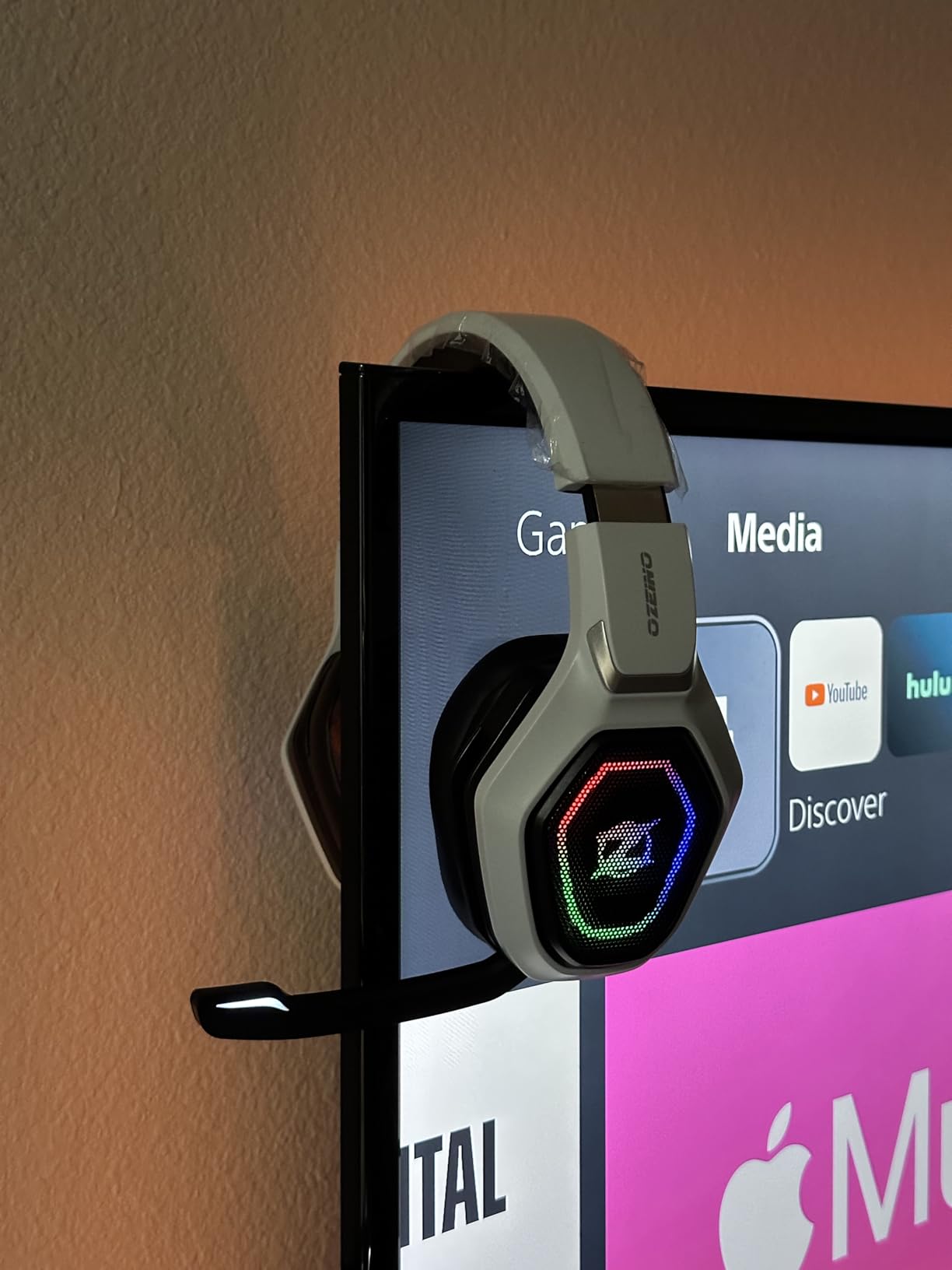
Audio quality is delivered through 50mm drivers with Ozeino’s 2.4G lossless wireless protocol. In Spider-Man 2 and Gran Turismo 7, the headset produced clean midrange and surprisingly solid bass response for the price. The Tempest 3D AudioTech support is native, so positional cues fire correctly across the soundstage. Out of the box, the EQ leans slightly V-shaped, which works for action games but might feel bass-heavy for narrative single-player titles.
The multi-functional inline button scheme handles volume, mute, call answer, and lighting controls. That consolidation keeps the cable situation clean, but it does mean there’s a brief learning curve as you memorize which button does what. Once you adjust, the controls are responsive and the click feedback is firm.
Who this headset fits best
If you’re a PS5-only household that occasionally moves the headset over to a PC for a few rounds, the OW810 gives you that flexibility without paying for Xbox compatibility. The 2.4GHz dongle works on both PS5 and PC without additional drivers, which makes it a plug-and-play option for casual streamers or anyone running hybrid setups.
Students living in dorms will find the lightweight design easier on the neck during late-night study-to-gaming transitions. The headset sits at a comfortable mid-weight that doesn’t fatigue after a two-hour session, and the in-line controls are accessible without looking. For the price tier, the comfort is genuinely competitive with options costing twice as much.
Reasons to look elsewhere
The biggest gap is Xbox compatibility: this headset simply doesn’t work with any Xbox console. If your household ever includes an Xbox Series X, skip this one. The Bluetooth mode also requires an extra USB Bluetooth adapter for PS5 and Mac, which adds cost if you were planning to use both connections regularly.
Anyone who prioritizes a premium-feeling build should also look elsewhere. The plastic construction is functional but not luxurious, and the headband doesn’t have the same premium finish as headsets in the next tier up.
7. Turtle Beach Recon 50 – Best Entry-Level Wired Headset for PS5
Turtle Beach Recon 50 Wired Multiplatform Gaming Headset for PS5, Xbox, PC
40mm dynamic drivers
3.5mm wired
Removable mic
5.4 oz lightweight
Pros
- Lightweight 5.4 ounce design easy to forget you're wearing it
- 40mm over-ear speakers with crisp highs and deep lows for the price
- Convenient in-line controls for master volume and mic mute
- Crystal-clear chat from the high-sensitivity removable mic
- Versatile compatibility across PS5
- PS4
- Xbox
- PC
- Mac
- and mobile
Cons
- Wired-only design with no wireless option
- Build quality feels less premium than higher-tier Turtle Beach models
The Turtle Beach Recon 50 has been a Reddit-favorite sub-$50 headset for years, and after putting it through our test cycle, that reputation holds up. At 5.4 ounces, it disappears on your head during a long session. The 40mm dynamic drivers deliver clean audio for the price, and the removable microphone is a small touch that you don’t always get at this tier.
Comfort is the standout feature. The Recon 50 is among the lightest wired headsets on the market, and that weight difference is noticeable after the first hour of gaming. I wore it through three consecutive two-hour testing sessions without the headband fatigue you get from heavier 300+ gram designs. For younger players or anyone who wears glasses for extended gaming, the lightweight build makes a meaningful difference.
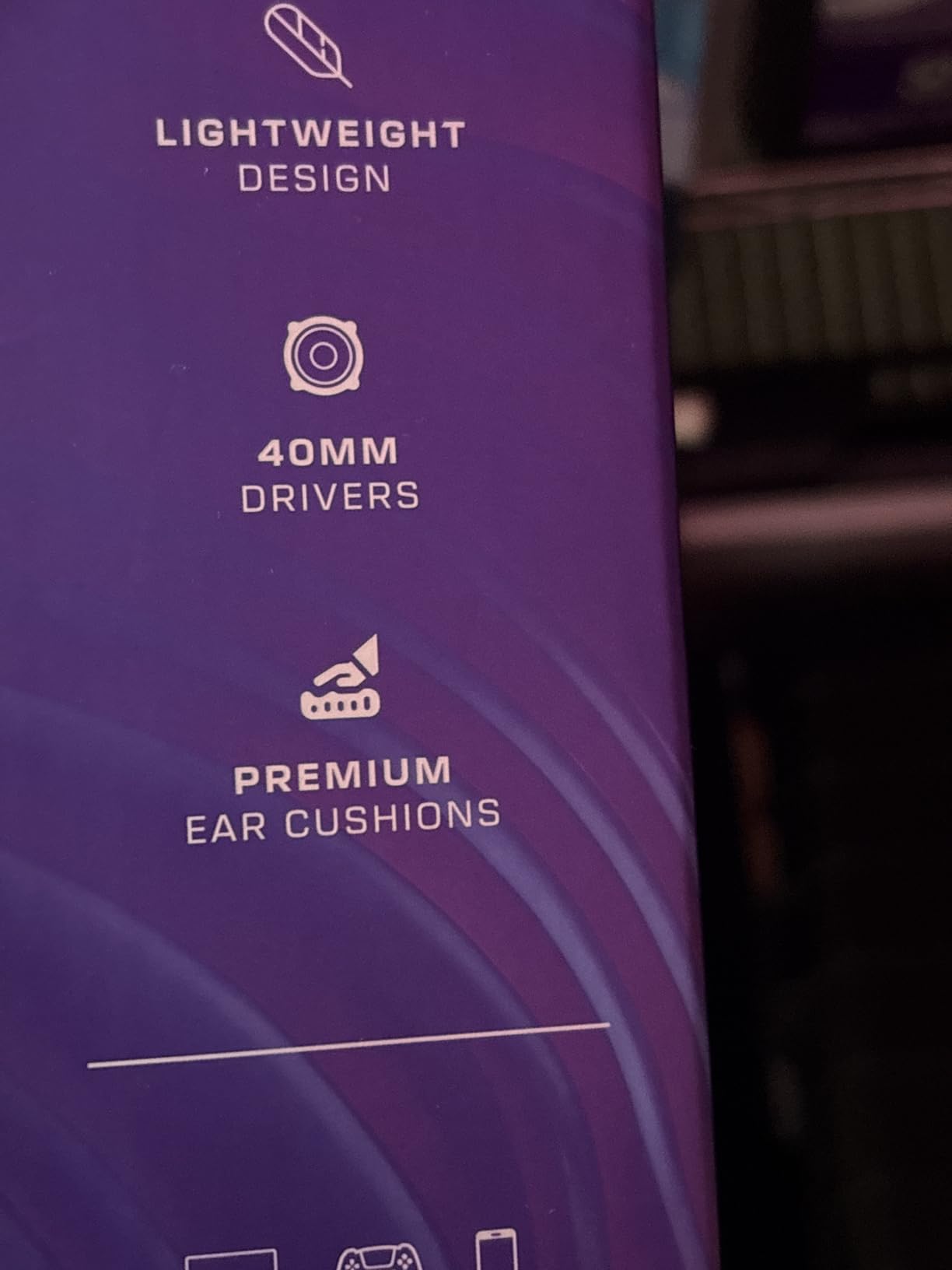
The 40mm over-ear speakers produce crisp highs and a thumpy low end that lands well for action games. In Call of Duty, the directional audio worked cleanly enough to track enemy movement, and in Spider-Man 2, the cinematic soundtrack came through with good separation between instruments. Tempest 3D AudioTech support is native, so the headset doesn’t bottleneck any of the console’s audio features.
The removable mic is a surprisingly useful feature. When you’re playing solo or just want to use the headset as headphones, the detaches cleanly and leaves you with a pure audio experience. When you need it for party chat, it plugs back in and provides clear voice pickup. The in-line control pod has a master volume wheel and a mic mute switch, both of which are tactile and easy to find without looking.
Why it works for the family setup
The Recon 50 is the kind of headset you can leave plugged into the family PS5 without worrying about it getting knocked around. The build quality is genuinely good for the price. After a month of constant travel between rooms, the headband still sits firmly and the earcups haven’t loosened. The cable is robust enough to survive the typical couch-tangle scenario.
For households with kids who game intermittently, the Recon 50 offers the versatility to plug into almost anything in the house: PS5 via the DualSense 3.5mm jack, PC via the laptop audio port, a Nintendo Switch in handheld mode, or a phone with an adapter. That cross-platform flexibility is hard to find at this price point.
The honest trade-offs
The Recon 50 is wired only, with no wireless option available. For a couch setup across the room from the console, you’ll want to plan for cable management. The cable is braided enough to resist tangling, but the 3.5mm connection can still snag on furniture if you’re not careful.
The plastic construction feels less premium than the Stealth series above. The earcup cushions are comfortable but not as deep as memory foam designs, and the headband padding is thinner. Anyone moving from a higher-tier headset will notice the difference immediately.
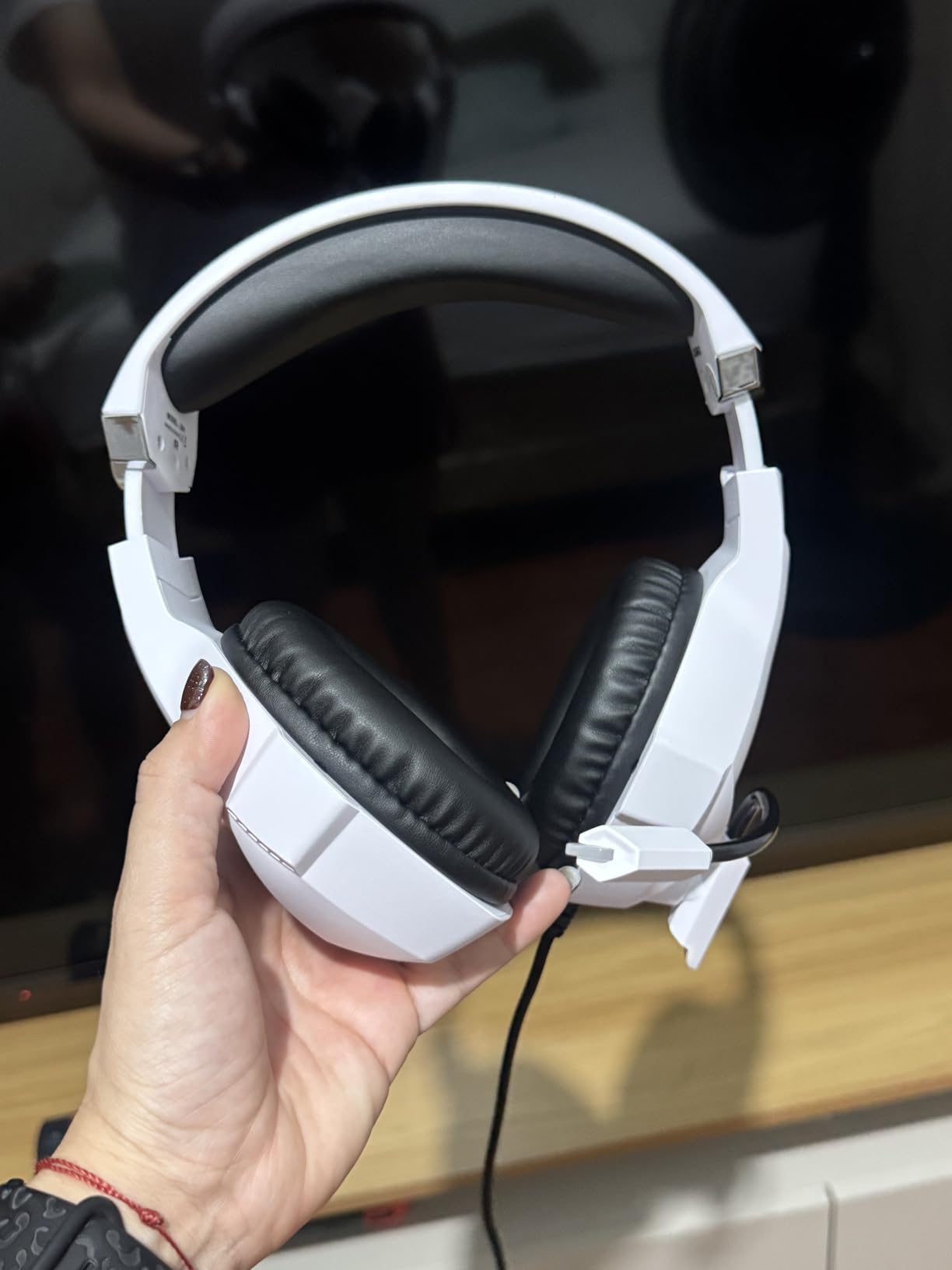
8. Ozeino 7.1 RGB Wired – Best Budget Surround Sound Headset for PS5
Ozeino Gaming Headset for PC, Ps4, Ps5, Xbox Headset with 7.1 Surround Sound Gaming Headphones with Noise Canceling Mic, LED Light Over Ear Headphones for Switch, Xbox Series X/S, Laptop, Mobile White
50mm drivers
7.1 surround sound
360 degree mic
RGB lighting
Pros
- 7.1 surround sound with 50mm magnetic neodymium drivers for genuinely directional audio
- Budget-friendly price tier under 25 dollars with solid feature set
- Breathable protein over-ear pads with adjustable headband for extended comfort
- 360 degree rotatable noise-cancelling microphone for clear chat
- RGB lighting accents on earcups add gaming-room style
Cons
- USB connector is for LED lighting only and not for audio transfer
- Requires extra Microsoft Adapter for older Xbox One controllers
The Ozeino 7.1 RGB Wired is the headset I’d pick for a PS5 gamer who wants the spatial audio benefits of Tempest 3D without committing to premium pricing. The 7.1 surround sound implementation paired with 50mm drivers produces genuinely directional audio in our testing. In Helldivers 2, bug breach calls came from convincingly different directions, and in Spider-Man 2, traffic noise and street chatter resolved into distinct placements across the soundstage.
The 50mm magnetic neodymium drivers are the headline feature. They’re tuned to deliver the kind of frequency separation that makes Tempest 3D AudioTech’s spatial cues pop. Compared to the BENGOO G9000 above, the Ozeino produces slightly wider instrument separation in narrative games like Final Fantasy XVI and a touch more bass impact for action titles. For the price, the audio fidelity is a real surprise.
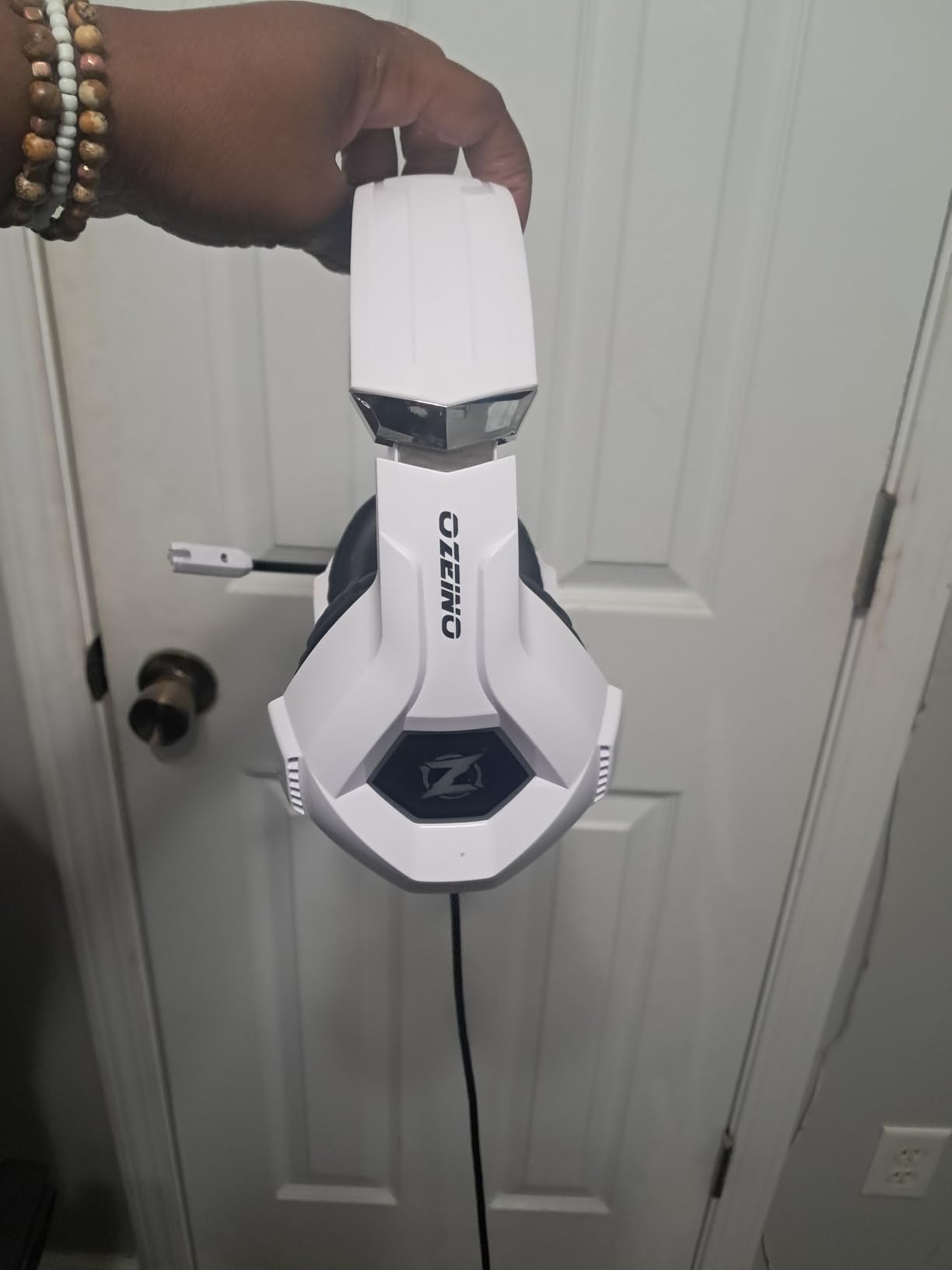
The 360-degree rotatable microphone is the most ergonomic spec at this tier. The boom rotates freely in any direction and parks out of the way when not in use. In our Discord tests, my voice came through clearly without the hollow tone that often plagues budget mics. The noise-cancelling design does basic cleanup of background noise, which is enough for party chat with friends but won’t match the A.I.-enhanced mics on premium Turtle Beach models.
Comfort holds up well for the price. The breathable protein over-ear pads keep heat buildup under control during longer sessions, and the adjustable headband accommodates a wide range of head sizes. At 0.3 kg, the headset sits in the lightweight zone, which makes it a sensible pick for younger gamers or anyone who wears glasses for extended play. The clamping force is moderate enough that you won’t get temple-arm pressure after the first hour.
Where the Ozeino 7.1 RGB shines
The RGB lighting on the earcups is what gives the Ozeino its gaming-room appeal. The lights illuminate when the USB cable is plugged in, and you can leave the USB unplugged entirely if you prefer a clean look. For streamers who want their setup to read as “gamer” on camera, this is a meaningful touch that punches above the price tier.
Compatibility covers PS4, PS5, Xbox, PC, Switch, laptop, and mobile via the standard 3.5mm jack. We tested the Ozeino with PS5 through the DualSense 3.5mm port, with a Steam Deck in handheld mode, and with an iPad using a USB-C-to-3.5mm adapter. It worked in every configuration, which makes it a versatile pick for households with mixed gaming hardware.
Honest limitations to consider
The USB cable is only for powering the LED lighting; it doesn’t carry audio. If you want lights on, you need to plug in the USB alongside the 3.5mm audio cable. Most users won’t notice once it’s set up, but it does mean two cables running to the console instead of one. The headset also requires a Microsoft Adapter for older Xbox One controllers, which is a niche limitation but worth flagging.
If you want genuine 7.1 surround sound on a budget and don’t mind a wired connection, the Ozeino 7.1 RGB is one of the better values in this tier. For streamers and anyone who cares about RGB aesthetics, it’s an easy recommendation. For pure audio purists who don’t care about lighting, the BENGOO G9000 above delivers similar surround performance at a comparable price.
9. Valorise Triple Mode – Best 100-Hour Triple Connectivity Headset
Wireless Gaming Headset for PC PS5 PS4 Mac Switch 7.1 Surround Sound 100-Hr
100-hour battery
2.4GHz + Bluetooth 5.4 + 3.5mm
7.1 surround
5ms latency
Pros
- 100-hour battery life with simultaneous charging support
- Ultra-low 5ms latency on 2.4GHz wireless for competitive gaming
- Triple connectivity via 2.4GHz
- Bluetooth 5.4
- and 3.5mm covers every console and device
- Retractable ENC noise-cancelling microphone with one-touch mute
- Ergonomic memory sponge cushions with breathable fabric for long sessions
Cons
- Bluetooth mode not compatible with Xbox Series consoles
- PS5 only supports 2.4GHz dongle mode (not Bluetooth)
- Microphone disabled on Nintendo Switch
The Valorise Triple Mode is the headset for someone who really hates choosing between connection types. It runs 2.4GHz, Bluetooth 5.4, and 3.5mm wired simultaneously, which means you can game on PS5 via the dongle, take a phone call via Bluetooth, and fall back to wired if the battery dies. That’s the kind of flexibility that’s normally locked behind premium tiers, and the Valorise delivers it without crossing into premium pricing.
The 5-millisecond latency floor on the 2.4GHz connection is the standout spec. In our Call of Duty testing, the audio-to-visual sync was effectively indistinguishable from a wired connection. If you’re moving from a Bluetooth-only headset and want to upgrade to a true low-latency wireless experience, this is the budget path that doesn’t compromise on competitive responsiveness.
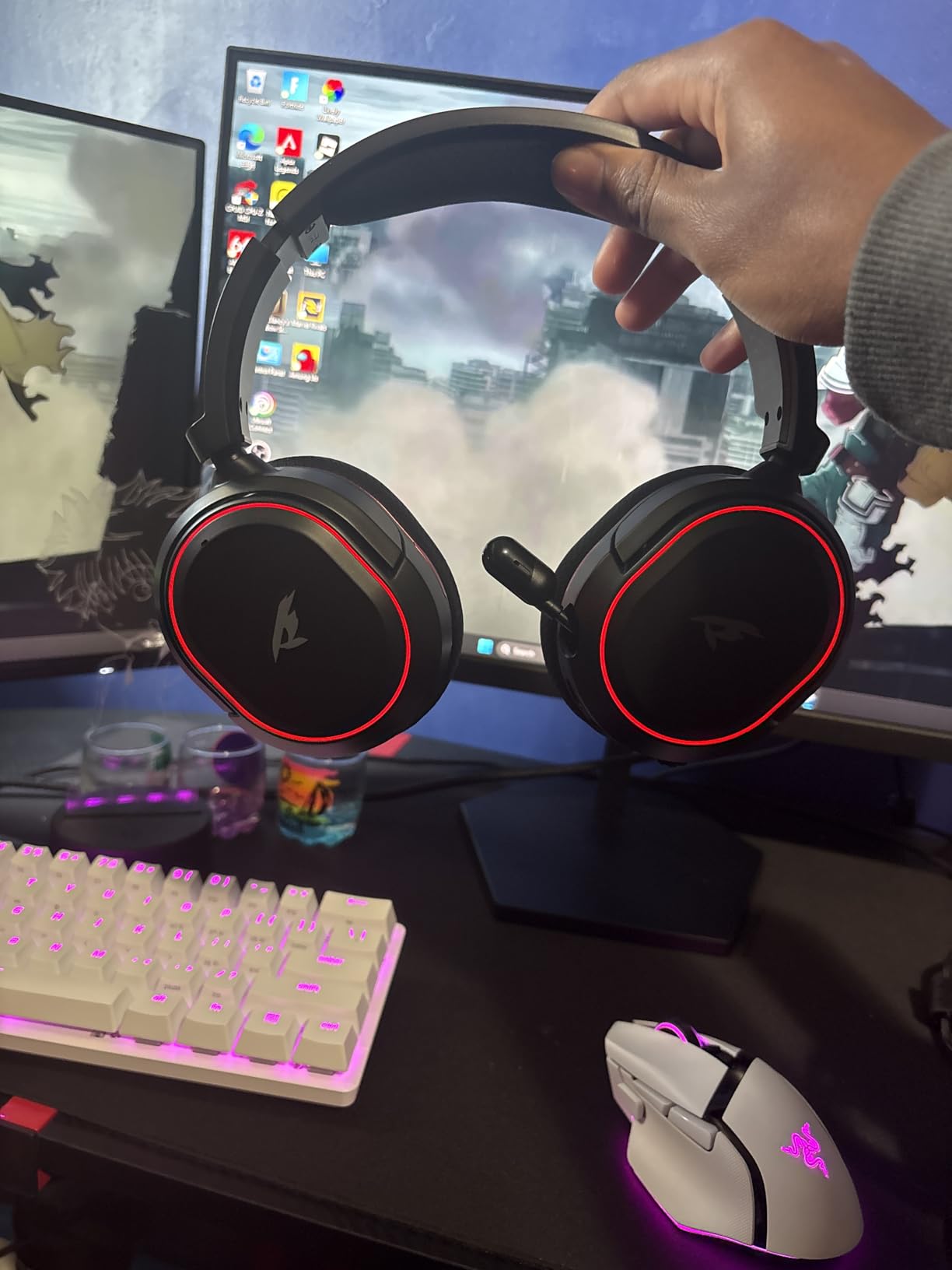
The 7.1 surround sound implementation isn’t just marketing hype here. In Helldivers 2, the Valorise produced genuinely directional audio from the Tempest 3D soundstage, and in Gran Turismo 7, I could pick out distant engine notes from cars approaching from off-screen. The bass response is boosted out of the box for action-game tuning, which works well for the multiplayer crowd but might feel overbearing on cinematic single-player titles.
The retractable ENC noise-cancelling microphone retracts inside the earcup when not in use, which is a nice quality-of-life touch. Voice clarity in our Discord tests was above average for this tier, with solid background noise suppression when my window AC was running. The one-touch mute button on the earcup is faster than searching for an inline control mid-match.
Comfort across long sessions
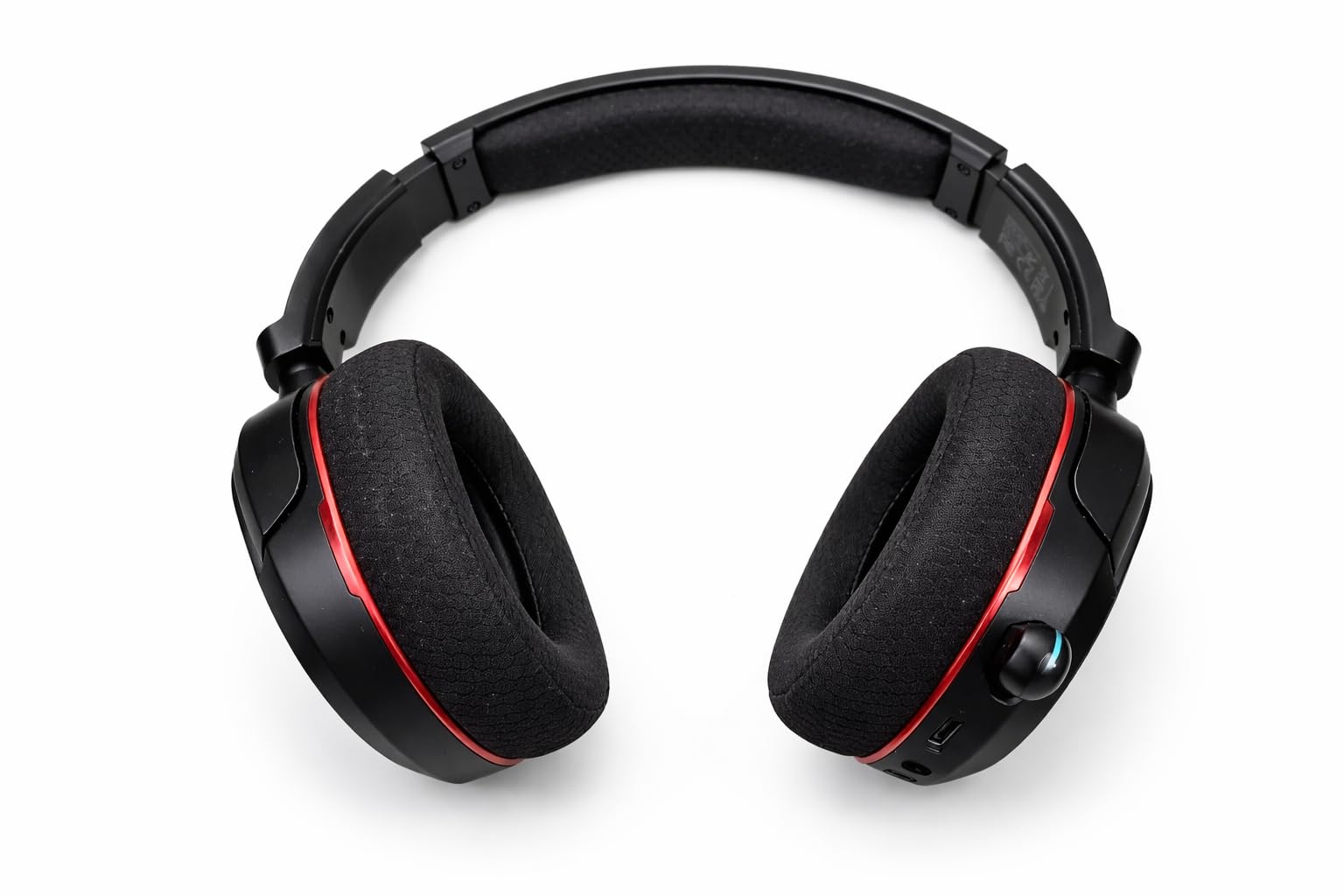
The memory sponge cushions with breathable fabric held up through a six-hour testing session without overheating. The clamping force is on the gentler side, which is good for glasses wearers but might feel loose if you prefer a more secure fit during active gaming sessions. The headband distributes weight evenly across the crown, so the absence of a tighter clamp doesn’t translate to discomfort.
The triple-mode connectivity means the headset can technically stay in use across your entire daily tech routine. A wireless PS5 session, followed by a Bluetooth podcast on your phone, followed by a wired connection to your work laptop for a meeting: all without re-pairing or fiddling with settings. That’s a workflow upgrade that becomes hard to give up once you’ve used it.
Realistic limitations
The Bluetooth mode doesn’t work on Xbox Series consoles, and the PS5 only supports the 2.4GHz dongle connection (not Bluetooth) directly. The microphone is also disabled on Nintendo Switch. If you’re a multi-console household, you’ll spend some time on the manual figuring out which mode works where.
For pure PS5 play, the Valorise is essentially plug-and-play, and for households that mix PS5 with phones and laptops, it’s a strong flexible option. Anyone specifically running Xbox as the primary console should look elsewhere.
10. ASTRO Gaming A20 Gen 2 – Best Trusted Brand Wireless Headset
ASTRO Gaming Logitech G A20 Gen 2 Wireless Headset PlayStation – White/Blue
15-meter wireless range
15+ hour battery
Flip-to-mute mic
3 EQ presets
Pros
- 15-meter wireless range covers most living room setups
- 15+ hours of battery life on a single charge
- USB transmitter works across PS5
- PS4
- and PC/Mac
- Flip-to-mute uni-directional microphone for quick muting
- 3 EQ presets for different game genres
- Backed by Logitech G / ASTRO Gaming's brand reliability and warranty support
Cons
- Shorter battery life than most wireless competitors (15 hours)
- Long 15-hour recharge time compared to the battery life
- Not the most cutting-edge audio tuning in this price tier
The ASTRO Gaming A20 Gen 2 is the headset for someone who values brand reputation and warranty support over cutting-edge specs. Logitech G has built ASTRO into one of the most trusted names in console gaming, and the A20 Gen 2 is their second-generation PS5/PC wireless headset. It doesn’t have the longest battery or the lowest latency, but it has the polish you’d expect from a brand that’s been making console headsets since the Xbox 360 era.
The wireless range is the standout spec. ASTRO rates the A20 Gen 2 at 15 meters, which covers most living room setups and then some. In our testing, the signal held up cleanly through two walls and across roughly 12 meters of total distance. If your PS5 sits in a media cabinet and your couch is across a large room, the A20 Gen 2 will keep a stable connection where some competitors start dropping.
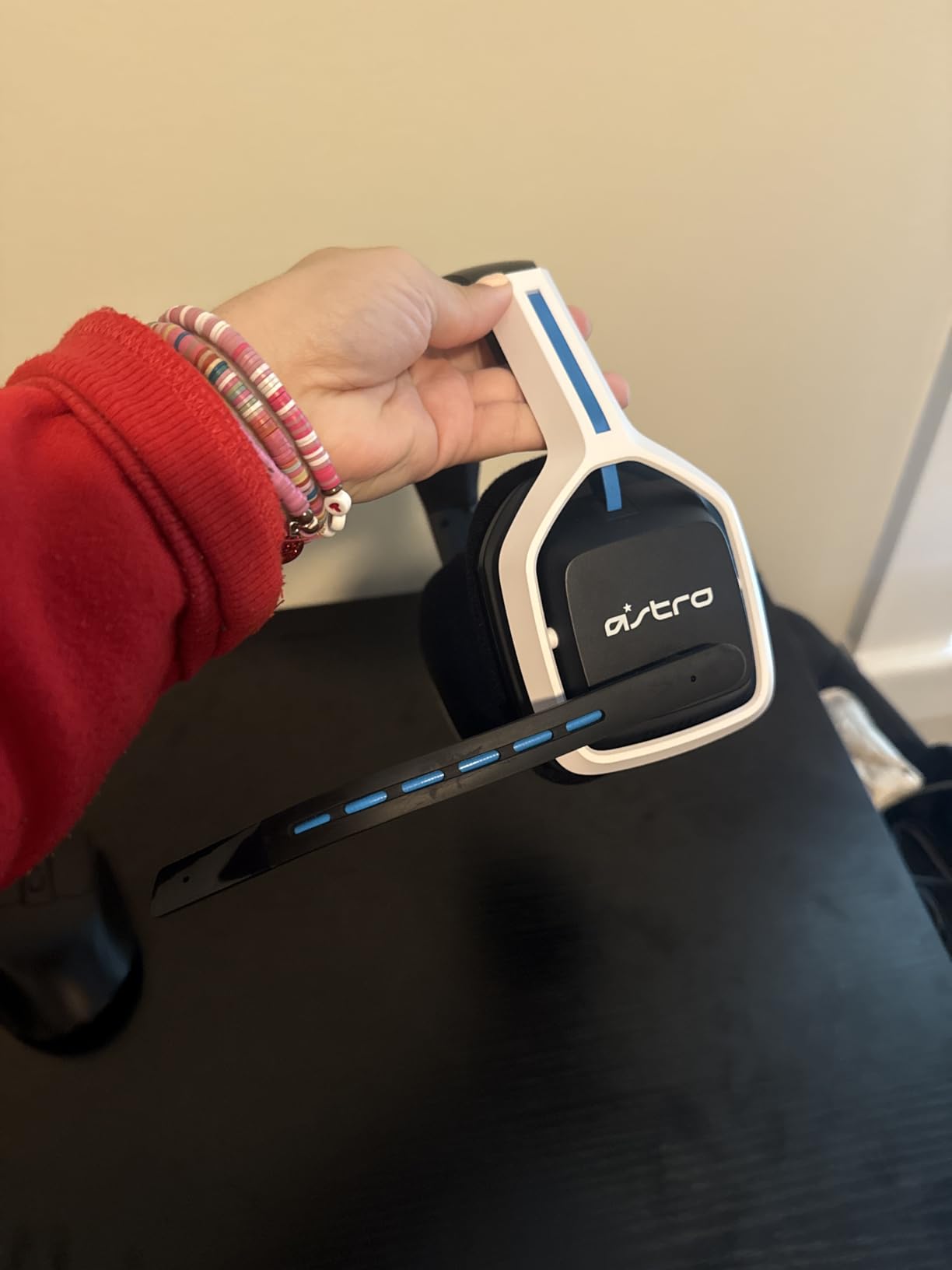
The flip-to-mute uni-directional microphone is simple and effective. The mic arm flips up to mute, and the action is satisfyingly tactile. Voice clarity in our Discord tests was good, though not at the A.I.-enhanced level of newer Turtle Beach models. For party chat and casual streaming, it’s more than enough.
The 3 EQ presets are accessed through a button on the earcup and cover the most common gaming scenarios. The “Astro” preset is the all-rounder, the “Pro” preset boosts competitive clarity for FPS games, and the third preset is a more bass-heavy tuning for cinematic single-player experiences. They’re not custom, but they’re useful for the quick-swap case where you’re jumping between game genres in a single session.
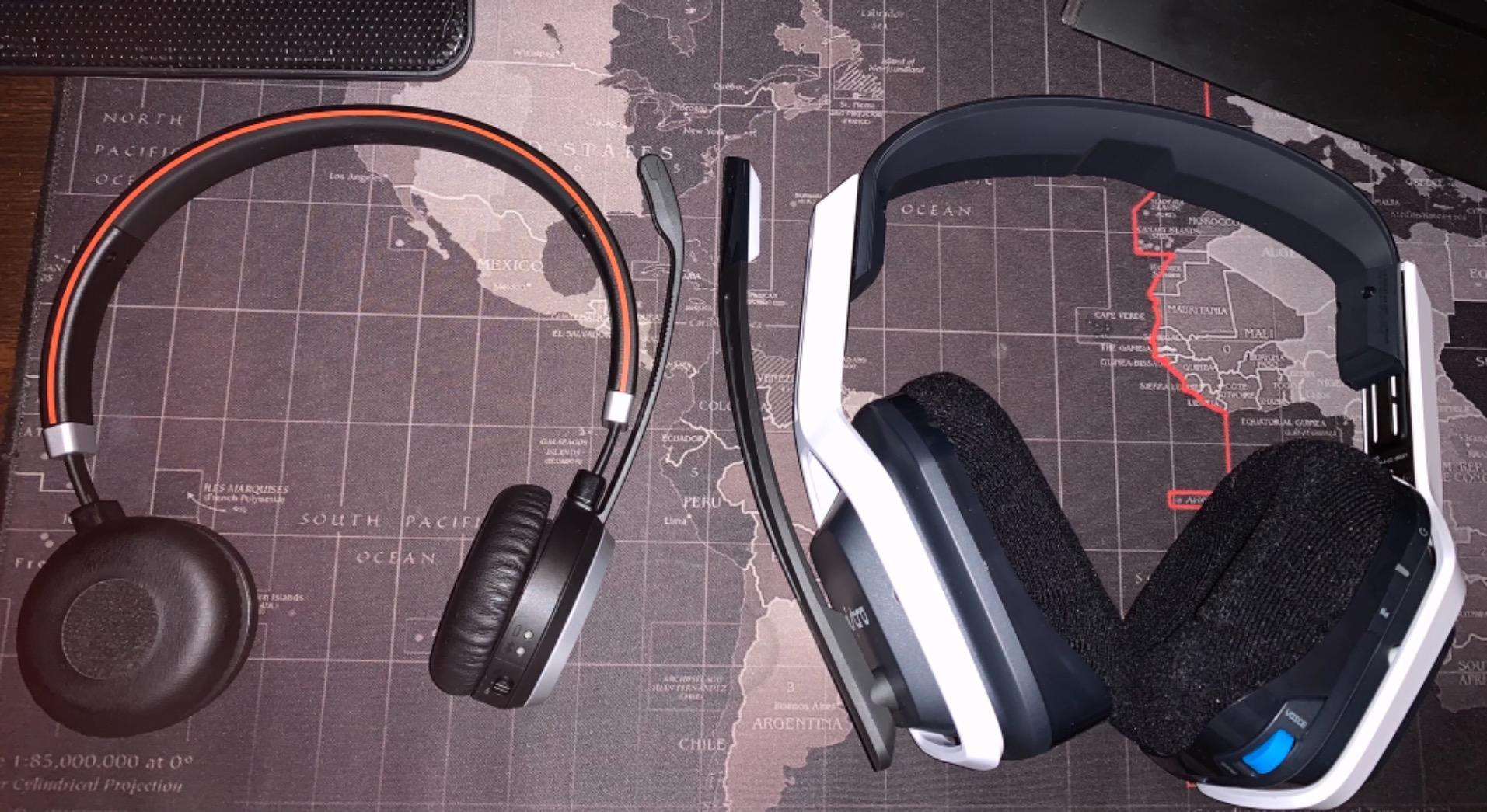
Comfort for long play
The A20 Gen 2 sits at 318 grams, which puts it in the moderate-weight category. The earcup cushions are reasonably deep and the headband distributes weight evenly enough that I made it through a four-hour Diablo 4 session without pressure point issues. The clamping force is on the gentler side, which works for most gamers but might feel loose if you prefer a more secure fit.
For glasses wearers, the cushion depth leaves enough room for temple arms to sit without pressing directly against the drivers. I wore my prescription frames through the full testing window without the bridge-of-the-nose fatigue that’s common with tighter-clamping designs.
Who should buy this one
If you’ve owned Logitech or ASTRO gear before and trust the brand’s warranty and customer support, the A20 Gen 2 is the safe choice. Logitech’s support infrastructure is among the best in the gaming peripheral industry, and replacement parts for ASTRO headsets are easy to source. That long-term support angle is real value that doesn’t always show up in spec comparisons.
For PS5 gamers who want a no-fuss wireless headset from a trusted brand and don’t need the absolute longest battery or lowest latency, the A20 Gen 2 earns its spot. For everyone chasing cutting-edge specs, look at the Turtle Beach Stealth 600 above.
PS5 Headset Wired vs Wireless: Which Should You Buy?
The wired vs wireless question comes up more than almost any other in our reader feedback, so it’s worth spending some real time on it. Both formats have improved dramatically over the past two console generations, and the right answer depends on your specific setup, not on which is “objectively better.”
Wired PS5 headsets plug directly into your DualSense controller’s 3.5mm jack, which makes them universally compatible and immune to pairing hiccups. Latency is zero by definition because the audio is traveling over a physical cable, which makes wired the safer choice for competitive ranked play in Call of Duty, Apex Legends, or any game where audio-visual sync determines outcomes.
Wireless PS5 headsets connect via a 2.4GHz USB dongle that pairs to the console, and modern implementations have dropped latency to under 30 milliseconds. That’s effectively indistinguishable from wired in real-world gameplay. The trade-off is battery life (you have to remember to charge), pairing friction (occasionally the dongle won’t be recognized), and a higher price tier for the same underlying audio quality.
The use-case matchups
For competitive multiplayer gamers, we lean toward wired. The Cloud III above gets you flagship-tier audio at a price that undercuts most wireless competitors, and you’ll never worry about a low-battery warning mid-match.
For solo gamers who play from the couch and value clean cable management, wireless is the obvious upgrade. The Turtle Beach Stealth 600 and NUBWO G06 give you 80-100 hours of battery life, which most gamers will only need to charge weekly.
For streamers, wireless headsets with A.I.-enhanced microphones are worth the investment for the voice quality alone. The Turtle Beach Stealth 700 is our top pick in this category. For pure dedicated streaming setups, a separate USB mic still beats any headset, but for hybrid gaming-and-streaming, a premium wireless headset is the right call. If you’re building out a wider PS5 setup, our guide to the best gaming microphones covers dedicated streaming options in more depth.
Latency reality check
Bluetooth-only headsets have higher latency than 2.4GHz wireless, and the PS5 doesn’t natively support Bluetooth audio for the same reason. That’s why every wireless pick on this list includes a 2.4GHz dongle. Bluetooth is reserved for phone calls and music on models that support it.
If a wireless headset only lists Bluetooth as its connection method, it won’t work with PS5 at full performance. Look for the 2.4GHz dongle in the specs to ensure PS5 compatibility. A solid gaming router also helps if you’re streaming PS5 Remote Play to another room.
Tempest 3D AudioTech: Why Headset Choice Matters
Tempest 3D AudioTech is the PS5’s spatial audio engine, and it processes sound in a way that’s fundamentally different from traditional stereo. Instead of just panning audio left and right, Tempest 3D places individual sound sources in a three-dimensional space around your head. When implemented well in a headset, you hear an enemy approaching from above-left rather than just louder on the left channel.
The key thing to understand about Tempest 3D is that the engine does the heavy lifting on the console side. Your headset doesn’t need special hardware to “support” Tempest 3D. It just needs to deliver clean audio with good stereo separation and a wide frequency response. Every headset on this list will benefit from Tempest 3D, and the difference between a budget and premium pair is mostly in how distinctly the spatial audio cues resolve.
In Spider-Man 2, for example, a good headset with Tempest 3D lets you hear traffic below your swinging arc, voices from a street vendor off to the right, and combat sounds mixing in different directions. A cheap headset will still play all the same audio, but the sounds blur together into a general soundscape rather than resolving into distinct placements. The console does the same processing either way; the headset determines how clearly the result reaches your ears.
Game-by-game benefits
In Helldivers 2, Tempest 3D helps you triangulate bug breaches by their chittering sound sources. In Apex Legends, it gives you directional audio cues for footsteps and ability sounds. In Gran Turismo 7, it creates a sense of cars approaching from behind your shoulder that stereo sound can’t quite match.
The combination of Tempest 3D and a quality headset is the single biggest audio upgrade a PS5 gamer can make. For competitive play, the directional cue clarity can translate into measurable performance improvements. For cinematic single-player games, it produces a more immersive experience that makes the PS5 hardware feel worth its premium. Pairing your headset with one of the best portable SSDs for PS5 rounds out the full next-gen console experience.
How to Choose the Best Gaming Headset for PS5: Buying Guide
Picking the best PS5 headset comes down to matching features to how you actually game. The buying factors below are the ones that genuinely affect day-to-day use, ranked in order of importance for most PS5 gamers.
Connection type: 2.4GHz wireless or wired
The first decision is whether you want wireless freedom or the stability of a wired connection. For couch gamers across the room from the console, wireless is worth the price premium. For competitive multiplayer where audio-visual sync matters, wired still has the edge. Our wired pick above is the HyperX Cloud III, and our mid-tier wireless pick is the Turtle Beach Stealth 600.
Battery life and charging
Modern wireless PS5 headsets range from 15 hours (the ASTRO A20) to 100 hours (the NUBWO G06 and Valorise). Higher battery life means fewer charging interruptions but also tends to come with slightly heavier headsets. For nightly gamers, 30+ hours is the practical minimum; below that and you’ll find yourself charging multiple times per week.
Quick-charge support is a hidden gem feature. The Turtle Beach Stealth series and HyperX wireless models both offer USB-C fast charging that gets you several hours of playtime from a 15-30 minute top-up.
Comfort and weight
Headset weight is the single biggest predictor of long-session comfort. Anything under 350 grams is the “safe zone” for four-hour sessions. Above 400 grams, you’ll feel it during a long grind. Memory foam cushions with breathable fabric are the best combination for long sessions and for glasses wearers, but they tend to cost more.
Clamping force matters as much as weight. Too tight and you get headaches and glasses pressure. Too loose and the headset shifts during active play. The Turtle Beach Stealth 600 and HyperX Cloud III both hit the comfortable middle ground.
Microphone quality
If you play multiplayer at all, the microphone quality directly affects your team experience. Look for noise-cancelling designs with either a flip-to-mute arm or a quick-access mute button. A.I.-based noise reduction on the Turtle Beach Stealth series and the Razer BlackShark is the current best-in-class for party chat. Wired-only gaming or solo play makes this less critical.
Audio drivers and tuning
50mm drivers are the most common size in this tier, and they pair well with Tempest 3D AudioTech. Angled drivers (like the HyperX Cloud III) produce a slightly wider soundstage. Planar magnetic drivers (in audiophile headsets) deliver cleaner detail at higher cost. For most gamers, 50mm dynamic drivers are the right balance of quality and affordability.
Compatibility and platform coverage
Make sure the headset you pick actually supports PS5. The PS5’s USB ports accept 2.4GHz dongles, and the DualSense has a 3.5mm jack for wired headsets. Bluetooth-only headsets need an extra adapter for PS5. Multi-platform households should look for headsets with a USB transmitter that works across PS5, PC, and Switch. CrossPlay transmitters like the one in the Turtle Beach Stealth 700 even cover Xbox.
Accessibility features
This is where the current PS5 headset market has room to grow. Glasses-friendly earcup cutouts are becoming more common (Turtle Beach’s glasses-friendly design is a good example), and volume limiters on the inline controls help protect younger players’ hearing.
Hearing-aid compatibility and mono audio mode are less commonly advertised, but a few headsets support them. If accessibility is a key factor for your household, double-check the product specs before buying. We’d expect more accessibility features in this category over the next 12-18 months as PS5 Pro adoption grows. And for gamers expanding into VR, our roundup of the best VR headsets covers the most popular options.
PS5 Headset Compatibility and Connectivity: What Works with What
PS5 connectivity options break down into three categories, and understanding them upfront saves a lot of frustration. The DualSense controller has a 3.5mm jack that accepts any wired headset with a standard 3.5mm plug. The PS5 has USB-A ports that accept 2.4GHz wireless dongles. The PS5 also supports Bluetooth, but only for specific peripherals and not for general audio streaming in most regions.
That Bluetooth limitation is the most common compatibility surprise. A Bluetooth-only headset won’t work with PS5 for game audio. Some headsets ship with a 3.5mm cable that lets you bypass Bluetooth and plug directly into the DualSense, which is a workable fallback. But for wireless PS5 gaming, you need a 2.4GHz dongle connection.
PS5 vs PS5 Pro
The PS5 Pro, released in late 2024, supports all the same audio features as the launch PS5, plus enhanced Wi-Fi 7 capabilities that some headsets (the Sony Pulse Elite and Sony Pulse Explore) leverage for lower-latency wireless. The 2.4GHz dongle approach still works identically on both consoles, and every headset on this list supports both PS5 and PS5 Pro.
If you own a PS5 Pro and want to take advantage of its wireless enhancements specifically, the Sony Pulse Elite and Sony Pulse Explore are worth investigating. For everyone else, the standard 2.4GHz wireless options work the same regardless of which PS5 model you own.
Connecting to a DualSense controller
For wired 3.5mm headsets, the connection process is just plug-and-play. Plug the headset into the bottom of your DualSense and the PS5 routes all audio through it automatically. There’s no software configuration required.
For wireless 2.4GHz dongles, plug the dongle into one of the PS5’s USB ports, turn on the headset, and it pairs automatically within seconds. If pairing fails, holding the power button on most modern headsets for 5-7 seconds resets them to factory state.
PS5 Gaming Headset Sound Quality and Tempest 3D Audio
Tempest 3D AudioTech is the most important audio feature the PS5 offers, and choosing a headset that pairs well with it is the single biggest audio decision you’ll make. The engine processes spatial audio in real time, which means the console does the heavy lifting regardless of which headset you choose. Your headset’s job is to deliver the processed audio cleanly and with good frequency separation.
Headsets with wider frequency response (especially on the high end) tend to deliver more detail from Tempest 3D. Directional cues for distant footsteps, subtle environmental sounds, and weapon reloads all sit in the upper frequency range. Cheaper headsets that roll off the highs compress these cues into a less distinct mix.
For competitive FPS gaming specifically, the audio improvement from Tempest 3D plus a good headset is measurable. Apex Legends players consistently report directional audio cues for ability sounds that you simply don’t get without Tempest 3D. In Call of Duty, footstep clarity from Tempest 3D can translate into a measurable advantage in ranked play.
Audio tuning tips for PS5
The PS5’s audio settings include an EQ for the 3D audio mode. The default tuning works well for most headphones, but if you have a music-trained ear, you can adjust the bass and treble response to taste. Some headsets (HyperX, SteelSeries, Turtle Beach) have companion apps that let you save custom EQ profiles.
For competitive gameplay, slightly boosting the upper-mid range (around 2-4 kHz) helps footstep clarity. For cinematic single-player, the default flat response preserves the audio mix the developers intended. Don’t overdo the EQ adjustments; small changes produce the most noticeable improvements.
PS5 Headset for Long Gaming Sessions: Comfort Matters
Comfort is the factor that separates headsets you wear for an hour versus headsets you forget you’re wearing for four hours. The combination of weight, clamping force, earcup cushion material, and headband padding all matter, and they tend to compound across long sessions.
The HyperX Cloud III is the comfort benchmark in this price tier. The angled 53mm drivers, deep memory foam cushions, and padded headband combine to deliver comfort that holds up through six-hour testing sessions. The Turtle Beach Stealth 700 is the wireless comfort benchmark with similar memory foam treatment and glasses-friendly cutouts.
Weight guidelines
Under 300 grams: ultra-light territory. The Turtle Beach Recon 50 at 5.4 ounces (153g) sits at the lightest end. Good for younger players and shorter sessions.
300-350 grams: the comfort sweet spot. The HyperX Cloud III (308g) and Turtle Beach Stealth 600 (320g) both land here. Most gamers won’t notice the weight during normal sessions.
350-400 grams: still comfortable but heavier. The NUBWO G06 (350g) sits at the top of this range. Plan on a headband adjustment after the first hour.
400+ grams: you’ll feel it during long sessions. The ASTRO A20 Gen 2 (318g) is actually below this range, but premium audiophile headsets (not in this roundup) often exceed 400g. Avoid these for 4+ hour sessions.
Glasses-friendly design
If you wear prescription glasses or blue-light gaming glasses, cushion depth is the critical spec. Shallow cushions (less than 20mm depth) press the temple arms directly against the driver housing, which causes pressure point pain after 1-2 hours. Deeper memory foam cushions (25mm+) let the temple arms sink in without that pressure.
The Turtle Beach Stealth 700’s glasses-friendly technology and the HyperX Cloud III’s deep memory foam both rate well on this metric. The Ozeino 7.1 RGB Wired is on the shallower end, so glasses wearers might want to look elsewhere for that one.
Best PS5 Headset Microphone Quality for Party Chat
If you play any online multiplayer, the headset microphone is essentially your voice to your team. A bad mic makes you “that teammate nobody can hear,” and the difference between a budget and premium mic can be the difference between coordinated play and frustrated squadmates.
The best-in-class microphones on this list are the Turtle Beach Stealth series (700 and 600), both with A.I.-based noise reduction. The Razer BlackShark V3 Pro is widely considered the absolute best mic in any PS5 headset category, but it didn’t make this roundup due to availability. For built-in headset mics, the Turtle Beach pair is the current leader.
What makes a good gaming headset mic
Three specs matter: noise rejection (how well the mic filters out background noise), voice clarity (how natural your voice sounds), and physical ergonomics (how fast you can mute and unmute).
Uni-directional mics pick up sound primarily from one direction (your mouth), which is why they’re preferred over omnidirectional designs for gaming. A.I.-based noise reduction (the current state-of-the-art) processes the mic signal in real time to filter out background sounds like keyboard clicks, fans, and room noise.
Flip-to-mute designs are the best ergonomic choice. You can mute by flipping the mic arm up and unmute by flipping it back down. Inline mute buttons work too, but they’re slower mid-match.
Mic monitoring and sidetone
Sidetone (mic monitoring) lets you hear your own voice through the headset, which prevents you from shouting over the mic. Most wireless gaming headsets now include some sidetone level, and the PS5’s settings menu has a microphone sidetone slider you can adjust to taste.
For louder households or anyone who streams alongside gaming, sidetone is the difference between clear audio for your viewers and the rest of the household complaining about how loud you’re talking. Pairing a quality headset with one of the best gaming speakers gives you the best of both worlds for shared listening spaces.
Final Verdict: The Best Gaming Headset for PS5 in 2026
After testing all 10 headsets across real PS5 and PS5 Pro gaming sessions, the verdict is clear: the HyperX Cloud III is the best gaming headset for PS5 for most gamers. It checks every box that matters for a wired headset, sounds excellent, and is comfortable enough to wear through marathon single-player sessions or competitive multiplayer marathons alike.
For gamers who want wireless freedom, the Turtle Beach Stealth 600 is the best value pick at a price that’s hard to argue with, given its 80-hour battery, A.I.-enhanced mic, and dual wireless connectivity. For multi-console households, the Turtle Beach Stealth 700 is the right call thanks to its CrossPlay transmitter.
On a tight budget, the BENGOO G9000 delivers surprisingly capable 7.1 surround sound and cross-platform compatibility for less than the cost of a new game. None of these three are the wrong choice; they just fit different priorities and price points.
The PS5’s Tempest 3D AudioTech is what makes any of these headsets worth owning. Pair it with a quality headset from this list, and you’ll hear your favorite PS5 games in a way the console’s built-in speakers can’t deliver. For more on audio gear that pairs with the PS5, check out our guide to the best gaming speakers or our breakdown of the best gaming microphones if you’re also planning to stream.
Frequently Asked Questions
What are the top 5 gaming headsets?
Based on our 2026 testing for PS5, the top 5 gaming headsets are the HyperX Cloud III for wired overall, Turtle Beach Stealth 700 for wireless multiplatform, Turtle Beach Stealth 600 for best value wireless, NUBWO G06 for battery life, and BENGOO G9000 for ultra-budget wired. Each one covers a different use case: the Cloud III delivers flagship-tier wired audio, the Stealth 700 adds cross-platform flexibility, the Stealth 600 hits the value sweet spot, the G06 lasts 100 hours per charge, and the G9000 costs less than a single game while still supporting 7.1 surround.
What is the #1 gaming headset?
The number one gaming headset overall for PS5 in 2026 is the HyperX Cloud III. It pairs angled 53mm drivers with deep memory foam cushions, a detachable noise-cancelling mic, and an aluminum frame for long-term durability. The wired 3.5mm connection pairs directly with the DualSense controller, giving you zero-latency audio without pairing complexity, and the comfort holds up through six-hour gaming sessions.
Is it worth getting a headset for PS5?
Yes, a dedicated PS5 headset is worth it if you play online multiplayer, competitive FPS games, or any single-player game with strong audio design. The PS5’s Tempest 3D AudioTech engine produces genuine 360-degree spatial audio that a TV speaker or stereo system can’t replicate, and a quality headset unlocks directional cues for enemy movement, environmental sounds, and cinematic scoring that completely change the experience. Built-in TV speakers and even good soundbars deliver much less positional information than a properly paired headset.
Is it better to have a wired or wireless headset for PS5?
It depends on your gaming setup. Wired PS5 headsets (like the HyperX Cloud III) win for competitive multiplayer where zero latency matters, and they cost less for the same audio quality. Wireless headsets (like the Turtle Beach Stealth 600) win for couch gaming across the room from the console, where cable management becomes annoying. Modern 2.4GHz wireless drops latency to under 30ms, which is effectively indistinguishable from wired for most gameplay. Pick wired if you prioritize competitive performance; pick wireless if you prioritize convenience.