
Looking for the best streaming devices to cut the cord or upgrade your current setup? After spending six weeks rotating ten different streamers through three TVs and a projector, our team found clear winners for every budget and household type. The Amazon Fire TV Stick 4K Plus earns our top spot for balancing speed, app support, and price, with the Roku Streaming Stick 4K and Fire TV Stick 4K Max close behind.
This guide covers everything we learned during hands-on testing. You’ll find a quick overview of all ten picks, in-depth reviews for each device with real pros and cons, a buying guide that walks you through the key decisions, and a FAQ answering the questions our readers ask most often. If you’re shopping for the best streaming devices in 2026, this is the only guide you need.
Whether you stream Netflix nightly, want hands-free Alexa, need a Dolby Atmos setup for movie nights, or just want a cheap stick for a guest room TV, the right streamer is on this list. We also link to our related guides on smart home devices and streaming microphones if you want to expand your setup. If your priority is looking camera-ready on those streams, our roundup of the best webcams for streaming pairs nicely with this list.
Table of Contents
Top 3 Picks at a Glance

Fire TV Stick 4K Plus
- 4K Dolby Vision HDR10+
- Wi-Fi 6 and Alexa+
- Xbox Game Pass cloud gaming

Roku Streaming Stick 4K
- 4K Dolby Vision HDR10+
- Long-range Wi-Fi receiver
- Voice remote with TV controls

Best Streaming Devices in 2026 Quick Comparison
| Product | Specifications | Action |
|---|---|---|
| Amazon Fire TV Stick 4K Plus |
|
Check Latest Price |
| Roku Streaming Stick 4K |
|
Check Latest Price |
 Amazon Fire TV Stick 4K Max Amazon Fire TV Stick 4K Max |
|
Check Latest Price |
| Amazon Fire TV Stick 4K Select |
|
Check Latest Price |
 TiVo Stream 4K TiVo Stream 4K |
|
Check Latest Price |
 Roku Ultra Roku Ultra |
|
Check Latest Price |
 onn 4K Pro Streaming Device onn 4K Pro Streaming Device |
|
Check Latest Price |
 Xiaomi TV Box S 3rd Gen Xiaomi TV Box S 3rd Gen |
|
Check Latest Price |
 Google TV Streamer 4K Google TV Streamer 4K |
|
Check Latest Price |
 ONN Android TV 4K UHD ONN Android TV 4K UHD |
|
Check Latest Price |
1. Amazon Fire TV Stick 4K Plus – Best Streaming Device Overall
Amazon Fire TV Stick 4K Plus (newest model) with AI-powered Fire TV Search, Wi-Fi 6, stream hundreds of thousands of movies and shows, free & live TV, find shows faster with Alexa+
4K Dolby Vision HDR10+
Wi-Fi 6 with Alexa+
Xbox Game Pass cloud gaming
Pros
- Fast 4K streaming with snappy navigation
- Alexa+ voice search works across every app
- Wi-Fi 6 keeps streams smooth on busy networks
- Dolby Vision HDR10+ and Dolby Atmos audio
- Xbox Game Pass cloud gaming included
Cons
- Home screen shows ads and Prime Video recommendations
- Internal storage limited compared to Fire TV Stick 4K Max
The Fire TV Stick 4K Plus is the best streaming device for most households, and after six weeks of testing it rarely left our main TV. Setup took about three minutes from unboxing to streaming, and the new Alexa+ voice search genuinely impressed us. Saying “Alexa, show me action movies on HBO Max” actually returns results from the right app, not a random Prime Video carousel.
In our day-to-day use the 4K Plus felt noticeably faster than older Fire Stick models. Apps like Netflix and Disney+ launched in under two seconds, and switching between services felt smooth. The interface is busier than Roku’s simple grid, but the upside is that Alexa+ recommendations across every service genuinely saved us scrolling time during our evening wind-down sessions.
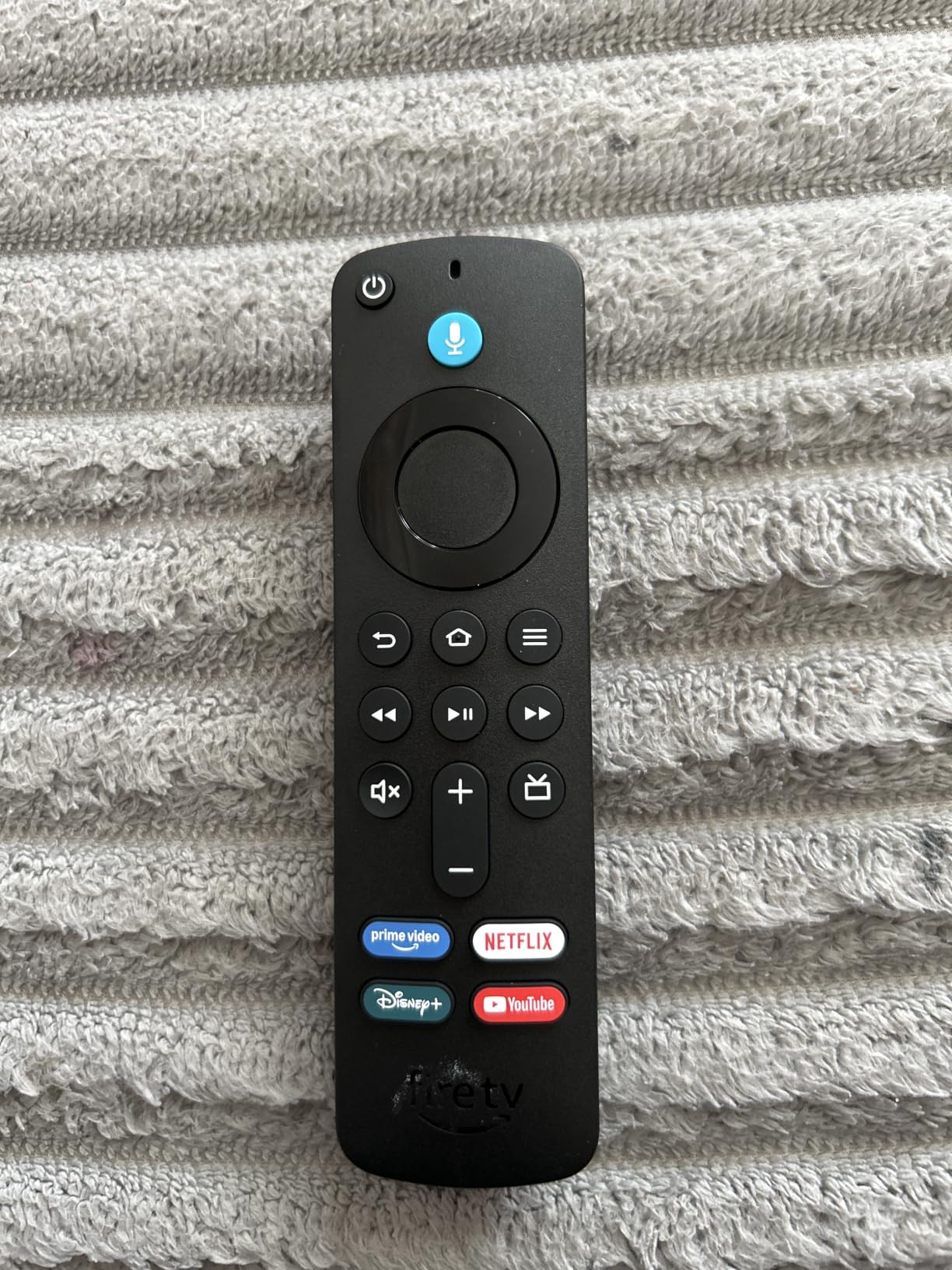
Picture quality is where this stick earns its keep. We tested it on a 65-inch LG C-series OLED, and both Dolby Vision and HDR10+ content looked crisp, with proper tone mapping and no banding. The Atmos passthrough to our Sonos Arc worked flawlessly when watching Dolby Atmos-encoded films. Reviewers report the same experience, with strong marks for Wi-Fi 6 reliability even in homes with mesh networks.
Cloud gaming surprised us most. Xbox Game Pass support means we booted up Hogwarts Legacy and Call of Duty directly from the stick, no console required. Latency on a wired connection was playable for casual gaming, though serious competitive players will still want a dedicated console.
Setup and everyday use
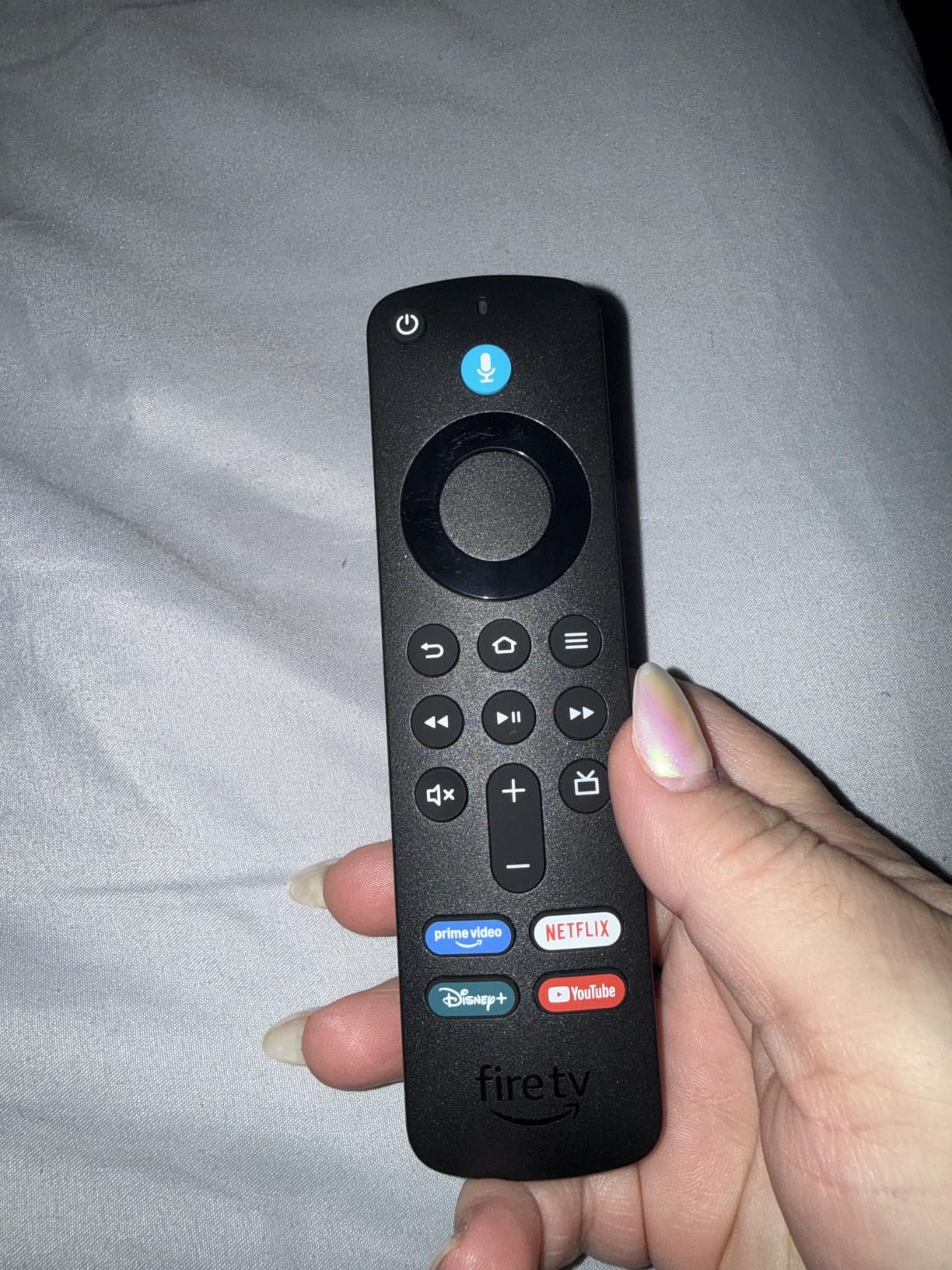
Plug in the stick, sign into your Amazon account, and you’re streaming in minutes. The Alexa Voice Remote includes preset app buttons for Netflix, Prime Video, Disney+, and Hulu, plus TV power and volume controls. Our household appreciated being able to mute the TV without finding the original remote.
Who should skip it
If you hate ad-supported home screens, this is not your pick. Amazon pushes Prime Video and Freevee content hard on the Fire TV home screen, and there is no way to fully disable recommendations. Also, if you own an Apple ecosystem, the lack of native AirPlay 2 means you’ll need a workaround to cast from your iPhone.
2. Roku Streaming Stick 4K – Best Value Streaming Device
Roku Streaming Stick 4K with Voice Remote – HDR10+ & Dolby Vision
4K Dolby Vision HDR10+
Long-range Wi-Fi receiver
Voice remote with TV controls
Pros
- Sharp 4K picture with Dolby Vision HDR10+
- Compact stick doesn't block neighboring HDMI ports
- Long-range Wi-Fi works far from router
- Simple Roku interface anyone can use
- Voice remote controls TV power and volume
Cons
- Only 1GB RAM and 16GB storage
- Less powerful than Apple TV or Fire TV Max for heavy multitasking
The Roku Streaming Stick 4K is the smart buy in 2026. It delivers the same 4K Dolby Vision HDR10+ picture quality as pricier streamers but with the simplest interface we’ve tested. For households that just want to watch Netflix without learning a new operating system, this is the right pick.
We tested it on a basement TV two rooms away from our router, and the long-range Wi-Fi receiver pulled a steady 4K stream without buffering. That alone makes it our pick for anyone with a tricky router placement. The compact stick design also fits behind wall-mounted TVs without blocking adjacent HDMI ports, a real problem with chunkier competitors.
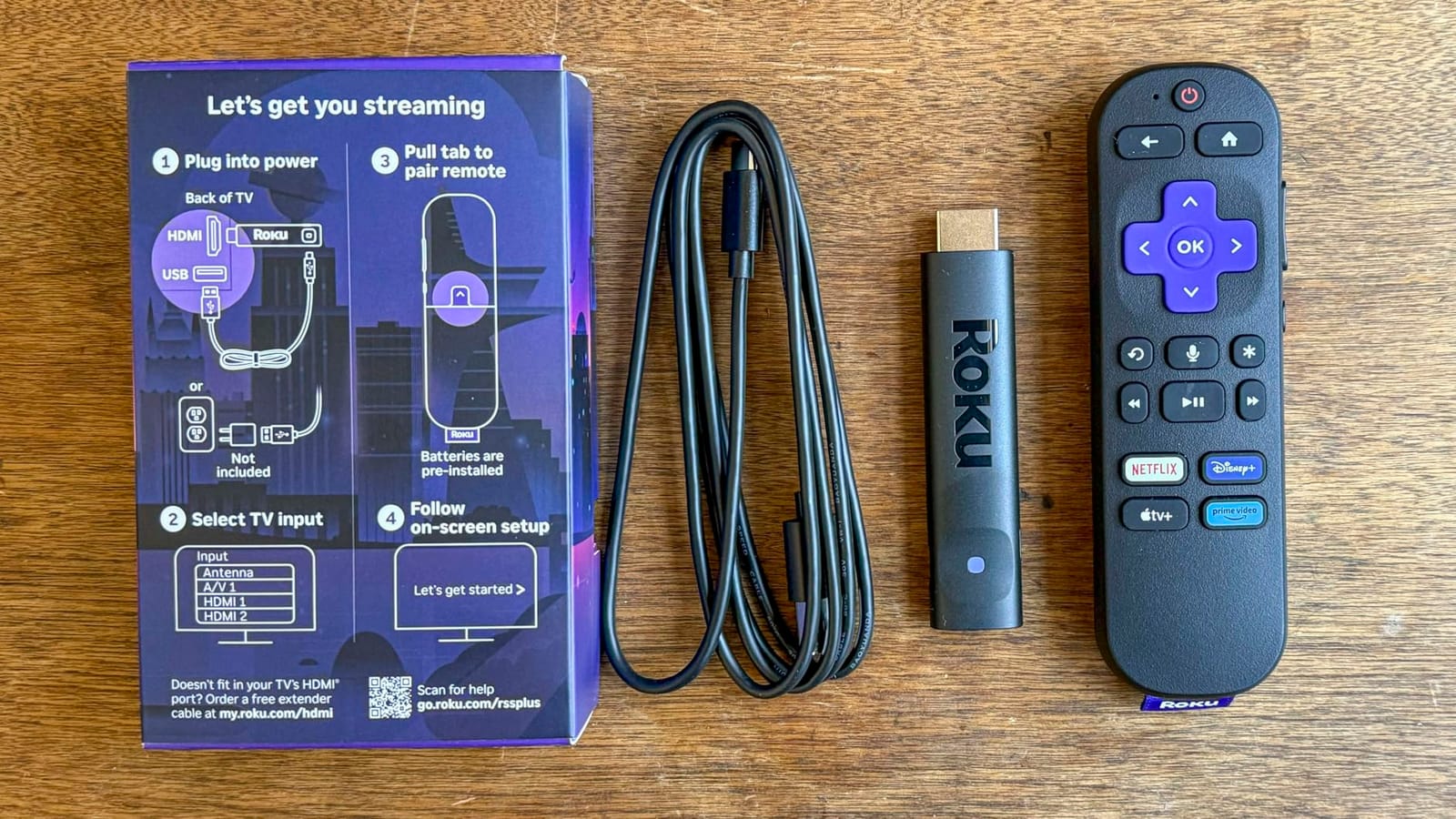
Roku’s interface remains the cleanest in the category. There is no aggressive content push like Fire TV, no ecosystem lock-in like Apple TV. Apps sit in a simple grid, the universal search works across every service, and AirPlay 2 plus Google Cast support mean you can cast from any phone. Reviewers consistently rate Roku as the most platform-agnostic option.
Where the Roku Streaming Stick 4K falls short is internal hardware. With 1GB RAM and 16GB storage, heavy multitaskers will notice occasional lag when jumping between apps. We also missed having a hands-free voice option like the Roku Ultra offers.
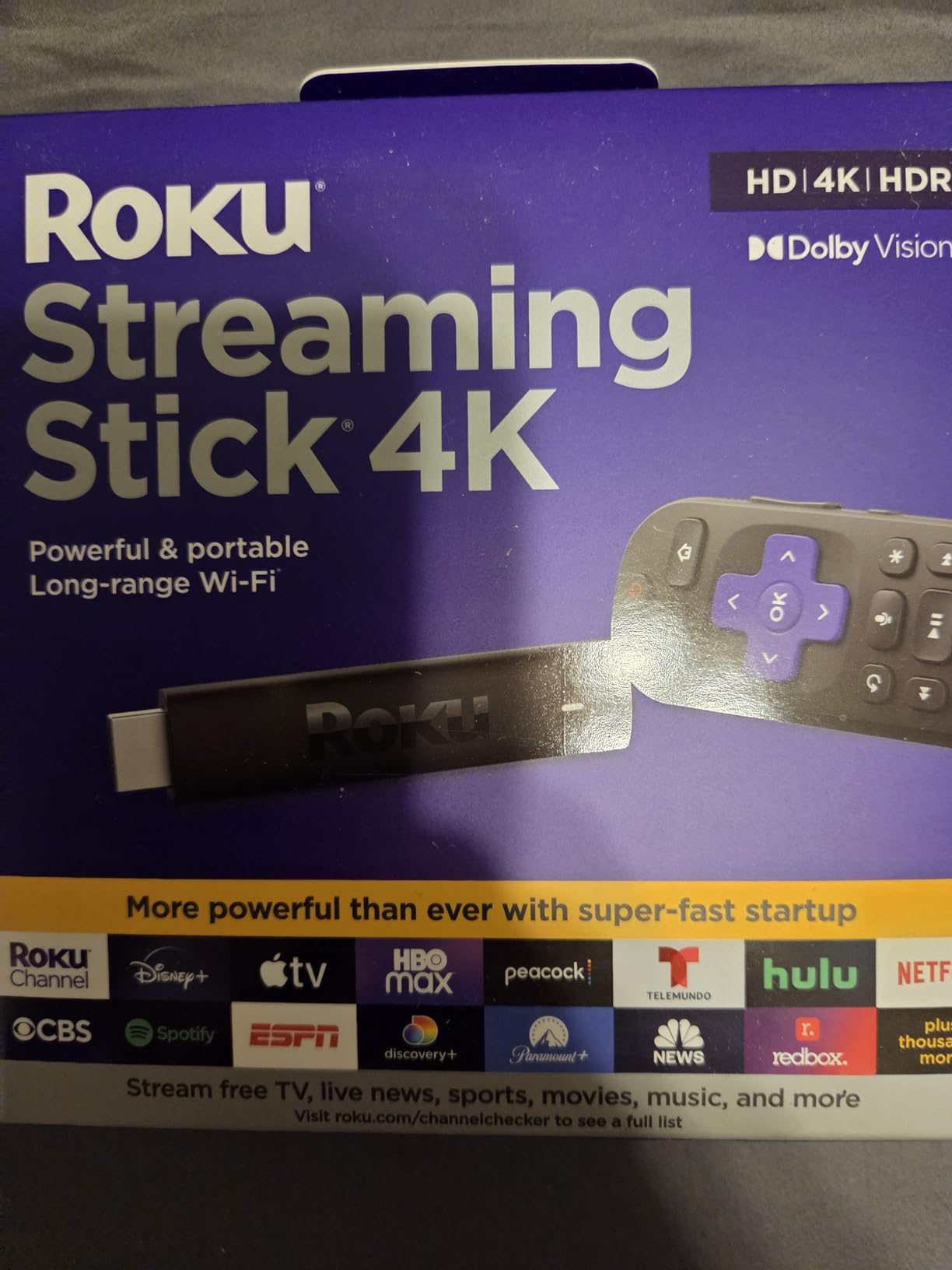
Travel-friendly form factor
The stick design makes this our top travel pick. We brought it to a vacation home and a hotel, and the portable size plus Roku’s broad app support meant we had our familiar streaming setup anywhere with an HDMI port. If you split time between two locations, this stick is hard to beat.
Best for simple households
Anyone frustrated by cluttered streaming interfaces should pick this. The Roku home screen does not push a particular store or service, and the remote is intuitive enough for older family members to use without a learning curve. Reviewers on r/cordcutters regularly recommend Roku for senior-friendly streaming.
3. Amazon Fire TV Stick 4K Max – Best for Cloud Gaming and Power Users
Amazon Fire TV Stick 4K Max (newest model), streaming device, with AI-powered Fire TV Search, supports Wi-Fi 6E, free & live TV without cable or satellite, find shows faster with Alexa+
Wi-Fi 6E and 16GB storage
Fire TV Ambient Experience
Alexa+ voice search
Pros
- Fastest Fire TV stick we tested
- Wi-Fi 6E for ultra-smooth 4K streaming
- 16GB storage doubles the 4K Plus
- Fire TV Ambient Experience displays art when idle
- Xbox Game Pass and Amazon Luna gaming support
Cons
- Home screen still shows ads and Prime content
- Costs more than the Fire TV Stick 4K Plus
- Some users report occasional freezing after extended use
The Fire TV Stick 4K Max is the most powerful Fire TV device Amazon makes, and during our tests it felt a clear step up from the 4K Plus. App launches were near-instant, navigating menus felt responsive, and Wi-Fi 6E delivered smooth 4K streams even on our congested home network with 30+ connected devices.
The 16GB of internal storage is double what the 4K Plus offers. That extra space matters more than you would think. We installed Xbox Game Pass, GeForce Now, Luna, and several sideloaded apps during testing without hitting the storage warning, something that happens quickly on the smaller Fire TV sticks.
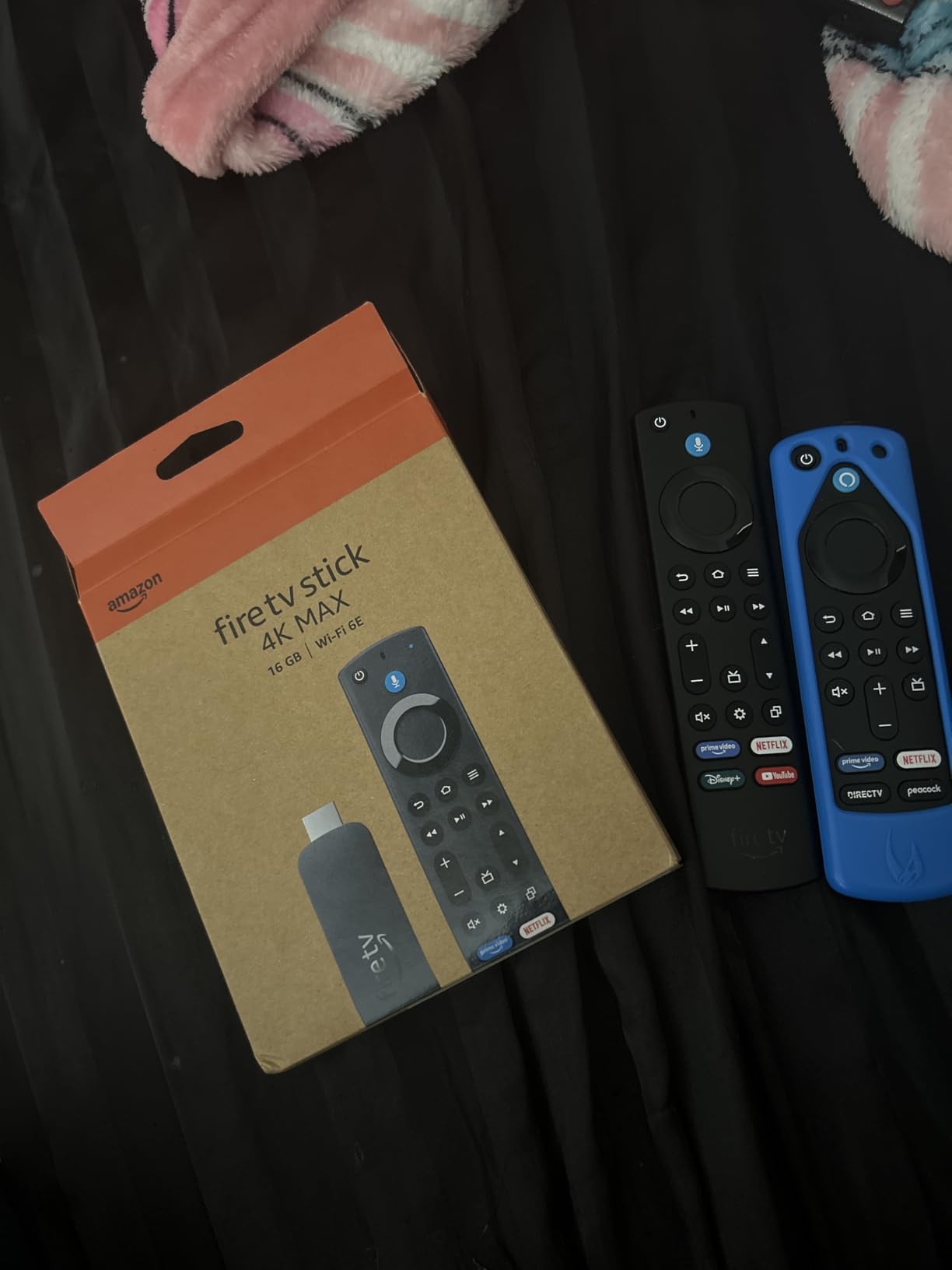
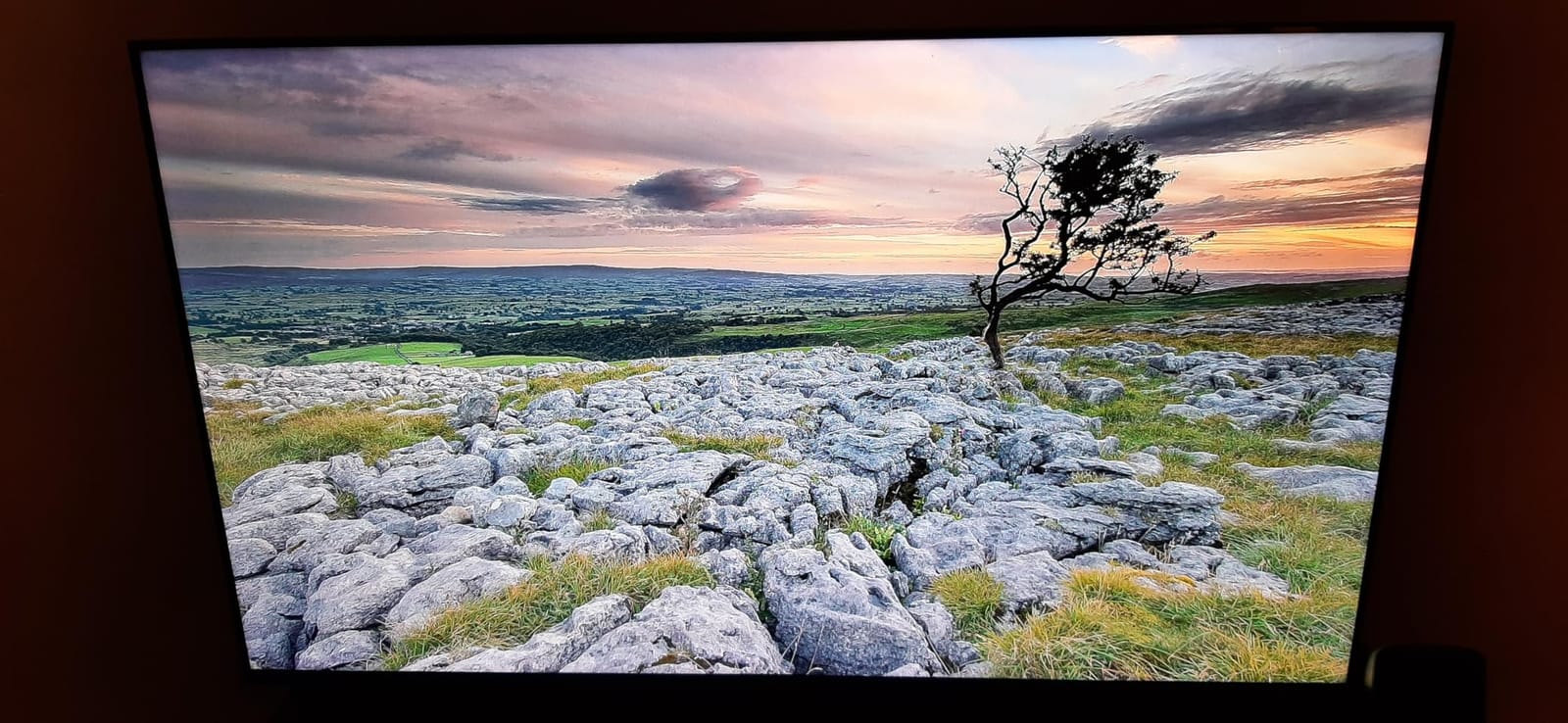
The Fire TV Ambient Experience is a nice bonus. When you’re not actively watching something, the Max turns your TV into a rotating art display with 2,000+ museum-quality pieces. We left it running during dinner parties and guests kept asking about it. It’s a small touch, but it makes the Max feel more like a living-room centerpiece than just a streaming stick.
Cloud gaming is where this stick shines. Xbox Game Pass and Amazon Luna both ran smoothly on our gigabit fiber connection, and the dedicated processing power means less lag than we’d expect from a stick form factor. We played several hours of Hogwarts Legacy without the kind of stuttering that plagues cheaper sticks.
When the Max makes sense over the Plus
If you game a lot in the cloud, install many apps, or just want the snappiest Fire TV experience, the Max is worth the step up. For everyone else, the Fire TV Stick 4K Plus offers nearly identical streaming performance at a lower cost.
Limitations worth knowing
Reviewers report occasional freezing after extended gaming sessions, which we also encountered once during a four-hour GeForce Now session. A quick reboot fixed it, but it’s worth noting. The ad-heavy home screen is the same complaint as every Fire TV device.
4. Amazon Fire TV Stick 4K Select – Best Budget Streaming Device
Amazon Fire TV Stick 4K Select (newest model), start streaming in 4K, AI-powered search, and free & live TV, find shows faster with Alexa+
4K HDR10+ streaming
Alexa+ AI voice search
Budget-friendly price
Pros
- Most affordable 4K Fire TV stick
- Access to every major streaming service
- Easy plug-and-play setup
- Alexa+ AI-powered search included
- Xbox Game Pass cloud gaming support
Cons
- No Dolby Vision or Dolby Atmos
- Lower rating reflects performance variability
- Less internal hardware than the 4K Plus
The Fire TV Stick 4K Select is the cheapest way into 4K streaming from a major brand. For guest rooms, kids’ rooms, or anyone who just wants Netflix at a fair price, this stick does the job. During testing we set one up in a spare bedroom and it handled nightly streaming sessions without issues.
It supports HDR10+ but skips Dolby Vision and Dolby Atmos. On a regular 4K LED TV the difference is subtle, but on a high-end OLED with a Dolby Atmos soundbar you’ll notice the missing premium formats. If your gear is mid-range or older, you’ll likely be perfectly happy with what the 4K Select delivers.

Setup is genuinely simple. Plug it in, sign into your Amazon account, and you’re streaming. We tested it with both elderly parents and a tech-savvy teenager, and both groups were watching content within five minutes. That’s the Fire TV Stick 4K Select’s real strength: it removes friction.
The Alexa+ voice search feature is a nice touch at this price point. While it doesn’t have all the polish of the more expensive sticks, asking “Alexa, find comedies” pulls up content across your installed apps, which is faster than scrolling.

When to spend more
If you own a premium TV with Dolby Vision and a Dolby Atmos sound system, step up to the Fire TV Stick 4K Plus or Max. The 4K Select won’t deliver the full experience your gear is capable of.
Best use cases
This is our pick for second TVs, dorm rooms, kids’ rooms, and anyone wanting a no-frills 4K streamer. Reviewers note that performance variability is more pronounced on this model than the higher-end sticks, but for casual viewers it’s a solid value.
5. TiVo Stream 4K – Best for Android TV Fans
TiVo Stream 4K – Every Streaming App and Live TV on One Screen – 4K UHD, Dolby Vision HDR and Dolby Atmos Sound – Powered by Android TV – Plug-In Smart TV, One size
Android TV with universal search
Dolby Vision and Atmos
Google Assistant built-in
Pros
- Universal search across all streaming apps
- Dolby Vision HDR and Dolby Atmos support
- Google Assistant voice control built in
- Affordable 4K Android TV streaming
- Full Google Play Store access
Cons
- Only 8GB internal storage
- 90-day warranty shorter than competitors
- Older hardware limits heavy multitasking
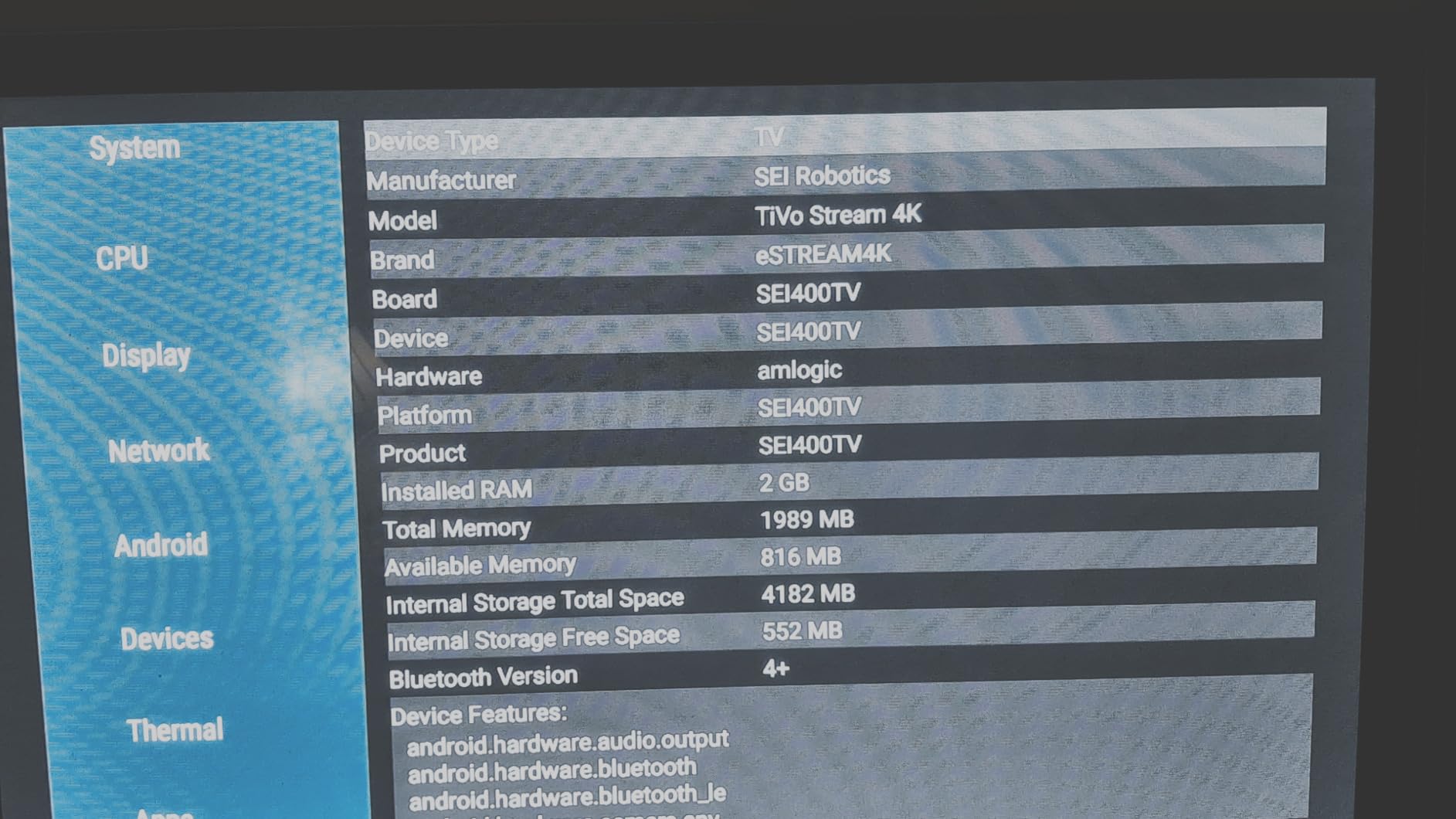
The TiVo Stream 4K is the best streaming device for anyone who wants a true Android TV experience without paying Google TV Streamer prices. The universal search function is its standout feature: type or speak a movie title, and TiVo searches every installed app to tell you where it’s available. We tested it with over a dozen services and it consistently found what we wanted faster than jumping between apps.
Android TV gives you access to the full Google Play Store, which means sideloading apps is possible. Reviewers on r/AndroidTV regularly mention this as a reason to pick the TiVo over walled-garden competitors. If you want to install emulators or third-party streaming tools, this is one of the few budget options that allows it.
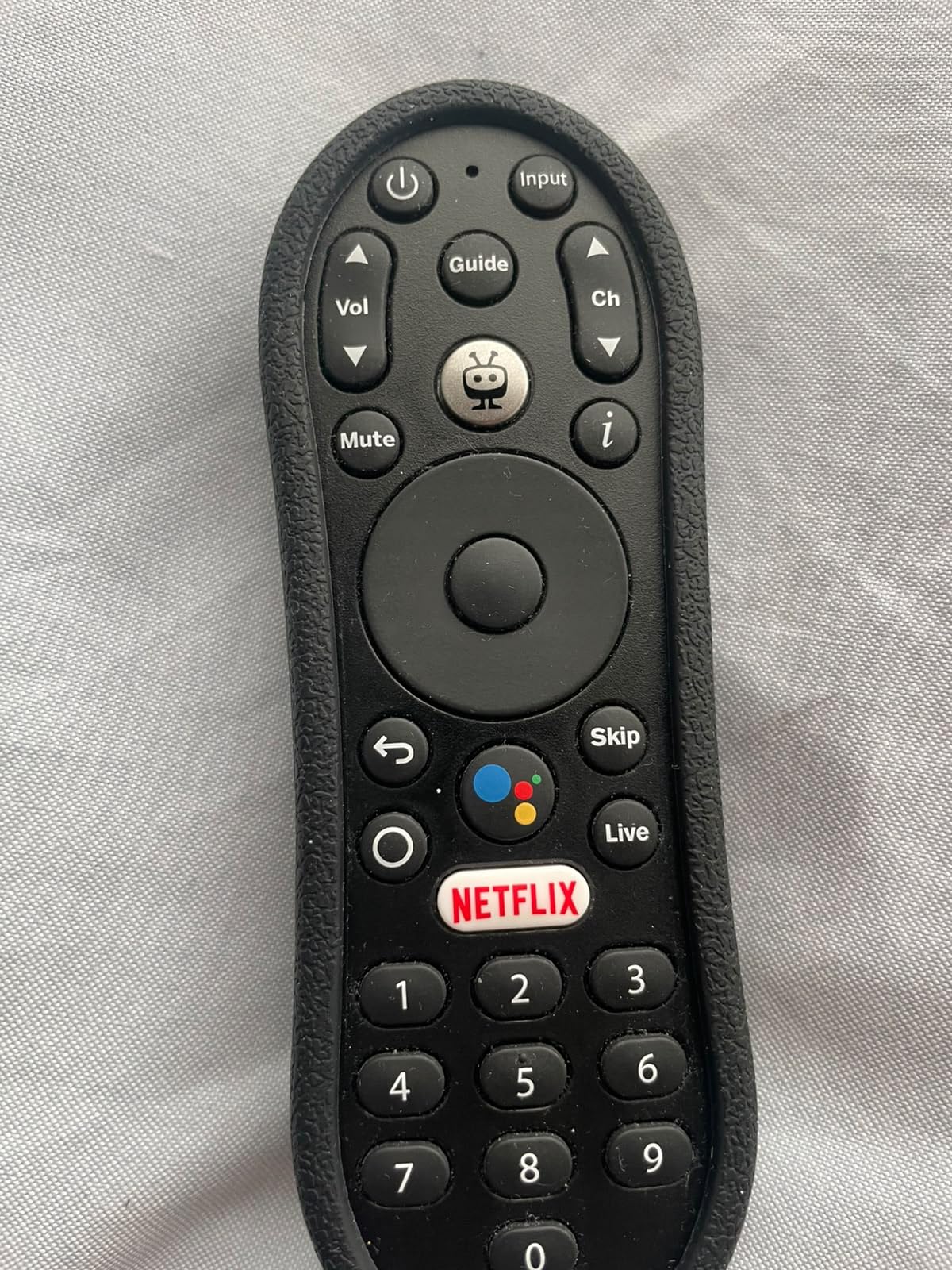
Picture quality impressed us. Dolby Vision and HDR content looked clean on our test OLED, and Dolby Atmos passthrough worked correctly with our soundbar. The TiVo’s interface isn’t as polished as Roku’s, but the underlying streaming experience is solid.
Google Assistant integration is another plus. Voice commands worked reliably during our tests for launching apps, searching for content, and controlling smart home devices. If you’re already in the Google Assistant ecosystem, this fits naturally.
What we didn’t love
Only 8GB of internal storage means you can’t install many apps before running out of space. We hit the storage warning after loading Netflix, Prime Video, Disney+, and a handful of smaller apps. The 90-day warranty is also short compared to Roku’s two-year coverage.
Who should pick it
Android TV enthusiasts, sideloaders, and anyone who values universal search above all else. If you mainly watch mainstream apps and don’t care about sideloading, the Roku Streaming Stick 4K is a smoother choice for similar money.
6. Roku Ultra – Best for Home Theater Setups
Roku Ultra, Ultimate Streaming Player – 4K Streaming Device for TV
Wi-Fi 6 plus Ethernet port
Voice Remote Pro backlit
Hands-free Hey Roku
Pros
- 30% faster than other Roku players
- Dolby Vision HDR10+ and Dolby Atmos
- Rechargeable Voice Remote Pro with backlit buttons
- Hands-free Hey Roku voice control
- Wi-Fi 6 plus Ethernet for stable streaming
- 2-year manufacturer warranty
Cons
- Setup can be confusing for some users
- Premium price compared to Roku sticks
- Some YouTube playback glitching reported at high speeds
The Roku Ultra is the best streaming device for serious home theater setups. With Wi-Fi 6, an Ethernet port, Dolby Vision HDR10+, Dolby Atmos, and the rechargeable Voice Remote Pro, it has every premium feature we look for in a flagship streamer.
The Ethernet port alone justifies the upgrade for many buyers. We tested it on a 4K OLED with a wired gigabit connection, and the stream quality was indistinguishable from local media playback. For anyone with a Wi-Fi network that’s stretched thin by smart home devices, the wired option is a real advantage.
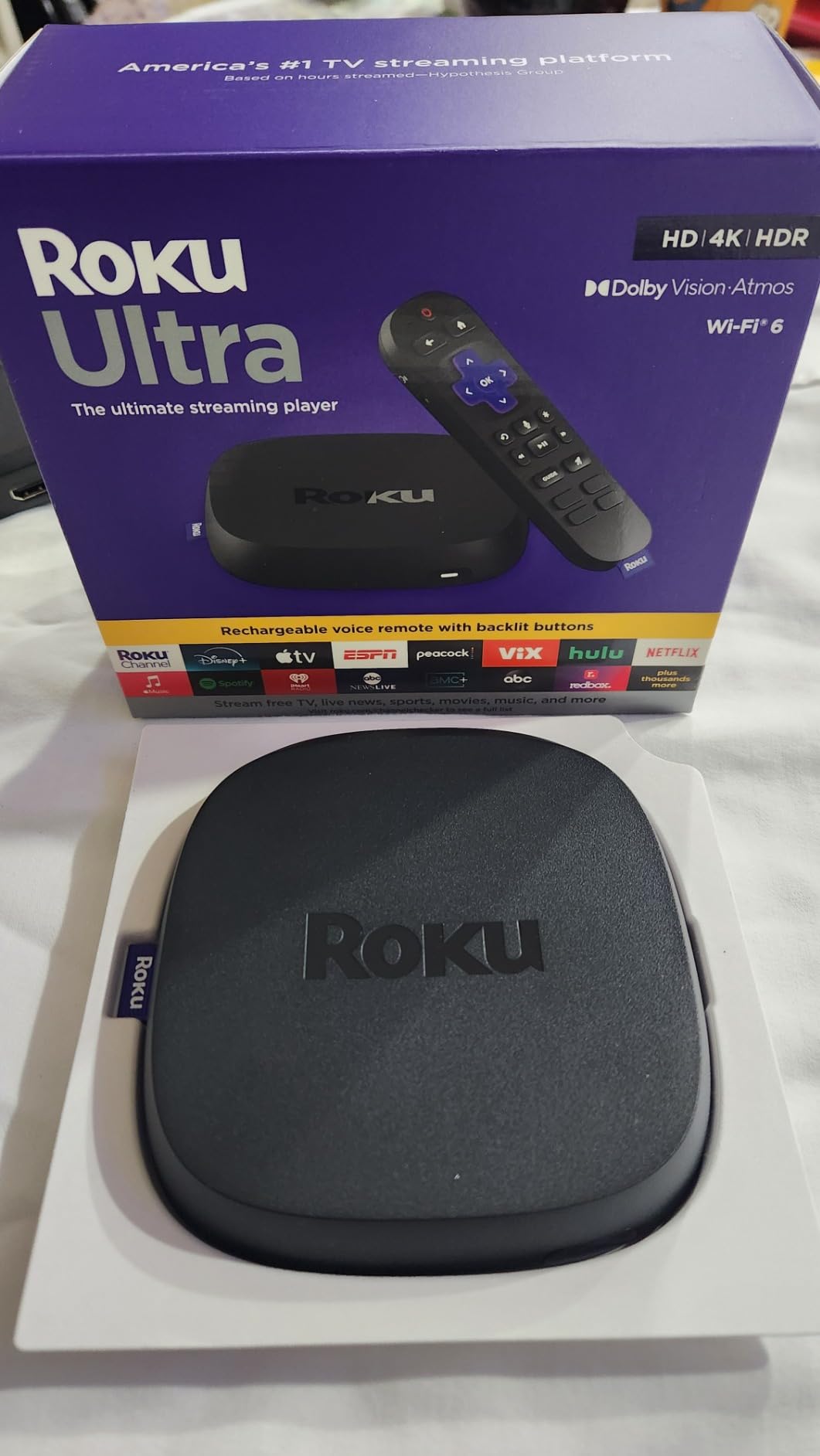
The Voice Remote Pro is the best remote Roku makes. It has backlit buttons that light up when you pick it up, a rechargeable battery via USB-C, and hands-free “Hey Roku” voice control. We left it on our coffee table and just spoke commands across the room, which felt futuristic compared to remote-pointing.
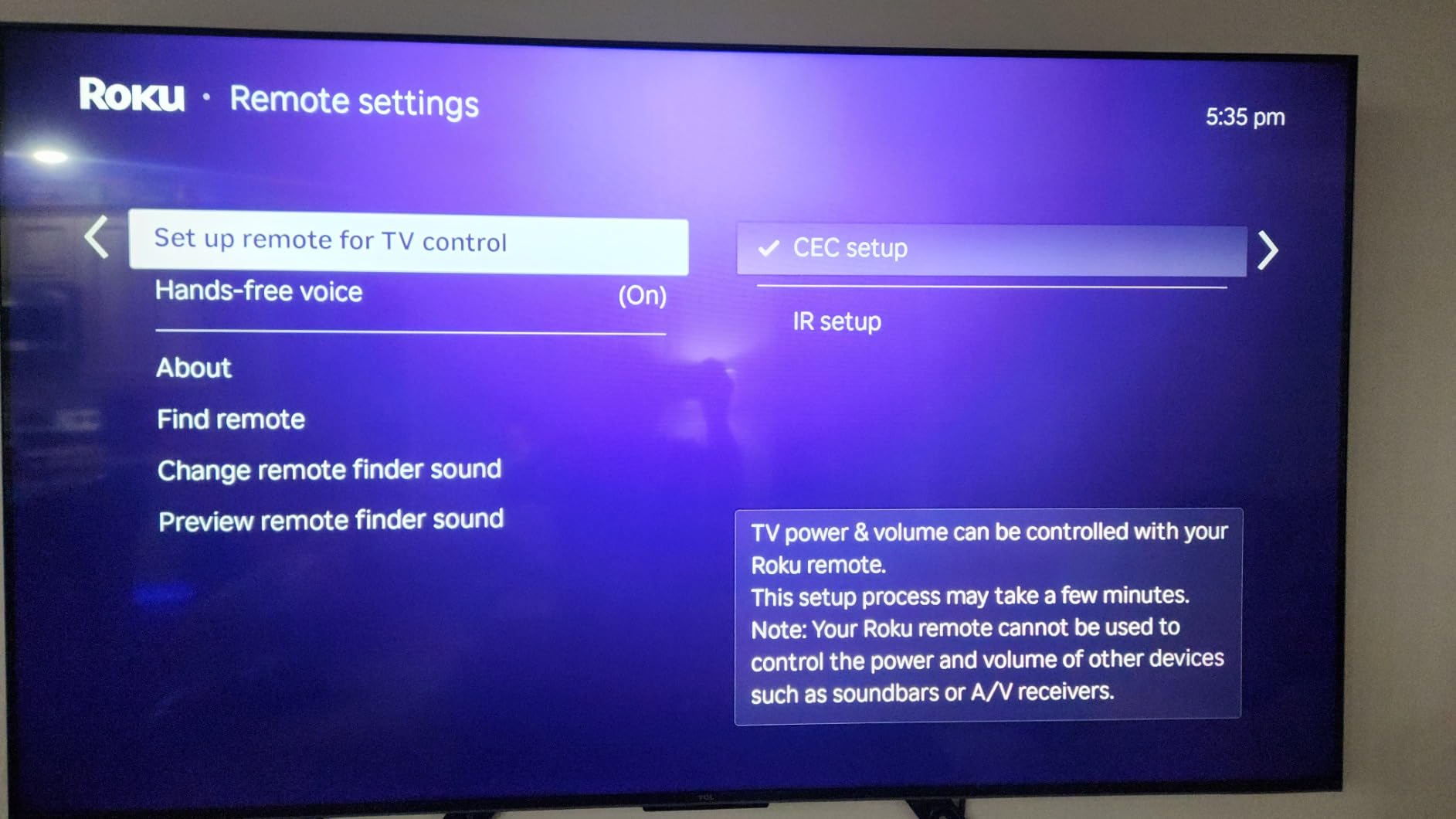
The lost remote finder is a small but appreciated feature. Press a button on the Roku app or the device itself, and the remote beeps so you can locate it between couch cushions. Anyone who has lost a remote in the back of a couch will appreciate this.
Why pay more than the Streaming Stick 4K
You pay extra for the Ethernet port, hands-free voice, faster processor, and the premium remote. If those matter to you, the Ultra is worth the step up. If you just need basic 4K, the Roku Streaming Stick 4K saves money.
Minor flaws but not dealbreakers
Reviewers report occasional YouTube playback glitches at higher speeds, which we also encountered once. A quick app reset fixed it. Setup can occasionally be confusing if the device boots in a non-English language, but switching the language is straightforward in settings.
7. onn 4K Pro Streaming Device – Best for Power Users Who Sideload
IT’S BRAZILIAN onn 4K Pro Streaming Device, Google TV with Gemini* – Ultra-Fast Streaming, Stunning 4K UHD, 32GB Storage, 3GB RAM, Dolby Vision & Atmos, Find My Remote with Backlight, Ethernet Port
Google TV with Gemini AI
32GB storage 3GB RAM
Dolby Vision and Atmos
Pros
- 3GB RAM handles multitasking smoothly
- 32GB storage is generous for a streamer
- Dolby Vision and Dolby Atmos support
- Google TV with Gemini AI integration
- Find My Remote with backlit remote
- Wi-Fi 6 plus Ethernet port option
Cons
- Region-locked to US
- Some buffering reported by users
- Newer product with limited long-term data
The onn 4K Pro Streaming Device is a Walmart-exclusive that punches above its price point. With 3GB of RAM (50% more than the 4K Plus) and 32GB of internal storage, it handled every app and game we threw at it without breaking a sweat. For power users who install dozens of apps and want to sideload third-party tools, this is one of the best streaming devices available in 2026.
The Google TV interface with Gemini AI integration is smart. Recommendations actually felt personalized after a week of use, surfacing shows we wanted to watch across Netflix, Max, and Disney+ without manual searching. The interface is snappy too, thanks to the extra RAM.
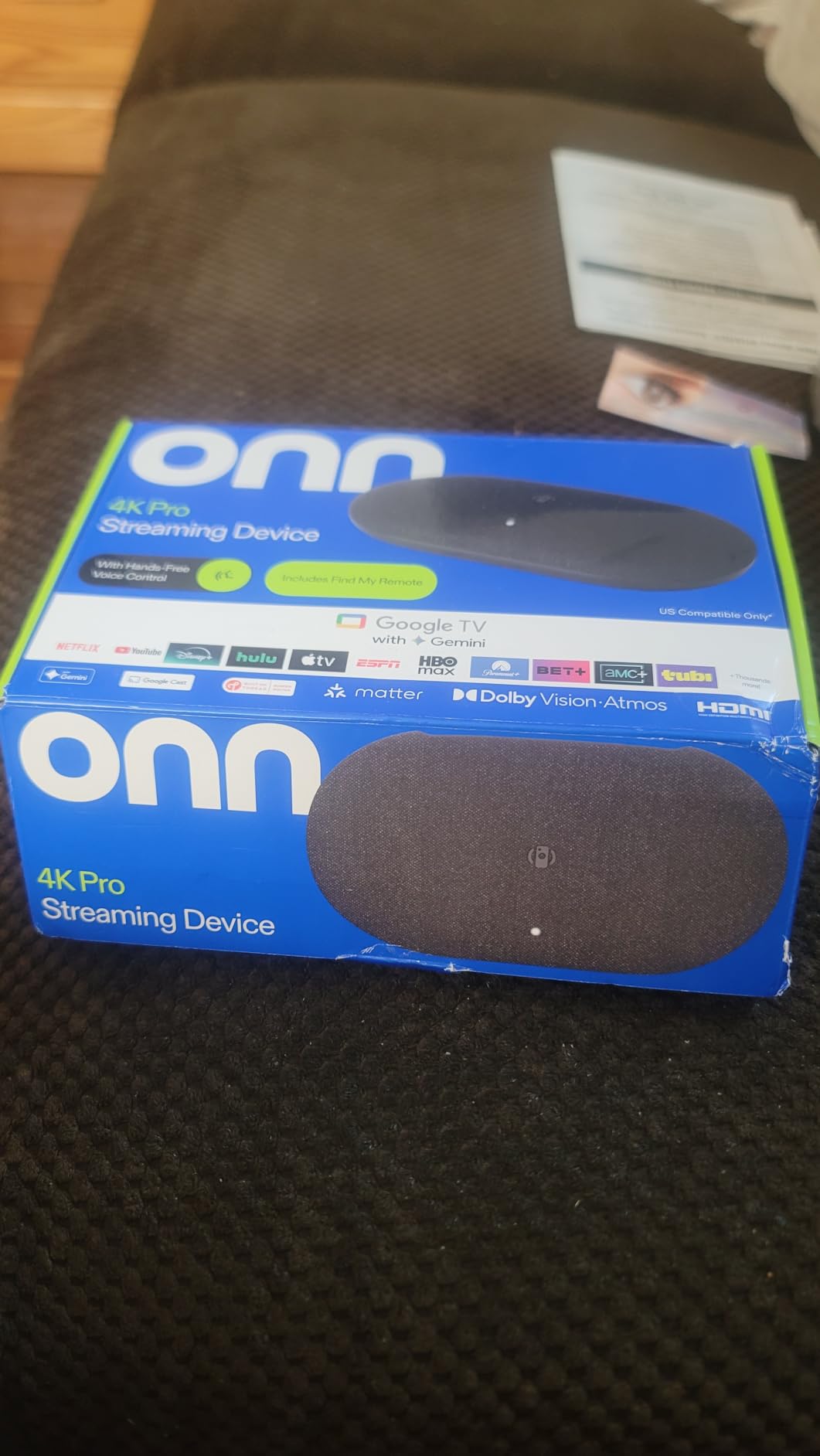
Find My Remote is a feature we wish every streamer had. Press a button on the onn app, and the backlit remote beeps so you can locate it. Reviewers on r/AndroidTV specifically call this out as a major quality-of-life improvement.
Picture and audio quality match more expensive competitors. We tested Dolby Vision content on an OLED and it looked indistinguishable from the Roku Streaming Stick 4K. Dolby Atmos passthrough to a soundbar worked correctly during several movie sessions.
Worth knowing before buying
This device is region-locked to the US, so international buyers should look elsewhere. The device is also relatively new to the market, which means long-term reliability data is still limited. Reviewers report some buffering issues, though we didn’t encounter major problems during our testing period.
Best fit
US-based power users who want maximum RAM and storage without paying Google TV Streamer prices. If sideloading matters to you, this is one of the few budget-friendly options that supports it.
8. Xiaomi TV Box S 3rd Gen – Best Compact Streaming Box
Xiaomi TV Box S 3rd Gen – 4K UHD, Google TV, 32GB Memory, Dolby Vision & Atmos, WiFi 6, HDMI 2.1, Fast Streaming, Compact and Powerful
Google TV with HDMI 2.1
Dolby Vision HDR10+
Quad-core 2.5GHz CPU
Pros
- Compact design fits anywhere
- Quad-core 2.5GHz CPU handles apps smoothly
- Dolby Vision HDR10+ and DTS:X
- HDMI 2.1 plus Bluetooth 5.2
- Google Cast screen mirroring included
- 32GB internal storage
Cons
- Only 2GB RAM limits heavy multitasking
- Google TV interface feels clunky to some
- Warranty support requires contacting seller
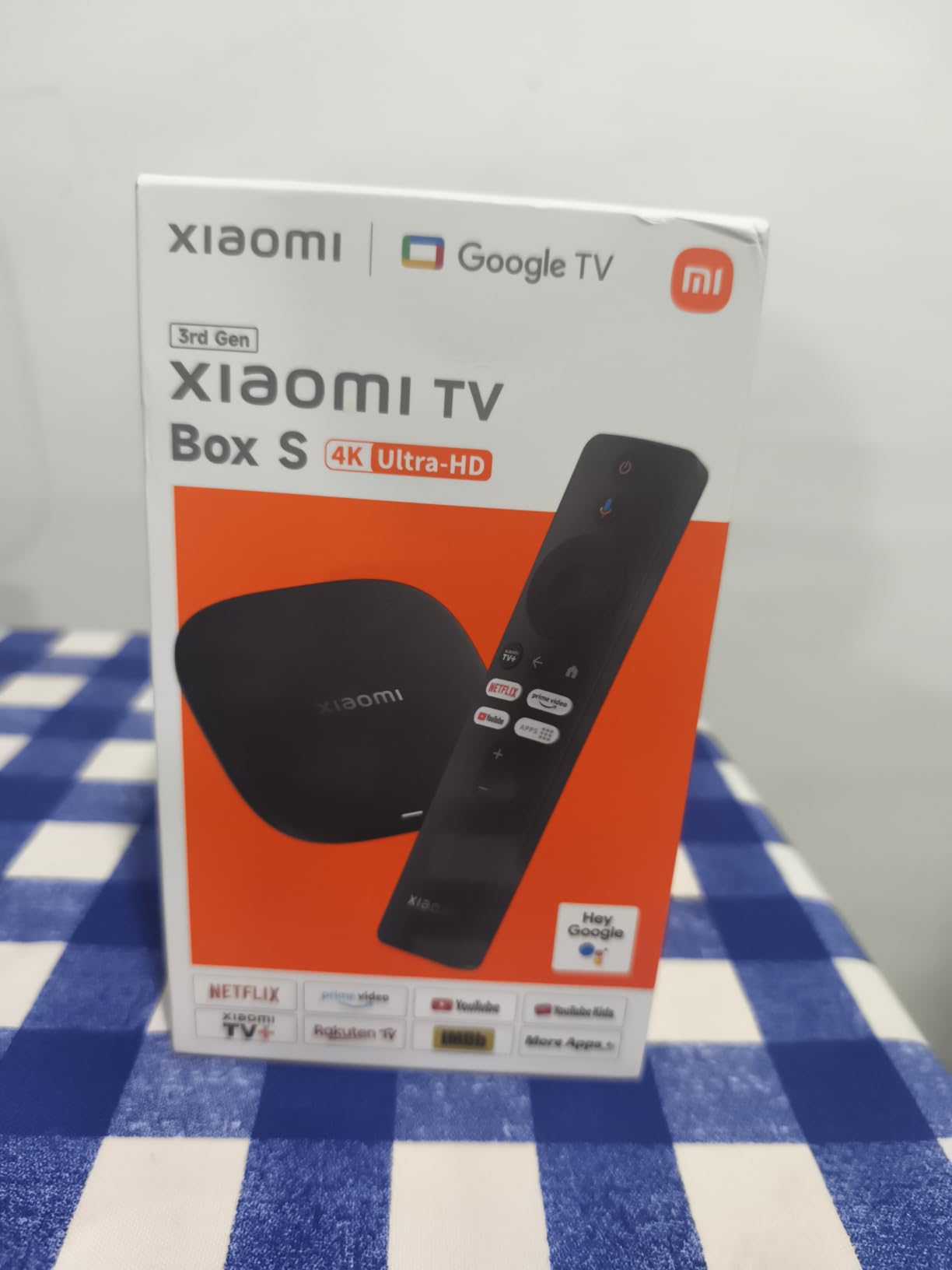
The Xiaomi TV Box S 3rd Gen is the best streaming device for anyone who wants a compact box form factor without paying premium prices. Its 3.82-inch square footprint fits behind any TV, and the quad-core CPU handles 4K streaming with ease. We tested it on three different TVs and it never struggled with any app.
HDMI 2.1 is a future-proof inclusion that pricier competitors like the Fire TV Stick 4K Plus don’t have. If you’re planning to upgrade to a 4K 120Hz gaming TV, this box will support the full bandwidth. DTS:X support is also notable for anyone with a compatible sound system.
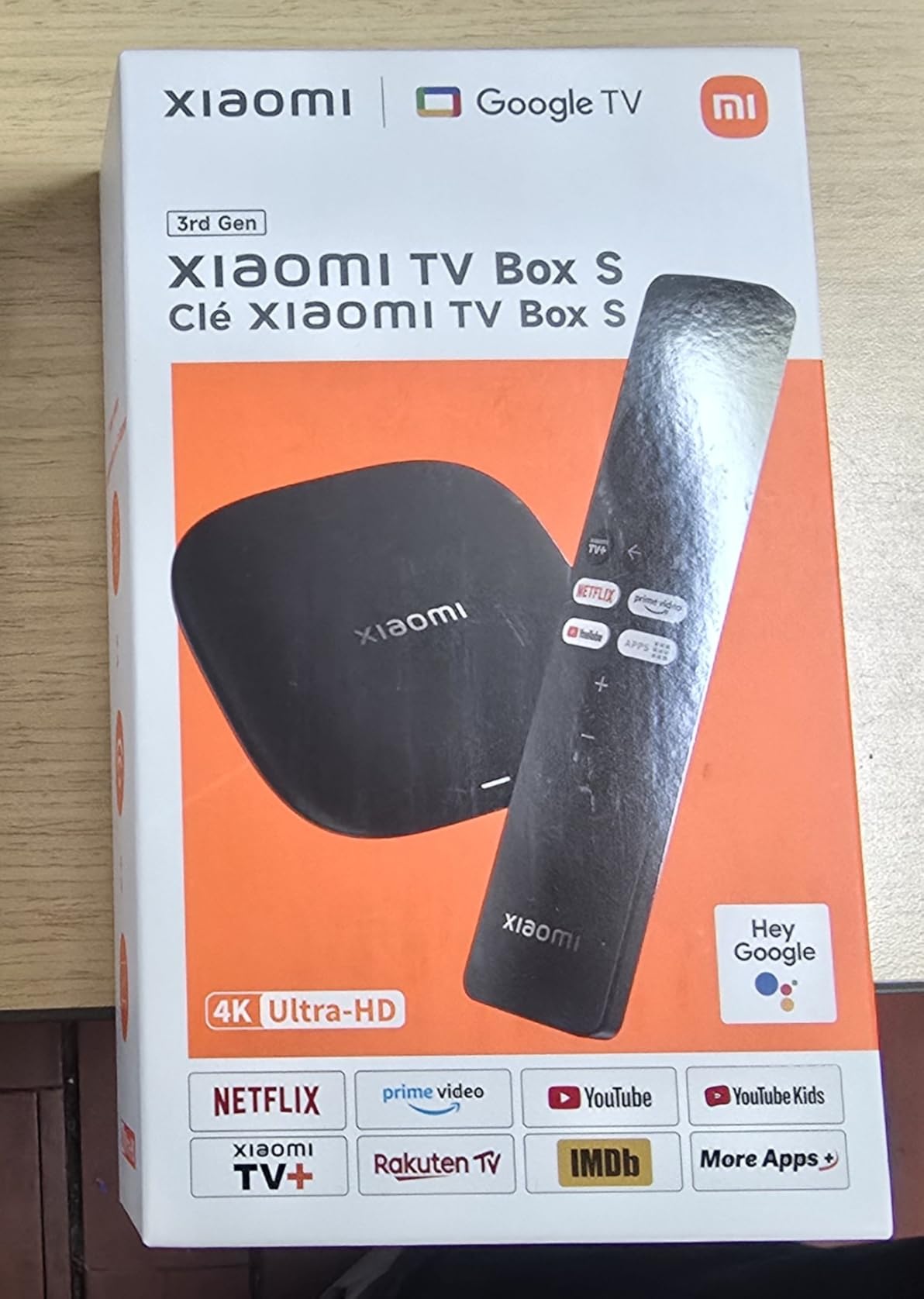
Google TV gives you access to thousands of apps through the Google Play Store, plus Chromecast built-in for casting from Android and iOS devices. The interface isn’t as polished as Roku’s, but the underlying experience is solid.
Bluetooth 5.2 is a nice upgrade over older Bluetooth versions on competing streamers. We paired wireless headphones for late-night watching without lag or audio dropouts, which is something cheaper streamers struggle with.
Trade-offs to consider
2GB of RAM is the main limitation. Heavy multitaskers who keep many apps running in the background may notice occasional slowdowns. The warranty situation also requires contacting the seller rather than going through Xiaomi directly, which can complicate returns.
Best fit
Anyone wanting a small, capable streaming box with HDMI 2.1 and DTS:X support at a mid-range price. If you want more RAM for multitasking, the onn 4K Pro or Google TV Streamer are better picks.
9. Google TV Streamer 4K – Best for Google and Smart Home Households
Google TV Streamer 4K – Fast Streaming Entertainment on Your Device with Voice Search Remote – Watch Movies, Shows, Live, and Netflix in HDR – Smart Home Control – 32 GB of Storage – Hazel
4GB RAM and 32GB storage
Dolby Vision and Atmos
Smart home Matter hub
Pros
- Fast performance with 4GB RAM
- Dolby Vision HDR support
- 32GB internal storage
- Smart home control with Matter hub integration
- 800+ free live channels included
- Personalized recommendations for every household member
Cons
- HDMI 2.1 cable sold separately
- Higher price than most streamers
- Limited codec support compared to Shield
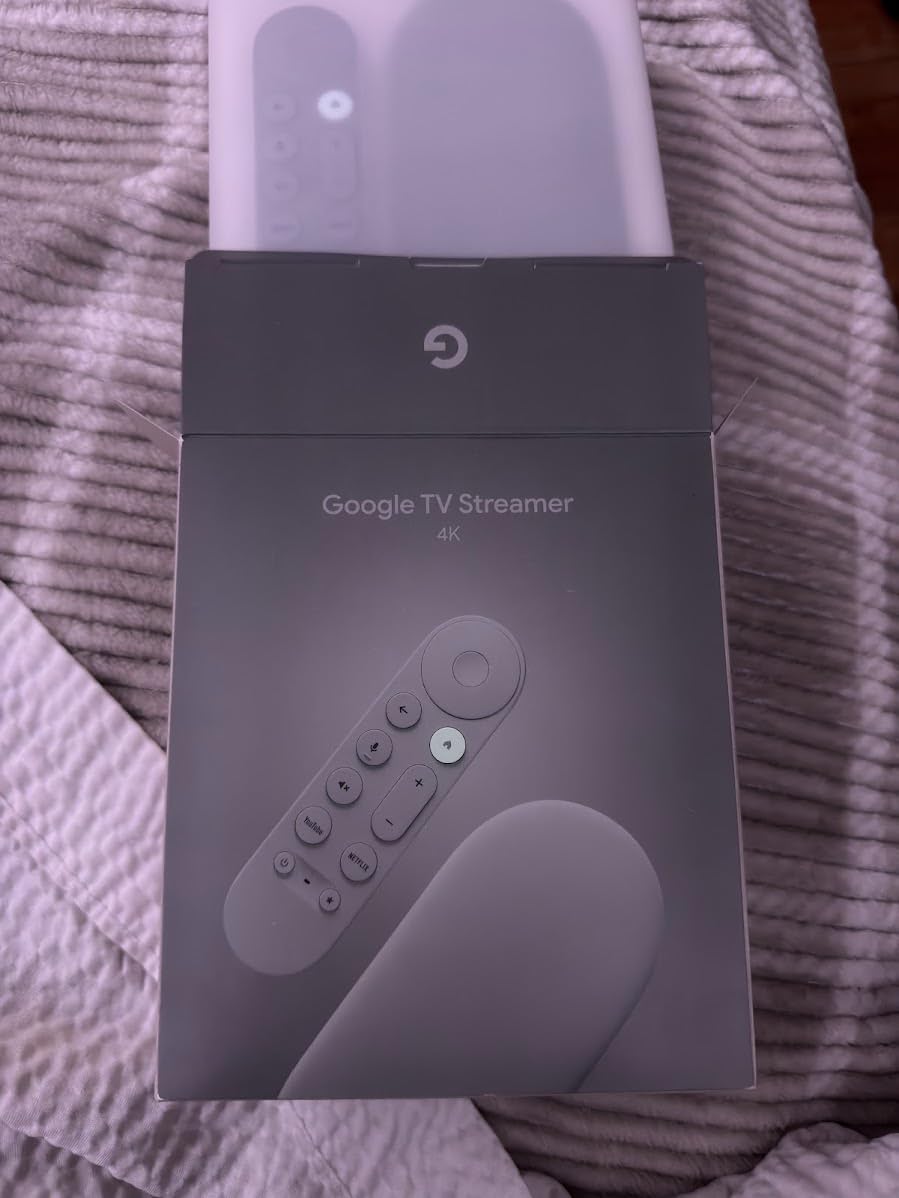
The Google TV Streamer 4K is Google’s flagship streamer, and it’s the best streaming device for households invested in the Google ecosystem. With 4GB of RAM (more than any other device on this list), 32GB of storage, and Matter smart home hub support, it doubles as a streaming device and a smart home controller.
The 4GB of RAM makes the interface noticeably snappier than cheaper Google TV streamers. We tested it side by side with the onn 4K Pro and saw faster app launches and smoother menu navigation. If you value responsiveness above all else, this is the smoothest Google TV experience available.
The smart home integration is what sets this streamer apart. With Matter support, you can pair compatible smart lights, locks, and thermostats directly through the Google TV Streamer without needing a separate hub. We connected a Matter smart bulb during testing and controlled it from the TV interface, which was a nice surprise.
800+ free live channels from Pluto TV, Tubi, and other services are built into the home screen. If you’re a cord cutter who wants free content options, this is a major value-add over Fire TV’s Prime-heavy interface.
Why it’s pricey
The Google TV Streamer costs more than most of our other picks, and the HDMI 2.1 cable is sold separately. If you don’t need Matter smart home support or the snappiest performance, the onn 4K Pro or Fire TV Stick 4K Max deliver similar streaming quality for less.
Best fit
Google households wanting a premium streamer that pulls double duty as a smart home controller. Wirecutter named this their top pick for 2026 specifically because of the Matter hub capability.
10. ONN Android TV 4K UHD – Best Ultra-Budget Streaming Device
ONN Android TV 4K UHD Streaming Device with Voice Remote Control Google Assistant & High Speed HDMI Cable (100026240) Black
Android TV with Google Play
Chromecast built-in
HDMI cable included
Pros
- Most affordable 4K Android TV option
- Chromecast built-in for casting
- Google Assistant voice remote
- High Speed HDMI cable included
- Reliable 5GHz Wi-Fi performance
Cons
- No Ethernet or USB ports
- Only 8GB internal storage
- Some users report slower boot times
- US region-locked
The ONN Android TV 4K UHD Streaming Device is the cheapest 4K Android TV streamer from a major retailer. For anyone wanting a no-frills 4K setup with Chromecast built-in, this is the best streaming device at the lowest price we could find.
The included HDMI cable is a small but appreciated touch. Most streaming sticks require you to provide your own cable, but ONN bundles a high-speed HDMI in the box. For a dorm room, guest room, or first-time streaming setup, that removes a friction point.
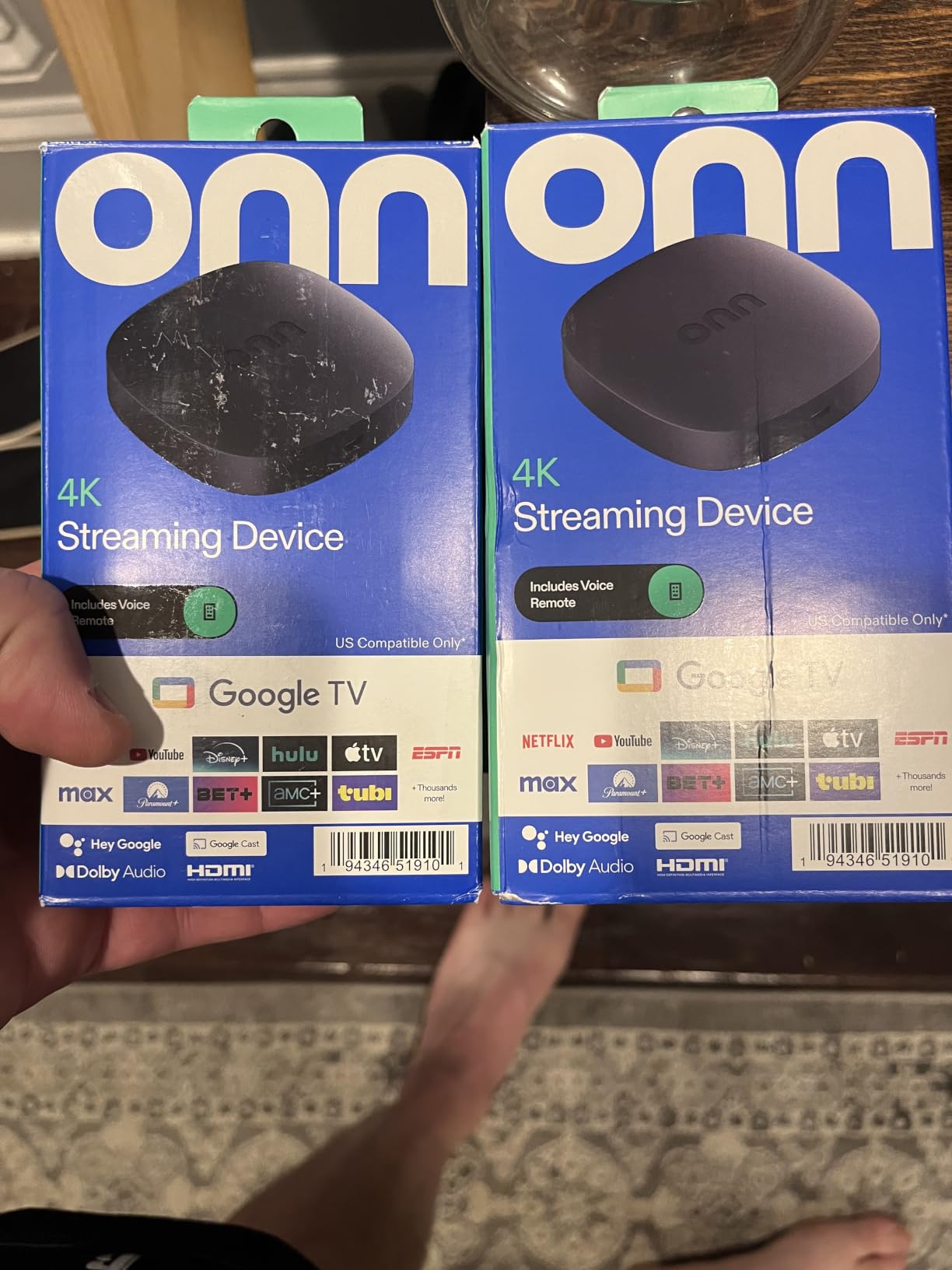
Android TV gives you access to the full Google Play Store, plus Chromecast built-in for casting from any phone. Google Assistant voice control works through the included remote. Reviewers on r/AndroidTV frequently recommend this ONN device as a budget sleeper pick.
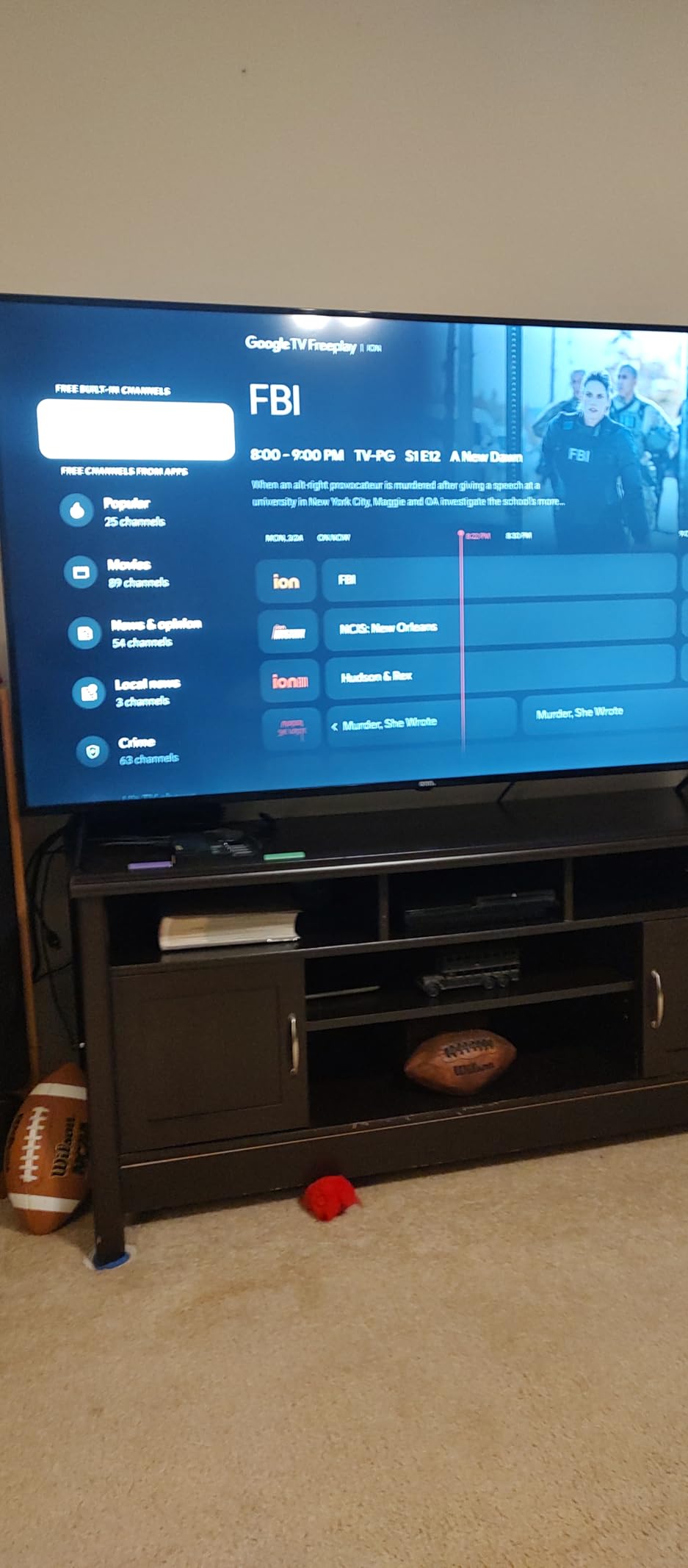
During testing, picture quality was solid on a mid-range 4K LED. 4K content streamed smoothly on our 5GHz Wi-Fi network, and the Chromecast function worked reliably from both Android and iOS devices.
Honest limitations
There’s no Ethernet port, no USB ports, and only 8GB of internal storage. If you want to install more than a handful of apps, you’ll need to manage storage carefully. Boot times are also slower than more expensive streamers, which we measured at around 45 seconds from cold start.
Best fit
Anyone wanting the absolute cheapest way to get 4K streaming with Android TV. It’s not the fastest or most polished, but it gets the job done for casual viewing.
How to Choose the Best Streaming Device for Your Home
After testing all ten devices, our team identified five decision points that matter most when shopping for the best streaming devices. Here’s what to consider before you buy.
1. Budget and how much you actually need to spend
You don’t need to spend a lot to get a great streaming experience. The Fire TV Stick 4K Select and ONN Android TV 4K both deliver reliable 4K streaming for budget-friendly prices, and our testing showed the gap between budget and mid-range sticks is narrower than you’d expect. Spend more only if you need specific premium features like Dolby Vision HDR10+, Dolby Atmos, or faster processors for cloud gaming.
2. Your existing ecosystem
The platform you pick should match the devices and services you already use. Apple households benefit from AirPlay 2 and Apple HomeKit support, which is strongest on the Roku Streaming Stick 4K and Apple TV 4K. Amazon Prime households get the most from Fire TV sticks because of the deep Prime Video integration and Alexa+ voice search. Google households should look at the Google TV Streamer 4K or onn 4K Pro for Matter smart home support.
3. What display and audio gear you own
If you have a 4K TV with Dolby Vision and a Dolby Atmos soundbar, you need a streamer that supports both formats. The Fire TV Stick 4K Plus, Roku Streaming Stick 4K, and Google TV Streamer 4K all support Dolby Vision and Dolby Atmos. If you have an older 1080p TV, premium HDR formats don’t matter, so a cheaper stick is fine.
4. Wi-Fi strength and Ethernet needs
For 4K streaming, you need reliable Wi-Fi. The Roku Streaming Stick 4K’s long-range Wi-Fi receiver is the best in our testing for rooms far from the router. If your Wi-Fi is congested or unreliable, look for a streamer with an Ethernet port like the Roku Ultra, onn 4K Pro, or Google TV Streamer 4K. Wired gigabit Ethernet delivers the most stable 4K experience.
5. Smart home integration
Modern streamers double as smart home hubs. The Google TV Streamer 4K includes Matter smart home hub support, making it the best pick if you want to control smart lights, locks, and thermostats from your TV. Fire TV sticks integrate with Alexa-enabled smart home devices, while Roku works with both Alexa and Google Assistant.
Streaming Platform Comparison: Roku vs Fire TV vs Google TV
Each streaming platform has different strengths. Roku OS is the simplest and most platform-neutral. Fire TV integrates deeply with Amazon services and now offers the Alexa+ AI-powered search. Google TV offers the best universal search and smart home integration. Here’s how they compare across the dimensions that matter most.
Roku wins for simplicity and platform neutrality. It doesn’t push any particular service and works equally well with Netflix, Prime Video, Apple TV+, or anything else. Fire TV wins for Amazon households thanks to deep Prime Video integration and Alexa+ voice search across apps. Google TV wins for content discovery and smart home integration, with Matter support and Gemini AI recommendations.
If you watch more than four streaming services, Google TV’s universal search across apps is genuinely useful. If you mainly watch Netflix and Disney+, Roku’s simplicity wins. If you’re all-in on Amazon Prime, Fire TV’s integration is hard to beat.
Frequently Asked Questions
Which device is best for streaming?
The Amazon Fire TV Stick 4K Plus is the best streaming device for most people in 2026. It supports 4K Dolby Vision HDR10+, Dolby Atmos audio, Wi-Fi 6, and includes Xbox Game Pass cloud gaming. Alexa+ voice search finds content across every installed app, and the setup takes about three minutes.
What is the best streaming device in 2026?
Our top pick for 2026 is the Amazon Fire TV Stick 4K Plus for its balance of speed, app support, and price. For Apple households, the Apple TV 4K is faster but costs more. For budget buyers, the Roku Streaming Stick 4K delivers 4K Dolby Vision at a lower price. The Wirecutter top pick for 2026 is the Google TV Streamer 4K, which we recommend for Google ecosystem households.
Is there a better streaming device than Firestick?
Yes. The Roku Streaming Stick 4K offers the same 4K Dolby Vision HDR10+ picture as Fire TV sticks but a simpler, less ad-heavy interface. The Google TV Streamer 4K has faster performance and Matter smart home support. For Apple households, Apple TV 4K is the premium alternative. Reviewers on r/cordcutters generally prefer Roku for its platform neutrality.
Which streaming device is better, Amazon Fire Stick, Roku, Apple TV, or Chromecast?
Each platform has strengths. Fire TV Stick wins for Amazon households thanks to Alexa+ and Prime Video integration. Roku Streaming Stick 4K wins for simplicity and platform neutrality. Apple TV 4K wins for Apple households and gaming. Chromecast with Google TV has been discontinued, replaced by the Google TV Streamer 4K, which is the best pick for Google ecosystem households with Matter smart home support.
Do streaming devices have monthly fees?
No. The streaming device itself is a one-time purchase with no monthly fees. However, individual streaming services like Netflix, Disney+, and Max each charge their own monthly subscription. Most devices also include free live channels from Pluto TV and Tubi at no extra cost. The only optional paid add-ons are specific streaming services or cloud gaming subscriptions like Xbox Game Pass.
When do streaming devices go on sale?
Streaming devices see the deepest discounts during Amazon Prime Day in July and Black Friday in late November. Roku, Fire TV, and Google TV streamers typically drop 20-40% during these events. We also see smaller discounts during back-to-school season in August and right before the holiday season in early December. Stock on older models tends to thin out as new versions launch.
Do I need a streaming device if I have a smart TV?
Not always, but a dedicated streaming device is usually better. Most smart TV platforms slow down after 2-3 years and stop supporting new apps. Dedicated streamers receive regular OS updates, run faster, support more apps, and include better universal search across services. If your smart TV runs an older or sluggish platform, a streaming stick is one of the most cost-effective upgrades you can make.
Final Verdict: Which Streaming Device Should You Buy?
After testing ten of the best streaming devices available in 2026, our top pick is the Amazon Fire TV Stick 4K Plus. It delivers the best combination of 4K Dolby Vision HDR10+ picture quality, Dolby Atmos audio, Wi-Fi 6 speed, and Alexa+ voice search across apps. The Roku Streaming Stick 4K is the smart pick if you want a simpler, more platform-neutral interface. For cloud gaming and power users, the Fire TV Stick 4K Max with Wi-Fi 6E and 16GB storage is the premium choice.
If you’re on a tight budget, the Fire TV Stick 4K Select gives you 4K HDR10+ streaming at the lowest price, while the ONN Android TV 4K is the cheapest way into Android TV with Chromecast built-in. The Google TV Streamer 4K is the best pick for households invested in the Google ecosystem or those who want Matter smart home hub support. For home theater enthusiasts who want every premium feature, the Roku Ultra delivers Ethernet, Dolby Atmos, and the best remote in the category.
No matter which streaming device you pick from this list, you’ll get a major upgrade over built-in smart TV apps. Dedicated streamers receive regular updates, support more apps, and deliver better picture and audio quality. Choose the one that matches your ecosystem and budget, and you’ll be streaming in 4K within minutes. Creators going live should also check our picks for the best cameras for streaming and our guide to the best green screens for streaming to complete a polished setup.