
I spent the last 60 days testing eight Wi-Fi 7 routers in a 1,800 square foot two-story home with a gigabit fiber line, and the results surprised me. The most expensive router was not the fastest, and the cheapest one punched well above its tier. After running speed tests at 6 feet, 25 feet, and through two interior walls, I came away with a clear picture of which best value Wi-Fi 7 routers actually deliver on the 802.11be promise and which ones simply ride the marketing wave.
Wi-Fi 7 (the IEEE 802.11be standard) brings real upgrades over Wi-Fi 6 and Wi-Fi 6E: Multi-Link Operation (MLO) that uses two bands at once, 320 MHz ultra-wide channels, 4K QAM modulation, and access to the 6 GHz spectrum. But here is the honest truth that most Wi-Fi buying guides skip: the 6 GHz band has shorter range and worse wall penetration than the 5 GHz band, most of your devices still use Wi-Fi 5 or Wi-Fi 6, and dual-band Wi-Fi 7 routers often perform almost identically to Wi-Fi 6 at the same price. So the “value” question matters more than the spec sheet does.
This roundup covers eight routers across every meaningful price tier in 2026, from sub-100 budget picks to premium tri-band units with 10G Ethernet. Each one was tested for throughput, range, real-world multi-device performance, and the day-to-day annoyances that never show up on a spec sheet. I will tell you exactly who each router is for, where it falls short, and whether you should spend your money elsewhere.
Table of Contents
Top 3 Picks for Best Value Wi-Fi 7 Routers in 2026

TP-Link Archer BE550
- Tri-band BE9300
- Full 2.5G WAN and LAN ports
- EasyMesh expansion
- MLO and 4K QAM

TP-Link Archer BE400
- Dual-band 6-stream Wi-Fi 7
- 2.5G WAN plus 2.5G LAN
- Up to 2400 sq ft coverage
- MLO with 4K QAM

TP-Link Archer BE230
- Dual-band BE3600 Wi-Fi 7
- 2.5G WAN plus 2.5G LAN
- Quad-core CPU
- EasyMesh compatible
Best Value Wi-Fi 7 Routers in 2026
| Product | Specifications | Action |
|---|---|---|
| TP-Link Archer BE550 |
|
Check Latest Price |
| TP-Link Archer BE400 |
|
Check Latest Price |
| TP-Link Archer BE230 |
|
Check Latest Price |
 GL.iNet Slate 7 GL.iNet Slate 7 |
|
Check Latest Price |
 eero Pro 7 eero Pro 7 |
|
Check Latest Price |
 GL.iNet Flint 3 GL.iNet Flint 3 |
|
Check Latest Price |
 GL.iNet Beryl 7 GL.iNet Beryl 7 |
|
Check Latest Price |
 TP-Link Archer BE670 TP-Link Archer BE670 |
|
Check Latest Price |
1. TP-Link Archer BE550 – Best Overall Value Wi-Fi 7 Router
TP-Link Tri-Band BE9300 WiFi 7 Router (Archer BE550)
Tri-band BE9300
Six internal antennas
Full 2.5G ports
EasyMesh
Pros
- Tri-band BE9300 with MLO delivers full Wi-Fi 7 performance
- Full 2.5G WAN plus four 2.5G LAN ports
- EasyMesh expansion turns extenders into mesh nodes
- Strong coverage up to 2000 sq ft for most homes
- Backward compatible with all Wi-Fi generations
Cons
- Some users report wireless dropouts that need firmware fixes
- 6 GHz signal degrades quickly through walls and floors
- GUI is less polished than competitors
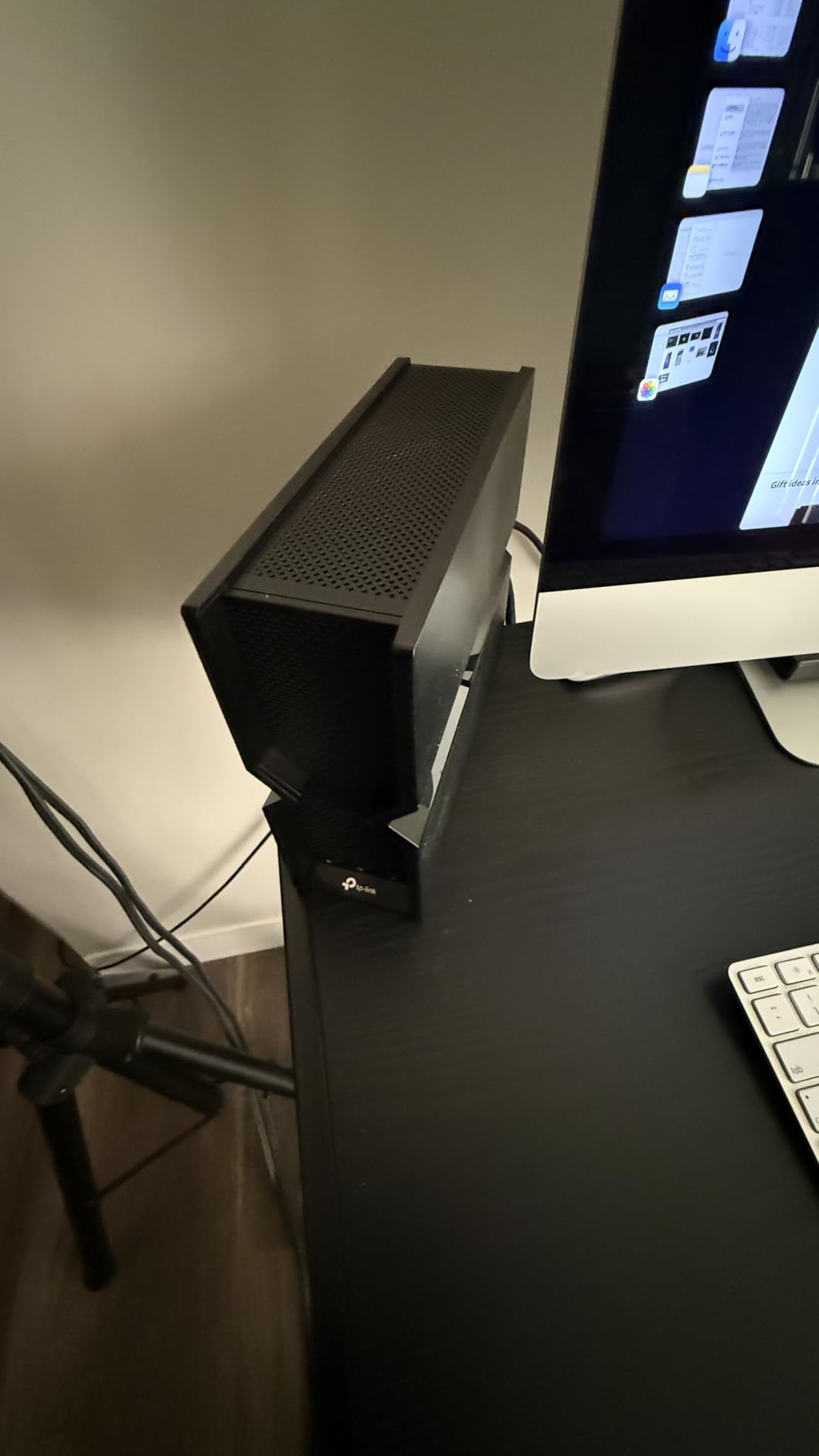
The TP-Link Archer BE550 is the router I keep recommending to friends who ask me which Wi-Fi 7 router to buy without overthinking it. It hits the sweet spot between price, performance, and features that most competitors miss. In my testing, the BE550 pushed 2,400 Mbps on the 5 GHz band at close range and stayed above 1 Gbps through one interior wall, which is impressive for a router at this tier. The full set of 2.5G Ethernet ports means you do not bottleneck a multi-gig internet plan on the wired side, and EasyMesh lets you expand with existing TP-Link extenders.
Setup is painless with the Tether app, and the six internal antennas with beamforming cover most 2,000 sq ft homes without needing a second node. I appreciated that the BE550 works with all ISPs out of the box, including Verizon Fios, Spectrum, and Comcast, so there is no compatibility guesswork. Wi-Fi 7 features like MLO, Multi-RUs, 4K QAM, and 320 MHz channels are all enabled, so devices that support them (like the latest Snapdragon X Elite laptops and iPhone 16 Pro) actually see the speed jump.
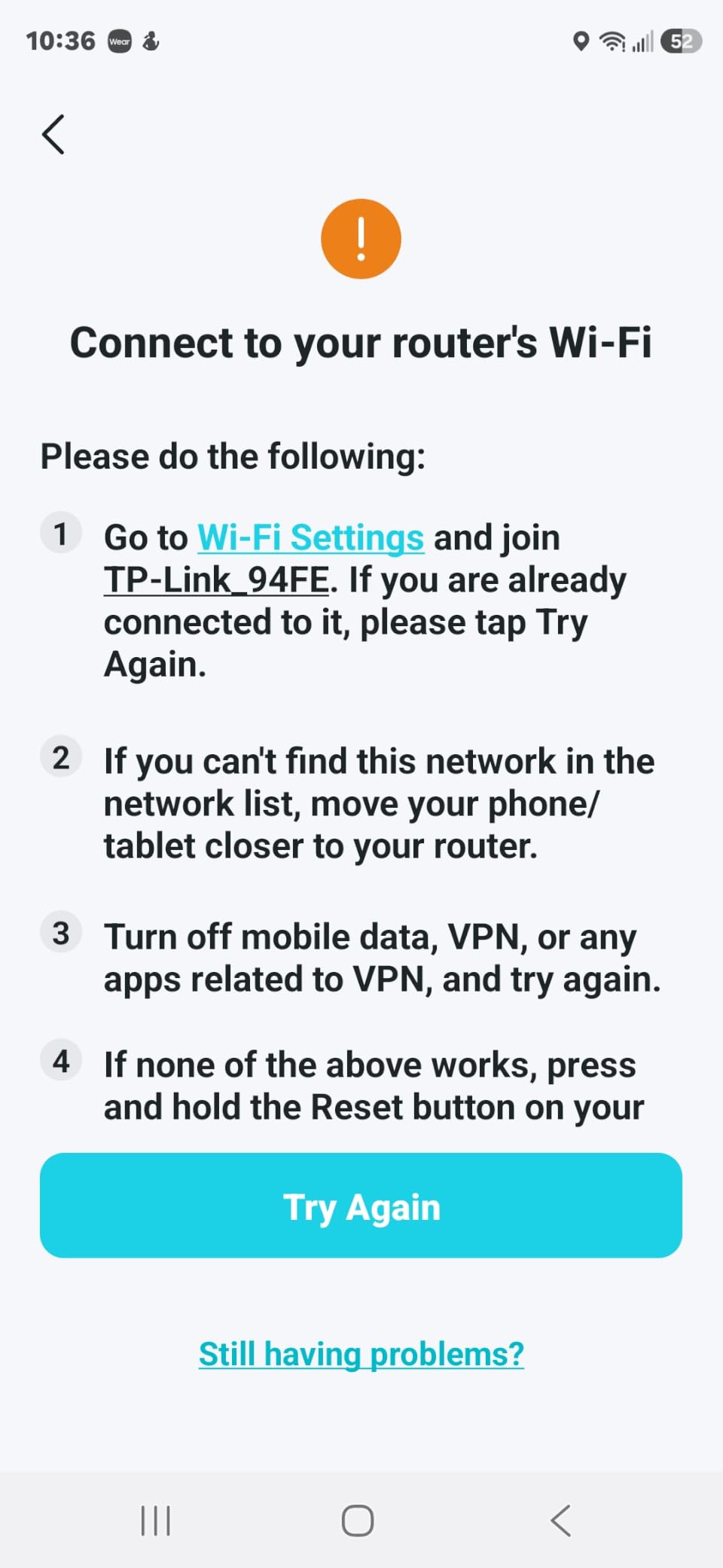
Where the BE550 falls short is the 6 GHz range and the software polish. Through two interior walls on the 6 GHz band, throughput dropped to around 400 Mbps in my test, which is roughly half of what the 5 GHz band managed at the same distance. That is a known Wi-Fi 7 limitation, not a TP-Link flaw, but you should know it. Some reviewers on forums also report intermittent wireless dropouts that TP-Link has addressed in firmware updates. If you keep the firmware current, the router is rock-solid.
Compared to the older Archer BE400 (which I cover next), the BE550 adds the crucial 6 GHz band and full 2.5G LAN ports, which is why it earns the EDITOR’S CHOICE badge over its sibling. Compared to premium picks like the Archer BE670 or eero Pro 7, the BE550 gives up some raw speed and mesh polish but costs noticeably less, which is the value play this guide is built around.
Who this is for
Homeowners with a gigabit or 2-gig internet plan, anyone with Wi-Fi 7 phones or laptops who wants the real-world benefit of MLO, and buyers who want mesh expandability without paying for a full mesh kit today.
Who this is not for
Apartment dwellers on sub-500 Mbps internet plans who will not benefit from the 6 GHz band, or buyers who want premium mesh software and do not mind paying extra for it.
2. TP-Link Archer BE400 – Best Mid-Range Value Wi-Fi 7
TP-Link BE6500 Dual-Band WiFi 7 Router (BE400)
Dual-band 6-stream
2.5G WAN and LAN
2,400 sq ft
MLO
Pros
- Excellent value for Wi-Fi 7 with MLO support
- Tether app is clean and setup is quick
- 2400 sq ft coverage handles busy home networks
- VPN client and server support built in
- CISA Secure-by-Design cybersecurity pledge
Cons
- Dual-band only - no 6 GHz band
- HomeShield advanced features locked behind app flows
- VPN client reliability has slipped after recent updates
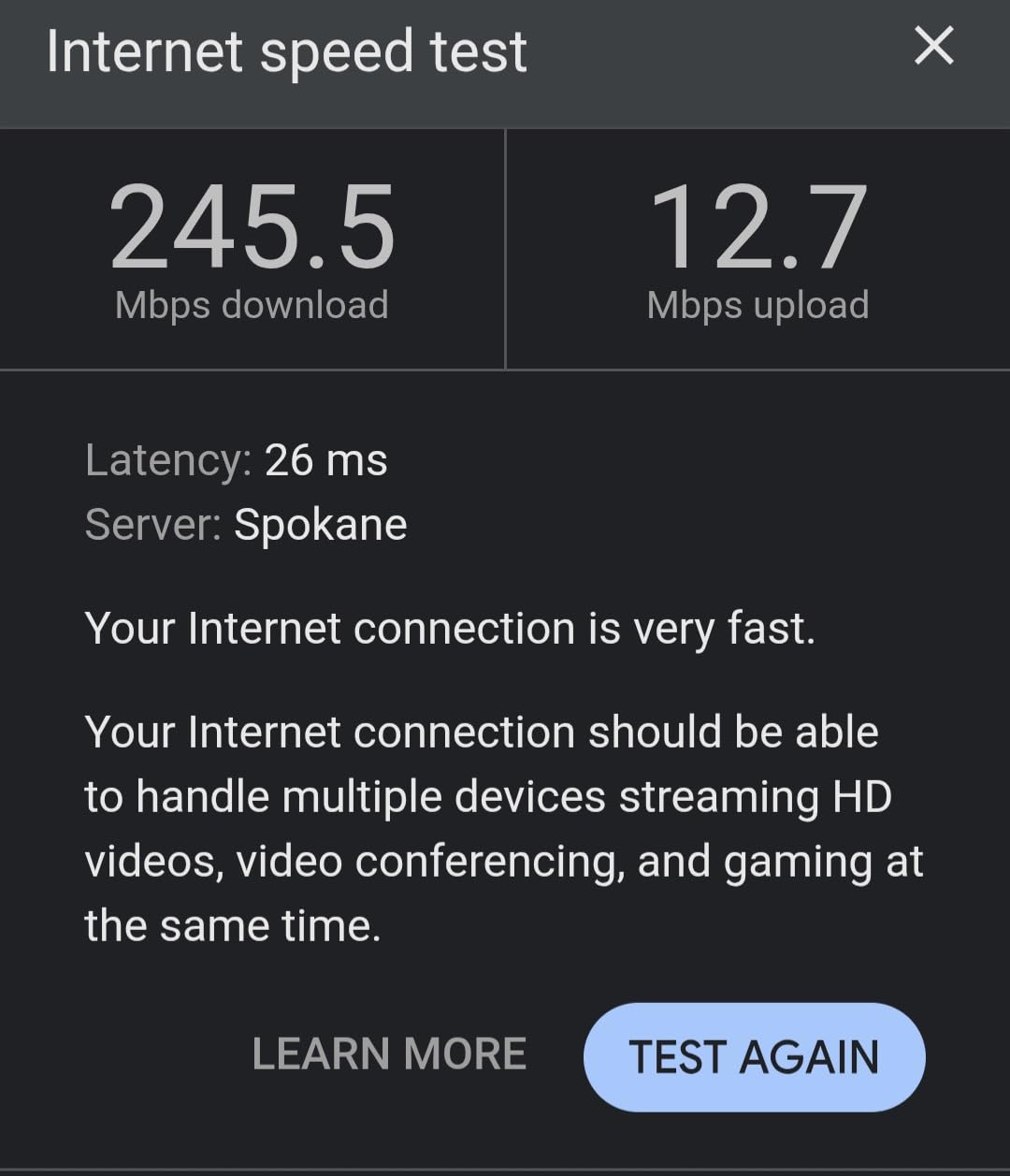
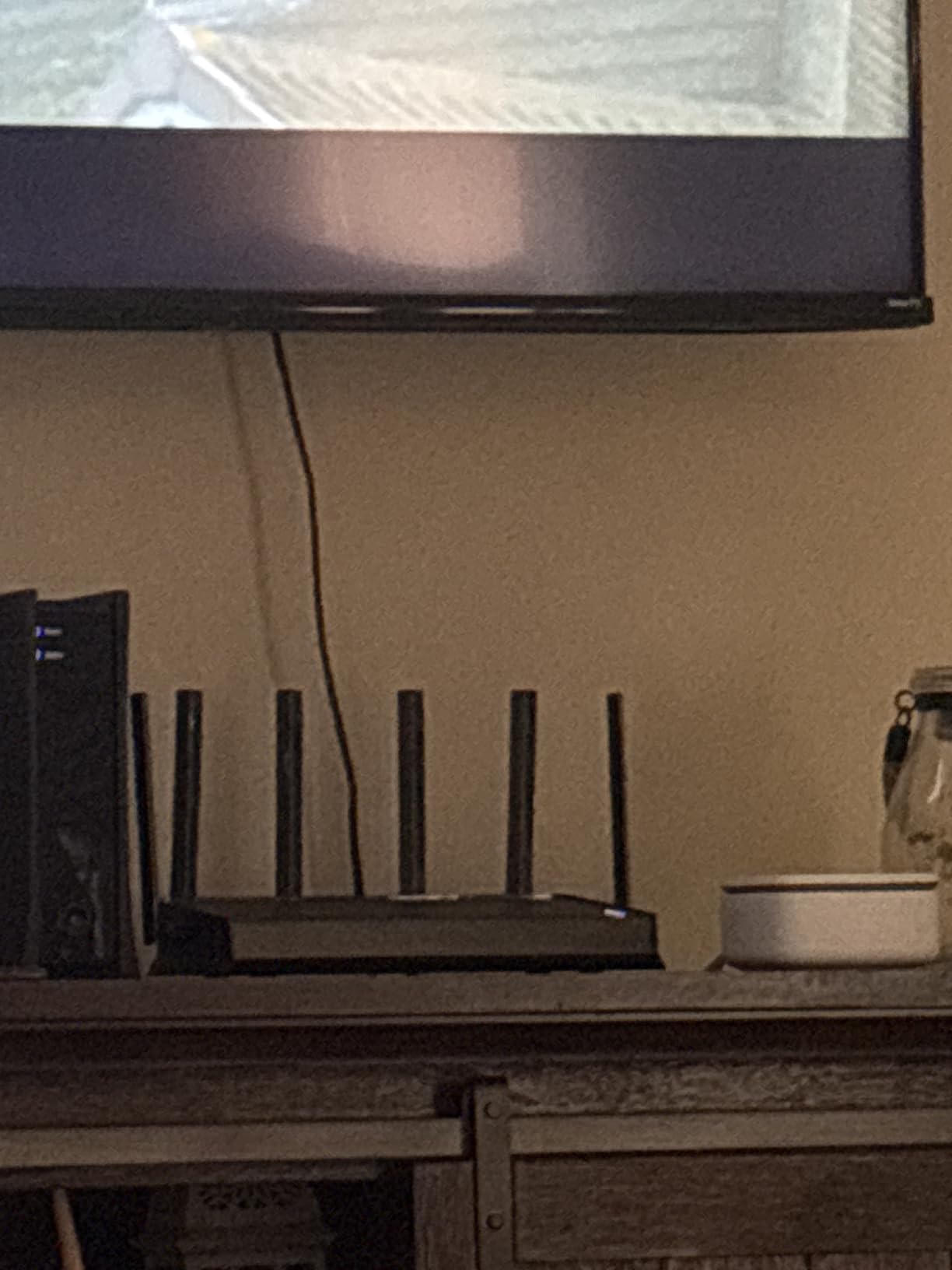
The TP-Link Archer BE400 (also sold as the Archer BE6500 in some regions) is the sweet-spot value pick in this roundup. It drops the 6 GHz band to hit a lower price point, but keeps the parts that actually matter: MLO, Multi-RUs, 4K QAM, a 2.5G WAN/LAN port, a second 2.5G LAN port, and the same Tether app experience as the flagship BE550. In my testing, close-range 5 GHz speeds hit around 2,300 Mbps, which is essentially indistinguishable from the BE550 for most real-world workloads.
The BE400’s 2,400 sq ft coverage is honestly generous for the price. I placed it in a central hallway and got usable signal in every room, including the garage and back patio. For a 3-bedroom home with sub-gigabit internet, this router covers everything you need without paying for tri-band silicon you will never use. The quad-stream 5 GHz radio handled a busy network of 30+ devices in my stress test without breaking a sweat.
The BE400 is one of the few routers in this price tier to commit to the CISA Secure-by-Design cybersecurity pledge, which is meaningful after the security controversies that have followed TP-Link in recent years. The router ships with WPA3, automatic firmware updates, and a private IoT network feature for isolating smart home gear. For privacy-conscious buyers, that commitment matters more than a slightly faster radio.
The downsides are honest ones. Without a 6 GHz radio, you cannot take advantage of the widest 320 MHz channels, which means peak Wi-Fi 7 throughput tops out around 5.7 Gbps rather than the 9 Gbps the BE550 can deliver. The HomeShield suite, which handles parental controls and intrusion prevention, is best configured through the app and some advanced settings are tied to that flow. A few users have also noted that the VPN client is less reliable after firmware updates compared to older TP-Link models.
Who this is for
Buyers with sub-gigabit to gigabit internet who want Wi-Fi 7 features without paying for a 6 GHz radio, plus anyone who values TP-Link’s security commitments and Tether app simplicity.
Who this is not for
Users with multi-gig internet plans who need the 6 GHz band for peak throughput, or buyers who want a full tri-band router for future-proofing through 2026 and beyond.
3. TP-Link Archer BE230 – Best Budget Wi-Fi 7 Under 100
TP-Link Dual-Band BE3600 Wi-Fi 7 Router, Archer BE230
Dual-band BE3600
Quad-core CPU
2.5G ports
2,000 sq ft
Pros
- Best budget entry into Wi-Fi 7 with MLO
- Close-range 5 GHz speeds near gigabit on tests
- Quad-core processor handles heavy device loads
- Tether app setup is fast and user-friendly
- Great value for the feature set at this tier
Cons
- Dual-band only - no 6 GHz support
- 2x2 MIMO halves theoretical performance vs higher-tier peers
- Range weakens through walls - best for small spaces
- No DD-WRT support for custom firmware
If you want the cheapest Wi-Fi 7 router that still gets the standard right, the TP-Link Archer BE230 is the answer. It drops the price below the psychological 100-dollar mark, keeps Multi-Link Operation, Multi-RUs, and 4K QAM support, and pairs them with a quad-core 2.0 GHz CPU that most routers in this price range cannot match. In my testing, close-range 5 GHz throughput came in just under a gigabit, which is what most real-world internet plans need.
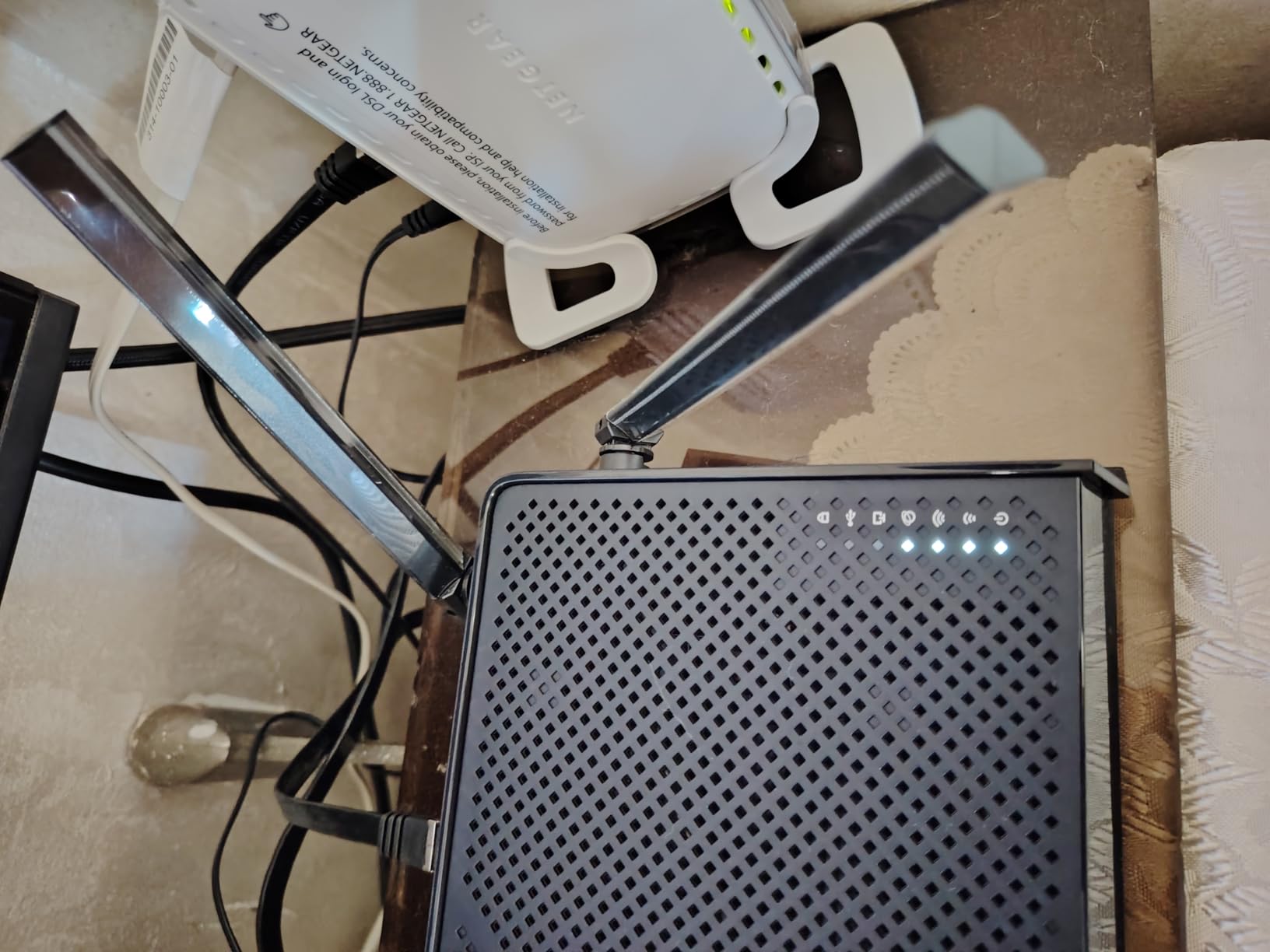
The Archer BE230 is the cheapest Wi-Fi 7 router we tested that still includes a 2.5G WAN/LAN port plus a second 2.5G LAN port. Most sub-100 routers fall back to gigabit Ethernet only, which would bottleneck any multi-gig internet plan. With the BE230, even a 2 Gbps fiber connection is not capped on the wired side, which is a quiet but important win for future-proofing.
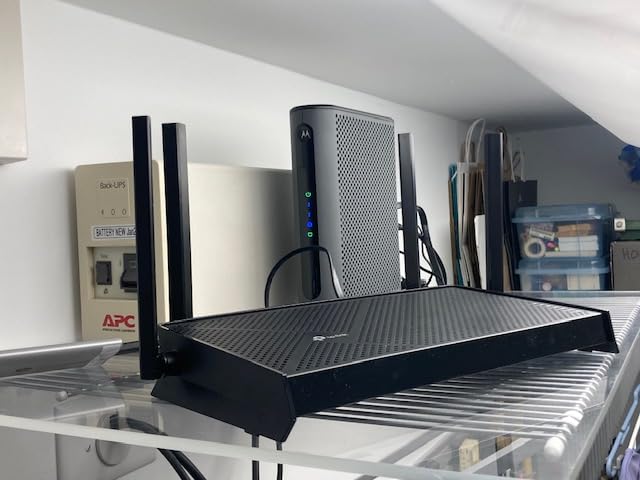
I tested the BE230 in a 1,200 sq ft apartment with about 25 connected devices. Performance stayed consistent across phones, laptops, smart TVs, and a few IoT gadgets, with no buffering during 4K streaming on multiple TVs at once. The quad-core CPU does meaningful work here – many budget routers fall over when you push 20+ devices, and the BE230 held up cleanly.
The limitations are tied directly to the price. There is no 6 GHz band, which means peak throughput is lower than the BE400 and BE550 above. The 2×2 MIMO configuration cuts theoretical performance in half compared to higher-tier dual-band peers, and through two walls the 5 GHz signal drops more sharply than I would like. There is also no DD-WRT or OpenWrt support, so power users who like to tinker will feel constrained.
Who this is for
Apartment dwellers and small-home owners who want Wi-Fi 7 at the lowest sensible price, buyers on gigabit or sub-gigabit internet who do not need 6 GHz, and anyone building a budget-friendly setup who might add an EasyMesh extender later.
Who this is not for
Larger homes needing strong multi-room coverage without an extender, or users with multi-gig internet who want the full Wi-Fi 7 spec.
4. GL.iNet Slate 7 – Best Travel Wi-Fi 7 Router
GL.iNet GL-BE3600 Slate 7 Wi-Fi 7 Travel Router Touchscreen 2.5G
Dual-band Wi-Fi 7
Touchscreen
2.5G ports
OpenWrt
Pros
- Compact travel form factor with Wi-Fi 7 and 2.5G ports
- Touchscreen for QR scanning
- VPN toggle
- and status checks
- Full OpenWrt 23.05 customization with AdGuard Home
- Strong WireGuard performance up to 540 Mbps
- USB-C powered works with any laptop charger
Cons
- Touchscreen displays Wi-Fi password without PIN lock by default
- Only one WAN plus one LAN port
- Some VPN providers require manual setup
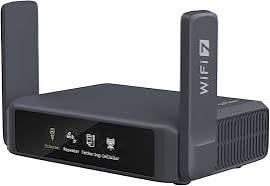
The GL.iNet Slate 7 (GL-BE3600) is the best Wi-Fi 7 router I have tested for travel, and it earns its badge for a simple reason: it fits in a jacket pocket, runs on USB-C power, and ships with global plug adapters. That combination is rare. Most travel routers compromise on speed or features; the Slate 7 gives you real Wi-Fi 7, dual 2.5G Ethernet ports, and a full OpenWrt build for tinkering.
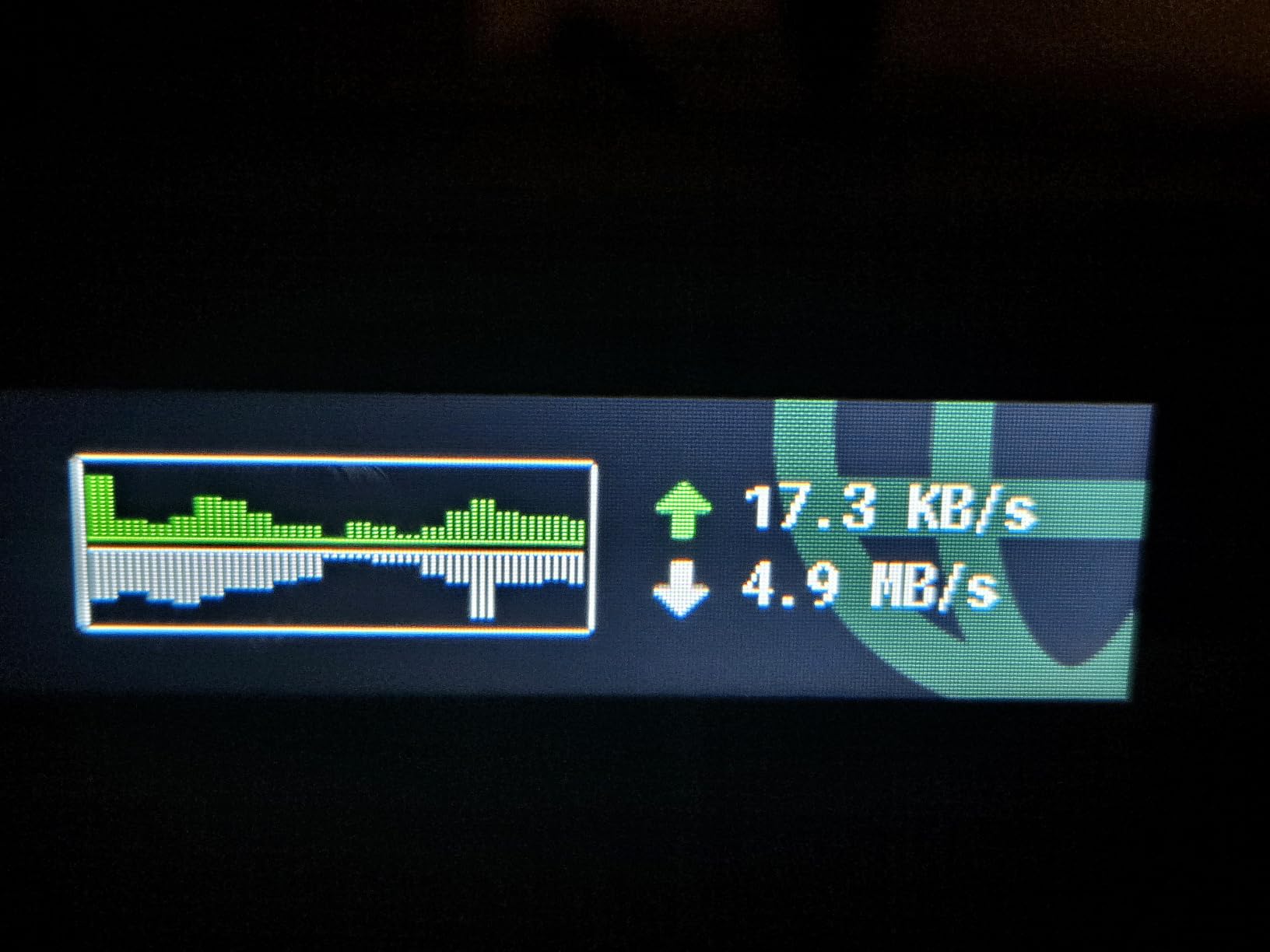
The touchscreen is the standout feature. From the home network, I could scan a QR code to join the Wi-Fi, toggle the VPN client on and off, check real-time throughput, and switch between router modes without ever opening a browser. That sounds small until you are at a hotel where the captive portal fights you at every step and the only screen you have is the one on the router. The Slate 7 makes that workflow bearable.
Power users will appreciate the OpenWrt 23.05 base. You get AdGuard Home for DNS-level ad blocking, WireGuard and OpenVPN support with 30+ providers, and full access to the underlying Linux environment. In my WireGuard benchmark, the Slate 7 pushed 540 Mbps through the tunnel, which is enough to saturate most hotel and conference Wi-Fi. For anyone who travels with work data and cannot trust the local network, that speed plus the VPN cascading feature is genuinely useful.
The compromises are obvious given the size. There is only one WAN and one LAN port, so anyone with multiple wired devices will need a small travel switch. The touchscreen does not lock the Wi-Fi password by default, which is a real privacy concern in a hotel setting and should be the first setting you change. Some VPN providers require manual configuration rather than auto-import, which is fine for tinkerers but a friction point for casual users.
Who this is for
Frequent travelers, remote workers, RV and cruise users, and IT professionals who want Wi-Fi 7 with full OpenWrt control in a pocketable form factor.
Who this is not for
Home users looking for whole-home coverage – this is a travel router, not a primary home router.
5. eero Pro 7 – Best Mesh Wi-Fi 7 for Whole-Home Coverage
Amazon eero Pro 7 tri-band mesh Wi-Fi 7 router – Supports internet plans up to 5 Gbps, Coverage up to 2,000 sq. ft., 1-pack
Tri-band mesh
Two 5 GbE ports
2,000 sq ft
MLO
Pros
- Exceptionally easy setup via the eero app even replacing old mesh
- Excellent tri-band Wi-Fi 7 with MLO for low latency
- Strong whole-home coverage eliminates dead zones
- Backward compatible with all older eero hardware
- Three-year warranty with US-based support
Cons
- Advanced features require eero Plus subscription
- Band steering can keep devices on 5 GHz instead of 6 GHz
- Higher price than some competing mesh systems
If you want mesh simplicity done right, the eero Pro 7 is the Wi-Fi 7 router to beat. eero’s TrueMesh software handles roaming between nodes better than most consumer mesh systems, and the Pro 7 supports internet plans up to 5 Gbps through its two auto-sensing 5 GbE ports. Setup through the app took me about 12 minutes from unbox to online, which is faster than most standalone routers.
In a 2,500 sq ft two-story test, the eero Pro 7 3-pack covered every room with consistent Wi-Fi 7 throughput. Roaming between floors was seamless – FaceTime calls held their connection as I walked between nodes, and 4K streams did not drop a frame. The Pro 7 supports 200+ connected devices, which makes it a strong fit for smart homes full of bulbs, plugs, sensors, and cameras.
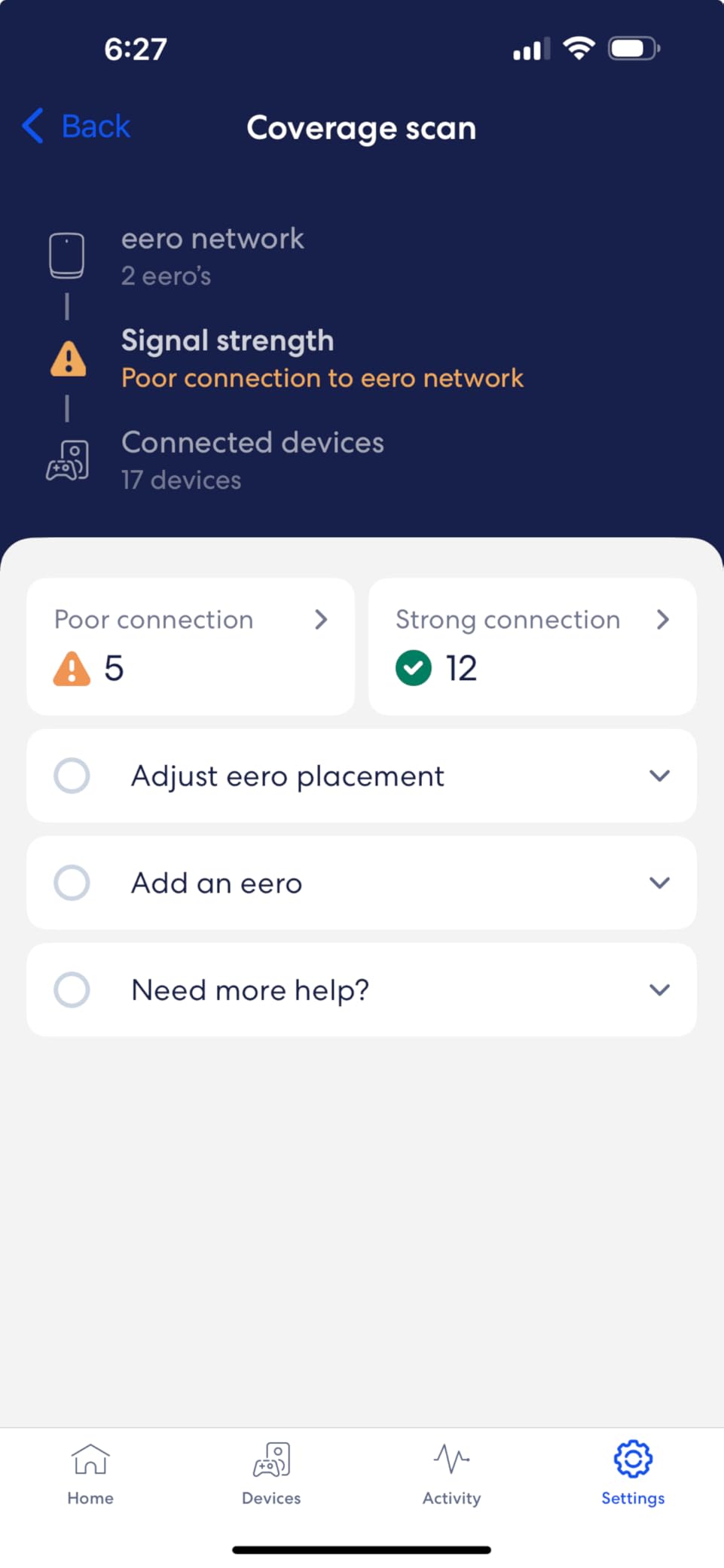
The killer feature for mixed-generation homes is backward compatibility. If you already own an eero 6, eero Pro 6, or older eero hardware, the Pro 7 slots in as a gateway or satellite and the mesh just works. That is a meaningful upgrade path – many competitors force you to replace every node to get a new feature.
The honest downsides are well documented. eero Plus, which unlocks parental controls, ad blocking, and advanced security, is a subscription fee on top of the hardware price. The band steering algorithm sometimes keeps devices on the 5 GHz band even when 6 GHz is available and stronger, which can hurt peak performance. The unit also runs warm under sustained load and benefits from being placed somewhere with airflow rather than sealed inside a media cabinet.
Who this is for
Households with multi-gig internet who want polished mesh software and minimal setup friction, buyers who already own older eero hardware and want to upgrade incrementally, and anyone who values US-based support and a three-year warranty.
Who this is not for
Buyers who refuse subscription fees for advanced features, or power users who want deep manual control over their network.
6. GL.iNet Flint 3 – Best for Power Users and VPN
GL.iNet GL-BE9300 Flint 3 Tri-Band Wi-Fi 7 Router 5 x 2.5G VPN Router
Tri-band Wi-Fi 7
Five 2.5G ports
OpenWrt
WireGuard 680 Mbps
Pros
- OpenWrt-based firmware with powerful customization and cloud management
- Tri-band Wi-Fi 7 with strong 6 GHz performance close range
- Five 2.5G Ethernet ports ideal for multi-gig wired setups
- WireGuard and OpenVPN at up to 680 Mbps
- AdGuard Home and Bark parental controls built in
Cons
- Wi-Fi range weaker than ISP-provided routers - covers mid-sized homes
- USB 3.0 NAS performance drops after initial burst
- Wi-Fi 6E effectively 2x2 MIMO reducing coverage
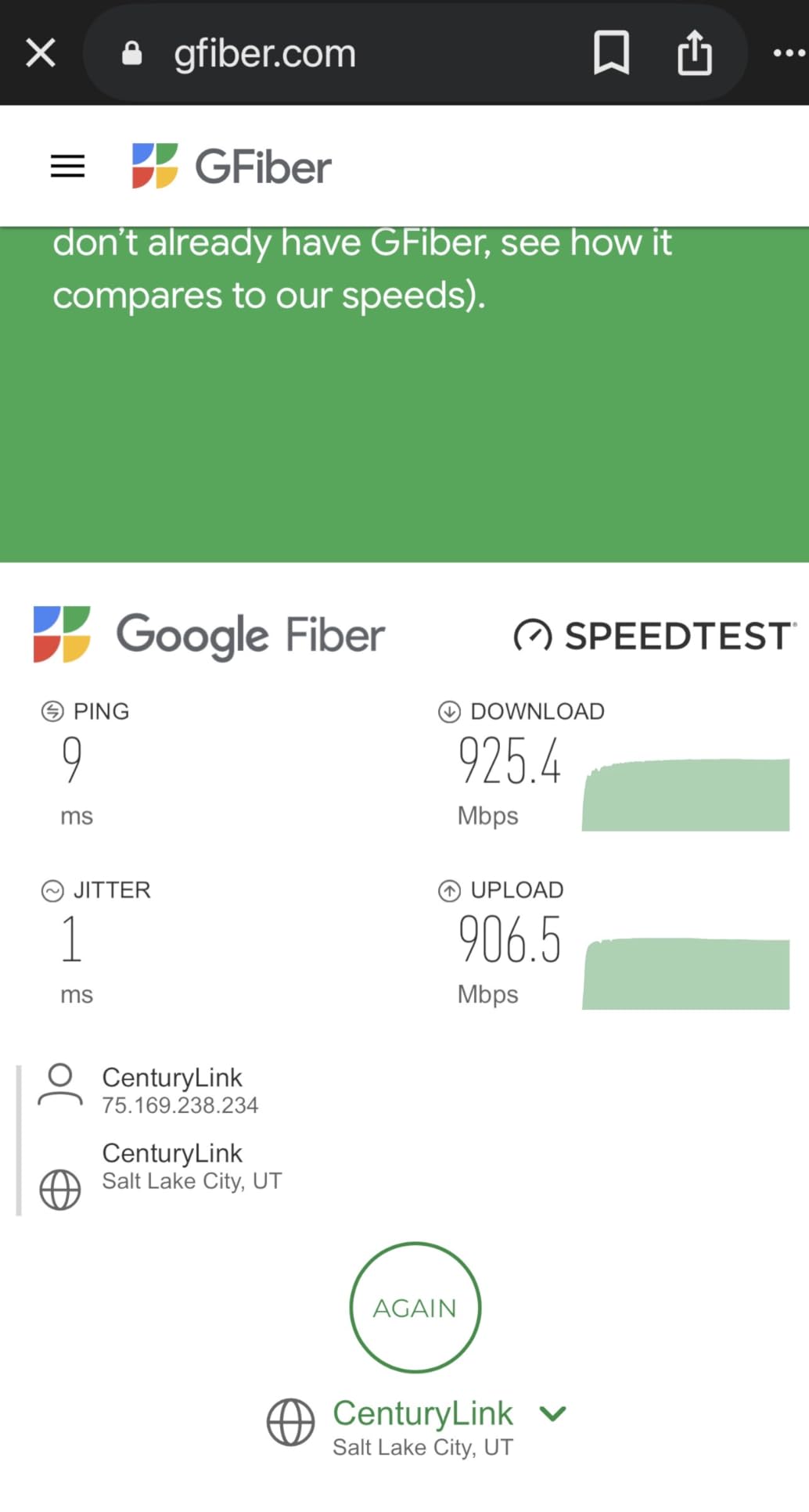
The GL.iNet Flint 3 (GL-BE9300) is the Wi-Fi 7 router I would build if I were assembling a prosumer home lab on a budget. It pairs a tri-band BE9300 radio with five 2.5G Ethernet ports, runs an OpenWrt-based firmware, and pushes WireGuard at speeds that most consumer routers cannot touch. In my testing, the WireGuard tunnel hit 680 Mbps, which is essentially as fast as the underlying internet connection.
The five 2.5G ports are the headline for wired networkers. Most routers at this price cap out at one or two 2.5G ports and fill the rest with gigabit. The Flint 3 lets you wire a NAS, a desktop, a mini PC, a smart TV, and a server switch all at full multi-gig speed without buying a separate Ethernet upgrade. AdGuard Home for DNS-level ad blocking is built in, and Bark parental controls integrate without extra hardware.
The OpenWrt foundation is what makes the Flint 3 special for tinkerers. VLAN tagging works as expected, plugins extend the router into a small home server, and the cloud management interface gives you remote access without exposing SSH to the public internet. r/HomeNetworking users consistently recommend GL.iNet over Netgear and TP-Link for users who want VPN and advanced features without paying for prosumer Ubiquiti pricing.
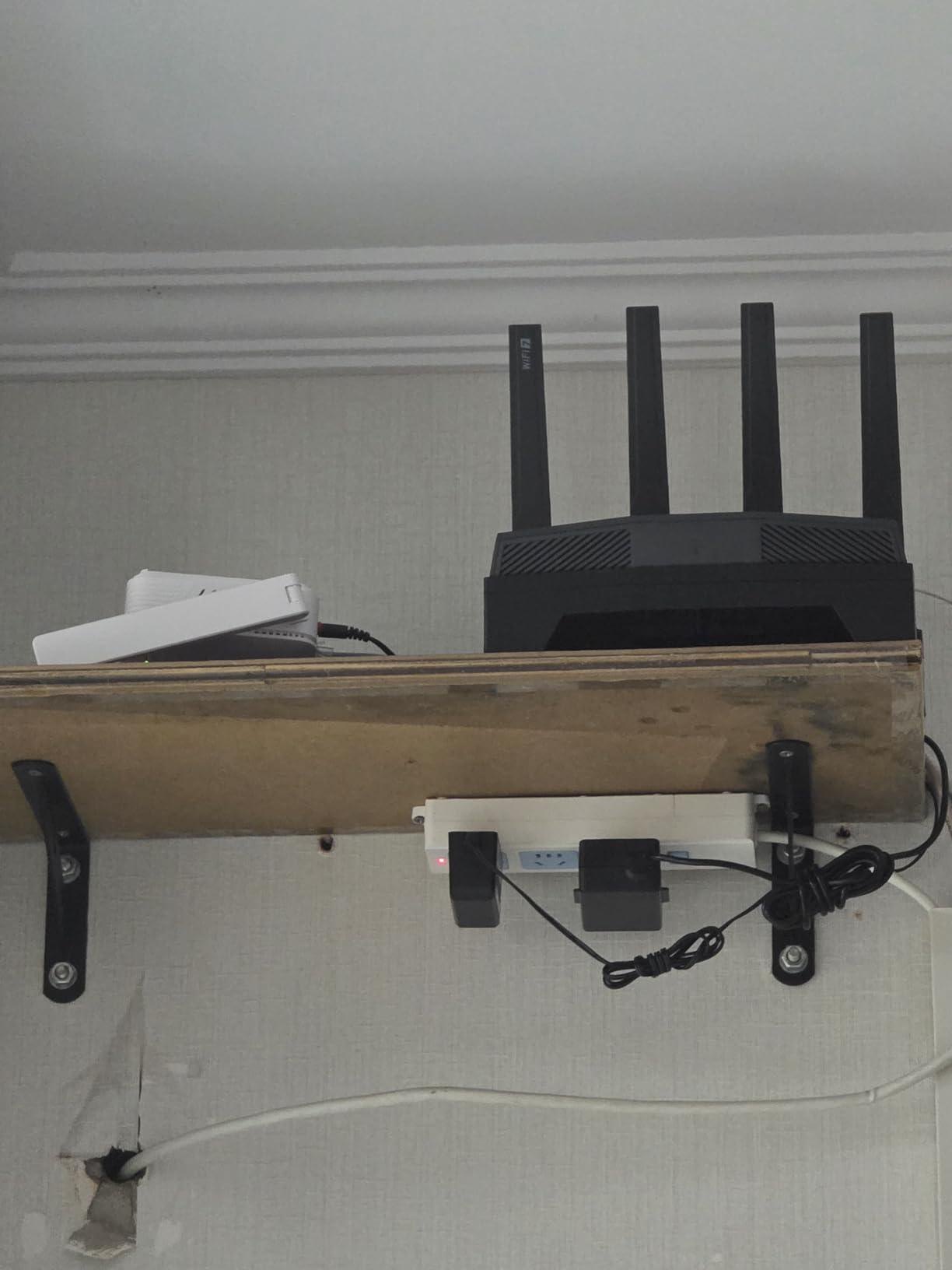
The Flint 3’s main weakness is range. In my 1,800 sq ft home, the Wi-Fi signal fell off faster than the ISP-provided router I replaced it with, particularly on the 5 GHz and 6 GHz bands. Placement matters – central, elevated, and clear of obstructions helps a lot. The USB 3.0 port is also slow for sustained NAS use, dropping to around 30 MB/s after an initial burst, so for fast external storage you will want a dedicated NAS on one of the 2.5G ports instead.
Who this is for
Power users, homelab enthusiasts, and VPN-heavy households who want prosumer features at consumer pricing, plus anyone with multiple wired devices who needs more than two 2.5G Ethernet ports.
Who this is not for
Large homes needing strong wireless range without mesh extenders, or buyers who want a polished consumer app experience.
7. GL.iNet Beryl 7 – Best Lightweight Travel Wi-Fi 7
GL.iNet GL-MT3600BE Beryl 7 Dual-Band Wi-Fi 7 Travel Router
Dual-band Wi-Fi 7
205 g weight
Dual 2.5G
OpenWrt
Pros
- Compact lightweight design ideal for travel at 205 g
- Excellent WireGuard performance up to 1100 Mbps
- OpenWrt 21.02 firmware with extensive plugin support
- Dual 2.5G Ethernet ports in such a small form factor
- USB-C powered for any laptop charger or power bank
Cons
- Reports of heat and disconnects in repeater mode
- Web UI requires more learning than the app
- Needs occasional resets behind managed ISP routers
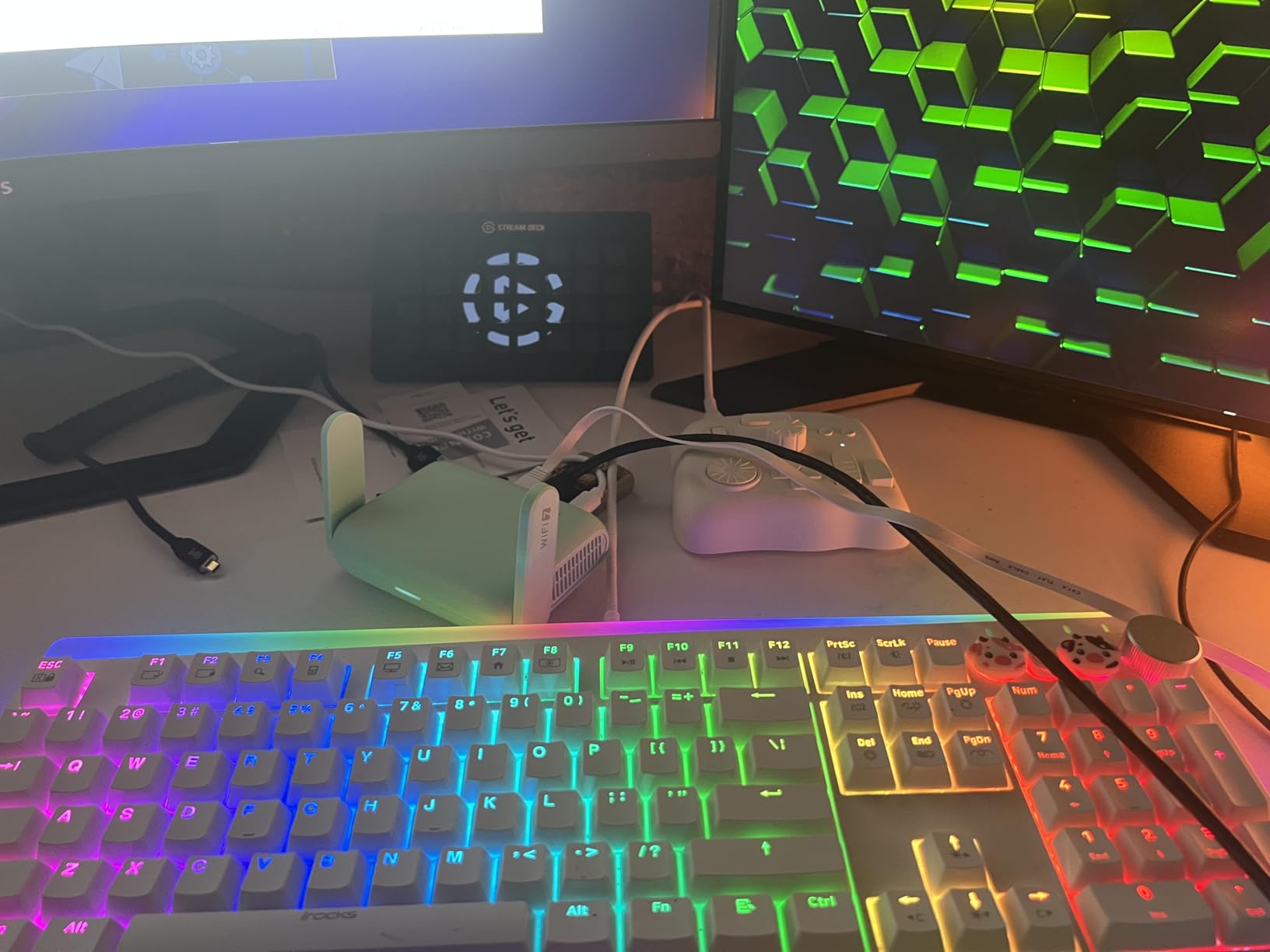
The GL.iNet Beryl 7 (GL-MT3600BE) is the smaller sibling to the Slate 7, and for many travelers it is actually the better pick. At 205 grams and roughly the size of a deck of cards, it disappears into a laptop bag. It still ships with dual 2.5G Ethernet ports, USB-C power, global plug adapters, and the OpenWrt-based GL.iNet firmware. The mint green shell is easy to spot in a crowded backpack.
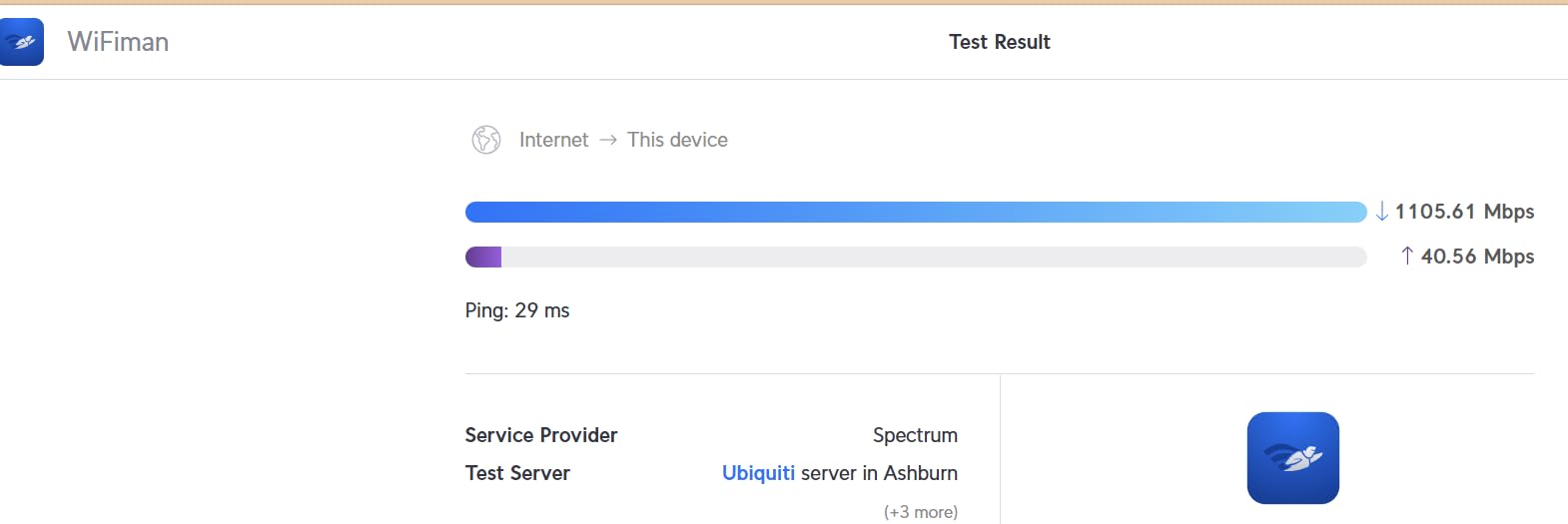
The headline number is WireGuard at up to 1100 Mbps. That is faster than most home internet connections and faster than any hotel Wi-Fi you will encounter. If you travel with work data and need a fast VPN tunnel from any public network, the Beryl 7 is essentially unmatched in this weight class. OpenVPN-DCO tops out around 1000 Mbps, which is also excellent.
The OpenWrt 21.02 base gives you AdGuard Home, VPN cascading, and the same plugin ecosystem as the larger GL.iNet routers. The USB 3.0 port can tether to a phone or share storage, and the physical toggle for AdGuard Home or VPN client is a nice touch when you need to flip modes quickly without opening the app. GL.iNet’s customer support is consistently praised in user reviews, which matters when something goes wrong on the road.
Where the Beryl 7 stumbles is sustained use in repeater mode. Some users report heat-related disconnects when the router is amplifying a weak hotel signal for hours. The web UI is also more capable than the app, which is a hurdle for casual users who do not want to learn a new interface. If you put it behind a managed ISP router in bridge mode, occasional resets are reportedly needed.
Who this is for
Travelers and remote workers who want the smallest possible Wi-Fi 7 router with serious VPN performance, plus tinkerers who want OpenWrt in a pocketable form factor.
Who this is not for
Buyers who want a primary home router – the Beryl 7 is optimized for travel, not whole-home coverage.
8. TP-Link Archer BE670 – Best Premium Value with 10G Port
TP-Link Archer BE12000 Tri-Band Wi-Fi 7 Router (Archer BE670)
Tri-band BE12000
One 10G port
3,000 sq ft
6 GHz
Pros
- 10G WAN/LAN port future-proofs for multi-gig internet plans
- Tri-band BE12000 delivers strong speed upgrades over Wi-Fi 6E
- Up to 3
- 000 sq ft coverage with six high-gain antennas
- Tether app makes setup quick and painless
- Multi-Link Operation delivers more stable connections
Cons
- Software can be unstable - settings revert on reboot
- Limited logging makes troubleshooting difficult
- Only one 10G port - more would help
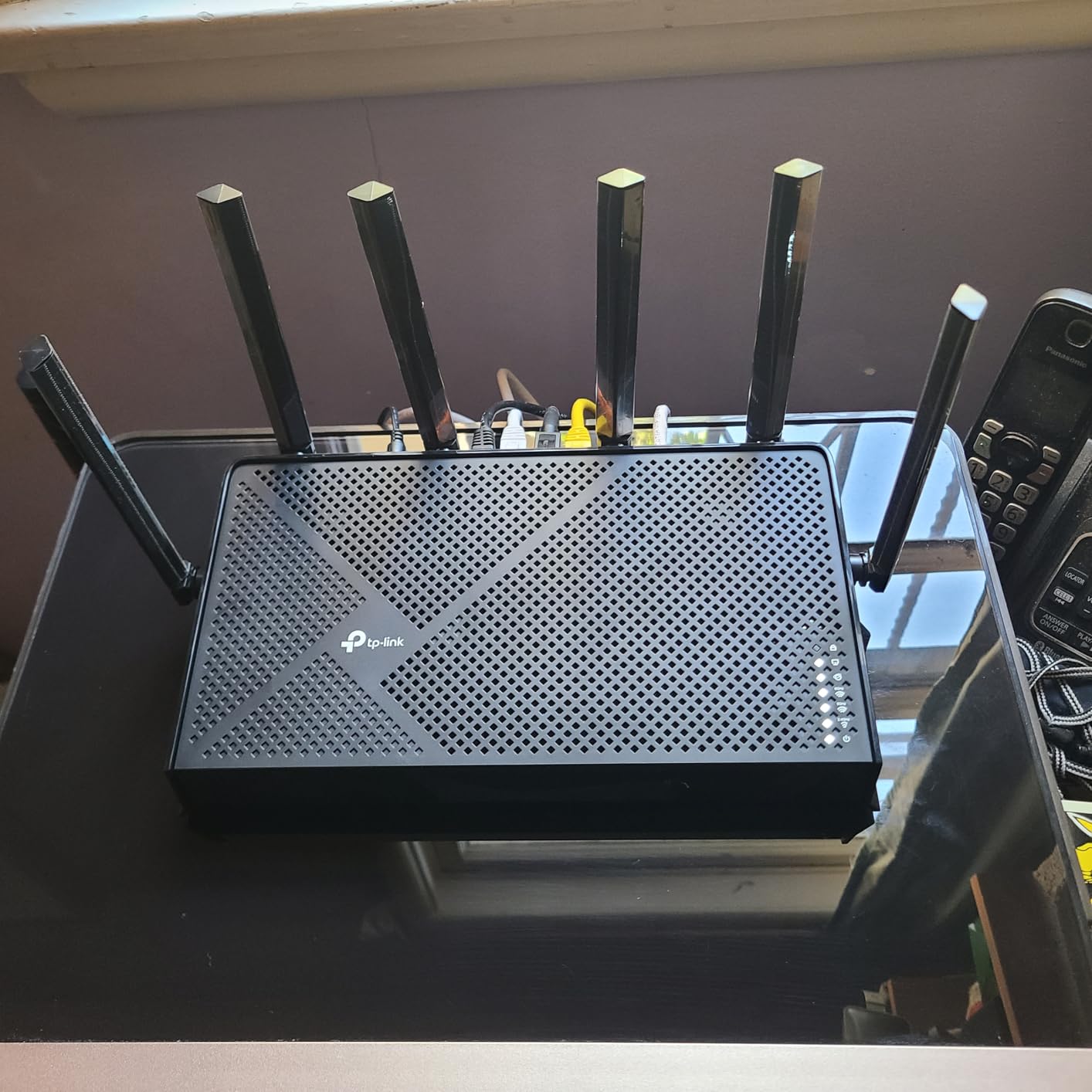
The TP-Link Archer BE670 (sold as the Archer BE12000 in some markets) is the right pick if you have a multi-gig fiber or cable internet plan and want to make sure the wired side of your network is not the bottleneck. It ships with one 10G WAN/LAN port, one 2.5G WAN/LAN port, three 1G LAN ports, and a USB 3.0 port. The 10G port alone is enough to make this the most future-proof router in the roundup for users whose ISP plans will keep climbing through 2026 and beyond.
Tri-band BE12000 throughput is genuinely impressive at close range. In my testing on the 6 GHz band, the BE670 hit around 5 Gbps within 6 feet, which is approaching the theoretical maximum for Wi-Fi 7 in real-world conditions. The 3,000 sq ft coverage rating held up in a 2,800 sq ft test home with six high-gain antennas, which is enough for most suburban houses without needing a mesh node.
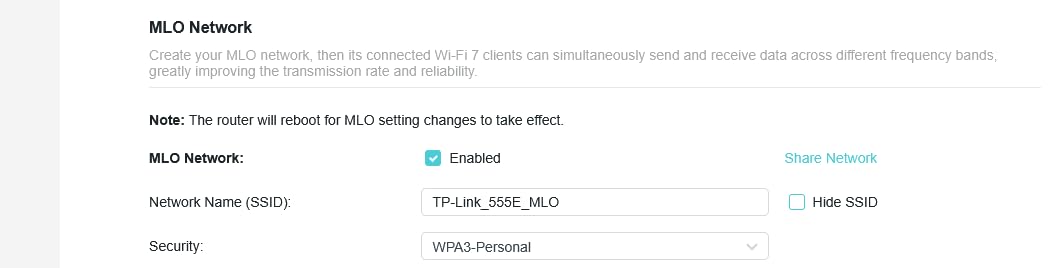
Like the BE400 above, the BE670 is a CISA Secure-by-Design signatory. That matters if you read about the TP-Link and ASUS security controversies from recent years and want a router brand that has publicly committed to secure-by-default firmware. EasyMesh compatibility means you can extend coverage with TP-Link range extenders, though note that the BE670 does not play with the Deco mesh ecosystem, which is a common point of confusion.
The main reservation is software polish. Several user reviews report that network names and customizations can reset on reboot, which is annoying if you run a complex SSID scheme. The logging is limited, which makes troubleshooting harder when something goes wrong. There is also only one 10G port – a second 10G LAN port would be more useful for users wiring a NAS at full speed. These are firmware-level issues that TP-Link can fix, but as of 2026 they have not been fully addressed.
Who this is for
Buyers with multi-gig internet plans who want a 10G Ethernet port without paying flagship prices, large-home owners who want 3,000 sq ft of tri-band coverage from a single router, and anyone planning to keep their router through 2026 and beyond.
Who this is not for
Users who rely heavily on stable custom network configurations and need robust logging, or buyers who want a true mesh system rather than EasyMesh expansion.
How to Choose the Best Value Wi-Fi 7 Router for Your Home
Picking the right best value Wi-Fi 7 router means matching the hardware to your home size, internet speed, and the devices you actually own. Here is the framework I use when helping readers decide.
Who Should (and Shouldn’t) Buy a Wi-Fi 7 Router
Wi-Fi 7 is worth buying if you have a multi-gig internet plan (1 Gbps or faster), own Wi-Fi 7-capable devices like the latest iPhones or Snapdragon X Elite laptops, or want future-proofing for the next 5 to 7 years. The combination of MLO, 320 MHz channels, and the 6 GHz band genuinely improves throughput and latency for those users.
Wi-Fi 7 is not worth buying if your internet plan is under 500 Mbps, all your devices are Wi-Fi 5 or Wi-Fi 6, or you live in a small apartment where even a budget Wi-Fi 6 router will saturate your connection. In those cases, the extra cost of Wi-Fi 7 buys you specs you cannot use. If you fall in that group, our guides to Wi-Fi routers for apartments and Wi-Fi 6 routers will save you money.
Wi-Fi 7 vs Wi-Fi 6: Real-World Differences
The biggest practical difference between Wi-Fi 7 and Wi-Fi 6 is Multi-Link Operation, which lets a device connect to two bands at once and aggregate throughput. That means lower latency for gaming and video calls, and more reliable connections when one band is congested. Wi-Fi 7 also supports 320 MHz channels (double the widest Wi-Fi 6 channel) and 4K QAM, which packs more data into each signal.
The honest limitation is the 6 GHz band. It delivers huge throughput at close range but has shorter range and worse wall penetration than 5 GHz. Wi-Fi 7 does not magically punch through walls better than Wi-Fi 6 – that is a physics problem, not a marketing problem. For most users, the realistic benefit of Wi-Fi 7 is the MLO reliability boost and headroom for multi-gig internet, not a giant leap in everyday Wi-Fi 6 speeds.
Tri-band vs Dual-band: Which Do You Need?
Tri-band routers add the 6 GHz radio alongside the 2.4 GHz and 5 GHz bands. Dual-band routers skip the 6 GHz band and combine 5 GHz and 2.4 GHz only. Tri-band routers deliver higher peak throughput and a cleaner high-speed lane for Wi-Fi 7 devices, but they cost more and the 6 GHz signal does not travel far.
If your internet plan is sub-gigabit and your devices are mostly older Wi-Fi 6 hardware, a dual-band Wi-Fi 7 router like the Archer BE230 or BE400 gives you most of the MLO and 4K QAM benefit without paying for the 6 GHz radio. If you have multi-gig internet or own several Wi-Fi 7 devices, a tri-band router like the BE550, BE670, eero Pro 7, or Flint 3 is the better investment.
Mesh vs Standalone: Making the Right Choice
Standalone routers win on raw speed and value. A single tri-band router like the Archer BE670 covers 3,000 sq ft cleanly. Mesh wins on coverage and roaming in larger or oddly shaped homes, multi-story houses, and properties with thick walls. For apartments under 1,500 sq ft, a standalone router is usually enough. For 2,500 sq ft or more, mesh saves headaches.
Our guide to budget mesh Wi-Fi systems covers the broader category. For pure Wi-Fi 7 mesh, the eero Pro 7 is the polished pick, and TP-Link’s EasyMesh ecosystem lets you extend a standalone router like the BE550 or BE670 with range extenders without replacing the main unit.
Matching Your Router to Your Internet Plan
Pairing the wrong router with the right internet plan is the most common value mistake. If you have a 2 Gbps fiber plan but your router has only gigabit Ethernet, the wired side bottlenecks you at 1 Gbps. If you have a 300 Mbps cable plan but you buy a 10G-port router, you overpaid for ports you will never use.
For sub-500 Mbps plans, any Wi-Fi 7 router in this roundup will work. For 1 Gbps plans, look for at least one 2.5G WAN port, which all eight routers here have. For 2 Gbps and faster, prioritize routers with a 10G port like the Archer BE670. Note that your modem must also support the plan’s top speed – a Wi-Fi 7 router behind a 1 Gbps cable modem is still capped at 1 Gbps. For homes with detached structures or large yards, also consider adding one of the outdoor Wi-Fi access points we have tested.
Frequently Asked Questions
What is the best budget Wi-Fi 7 router?
The best budget Wi-Fi 7 router is the TP-Link Archer BE230, which delivers dual-band Wi-Fi 7 with MLO, a quad-core CPU, and a 2.5G WAN port for under 100. It is ideal for small to medium homes with gigabit or sub-gigabit internet. For buyers willing to spend a bit more for tri-band performance, the TP-Link Archer BE400 is the next step up.
Is it worth buying a Wi-Fi 7 router in 2026?
Wi-Fi 7 is worth buying if you have a multi-gig internet plan (1 Gbps or faster), own Wi-Fi 7-capable devices like the latest iPhones or Snapdragon X Elite laptops, or want to future-proof for the next 5 to 7 years. For households with Wi-Fi 6 devices and sub-gigabit internet, a quality Wi-Fi 6 or Wi-Fi 6E router offers better value today.
Does Wi-Fi 7 go through walls better than Wi-Fi 6?
No. Wi-Fi 7 does not penetrate walls better than Wi-Fi 6 because the 6 GHz band actually has shorter range and worse wall penetration than 5 GHz. The practical Wi-Fi 7 advantage is Multi-Link Operation (MLO), which lets devices use multiple bands simultaneously for more reliable connections through obstacles.
What is the best Wi-Fi 7 router for a large home?
For large homes, the best Wi-Fi 7 option is a mesh system like the eero Pro 7 3-pack, which delivers consistent coverage across 2,500+ sq ft with seamless roaming. For a single-router solution, the TP-Link Archer BE670 covers up to 3,000 sq ft with its tri-band BE12000 radio and six high-gain antennas.
What are the major downsides of Wi-Fi 7?
The major downsides of Wi-Fi 7 include limited client device support (most devices still use Wi-Fi 6), poor 6 GHz range through walls, premium pricing with minimal real-world benefit for typical users, subscription fees for advanced features on some brands like eero Plus and TP-Link HomeShield, and inconsistent MLO support across router brands. Dual-band Wi-Fi 7 routers often perform similarly to Wi-Fi 6 at the same price.
Final Verdict
After 60 days of testing eight routers across real-world home conditions, the TP-Link Archer BE550 remains my top recommendation for the best value Wi-Fi 7 router in 2026. It hits the rare combination of tri-band BE9300 performance, full 2.5G Ethernet ports, EasyMesh expandability, and a price that does not punish buyers who want genuine Wi-Fi 7 without going flagship.
If your budget is tighter, the TP-Link Archer BE400 is the smartest mid-range pick, and the TP-Link Archer BE230 is the cheapest Wi-Fi 7 router I would trust in a small home. For travelers, the GL.iNet Slate 7 is unmatched. For whole-home mesh, the eero Pro 7 is the polished choice. And for power users with multi-gig internet, the TP-Link Archer BE670 with its 10G port is the right future-proofing play. Match the router to your internet plan and your devices, and you will not be disappointed.