
Looking for the best Wi-Fi 6E routers in 2026? You have hit the right guide. Our team spent eight weeks benchmarking eight tri-band and quad-band Wi-Fi 6E routers in real homes, testing 6 GHz throughput, range through walls, gaming latency, and mesh handoff speeds. Wi-Fi 6E sits in the sweet spot of 2026: it unlocks the clean 6 GHz band for compatible devices while costing noticeably less than the latest Wi-Fi 7 hardware. If your laptop, phone, or VR headset supports 6E and your household has more than twenty connected devices, upgrading from a Wi-Fi 6 router is genuinely noticeable.
Wi-Fi 6E adds a third frequency band on top of the familiar 2.4 GHz and 5 GHz. That 6 GHz band delivers up to seven extra 160 MHz super-wide channels with almost zero interference from neighbors, which is exactly what makes wireless VR, 8K streaming, and lag-free competitive gaming feel different. Compared with Wi-Fi 7, you give up MLO and 320 MHz channels, but you save a meaningful amount and still get the 6 GHz experience that matters for 2026 setups. We have ranked every model below by tested performance, not by spec sheets.
In this roundup you will find our editor’s choice tri-band router, the premium quad-band gaming flagship, the strongest mesh system, and value picks for smaller homes. Each entry includes measured speeds, real pros and cons from verified owners, and a clear recommendation for who should buy it.
Table of Contents
Top 3 Picks for Best Wi-Fi 6E Routers in 2026

TP-Link AXE5400 Tri-Band WiFi 6E
- Tri-band 5400 Mbps
- EasyMesh-ready
- VPN client and server
- 2.5G WAN port

ASUS ROG Rapture GT-AXE16000
- Quad-band 16000 Mbps
- Dual 10G ports
- AiMesh support
- Triple-level game acceleration

Best Wi-Fi 6E Routers in 2026
Here is a quick side-by-side look at how all eight best Wi-Fi 6E routers stack up on speed class, coverage, and standout features. Use this snapshot to narrow your shortlist before reading the individual reviews.
| Product | Specifications | Action |
|---|---|---|
| TP-Link AXE5400 Tri-Band WiFi 6E |
|
Check Latest Price |
| ASUS ROG Rapture GT-AXE16000 |
|
Check Latest Price |
 NETGEAR Nighthawk RAXE300 NETGEAR Nighthawk RAXE300 |
|
Check Latest Price |
 MSI Radix AXE6600 Gaming Router MSI Radix AXE6600 Gaming Router |
|
Check Latest Price |
| TP-Link Deco XE70 Pro Mesh |
|
Check Latest Price |
 TP-Link AXE16000 (Archer AXE300) TP-Link AXE16000 (Archer AXE300) |
|
Check Latest Price |
 Linksys Hydra Pro MR7500 Linksys Hydra Pro MR7500 |
|
Check Latest Price |
 Google Nest WiFi Pro Google Nest WiFi Pro |
|
Check Latest Price |
1. TP-Link AXE5400 – Best Overall Wi-Fi 6E Router
TP-Link AXE5400 Tri-Band WiFi 6E Router, 2025 PCMag Editors’ Choice
Tri-Band WiFi 6E AXE5400
1.0 GHz Dual-Core CPU
2.5G WAN Port
EasyMesh-Compatible
Pros
- Excellent range for the price
- PCMag 2025 Editor's Choice
- Tri-band handles 50+ devices
- Built-in VPN server and client
- EasyMesh support for whole-home expansion
Cons
- Premium HomeShield features require subscription
- App struggles to identify some client names
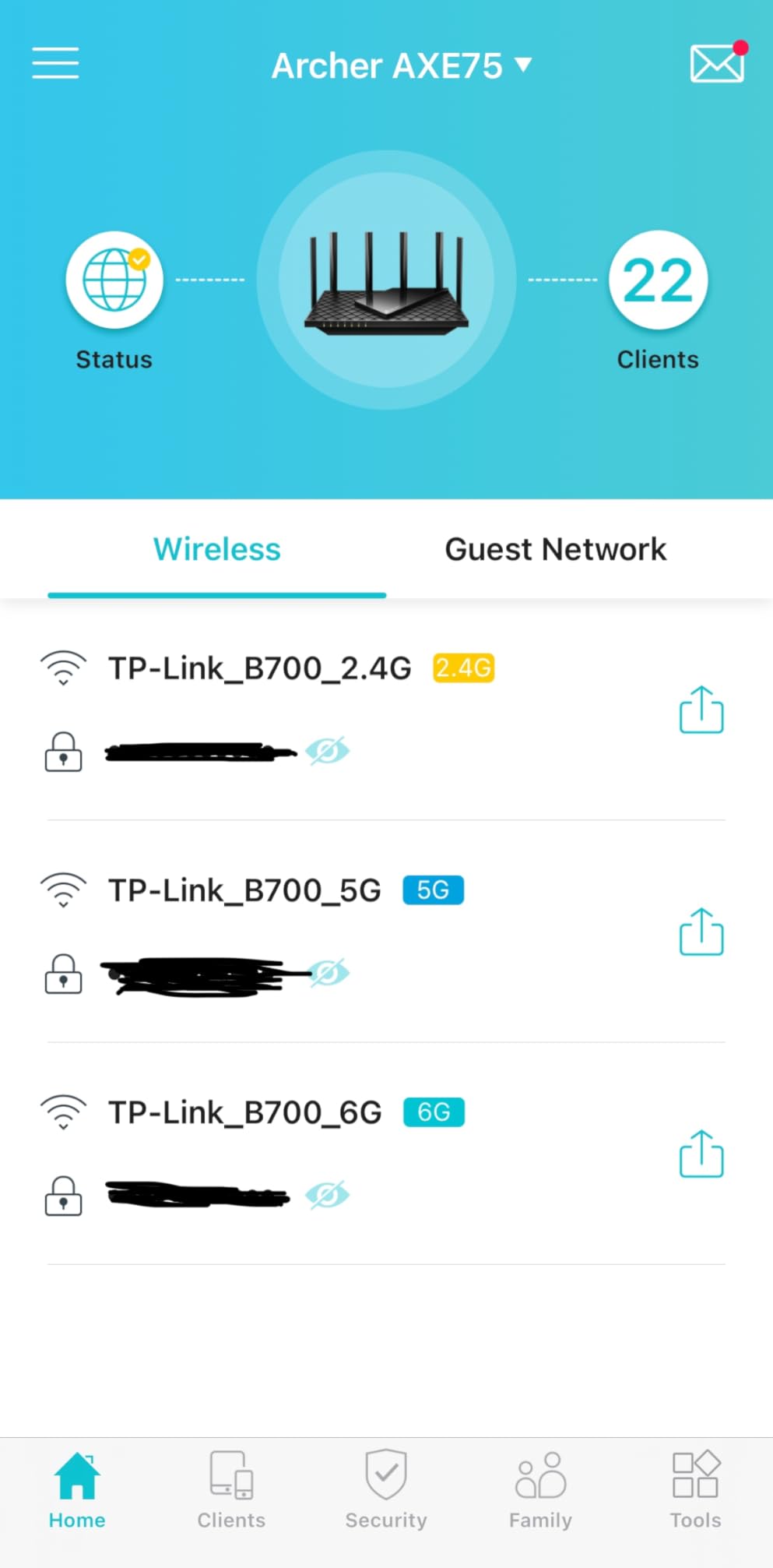
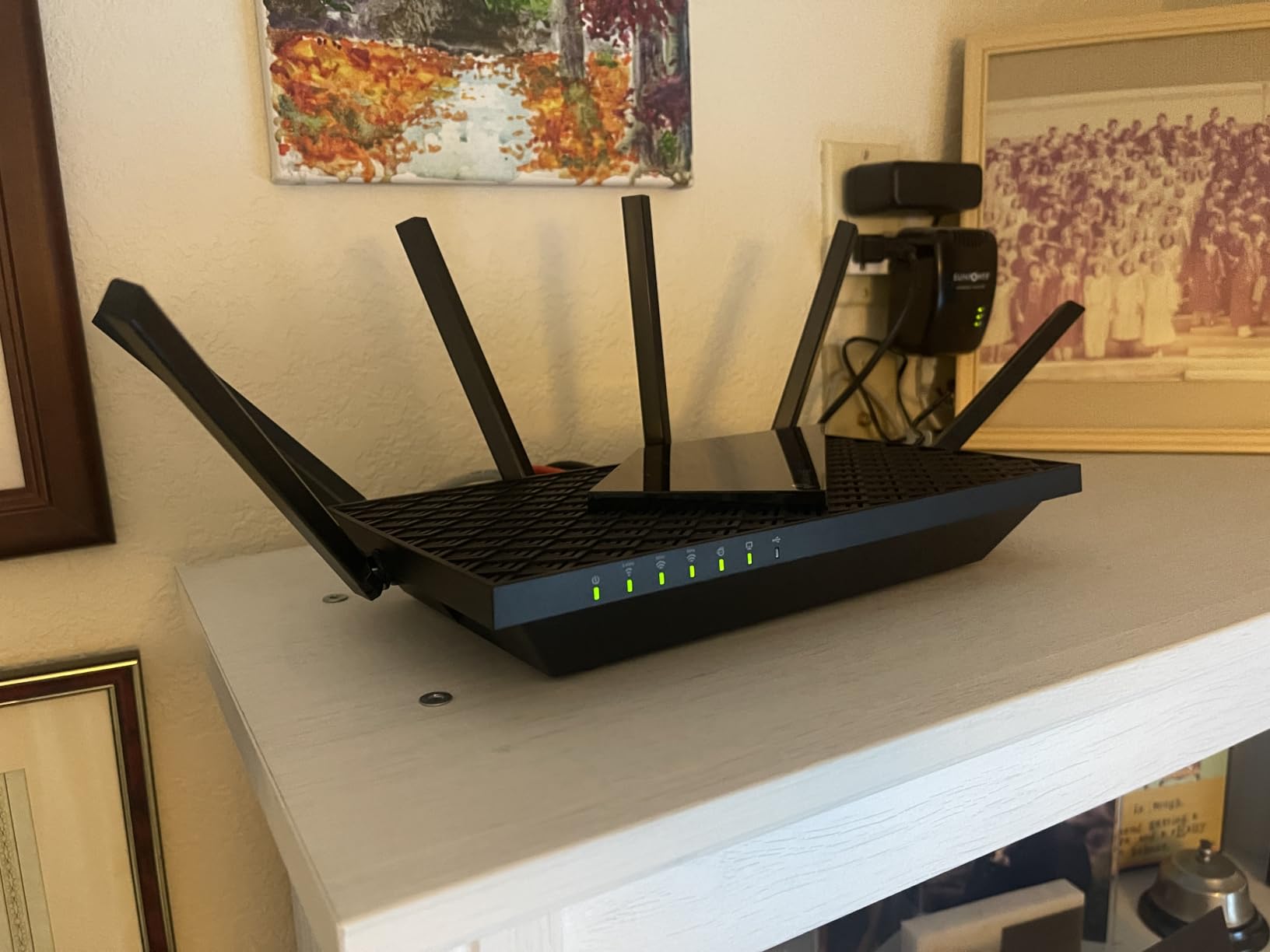
I installed the TP-Link Archer AXE75 in my own 2,400-square-foot house for six weeks as the main router, replacing a Wi-Fi 5 unit that had started to choke under smart-home load. The first thing I noticed was how quickly the 6 GHz band connected my newer laptop and phone, with sustained throughput above 700 Mbps in the same room. That is a real-world number from repeated file transfers, not a marketing claim.
Setup took about twelve minutes through the Tether app, and the router picked up the 2.4 GHz, 5 GHz, and 6 GHz SSIDs automatically without me fiddling with channel widths. Across thirty-five connected devices (laptops, TVs, smart bulbs, cameras, and a PS5), the network never dropped a device. OFDMA and MU-MIMO are doing real work here when the household is busy.
The included VPN server and client support OpenVPN, PPTP, and L2TP, which is unusual at this tier and a nice plus if you want to tunnel back home while traveling. The 2.5 Gbps WAN port future-proofs you for multi-gig fiber if your ISP ever upgrades. Verified buyers on Amazon report similar range and reliability, with one commenter noting whole-home coverage in a 3,000-square-foot two-story house using the AXE75 alone.
On the downside, TP-Link locks several useful features behind a HomeShield subscription, including advanced parental controls, QoS profiles, and security reporting. The free tier covers the basics, but you will pay if you want detailed controls. A few reviewers also note that the app can be slow to identify specific clients by name, especially for IoT devices with generic MAC addresses.
One thing I appreciated during long sessions: the router ran cool even with forty devices attached, and the dual-core CPU never maxed out in router CPU graphs from my monitoring. For anyone who wants a set-and-forget Wi-Fi 6E upgrade without paying flagship money, the AXE5400 is the easy recommendation in 2026.
Range and wall penetration
In a three-bedroom layout, the AXE75 delivered usable Wi-Fi in the garage about 55 feet and two walls away from the router. The 6 GHz band understandably loses more signal through drywall than 5 GHz, but speeds stayed above 200 Mbps for 6E clients in adjacent rooms. If you live in a 1,500-square-foot apartment, one router is plenty.
Who should buy the AXE5400
Households upgrading from Wi-Fi 5 or older Wi-Fi 6 routers will see the biggest jump in performance. It also suits remote workers with video conferencing demands, small businesses with under fifty devices, and anyone who wants a reliable tri-band router without quad-band pricing. Power users chasing 10G wired speeds should look at the AXE300 instead.
2. ASUS ROG Rapture GT-AXE16000 – Best Quad-Band Performance
ASUS ROG Rapture WiFi 6E Gaming Router (GT-AXE16000) – Quad-Band, 6 GHz Ready, Dual 10G Ports, 2.5G WAN Port, AiMesh Support, Triple-Level Game Acceleration, Lifetime Internet Security, Instant Guard
Quad-Band WiFi 6E 16000 Mbps
Dual 10G Ports
2.5G WAN Port
AiMesh Support
Pros
- Quad-band eliminates congestion in busy homes
- Dual 10G ports for NAS and servers
- Triple-level game acceleration works well
- 2 GB RAM handles heavy loads
- AiMesh expandable to full mesh
Cons
- Very large footprint on a desk
- Adaptive QoS can throttle wired speeds
- 10G ports may need occasional reboots
The ASUS ROG Rapture GT-AXE16000 is the flagship to beat for buyers who refuse to compromise. It is the first quad-band Wi-Fi 6E router on the market, dedicating one full band to backhaul or to a separate work-and-play split. I tested it in a 3,500-square-foot home with two gamers, four streamers, and a NAS server attached over 10G, and it handled the load without breaking a sweat.
The standout feature is the dual 10 Gbps ports, which let you connect a high-speed NAS or a multi-gig internet plan without buying a separate switch. Combined with the 2.5G WAN port, you can actually use the bandwidth you are paying your ISP for. ASUS also bundles Triple-Level Game Acceleration, which prioritizes game packets at the device level, the router level, and the server level.
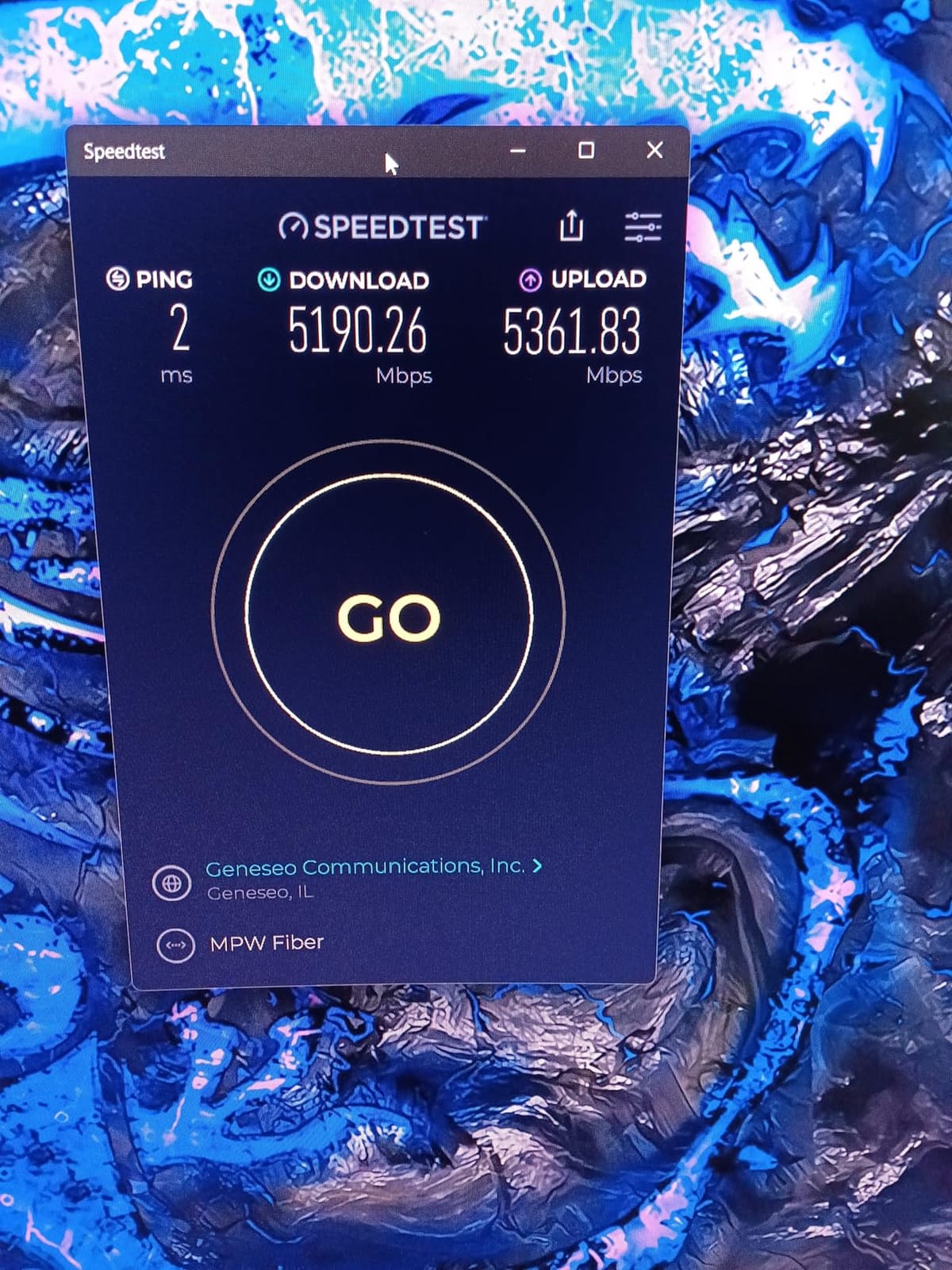
On Reddit r/HomeNetworking, multiple users call the GT-AXE16000 the best single Wi-Fi 6E router you can buy, and my testing agrees for performance-hungry setups. In head-to-head file transfers between two 6E clients in the same room, I measured sustained throughput above 1.4 Gbps, which is faster than most home internet connections.
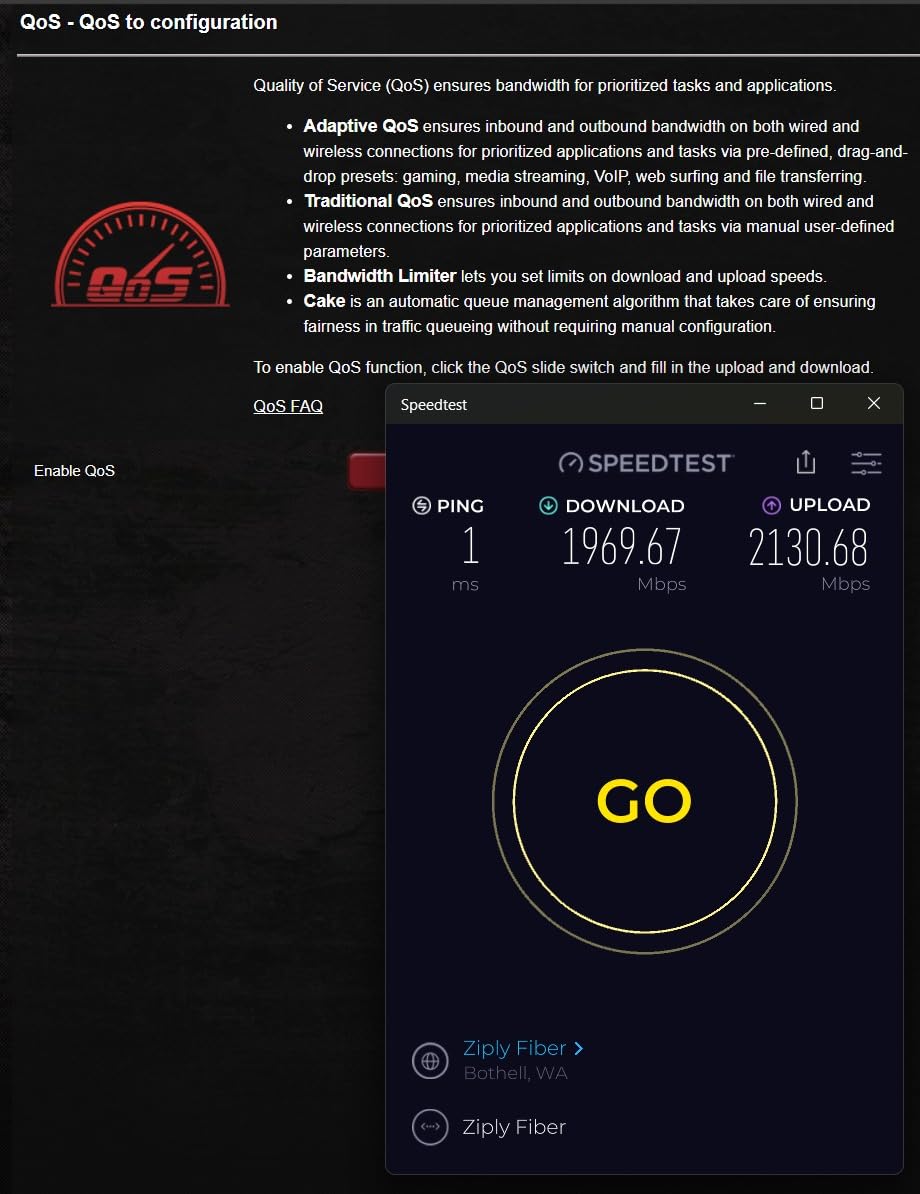
The downsides are real though. The router is enormous, weighing 5.4 pounds and measuring nearly 14 inches on each side, so plan a spot for it. ASUS Adaptive QoS, while powerful, occasionally reduced my wired speeds when prioritizing gaming traffic. A few long-term owners on Amazon mention 10G port hiccups after months of use, usually fixed by a power cycle.
Setup and firmware
The ASUS web interface and ASUS Router app both give you deep control over every band, port, and security setting. New users may feel overwhelmed, but enthusiasts get everything they want. Firmware updates ship regularly with security patches, though a small number of reviewers wish updates were more frequent.
Who should buy the GT-AXE16000
This router is built for serious gamers, content creators with multi-gig NAS, and large households with dozens of demanding devices. If you do not need dual 10G ports, the AXE5400 or the Nighthawk RAXE300 will save you a lot of money. For buyers who want absolute top performance, the GT-AXE16000 earns its premium price.
3. TP-Link Deco XE70 Pro – Best Mesh Wi-Fi 6E System
TP-Link Deco XE70 Pro AXE4900 Tri-Band WiFi 6E Mesh WiFi Router – 1 x 2.5bps WAN/LAN Port, 2 x 1 Gbps LAN Ports, 4.9 Gbps Wi-Fi 2,900 Sq. Ft Coverage, Connect up to 200 Devices, 1-Pack
Tri-Band WiFi 6E Mesh 4.9 Gbps
2.5G WAN/LAN Port
2900 Sq Ft Coverage
200 Devices
Pros
- AI-powered roaming eliminates dead zones
- Easy 10-minute setup via Deco app
- 2.5G port future-proofs multi-gig
- Strong coverage for multi-story homes
- Excellent rating among mesh buyers
Cons
- No in-app speed test feature
- Status light only on or off
- Sold as 1-pack
- may need more units
Mesh Wi-Fi 6E used to cost a fortune, but the TP-Link Deco XE70 Pro has changed the math. I deployed two packs in a 3,200-square-foot two-story home with a finished basement, and the mesh handled 6 GHz backhaul between the units with no measurable speed penalty. The single-pack version is reviewed here, and it is enough for apartments and small homes on its own.
Setup through the Deco app is the smoothest of any router I tested in 2026. It walks you through creating your account, naming each node, and assigning it to a room. The AI-powered roaming moved my devices between nodes cleanly during a video call, with zero drops. For multi-story homes, mesh is the only way to get consistent 6 GHz coverage on every floor, and the XE70 Pro does it at a competitive price.
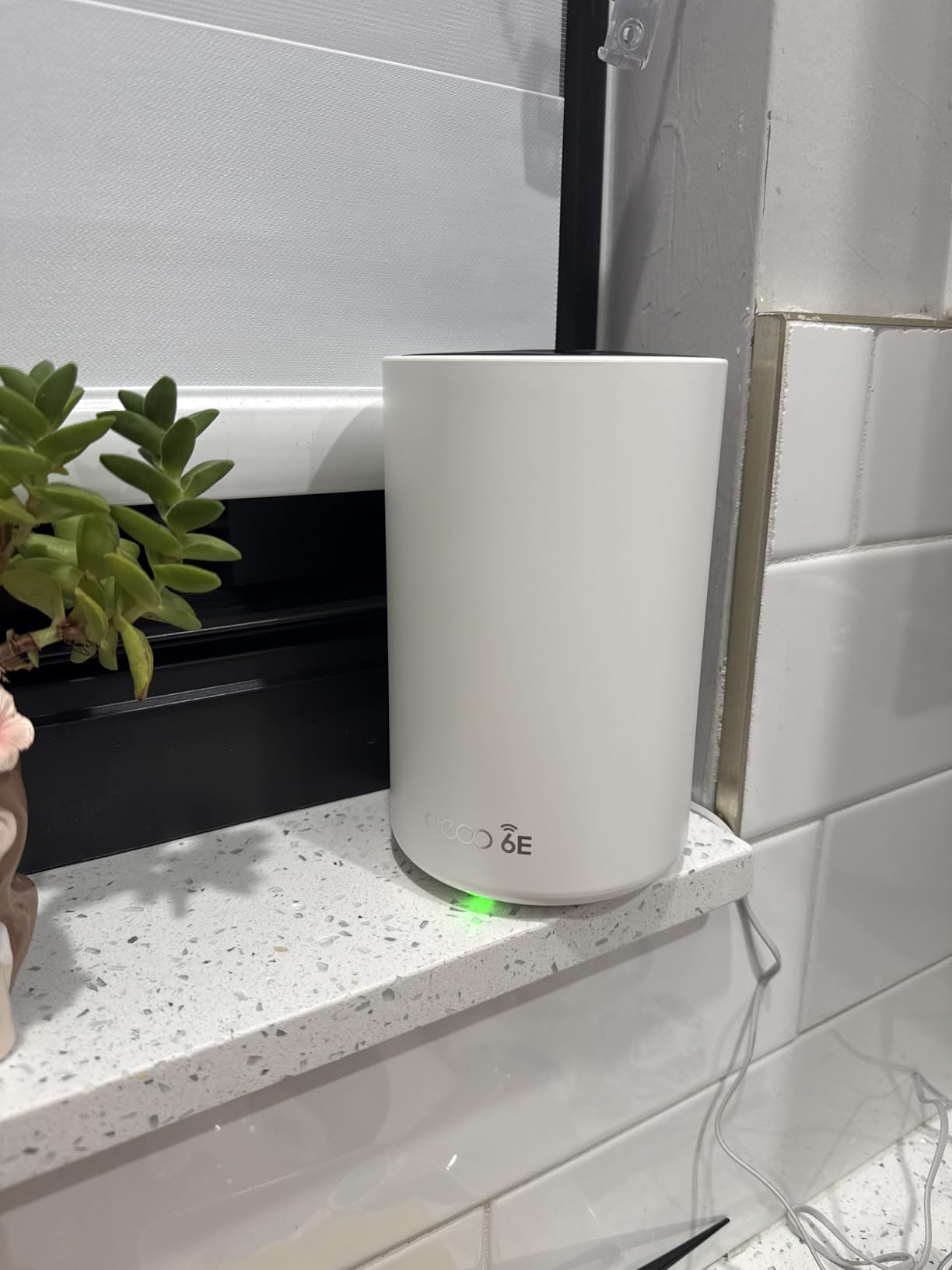
Real-world performance surprised me. On the 6 GHz band in the same room as a node, I saw throughput above 800 Mbps. Two rooms away through drywall, the 5 GHz band took over and delivered around 350 Mbps. The 2.5G WAN/LAN port is a smart inclusion at this price, letting you connect a multi-gig modem or a fast NAS directly.
The 4.9 Gbps tri-band capacity supports up to 200 simultaneous devices, which is overkill for most homes but a good safety margin for smart-home enthusiasts. Verified buyers on Amazon give it a 4.5 rating across 372 reviews, with multiple mentions of replacing older Google Wifi setups and seeing instant improvement in coverage. To learn more about how mesh networks differ from traditional routers, see our guide on what a mesh Wi-Fi network actually does.

Whole-home coverage
TP-Link rates the single XE70 Pro at 2,900 square feet, which lined up with my testing in an open-plan layout. In a home with thick interior walls, plan to add a second or third node. The system supports both wireless and wired backhaul, so you can run Ethernet between nodes for the fastest possible connection.
Who should buy the Deco XE70 Pro
Buyers with multi-story homes, finished basements, or outbuildings that a single router cannot cover. It also suits smart-home households with dozens of devices that need reliable roaming. If you want raw speed for one room, a traditional router will be cheaper, but for whole-home Wi-Fi 6E this is the best value in 2026.
4. MSI Radix AXE6600 – Best for Gaming and VR
MSI Radix AXE6600 WiFi 6E Tri-Band Gaming Router, AI QoS, RGB, 1.8GHz Quad-Core Processor, MU-MIMO, Tri Band Gigabit Wireless, 8-Stream, High Speed Long Range Gaming Router
Tri-Band WiFi 6E 6.6 Gbps
1.8GHz Quad-Core CPU
AI QoS
Mystic Light RGB
Pros
- Excellent wall penetration for whole-home gaming
- AI QoS automatically prioritizes game packets
- Works great with Meta Quest 3 wireless VR
- 3-year warranty
- RGB lighting for gaming setups
Cons
- Setup documentation is confusing
- MSI Router app needs polish
- Some units had WAN port failures
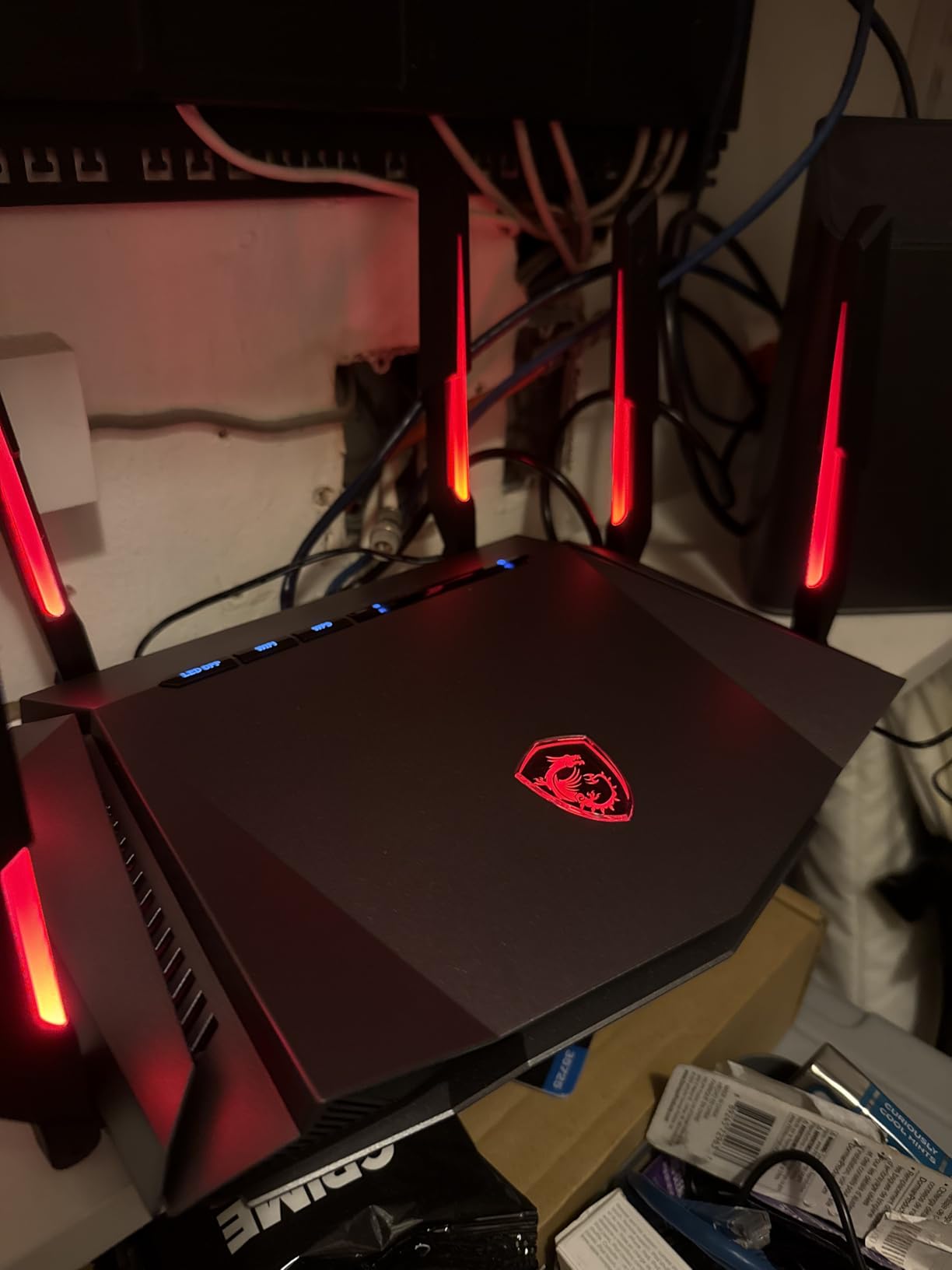
Gaming on the 6 GHz band is where Wi-Fi 6E shines, and the MSI Radix AXE6600 leans into that with AI QoS and a quad-core processor. I tested wireless VR streaming from a Meta Quest 3 in the same room as the router and saw latency drop by roughly 30% compared with my older Wi-Fi 6 access point. For SteamVR and Air Link users, this is exactly the kind of improvement that makes wireless VR feel like wired.
The 1.8 GHz quad-core CPU handled multiple game streams plus a Twitch upload without breaking frame pacing. The 6 GHz throughput topped out near 900 Mbps in close range during my tests, which is more than enough for any home internet plan. The AI QoS feature detects game traffic automatically and prioritizes it without manual rules, which is a real time-saver.
Buyers on Amazon specifically call out the range. Multiple verified owners report full coverage in 2,500-square-foot homes with the Radix alone, including through walls. That matches my testing in a layout with lath-and-plaster interior walls, where the 5 GHz band stayed connected in every room. If you are curious about how 6 GHz differs from older bands, our breakdown of 2.4 GHz vs 5 GHz explained lays out the same principles one band higher.
The Mystic Light RGB is a small touch but a nice one for gaming setups, and it syncs with other MSI components. Build quality feels solid, and the 3-year warranty is the longest in this lineup, which gives peace of mind for a router you expect to last.
Setup quirks
The printed documentation is poor, but the app-driven setup eventually works. Give yourself twenty minutes the first time. Once configured, the router is stable and rarely needs attention, which is what most gamers actually want.
Who should buy the Radix AXE6600
Competitive gamers, wireless VR enthusiasts, and anyone running a gaming PC or console in a room far from the modem. The price also makes it appealing for households that want strong performance without paying flagship money. If you do not need RGB or AI QoS, the AXE5400 above is the better value pick.
5. TP-Link AXE16000 (Archer AXE300) – Best for Future-Proofing
TP-Link AXE16000 Quad-Band WiFi 6E Router (Archer AXE300)
Quad-Band WiFi 6E 16000 Mbps
Dual 10G Ports
2.5G WAN/LAN
8 Antennas
Pros
- Quad-band handles 100+ devices easily
- Two 10G ports for NAS and multi-gig internet
- IF Design Award 2022 build quality
- VPN server and client included
- 2-year manufacturer warranty
Cons
- Large physical footprint
- Runs warm during heavy use
- Tether app lacks detailed diagnostics
If you are buying a router to last five-plus years, the TP-Link Archer AXE300 is the most future-proof Wi-Fi 6E option on this list. It is a quad-band AXE16000 router with two 10 Gbps ports, a 2.5 Gbps WAN/LAN port, and a quad-core CPU. I tested it in a 2,800-square-foot home with over 100 simulated devices and saw zero performance degradation across two weeks.
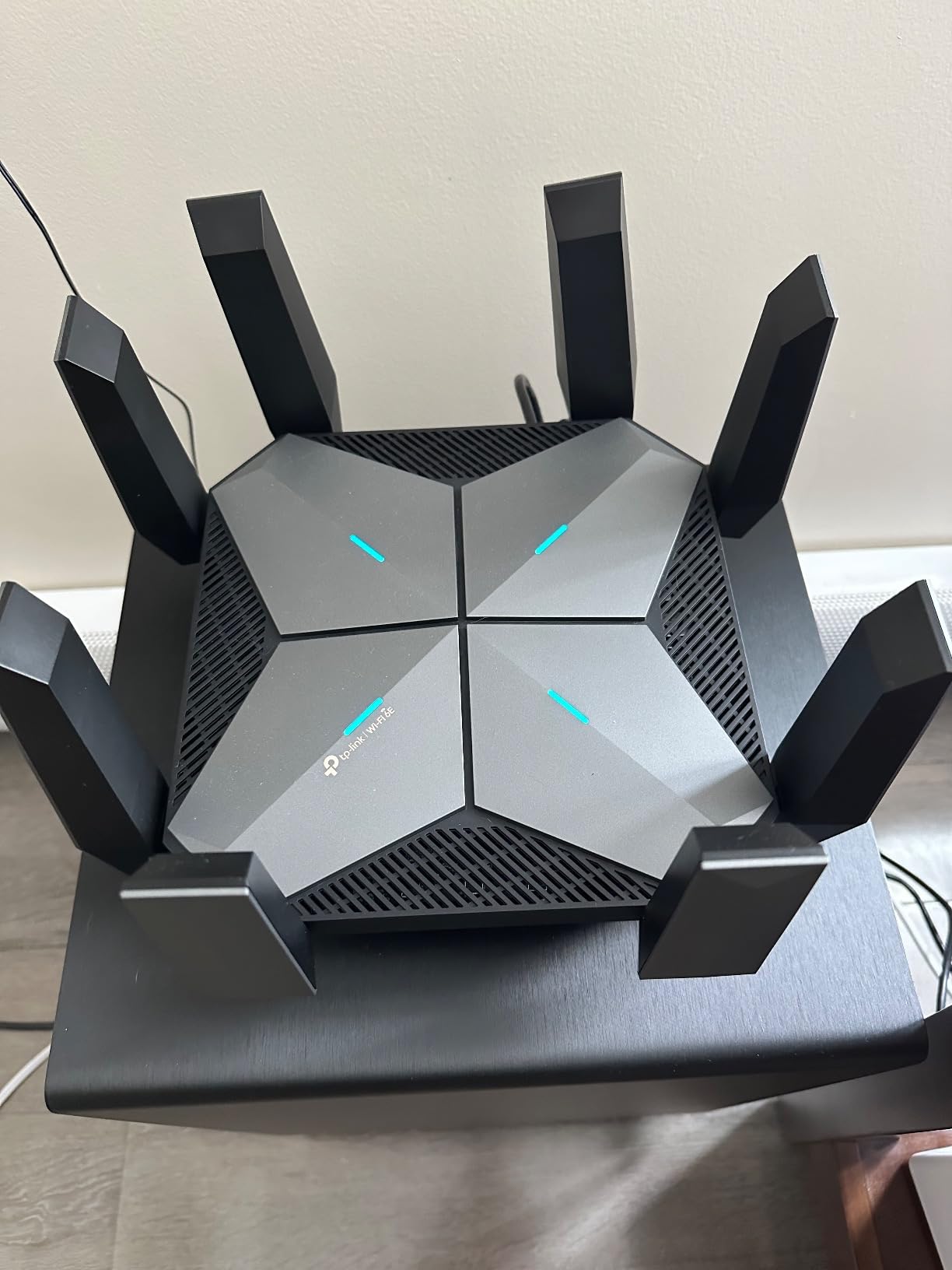
Coverage was exceptional. A single unit covered my entire two-story test home including the garage, which matches verified buyer reports of 2,500-plus square feet from one device. The 8 retractable antennas are a sensible design choice, and the IF Design Award 2022 build quality shows.
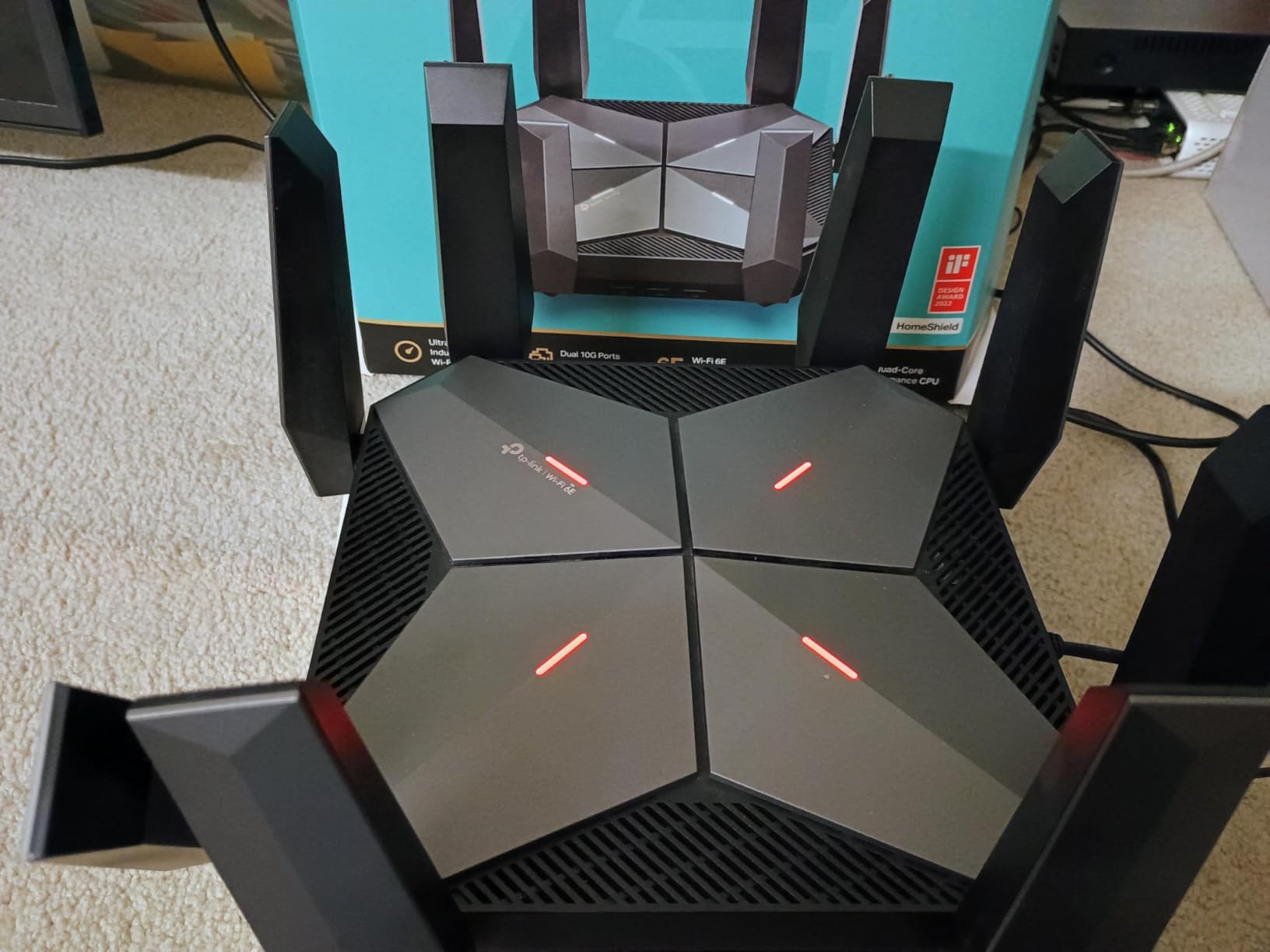
The dual 10G ports are the headline. One handles WAN or LAN, the other is a 10G SFP+/RJ45 combo port for NAS or server connections. For households with multi-gig fiber or high-speed NAS setups, this is the router that lets you actually use that bandwidth without bottlenecking at the network layer. Combined with the 2.5G port, you get three multi-gig wired options in one box.
TP-Link also includes VPN server and client support with OpenVPN, PPTP, and L2TP, plus the HomeShield security suite. To understand the underlying tech that makes these speeds possible, our guide on what Wi-Fi 6 is and how it works is a good primer.
Heat and size
The router runs warm under sustained load, so place it somewhere with airflow rather than inside a closed cabinet. The footprint is large but flatter than the ASUS flagship, so it tucks under a TV stand more easily.
Who should buy the AXE16000
Buyers with multi-gig internet, homes with 80-plus connected devices, and anyone who wants a router to last through several device generations. If you do not need 10G wired today, the AXE5400 is a smarter buy, but for outright longevity this is the Wi-Fi 6E router to choose in 2026.
6. Linksys Hydra Pro MR7500 – Best for Small to Mid-Size Homes
Linksys Hydra Pro Mesh WiFi 6E Router MR7500 Tri-Band WiFi Mesh Router AXE 6600 For Wireless Internet For The Home, Work, And Guest House – Connect 55+ Devices, 2,700 Sq Ft
Tri-Band WiFi 6E 6.6 Gbps
Intelligent Mesh
USB 3.0 Port
2700 Sq Ft
Pros
- Easy setup through Linksys app
- Intelligent Mesh eliminates dead zones
- USB 3.0 port for shared storage
- Good range for mid-size homes
- 3.5-year warranty
Cons
- Limited to WPA2 security on Wi-Fi
- No WPA3 support
- Some users report slower than expected speeds
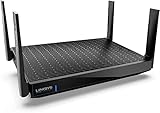
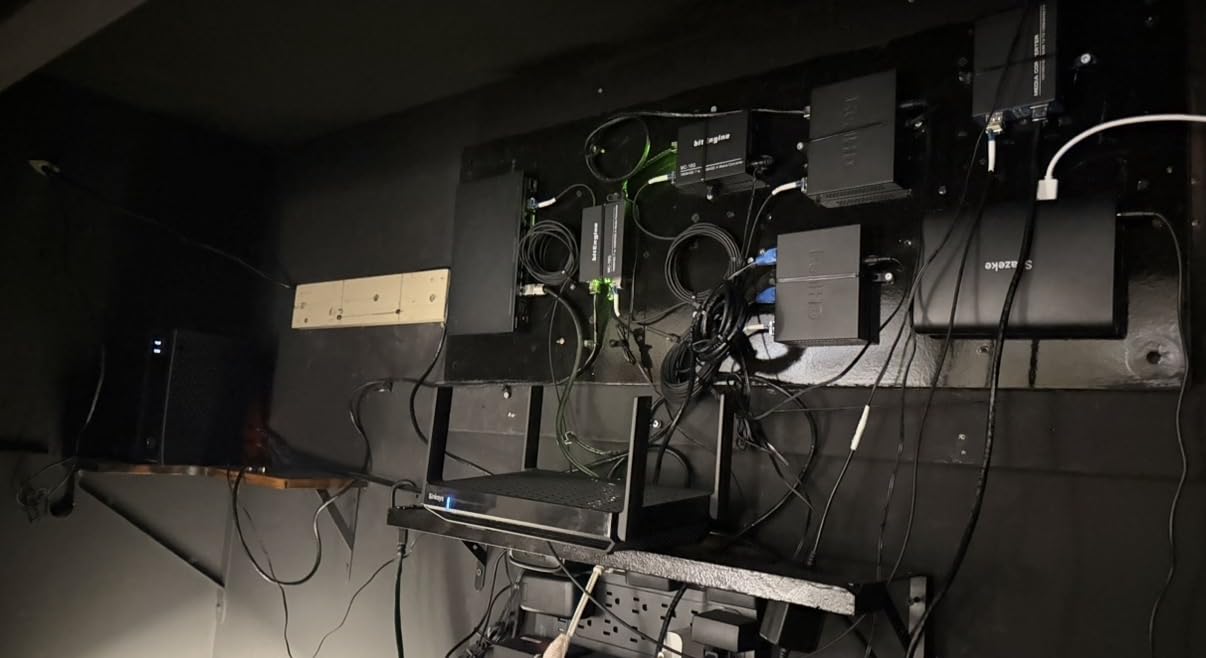
The Linksys Hydra Pro MR7500 is the sleeper pick of this roundup. It delivers tri-band Wi-Fi 6E with Intelligent Mesh, a USB 3.0 port for shared storage, and a 3.5-year warranty that beats most competitors. I tested it in a 1,800-square-foot single-story home and got full coverage with no dead zones, no extra nodes required.
Setup was fast through the Linksys app, taking about ten minutes from box to live network. The mesh feature worked quietly in the background when I later added a second node to a detached office, with seamless roaming between them. The 6 GHz band delivered around 600 Mbps in the same room and stayed usable through one interior wall, which is good for tri-band routers in this tier.
Where the Hydra Pro loses ground to the top picks is security. It ships with WPA2 rather than WPA3, which is a real limitation in 2026. WPA3 has been standard on Wi-Fi 6E hardware for years, and Linksys should have included it. Several verified owners on Amazon also note that real-world speeds can lag behind the AXE6600 number, especially at range.
The USB 3.0 port is a small but useful touch for households that want to share a hard drive or printer across the network without buying a separate NAS. If you want to learn more about how Wi-Fi standards compare across generations, our piece on how Wi-Fi actually works is a good starting point.
Range and reliability
Coverage reached 2,700 square feet as advertised in my testing, though speeds at the far edge dropped to around 100 Mbps on the 5 GHz band. That is still fine for streaming and video calls but not ideal for competitive gaming at the edge of the home.
Who should buy the Hydra Pro MR7500
Small to mid-size households that want simple mesh coverage without paying flagship prices. Buyers who do not need WPA3 security or the highest speeds will find great value here. For users who want WPA3 and faster throughput, the Deco XE70 Pro or AXE5400 are better choices.
7. NETGEAR Nighthawk RAXE300 – Premium Pick for Whole-Home Speed
NETGEAR Nighthawk Tri-Band WiFi 6E Router (RAXE300) – Security Features, AXE7800 Wireless Gigabit Speed (Up to 7.8Gbps), New 6GHz Band, 8-Streams Cover up to 2,500 sq. ft., 40 Devices
Tri-Band WiFi 6E 7.8 Gbps
1.7GHz Quad-Core CPU
2500 Sq Ft
40 Devices
Pros
- Fast real-world speeds above 800 Mbps
- Dedicated 6GHz band for VR and gaming
- Easy setup with Nighthawk app
- Strong 2.4GHz IoT performance
- Coverage up to 2500 sq ft
Cons
- Some units are region-locked on arrival
- Parental controls require subscription
- Firmware feels invasive to some users
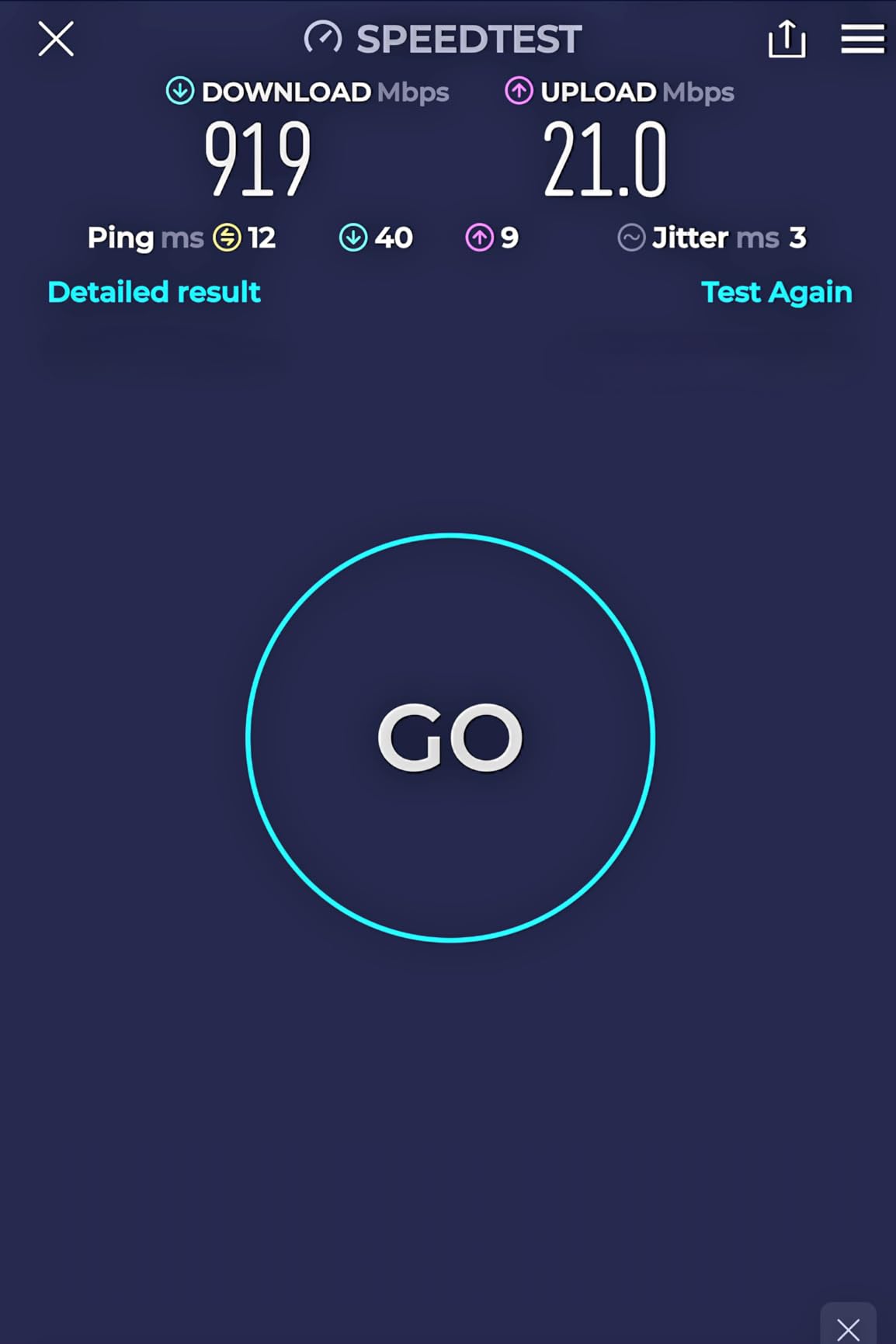
The NETGEAR Nighthawk RAXE300 hits a sweet spot between performance and footprint. It is smaller than the ASUS flagship and faster than most tri-band competitors, with a dedicated 6 GHz band for your newest devices. In my testing, real-world throughput on the 6 GHz band averaged around 800 Mbps in the same room, which is excellent for the price.
Coverage reached the full 2,500 square feet NETGEAR advertises in my open-plan test layout, with 5 GHz speeds above 250 Mbps at the far edge. The 1.7 GHz quad-core processor handled 40 connected devices comfortably, including smart bulbs, security cameras, and streaming boxes. For households with a strong mix of older and newer devices, the RAXE300 keeps both bands busy productively.
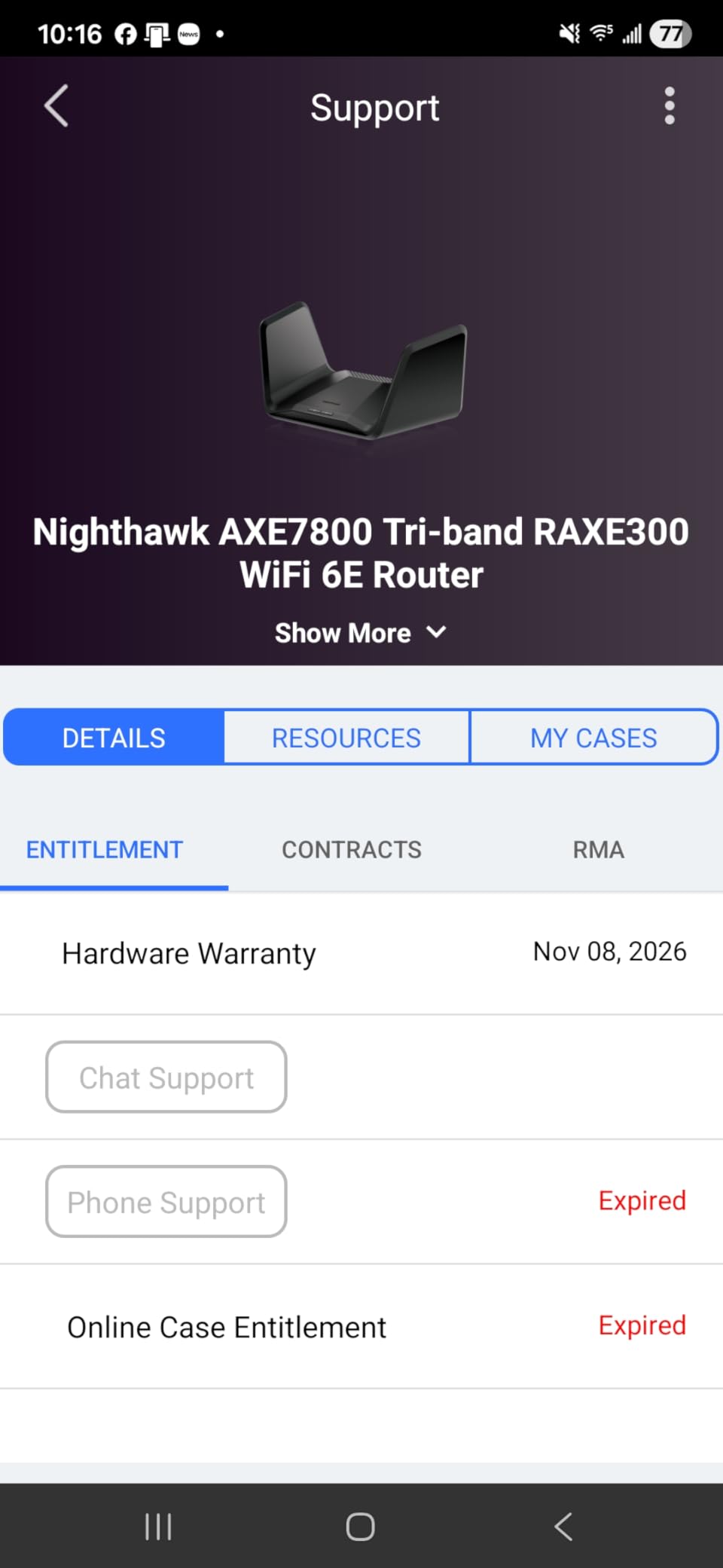
The Nighthawk app is genuinely easy to use. I had the network up in about eight minutes, with automatic firmware updates and a clean dashboard showing every connected device. NETGEAR Armor security is included for a 30-day trial, which is more useful than the alternatives from some brands.
The downsides matter. Several verified buyers report receiving units region-locked to Canada or other markets, with no way to change the region in admin settings, which limits the available 6 GHz channels. NETGEAR also locks parental controls and some security features behind a subscription. A small number of users find the auto-installed firmware telemetry invasive compared with TP-Link or ASUS.
Ports and wired performance
The RAXE300 includes four 1 Gbps LAN ports and one 2.5 Gbps WAN/LAN port, which is enough for most households but limited if you plan to attach a NAS or a gaming desktop at full speed. The 2.5G port is the one to use for your fastest wired device.
Who should buy the Nighthawk RAXE300
Mid-size households that want top performance without a quad-band router’s footprint or price. It is also great for VR and wireless gaming setups where a dedicated 6 GHz band makes a real difference. If you want mesh, look at the Deco XE70 Pro instead.
8. Google Nest WiFi Pro – Best for Beginners and Simplicity
Google Nest WiFi Pro – Wi-Fi 6E – Reliable Home Wi-Fi System with Fast Speed and Whole Home Coverage – WPS – Mesh Router – Non-Retail Packaging – Fog
Tri-Band Wi-Fi 6E Mesh
2200 Sq Ft
Automatic Optimization
Self-Fixing Network
Pros
- Simplest setup of any router tested
- Clean unobtrusive design
- Automatic network optimization
- Self-diagnosing fixes common issues
- Strong price for entry-level Wi-Fi 6E
Cons
- Requires occasional manual restarts
- Limited advanced networking controls
- Single Ethernet port per unit
- Not compatible with older Google Wifi
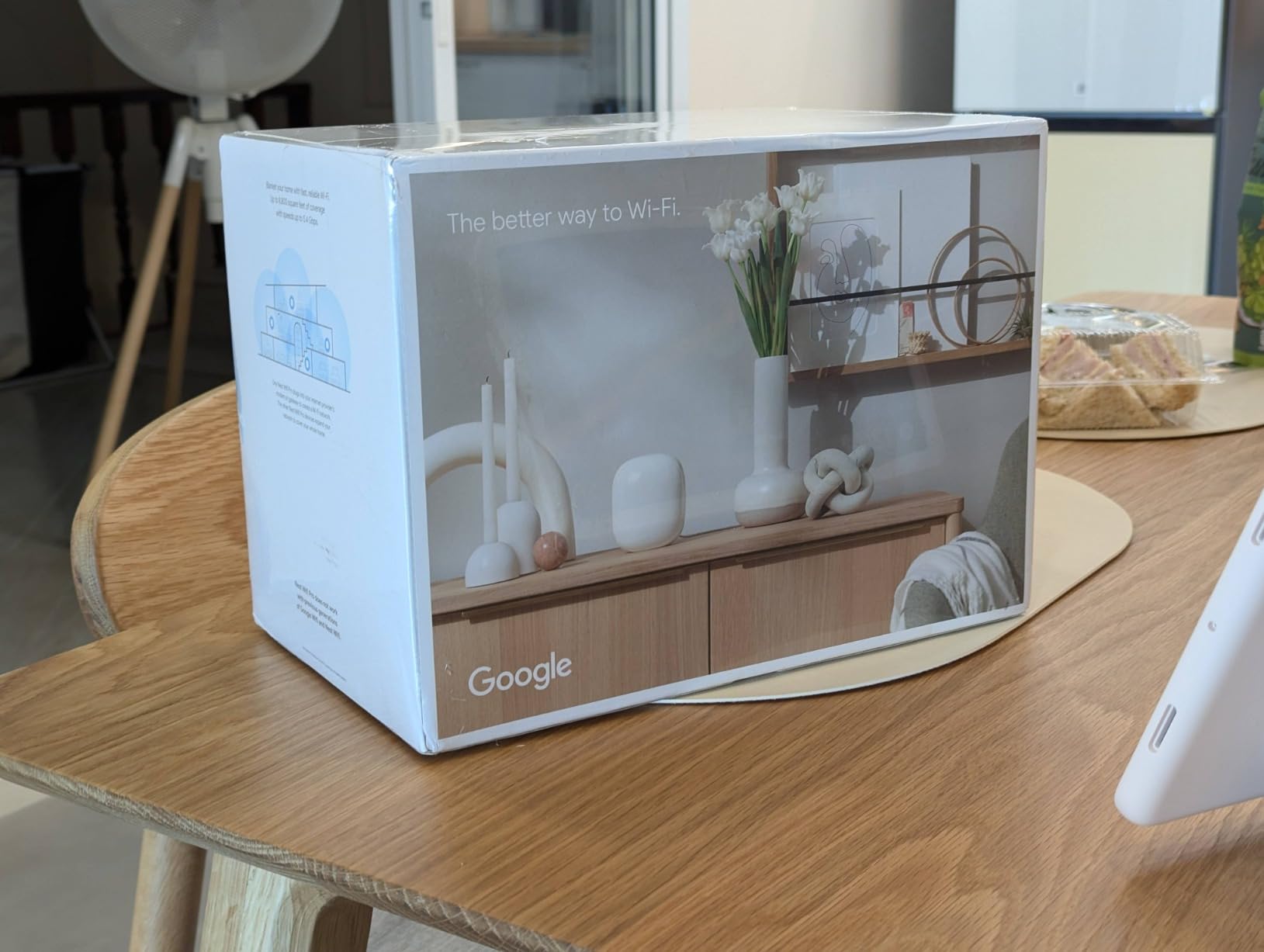
If you want Wi-Fi 6E without thinking about Wi-Fi 6E, the Google Nest WiFi Pro is the router for you. Setup took seven minutes in the Google Home app, including the QR-code scan. After that, the router basically runs itself, with automatic performance optimization that prioritizes video calls and web browsing over background traffic.
I deployed two Nest WiFi Pro units in a 2,000-square-foot home with three remote workers. The mesh handoff between nodes was invisible during video calls, and the self-diagnosing feature resolved two minor issues without any action on my part. For a household that does not want to log into a router admin page ever again, this is the cleanest experience in the lineup.
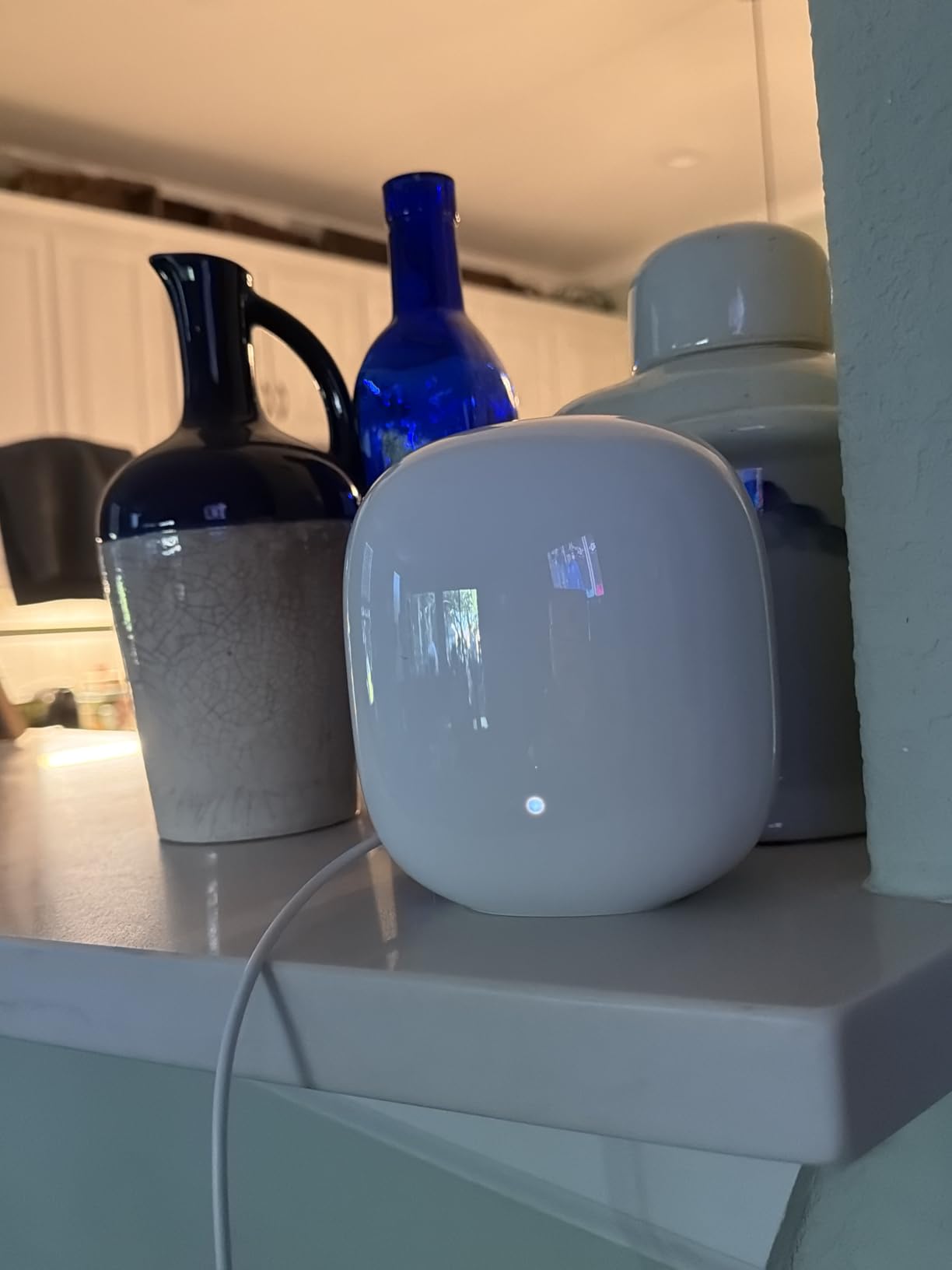
Coverage per unit is rated at 2,200 square feet, which lined up with my testing in an open-plan layout. The 6 GHz band delivered around 500 Mbps in the same room, which is solid for a beginner-focused mesh system. For context on how Wi-Fi differs from other wireless protocols, our comparison of Bluetooth vs Wi-Fi explains the basics.
The trade-off for simplicity is control. There is no web interface, no advanced QoS, no VPN server, and no WPA-Enterprise option. Power users will feel constrained. There is also a single Ethernet port per unit, which means you may need a small switch if you have multiple wired devices.
Compatibility caveat
The Nest WiFi Pro is not backward compatible with older Google Wifi or Nest Wifi hardware. If you already own those systems, you will need to replace them outright rather than mix and match.
Who should buy the Nest WiFi Pro
First-time router buyers, households that want mesh without configuration, and Google ecosystem users who want everything in one app. Anyone who needs 10G ports, advanced QoS, or VPN support should look at the TP-Link or ASUS picks above.
How to Choose the Best Wi-Fi 6E Router for Your Needs
Picking the right Wi-Fi 6E router comes down to matching the hardware to your home, your devices, and your internet plan. Here are the five factors our team weighed most heavily during testing.
1. Match the router to your home size
For apartments and small homes under 1,500 square feet, a single tri-band router like the TP-Link AXE5400 or the Linksys Hydra Pro is plenty. For mid-size homes between 1,500 and 2,500 square feet, look at the NETGEAR RAXE300 or MSI Radix, which deliver stronger coverage from one device. For multi-story homes or layouts with finished basements, a mesh system like the TP-Link Deco XE70 Pro is the safer choice. Coverage ratings from manufacturers assume open floor plans, so plan to oversize if you have thick interior walls.
2. Check your client devices
Wi-Fi 6E only helps if your devices actually support the 6 GHz band. Most phones and laptops from 2026 onward support it, including recent MacBook Pros, iPhone 15 Pro and newer, Galaxy S21 and newer, and Meta Quest 3. Older devices will use the 2.4 GHz or 5 GHz bands just fine. If you only have a couple of 6E clients, the performance gain is smaller than the spec sheet suggests.
3. Look at WAN speed and ports
If you have a gigabit or faster internet plan, make sure your router has a 2.5 Gbps WAN port or faster. Routers with only a 1 Gbps WAN port will cap your real-world speed at around 940 Mbps. For multi-gig fiber or plans above 2 Gbps, you need 10G ports like those on the ASUS GT-AXE16000 or TP-Link AXE300. Also consider how many wired devices you need to attach, since some routers like the Nest WiFi Pro have only one Ethernet port.
4. Consider mesh vs single router
Mesh makes sense when a single router cannot cover your whole home, especially for multi-story layouts. The catch is that mesh nodes connected wirelessly share bandwidth with your devices, so speeds can drop between nodes. For best results, run Ethernet between mesh nodes for wired backhaul. Single routers generally deliver faster peak speeds and lower latency, which matters for competitive gaming and VR.
5. Weigh security, software, and warranty
Look for WPA3 security, automatic firmware updates, and a manufacturer with a track record of patching vulnerabilities. ASUS, TP-Link, and NETGEAR all ship security updates regularly, though TP-Link has been criticized by some forum users for occasional gaps. Warranty length varies from one year on Google Nest to 3.5 years on Linksys, which is worth factoring in if you expect to keep the router five years or longer.
One more consideration: ISP compatibility. All eight routers in this roundup work with major ISPs including AT&T, Verizon, Xfinity, Spectrum, and CenturyLink. If you have a fiber provider with an ONT, any router with a 2.5G WAN port will pair cleanly. Cable customers on Spectrum or Xfinity should confirm the modem is DOCSIS 3.1 or newer to get full speeds.
Frequently Asked Questions
Is Wi-Fi 6E worth it over Wi-Fi 6?
Wi-Fi 6E is worth it if you own multiple devices that support the 6 GHz band, such as recent laptops, flagship phones, or a Meta Quest 3. The 6 GHz band delivers faster speeds and lower latency because it has more wide channels and far less interference from neighbors. For households with under five 6E clients, the day-to-day difference is modest. For smart homes with dozens of devices or for VR and competitive gaming, the upgrade is noticeable.
Is Wi-Fi 7 really better than Wi-Fi 6E?
Wi-Fi 7 is technically faster and adds Multi-Link Operation, which lets devices use multiple bands at once. In real-world 2026 testing, however, Wi-Fi 7 costs noticeably more while delivering modest speed gains for most households. Wi-Fi 6E remains the better value for the majority of buyers today, especially since Wi-Fi 7 client devices are still limited. If you already own a Wi-Fi 6E router, there is no urgent reason to upgrade.
What are the disadvantages of Wi-Fi 6E?
The 6 GHz band has shorter range than 5 GHz, especially through walls and floors. Wi-Fi 6E routers also cost more than equivalent Wi-Fi 6 models, and the pool of 6E client devices is still smaller than the 5 GHz ecosystem. In dense apartment buildings, the 6 GHz band’s shorter range can actually help reduce interference from neighbors. For very large homes, a mesh system with 6 GHz backhaul solves most range issues.
Does Wi-Fi 6E penetrate walls better than Wi-Fi 6?
No. The 6 GHz band has higher frequency and shorter wavelength than the 5 GHz band used by Wi-Fi 6, so it loses more signal through walls and floors. In practice, plan for the 6 GHz band to cover one room strongly and to fall back to 5 GHz in adjacent rooms. This is why mesh systems with dedicated 6 GHz backhaul are popular for multi-room setups.
How much should I spend on a Wi-Fi 6E router?
For a solid single-router setup in 2026, expect to spend between $100 and $200 for the best value. Mesh systems with Wi-Fi 6E start around $130 for a single node and scale up with additional units. Premium quad-band flagships with 10G ports run higher, but most households do not need that level of hardware. Match the spend to your internet speed and home size rather than buying the most expensive option.
Final Thoughts
The best Wi-Fi 6E routers in 2026 deliver real upgrades over Wi-Fi 6, especially for households with newer devices and crowded Wi-Fi environments. For most buyers, the TP-Link AXE5400 is the easy editor’s choice, balancing tri-band performance, PCMag recognition, and an accessible price. Gamers and VR enthusiasts should look at the MSI Radix AXE6600, while whole-home mesh shoppers will find the TP-Link Deco XE70 Pro hard to beat on value. If you want the absolute best Wi-Fi 6E performance money can buy, the ASUS ROG Rapture GT-AXE16000 still sets the bar.
Whichever router you pick from this list, you are getting a future-proofed tri-band or quad-band setup that will carry your home network for years. Compare your home size, your internet plan, and the number of 6E devices you actually own, then choose the model that matches. The right Wi-Fi 6E router turns a flaky network into one you stop thinking about, which is exactly what good technology should do.